Android Wallpaper Keeps Changing? How to Stop It (2026)
Android wallpaper keeps changing or resets to default? Turn off Dynamic Lock Screen, Glance and Wallpaper Carousel on Samsung, Xiaomi and Pixel, step by step.
In short: If your Android wallpaper keeps changing by itself, a lock screen service is almost always rotating it: Glance, Dynamic Lock Screen or Samsung Global Goals on Samsung, Wallpaper Carousel or Glance on Xiaomi and Redmi, a daily wallpaper on Pixel. Turn that service off, then set your own picture again.
By the Velpaper team · Wallpapers by Carlos Vivero, Velpaper designer · · Updated · 5 min read
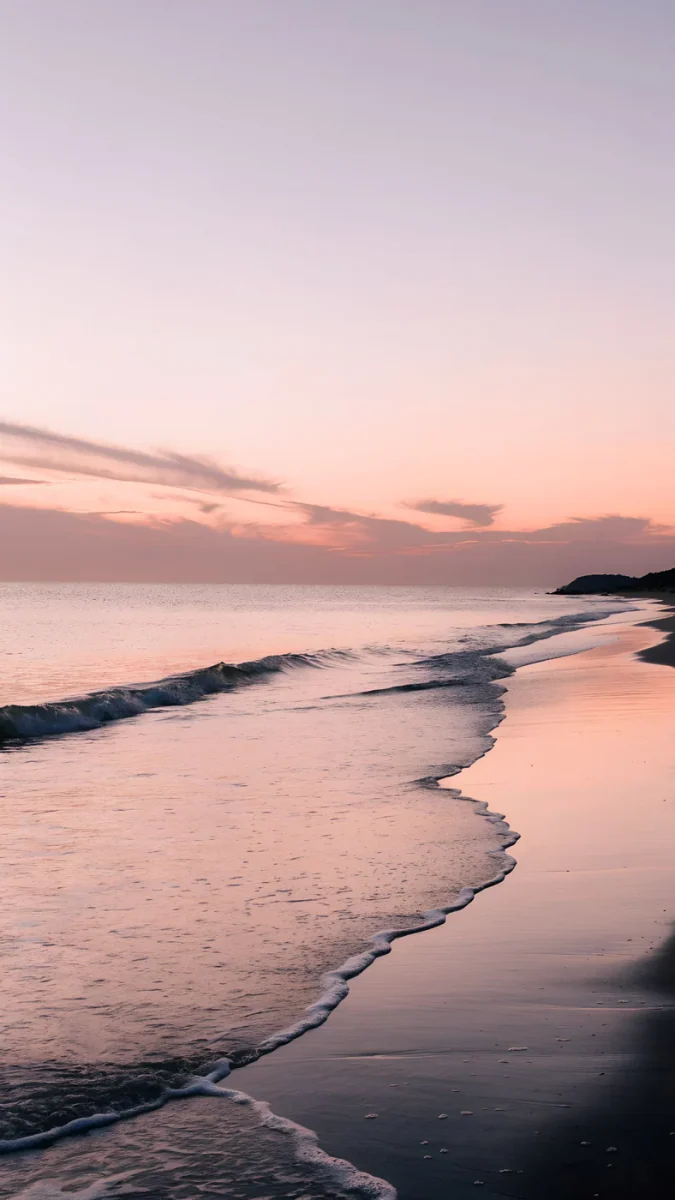
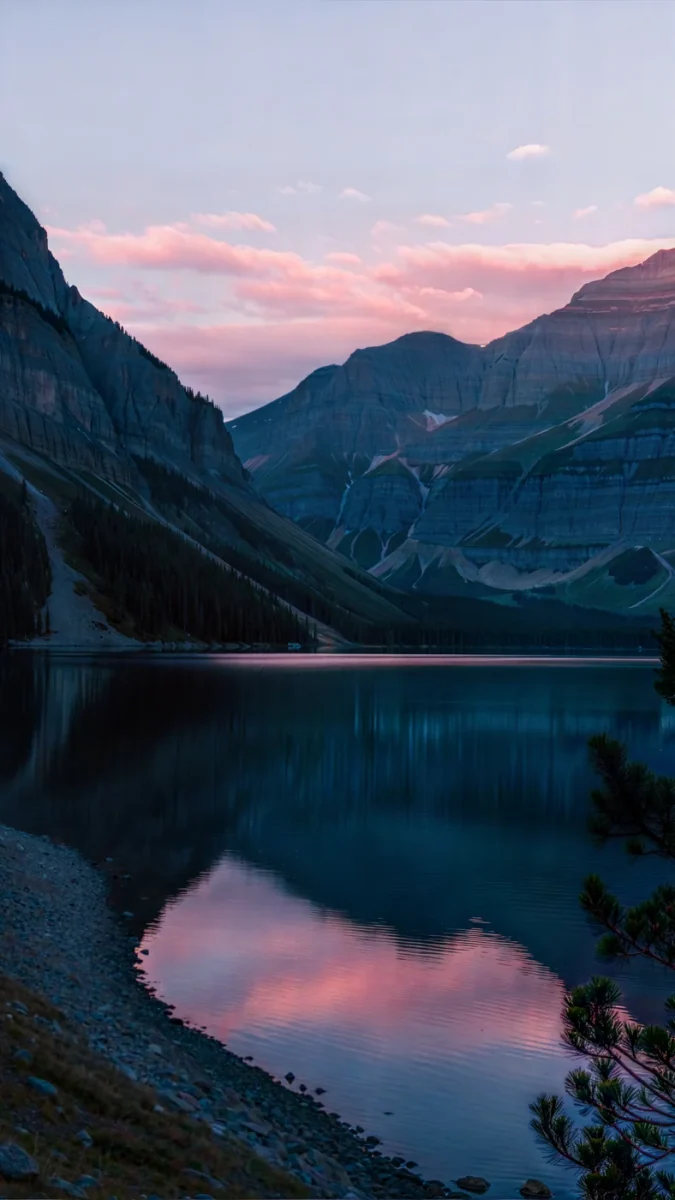
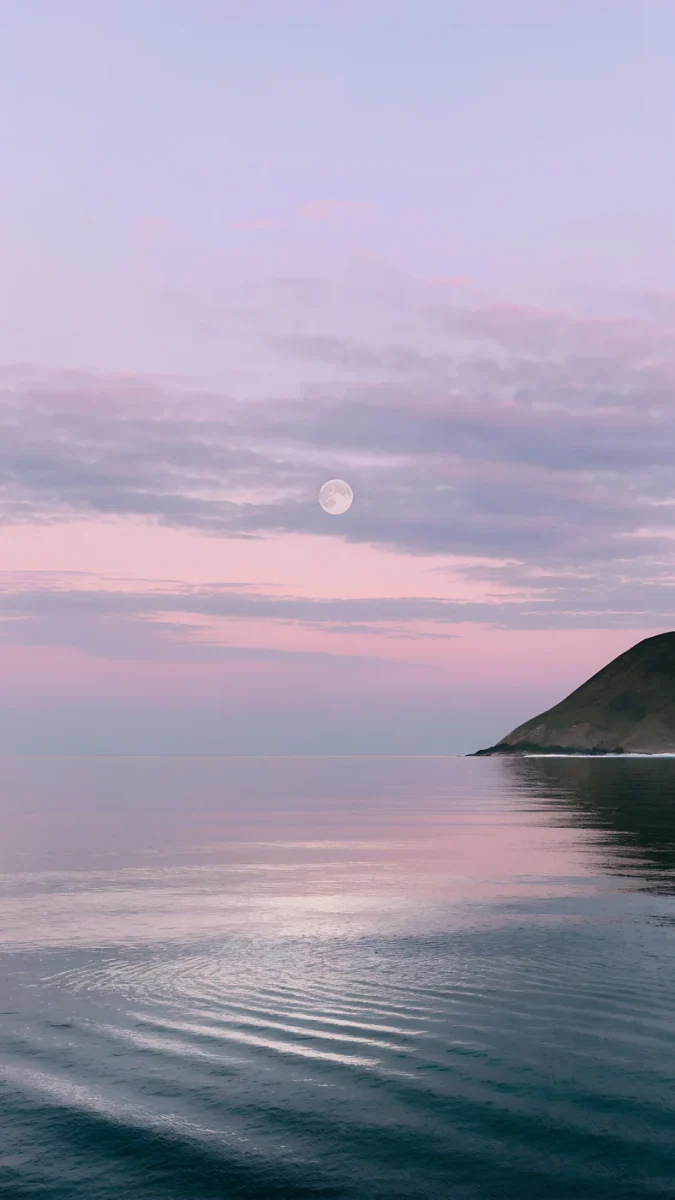
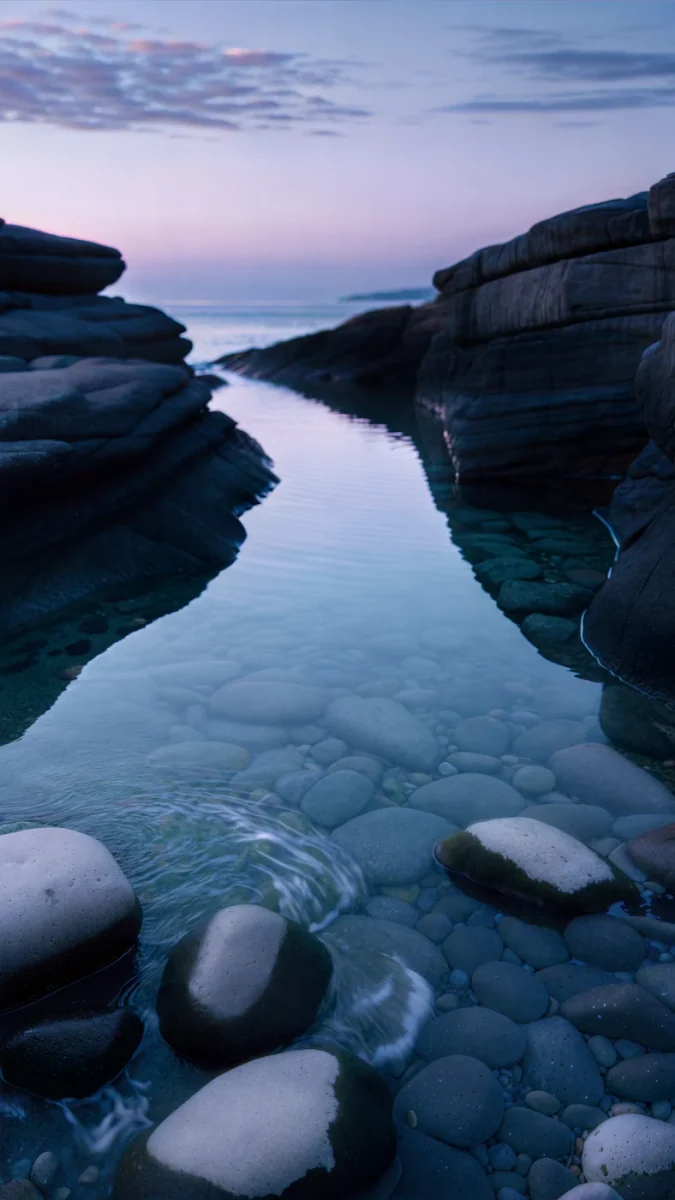
Free 4K originals for iPhone and Android, no watermark
On this page
- Why does my Android wallpaper keep changing?
- Samsung: Dynamic Lock Screen, Global Goals and Glance
- Xiaomi, Redmi and Poco: Wallpaper Carousel and Glance
- Pixel and other phones: daily wallpaper and launchers
- Why Android resets your wallpaper to default
- Wallpaper looks darker at night: dark mode and bedtime
- How to keep one wallpaper for good
You set a picture you like, and the next morning the lock screen shows a mountain lake you have never seen, or the phone is back on the factory wallpaper. Nothing is broken. In almost every case one of two things happened: a feature is rotating images on purpose, or the phone dropped your wallpaper and fell back to the default.
Both have a clear fix. Below is where to look on Samsung, Xiaomi, Redmi, Poco, Pixel and other Android phones, in the order that solves the problem fastest.
Why does my Android wallpaper keep changing?
Start by watching what changes. The pattern points straight at the cause.
- A new photo on the lock screen every day or every time you wake the phone, often with a headline or a "learn more" link: a lock screen content service such as Glance, Dynamic Lock Screen, Samsung Global Goals or Wallpaper Carousel.
- A new image once a day on the home screen and lock screen: a daily wallpaper option in the system wallpaper app or in a launcher.
- Your wallpaper is replaced by the factory one: a live wallpaper app was stopped, a trial theme expired or a system update reset the theme.
- The same picture, only darker at night: not a change at all, but dark mode or bedtime mode dimming it.
Samsung: Dynamic Lock Screen, Global Goals and Glance
On Galaxy phones the usual culprit is a wallpaper service attached to the lock screen. Samsung offers Dynamic Lock Screen, which downloads a new photo from a theme you picked, and Samsung Global Goals, which shows illustrated cards. In some countries, including India, Glance is offered as well.
- Open Settings and tap Wallpaper and style. On older One UI versions the same item sits under Lock screen.
- Tap Wallpaper services.
- Choose None.
- Go back, tap Change wallpapers and set your own picture on the lock screen again.
If the switch to None does not stick, check the Galaxy Themes app. A paid theme on trial returns the phone to the default theme, wallpaper included, when the trial ends. Our guide to the Samsung lock screen wallpaper walks through the rest of the One UI lock screen settings.
Xiaomi, Redmi and Poco: Wallpaper Carousel and Glance
Xiaomi phones ship with a rotating lock screen feed. Depending on the region and the version of MIUI or HyperOS it is called Wallpaper Carousel or Glance.
- Open Settings and tap Lock screen.
- Look for Wallpaper Carousel or Glance and turn it off.
- If it is not there, open the Wallpaper Carousel or Themes app itself and switch it off in its own settings.
- Set your wallpaper again from Settings, Wallpaper.
Other brands use the same idea under other names. Oppo, Realme and Vivo have offered Glance or a lock screen magazine in some markets. In Settings, search for "lock screen", "magazine" or "Glance" and switch off anything that pulls in new pictures.
Pixel and other phones: daily wallpaper and launchers
On a Pixel, open Wallpaper & style and check whether one of Google's collections is set as a daily wallpaper. That option swaps the image once a day. Pick a single image, or your own photo, and the rotation stops.
Third-party launchers can do the same. Microsoft Launcher, for example, offers a daily Bing image. Check the wallpaper section of your launcher's settings, and remove any wallpaper changer app you installed and forgot about. If you are not sure which app is in charge, set the wallpaper from the system menu as described in how to set a wallpaper on Android.
Phones managed by an employer or a school can also have the wallpaper fixed by policy. In that case only the administrator can change it.
Why Android resets your wallpaper to default
When the phone goes back to the stock picture rather than a new one, it usually lost the source of your wallpaper.
- A live wallpaper app was stopped. A live wallpaper is an app running in the background. If battery saving kills it, or you update or uninstall it, Android falls back to the default. Set the app's battery usage to Unrestricted, or switch to a still image.
- A theme expired or was reset. Trial themes and some system updates restore the default theme together with its wallpaper.
- Restoring from a backup. A new phone or a reset phone may restore your apps but not your wallpaper.
A still image set from the system menu is the most stable choice. Android keeps its own copy, so it survives restarts and battery saving.
Lilac Shore, Alpine Blush and Saltwater Moon are still images at 2160 × 3840 pixels, so once they are set nothing in the background can swap or drop them.
Wallpaper looks darker at night: dark mode and bedtime
If the picture is the same but dimmer in the evening, two settings are at work. Samsung can apply dark mode to the wallpaper: in Wallpaper and style, turn off the option that applies dark mode to the wallpaper. On Pixel and other phones with Digital Wellbeing, Bedtime mode can dim the wallpaper or switch the screen to greyscale; open Digital Wellbeing, Bedtime mode, Customize and turn off Dim the wallpaper.
If the image looks enlarged rather than darker, that is a different issue, covered in why an Android wallpaper looks zoomed in.
How to keep one wallpaper for good
Once the rotation is off, set a single still image from Settings, Wallpaper, and choose both the home screen and the lock screen, or a different picture for each. Use a file at least as tall as your screen; our Android wallpaper size guide lists real resolutions.
Velpaper phone wallpapers are original still images at 2160 × 3840 pixels, larger than any current Android screen, so Android only scales them down. Save one from the Android app or from its page on velpaper.com, then set it from the gallery.
Calm pictures such as Blue Cove or Rain Kept also make the clock and notifications easy to read, which is the other reason people turn off the noisy lock screen feeds in the first place.
Original wallpapers in 4K and 5K for iPhone, Android and desktop.
Questions
Why does my wallpaper keep changing on my Samsung phone?
Almost always because a wallpaper service is attached to the lock screen. Samsung offers Dynamic Lock Screen and Samsung Global Goals, and in some countries Glance. Open Settings, Wallpaper and style (or Lock screen on older One UI versions), tap Wallpaper services and choose None. Then set your own picture again. If the wallpaper falls back to the default rather than rotating, check whether a trial theme in Galaxy Themes has expired.
How do I turn off Glance on my phone?
Glance appears on some Samsung, Xiaomi, Redmi, Oppo, Realme and Vivo phones, mainly in India and other Asian markets. On Samsung it is one of the options under Wallpaper services, so choosing None removes it. On Xiaomi phones look under Settings, Lock screen for Glance or Wallpaper Carousel and switch it off. On other brands, search Settings for Glance or lock screen. After turning it off, set your own wallpaper again so the last Glance image does not stay on screen.
Why does my Android wallpaper go back to the default?
The phone lost the source of your wallpaper. The most common reason is a live wallpaper app that was stopped by battery saving, updated or uninstalled; Android then shows the default image. An expired trial theme or a system update can also restore the default theme. Set the live wallpaper app's battery usage to Unrestricted, or use a still image set from Settings, Wallpaper, which Android keeps as its own copy.
Does deleting the photo from my gallery remove the wallpaper?
On a standard Android phone, no. When you set a still image from the system wallpaper menu, Android stores its own copy, so you can delete the original from the gallery and the wallpaper stays. A wallpaper shown by an app, such as a live wallpaper or a lock screen feed, is different: if that app stops or is removed, the phone falls back to the default picture.
Why does my wallpaper look darker at night?
Your phone is dimming it, not replacing it. Samsung can apply dark mode to the wallpaper; switch that off in Settings, Wallpaper and style. On Pixel and other phones with Digital Wellbeing, Bedtime mode can dim the wallpaper or turn the screen grey at a set time. Open Digital Wellbeing, Bedtime mode, Customize and turn off Dim the wallpaper if you want the original brightness at night.
Carlos Vivero
Designer of Velpaper wallpapers
Carlos Vivero designs the wallpapers in Velpaper: quiet architecture, liquid glass, Japanese ink and calm landscapes. Every piece is made as a 4K original for iPhone, Android and desktop.
Recent work








