Android Wallpaper Size: Samsung, Pixel, Xiaomi (2026)
Android wallpaper size for Galaxy S25, Pixel 10, Xiaomi 15, OnePlus 13 and foldables, plus one 2160 × 3840 file that stays sharp on all of them in 2026.
In short: The best Android wallpaper size is 2160 × 3840 pixels: it is taller than every current Android screen, including the 1440 × 3200 Xiaomi 15 Ultra and the 1440 × 3120 Galaxy S25 Ultra, so the phone only scales it down and trims a little at the sides. The exact resolution of each popular model is in the table below.
By the Velpaper team · Wallpapers by Carlos Vivero, Velpaper designer · · Updated · 5 min read

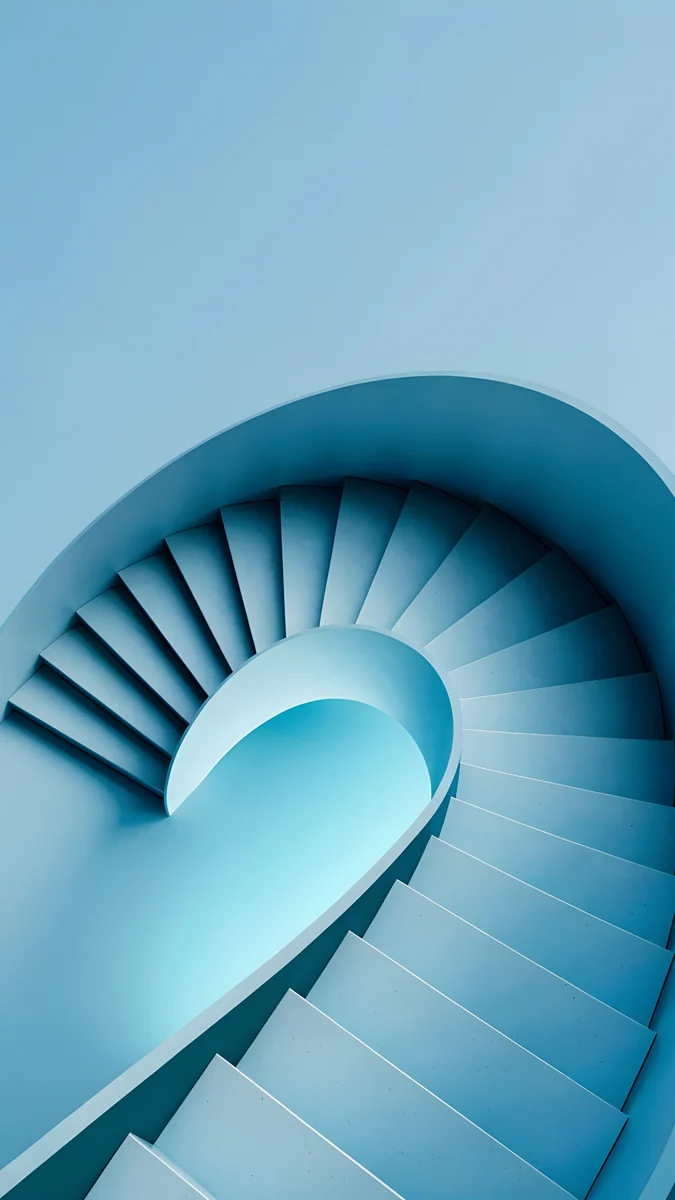
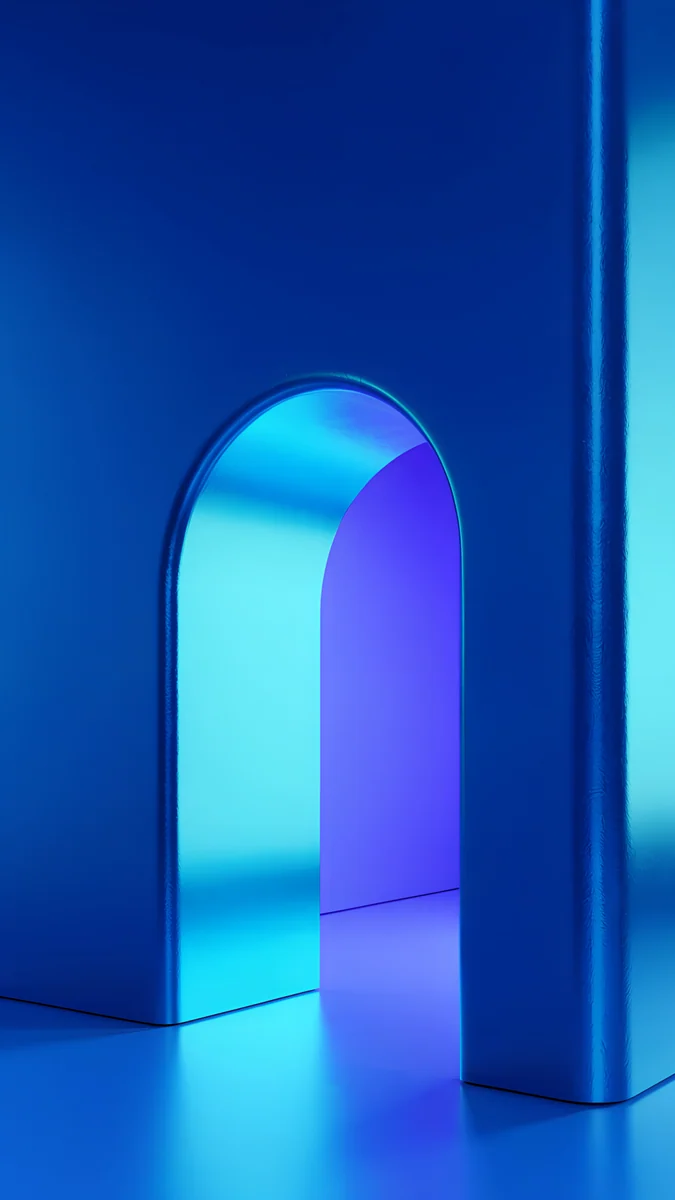
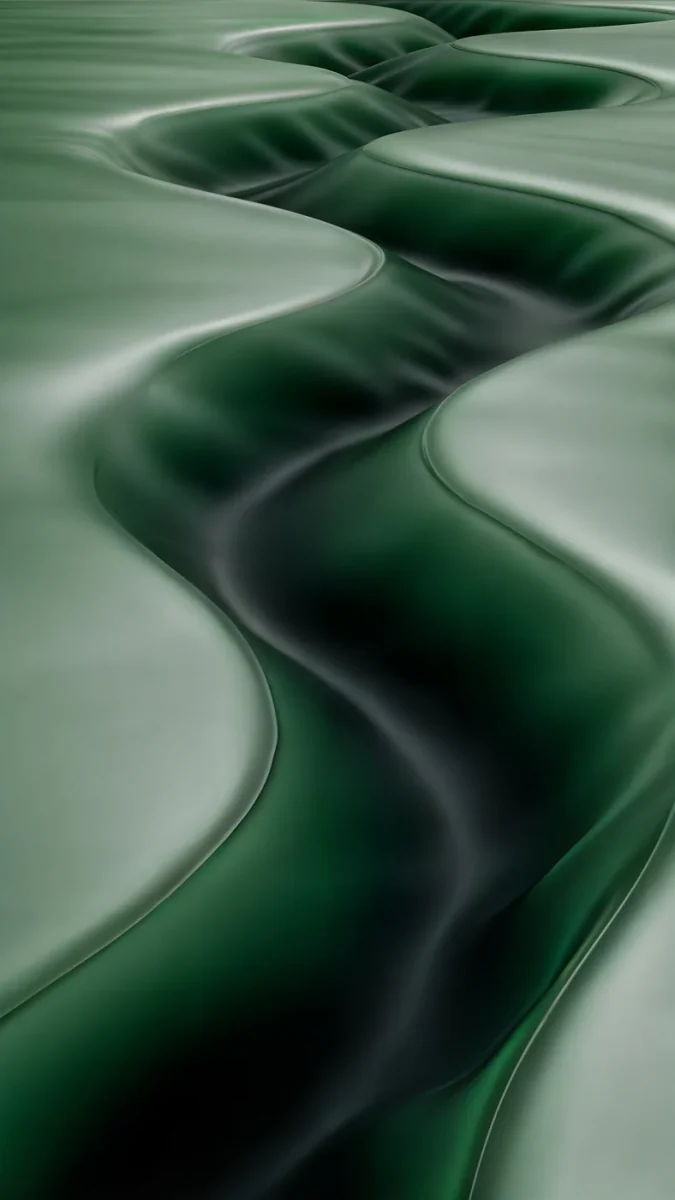
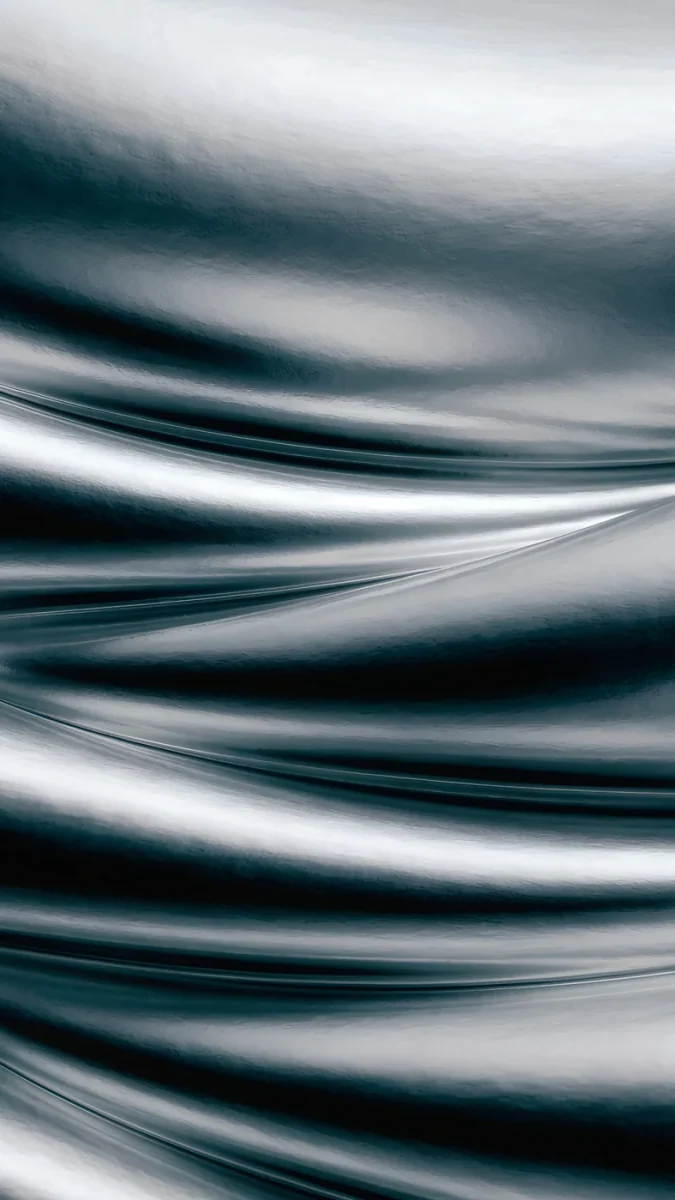
Free 4K originals for iPhone and Android, no watermark
On this page
The short answer to the Android wallpaper size question: use an image of 2160 × 3840 pixels or larger. Android shows the wallpaper at the native resolution of the screen, and no current Android phone is taller than 3840 pixels, so one file of that size stays sharp on a Galaxy, a Pixel, a Xiaomi or a OnePlus.
Below are the real screen resolutions of popular 2025 and 2026 models, why Android crops your picture, and what changes on a foldable.
Android phone wallpaper size by model
These are the native resolutions in pixels, width by height, as the manufacturers list them. Some phones ship at a lower default resolution to save battery; the wallpaper still needs to cover the full maximum.
| Model | Screen resolution (pixels) |
|---|---|
| Samsung Galaxy S25 Ultra | 1440 × 3120 |
| Samsung Galaxy S25+ | 1440 × 3120 |
| Samsung Galaxy S25 | 1080 × 2340 |
| Samsung Galaxy A56, A55, A16 | 1080 × 2340 |
| Samsung Galaxy Z Flip6 (main screen) | 1080 × 2640 |
| Samsung Galaxy Z Fold6 (cover / main) | 968 × 2376 / 1856 × 2160 |
| Google Pixel 10 Pro XL, 9 Pro XL | 1344 × 2992 |
| Google Pixel 10 Pro, 9 Pro | 1280 × 2856 |
| Google Pixel 10, 9, 9a | 1080 × 2424 |
| Xiaomi 15 Ultra, 14 Ultra | 1440 × 3200 |
| Xiaomi 15, 14 | 1200 × 2670 |
| Redmi Note 14 Pro, 13 Pro | 1220 × 2712 |
| OnePlus 13, 12 | 1440 × 3168 |
The pattern is clear. Budget and mid-range phones sit at Full HD+ (1080 pixels wide, 2340 to 2424 tall). Flagships go to QHD+ (1440 wide, around 3100 to 3200 tall). The tallest screen in the table is 3200 pixels, still below 3840.
Why 2160 × 3840 covers every Android phone
A 2160 × 3840 image is 4K turned upright, in a 9:16 frame. Android phones are taller and narrower, between 19.5:9 and 20:9. When the phone fits the image to the screen height, part of the width has nowhere to go.
On a 20:9 screen such as a 1080 × 2400 panel, the phone keeps the middle 80 percent of the width and trims about a tenth on each side. On a 19.5:9 Galaxy it trims slightly less. The image is always scaled down, never up, so edges and gradients stay clean.
That is also why a good phone wallpaper keeps its subject in the centre and calm space near the edges. A face or a line of text at the side is what disappears.
All four are 2160 × 3840 originals with their main shape in the middle third, so the side crop on a 20:9 screen takes nothing that matters.
What about 1080 × 2400 or 1440 × 3200 files?
A file that exactly matches your screen works, but only on your screen, and only if you never move it. As soon as you pinch to zoom in the wallpaper editor, or the phone adds a small zoom for its motion effect, there are no spare pixels and the picture softens.
A 1080 × 1920 image is the most common trap. It looks fine on a Full HD+ phone, but on a Galaxy S25 Ultra or a Pixel 10 Pro XL Android has to enlarge it by more than half, and fine lines go fuzzy. Screenshots of wallpapers have the same problem: they are already at screen size, with nothing left to crop.
Samsung foldables and scrolling launchers
Foldables are the real exception. The inner screen of a Galaxy Z Fold6 is almost square, 1856 × 2160. A tall 9:16 image placed there is cropped hard at the top and bottom, so pick one with a centred subject. Samsung lets you choose separate wallpapers for the cover screen and the main screen, and for the main screen a wide desktop image often looks better.
A few third-party launchers, such as Nova, can scroll the wallpaper sideways as you swipe between home pages. With that option on, the launcher needs an image wider than the screen. Pixel Launcher and Samsung One UI keep the wallpaper still by default, so for most people this does not apply.
How to set the wallpaper without losing quality
Save the original file to the phone first, then set it from the gallery app rather than from a messenger. Chat apps such as WhatsApp and Telegram recompress photos and cut the long side well below 4K unless you send them as a file.
On a Pixel, long-press the home screen and tap Wallpaper & style. On a Samsung Galaxy with One UI, long-press the home screen and tap Wallpaper and style. The full route for each maker, including separate lock and home screens, is in our guide on how to change the wallpaper on Android.
On OLED screens, which almost every phone in the table uses, dark wallpapers do two jobs: black pixels are switched off, and the always-on display looks cleaner. Our dark OLED wallpaper collection covers that side. Whatever you choose, check that the clock stays readable; this guide to choosing a wallpaper that keeps the clock readable explains what to look for.
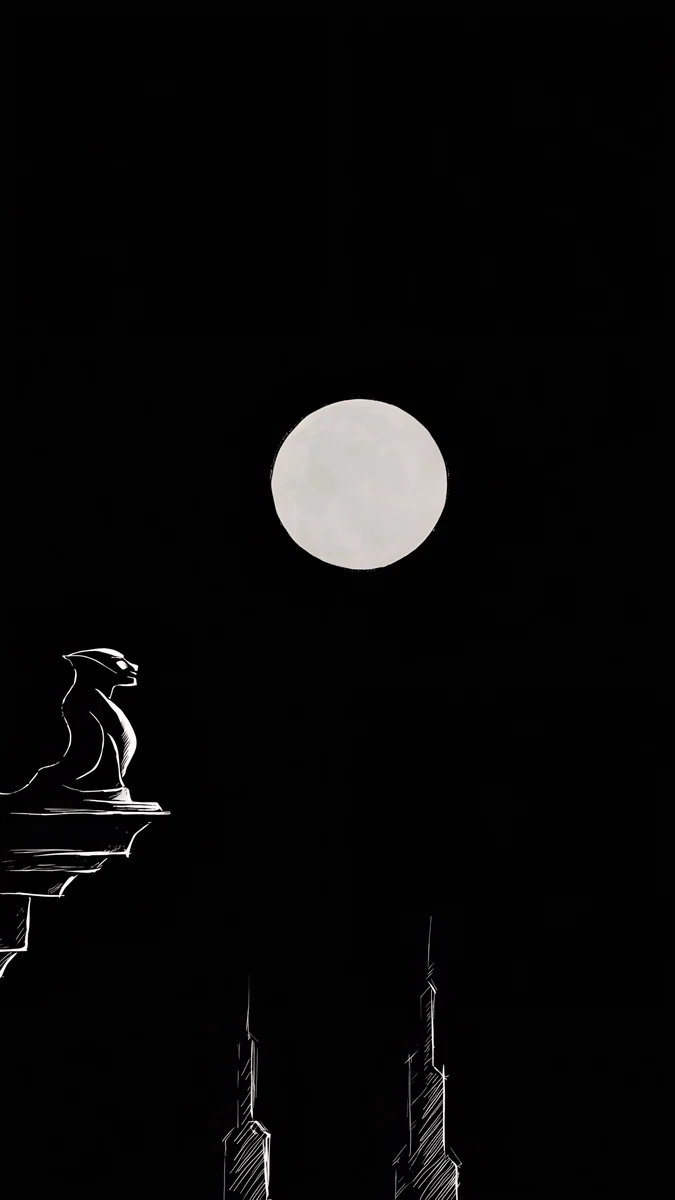
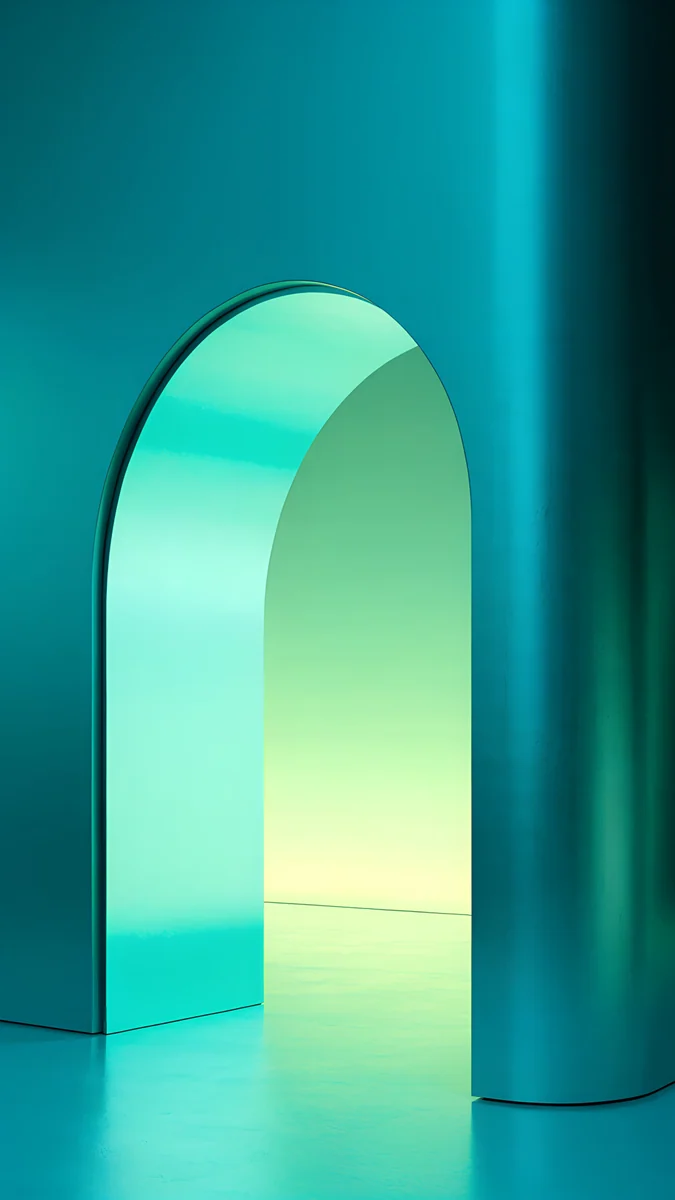
Volt Blue Arch and Jade Mint Arch glow out of deep backgrounds, and Moon Ledge is nearly black, which suits an AMOLED panel at night.
How Velpaper sizes its Android wallpapers
Every Velpaper phone wallpaper is a JPEG of 2160 × 3840 pixels with no watermark. The same file goes to the Android app, the iPhone app and the wallpaper page on velpaper.com, so a Galaxy S25 Ultra and a Galaxy A16 get identical originals. If you also use an iPhone, our iPhone wallpaper size guide lists those models.
Free files like Tidal Quiet download straight away. Most others, such as Glacier Spiral Well, unlock after a short optional ad in the app. Previews on the site are compressed to load fast; the download is always the full-size original.
Original wallpapers in 4K and 5K for iPhone, Android and desktop.
Questions
What is the best wallpaper size for Android?
2160 × 3840 pixels is the safest choice. It is taller than every current Android screen, from Full HD+ phones like the Galaxy A16 (1080 × 2340) to QHD+ flagships like the Xiaomi 15 Ultra (1440 × 3200). Android only scales the image down and trims a little at the sides, so it stays sharp. If you prefer to match your phone exactly, look up its native resolution in the table above, but a 4K file leaves room to zoom and reframe.
What is the Samsung wallpaper size?
It depends on the model. The Galaxy S25 Ultra and S25+ use 1440 × 3120 pixels, the Galaxy S25 and the A series phones such as the A56, A55 and A16 use 1080 × 2340. Foldables differ: the Z Flip6 main screen is 1080 × 2640, the Z Fold6 cover screen is 968 × 2376 and its inner screen is 1856 × 2160. A 2160 × 3840 image covers every regular Galaxy phone. On the Fold inner screen, choose a centred image or a wide desktop file.
Why does my Android wallpaper look blurry?
Usually because the file is smaller than the screen. A 1080 × 1920 image or a screenshot has to be enlarged on a QHD+ phone, and enlarged pixels look soft. The second cause is compression: messengers such as WhatsApp shrink photos unless you send them as a document. Download the original file, save it to the phone, and set it from the gallery. Zooming far in the wallpaper editor can also push a small file below screen size.
Does Android crop the wallpaper?
Yes, almost always a little. Most Android screens are 19.5:9 or 20:9, narrower than the 9:16 shape of a 4K portrait image. When the picture fills the screen height, about a tenth of the width on each side falls outside the display. You can drag or pinch in the preview to choose what stays visible. Wallpapers with a centred subject and quiet edges hide this crop completely.
Do I need a different size for the lock screen and the home screen?
No. On Android both screens use the same native resolution, so one 2160 × 3840 file works for each. What differs is the job: the lock screen shows the image with a clock and a few notifications, while the home screen covers it with icons. Many people use a richer image on the lock screen and a calmer one behind the apps. You can set them separately from the same Wallpaper and style menu.
Carlos Vivero
Designer of Velpaper wallpapers
Carlos Vivero designs the wallpapers in Velpaper: quiet architecture, liquid glass, Japanese ink and calm landscapes. Every piece is made as a 4K original for iPhone, Android and desktop.
Recent work








