7 Best Aesthetic Wallpaper Apps for iPhone (2026)
The 7 best aesthetic wallpaper apps for iPhone in 2026, ranked: Velpaper, Zedge, Vellum, Walli, Backdrops, Unsplash and WLPPR, with a comparison table.
· 5 min read
 Monday, Oct 69:41
 Monday, Oct 69:41
 Monday, Oct 69:41
Most iPhone wallpaper apps fall into two camps. Some give you a vast pile of images uploaded by anyone, and you scroll until something fits. Others hand you a smaller, edited set and charge for the rest. Which one is best depends on what you mean by aesthetic: one calm, consistent look, or the widest possible choice.
We compared seven apps people actually use for aesthetic iPhone wallpapers. Velpaper is our own app, so we rank it first only for what it is built for: minimalist, original 4K wallpapers with a lock-screen preview and no account. Where another app does something better, we say so.
What we looked for
Original art or uploads. An app that makes its own wallpapers has one visual voice. An app built on uploads has more variety, but quality and rights change from image to image.
Resolution and shape. An iPhone needs a tall image. A 9:16 file at 2160 by 3840 pixels scales down cleanly to every current model. A wide photo has to be cropped by hand.
The lock screen. On iPhone the clock sits on top of the wallpaper, with the date and widgets close by. A preview with the clock in place saves a lot of trial and error.
The price model. Free with ads, free with a subscription for the full set, or simply free. None of these is wrong, but you should know which one you are getting.
The 7 best aesthetic wallpaper apps for iPhone
1. Velpaper
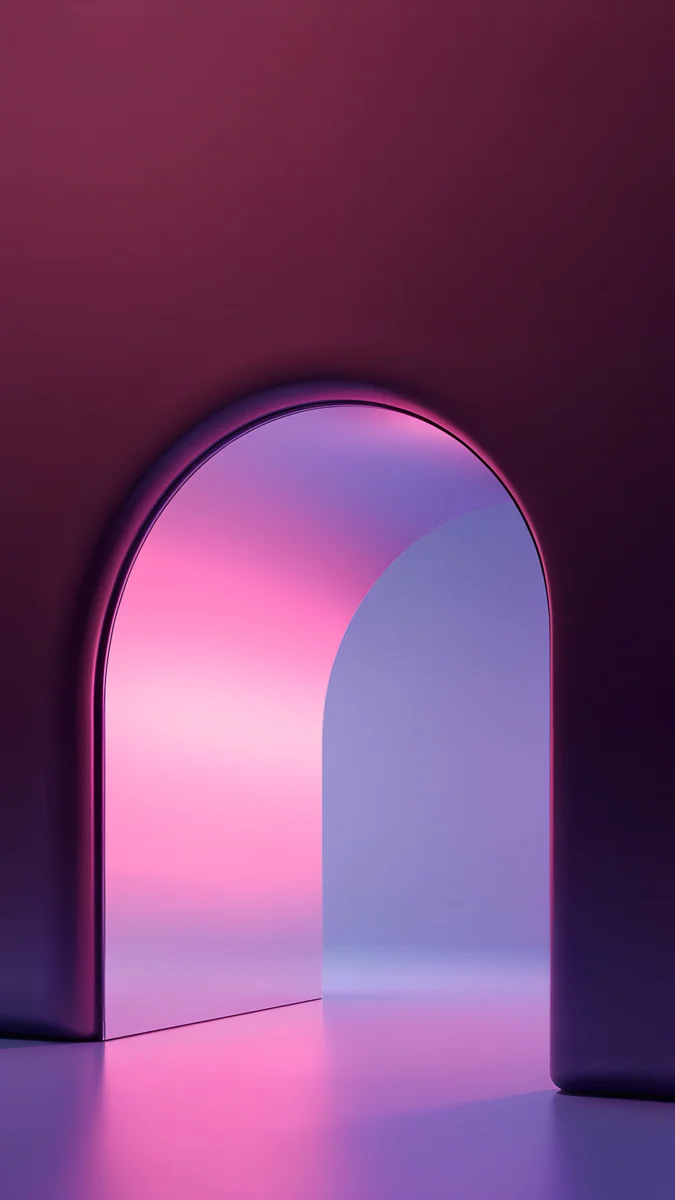
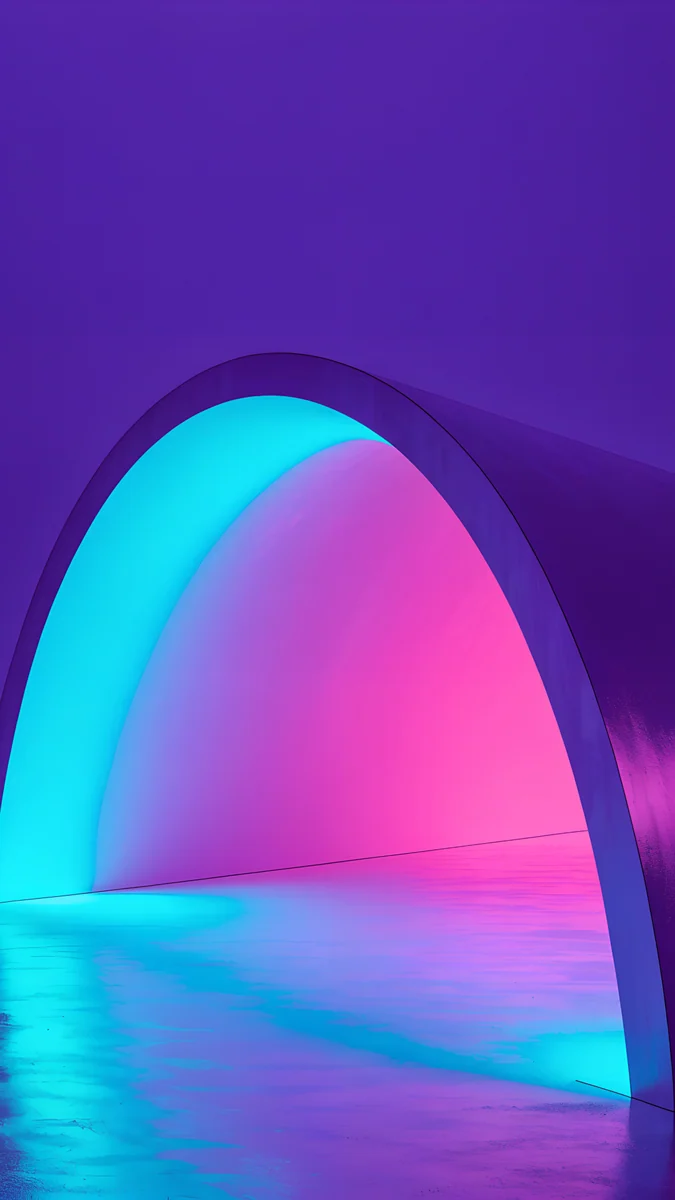
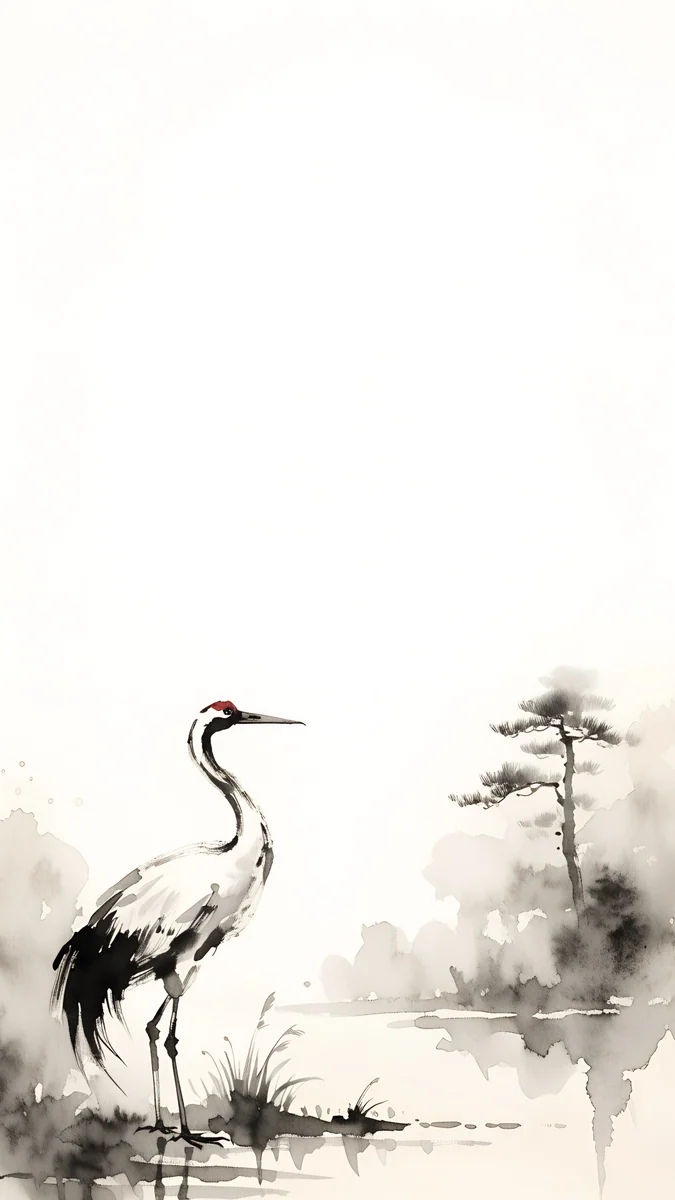
- Original wallpapers made in-house in one minimalist style: architecture, liquid glass, Japanese ink and quiet landscapes.
- Phone originals are 2160 by 3840 pixels with no watermark; desktop wallpapers come in 4K and 5K.
- Lock-screen preview with the clock already in place, so you can judge contrast before you save.
- Free to browse, no account. Most phone wallpapers unlock after a short optional ad.
- Apps for iPhone, Android and Mac, plus the web catalog.
Best for: a calm, matching lock screen without signing up for anything. The catalog is smaller than the big upload apps.
2. Zedge
- One of the biggest wallpaper libraries on mobile, mostly uploaded by users.
- Wallpapers, ringtones and notification sounds in one app.
- Search and categories cover almost any theme, from anime to cars.
- Free with ads, with paid options.
Best for: sheer volume, if you don't mind sorting through mixed quality and ads.
3. Vellum
- Hand-picked wallpapers grouped into packs, with a new one each day.
- Clean, Apple-like interface made for iPhone and iPad.
- Strong on art and photography in high resolution.
- Free with ads; a subscription removes them and opens the full set.
Best for: a polished, edited collection, if you are happy to subscribe for all of it.
4. Walli
- Wallpapers from a community of artists, each credited by name.
- Artists earn a share of the revenue from their work.
- Heavy on illustration and digital art rather than photos.
- Free with ads, with a premium option.
Best for: illustrated wallpapers where you want the artist to get paid.
5. Backdrops
- A mix of community uploads and exclusive packs from the Backdrops team.
- Good at flat, abstract and graphic styles.
- Free with ads; a Pro upgrade opens the exclusive packs.
Best for: abstract and graphic designs from a mix of community and in-house work.
6. Unsplash
- A huge library of free, high-resolution photos under the Unsplash License.
- Excellent for nature, architecture and travel photography.
- Not made for phones: most photos are landscape, so you crop to 9:16 yourself and the clock may land on the subject.
- Free, with a paid Unsplash+ tier for extra images.
Best for: real photography, if you are willing to crop by hand.
7. WLPPR
- Wallpapers made from satellite images of Earth, plus a set from Mars.
- Each image is cropped for a phone, with an optional blurred version that keeps icons readable.
- A small, focused library with one theme.
Best for: aerial, map-like wallpapers that read as abstract patterns from arm's length.
Comparison table
| App | Library | 4K originals | Lock-screen preview | Price | Platforms |
|---|---|---|---|---|---|
| Velpaper | Original art, one style | Yes, 2160×3840 | With clock | Free, optional ad | iPhone, Android, Mac, web |
| Zedge | User uploads | Varies | Full screen | Free with ads, paid options | iPhone, Android |
| Vellum | Hand-picked packs | Many | Full screen | Free with ads, subscription | iPhone, iPad |
| Walli | Artist community | Varies by artist | Full screen | Free with ads, premium | iPhone, Android |
| Backdrops | Community and exclusives | Varies | Full screen | Free with ads, Pro | iPhone, Android |
| Unsplash | Free photos | Large, not 9:16 | No | Free, paid tier | Web, iPhone |
| WLPPR | Satellite imagery | Cropped for phone | Full screen | Free to start | iPhone, iPad |
How to choose
For one calm look, pick an app that makes its own art. Velpaper and WLPPR each have a single visual voice, so next month's wallpaper will still suit your icons and widgets. Velpaper also puts the clock on the preview, which matters most on light wallpapers where a white clock can vanish.
For endless choice, accept the sorting. Zedge and Unsplash hold far more images than any edited app. The cost is time: you will scroll past low-resolution uploads, wrong shapes and repeats before you find the one.
Check what free means. Zedge, Walli and Backdrops are free with ads. Vellum keeps its full set behind a subscription. Velpaper asks for no account and no subscription, and most phone wallpapers unlock after a short optional ad.
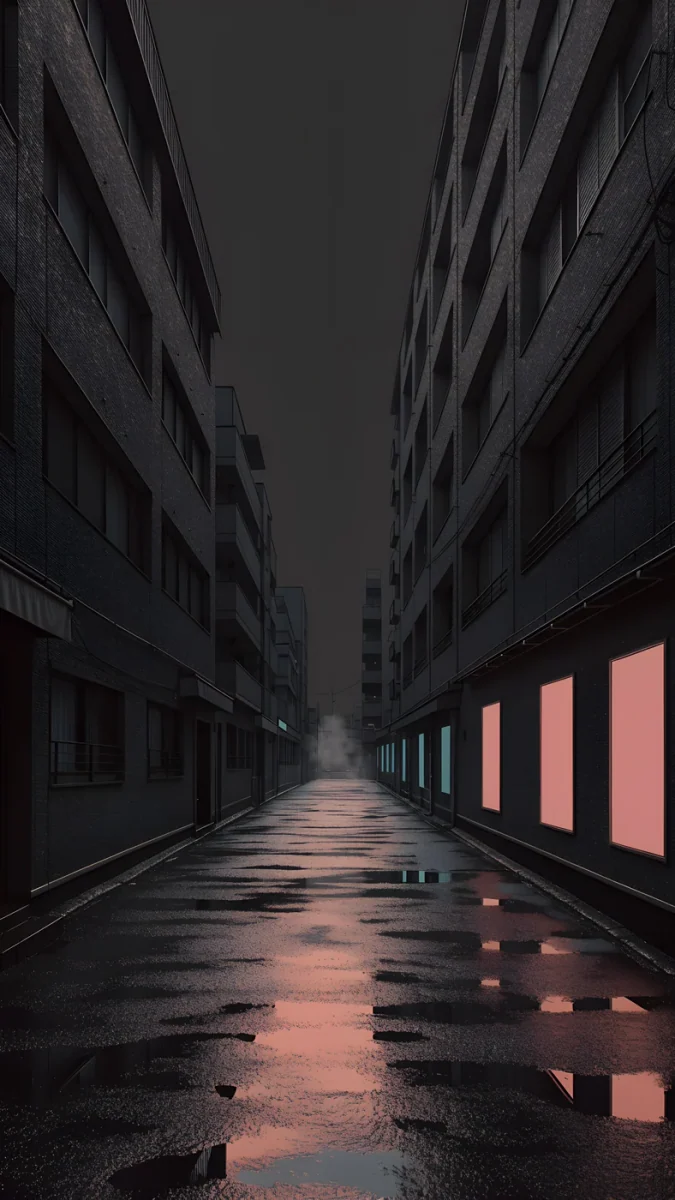
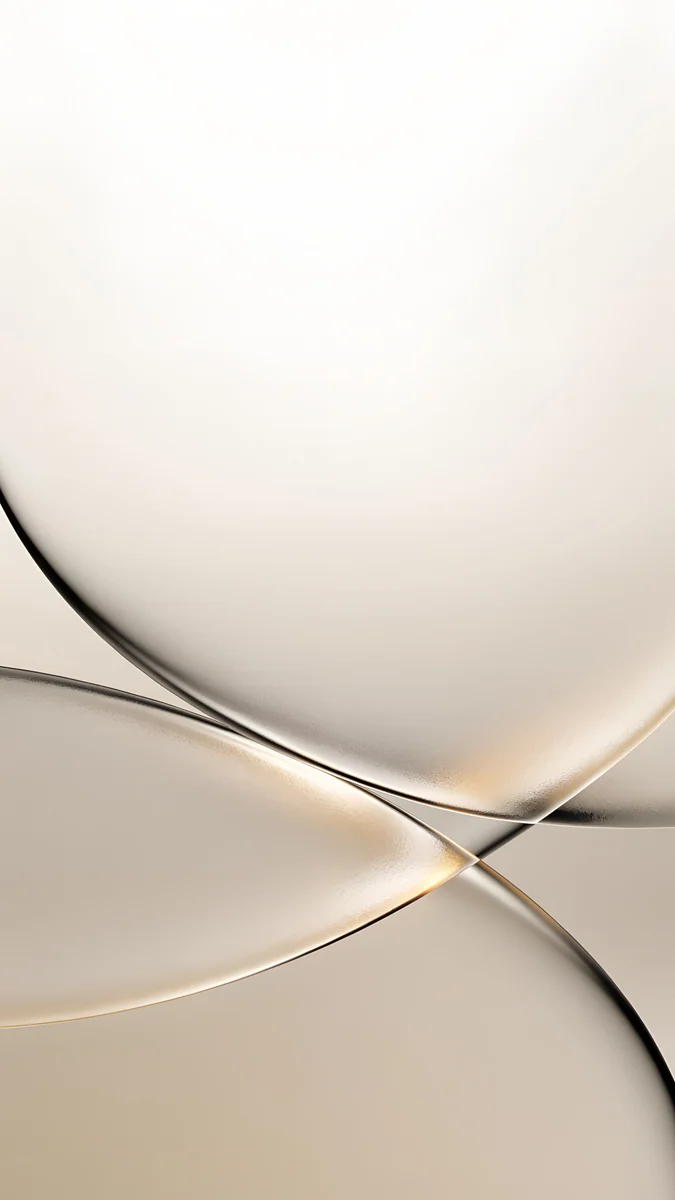
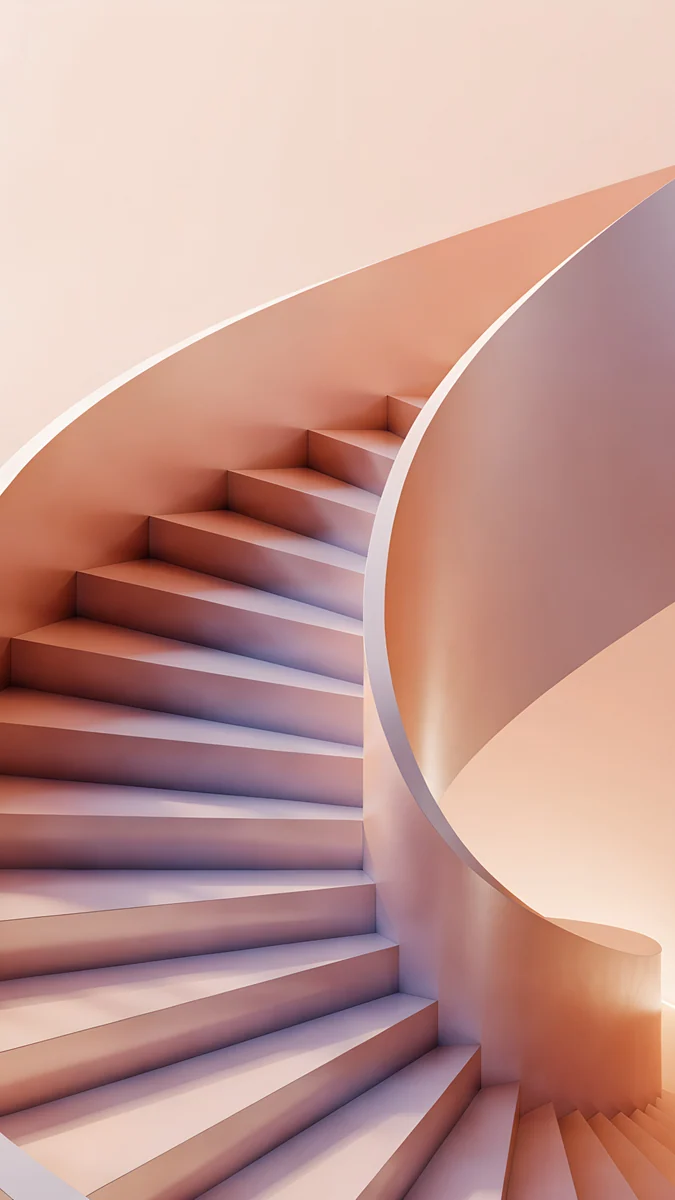
A few Velpaper phone wallpapers that show the style: a neon arch on a dark wall, a crane in black ink on cream paper, a pale champagne fold, a peach spiral and a still teal sea.

Original wallpapers in 4K and 5K for iPhone, Android and desktop.
Questions
Is Velpaper free?
Yes, to browse and preview, and you never need an account or a subscription. In the iPhone and Android apps, most phone wallpapers unlock after a short optional ad, and some are free outright. On velpaper.com, if no ad is available, the original downloads for free. Desktop wallpapers for Mac and other computers are free. What you unlock is the full original, 2160 by 3840 pixels for phones, with no watermark.
What makes a wallpaper "aesthetic"?
In practice, an aesthetic wallpaper looks deliberate rather than busy. That usually means a limited palette of two or three colours, one clear subject and plenty of quiet space. On an iPhone the quiet space matters most, because the clock, date and widgets sit on top of the image. A soft gradient, an arch, a single ink stroke or an empty beach all work for the same reason: the eye lands in one place and the interface stays readable. Dark, low-light scenes are popular on OLED iPhones because black areas look deeper there.
Do these apps work on Android too?
Most of them. Velpaper has apps for iPhone, Android and Mac, plus a web catalog. Zedge, Walli and Backdrops are on both iPhone and Android. Vellum and WLPPR are made for iPhone and iPad. Unsplash works in any browser, so you can download photos on Android, but you will have to crop them to a tall phone shape yourself. If you use an iPhone and an Android tablet, or an iPhone and a Mac, an app that covers every device lets you keep one matching look across screens.
Are the wallpapers original or scraped?
It depends on the app, and it is worth checking. Velpaper makes its own wallpapers: each one is generated, checked by hand for clean geometry and saved without text or a watermark. Walli works with named artists and shares revenue with them. Unsplash photos are uploaded by the photographers under the Unsplash License. Apps built on open uploads, such as Zedge, depend on uploaders and moderation, so some images may be reposts from elsewhere. If you care who made the picture, choose an app that names its artists or makes its own work.
What resolution should an iPhone wallpaper be?
Look for a tall 9:16 image that is larger than your screen, ideally around 2160 by 3840 pixels. iOS scales a large image down cleanly, but it cannot add detail to a small one, and the perspective zoom on the lock screen makes any softness easier to see. Download the original file rather than saving a preview or a screenshot, because both are compressed. For a Mac, 3840 by 2160 (4K) covers most displays and 5120 by 2880 (5K) suits the largest Retina screens. Velpaper phone wallpapers are all 2160 by 3840.