Black and White Wallpaper: Free 4K for Phone and PC
Black and white wallpapers for phone and PC: ink skylines on black, pen drawn cities on white paper and grey ink wash. Free 4K originals, no watermark.
In short: A black and white wallpaper gives the clock maximum contrast and lets colourful app icons stand out. Velpaper's monochrome set has black ink skylines for dark mode, pen drawn cities on white paper for light mode, and six free 3840 × 2160 versions for PC and Mac.
By the Velpaper team · Wallpapers by Carlos Vivero, Velpaper designer · · Updated · 5 min read
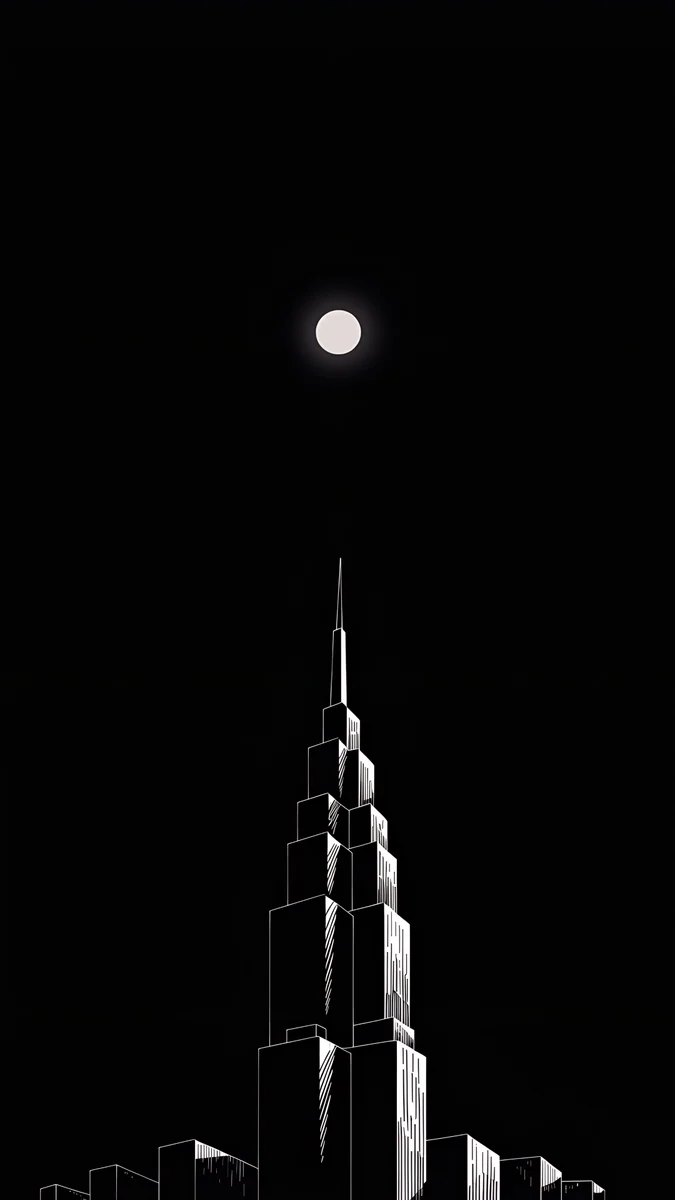 Lone Spire
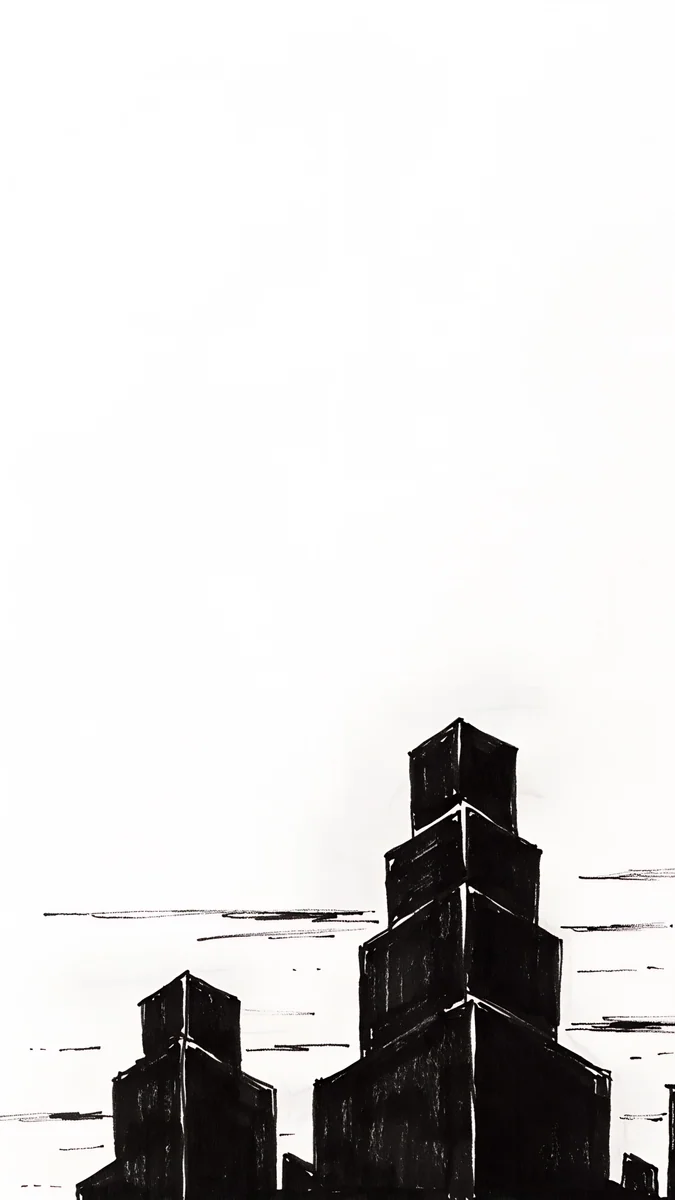 Paper Skyline
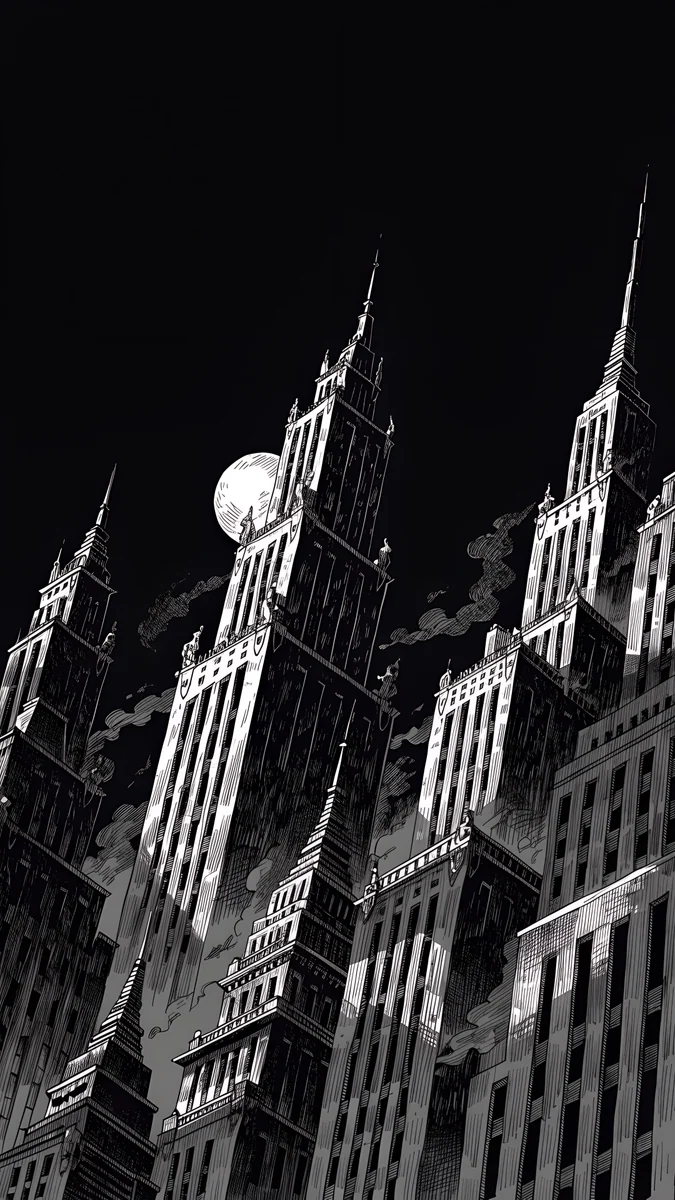 Ink Noir
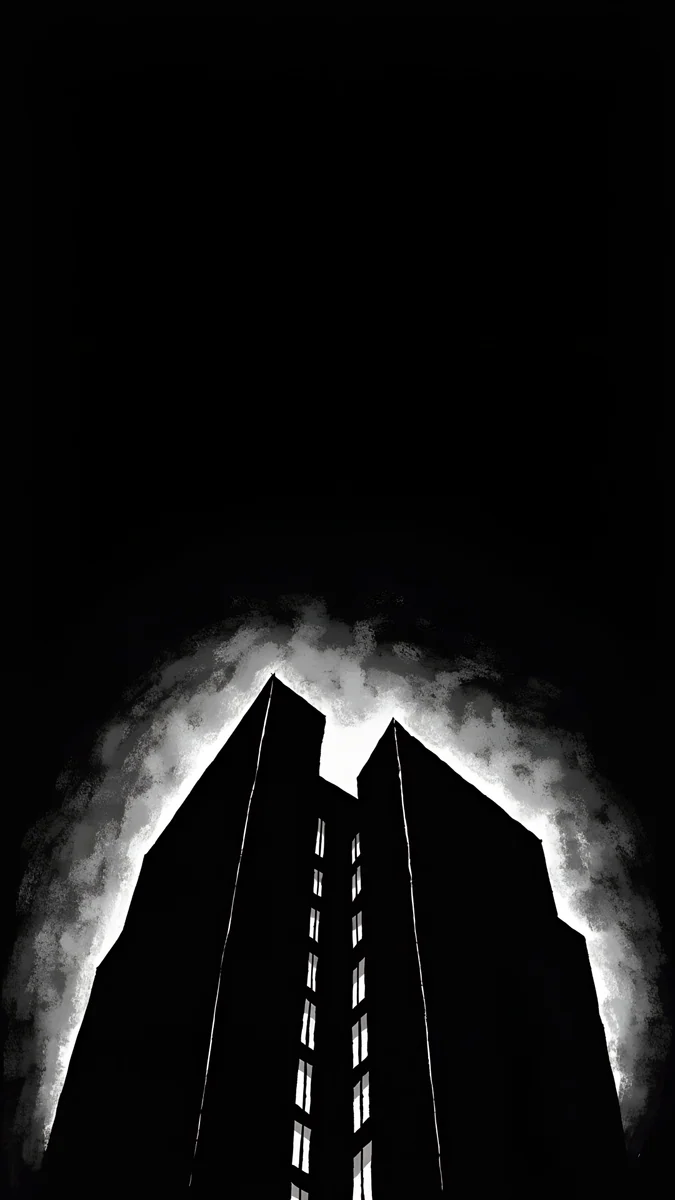 Light Slits
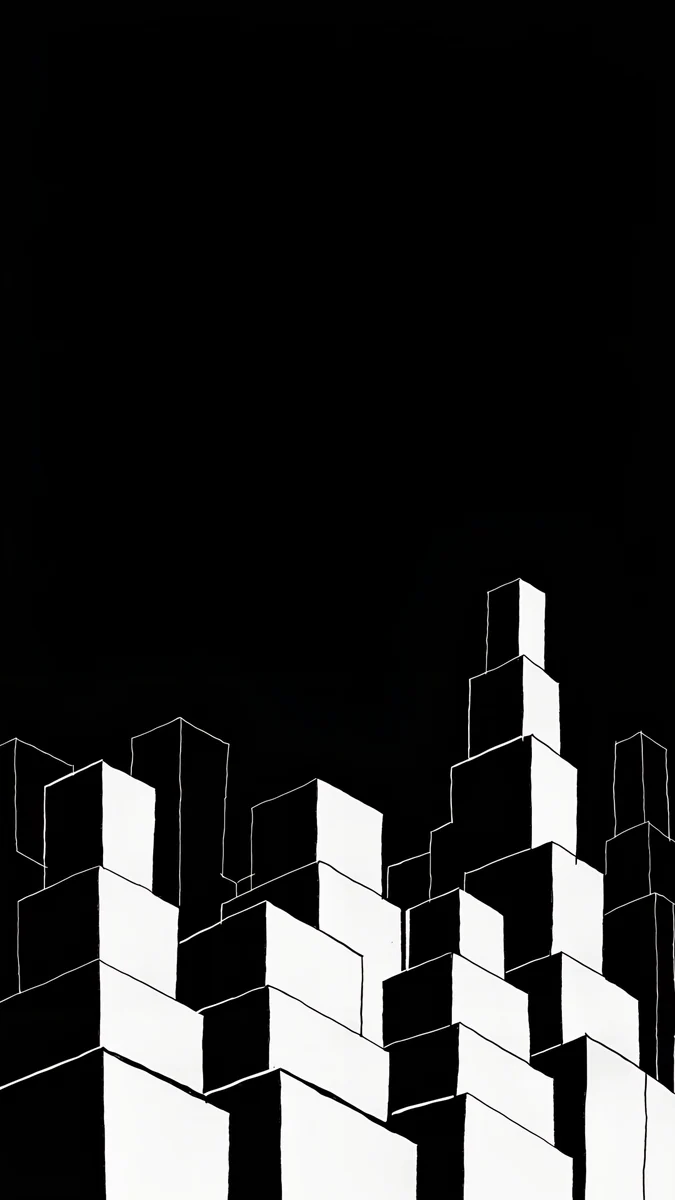 Night Blocks
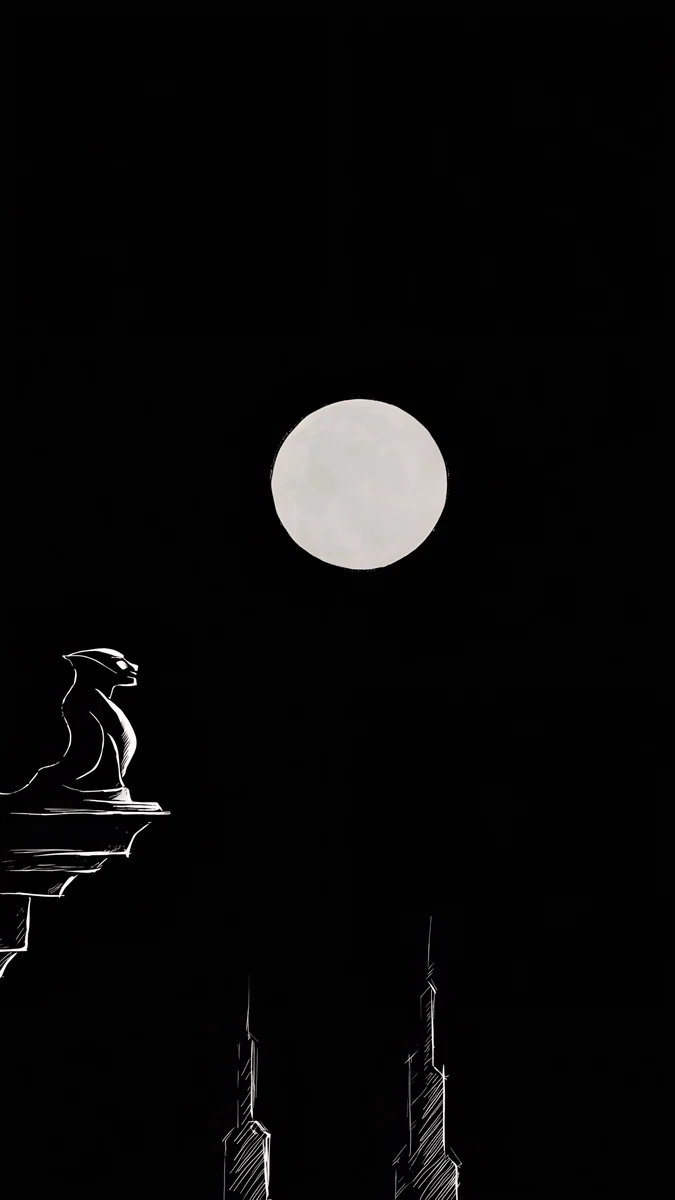 Moon Ledge
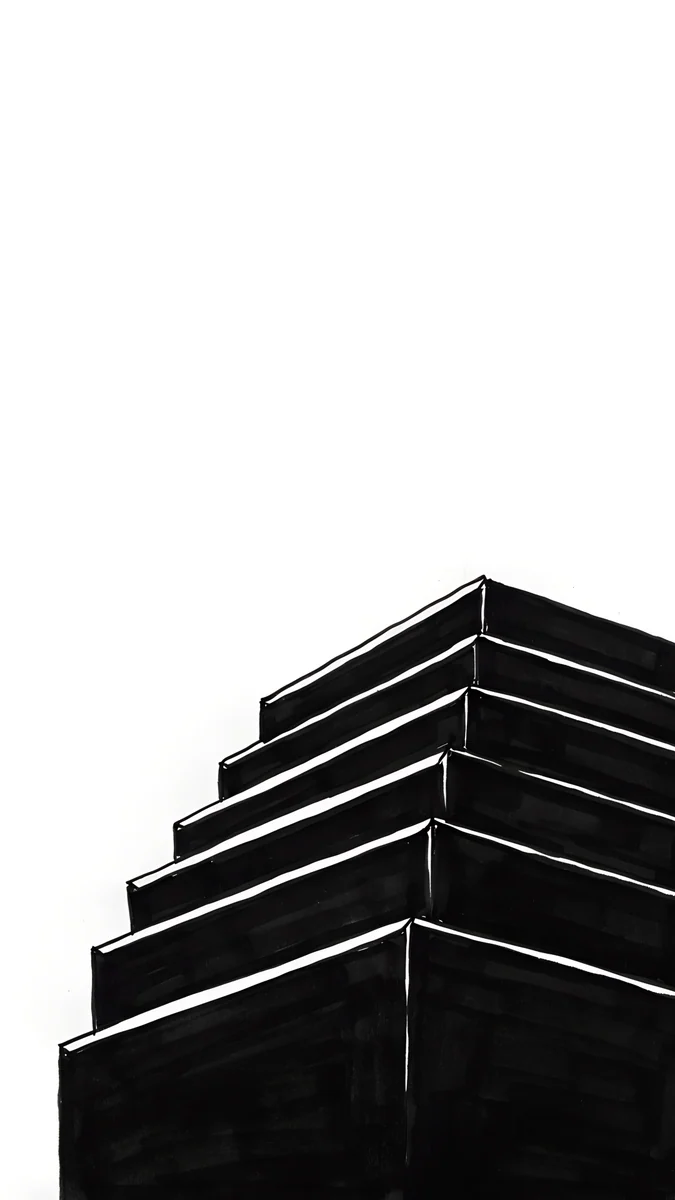 One Block
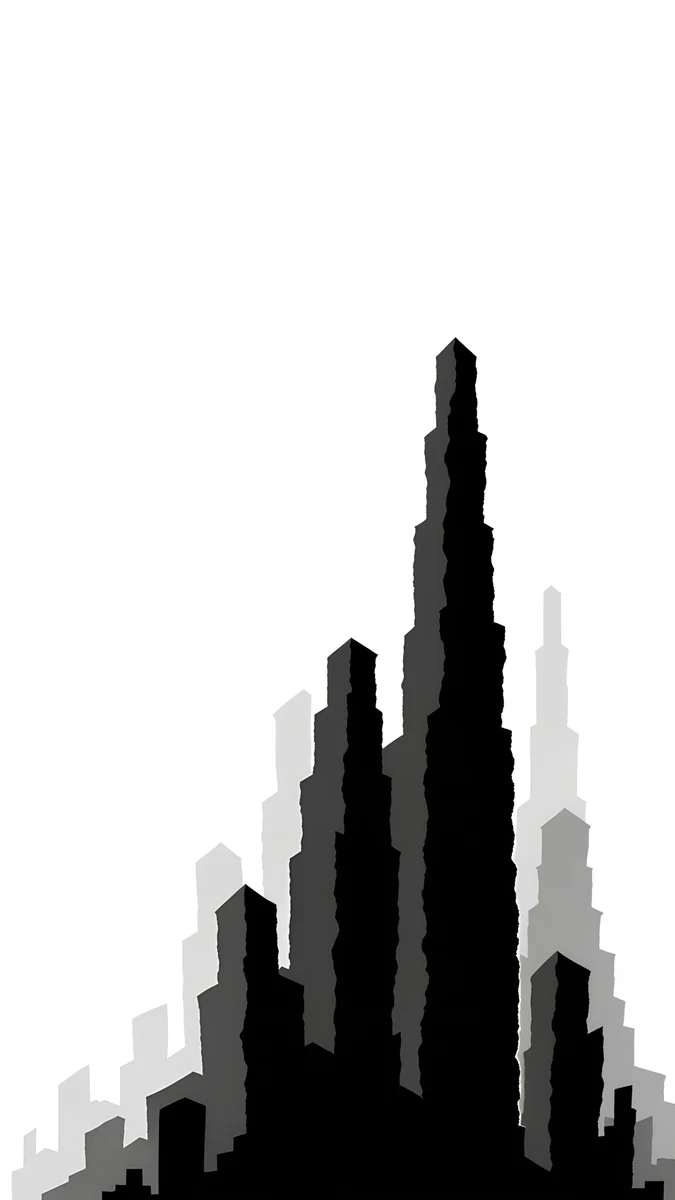 Paper Grey
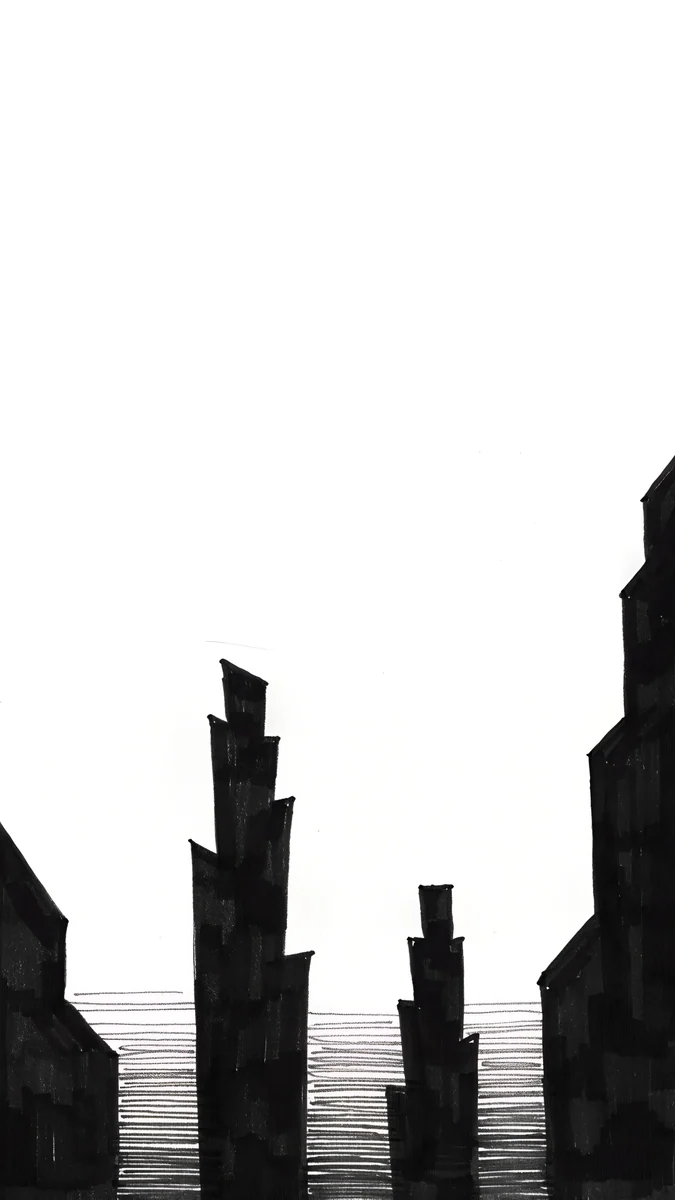 Paper Haze
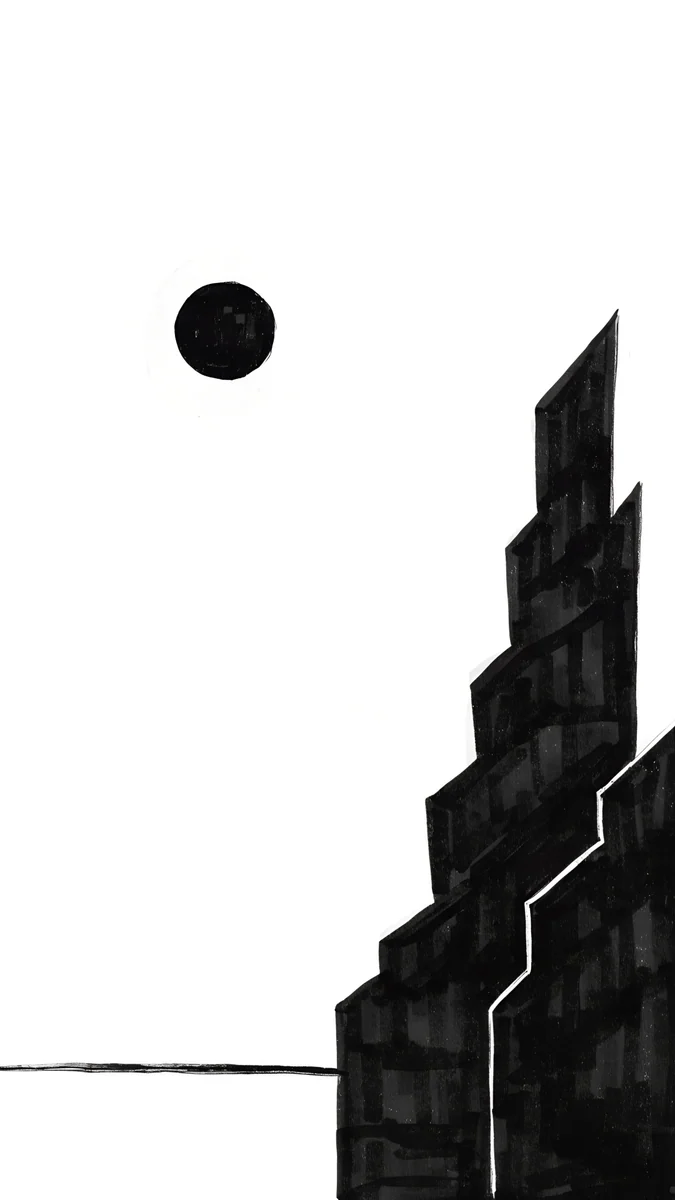 Paper Moon
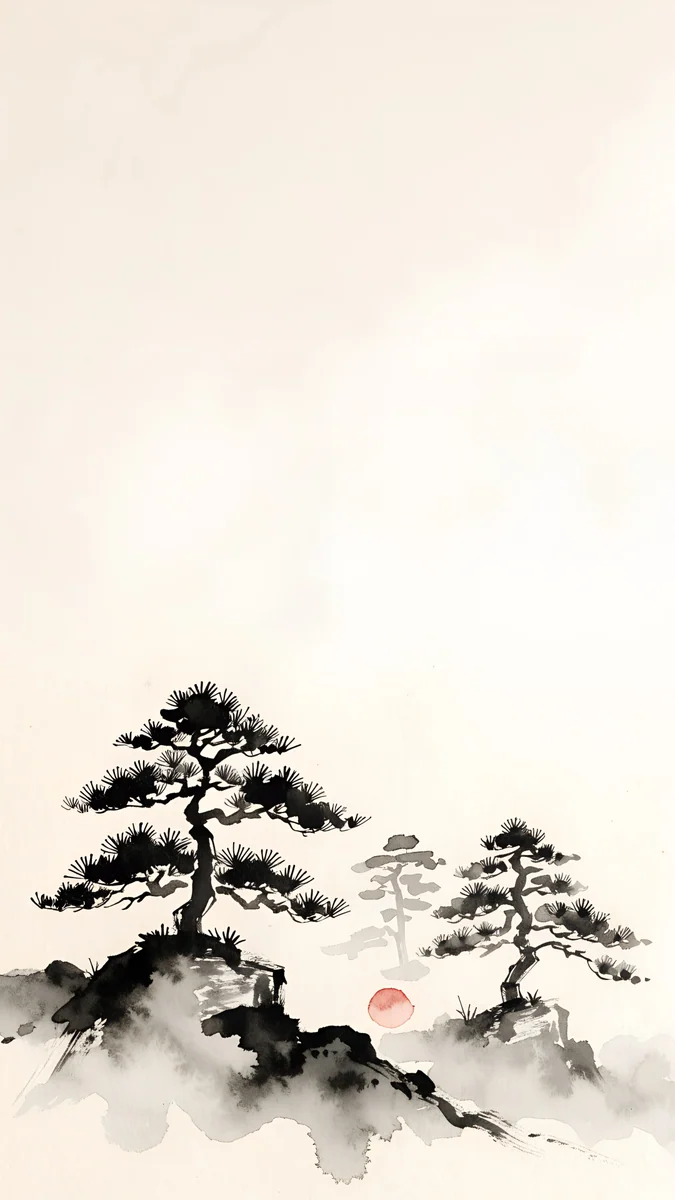 Mist Pines
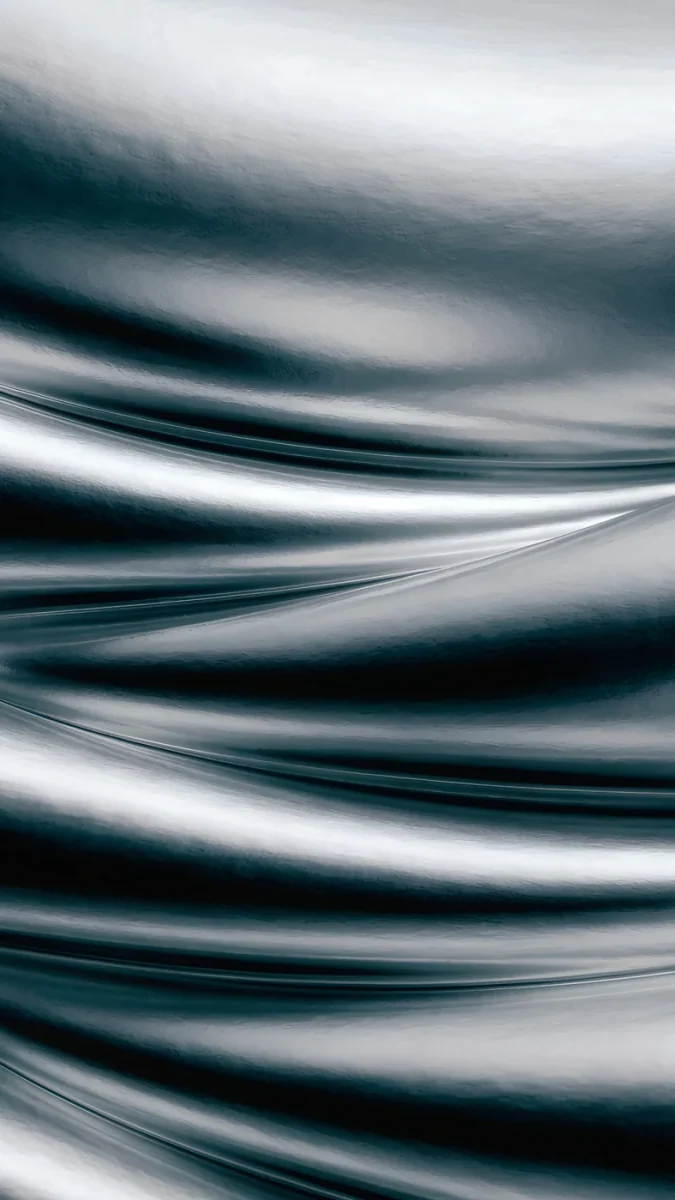 Moon Silver
Free 4K originals for iPhone and Android, no watermark
On this page
Black and white is the one palette that never fights anything on your screen. App icons are colourful, notifications are colourful, photos in your widgets are colourful. A monochrome wallpaper sits underneath all of that and lets it show. It also gives the clock the strongest contrast a display can produce: white on black, or black on white.
This collection has twelve original black and white wallpapers for iPhone and Android, each a 2160 × 3840 file, and six wide versions in 4K for PC and Mac. They are drawings, not filtered photos, so the blacks are clean and the lines stay sharp at full size.
Why black and white works so well on a phone
Contrast without colour. A white clock on black reads from any angle, in sunlight and at night. Nothing in the picture competes with the time.
Icons get the colour. With a monochrome wallpaper, the only colour on the home screen comes from your apps. Even a busy page of icons looks tidy, because the background stays out of the way.
True black on OLED. On an OLED screen, black pixels are switched off. A black ink night looks deeper than any photo of a real night sky, and it costs a little less battery than a bright image. Our guide to dark OLED wallpapers explains the effect in detail.
Black ink skylines for dark mode
These are white lines and white light on black. They come from our noir city series, where the city is reduced to towers, a moon and a lot of empty sky.
Lone Spire4K · PhoneLight Slits4K · PhoneNight Blocks4K · PhoneMoon Ledge4K · PhoneInk Noir4K · PhoneOne Block4K · PhoneLone Spire is the purest of them: one stepped tower outlined in white, a small white moon above it and nothing else in a black sky. Light Slits shows a dark tower from below with a white glow burning around its edges, like a backlit poster. Night Blocks flips the logic, with stepped white blocks stacked against black in clean outline.
Moon Ledge puts a full moon in the middle of the frame, watched by a stone gargoyle on a ledge, so the clock floats in pure black above it. Ink Noir is the busiest, a tilted forest of skyscrapers drawn in black and white ink with smoke drifting past the moon. One Block reduces the idea to a single form. If you want the same city with rain, fog and a little gold, our noir city wallpapers have the rest of the series.
White paper cities for light mode
The same city, drawn the other way round: black ink on white paper. These suit light mode, a dark clock and a phone you mostly use in daylight.
Paper Skyline sets a few stepped towers at the bottom of white paper, with loose ink strokes for clouds and almost the whole screen left blank. Paper Grey layers black, grey and pale grey spires into one jagged peak, the most graphic of the four. Paper Haze draws towers rising from hatched water. Paper Moon flips the usual colours with a black moon on white paper beside a stepped black tower, so a black clock matches the moon.
White wallpapers with a little more warmth, in cream, marble and plaster, are in our white aesthetic wallpapers.
Grey, silver and ink wash
Monochrome does not have to mean only black and white. These keep to greys, silver and sumi ink, softer on the eye and still free of colour, or almost.
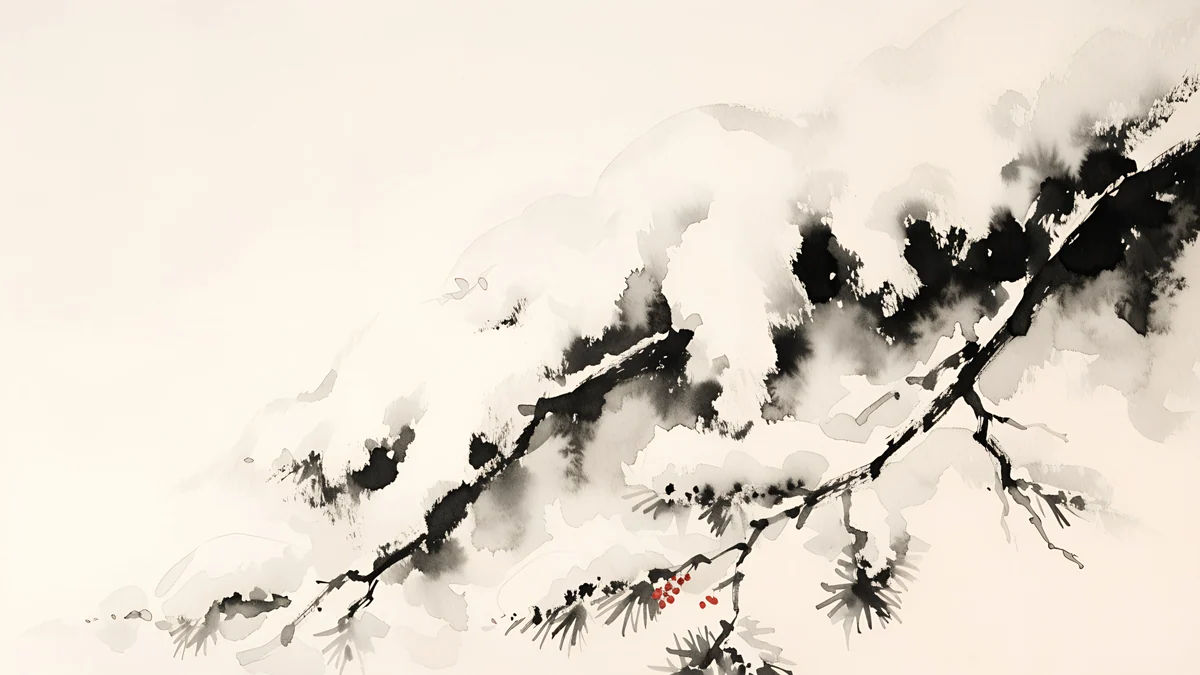
Mist Pines is an ink wash scene: pine trees sit low in the frame and the top of the picture is open grey mist, a calm field for the clock. Moon Silver is silver folds on near black, the darkest piece here and a good fit for an always-on display. Ink Snow Branch is a desktop piece in sumi ink on pale paper, with one small red accent, the only colour in this section. The full ink series is in our Japanese ink wallpapers.
Black and white wallpapers for PC in 4K
Six designs come in a wide 3840 × 2160 version for Windows PCs, Macs and laptops. They are composed for a wide screen rather than cropped from the phone file, and all six are free.
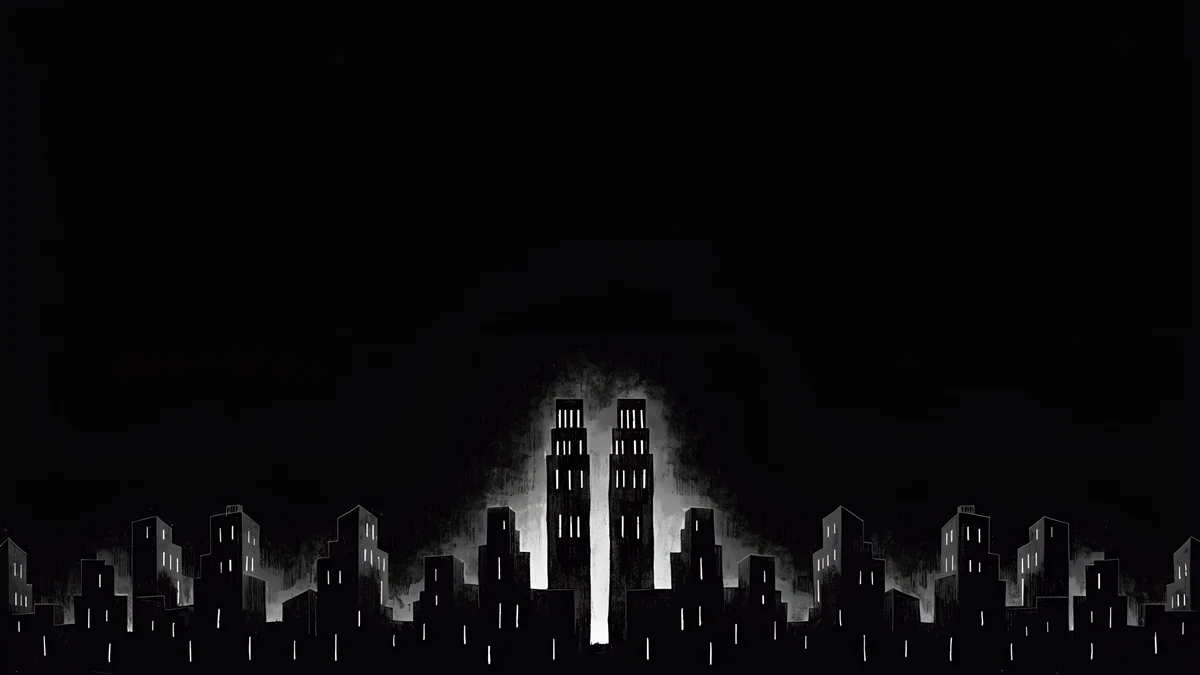 Light Slits4K · Desktop
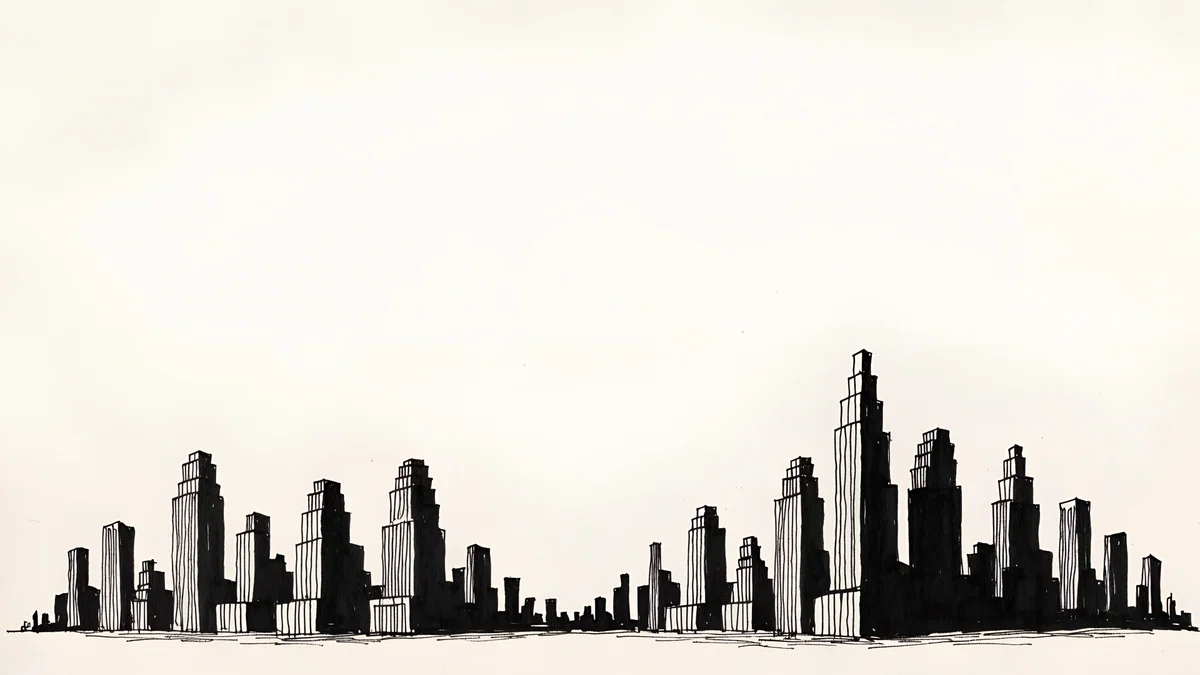 Paper Skyline4K · Desktop
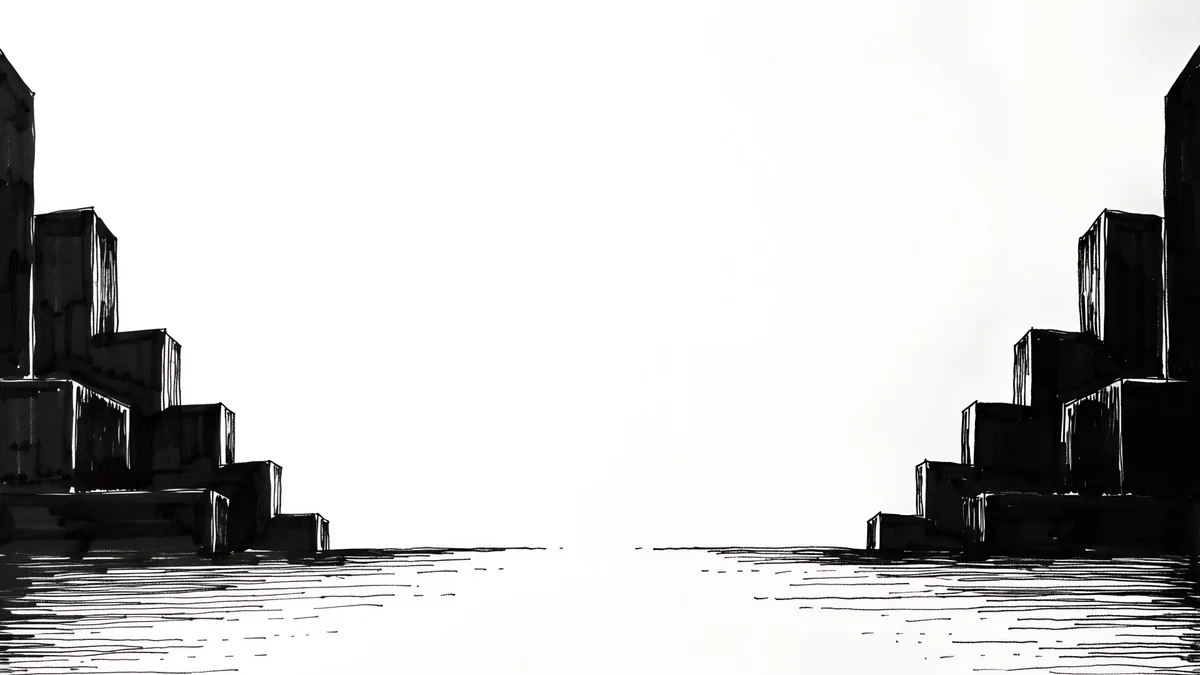 Paper Haze4K · Desktop
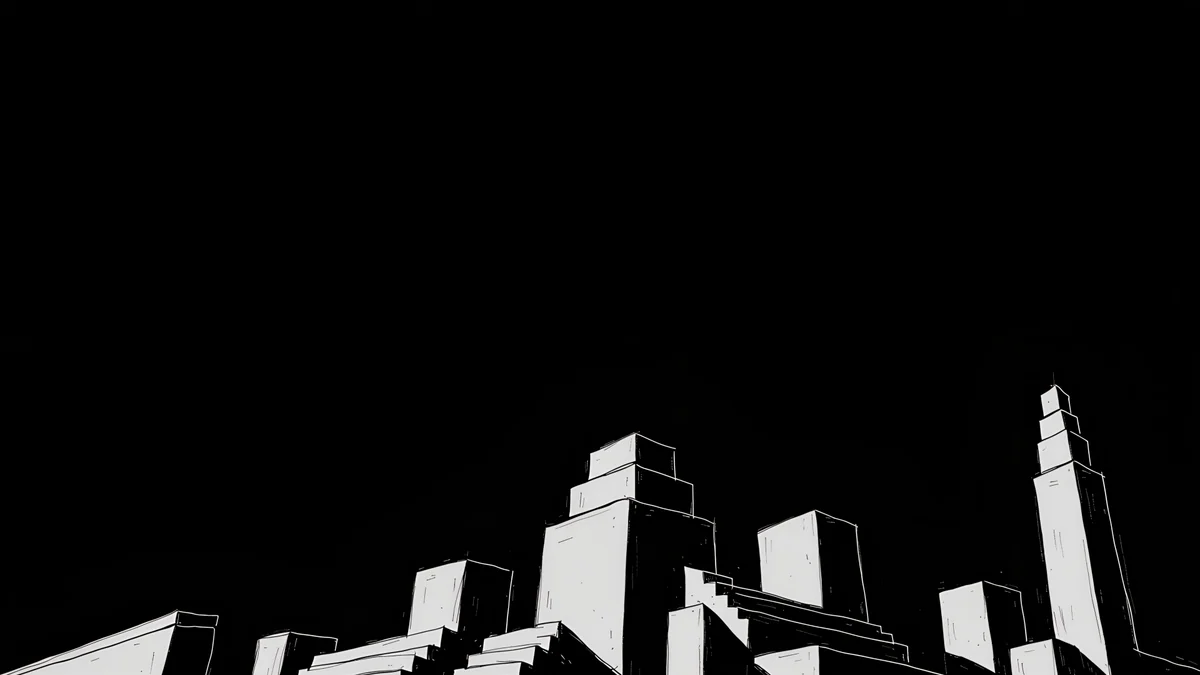 Night Blocks4K · Desktop
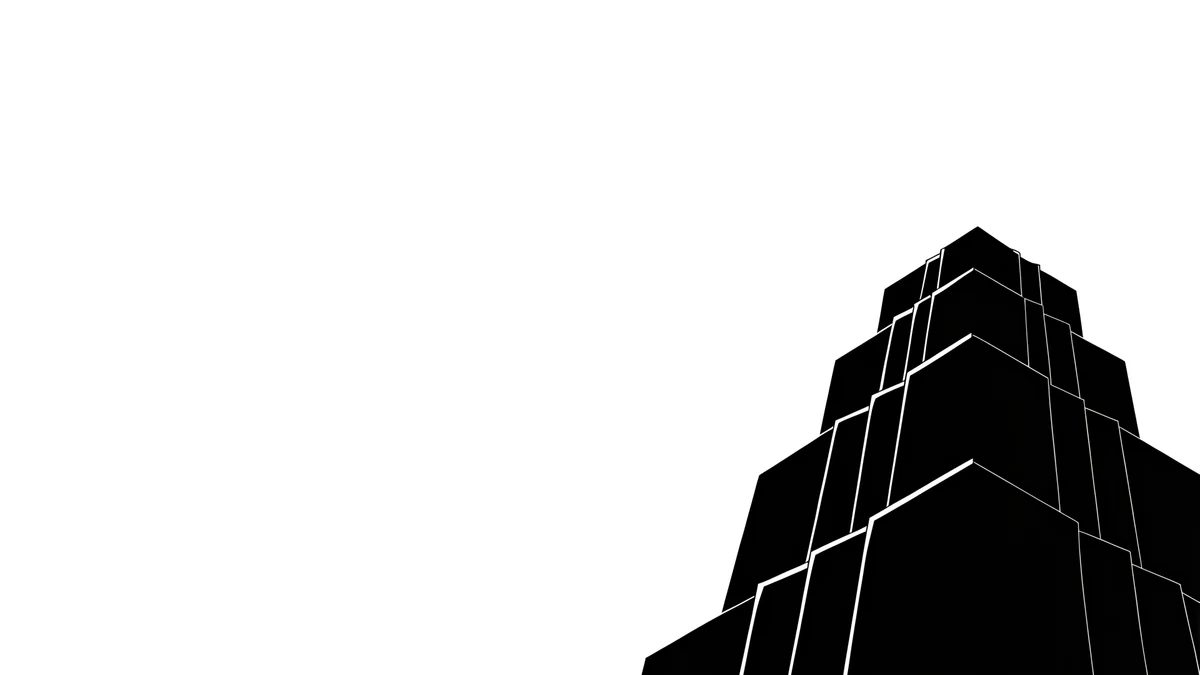 One Block4K · Desktop
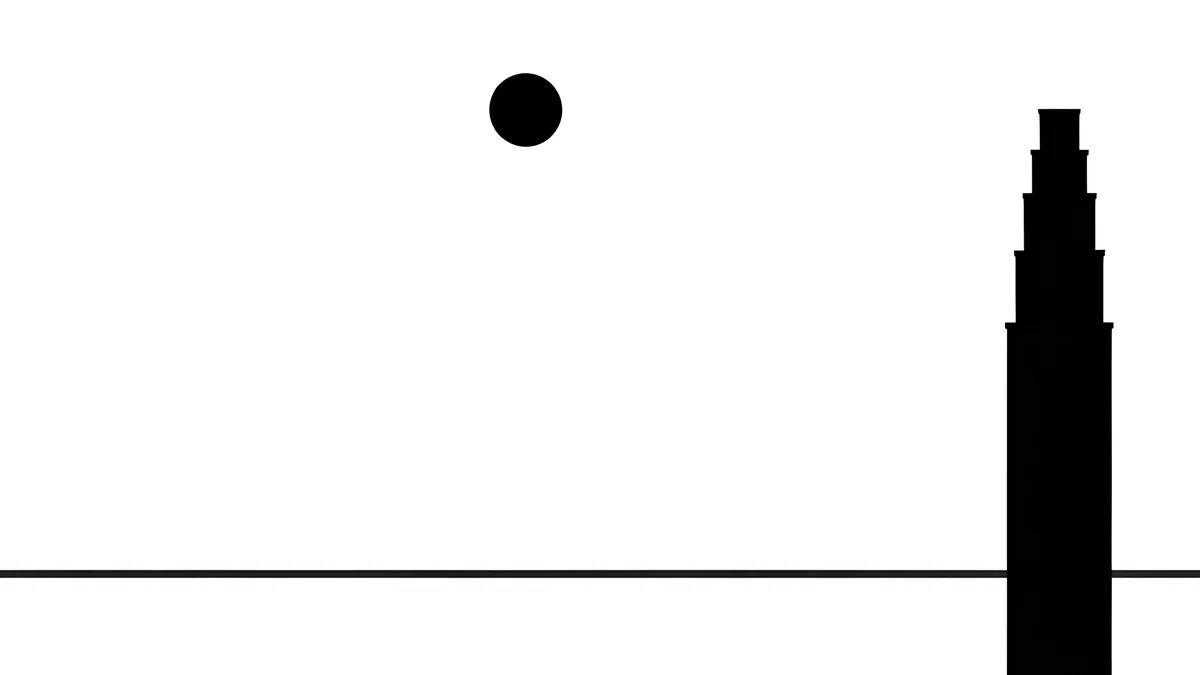 Paper Moon4K · Desktop
Light Slits in its wide form is a whole skyline: a low row of black buildings with two glowing towers in the middle and a dark sky above, perfect behind a dark taskbar or Dock. Paper Skyline stretches into a pen drawn city across pale paper, and Paper Haze opens a river between stepped blocks. Night Blocks, One Block and Paper Moon are the most minimal, with one or two shapes and plenty of room for desktop icons.
A 4K file is a native fit for 4K monitors and scales down cleanly to 1440p and 1920 × 1080. For ultrawide and 5K screens, our PC wallpaper size guide explains what to pick.
How to set up a monochrome lock screen
Match the clock to the paper. White clock on the black pieces, black clock on the paper ones. On iPhone, tap the clock in the lock screen editor and choose it by hand; iOS sometimes picks a tinted grey that looks muddy on pure black.
Let the tower point at the time. In Lone Spire and Light Slits, drag the picture so the tip of the tower sits just under the clock. It looks deliberate rather than accidental.
Use a drawing, not a filter. On iPhone you can swipe across a photo in the wallpaper editor to apply the Black & White style. That works for a portrait, but filtered photos often turn into flat grey. A wallpaper drawn in black and white keeps deep blacks and crisp white lines.
Download the original. Thin white lines on black are the first thing compression smears. Take the full 2160 × 3840 file from the wallpaper page.
Original wallpapers in 4K and 5K for iPhone, Android and desktop.
Questions
Is a black and white wallpaper good for an OLED screen?
Yes, the dark ones especially. On an OLED screen, black pixels are switched off, so a wallpaper that is mostly black, like Lone Spire, Night Blocks or Moon Ledge, looks deeper than a grey photo and draws a little less power than a bright image. The saving is modest on the home screen, where icons cover much of the picture, and more noticeable on the lock screen and always-on display. White paper designs like Paper Skyline light up the whole panel, so they look great in daylight but use more power at night.
Should I use a white or a black clock on a black and white wallpaper?
Use the opposite of the area behind the time. On the black ink pieces, Lone Spire, Light Slits, Moon Ledge and Ink Noir, a white clock gives the strongest contrast. On the paper pieces, Paper Skyline, Paper Haze and Paper Moon, a black clock does. On iPhone, set the colour by hand in the lock screen editor, because the automatic choice can be a tinted grey. On Android the clock usually follows the wallpaper, so check the preview before you confirm.
Where can I get black and white wallpapers for PC in 4K?
Six wide designs in this article are made for PC and Mac at 3840 × 2160: Light Slits, Paper Skyline, Paper Haze, Night Blocks, One Block and Paper Moon. They are composed for a wide screen, not cropped from the phone art, and all desktop wallpapers on Velpaper are free. A 4K file fits 4K monitors natively and scales down cleanly to 2560 × 1440 and 1920 × 1080, so one download covers most setups. On Windows, set it in Settings, Personalization, Background with the fit set to Fill.
Can I turn any wallpaper black and white on my phone?
On iPhone, yes: when you add a photo as a wallpaper, swipe left or right in the editor to switch between styles, and one of them is Black & White. On Android, most phones have no such filter in the wallpaper picker, so you edit the photo first in the gallery app and save a monochrome copy. Both routes work for personal photos. For a graphic look, a picture drawn in black and white is better: a filtered colour photo often ends up as flat mid grey, without the deep blacks and clean lines of real ink.
Are these black and white wallpapers free?
Browsing and previewing are free on velpaper.com and in the Velpaper apps for iPhone, Android and Mac. Most phone wallpapers, including the monochrome ones here, unlock after a short optional ad in the apps; on the website, if no ad is available, the original downloads for free. All six desktop versions are free. You never need an account or a subscription, and every download is the full original without a watermark: 2160 × 3840 for phones and 3840 × 2160 for computers.
Carlos Vivero
Designer of Velpaper wallpapers
Carlos Vivero designs the wallpapers in Velpaper: quiet architecture, liquid glass, Japanese ink and calm landscapes. Every piece is made as a 4K original for iPhone, Android and desktop.
Recent work








