Galaxy Tab S10 Wallpapers: 4K and 5K Picks That Rotate
Wallpapers for the Galaxy Tab S10 Ultra, S10+ and S10 FE that survive rotation, the taskbar and split screen, with AMOLED and LCD picks and setup steps.
In short: The best Galaxy Tab S10 wallpaper keeps its subject in the middle band and has enough pixels for both orientations. A 5K file such as Petrol Current stays sharp in landscape and portrait on the S10+ and both FE models, and dark pictures like Rose Pulse Arcade suit the AMOLED screen of the Ultra and S10+.
By the Velpaper team · Wallpapers by Carlos Vivero, Velpaper designer · · 7 min read
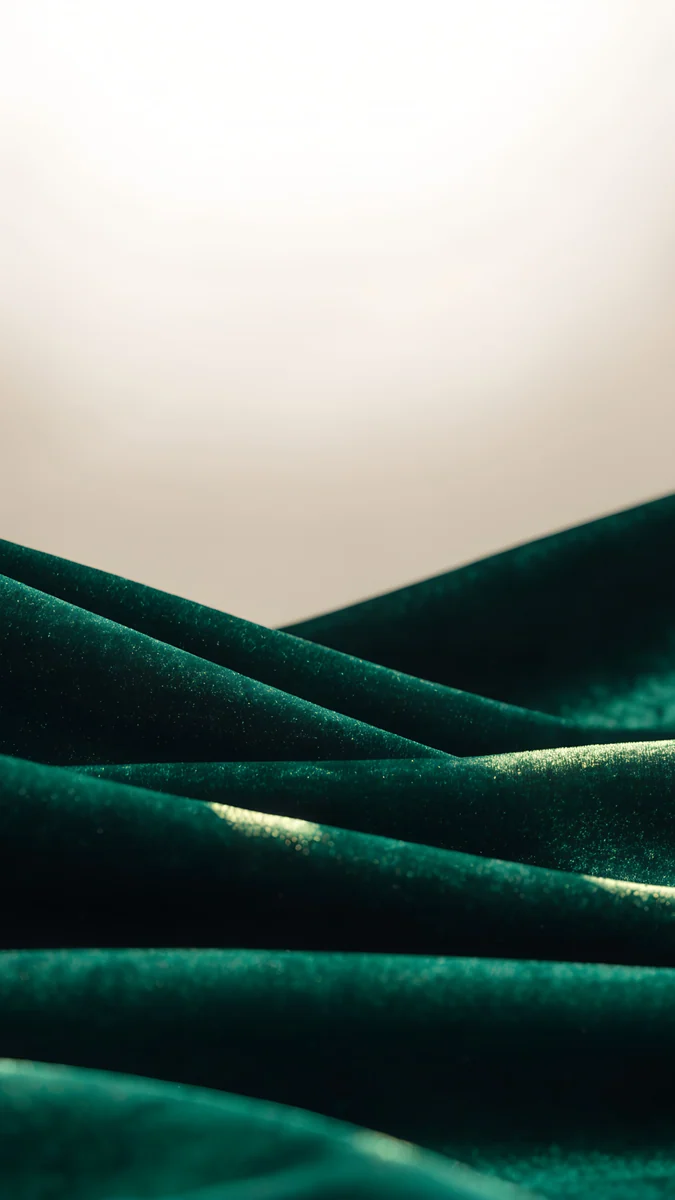 Emerald Velvet
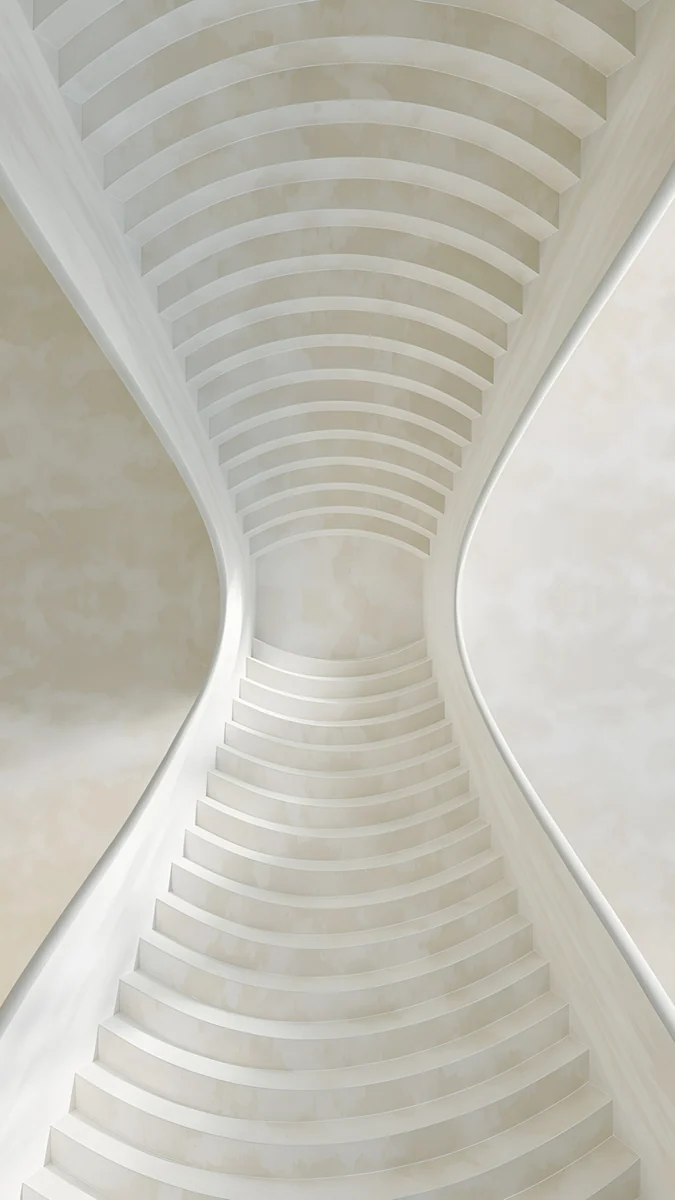 White Spiral Stairs
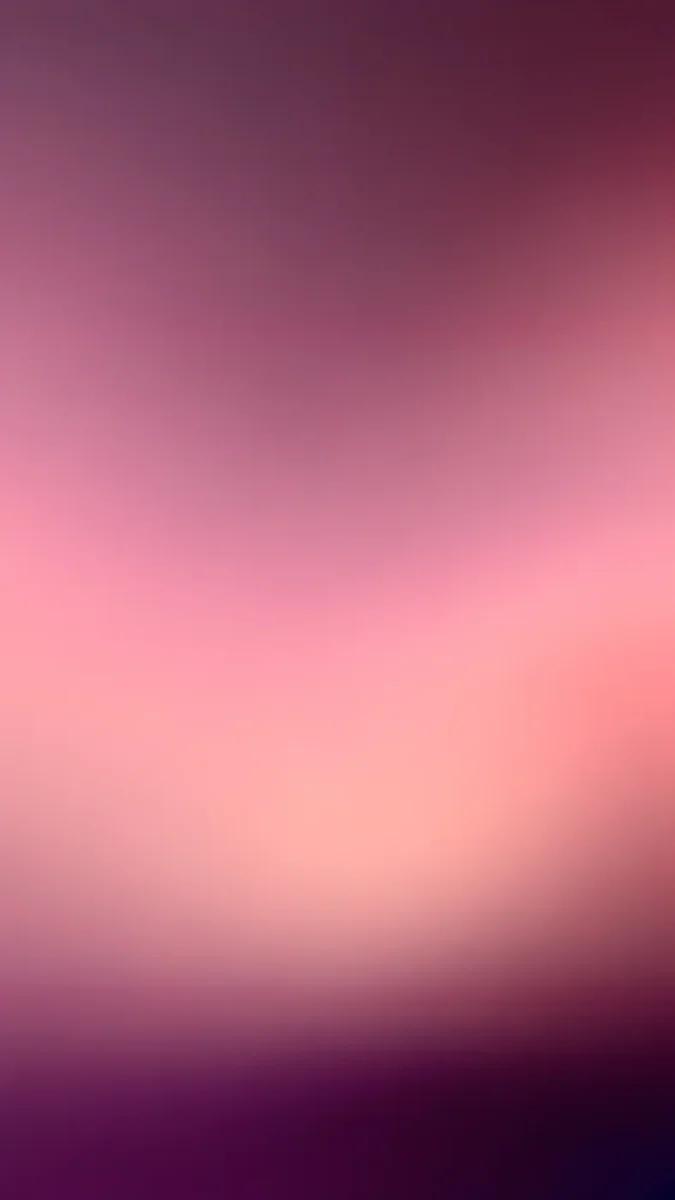 Plum Afterglow
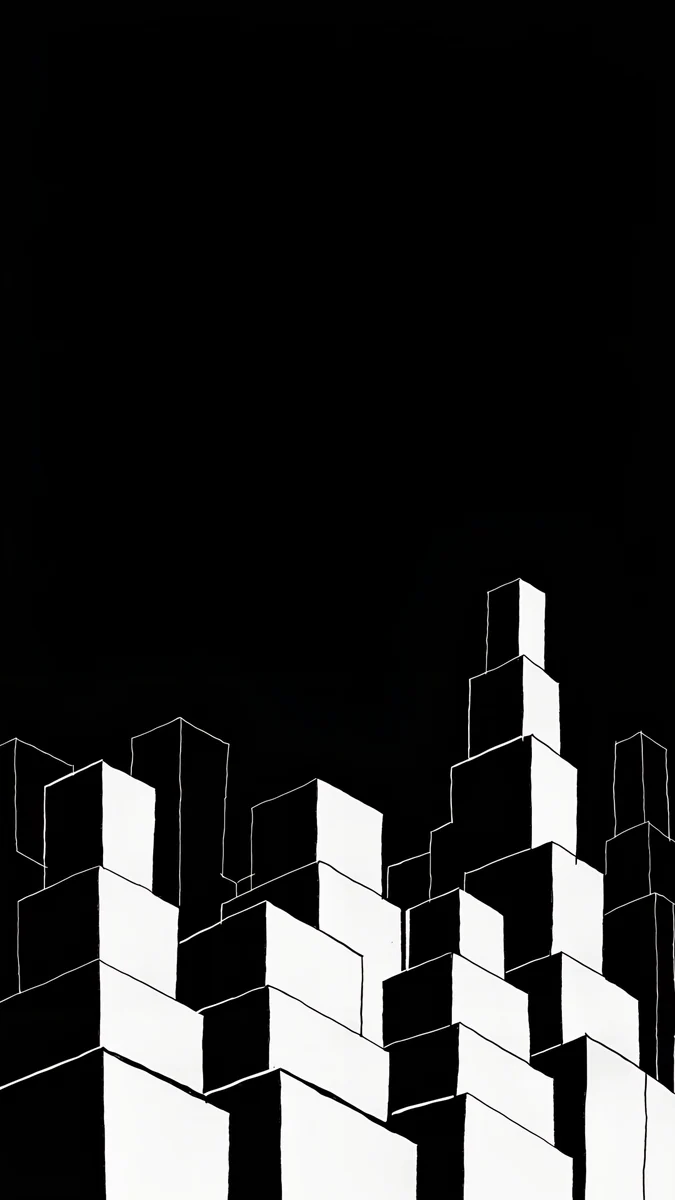 Night Blocks
 Indigo Passage
 Slate Light Cut
 Nautilus Stair
 Sky Pearl Terraces
 Petrol Current
 Lilac Drift
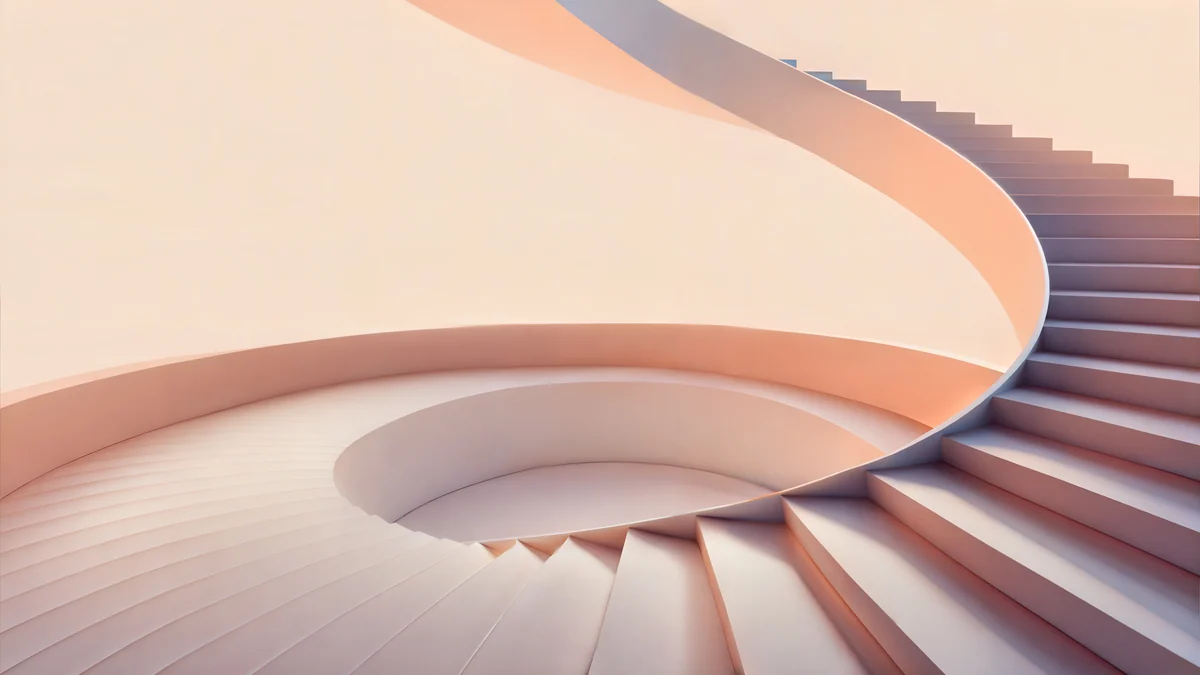 Peach Spiral Atrium
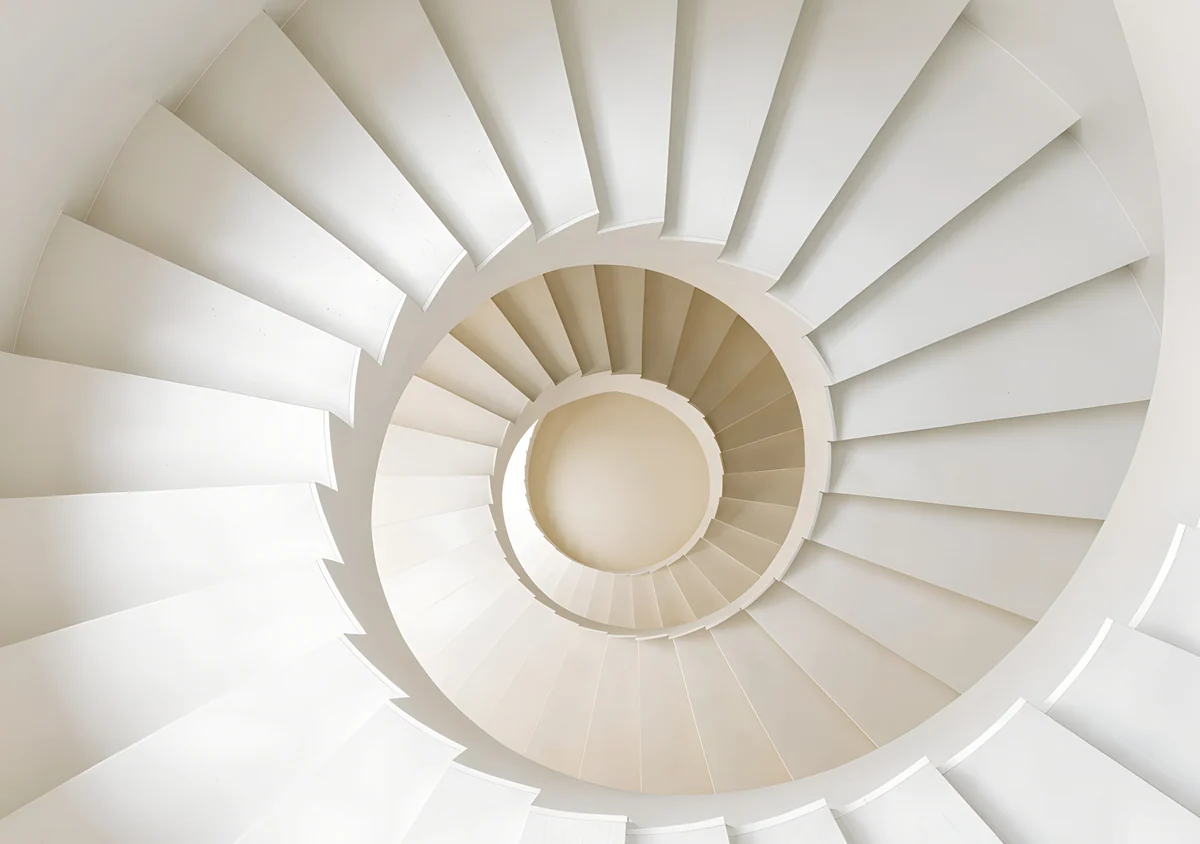 White Spiral Stairs Wide
Free 4K originals for iPhone and Android, no watermark
On this page
- Galaxy Tab S10 screens at a glance
- What rotation, the taskbar and split screen do
- 5K wallpapers that stay sharp both ways
- Dark wallpapers for the AMOLED Ultra and S10+
- Portrait picks for reading and drawing
- Wide files for the keyboard cover and DeX
- Picks for the S10 FE and FE+
- How to set a wallpaper on a Galaxy Tab S10
- Common problems and fixes
- Get these Galaxy Tab wallpapers in Velpaper
A good Galaxy Tab S10 wallpaper has its main shape in the middle of the frame and enough pixels for a wide screen and a tall one, because the tablet turns and One UI crops the same picture again each time. A 5120 × 2880 file covers both orientations on the S10+, the S10 FE and the S10 FE+. Dark wallpapers look deepest on the AMOLED Ultra and S10+, while the LCD FE models do better with mid tones and color.
Below are the S10 screens, what rotation and the taskbar do to a picture, and wallpapers for Galaxy Tab S10 sorted by how you hold it.
Galaxy Tab S10 screens at a glance
Samsung's spec pages list these displays, landscape width by height:
| Model | Screen | Resolution (pixels) | Panel |
|---|---|---|---|
| Galaxy Tab S10 Ultra | 14.6 inch | see our size guide | Dynamic AMOLED 2X |
| Galaxy Tab S10+ | 12.4 inch | 2800 × 1752 | Dynamic AMOLED 2X, 120 Hz |
| Galaxy Tab S10 FE+ | 13.1 inch | 2880 × 1800 | LCD, 90 Hz |
| Galaxy Tab S10 FE | 10.9 inch | 2304 × 1440 | LCD, 90 Hz |
The S10+ and both FE models are 16:10 screens and launched with Android 14. The resolution of every Galaxy Tab, from the A9 to the Ultra, is in our Galaxy Tab wallpaper size guide. This page is about which pictures look good on the S10 once you know the numbers.
What rotation, the taskbar and split screen do
The lessons from the iPad carry over almost one to one.
- Rotation. The wallpaper stays upright when you turn the tablet, so one image fills a wide frame and then a tall one. Only the middle band shows in both, so that is where the subject should sit.
- A phone file at 2160 × 3840 is sharp in portrait on every S10 and loses a little at the top and bottom. In landscape you see roughly the middle third of its height, enlarged by about 30 percent on the S10+ and FE+.
- A 4K desktop file at 3840 × 2160 is the mirror case: sharp in landscape, enlarged in portrait.
- A 5K file at 5120 × 2880, or a 4096 × 2880 wide file, has enough pixels both ways on the S10+, FE and FE+. In portrait only the middle third to half of its width remains.
- Taskbar and split screen. The taskbar runs along the bottom, and two or three apps side by side cover the center. Color that reaches the edges looks better than one small object in the middle.
5K wallpapers that stay sharp both ways
Wide pictures with no single point to lose. Turn the tablet and you only see more or less of the same texture.
Petrol Current5K · DesktopLilac Drift5K · DesktopPeach Spiral Atrium5K · DesktopWhite Spiral Stairs Wide4K · DesktopPetrol Current is deep teal silk folding across the whole frame, so any crop is more of the same waves. Lilac Drift loops thin glass rims over pale lilac, light enough for busy home screens. Peach Spiral Atrium curls a peach staircase around a center just left of the middle, which portrait keeps. White Spiral Stairs Wide looks down a white spiral whose round core sits dead center. The first three are free 5K files; the wide spiral unlocks after a short optional ad in the apps.
Dark wallpapers for the AMOLED Ultra and S10+
On Dynamic AMOLED black pixels stay dark, so a black or navy background gives the deepest look, and Samsung lists an anti-reflective screen on the S10+ that keeps dark pictures from turning into a mirror.
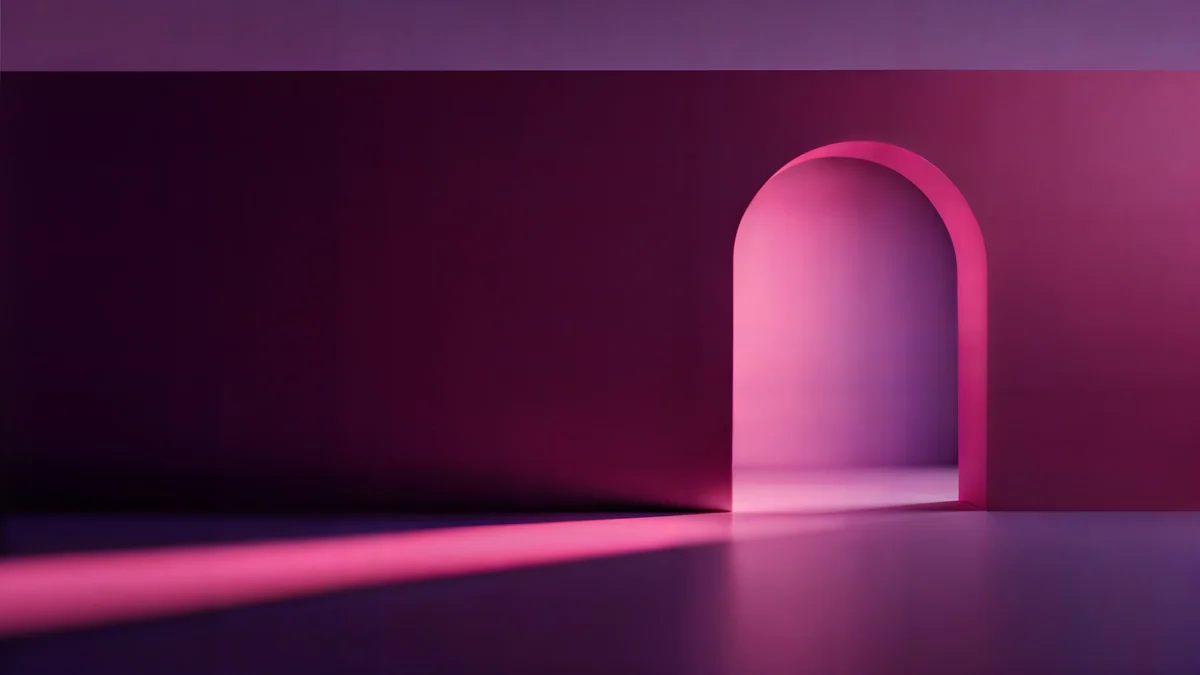 Rose Pulse Arcade5K · Desktop
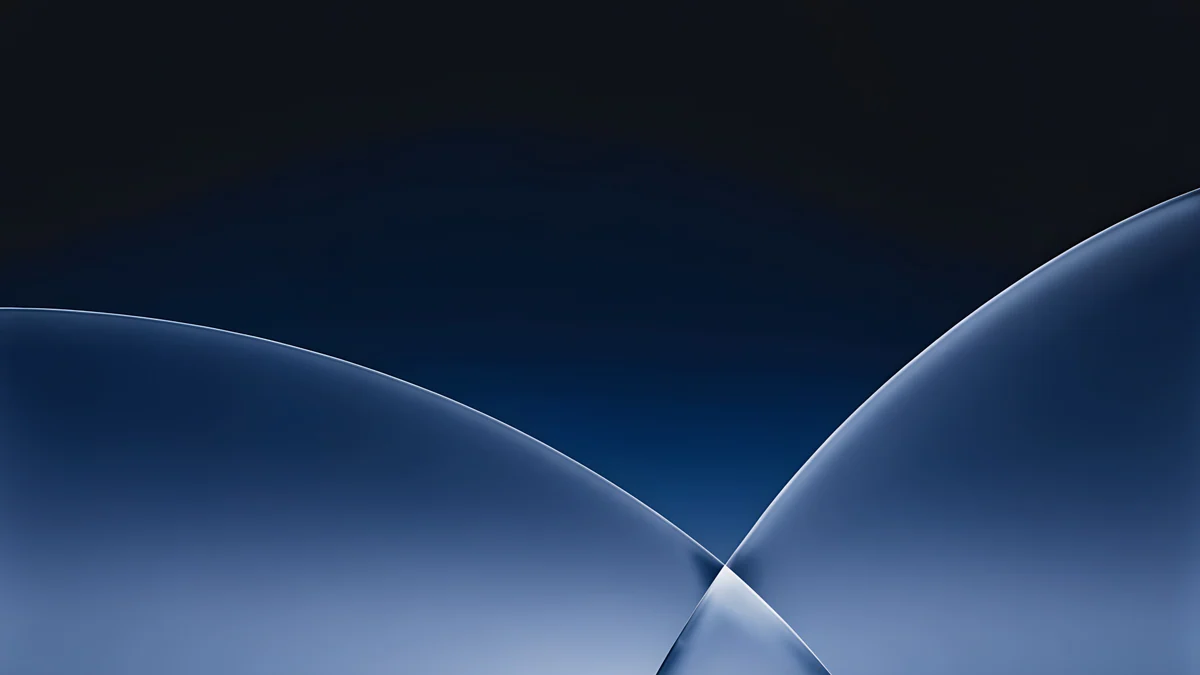 Cobalt Soft Horizon4K · DesktopNight Blocks4K · PhoneIndigo Passage4K · PhoneSlate Light Cut4K · Phone
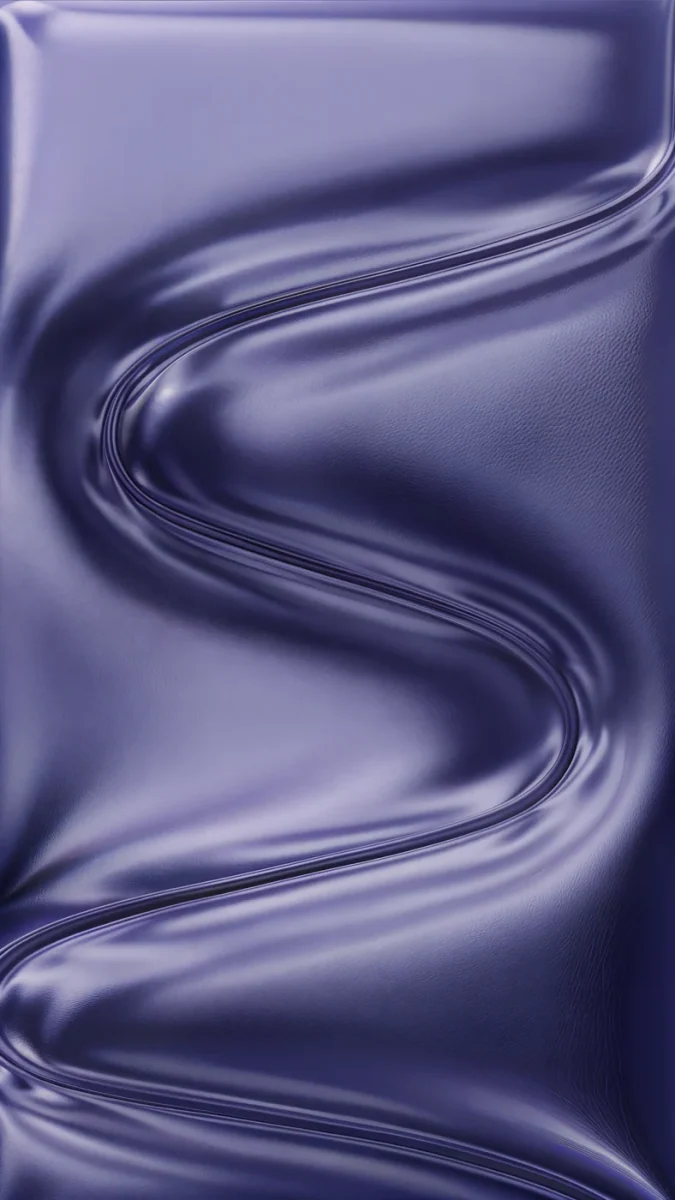
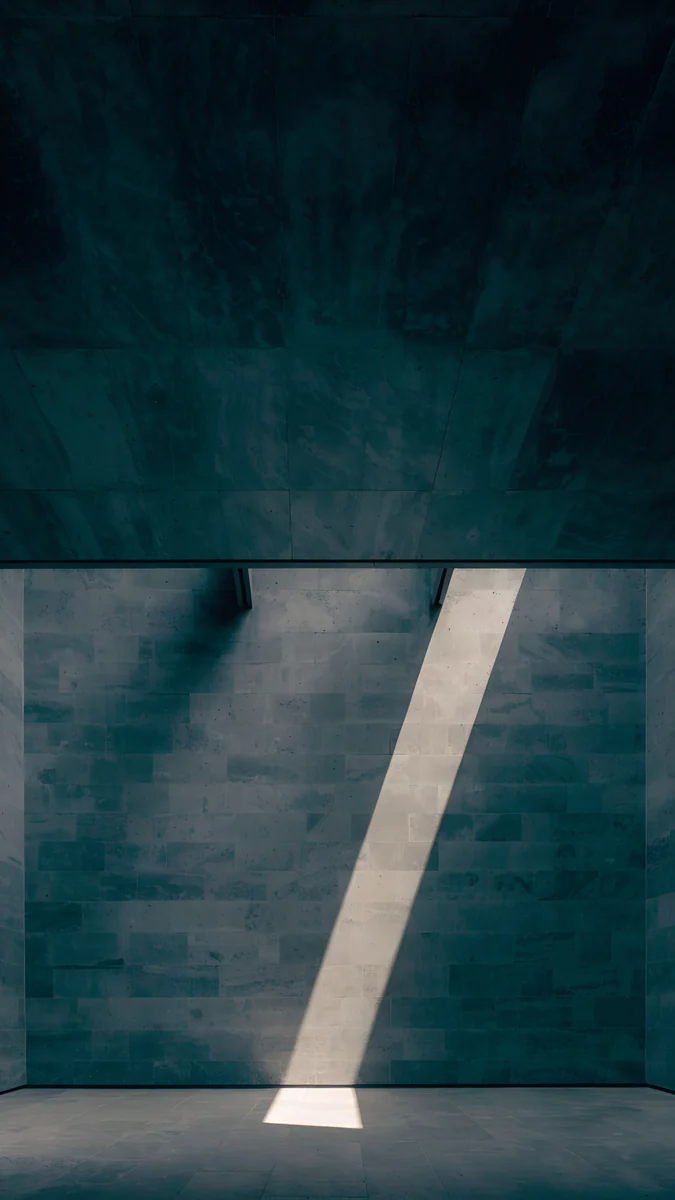
Rose Pulse Arcade is a glowing pink arch in a dark plum room, a 5K landscape pick; in portrait the arch can slip off the right side. Cobalt Soft Horizon crosses two thin glass arcs at the bottom center of a navy to black field, a free 4K file. Night Blocks draws white stepped towers in the lower corner of pure black. Indigo Passage is one satin ribbon in an S curve, and Slate Light Cut is a dark concrete room with a single beam of light. The last three are phone originals, best upright.
Portrait picks for reading and drawing
If the tablet lives upright for books, comics or S Pen sketches, start from a 2160 × 3840 phone original.
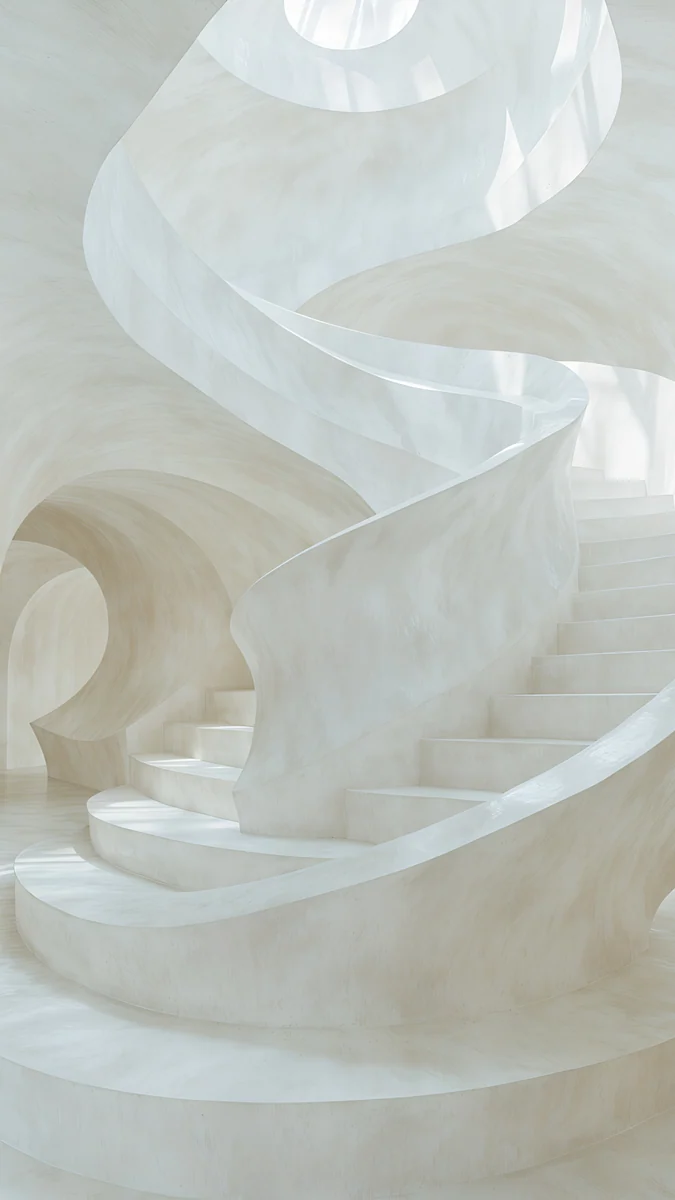
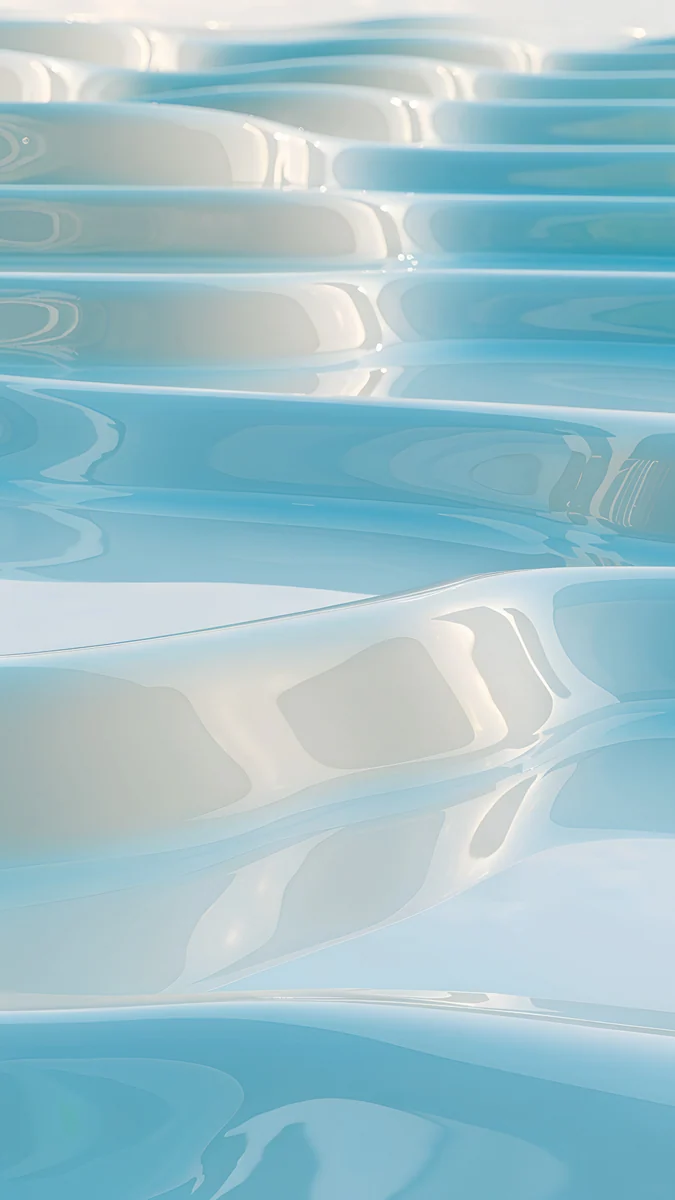
Emerald Velvet4K · PhoneWhite Spiral Stairs4K · PhoneNautilus Stair4K · PhoneSky Pearl Terraces4K · PhonePlum Afterglow4K · PhoneEmerald Velvet lays dark green velvet folds across the lower half under cream light, which leaves the clock area calm. White Spiral Stairs is a symmetrical white stair corridor that reads the same at any crop. Nautilus Stair is a pale shell-shaped staircase. Sky Pearl Terraces fills the frame with glossy pale blue pools, and Plum Afterglow is only a soft pink glow on plum, the calmest background for widgets.
Wide files for the keyboard cover and DeX
With a keyboard cover or in Samsung DeX the tablet is a small laptop, so compose for landscape.
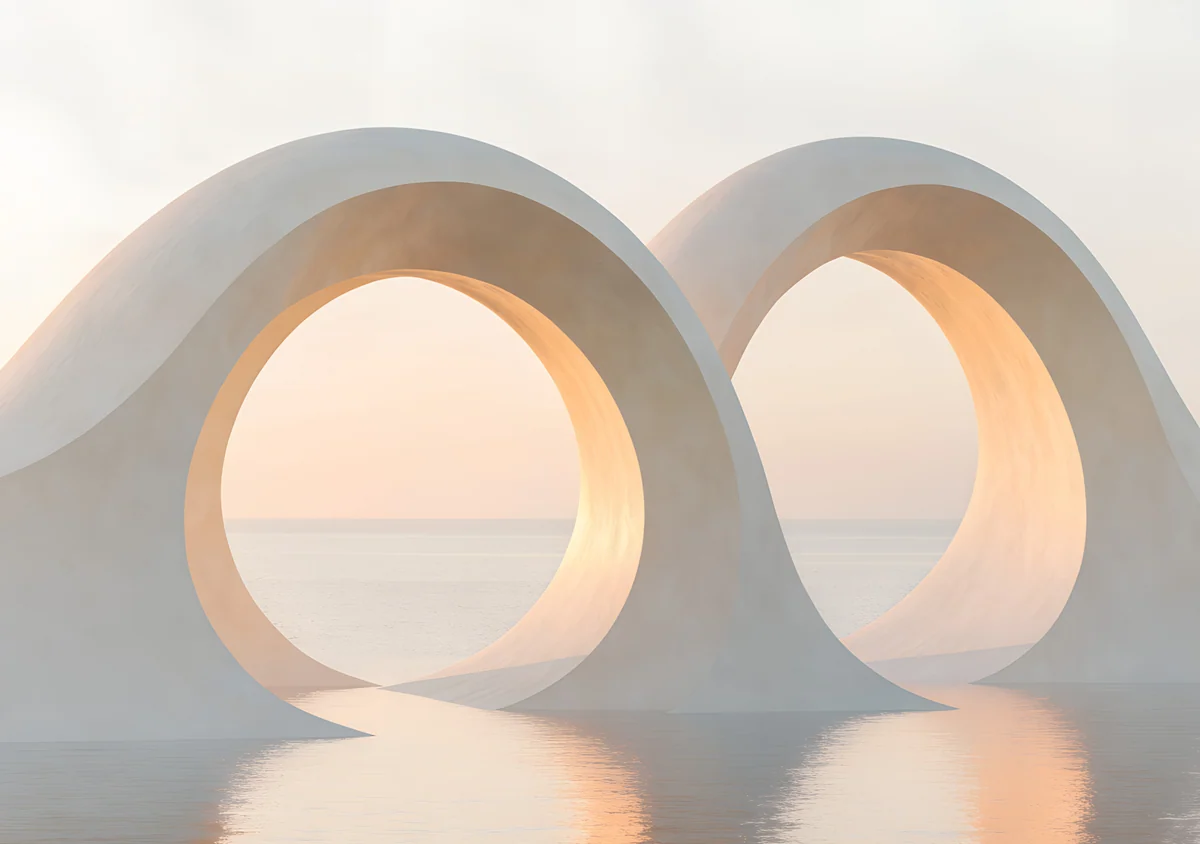 Twin Arches Sea Wide4K · Desktop
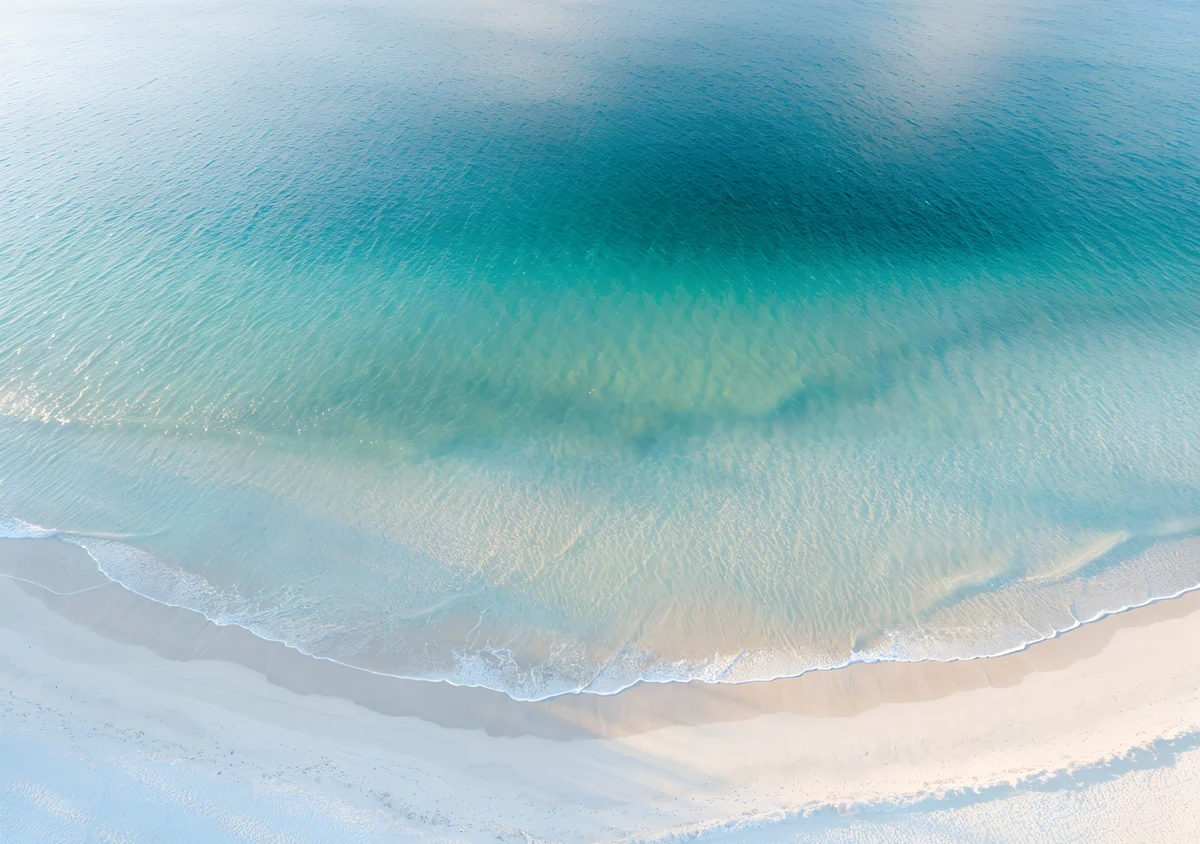 Turquoise Sandbar Wide4K · Desktop
 Violet Liquid Fold Wide4K · Desktop
 Mirror Gold Glass Wide4K · Desktop
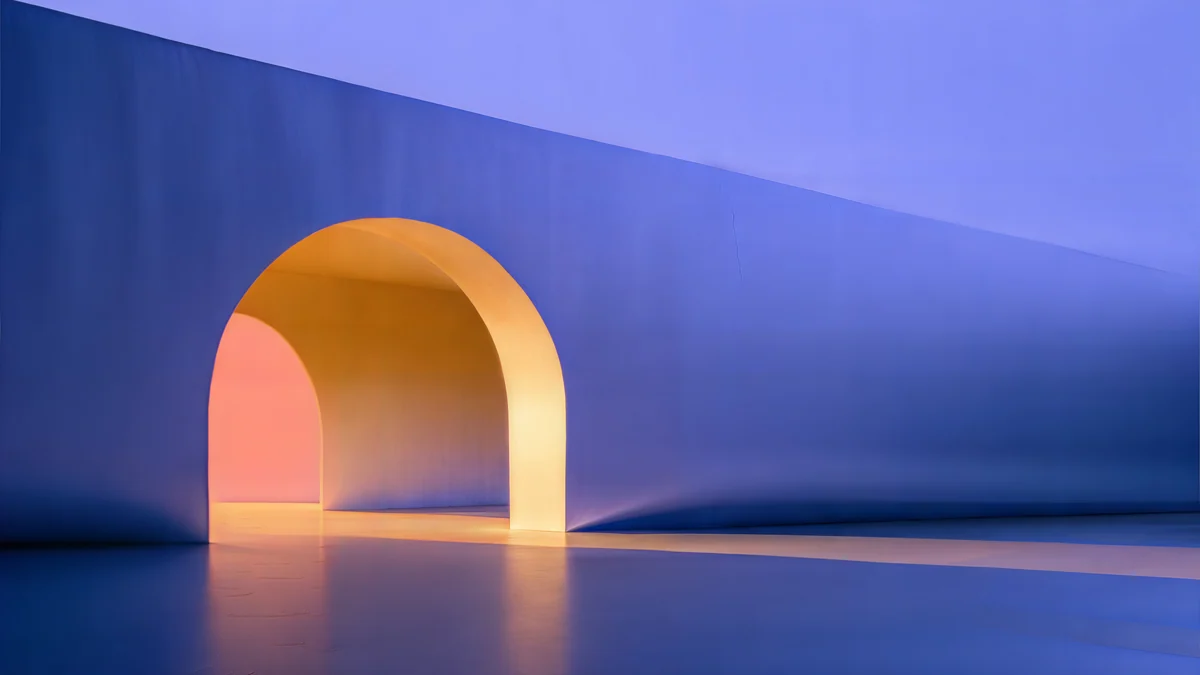 Solar Indigo Gate5K · Desktop
Twin Arches Sea Wide sets two white loops over a calm sunrise sea, centered. Turquoise Sandbar Wide is an aerial view of clear water and white sand with no edge to lose. Violet Liquid Fold Wide rolls glossy violet waves under a lilac sky, and Mirror Gold Glass Wide faces two chrome forms toward each other in the middle. These four are 4096 × 2880, sharp in both orientations, and unlock after an optional ad. Solar Indigo Gate is a free 5K file with a glowing orange arch on the left of a long indigo wall, so keep it for landscape.
Picks for the S10 FE and FE+
The FE models use an LCD, so black is a dark grey rather than true black and a pure black wallpaper looks flat. Mid tones and color suit them better: Lilac Drift, Petrol Current, Sky Pearl Terraces and Twin Arches Sea Wide all hold up. The FE at 2304 × 1440 is the smallest screen of the series, so a phone file barely needs enlarging in landscape there. On the FE+ the 5K files are the safe choice, because 2880 pixels match its long side exactly.
For iPads and other Android tablets, see our tablet wallpapers collection.
How to set a wallpaper on a Galaxy Tab S10
- Download the original from the wallpaper page in the Velpaper app or on velpaper.com. Browser downloads land in the Download album in Gallery.
- Open Settings and tap Wallpaper and style.
- Tap Change wallpapers, then Gallery, and pick the image.
- Choose Lock screen, Home screen or both.
- Pinch and drag so the main shape sits in the center, then tap Done.
- Turn the tablet once and check the other orientation.
The shortcut is Gallery: open the picture, tap the three-dot menu, then Set as wallpaper. Menu names match recent One UI versions in English and can differ slightly between updates. The lock screen editor is covered in Samsung lock screen wallpaper.
Common problems and fixes
- The subject vanishes after rotating. It sits outside the middle band. Pick a centered or edge-to-edge picture from the sets above.
- It looks soft in one orientation. A phone or 4K file is being enlarged. Switch to a 5K or 4096 × 2880 file.
- It looks soft everywhere. You saved a preview, a screenshot or a picture from a chat app. Download the original again.
- The wallpaper is zoomed in further than you set it. Our guide to Android wallpaper zoom shows how to stop One UI from enlarging the picture.
- Icons are hard to read over the taskbar. Choose a picture with a calm bottom edge, such as Emerald Velvet or Plum Afterglow.
Get these Galaxy Tab wallpapers in Velpaper
Velpaper is an app for iPhone, iPad, Mac and Android, and every wallpaper is also on velpaper.com. Phone wallpapers are 4K originals at 2160 × 3840, desktop wallpapers are 4K and some are 5K, all without a watermark and without an account. The 4K and 5K desktop files in this article download for free. Phone wallpapers and the 4096 × 2880 wide files unlock after a short optional ad in the Velpaper apps; on the website, if no ad is available, the phone original downloads for free. The wallpapers are designed by Carlos Vivero.
Next step: open Petrol Current, save the 5K original, set it on your Tab S10 and turn the tablet once to check both views.
Original wallpapers in 4K and 5K for iPhone, Android and desktop.
Questions
What is the best wallpaper for a Galaxy Tab S10?
One with its main shape in the middle band and enough pixels for both orientations, because the tablet shows a different window of the same picture in landscape and portrait. Petrol Current is a strong pick: deep teal silk waves fill the whole 5K frame, so any crop works and it stays sharp both ways on the S10+, S10 FE and S10 FE+. For a dark AMOLED look on the Ultra or S10+, try Rose Pulse Arcade or Cobalt Soft Horizon. If the tablet mostly sits upright, a phone original such as Emerald Velvet is the better start.
What resolution is the Galaxy Tab S10+ screen?
Samsung lists the Galaxy Tab S10+ at 2800 × 1752 pixels on a 12.4 inch Dynamic AMOLED 2X screen with up to 120 Hz. The S10 FE+ is 2880 × 1800 on a 13.1 inch LCD, and the S10 FE is 2304 × 1440 on a 10.9 inch LCD, both up to 90 Hz. The Ultra has a 14.6 inch Dynamic AMOLED 2X screen; its exact resolution and every other Galaxy Tab are in our Galaxy Tab wallpaper size guide. A 5120 × 2880 file is larger than the S10+, FE and FE+ screens in both orientations.
Can I use a phone wallpaper on a Galaxy Tab S10?
Yes, if you hold the tablet upright most of the time. A 2160 × 3840 phone original is wider than every S10 screen in portrait, so it stays sharp and loses only a little at the top and bottom. In landscape the same file shows about the middle third of its height and has to be enlarged by roughly 30 percent on the S10+ and FE+, which softens fine lines. For a tablet in a keyboard cover, use a 5K or 4096 × 2880 wide file instead.
Do dark wallpapers look better on the Tab S10 Ultra?
On the Ultra and the S10+ they do, because both use a Dynamic AMOLED 2X screen where black areas stay truly dark, so a black or navy background looks deep and calm at night. The S10 FE and FE+ use an LCD with a backlight, so black shows as dark grey and a pure black picture can look flat. On the FE models, mid tones and soft color, such as Lilac Drift or Sky Pearl Terraces, usually look richer than an all black wallpaper.
Are these Galaxy Tab S10 wallpapers free?
Browsing and previewing are free on velpaper.com and in the Velpaper apps for iPhone, iPad, Mac and Android. The 4K and 5K desktop files in this article, such as Petrol Current, Lilac Drift and Solar Indigo Gate, download for free. Phone wallpapers and the 4096 × 2880 wide files unlock after a short optional ad in the Velpaper apps; on the website, if no ad is available, the phone original downloads for free. There is no account or subscription, and the files have no watermark.
Carlos Vivero
Designer of Velpaper wallpapers
Carlos Vivero designs the wallpapers in Velpaper: quiet architecture, liquid glass, Japanese ink and calm landscapes. Every piece is made as a 4K original for iPhone, Android and desktop.
Recent work








