Tablet Wallpaper in 4K: 19 Picks That Survive the Crop
Nineteen 4K and 5K tablet wallpapers for iPad, Galaxy Tab and Pixel Tablet, sorted by portrait and landscape, with the crop maths for 4:3 and 16:10 screens.
In short: A good tablet wallpaper keeps its subject in the centre, because a 4:3 iPad cuts 25 percent and a 16:10 Android tablet cuts 10 percent from any 16:9 or 9:16 file. Use a 2160 × 3840 phone file for a tablet held upright and a 5120 × 2880 file for one in a keyboard case; the 19 pieces here pass that test.
By the Velpaper team · Wallpapers by Carlos Vivero, Velpaper designer · · 7 min read
 Celadon Haze
 Midnight Flow
 Glacier Spiral Well
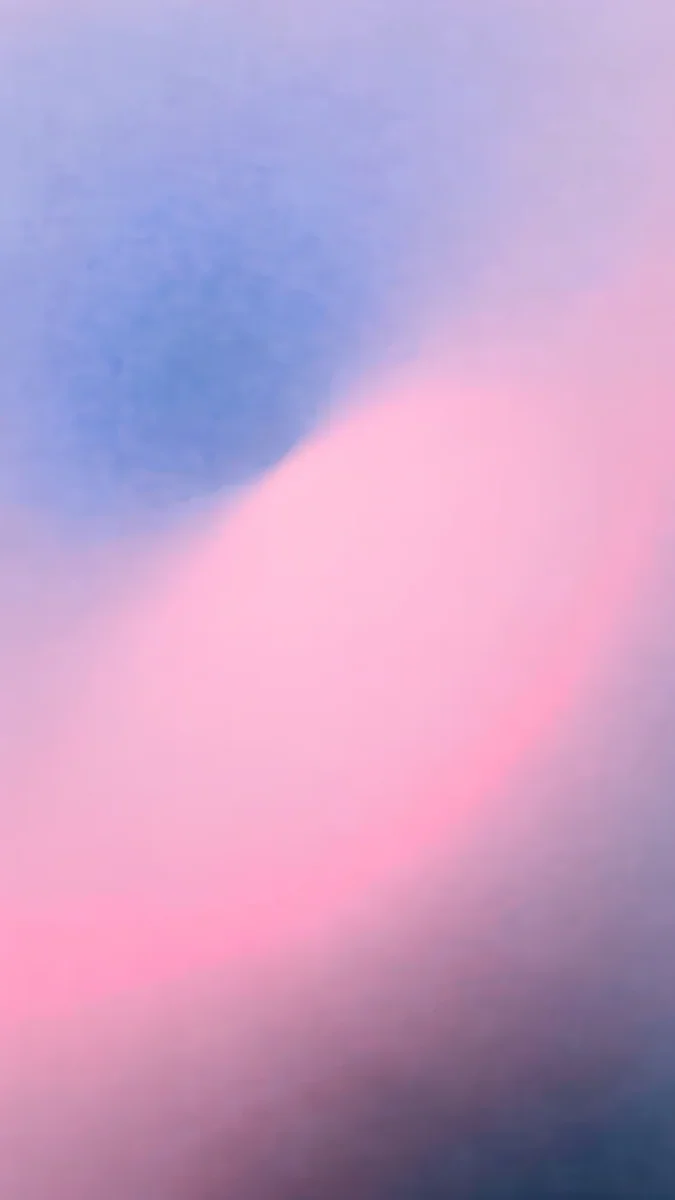 Lilac Hush
 Liquid Light
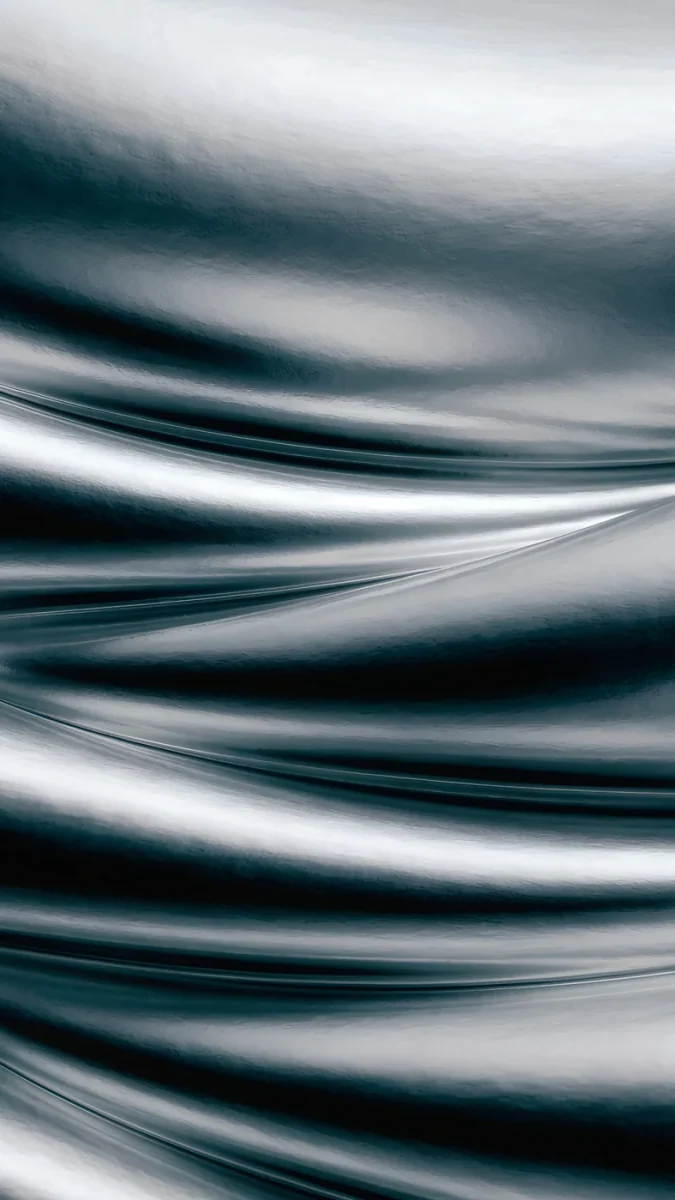 Moon Silver
 Tidal Quiet
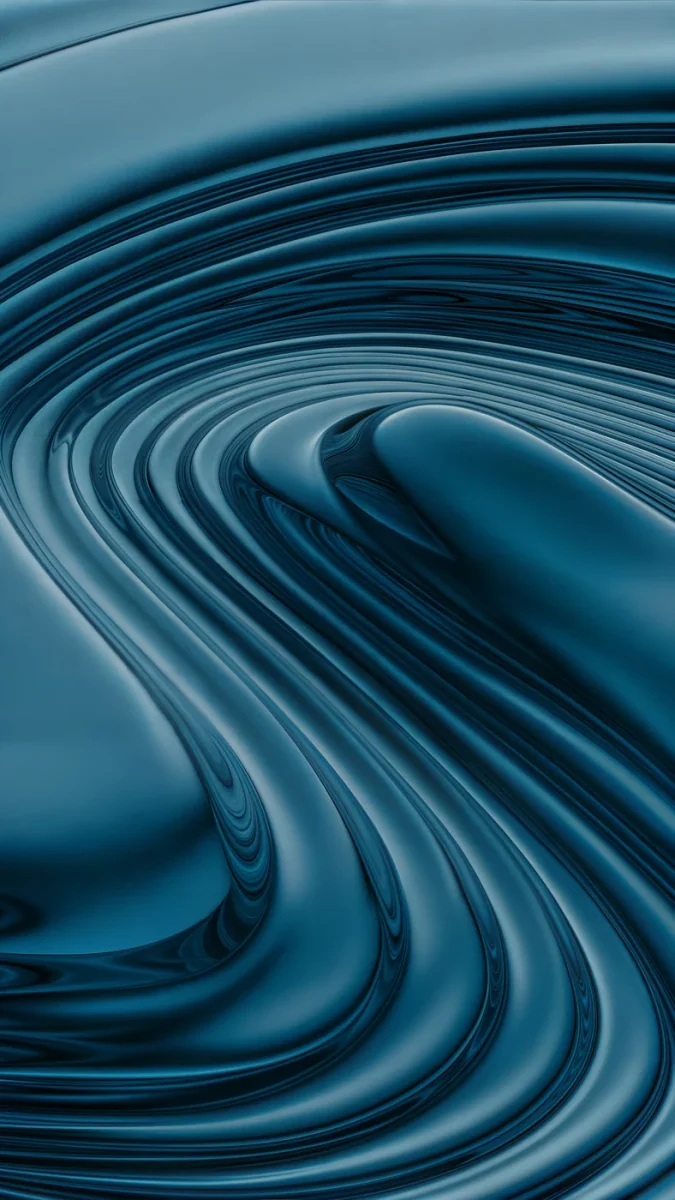 Petrol Terraces
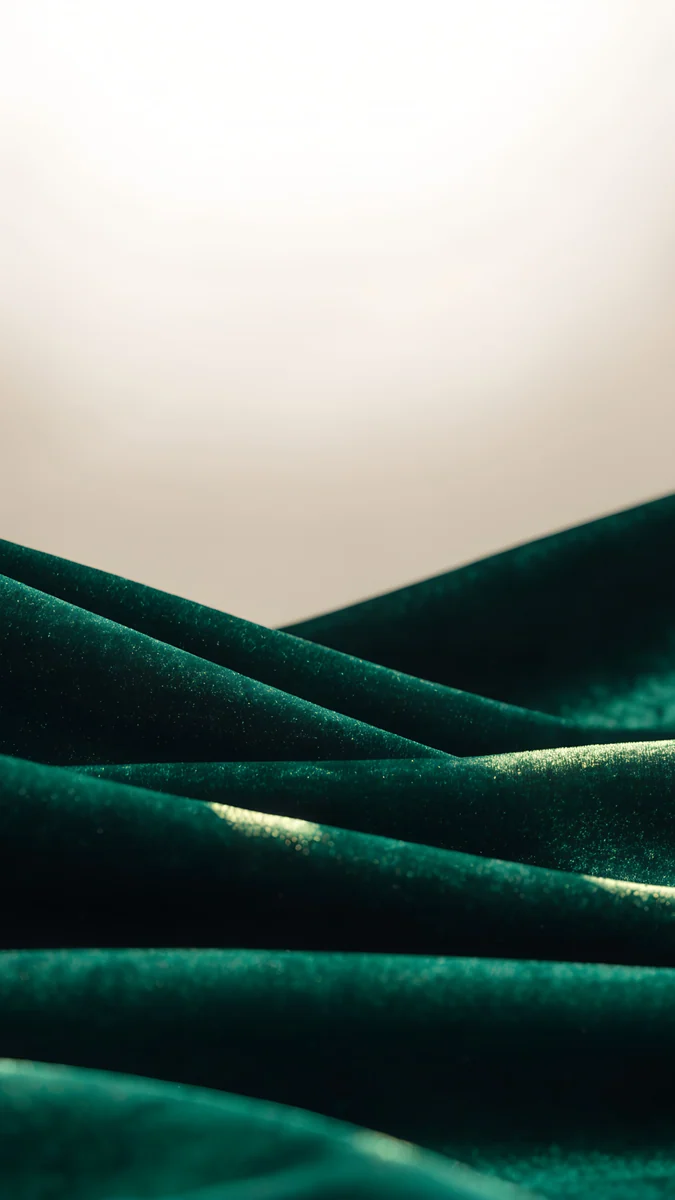 Emerald Velvet
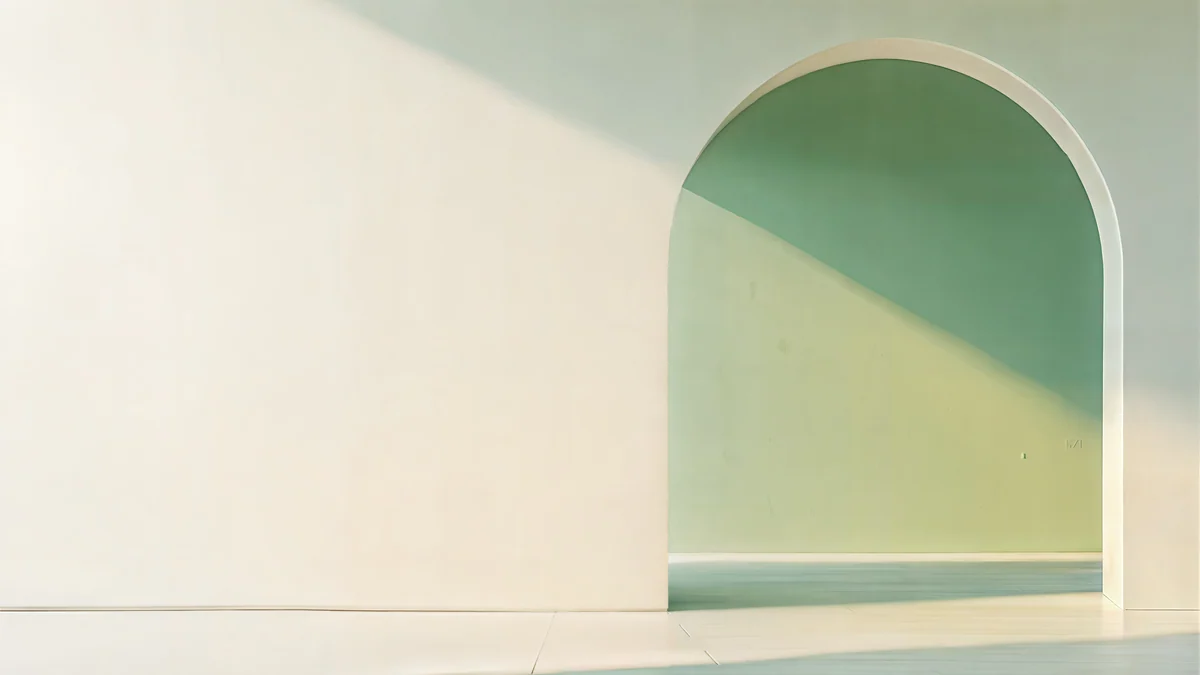 Sage Sun Gallery
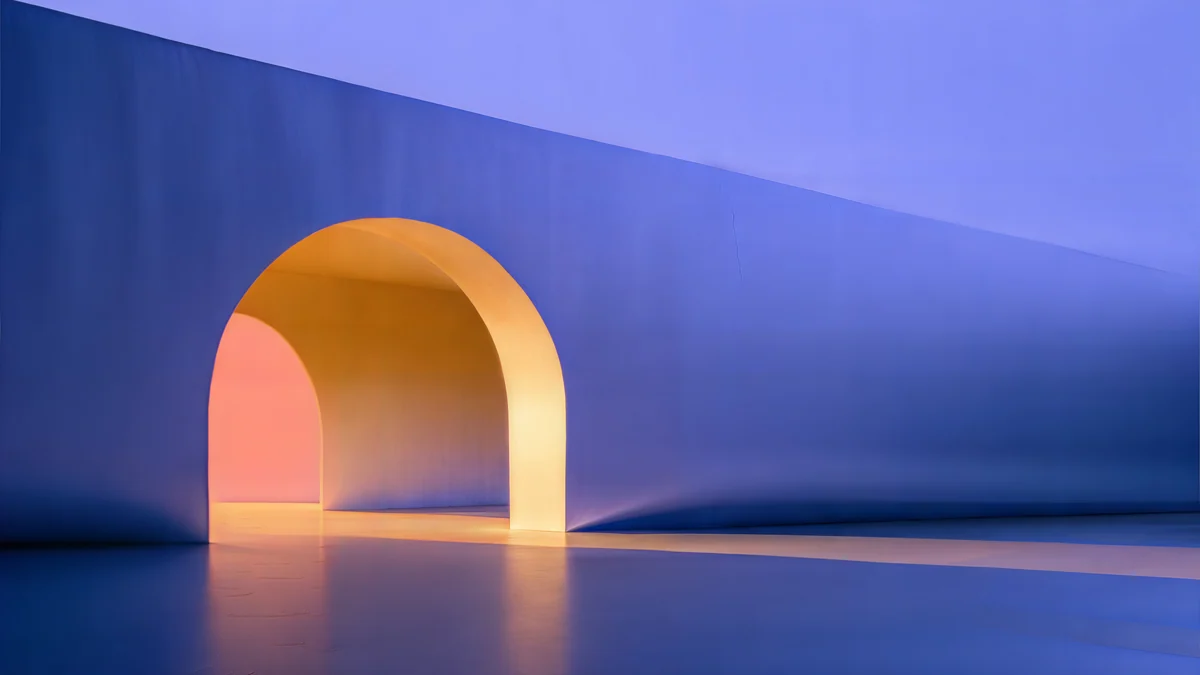 Solar Indigo Gate
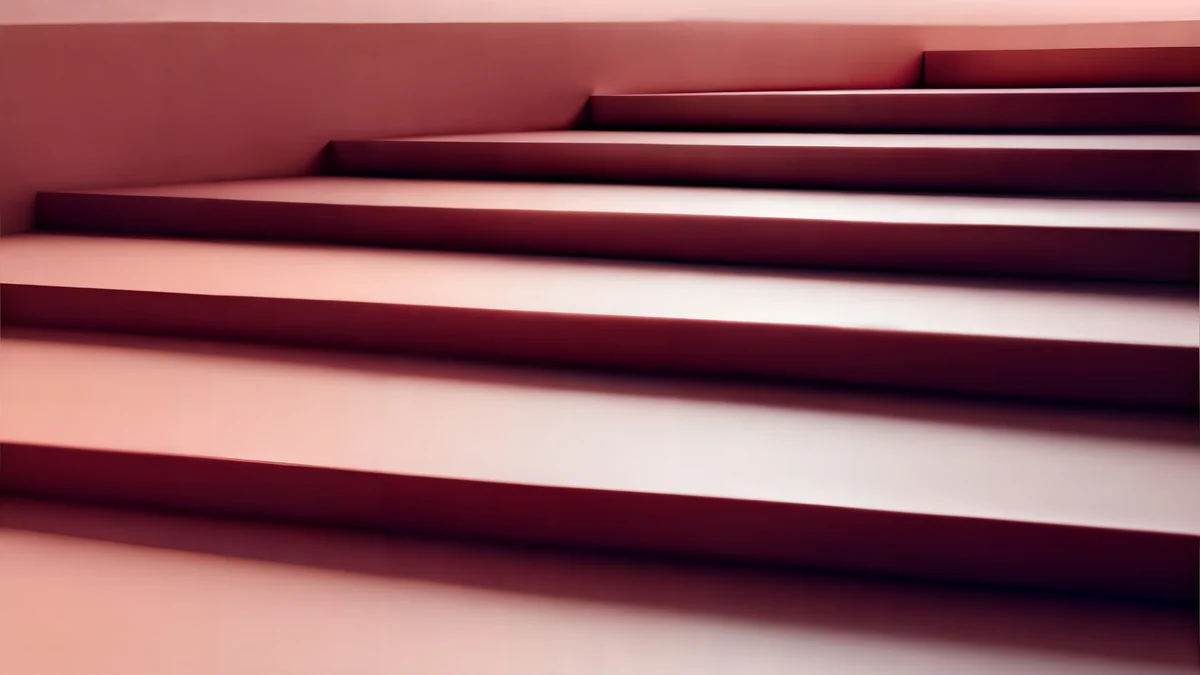 Rose Terrace Strata
Free 4K originals for iPhone and Android, no watermark
On this page
A tablet wallpaper has a harder job than a phone wallpaper: the screen is squarer, 4:3 on a 13-inch iPad and 16:10 on most Android tablets, and it turns. A 3840 × 2160 desktop file loses 25 percent of its width on a 4:3 iPad in landscape, and a 2160 × 3840 phone file loses 25 percent of its height in portrait. This set has 19 tablet wallpapers in 4K and 5K whose subject sits in the calm centre, so the crop takes only sky, water or gradient.
Eleven are phone files for a tablet you hold upright, and eight are wide files for a tablet in a keyboard case, four of them at 5120 × 2880 so they stay sharp both ways. The exact pixel size of every iPad is in our iPad wallpaper size guide, and Samsung models are in the Galaxy Tab wallpaper size guide; this page is about which pictures survive.
Why every wallpaper gets cropped on a tablet
Wallpapers are made in two shapes, 16:9 for desktops and 9:16 for phones. No tablet is either. The system fills the screen and trims whatever hangs over the edge.
| Tablet | Resolution | Shape | Cut from a 16:9 or 9:16 file |
|---|---|---|---|
| iPad Pro 13-inch | 2064 × 2752 | 4:3 | 25 percent |
| iPad Air 13-inch | 2048 × 2732 | 4:3 | 25 percent |
| iPad Air 11-inch, iPad (A16) | 1640 × 2360 | 1.44:1 | 19 percent |
| iPad mini | 1488 × 2266 | 1.52:1 | 14 percent |
| Galaxy Tab S10 Ultra | 2960 × 1848 | 16:10 | 10 percent |
| Galaxy Tab S9, Pixel Tablet | 2560 × 1600 | 16:10 | 10 percent |
| Galaxy Tab A9+, Fire HD 10 | 1920 × 1200 | 16:10 | 10 percent |
The cut is split between the two sides: on a 13-inch iPad a wide file loses about 12 percent on the left and 12 percent on the right, and a tall file loses the same at the top and the bottom. A picture with a moon in the top corner or a doorway at the far edge loses it. A picture with the subject in the middle and a soft field around it does not change at all.
Rotation adds a second crop. If you set a wide file and then hold the iPad upright, iPadOS enlarges the picture until it fills the height and shows only the central 42 percent of its width. That is why the centre matters more than anything else on a tablet.
What is in this tablet set
Every piece below passes the centre test. The file column tells you which orientation it was made for; the last column says whether it also survives the other one.
| Wallpaper | Mood | File | Best for |
|---|---|---|---|
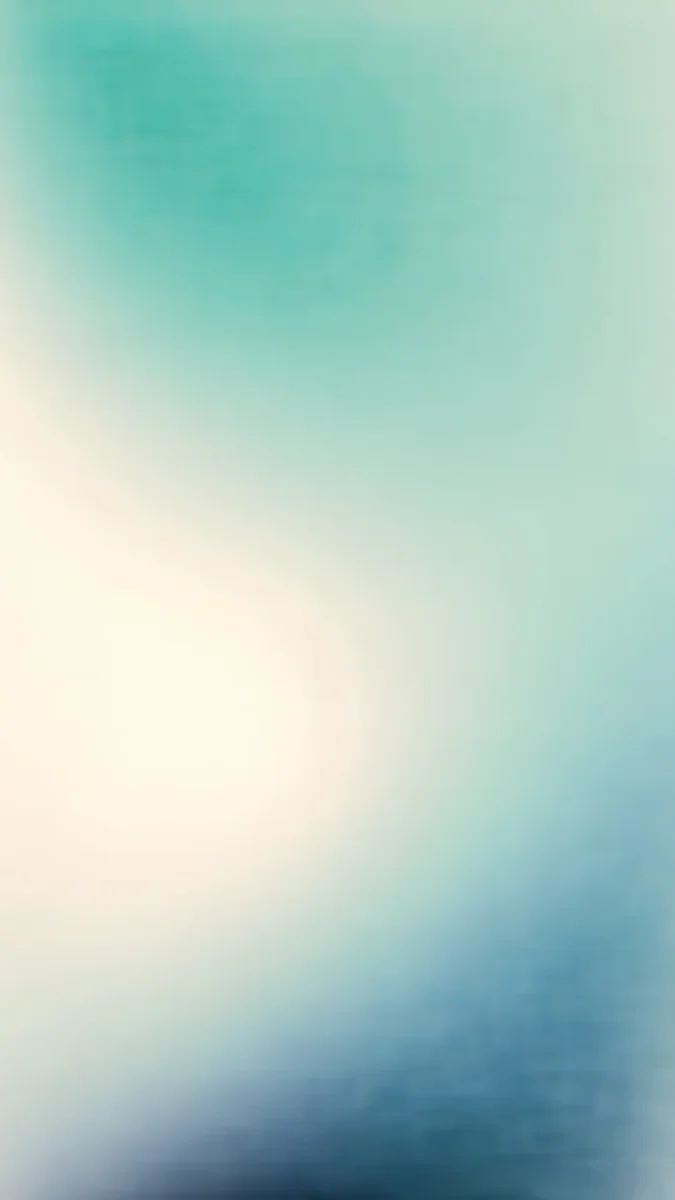
| Celadon Haze | Mint and cream gradient | 2160 × 3840 | Portrait, lock screen clock |
| Lilac Hush | Lilac and pink gradient | 2160 × 3840 | Portrait, lock screen clock |
| Liquid Light | Pale glass ribbons | 2160 × 3840 | Portrait, home screen |
| Moon Silver | Silver silk folds | 2160 × 3840 | Portrait, home screen |
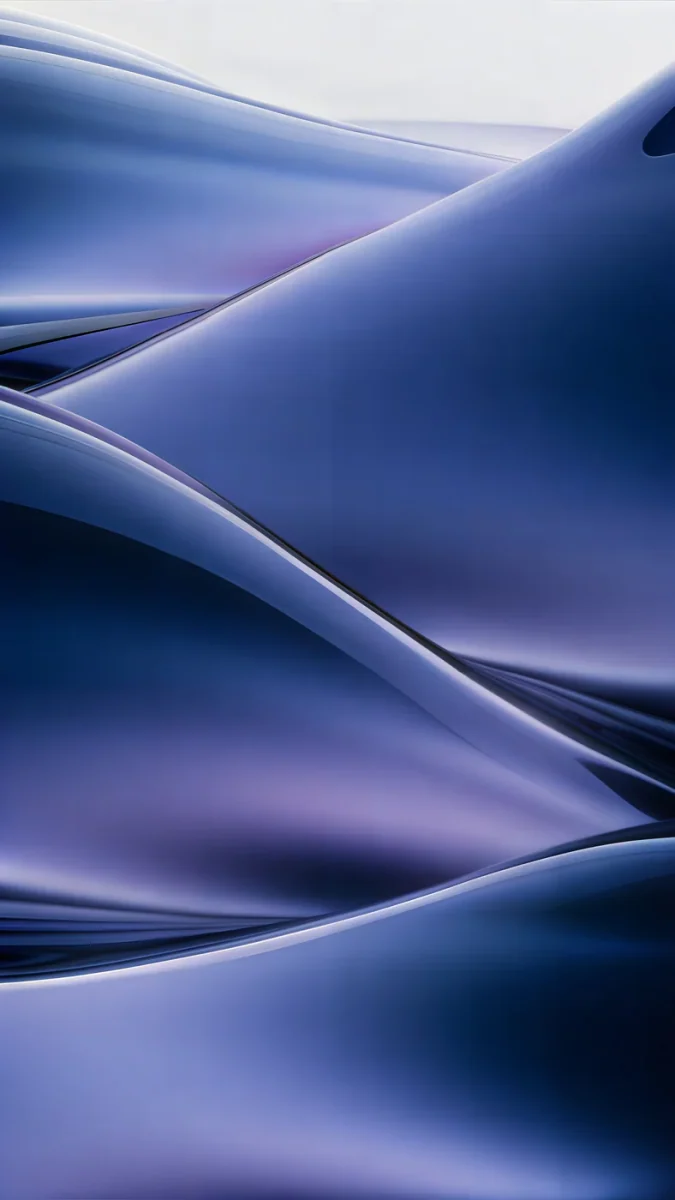
| Midnight Flow | Indigo dunes | 2160 × 3840 | Portrait, OLED |
| Petrol Terraces | Dark teal swirl | 2160 × 3840 | Portrait, OLED |
| Sage Passage | Green river of light | 2160 × 3840 | Portrait, home screen |
| Mint Contours | Green glass curves | 2160 × 3840 | Portrait, home screen |
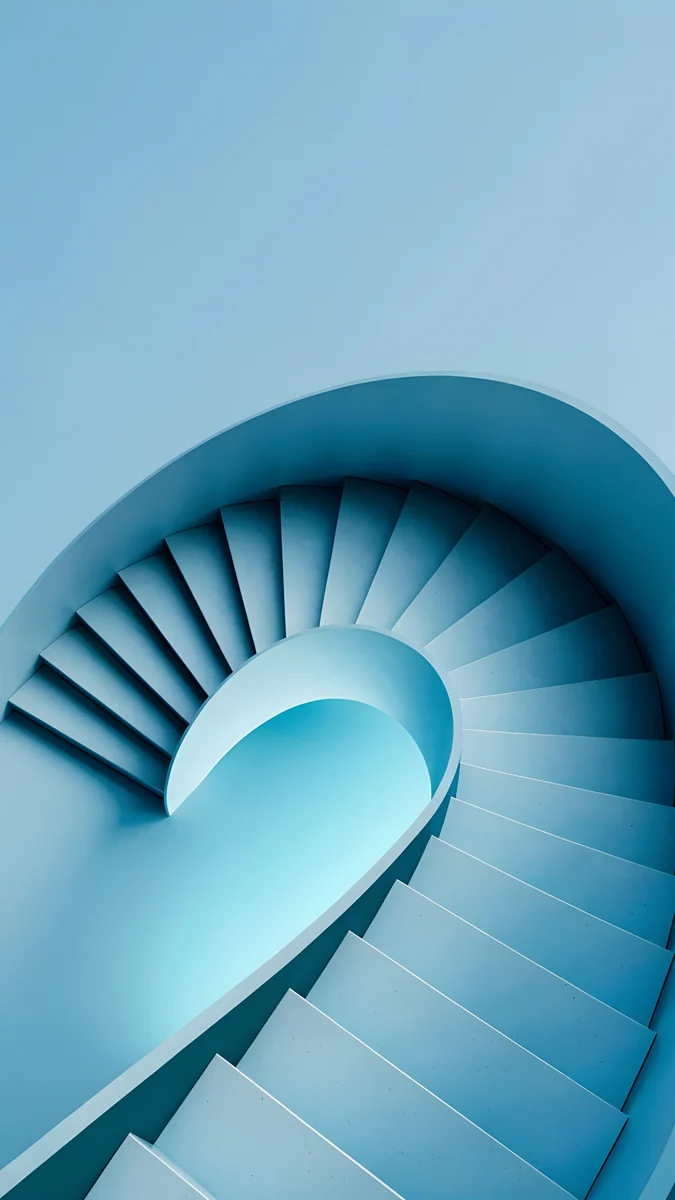
| Glacier Spiral Well | Ice blue spiral stair | 2160 × 3840 | Portrait, lock screen clock |
| Emerald Velvet | Green velvet, pale top | 2160 × 3840 | Portrait, OLED |
| Tidal Quiet | Aerial coast, free | 2160 × 3840 | Portrait, home screen |
| Sage Sun Gallery | Cream wall, green arch | 5120 × 2880 | Both orientations |
| Solar Indigo Gate | Blue wall, amber arch | 5120 × 2880 | Both orientations |
| Petrol Current | Dark blue dunes | 5120 × 2880 | Both orientations, OLED |
| Rose Terrace Strata | Pink stone steps | 5120 × 2880 | Both orientations |
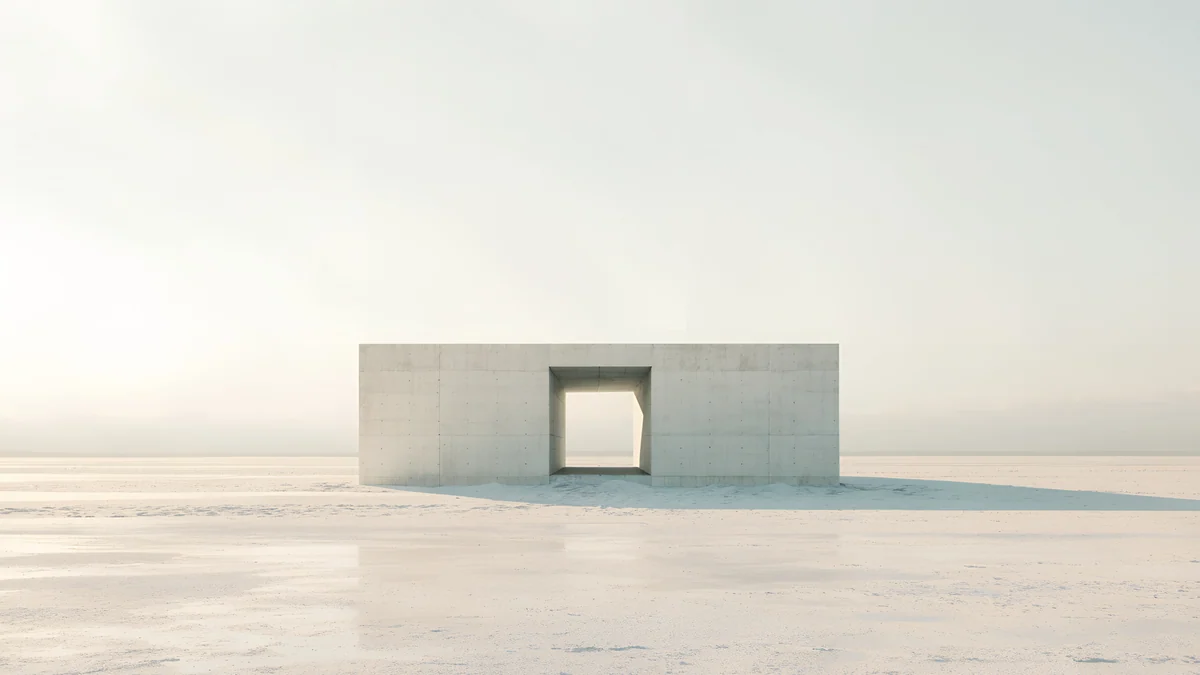
| Concrete Dome | White dome on a plain | 3840 × 2160 | Landscape |
| Monolith on the Plain | Grey box in mist | 3840 × 2160 | Landscape |
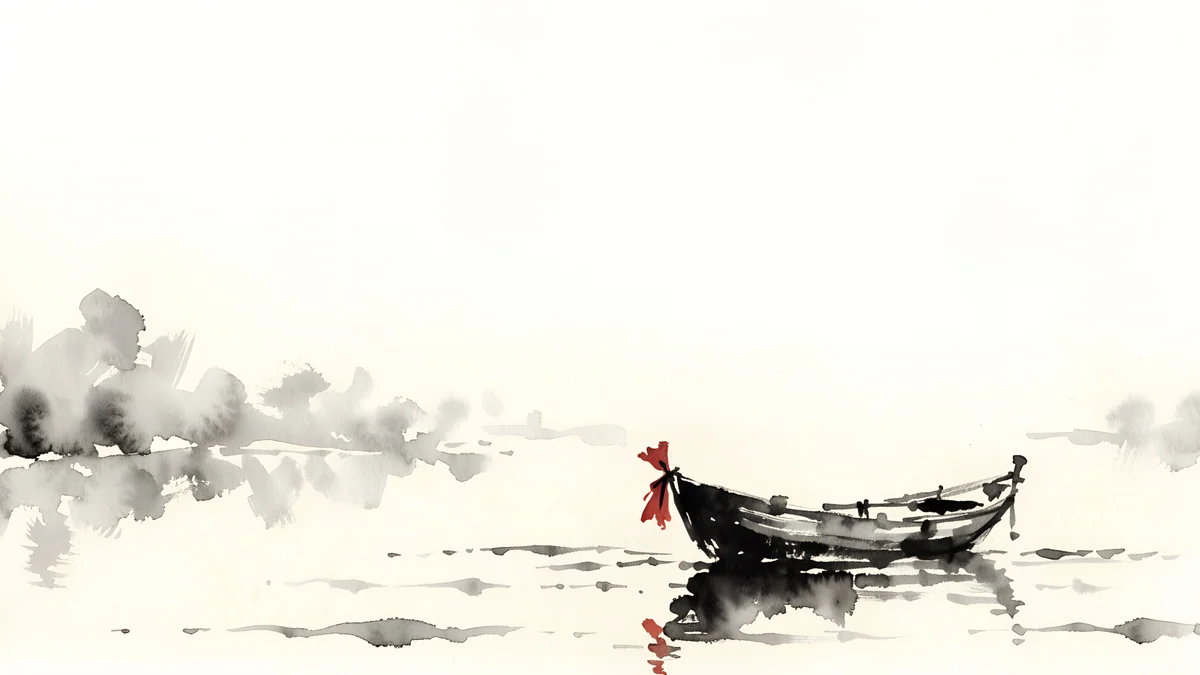
| Ink Quiet Lake | Ink boat on paper | 3840 × 2160 | Landscape, light mode |
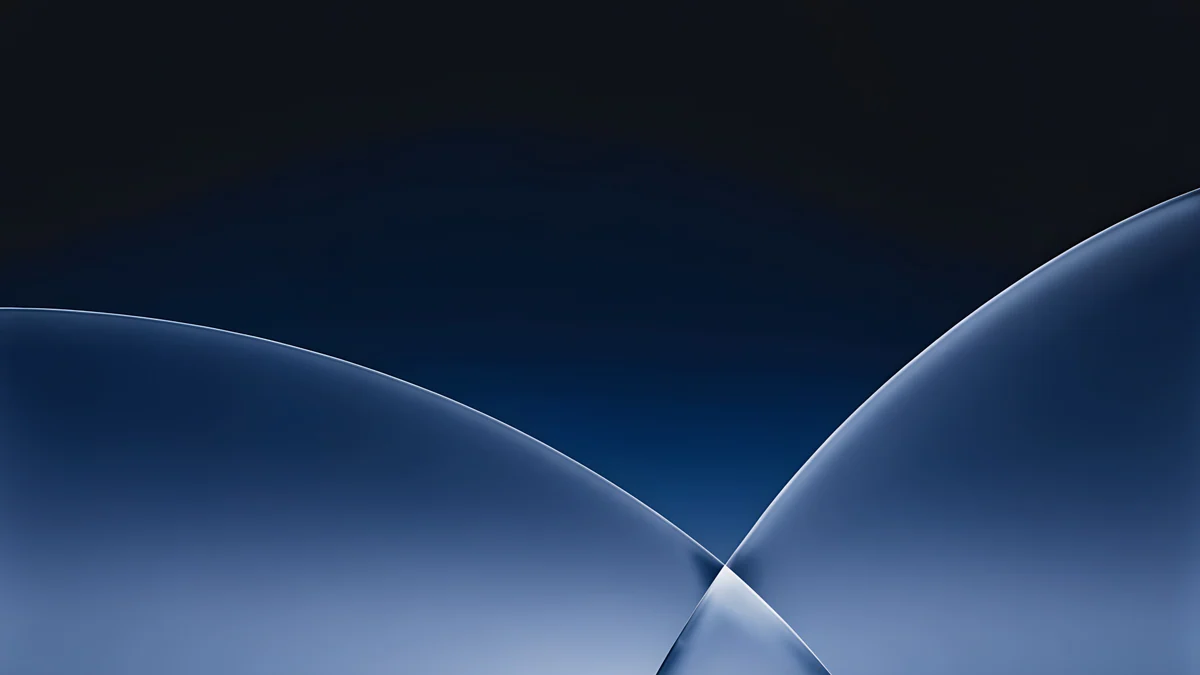
| Cobalt Soft Horizon | Dark blue curves | 3840 × 2160 | Landscape, OLED |
All the wide files are free to download. The phone files unlock after a short optional ad in the apps, apart from Tidal Quiet, which is free.
Portrait tablet wallpapers: iPad mini and reading in bed
If your tablet lives upright, for books, notes or video calls, a 2160 × 3840 phone file is the right start. Its 2160 pixel width covers every iPad and Android tablet, and the crop only removes the top and the bottom strips.
Celadon Haze4K · PhoneLilac Hush4K · PhoneLiquid Light4K · PhoneMoon Silver4K · PhoneGlacier Spiral Well4K · PhoneTidal Quiet4K · PhoneCeladon Haze and Lilac Hush are gradients with no subject at all, mint into cream and lilac into pink, so there is nothing to lose and the clock reads anywhere. Lilac Hush is the pick for anyone searching for a pink tablet wallpaper; more in that palette is in our aesthetic iPad wallpapers collection.
Liquid Light and Moon Silver are textures, glass ribbons on a pale field and silver silk folds, that fill the frame edge to edge. Glacier Spiral Well puts an ice blue spiral stair dead centre, where the 4:3 crop cannot reach it. Tidal Quiet, an aerial view of rocks and turquoise water, is the one free photographic piece in the set.
Landscape tablet wallpapers for a keyboard case
A tablet in a Magic Keyboard or a Book Cover Keyboard spends its life wide, and the wallpaper sits behind a row of icons and a dock. The wide files are made for that, with the subject centred and the lower edge quiet.
Sage Sun Gallery5K · DesktopSolar Indigo Gate5K · DesktopRose Terrace Strata5K · Desktop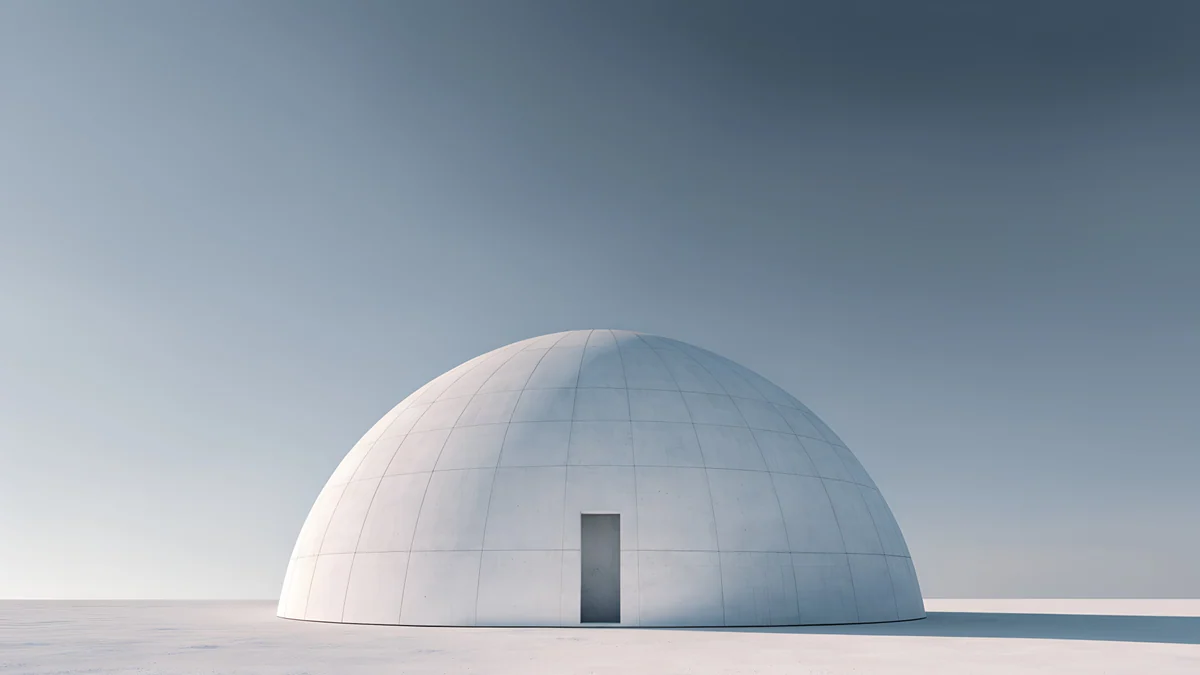 Concrete Dome4K · Desktop
 Monolith on the Plain4K · Desktop
 Ink Quiet Lake4K · Desktop
The four 5120 × 2880 files are the safest buy on a tablet. Their short side, 2880 pixels, is taller than the 2752 pixel height of the 13-inch iPad Pro, so iPadOS never has to enlarge them, even when you turn the tablet upright. Sage Sun Gallery is a cream wall with one green arch of light; Solar Indigo Gate is its night version, a blue wall with an amber doorway. Rose Terrace Strata is a flight of pink stone steps that reads as a pattern from any angle. The rest of the 5K series is in 5K desktop wallpapers.
Concrete Dome, Monolith on the Plain and Ink Quiet Lake are 3840 × 2160, one object in the middle of an empty plain or a sheet of paper. They are perfect in landscape; in portrait on a 13-inch iPad the system has to enlarge them by about a quarter, which is still fine at arm's length but not as crisp as the 5K files.
Dark tablet wallpapers for OLED
The 13-inch iPad Pro with M4 or M5 and the Galaxy Tab S10 Ultra use OLED panels, so a dark wallpaper there is truly dark and the icons seem to sit on nothing.
Midnight Flow4K · PhonePetrol Terraces4K · Phone Petrol Current5K · Desktop
 Cobalt Soft Horizon4K · DesktopEmerald Velvet4K · Phone
Midnight Flow is a field of indigo dunes with a soft highlight on each ridge; Petrol Terraces is a dark teal swirl that fills the frame. Petrol Current is the wide 5K cousin of Midnight Flow and works both ways. Cobalt Soft Horizon keeps three dark blue curves meeting in a glow, and Emerald Velvet adds a pale band at the top that becomes the clock field in portrait.
None of these is pure black, which is deliberate: a tablet is held further away than a phone, and a little tone in the dark areas keeps the picture from looking switched off.
How to set a wallpaper on iPad and Android tablets
On iPad with iPadOS 26:
- Save the file to Photos.
- Open Settings, Wallpaper, then Add New Wallpaper, and choose Photos.
- Pinch and drag to place the subject under or beside the clock, then tap Add.
- Pick Set as Wallpaper Pair, then rotate the iPad once to check the other orientation before you close Settings.
On a Galaxy Tab with One UI 8:
- Open Settings, Wallpaper and style, then Change wallpapers.
- Choose Gallery and pick the file.
- Choose Lock screen, Home screen or both, adjust the crop and tap Done.
On a Pixel Tablet the path is Settings, Wallpaper & style, More wallpapers, My photos. Amazon tablets hide the option one level deeper; the steps are in how to change the wallpaper on a Fire tablet.
Original wallpapers in 4K and 5K for iPhone, Android and desktop.
Questions
What size should a tablet wallpaper be?
At least as large as the screen in both directions, and ideally larger on the short side so the tablet can rotate without enlarging the picture. The biggest current tablets are the 13-inch iPad Pro at 2064 × 2752 pixels and the Galaxy Tab S10 Ultra at 2960 × 1848. A 2160 × 3840 phone file covers every tablet in portrait. A 5120 × 2880 file covers every tablet in both orientations, because its short side is taller than the tallest tablet screen. A 3840 × 2160 file is sharp in landscape on all of them.
Can I use a phone wallpaper on a tablet?
Yes, if you mostly hold the tablet upright. A 2160 × 3840 phone wallpaper is wider than any tablet screen, so the system scales it down and trims the top and the bottom: about 25 percent of the height on a 4:3 iPad, 10 percent on a 16:10 Android tablet. Pick a picture whose subject sits in the middle, such as a gradient, a texture or a centred shape. Turn the tablet sideways and the same file has to be enlarged to fill the width, so for a keyboard case a wide file is the better choice.
Why does my tablet wallpaper look zoomed in?
Because the picture and the screen have different shapes, and the tablet fills the screen rather than leaving bars. A 16:9 desktop image on a 4:3 iPad shows only three quarters of its width; a phone image shows only three quarters of its height. If the subject was near an edge, it disappears and what is left looks enlarged. Two fixes: choose a picture with the subject in the centre, or use a 5120 × 2880 file, which has enough pixels that the tablet never has to scale it up. On iPad you can also pinch in the wallpaper editor to reframe before you tap Add.
Which tablet wallpapers work in both portrait and landscape?
The four 5K pieces in this set: Sage Sun Gallery, Solar Indigo Gate, Petrol Current and Rose Terrace Strata. Each is 5120 × 2880 pixels with the subject in the middle. In landscape the iPad shows almost the whole picture; in portrait it shows the central strip, which is still 2880 pixels tall, more than the 2752 pixel height of the 13-inch iPad Pro, so nothing is enlarged. Gradients such as Celadon Haze and Lilac Hush also look right both ways, because they have no subject to lose.
Are these tablet wallpapers free?
The eight wide files, including the four 5K ones, are free to download from velpaper.com and the apps for iPhone, iPad, Mac and Android. The phone files unlock after a short optional ad in the apps, except Tidal Quiet, which is free. On the website, if no ad is available, the original downloads at no cost. Every file is a 4K or 5K original without a watermark, and there is no account or subscription.
Carlos Vivero
Designer of Velpaper wallpapers
Carlos Vivero designs the wallpapers in Velpaper: quiet architecture, liquid glass, Japanese ink and calm landscapes. Every piece is made as a 4K original for iPhone, Android and desktop.
Recent work