Galaxy Tab Wallpaper Size: Every Model, A9 to S10 Ultra
Galaxy Tab wallpaper size for every recent Samsung tablet from the A9 to the Tab S10 Ultra, why rotation changes the crop, and how to set it step by step.
In short: Galaxy Tab screens range from 1340 × 800 on the Tab A9 to 2960 × 1848 on the Tab S8, S9 and S10 Ultra. Because the tablet turns, use a 3840 × 2160 file if you mostly hold it in landscape, a 2160 × 3840 file for portrait, or a 5120 × 2880 file to cover both on every model.
By the Velpaper team · Wallpapers by Carlos Vivero, Velpaper designer · · Updated · 5 min read
Free 4K originals for iPhone and Android, no watermark
On this page
A Galaxy Tab wallpaper has one problem a phone wallpaper does not: the screen turns. The same picture has to fill a wide landscape frame on the desk and a tall portrait frame on the sofa, and Samsung tablets come in sizes from 8.7 to 14.6 inches.
Below are the native resolutions of recent Galaxy Tab models, what happens to your picture when the tablet rotates, and which file size covers both orientations without going soft.
Galaxy Tab wallpaper size by model
Samsung lists tablet resolutions in landscape, width by height. Most current Galaxy Tab screens are 16:10; the Tab A9 and Tab S6 Lite are slightly wider.
| Model | Screen | Resolution (pixels) |
|---|---|---|
| Galaxy Tab S10 Ultra, S9 Ultra, S8 Ultra | 14.6" | 2960 × 1848 |
| Galaxy Tab S10+, S9+, S8+ | 12.4" | 2800 × 1752 |
| Galaxy Tab S9, S8 | 11" | 2560 × 1600 |
| Galaxy Tab S9 FE+ | 12.4" | 2560 × 1600 |
| Galaxy Tab S9 FE | 10.9" | 2304 × 1440 |
| Galaxy Tab S6 Lite | 10.4" | 2000 × 1200 |
| Galaxy Tab A9+ | 11" | 1920 × 1200 |
| Galaxy Tab A9 | 8.7" | 1340 × 800 |
The Tab S10 series launched without a base 11-inch model, so the S9 is still the reference for that size. For newer tablets such as the Tab S11 series or the S10 FE, check Samsung's spec page or measure the screen yourself with the trick further down.
Why rotation changes the crop
A tablet wallpaper is cropped to fit the screen. When you turn the tablet, One UI crops the same image again for the new shape. How much it keeps depends on the One UI version, but the rule behind it holds on every model: the file needs enough pixels in both directions.
Take the Tab S10 Ultra at 2960 × 1848.
- A 3840 × 2160 desktop file fills landscape easily: it is scaled down and loses about five percent on each side. In portrait the screen is 2960 pixels tall, but the file is only 2160 tall, so One UI has to enlarge it by more than a third. Fine lines go soft.
- A 2160 × 3840 phone file is the mirror case: sharp in portrait, enlarged in landscape.
- A 5120 × 2880 file is scaled down in landscape and needs only about three percent of enlargement in portrait, which nobody can see. On the Plus models, the 11-inch tablets and below it is scaled down in both orientations.
So a 5K desktop file is the one size that stays sharp both ways on every Galaxy Tab. The catch is the portrait crop: only the middle third of a wide picture remains. Choose an image whose main shape sits near the centre, with calm space at the sides.
Which file to choose
Think about how you really hold the tablet.
- Mostly landscape, with a keyboard cover or on a stand: a 3840 × 2160 desktop wallpaper, composed for a wide screen.
- Mostly portrait, for reading or social apps: a 2160 × 3840 phone wallpaper. The same rules as in our Android wallpaper size guide apply, except that the small crop happens at the top and bottom instead of the sides, because a tablet is wider than a phone.
- Both: a 5120 × 2880 file with a centred subject.
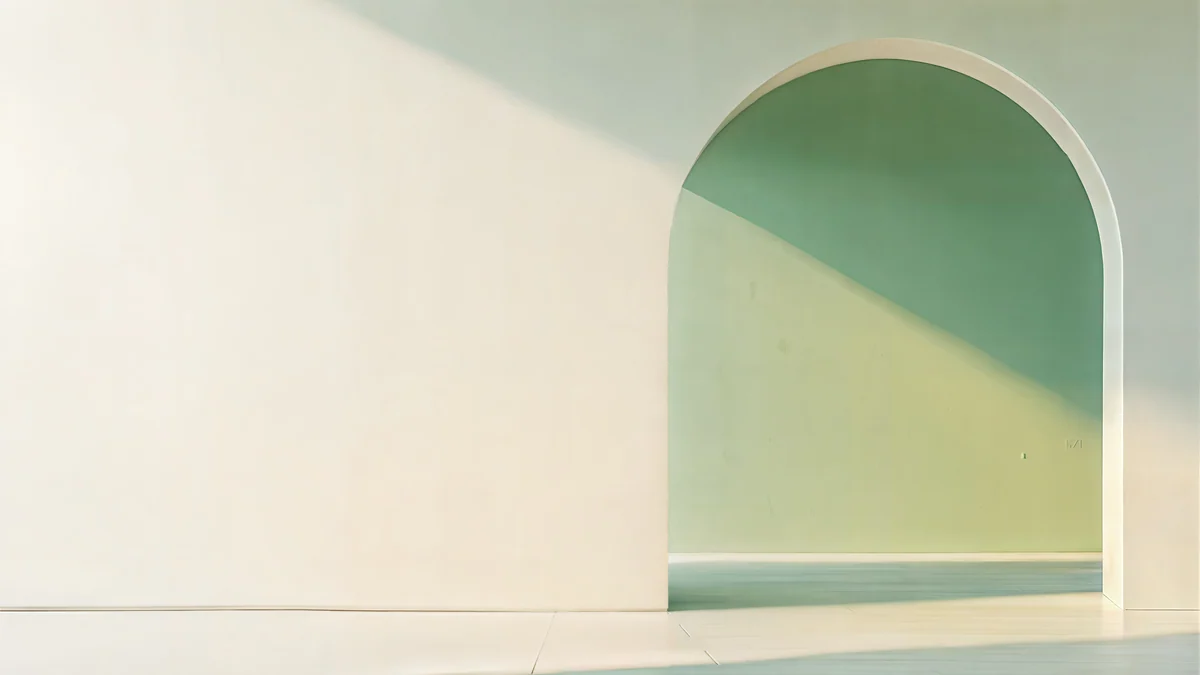 Sage Sun Gallery5K · Desktop
 Petrol Current5K · Desktop
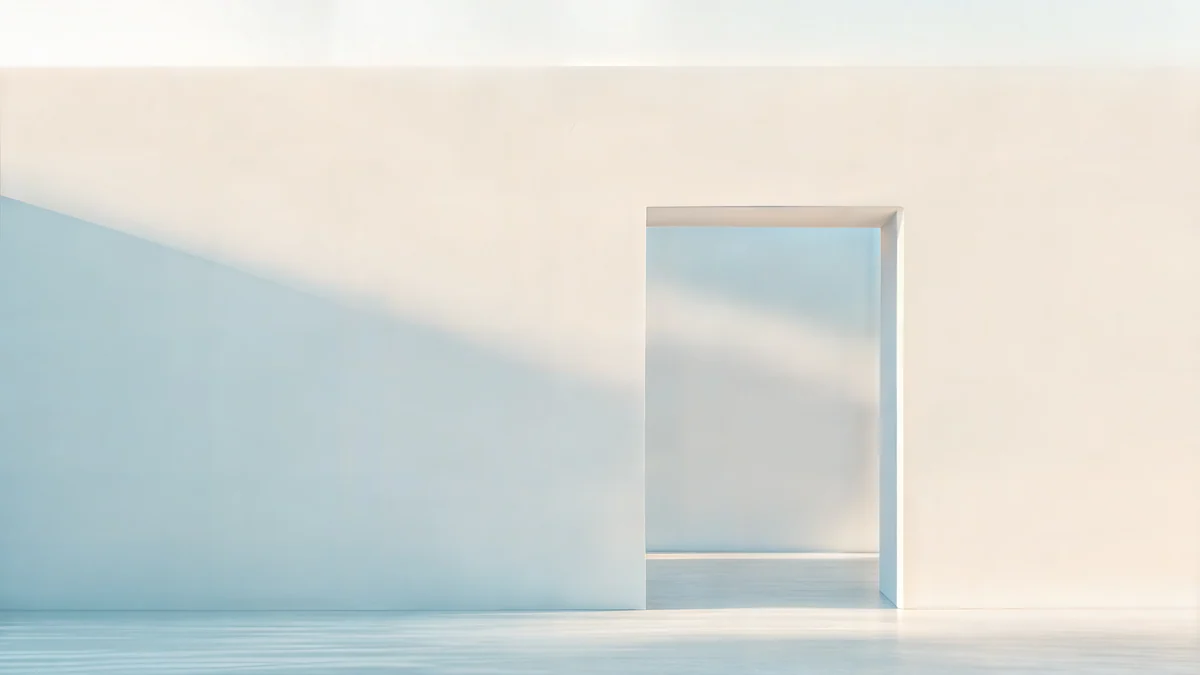 Ivory Daylight Gate5K · Desktop
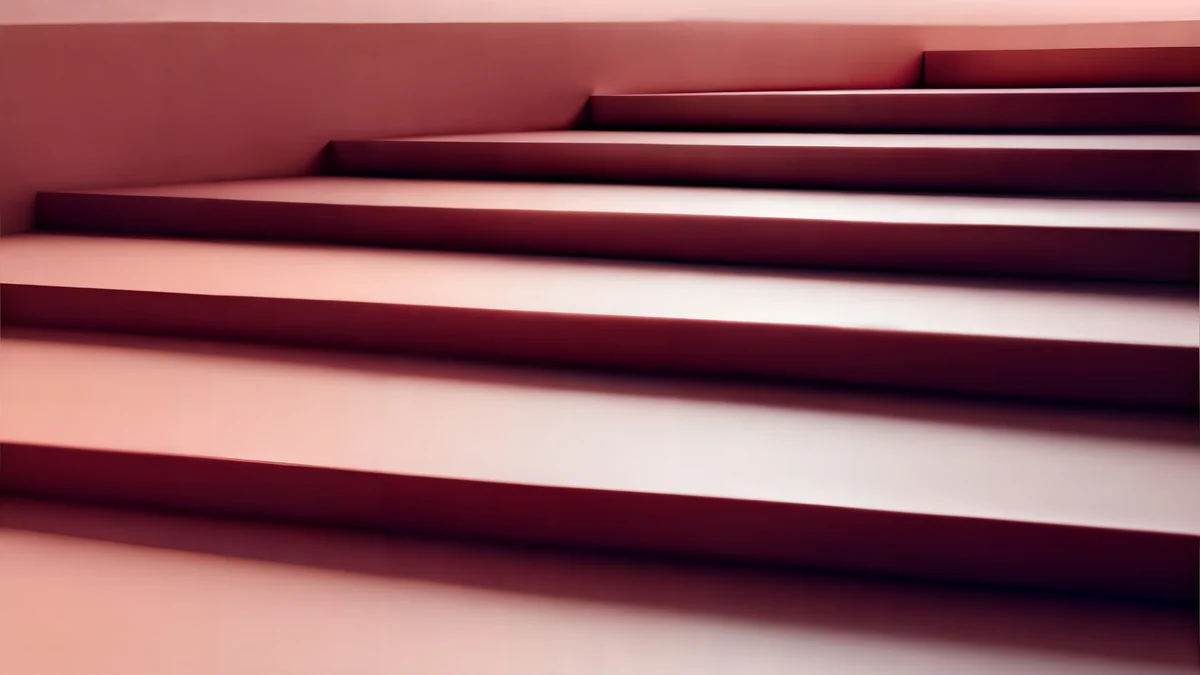 Rose Terrace Strata5K · Desktop
These four are 5K originals. Sage Sun Gallery is a calm sage and cream interior in soft sunlight. Petrol Current is dark teal, a good pick for the AMOLED screen of a Tab S9 or S10 at night. Ivory Daylight Gate is pale stone and daylight, and Rose Terrace Strata stacks warm rose terraces. More wide architecture, all at 5K, is in our 5K desktop wallpapers collection.
If your tablet lives in portrait, the tall versions work better, for example Glacier Spiral Well or Sage Passage.
Common mistakes with tablet wallpapers
- A phone screenshot as the source. It holds only the pixels of a phone screen, roughly half of what a Tab S needs. On a 12-inch screen the softness is obvious.
- Pictures saved from a messenger. Chat apps shrink and recompress images, so gradients break into bands. Download the original file instead.
- Important detail near the edges. A face or a horizon at the side of a wide picture disappears as soon as you turn the tablet upright.
- Setting it once and never turning the tablet. Check both orientations right away, while the wallpaper editor is still a tap away.
Samsung DeX, the desktop mode on Tab S models, shows its own desktop. There a wide 3840 × 2160 or 5K file looks exactly like it would on a laptop.
How to set a wallpaper on a Galaxy Tab
- Save the wallpaper to the tablet. Files from a browser land in the Download album in Gallery.
- Open Settings and tap Wallpaper and style.
- Tap Change wallpapers, then Gallery, and pick the image.
- Choose Lock screen, Home screen or both.
- Pinch and drag to frame it, then tap Done.
The shortcut is the Gallery app: open the picture, tap the three-dot menu, then Set as wallpaper. You can also touch and hold an empty spot on the home screen and choose the wallpaper option. After setting it, turn the tablet once to check the second orientation. If the crop hides the part you like, set it again and move the frame. Our guide to the Samsung lock screen wallpaper covers the lock screen editor and the Dynamic Lock screen setting, which work the same on tablets.
How to check your tablet's exact resolution
If your model is not in the table, measure it. Take a screenshot by pressing the side key and volume down together, open it in Gallery and swipe up on the image. The details panel shows its size in pixels, which is exactly your screen resolution in the orientation you held the tablet.
The same check works on any Android device. If you also use an iPad, our iPad wallpaper size guide lists Apple's models in the same format.
Original wallpapers in 4K and 5K for iPhone, Android and desktop.
Questions
What size is a Samsung Galaxy Tab wallpaper?
It depends on the model. The Tab S8, S9 and S10 Ultra are 2960 × 1848 pixels, the Plus models 2800 × 1752, the 11-inch Tab S9 and S8 2560 × 1600, the Tab S9 FE 2304 × 1440, the Tab S6 Lite 2000 × 1200 and the Tab A9+ 1920 × 1200. Because the tablet rotates, a 5120 × 2880 image is the safest choice: it covers every one of these screens in landscape and in portrait with no visible loss of sharpness.
Why does my Galaxy Tab wallpaper look different when I rotate it?
The screen changes shape, so One UI crops the image again. A wide picture loses its sides in portrait, and a tall picture loses its top and bottom in landscape. If the file is too small for one orientation, the tablet also enlarges it there, which makes it look soft. Use an image with the main subject in the centre and at least as many pixels as the long side of your screen in both directions.
Can I use a phone wallpaper on a Galaxy Tab?
Yes, if you mostly hold the tablet in portrait. A 2160 × 3840 phone wallpaper is larger than any Galaxy Tab screen in portrait, so it stays sharp and loses only a little at the top and bottom. In landscape the same file has to be enlarged by about a third on the largest tablets. For a tablet that lives in a keyboard case, a wide desktop wallpaper is the better choice.
How do I change the wallpaper on a Samsung tablet?
Open Settings, tap Wallpaper and style, then Change wallpapers. Choose Gallery, pick your image, select Lock screen, Home screen or both, adjust the frame and tap Done. A faster way is to open the image in Gallery, tap the three-dot menu and choose Set as wallpaper. After setting it, rotate the tablet once to check that the crop also works in the other orientation.
Carlos Vivero
Designer of Velpaper wallpapers
Carlos Vivero designs the wallpapers in Velpaper: quiet architecture, liquid glass, Japanese ink and calm landscapes. Every piece is made as a 4K original for iPhone, Android and desktop.
Recent work








