How to Change Wallpaper on Fire Tablet: Every Model (2026)
How to change the wallpaper on an Amazon Fire tablet step by step: Settings, your own photo, kids profiles, lock screen ads and the size per model.
In short: To change the wallpaper on a Fire tablet, open Settings, tap Display, then Wallpaper, pick one of Amazon's images or tap Pick Image to use your own, and confirm. If your tablet has Special Offers, the lock screen keeps showing Amazon ads and your picture appears on the home screen only.
By the Velpaper team · Wallpapers by Carlos Vivero, Velpaper designer · · Updated · 7 min read


Free 4K originals for iPhone and Android, no watermark
On this page
- How to change the wallpaper on a Fire tablet in Settings
- Use your own photo from Files or Amazon Photos
- Why the Fire tablet lock screen shows ads
- Changing the wallpaper in a kids profile
- Fire tablet wallpaper size by model
- Where to get sharp wallpapers on a Fire tablet
- If the wallpaper looks blurry or cropped
Changing the wallpaper on a Fire tablet takes about thirty seconds once you know where Amazon put the setting. On Fire OS it lives under Settings, then Display, then Wallpaper. From there you can pick one of Amazon's built-in images or any photo saved on the tablet.
There is one catch most guides skip: if you bought the cheaper version with Special Offers, the lock screen belongs to Amazon's ads, not to you. Below are the exact steps, how to use your own picture, what happens in kids profiles, and which image size stays sharp on a Fire 7, Fire HD 8, Fire HD 10 and Fire Max 11.
How to change the wallpaper on a Fire tablet in Settings
- Swipe down from the top of the screen and tap the gear icon, or open the Settings app from the home screen.
- Tap Display.
- Tap Wallpaper. You will see a row of Amazon's own images.
- Tap one of them, or tap Pick Image to choose a photo from the tablet.
- Drag and pinch the preview until the part you care about is in the frame, then tap Set Wallpaper.
Press the home button and the new picture is already behind your apps. The wording can shift a little between Fire OS versions, so if Wallpaper is not under Display on your model, type "wallpaper" into the search bar at the top of Settings and it will take you straight there.
Use your own photo from Files or Amazon Photos
Anything you save on the tablet can become the background. Downloads from the Silk browser land in the Downloads folder, which you can browse in the Files app. Photos you take, or sync through Amazon Photos, show up in the Photos app.
The quickest route is the one above: Pick Image opens a picker where you can browse both. You can also start from the picture itself. Open it in Photos, tap the three-dot menu and look for Set as wallpaper. In Files, press and hold the image and use the same option if your version offers it.
A few habits keep the result clean:
- Use the original file, not a screenshot. A screenshot is only as large as the screen it came from.
- Avoid pictures that came through a messenger. Most chat apps shrink and recompress photos, and the bands and blocks show up on a 10 inch screen.
- Keep the subject in the middle. A Fire tablet rotates between portrait and landscape, and the edges get trimmed differently in each.
If you came here from a phone, the logic is the same as on any Android device; our guide on how to set a wallpaper on Android covers the Google and Samsung versions of these menus.
Why the Fire tablet lock screen shows ads
Amazon sells most Fire tablets in two versions. The cheaper one comes with Special Offers, which means Amazon shows ads and recommendations on the lock screen. That lock screen image is the ad, and Fire OS does not let you replace it with your own wallpaper while Special Offers are on. Your chosen picture still appears on the home screen as normal.
To check which version you have, go to Settings, then Device Options, and look for a Special Offers entry. To remove them:
- On a computer or phone, sign in to your Amazon account and open Manage Your Content and Devices.
- Open the Devices tab and select your Fire tablet.
- Under Special Offers, choose to remove them. Amazon shows the one-time fee for your model before you confirm.
Whether that fee is worth paying is your call. It removes the lock screen ads, but you will still see Amazon's suggestions inside the Appstore and other Amazon apps. Fire OS also has no separate picker for the lock screen, so you cannot run one picture on the lock screen and another on the home screen the way you can on an iPhone or a Galaxy phone. If that matters to you, our piece on a different lock and home screen wallpaper explains which devices can do it.
Changing the wallpaper in a kids profile
A child profile on a Fire tablet does not use the normal home screen. It runs the Amazon Kids interface, which has its own look, and the Display settings above are not available to the child.
What parents can change is the theme. In the Amazon Parent Dashboard, at parents.amazon.com or in the Amazon Kids parent app, open the child's profile settings and look at age filters and themes. Amazon offers a more grown-up theme for older kids there. Amazon does not document a way to put a custom photo behind the Kids home screen, so if your child wants a specific picture, the realistic options are the theme picker or setting it in your own adult profile on a shared tablet.
Fire tablet wallpaper size by model
A wallpaper looks sharp when the image is at least as large as the screen. These are the native resolutions of recent Fire tablets, in pixels:
| Model | Screen | Resolution |
|---|---|---|
| Fire 7 (2022) | 7 inch | 1024 × 600 |
| Fire HD 8 (2020, 2022) | 8 inch | 1280 × 800 |
| Fire HD 10 (2021, 2023) | 10.1 inch | 1920 × 1200 |
| Fire Max 11 (2023) | 11 inch | 2000 × 1200 |
The kids editions use the same screens as the standard models they are based on. For a newer model not in the table, the resolution is on its product page on Amazon under technical details.
Every Fire tablet screen is a wide 16:10 or similar shape, and you will probably use it in landscape for video and reading apps. That makes a wide desktop wallpaper the natural fit. A 3840 × 2160 image is twice as wide as a Fire HD 10 screen, so the tablet only has to scale it down and trim a sliver off the sides. When you rotate to portrait, Fire OS crops the middle of the same picture, so a calm centre matters.
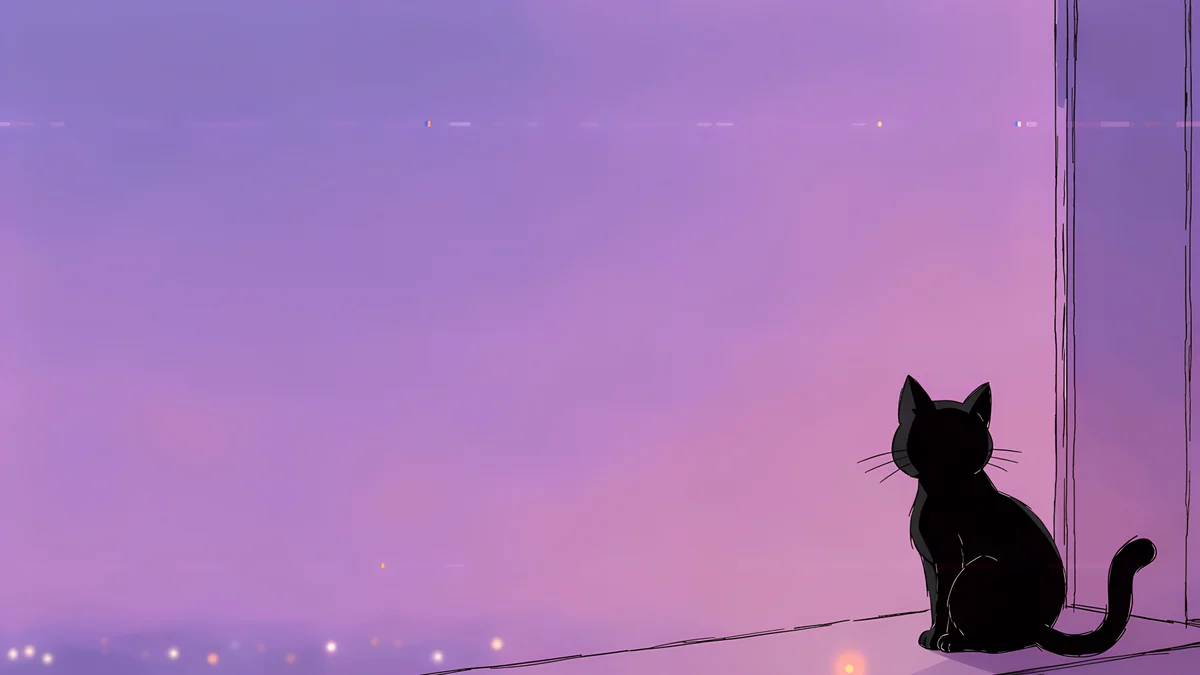 Window Cat4K · Desktop
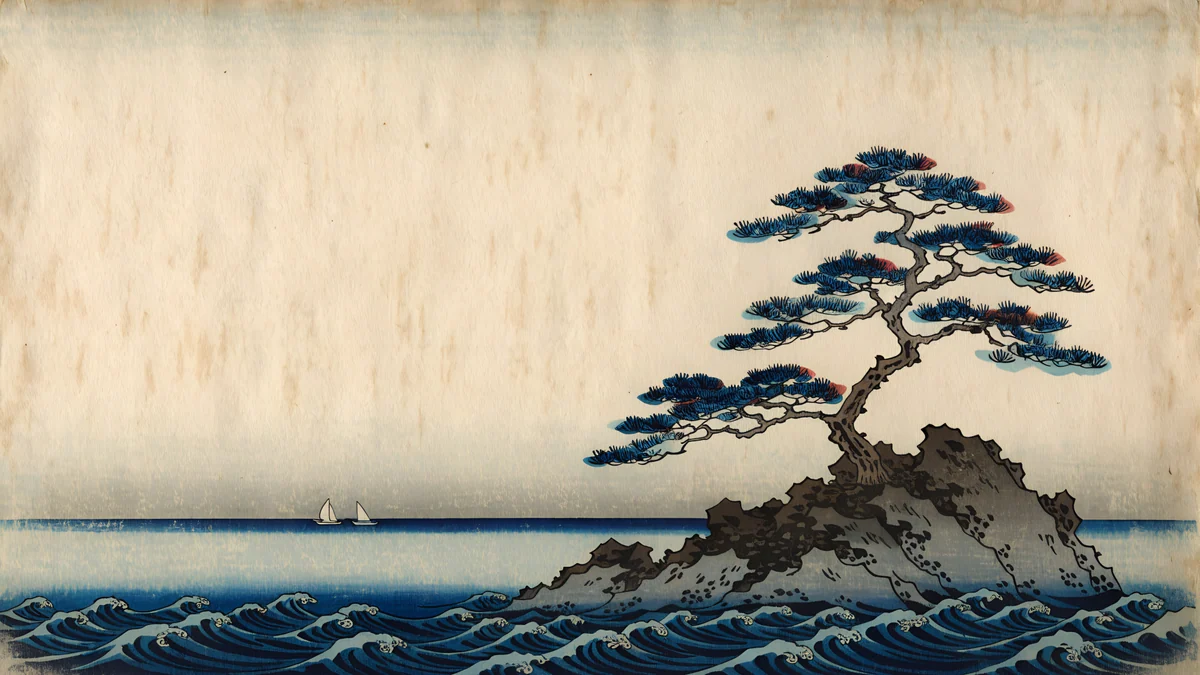 Pine Coast4K · Desktop
 Petrol Current5K · Desktop
 Sage Sun Gallery5K · Desktop
 Ink Quiet Lake4K · Desktop
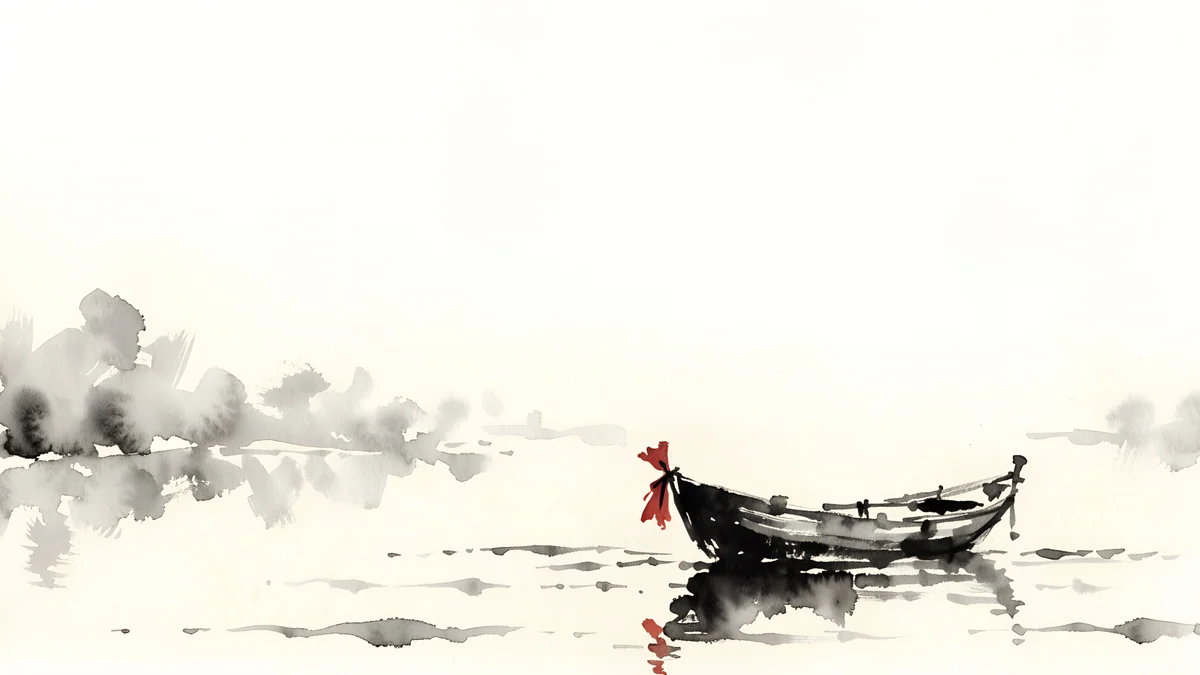
Window Cat is a black cat on a violet evening windowsill, a good first pick for a shared family tablet. Pine Coast is a woodblock-style pine on a rock above blue waves. Petrol Current is all deep blue dunes, dark enough to stay easy on the eyes at night, and Ink Quiet Lake is a small boat on pale water with plenty of empty space for app icons.
Where to get sharp wallpapers on a Fire tablet
Fire tablets use the Amazon Appstore rather than Google Play, so the simplest route to Velpaper is the website. Open velpaper.com in Silk, pick a wallpaper and download the original. It lands in Downloads, and from there Pick Image finds it in a couple of taps.
For landscape use, take the desktop versions: they are 3840 × 2160, and some are 5120 × 2880, which is more than any Fire screen needs. If you keep the tablet upright, the phone versions at 2160 × 3840 work too. The size guide for Android wallpapers explains why one large original covers every screen without separate files.
These three are tall phone originals that hold up when the tablet stands in portrait. Tidal Quiet is soft teal water, Mist Pines is an ink drawing of pines fading into fog, and Moon Silver is a fold of grey liquid glass.
If the wallpaper looks blurry or cropped
Blurry: the source image is smaller than the screen. Check the file size in Files; anything under the resolution in the table above gets stretched. Download the original again rather than saving a preview.
Cut off at the sides: the image has a different shape from the screen, so Fire OS trims it. Reframe it in the preview before you tap Set Wallpaper, or pick an image whose edges are plain sky, water or wall.
The lock screen did not change: that is Special Offers, covered above. It is not a bug and no setting on the tablet itself turns it off.
Original wallpapers in 4K and 5K for iPhone, Android and desktop.
Questions
Why can't I change the lock screen wallpaper on my Fire tablet?
Most likely your tablet was sold with Special Offers. On those models Amazon uses the lock screen to show ads, and Fire OS does not let you replace that image with your own picture. Your wallpaper still appears on the home screen. To check, open Settings and then Device Options and look for Special Offers. You can remove them in your Amazon account under Manage Your Content and Devices, where Amazon shows a one-time fee for your model before you confirm.
How do I change the wallpaper on a Fire tablet kids profile?
A child profile runs the Amazon Kids interface, which has its own home screen and does not offer the normal Display and Wallpaper settings to the child. Parents can change the theme instead, from the Amazon Parent Dashboard at parents.amazon.com or in the Amazon Kids parent app, in the child's profile settings under age filters and themes. Amazon does not document a way to place a custom photo behind the Kids home screen, so the theme picker is the supported option.
What size wallpaper fits a Fire HD 10?
The Fire HD 10 (2021 and 2023) has a 1920 × 1200 pixel screen. Any image at least that large looks sharp. A 3840 × 2160 desktop wallpaper is a good choice because it is twice as wide and only needs scaling down, with a small trim at the sides because the screen is 16:10 rather than 16:9. The Fire HD 8 needs 1280 × 800, the Fire 7 (2022) 1024 × 600 and the Fire Max 11 2000 × 1200.
Can I set my own photo as a Fire tablet wallpaper?
Yes. Go to Settings, Display, Wallpaper and tap Pick Image, then choose a photo saved on the tablet, adjust the crop and tap Set Wallpaper. Downloads from the Silk browser sit in the Downloads folder in the Files app, and pictures from the camera or Amazon Photos appear in the Photos app. Use the original file instead of a screenshot or a picture sent through a messenger, because those are smaller and look soft on a tablet screen.
Are Velpaper wallpapers free on a Fire tablet?
Browsing and previewing on velpaper.com is free and needs no account. Desktop wallpapers, the best fit for a Fire tablet in landscape, download free at 3840 × 2160 or 5120 × 2880 pixels. Some phone wallpapers unlock after a short optional ad; on the website, if no ad is available, the original downloads anyway. All files are still images without a watermark, which Fire OS sets like any other photo through Pick Image.
Carlos Vivero
Designer of Velpaper wallpapers
Carlos Vivero designs the wallpapers in Velpaper: quiet architecture, liquid glass, Japanese ink and calm landscapes. Every piece is made as a 4K original for iPhone, Android and desktop.
Recent work








