iPhone 15 Pro and Pro Max Wallpaper: 4K for Every Titanium
iPhone 15 Pro and Pro Max wallpapers in 4K: Apple's screen sizes, black glass picks for Always-On and matches for Blue, Natural, White and Black Titanium.
By the Velpaper team · Wallpapers by Carlos Vivero, Velpaper designer · · 6 min read
In short: The best iPhone 15 Pro and Pro Max wallpaper is either black with one glossy shape, for the Always-On display, or a calm image in the colour of your titanium. One 2160 × 3840 original fits both the 15 Pro (1179 × 2556) and the 15 Pro Max (1290 × 2796).
Wallpapers
 Blue Glass Wave
 Moon Silver
 White Grotto
 Black Satin Glass Wave
 Silver Splash Crown
 Frozen Glass Splash
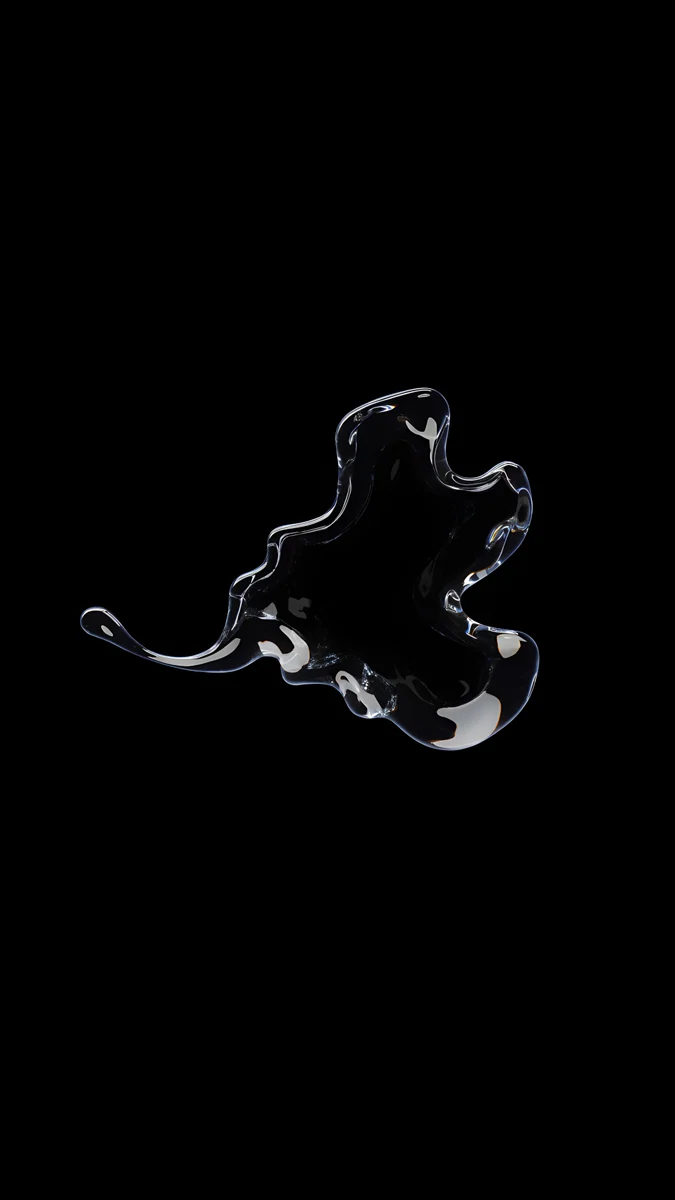 Clear Glass Splash Black
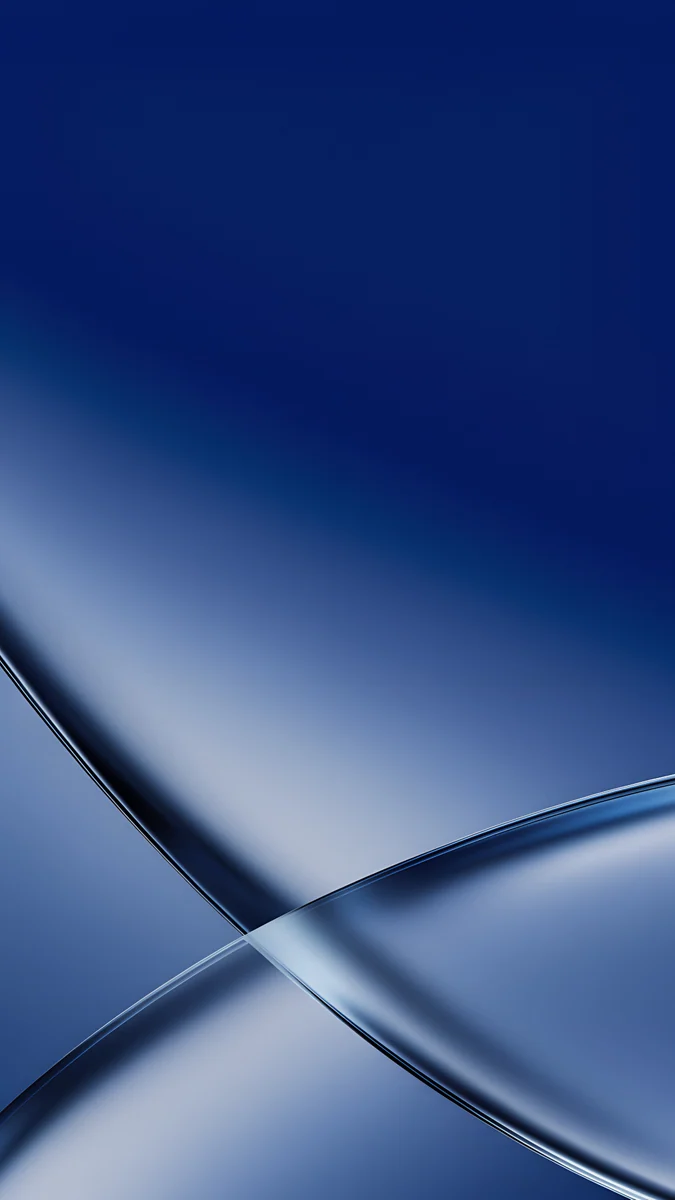 Cobalt Soft Crossing
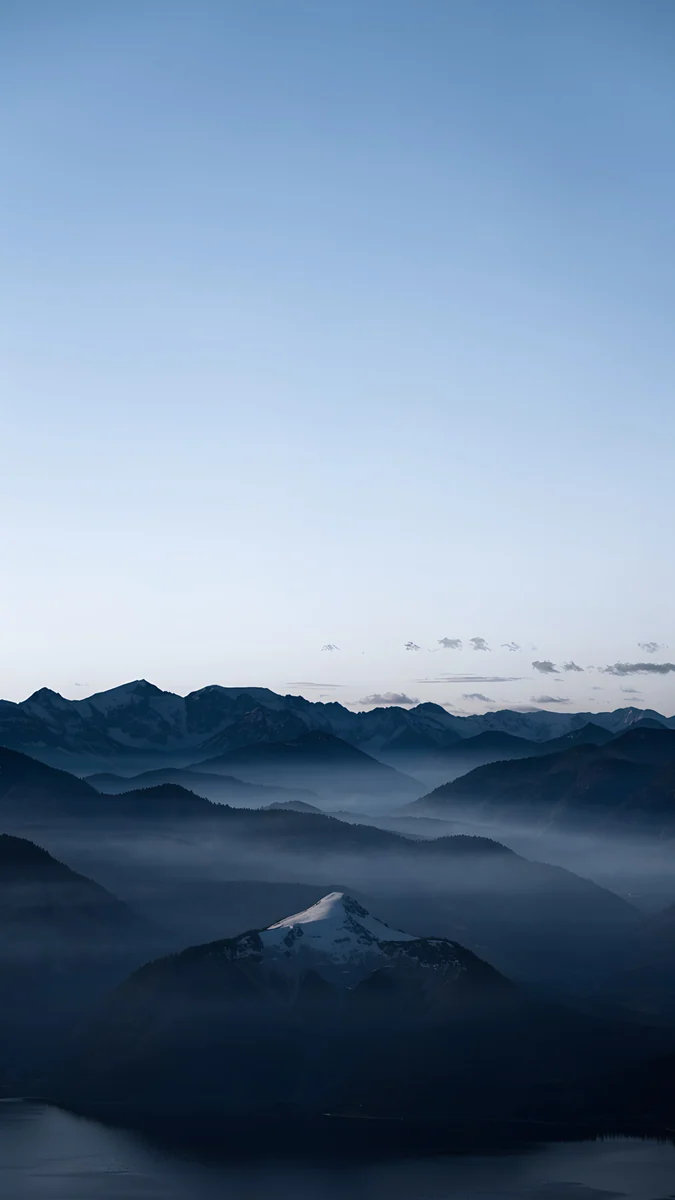 Blue Hour
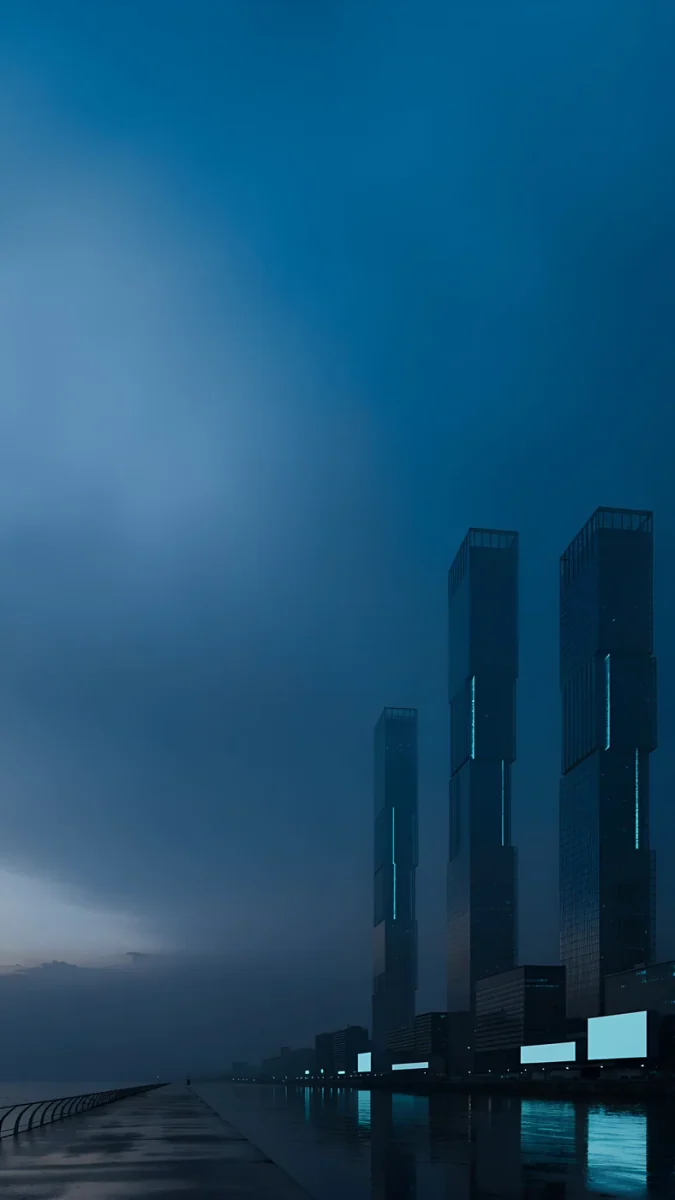 Blue Signal
 The Night Is Soft
 Linen Vase Light
Free originals for iPhone and Android, no watermark
On this page
- iPhone Pro and Pro Max wallpaper size
- Black glass for the Always-On display and Black Titanium
- Blue Titanium: deep blue and glass
- Natural Titanium: silver and soft gray
- White Titanium: white stone and arches
- How to set a wallpaper on iPhone Pro and Pro Max
- Common problems and fixes
- Get these iPhone Pro wallpapers in Velpaper
The best iPhone 15 Pro Max wallpaper, and the best one for the smaller iPhone 15 Pro, is either black with a single glossy shape or a quiet picture in the same colour as the titanium frame. Both phones have an OLED screen with ProMotion and the Always-On display, so black stays black and the dimmed lock screen is visible whenever the phone lies on the desk. The 15 Pro has a 6.1 inch screen at 1179 × 2556 pixels, the 15 Pro Max a 6.7 inch screen at 1290 × 2796, both at 460 ppi. Velpaper phone wallpapers are 2160 × 3840 JPEGs, larger than either screen, so iOS only scales them down and trims a thin strip from each side. Below you will find the size table, black glass picks for the Always-On display, matches for Blue, Natural, White and Black Titanium, and the steps to set a wallpaper in iOS 26.
This page covers only the two Pro models. The iPhone 15 and 15 Plus come in brighter colours and have no Always-On display, so they get their own list of iPhone 15 wallpapers.
iPhone 15 Pro and Pro Max wallpaper size
These figures come from Apple's tech specs, width by height in pixels:
| Model | Screen | Resolution | Density |
|---|---|---|---|
| iPhone 15 Pro | 6.1 inches | 1179 × 2556 | 460 ppi |
| iPhone 15 Pro Max | 6.7 inches | 1290 × 2796 | 460 ppi |
Both screens share the same density and roughly 19.5:9 proportions, a little narrower than 9:16. A 2160 × 3840 original is bigger in both directions, so iOS fills the height and trims about 9 percent at each side. Whatever sits near the centre stays in view on both phones. The crop for every other iPhone is in our iPhone wallpaper size guide.
Black glass for the Always-On display and Black Titanium
When you lock a 15 Pro, the screen dims instead of switching off. On OLED a black pixel gives off no light, so a black wallpaper disappears into the frame and a single bright shape on it seems to hang in the air. A light, busy photo turns into a gray haze on the dimmed screen. Black Titanium, a dark graphite finish, looks best with the same true black, which is why one gallery serves both.
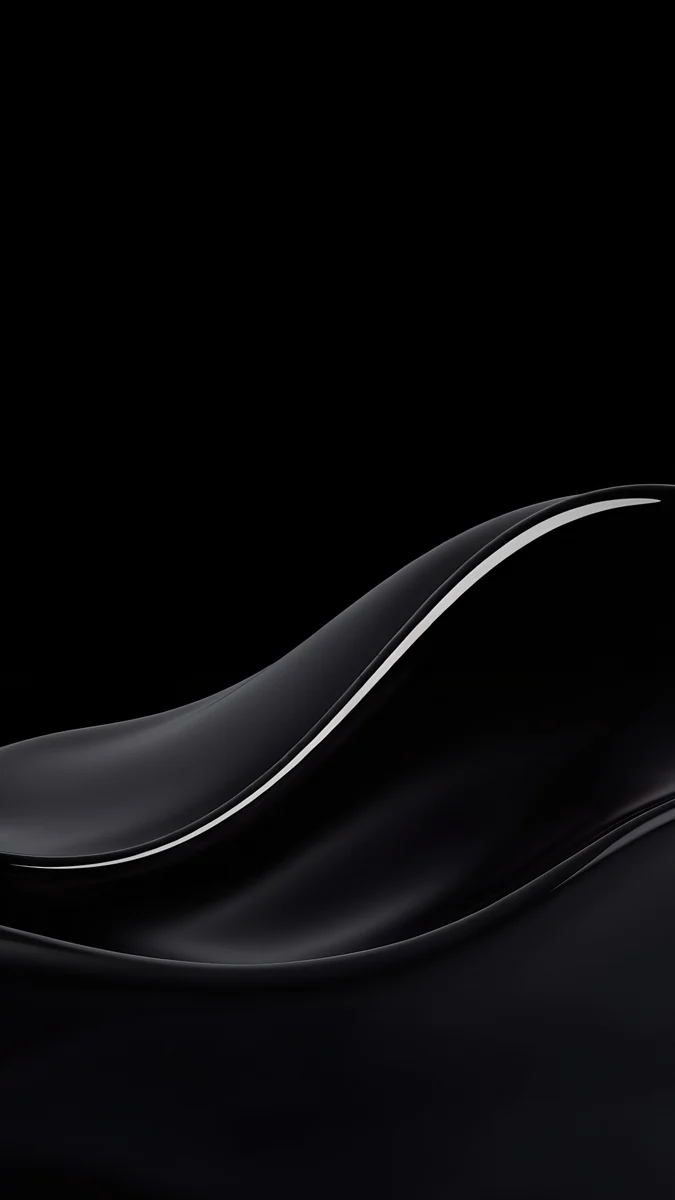
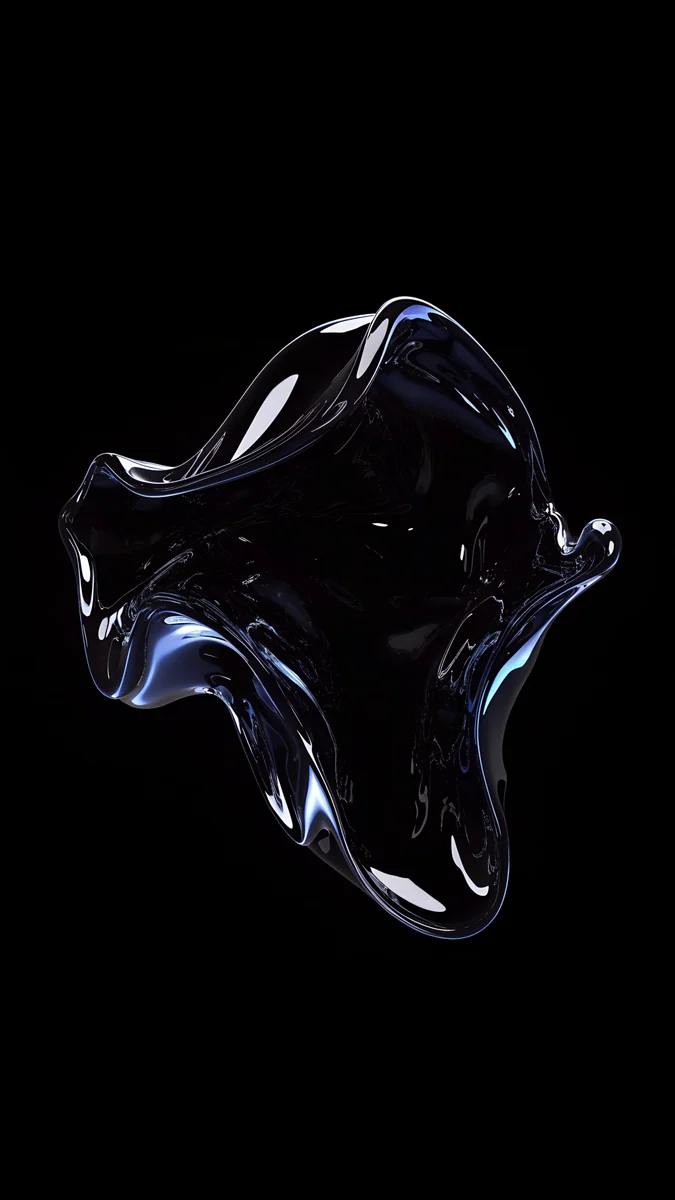
Black Satin Glass Wave is a glossy black wave rising through the lower half, traced by one thin white highlight, with nothing above it but black. Silver Splash Crown is a crown of clear water thrown up in the middle of the screen, ringed by small drops. Frozen Glass Splash is a dark lump of glass low in the frame with faint blue light on its edges. Clear Glass Splash Black is the smallest of the four: a clear splash in the lower right and empty black everywhere else, which suits a lock screen full of widgets.
To choose whether the wallpaper shows on the dimmed screen, open Settings, tap Display & Brightness, then Always On Display, and turn Show Wallpaper on or off.
Blue Titanium: deep blue and glass
The 15 Pro and Pro Max come in four finishes: Natural Titanium, Blue Titanium, White Titanium and Black Titanium. Blue Titanium is a dark, slightly gray navy, closer to deep water than to bright sky. Navy wallpapers with a little glass or fog match it without turning loud.
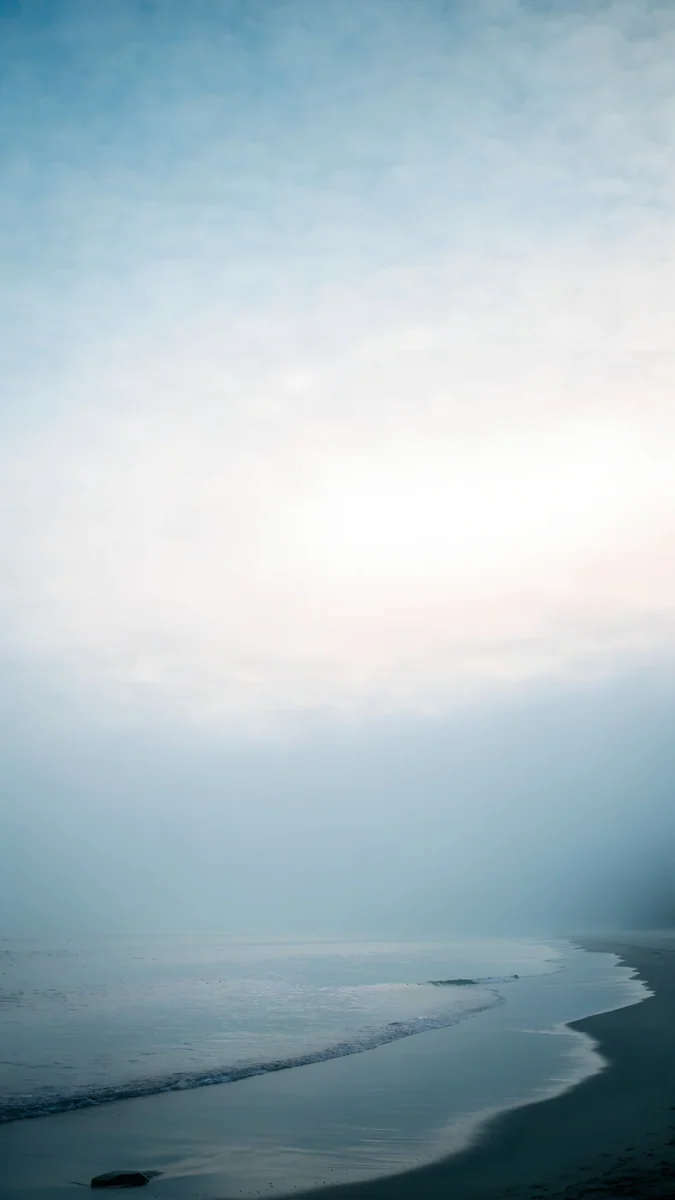
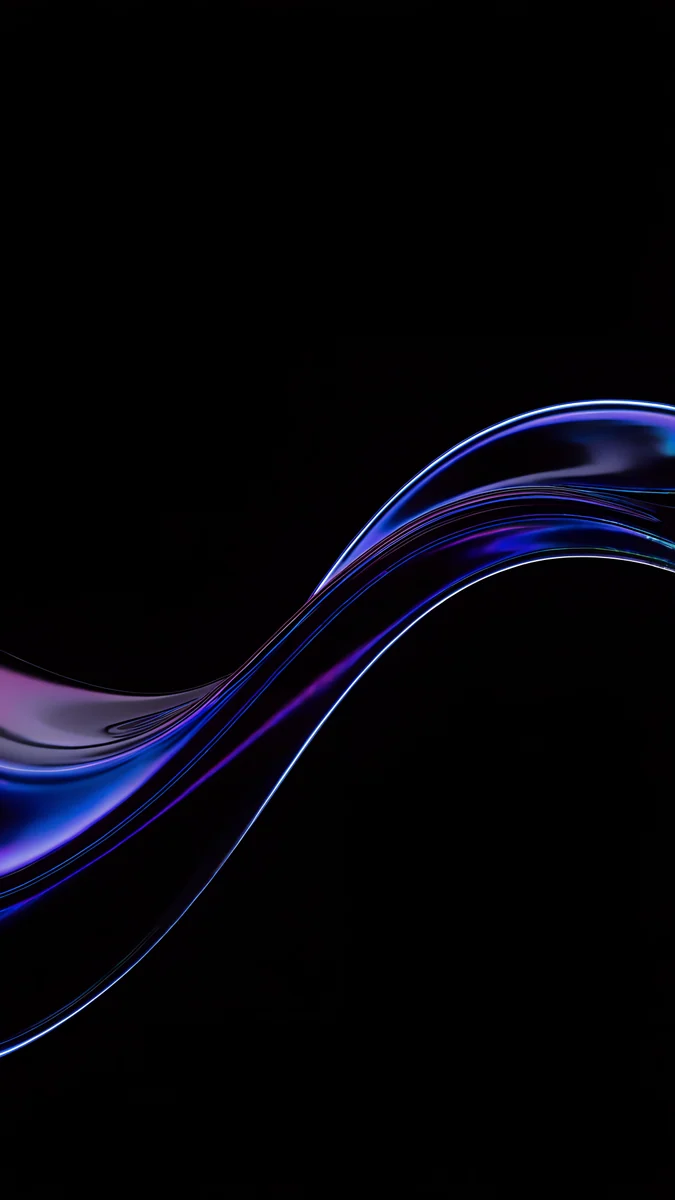
Blue Glass Wave is a blue and violet glass ribbon sweeping from the lower left across a black screen, so it also works on the Always-On display. Cobalt Soft Crossing fills the frame with deep cobalt and crosses two pale glass curves in the lower half. Blue Hour puts misty blue mountain ridges in the bottom third and leaves a clear blue sky for the clock. Blue Signal shows two dark towers standing in blue fog by the water, with a few lit windows near the bottom.
Natural Titanium: silver and soft gray
Natural Titanium is the raw metal colour, a light gray with a faint warmth. Brushed silver, fog and pale shadow sit naturally on it.
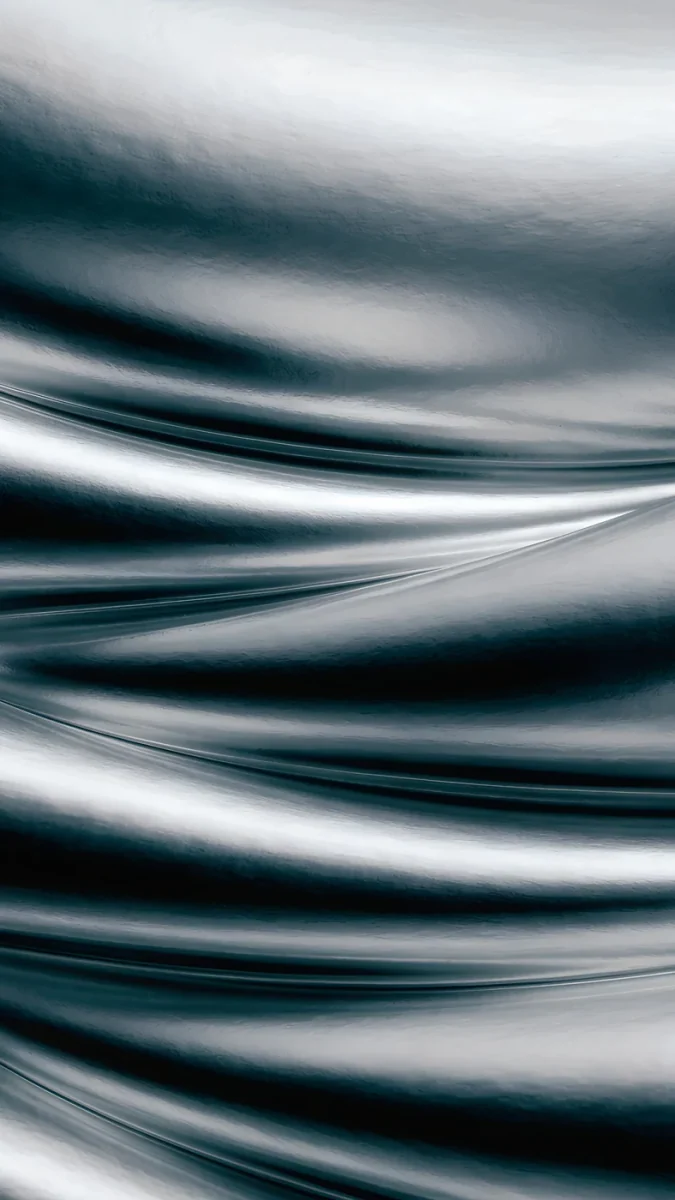
Moon Silver is liquid metal rippling across the whole frame in black and silver, the closest thing to the frame itself. It fills every corner, so it works best on a lock screen with few widgets. The Night Is Soft is a gray, misty sky over a bus shelter on a wet road, with a faint warm reflection on the asphalt. Linen Vase Light is a white vase with one dried flower against a soft gray wall of blurred light.
White Titanium: white stone and arches
White Titanium is almost white with a silver edge. Whitewashed stone, arches and stairs keep the screen as light as the phone.
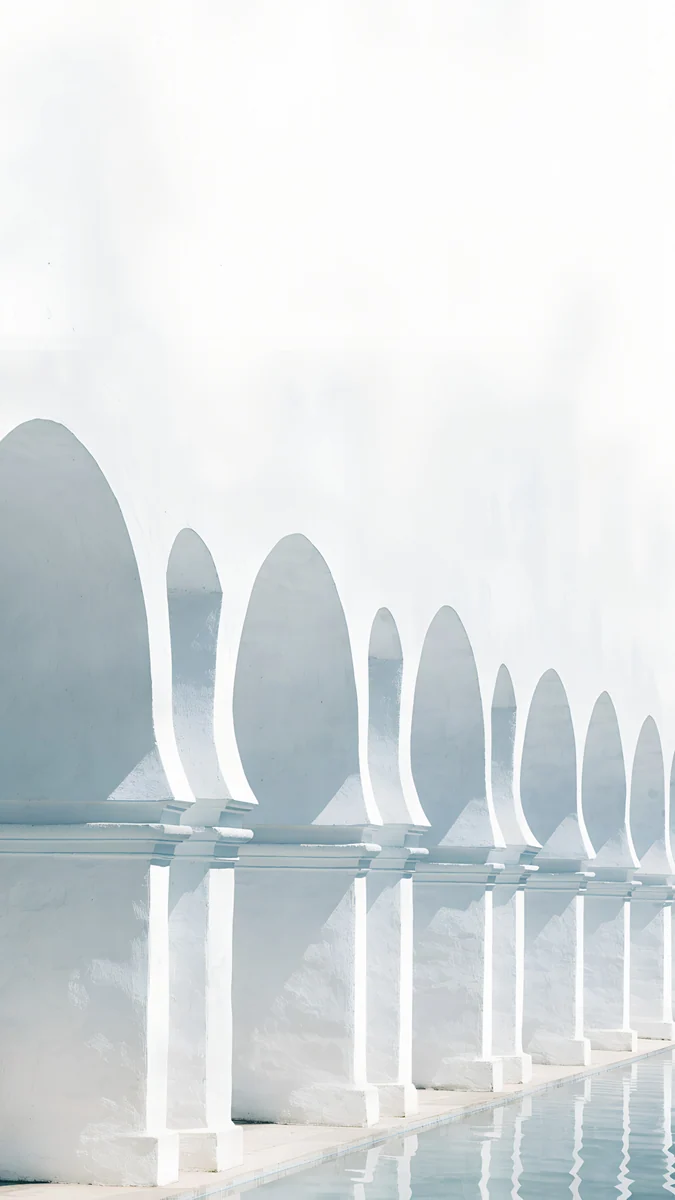
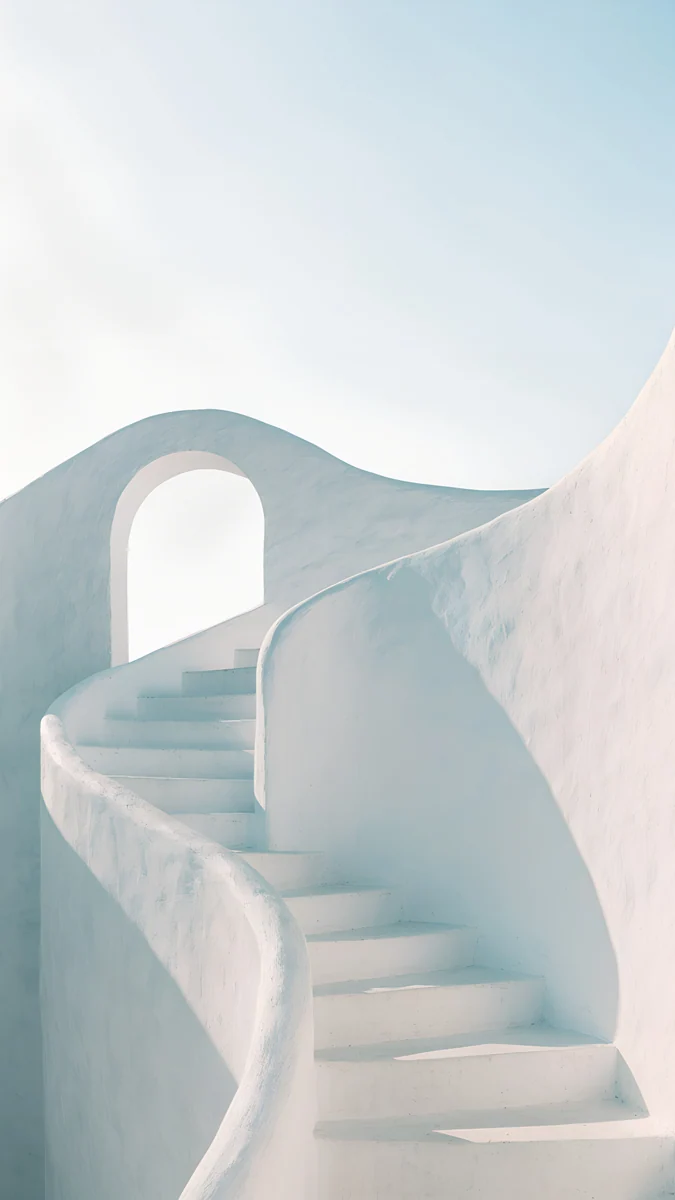
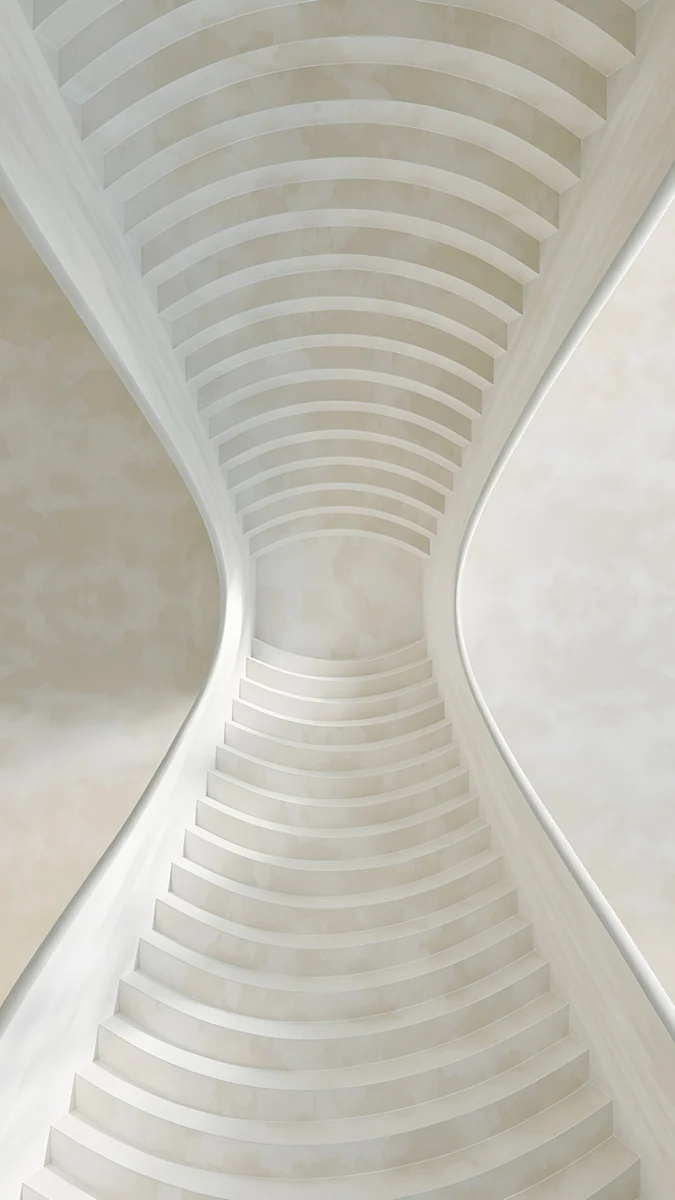
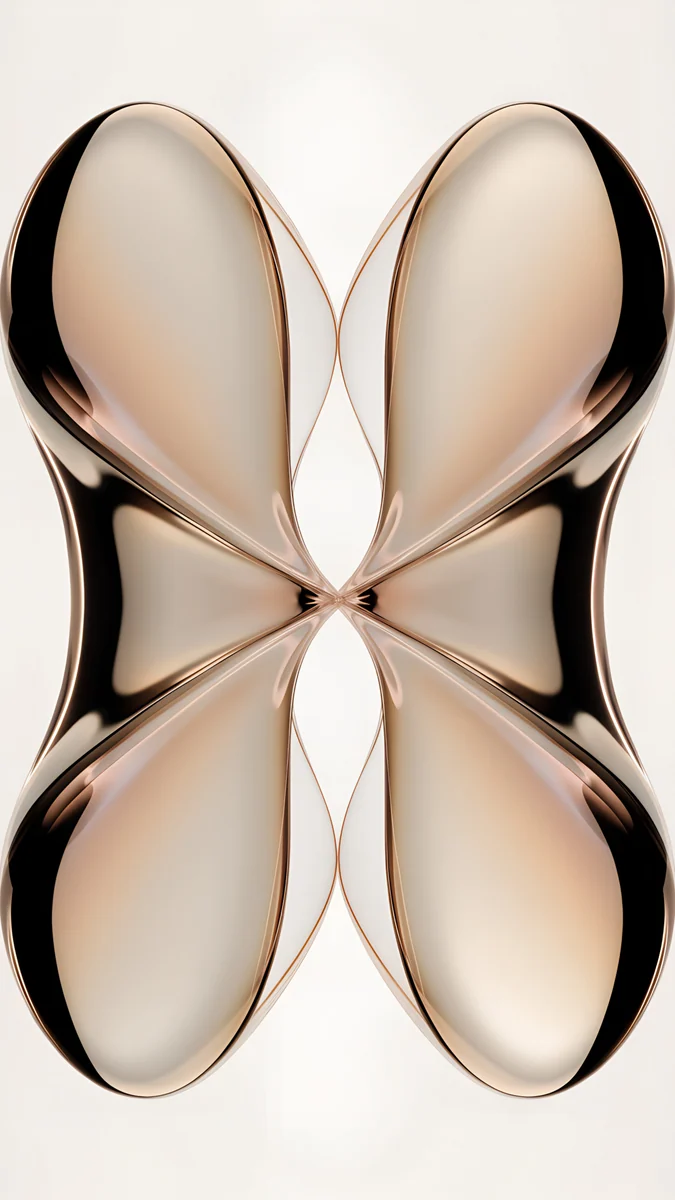
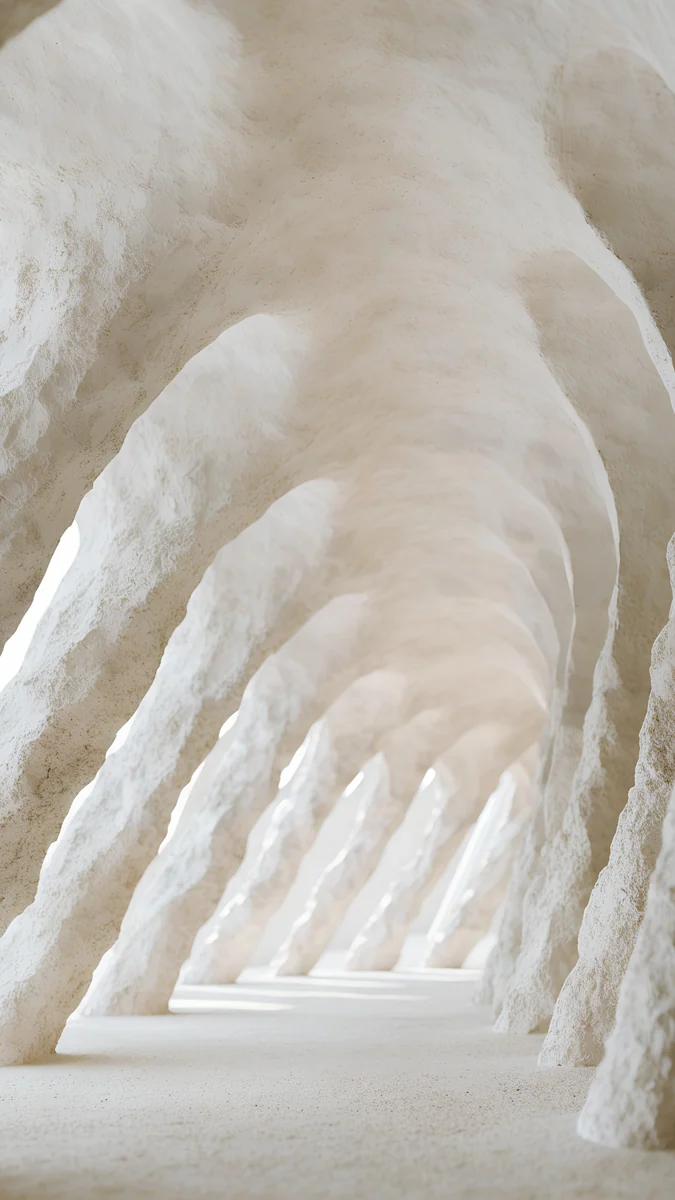
White Grotto is a tunnel of rough white arches curving away into the distance in cream light. White Arches lines up pointed white arches over still water in pale mist, with an almost white sky on top for the clock. White Stairs is a white staircase curving up toward an arch under a pale blue sky. White Spiral Stairs looks straight up a white stairway whose walls pinch in like an hourglass.
If your phone lives in a case, match the case rather than the titanium. And if you are comparing generations, our iPhone 16 Pro wallpapers are built around Desert Titanium and warmer stone.
How to set a wallpaper on iPhone 15 Pro and Pro Max
Apple lists the 15 Pro and 15 Pro Max among the iPhones that run iOS 26. The steps follow its English menu names:
- Save the original to Photos from the Velpaper app or from the wallpaper page on velpaper.com.
- Open Settings, tap Wallpaper, then Add New Wallpaper, and choose Photos.
- Pick the image, then pinch and drag so the main shape sits below the clock and clear of the Dynamic Island.
- Tap Add and choose whether to use it on both the lock screen and the home screen.
You can keep several lock screens, for example Blue Glass Wave for the evening and White Arches for the day, and switch by pressing and holding the lock screen.
Common problems and fixes
- Something at the edge is cut off. Both phones show about the middle four fifths of a 9:16 image. Pick a wallpaper with its subject near the centre.
- The clock covers the subject. Move the image down in the editor, or choose one with an empty top, like Black Satin Glass Wave or Blue Hour.
- The wallpaper looks soft. You probably saved a preview or a screenshot. Download the original again from the wallpaper page.
- Black looks gray outdoors. In strong sun the screen raises its brightness and the glass reflects more. Indoors the black is black again.
Get these iPhone 15 Pro wallpapers in Velpaper
Velpaper is an app for iPhone, iPad, Mac and Android, and every wallpaper is also on velpaper.com. Phone wallpapers are 4K originals at 2160 × 3840, desktop wallpapers are 4K and some are 5K, all without a watermark and without an account. Browsing is free; the phone wallpapers in this article unlock after a short optional ad in the Velpaper apps, and on the website the original downloads for free when no ad is available. The wallpapers are designed by Carlos Vivero.
Next step: open Blue Glass Wave, save the original, set it on your 15 Pro or Pro Max and lock the phone to see the glass ribbon on the Always-On display.
Original wallpapers in and for iPhone, Android and desktop.
Questions
What size is the iPhone 15 Pro Max wallpaper?
Apple lists the iPhone 15 Pro Max at 2796 by 1290 pixels on a 6.7 inch screen and the iPhone 15 Pro at 2556 by 1179 pixels on a 6.1 inch screen, both at 460 pixels per inch. As a portrait wallpaper that is 1290 × 2796 for the Pro Max and 1179 × 2556 for the Pro. You do not need a separate file for each phone. A 2160 × 3840 original is taller and wider than both screens, so iOS only scales it down and trims a narrow strip at each side, and it stays sharp on either model.
Can I use the same wallpaper on the iPhone 15 Pro and the 15 Pro Max?
Yes. Both screens have 460 pixels per inch and nearly the same shape, about 19.5:9, a little narrower than 9:16. With a 2160 × 3840 file, iOS fills the full height and trims roughly 9 percent from each side on both phones. The Pro Max shows the same picture at a larger size with no loss of sharpness, because the file is still bigger than its 1290 × 2796 screen. Choose a wallpaper with its subject near the centre and below the clock, and it looks the same on both.
What is the best wallpaper for the iPhone 15 Pro Always-On display?
A mostly black wallpaper with one shape away from the top. The Always-On display on the 15 Pro and Pro Max dims the lock screen instead of turning it off, and on the OLED screen black pixels give off no light, so you see the time and one calm form. Black Satin Glass Wave, a glossy black wave with a thin white edge in the lower half, and Blue Glass Wave, a blue glass ribbon on black, both work well. If you want a plain black locked screen, go to Settings, Display & Brightness, Always On Display and turn off Show Wallpaper.
Which wallpaper matches the iPhone 15 Pro in Blue Titanium?
Deep navy with a little glass or fog, rather than bright sky blue, because Blue Titanium is a dark, slightly gray blue. Blue Glass Wave is a blue and violet glass ribbon on black that also suits the Always-On display. Cobalt Soft Crossing is deep cobalt with two pale glass curves crossing low in the frame. Blue Hour keeps misty blue mountains at the bottom and an open sky for the clock. All three are 2160 × 3840 originals and fit both the 15 Pro and the 15 Pro Max.
Are these iPhone 15 Pro Max wallpapers free?
Browsing and previewing are free on velpaper.com and in the Velpaper apps for iPhone, iPad, Mac and Android. The phone wallpapers in this article unlock after a short optional ad in the apps; on the website, if no ad is available, the original downloads for free. There is no account and no subscription. Every phone file is a 2160 × 3840 JPEG without a watermark, larger than the screens of both the iPhone 15 Pro and the 15 Pro Max, so one download covers either phone. Save it to Photos and set it as usual.
Carlos Vivero
Designer of Velpaper wallpapers
Carlos Vivero designs the wallpapers in Velpaper: quiet architecture, liquid glass, Japanese ink and calm landscapes. Every piece is made as a original for iPhone, Android and desktop.
Recent work