iPhone 15 Wallpaper 4K: Picks for Every Case Colour
iPhone 15 and 15 Plus wallpapers in 4K matched to Pink, Yellow, Green, Blue and Black, with the exact screen size of both models from Apple specs.
By the Velpaper team · Wallpapers by Carlos Vivero, Velpaper designer · · 6 min read
In short: The best iPhone 15 wallpaper repeats the soft colour of the back glass: dusty pink, butter yellow, mint green, pale blue, or crisp graphics for Black. One 2160 × 3840 original fits both the iPhone 15 (1179 × 2556) and the 15 Plus (1290 × 2796).
Wallpapers
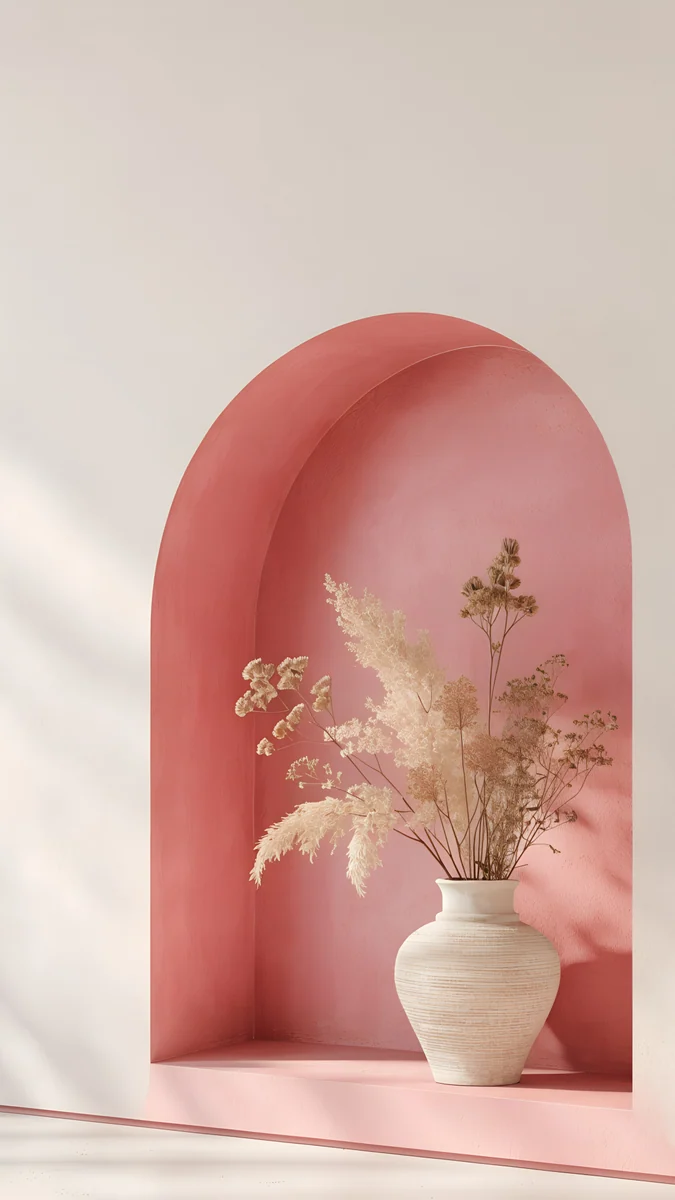 Rose Alcove
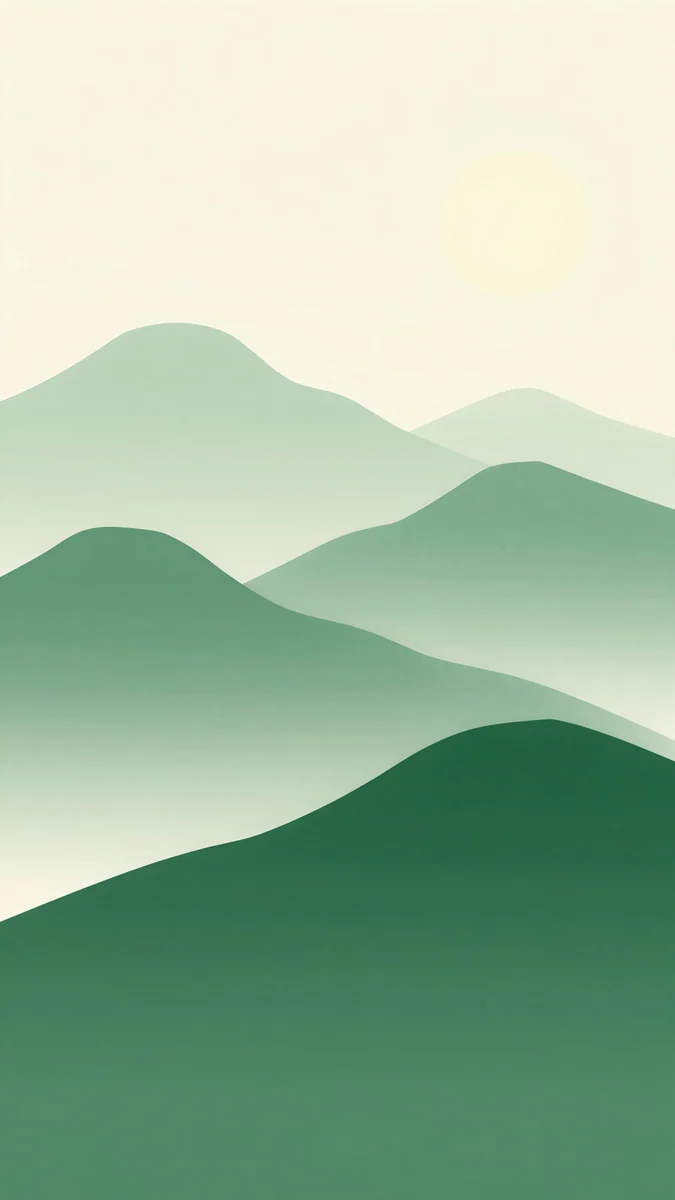 Forest Paper Peaks
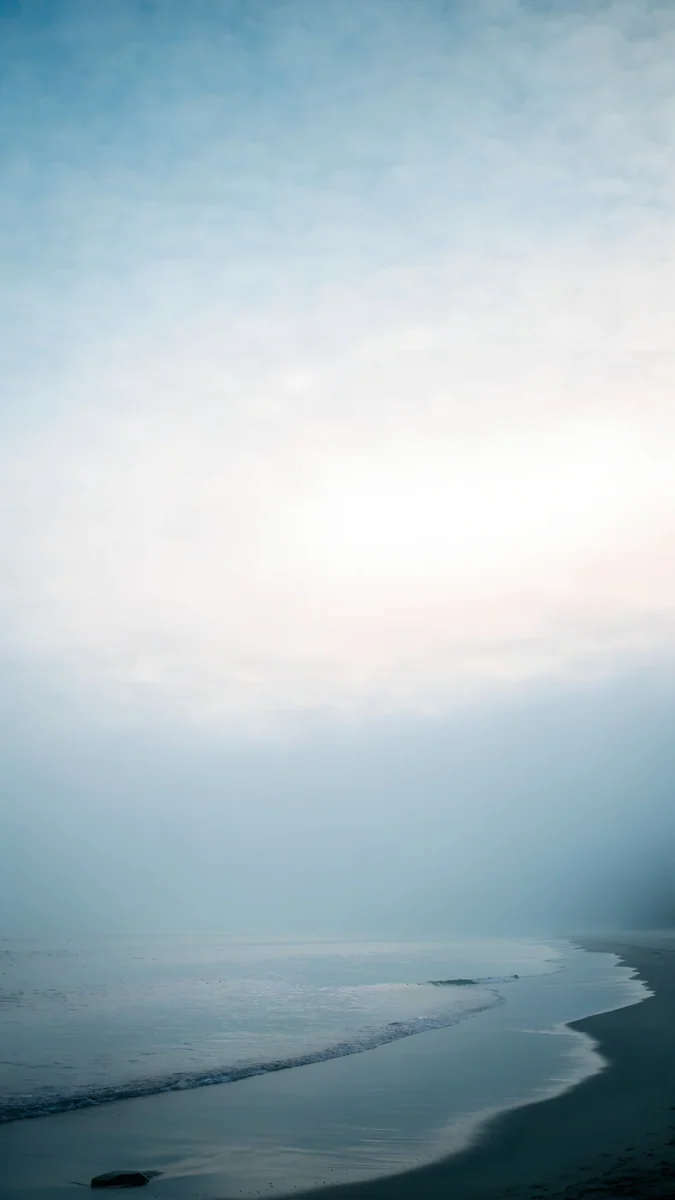 Where the Sea Ends
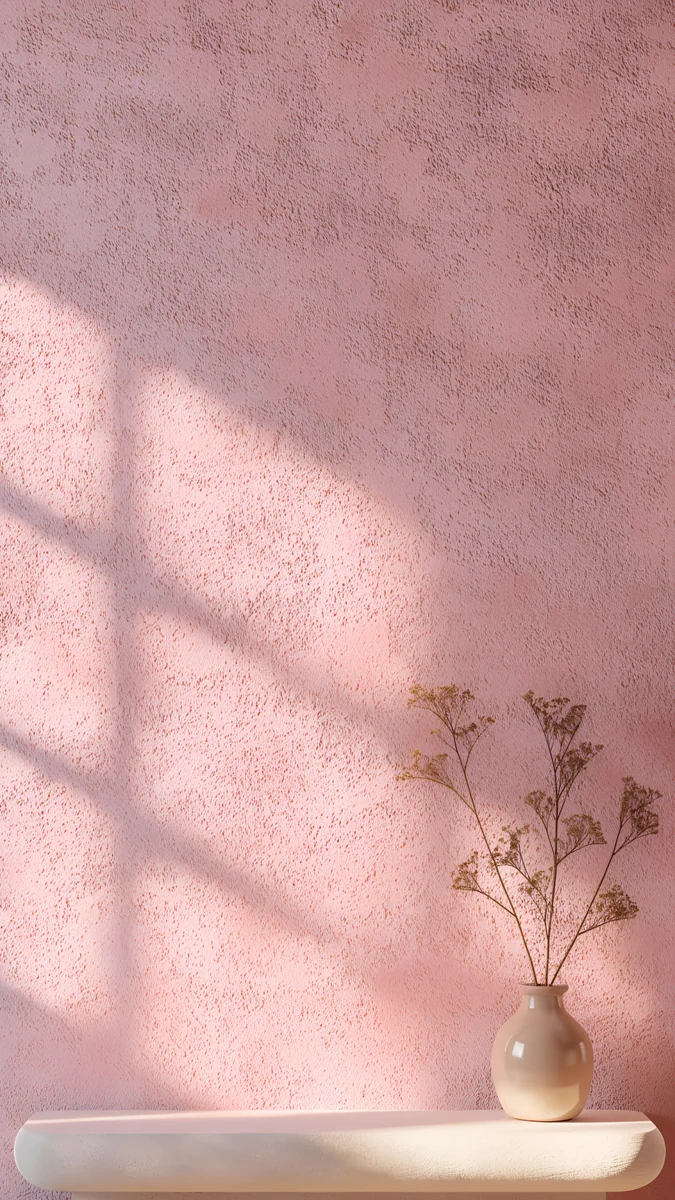 Dusty Rose Shelf
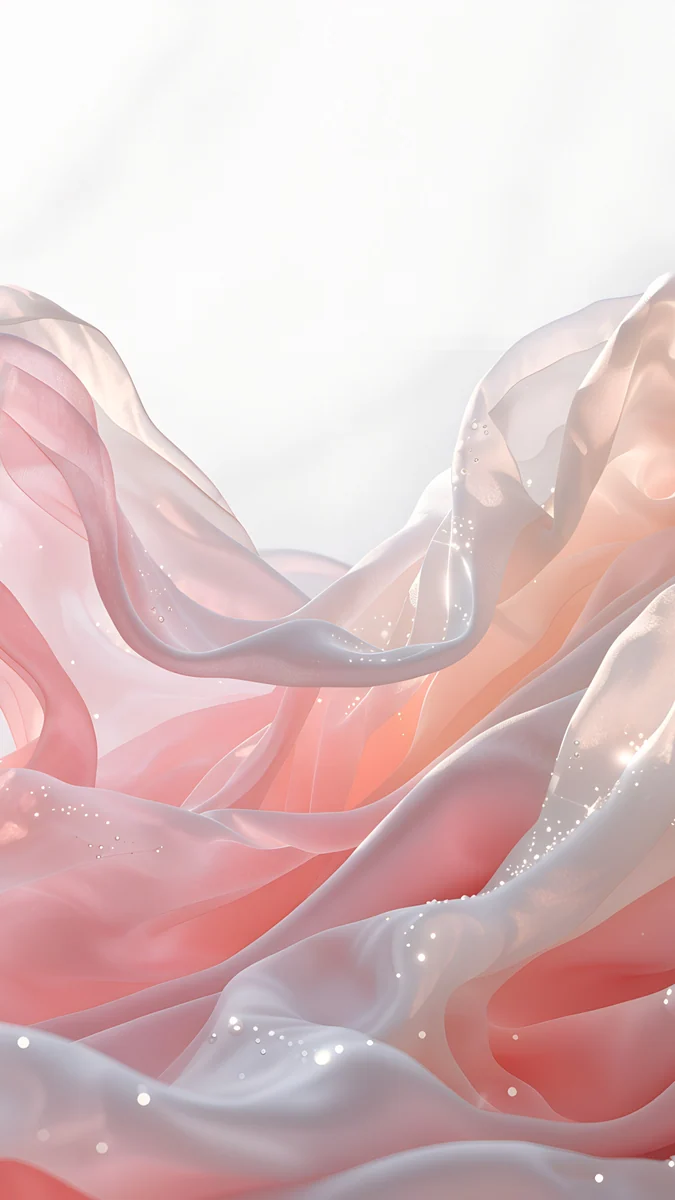 Blush Silk
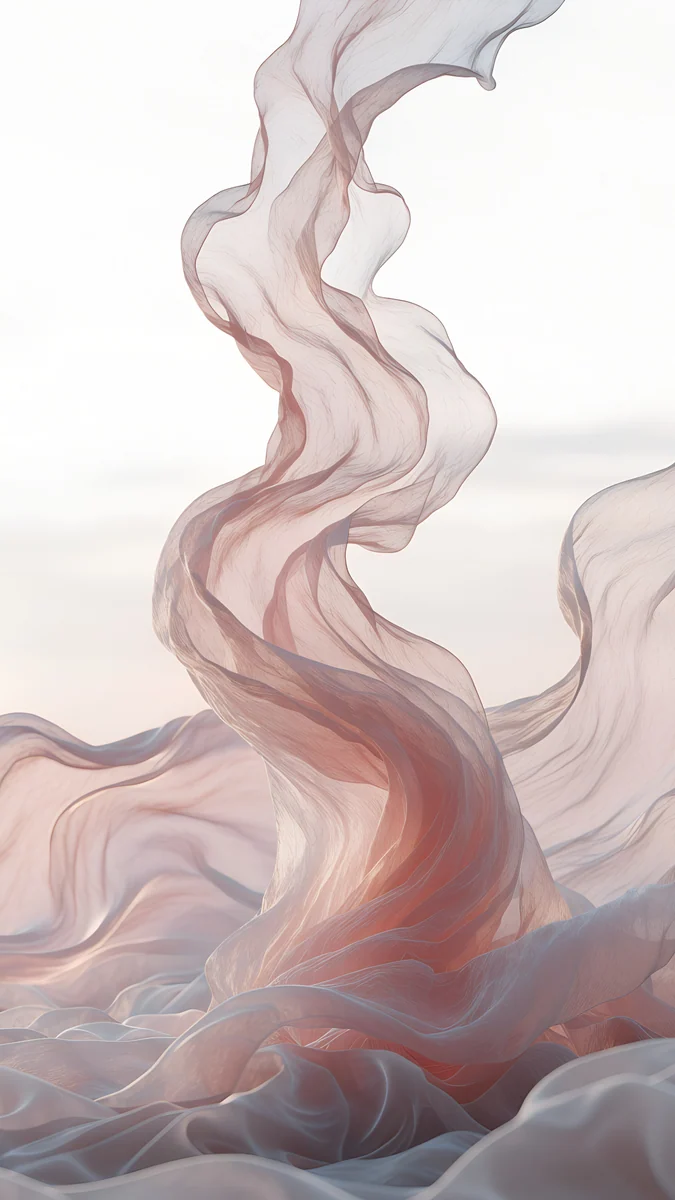 Rose Chiffon
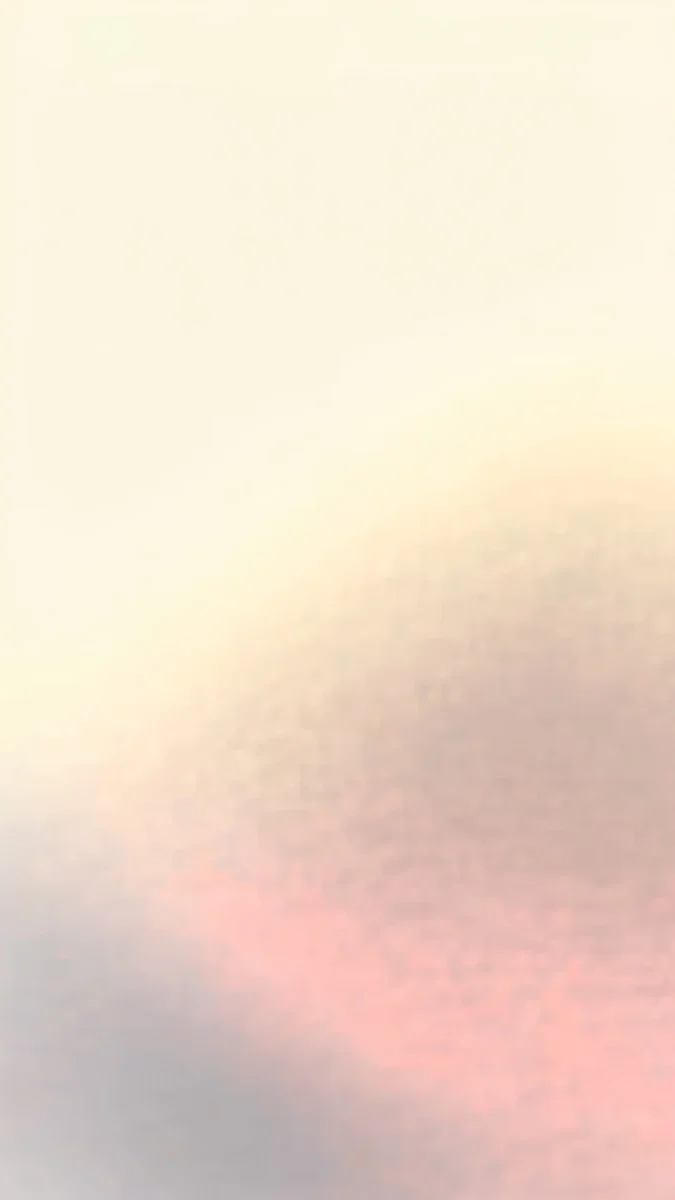 Butter Glow
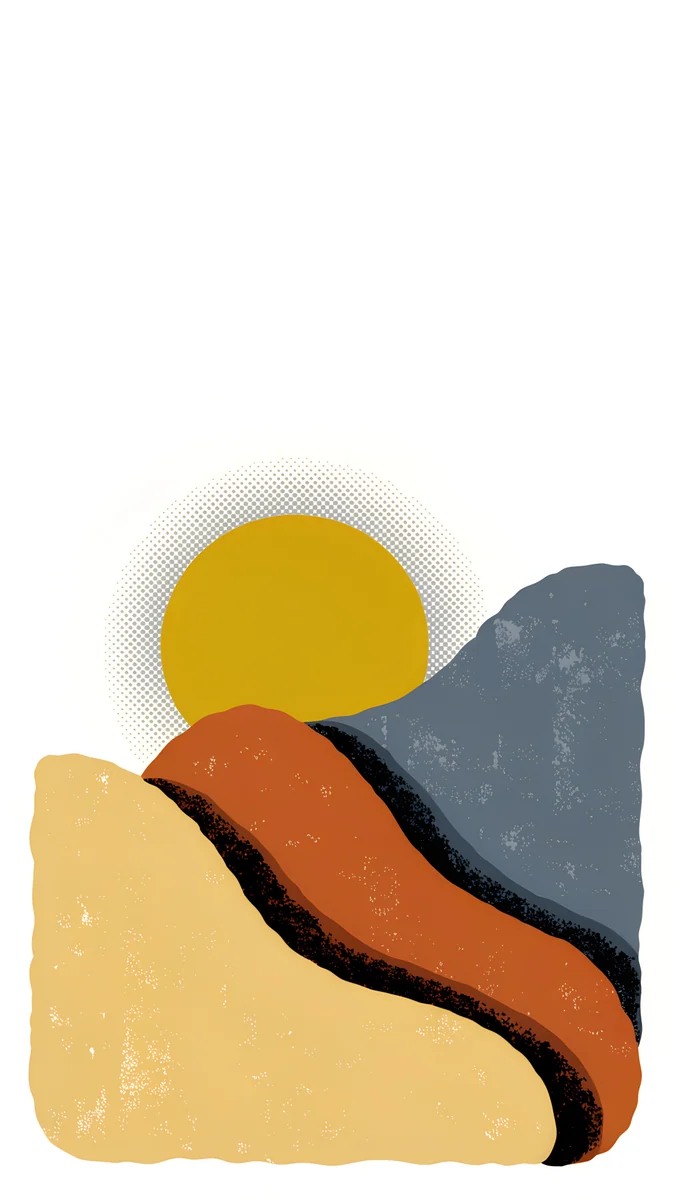 Dunes and Sun
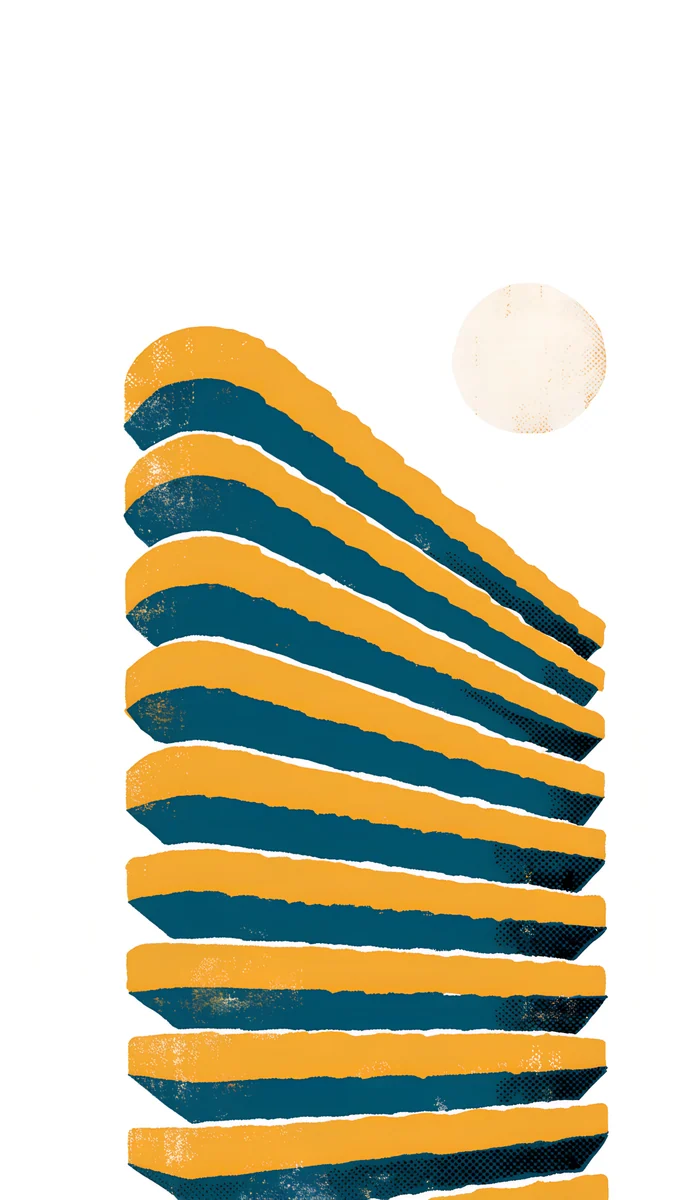 Spiral Stair
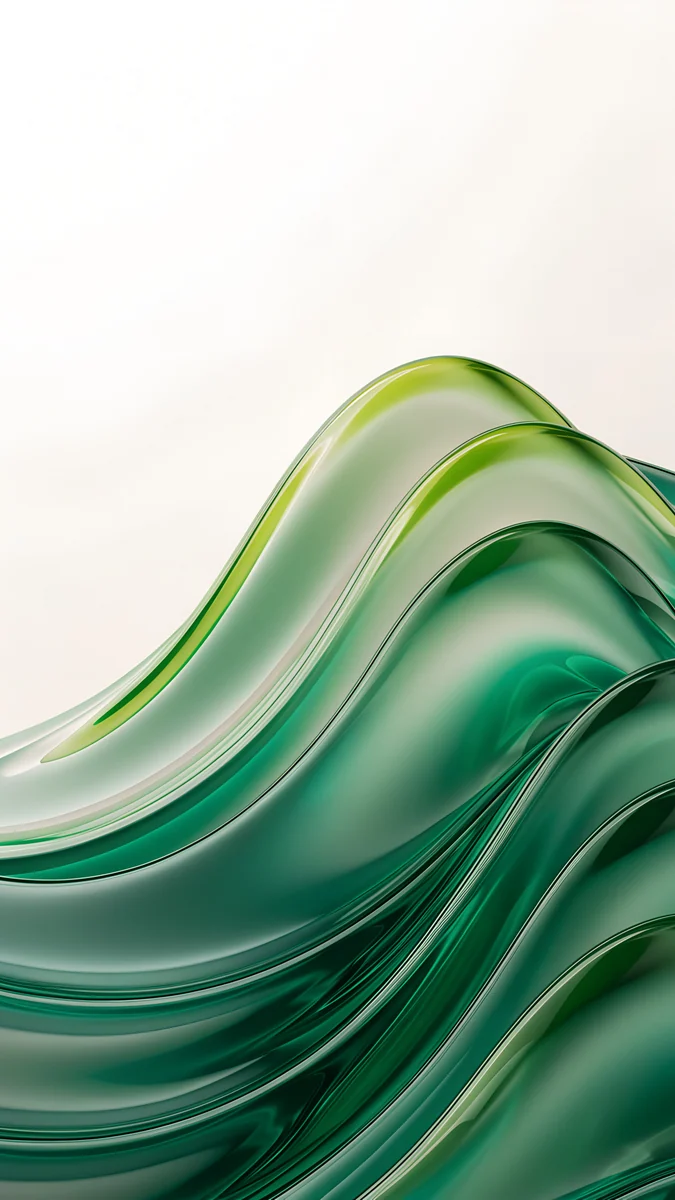 Emerald Glass Waves
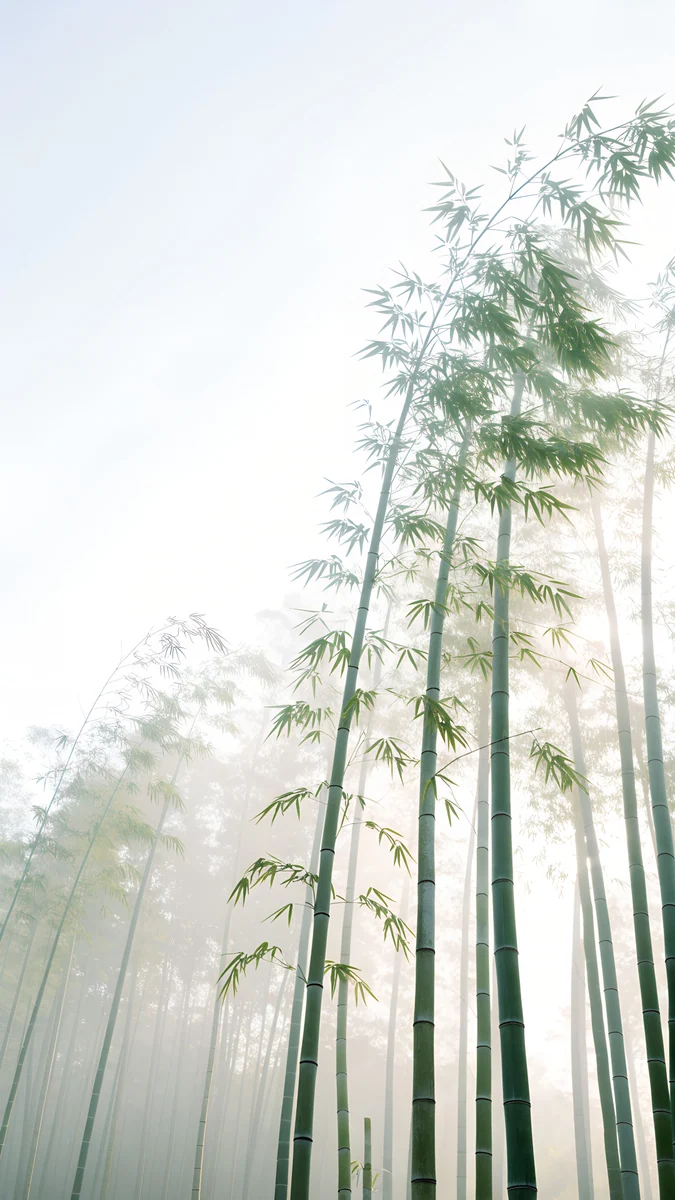 Misty Bamboo Grove
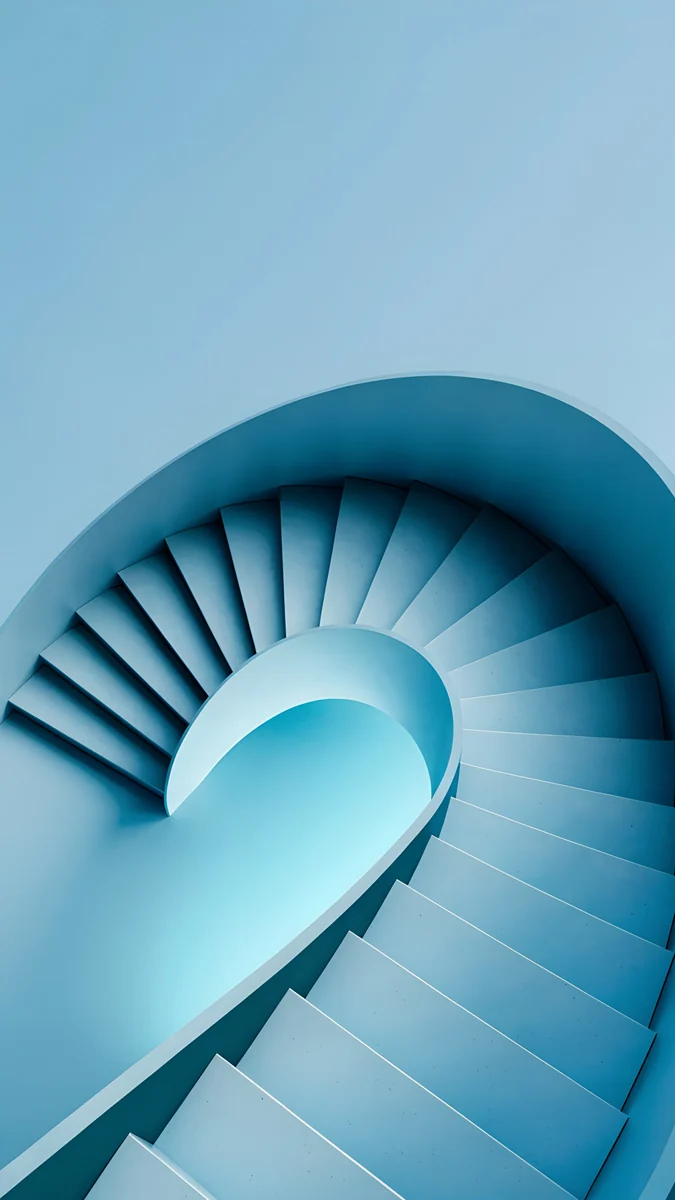 Glacier Spiral Well
Free originals for iPhone and Android, no watermark
On this page
The easiest way to pick an iPhone 15 wallpaper is to start from the phone itself. The iPhone 15 and 15 Plus have colour infused back glass in five gentle shades: Pink, Yellow, Green, Blue and Black. The four light ones are pastels, closer to a tint than a bold colour, so a pale wallpaper with the same temperature carries the case onto the screen. Black goes with almost anything, which leaves room for graphic or night scenes. The iPhone 15 also has no Always-On display, so a light lock screen never turns into a grey patch while the phone sits on the desk. Size is the other half of the question. A Velpaper original is 2160 × 3840 pixels, larger than both screens, so one file stays sharp on the 6.1 inch iPhone 15 and the 6.7 inch 15 Plus. Below are the sizes, then wallpapers grouped by case colour, then the steps to set one.
This page covers the iPhone 15 and 15 Plus, with a short note on the 15 Pro. If you have a newer phone, see our iPhone 16 wallpapers.
iPhone 15 and 15 Plus wallpaper size
These figures come from Apple's tech specs, written width by height as a portrait wallpaper:
| Model | Screen | Resolution (pixels) | Density |
|---|---|---|---|
| iPhone 15 | 6.1 inches | 1179 × 2556 | 460 ppi |
| iPhone 15 Plus | 6.7 inches | 1290 × 2796 | 460 ppi |
Both screens are about 19.5:9, a little narrower than a 9:16 wallpaper. A 2160 × 3840 file is taller and wider than either, so iOS only scales it down and trims a thin strip from each side, roughly 9 percent per edge. Keep that in mind: whatever sits right at the edge of the artwork will be cut off. Our iPhone wallpaper size guide lists every other model.
Pink iPhone 15
The Pink iPhone 15 is a milky, powdery pink rather than a hot one. Wallpapers that suit it keep the same softness and add a little shadow so the screen does not look flat.
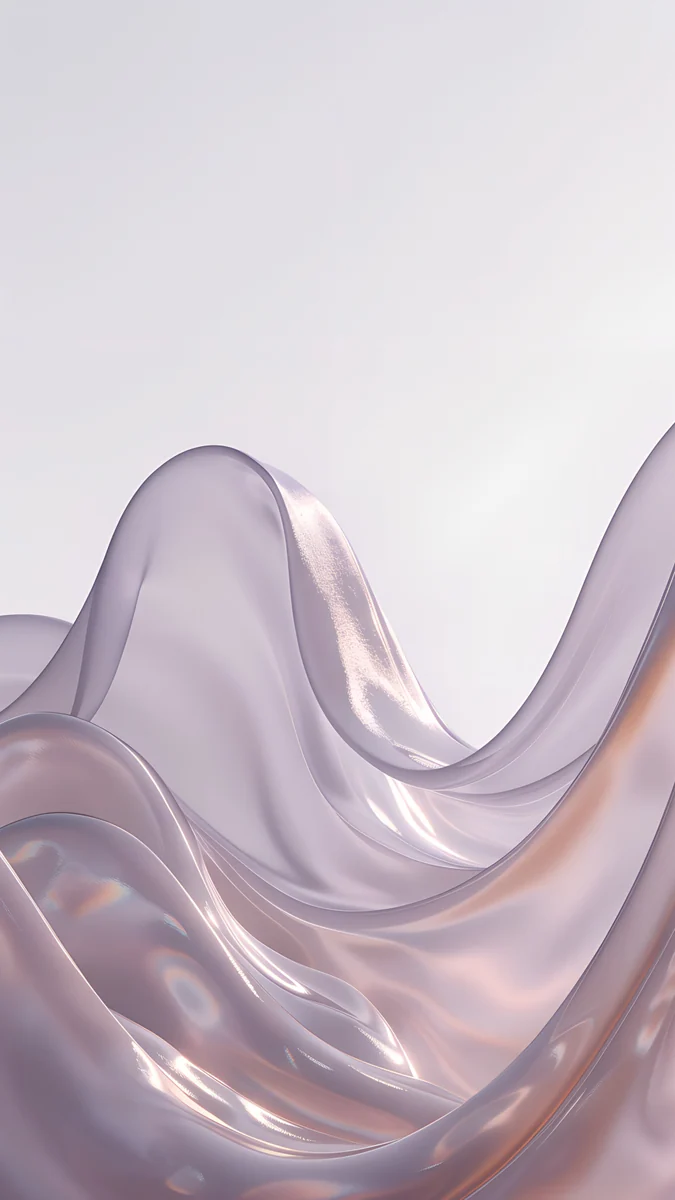
Rose Alcove is a pink arched niche with a vase of dried flowers at the bottom and a calm wall above it for the clock. Dusty Rose Shelf is darker and warmer, a dusty pink wall with the shadow of a window frame. Blush Silk is folds of pink and white silk with a pearly sheen, the gentlest match for the case. Rose Chiffon mixes pink, beige and white in loose folds of fabric, a touch warmer than Blush Silk.
Yellow iPhone 15
The Yellow model is a pale, buttery shade. A wallpaper that is too saturated will fight it, so look for cream and soft sunlight.
Butter Glow is a blurred fade from creamy yellow into pink with no hard lines, and a dark clock reads cleanly on it. Dunes and Sun is more graphic: paper cut hills in sand and orange under a yellow sun. Spiral Stair is a retro print of a staircase in yellow, navy and white, for people who like a bit of geometry.
Green iPhone 15
Green on the iPhone 15 is a cool, chalky mint. It pairs well with soft landscapes and clear glass.
Forest Paper Peaks stacks paper hills from light mint to deep green, with a pale sun in a cream sky. Emerald Glass Waves is clear green glass waves on white, brighter and fresher. Misty Bamboo Grove is a pale green bamboo forest in fog, quiet enough for a busy home screen.
Blue iPhone 15
The Blue model is a light, almost grey sky blue. Sea and glass in the same pale range keep the match honest.
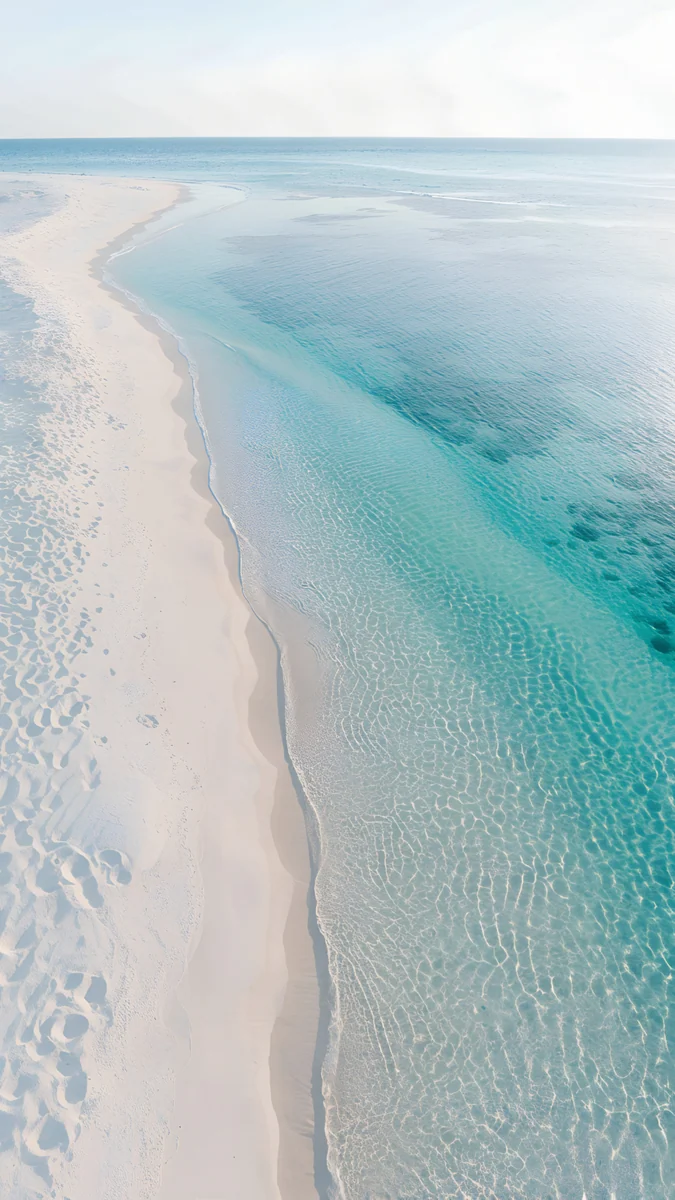
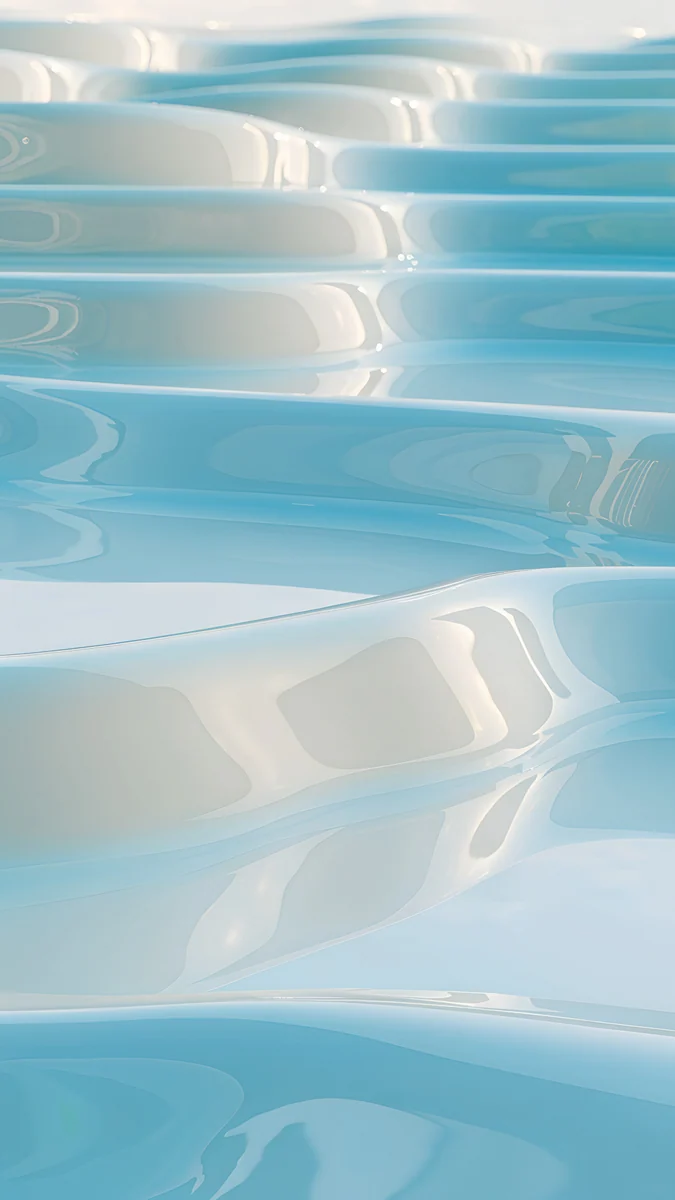
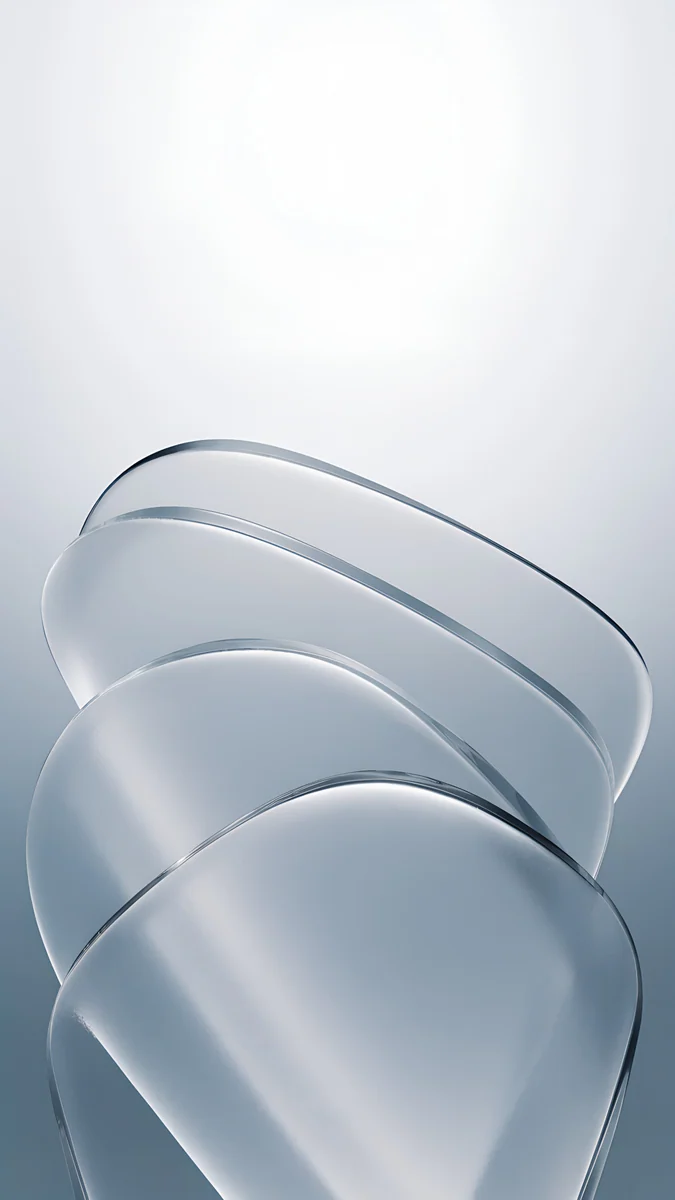
Where the Sea Ends is a misty pale blue sea that darkens towards the shore, with an almost white sky on top. Glacier Spiral Well is a light blue spiral staircase seen from above. Turquoise Sandbar is an aerial view of a white sandbar in turquoise water. Sky Pearl Terraces is a 3D render of pale blue liquid terraces, the closest to the glassy look of the back.
Black iPhone 15, and a word on the 15 Pro
The Black iPhone 15 suits nearly any wallpaper, so this is the place for strong graphics and deep night tones.
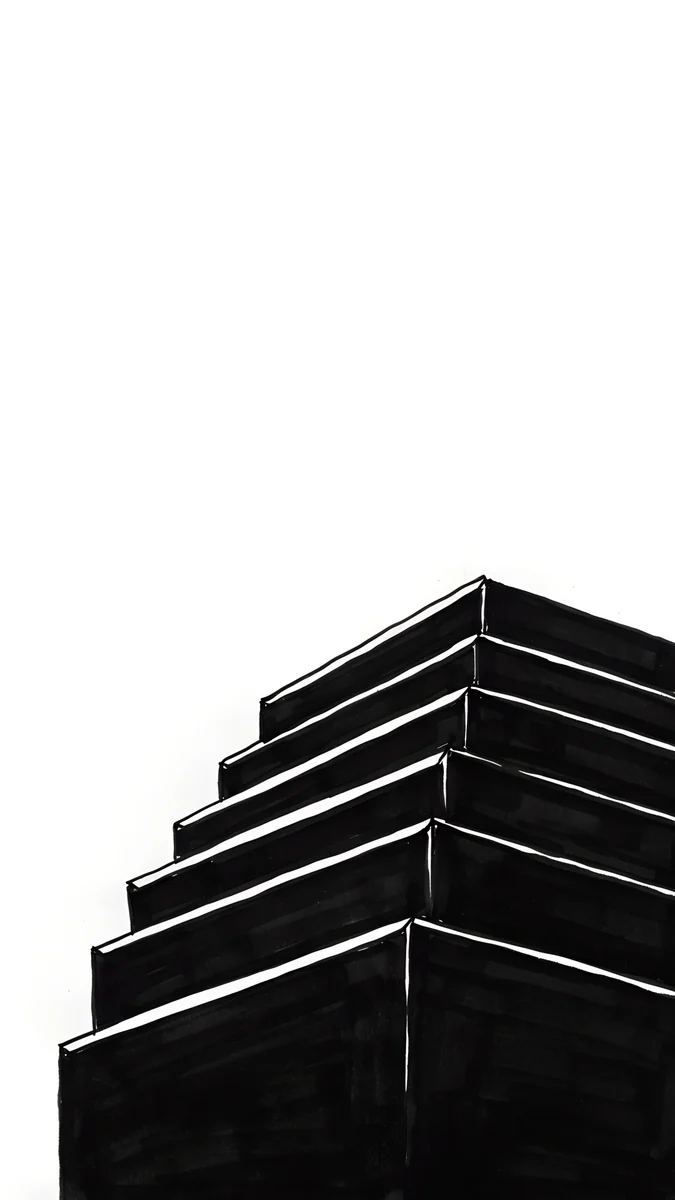
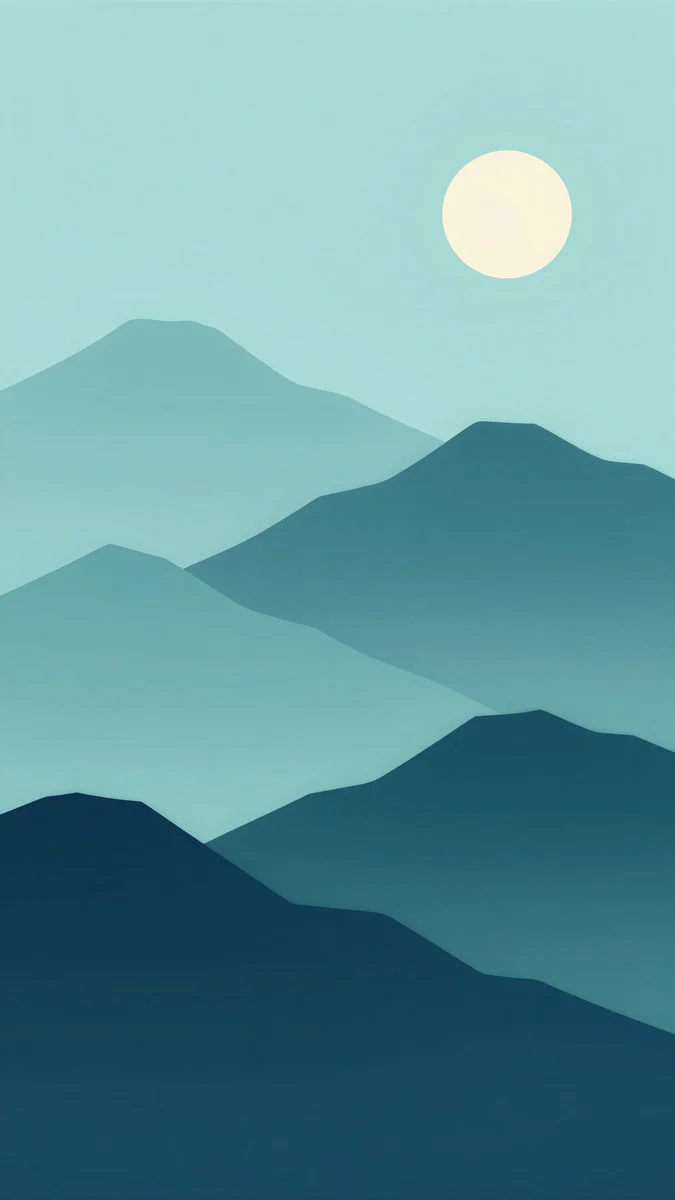
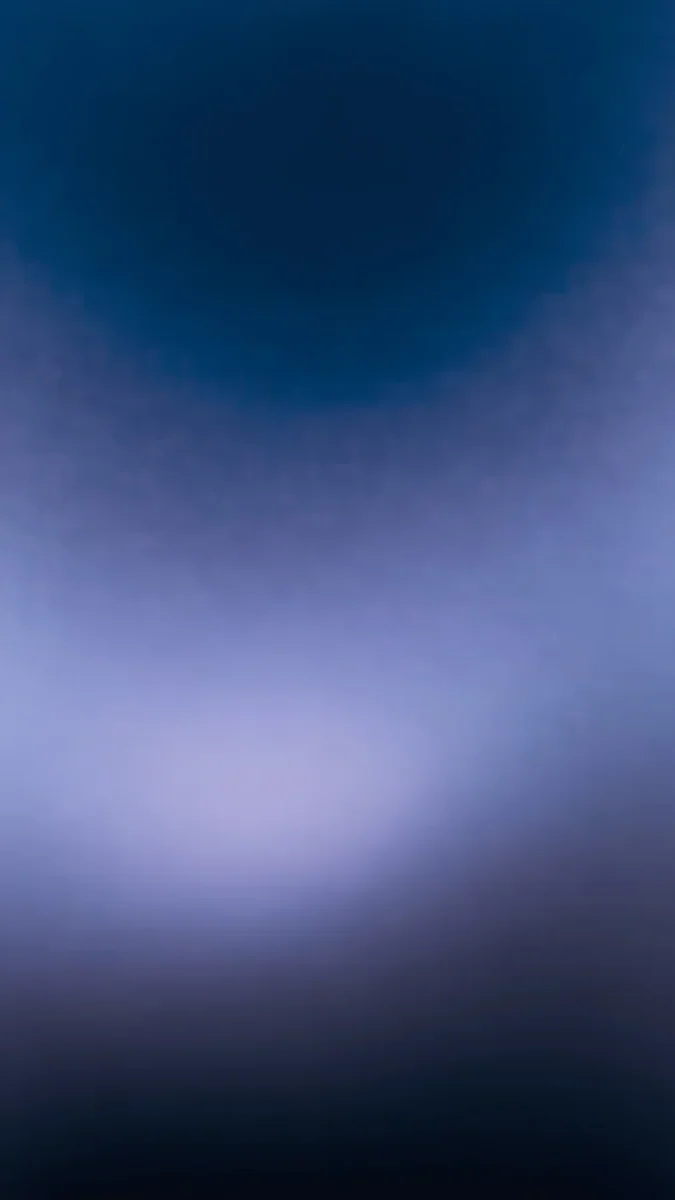
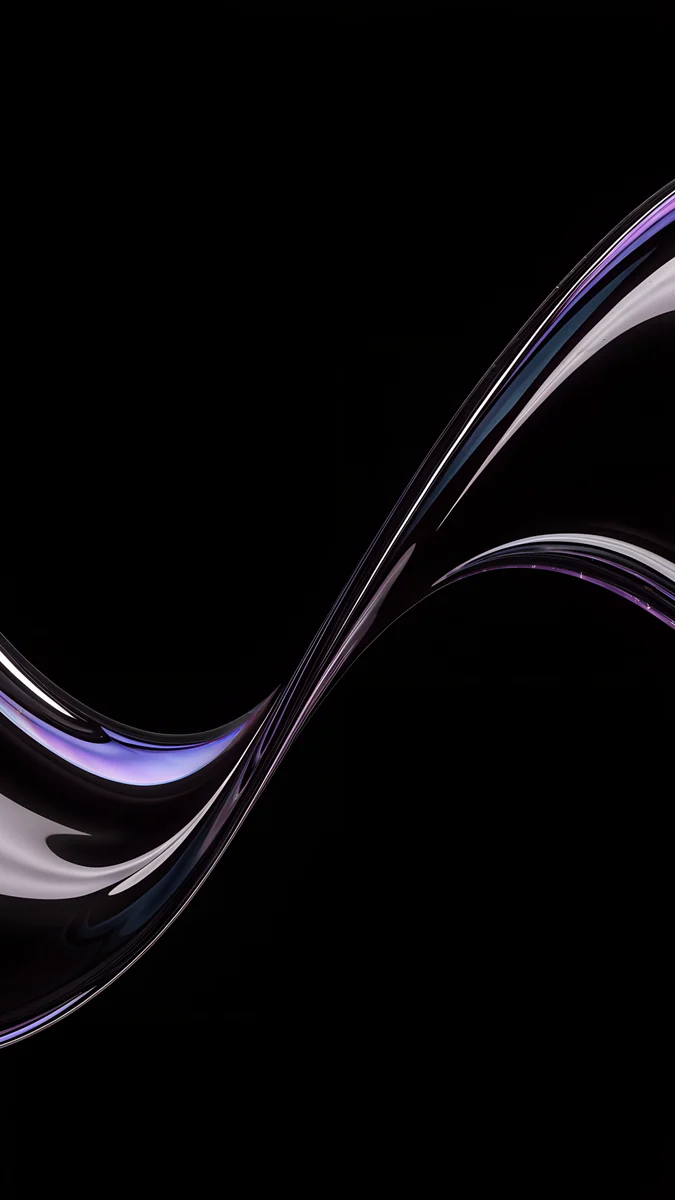
One Block is a single stepped tower drawn in black ink on white, sharp and strict. Midnight Paper Peaks layers teal and navy mountains under a pale moon. Blue Reverie is a deep blue gradient with lilac light in the middle. Silver Glass S Curve is a silver glass ribbon on true black, part of our Black Liquid Glass set.
The iPhone 15 Pro has the same 6.1 inch, 1179 × 2556 screen, so the crop is identical. It adds ProMotion and an Always-On display and comes in titanium finishes, so dark wallpapers suit it better. If you are thinking about an upgrade, compare these colours with our iPhone 17 wallpapers.
How to set a wallpaper on iPhone 15
These steps are for iOS 26:
- Save the original to Photos from the Velpaper app or from the wallpaper page on velpaper.com.
- Open Settings, tap Wallpaper, then Add New Wallpaper, and choose Photos.
- Pick the image, then pinch and drag until the main subject sits below the clock.
- Tap Add and choose whether to use it on both the lock screen and the home screen.
The Dynamic Island sits at the top centre, right above the clock, so subjects in the lower two thirds of the frame work best. You can keep several lock screens, for example a pink one for the day and a dark one for the evening, and switch with a long press on the lock screen.
Common problems and fixes
- Something gets cut at the edge. Both models show about four fifths of the width of a 9:16 image. Choose wallpapers with a centred subject.
- The clock is hard to read. On light wallpapers pick a dark clock colour in the lock screen editor, on dark ones a light colour.
- The wallpaper looks soft. You probably saved a preview or a screenshot. Download the original again from the wallpaper page.
- The screen does not match the case exactly. A screen emits light and glass reflects it, so a perfect match is not possible. Aim for the same temperature: warm with warm, cool with cool.
Where to get these iPhone 15 wallpapers
Velpaper is an app for iPhone, iPad, Mac and Android, and every wallpaper is also on velpaper.com. Phone wallpapers are 4K originals at 2160 × 3840, without a watermark and without an account. Browsing is free. The phone wallpapers in this article unlock after a short optional ad in the Velpaper apps, and on the website the original downloads for free when no ad is available. All wallpapers are designed by Carlos Vivero.
Next step: open Rose Alcove or another pick that matches your iPhone 15, save the original and set it on your lock screen.
Original wallpapers in and for iPhone, Android and desktop.
Questions
What size wallpaper does the iPhone 15 need?
According to Apple's tech specs, the iPhone 15 has a 6.1 inch screen at 1179 × 2556 pixels and the iPhone 15 Plus has a 6.7 inch screen at 1290 × 2796 pixels, both at 460 ppi. You do not need a file cut to either number. A 2160 × 3840 original is taller and wider than both screens, so iOS scales it down and trims a narrow strip from each side. The picture stays sharp on both phones.
Can I use the same wallpaper on the iPhone 15 and the 15 Plus?
Yes. Both models have the same 460 ppi density and almost the same shape, about 19.5:9, slightly narrower than 9:16. iOS fills the height and crops roughly 9 percent from each side. A 2160 × 3840 file is bigger than the 15 Plus screen at 1290 × 2796, so it is only scaled down and looks just as sharp on the larger phone. Pick wallpapers with a centred subject and the side crop goes unnoticed. The same file also fits the iPhone 15 Pro, which has the same resolution as the iPhone 15.
Does the iPhone 15 have an Always-On display?
No. Apple lists the Always-On display and ProMotion for the iPhone 15 Pro and 15 Pro Max, not for the iPhone 15 or 15 Plus. For wallpapers this means the locked screen of an iPhone 15 simply goes dark instead of showing a dimmed version of the image. So you can safely choose a light pastel wallpaper to match the case, because it never sits on screen as a grey patch while the phone rests. On a 15 Pro, darker wallpapers look calmer for the same reason.
Which wallpaper suits the Pink iPhone 15?
A light pink with soft shadow, not a saturated neon. Rose Alcove is the closest match: a pink arched niche with a vase of dried flowers and a calm wall above for the clock. Dusty Rose Shelf is darker and warmer, with a window frame shadow on a dusty pink wall. Blush Silk is the gentlest option, pink and white silk folds with a pearly sheen. Choose a dark or white clock, whichever reads better. Every file is 2160 × 3840 and fits both the iPhone 15 and the 15 Plus.
Are these iPhone 15 wallpapers free?
Browsing and previewing are free on velpaper.com and in the Velpaper apps for iPhone, iPad, Mac and Android. The phone wallpapers in this collection unlock after a short optional ad in the app. On the website, when no ad is available, the original downloads for free. There is no account and no subscription. Every file is a 2160 × 3840 JPEG without a watermark, enough for both the iPhone 15 and the 15 Plus, and you set it from Photos as usual.
Carlos Vivero
Designer of Velpaper wallpapers
Carlos Vivero designs the wallpapers in Velpaper: quiet architecture, liquid glass, Japanese ink and calm landscapes. Every piece is made as a original for iPhone, Android and desktop.
Recent work