iPhone 17 Wallpaper: Free 4K Picks for Every Colour
iPhone 17 wallpapers matched to Cosmic Orange, Deep Blue, Lavender, Sage and Mist Blue, with the screen size of every model. Free 4K originals, no watermark.
In short: The best iPhone 17 wallpaper picks up the colour of the phone itself: warm orange for Cosmic Orange, navy glass for Deep Blue, soft lilac, sage or pale blue for the iPhone 17. A 2160 × 3840 original stays sharp on all four models, from the 1206 × 2622 iPhone 17 to the 1320 × 2868 iPhone 17 Pro Max.
By the Velpaper team · Wallpapers by Carlos Vivero, Velpaper designer · · Updated · 5 min read
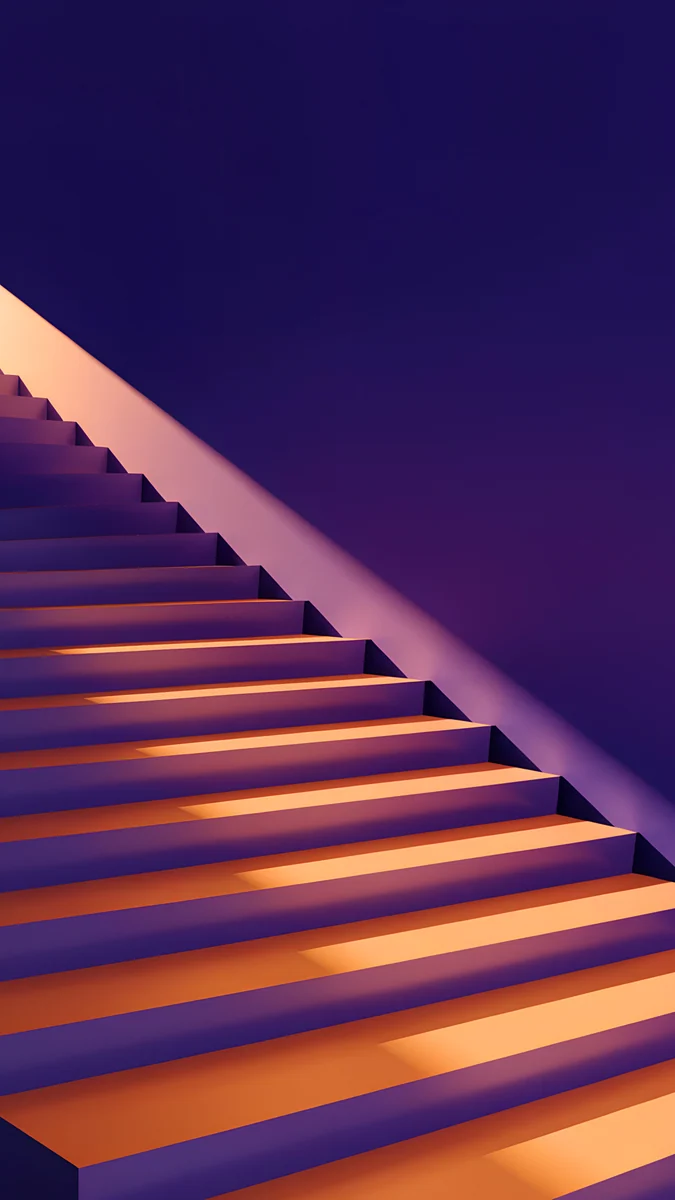 Amber Shadow Cut
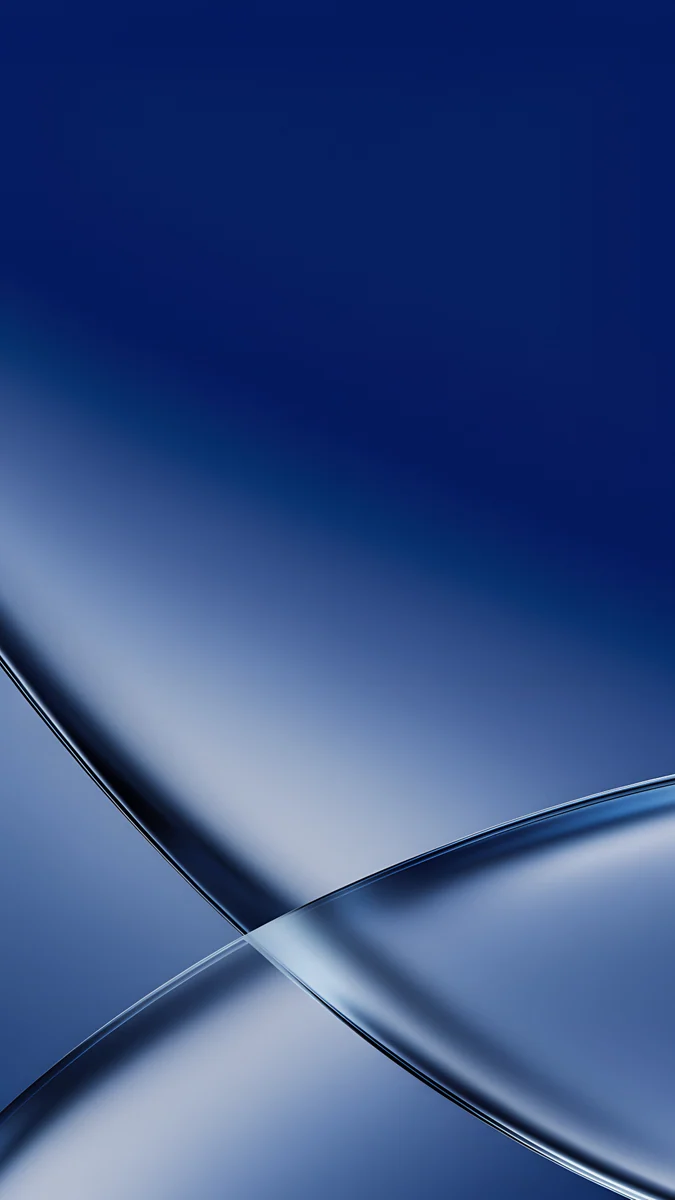 Cobalt Soft Crossing
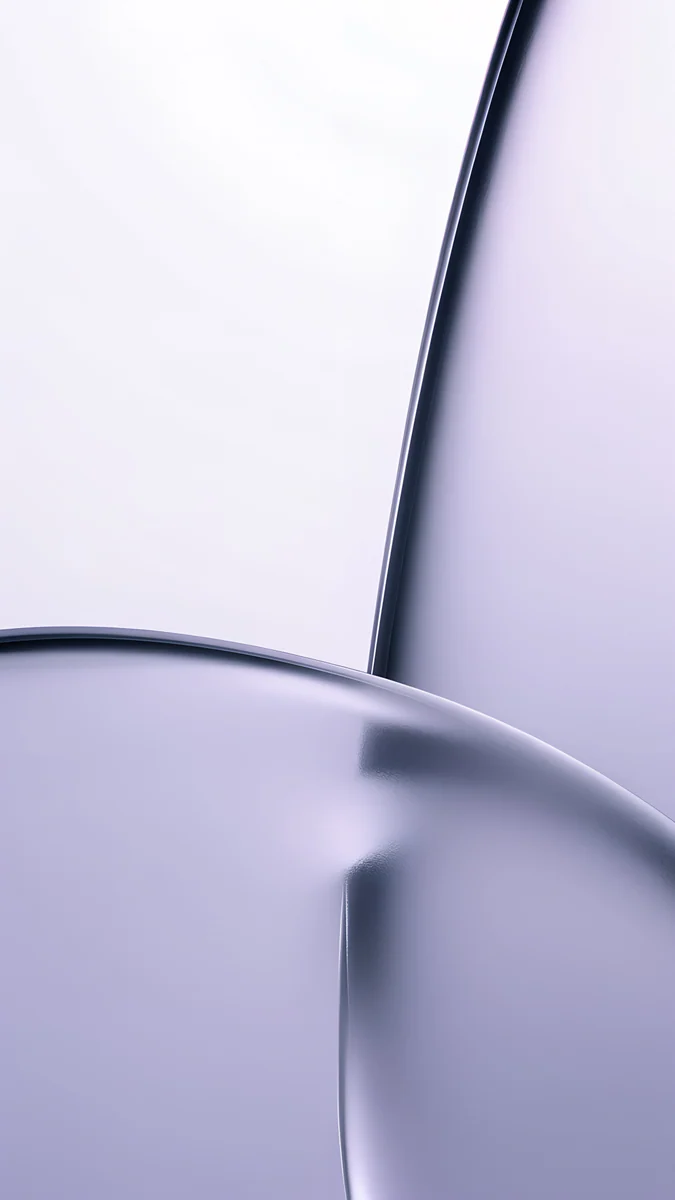 Lilac Transmission
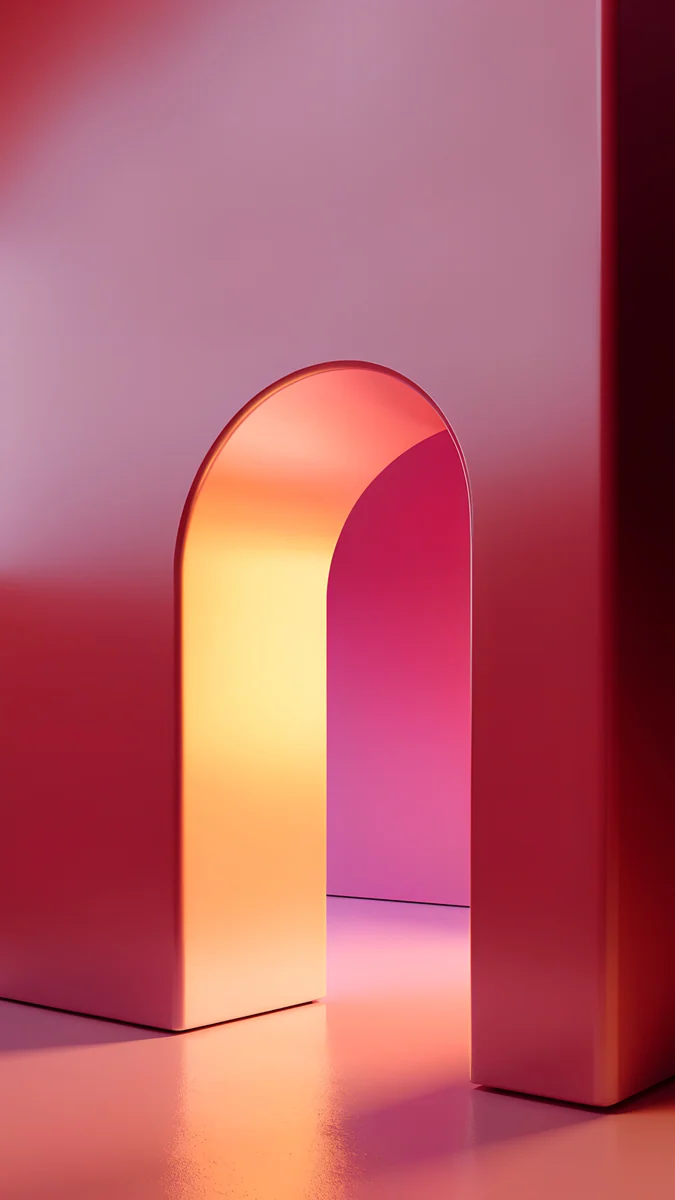 Coral Ignition Arch
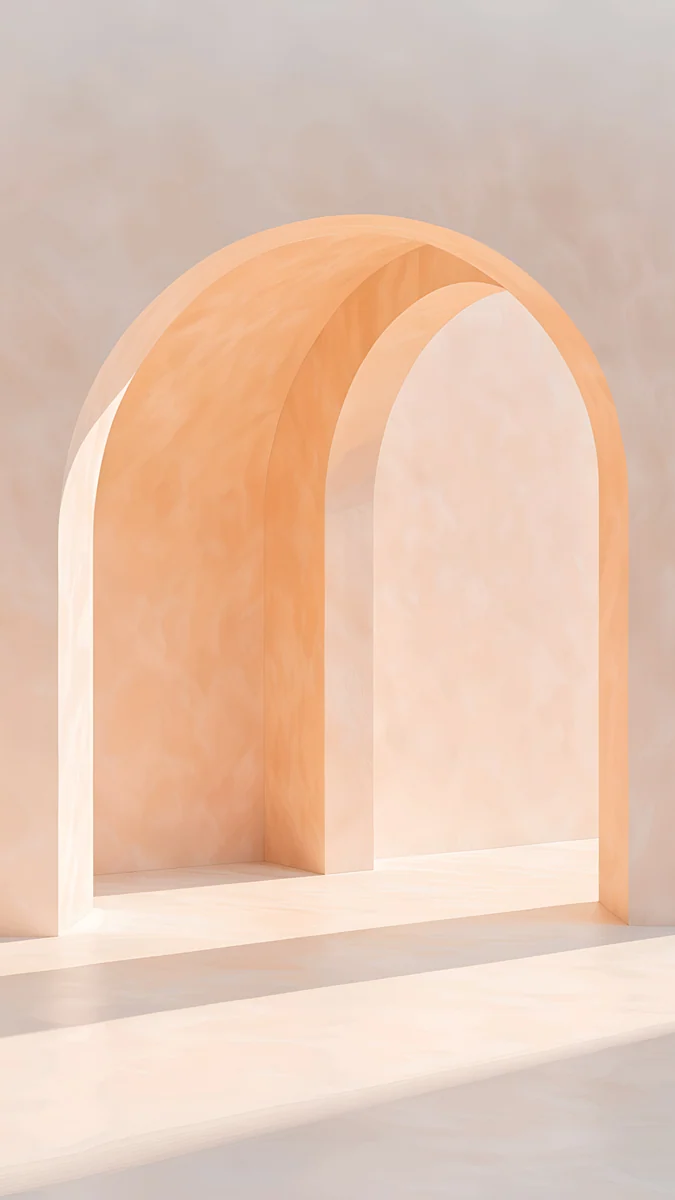 Apricot Noon
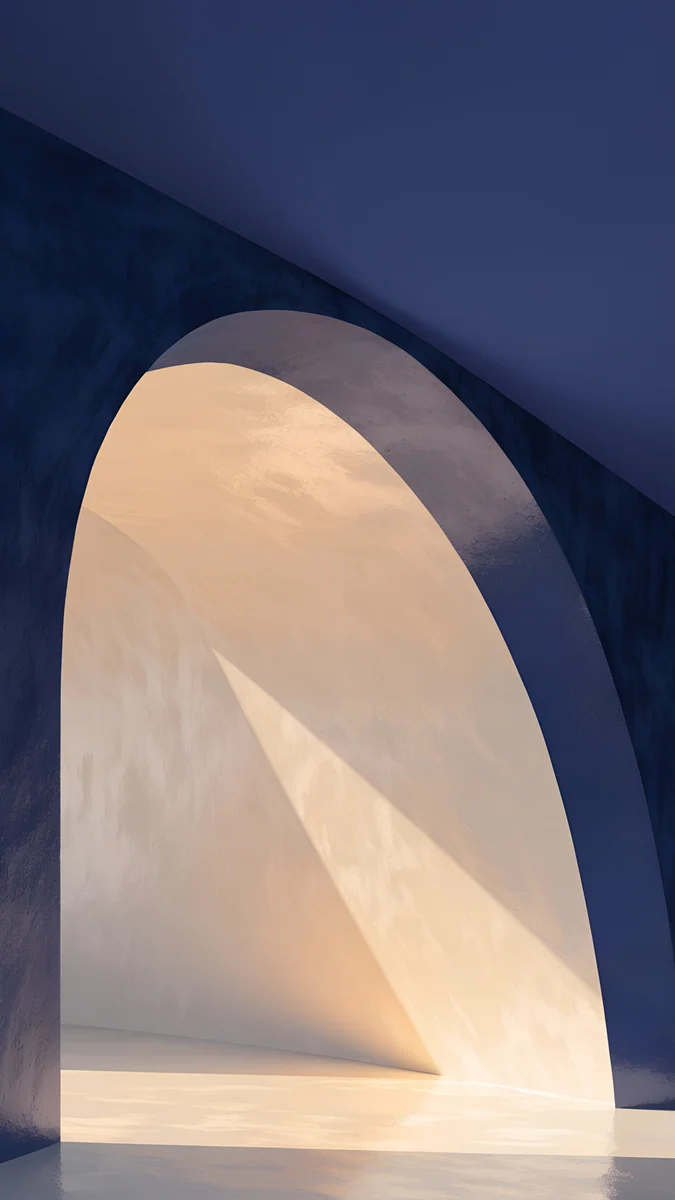 Indigo Passage
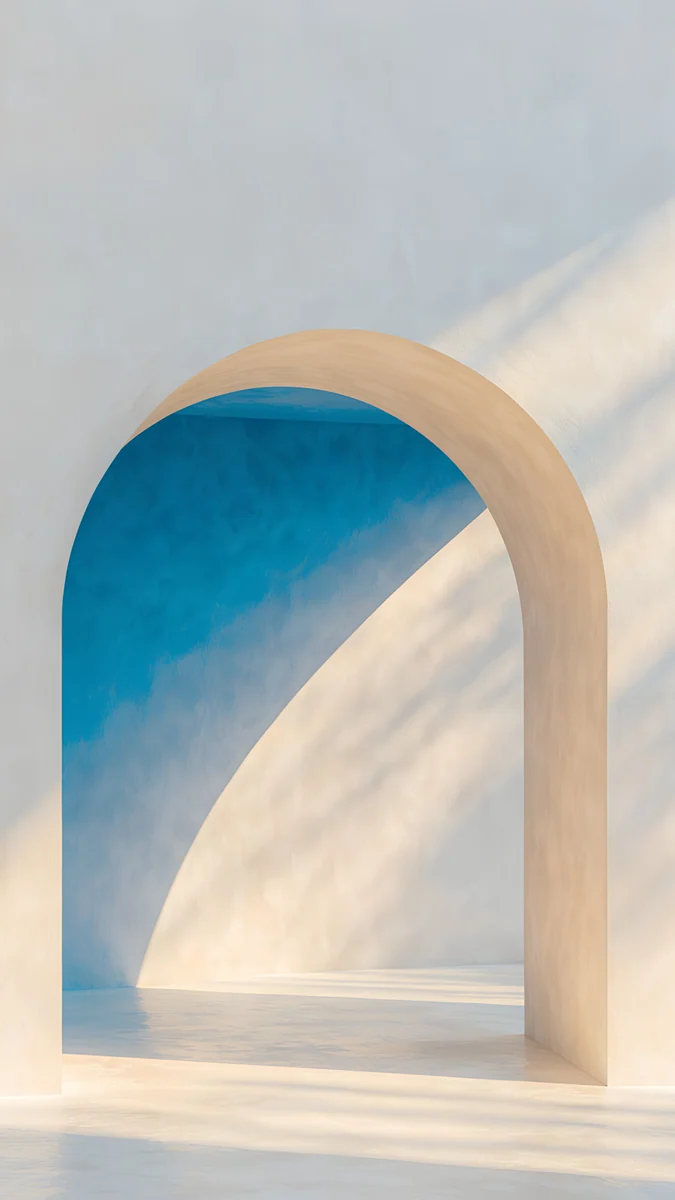 The Blue Arch
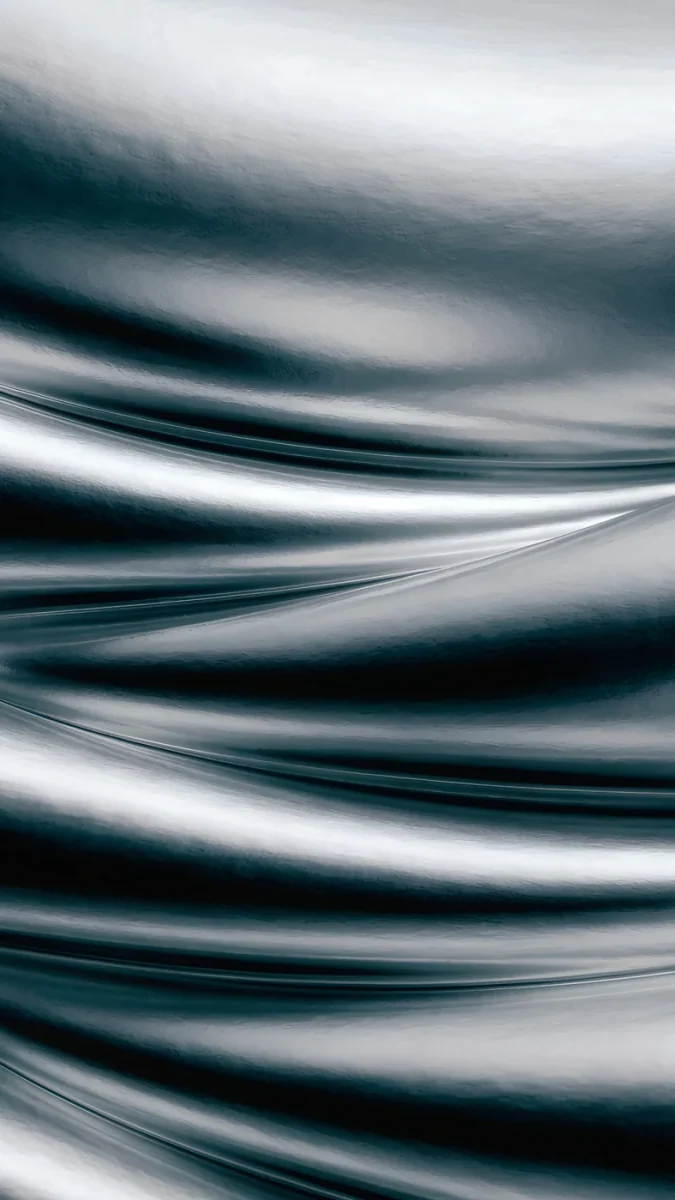 Moon Silver
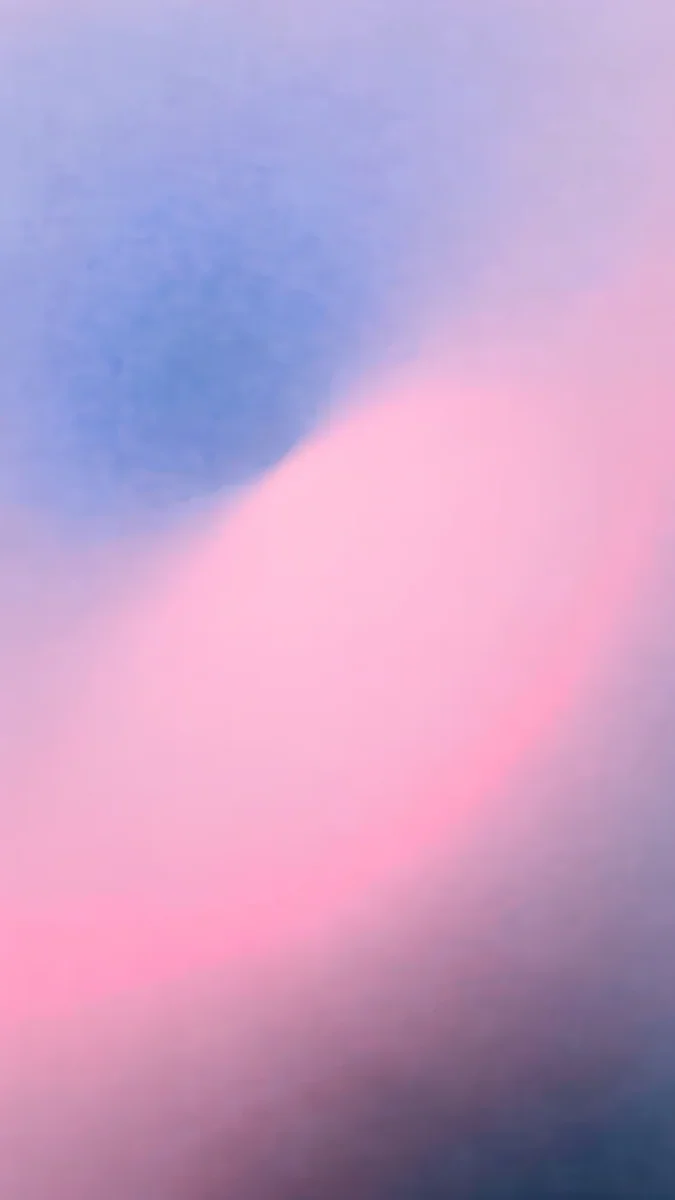 Lilac Hush
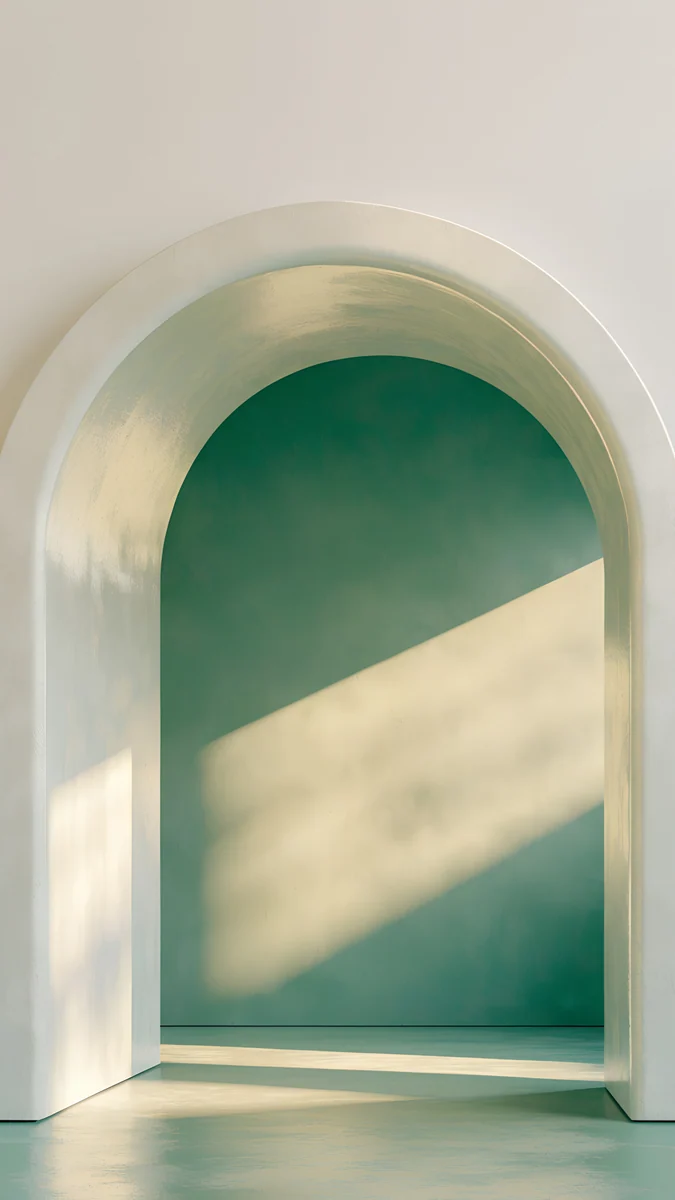 Sage Sun Arch
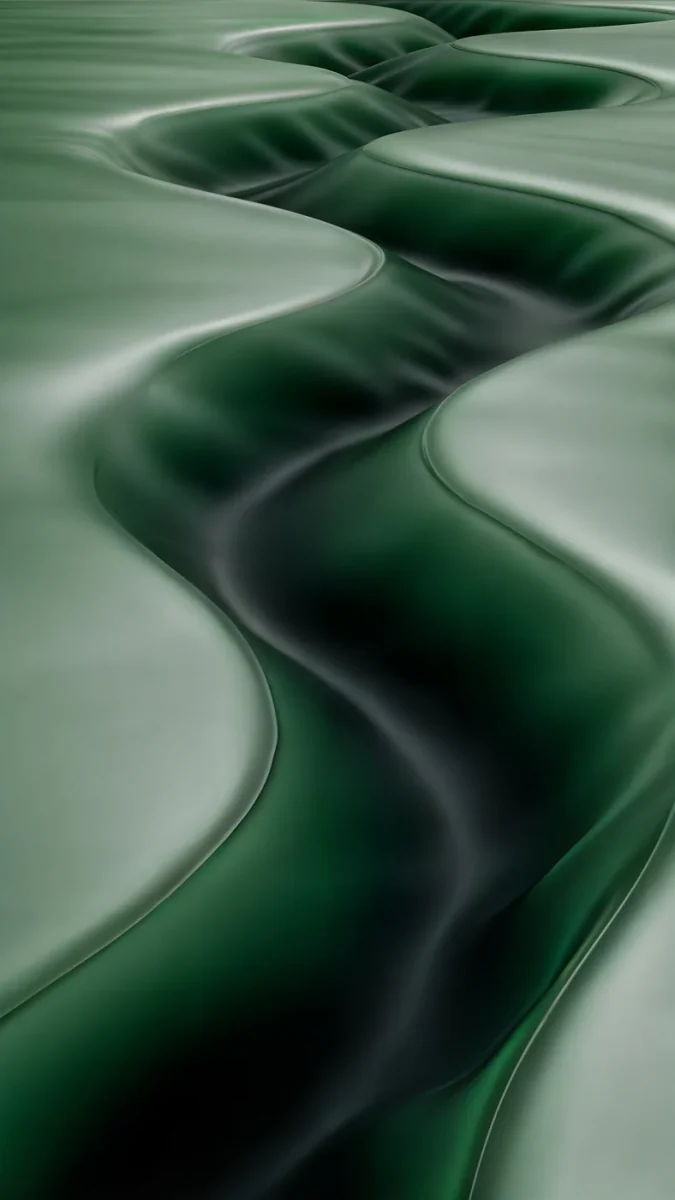 Sage Passage
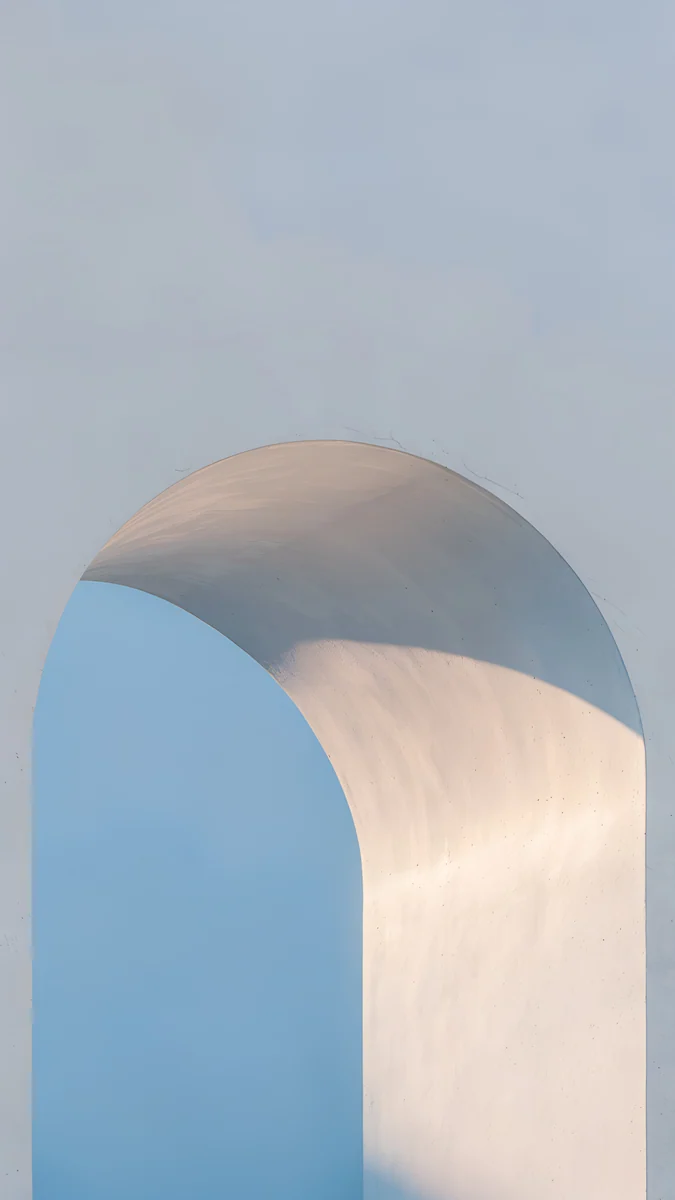 Blue Hour Portico
Free 4K originals for iPhone and Android, no watermark
On this page
Apple gave the iPhone 17 family a strong set of colours. The iPhone 17 Pro and Pro Max come in Cosmic Orange, Deep Blue and Silver. The iPhone 17 comes in Lavender, Sage, Mist Blue, White and Black. The iPhone Air adds Sky Blue, Light Gold, Cloud White and Space Black. A wallpaper that echoes the back of the phone makes the whole device feel deliberate, the way a good strap suits a watch dial.
Below are Velpaper wallpapers grouped by those colours. First comes the real screen size of each model, so you know the file will stay sharp before you pick a look.
iPhone 17 wallpaper size for each model
iOS shows a wallpaper at the native pixel size of the screen. These are the four models in the lineup, width by height:
| Model | Screen | Resolution (pixels) |
|---|---|---|
| iPhone 17 | 6.3 inches | 1206 × 2622 |
| iPhone Air | 6.5 inches | 1260 × 2736 |
| iPhone 17 Pro | 6.3 inches | 1206 × 2622 |
| iPhone 17 Pro Max | 6.9 inches | 1320 × 2868 |
You do not need a separate file for each one. A 2160 × 3840 original is taller and wider than every screen in the table, so iOS only scales it down and trims a narrow strip at each side, because these phones are a little narrower than 9:16. Our iPhone wallpaper size guide lists the older models and explains that crop in detail.
Every phone wallpaper in this article is a 2160 × 3840 JPEG without a watermark, so one file covers the iPhone 17 and the 17 Pro Max alike.
Cosmic Orange: warm wallpapers for the iPhone 17 Pro
Cosmic Orange is a bright, saturated orange. The wallpapers that suit it keep that warmth but add a cooler shadow, so the lock screen does not turn into one flat orange slab.
Amber Shadow Cut is the closest match: a flight of glowing orange stairs cut diagonally by an indigo shadow. The violet upper third gives the clock a dark, quiet area to sit on. Coral Ignition Arch goes further, an arch of orange light set into a crimson wall, for people who want the phone and the screen to shout together. Apricot Noon is the soft option: a peach plaster arch in plain daylight, if you like the orange phone but prefer a light lock screen with a dark clock.
Deep Blue and Silver
Deep Blue is a dark navy that looks almost black in dim light. It suits wallpapers with the same depth and one clear band of light.
Cobalt Soft Crossing looks like two curved sheets of blue glass crossing each other, navy at the top and pale at the bottom, very close to the tone of the phone. Indigo Passage is a navy arch with warm light falling through it. The Blue Arch reverses the idea, with a cream arch framing a cobalt wall. For a Silver phone, Moon Silver is a field of liquid metal folds in black and silver that suits dark mode.
Dark wallpapers like these also hold up well on the Always-On display, which dims the lock screen instead of switching it off. Our guide to the iPhone Always-On display wallpaper explains what stays visible and how to tune it.
Lavender, Sage and Mist Blue: the iPhone 17 colours
The standard iPhone 17 goes the other way: soft, chalky pastels with a matte finish. Wallpapers for these colours work best when they stay light and let the tint do the talking.
Lilac Transmission4K · PhoneLilac Hush4K · PhoneSage Sun Arch4K · PhoneSage Passage4K · PhoneBlue Hour Portico4K · Phone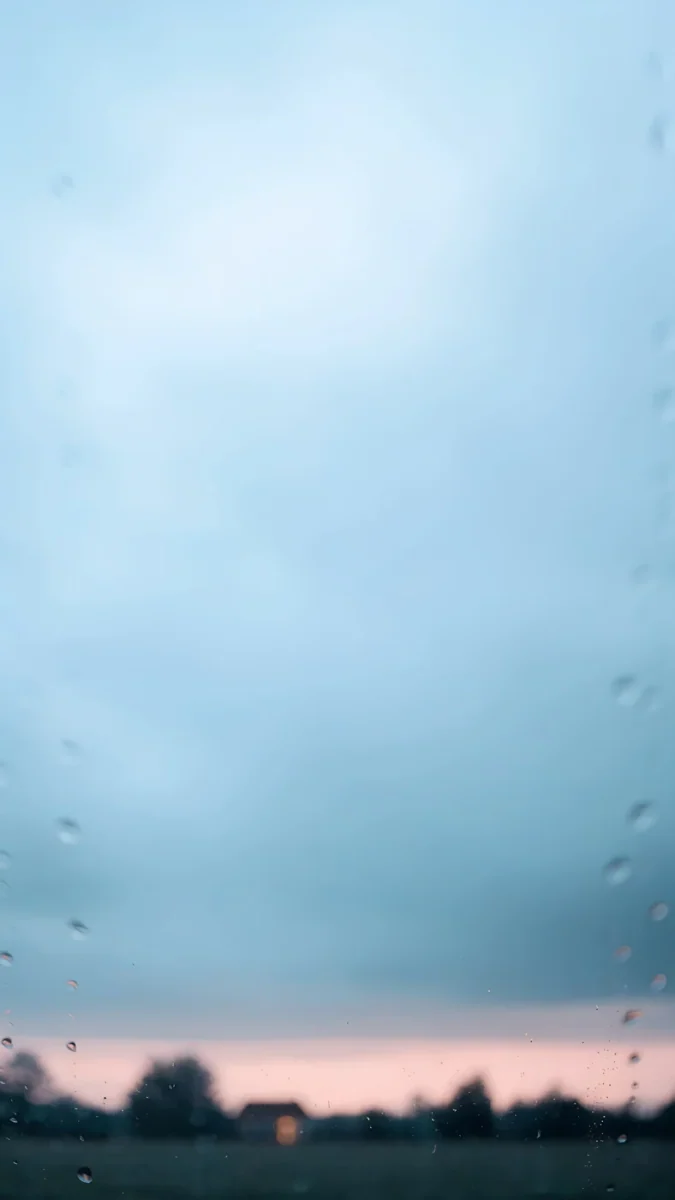 Softly Passing4K · Phone
For Lavender, Lilac Transmission is a curved pane of lilac glass on white, almost the tint of the aluminium frame. Lilac Hush is a gradient from periwinkle into pink, softer and warmer. For Sage, Sage Sun Arch shows a green alcove under a white arch with a diagonal of sunlight across it. Sage Passage is the dark version: glossy green ribbons winding down the screen. For Mist Blue, Blue Hour Portico is a pale blue arch in cool evening light, and Softly Passing is a misty sky seen through a rain-flecked window, with a thin pink line at the horizon.
The White and Black iPhone 17 are easier to match. White Arches, a row of white arches reflected in still water, suits the white model. Moon Ledge, a full moon over a black skyline with a stone gargoyle, suits the black one.
iPhone Air: Sky Blue, Light Gold, Cloud White, Space Black
The iPhone Air sits between the iPhone 17 and the Pro Max in size, 1260 × 2736 pixels on 6.5 inches, and has the palest colours of the family.
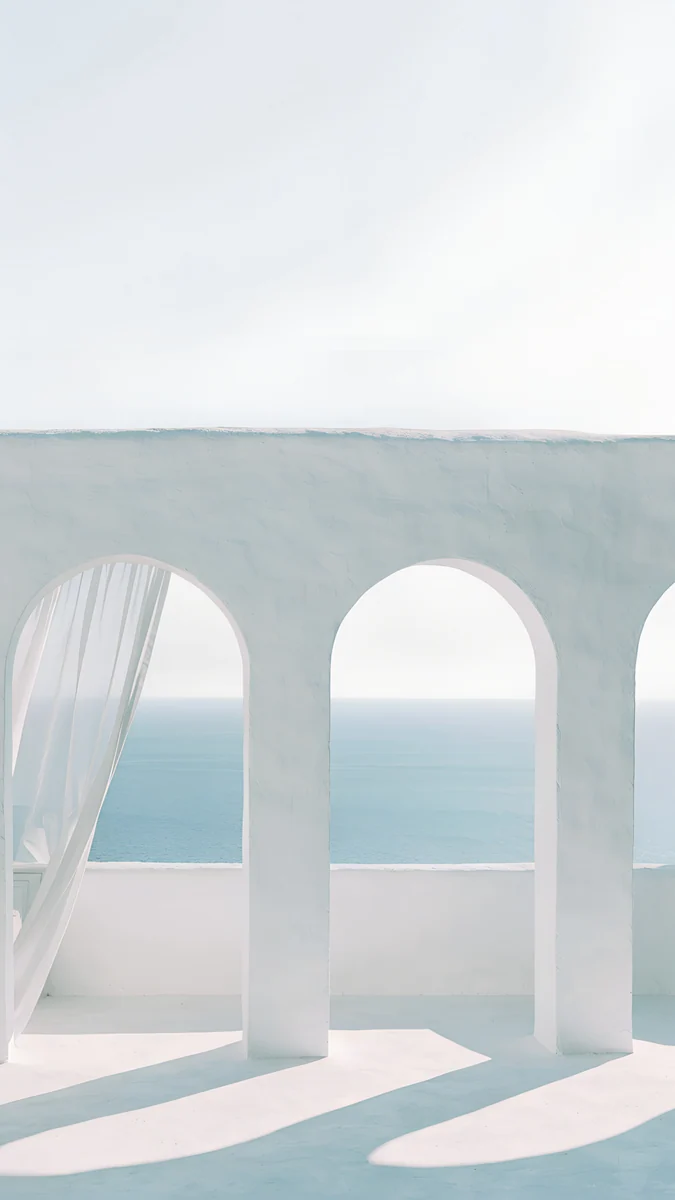
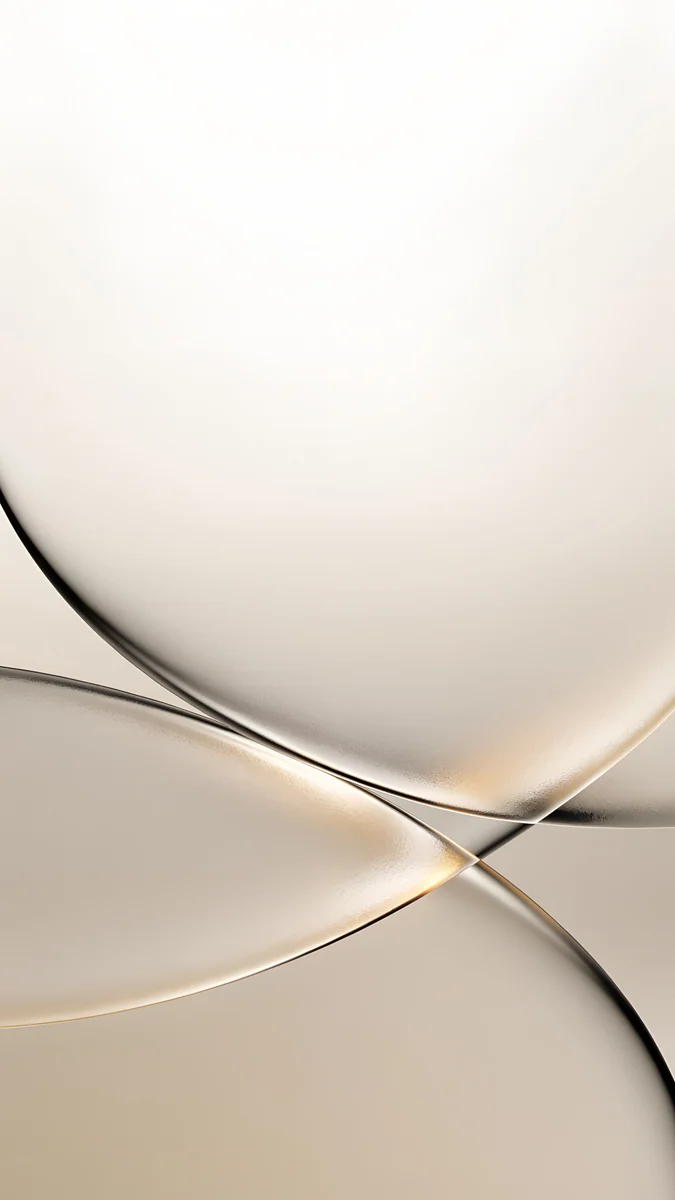
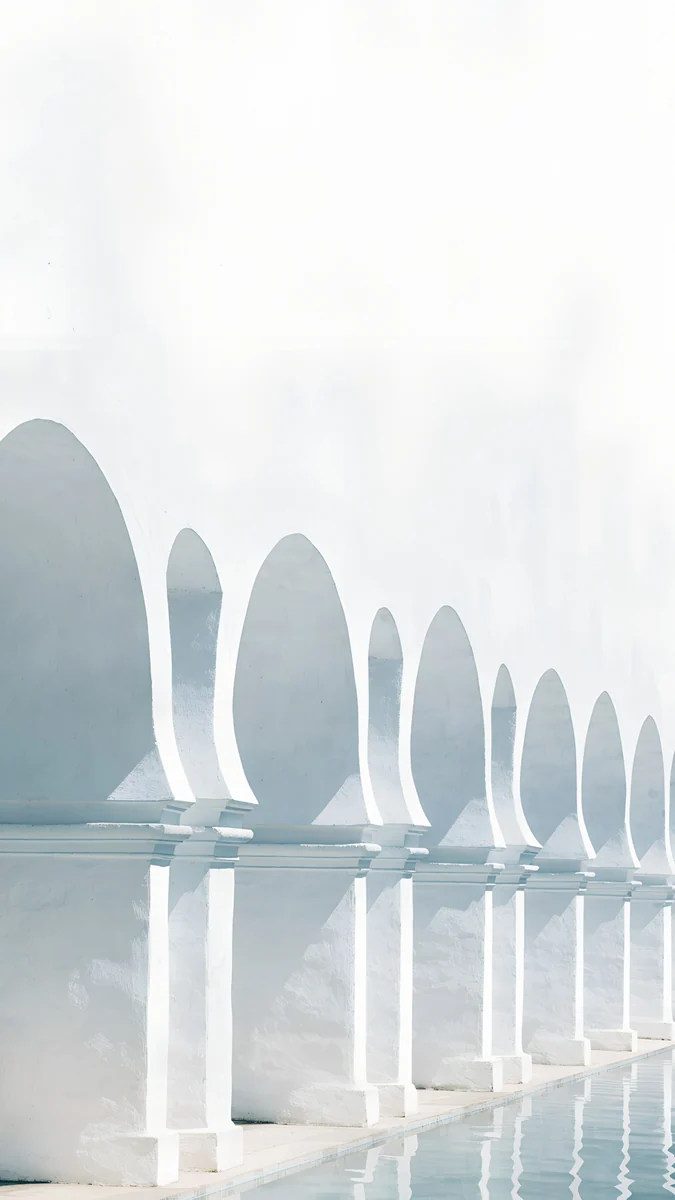
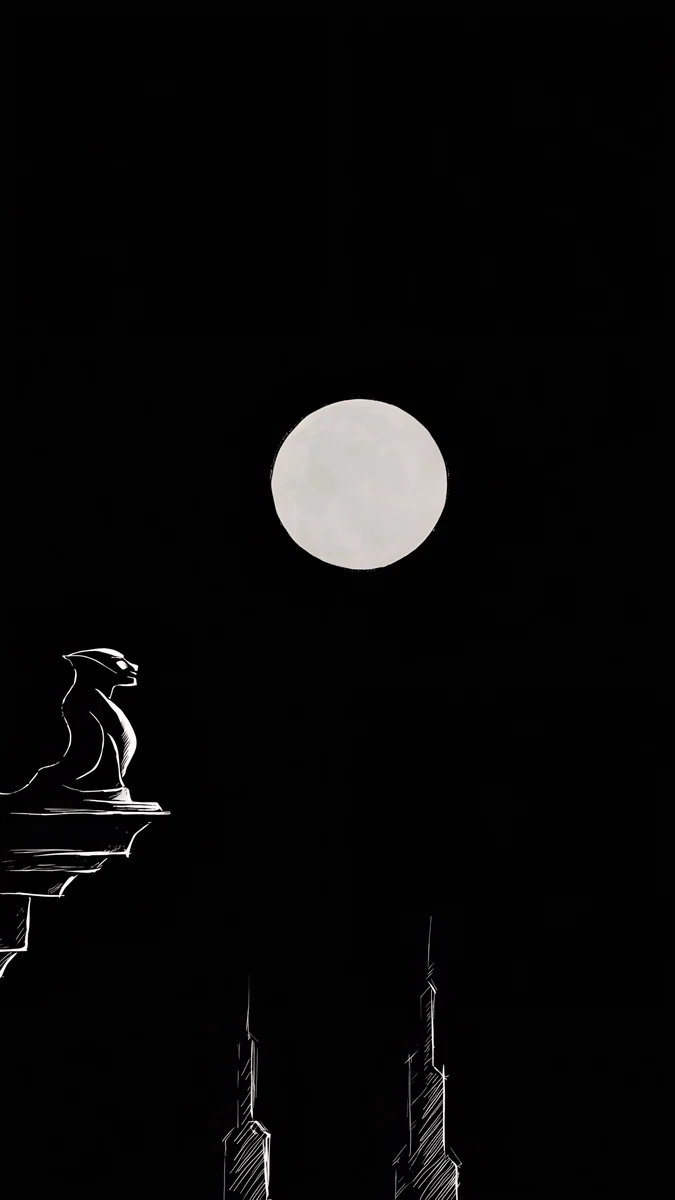
Sea Arch is the Sky Blue match: white arches opening onto a pale sea, with a sheer curtain lifting at one side. Champagne Veil suits Light Gold, with crossing curves of champagne glass on a cream ground. White Arches goes with Cloud White, and Moon Ledge with Space Black. Because the Air is thin and light, a wallpaper with plenty of empty space tends to suit its character better than a busy pattern.
How to set your wallpaper on iPhone 17
The iPhone 17 family ships with iOS 26, and setting a wallpaper works the same as on recent iPhones:
- Save the original to Photos from the Velpaper app or from the wallpaper page on velpaper.com.
- Open Settings, then Wallpaper, then Add New Wallpaper, and choose Photos.
- Pick the image, then pinch and drag to frame it.
- Tap Add and choose whether to use it on both the lock screen and the home screen.
In iOS 26 the lock screen clock is drawn in translucent glass, so it reads best over a calm, even area. That is why most of the picks here keep the top third plain. For every lock screen option, from fonts to widgets, see how to set a lock screen wallpaper on iPhone. If iOS zooms the picture in too far, the fix is in our article on iPhone wallpaper zoom.
Original wallpapers in 4K and 5K for iPhone, Android and desktop.
Questions
What size is the iPhone 17 wallpaper?
The iPhone 17 and the iPhone 17 Pro both have 6.3 inch screens at 1206 × 2622 pixels. The iPhone Air is 1260 × 2736 pixels on 6.5 inches, and the iPhone 17 Pro Max is 1320 × 2868 pixels on 6.9 inches. You do not need to match each number. A 2160 × 3840 image is larger than all four screens, so iOS scales it down and trims a narrow strip at the sides, and the result stays sharp on every model.
Will one wallpaper work on the iPhone 17 Pro Max and the iPhone Air?
Yes, as long as it is a large enough original. Both phones are about 19.5:9, slightly narrower than a 9:16 wallpaper, so iOS fills the height and crops a little from each side. A 2160 × 3840 file is bigger than the 1320 × 2868 Pro Max and the 1260 × 2736 Air, so it only gets scaled down. Choose wallpapers with a centred subject and calm edges, and the crop is invisible on both.
Which wallpaper matches the Cosmic Orange iPhone 17 Pro?
Look for warm orange with a cooler shadow, so the screen does not become one flat block of colour. Amber Shadow Cut, with its glowing orange stairs under an indigo shadow, is the closest Velpaper match and leaves a dark area for the clock. Coral Ignition Arch is bolder, with an orange arch set into a crimson wall. Apricot Noon is the light alternative, a peach arch in daylight that pairs well with a dark clock.
Are these iPhone 17 wallpapers free?
Browsing and previewing are free on velpaper.com and in the Velpaper apps for iPhone, Android and Mac. Most phone wallpapers unlock after a short optional ad in the apps; on the website, if no ad is available, the original downloads for free. There is no account and no subscription. Every phone file is a 2160 × 3840 JPEG without a watermark, which covers every iPhone 17 model.
Where are Apple's own iPhone 17 wallpapers?
Apple's built-in wallpapers live in the wallpaper gallery of iOS. Open Settings, tap Wallpaper, then Add New Wallpaper, and scroll through the collections Apple provides, including colour and weather options. They cannot be downloaded as files, only set on the phone. If you want an original image file that you can also use on another device, an independent source such as Velpaper gives you the full 2160 × 3840 JPEG.
Carlos Vivero
Designer of Velpaper wallpapers
Carlos Vivero designs the wallpapers in Velpaper: quiet architecture, liquid glass, Japanese ink and calm landscapes. Every piece is made as a 4K original for iPhone, Android and desktop.
Recent work








