iPhone 16 Wallpapers: Free 4K Picks by Colour and Size
iPhone 16 wallpapers matched to Ultramarine, Teal, Pink and the Pro titanium finishes, plus the screen size of all four models. Free 4K originals, no watermark.
In short: One 2160 × 3840 wallpaper fits every iPhone 16: the screens range from 1179 × 2556 on the iPhone 16 to 1320 × 2868 on the 16 Pro Max, so iOS only scales the image down. For the best look, match it to your finish, for example deep blue for Ultramarine or sand tones for Desert Titanium.
By the Velpaper team · Wallpapers by Carlos Vivero, Velpaper designer · · Updated · 5 min read
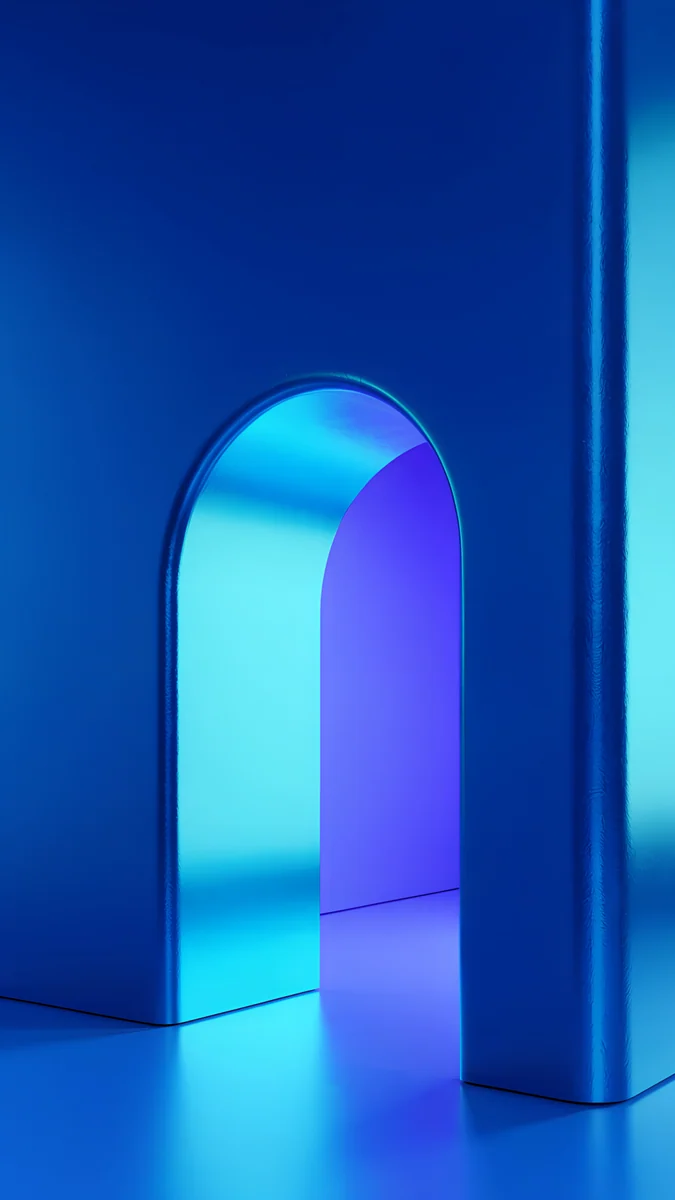 Volt Blue Arch
 Tidal Quiet
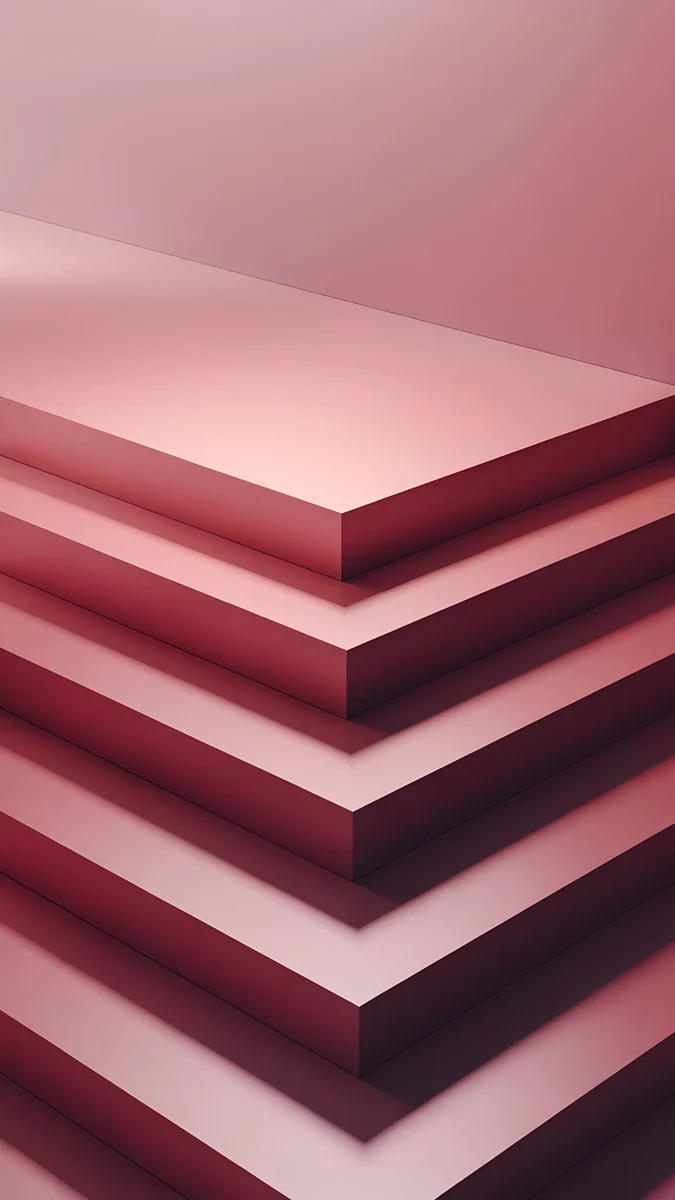 Rose Terrace Ascent
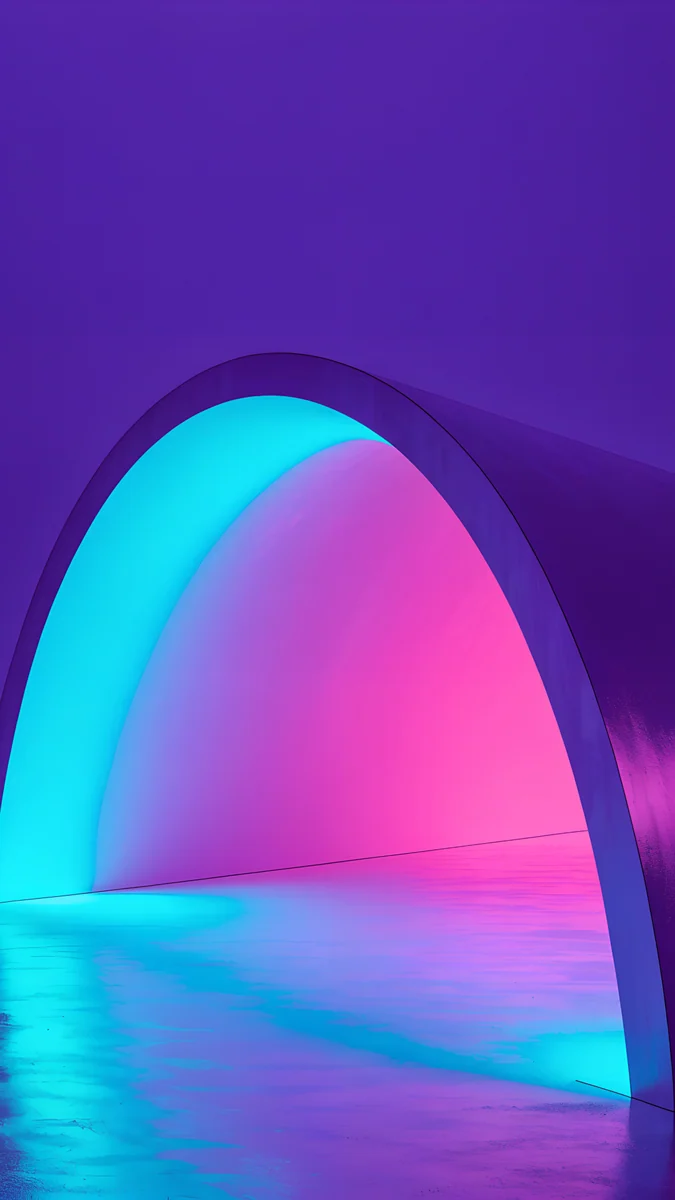 Electric Violet Arch
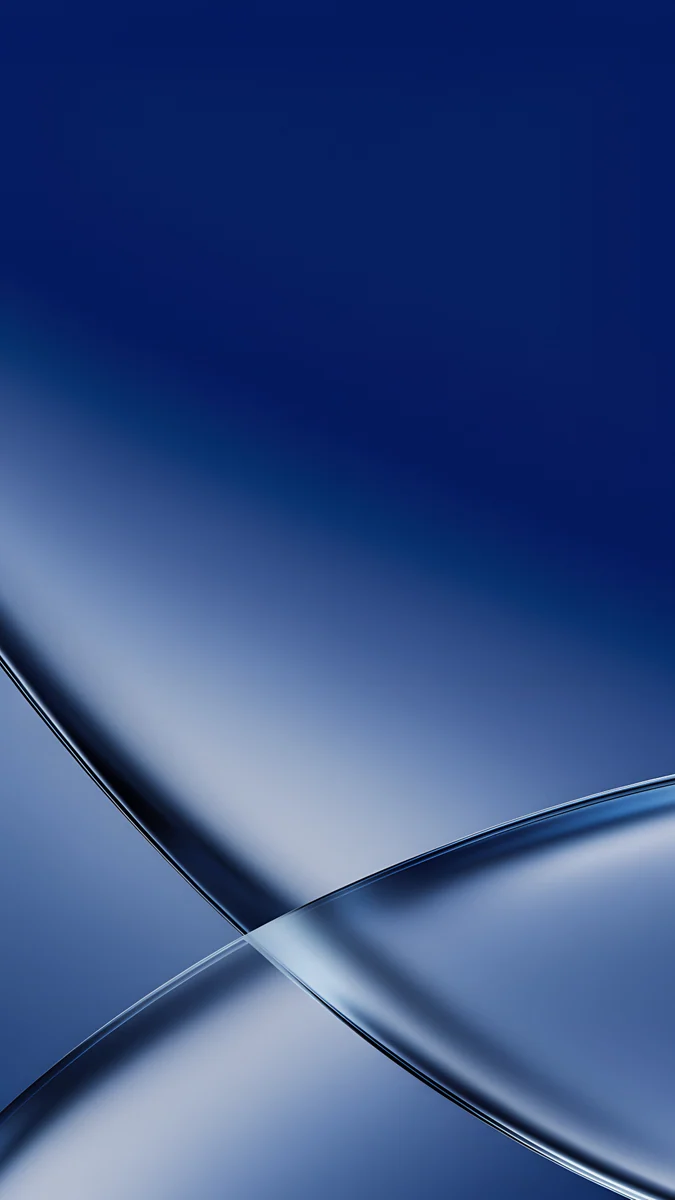 Cobalt Soft Crossing
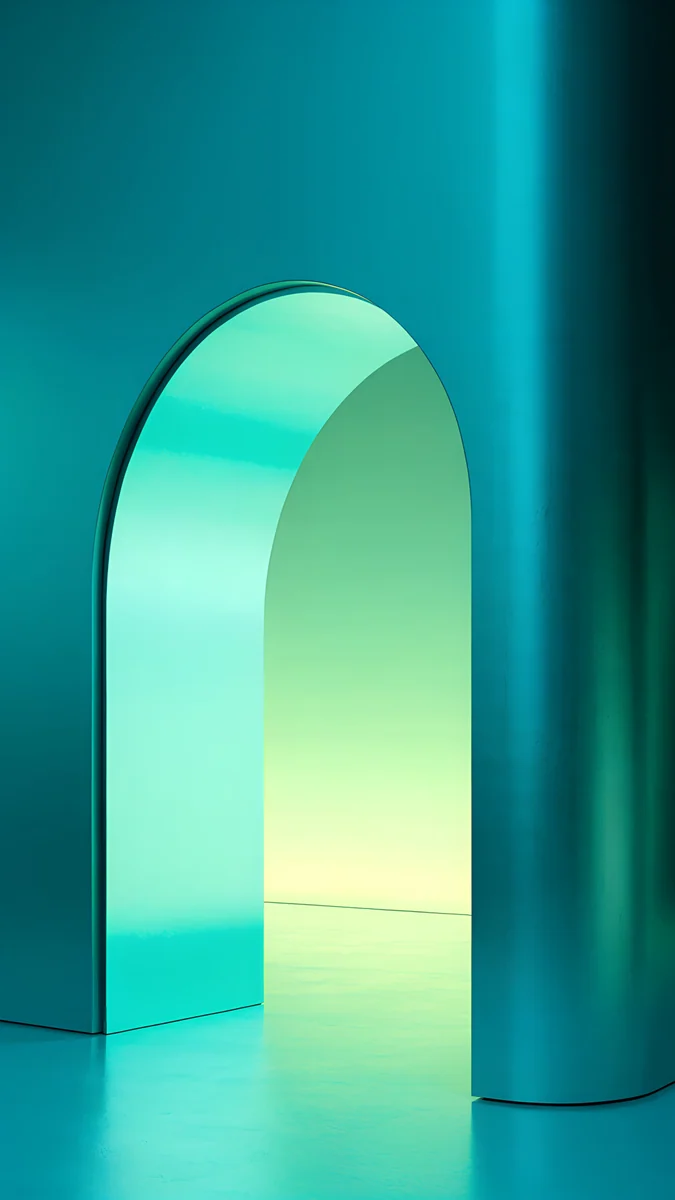 Jade Mint Arch
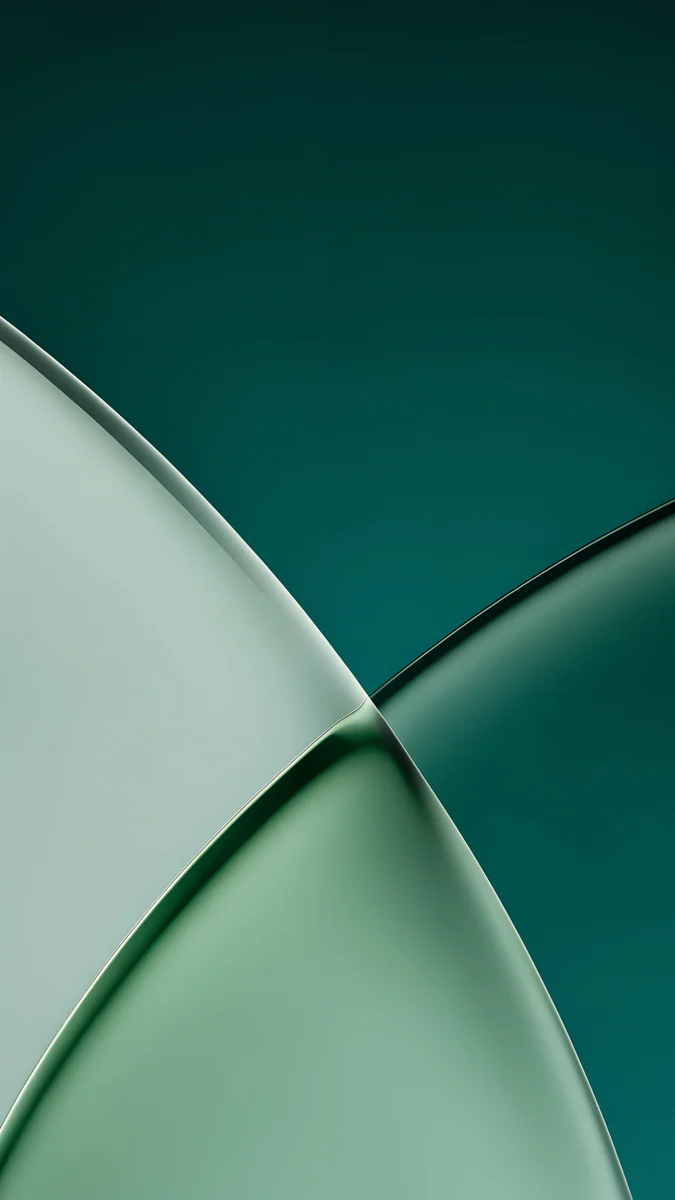 Jade Light Fold
 Celadon Haze
 Rose Hour
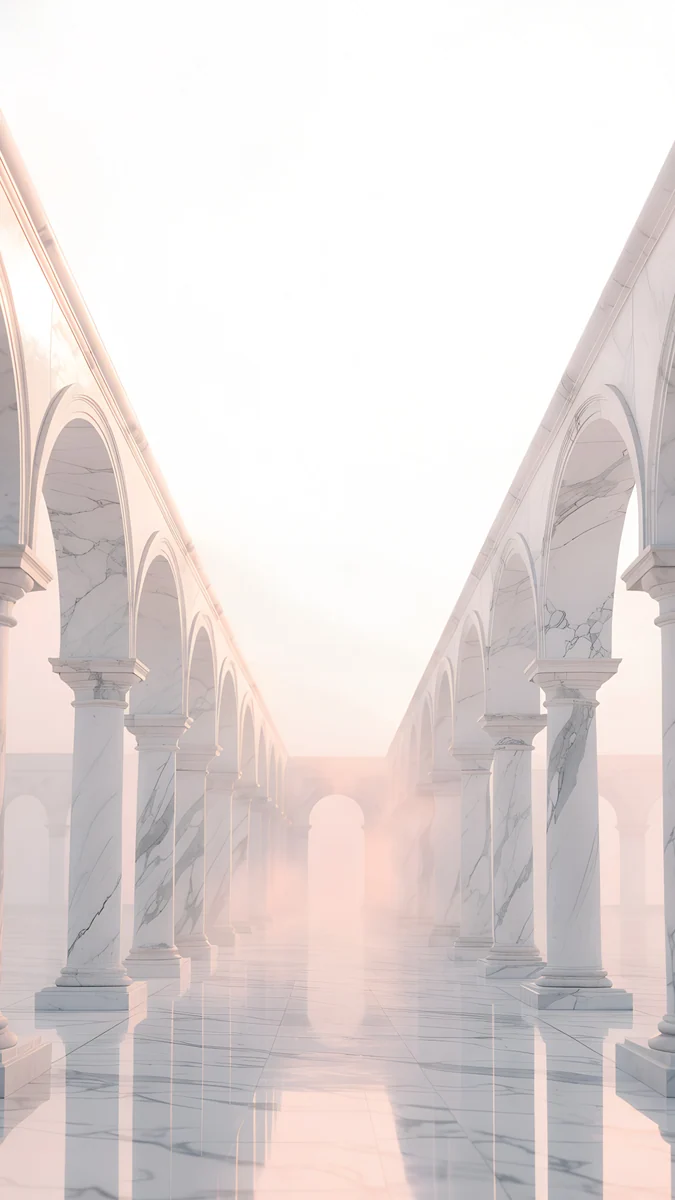 Blush Arcade
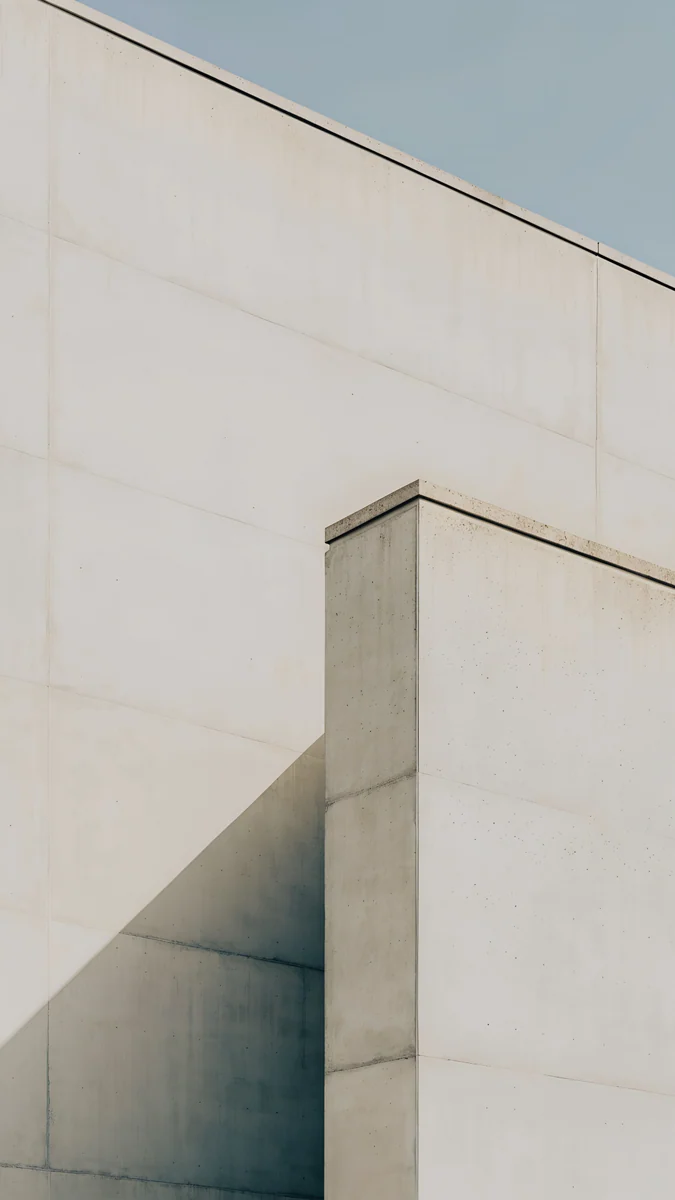 Ivory Fold
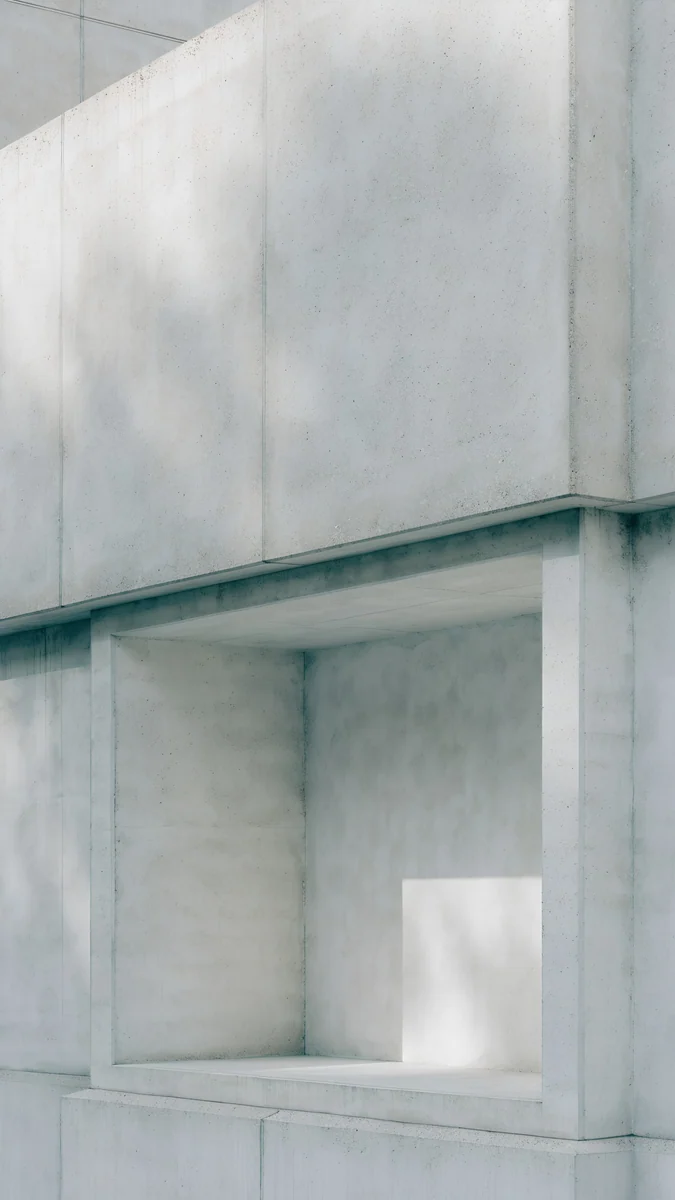 Chalk Recess
Free 4K originals for iPhone and Android, no watermark
On this page
An iPhone 16 wallpaper needs to be at least the size of the screen: 1179 × 2556 pixels on the iPhone 16 and 1320 × 2868 on the iPhone 16 Pro Max. A 2160 × 3840 original is bigger than both, so one file stays sharp on every model in the lineup. The fun part is matching it to the phone itself.
The iPhone 16 and 16 Plus come in Black, White, Pink, Teal and Ultramarine. The iPhone 16 Pro and Pro Max come in Black Titanium, White Titanium, Natural Titanium and Desert Titanium. Below are Velpaper wallpapers picked for each of those finishes, after a quick look at the sizes.
iPhone 16 wallpaper size and dimensions
iOS draws the wallpaper at the native pixel size of the display. These are the four main models, width by height:
| Model | Screen | Resolution (pixels) |
|---|---|---|
| iPhone 16 | 6.1 inches | 1179 × 2556 |
| iPhone 16 Plus | 6.7 inches | 1290 × 2796 |
| iPhone 16 Pro | 6.3 inches | 1206 × 2622 |
| iPhone 16 Pro Max | 6.9 inches | 1320 × 2868 |
All four share the same tall shape, roughly 19.5:9. A 4K phone wallpaper is 9:16, a touch wider, so when it fills the height iOS trims a narrow strip from each side. That is about nine percent per side on the iPhone 16, and it is invisible as long as the edges of the picture are calm. Our iPhone wallpaper size guide covers older models and the same crop in more detail.
So you do not need a separate download for the Pro Max. Every phone wallpaper below is a 2160 × 3840 JPEG without a watermark, and the same file suits all four phones.
The iPhone 16e, which came out a few months later, has a 6.1-inch screen with slightly fewer pixels than the iPhone 16, so the same original covers it with even more room to spare.
Ultramarine and Teal: the bold iPhone 16 colours
Ultramarine is the loudest finish Apple has put on a base iPhone in years, a saturated blue with a violet lean. A wallpaper that copies it exactly can look flat, so pick one that has the same blue plus one brighter accent.
Volt Blue Arch is the closest match: a vivid blue wall with an arched doorway glowing cyan and violet inside. Electric Violet Arch leans further into purple, with cyan and pink light in a dark arch. If you want something softer, Cobalt Soft Crossing lays two ribbons of cobalt glass across a deep blue field.
Teal is calmer, a blue green that reads almost mint in daylight. Water and green glass suit it well.
Tidal Quiet looks straight down at clear turquoise water over pale sand, and it is free on the phone. Jade Mint Arch is the high-contrast option, a mint glow inside a dark teal arch. Jade Light Fold is two frosted planes of jade over deep teal, and Celadon Haze is a grainy gradient from seafoam to deep blue green, the quietest of the four.
Pink, White and Black
The Pink iPhone 16 is a soft pastel pink. It pairs best with blush and rose tones that are a little deeper than the phone, so the screen does not wash out next to the back.
Rose Terrace Ascent stacks candy pink terraces with mauve shadows. Rose Hour is a grainy gradient from dusty rose to pale blush. Blush Arcade is pale pink marble arches, the most delicate of the three. There are more options in our pink aesthetic wallpapers collection.
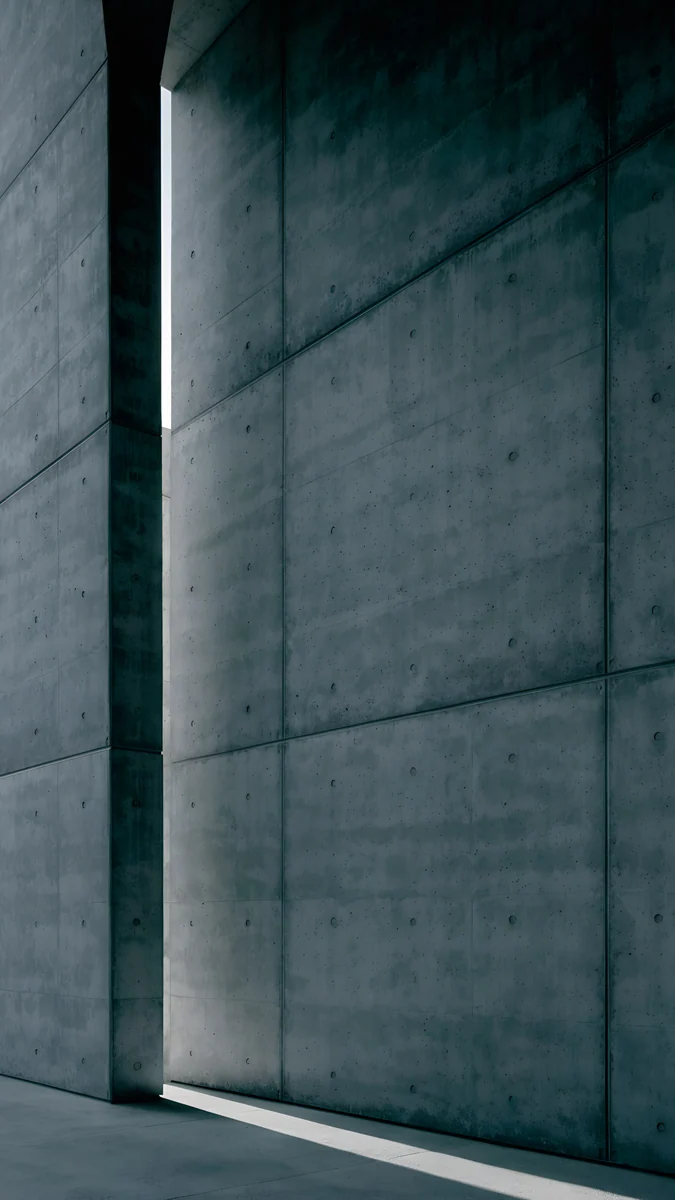
White and Black are the safe finishes, and they open up the whole catalogue. For a white phone, light stone and plaster keep the lock screen bright: Ivory Fold is a grey ivory surface creased once, and Chalk Recess cuts one square niche into a chalk wall. For a black phone, go dark: Charcoal Slot is a concrete wall split by one thin slit of light.
Titanium tones for the iPhone 16 Pro and Pro Max
The Pro finishes are metal rather than paint, so they look best next to wallpapers with stone, sand and silver in them.
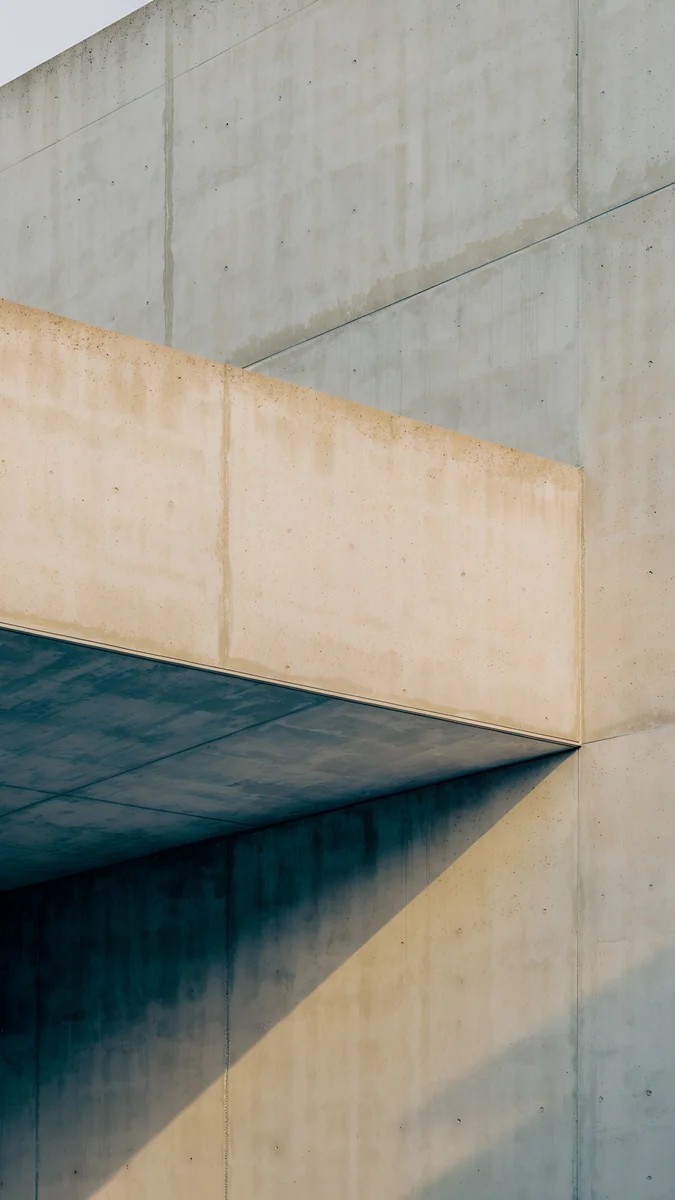
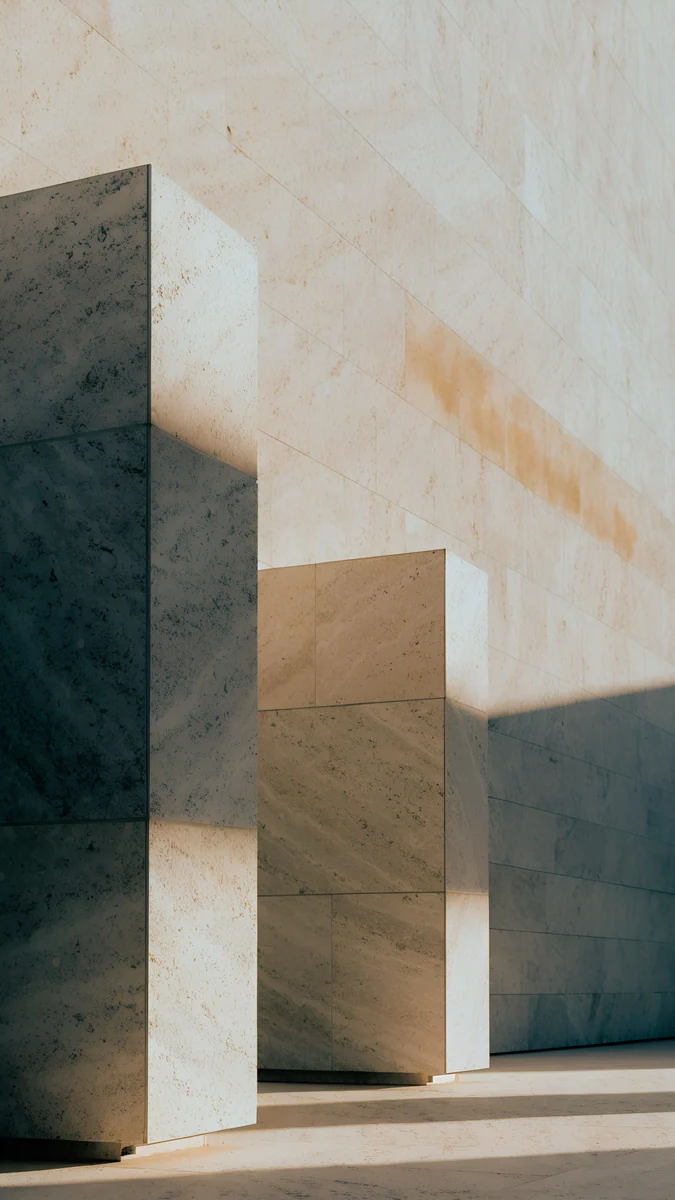
Desert Titanium is a warm sandy bronze. Sand Cantilever, a slab projecting into empty space with sand on top and khaki underneath, is almost the same colour. Honey Shadow catches honey light on travertine blocks and has more contrast.
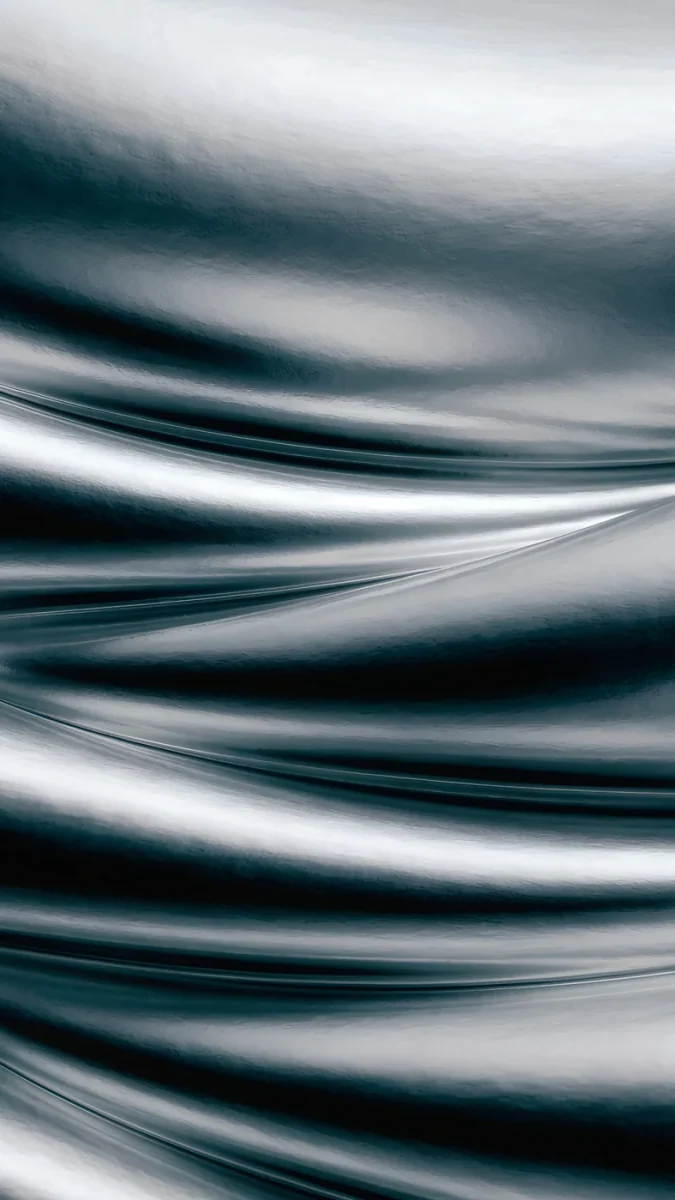
Natural Titanium is a neutral grey metal. Moon Silver, a macro of silver liquid folds that is nearly black and white, reflects it well.
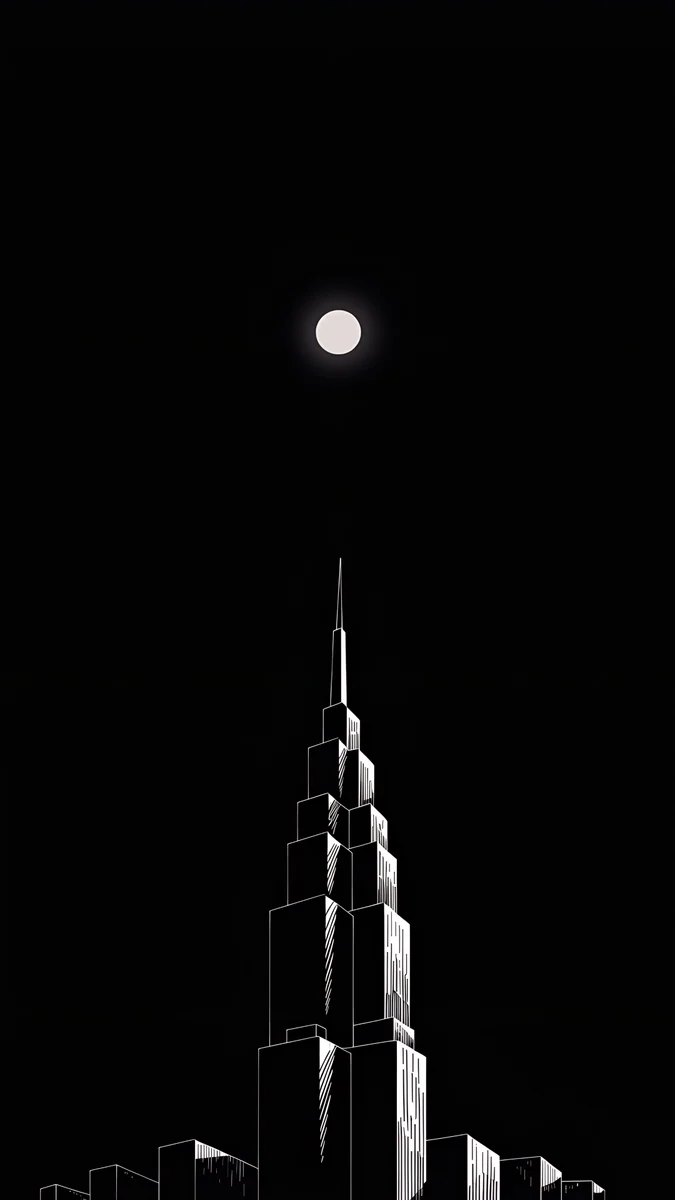
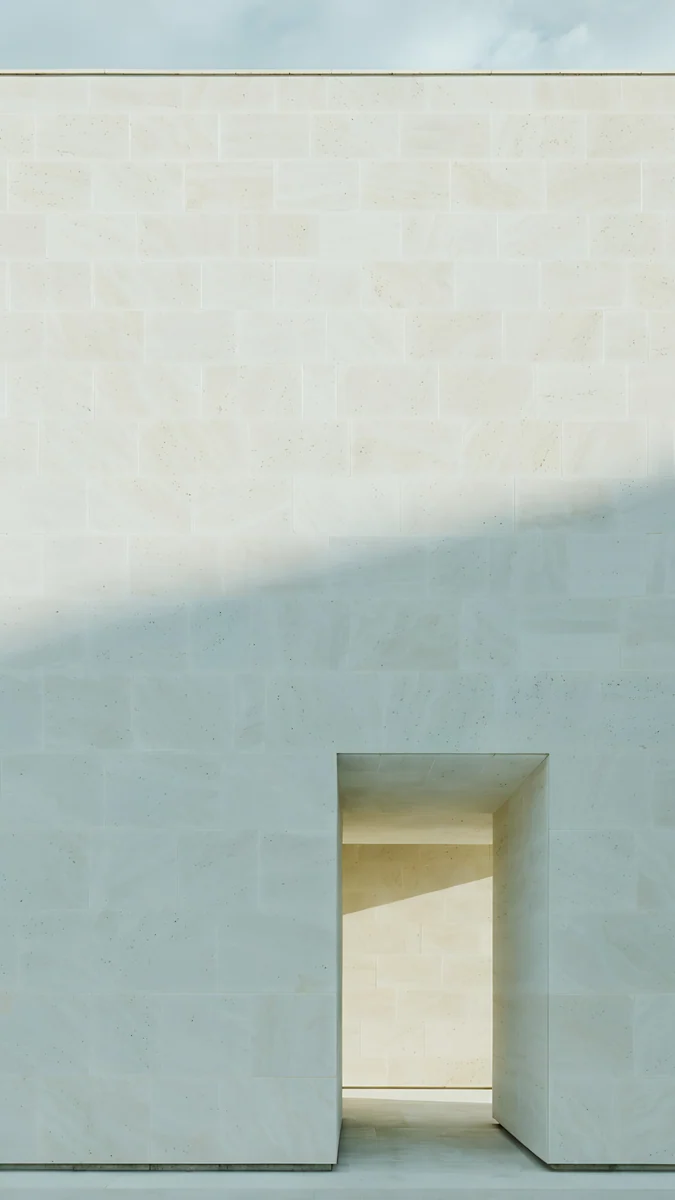
White Titanium suits Ivory Daylight, a limestone wall with one tall doorway in soft overcast light. Black Titanium suits Lone Spire, a single tower outlined in white under a small moon on a black sky.
Lone Spire and Charcoal Slot also work well with the Always-On display of the 16 Pro and Pro Max, because most of the image is already black. Our guide to the iPhone Always-On display wallpaper explains how iOS dims the picture.
What about the original iPhone 16 wallpapers?
Many people search for the default iPhone 16 wallpaper. Apple ships its own wallpapers with iOS, and they are already on your phone: open Settings, Wallpaper, Add New Wallpaper and scroll the gallery. They belong to Apple, so we do not host copies of them.
What we make instead is original art built for the same screens. If you liked the default because it matched the colour of your phone, the picks above follow the same idea.
Setting the wallpaper on an iPhone 16
Save the original to Photos, then go to Settings, Wallpaper, Add New Wallpaper, tap Photos and choose it. Pinch to frame it, tap Add, and choose whether the home screen gets the same picture or a blurred version. The step by step version with screenshots is in how to set a lock screen wallpaper on iPhone.
Two details are specific to this generation. The Dynamic Island sits at the top centre of every iPhone 16, so a busy spot right there will be partly covered; wallpapers with plain sky or wall at the top look cleaner. And if iOS zooms your image in after you set it, Perspective Zoom is usually the reason: turn it off in the wallpaper editor and the framing you chose stays put.
Original wallpapers in 4K and 5K for iPhone, Android and desktop.
Questions
What size is the iPhone 16 wallpaper?
The iPhone 16 shows a wallpaper at 1179 × 2556 pixels. The iPhone 16 Plus uses 1290 × 2796, the iPhone 16 Pro 1206 × 2622 and the iPhone 16 Pro Max 1320 × 2868. You do not need four separate files. A 2160 × 3840 pixel image is larger than all of these screens, so iOS only scales it down and trims a thin strip at each side. That keeps the wallpaper sharp on whichever iPhone 16 you have.
Can I download the original iPhone 16 wallpapers?
The stock wallpapers that come with the iPhone 16 are part of iOS and are already on the phone. Open Settings, Wallpaper, Add New Wallpaper and browse the gallery to use them. They are Apple's artwork, so Velpaper does not host copies. If you want something in the same spirit, pick a wallpaper that matches your phone's finish: blue and violet for Ultramarine, turquoise water for Teal, sand and stone for Desert Titanium.
Is a 4K wallpaper good for the iPhone 16 Pro Max?
Yes. The iPhone 16 Pro Max screen is 1320 × 2868 pixels, and a 4K phone wallpaper is 2160 × 3840. The image has more pixels than the screen in both directions, so iOS shrinks it rather than enlarging it, and shrinking never adds blur. The extra width also leaves room for iOS to trim the sides, since the phone is a little narrower than the 9:16 frame of the file.
Which wallpaper suits the Ultramarine iPhone 16?
Ultramarine is a vivid blue with a violet lean, so wallpapers in deep blue with one bright accent work best. Volt Blue Arch, a blue wall with an arched doorway glowing cyan and violet, is the closest match on Velpaper. Electric Violet Arch moves toward purple and pink. For a softer screen, Cobalt Soft Crossing uses only blues. A wallpaper slightly darker than the phone keeps the clock easy to read.
Why does my iPhone 16 wallpaper look zoomed in?
Usually because Perspective Zoom is on. iOS enlarges the image a little so it can move it when you tilt the phone, and that crops the edges. Open the wallpaper editor, tap the menu with three dots and turn Perspective Zoom off. A small image can also look zoomed, because iOS has to stretch it to fill a 2556 to 2868 pixel tall screen. Starting from a 2160 × 3840 original avoids that.
Carlos Vivero
Designer of Velpaper wallpapers
Carlos Vivero designs the wallpapers in Velpaper: quiet architecture, liquid glass, Japanese ink and calm landscapes. Every piece is made as a 4K original for iPhone, Android and desktop.
Recent work








