iPhone 17 Pro Wallpaper: 4K Picks for Pro and Pro Max
iPhone 17 Pro and Pro Max wallpapers in 4K: exact screen sizes from Apple, true black picks for the Always-On OLED screen and matches for all three finishes.
In short: The best iPhone 17 Pro wallpaper is mostly black with one shape below the clock, because the OLED screen shows real black and the Always-On display keeps the wallpaper dimmed on the lock screen. One 2160 × 3840 original covers both the 6.3 inch 17 Pro (1206 × 2622) and the 6.9 inch 17 Pro Max (1320 × 2868).
By the Velpaper team · Wallpapers by Carlos Vivero, Velpaper designer · · 6 min read
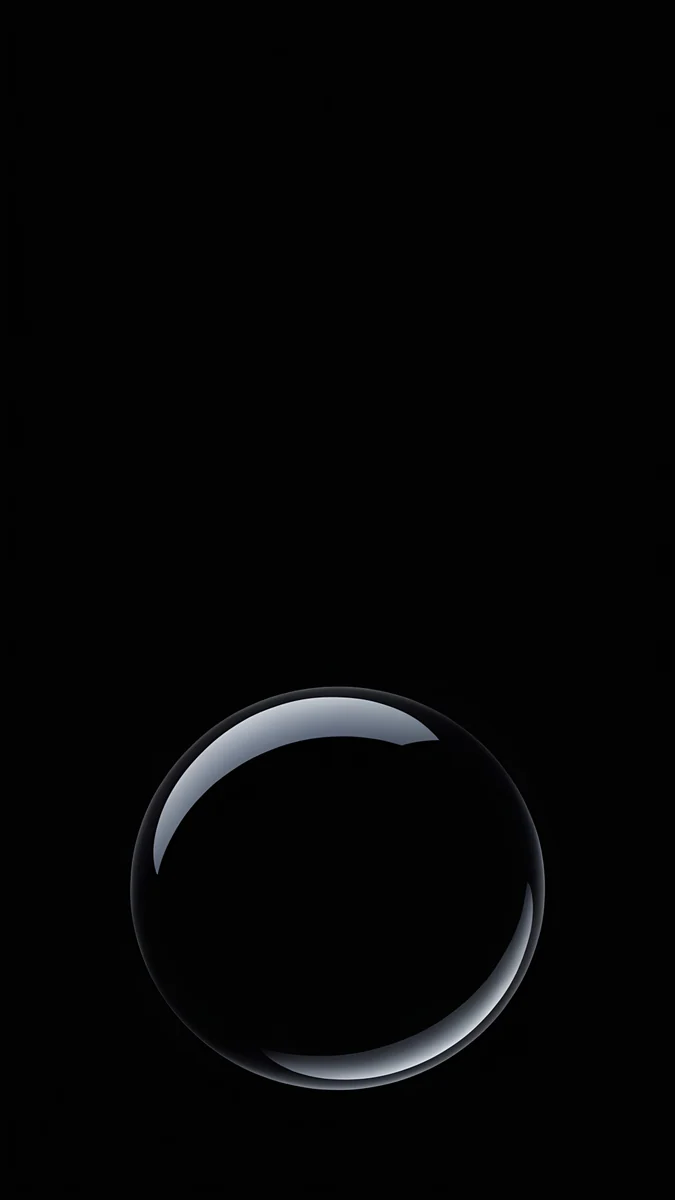 Black Glass Sphere
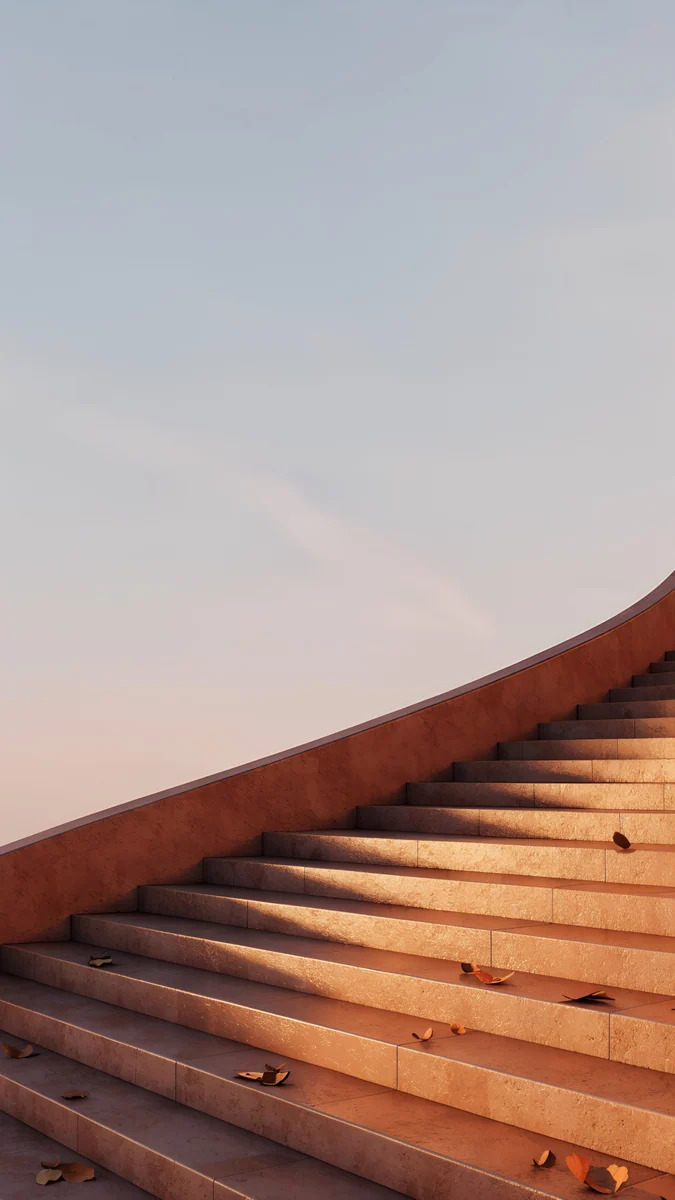 Terracotta Leaves
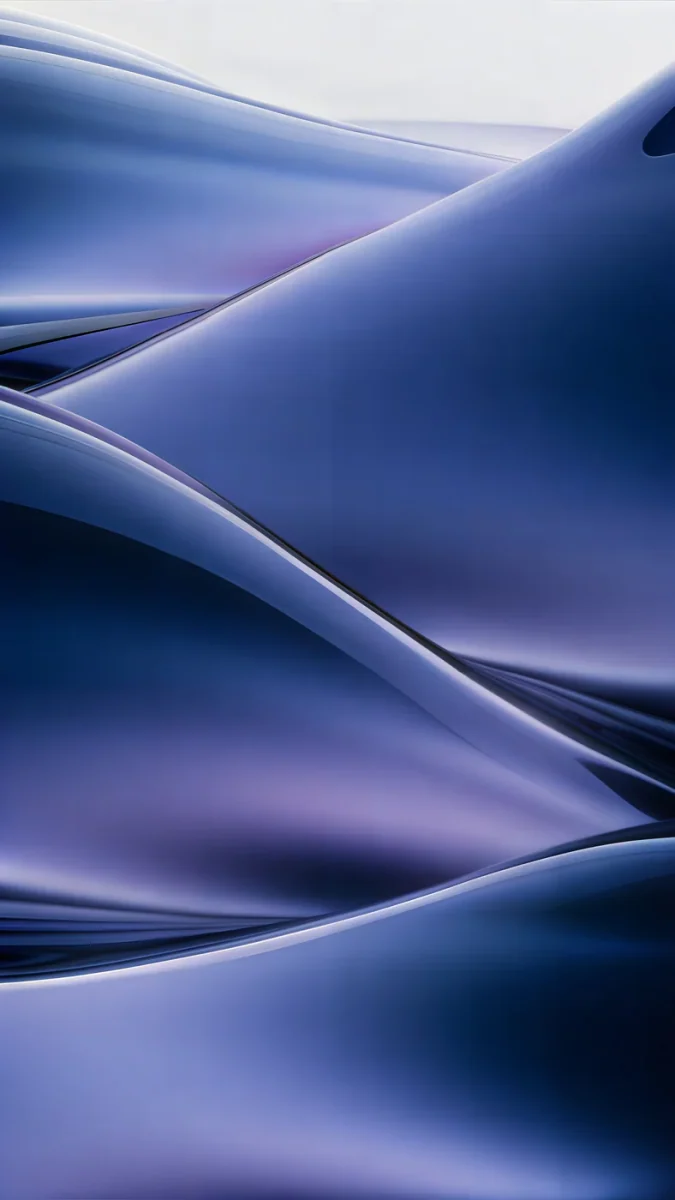 Midnight Flow
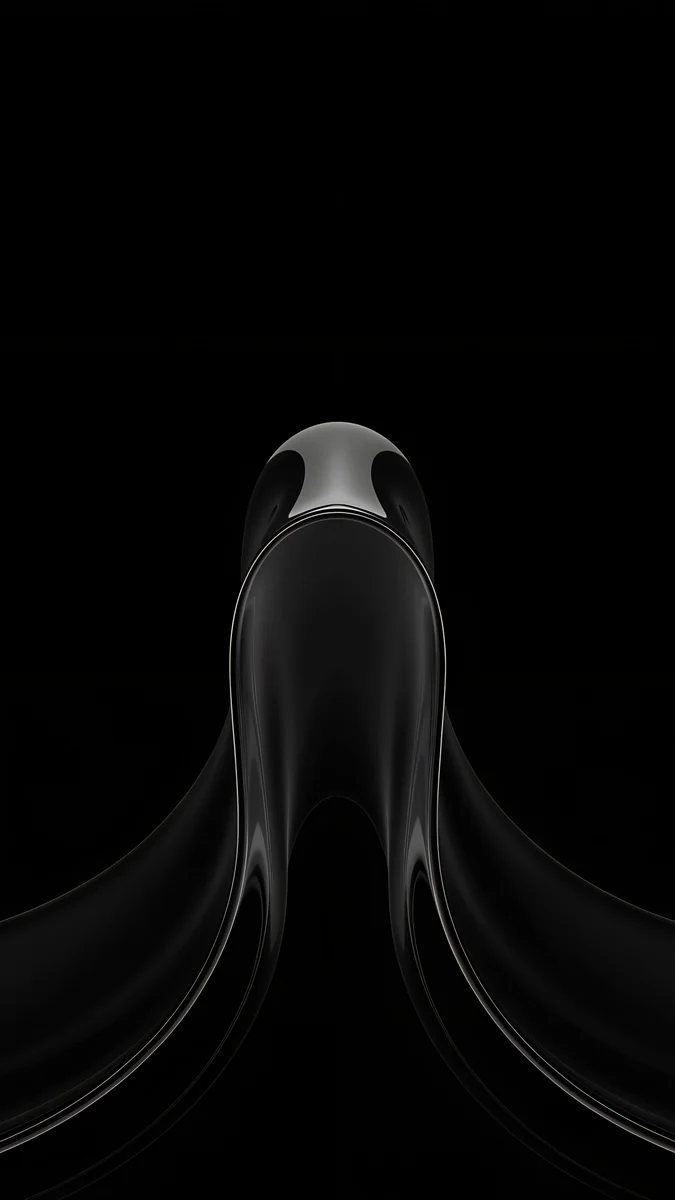 Black Liquid Fold
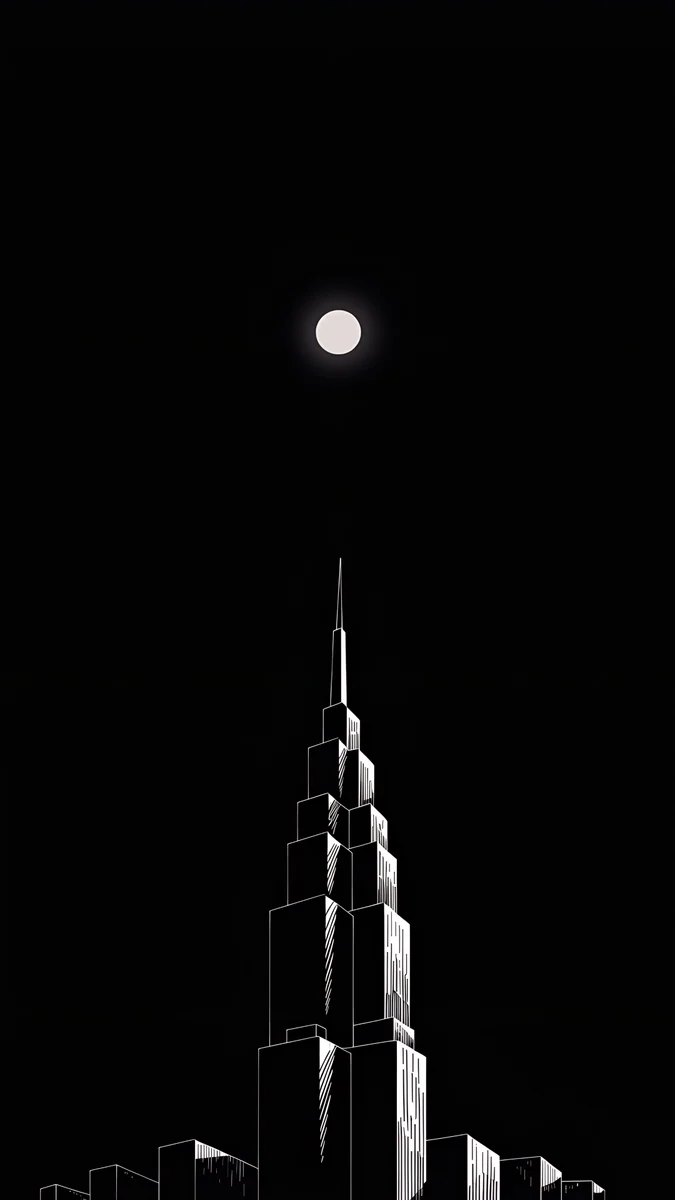 Lone Spire
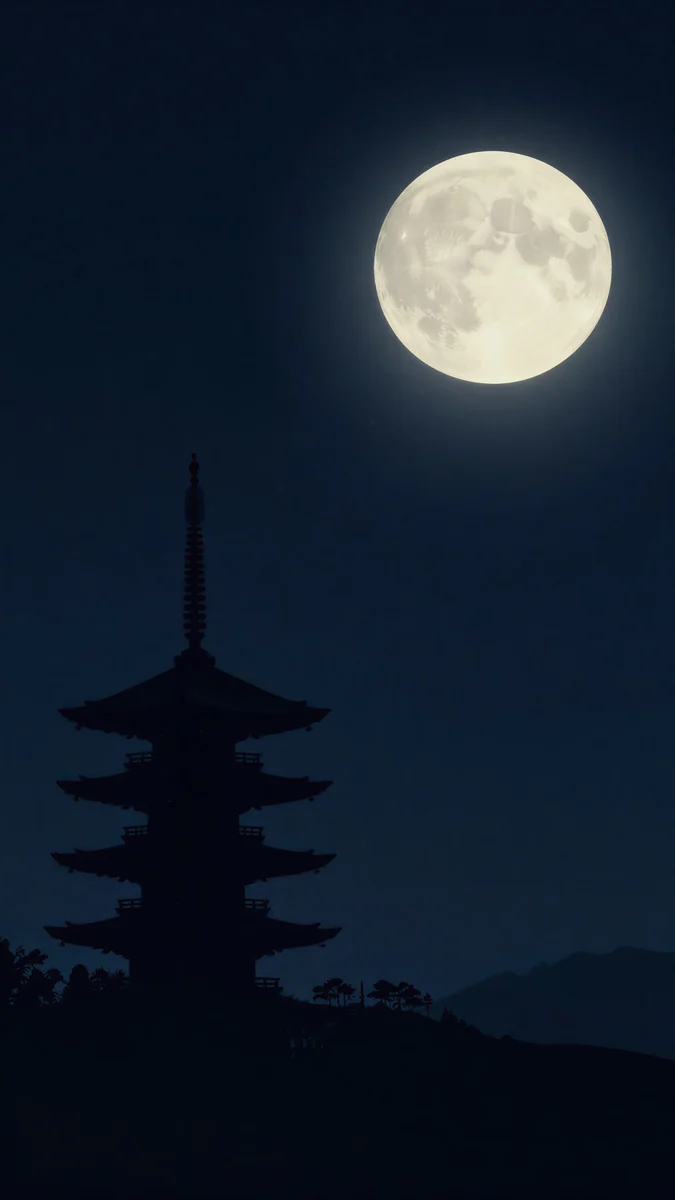 Pagoda Moon
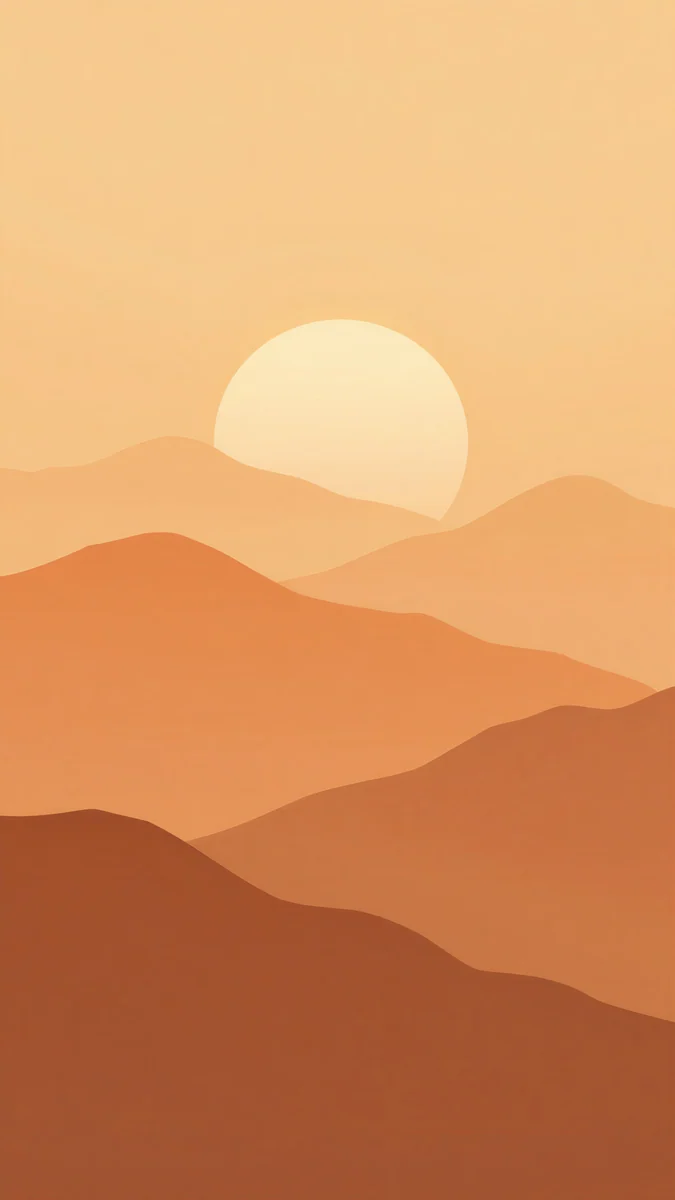 Amber Paper Sunrise
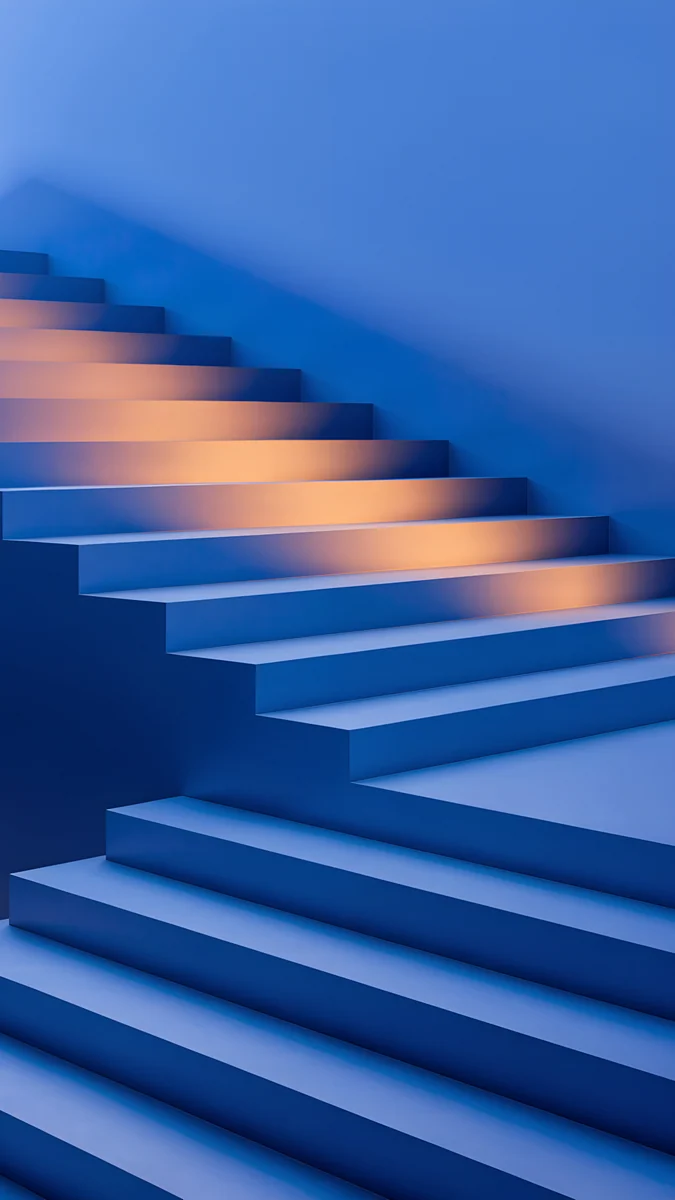 Cobalt Shadow Ascent
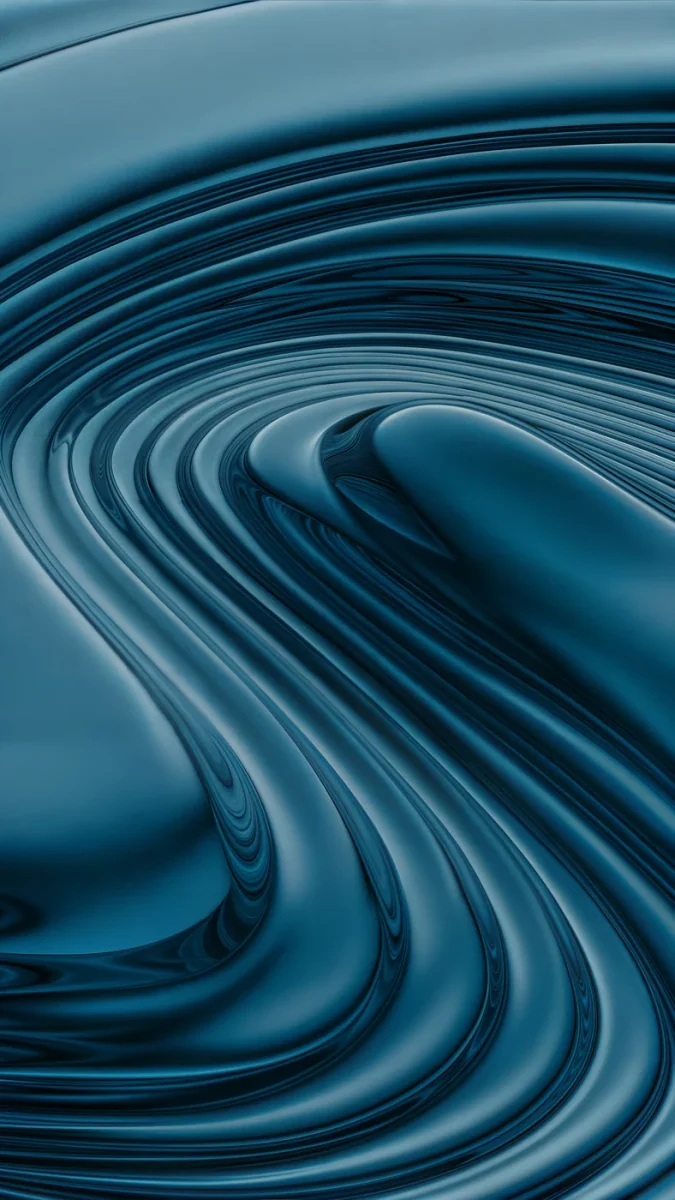 Petrol Terraces
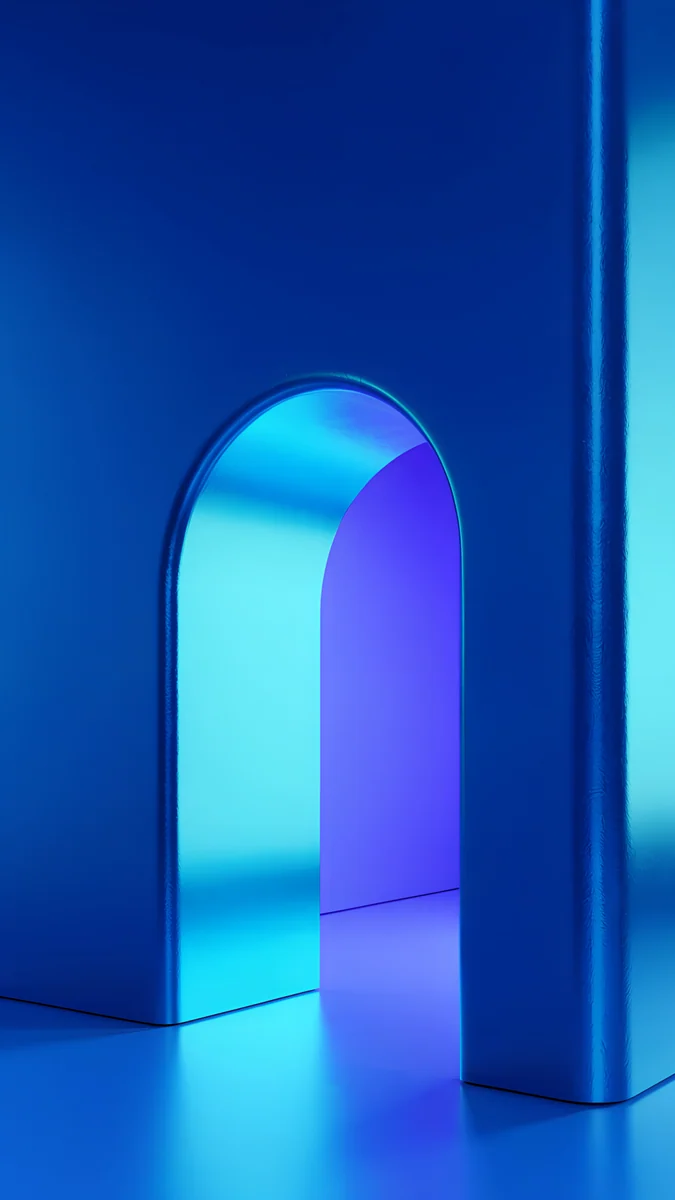 Volt Blue Arch
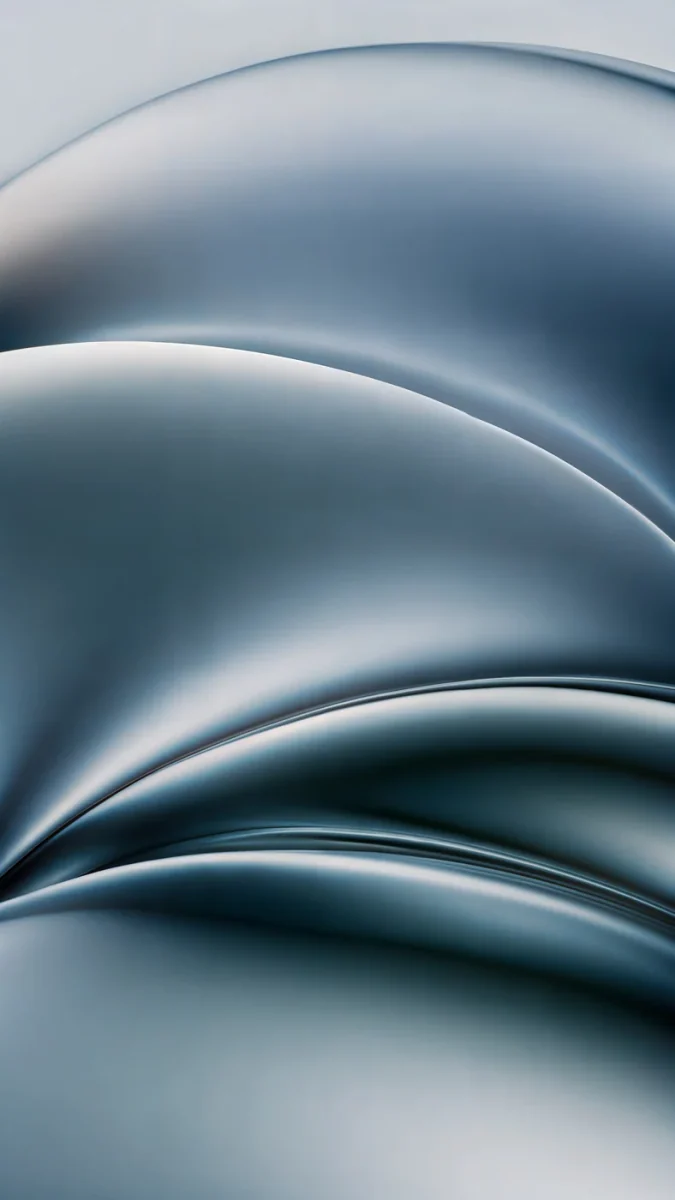 Ink Pressure
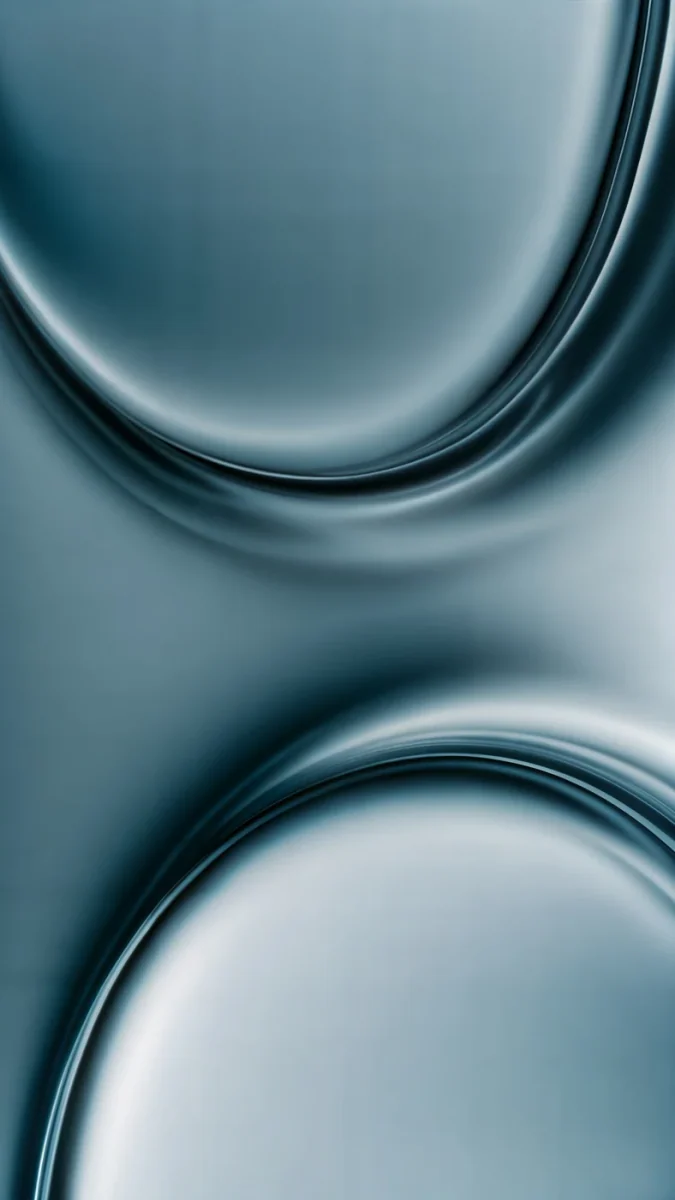 Arctic Current
Free 4K originals for iPhone and Android, no watermark
On this page
The best iPhone 17 Pro wallpaper is a dark one with its subject in the lower half: both the iPhone 17 Pro and the 17 Pro Max have an OLED screen, so black areas stay black, and the Always-On display keeps that wallpaper visible in a dimmed form all day. One 2160 × 3840 original is larger than both screens, so the same file stays sharp on the 6.3 inch Pro and the 6.9 inch Pro Max.
This page is only about the two Pro models: their sizes as Apple lists them, what the display changes for a wallpaper, and picks for Cosmic Orange, Deep Blue and Silver. For the whole family, including the iPhone 17, the iPhone Air and the pastel colours, see our iPhone 17 wallpapers.
iPhone 17 Pro and Pro Max wallpaper size
These figures come from Apple's tech specs pages for the two phones, width by height in pixels:
| Model | Screen | Resolution | Density |
|---|---|---|---|
| iPhone 17 Pro | 6.3 inches | 1206 × 2622 | 460 ppi |
| iPhone 17 Pro Max | 6.9 inches | 1320 × 2868 | 460 ppi |
Both screens have the same pixel density, so the Pro Max is simply a bigger window onto the same picture. A 2160 × 3840 wallpaper is taller and wider than either screen. iOS scales it down and trims about 9 percent from each side, because both phones are narrower than 9:16. In practice you see the middle four fifths of the width, so anything placed right at the edge of the artwork will be cut. Older iPhones and the exact crop for each are in our iPhone wallpaper size guide.
What the 17 Pro display means for your wallpaper
Apple calls the screen on both models a Super Retina XDR display and lists, among other things:
- An all-screen OLED display, 6.3 inches on the 17 Pro and 6.9 inches on the 17 Pro Max.
- A 2,000,000:1 contrast ratio (typical).
- 1000 nits max brightness (typical), 1600 nits peak for HDR, 3000 nits peak outdoors and 1 nit minimum.
- ProMotion with adaptive refresh rates up to 120Hz.
- The Always-On display, the Dynamic Island and an anti-reflective coating.
Three of these matter when you pick a picture. On OLED each pixel makes its own light, so a black background blends into the frame and a bright shape on it looks like it floats. The Always-On display shows a dimmed version of the lock screen when the phone is locked, so a dark wallpaper looks calm there instead of like a gray sheet. And the Dynamic Island sits at the top centre, right above the clock, so a subject placed high in the frame ends up behind the island and the time. Our guide to dark wallpapers for OLED goes deeper into why black works on these screens.
Black wallpapers for the Always-On display
These are almost entirely black, with one quiet form low in the frame. They look the same whether the screen is awake or dimmed.
Black Glass Sphere is a single clear glass ball resting in the lower third of a pure black frame, caught by a thin rim of light. Black Liquid Fold is a glossy black liquid shape spreading out at the bottom of the screen, with a soft highlight at its tip. Lone Spire draws one white stepped tower against a black sky with a small moon above it, and keeps most of the frame empty. Pagoda Moon puts a full moon over the dark silhouette of a pagoda, deep navy rather than pure black.
To decide whether the wallpaper shows on the dimmed screen, open Settings, tap Display & Brightness, then Always On Display, and turn Show Wallpaper on or off. With it off, the locked phone shows only the clock and widgets on black. Everything else about that mode is in our article on the iPhone Always-On display wallpaper.
Wallpapers for Cosmic Orange, Deep Blue and Silver
The iPhone 17 Pro and Pro Max come in three finishes: Silver, Cosmic Orange and Deep Blue. These picks are different from the ones on our family page, so you have a second set to choose from.
Cosmic Orange
Terracotta Leaves is a curve of terracotta stairs with a few fallen leaves under a pale evening sky, so the clock sits on soft sky and the orange stays below it. Amber Paper Sunrise layers paper cut hills in amber and rust under a low sun, warm and flat like the aluminium back. Cobalt Shadow Ascent mixes both Pro colours: blue stairs crossed by warm orange bands of light.
Deep Blue
Midnight Flow is navy and violet silk rolling across the screen, close to how Deep Blue looks in low light. Petrol Terraces swirls dark teal liquid into rings, a little greener and moodier. Volt Blue Arch is a glowing electric blue arch in a blue room, the bright option for people who like colour next to the OLED blacks.
Silver
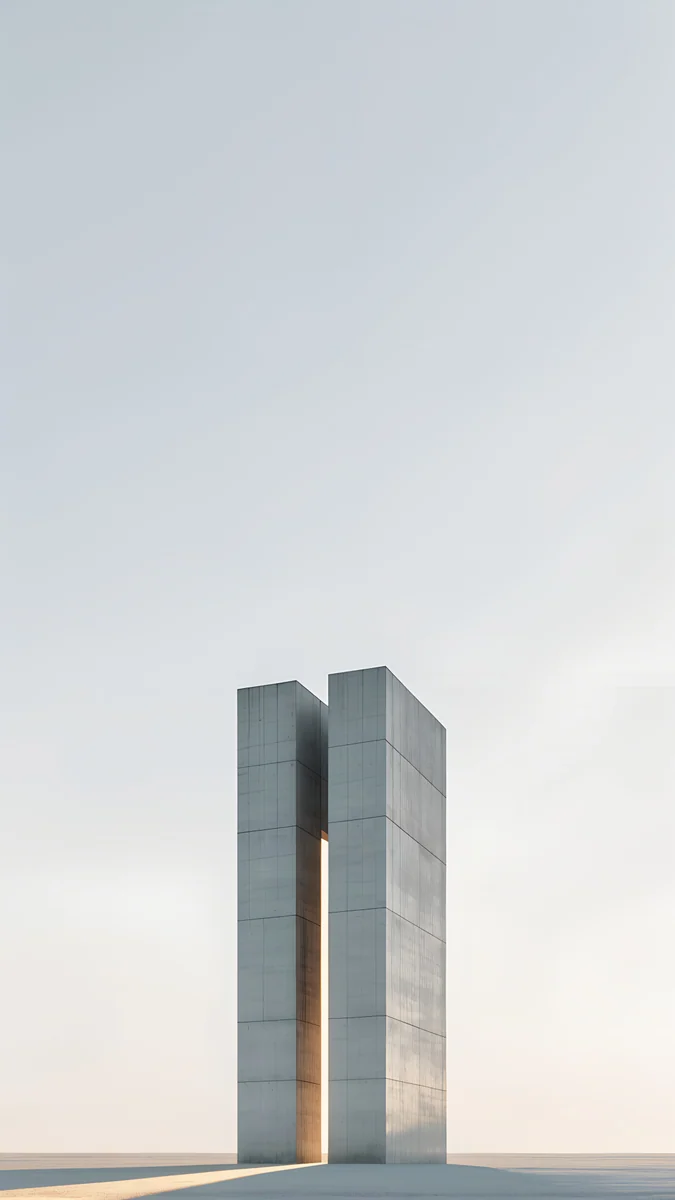
Ink Pressure folds liquid chrome into soft waves of steel and gray, the closest match to a silver frame. Arctic Current is two curved panes of pale gray glass meeting in the middle. Twin Slabs is two tall concrete blocks standing in a pale sky, quiet and light, with plenty of space for the clock.
How to set a wallpaper on iPhone 17 Pro
Apple's spec pages mention iOS 26 for these phones, and the steps below follow its English menu names:
- Save the original to Photos from the Velpaper app or from the wallpaper page on velpaper.com.
- Open Settings, tap Wallpaper, then Add New Wallpaper, and choose Photos.
- Pick the image, then pinch and drag so the main shape sits below the clock and clear of the Dynamic Island.
- Tap Add and choose whether to use it on both the lock screen and the home screen.
Fonts, widgets and the clock colour are all covered in how to set a lock screen wallpaper on iPhone.
Common problems and fixes
- Something at the edge is cut off. The 17 Pro and Pro Max show about the middle four fifths of a 9:16 image. Pick a wallpaper with its subject near the centre.
- The clock covers the subject. Move the image down in the editor, or choose one of the picks above that keep the top third empty.
- The wallpaper looks soft. You probably saved a preview or a screenshot. Download the original again from the wallpaper page.
- iOS zooms in further than you framed it. Open the More menu in the wallpaper editor and turn off Perspective Zoom if your version shows it, or read our iPhone wallpaper zoom fix.
- You worry about burn-in with a black wallpaper. The lock screen is not on screen most of the time, and our article on whether a wallpaper can cause OLED burn-in explains the real risk.
Get these iPhone 17 Pro wallpapers in Velpaper
Velpaper is an app for iPhone, iPad, Mac and Android, and every wallpaper is also on velpaper.com. Phone wallpapers are 4K originals at 2160 × 3840, desktop wallpapers are 4K and some are 5K, all without a watermark and without an account. The phone wallpapers in this article unlock after a short optional ad in the Velpaper apps; on the website, if no ad is available, the original downloads for free. The wallpapers are designed by Carlos Vivero.
Next step: open Black Glass Sphere, save the original, set it on your 17 Pro and lock the phone to see it on the Always-On display.
Original wallpapers in 4K and 5K for iPhone, Android and desktop.
Questions
What size is the iPhone 17 Pro wallpaper?
Apple lists the iPhone 17 Pro at 2622 by 1206 pixels on a 6.3 inch screen and the iPhone 17 Pro Max at 2868 by 1320 pixels on a 6.9 inch screen, both at 460 pixels per inch. As a portrait wallpaper that is 1206 × 2622 and 1320 × 2868. You do not need a separate file for each. A 2160 × 3840 original is larger than both screens in height and width, so iOS only scales it down and trims a narrow strip at each side, and it stays sharp on either phone.
Can I use the same wallpaper on the iPhone 17 Pro and the 17 Pro Max?
Yes. Both screens have the same shape and the same 460 pixels per inch, so the Pro Max shows the same picture at a larger size. With a 2160 × 3840 file, both phones fill the full height and show about the middle four fifths of the width, losing roughly 9 percent at each side. Choose a wallpaper with its subject near the centre and calm edges, and it looks the same on both models. The only thing to check is that the subject sits below the clock and the Dynamic Island.
What is the best wallpaper for the iPhone 17 Pro Always-On display?
A mostly black wallpaper with one shape in the lower half. The Always-On display dims the lock screen instead of turning it off, and on the OLED screen a black area stays dark, so the shape seems to float while the clock stays readable. Black Glass Sphere, a clear glass ball low on pure black, and Black Liquid Fold, a glossy black form at the bottom, both work well. If you prefer a plain black locked screen, go to Settings, Display & Brightness, Always On Display and turn off Show Wallpaper.
Does a black wallpaper save battery on the iPhone 17 Pro?
It can help a little, because a black pixel on an OLED screen gives off almost no light, but Apple does not publish a figure for wallpapers. The wallpaper is only fully visible on the lock screen, on the home screen and in dimmed form on the Always-On display, and most screen time is spent inside apps that cover it. Brightness and the apps you use matter far more. Pick a black wallpaper on the 17 Pro because it looks good on the OLED screen, and treat any battery saving as a small bonus.
Are these iPhone 17 Pro wallpapers free?
Browsing and previewing are free on velpaper.com and in the Velpaper apps for iPhone, iPad, Mac and Android. The phone wallpapers in this article unlock after a short optional ad in the apps; on the website, if no ad is available, the original downloads for free. There is no account and no subscription. Every phone file is a 2160 × 3840 JPEG without a watermark, larger than the screens of both the iPhone 17 Pro and the 17 Pro Max, so one download covers either phone.
Carlos Vivero
Designer of Velpaper wallpapers
Carlos Vivero designs the wallpapers in Velpaper: quiet architecture, liquid glass, Japanese ink and calm landscapes. Every piece is made as a 4K original for iPhone, Android and desktop.
Recent work








