iPhone 16e Wallpaper 4K: Picks for Black and White
iPhone 16e wallpapers in 4K for the Black and White finishes, with the exact 1170 × 2532 screen size and deep black picks for the OLED panel.
Sources [1] · By the Velpaper team · Wallpapers by Carlos Vivero, Velpaper designer · · 5 min read
In short: The best iPhone 16e wallpaper follows the finish: soft white forms and pale stone for White, dark concrete and a single glass shape for Black [1]. A 2160 × 3840 original is larger than the 1170 × 2532 screen, so it stays sharp and loses only a thin strip at each side.
Wallpapers
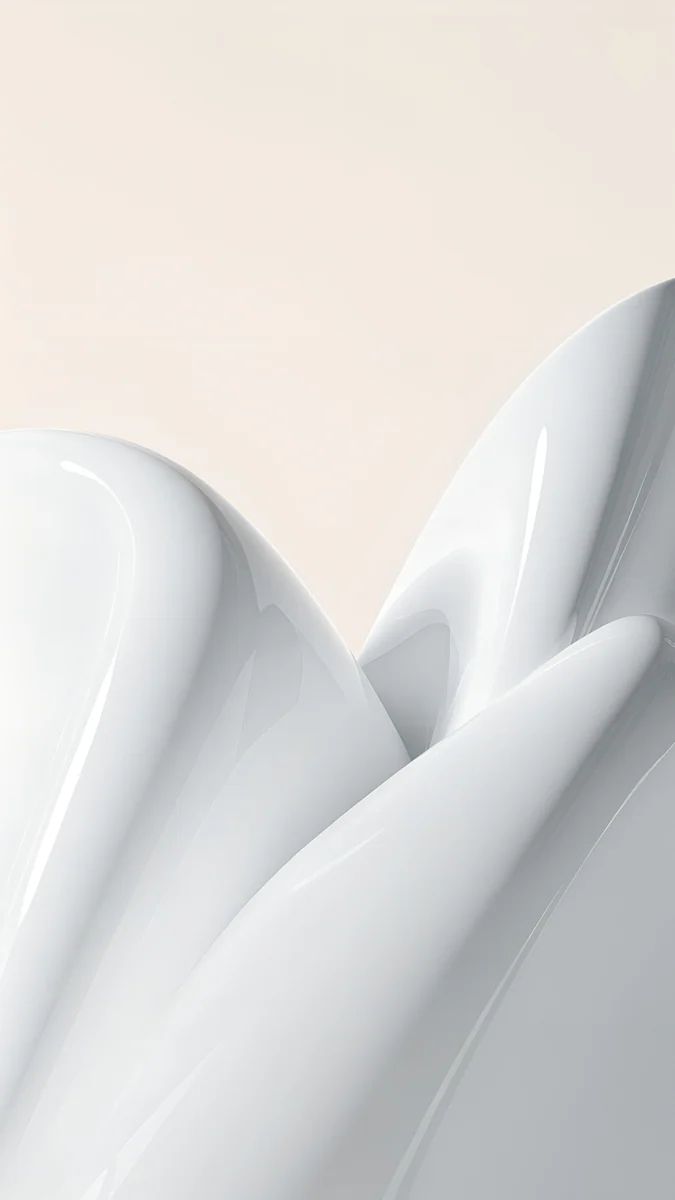 White Porcelain Curves
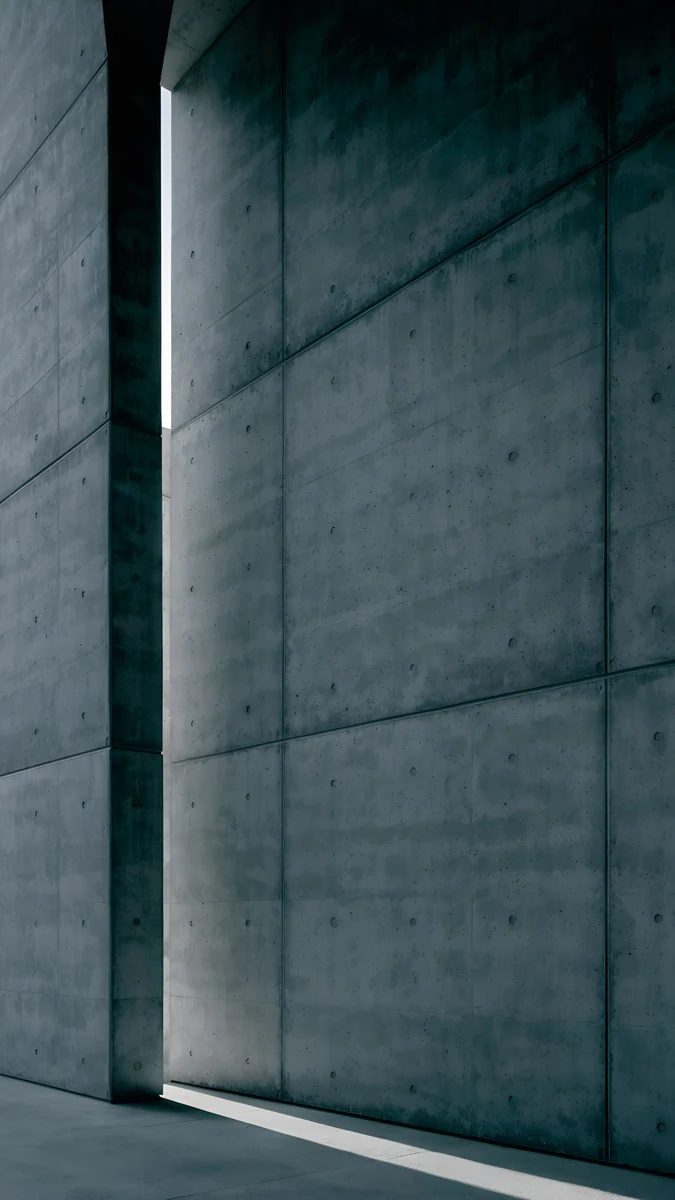 Charcoal Slot
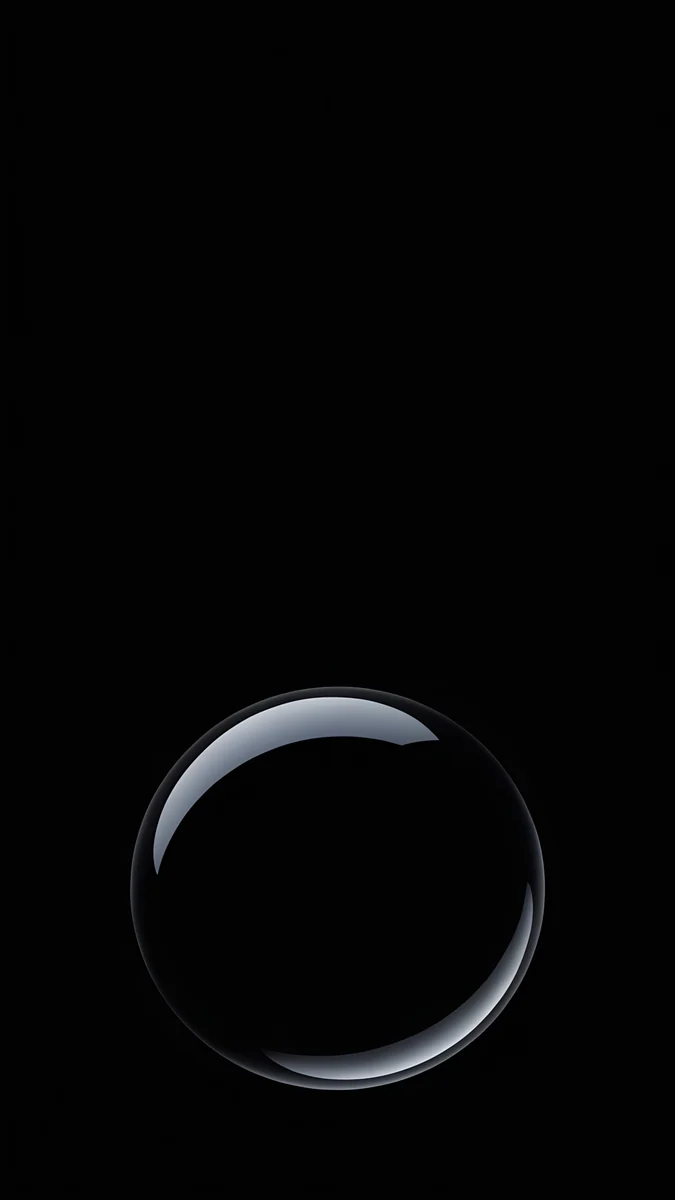
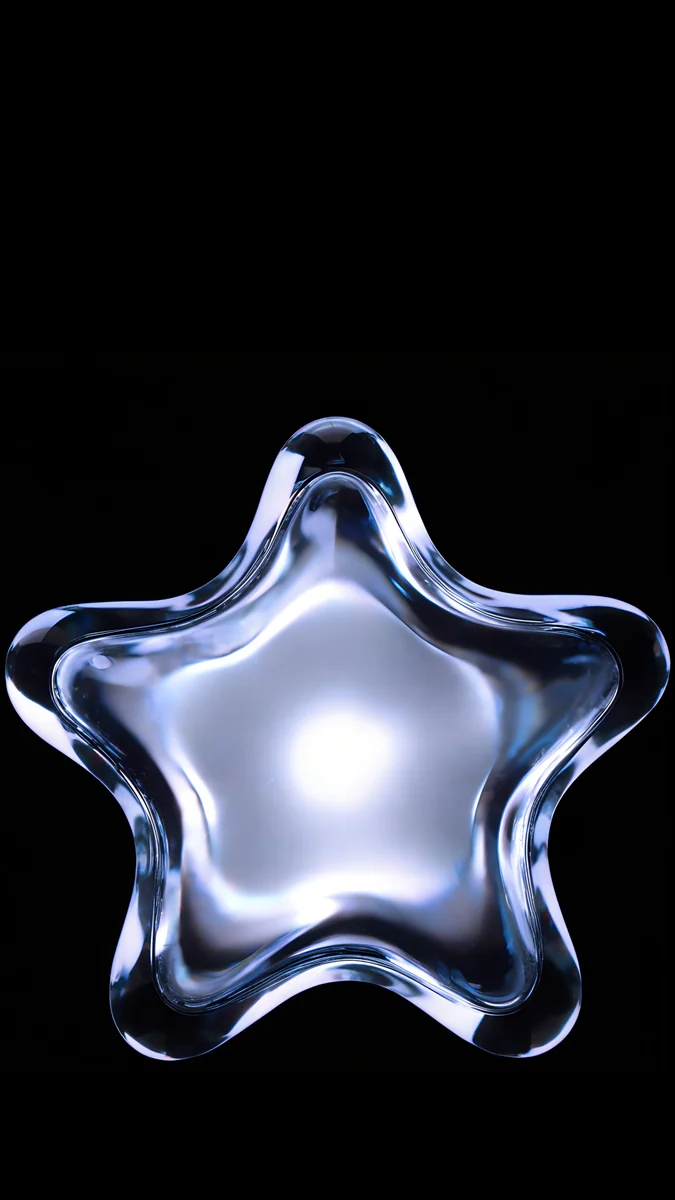 Glass Star OLED
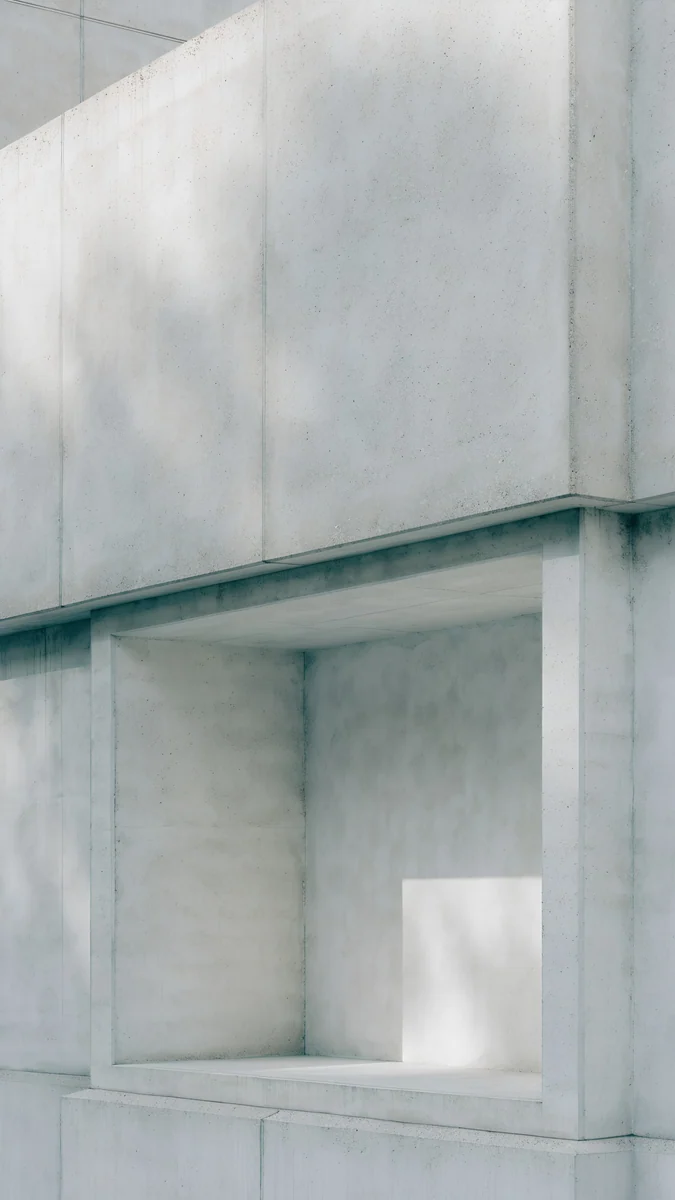 Chalk Recess
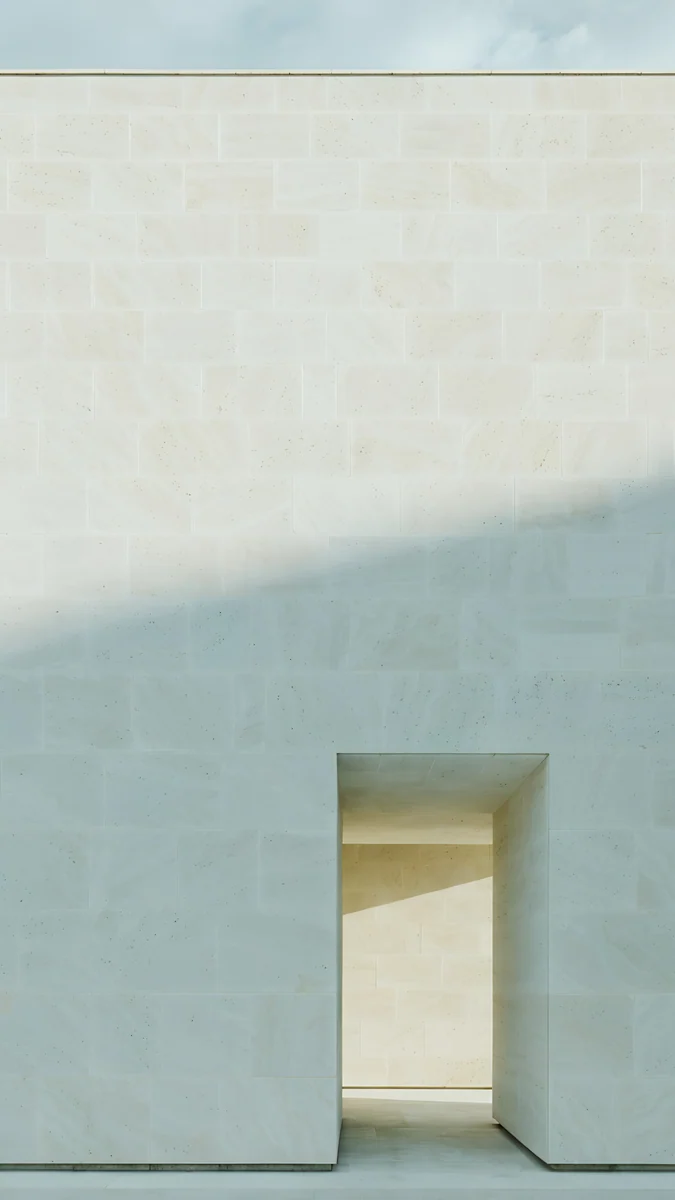 Ivory Daylight
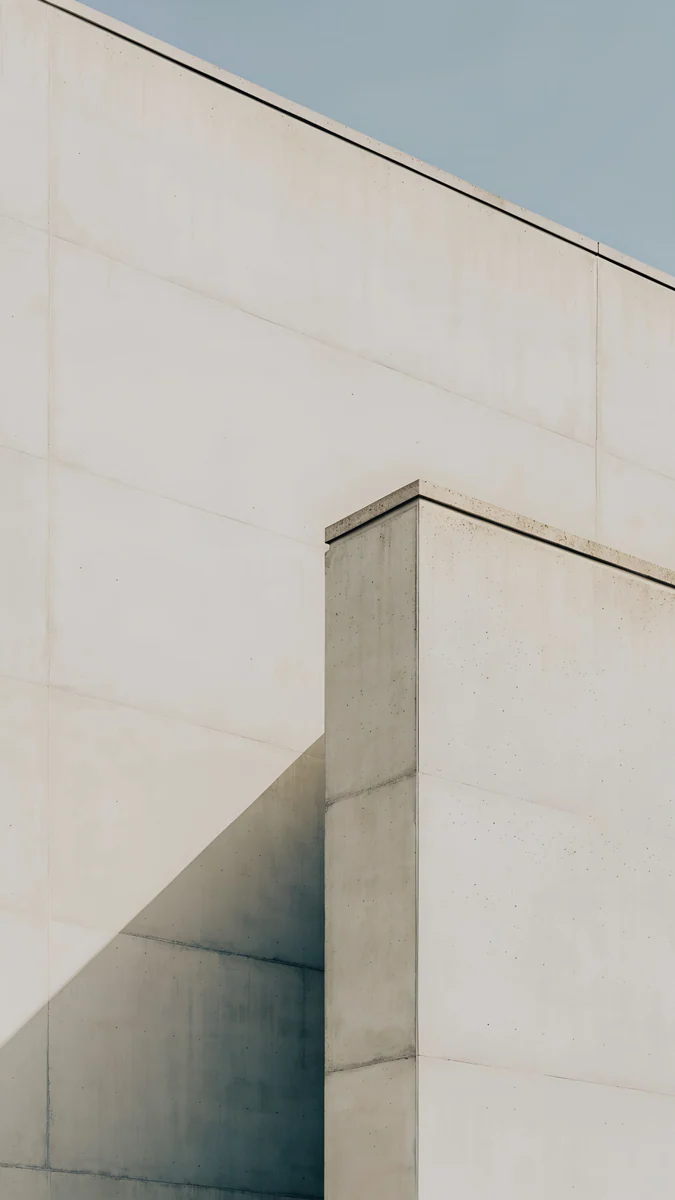 Ivory Fold
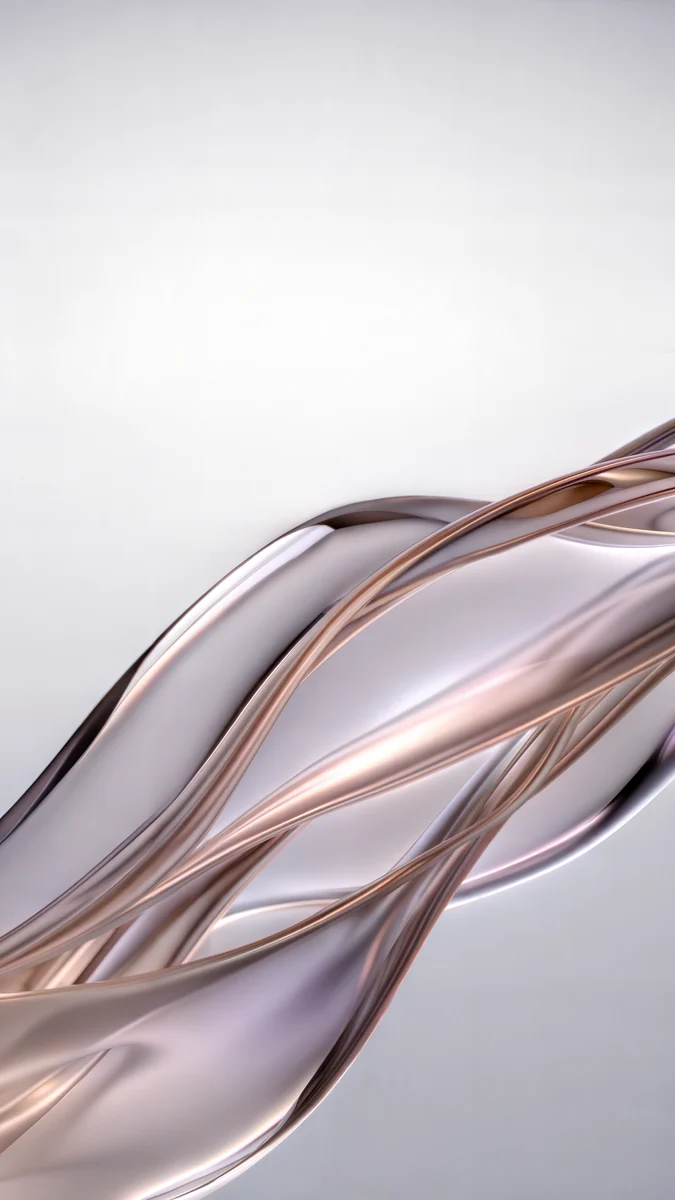 Liquid Light
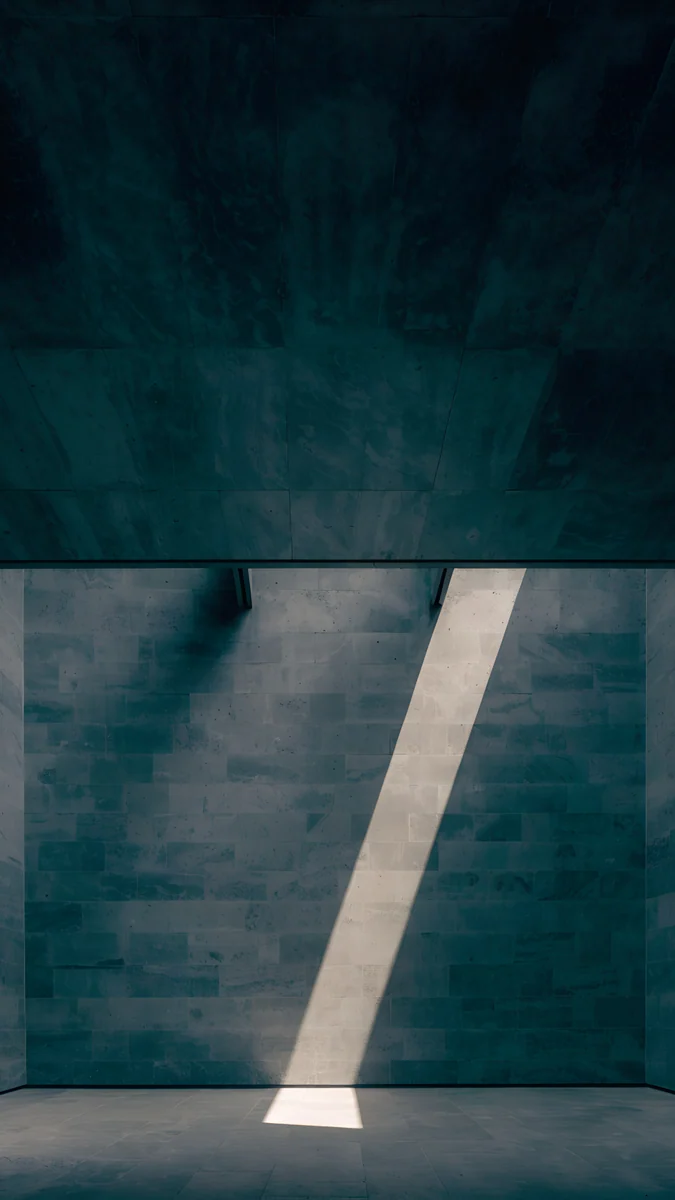 Slate Light Cut
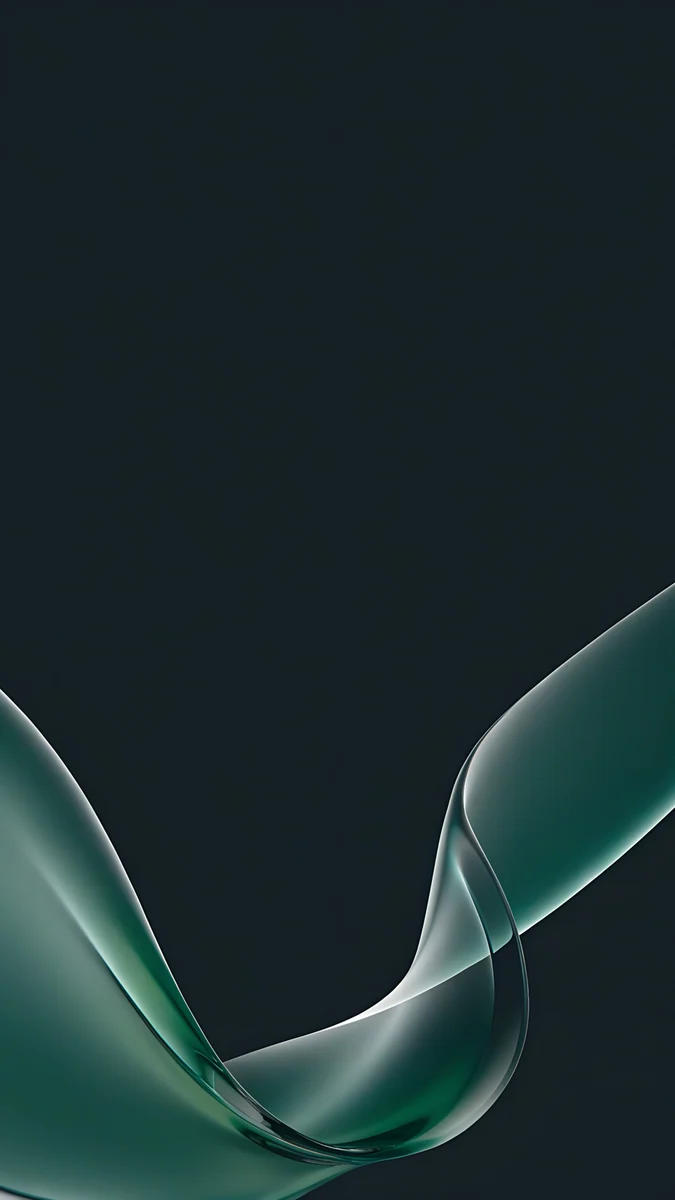
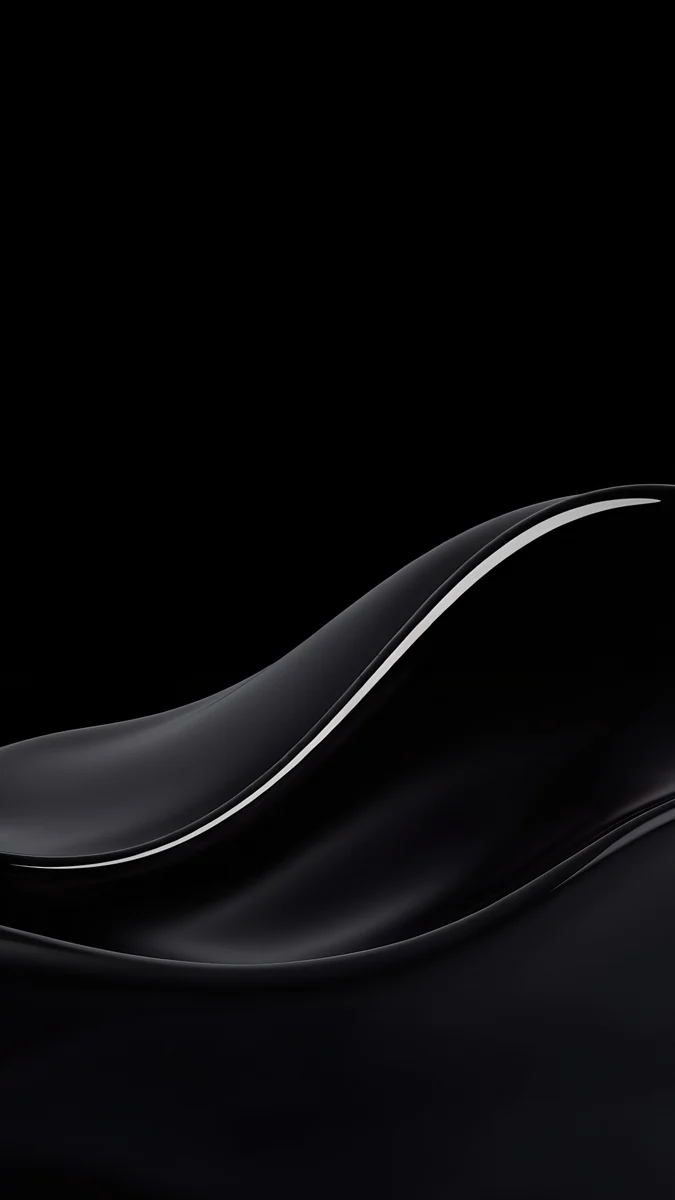 Black Satin Glass Wave
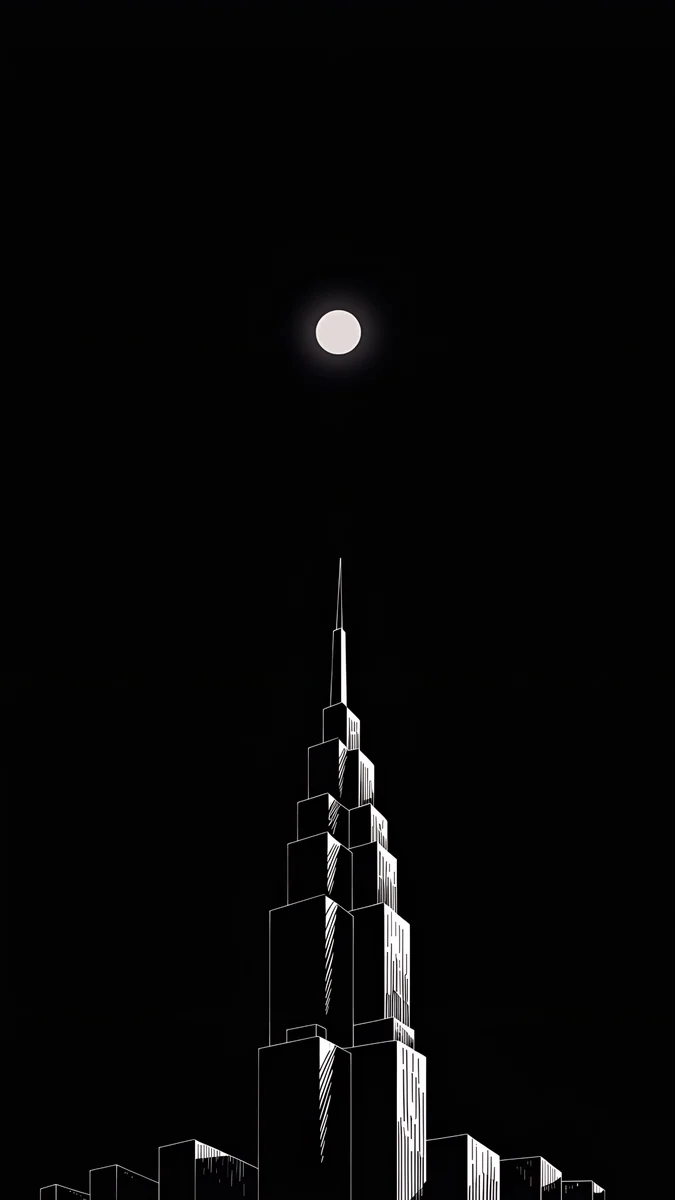 Lone Spire
 True Black
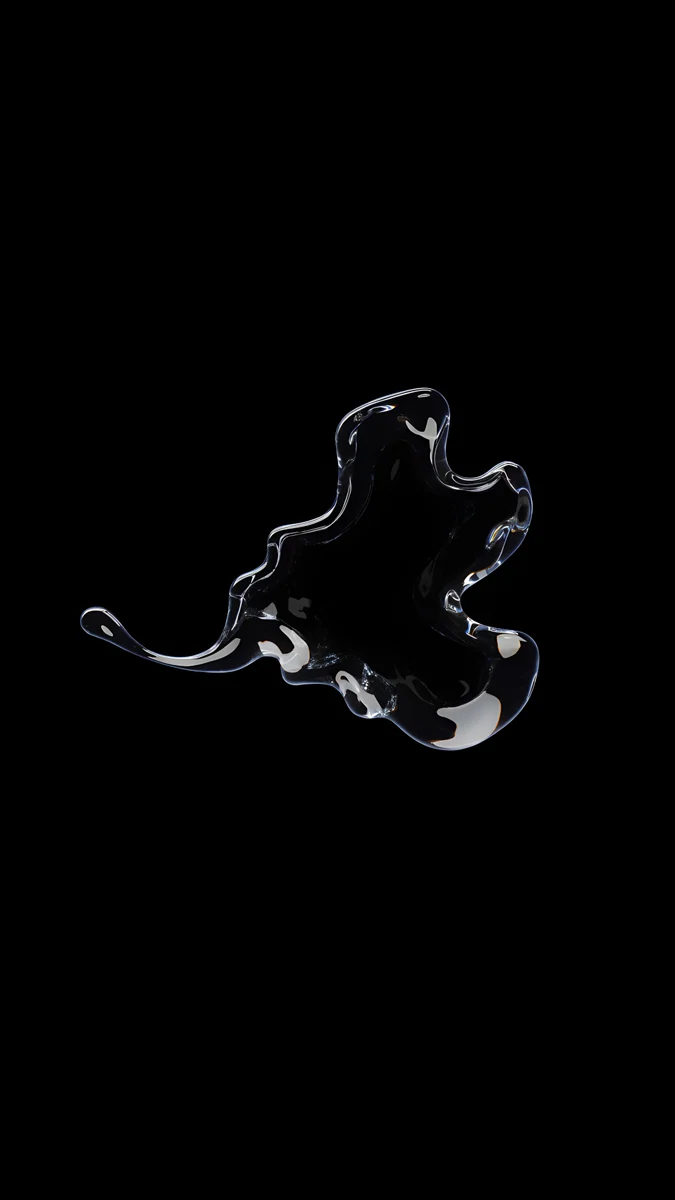 Clear Glass Splash Black
Free originals for iPhone and Android, no watermark
On this page
The iPhone 16e has a 6.1 inch OLED screen at 1170 × 2532 pixels, 460 ppi, so a wallpaper for it should be at least that large and tall in shape [1]. Every Velpaper phone wallpaper is a 4K original at 2160 × 3840 pixels, bigger than the screen in both directions, so iOS only scales it down and trims a thin strip from each side. The 16e comes in two finishes, Black and White, which makes matching easy: a light picture for the white phone, a dark one for the black phone [1]. It has the Dynamic Island, but no Always-On display and no ProMotion, so the lock screen switches off when the phone sleeps. This page gives you the size table, picks for each finish, black wallpapers that make the most of the OLED panel, and the steps to set one. The newer iPhone 17e wallpapers page has the next generation.
iPhone 16e wallpaper size
These figures come from Apple's tech specs, width by height for a portrait wallpaper:
| Model | Screen | Resolution | Density |
|---|---|---|---|
| iPhone 16e | 6.1 inches, OLED | 1170 × 2532 pixels | 460 ppi [1] |
The screen is about 19.5:9, a little narrower than 9:16, so a 2160 × 3840 file fills the height and loses roughly 9 percent at each side. Keep the subject near the centre and the trim never shows. The file is well above the screen size, so there is nothing to upscale and no soft edges. The crop for every other model is in the iPhone wallpaper size guide, and the bright colors of the main line are on our iPhone 16 wallpapers page [1].
White iPhone 16e wallpapers
White suits calm, airy pictures with soft neutrals and a clear top area, so the clock stays easy to read.
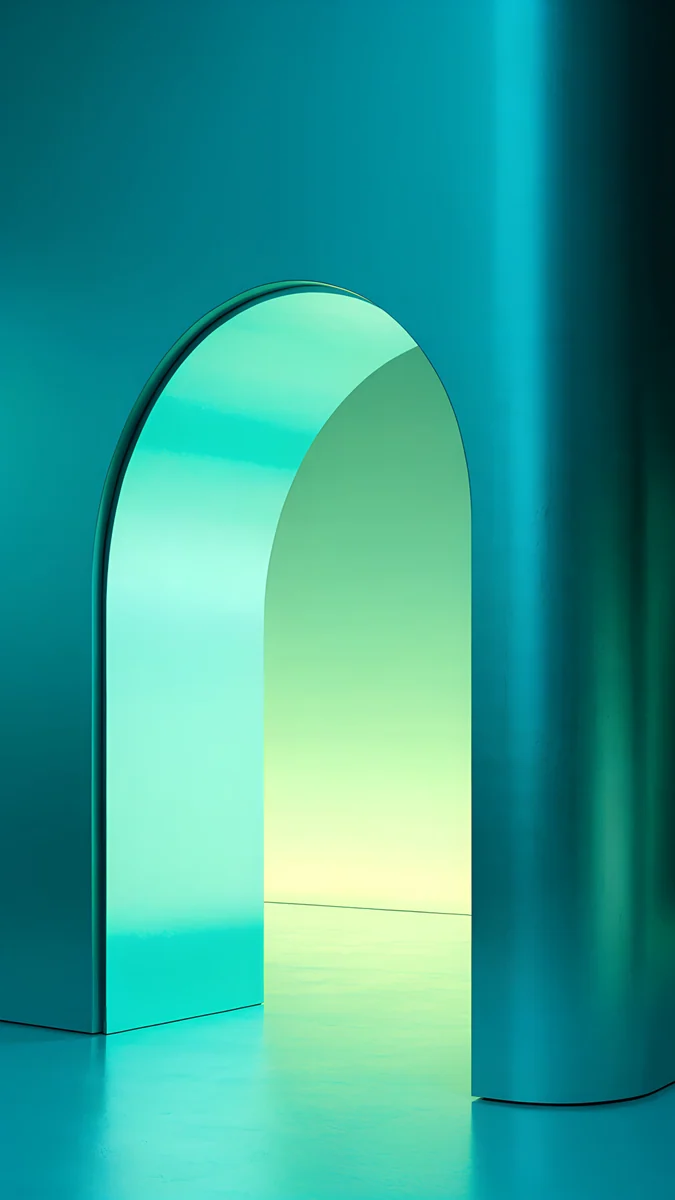
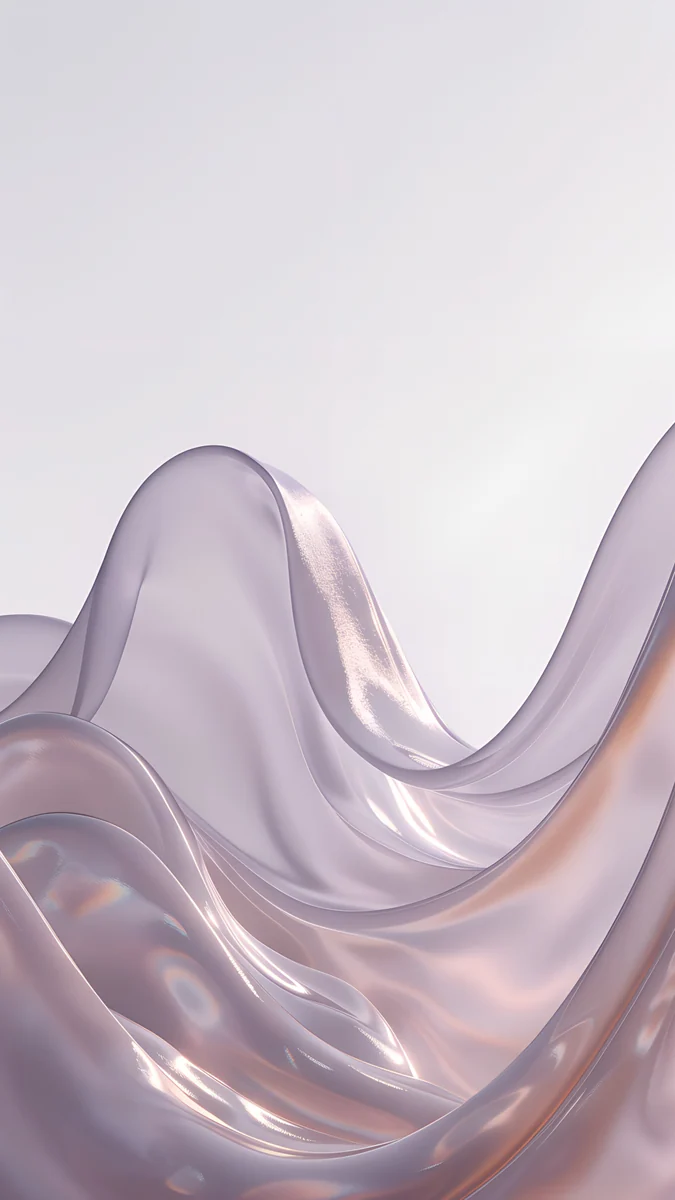
White Porcelain Curves shows glossy white forms rising on a warm cream background, the closest match for the phone itself. Chalk Recess cuts one square niche into a pale concrete wall. Ivory Daylight is a limestone wall with one tall doorway in soft overcast light. Ivory Fold is a grey ivory surface creased once. Liquid Light adds soft glass ribbons on white and beige for a minimal look.
Black iPhone 16e wallpapers
Black suits dark pictures with one clear shape, and the OLED panel shows the shadows well [1].
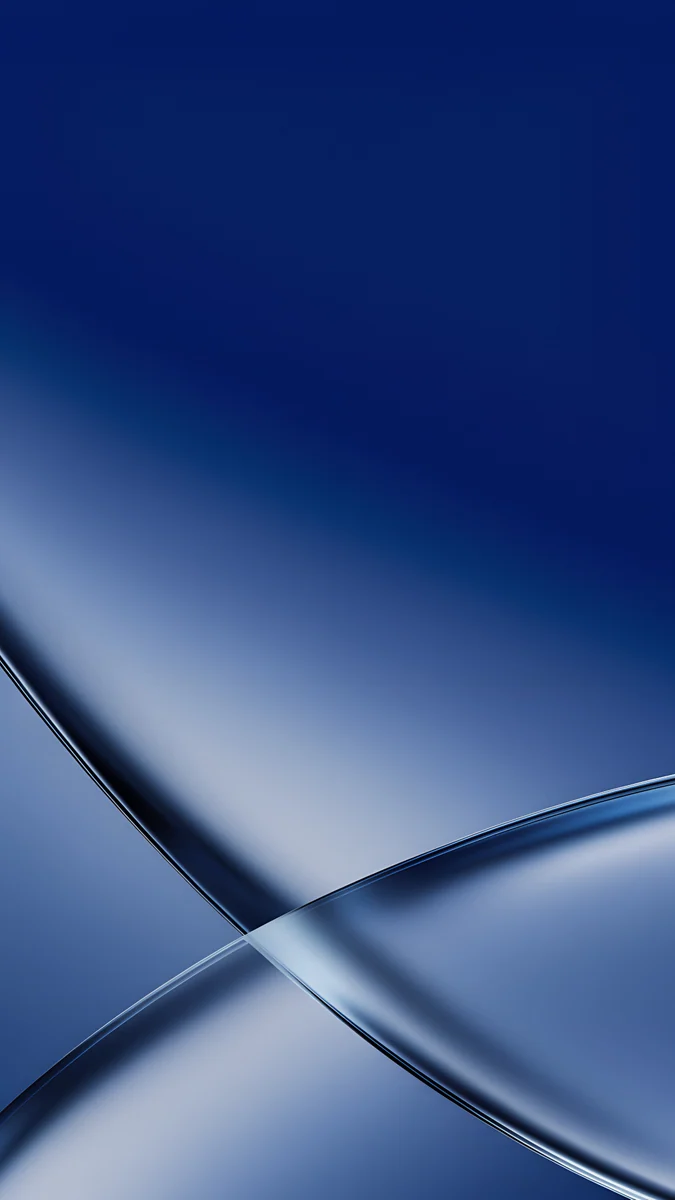
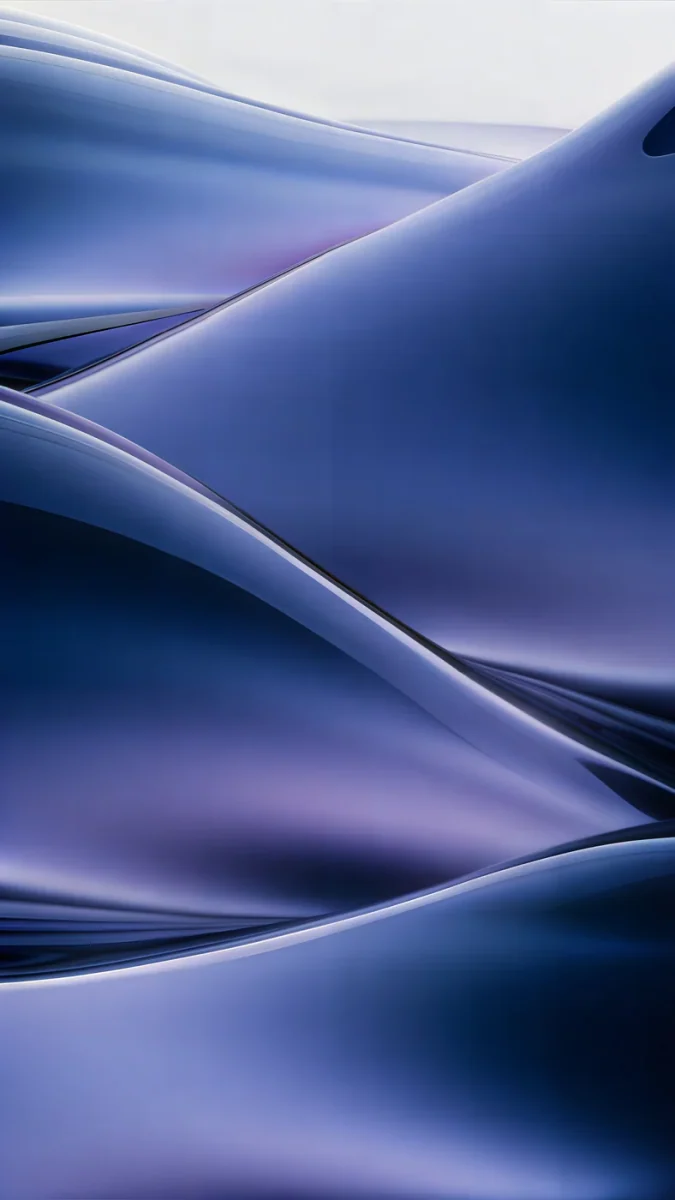
Charcoal Slot is a dark concrete wall split by one thin slit of light, calm and heavy. Glass Star OLED floats a clear glass star in the middle of a pure black frame. Slate Light Cut crosses a dark slate wall with a single diagonal beam. Black Satin Glass Wave is a glossy wave traced by one highlight, with nothing above it but black. Lone Spire is a single tower under a small moon.
True black for the OLED screen
On an OLED screen a black pixel is switched off and gives off no light, so a wallpaper that is mostly black makes the display edge disappear into the bezel. The 16e [1] has no Always-On display, so this only matters while the screen is awake, but it still gives a clean, deep look to the home screen and a lock screen full of widgets.

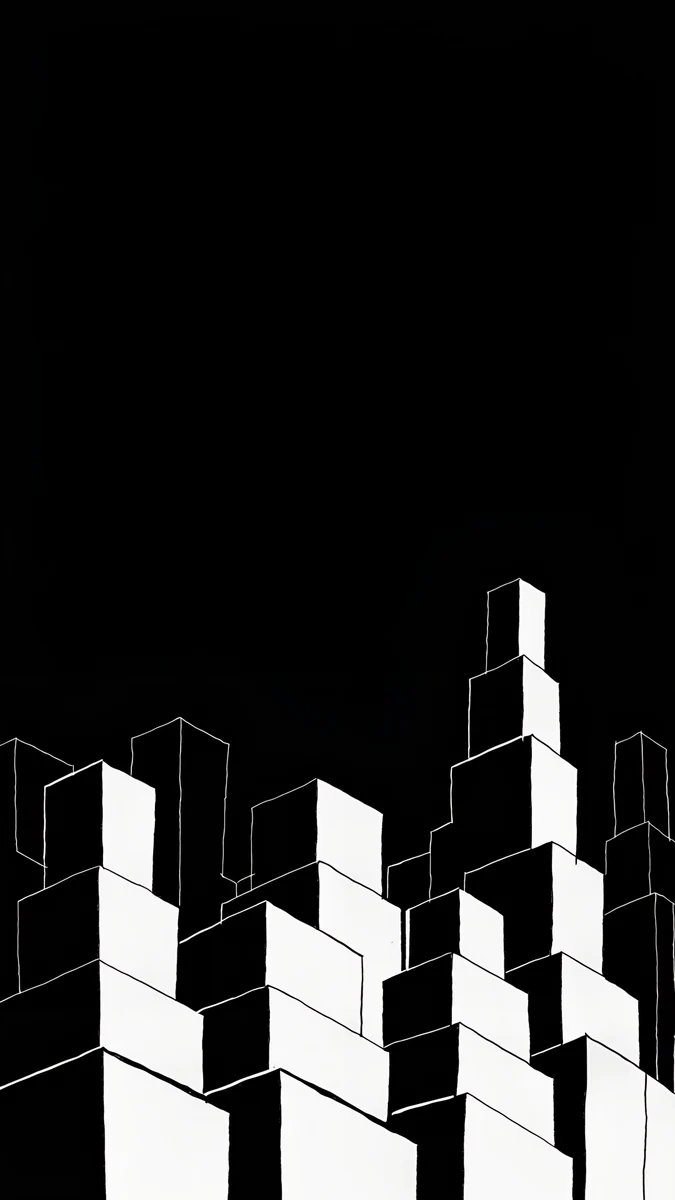
True Black is plain black with nothing on it, the quietest choice. Clear Glass Splash Black adds one small clear splash with empty black around it. Black Splash is a glossy black liquid splash outlined in silver. Night Blocks draws stepped blocks in ink rising from the bottom and leaves the top empty for the clock.
How to set a wallpaper on iPhone 16e
- Save the original to Photos from the Velpaper app or from the wallpaper page on velpaper.com [3].
- Open Settings, tap Wallpaper, then Add New Wallpaper, and choose Photos.
- Pick the image, then pinch and drag so the main shape sits below the clock and clear of the Dynamic Island.
- Tap Add and choose whether to use it on both the lock screen and the home screen.
You can keep several lock screens, for example a white one for the day and a black one for the evening, and switch by pressing and holding the lock screen.
Common problems and fixes
Something at the edge is cut off. The phone shows about the middle four fifths of a 9:16 image [1]. Pick a wallpaper with its subject near the centre.
The clock covers the subject. Move the image down in the editor, or choose one with an empty top, like White Porcelain Curves or Night Blocks.
The wallpaper looks soft. You probably saved a preview or a screenshot. Download the original again from the wallpaper page.
A pale wallpaper makes the icons hard to read. Choose a picture with a plain, even area behind the icon grid, like Ivory Fold, or use a dark one.
Get these iPhone 16e wallpapers in Velpaper
Velpaper is an app for iPhone, iPad, Mac and Android, and every wallpaper is also on velpaper.com [1]. Browsing and previews are free. The phone wallpapers in this article unlock after a short optional ad in the apps; on the website the original downloads free when no ad is available. Phone files are 4K originals at 2160 × 3840 without a watermark and without an account [2].
Next step: open White Porcelain Curves for a white 16e, or Charcoal Slot for a black one, save the original and set it from Settings.
Original wallpapers in and for iPhone, Android and desktop.
Questions
What size is the iPhone 16e wallpaper?
The iPhone 16e has a 6.1 inch OLED screen at 1170 × 2532 pixels and 460 ppi [1], so a portrait wallpaper should be at least that large [1]. An exact match is not needed. A 2160 × 3840 original is bigger in both height and width, so iOS only scales it down and trims about 9 percent at each side, because the phone is a little narrower than 9:16 [1]. The picture stays sharp, and a subject near the centre is never cut.
Which wallpapers match the white iPhone 16e?
Pick light [1], calm pictures with a clear area at the top for the clock. White Porcelain Curves, glossy white forms on warm cream, is the closest match to the finish. Chalk Recess and Ivory Daylight bring pale concrete and limestone in soft light, and Liquid Light adds glass ribbons on white and beige. Avoid busy photos with strong color, which fight with the clean white back and make the icons harder to read.
Does the iPhone 16e have an Always-On display?
No. According to Apple's spec page, the iPhone 16e has no Always-On display and no ProMotion, so the screen turns off when the phone is locked. That means a black wallpaper does not dim like it does on the Pro models. It still looks deep on the OLED panel while the screen is awake, and it helps widgets stand out. If you later move to a Pro phone, the same files work there too.
Can I use iPhone 16 wallpapers on the iPhone 16e?
Yes [1]. The iPhone 16 has a 6.1 inch screen at 1179 × 2556 pixels, a few pixels larger than the 1170 × 2532 screen of the 16e, and both are about 19.5:9 [1]. A 2160 × 3840 original is larger than both, so each phone fills the full height and trims the same thin strip from the sides. One download works on either phone, and a wallpaper from our iPhone 16 page needs no resizing [1].
Are these iPhone 16e wallpapers free?
Browsing and previewing are free on velpaper.com and in the Velpaper apps for iPhone [1], iPad, Mac and Android. The phone wallpapers in this article unlock after a short optional ad in the apps, and on the website the original downloads free when no ad is available. There is no account and no subscription. Each phone file is a 2160 × 3840 JPEG without a watermark, larger than the 1170 × 2532 screen of the 16e, so it stays sharp after iOS scales it [2].
Carlos Vivero
Designer of Velpaper wallpapers
Carlos Vivero designs the wallpapers in Velpaper: quiet architecture, liquid glass, Japanese ink and calm landscapes. Every piece is made as a original for iPhone, Android and desktop.
Recent work