Apple Wallpaper 4K: Picks for iPhone, iPad and Mac
Apple wallpaper in 4K for every screen: exact iPhone, iPad and Mac sizes, dark OLED picks, and where to find Apple's own stock wallpapers.
Sources [1] · By the Velpaper team · Wallpapers by Carlos Vivero, Velpaper designer · · 6 min read
In short: Apple wallpaper files should be larger than the screen: 2160 × 3840 px for iPhone, 4096 × 4096 px for iPad and 3840 × 2160 px or 5120 × 2880 px for Mac [2]. Apple's own stock wallpapers are Apple's artwork and already on your device.
Wallpapers
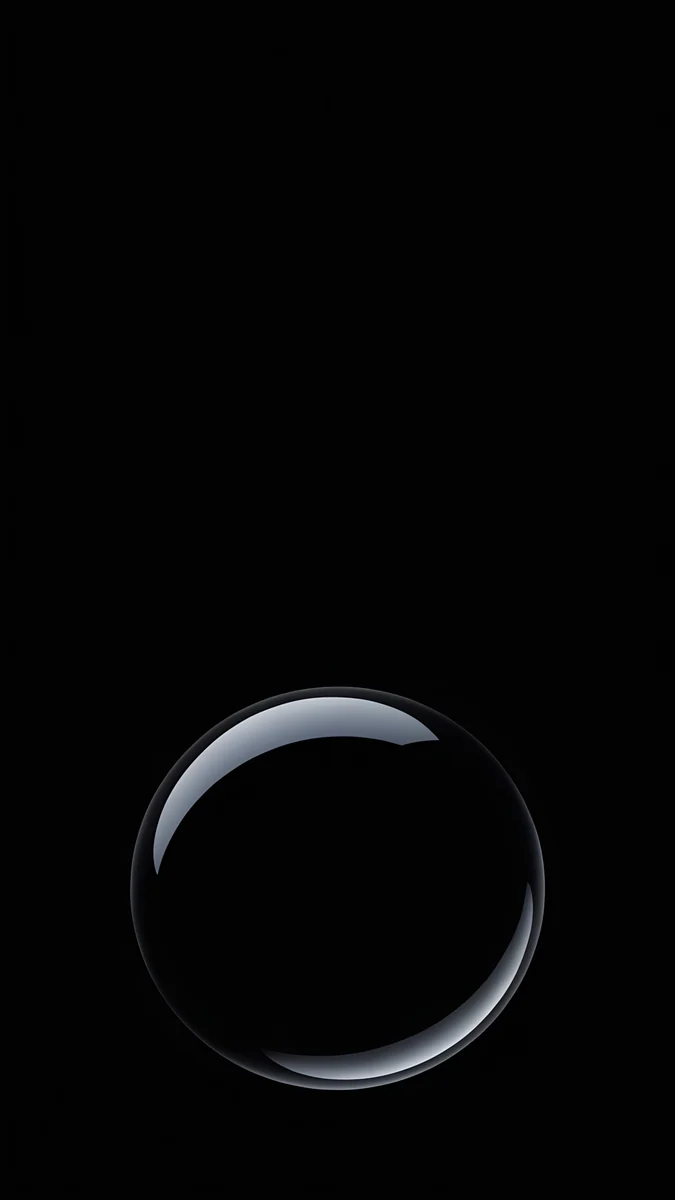 Black Glass Sphere
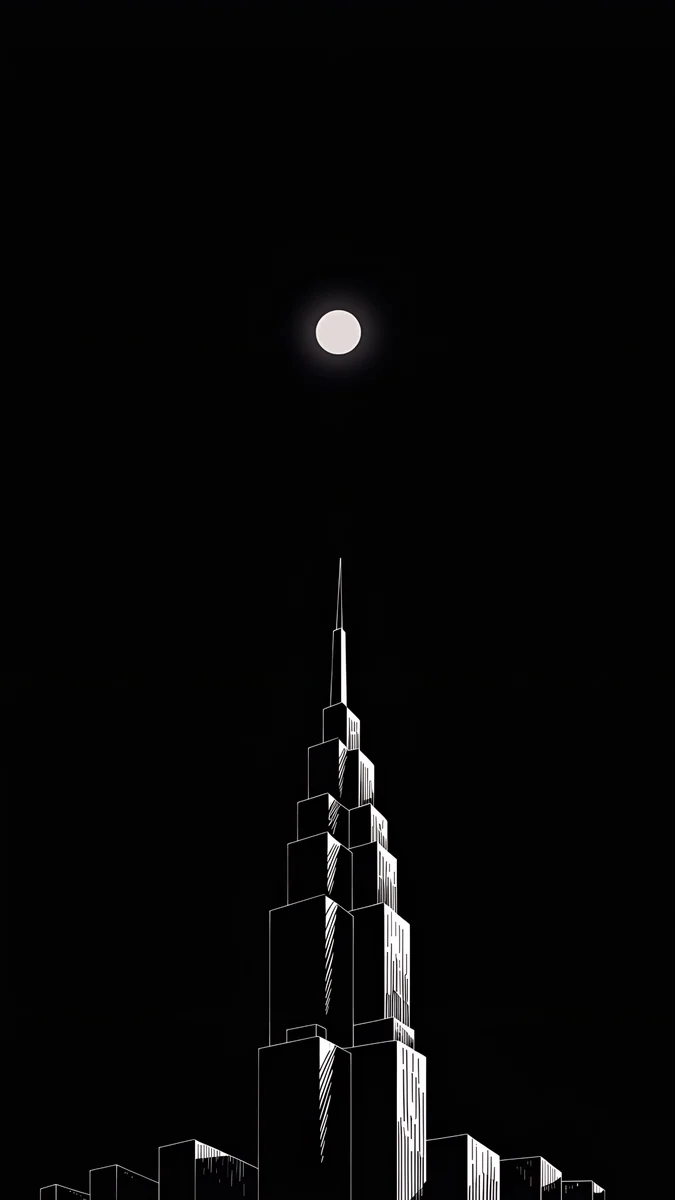 Lone Spire
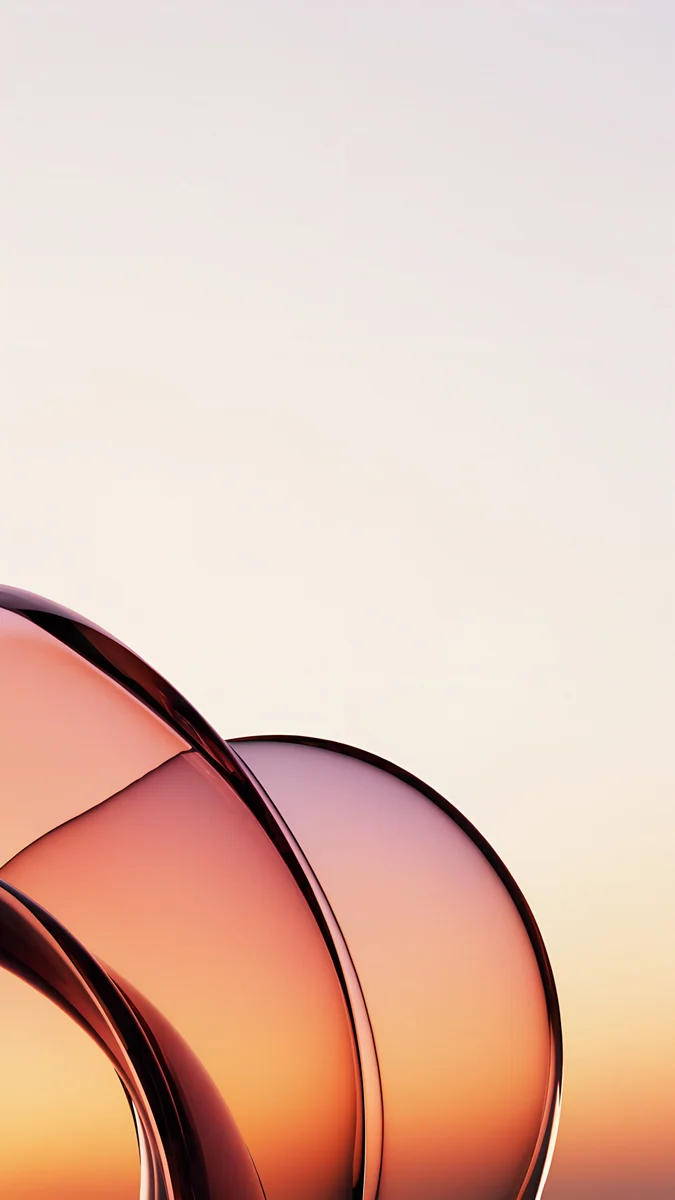 Peach Glass Sunset
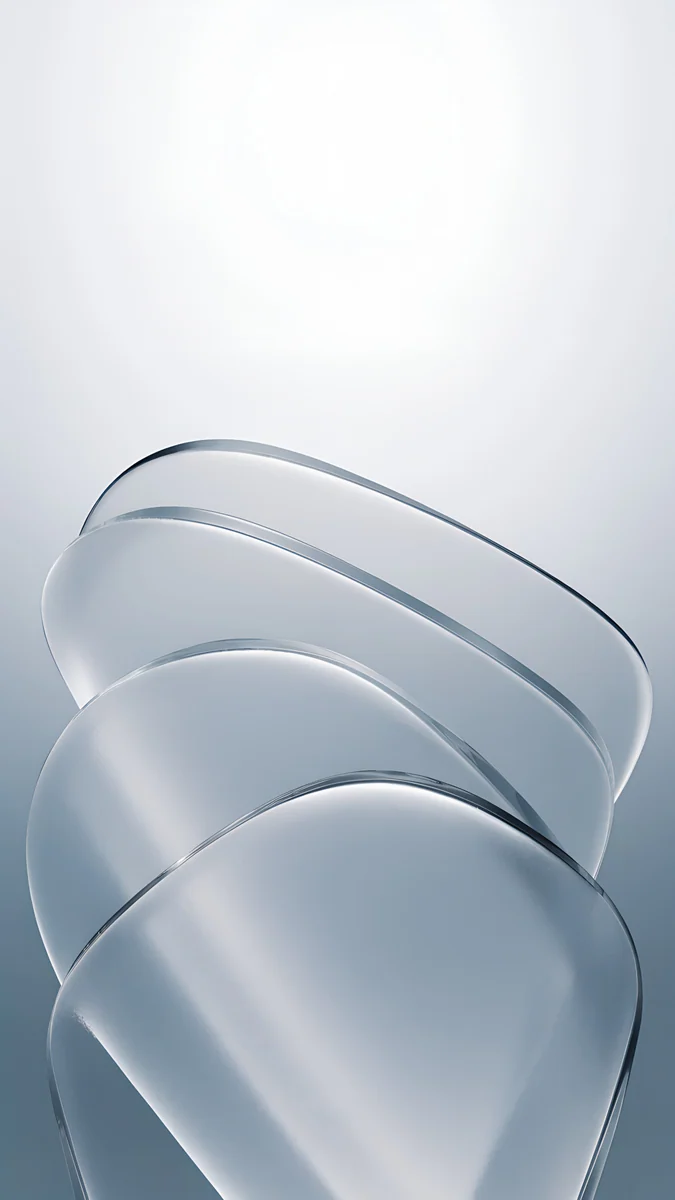 Mist Blue Frosted Panes
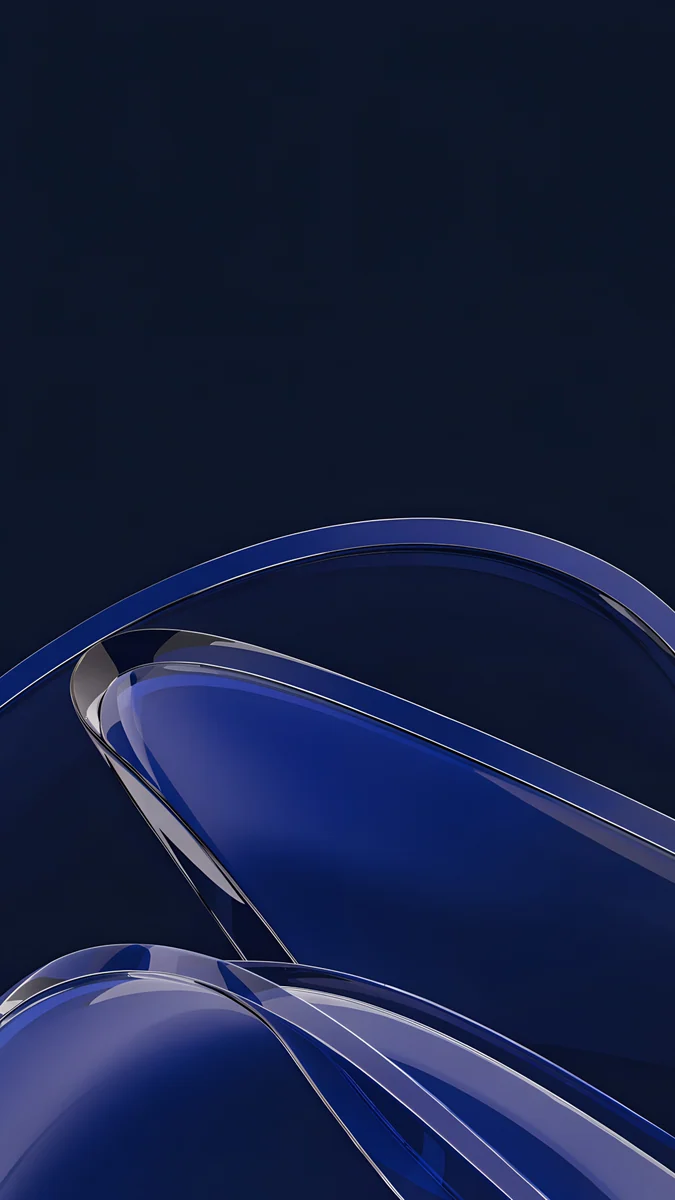 Cobalt Glass Crossing
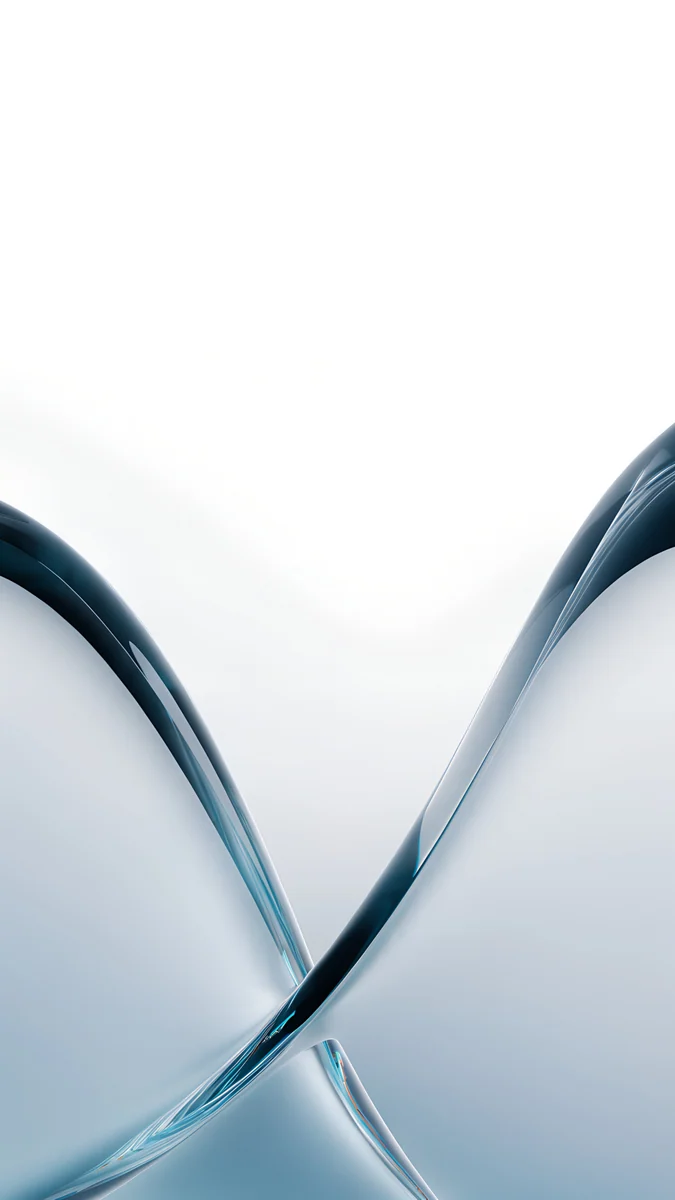 Glacier Glass Arcs
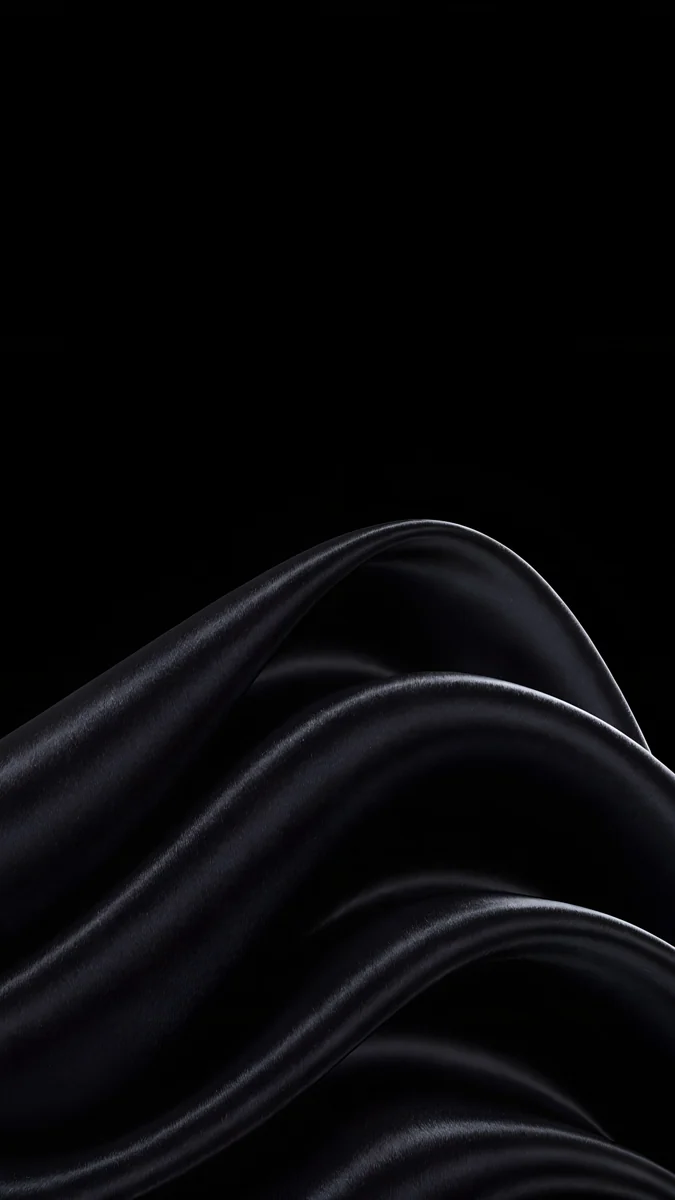 Black Satin
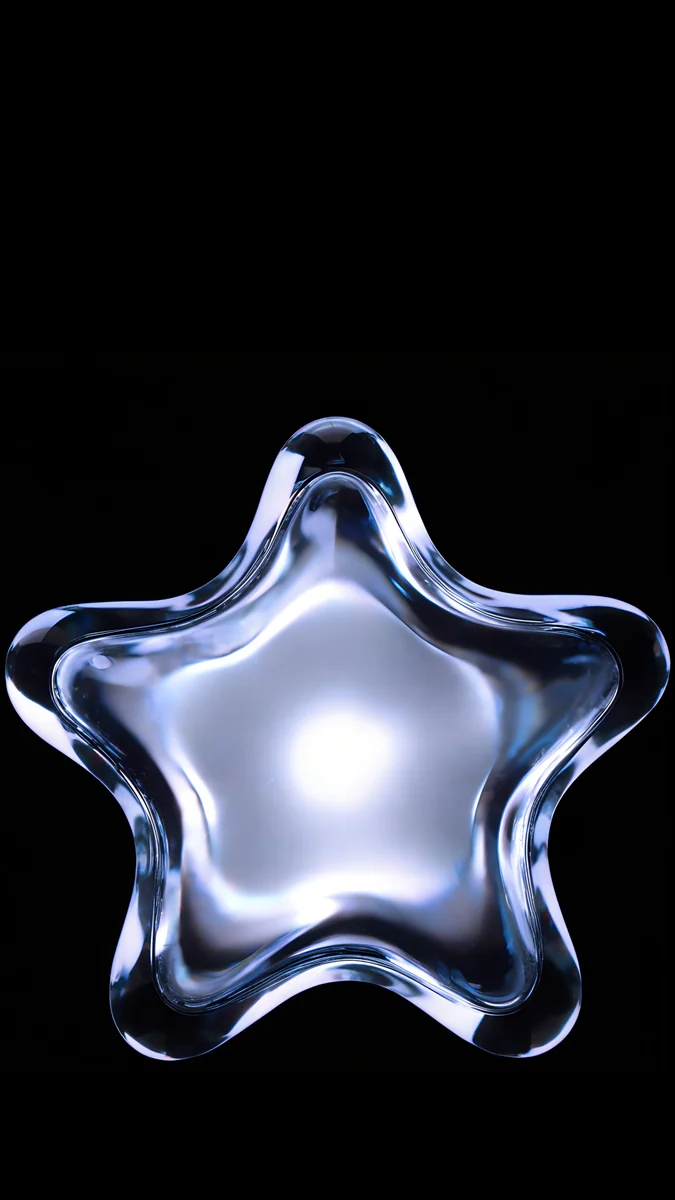 Glass Star OLED
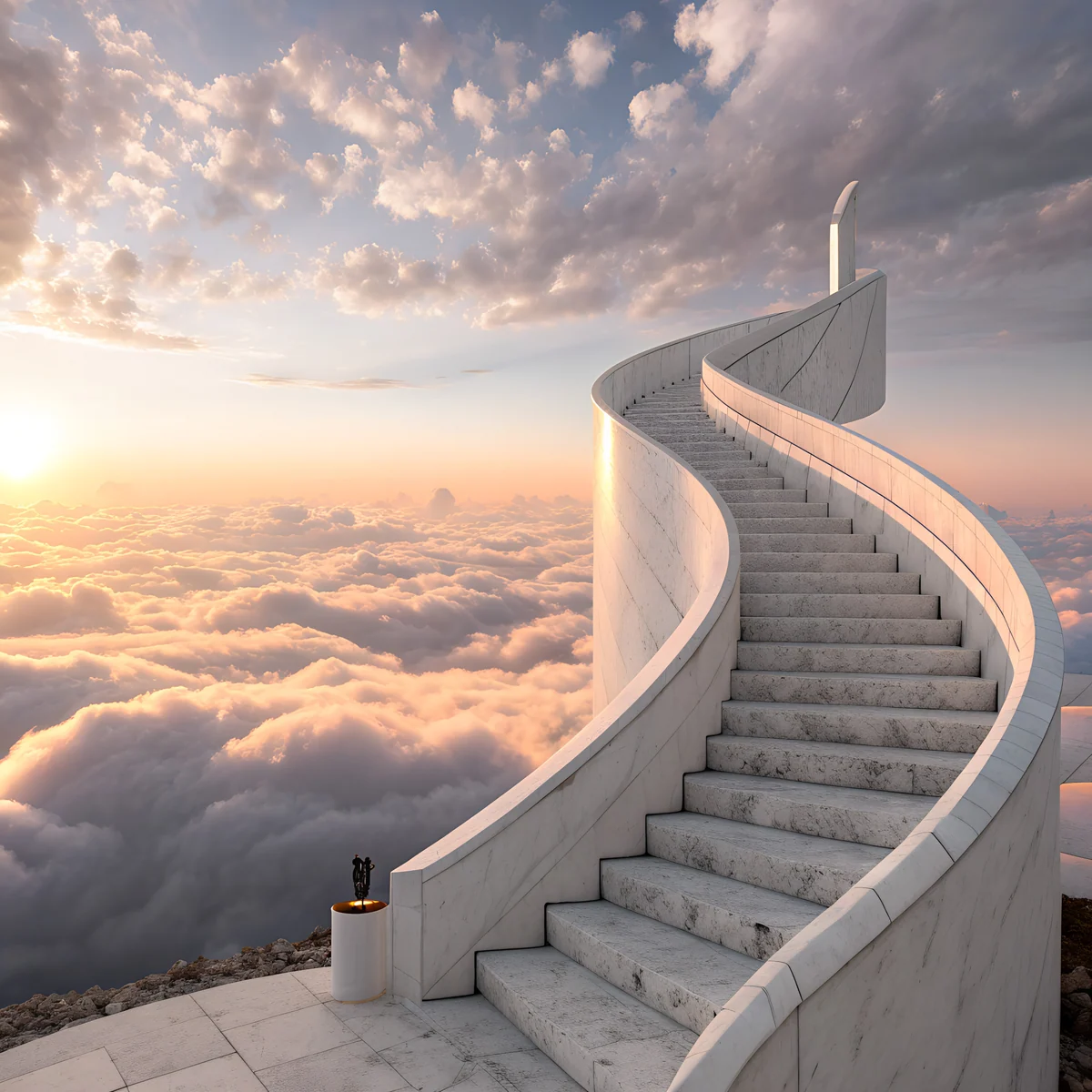 Cloud Spiral Stair
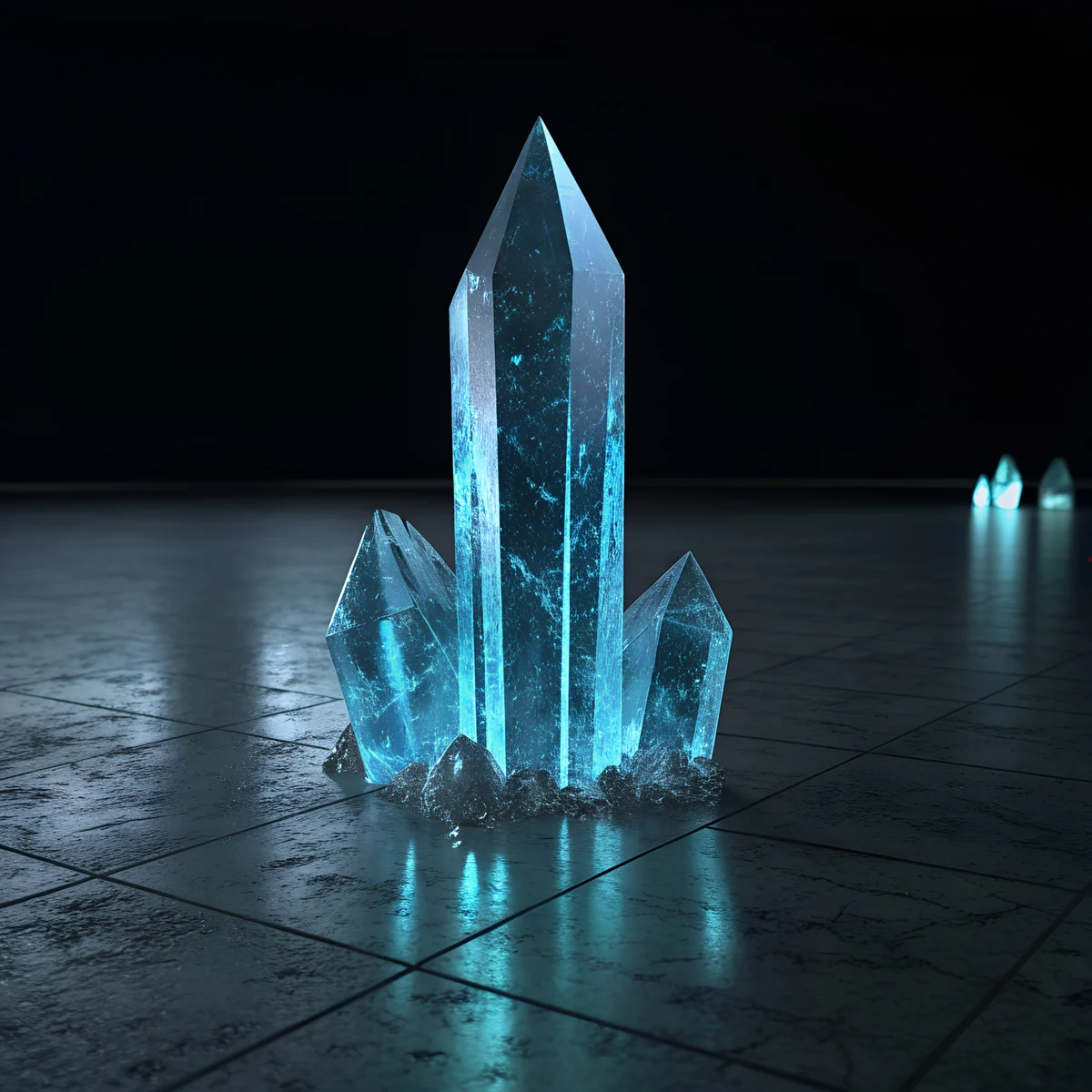 Obsidian Crystal
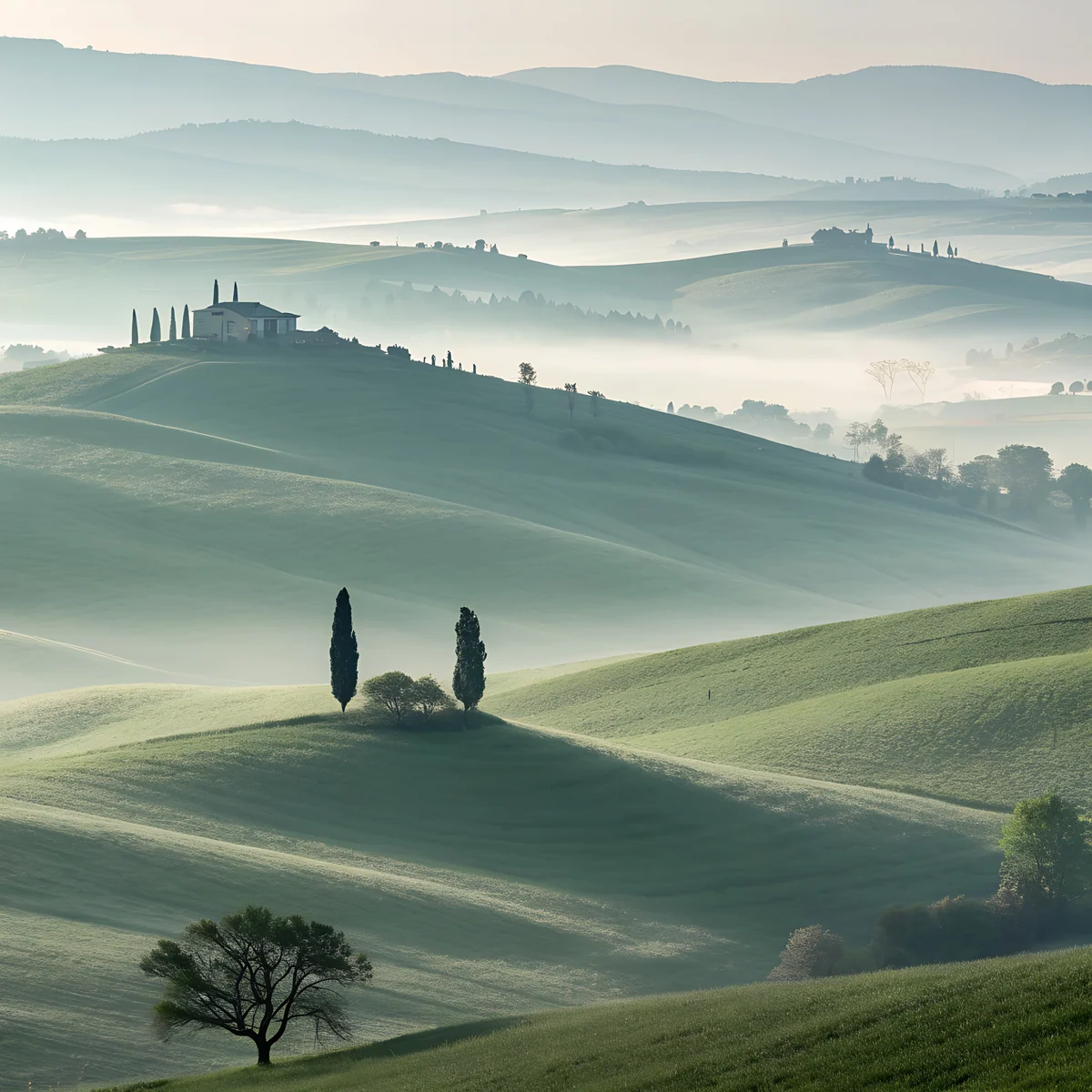 Sage Fog Hills
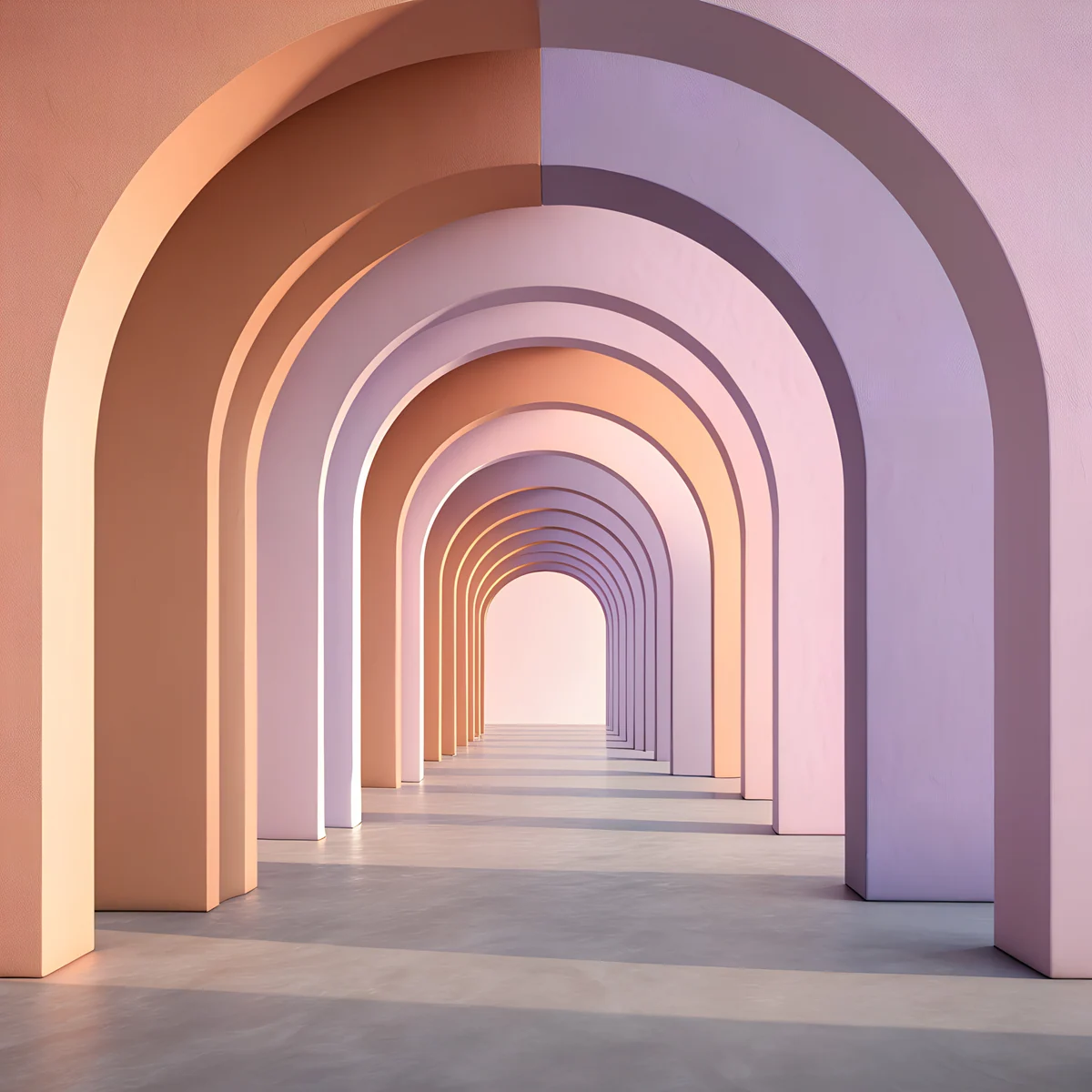 Peach Arch Hall
Free originals for iPhone and Android, no watermark
On this page
The right Apple wallpaper depends on the screen: an iPhone wants a tall 2160 × 3840 px [2] file, an iPad wants a square 4096 × 4096 px one that survives rotation, and a Mac wants a wide 3840 × 2160 px or 5120 × 2880 px picture. Every file below is larger than the screen it targets, so the device only scales it down and the picture stays sharp. This page is the hub for all of them, with exact screen sizes, picks per device, dark options for OLED iPhones and links to a full page for each model.
One point first: Apple's own stock wallpapers, such as the ones that ship with iOS and macOS, are Apple's artwork and are already on your device. You find them in Settings or System Settings, so you do not need to download them. What Velpaper adds are different 4K originals that look good next to them [3].
Apple wallpaper sizes by device
Screen sizes in pixels, width by height, from the model pages linked in the last column:
| Device | Screen | Resolution | Best file | Page |
|---|---|---|---|---|
| iPhone 17 Pro [1] | 6.3 inches | 1206 × 2622 px | 2160 × 3840 px | iPhone 17 Pro wallpapers |
| iPhone 17 Pro Max | 6.9 inches | 1320 × 2868 px | 2160 × 3840 px | iPhone 17 Pro Max wallpapers |
| iPad mini | smallest iPad | 1488 × 2266 px [1] | 4096 × 4096 px | iPad mini wallpapers |
| iPad Pro 13 inch | 13 inches | 2064 × 2752 px | 4096 × 4096 px | iPad Pro wallpapers |
| MacBook Air 13 inch | 13 inches | 2560 × 1664 px [1] | 3840 × 2160 px | MacBook Air wallpapers |
| MacBook Pro 14 and 16 inch | 14.2 and 16.2 inches | 3024 × 1964 px and 3456 × 2234 px | 3840 × 2160 px, 5120 × 2880 px | MacBook Pro wallpapers |
| iMac 24 inch [1] | 24 inches | 4480 × 2520 px | 5120 × 2880 px | iMac wallpapers |
Older models and exact crops are in our iPhone wallpaper size guide, the iPad wallpaper size guide and the PC wallpaper size guide.
iPhone wallpapers by family
One 2160 × 3840 px [2] original fits every current iPhone, because the largest screens, such as the 1320 × 2868 px iPhone 17 Pro Max, are still smaller in both directions. Pick the page for your model to see matches for its colors:
- iPhone 17 [1], 17 Pro, 17 Pro Max and 17e
- iPhone 18 Pro Max, which has the same screen as the 17 Pro Max
- iPhone 16, 16 Pro Max and 16 Plus
- iPhone 15 and 15 Pro Max
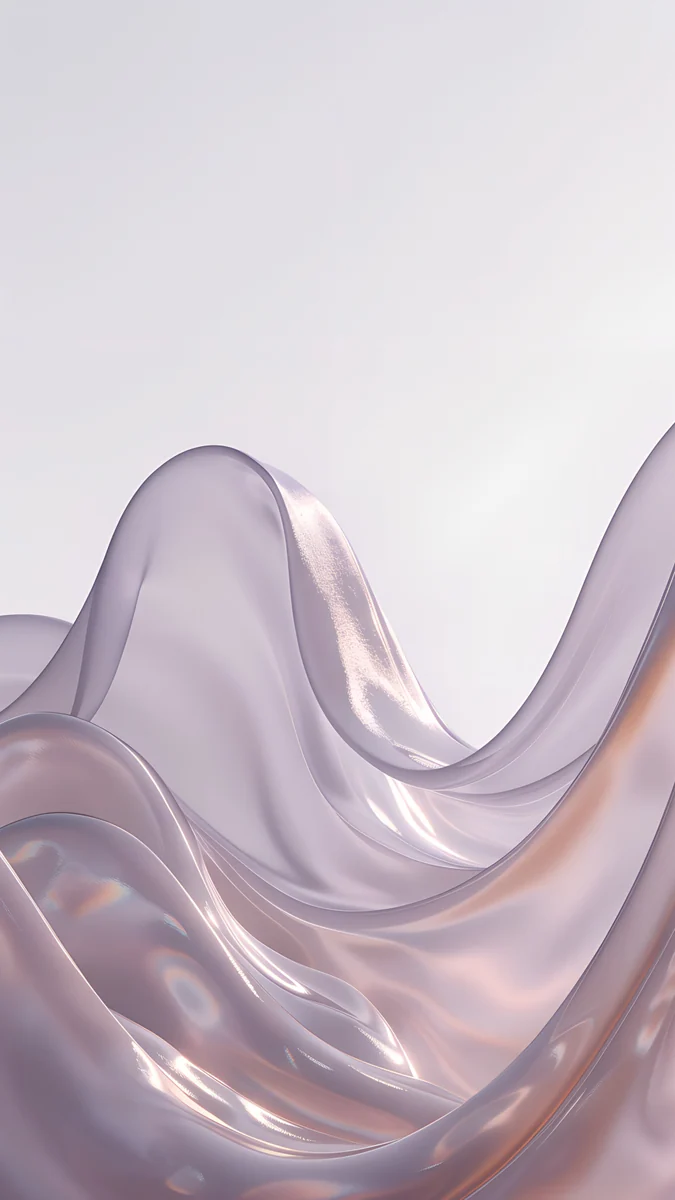
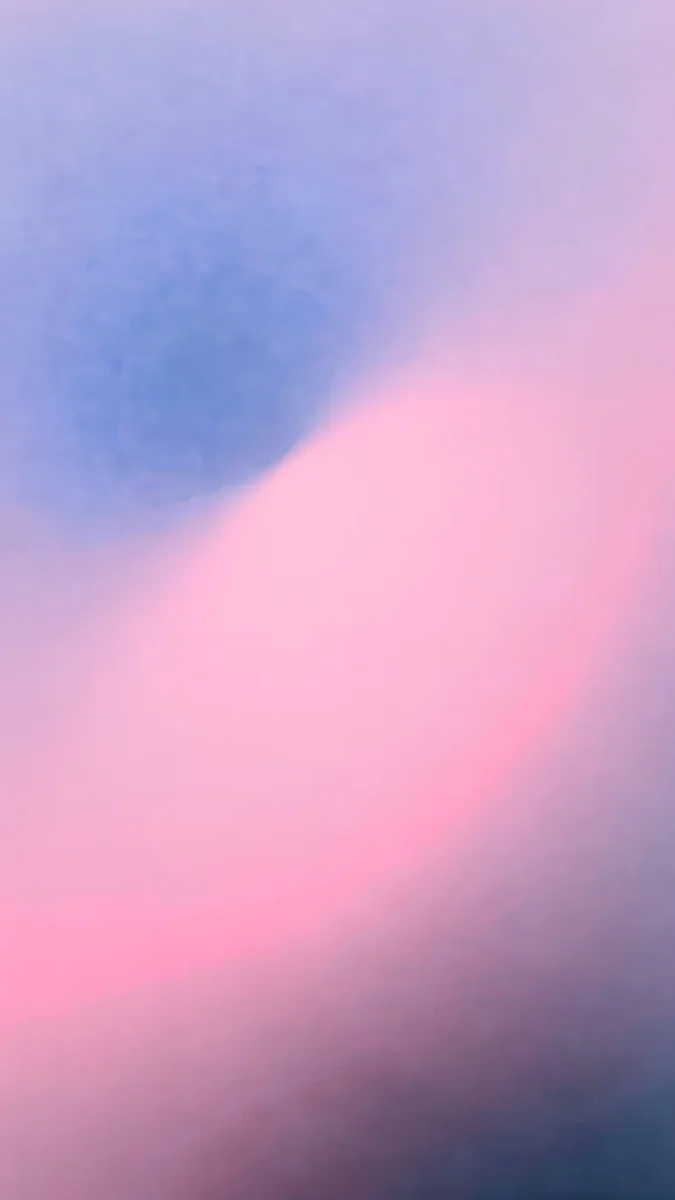
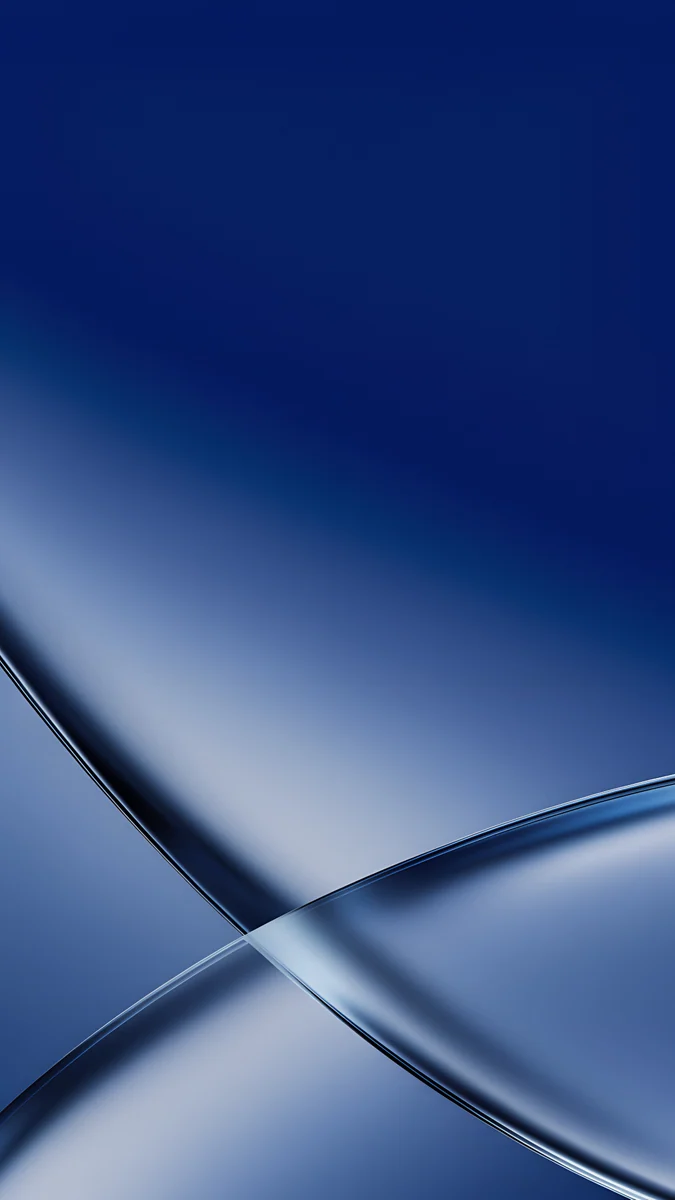
Peach Glass Sunset is a peach and coral glass abstract, and Mist Blue Frosted Panes is a light blue frosted glass scene. Cobalt Glass Crossing is a darker cobalt and navy glass shape, and Glacier Glass Arcs is an icy white and blue arc design. All four are made to look good with Liquid Glass icons on iOS 26 [1], as covered in our iOS 26 wallpapers.
iPad wallpapers
The iPad rotates, so the safest wallpaper is square. Our iPad originals are 4096 × 4096 px, larger than the 2064 × 2752 px screen of the 13 inch iPad Pro in both directions, so portrait and landscape both fit [1]. See iPad wallpapers for the full picks.
Cloud Spiral Stair is a white and pastel marble staircase in the clouds. Obsidian Crystal is a dark blue and black crystal, Sage Fog Hills is a calm green hill scene in fog and Peach Arch Hall is a pastel peach arched hall.
Mac wallpapers
Mac wallpapers are wide: 3840 × 2160 px for a MacBook Air or 14 inch MacBook Pro, and 5120 × 2880 px for the 16 inch MacBook Pro and the iMac [1]. In Fill Screen mode a 16:9 file is trimmed about 7 percent per side on a MacBook and fits the iMac exactly.

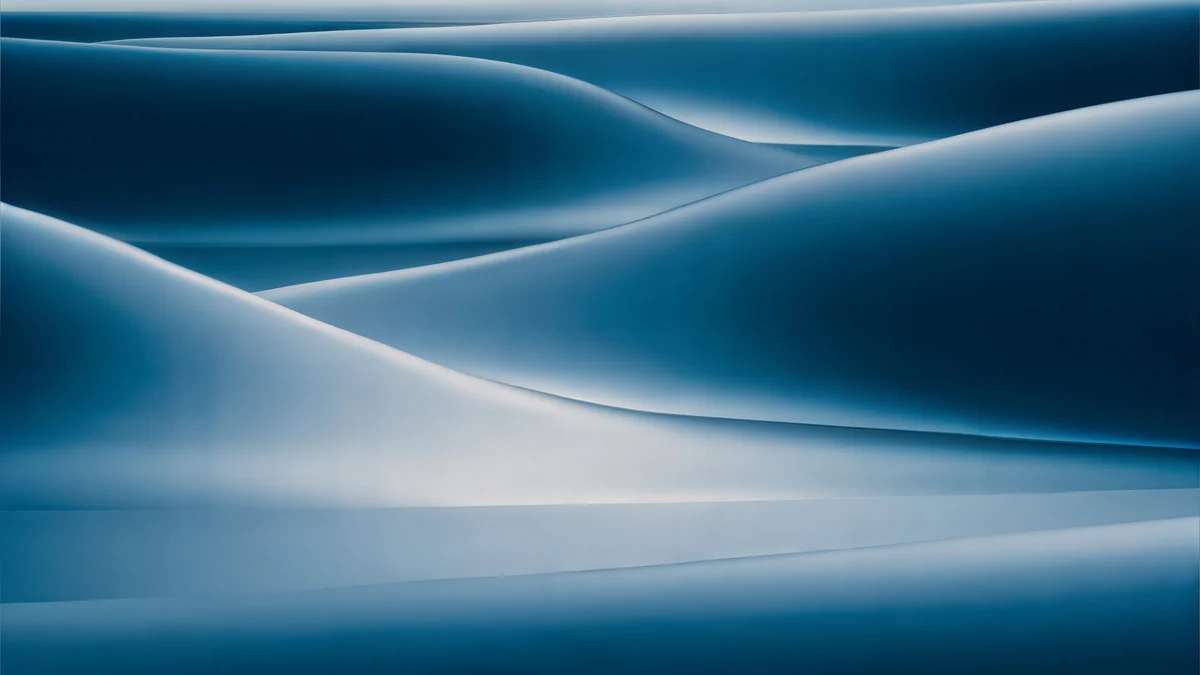
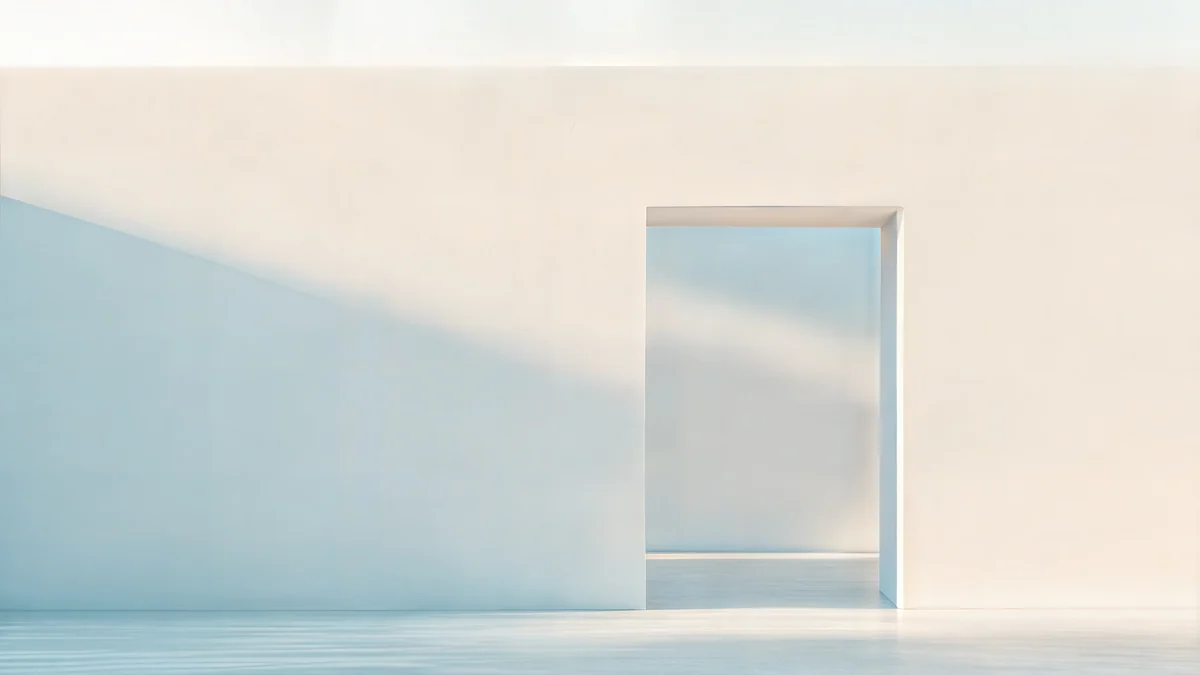
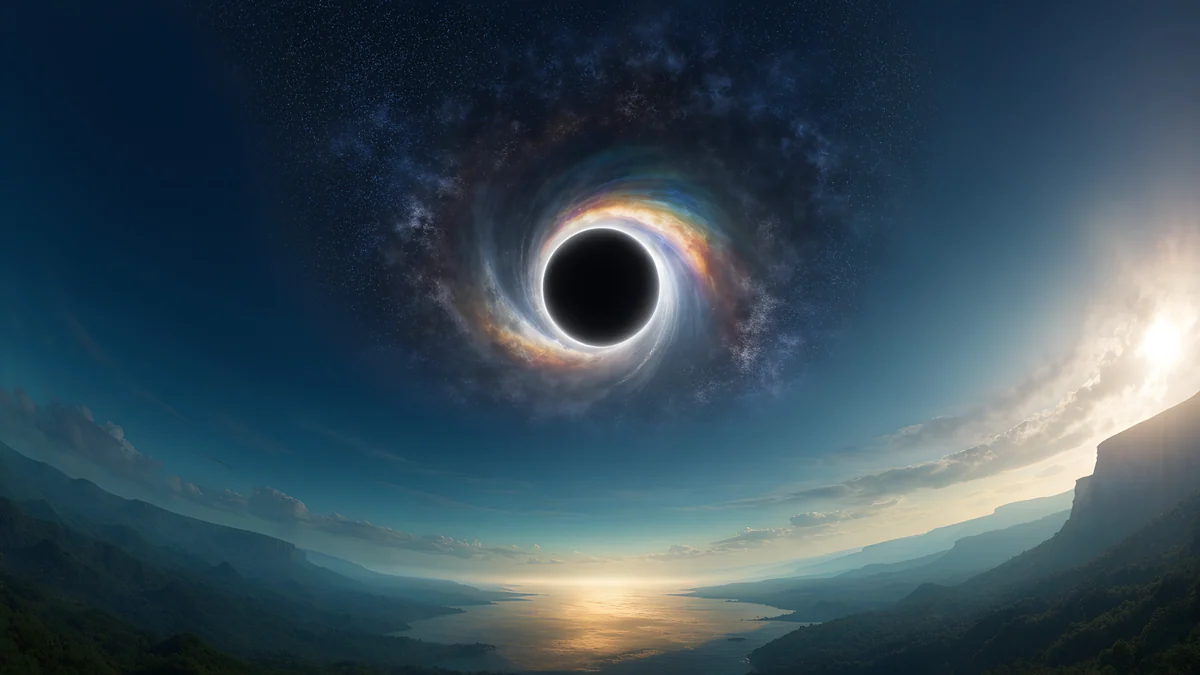
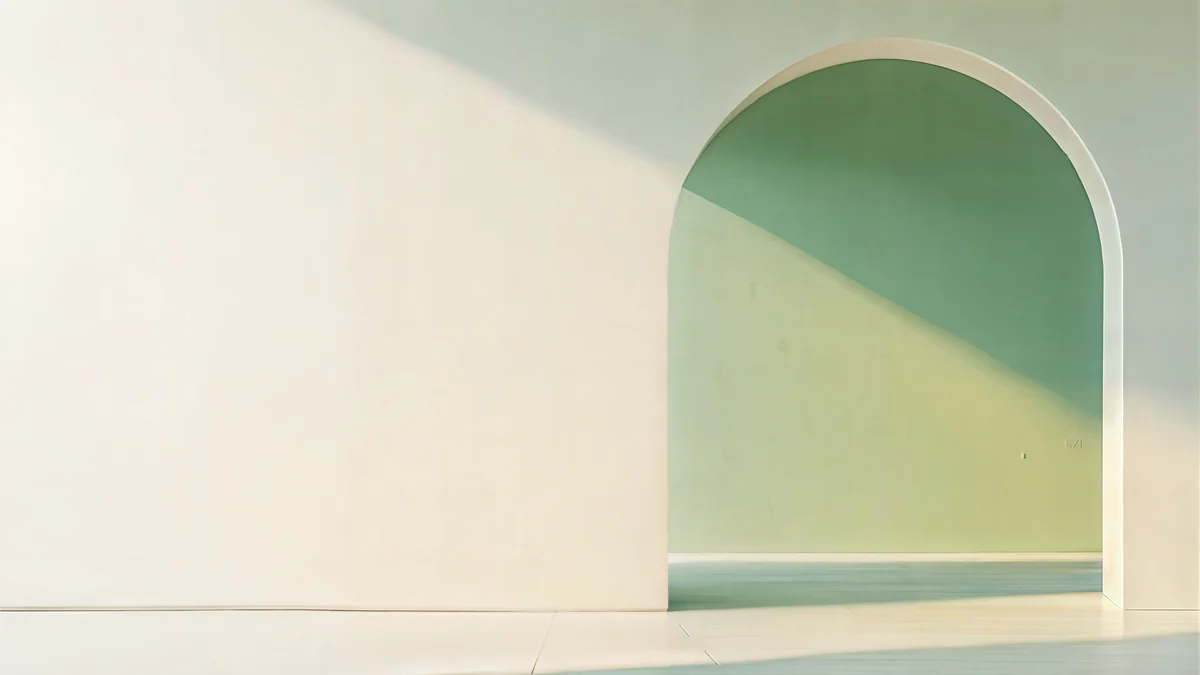
Cloud Temple Panorama floats a white marble temple in a blue sky and Petrol Current rolls dark teal silk waves. Ivory Daylight Gate is a bright beige doorway, Black Hole Horizon is a black sky with a glowing horizon and Sage Sun Gallery is a pale green arched hall, all at 5120 × 2880 px [2]. For laptops see MacBook wallpaper 4K, and for the lock screen see Mac lock screen wallpaper.
Dark and OLED picks for iPhone
An OLED iPhone shows black as real black, and the iPhone 17 Pro and Pro Max also have an Always-On display that keeps the wallpaper dimmed on the lock screen [1]. These near-black originals suit them. For the Pro Max specifically, see iPhone 17 Pro Max dark wallpapers.
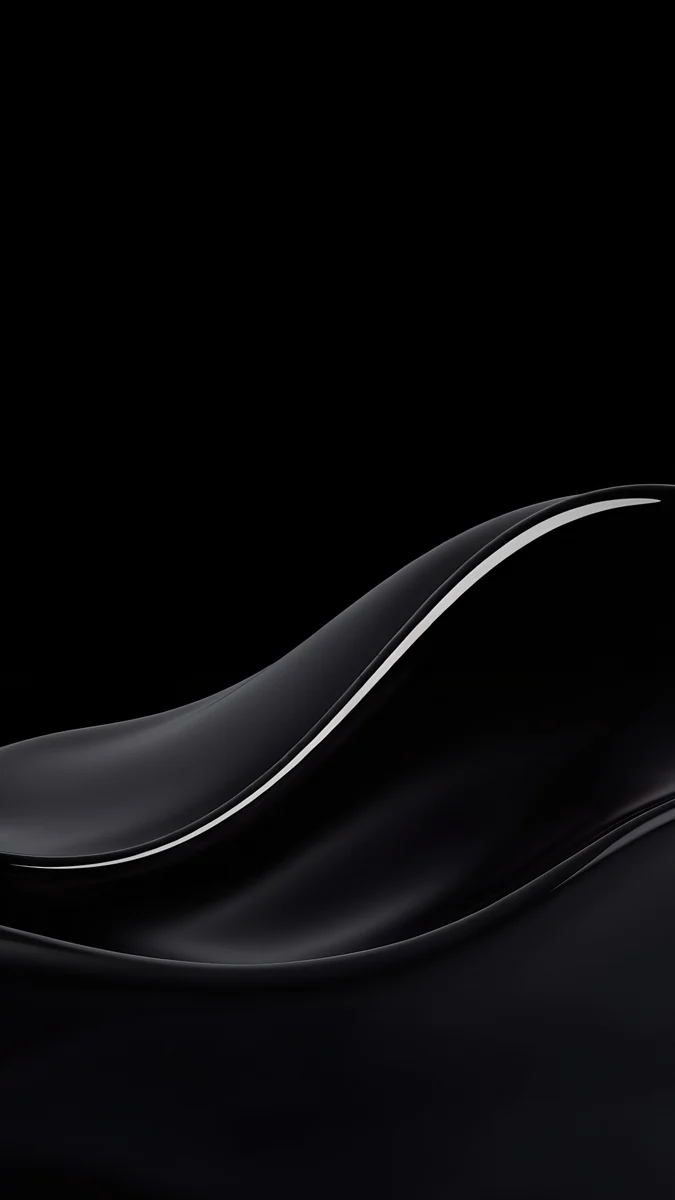
Black Glass Sphere is a single glass ball on pure black and Black Satin is a glossy black wave. Lone Spire is a black and white tower with a moon, and Glass Star OLED places small glass stars on black.
Apple Watch
Apple Watch has no separate wallpaper setting. A picture becomes your background through the Photos watch face, which you add in the Watch app on iPhone. Steps and the case sizes are in Apple Watch wallpaper.
How to set a wallpaper on each Apple device
- iPhone: save the original to Photos, then open Settings, tap Wallpaper, Add New Wallpaper and Photos. Details in how to set a lock screen wallpaper on iPhone.
- iPad: the same path in Settings, Wallpaper.
- Mac: open System Settings, click Wallpaper, then Add Photo and choose Fill Screen. More in how to change the desktop wallpaper on a Mac.
Common problems and fixes
- The wallpaper looks soft. You probably saved a preview or a screenshot. Download the original again from the wallpaper page.
- An iPhone zooms the picture further than you framed it. Turn off Perspective Zoom in the editor, or read our iPhone wallpaper zoom fix.
- A phone file looks wrong on a Mac. A tall phone original is the wrong shape for a landscape screen. Use a desktop file.
- The iPad crops the picture when rotated. Use a square original and keep the subject near the center.
Get these Apple wallpapers in Velpaper
Velpaper is an app for iPhone, iPad, Mac and Android, and every wallpaper is also on velpaper.com. Phone wallpapers are 4K [2] originals at 2160 × 3840 px, desktop wallpapers are 3840 × 2160 px and some are 5120 × 2880 px, all without a watermark and without an account. They are free to browse, and many originals unlock after a short optional ad in the apps; on the website, if no ad is available, the original downloads for free.
Next step: open Black Glass Sphere, save the original and set it on your iPhone.
Original wallpapers in and for iPhone, Android and desktop.
Questions
Where do I find the official Apple wallpapers?
Apple's own wallpapers are Apple's artwork and already on your device, so there is nothing to download. On iPhone and iPad open Settings, tap Wallpaper and then Add New Wallpaper. On a Mac open System Settings and click Wallpaper. Velpaper does not offer Apple's artwork or the Apple logo. It offers different 4K originals that match the sizes of your screens and look good beside the stock ones [3].
What size is a 4K Apple wallpaper?
It depends on the device. For an iPhone, use 2160 × 3840 px, which is larger than every current iPhone screen [2]. For a Mac, use 3840 × 2160 px, or 5120 × 2880 px for the 16 inch MacBook Pro and the iMac. For an iPad, a square file at 4096 × 4096 px survives rotation. Each file is larger than its screen, so the device only scales it down.
Can I use the same wallpaper on iPhone and Mac?
Not the same file. An iPhone wallpaper is tall at 2160 × 3840 px and a Mac wallpaper is wide at 3840 × 2160 px, so a phone file on a Mac shows a thin, enlarged band of it [2]. You can match the look instead: pick a phone and a desktop wallpaper in the same colors, such as navy and teal, and the two screens will feel like a set.
Which wallpapers are best for OLED iPhones?
Near-black pictures with one clear shape, such as Black Glass Sphere, Black Satin or Lone Spire. An OLED screen turns black pixels off, so those areas show real black and the shape appears to float. On the iPhone 17 Pro and Pro Max, the Always-On display also keeps the wallpaper visible in a dimmed form on the lock screen [1]. Our iPhone 17 Pro Max dark wallpapers page has more.
Are the Velpaper Apple wallpapers free?
They are free to browse on velpaper.com and in the Velpaper app for iPhone, iPad, Mac and Android, with no account and no watermark. Many originals unlock after a short optional ad in the apps. On the website, if no ad is available, the original downloads for free. Phone files are 2160 × 3840 px, desktop files are 3840 × 2160 px and some are 5120 × 2880 px [2].
Carlos Vivero
Designer of Velpaper wallpapers
Carlos Vivero designs the wallpapers in Velpaper: quiet architecture, liquid glass, Japanese ink and calm landscapes. Every piece is made as a original for iPhone, Android and desktop.
Recent work