iPhone 16 Plus Wallpaper 4K: Picks by Color
iPhone 16 Plus wallpapers in 4K for Ultramarine, Teal, Pink, White and Black, with the exact 1290 × 2796 screen size and how to set them in iOS 26.
Sources [1] · By the Velpaper team · Wallpapers by Carlos Vivero, Velpaper designer · · 5 min read
In short: The best iPhone 16 Plus [1] wallpaper echoes the color of the phone: vivid blue for Ultramarine, mint and jade for Teal, blush glass for Pink, pale stone for White and one glass shape on black for Black. A 2160 × 3840 original is larger than the 1290 × 2796 screen, so it stays sharp and loses only a thin strip at each side [2].
Wallpapers
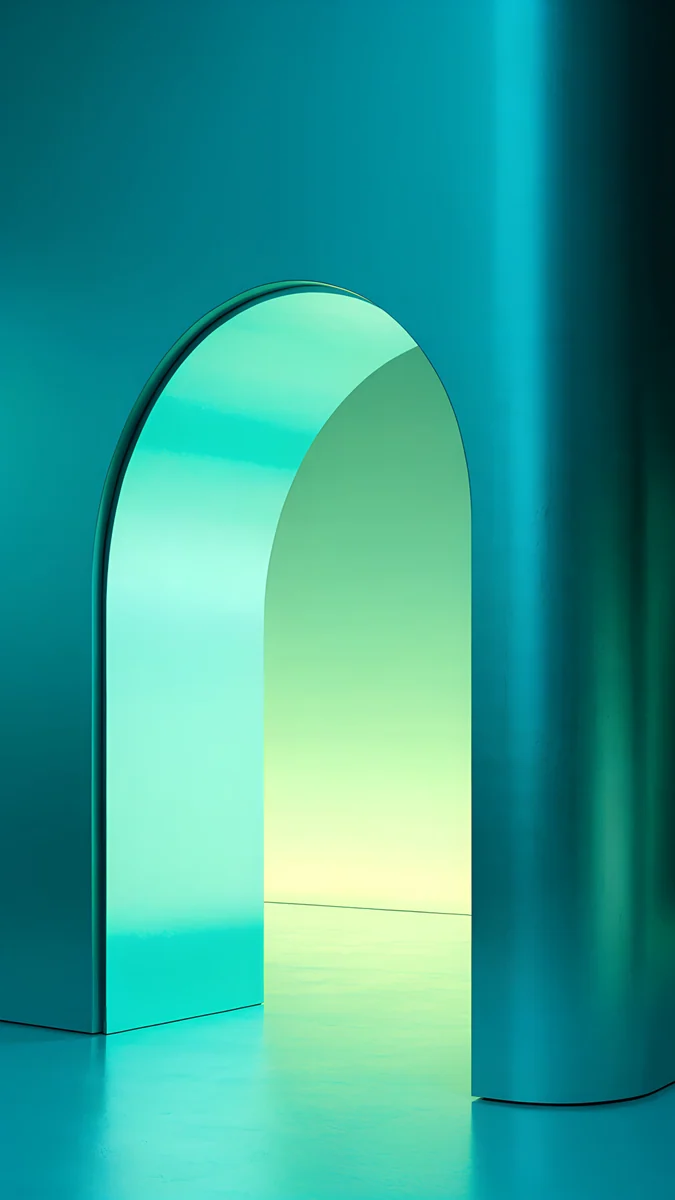 Jade Mint Arch
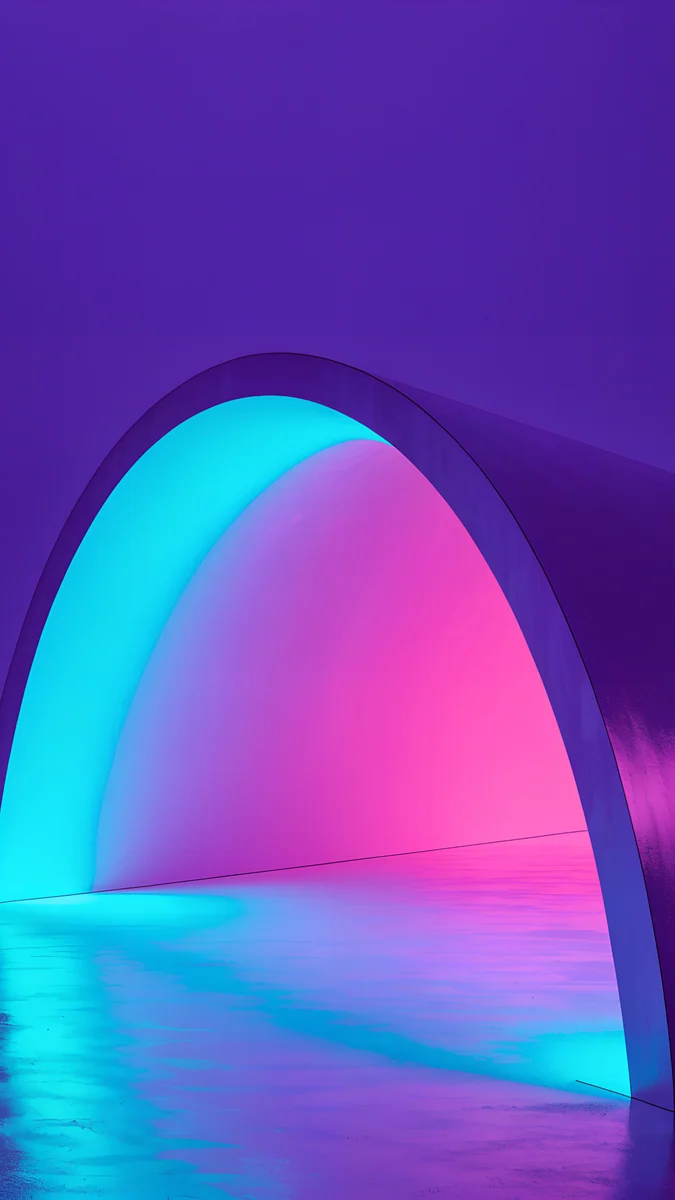 Electric Violet Arch
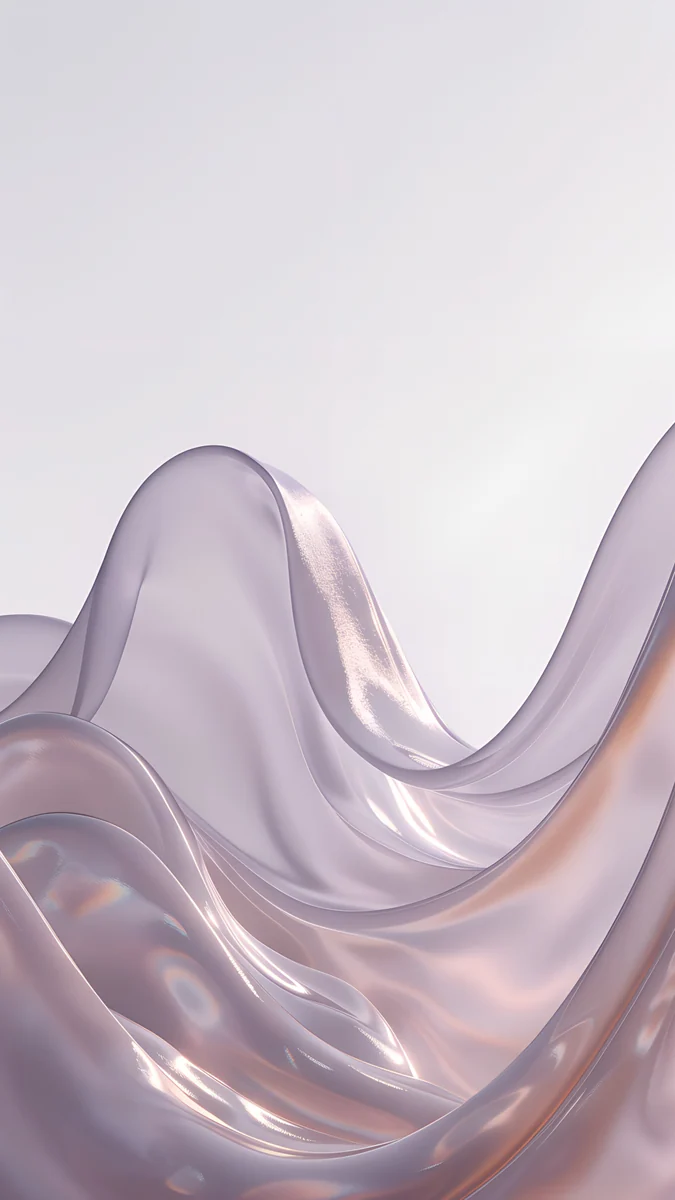
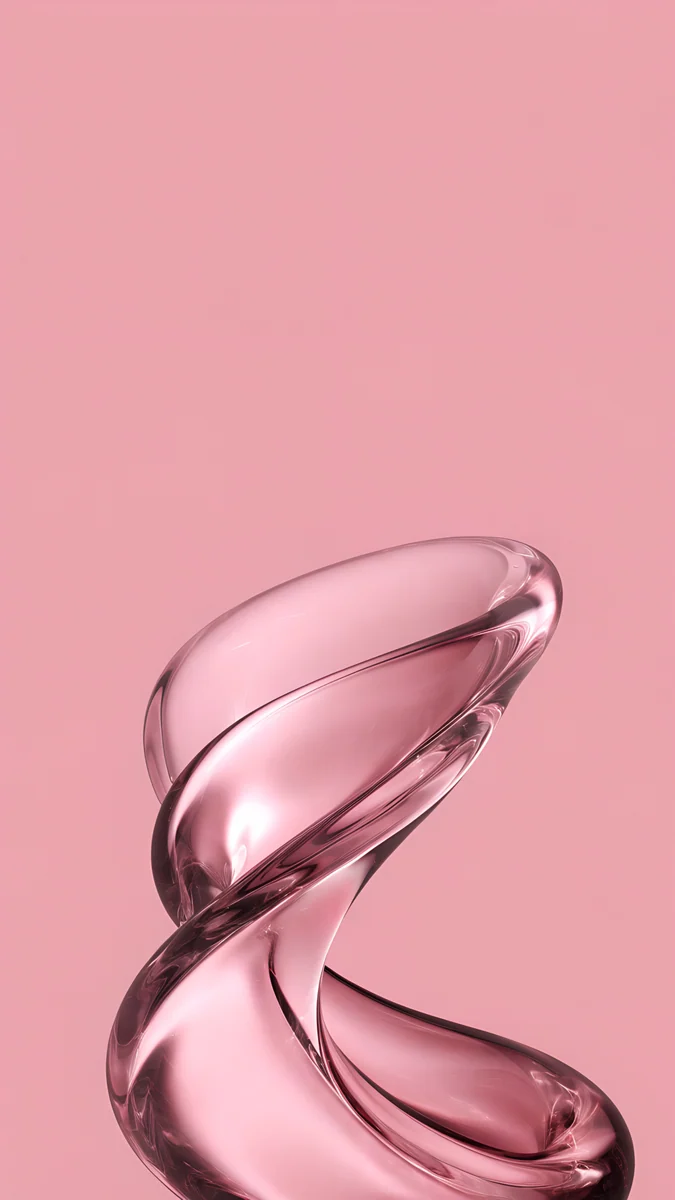 Pink Pearl Loop
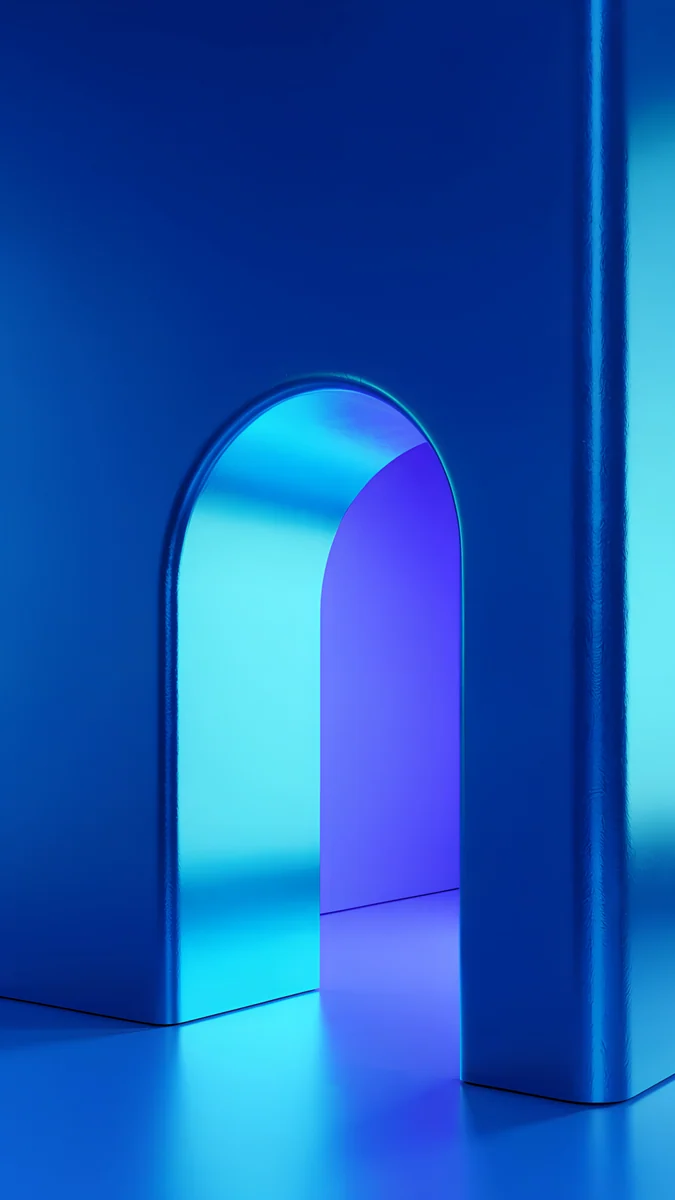 Volt Blue Arch
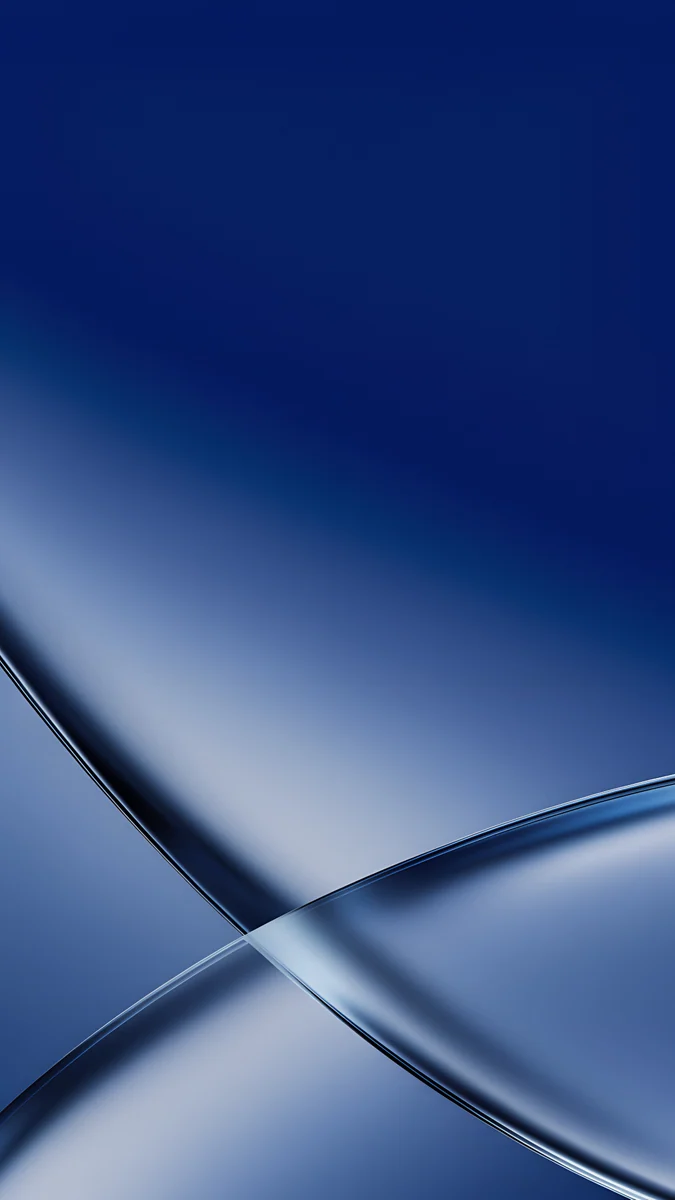 Cobalt Soft Crossing
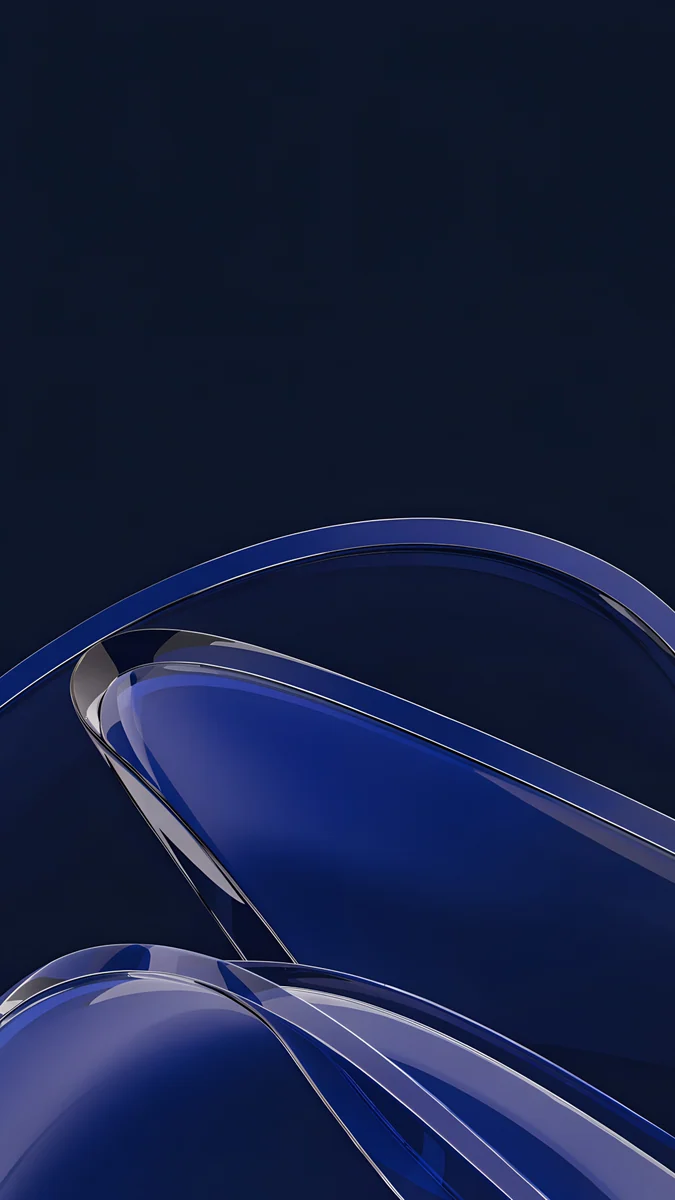 Cobalt Glass Crossing
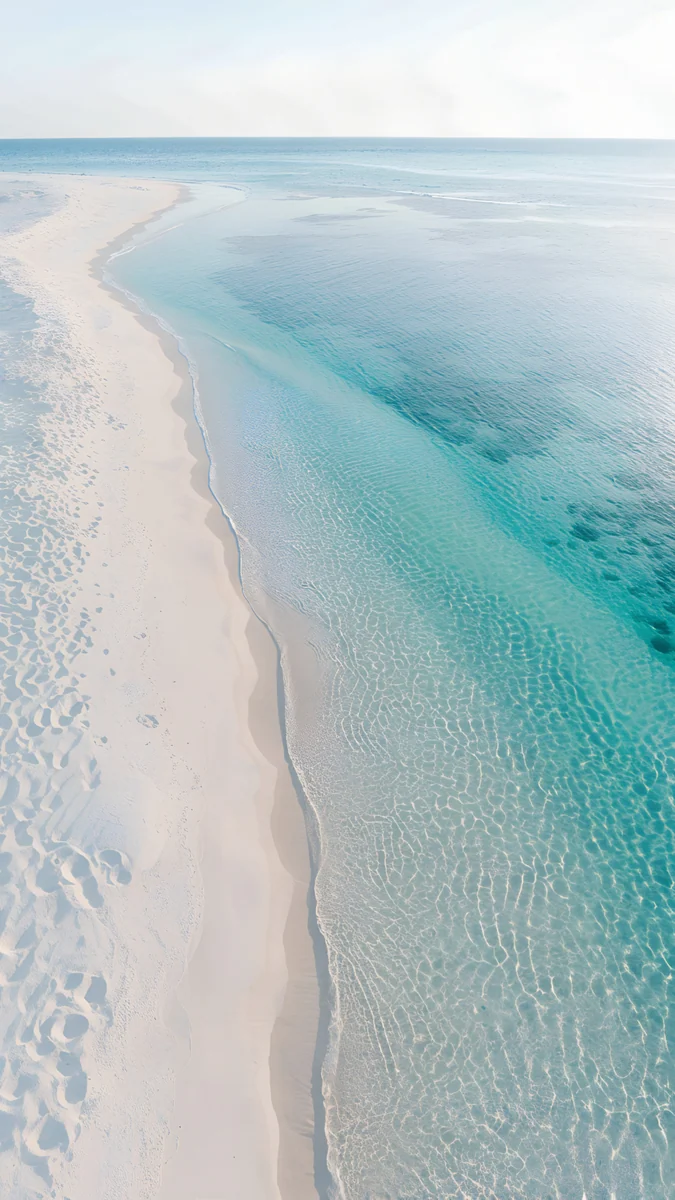 Turquoise Sandbar
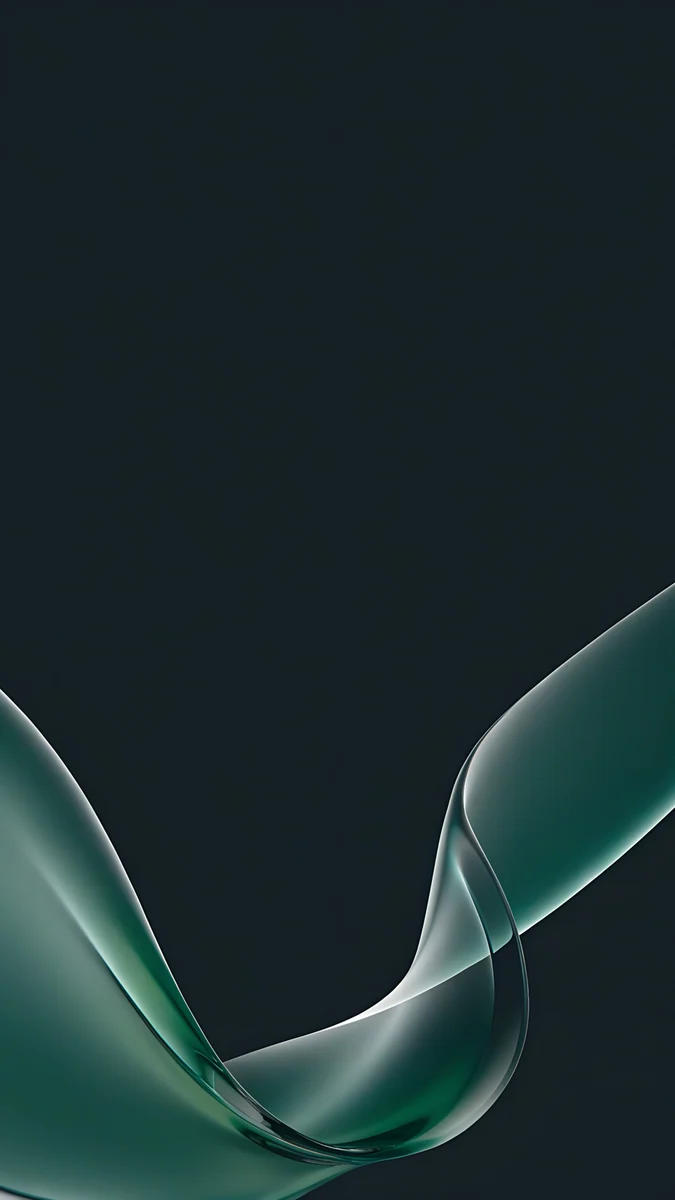 Teal Glass Ribbons
 Celadon Haze
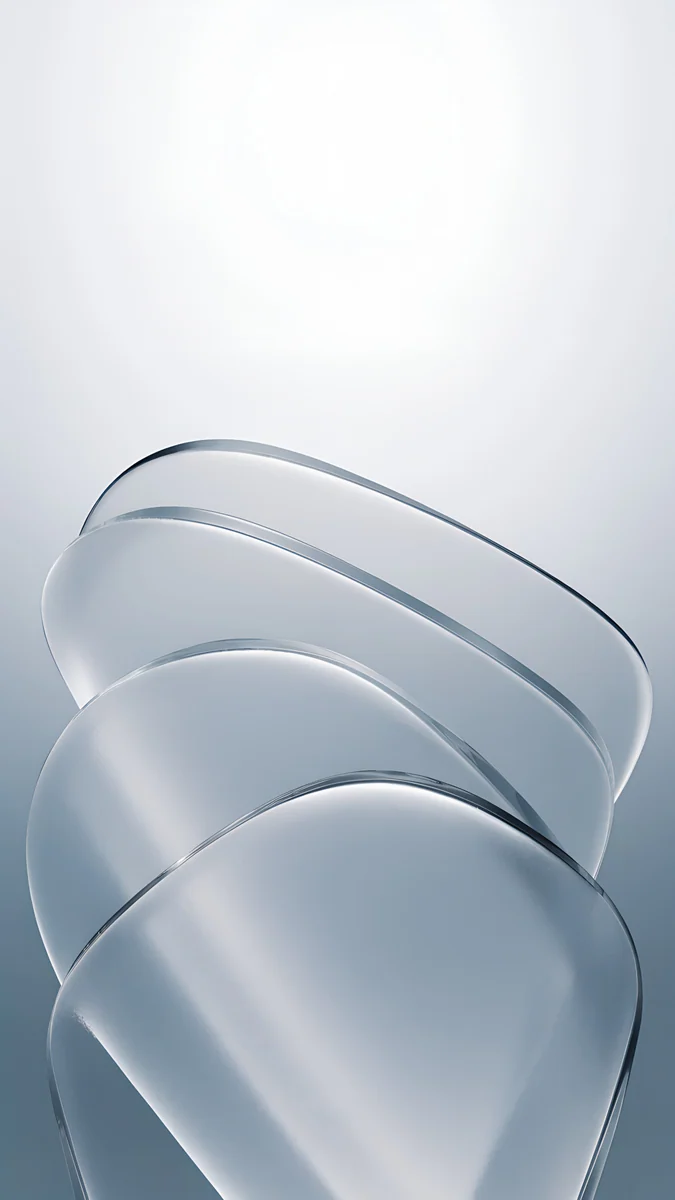
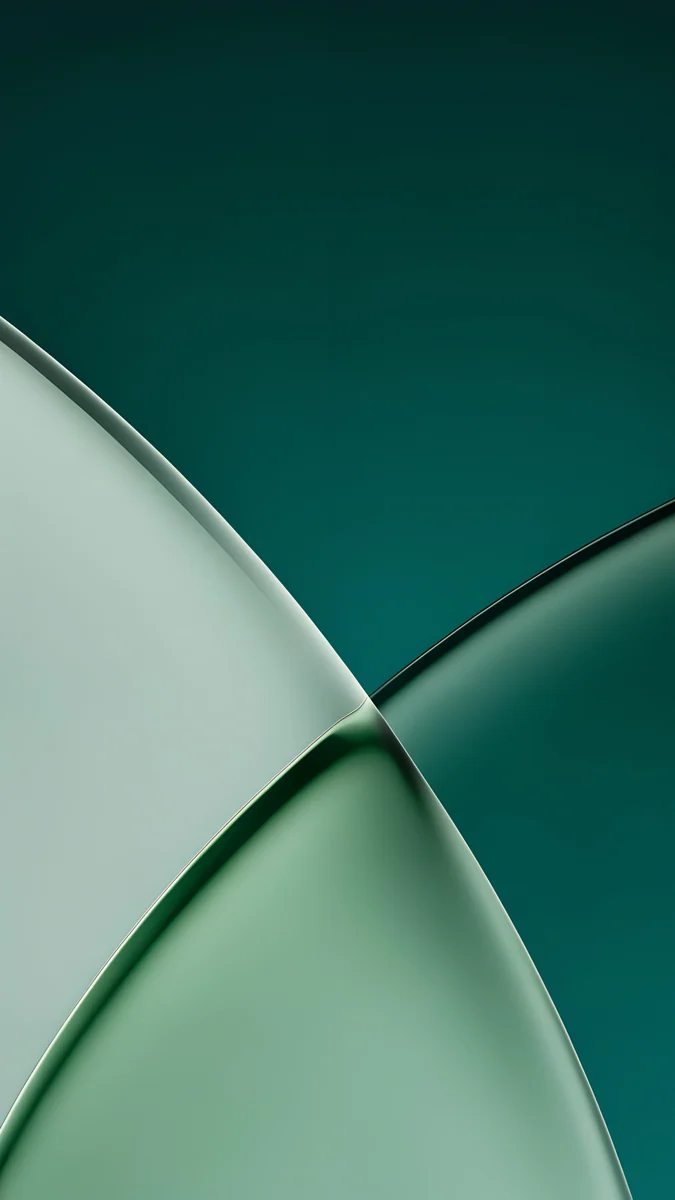 Jade Light Fold
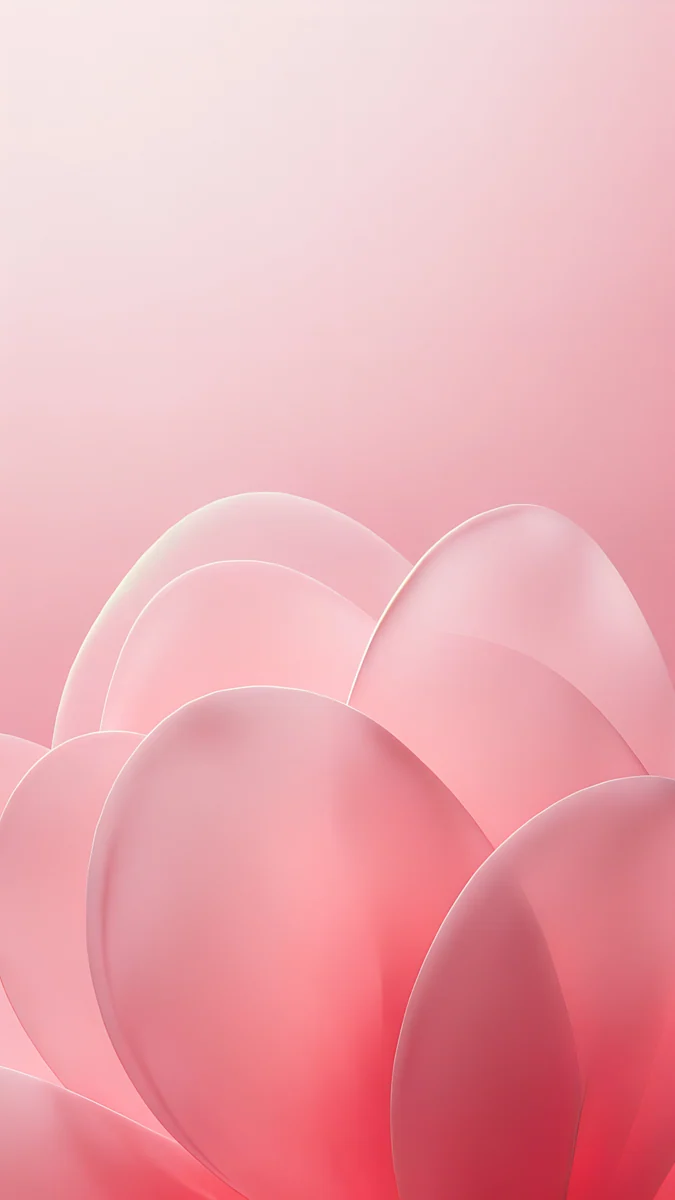 Blush Glass Petals
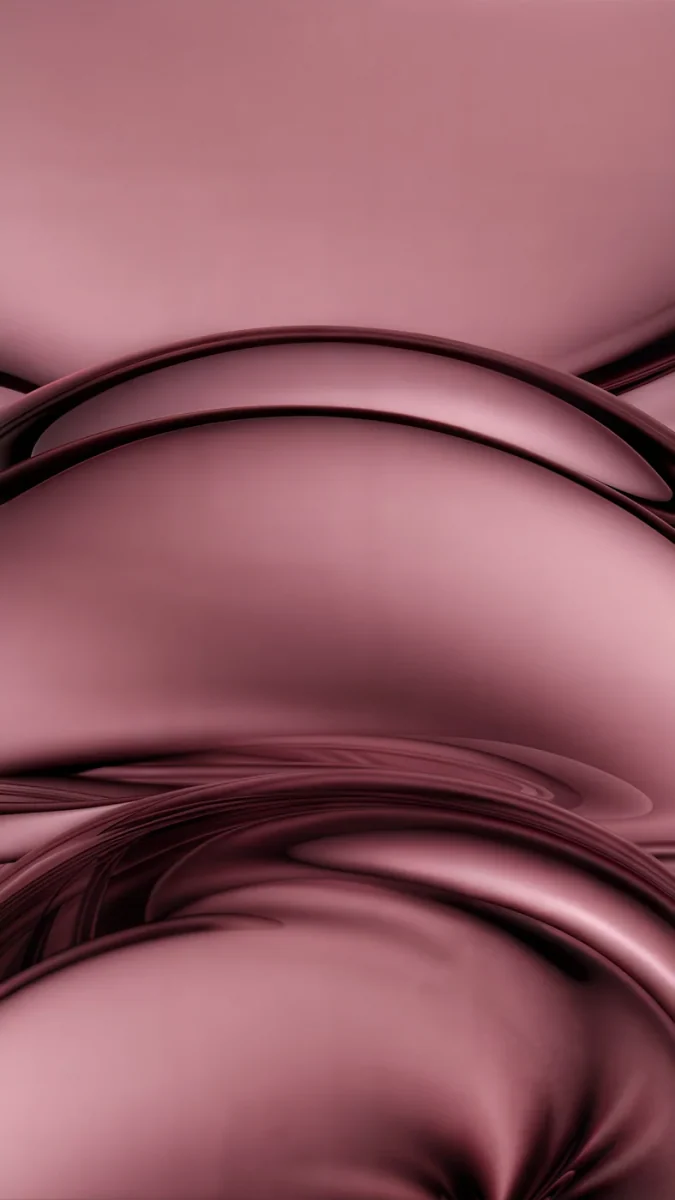
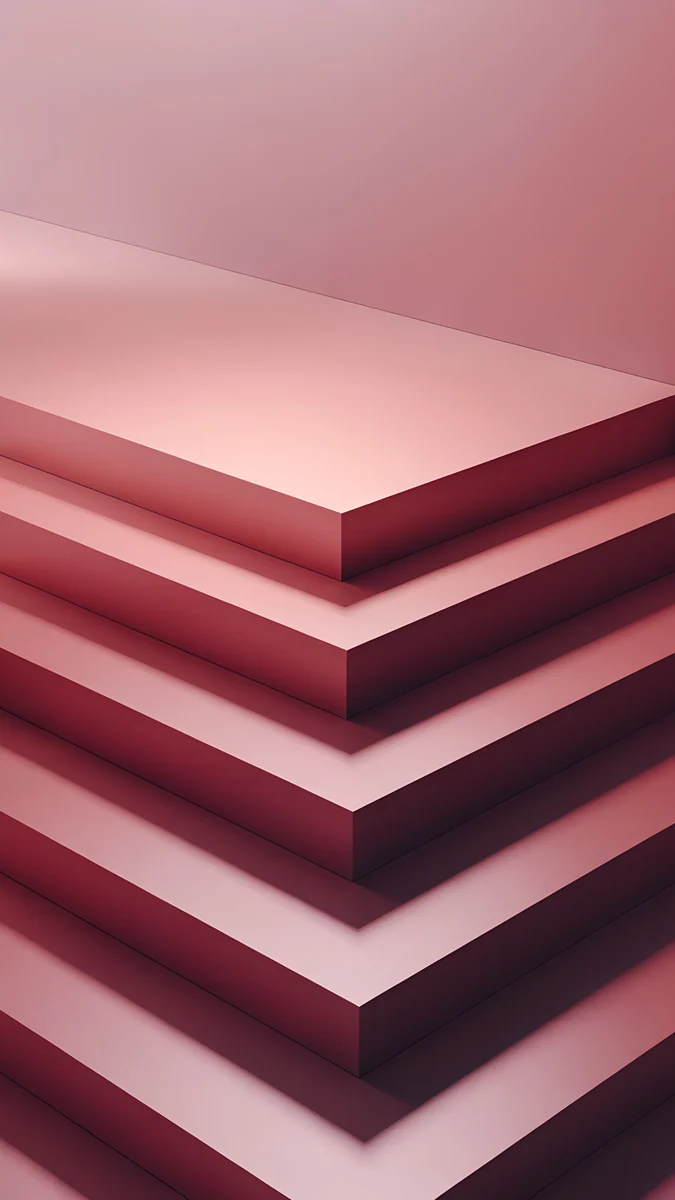 Rose Terrace Ascent
Free originals for iPhone and Android, no watermark
On this page
The iPhone 16 Plus has a 6.7 inch OLED screen at 1290 × 2796 pixels, 460 ppi, so a wallpaper for it should be at least that large and tall in shape [1]. Every Velpaper phone wallpaper is a 4K original at 2160 × 3840 pixels, bigger than the screen in both directions, so iOS only scales it down and trims a thin strip from each side. The 16 Plus comes in five colors, Black, White, Pink, Teal and Ultramarine, and has the Dynamic Island but no Always-On display [1]. A wallpaper that picks up the color of the phone makes the whole thing look planned. This page gives you the size table, picks for each color, and the steps to set a wallpaper in iOS 26. The Pro Max version of this screen is on our iPhone 16 Pro Max wallpapers page.
iPhone 16 Plus wallpaper size
These figures come from Apple's tech specs, width by height for a portrait wallpaper:
| Model | Screen | Resolution | Density |
|---|---|---|---|
| iPhone 16 Plus | 6.7 inches, OLED | 1290 × 2796 pixels | 460 ppi [1] |
The screen is about 19.5:9, a little narrower than 9:16, so a 2160 × 3840 file fills the height and loses roughly 9 percent at each side. Keep the subject near the centre and the trim never shows. It is the same 1290 × 2796 screen as the iPhone 15 Pro Max, so wallpapers move freely between the two [1]. The crop for other models is in the iPhone wallpaper size guide, and the whole 16 lineup is covered on our iPhone 16 wallpapers page.
Ultramarine wallpapers
Ultramarine is a saturated blue with a violet lean. A picture that copies it exactly can look flat, so pick one with the same blue plus one brighter accent.
Volt Blue Arch is the closest match, a vivid blue wall with an arched doorway glowing cyan and violet inside. Electric Violet Arch leans further into purple, with cyan and pink light in a dark arch. Cobalt Soft Crossing lays two ribbons of cobalt glass across a deep blue field. Cobalt Glass Crossing is darker, with translucent blue arcs low on a navy ground.
Teal wallpapers
Teal is a blue green that reads almost mint in daylight. Water and green glass suit it well.
Jade Mint Arch is the high contrast option, a mint glow inside a dark teal arch. Turquoise Sandbar looks down on clear turquoise water along a strip of pale sand. Teal Glass Ribbons drifts green glass ribbons across a near black ground. Celadon Haze is a grainy gradient from seafoam to deep blue green. Jade Light Fold is two frosted planes of jade over deep teal.
Pink wallpapers
The pink 16 Plus is a soft pastel [1]. It pairs best with blush and rose tones a little deeper than the phone, so the screen does not wash out next to the back.
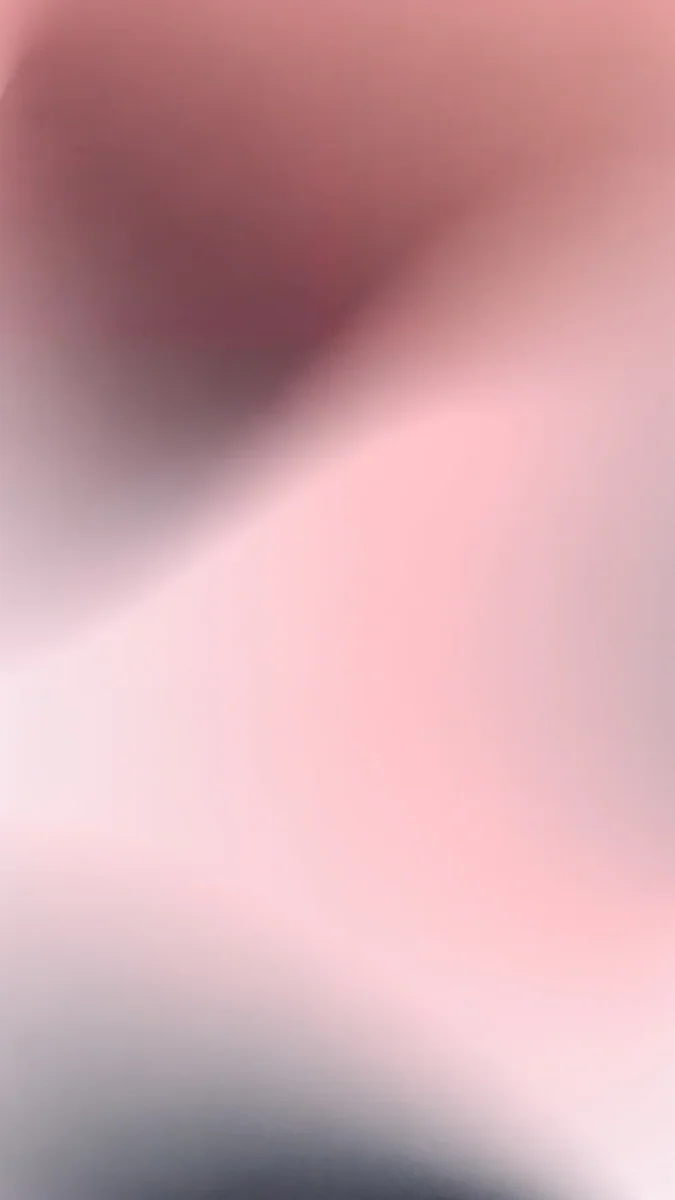
Pink Pearl Loop twists one glossy pink glass loop on a flat rose ground. Blush Glass Petals layers translucent petals that fade from pale blush to coral. Rose Terrace Ascent stacks candy pink terraces with mauve shadows. Rose Hour is a grainy gradient from dusty rose to pale blush, the quietest of the four.
White and Black wallpapers
White and Black are the safe finishes, and they open up the whole catalogue. For a white phone, light stone and plaster keep the lock screen bright. For a black phone, go dark and let one shape carry the picture.
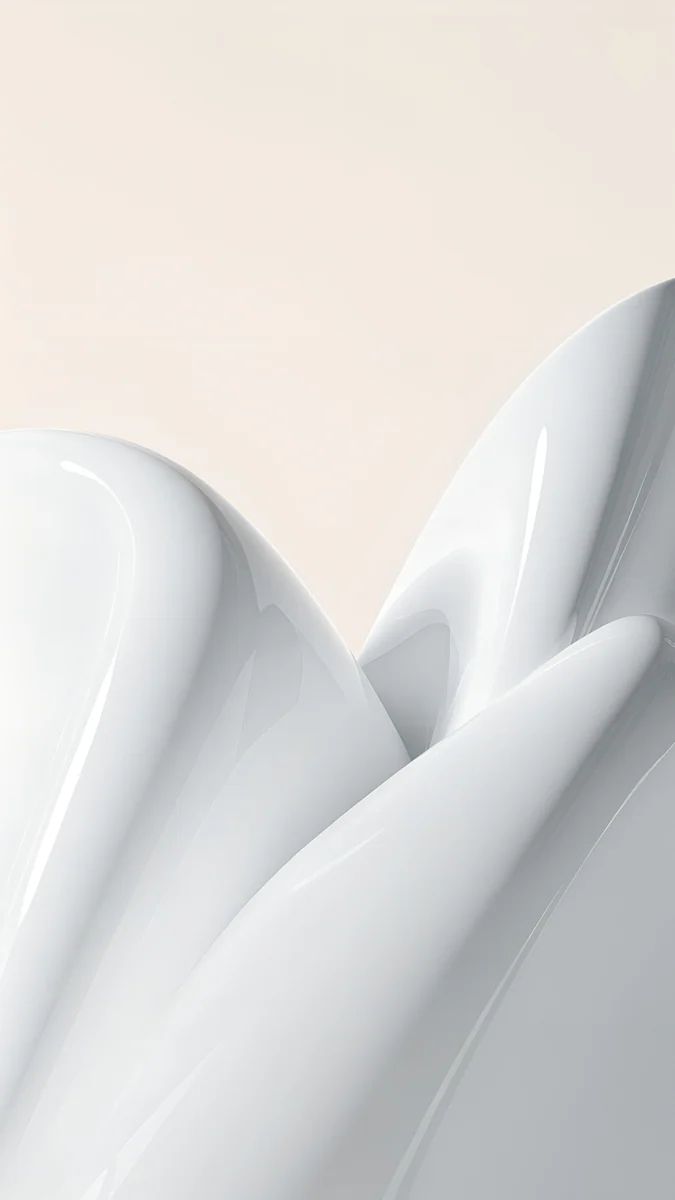
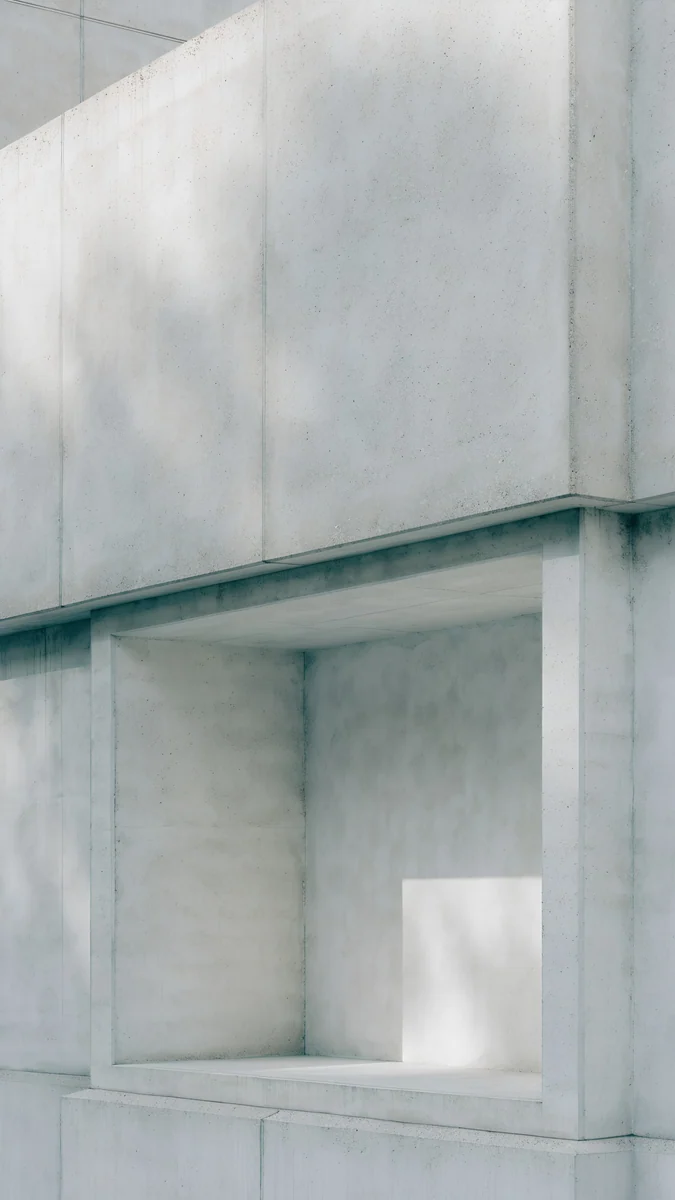
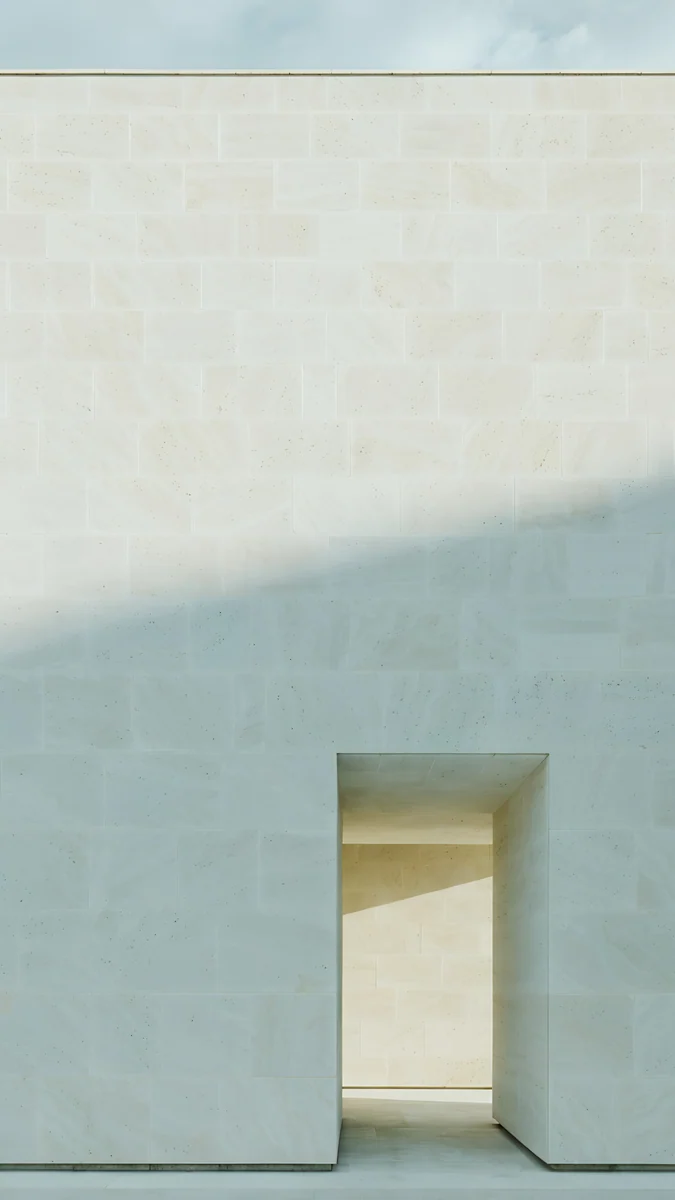
White Porcelain Curves shows glossy white forms on warm cream. Chalk Recess cuts one square niche into a pale concrete wall. Ivory Daylight is a limestone wall with a tall doorway in soft light.
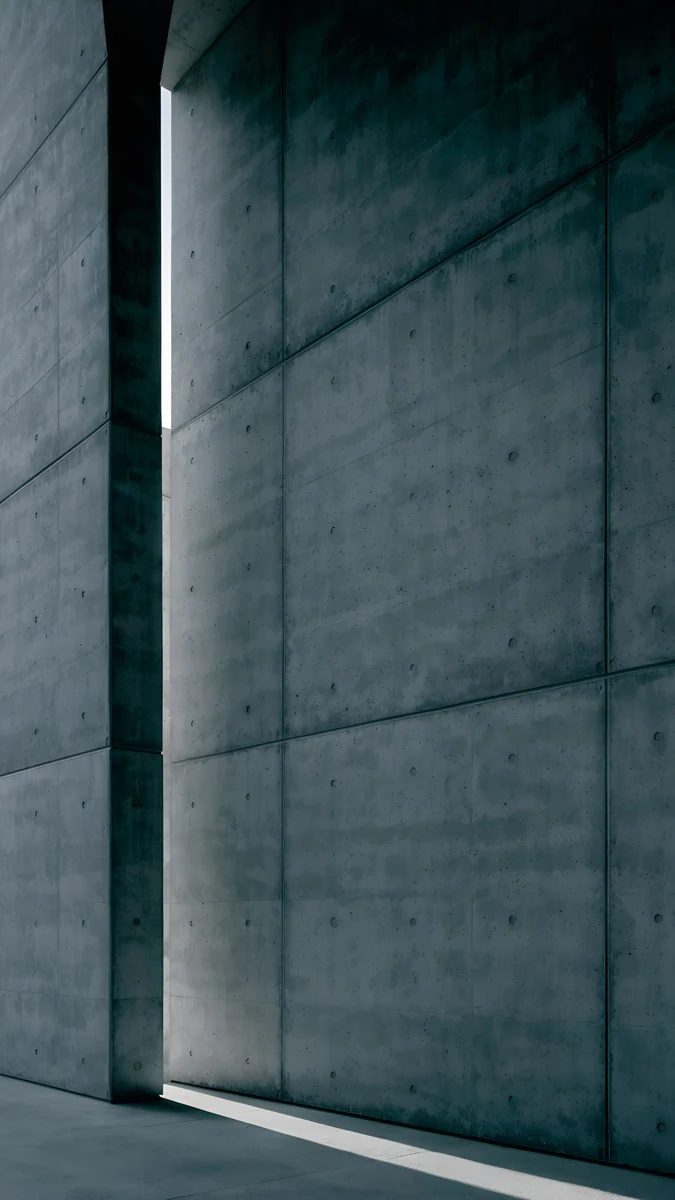
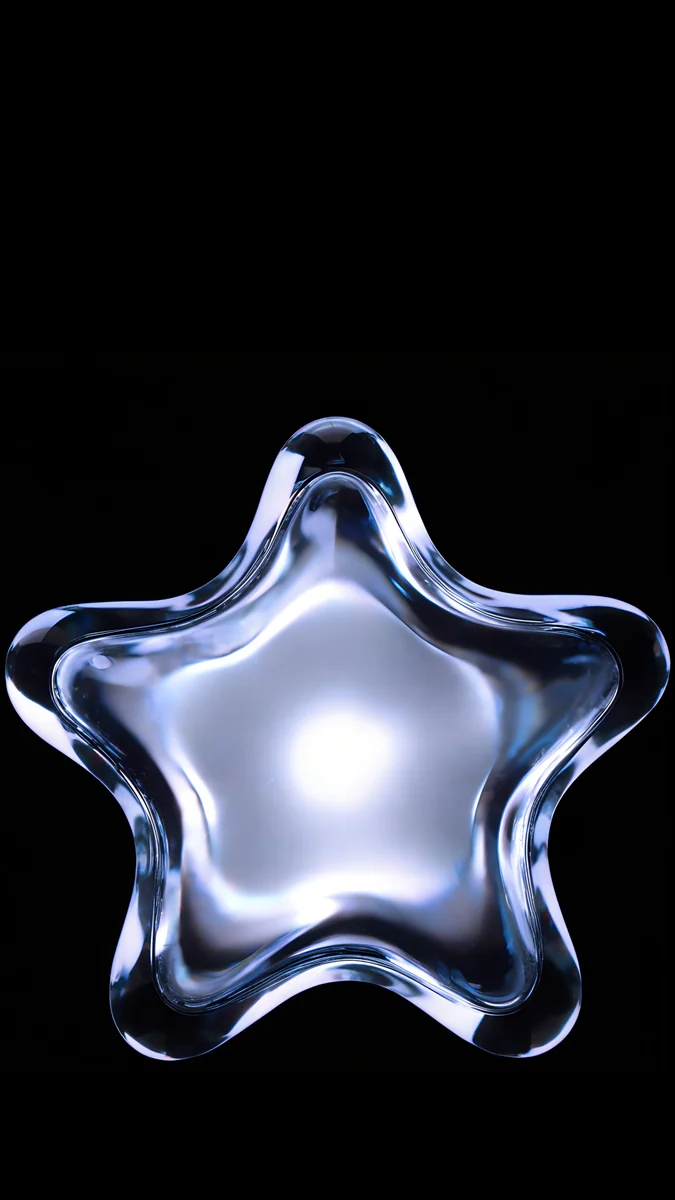
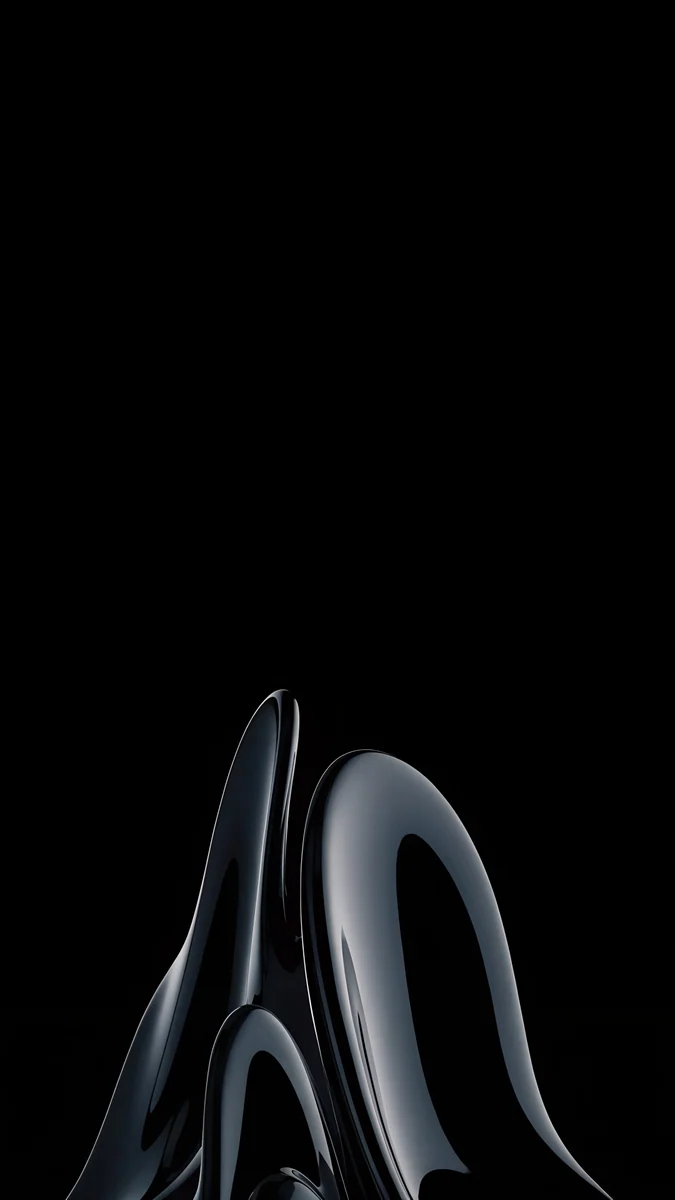
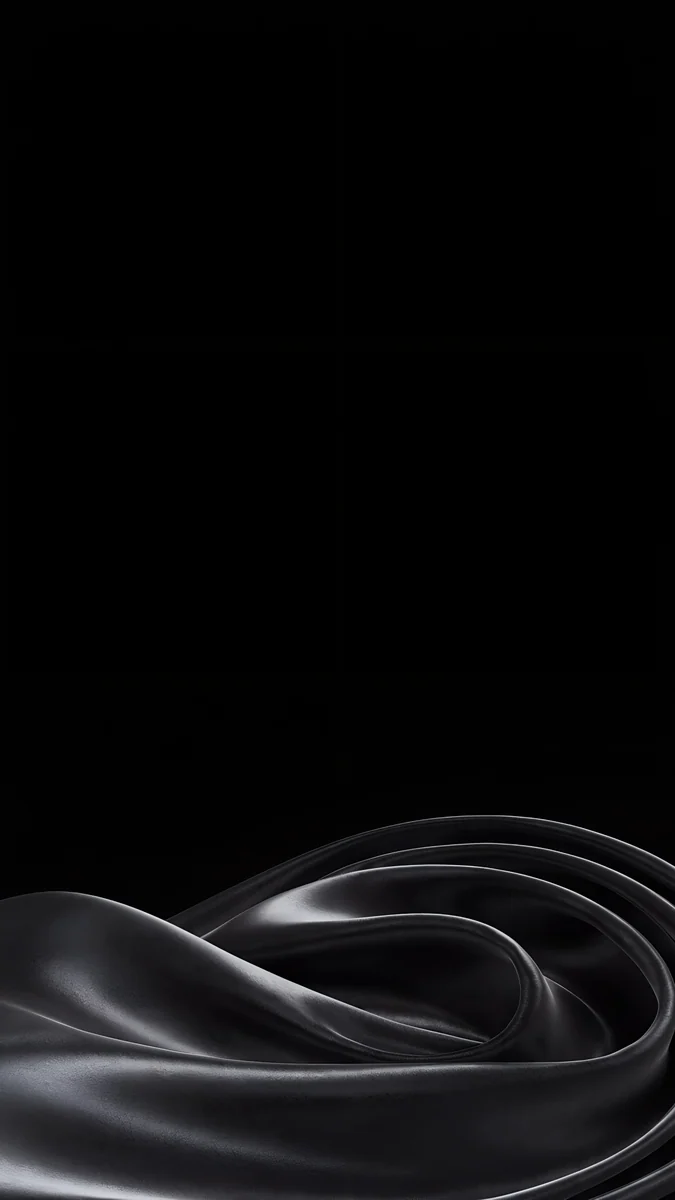
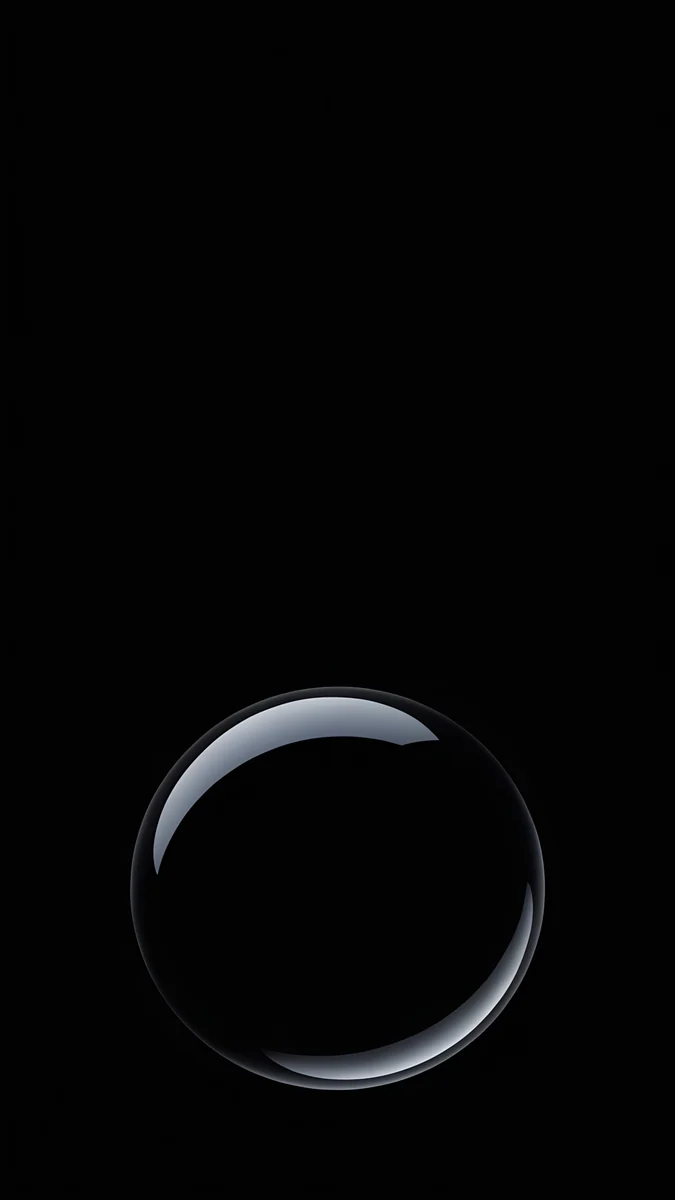
Charcoal Slot is a dark concrete wall split by one slit of light. Glass Star OLED floats a clear glass star on pure black. Obsidian Glass Rise lifts a dark glass shape from the bottom edge. Black Satin Tide keeps a low tide of black satin at the bottom of a black screen. The 16 Plus has no Always-On display, so these look dark only while the screen is awake, but the OLED panel still shows deep blacks [1].
How to set a wallpaper on iPhone 16 Plus
- Save the original to Photos from the Velpaper app or from the wallpaper page on velpaper.com.
- Open Settings, tap Wallpaper, then Add New Wallpaper, and choose Photos.
- Pick the image, then pinch and drag so the main shape sits below the clock and clear of the Dynamic Island.
- Tap Add and choose whether to use it on both the lock screen and the home screen.
You can keep several lock screens, for example a bright one for the day and a black one for the evening, and switch by pressing and holding the lock screen.
Common problems and fixes
Something at the edge is cut off. The phone shows about the middle four fifths of a 9:16 image [1]. Pick a wallpaper with its subject near the centre.
The clock covers the subject. Move the image down in the editor, or choose one with an empty top, like Obsidian Glass Rise or Blush Glass Petals.
The wallpaper looks soft. You probably saved a preview or a screenshot. Download the original again from the wallpaper page.
Bright colors look too loud. Pick the darker version of the same color, for example Cobalt Glass Crossing instead of Volt Blue Arch.
Get these iPhone 16 Plus wallpapers in Velpaper
Velpaper is an app for iPhone, iPad, Mac and Android, and every wallpaper is also on velpaper.com [1]. Browsing and previews are free. The phone wallpapers in this article unlock after a short optional ad in the apps; on the website the original downloads free when no ad is available. Phone files are 4K originals at 2160 × 3840 without a watermark and without an account [2].
Next step: open Jade Mint Arch for a Teal phone, or Volt Blue Arch for Ultramarine, save the original and set it from Settings.
Original wallpapers in and for iPhone, Android and desktop.
Questions
What size is the iPhone 16 Plus wallpaper?
The iPhone 16 Plus has a 6.7 inch OLED screen at 1290 × 2796 pixels and 460 ppi [1], so a portrait wallpaper should be at least that large [1]. An exact match is not needed. A 2160 × 3840 original is bigger in both height and width, so iOS only scales it down and trims about 9 percent at each side, because the phone is a little narrower than 9:16 [1]. The picture stays sharp, and a subject near the centre is never cut.
Which wallpaper matches the Ultramarine iPhone 16 Plus?
Ultramarine is a saturated blue with a violet lean [1], so pick a vivid blue picture with one brighter accent. Volt Blue Arch, a blue wall with an arched doorway glowing cyan and violet, is the closest match in Velpaper. Electric Violet Arch leans toward purple and pink, and Cobalt Glass Crossing is a calmer navy choice if you find the bright blue too loud on a lock screen full of widgets.
Does the iPhone 16 Plus have an Always-On display?
No. According to Apple's spec page, the iPhone 16 Plus has a 6.7 inch OLED screen with the Dynamic Island but no Always-On display, so the screen turns off when the phone is locked. Black wallpapers still look deep while the screen is awake, because OLED pixels that show black are switched off. The Pro Max models add the Always-On display and ProMotion, which is why they get a separate page.
Can I use iPhone 15 Pro Max wallpapers on the iPhone 16 Plus?
Yes. The iPhone 15 Pro Max [1] and the iPhone 16 Plus have the same 6.7 inch screen at 1290 × 2796 pixels and 460 ppi, so a wallpaper made for one fills the other in the same way. A 2160 × 3840 file crops the same thin strip from each side on both phones. Only the Always-On display differs, since the 15 Pro Max has it and the 16 Plus does not [2].
Are these iPhone 16 Plus wallpapers free?
Browsing and previewing are free on velpaper.com and in the Velpaper apps for iPhone [1], iPad, Mac and Android. The phone wallpapers in this article unlock after a short optional ad in the apps, and on the website the original downloads free when no ad is available. There is no account and no subscription. Each phone file is a 2160 × 3840 JPEG without a watermark, larger than the 1290 × 2796 screen of the 16 Plus, so it stays sharp after iOS scales it [2].
Carlos Vivero
Designer of Velpaper wallpapers
Carlos Vivero designs the wallpapers in Velpaper: quiet architecture, liquid glass, Japanese ink and calm landscapes. Every piece is made as a original for iPhone, Android and desktop.
Recent work