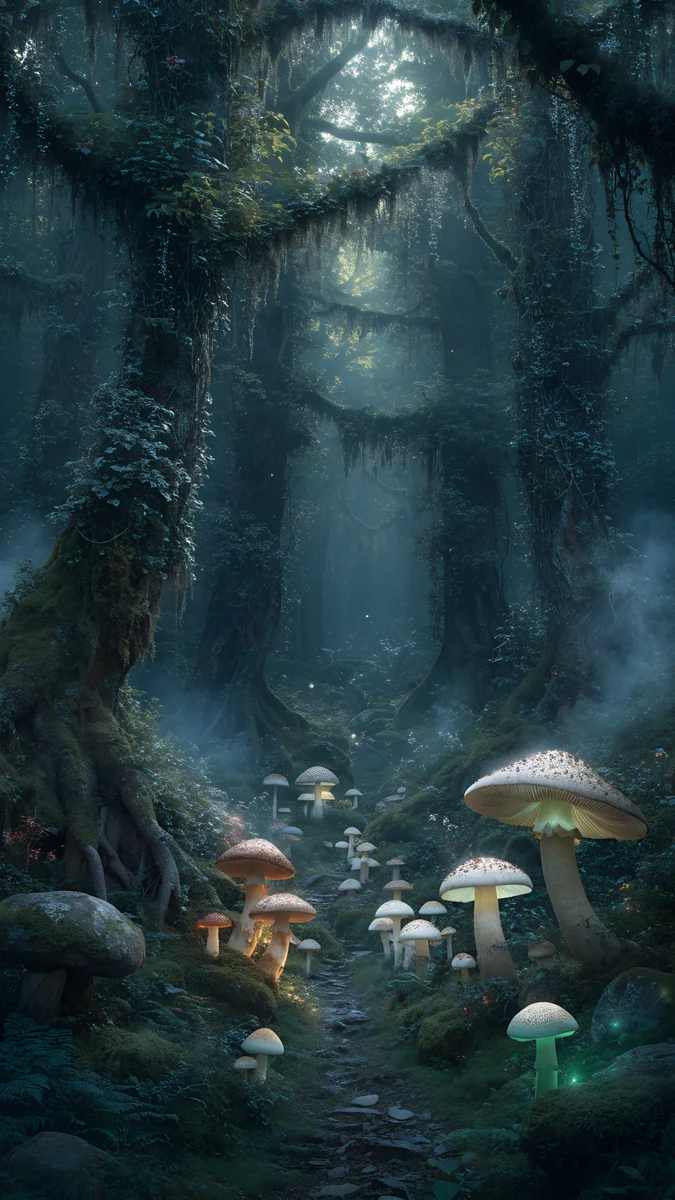
Deep Blue Wallpaper 4K: Phone, Desktop and iPhone 17 Pro
Deep blue wallpaper in 4K for phones and desktops, matched to the iPhone 17 Pro Deep Blue finish, with near-black blue picks for OLED and how to set them.
Sources [1] · By the Velpaper team · Wallpapers by Carlos Vivero, Velpaper designer · · 5 min read
In short: Deep blue wallpapers work best as dark gradients, glass shapes and night scenes with calm space for the clock. Use a 2160 × 3840 px original on phones and 3840 × 2160 px or 5120 × 2880 px on desktops [2].
Wallpapers
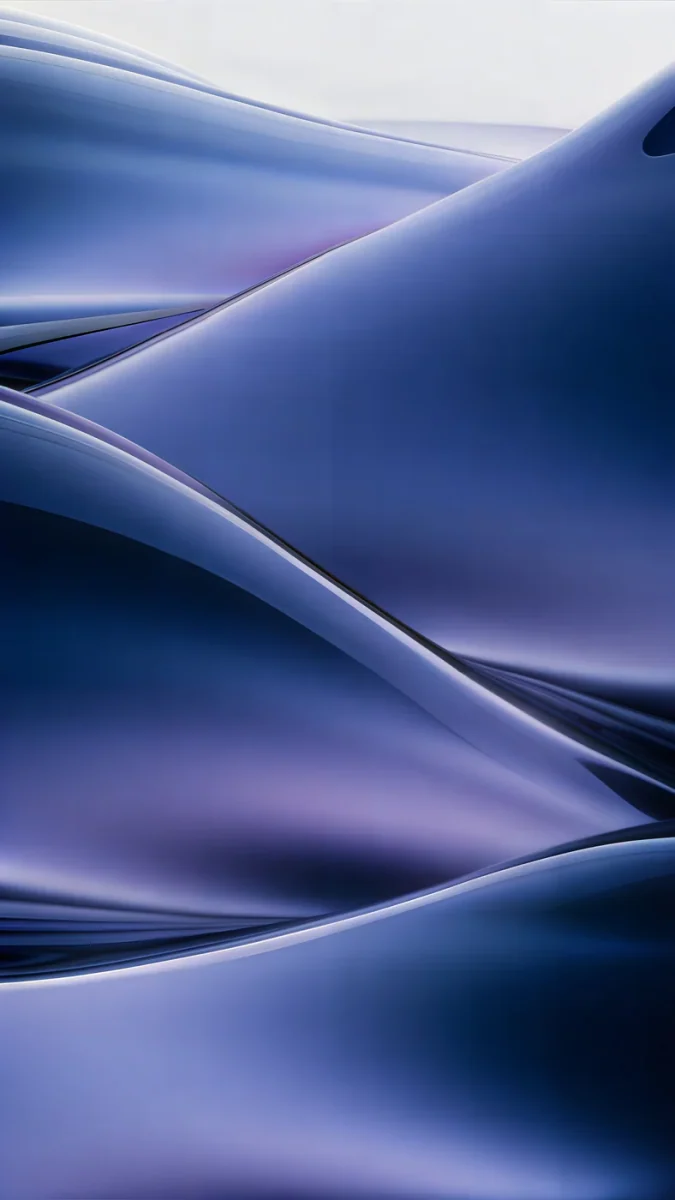 Midnight Flow
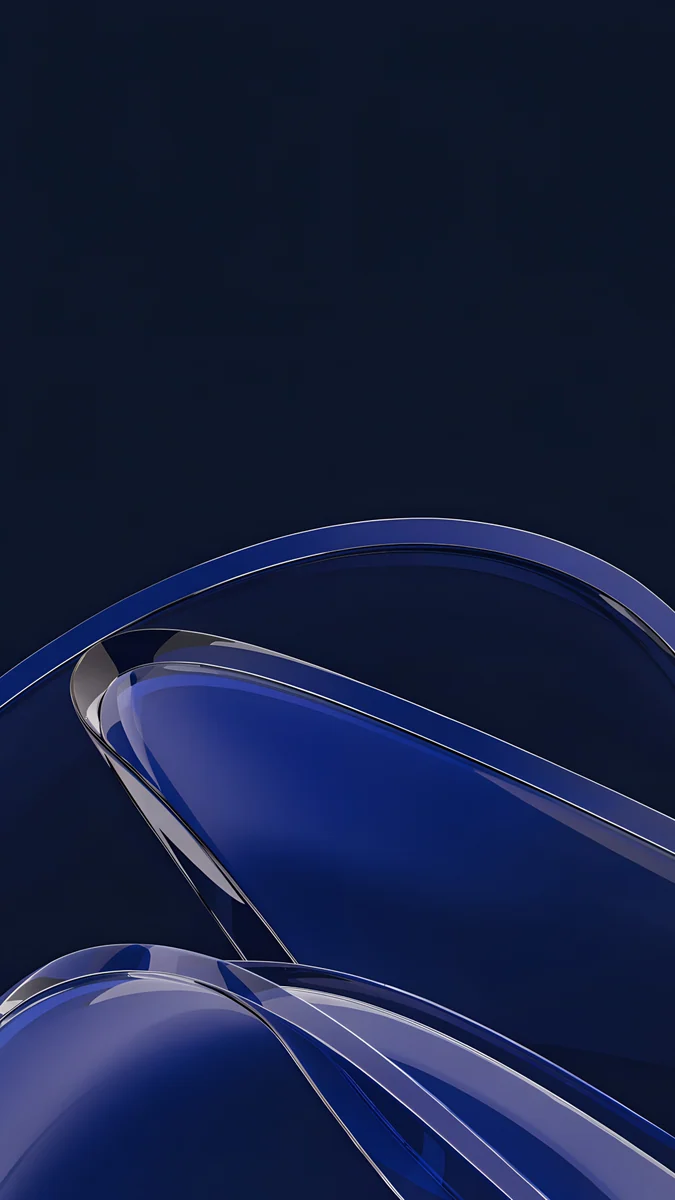 Cobalt Glass Crossing
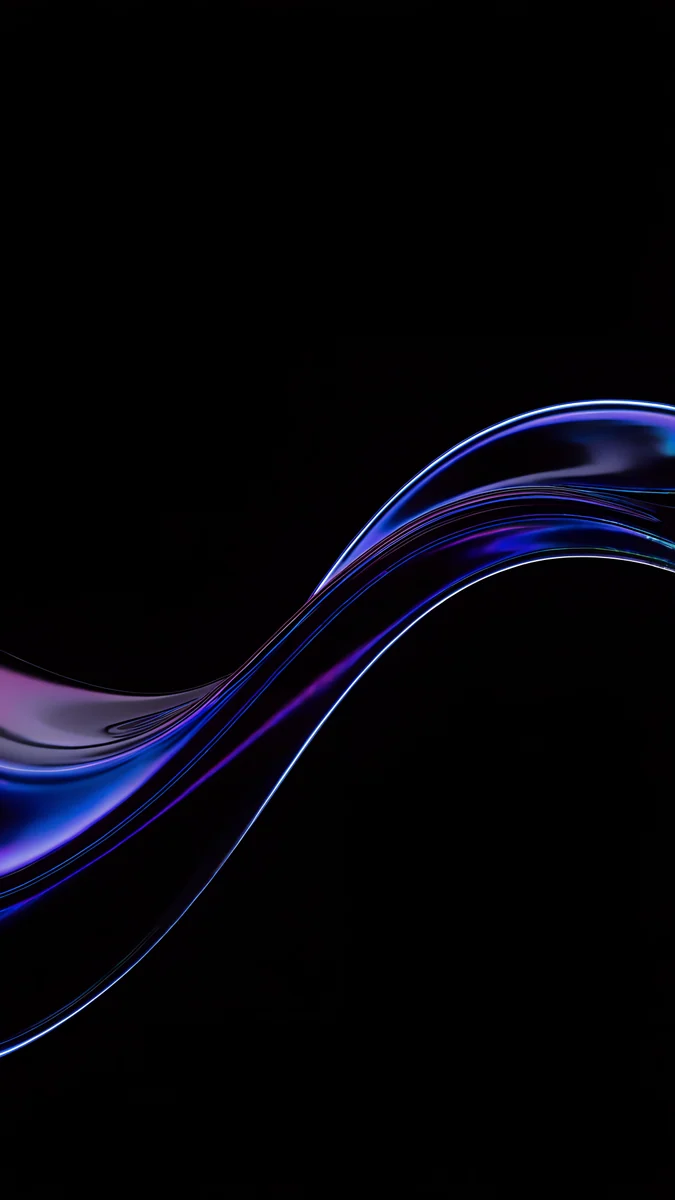 Blue Glass Wave
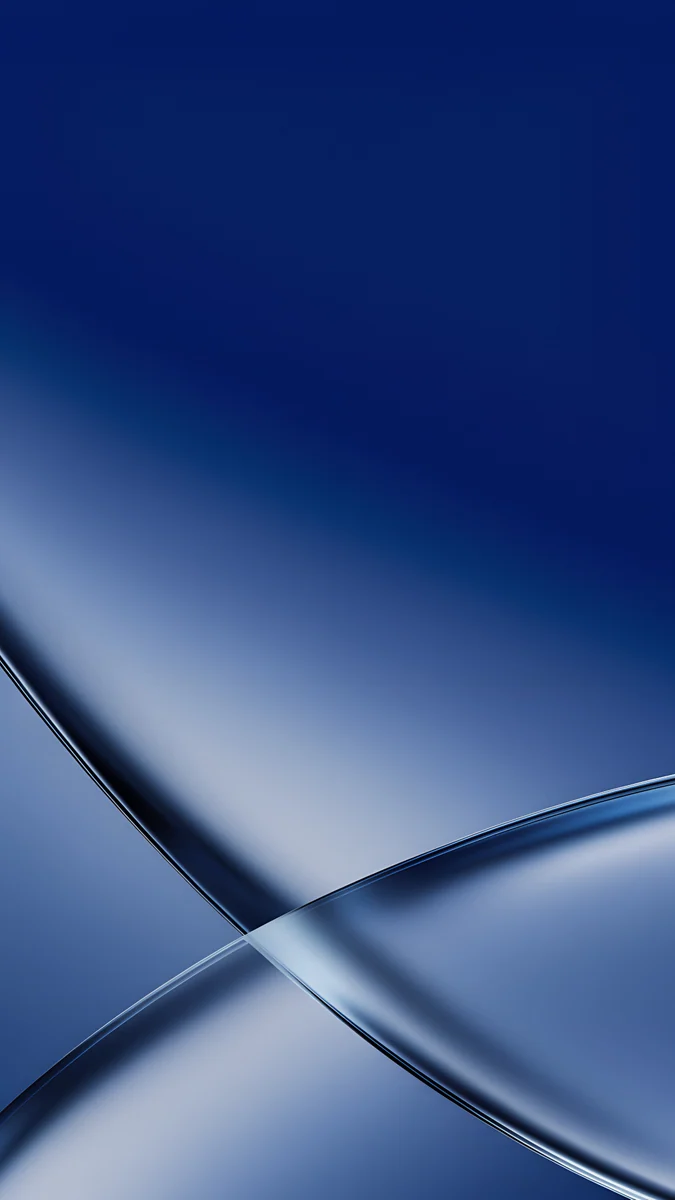 Cobalt Soft Crossing
 Blue Reverie
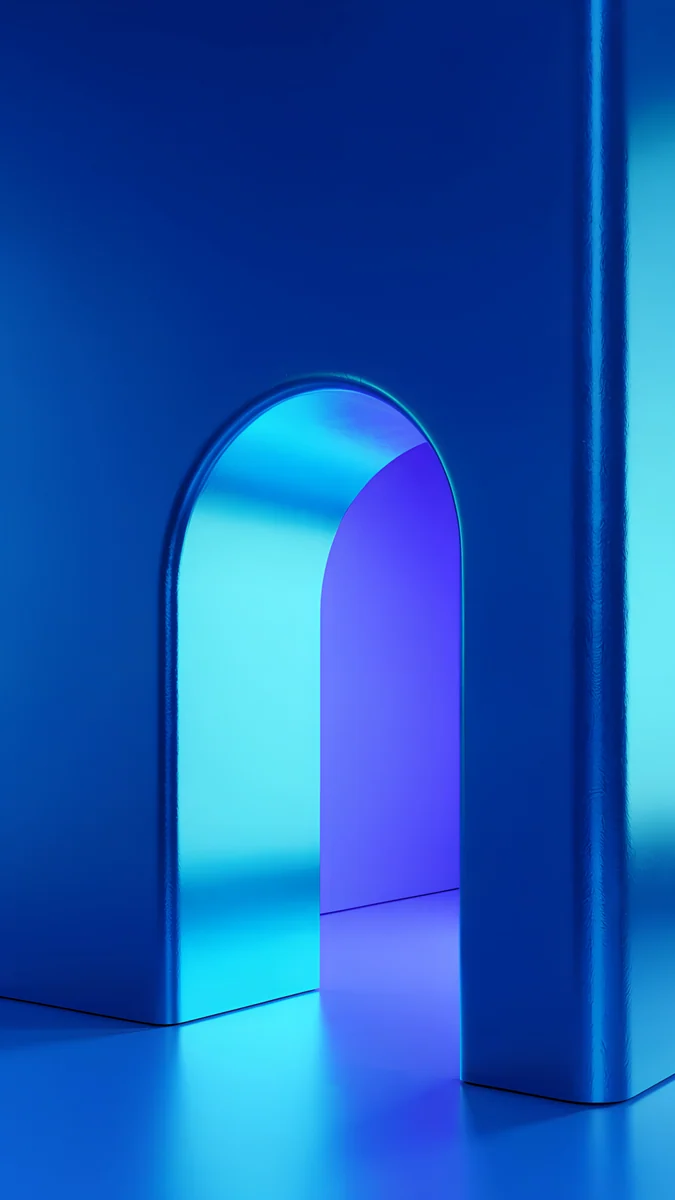 Volt Blue Arch
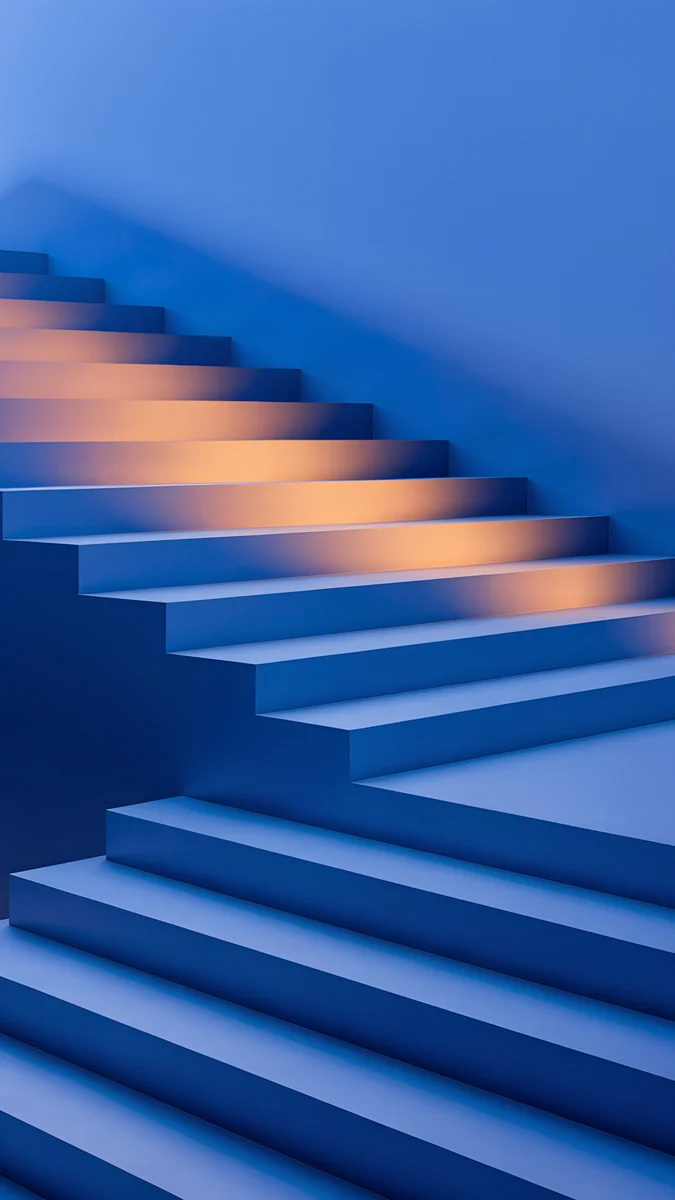 Cobalt Shadow Ascent
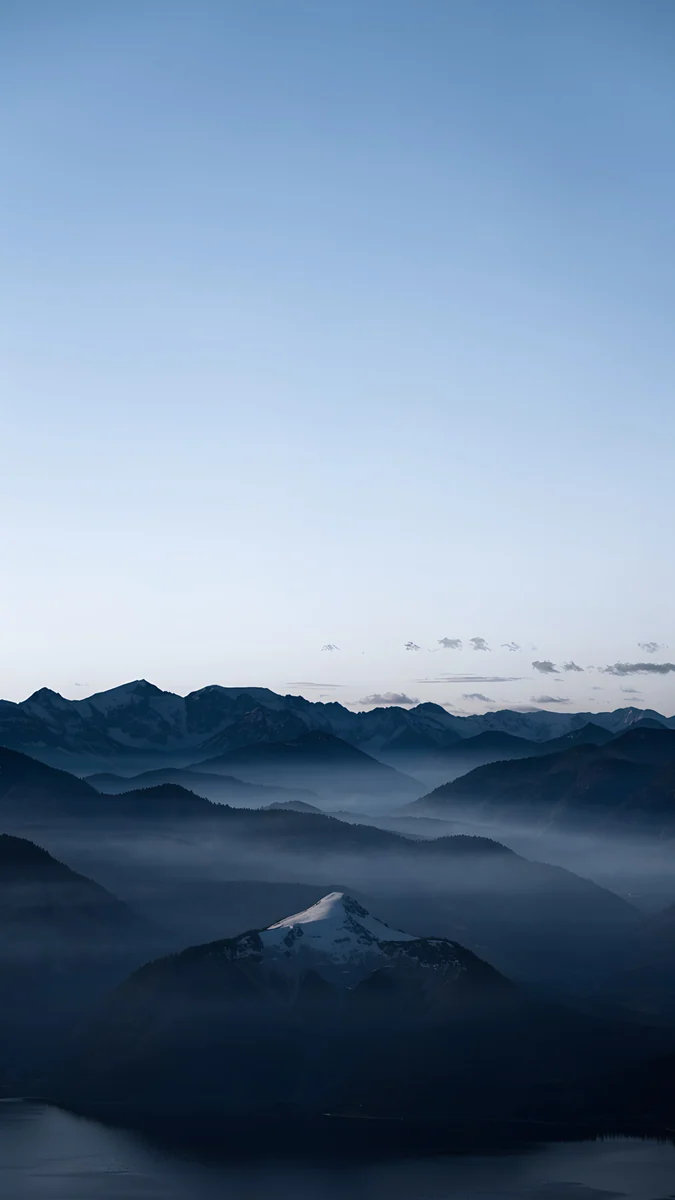 Blue Hour
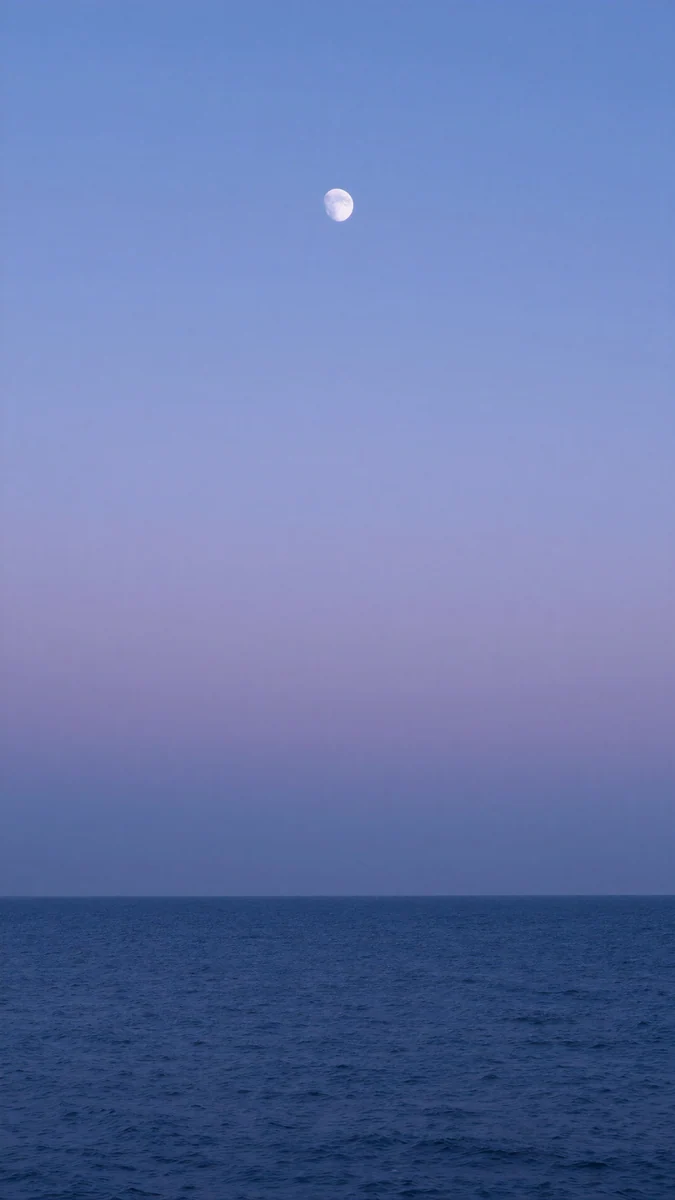 Dusk Moon Sea
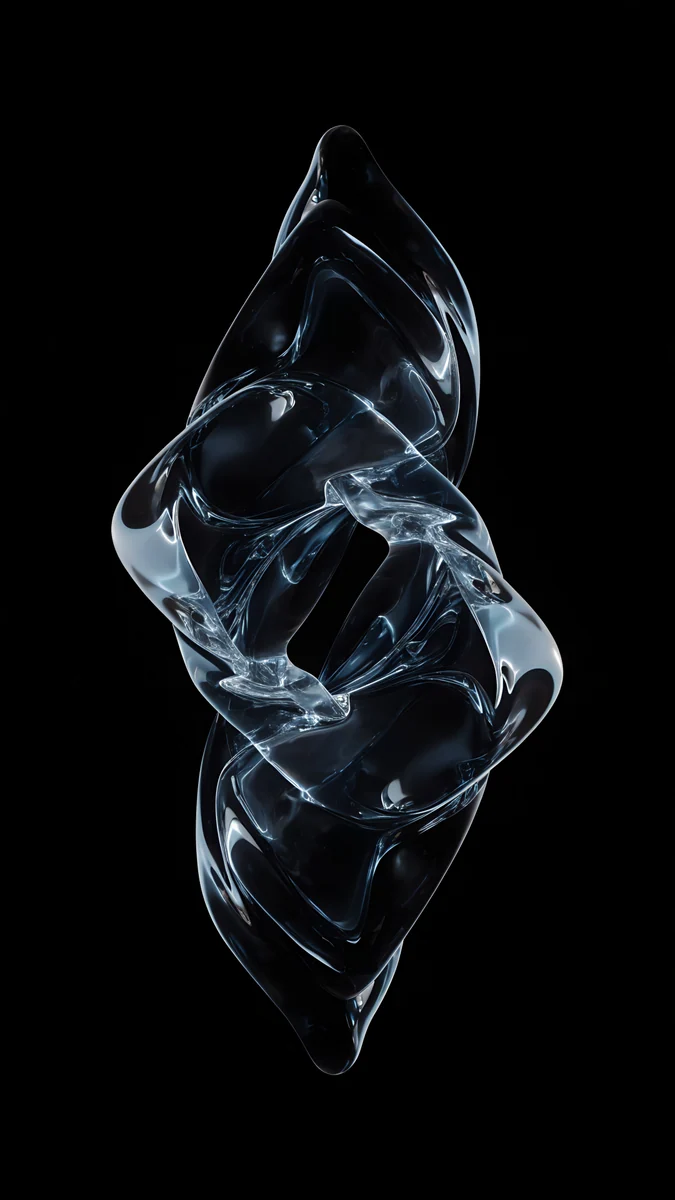 Ice Blue Glass Knot
 Deep Navy
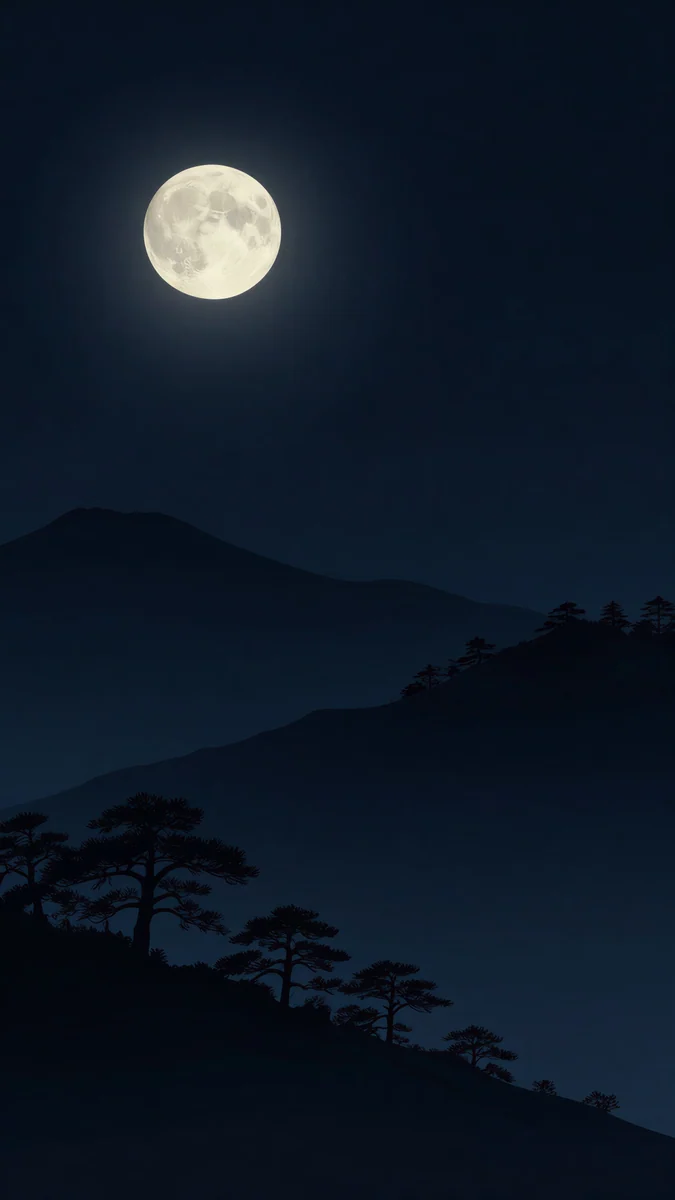 Moon Pines
Free originals for iPhone and Android, no watermark
On this page
A deep blue wallpaper is a dark, saturated blue that sits between navy and cobalt: rich enough to feel like a color, dark enough that icons and the clock stay readable. The safest picks are soft gradients, glass shapes and night scenes with one bright detail, because a flat mid-blue can look washed out under white text. On a phone, use a 2160 × 3840 px original; on a laptop or monitor, use a 3840 × 2160 px original, or 5120 × 2880 px when you want the sharpest file [2].
This page collects deep blue wallpapers for phones and desktops, then matches the iPhone 17 Pro in its Deep Blue finish, adds near-black blue picks for OLED screens and ends with the steps to set one. For lighter and softer blues, see light blue wallpapers, and for the darkest end, navy blue wallpapers.
Deep blue phone wallpapers
These are 4K phone originals at 2160 × 3840 px [2]. They keep the top third calm for the clock and the shape in the middle or lower half.
Midnight Flow is navy and violet silk rolling across the screen. Cobalt Glass Crossing is a cobalt and navy glass shape, and Cobalt Soft Crossing is a darker, quieter version with gradients and thin lines. Blue Reverie is a dreamy navy and lilac gradient with very little detail, close to a screen saver in color.
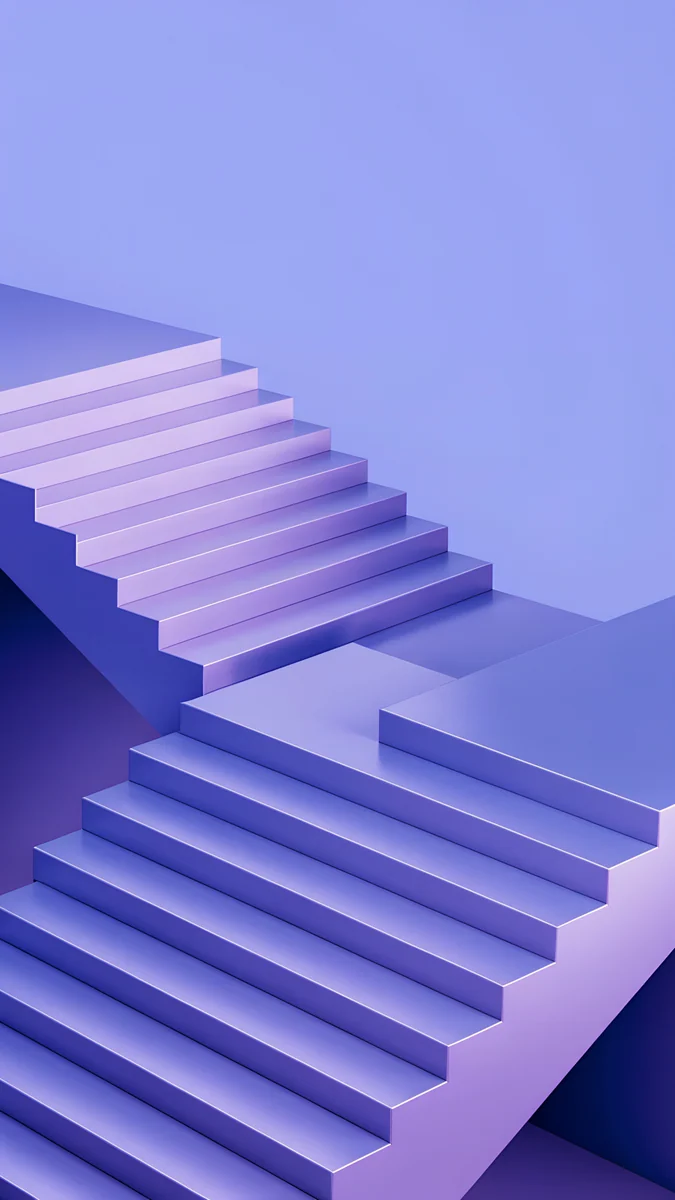
Volt Blue Arch is a glowing electric blue arch in a blue room, the bright option. Cobalt Shadow Ascent crosses blue stairs with warm orange bands of light. Blue Hour is a foggy navy mountain scene under clouds and Dusk Moon Sea is a calm sea with a moon in blue, navy and purple.
Deep blue desktop wallpapers
For a Mac or PC, these are 4K desktop originals; the first two are 5120 × 2880 px [2]. Choose Fill Screen on a Mac, as described in how to change the desktop wallpaper on a Mac. More desktop blues are in our blue desktop wallpapers.
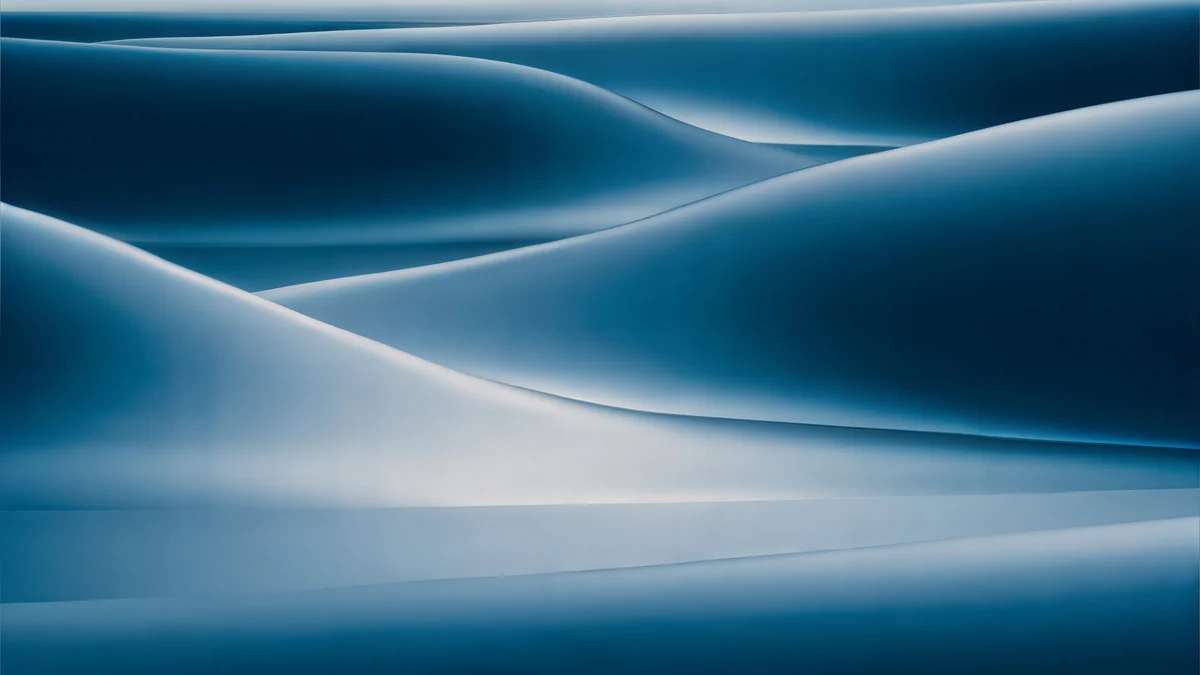
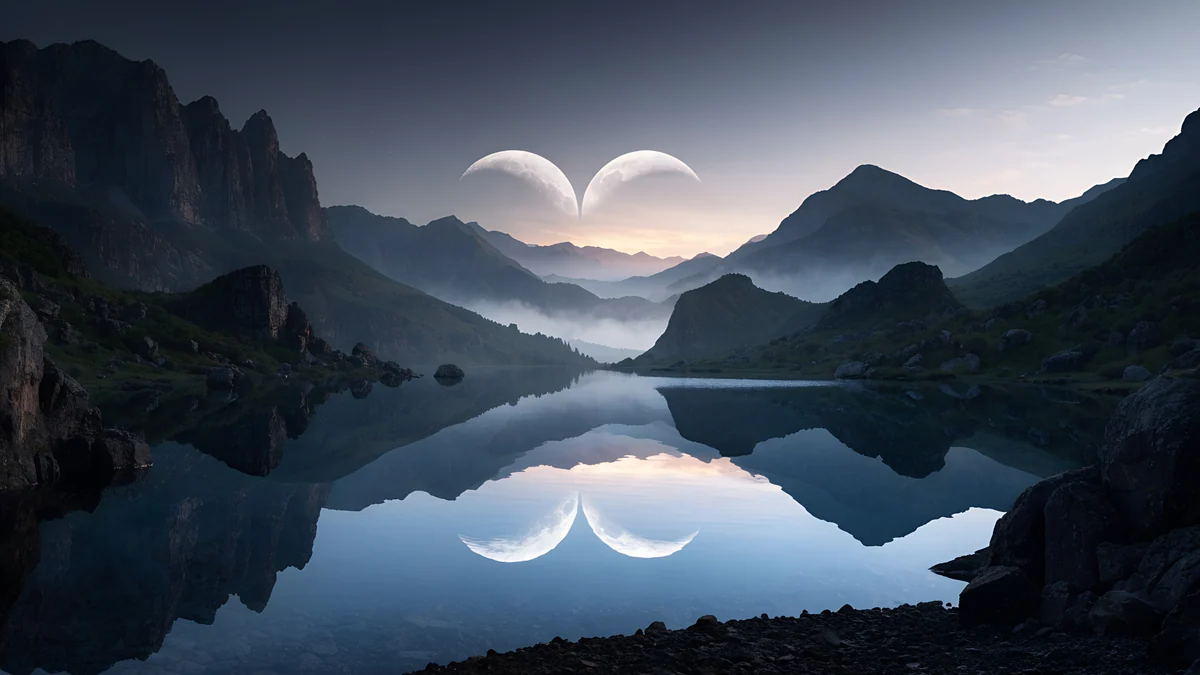
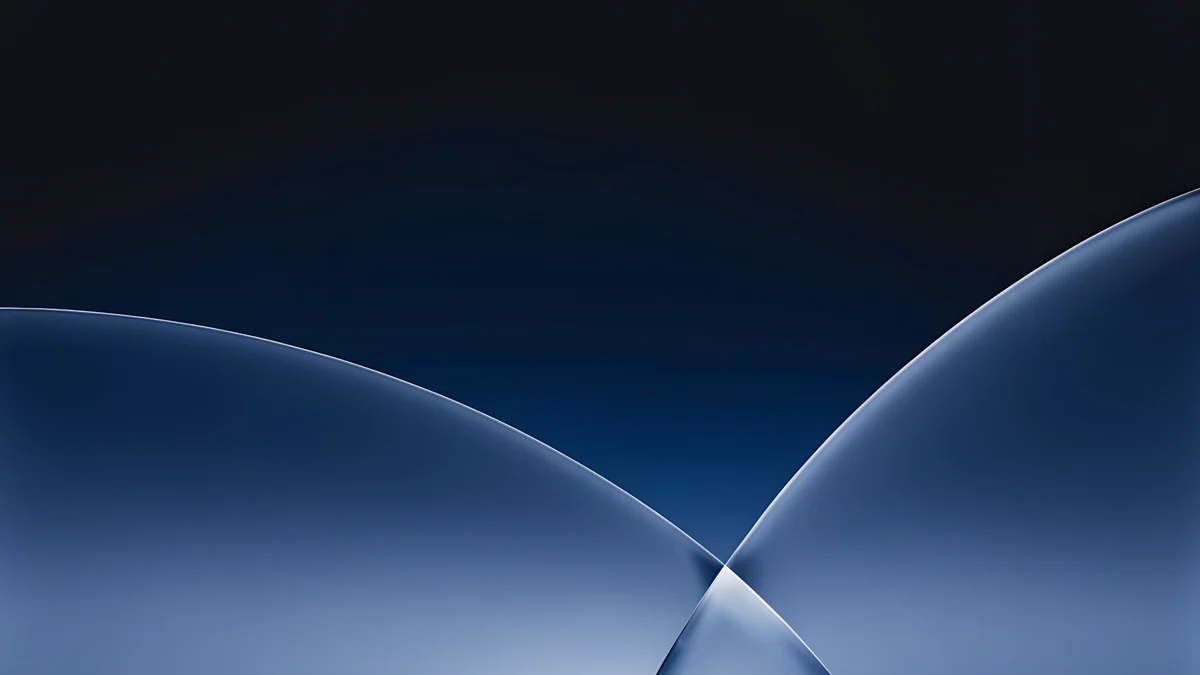
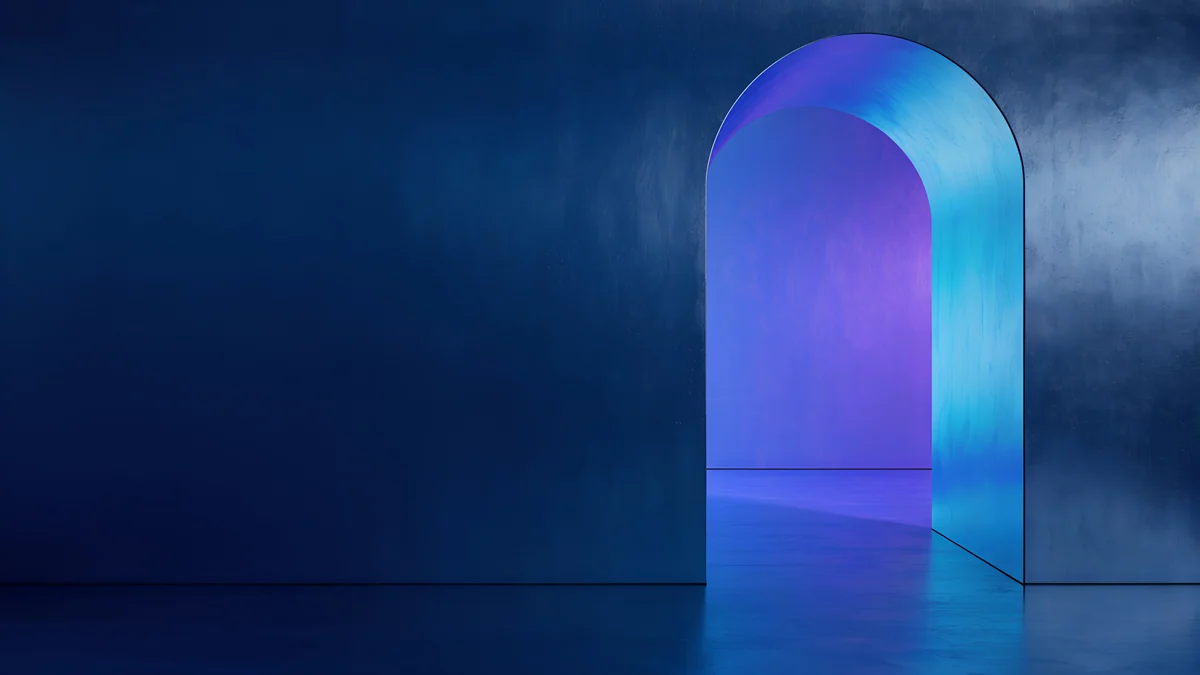
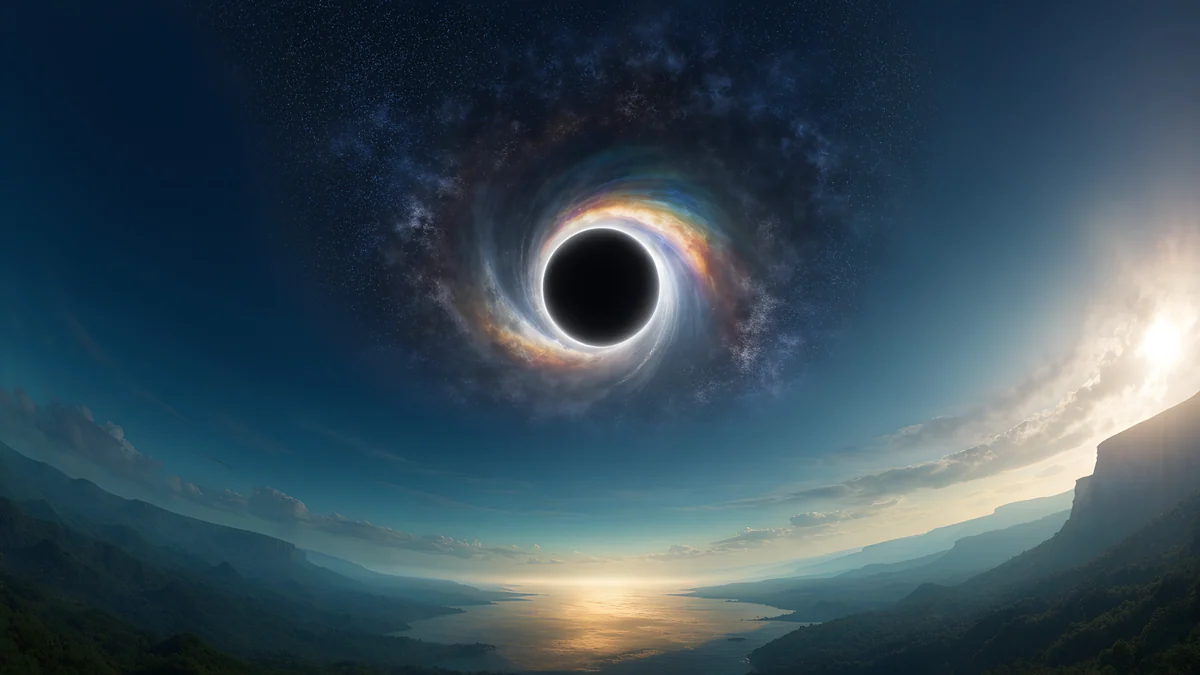
Petrol Current rolls dark teal and navy silk waves, and Twin Crescent Panorama puts a dark moon over a blue mountain lake. Cobalt Soft Horizon is a navy, blue and black gradient with soft shapes, and Volt Blue Vault is a glowing blue and purple arch in a dark room.

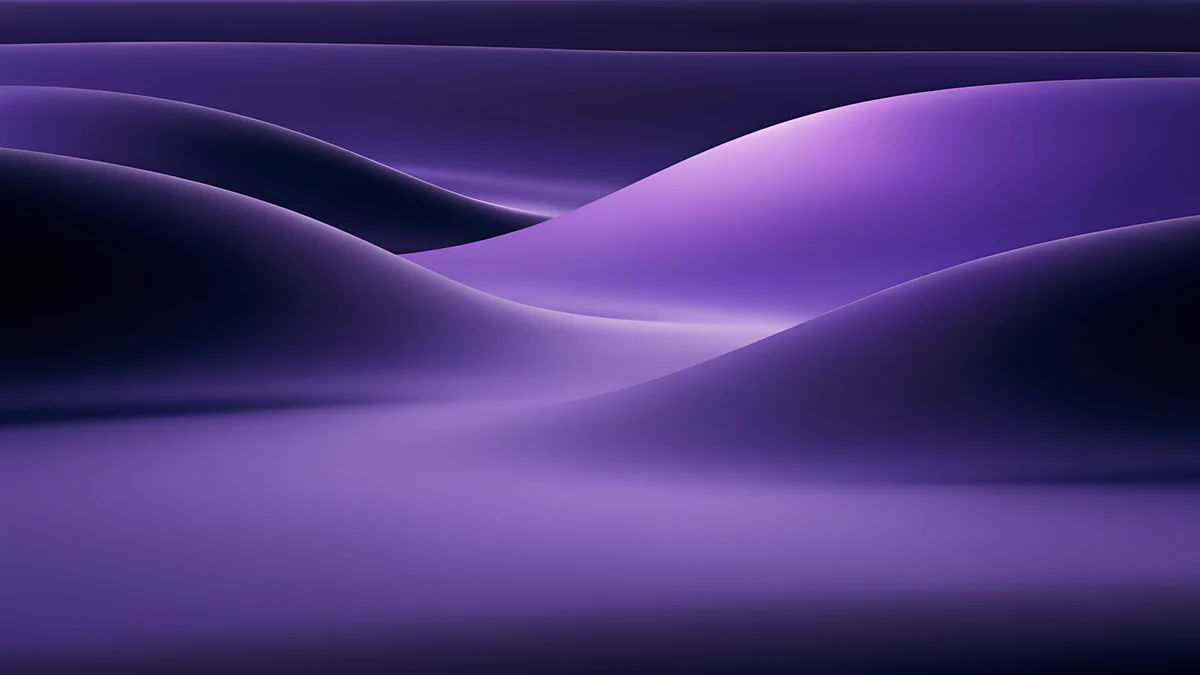
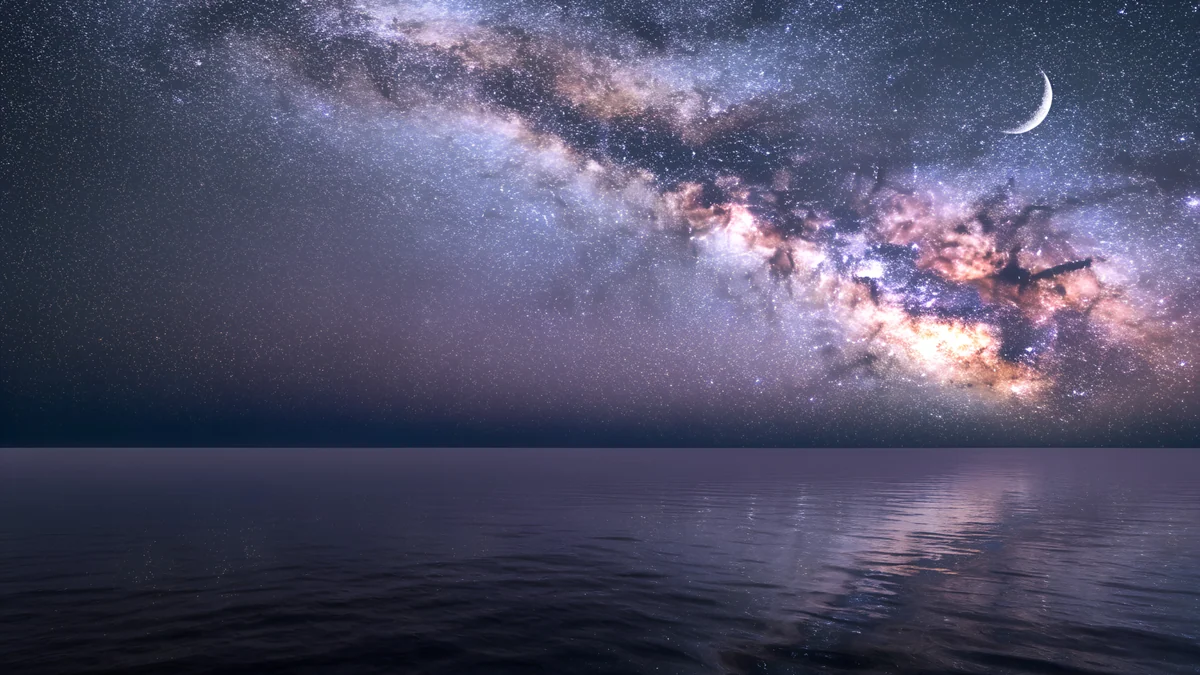
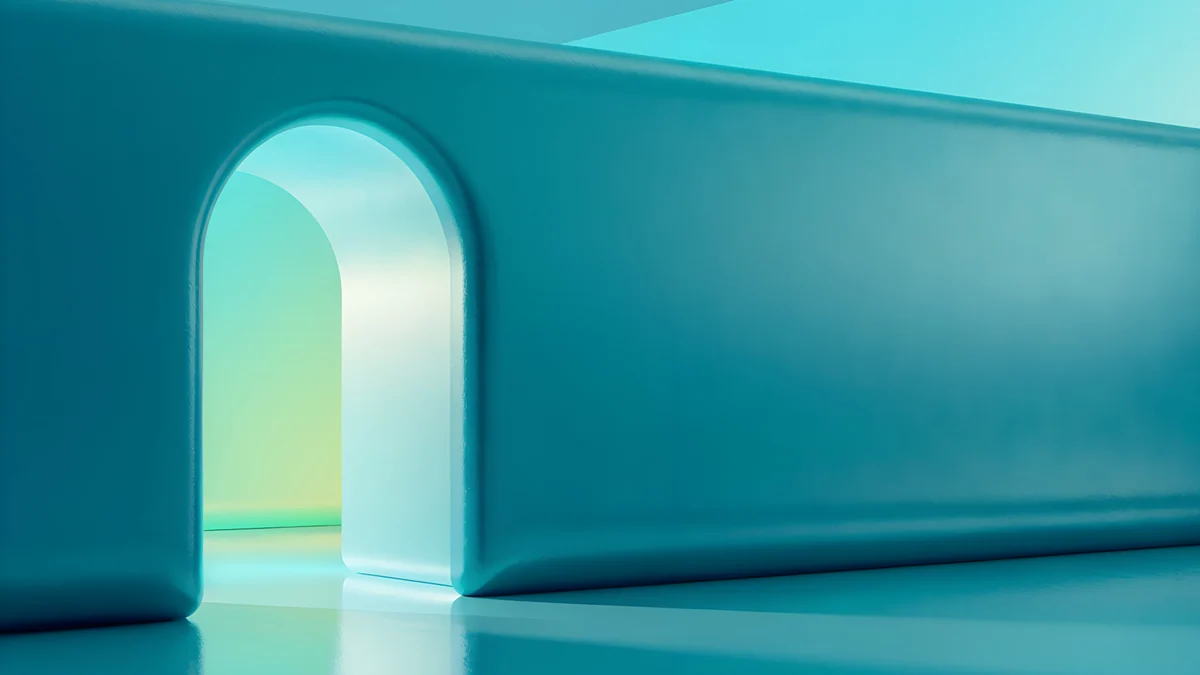
Galaxy Peak Panorama shows snowy peaks under a blue starry sky, Indigo Silk Flow is a dark purple and navy wave of silk, Milky Way Sea places a night sky over calm water and Jade Mint Portal is a teal and blue glowing arch.
Deep blue wallpapers for the iPhone 17 Pro
The iPhone 17 Pro and 17 Pro Max come in three finishes: Silver, Cosmic Orange and Deep Blue [1]. The Pro is 6.3 inches at 1206 × 2622 px and the Pro Max is 6.9 inches at 1320 × 2868 px, both at 460 ppi, and one 2160 × 3840 px original is larger than both. iOS trims about 9 percent from each side, so keep the subject in the middle [1].
To match the case, look for a deep, slightly cool blue instead of a bright sky blue. These three are the closest, and each leaves the top clear for the clock:
Midnight Flow is closest to the finish in low light, Cobalt Soft Crossing suits a quiet look and Volt Blue Arch is for people who want color next to OLED black. Pair a blue wallpaper with a blue clock and widgets in the lock screen editor. The full page for these phones is iPhone 17 Pro wallpapers [1], and the larger screen is on iPhone 17 Pro Max wallpapers.
Near-black blue wallpapers for OLED
On an OLED screen, black pixels are switched off, so near-black blue pictures look deeper and save a little power. The iPhone 17 Pro and Pro Max also have an Always-On display that keeps the wallpaper visible in a dimmed form [1].
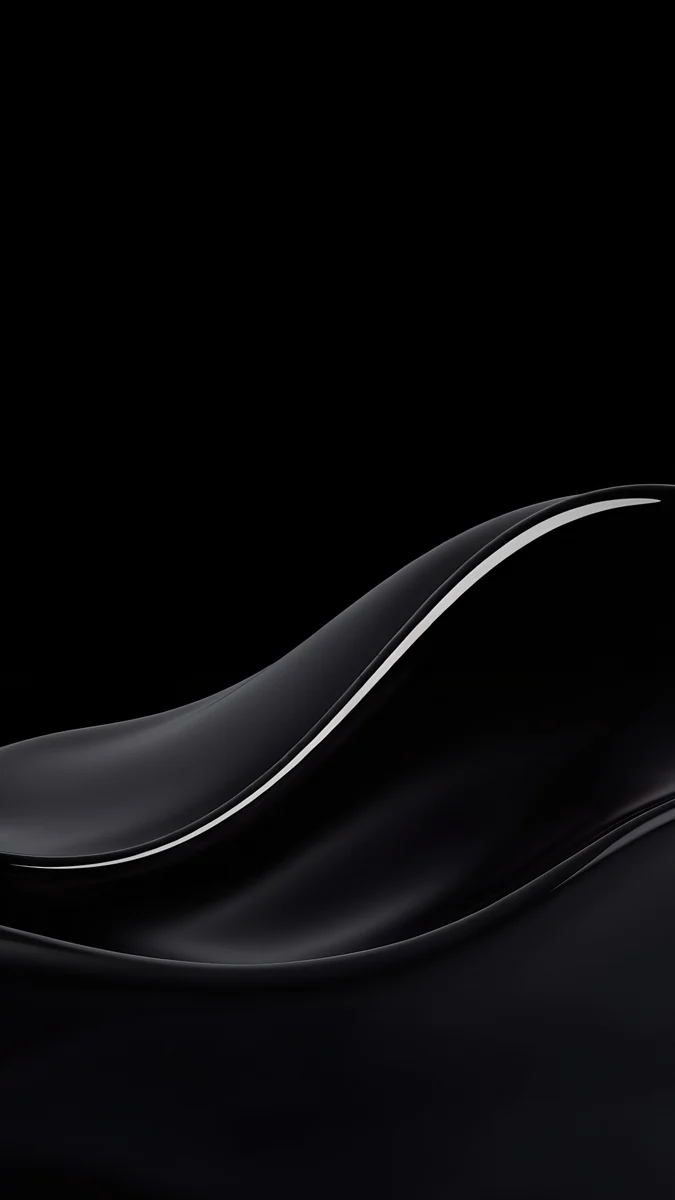
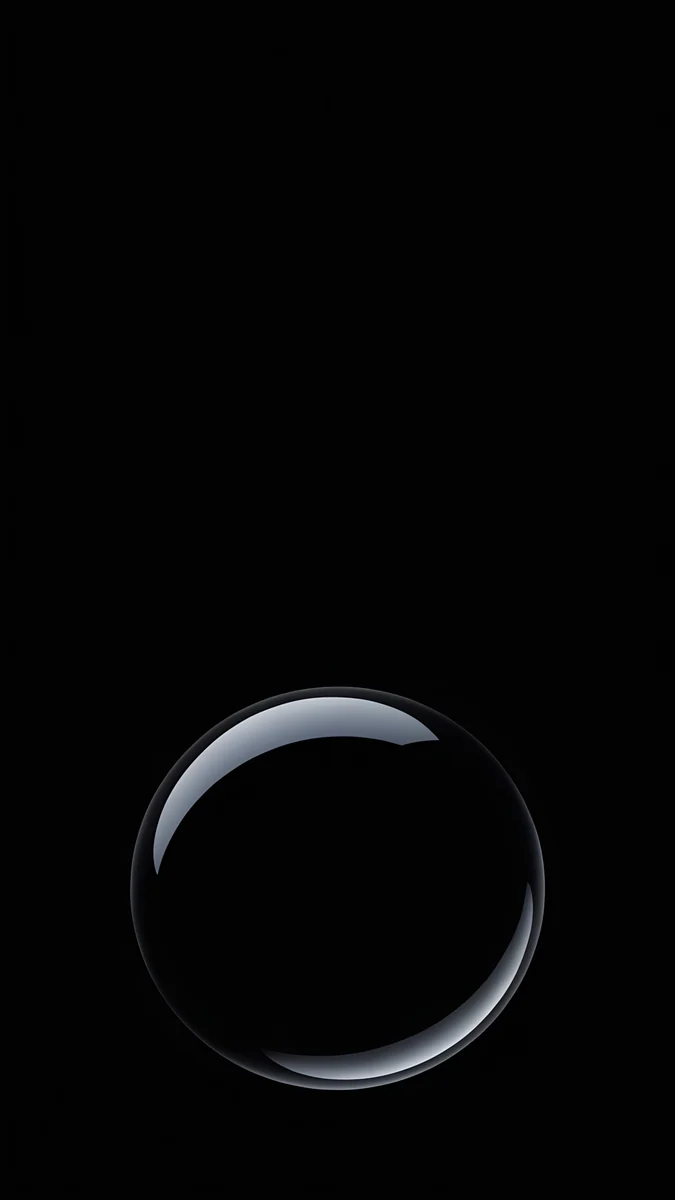
Blue Glass Wave and Ice Blue Glass Knot are glossy blue glass shapes on black. Deep Navy is a plain navy color and Moon Pines is a navy and black night scene with mountains and a moon. More dark options are in dark wallpapers for OLED.
How to set a deep blue wallpaper
- Save the original to Photos from the Velpaper app or from velpaper.com.
- On iPhone, open Settings, tap Wallpaper, then Add New Wallpaper, and choose Photos.
- Pick the image and drag it so the main shape sits below the clock.
- Tap Add. On a Mac, open System Settings, click Wallpaper and choose Add Photo.
On Samsung, touch and hold the home screen, then tap Wallpaper and style. Details for the lock screen are in how to set a lock screen wallpaper on iPhone.
Common problems and fixes
- The blue looks gray or purple. iOS can apply a tint, and dark gradients shift under True Tone. Turn True Tone off briefly to compare.
- The clock is hard to read. Choose a picture with a calm top third or change the clock color in the lock screen editor.
- The wallpaper looks soft. You probably saved a preview. Download the original again.
- Banding in a dark gradient. Use the downloaded original rather than a screenshot, which loses smooth steps.
Get these deep blue wallpapers in Velpaper
Velpaper is an app for iPhone, iPad, Mac and Android, and every wallpaper is also on velpaper.com. Phone wallpapers are 4K [2] originals at 2160 × 3840 px, desktop wallpapers are 3840 × 2160 px and some are 5120 × 2880 px, all without a watermark and without an account. Many originals unlock after a short optional ad in the apps; on the website, if no ad is available, the original downloads for free.
Next step: open Midnight Flow, save the original and set it on your lock screen.
Original wallpapers in and for iPhone, Android and desktop.
Questions
What is a deep blue wallpaper?
A deep blue wallpaper uses a dark, saturated blue, richer than sky blue and a little brighter than navy. It works because white text and icons stay readable on it, while it still feels like a real color. The best picks are gradients, glass shapes and night scenes. Good examples are Midnight Flow for phones and Petrol Current for desktops, both in dark blue with soft detail.
Which wallpaper matches the iPhone 17 Pro Deep Blue?
Look for a deep [2], slightly cool blue. Midnight Flow is the closest in low light, Cobalt Soft Crossing is a quieter option and Volt Blue Arch adds a bright electric glow. One 2160 × 3840 px [2] original is larger than both the 1206 × 2622 px iPhone 17 Pro and the 1320 × 2868 px iPhone 17 Pro Max, so any of them stays sharp.
What size is a deep blue wallpaper for a Mac?
A 3840 × 2160 px 4K file is larger than every MacBook Air screen and the 14 inch MacBook Pro, which is 3024 × 1964 px [1]. The 16 inch MacBook Pro is 3456 × 2234 px, where a 5120 × 2880 px original is the safest choice. Set it with Fill Screen in System Settings. Petrol Current and Twin Crescent Panorama are both 5120 × 2880 px [2].
Which deep blue wallpapers are best for OLED?
Near-black blue pictures, such as Blue Glass Wave, Ice Blue Glass Knot or Moon Pines. OLED pixels are off in black areas, so the blue shapes look deeper and the screen uses less light. On the iPhone 17 Pro and Pro Max the Always-On display also keeps the wallpaper visible in a dimmed form [1]. Pure black plus a single blue shape is the safest combination.
Are these deep blue wallpapers free?
They are free to browse on velpaper.com and in the Velpaper apps, with no account and no watermark. Many phone and desktop originals unlock after a short optional ad in the apps. On the website, if no ad is available, the original downloads for free. A few, such as the plain Deep Navy, are free outright. Phone files are 2160 × 3840 px and desktop files are 3840 × 2160 px or 5120 × 2880 px [2].
Carlos Vivero
Designer of Velpaper wallpapers
Carlos Vivero designs the wallpapers in Velpaper: quiet architecture, liquid glass, Japanese ink and calm landscapes. Every piece is made as a original for iPhone, Android and desktop.
Recent work