MacBook Neo Wallpaper: 4K Picks for Every Colour
MacBook Neo wallpapers in 4K matched to Silver, Blush, Citrus, Indigo, with the exact screen size and steps to set one. Free to browse.
By the Velpaper team · Wallpapers by Carlos Vivero, Velpaper designer · · 3 min read
In short: The best MacBook Neo wallpaper is a 3840 × 2160 desktop original set to Fill Screen, with its colour matched to the lid: pale grey or white for Silver, soft pink for Blush, warm white for Citrus and deep blue for Indigo. Because the original is larger than the 2408 × 1506 screen, it stays sharp on the MacBook Neo.
Wallpapers
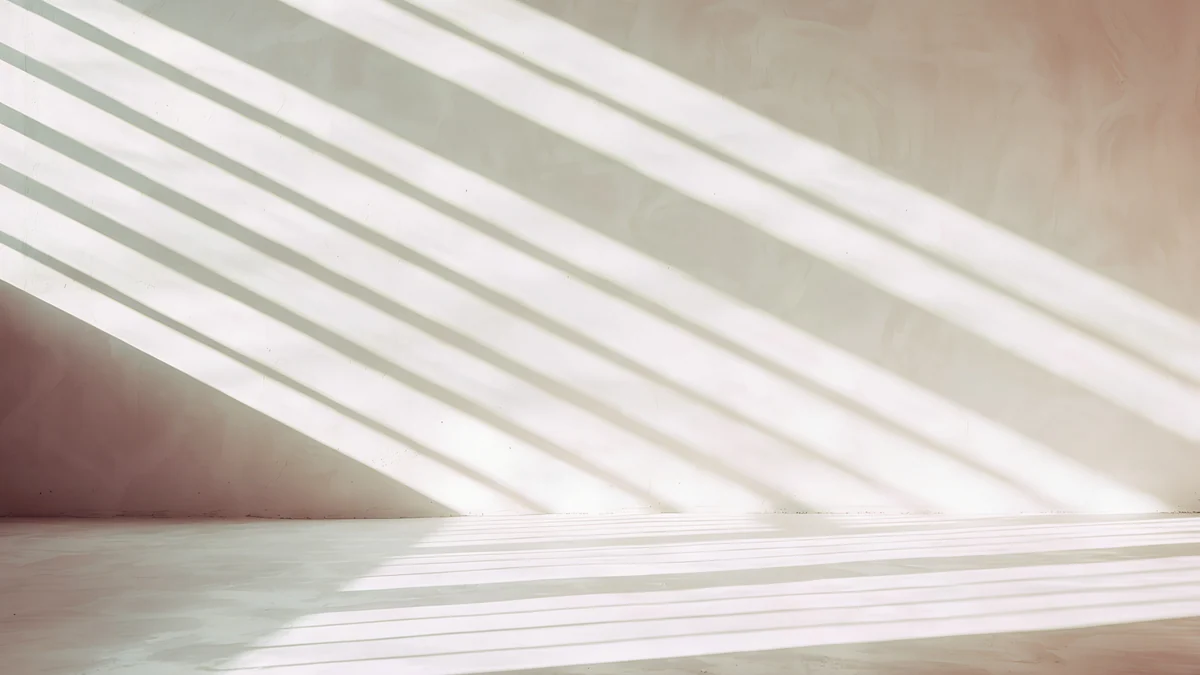 Noon Blinds
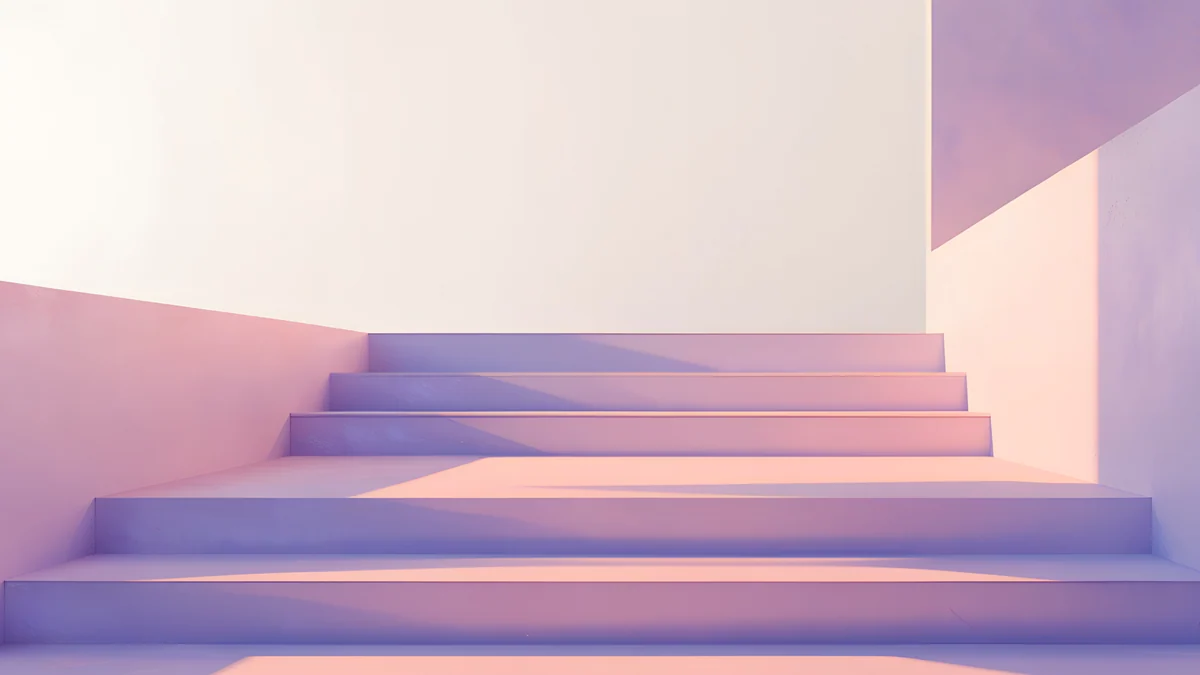 Peach Switchback Steps
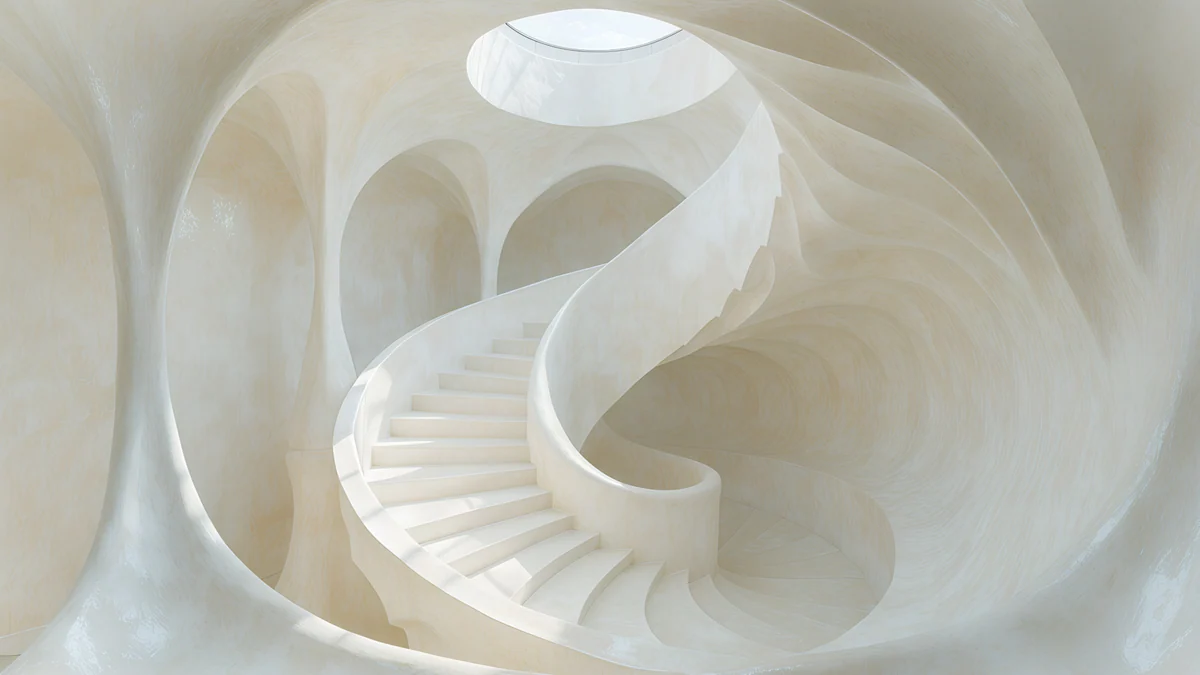 Nautilus Stair
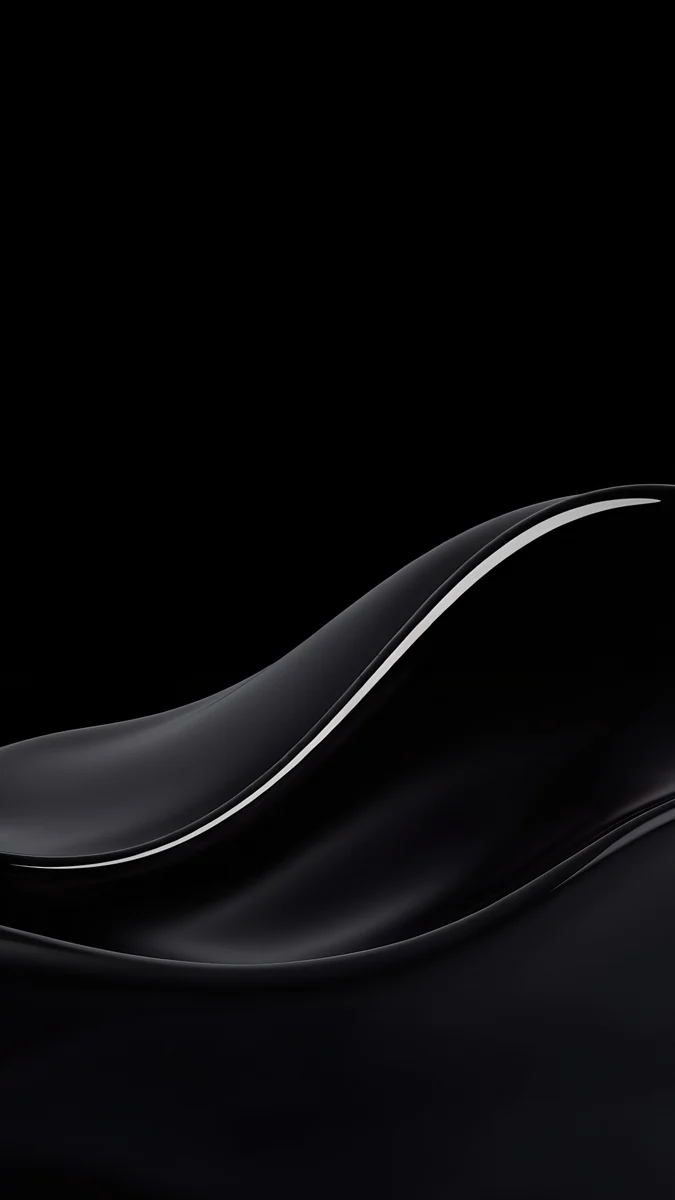
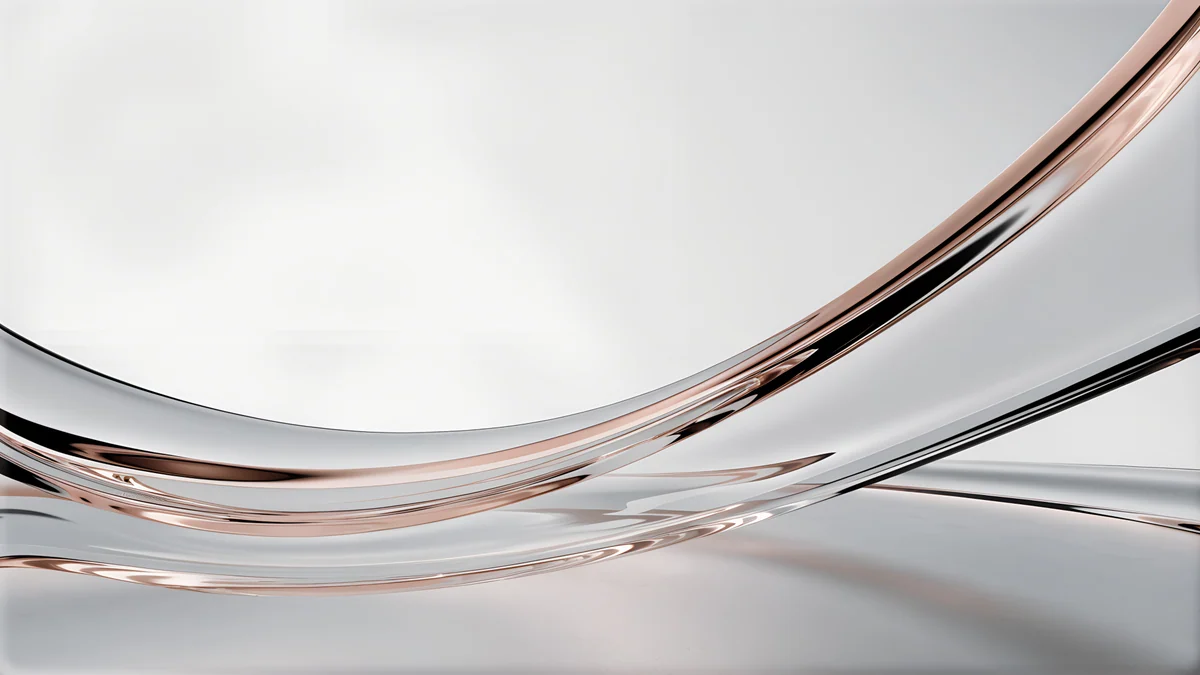 Liquid Light Band
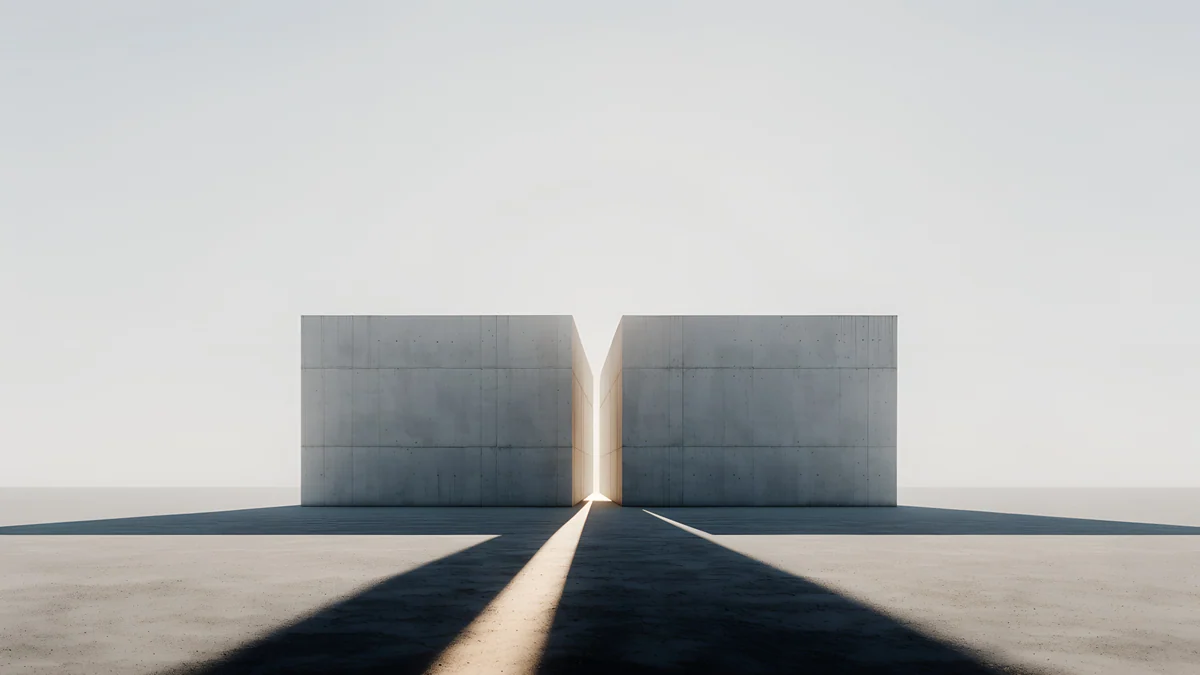 Twin Slabs
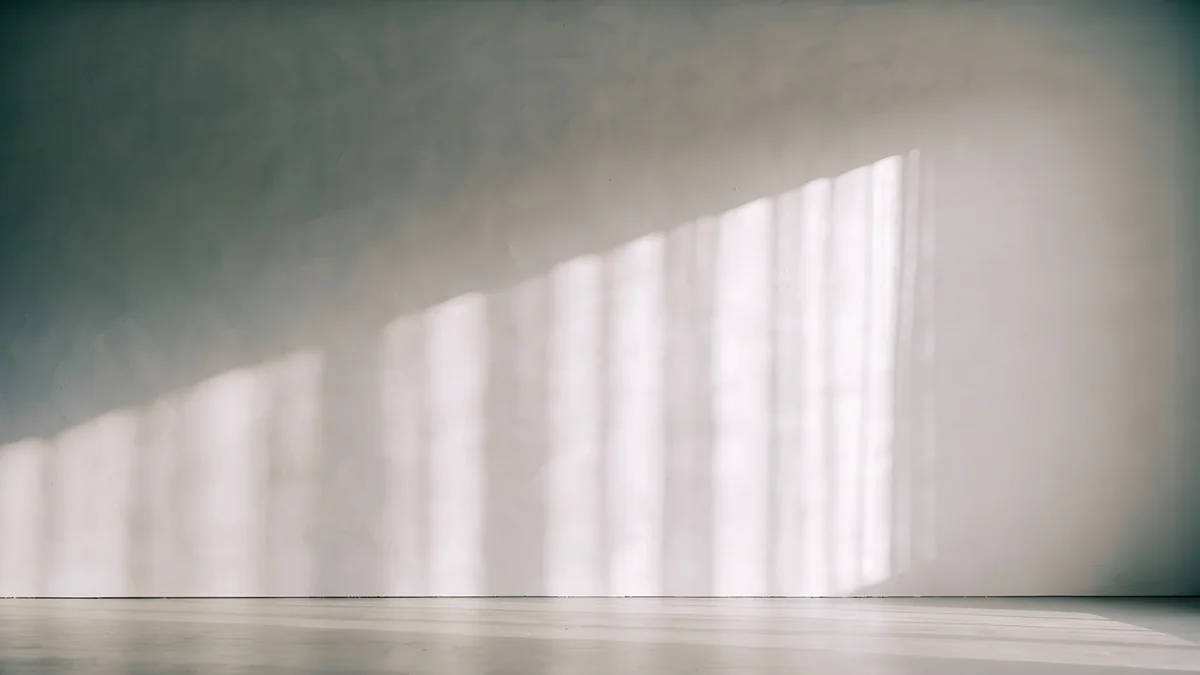 Curtain Veil
 Rotunda
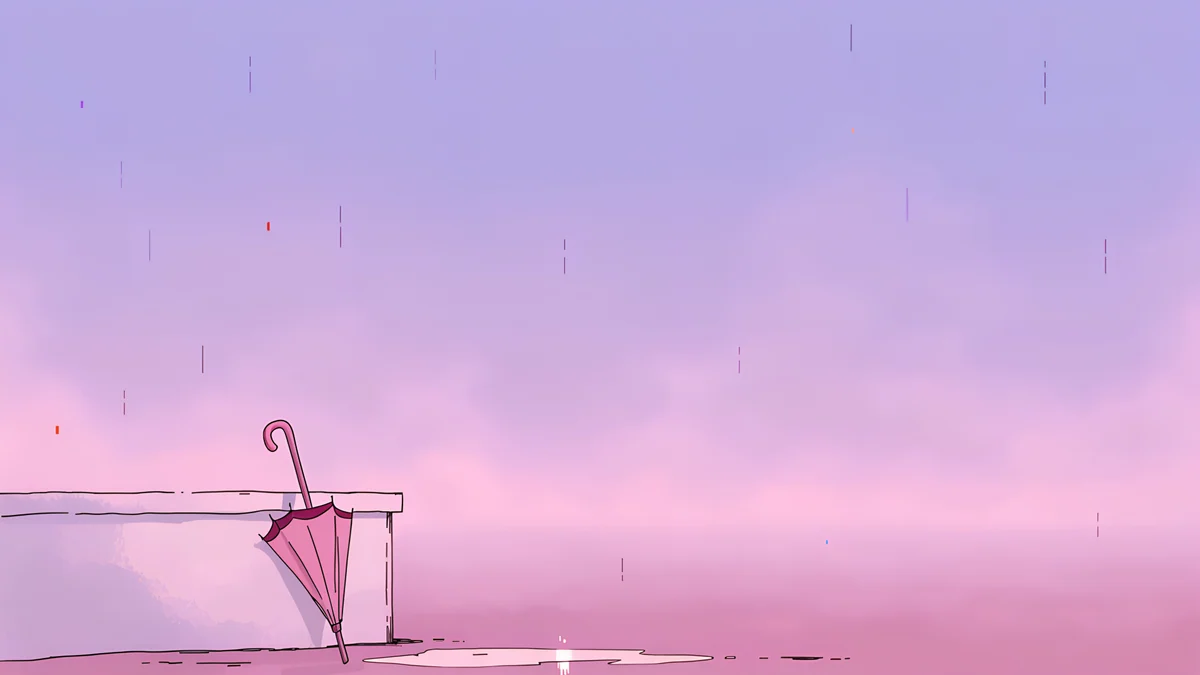 Pink Umbrella
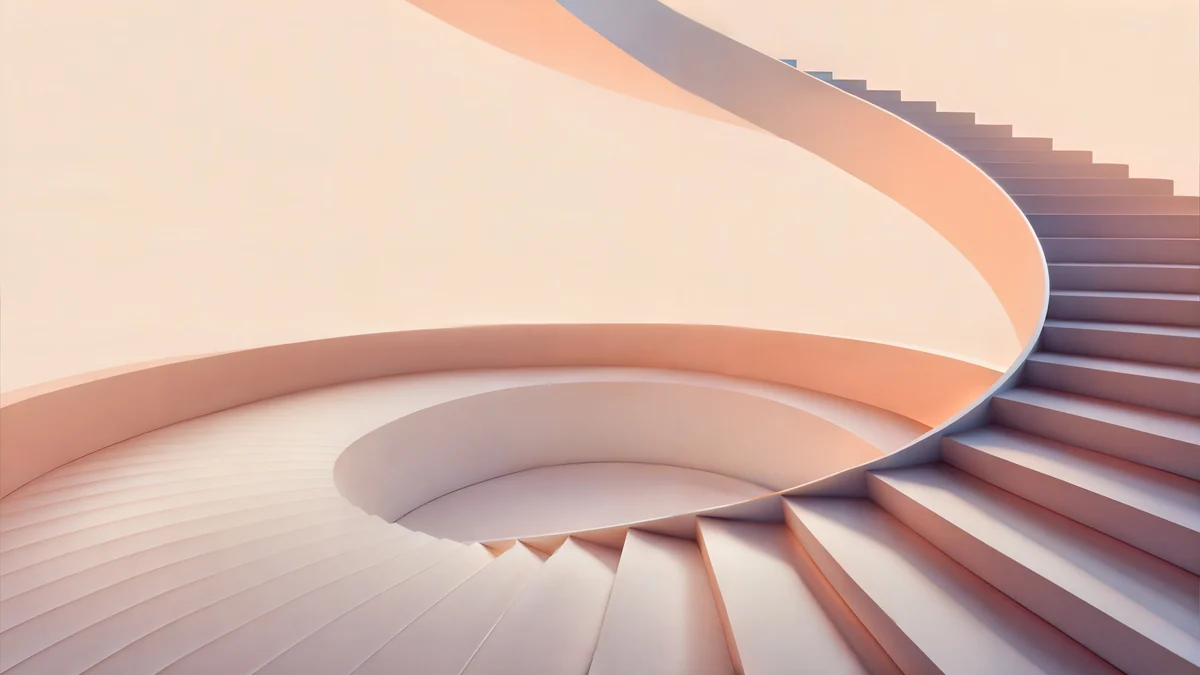 Peach Spiral Atrium
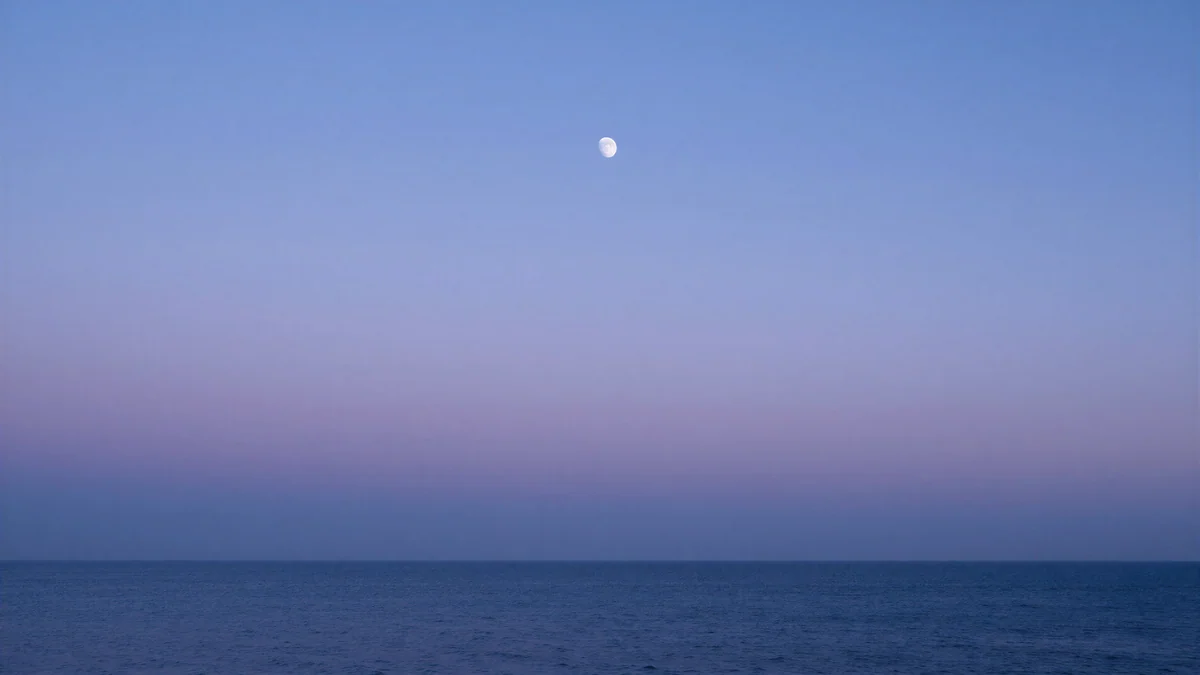 Lilac Horizon
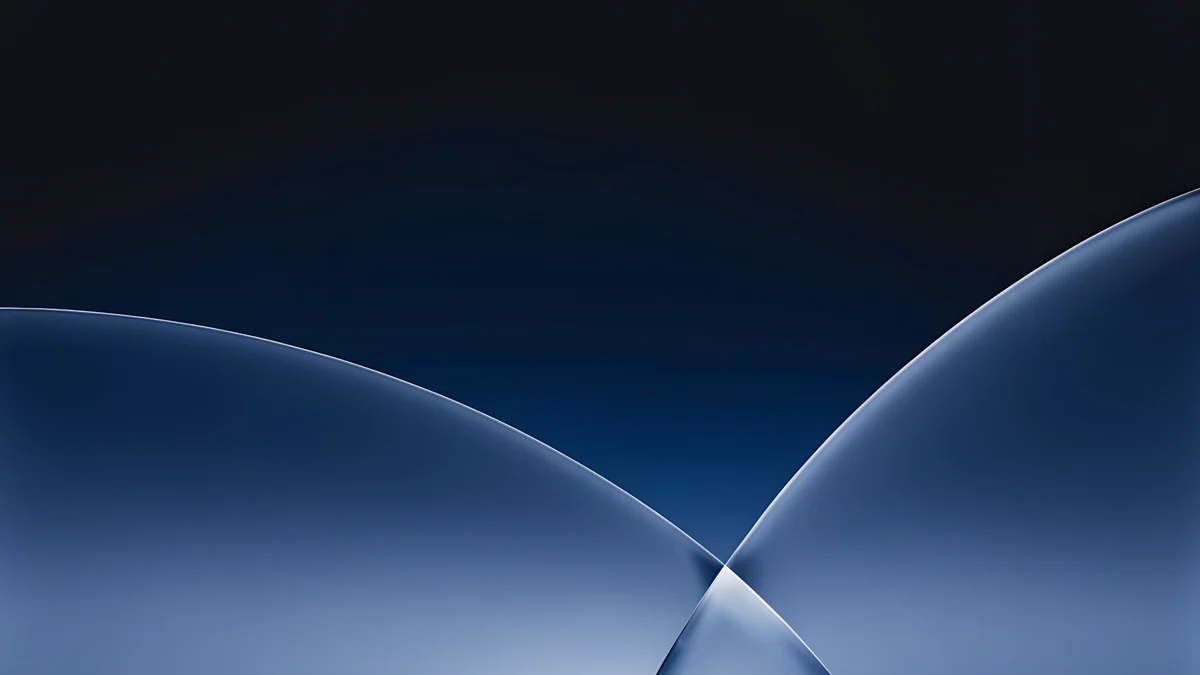 Cobalt Soft Horizon
 Petrol Current
Free originals for iPhone and Android, no watermark
On this page
The MacBook Neo has a 13 inch screen at 2408 × 1506 pixels, which is 219 ppi. A Velpaper 4K desktop original is 3840 × 2160 pixels, larger than that screen in both directions, so it stays sharp after it is scaled down. Set to Fill Screen, it loses about 10 percent of its width at the sides, which is a thin strip and does not change the main subject. The real decision is the picture. Apple makes the MacBook Neo in four official colours: Silver, Blush, Citrus and Indigo. When the wallpaper echoes the colour of the lid, the laptop looks like one finished object instead of a case with a random photo. Below are picks for each colour, the steps to set one, and a note on the screen. Each pick comes with a line on why it suits the display and where the menu bar and icons will sit.
MacBook Neo wallpaper size
These figures come from Apple's official tech specs:
| Model | Screen | Resolution | Density |
|---|---|---|---|
| MacBook Neo | 13 inches | 2408 × 1506 pixels | 219 ppi |
A 4K desktop original is wider than this screen, so with Fill Screen macOS scales it to the screen height and trims about 10 percent of the width at the sides. Keep the main shape near the centre and nothing important is lost.
For the general steps and other Mac models see our guide to changing the desktop wallpaper on a Mac and the MacBook Air wallpapers page.
MacBook Neo Silver wallpapers
Silver suits quiet pictures in grey and white. Noon Blinds is the warmest of the set, with soft light falling across pale blinds and a hint of pink in the shadows. Liquid Light Band is brighter and glassy, a clean white band that leaves the top of the screen calm for the menu bar. Twin Slabs gives the most depth, two grey blocks under an even sky. Curtain Veil is the calmest option, a room lit through a sheer curtain.
MacBook Neo Blush wallpapers
Blush suits soft pastel pictures. Peach Switchback Steps climbs a staircase in pink and lilac, bright and calm, with the steps running down the screen. Rotunda is a white temple floating in a dreamy pink sky, quiet and clear at the top. Pink Umbrella is a gentle rainy scene in lilac and pink, the most playful pick. Peach Spiral Atrium is a beige and pink spiral with soft depth, warm and calm.
MacBook Neo Citrus wallpapers
Citrus suits bright, light pictures with white and beige tones. Nautilus Stair is the one pick for this colour, a white stair curling like a nautilus shell in an airy interior. Its clean white areas keep the screen bright and leave the menu bar easy to read.
MacBook Neo Indigo wallpapers
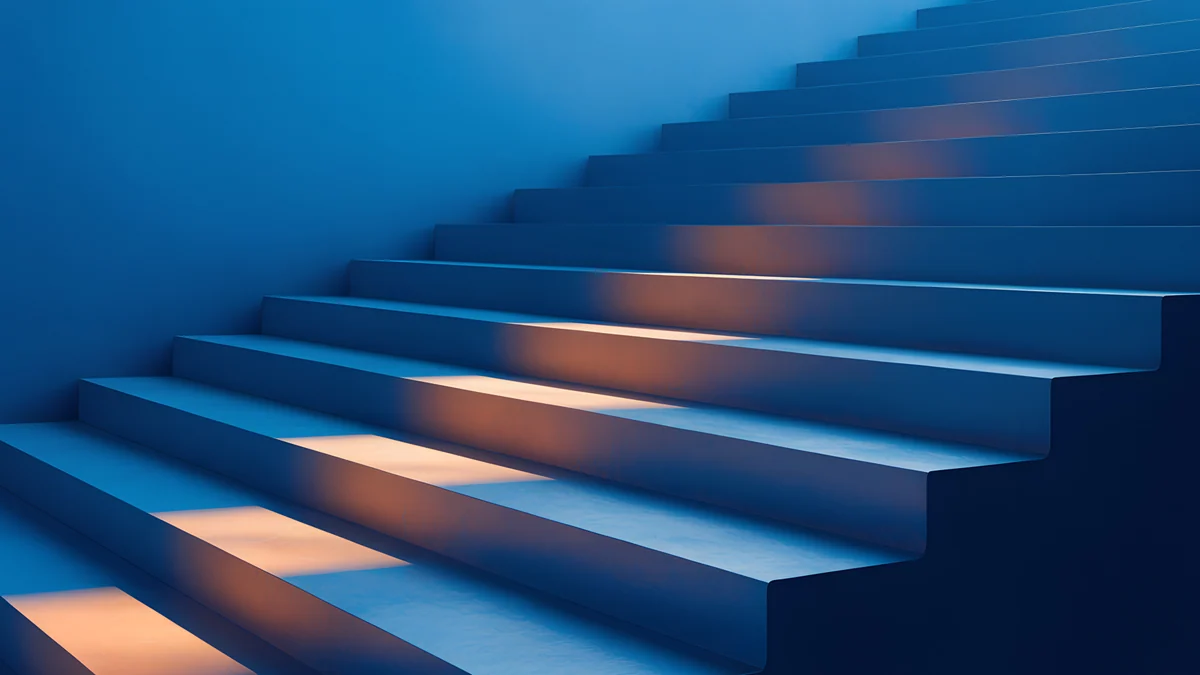
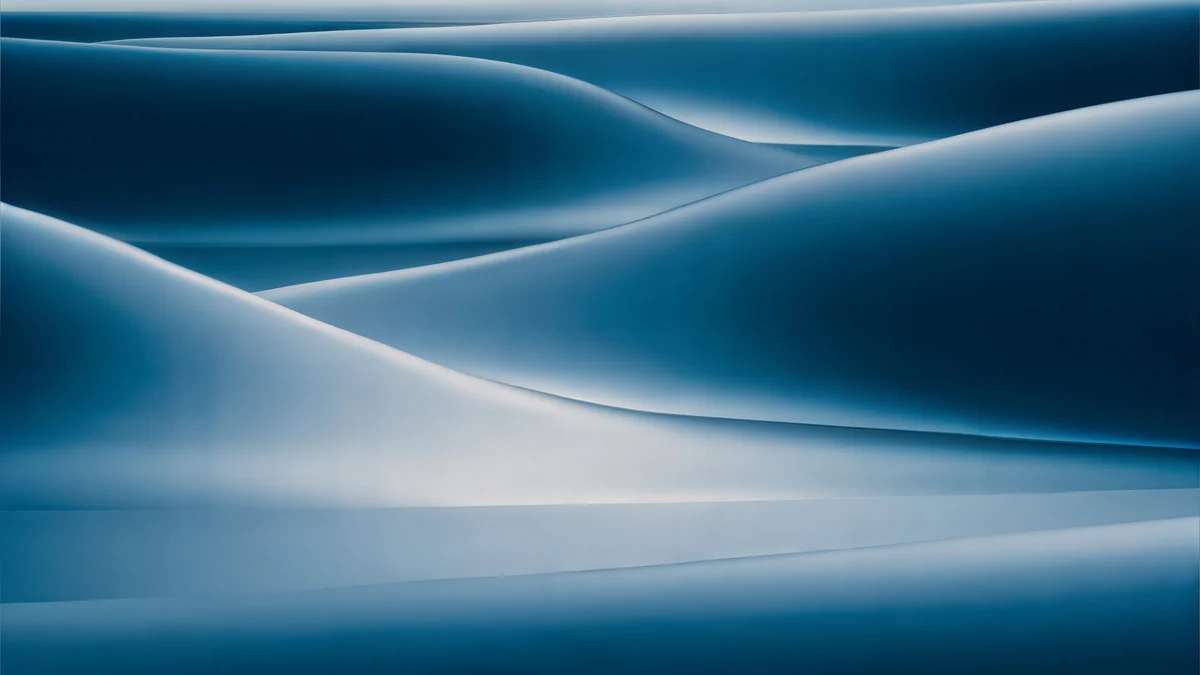
Indigo suits deep blue and navy pictures. Lilac Horizon shows a calm sea under a blue and purple sky with a moon. Cobalt Soft Horizon is a dark gradient with simple elegant shapes, the most restrained option. Petrol Current is a dreamy teal and navy silk wave with a soft glow. Cobalt Ember Steps pairs blue stairs with a warm orange light, adding depth to the screen.
How to set a wallpaper on the MacBook Neo
- Download the original from the Velpaper app or from the wallpaper page on velpaper.com.
- Open System Settings and click Wallpaper.
- Click Add Photo and choose the downloaded file.
- Set the menu next to the preview to Fill Screen.
Get these MacBook Neo wallpapers in Velpaper
Velpaper is an app for iPhone, iPad, Mac and Android, and every wallpaper is also on velpaper.com. Browsing and previews are free. The wallpapers in this article unlock after a short optional ad in the apps; on the website the original downloads free when no ad is available. Each file is a 4K original with no watermark and no account needed. The wallpapers are designed by Carlos Vivero.
Next step: open Noon Blinds, save the original and set it on your MacBook Neo.
Original wallpapers in and for iPhone, Android and desktop.
Questions
What size is the MacBook Neo wallpaper?
The MacBook Neo has a 13 inch screen at 2408 × 1506 pixels, which is 219 ppi. Velpaper desktop wallpapers are 4K originals at 3840 × 2160 pixels. That is larger than the MacBook Neo screen in both directions, so the picture is scaled down and stays sharp. Set to Fill Screen, it loses about 10 percent of its width at the sides, and the main subject remains in view on the 2408 × 1506 display.
Which wallpapers match the MacBook Neo colours?
Silver matches grey and white pictures such as Noon Blinds, Liquid Light Band, Twin Slabs and Curtain Veil. Blush matches soft pink pictures such as Peach Switchback Steps, Rotunda, Pink Umbrella and Peach Spiral Atrium. Citrus matches the bright white and beige Nautilus Stair. Indigo matches the deep blue pictures Lilac Horizon, Cobalt Soft Horizon, Petrol Current and Cobalt Ember Steps. Each colour has at least one wallpaper that echoes the lid on the 13 inch MacBook Neo.
How do I set a wallpaper on the MacBook Neo?
On a Mac, open System Settings, choose Wallpaper, then click Add Photo and pick the downloaded 4K file from Velpaper. Choose Fill Screen so the 3840 × 2160 original covers the 2408 × 1506 display of the MacBook Neo. The wallpaper is then set. You can change it at any time from the same Wallpaper panel, and the file stays in your Photos library for later use.
Will a 4K wallpaper look sharp on the MacBook Neo?
Yes. The MacBook Neo has a 13 inch 2408 × 1506 pixel screen at 219 ppi, and Velpaper desktop wallpapers are 4K originals at 3840 × 2160 pixels. A file larger than the screen is scaled down, which keeps edges crisp and fine detail visible. Because it is larger, the picture does not look soft or blurred on the MacBook Neo, even with Fill Screen trimming a small strip from the sides.
Does the MacBook Neo have an Always-On display?
Apple's spec page for the MacBook Neo does not list an Always-On display, so this laptop is not known to have one. The screen is an LCD panel at 2408 × 1506 pixels and 219 ppi. Because of that, choose a wallpaper whose quiet areas sit where the menu bar and clock appear, so the display stays clear whenever the laptop is open.
Carlos Vivero
Designer of Velpaper wallpapers
Carlos Vivero designs the wallpapers in Velpaper: quiet architecture, liquid glass, Japanese ink and calm landscapes. Every piece is made as a original for iPhone, Android and desktop.
Recent work