2560x1440 Wallpaper: Free 4K and 5K Originals for QHD
2560x1440 wallpaper for QHD and 1440p monitors: why 5K scales down by exactly half and 4K by 1.5, plus 26 free originals and the Windows steps.
Sources [1] · By the Velpaper team · Wallpapers by Carlos Vivero, Velpaper designer · · 4 min read
In short: A 2560x1440 wallpaper fits any QHD or 1440p monitor. The cleanest sources are a 5120 × 2880 original, which scales down by exactly half, and a 3840 × 2160 original, which scales by exactly 1.5, so nothing is stretched. Velpaper has both sizes, free and without a watermark.
Wallpapers
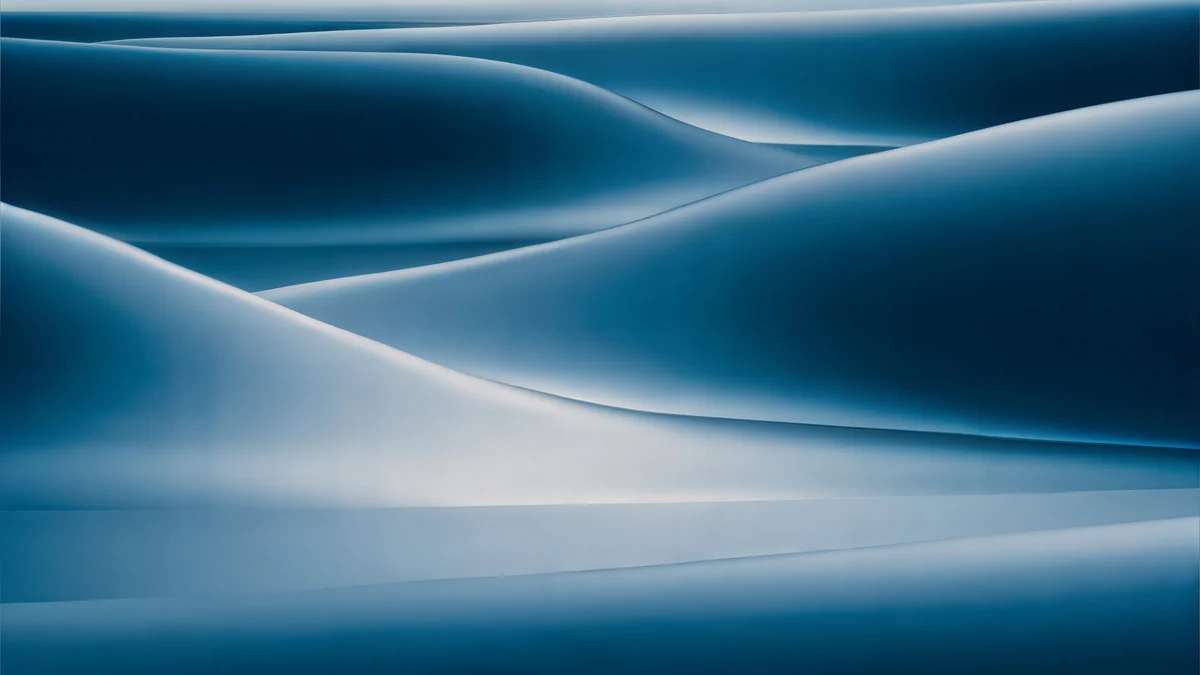 Petrol Current
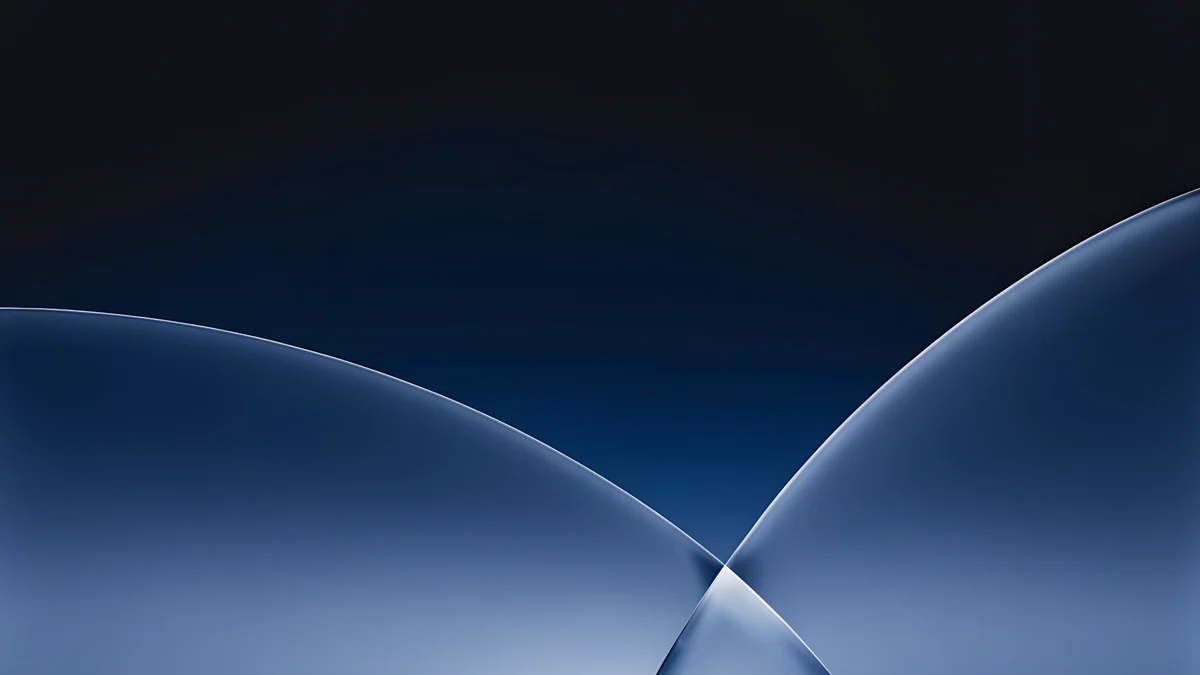 Cobalt Soft Horizon
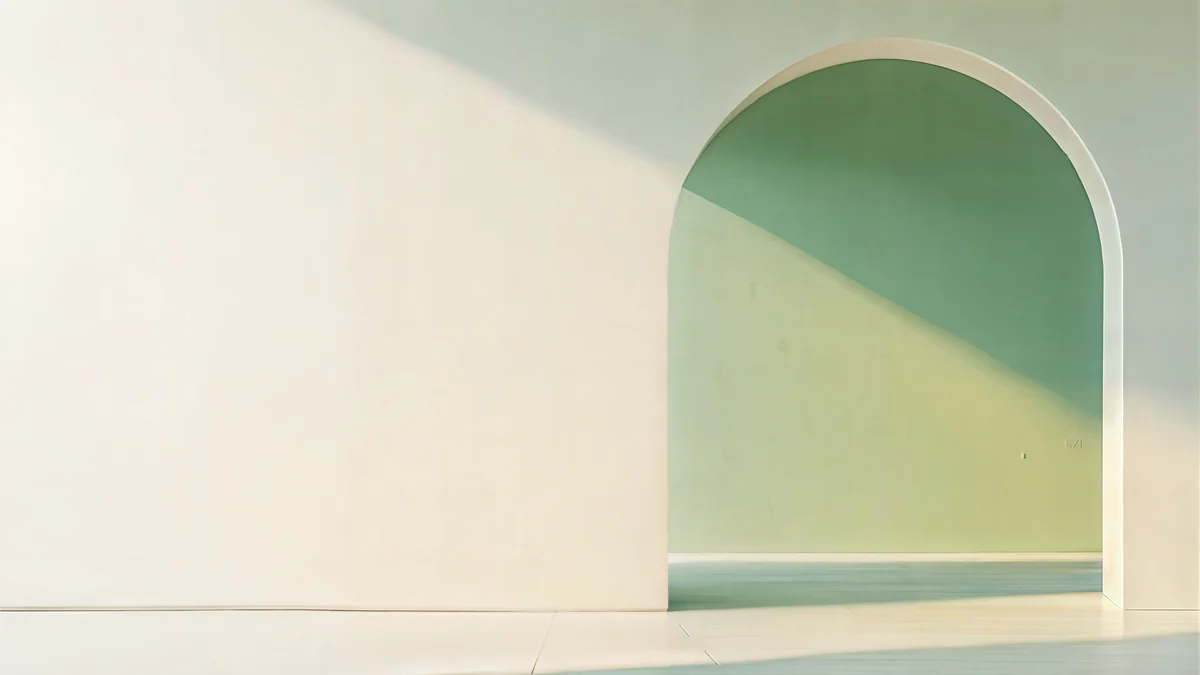 Sage Sun Gallery
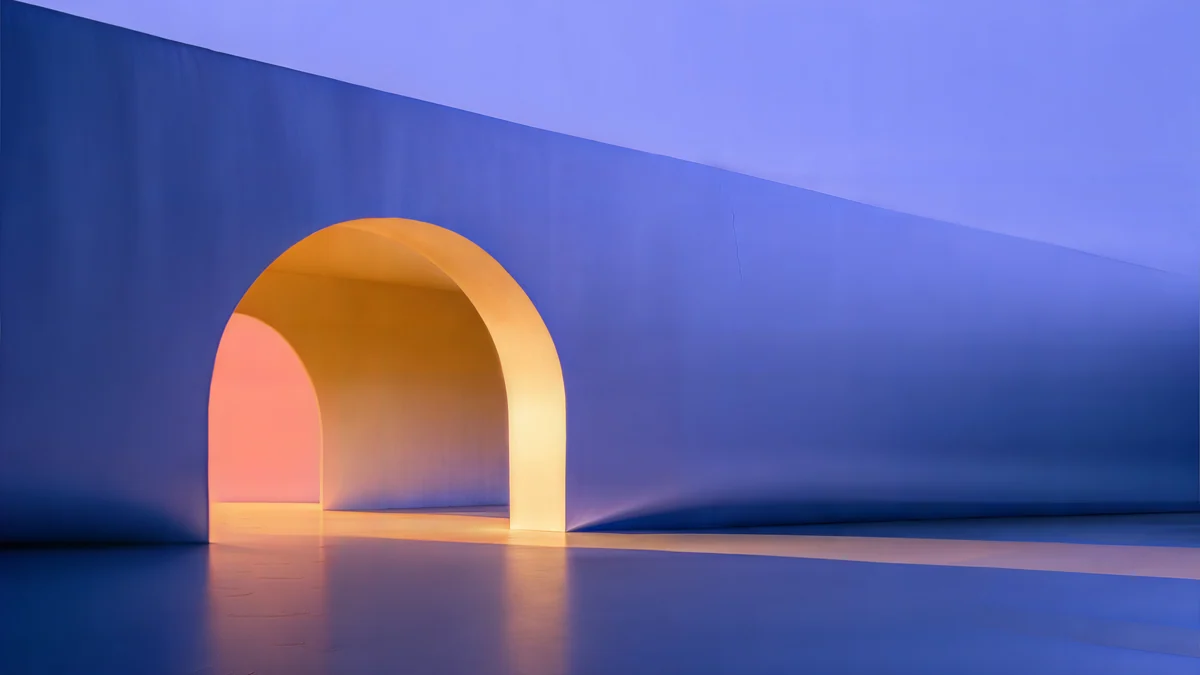 Solar Indigo Gate
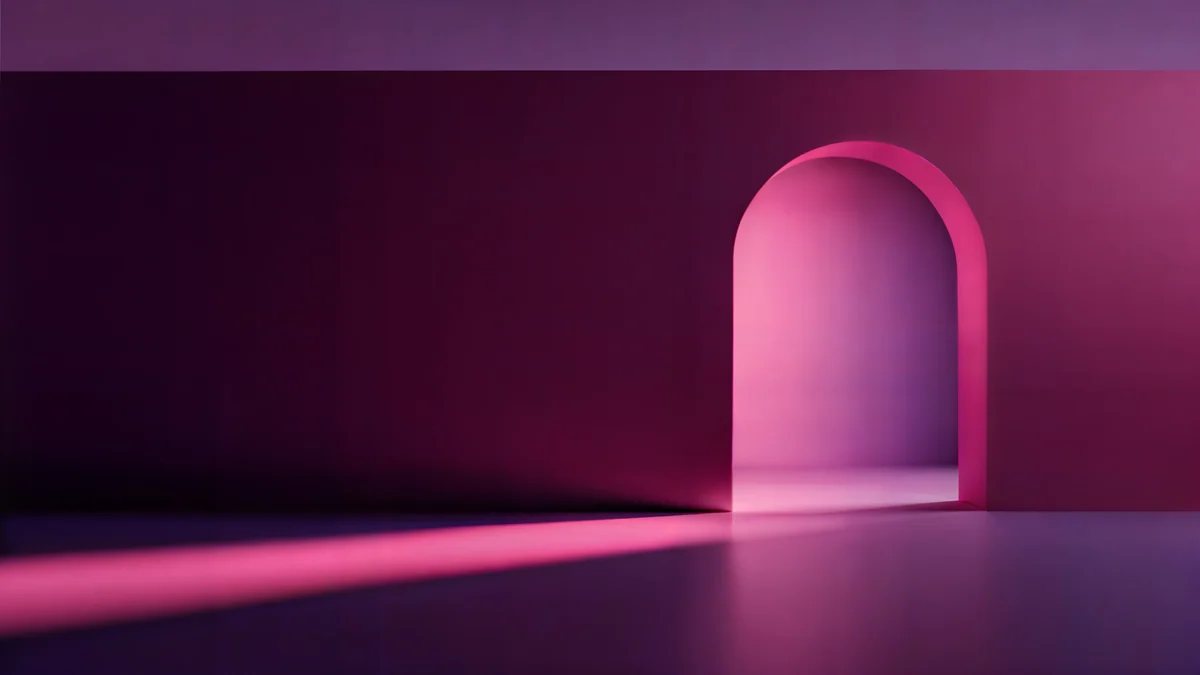 Rose Pulse Arcade
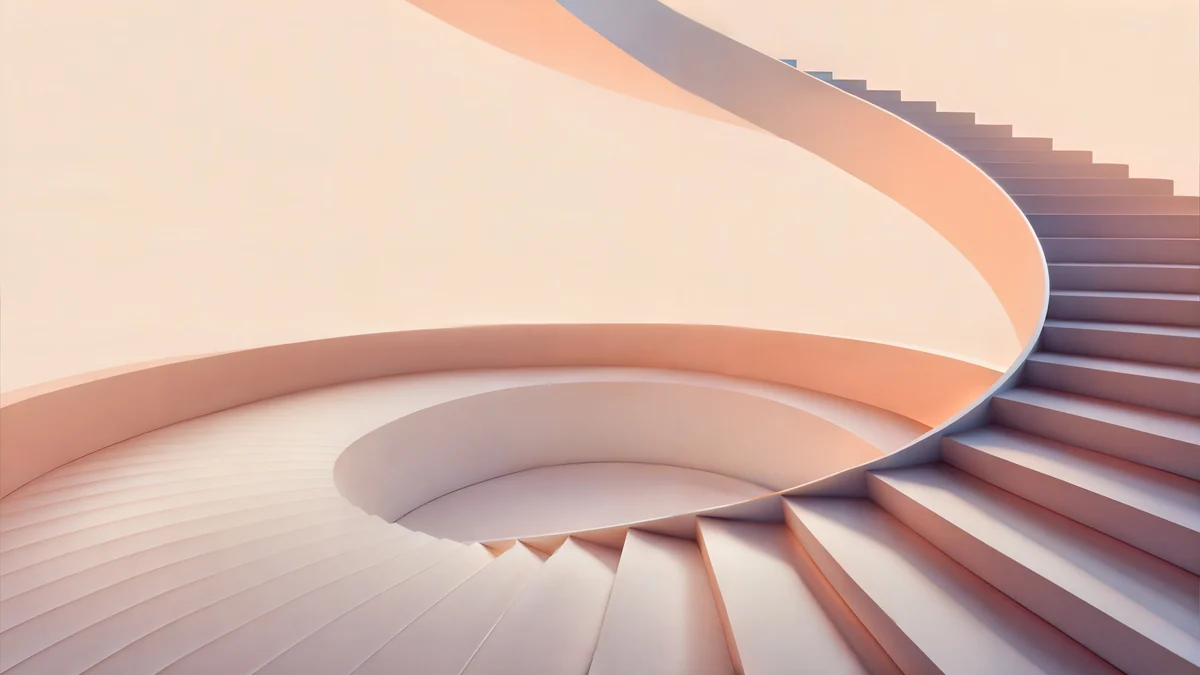 Peach Spiral Atrium
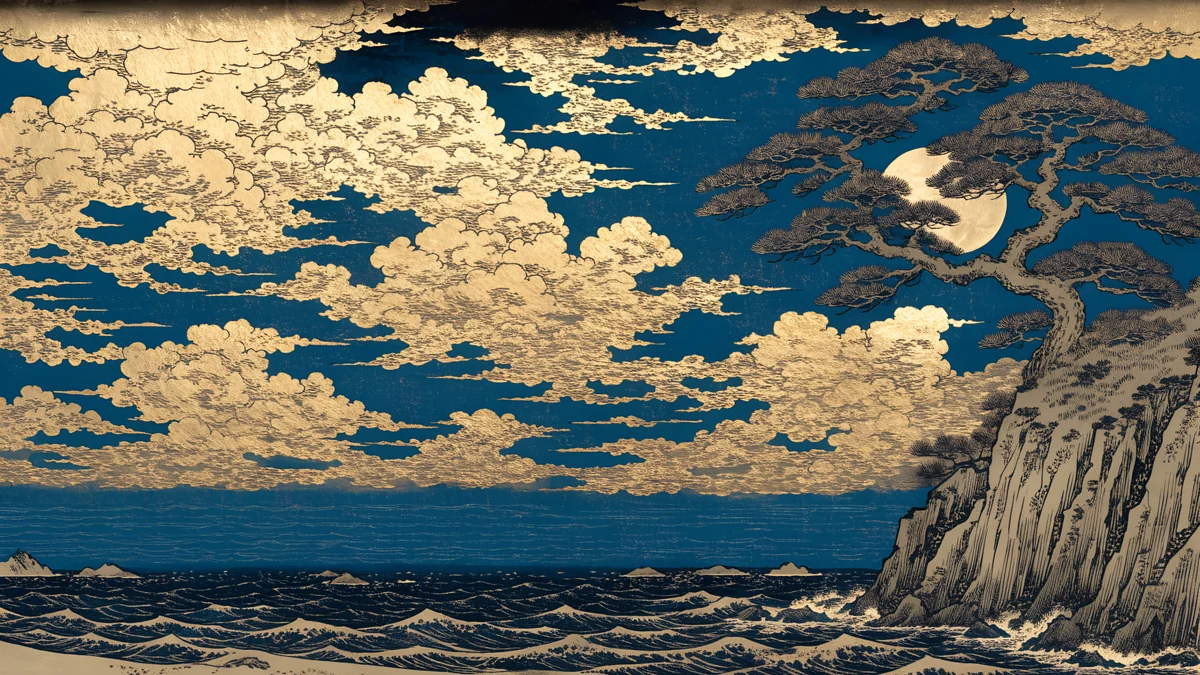 Moon Pine Panorama
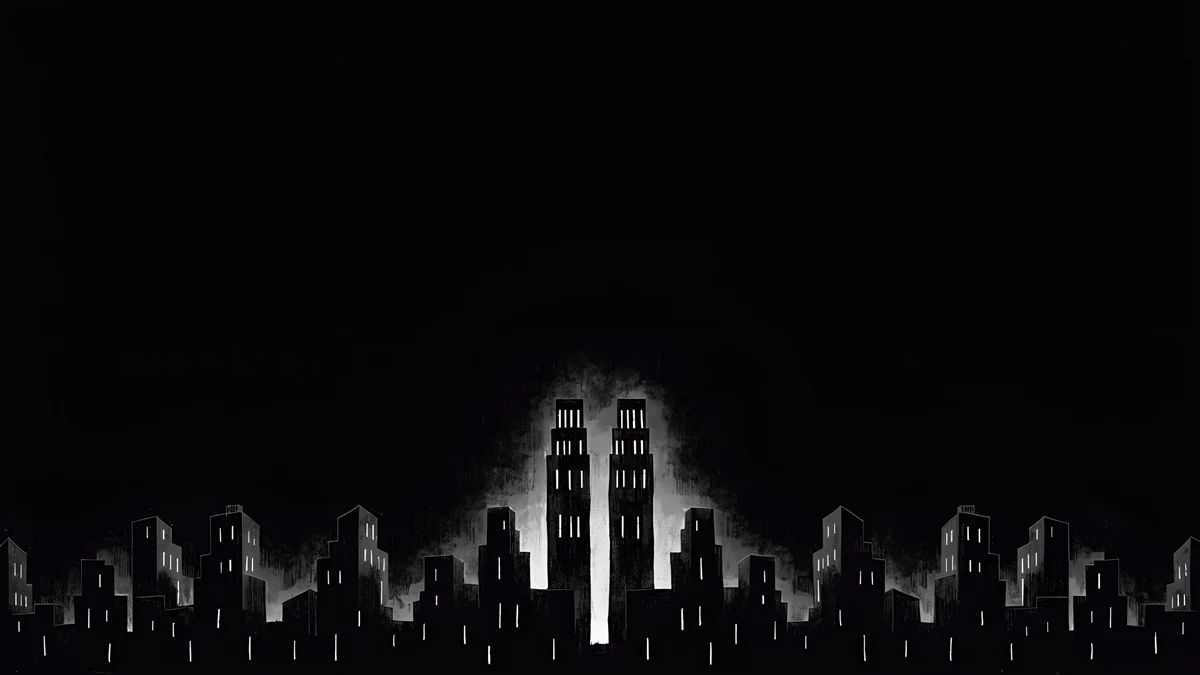 Light Slits
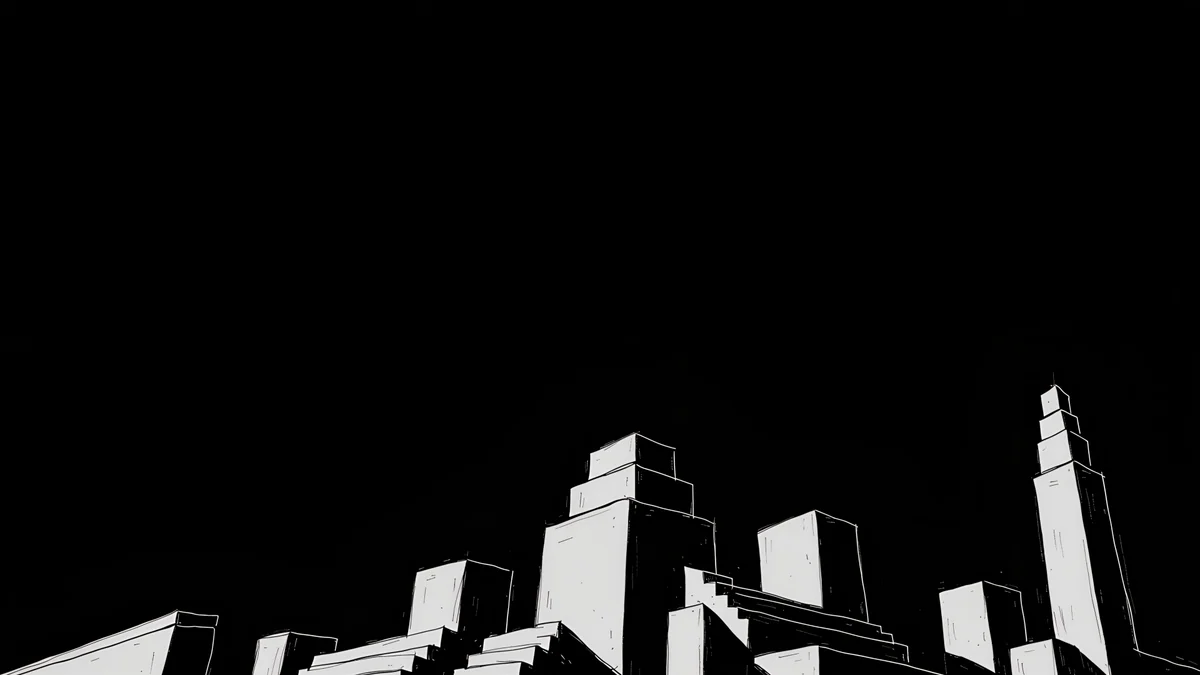 Night Blocks
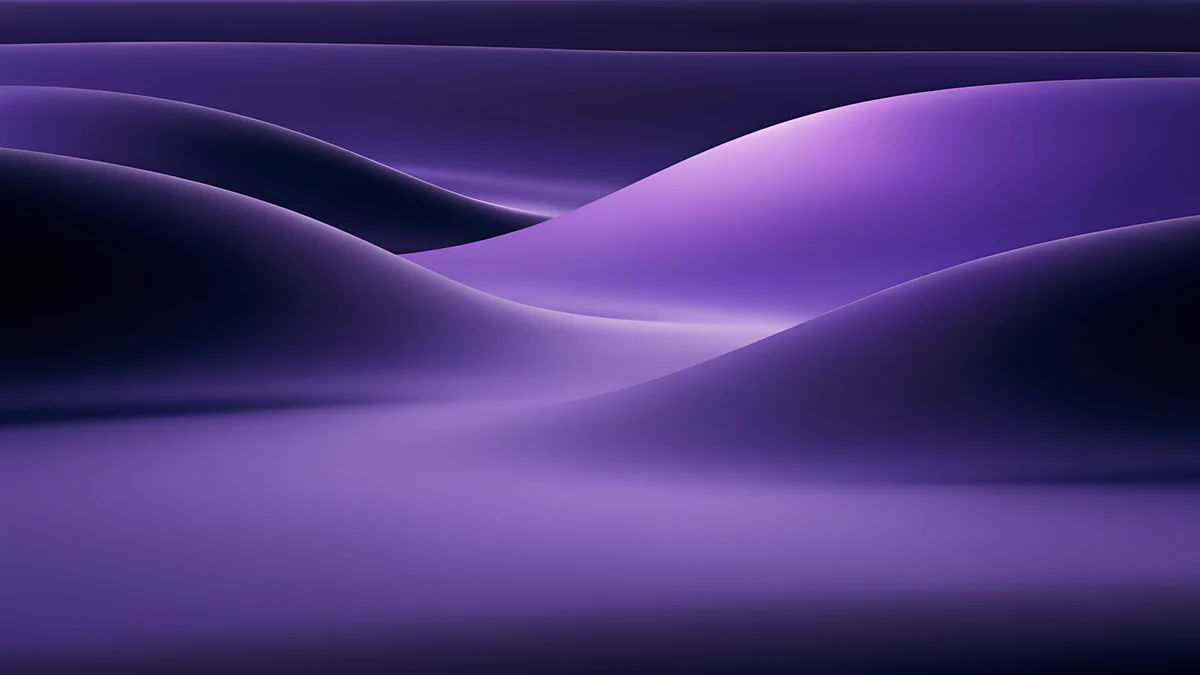 Indigo Silk Flow
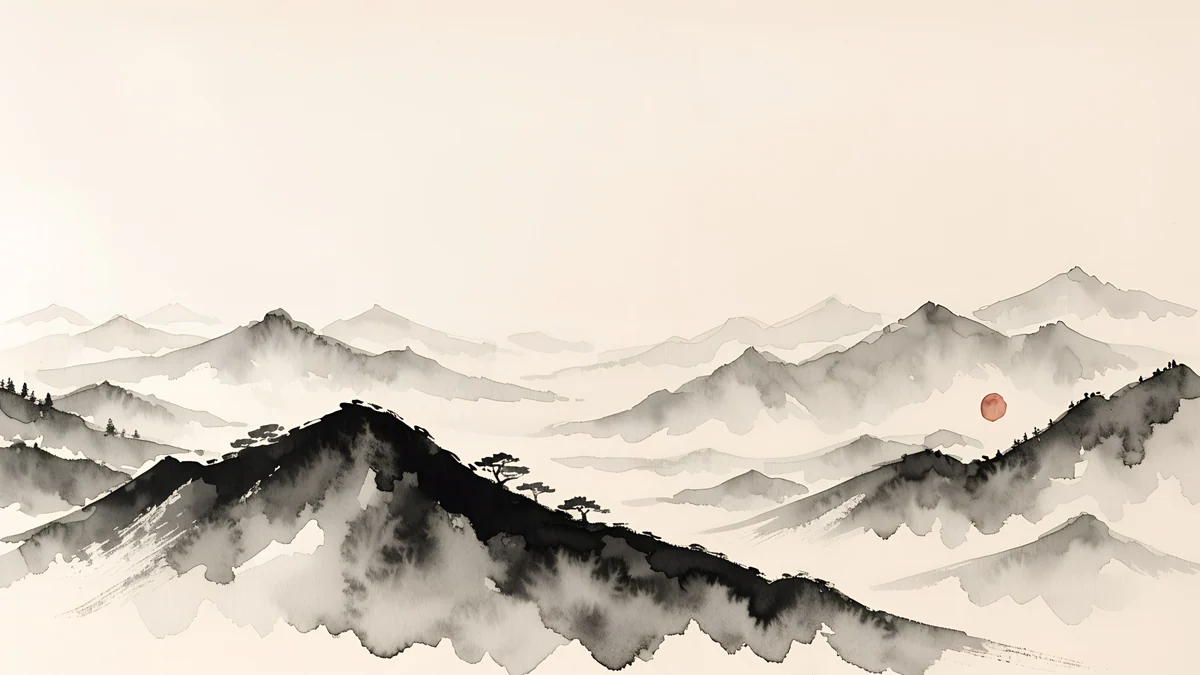 Ink Mountain Mist
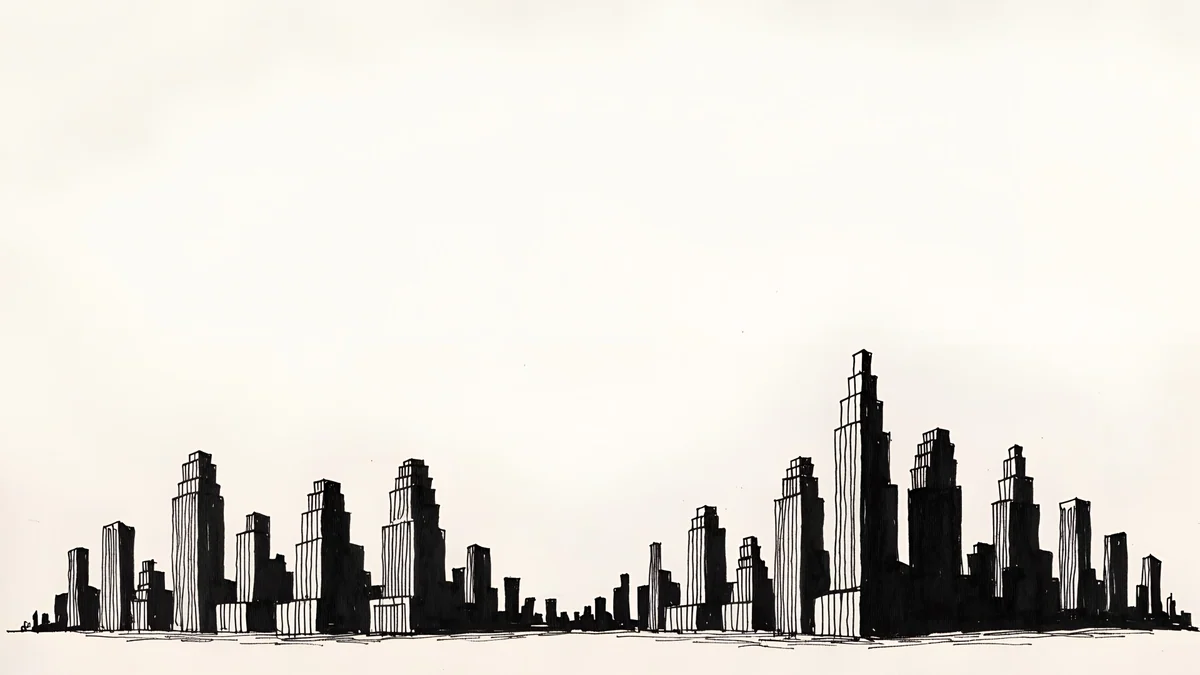 Paper Skyline
Free originals for iPhone and Android, no watermark
On this page
A 2560x1440 wallpaper, also called a 1440p or QHD wallpaper, is the size of a 27 inch gaming or office monitor [1]. The shape is 16:9, the same as Full HD and 4K, so any 16:9 image fits without bars. What changes is the pixel count: 2560 × 1440 has almost twice as many pixels as 1920 × 1080, and a small image looks soft on it [1].
You do not need a file that is exactly 2560 × 1440. Larger 16:9 originals scale down cleanly. A 3840 × 2160 file shrinks by a third (a factor of exactly 1.5) and a 5120 × 2880 file shrinks by exactly half [1]. Below are 26 original Velpaper desktop wallpapers in four groups, with the steps to set one on Windows and Mac. For other screen sizes, the PC wallpaper size guide has a chart of everything from 1366 × 768 to 5K [1].
Which size scales best to 1440p
Windows and macOS draw the wallpaper pixel for pixel on the panel. When the file is larger than the screen, it is shrunk, which keeps edges sharp. The ratio matters a little:
| Source file | Scale to 2560 × 1440 | Result |
|---|---|---|
| 1920 × 1080 | Enlarged by a third | Soft on fine detail |
| 2560 × 1440 | Native | Sharp |
| 3840 × 2160 | Shrunk by 1.5 | Sharp, no stretching |
| 5120 × 2880 [1] | Shrunk by exactly half | Sharp, cleanest ratio |
So a 5K Velpaper original is the best QHD wallpaper, and a 4K one is a close second. If you have both a 1440p and a Full HD screen, see 1920x1080 wallpapers for the smaller one [1]. We compare resolutions in 4K vs HD wallpapers.
5K wallpapers that halve exactly to 2560 x 1440
These six are 5120 × 2880. On a 1440p monitor they are shown at one half, and on a 5K display such as a Studio Display they are native [1]. The group mixes glowing arches, quiet architecture and a fantasy scene.
Petrol CurrentSage Sun GallerySolar Indigo GateRose Pulse ArcadePeach Spiral AtriumMoon Pine PanoramaPetrol Current is a teal and navy silk fold, Sage Sun Gallery is a calm green and sand arch, Solar Indigo Gate and Rose Pulse Arcade are glowing arches in purple, blue and pink, Peach Spiral Atrium is a beige and pink staircase, and Moon Pine Panorama is a fantasy woodblock style scene with a moon. The silk and arch pieces keep their main form near the center, which suits a monitor with icons down the left side.
Dark 1440p wallpapers
A 27 inch monitor is bright and close, so a dark wallpaper is easier on the eyes at night, and icons keep their contrast [1]. These are 3840 × 2160 originals with deep navy, black and ink tones, and one soft light each.
Cobalt Soft HorizonLight SlitsNight BlocksIndigo Silk FlowInk Mountain MistPaper Skyline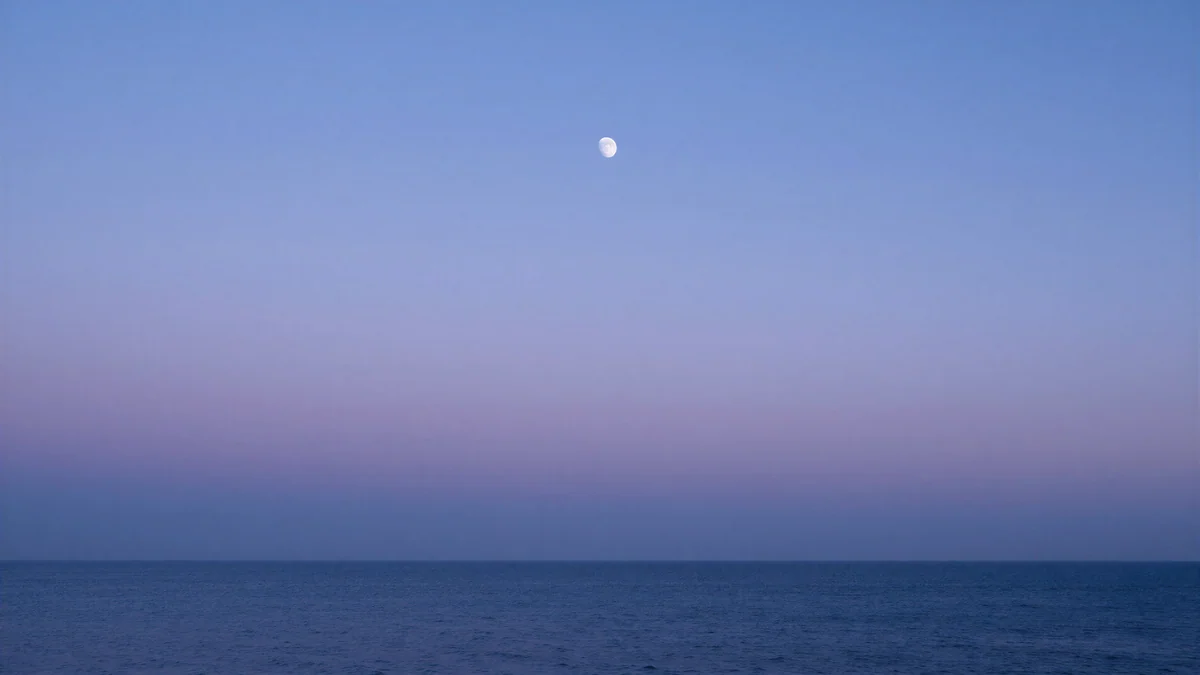 Lilac Horizon
Cobalt Soft Horizon is a navy gradient with a pale line, Noir Light Slits and Noir Night Blocks are black and white pieces with a glow, Indigo Silk Flow is purple and navy silk, Ink Mountain Mist is foggy ridges in beige and black, Noir Paper Skyline is a monochrome skyline and Lilac Horizon is a navy to lilac sunset. Find more in dark desktop wallpapers.
Light and calm QHD wallpapers
A pale wallpaper suits a bright room and a workspace with a lot of white windows. These are white, grey, beige and pastel, with a quiet center.
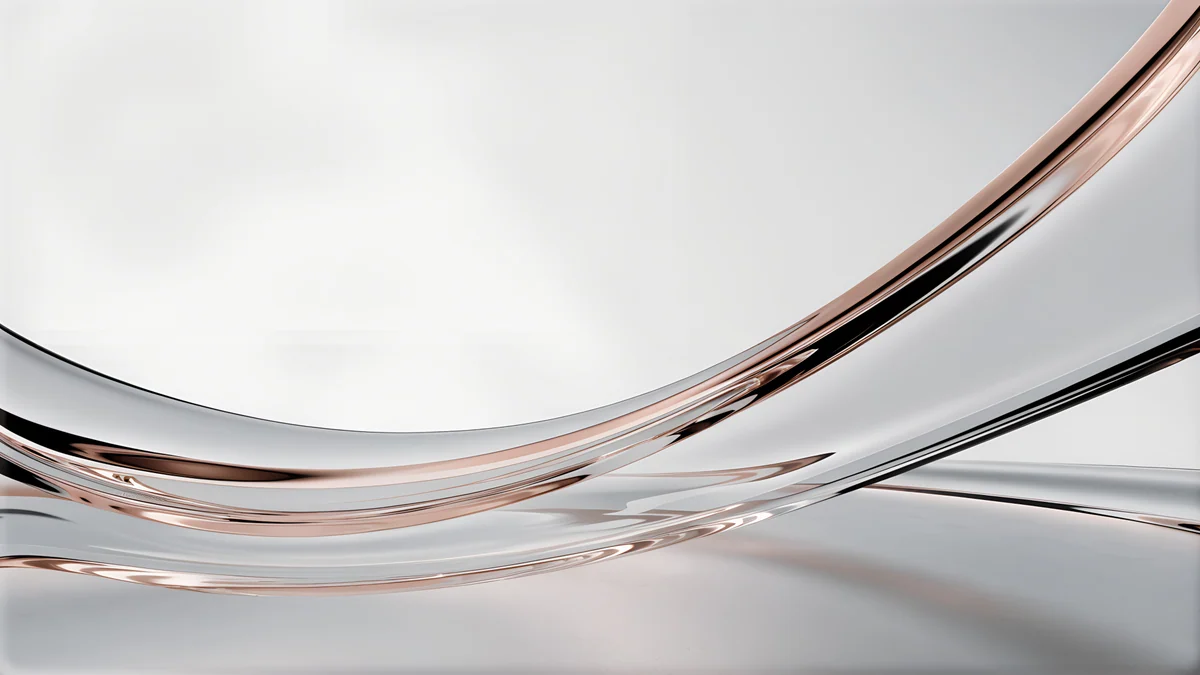
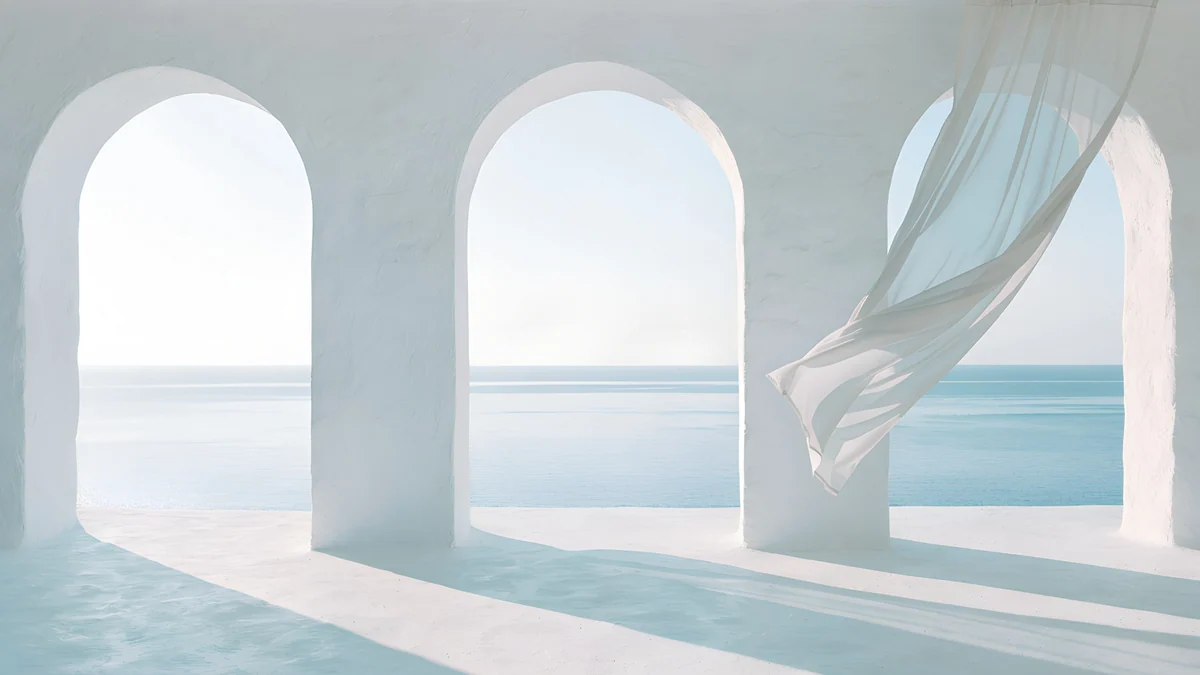
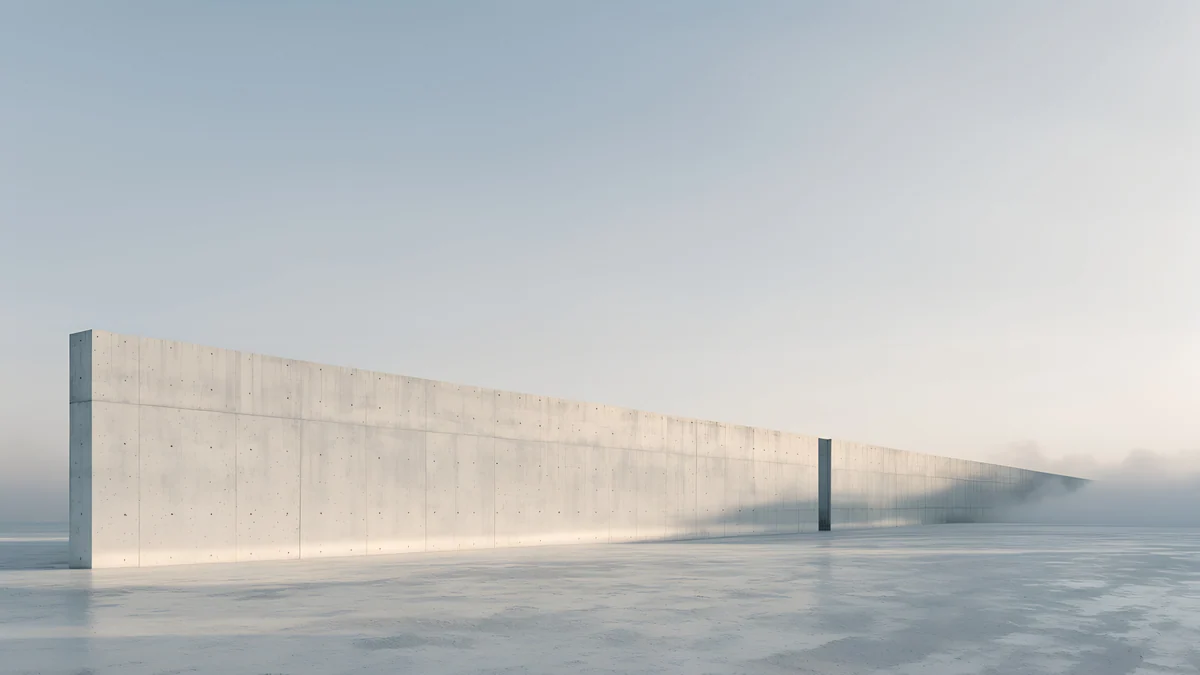
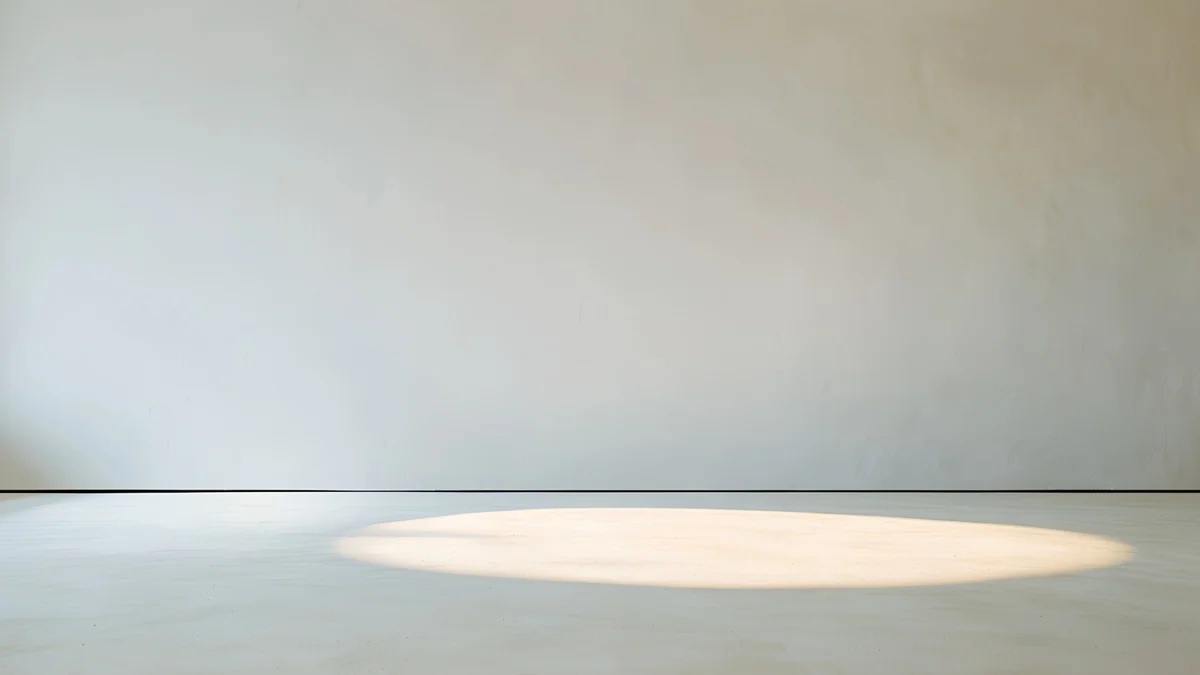
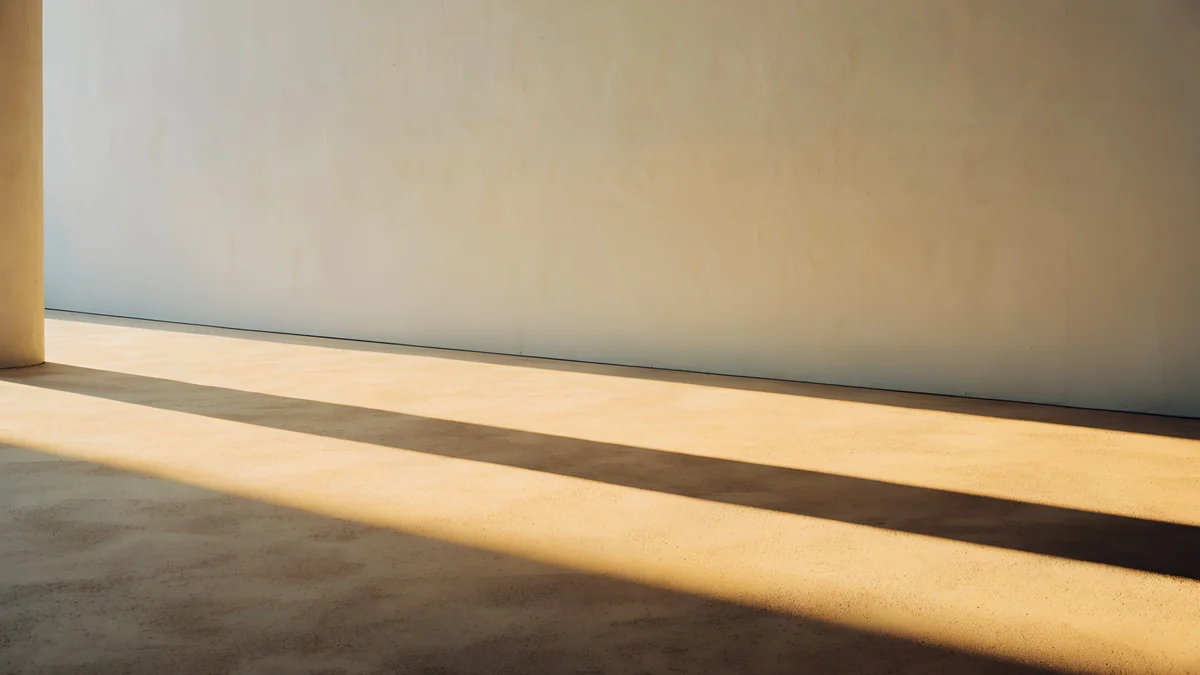
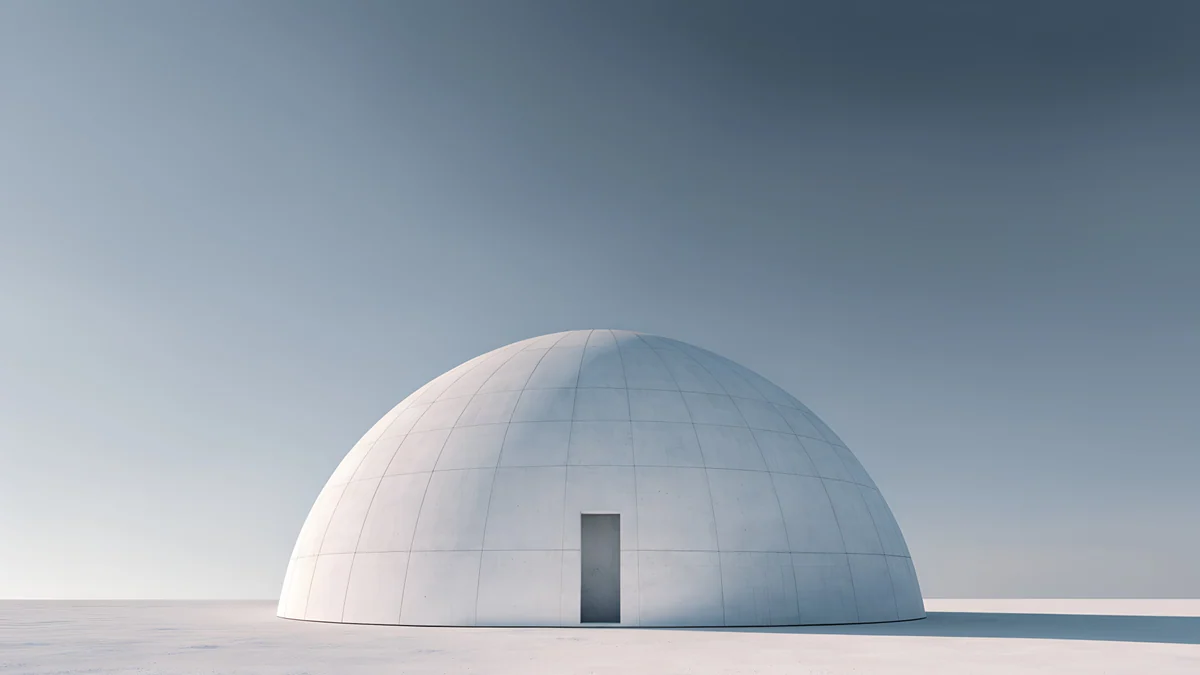
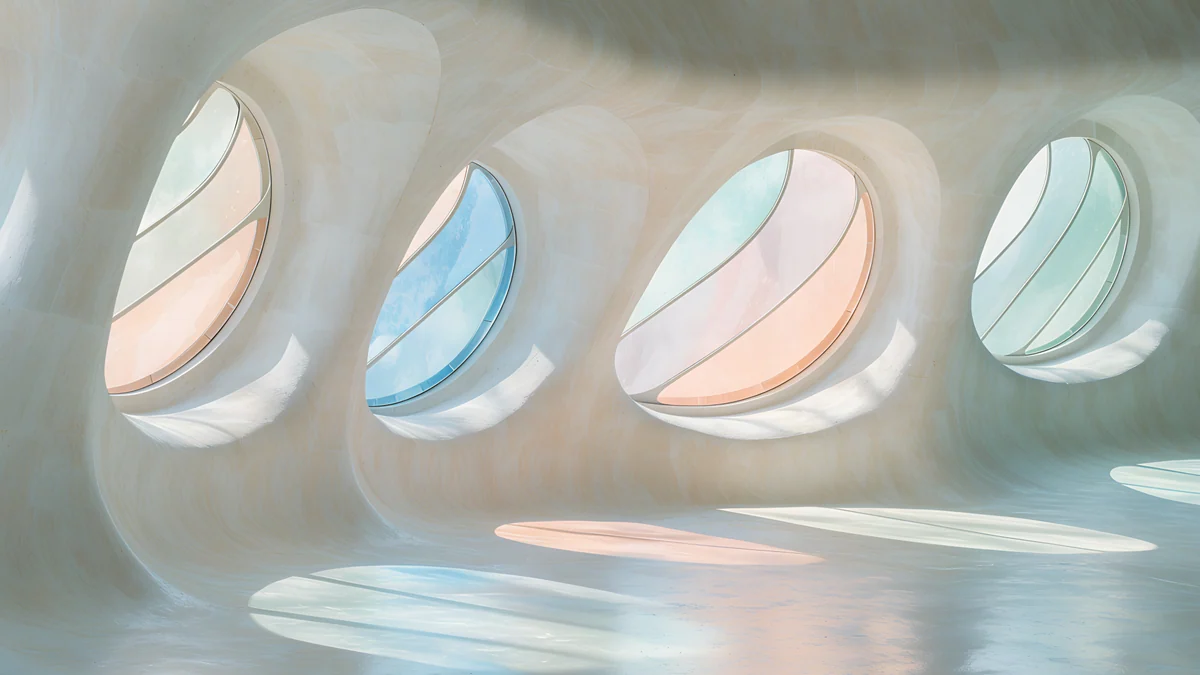
Liquid Light Band is white and grey with a pink band, Arch Sea Window is white and light blue, Horizon Wall is grey with a sky strip, Skylight Circle is beige with a shadow, Column Long Shadow has golden-hour light, Concrete Dome is grey architecture and Gaudi Stained Light is a bright, dreamy white and pastel interior.
Colour and scenes for a gaming desk
A 1440p monitor is a common gaming size, and colour with a glow looks good in a dark room [1]. These keep the bright parts away from the screen corners.
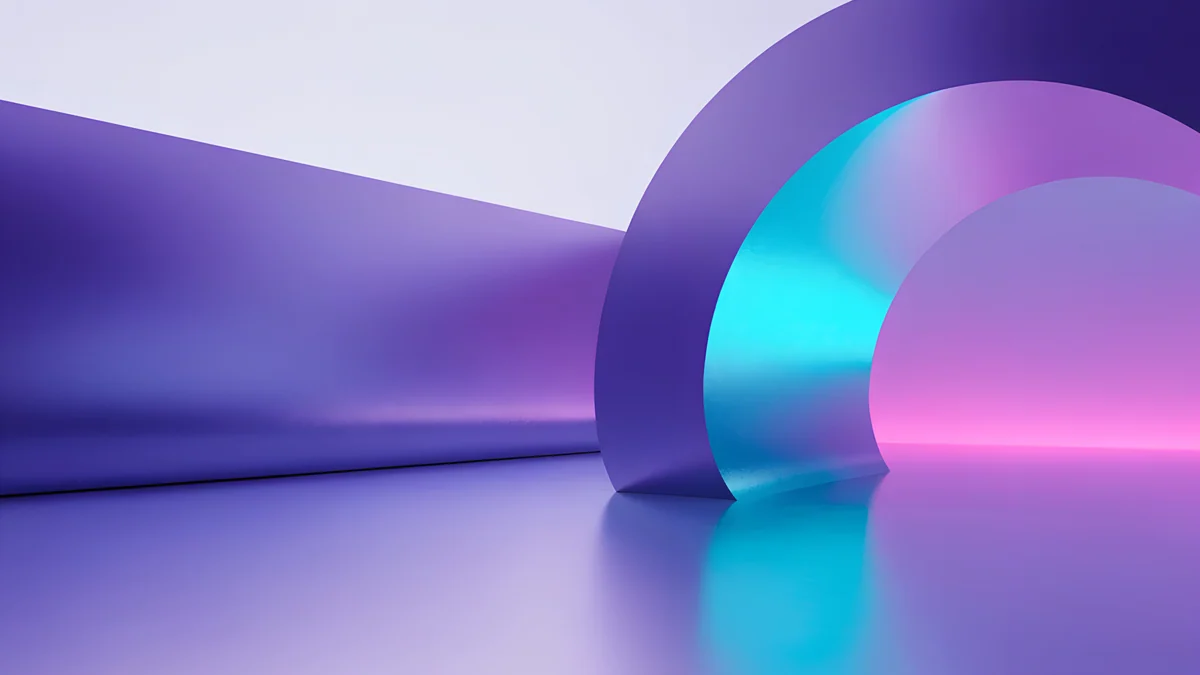 Electric Violet Vault
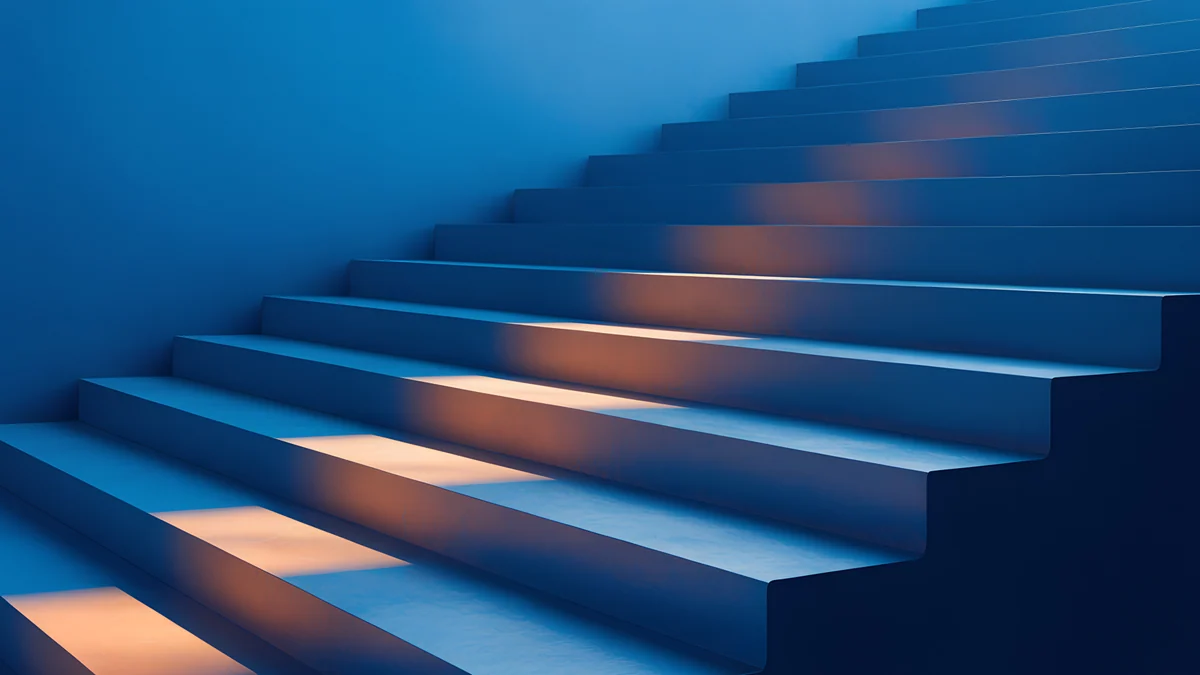 Cobalt Ember Steps
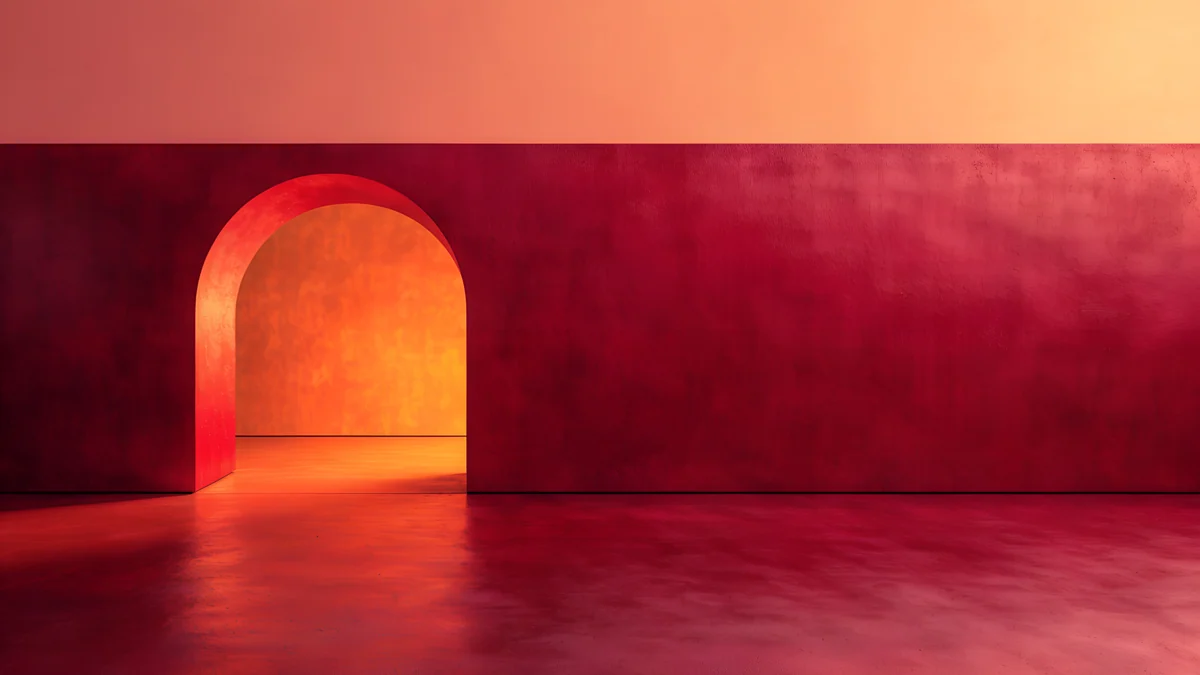 Coral Ignition Gate
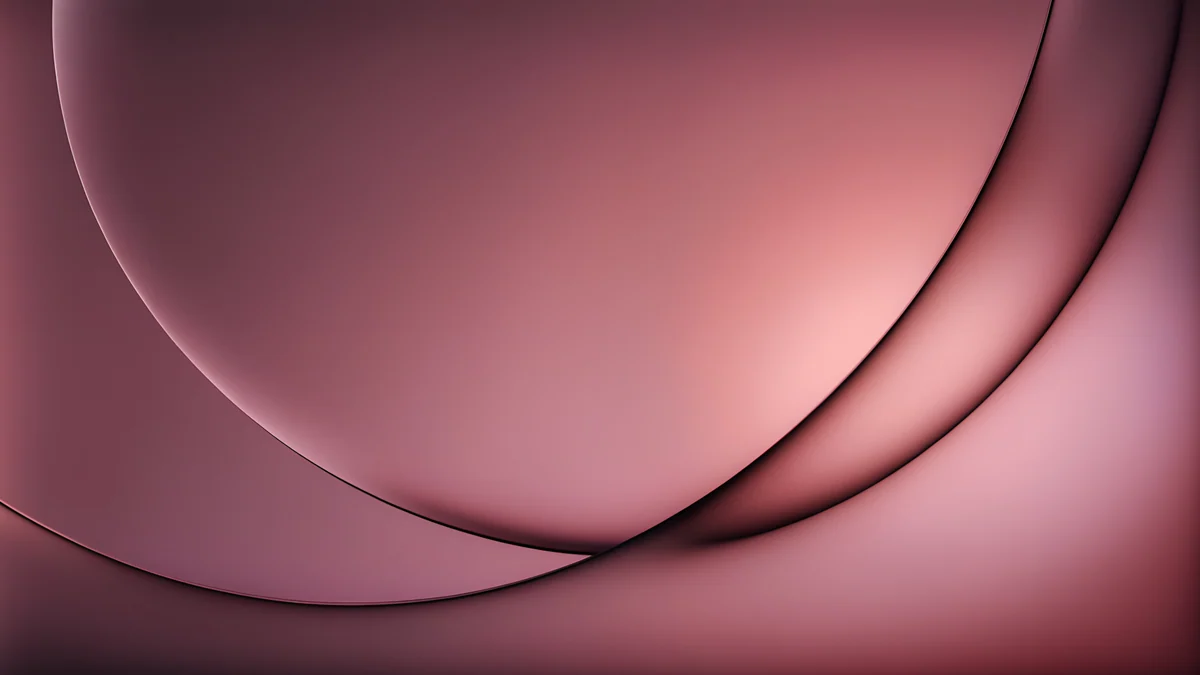 Rose Smoke Glass
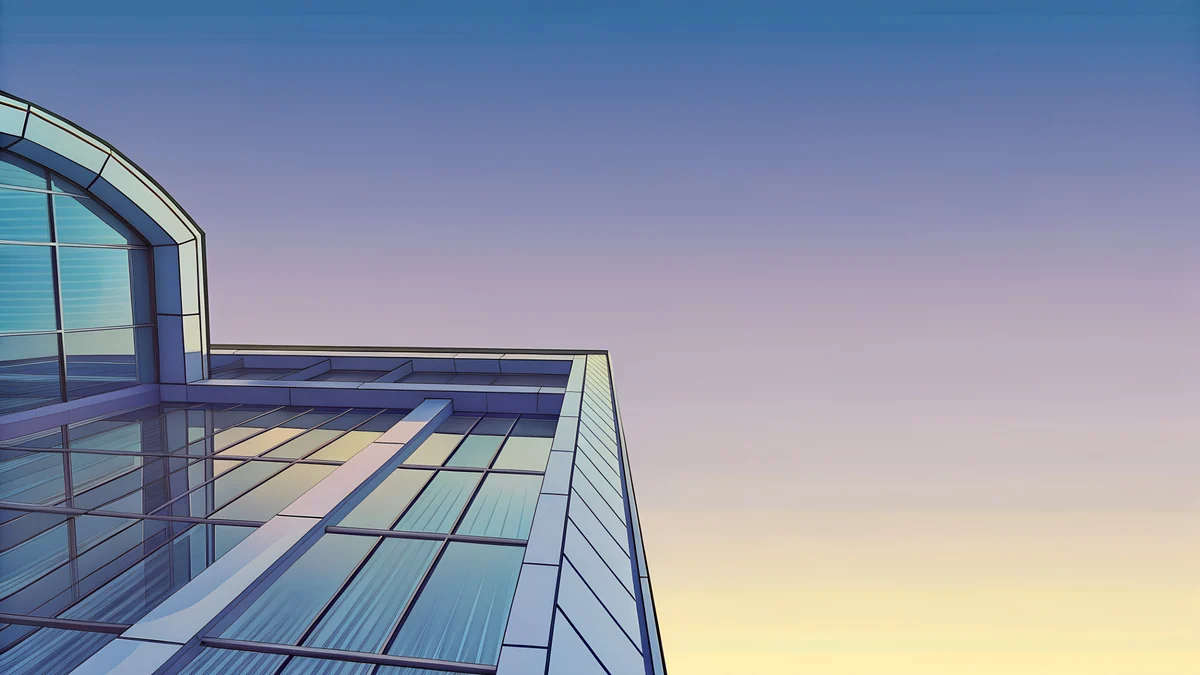 Glass Pavilion Dusk
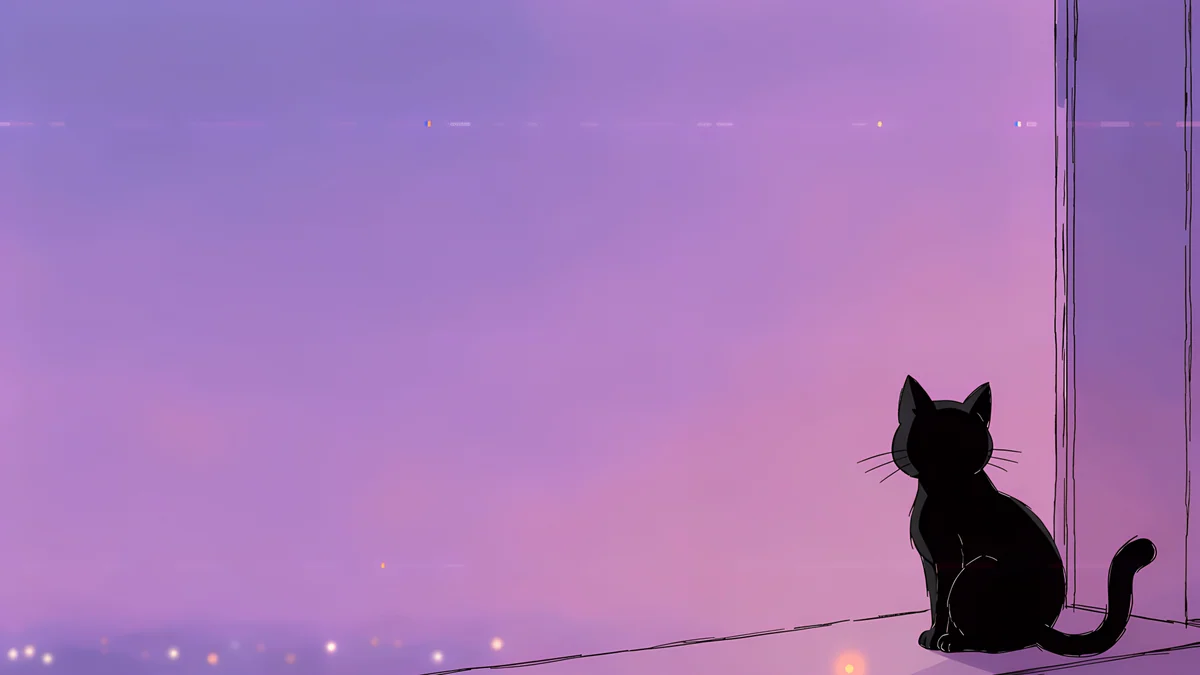 Window Cat
Electric Violet Vault is a neon violet arch, Cobalt Ember Steps is blue stairs lit orange, Coral Ignition Gate is a red and orange interior, Rose Smoke Glass is a pink gradient, Glass Pavilion Dusk is a pastel glass building at sunset and Lofi Window Cat is a cozy purple night window.
QHD wallpaper on ultrawide and dual setups
Many 34 inch ultrawide monitors are 3440 × 1440, which shares the height of QHD [1]. A 3840 × 2160 image still covers the width there, and Windows crops about an eighth from the top and bottom, as explained in the ultrawide wallpaper size guide. Two 2560 × 1440 monitors side by side need 5120 × 1440 if you span one image [1], so a 5K original is the right choice; otherwise set a separate picture on each, as in how to set a different wallpaper on each monitor.
How to set a 2560x1440 wallpaper
Windows 11 [1]: open Settings, Personalization, Background, choose Picture and Browse photos, then pick the file and set the fit to Fill. The full steps are in how to change the wallpaper on Windows 11 [1]. To check you really have a 1440p screen, open Settings, System, Display and look at the value marked Recommended.
Mac: use System Settings, Wallpaper and add the image, as in changing the desktop wallpaper on a Mac.
Original wallpapers in and for iPhone, Android and desktop.
Questions
What is a 2560x1440 wallpaper?
It is an image 2560 pixels wide and 1440 pixels tall, the native size of a QHD screen, also called 1440p [1]. It has the 16:9 shape of Full HD and 4K and is common on 27 inch monitors and gaming screens. Any 16:9 image fits, and larger originals such as 3840 × 2160 or 5120 × 2880 scale down to it cleanly [1].
Can I use a 4K wallpaper on a 1440p monitor?
Yes [1]. A 3840 × 2160 image is 16:9, and on a 2560 × 1440 screen it is shrunk by exactly 1.5, so nothing is stretched and edges stay sharp [1]. A 5120 × 2880 original is even cleaner because it halves exactly. Set the Windows fit option to Fill.
Is 1440p wallpaper the same as QHD?
Yes. QHD and 1440p both mean a screen of 2560 × 1440 pixels, so a QHD wallpaper and a 1440p wallpaper are the same size [1]. Shops sometimes use the names loosely, which is why the pixel numbers are the safe thing to check. On Windows 11 open Settings, System, Display and look at the value marked Recommended. If it says 2560 × 1440, a 3840 × 2160 or 5120 × 2880 original in the 16:9 shape will scale down to it cleanly [1].
Will a 1920x1080 image look bad on a 1440p monitor?
It will look softer. The system enlarges a 1920 × 1080 file by a third to fill 2560 × 1440, which blurs fine detail [1]. Smooth gradients and soft photos hide it better than sharp architecture or text. A 3840 × 2160 or 5120 × 2880 original avoids the problem.
What size is a wallpaper for a 3440x1440 ultrawide?
A 3840 × 2160 image [1] covers the width of a 3440 × 1440 ultrawide, and Windows crops about an eighth from the top and bottom, so choose pictures with the main form in the middle band. The 5120 × 2880 originals cover it with more room to spare [1].
Carlos Vivero
Designer of Velpaper wallpapers
Carlos Vivero designs the wallpapers in Velpaper: quiet architecture, liquid glass, Japanese ink and calm landscapes. Every piece is made as a original for iPhone, Android and desktop.
Recent work







