1920x1080 Wallpaper: Free 4K Originals for Full HD
1920x1080 wallpaper for Full HD screens: why a 4K original scales down exactly to 1080p, how to set it on Windows and Mac, plus 27 free picks.
Sources [1] · By the Velpaper team · Wallpapers by Carlos Vivero, Velpaper designer · · 5 min read
In short: A 1920x1080 wallpaper fits any Full HD monitor or laptop, and the sharpest source is a 3840 × 2160 original, which scales down by exactly half with no blur. Velpaper desktop wallpapers are 16:9 at that size, so every one fits a 1080p screen without stretching.
Wallpapers
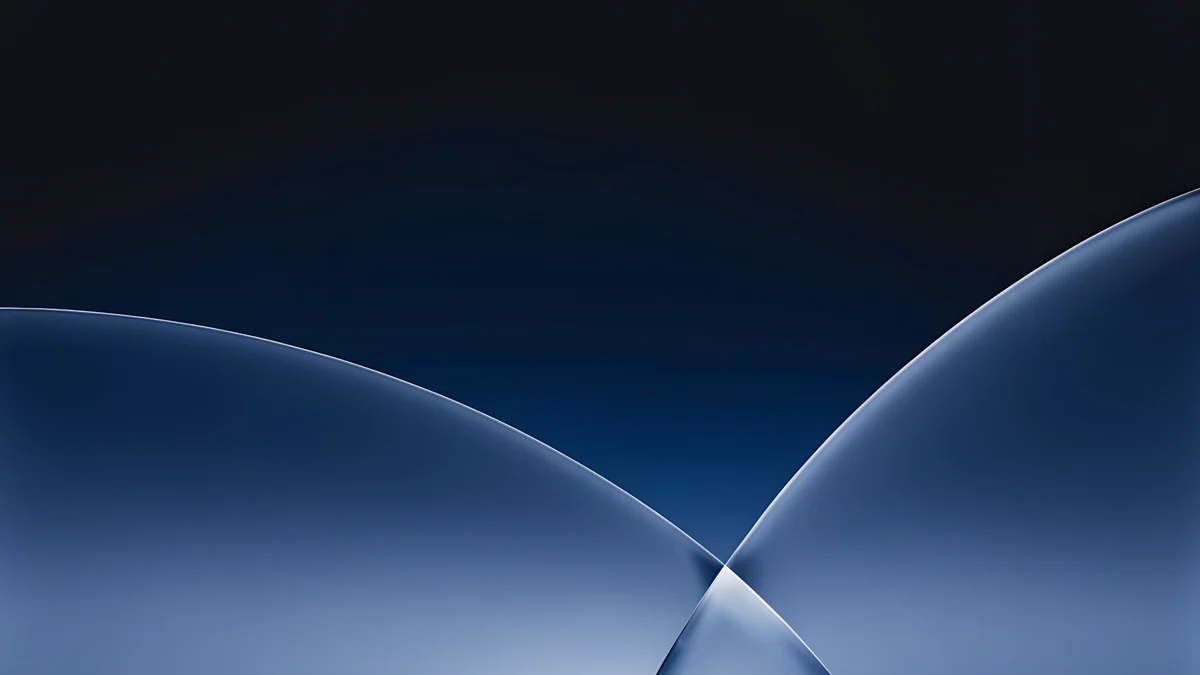 Cobalt Soft Horizon
 Liquid Light Band
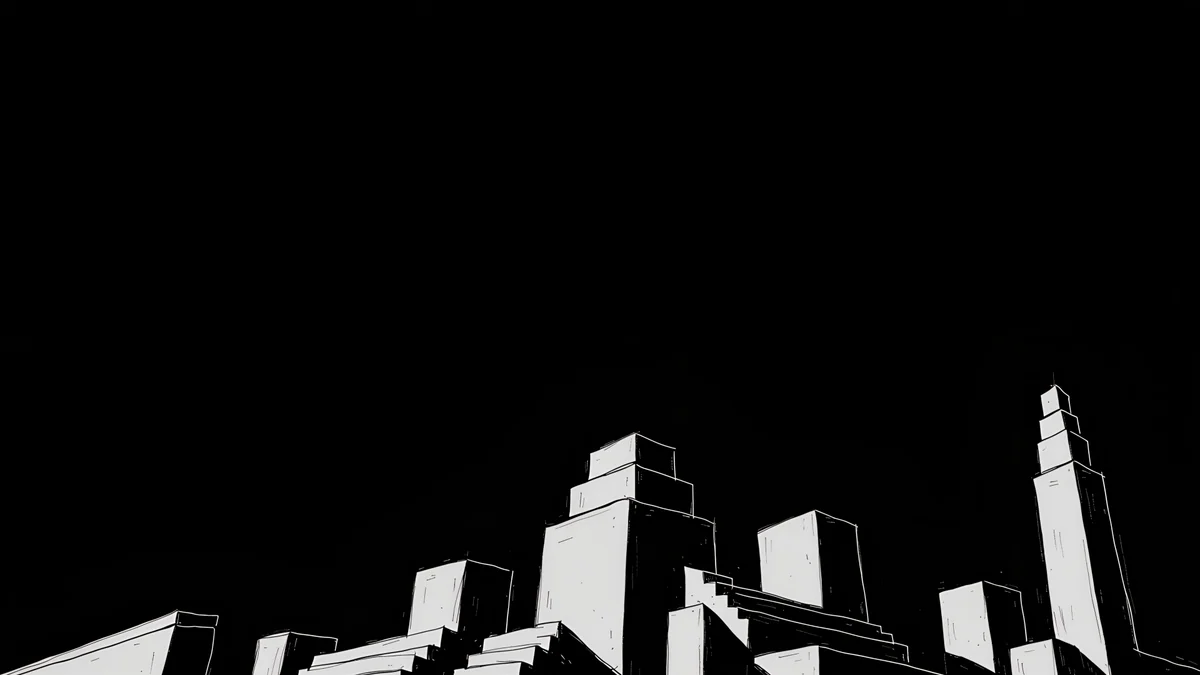 Night Blocks
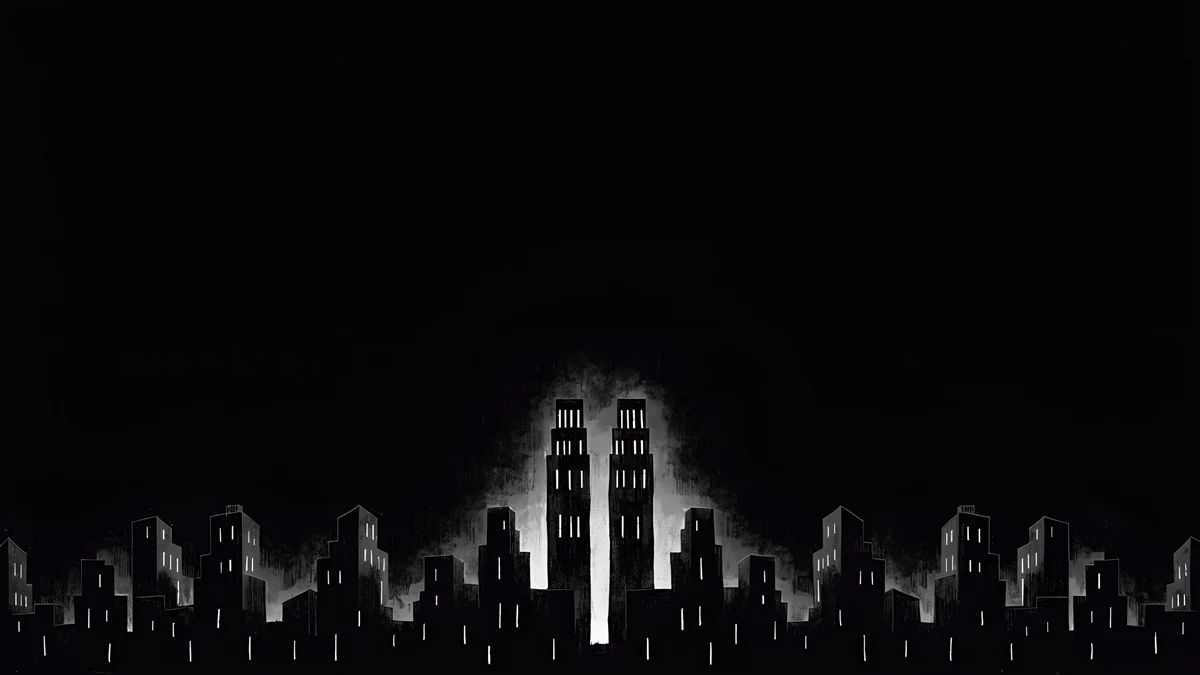 Light Slits
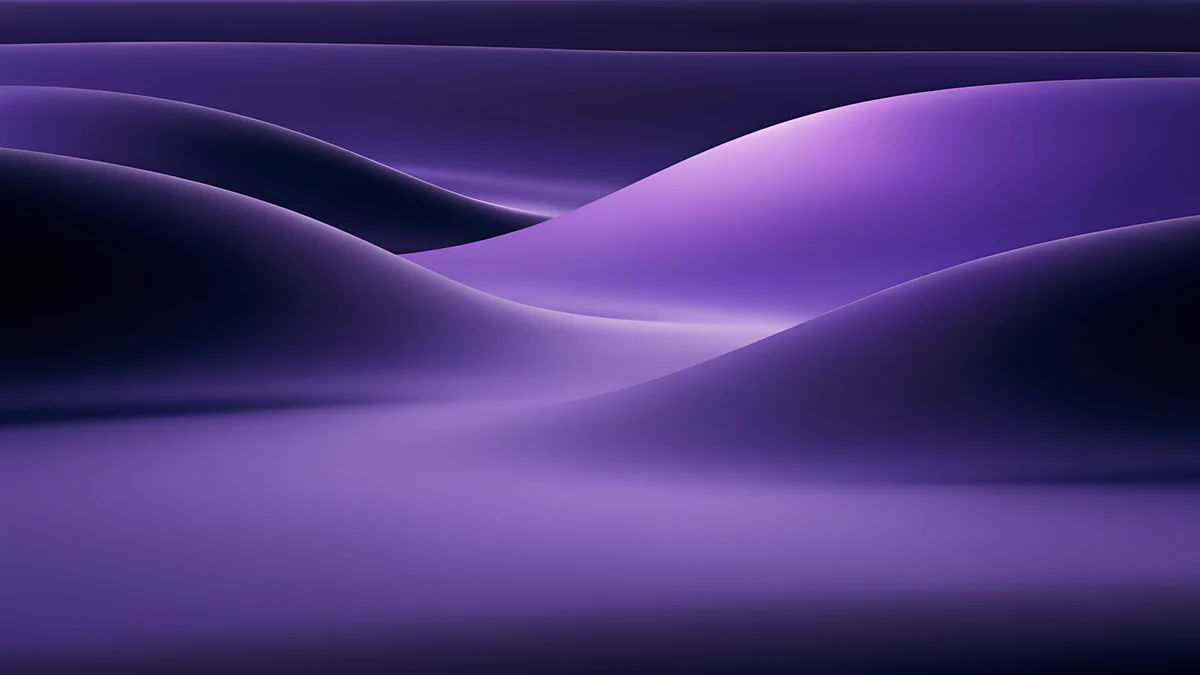 Indigo Silk Flow
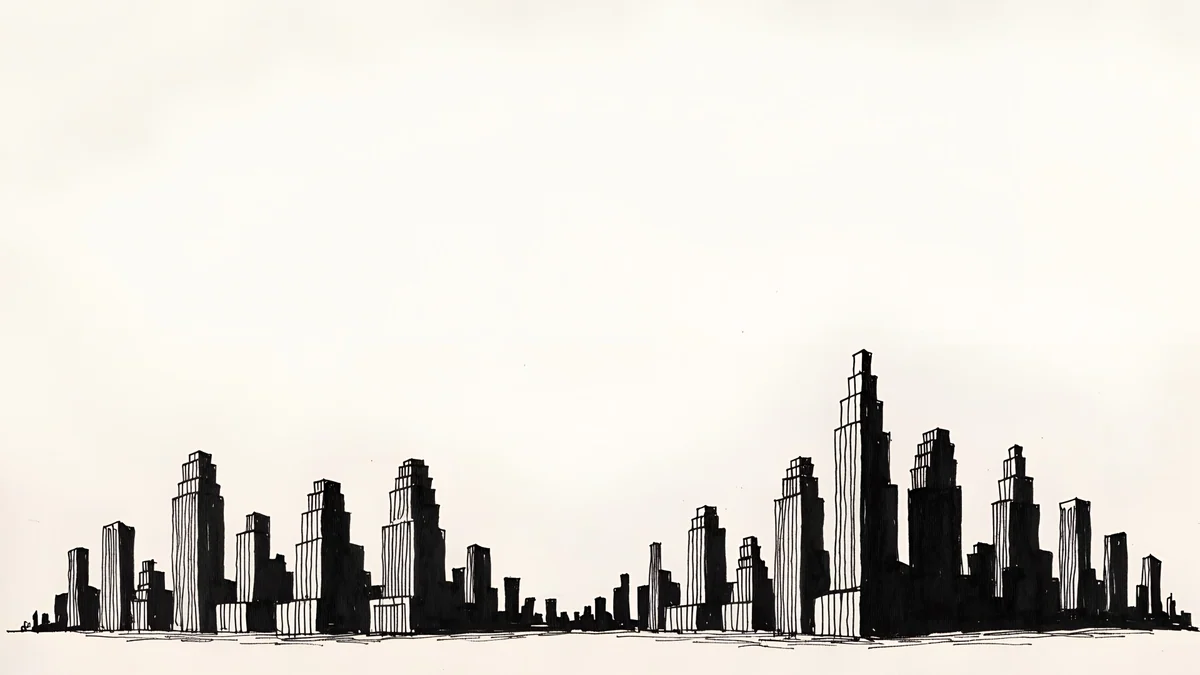 Paper Skyline
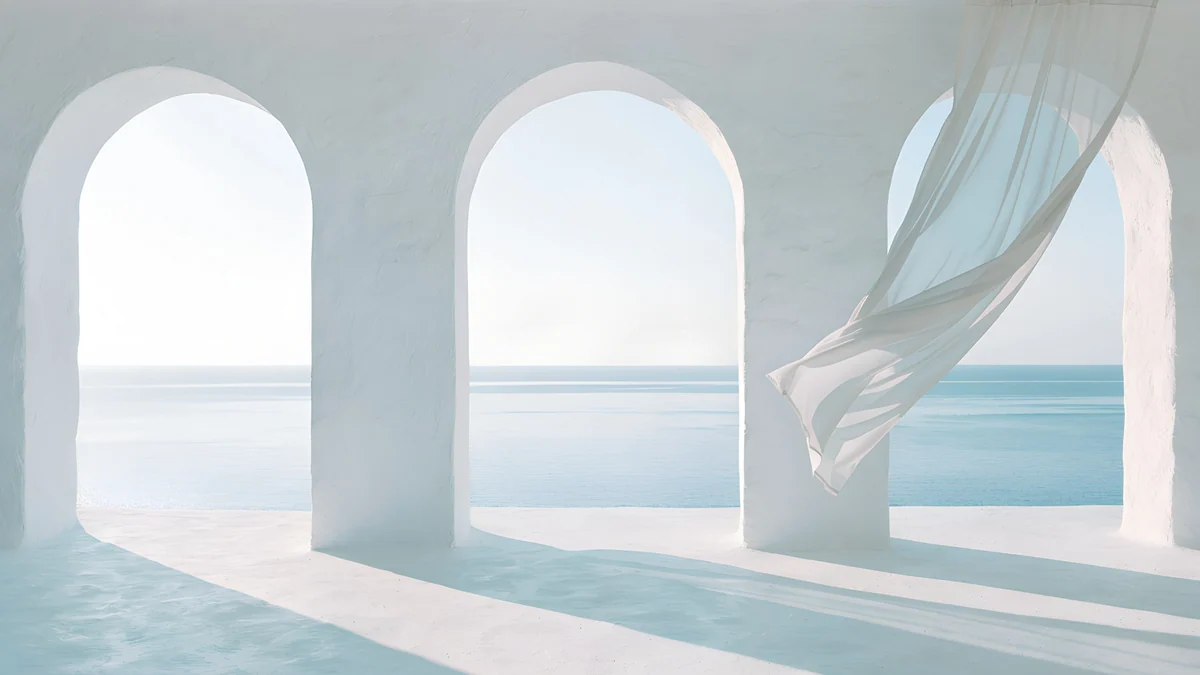 Sea Arch
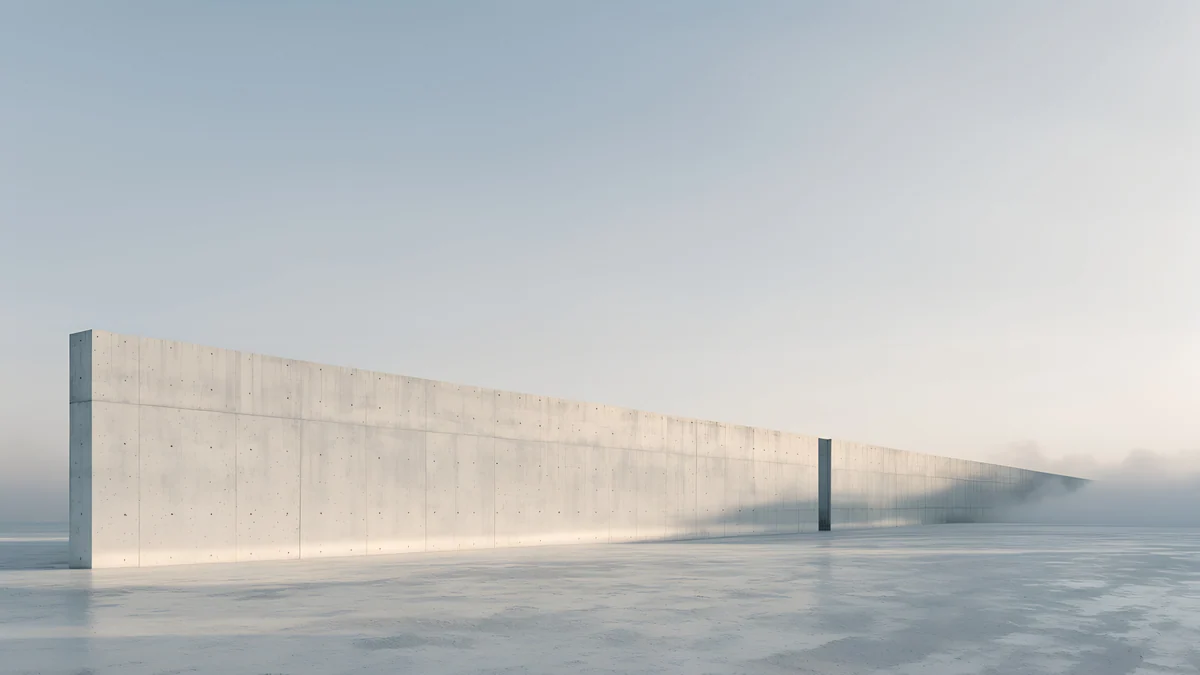 Horizon Wall
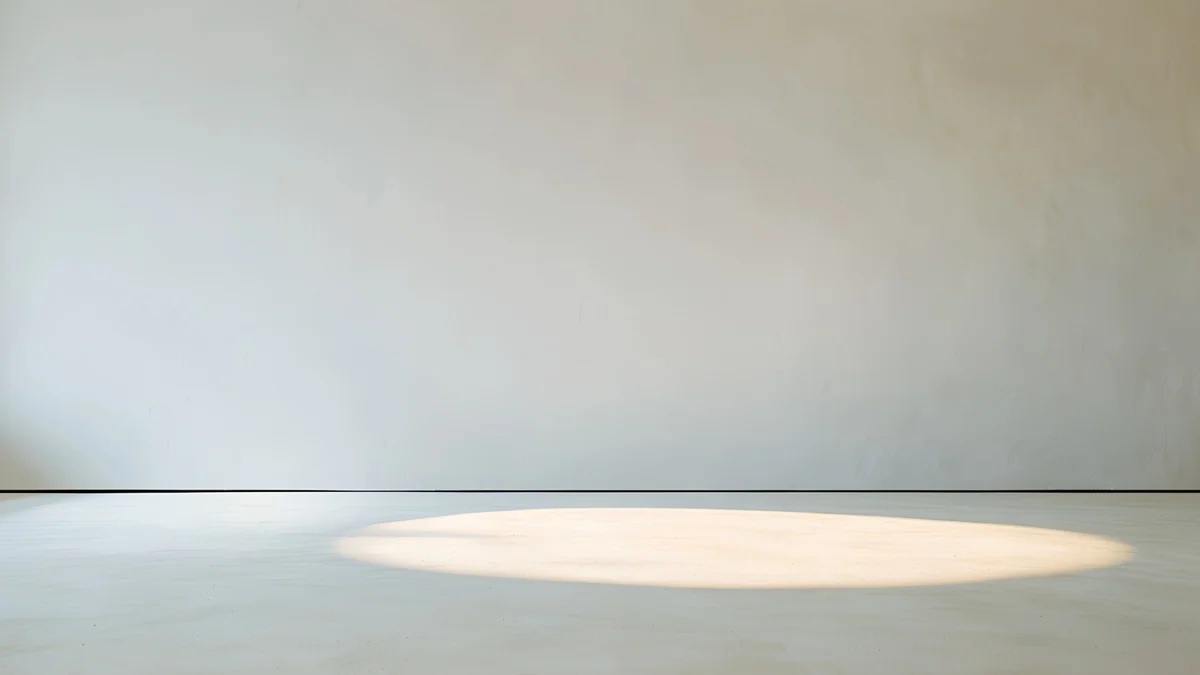 Skylight Circle
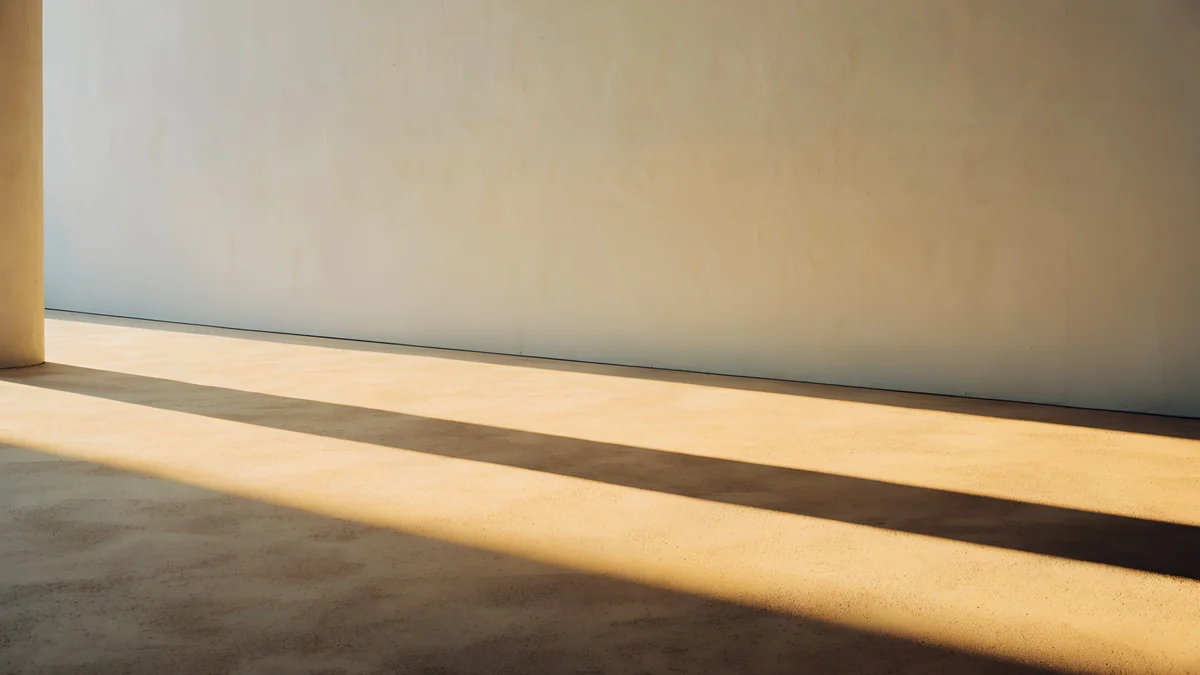 Column Shadow
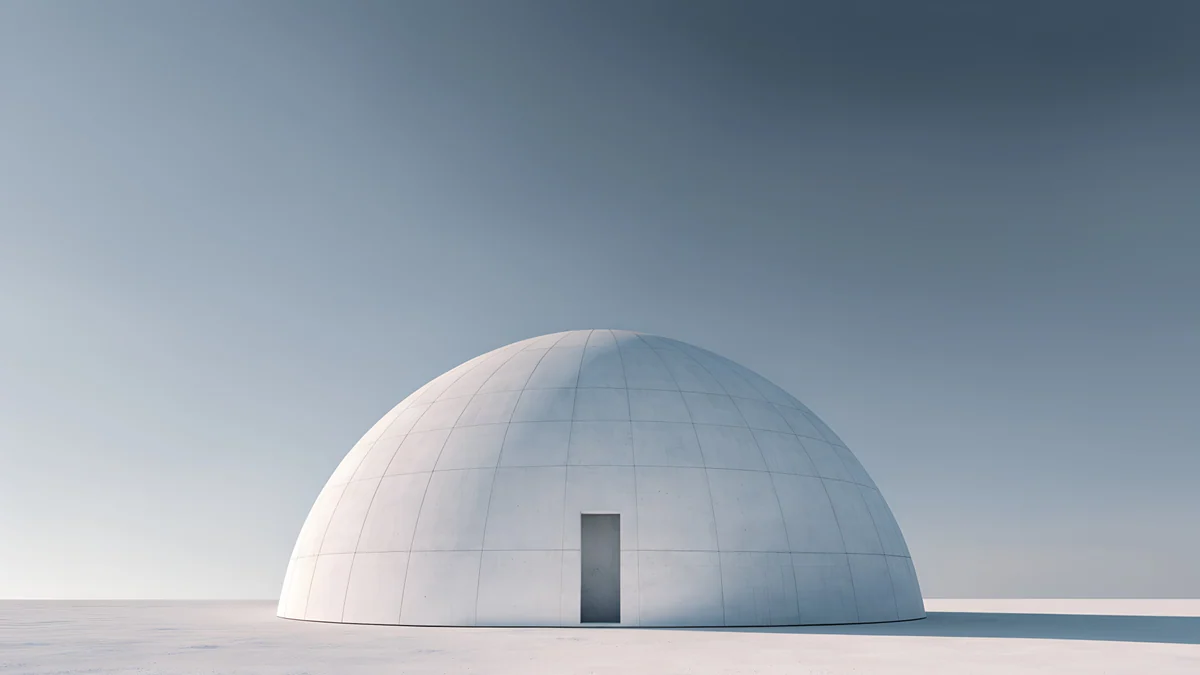 Concrete Dome
 Soft Orbit
Free originals for iPhone and Android, no watermark
On this page
A 1920x1080 wallpaper, also written 1920 × 1080 or simply 1080p, is the size of a Full HD screen [1]. You find it on most 22 and 24 inch monitors and on many laptops. The shape is 16:9, and any image in that shape fits with no bars and no stretching.
You do not need a file that is exactly 1920 × 1080 [1]. A 3840 × 2160 image is also 16:9 and is exactly twice as large in each direction, so a Full HD screen shows it scaled by one half, the cleanest scaling there is. Below are 27 original [1] Velpaper desktop wallpapers in four groups, each free to download without a watermark, plus the steps to set one on Windows and Mac. If your screen is a different size, the PC wallpaper size guide has the full chart.
Why a 4K file is the best 1080p wallpaper
Windows and macOS draw the wallpaper pixel for pixel [1]. A picture that is smaller than the screen is enlarged and gets soft. A picture that is larger is shrunk, which keeps edges crisp. For a 1920 × 1080 screen that gives two good choices: a file at exactly 1920 × 1080, or a 3840 × 2160 original [1].
The second one has a practical advantage. If you later buy a 1440p or 4K monitor, or connect the laptop to a TV, the same file still fits: it scales by exactly 1.5 on 2560 × 1440 and is native on 3840 × 2160 [1]. You also keep detail for the moment you crop or zoom. We compare the two in 4K vs HD wallpapers. If you want a slightly different search, an HD desktop wallpaper is the same thing for a Full HD display: HD here means 1080p [1].
Dark 1920 x 1080 wallpapers
Dark wallpapers keep icons readable and take the glare out of a monitor in the evening. These five are near black or deep navy, with one soft light, so the desktop icons on the left stay clear and the center of the frame stays calm.
Cobalt Soft Horizon is a navy and black gradient with a pale line of light. Noir Light Slits and Noir Night Blocks are black and white monochrome pieces with a glow, the first built from thin light slits and the second from city blocks at night. Indigo Silk Flow is a purple and navy silk fold, and Noir Paper Skyline is a beige and black skyline. For more of this style, see dark desktop wallpapers.
Light and minimal 1080p wallpapers
On a bright office monitor, a pale wallpaper keeps the screen from feeling like a black hole behind white windows [1]. These are grey, white, beige and pastel, with soft shapes and a calm center. Dark icon labels are easiest to read on them.
Liquid Light BandSea ArchHorizon WallSkylight CircleColumn ShadowConcrete DomeSoft Orbit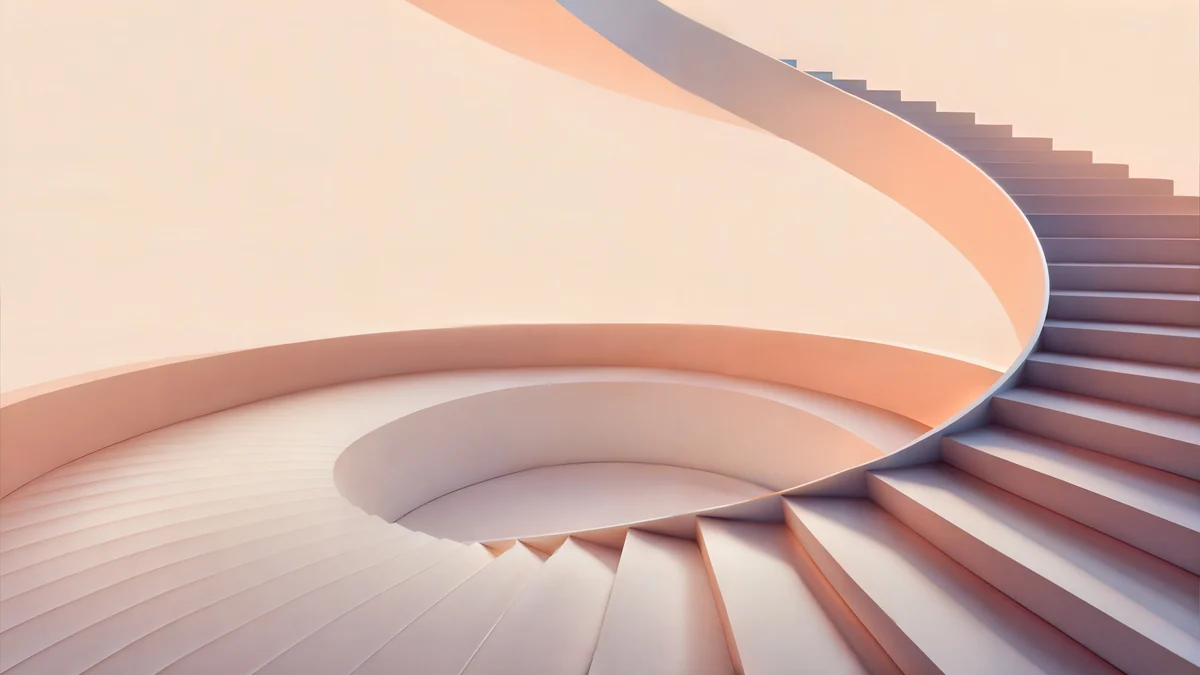 Peach Spiral Atrium
Liquid Light Band is white and grey with a pink band, Arch Sea Window is white and light blue, Horizon Wall is grey with a sky strip, Skylight Circle is beige with one shadow, Column Long Shadow has a warm golden-hour glow, Concrete Dome is grey architecture, Soft Orbit is a brown and pink dune, and Peach Spiral Atrium is a beige and pink staircase at 5120 × 2880 [1]. A 5120 × 2880 file is also 16:9 and fits a 1080p screen without stretching, though its scale is not an exact half.
Colourful HD desktop wallpapers
For a gaming desk or a creative setup, colour with a glow gives the screen some depth. These arches and gradients keep the bright part away from the corners, where icons sit.
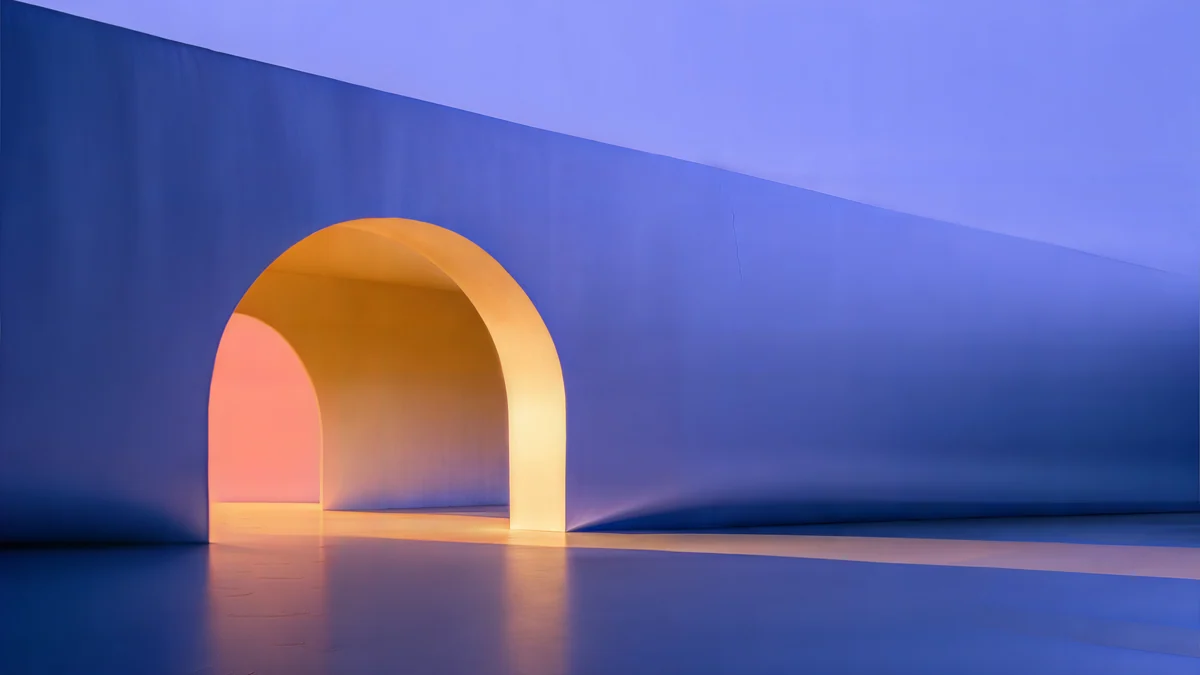 Solar Indigo Gate
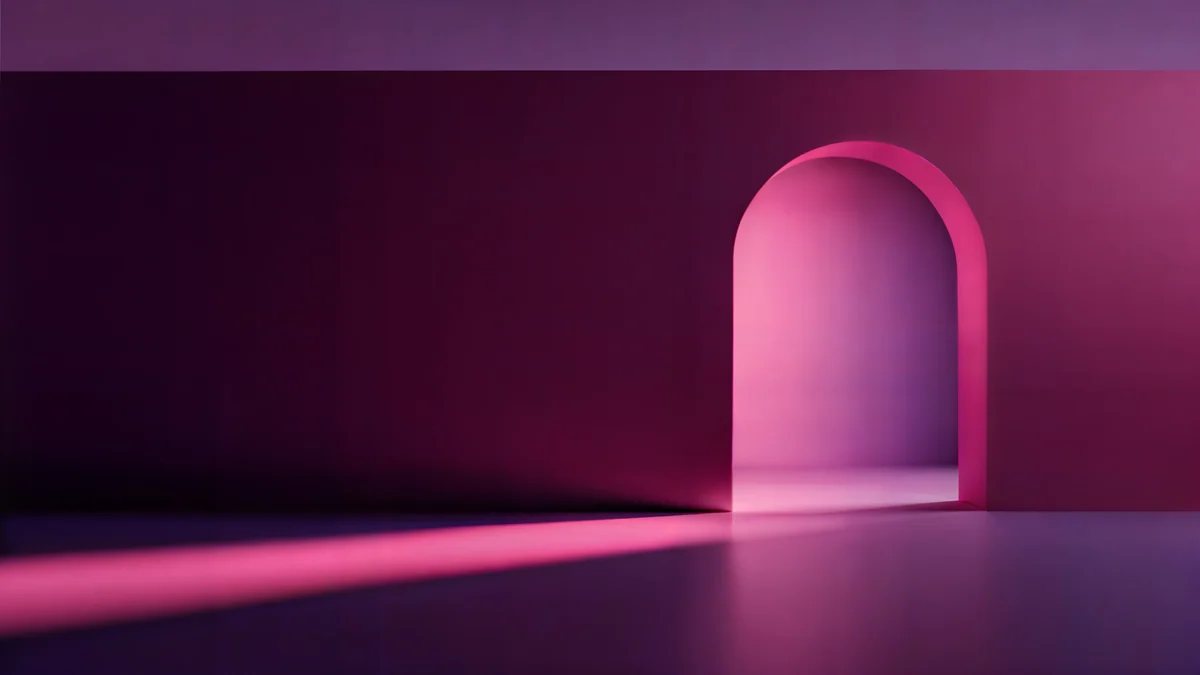 Rose Pulse Arcade
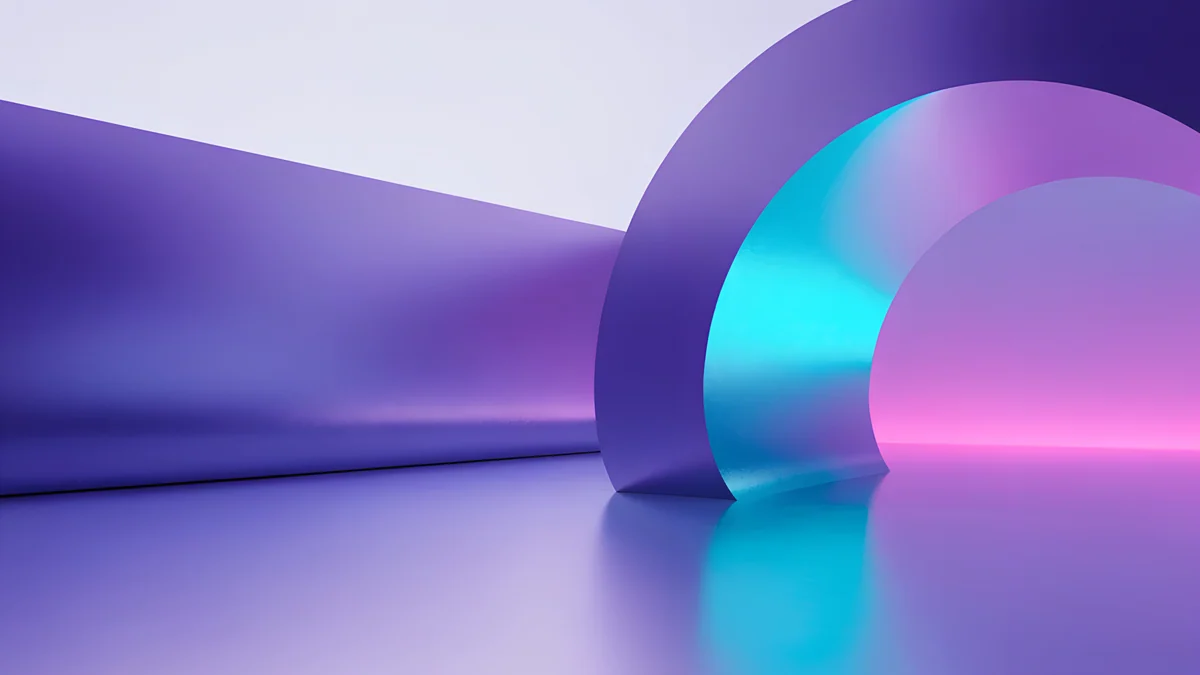 Electric Violet Vault
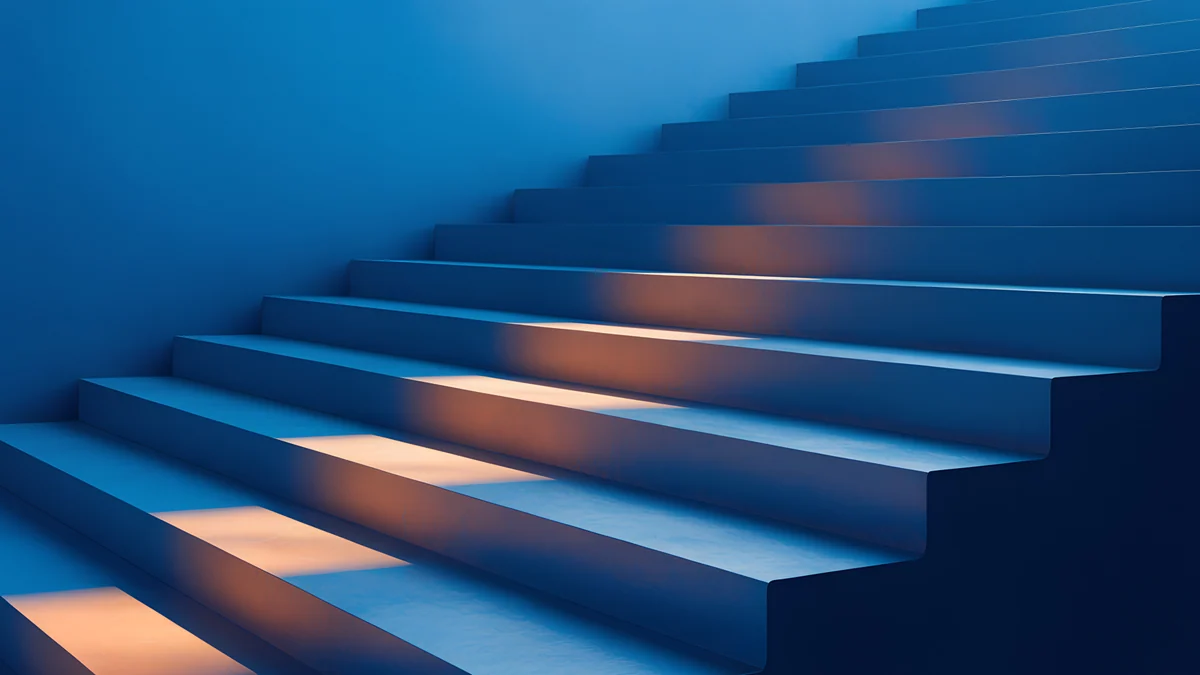 Cobalt Ember Steps
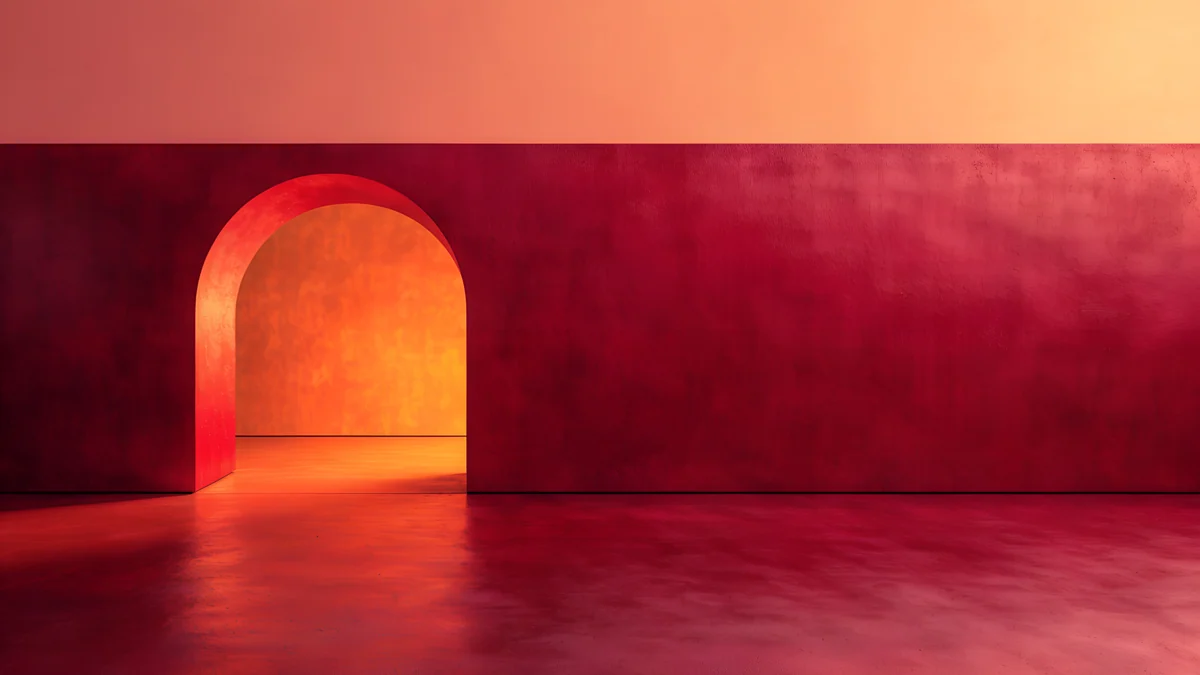 Coral Ignition Gate
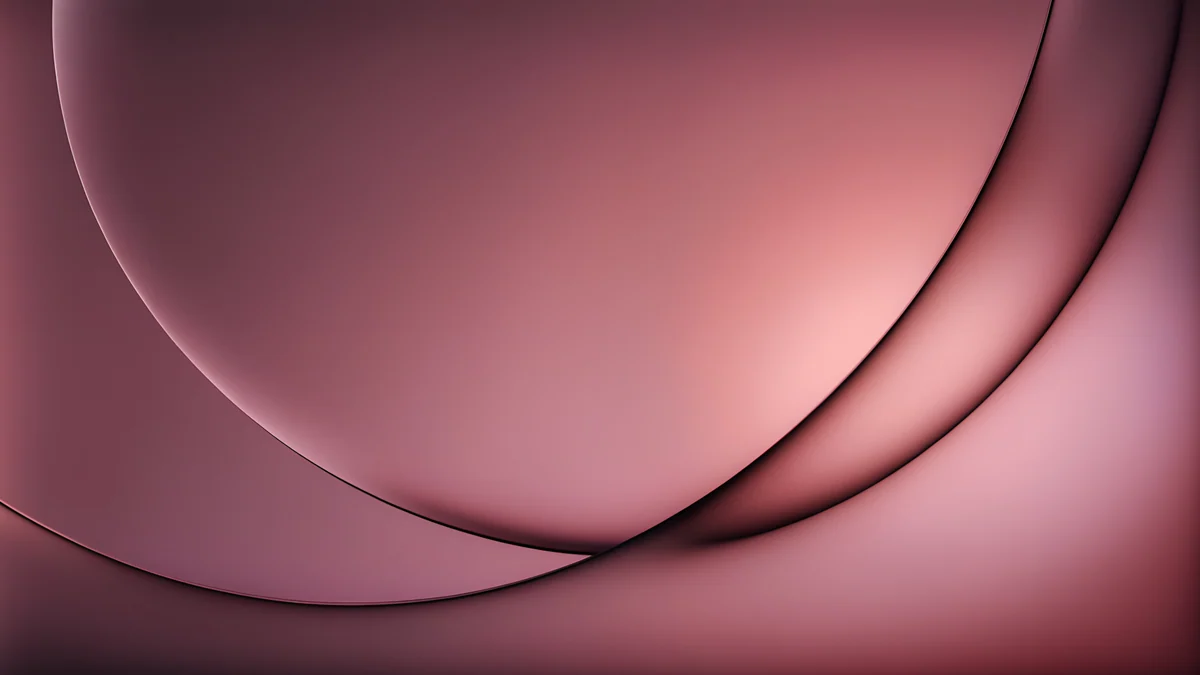 Rose Smoke Glass
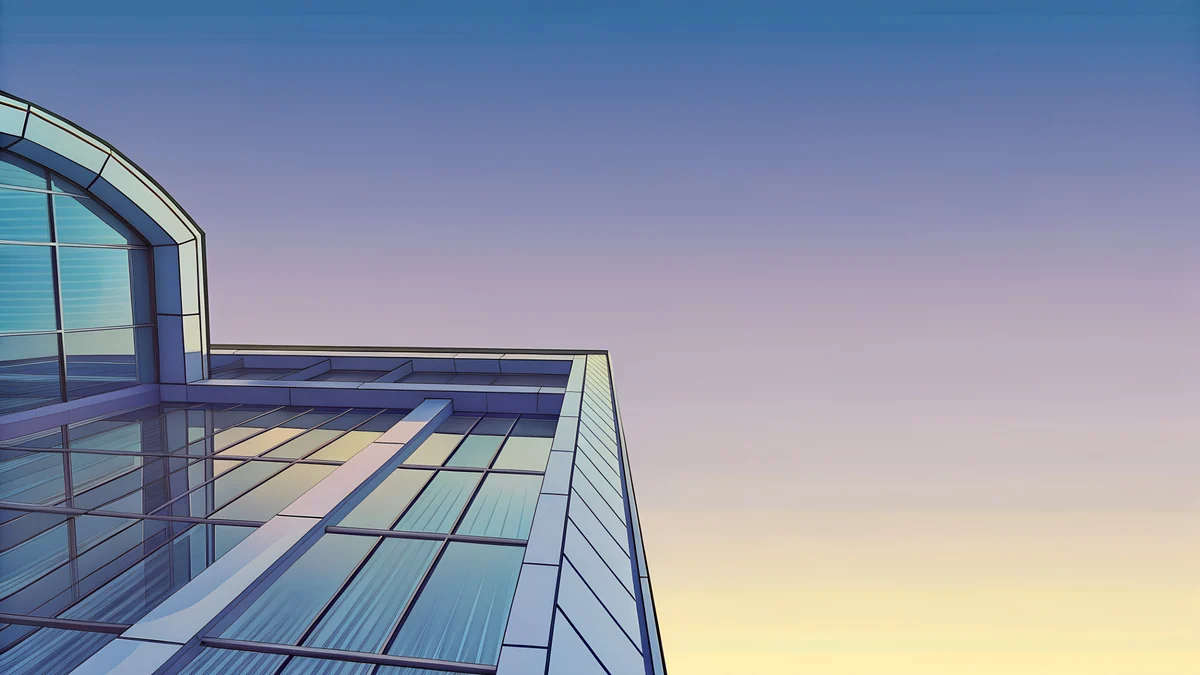 Glass Pavilion Dusk
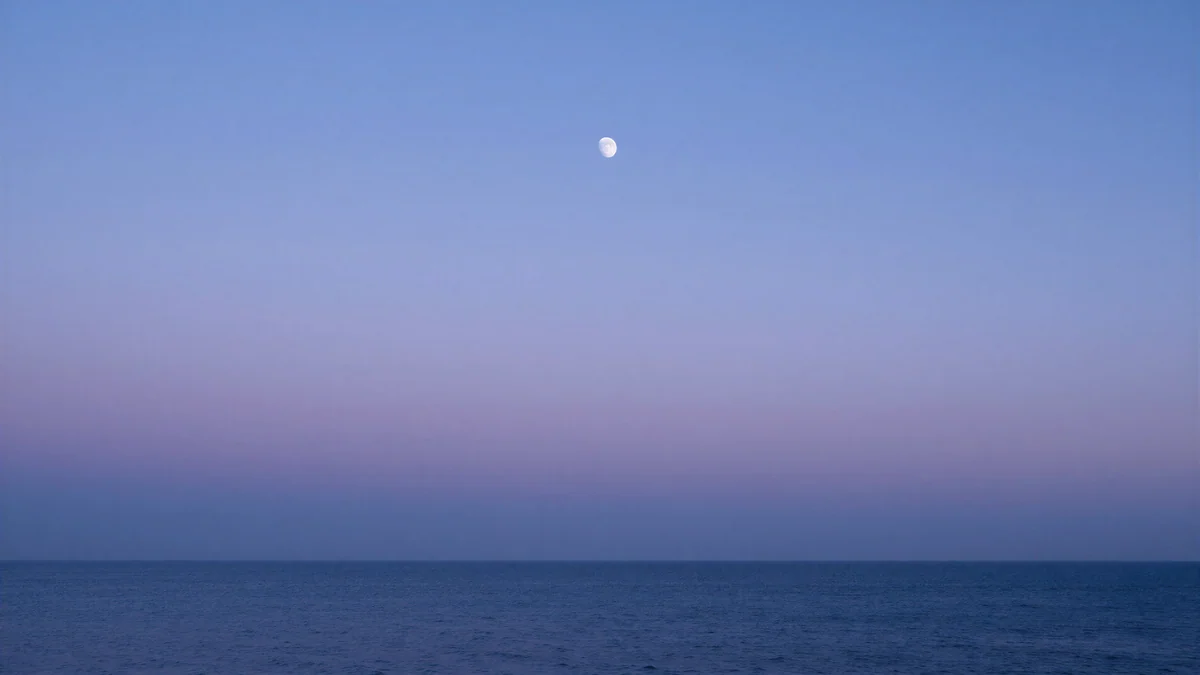 Lilac Horizon
Solar Indigo Gate and Rose Pulse Arcade are 5120 × 2880 arches in purple, blue and pink [1]. Electric Violet Vault is a neon violet arch, Cobalt Ember Steps is blue stairs lit orange, Coral Ignition Gate is a red and orange interior, Rose Smoke Glass is a pink gradient, Glass Pavilion Dusk is a pastel glass building at sunset, and Lilac Horizon is a navy to lilac sunset line.
Scenes and illustrations for 1080p
Not every desktop has to be abstract [1]. These are scenes with a clear subject that still leaves room for icons: a night window, a plum tree and moon, a mirror car in pastel light, a pine and moon panorama and a petrol silk wave.
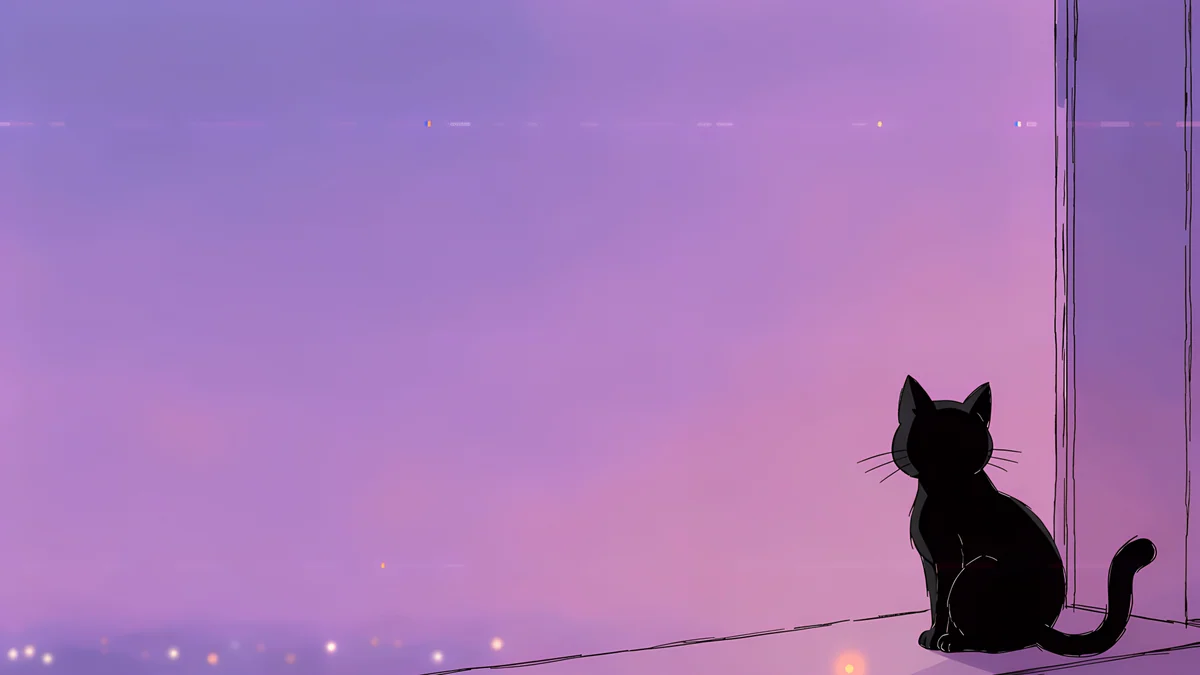
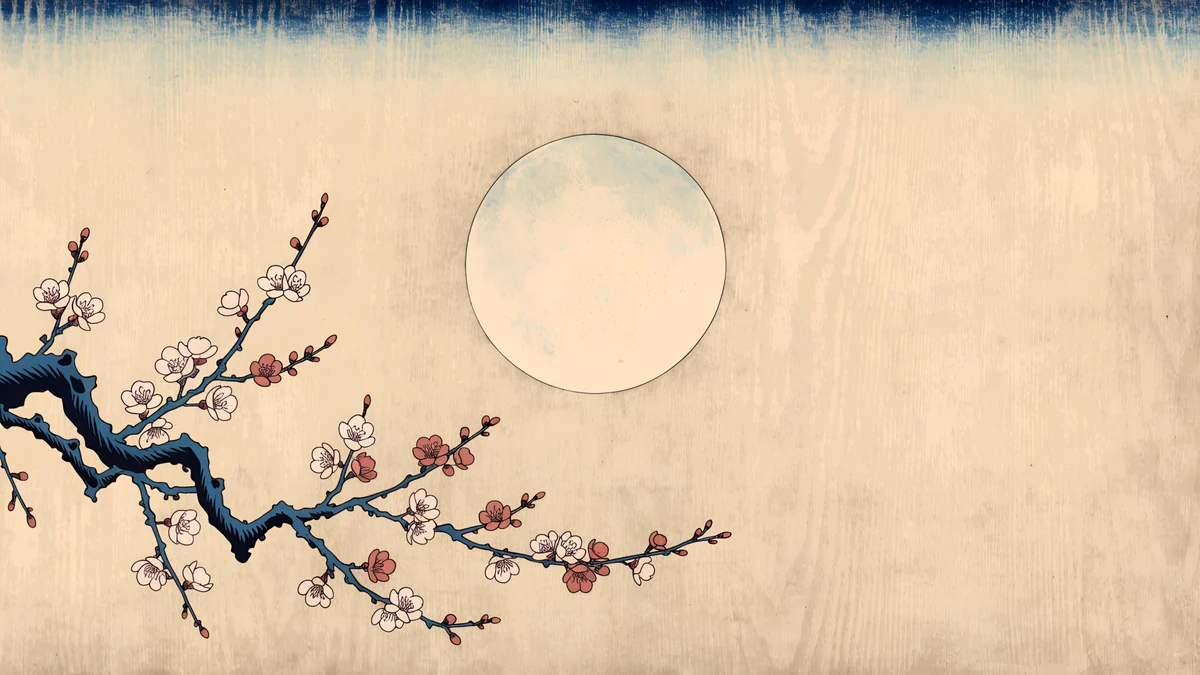
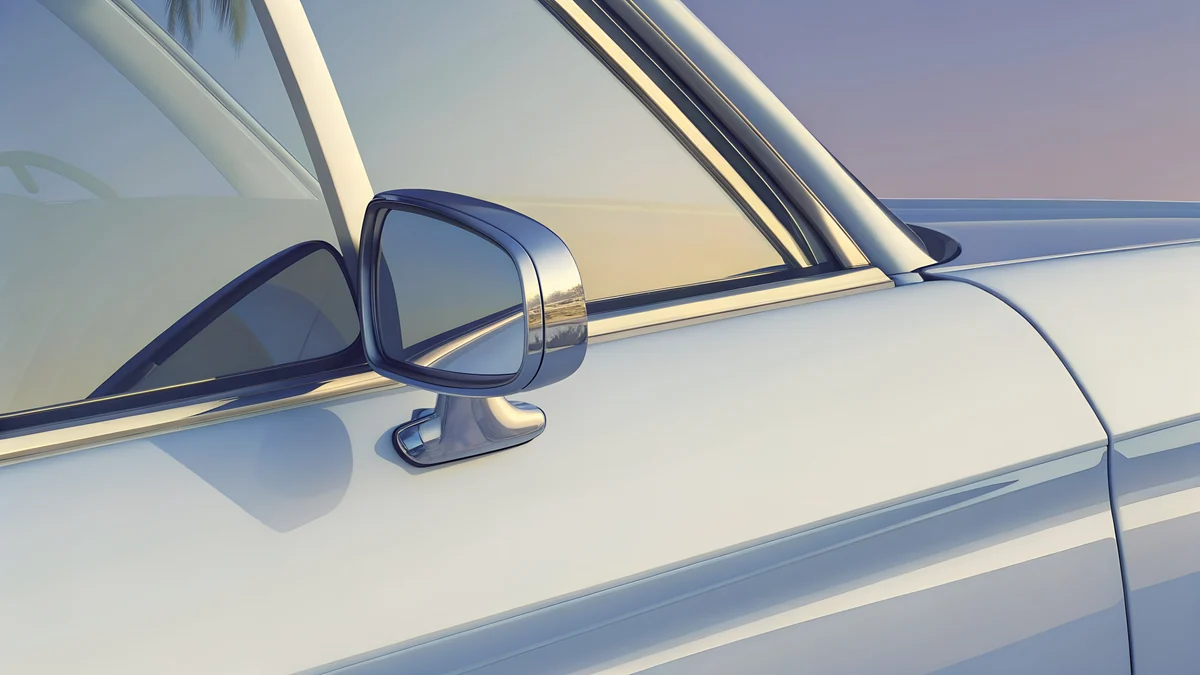
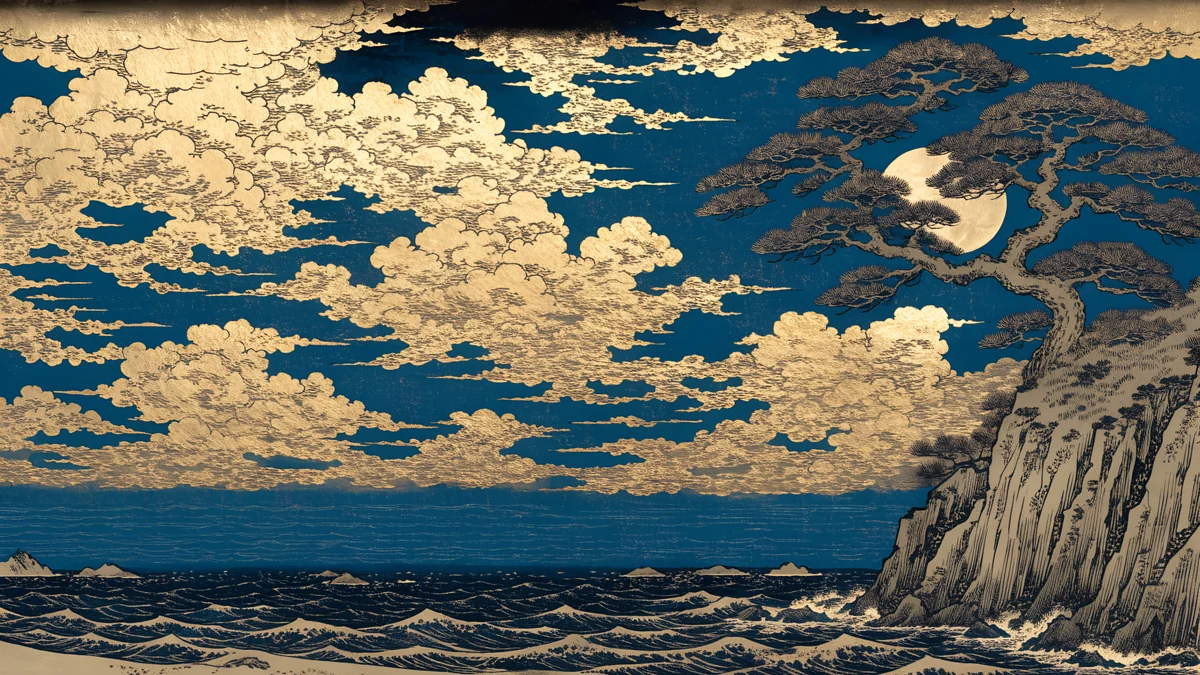
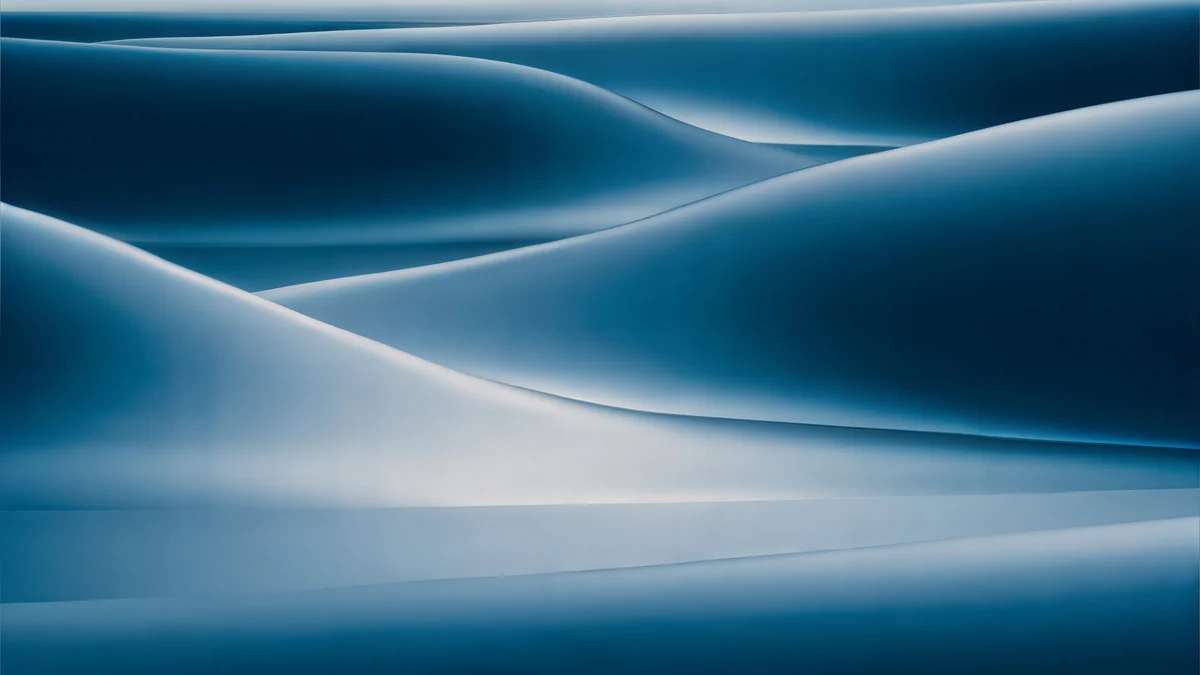
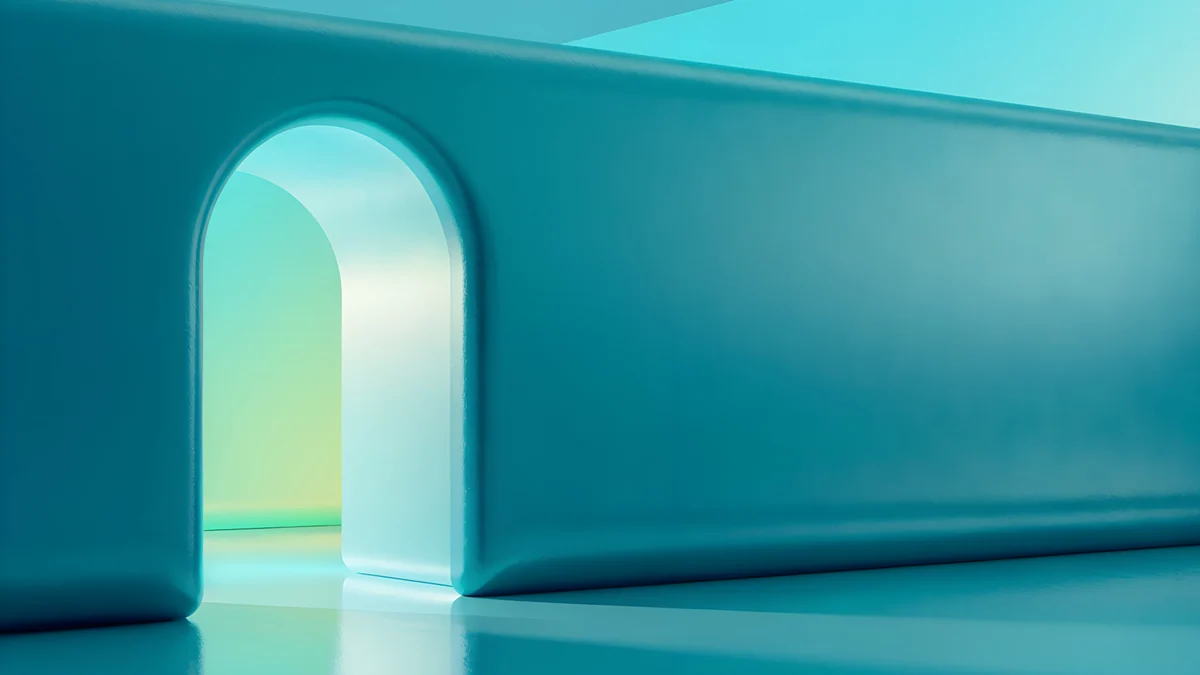
Lofi Window Cat is a cozy purple and pink night window, Ukiyo Plum Moon is a calm woodblock style moon and flower scene, Convertible Mirror is a blue and grey chrome car at sunset, Moon Pine Panorama is a fantasy ukiyo-e scene at 5120 × 2880, Petrol Current is teal silk, and Jade Mint Portal is a teal arch [1]. See the desktop wallpaper guide for more picks.
1920 x 1080 wallpaper on laptops with a different shape
Many laptops are not 16:9. A 1920 × 1200 business laptop is 16:10, and a MacBook is a little taller still [1]. A 16:9 image is then slightly too wide, and with Fill the system fits the height and trims a few percent from each side. That is why every wallpaper above keeps its main form near the center and leaves the left and right edges quiet. If you are choosing for a MacBook specifically, our MacBook wallpaper 4K page lists which size fits Air and Pro [1].
A 1080p wallpaper should also be checked on the real desktop. Icons sit on the left, the taskbar covers the bottom edge on Windows, and the menu bar covers the top on a Mac, so a bright detail in those areas gets hidden or fights with the labels.
How to set a 1920x1080 wallpaper
Windows 11 [1]: open Settings, Personalization, Background, choose Picture, then Browse photos and pick the file. Under Choose a fit for your desktop image select Fill. The full steps, including a different wallpaper per monitor, are in how to change the wallpaper on Windows 11 [2]. On Windows 10, use this guide.
Mac: open System Settings, Wallpaper and add your image; see how to change the desktop wallpaper on a Mac.
Check your actual resolution first: on Windows 11, Settings, System, Display shows the value marked Recommended [2].
Original wallpapers in and for iPhone, Android and desktop.
Questions
What is a 1920x1080 wallpaper?
It is an image 1920 pixels wide and 1080 pixels tall, the native size of a Full HD screen, also called 1080p [1]. The shape is 16:9, the same as most monitors, TVs and many laptops. You can use any 16:9 image on such a screen. A larger 16:9 original such as 3840 × 2160 works as well and scales down exactly by half.
Can I use a 4K wallpaper on a 1080p screen?
Yes, and it often looks better than a native 1080p file [1]. A 3840 × 2160 image is exactly twice the size of 1920 × 1080 in each direction, so the system shrinks it by one half with no stretching and no soft edges. The only cost is a larger file. Set the fit option to Fill in Windows or choose the image in System Settings on a Mac.
What is the difference between 1080p and HD wallpaper?
HD wallpaper is a loose term. Strictly, HD is 1280 × 720 and Full HD is 1920 × 1080, which is called 1080p [1]. When people search for an HD desktop wallpaper they usually mean a sharp image for a normal monitor, and that is 1920 × 1080 today. An original at 3840 × 2160 is sharper still and fits the same screen.
Which fit setting should I use on Windows?
Use Fill. It covers the whole screen and crops only what does not fit, which for a 16:9 image on a 16:9 screen is nothing [1]. Fit adds black bars if the shapes differ, Stretch distorts the picture, and Tile and Center are meant for small patterns. Span is for one image across several monitors.
Will the same file work on a 1440p or 4K monitor?
Yes, if the file is 3840 × 2160 [1]. On a 2560 × 1440 monitor it scales by exactly 1.5, and on a 3840 × 2160 monitor it is shown at native size. That is why one 4K file is a safe wallpaper for every 16:9 screen you own [1]. For 1440p specifically, see our <a href="/blog/2560x1440-wallpapers">2560x1440 wallpapers</a> page.
Carlos Vivero
Designer of Velpaper wallpapers
Carlos Vivero designs the wallpapers in Velpaper: quiet architecture, liquid glass, Japanese ink and calm landscapes. Every piece is made as a original for iPhone, Android and desktop.
Recent work








