Matching Phone and Laptop Wallpapers: 52 Free 4K Pairs
Matching phone and laptop wallpapers in one palette: lo-fi nights, Japanese paper, Gaudí, marble and noir. Free 4K originals, no watermark.
In short: The easiest way to get a matching phone and laptop wallpaper is one scene published in two shapes, not one picture cropped twice. Velpaper has 52 such pairs, each a 2160 × 3840 phone file and a 3840 × 2160 desktop file in the same palette, and every desktop version is free.
By the Velpaper team · Wallpapers by Carlos Vivero, Velpaper designer · · Updated · 5 min read
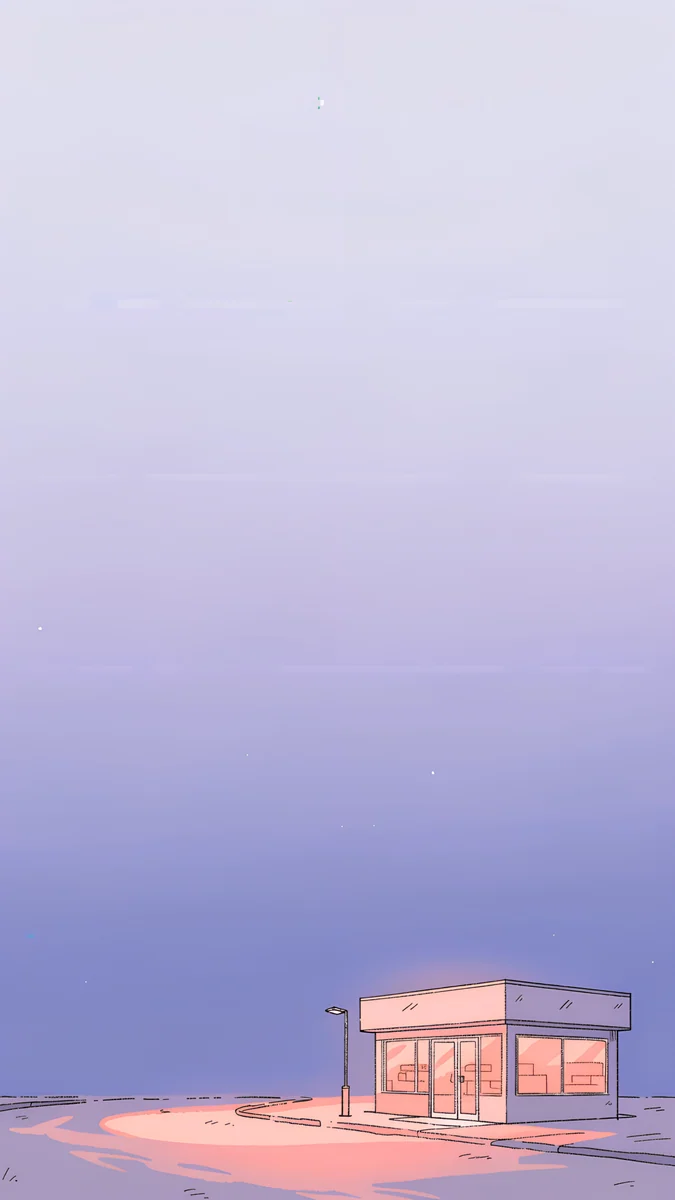 Night Store
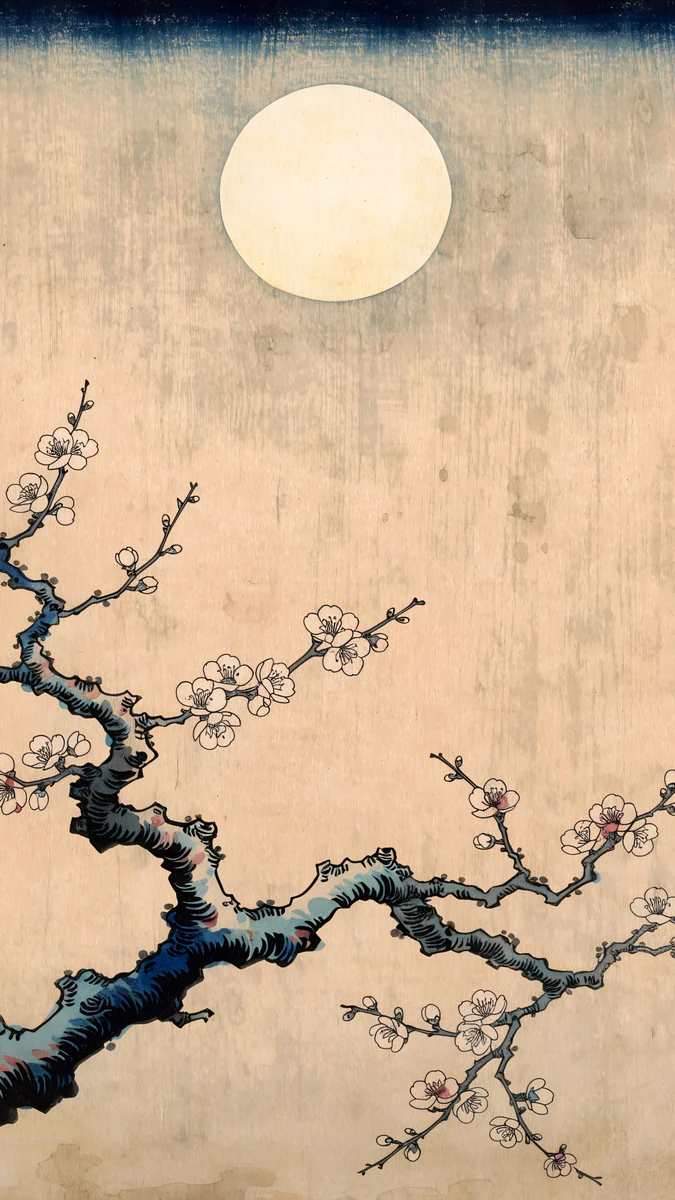 Plum Moon
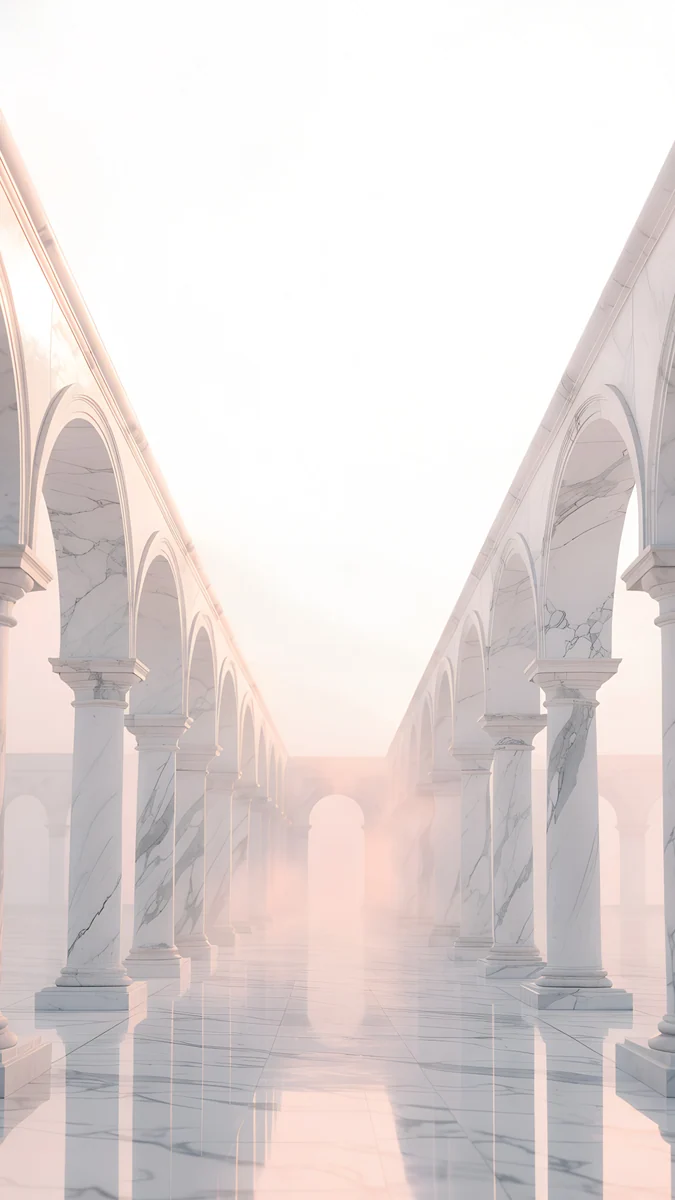 Blush Arcade
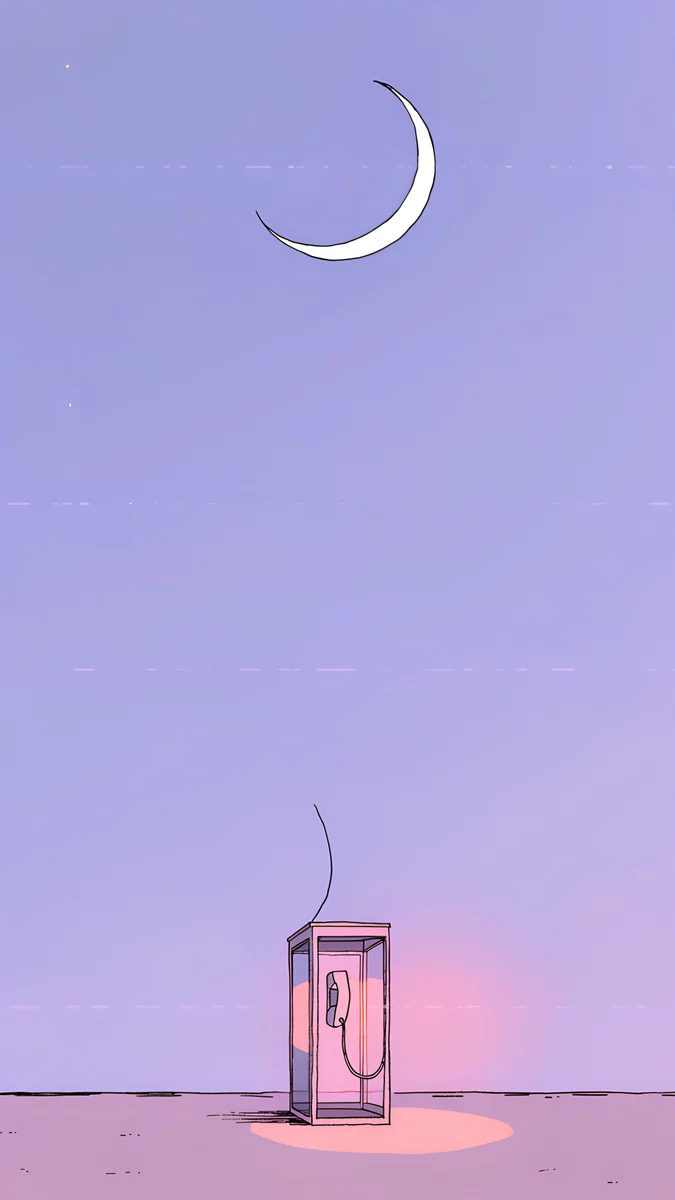 Phone Booth
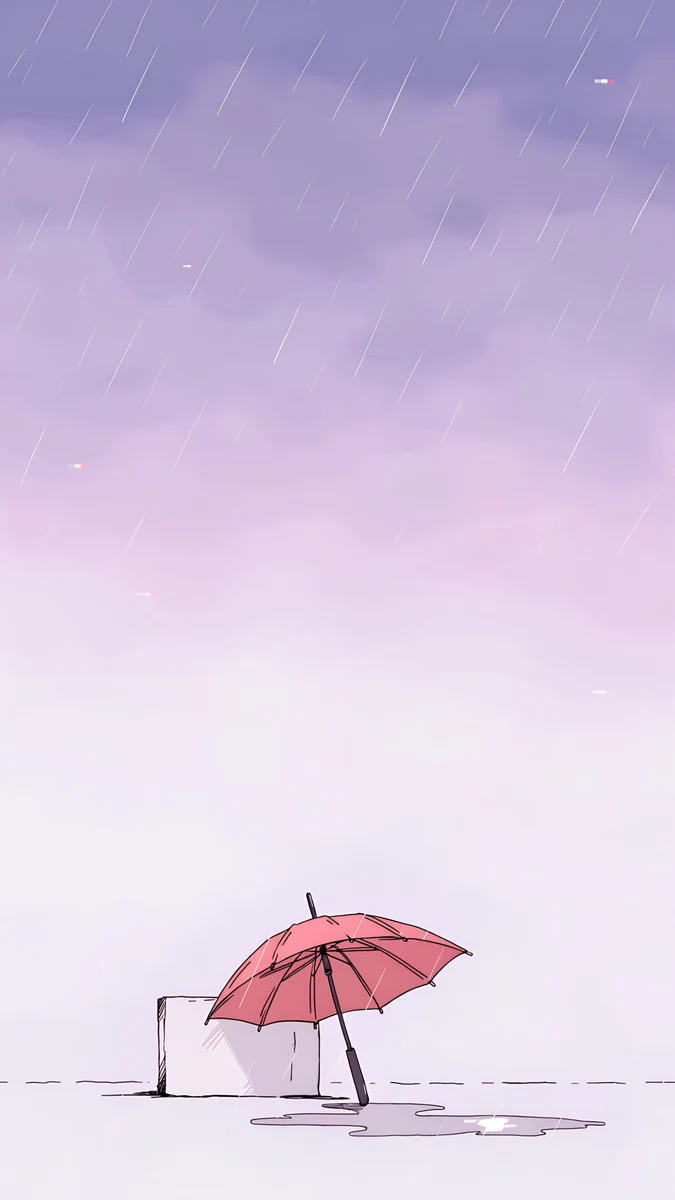 Pink Umbrella
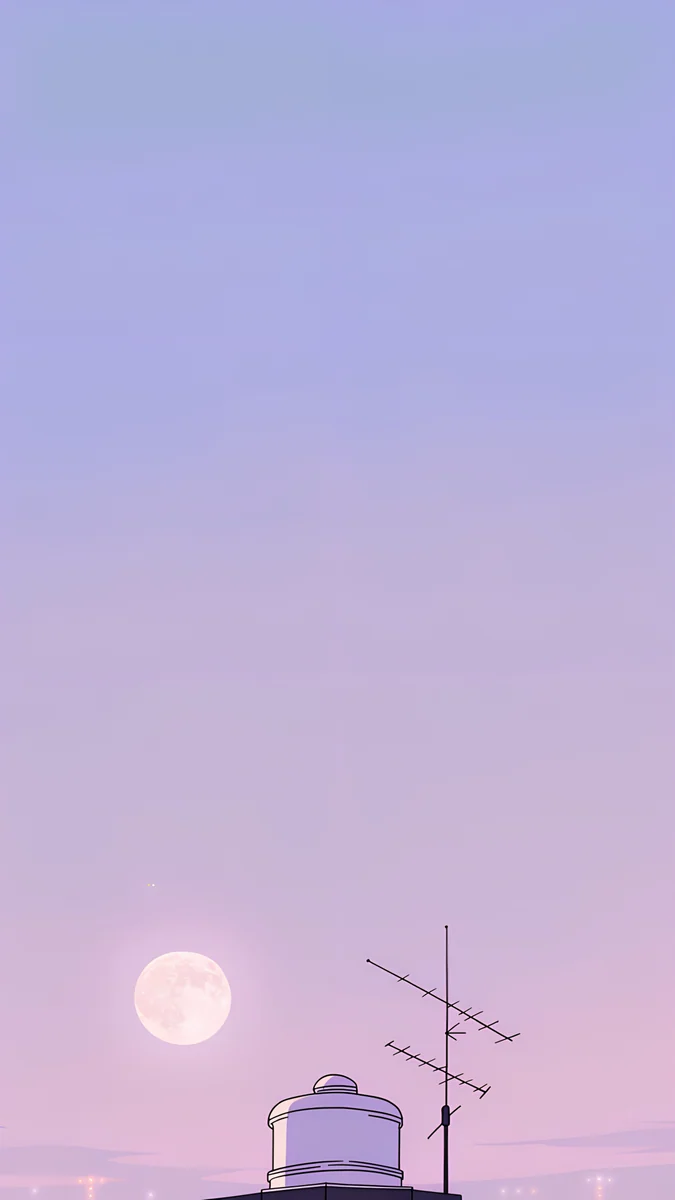 Rooftop
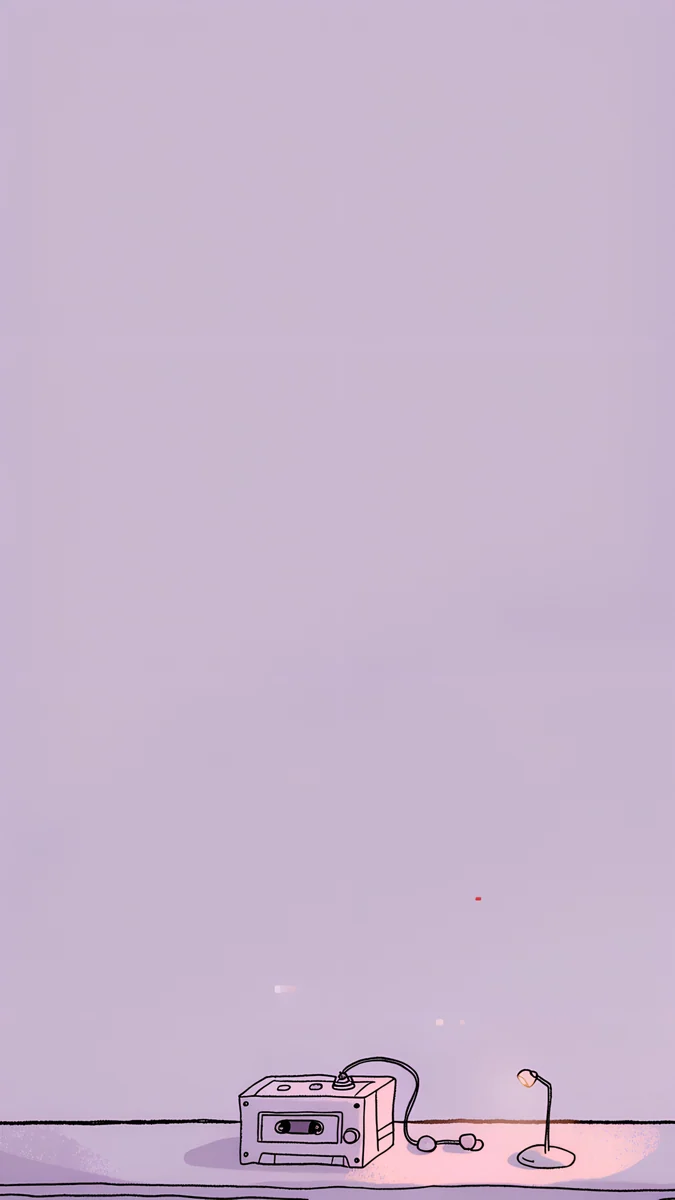 Night Tape
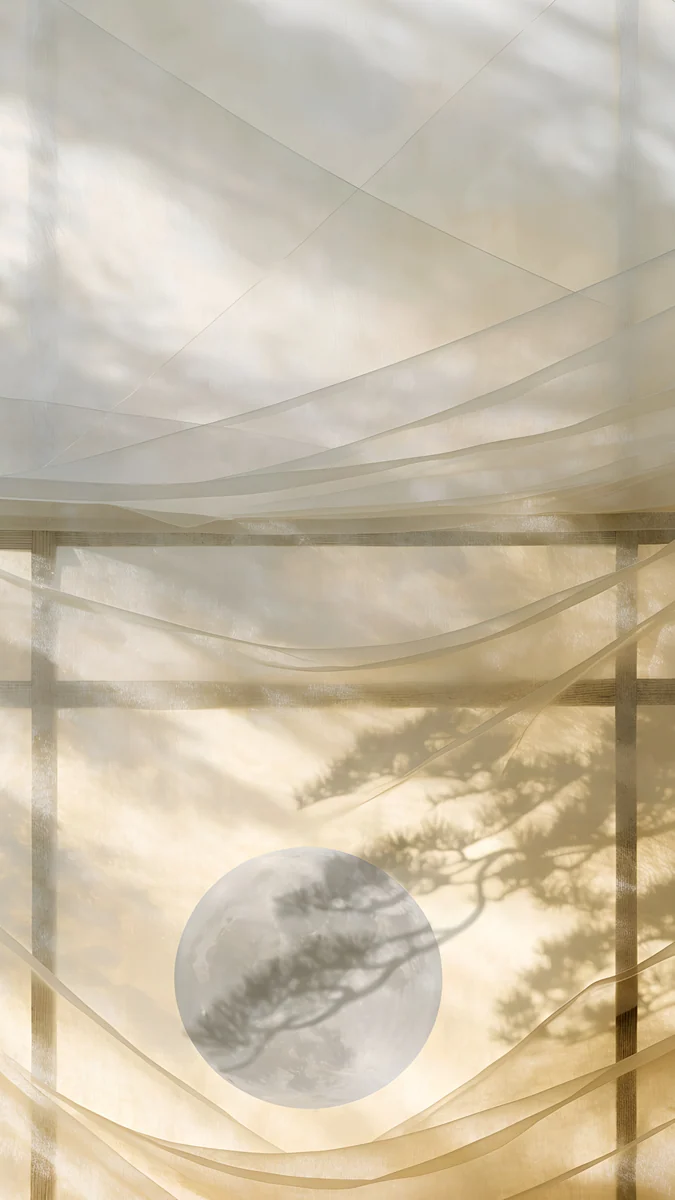 Shoji Moon
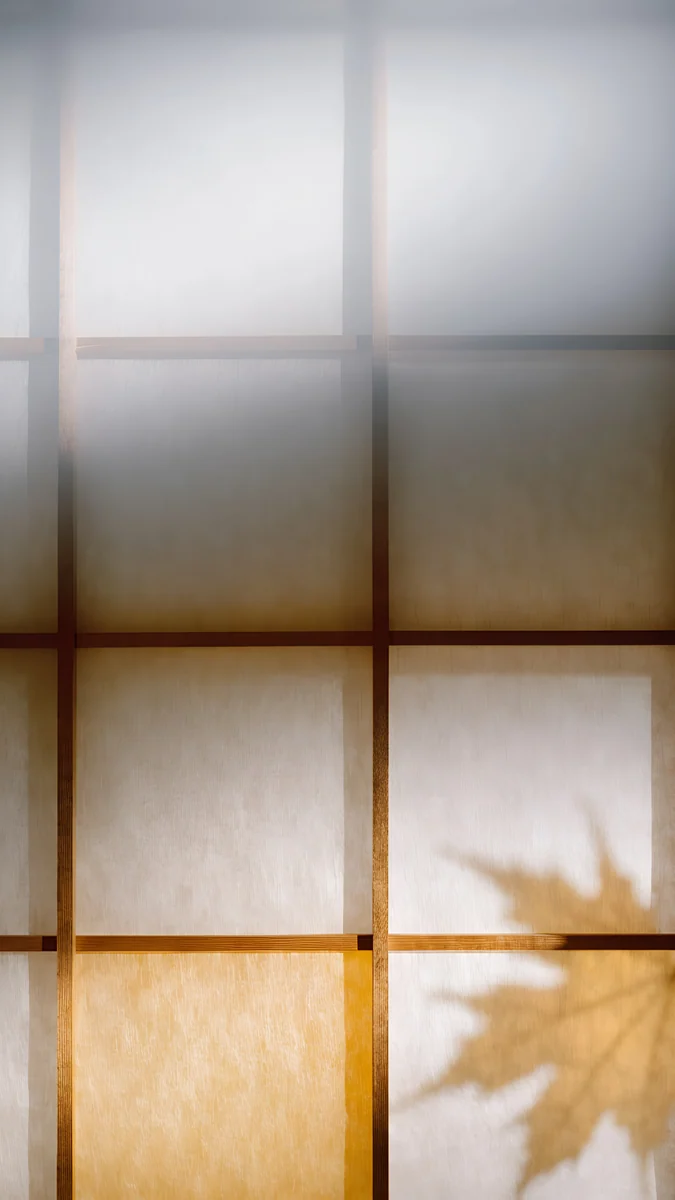 Lattice Glow
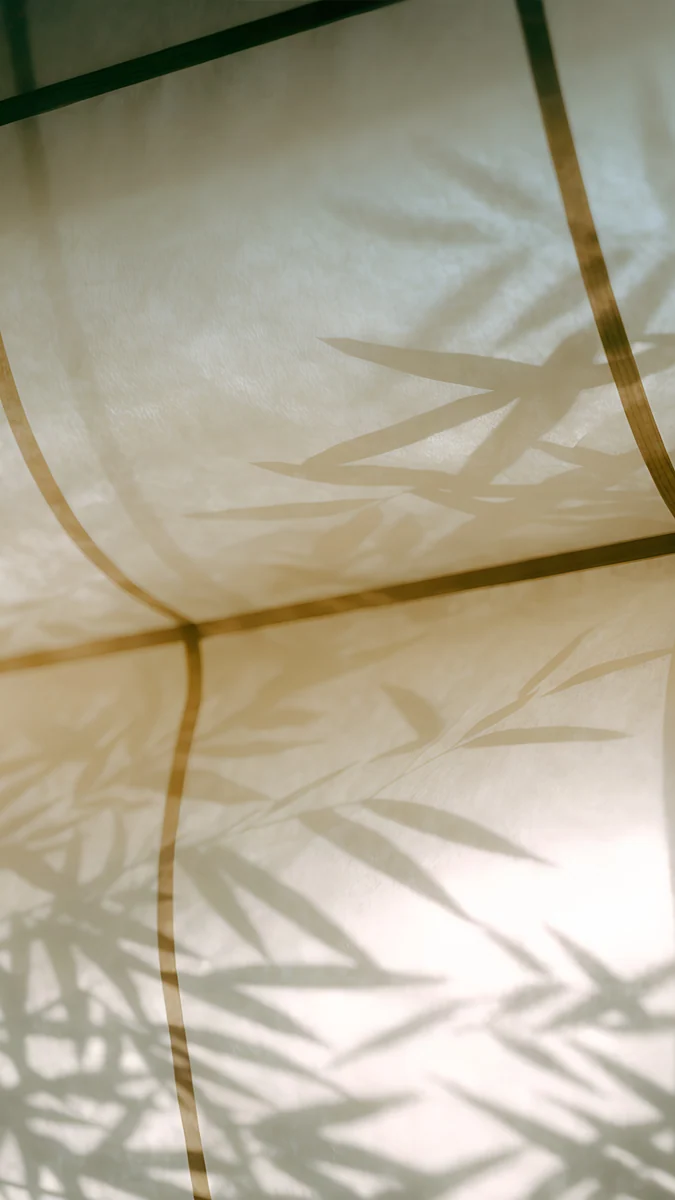 Bamboo Shadow
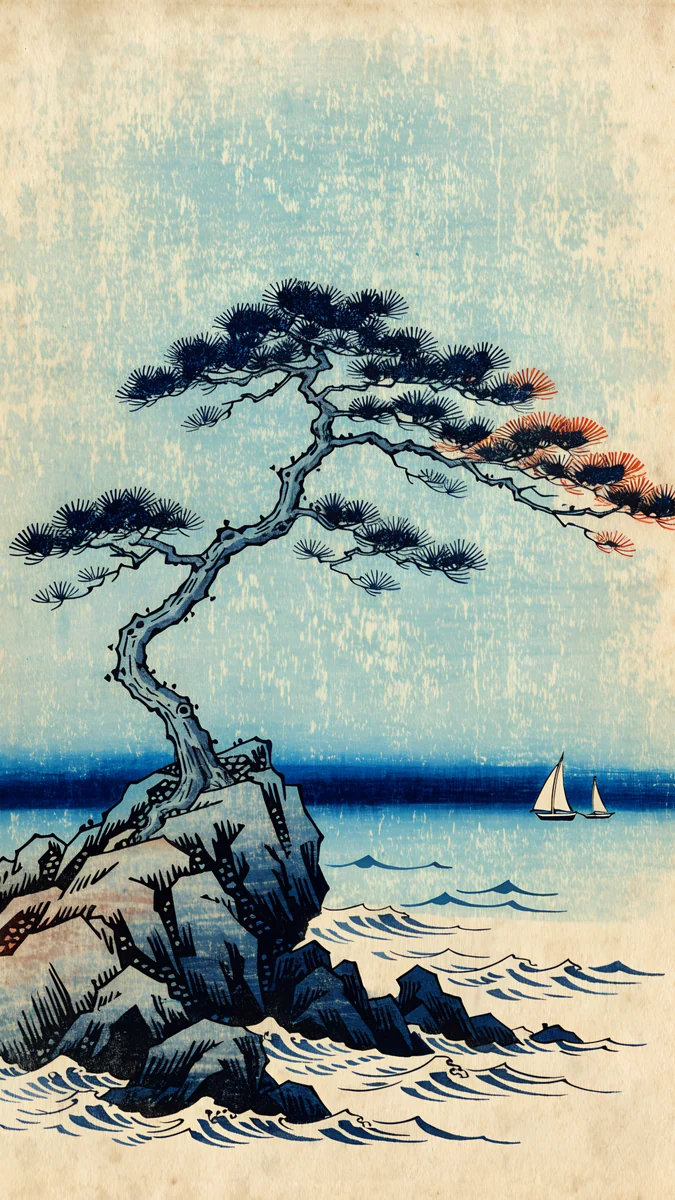 Pine Coast
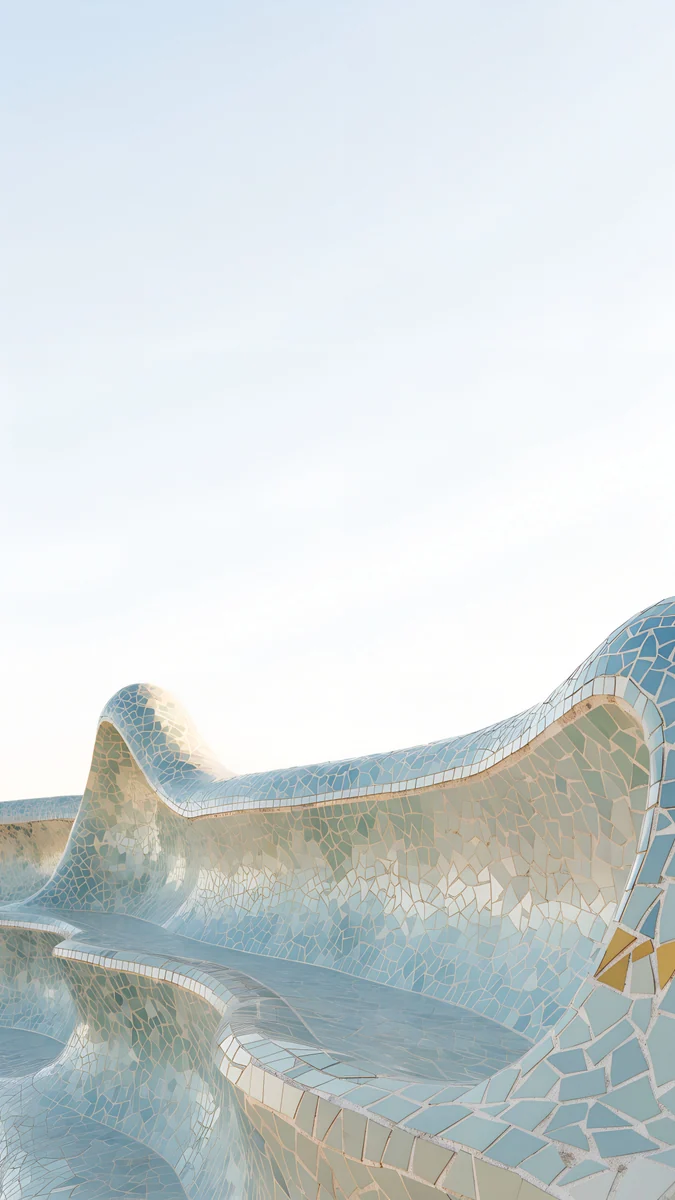 Trencadis Wave
Free 4K originals for iPhone and Android, no watermark
On this page
A matching phone and laptop wallpaper sounds simple until you try it with one image. Crop a landscape picture down to a phone and the subject falls off the sides. Stretch a phone picture across a 16:9 laptop and it turns soft, because a 2160 pixel wide file has to grow to 3840 pixels.
The clean answer is a pair: the same scene, same palette and same light, composed once for a tall screen and once for a wide one. Velpaper has 52 of them. Below they are grouped by style, with the phone version first and the desktop twin next to it.
Why a pair beats one cropped picture
The subject lands where each screen needs it. On a phone, the main shape sits low so the clock has open sky. On a laptop it moves to one side, leaving room for icons, windows and the Dock or taskbar.
Both files are full resolution. The phone file is 2160 × 3840 and the desktop file is 3840 × 2160, so neither is an enlarged crop of the other. Our PC wallpaper size guide explains why that matters on 1440p and 4K monitors.
The colours really match. Each pair shares its palette exactly, so the phone on your desk and the screen behind it look like one setup rather than two downloads.
Lo-fi night pairs
Five lavender night scenes, each with one warm light. They are the most popular choice for a matching desk setup, because the mood carries even when the subject is tiny.
Night Store4K · Phone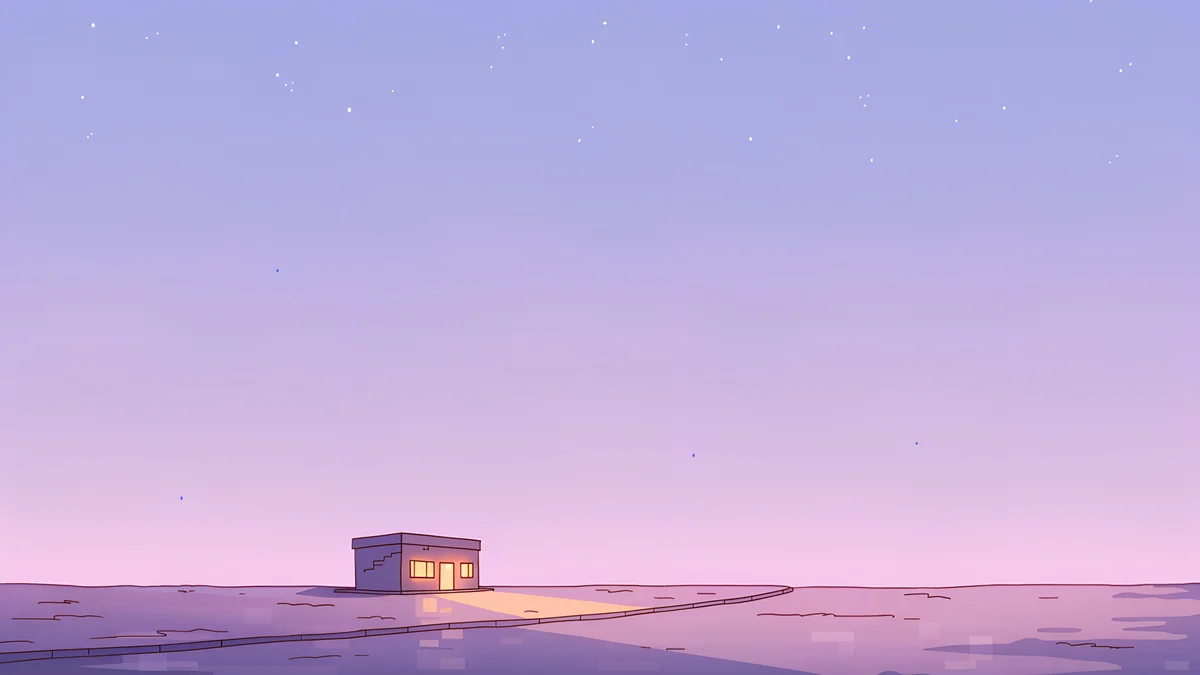 Night Store4K · DesktopPhone Booth4K · Phone
 Phone Booth4K · DesktopPink Umbrella4K · Phone
 Pink Umbrella4K · Desktop
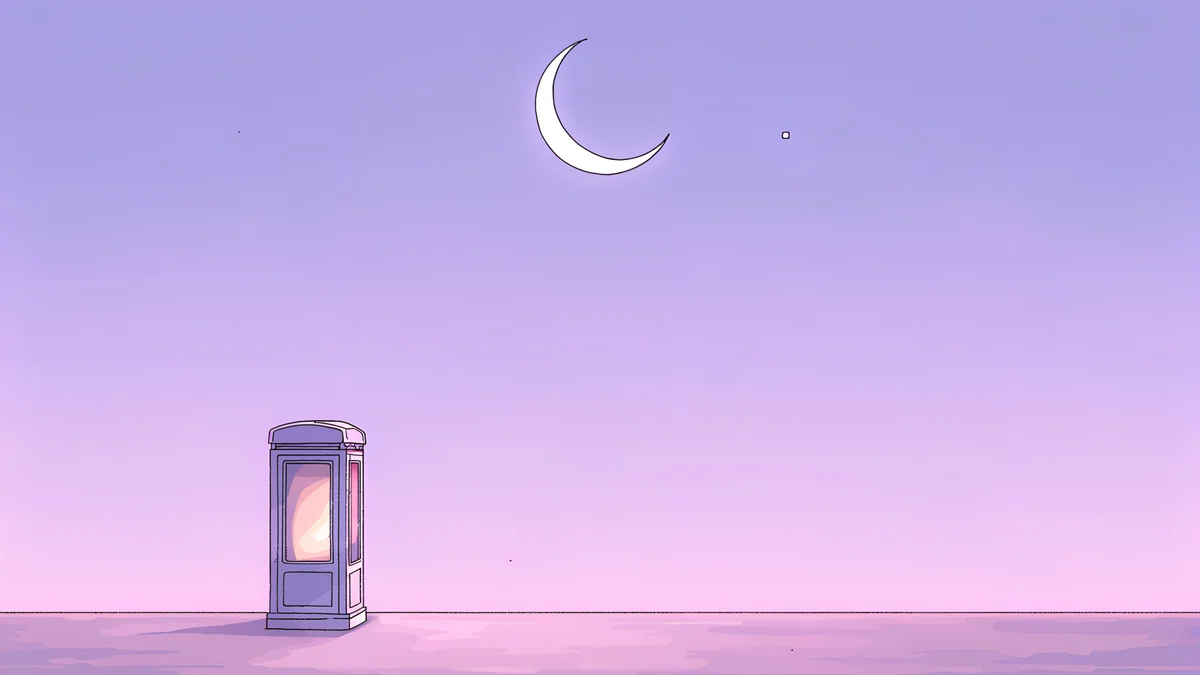
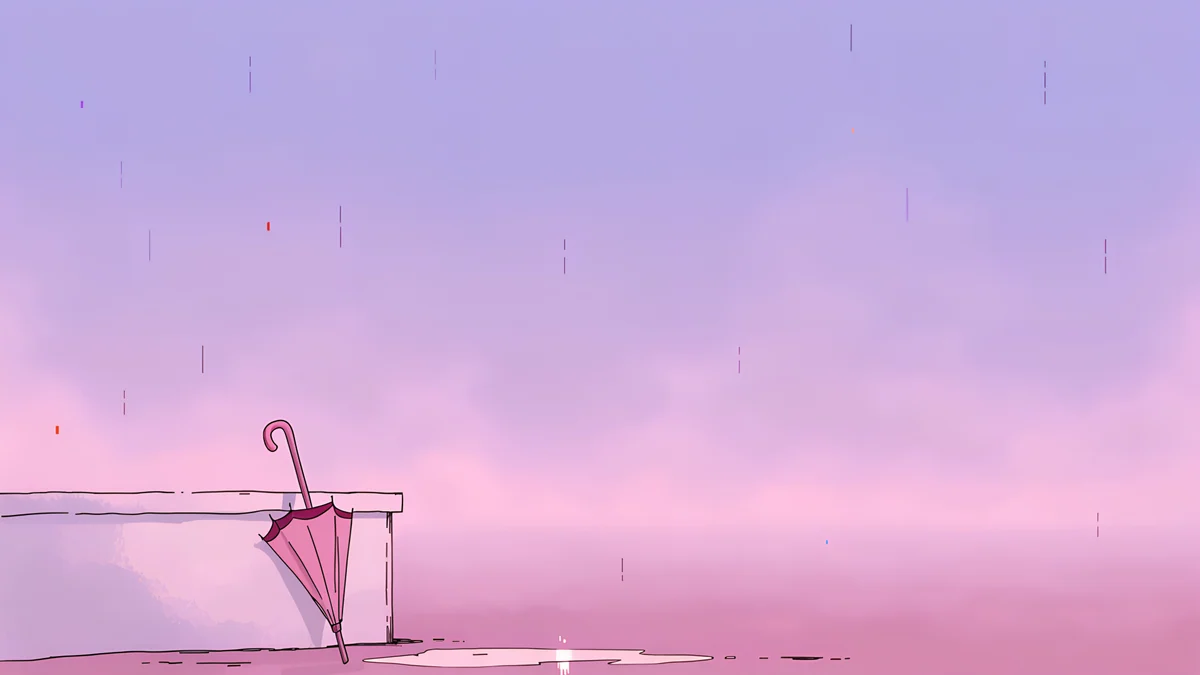
Night Store puts a small corner shop at the end of an empty road. On the laptop, the same street opens up sideways and the glowing window moves off-centre. Phone Booth, Pink Umbrella, Rooftop and Night Tape follow the same pattern. The full set, including the scenes that exist in only one shape, is in our lo-fi wallpapers collection.
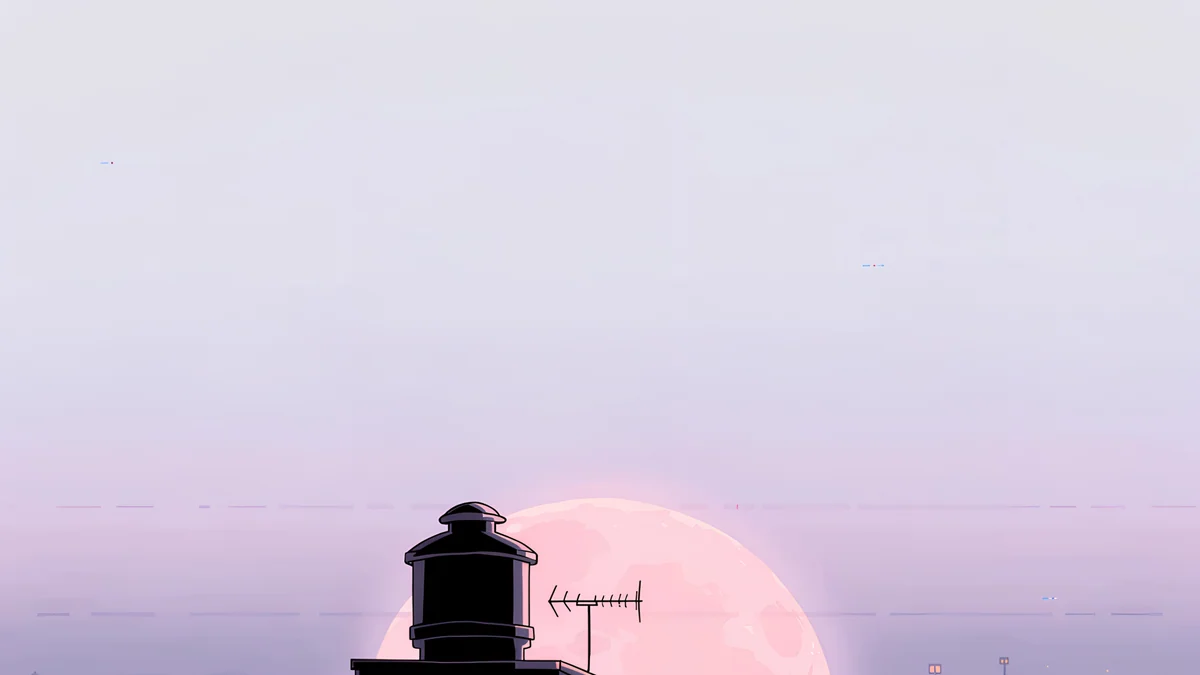
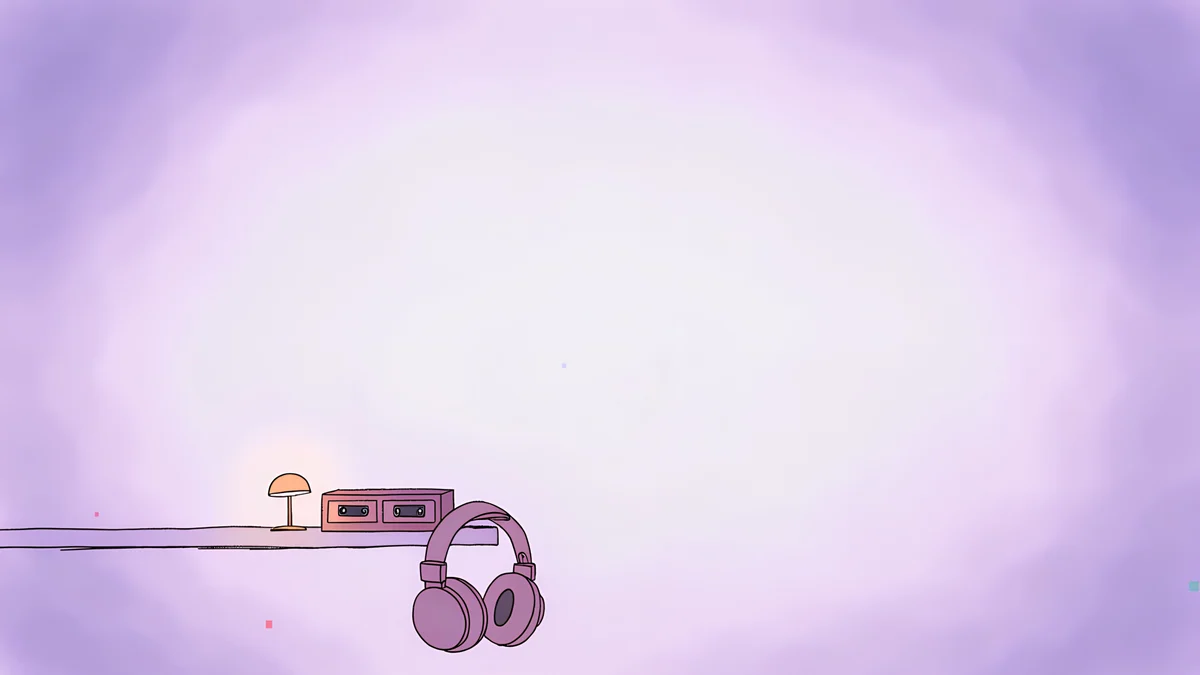
Rooftop is the most open of the five, a water tank and an antenna under a big pink moon. Night Tape moves indoors: a cassette player and headphones beside a small glowing lamp.
Japanese pairs: paper screens and woodblock prints
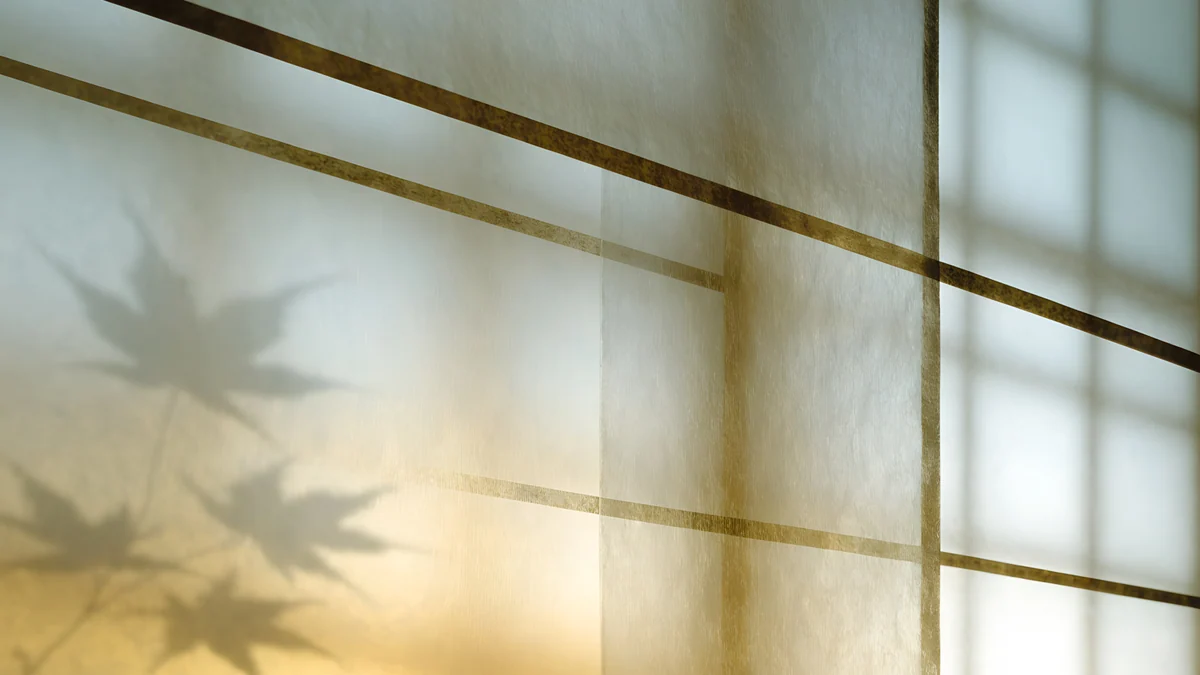
Ten pairs in two moods. Five are interiors of light through paper: Shoji Moon, Lattice Glow, Washi Glow, Paper Folds and Bamboo Shadow. They are pale, warm and very quiet behind icons.
Shoji Moon4K · Phone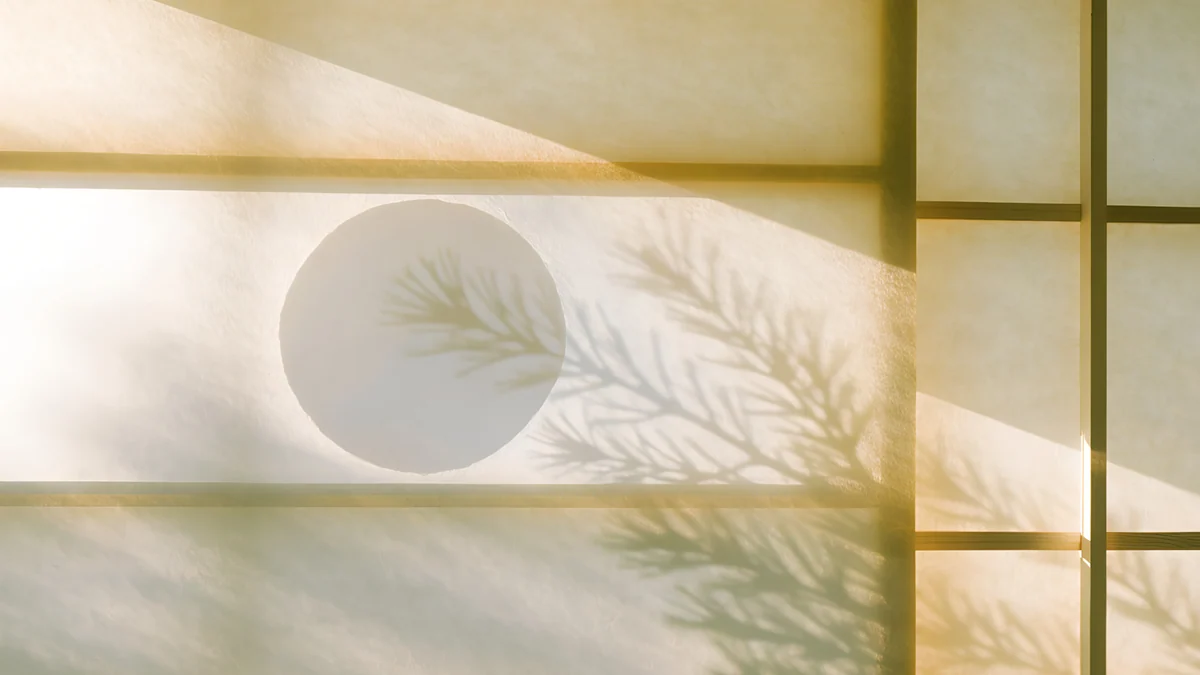 Shoji Moon4K · DesktopLattice Glow4K · Phone
 Lattice Glow4K · DesktopBamboo Shadow4K · Phone
 Bamboo Shadow4K · Desktop
Shoji Moon shows the moon through a paper screen with a pine shadow across it. Lattice Glow is a lattice glowing amber at the bottom with the shadow of a maple leaf. Washi Glow and Paper Folds are the palest of all, close to white.
The other five are ukiyo-e scenes in Prussian blue, parchment and vermilion: Cranes at Dawn, Plum Moon, Snow Village, Pine Coast and Rain Bridge. The story behind the style is in our ukiyo-e wallpapers article.
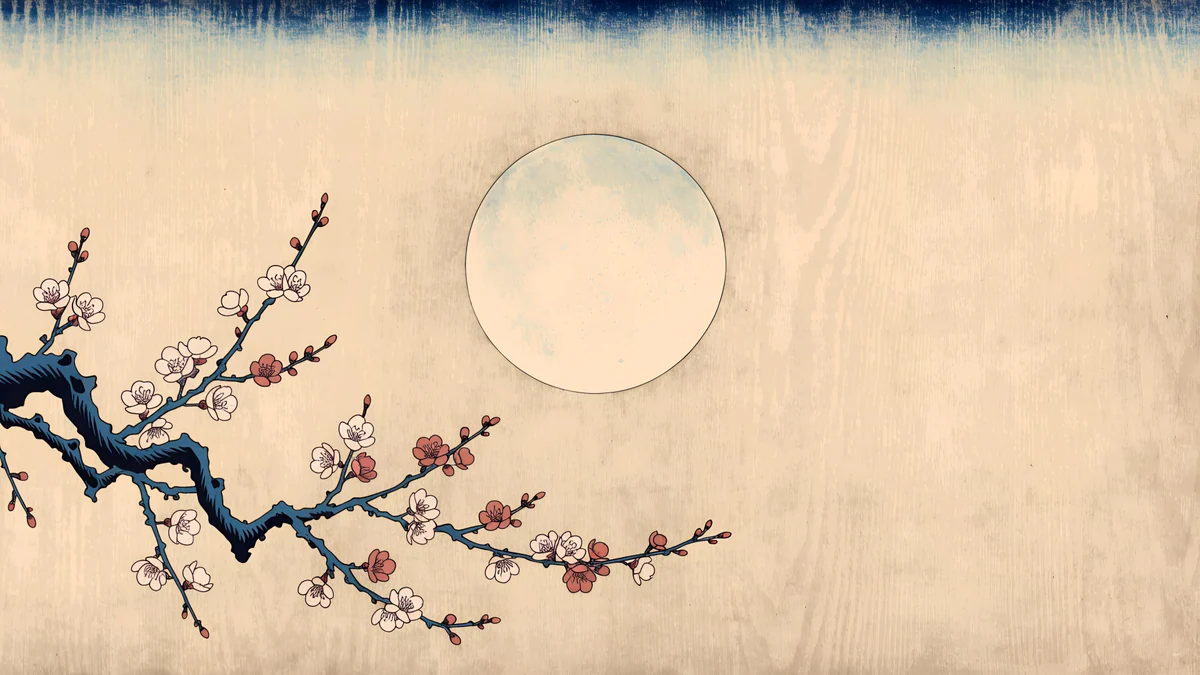
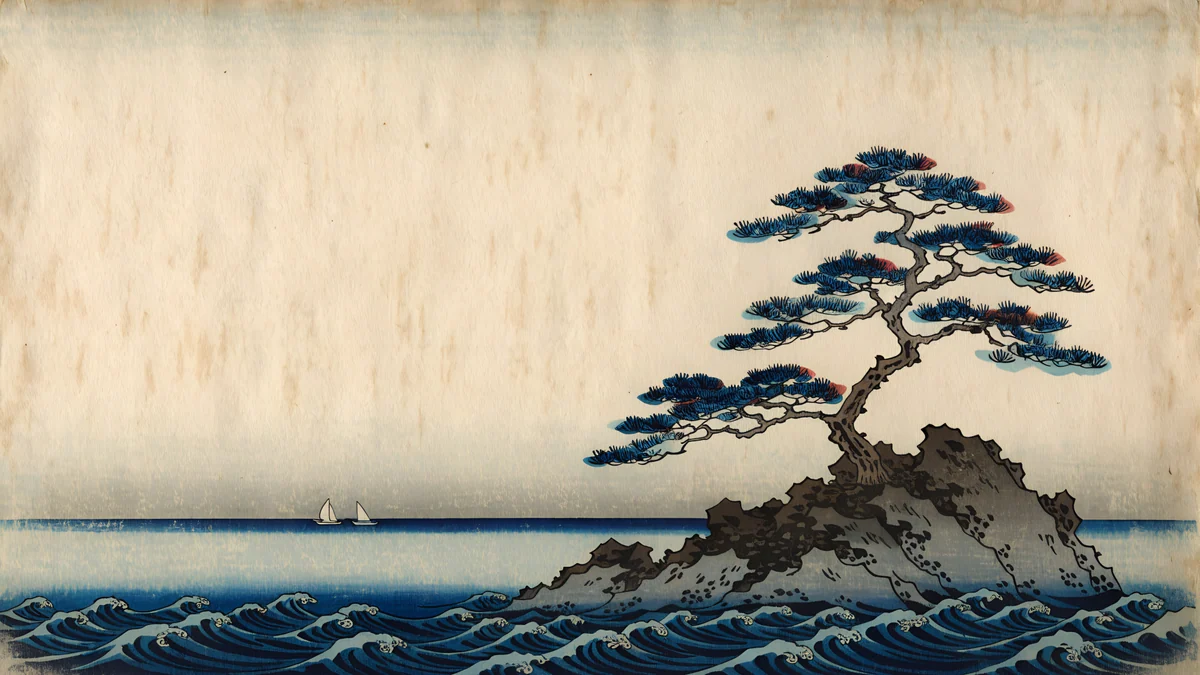
Plum Moon is the warmest pair, with a plum branch reaching in from the left. Pine Coast keeps its pine and islet on the right of the wide version, which leaves Windows desktop icons on open sky.
Gaudí pairs
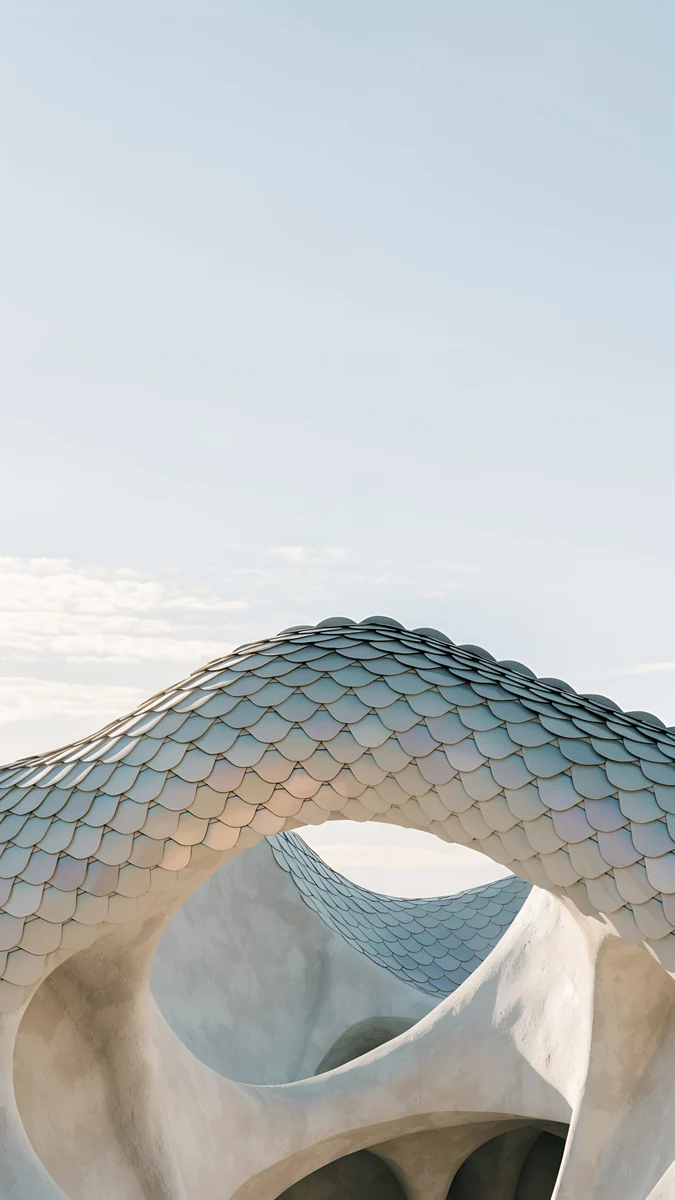
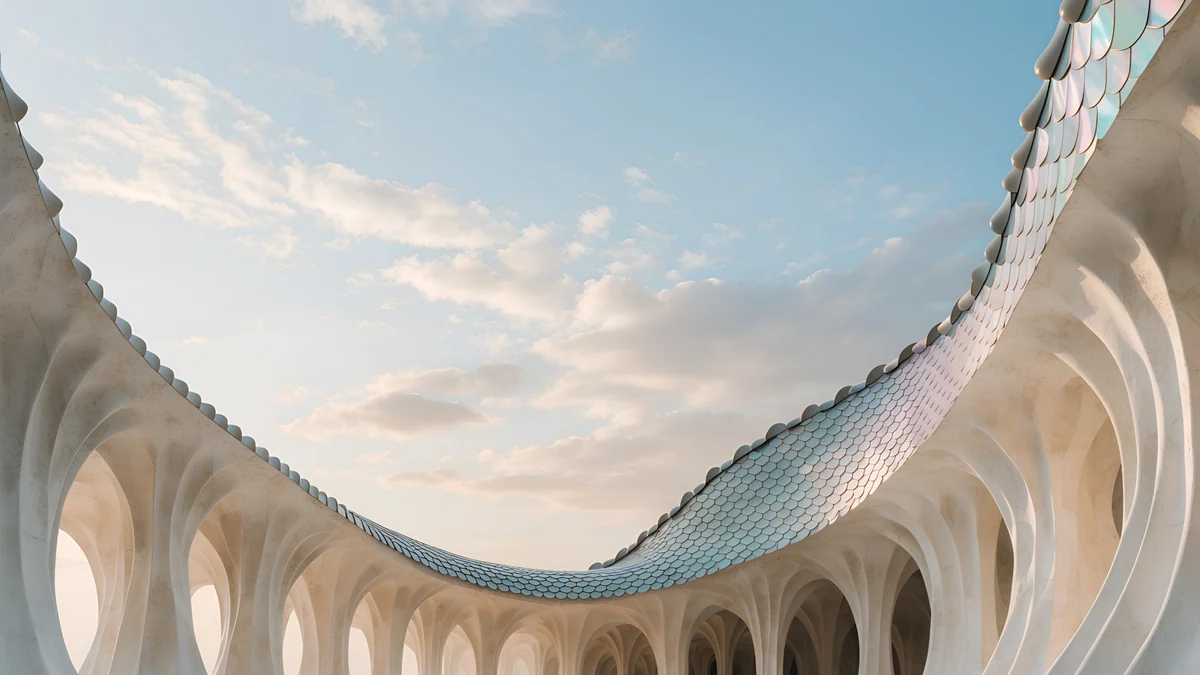
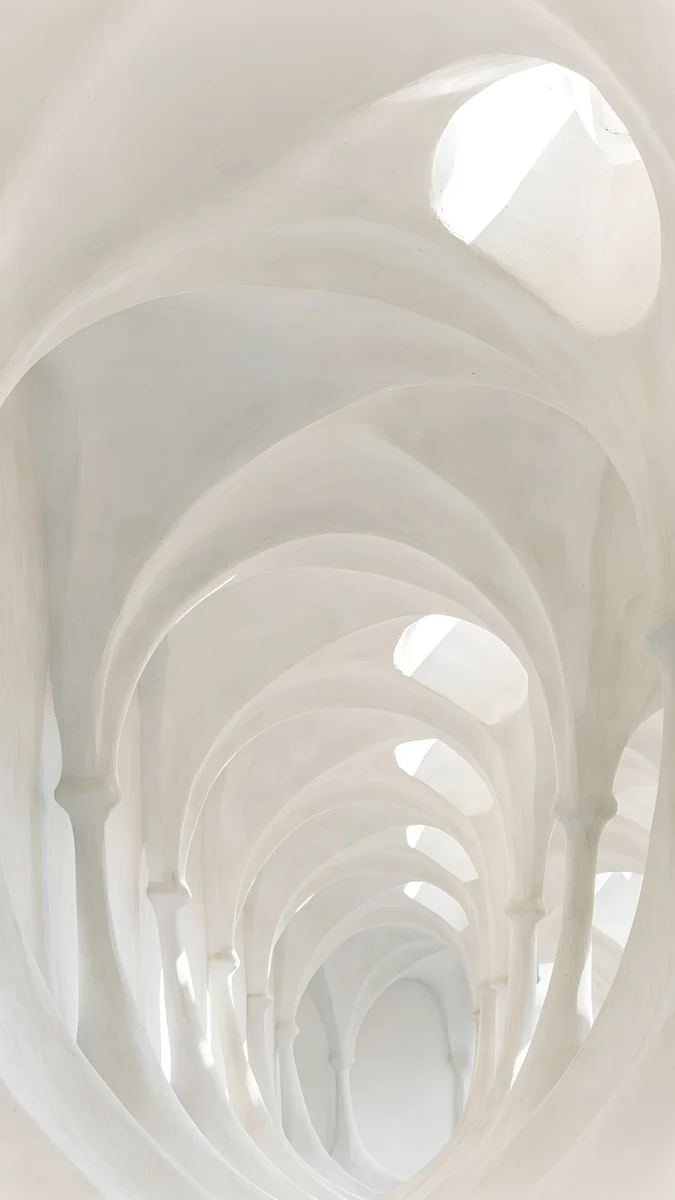
All ten Gaudí designs come in both shapes. Four bring broken tile and sky together, six are white interiors of arches, columns and spirals.
Trencadis Wave4K · Phone Trencadis Wave4K · Desktop
 Dragon Roof4K · Phone
 Dragon Roof4K · Desktop
 Catenary Attic4K · Phone
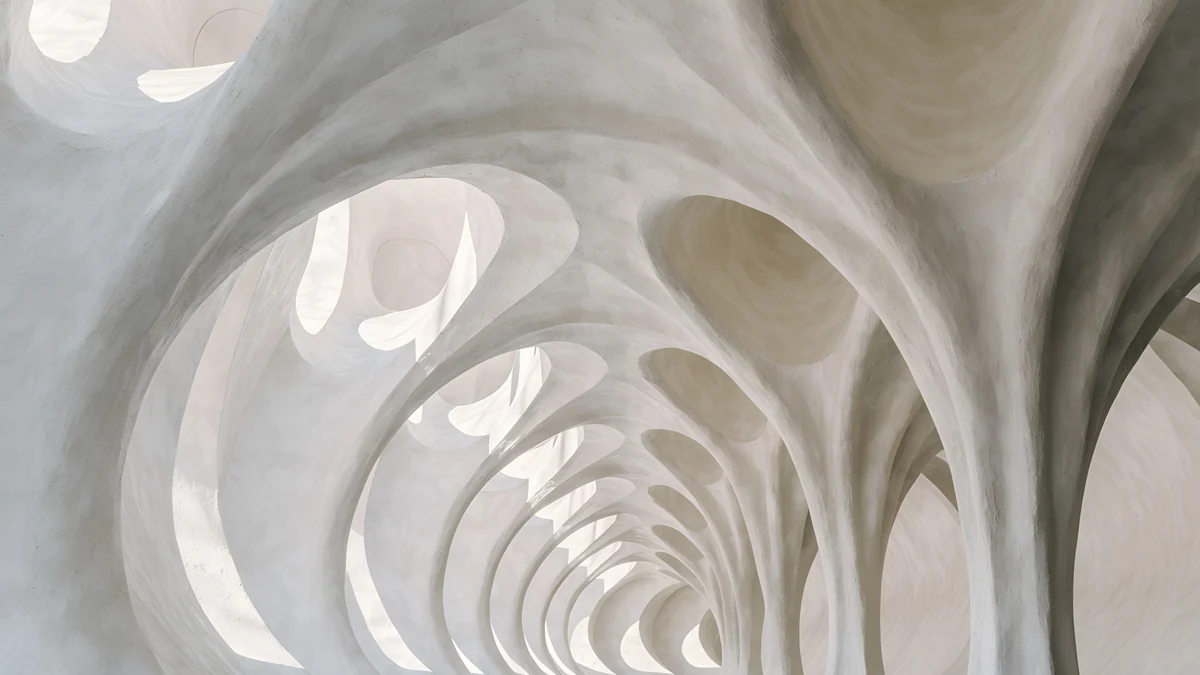 Catenary Attic4K · Desktop
Trencadis Wave is a long mosaic wall in turquoise and honey; Dragon Roof follows a ridge of scale tiles across pale blue sky. For a white desk, Catenary Attic and Stone Forest put the vanishing point near the centre, so windows open over plain plaster. The other six pairs are in our Gaudí wallpapers collection.
Marble and white arch pairs
Twelve pairs in white stone and soft morning light: Colonnade, Ruins at Dawn, Marble Steps, Portico, Rotunda, Blush Arcade, White Stairs, Sea Arch, Enfilade, Olive Shadows, Arch Pool and White Arches. This is the calmest group, made for light mode.
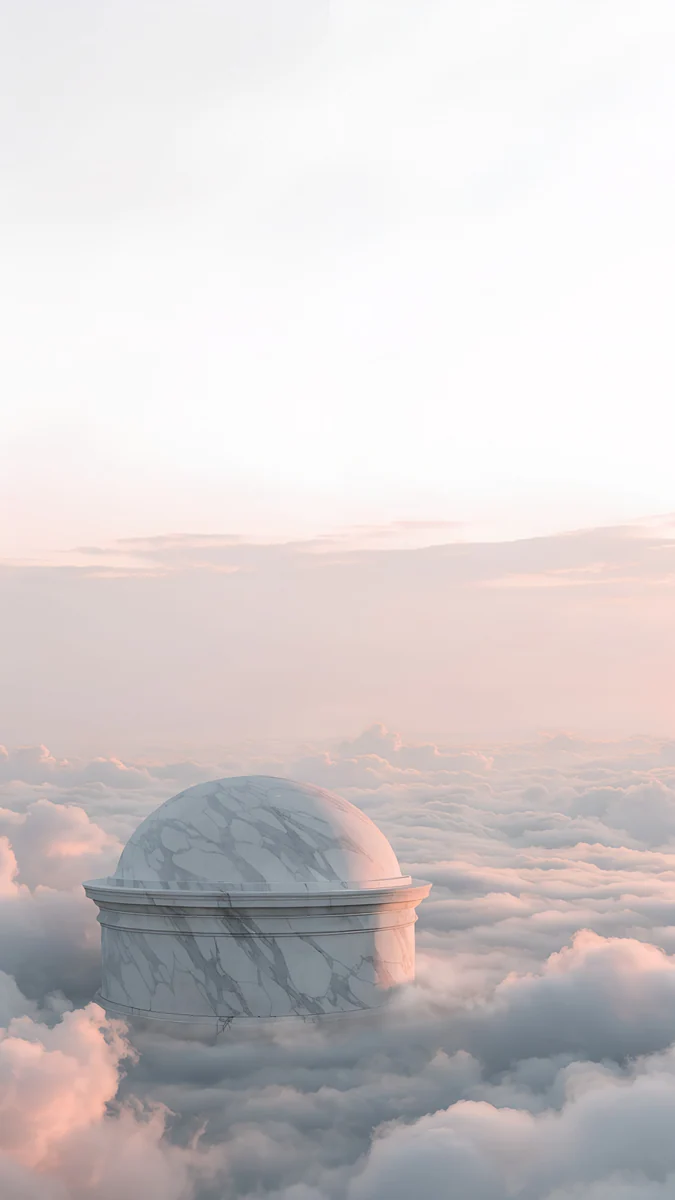 Rotunda4K · Phone
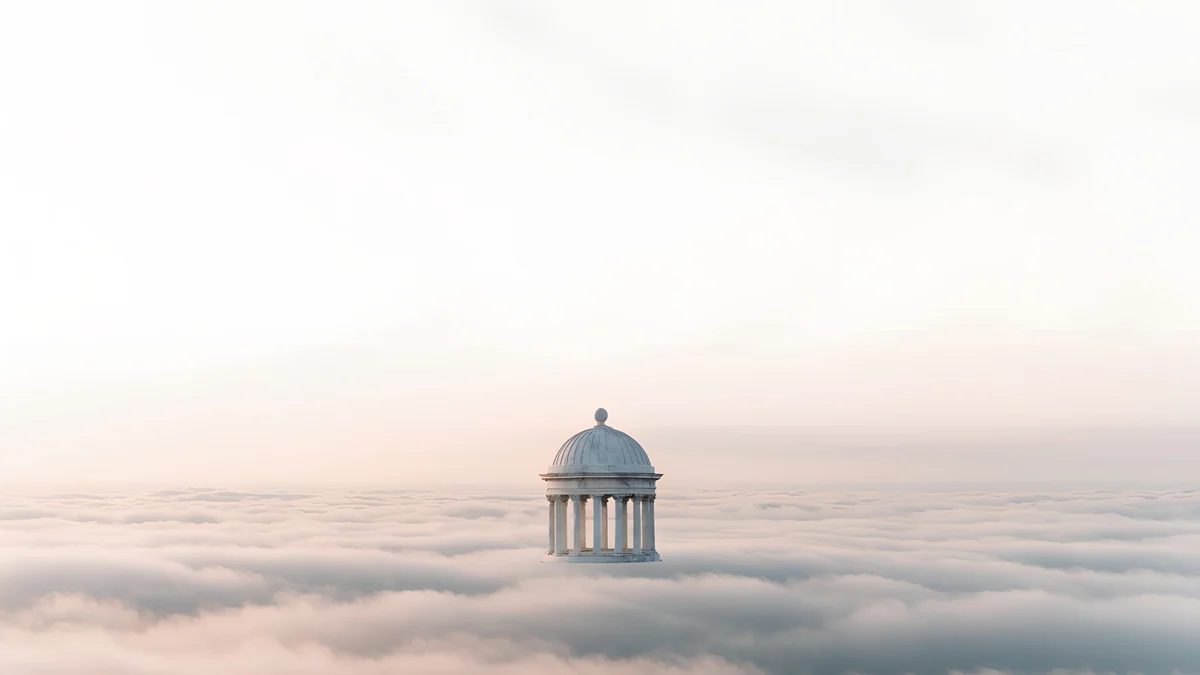 Rotunda4K · DesktopBlush Arcade4K · Phone
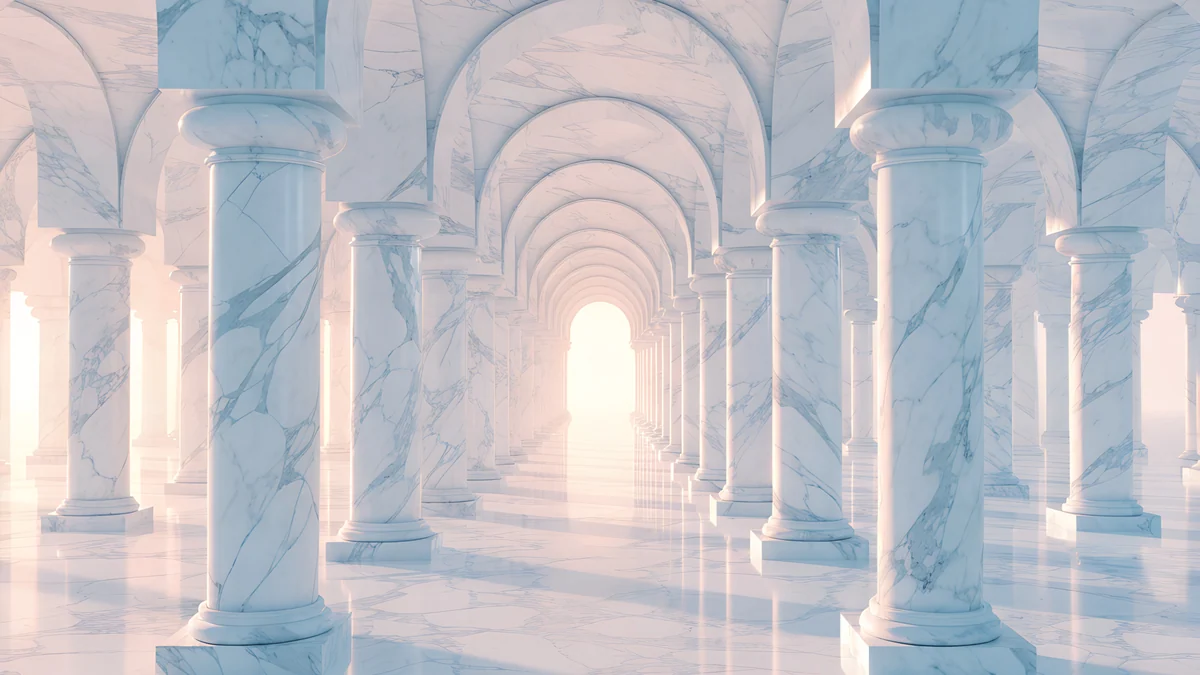 Blush Arcade4K · Desktop
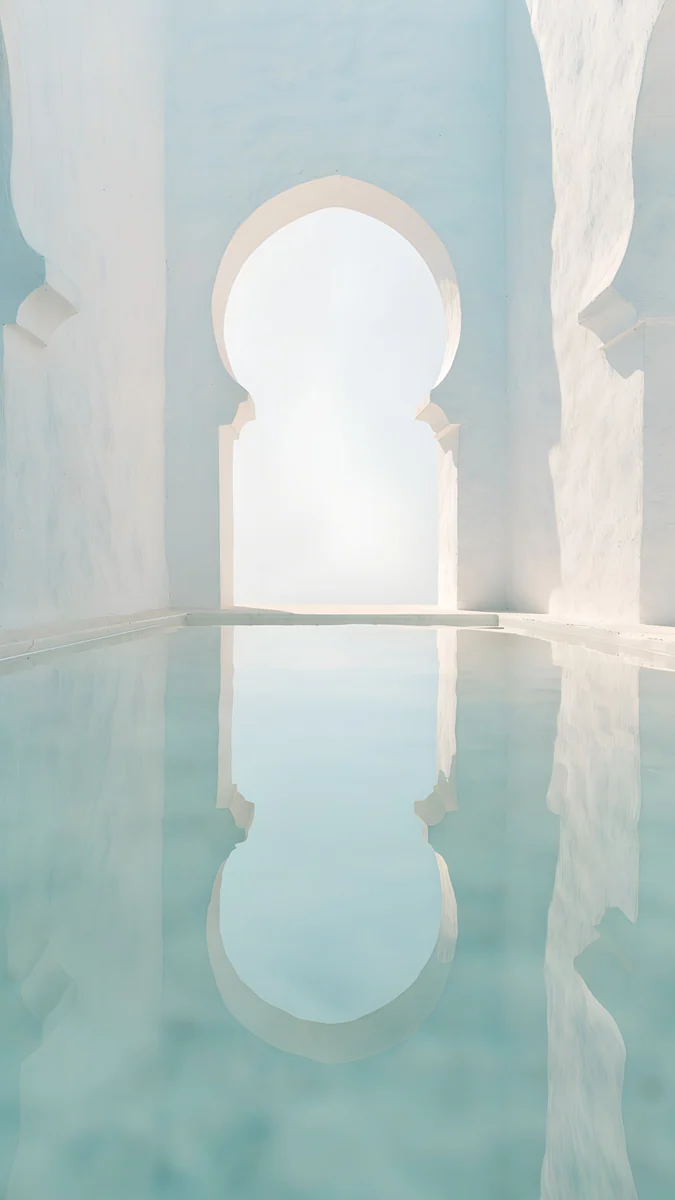 Arch Pool4K · Phone
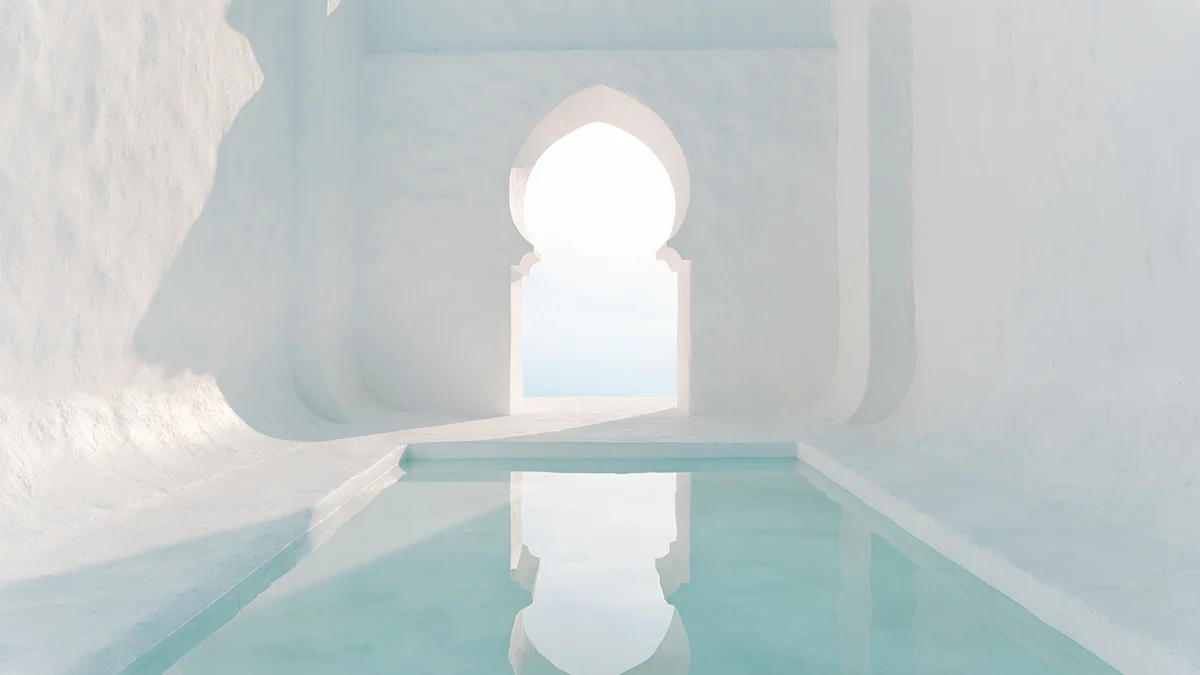 Arch Pool4K · Desktop
Rotunda is the easiest laptop wallpaper in the catalog: a small domed temple on a bank of clouds, with almost the whole screen left empty. Blush Arcade gives the strongest depth, a long corridor of arches tinted rose.
Noir city and minimal stone pairs
Six noir pairs are drawn in black ink and white paper: Light Slits, Night Blocks and One Block for a dark setup, Paper Skyline, Paper Haze and Paper Moon for a light one. On an OLED phone their large black areas leave pixels switched off.
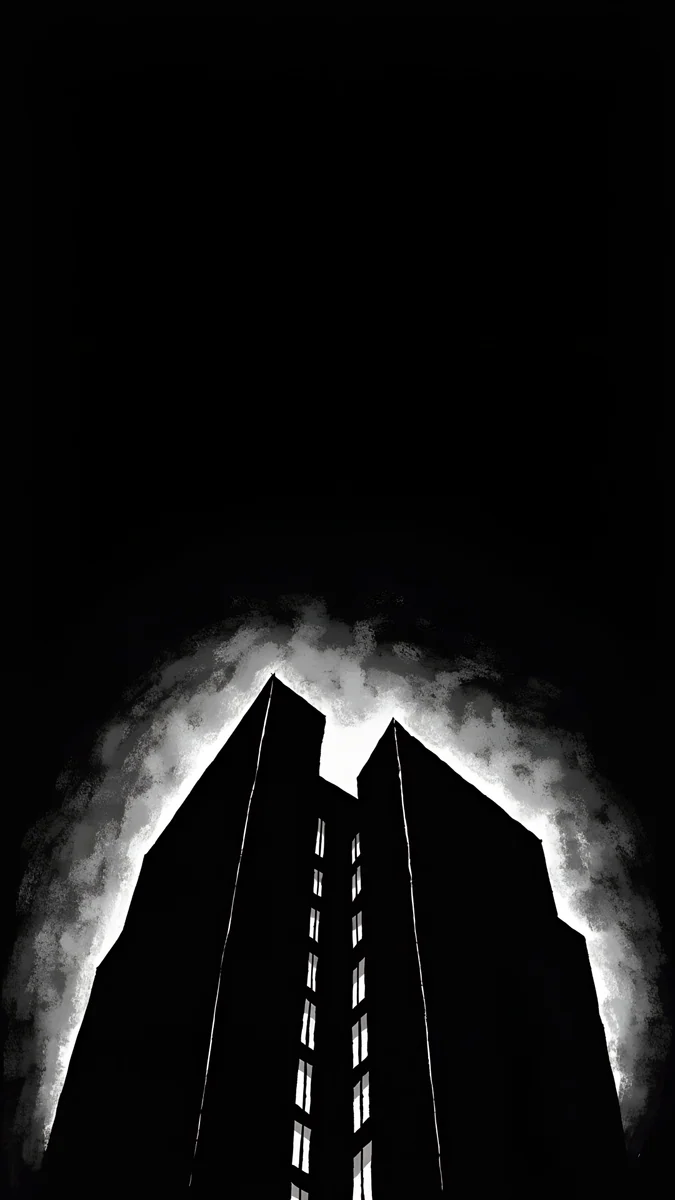
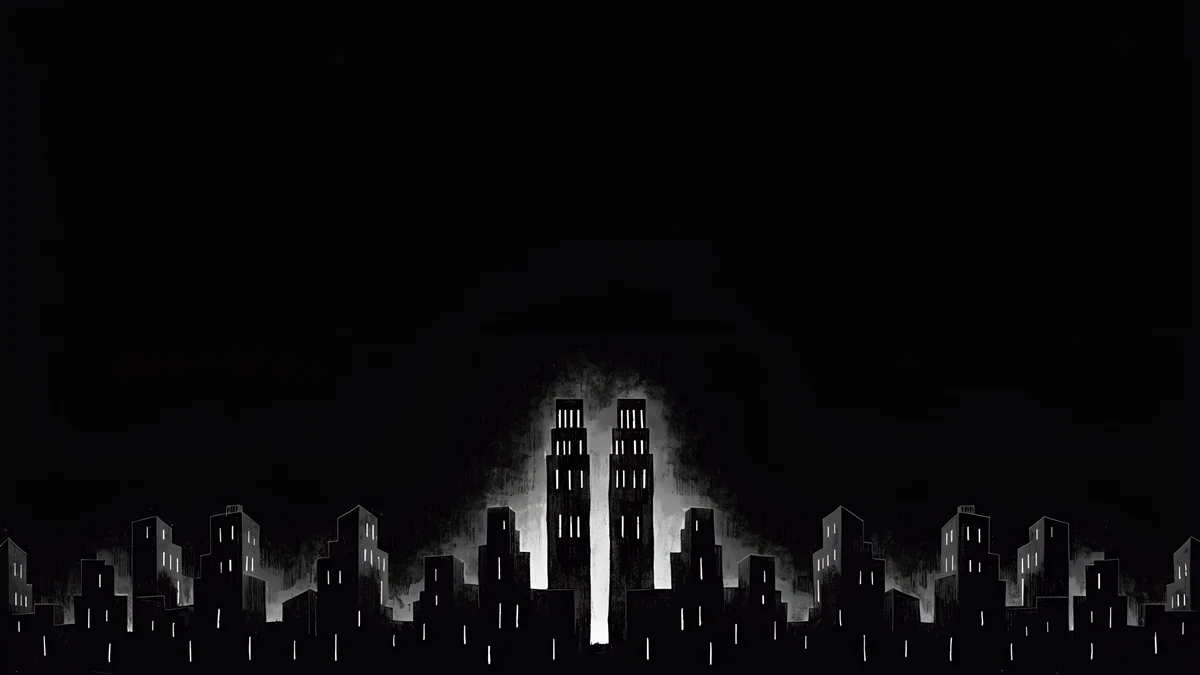
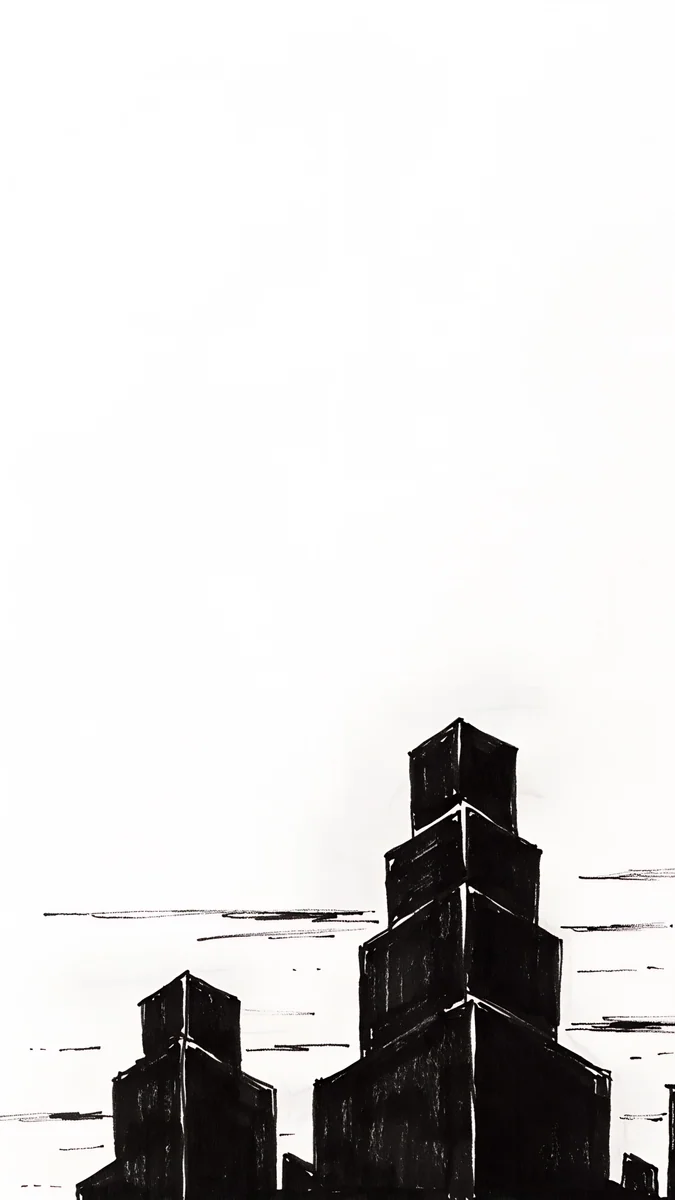
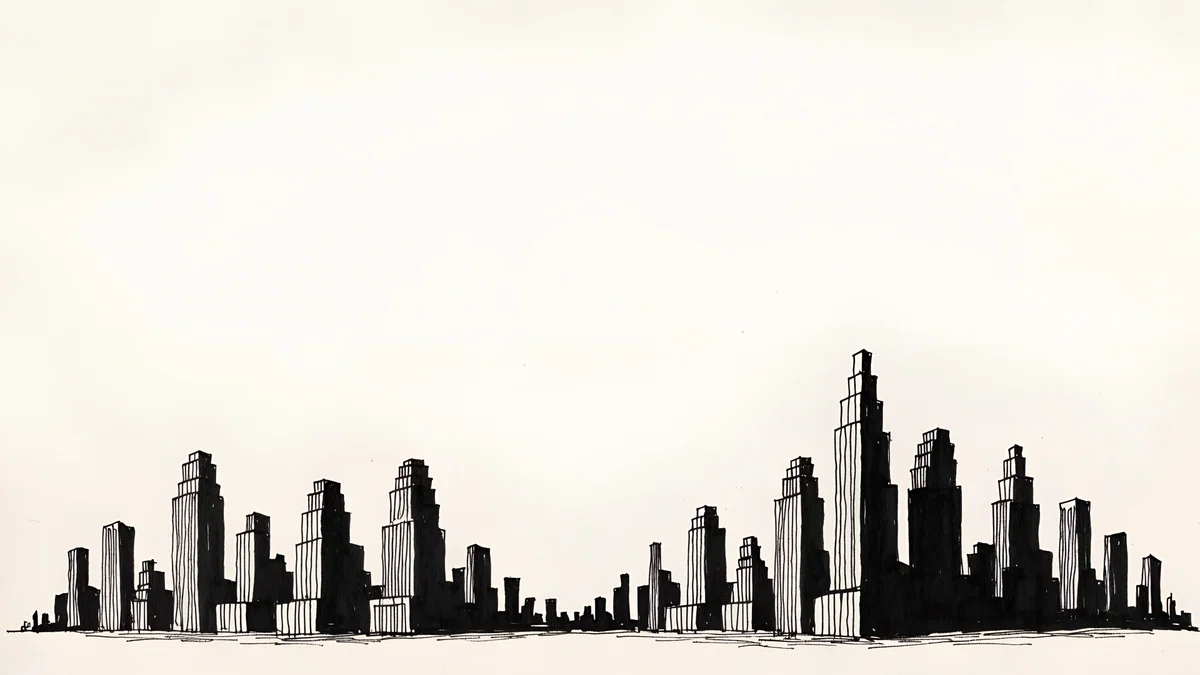
The last nine pairs are minimal concrete and stone forms: Monolith on the Plain, Twin Slabs, Pyramid of Light, Stepped Ziggurat, Circular Court, Chalk Recess, Clay Curve, Sand Cantilever and Graphite Passage. One shape, soft light, nothing else, which makes them the most work-friendly pairs of all.
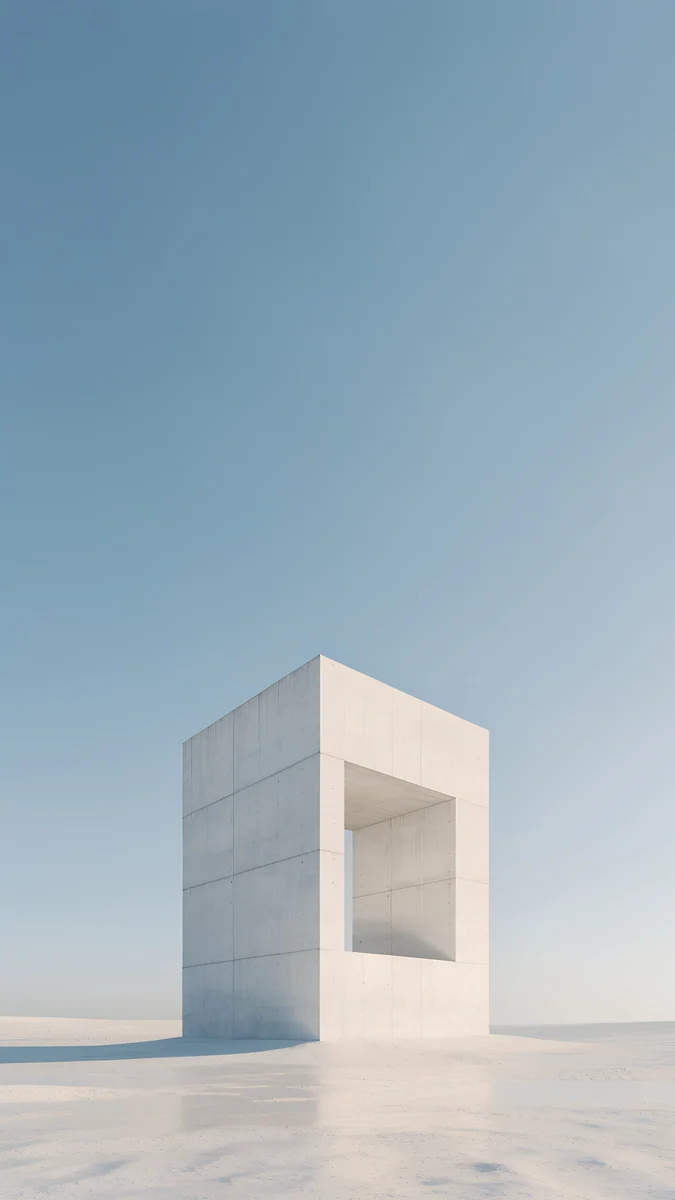 Monolith on the Plain4K · Phone
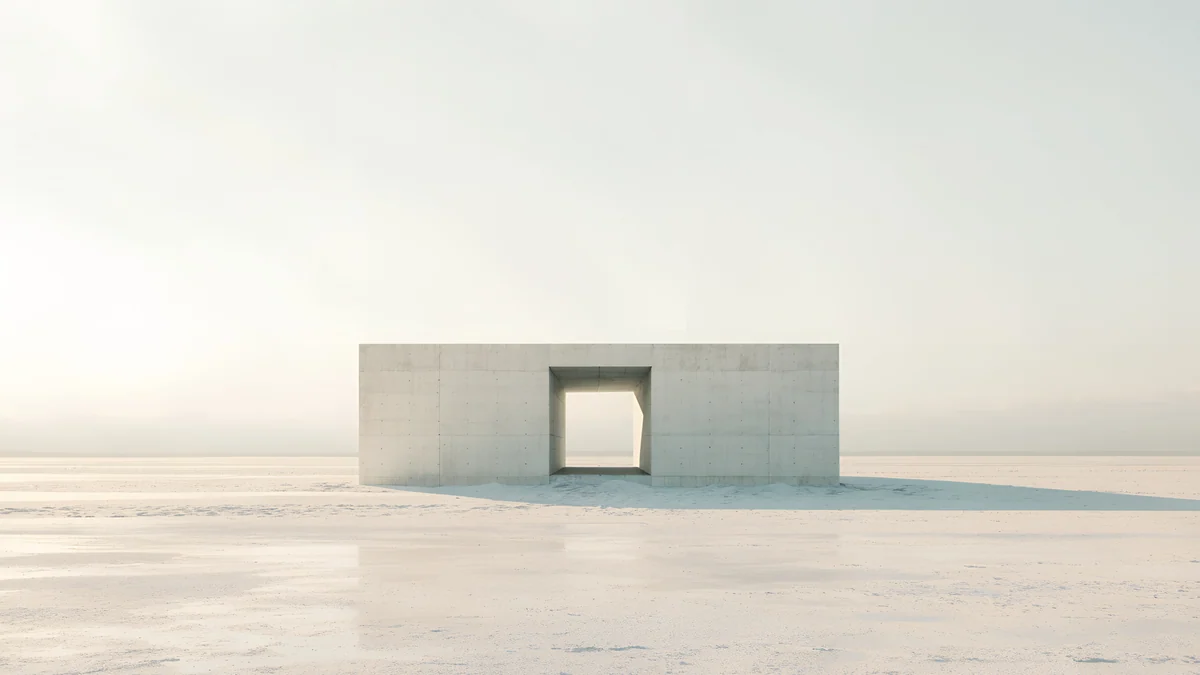 Monolith on the Plain4K · Desktop
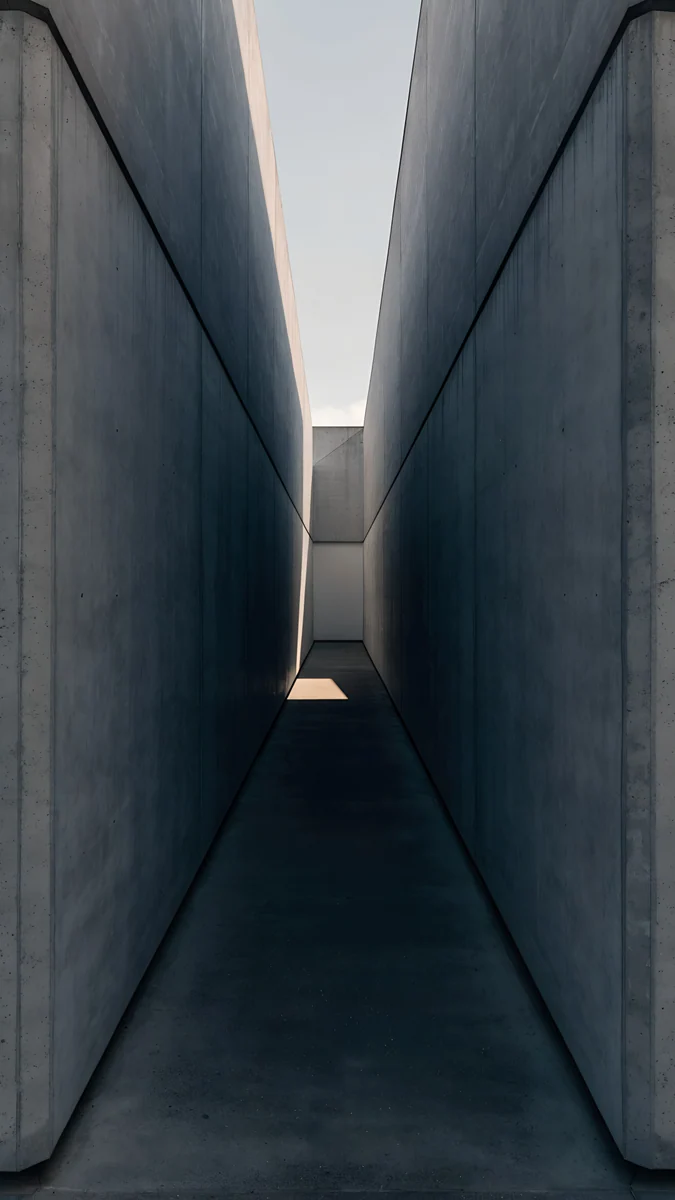 Graphite Passage4K · Phone
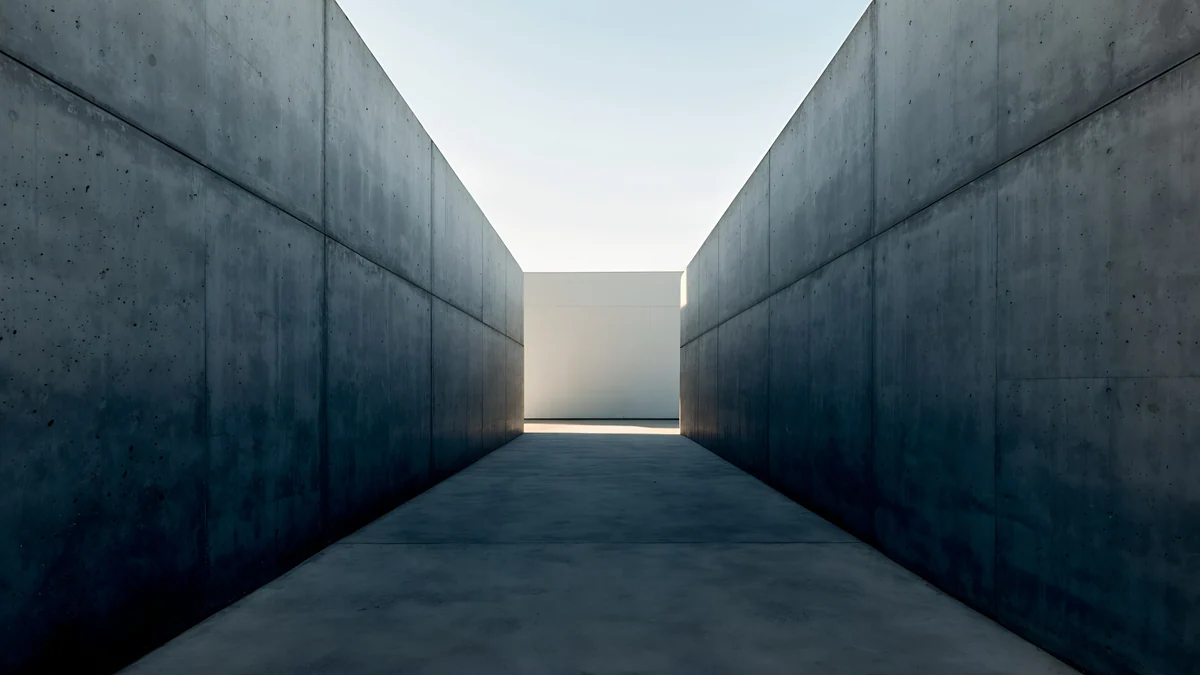 Graphite Passage4K · Desktop
Monolith on the Plain is a single standing block under open sky; Graphite Passage is a dark corridor with grey-green light at the far end, made for dark mode.
How to set both wallpapers
On iPhone: save the tall version to Photos, open Settings, Wallpaper, Add New Wallpaper and choose it. Set it as a pair or tap Customize Home Screen if you want a blurred or different home screen.
On Android: long-press an empty spot on the home screen and open the wallpaper menu. On a Samsung it is called Wallpaper and style. Pick the file from your gallery and choose lock screen, home screen or both.
On Windows 11: open Settings, Personalization, Background, choose Picture, click Browse photos and select the wide version. Set the fit to Fill. The full walkthrough, including slideshows, is in our guide to changing the wallpaper on Windows 11.
On a Mac: open System Settings, Wallpaper, then Add Photo, or right-click the file in Finder and choose Set Desktop Picture.
How to make a pair look intentional
- Match the light, not just the picture. A white marble pair belongs with light mode on both devices; a noir or lo-fi pair with dark mode.
- Mix two pairs from one family. Use Rotunda on the lock screen and Arch Pool on the home screen, then Rotunda on the laptop. They share a palette, so it still reads as one set.
- Mind where the icons go. Windows stacks desktop icons on the left, a Mac on the right. Pick the pair whose wide version keeps that side calm.
- Two monitors? Put the wide twin on the main screen and a second desktop wallpaper from the same group on the other.
Every desktop version is free to download. The phone versions unlock after a short optional ad in the iPhone and Android apps; on velpaper.com, if no ad is available, the original downloads free. No account, no watermark.
Original wallpapers in 4K and 5K for iPhone, Android and desktop.
Questions
How do I get a matching wallpaper for my phone and laptop?
Pick a scene that exists in two shapes instead of cropping one picture. A phone needs a tall image, about 9:16 or 9:19.5, and a laptop needs a wide 16:9 or 16:10 one, so a single file cannot fit both without losing the subject or sharpness. Velpaper publishes 52 scenes as pairs: a 2160 × 3840 phone wallpaper and a 3840 × 2160 desktop wallpaper with the same palette and light. Set the tall one on the phone and the wide one on the computer.
Can I just crop my phone wallpaper for my laptop?
You can, but it rarely looks good. A 2160 × 3840 phone image is only 2160 pixels wide. To fill a 16:9 screen you would cut a band about 1215 pixels tall out of it and enlarge it almost 1.8 times in each direction for a 4K monitor, which makes it visibly soft. Going the other way, from a wide desktop image to a phone, throws away most of the scene. A dedicated pair avoids both problems.
Are the matching wallpapers free?
Browsing and previewing are free. Every desktop version is free to download, with no account and no subscription. The phone versions unlock after a short optional ad in the Velpaper apps for iPhone and Android; on the website, if no ad is available, the original downloads for free. All files are full-size JPEG originals without a watermark.
Do the matching wallpapers work on a MacBook or an ultrawide monitor?
Yes, with a small crop. Recent MacBooks have 16:10 screens, slightly taller than the 16:9 desktop files, so macOS trims a thin strip at each side when the picture fills the screen. On a 21:9 ultrawide monitor the crop goes the other way: with Fill selected, part of the top and bottom disappears. For both cases, choose a pair whose subject sits near the middle with calm edges, such as Rotunda, Monolith on the Plain or Catenary Attic. The 3840 × 2160 file is sharp on any screen up to 4K.
Which matching pairs work best in dark mode?
For a dark setup, pick the noir pairs Light Slits, Night Blocks and One Block, or Graphite Passage and Twin Slabs from the minimal stone group. The five lo-fi pairs are mid-dark lavender scenes that also sit well with a dark taskbar. On an OLED phone the noir pairs save the most power, because large black areas leave pixels switched off. The marble, Gaudí and Japanese paper pairs are light images made for light mode.
Carlos Vivero
Designer of Velpaper wallpapers
Carlos Vivero designs the wallpapers in Velpaper: quiet architecture, liquid glass, Japanese ink and calm landscapes. Every piece is made as a 4K original for iPhone, Android and desktop.
Recent work








