Neon Gradient Wallpapers: Free 4K for iPhone and Android
Neon gradient wallpapers for iPhone and Android: violet arches, electric blue portals and soft lilac fades that glow on OLED. Free 4K originals, no watermark.
In short: A good neon gradient wallpaper keeps most of the frame dark and puts one bright colour in one place, so on an OLED screen that colour appears to glow while the clock and notifications stay readable. In this collection Edge Light Portal and Volt Blue Arch are the darkest, and Coral Ignition Arch and Lime Violet Helix are the loudest.
By the Velpaper team · Wallpapers by Carlos Vivero, Velpaper designer · · Updated · 4 min read
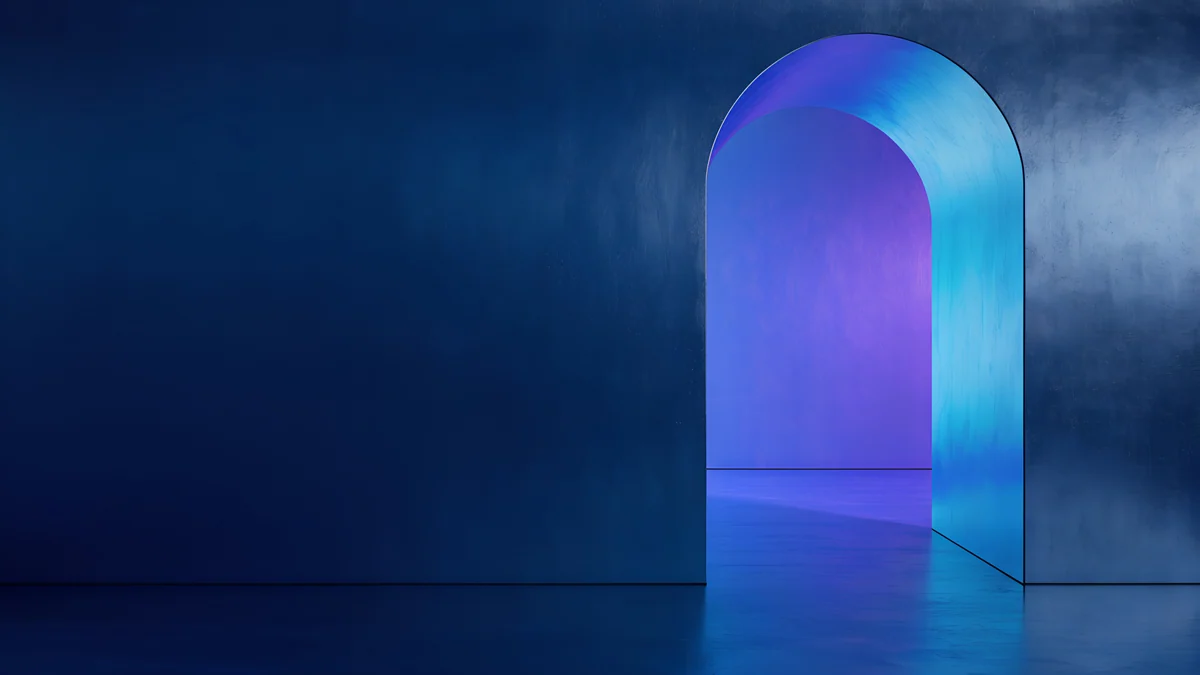
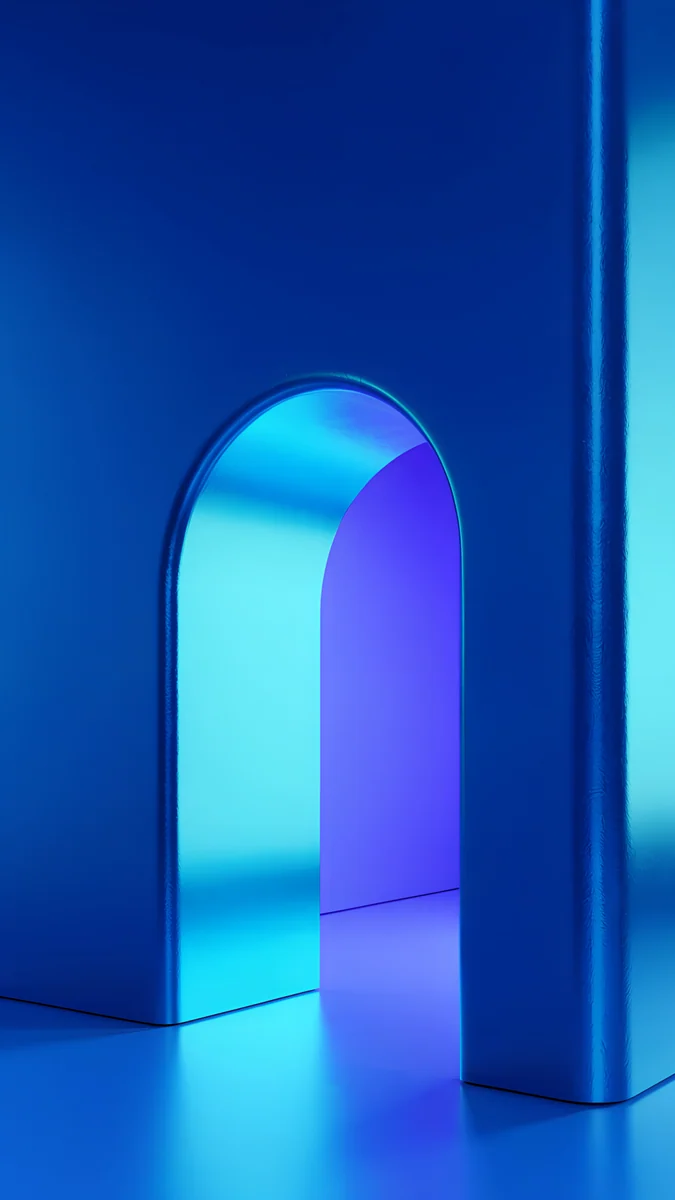 Volt Blue Arch
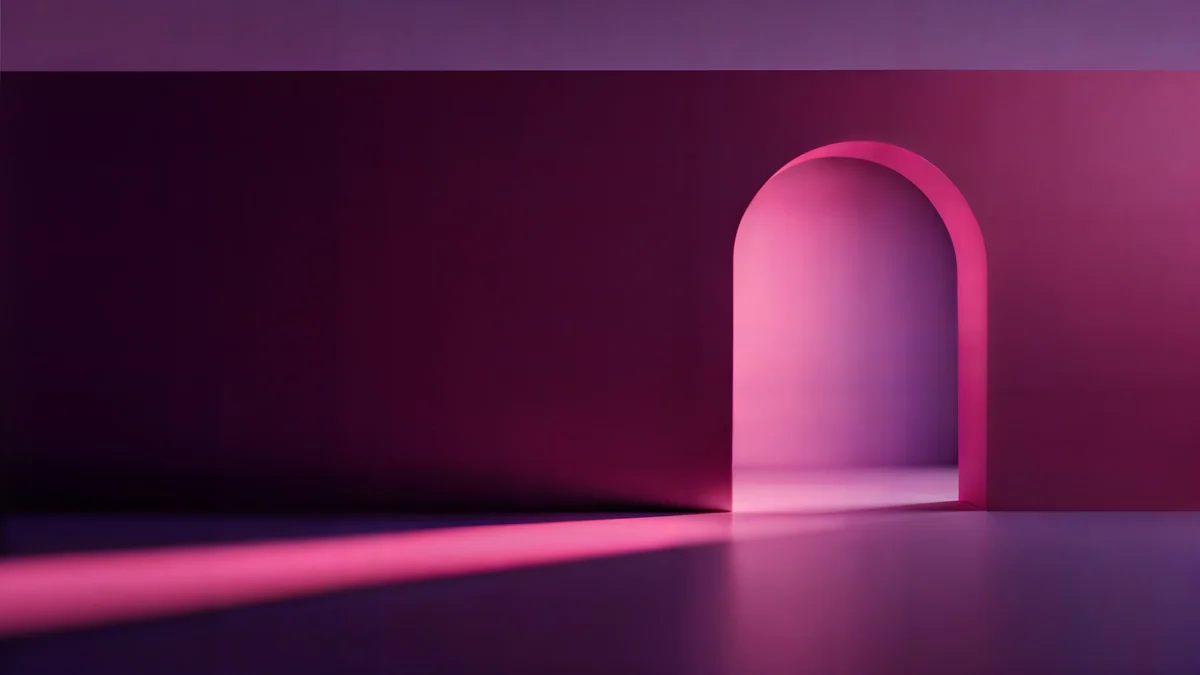
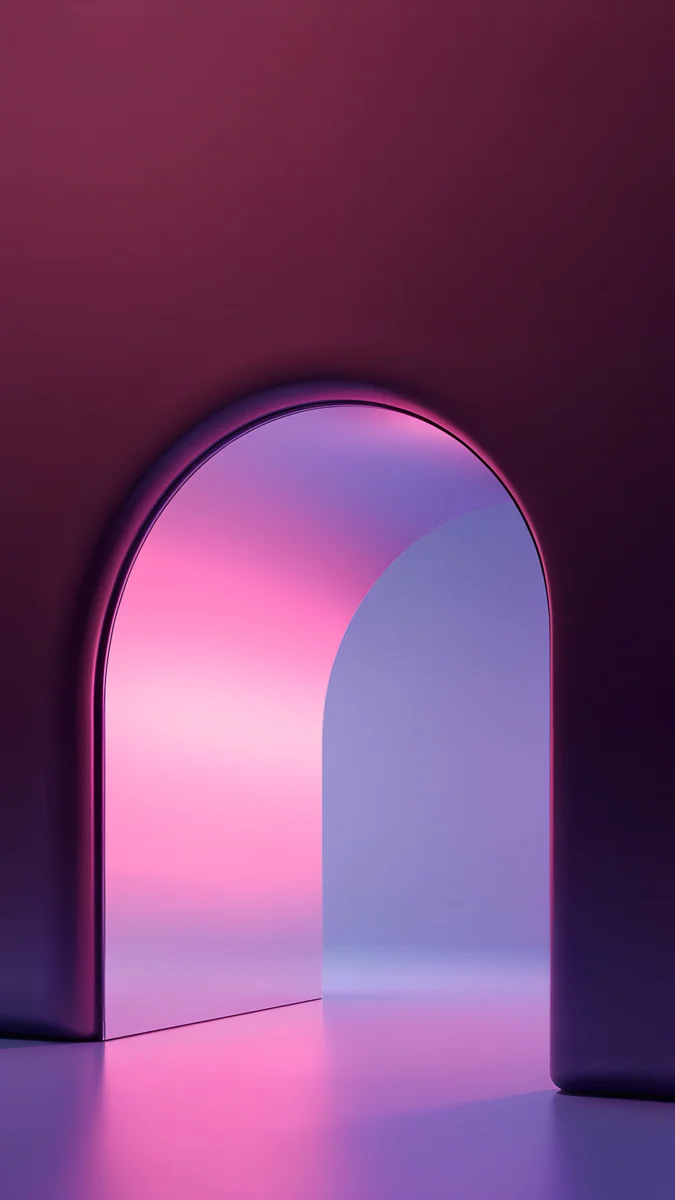 Rose Pulse Arch
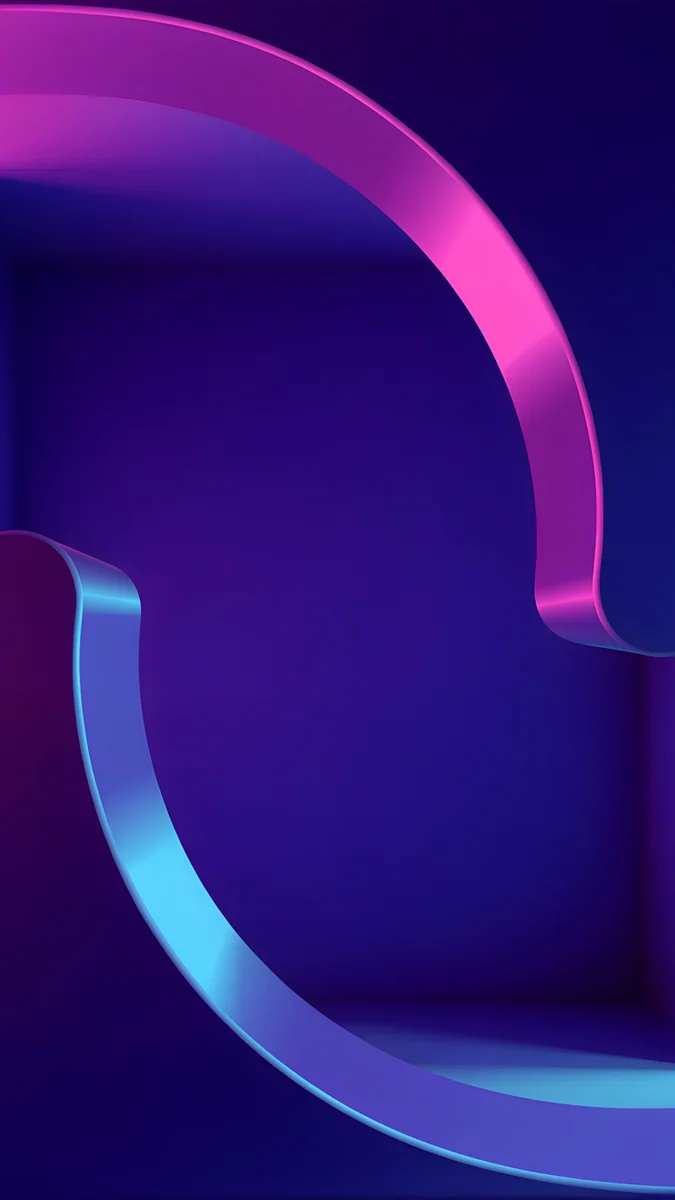 Edge Light Portal
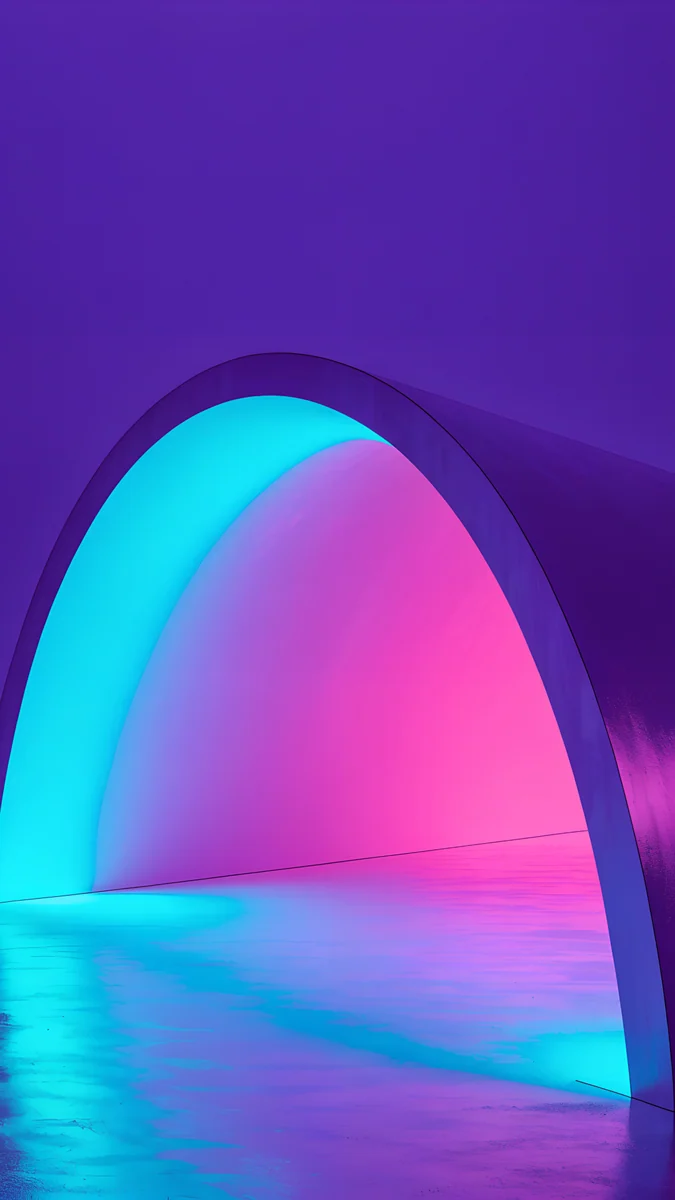 Electric Violet Arch
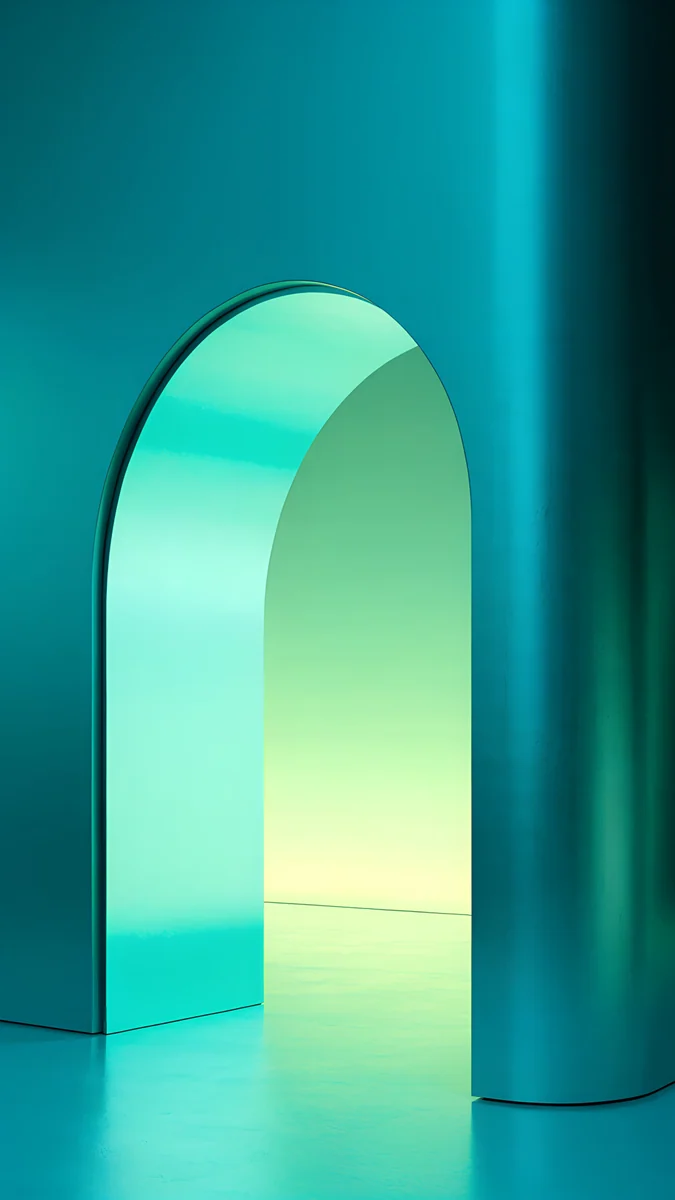 Jade Mint Arch
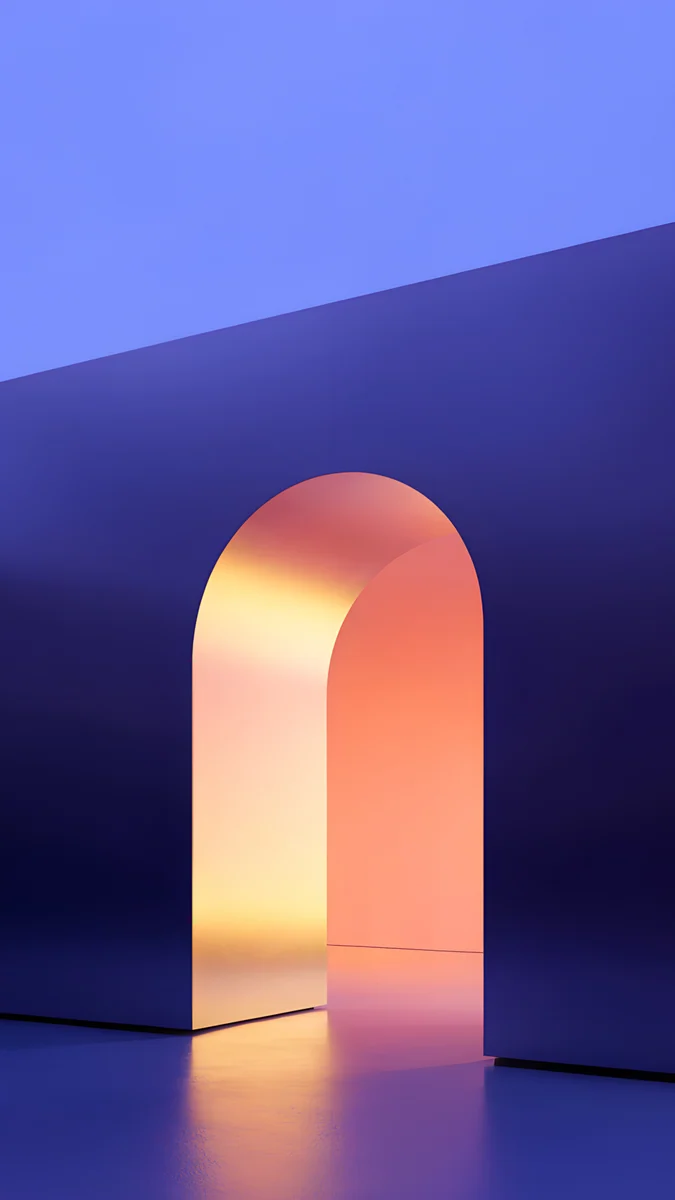 Solar Violet Arch
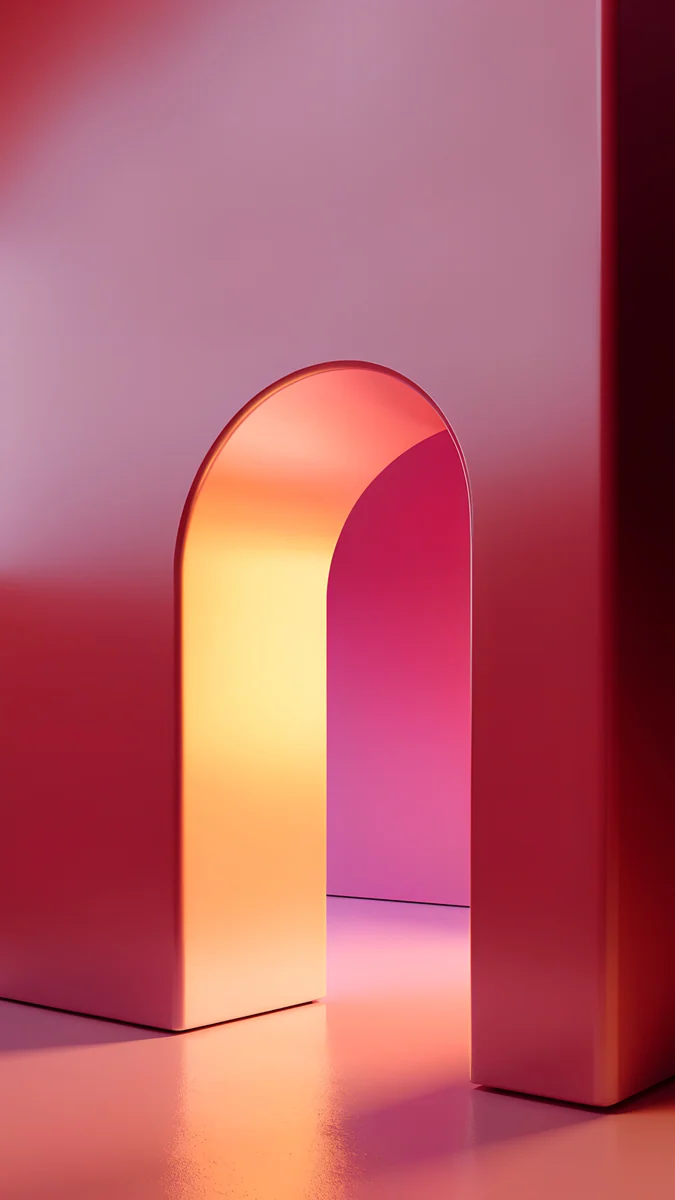 Coral Ignition Arch
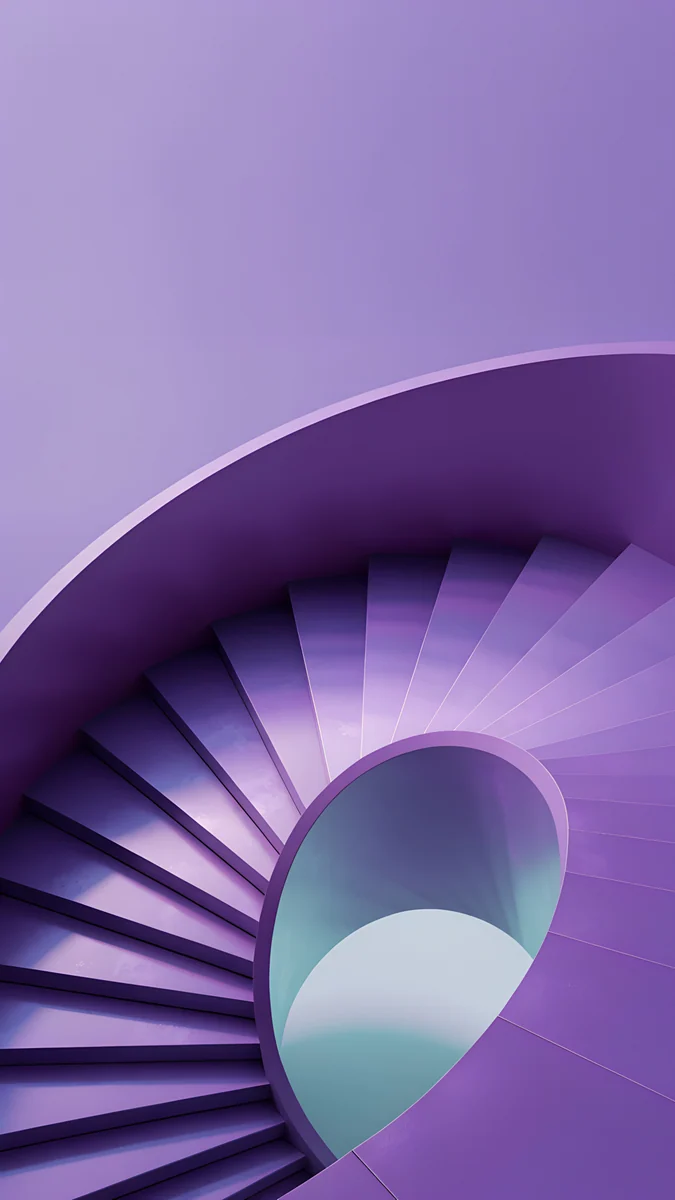 Violet Spiral Descent
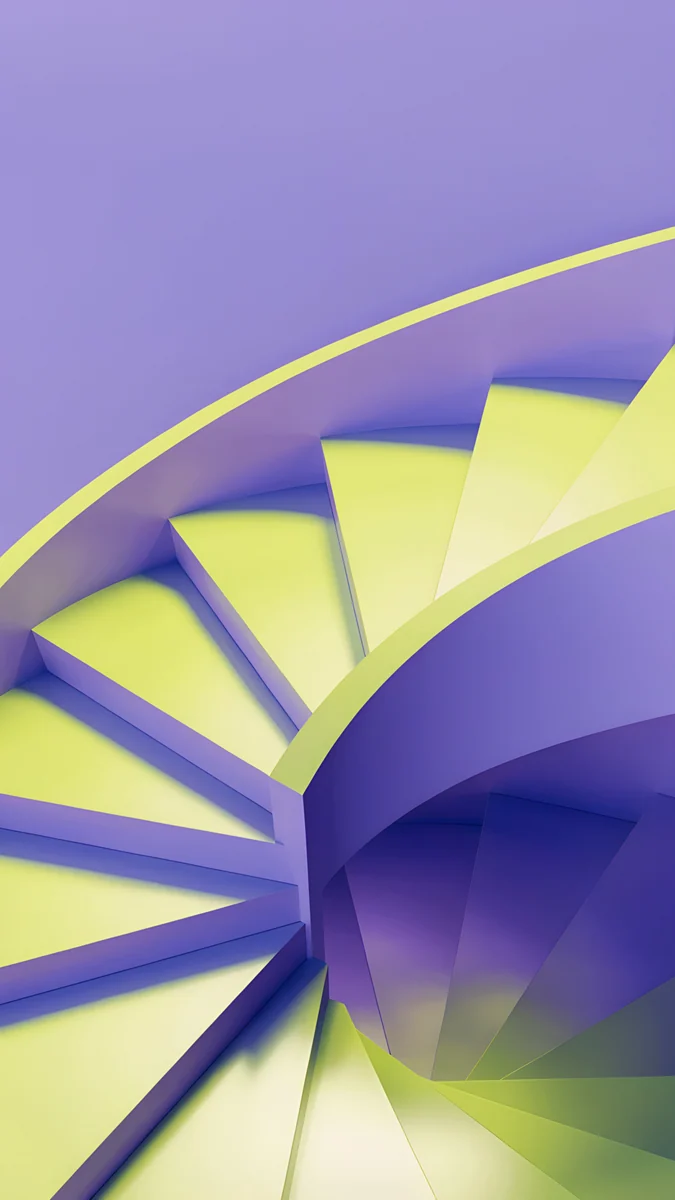 Lime Violet Helix
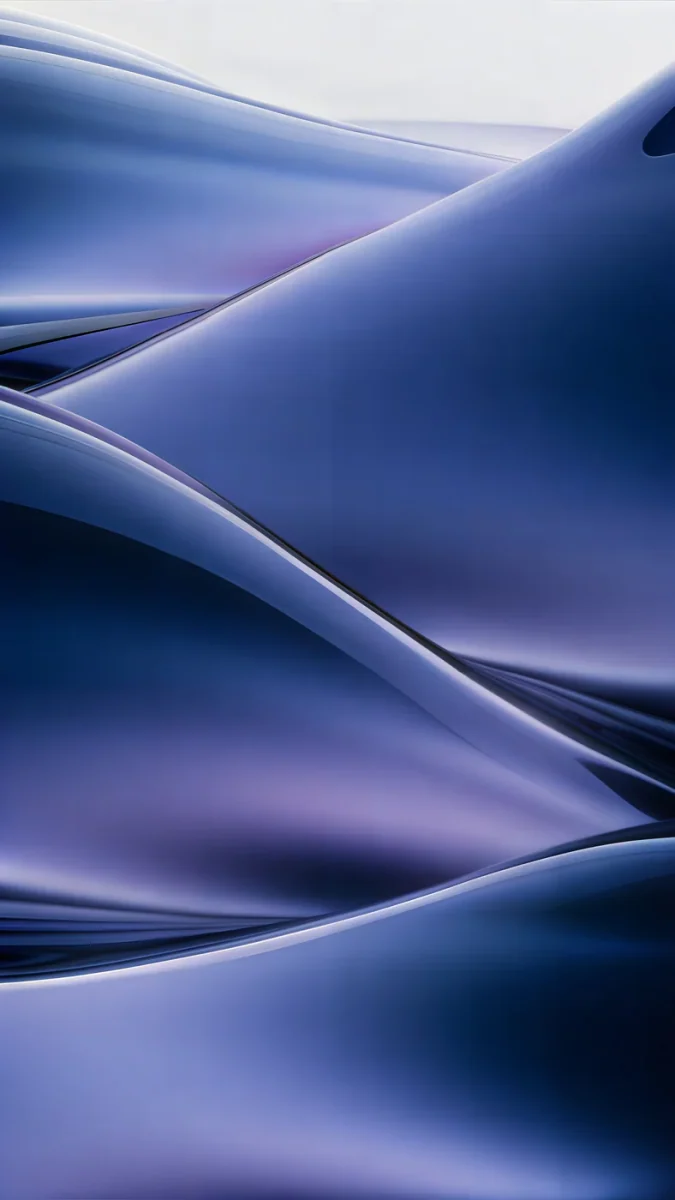 Midnight Flow
 Violet Afterglow
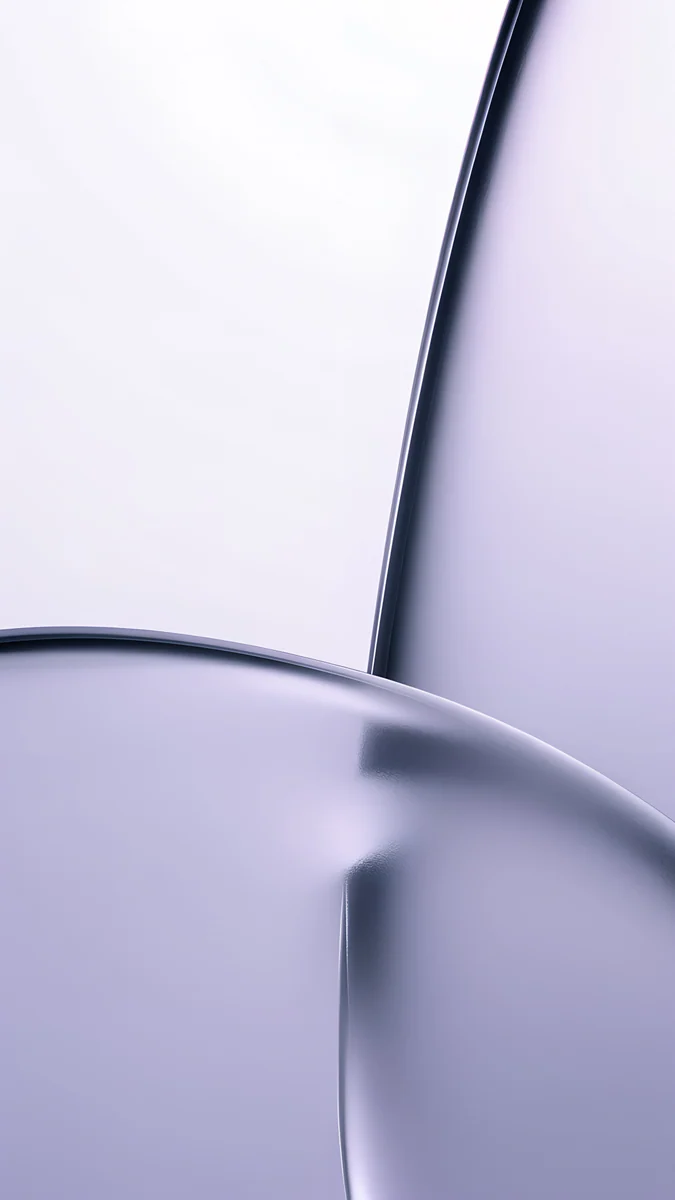 Lilac Transmission
Free 4K originals for iPhone and Android, no watermark
On this page
Neon on a phone screen is a trick of contrast. A thin line of cyan looks electric only because everything around it is dark. Put the same line on a white background and it turns into a pastel.
This collection gathers twelve Velpaper wallpapers built on that idea: a dark base, a gradient that runs from deep violet or navy into one bright accent, and nothing else competing for attention. Each is an original at 2160 by 3840 pixels, with no text or logo in the frame.
Why neon glows on OLED
On an OLED panel a black pixel is a pixel that is switched off. The violet shadow around an arch sits next to true black, and the eye reads the lit edge as brighter than it really is. On an LCD the backlight lifts the shadows to dark grey and part of the effect is lost. The wallpapers still work there, they just glow less.
The gradient matters as much as the colour. A hard neon line against flat black looks like a sign. A gradient that fades from the accent into the base colour over a few centimetres of screen looks like light landing on a surface, and that is what makes these images feel like rooms rather than graphics. For the battery and Always On side of dark screens, see the dark OLED collection.
Keeping neon quiet
Neon has a reputation for being loud, and most neon wallpapers earn it: three saturated colours, a grid, a chrome sun. Two rules keep it calm.
One accent colour. Each wallpaper here has a single bright hue, cyan or pink or gold, and a base that is a darker relative of it. Two accents fight each other; one accent reads as a light source.
A dark base over most of the frame. Roughly two thirds of each image stays in shadow. That is where the clock, the date and the notifications land, and they stay readable because nothing bright sits behind them.
Neon arches
The core of the collection. A satin wall, one rounded opening, and coloured light pouring out of it onto a glossy floor. The arch frames the glow and the glow does the rest. Daylight versions of the same arches are in the arch wallpaper collection.
Electric Violet Arch4K · PhoneRose Pulse Arch4K · PhoneVolt Blue Arch4K · PhoneJade Mint Arch4K · PhoneSolar Violet Arch4K · PhoneCoral Ignition Arch4K · PhoneElectric Violet Arch is the reference piece: a deep indigo wall and cyan light from the opening. Rose Pulse Arch runs plum into hot pink, the warmest of the violet family. Volt Blue Arch stays in one hue, navy to electric blue to cyan, and is the coolest and calmest of the six. Jade Mint Arch swaps violet for deep teal and mint. Solar Violet Arch puts a gold glow inside an indigo wall, the only arch where the accent is warm and the base is cold. Coral Ignition Arch is the loud one, wine to coral to amber, and the brightest image here. Pick it on purpose.
Portals and spirals
Three wallpapers that keep the neon palette but drop the arch.
Edge Light Portal is a single ribbon of cyan curling through deep indigo, the darkest image in the collection and the one with the most near-black for an OLED screen. Violet Spiral Descent is a stair turning down into shadow, lit in lavender, so the gradient follows the steps. Lime Violet Helix is the outlier: an acid lime spiral on violet, closer to a club flyer than a quiet lock screen. It is here for people who want the full neon. Both spirals come from our minimalist staircase collection.
If neon is too much
Three softer gradients with the same violet base and the saturation turned down. They suit a Home Screen where app icons already bring colour.
Midnight Flow is navy and muted violet waves with a pale blue highlight, dark enough for OLED but with no neon edge at all. Violet Afterglow fades from deep violet through mauve to a rosy beige, a dusk sky rather than a sign. Lilac Transmission is the lightest, pale lilac on near-white: the neon idea with the lights switched on. Choose it for a light theme.
Setting it up
Match the clock to the accent. A cyan clock on Volt Blue Arch or a pink one on Rose Pulse Arch makes the lock screen look designed. White works everywhere. Velpaper shows a lock screen preview with the time in place before you save.
Watch the depth effect on iPhone. iOS can place part of the clock behind a shape in the image. If it tucks the clock behind the top of an arch and you do not like the result, switch the effect off in Customize.
Android tint. On Pixel and most recent Android phones the system picks its theme colours from the wallpaper. Volt Blue Arch gives you a blue theme and Rose Pulse Arch a pink one; Coral Ignition Arch produces a bright orange that not everyone wants. Where to find that setting is shown in how to set a wallpaper on Android.
Three of these also come as wide wallpapers for Mac, free: Electric Violet Vault and Volt Blue Vault in 4K, and Rose Pulse Arcade in 5K.
Original wallpapers in 4K and 5K for iPhone, Android and desktop.
Questions
Do neon wallpapers use more battery on an OLED phone?
Not noticeably. The bright accent in each of these wallpapers covers a small part of the screen, and the rest is deep violet, navy or near-black, which OLED pixels show at very low power or with the pixel fully off. A neon gradient wallpaper therefore behaves much like any dark wallpaper: a small saving compared with a bright photo, and no measurable difference from a plain dark one. The one exception is Coral Ignition Arch, whose coral and amber glow covers more of the frame and is simply a brighter image. On an LCD phone the backlight runs at the same level whatever the picture, so the wallpaper makes no difference to battery either way.
Which neon wallpaper is the darkest for an OLED screen?
Edge Light Portal. It is one cyan ribbon in a field of deep indigo, and most of its pixels are close enough to black that an OLED panel switches them off. Volt Blue Arch and Electric Violet Arch come next: both keep the glow inside the arch and leave the wall and floor in shadow. Midnight Flow is also dark but has no neon edge, so it reads as a soft navy gradient rather than a neon image. If you want the most black with a neon accent, go with Edge Light Portal; if you want the most glow, Electric Violet Arch or Rose Pulse Arch.
Do neon gradient wallpapers look good on an LCD phone?
Yes, with one difference. On an LCD screen, such as an iPhone 11, an iPhone SE or many budget Android phones, the backlight stays on behind the whole image, so the deepest shadows show as very dark grey instead of black. The neon accent still looks bright, but the contrast between glow and background is smaller. Wallpapers with a wider gradient suffer less, because they never relied on pure black: Rose Pulse Arch, Solar Violet Arch and Violet Afterglow all hold up well on LCD. Edge Light Portal loses the most, since its effect depends on the indigo around the ribbon going fully dark.
What clock and icon colours work with a neon wallpaper?
Take the clock colour from the accent in the image: cyan on Volt Blue Arch or Electric Violet Arch, pink on Rose Pulse Arch, mint on Jade Mint Arch, gold on Solar Violet Arch. White is the safe choice and reads well on all twelve. Avoid a second saturated colour that is not in the wallpaper, because it adds the competing accent these images were chosen to avoid. On iPhone, long-press the lock screen, tap Customize and swipe through the clock colours. On Android, the system theme usually picks a matching tint from the wallpaper automatically; if not, the wallpaper and style settings let you choose one.
Are these neon wallpapers free?
Browsing and previewing is free on the web and in the apps. The phone wallpapers in this collection unlock after a short optional ad in the iPhone and Android apps; on the website, if no ad is available, the original downloads for free. The three Mac versions, Electric Violet Vault, Volt Blue Vault and Rose Pulse Arcade, are free with no ad. You get the full original, 2160 by 3840 pixels for phones and 4K or 5K for Mac, without a watermark. There is no account and no subscription.
Carlos Vivero
Designer of Velpaper wallpapers
Carlos Vivero designs the wallpapers in Velpaper: quiet architecture, liquid glass, Japanese ink and calm landscapes. Every piece is made as a 4K original for iPhone, Android and desktop.
Recent work








