Nothing Phone Wallpaper: Monochrome 4K for (3) and (3a)
Black and white wallpapers that match the Nothing OS look on the Nothing Phone (3) and (3a), with the real screen sizes and setup steps in Nothing OS.
In short: The wallpaper that suits a Nothing Phone best is black and white with one graphic shape, because Nothing OS itself is built from black, white and grey. A 2160 × 3840 file is sharp on both the Phone (3) at 1260 × 2800 and the Phone (3a) at 1084 × 2392.
By the Velpaper team · Wallpapers by Carlos Vivero, Velpaper designer · · 5 min read
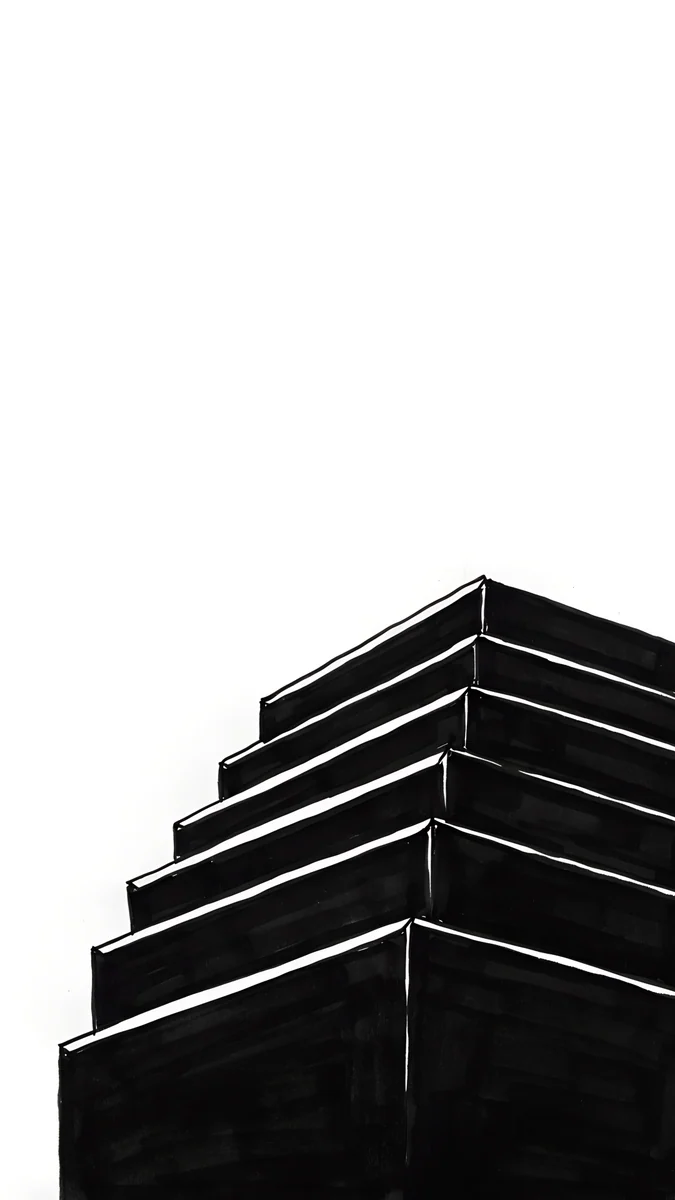 One Block
 Quiet Boat
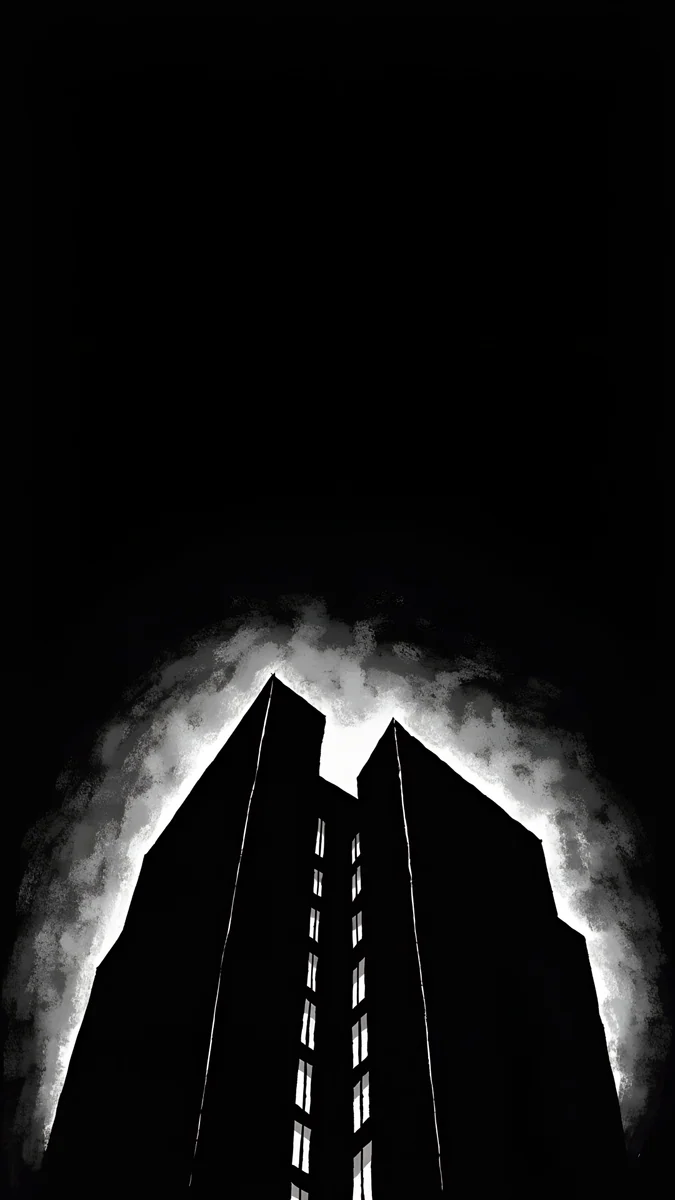 Light Slits
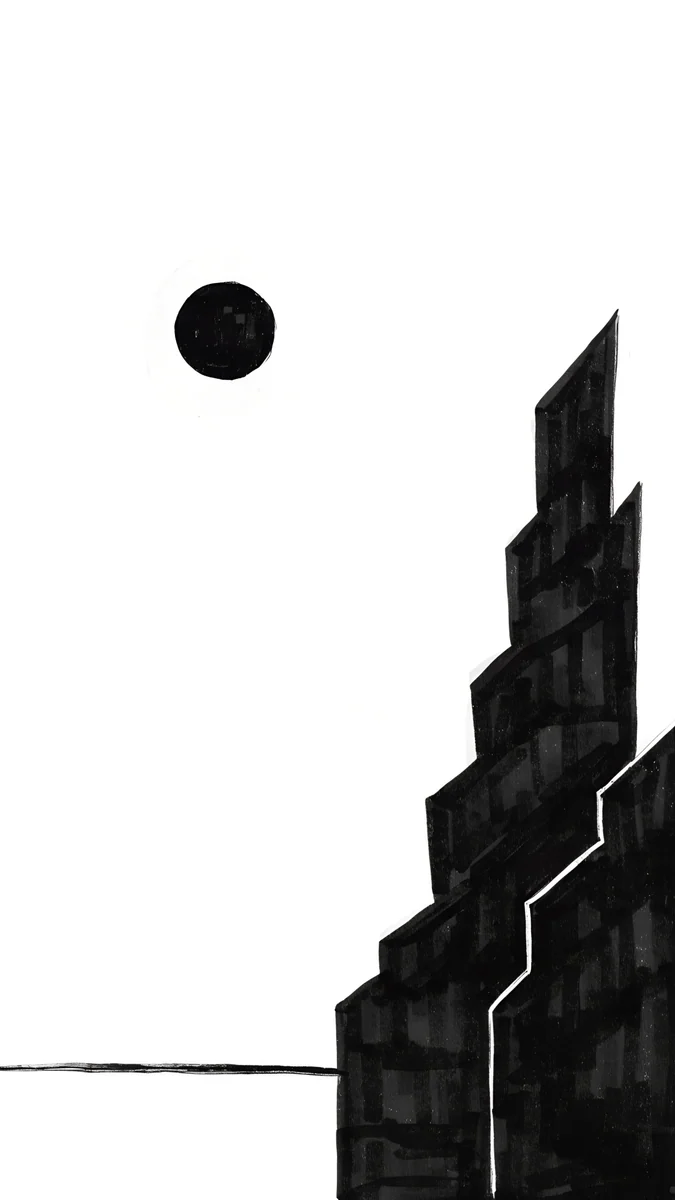 Paper Moon
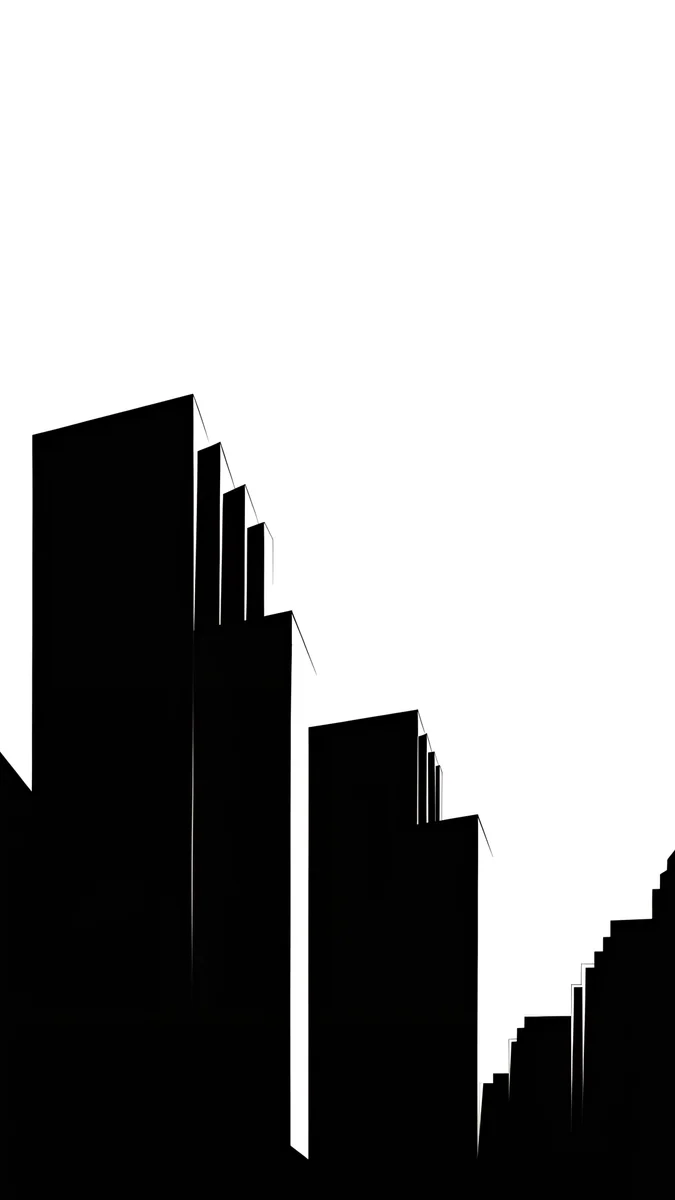 Low Blocks
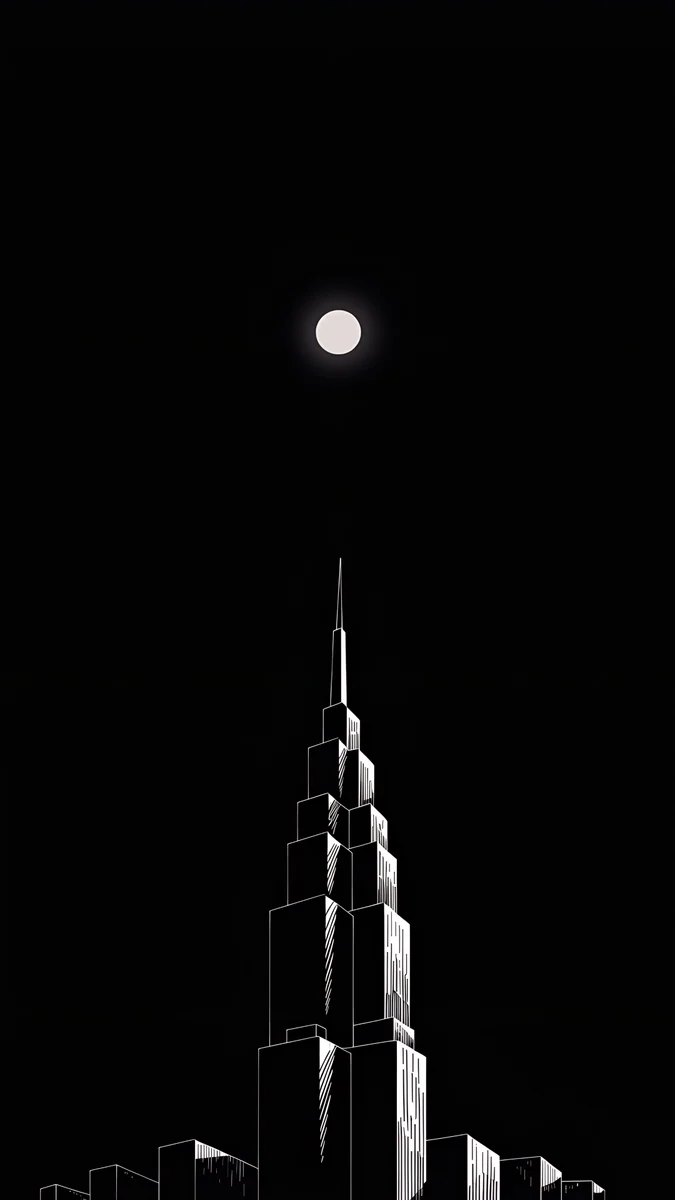 Lone Spire
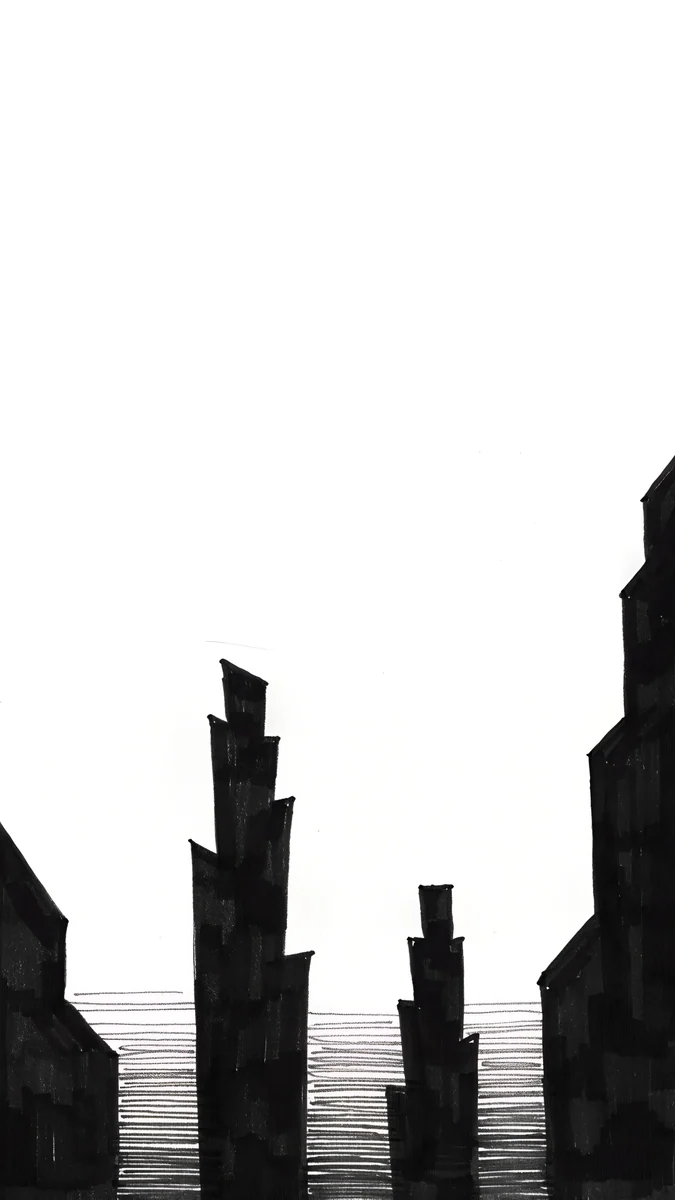 Paper Haze
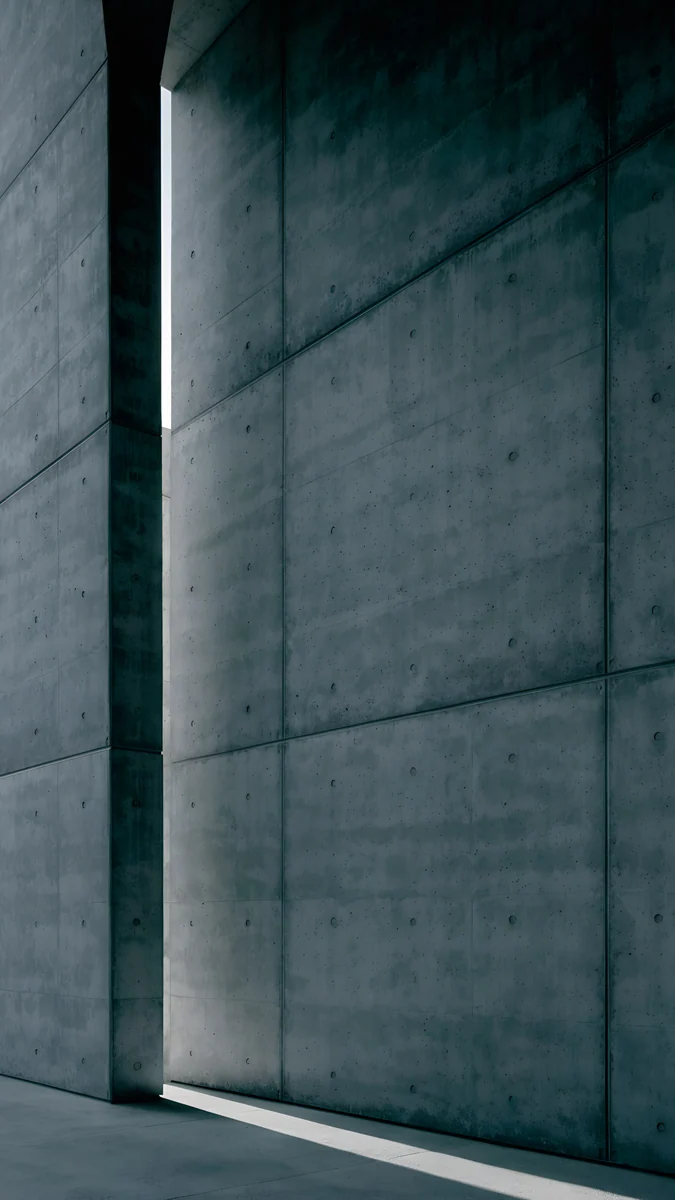 Charcoal Slot
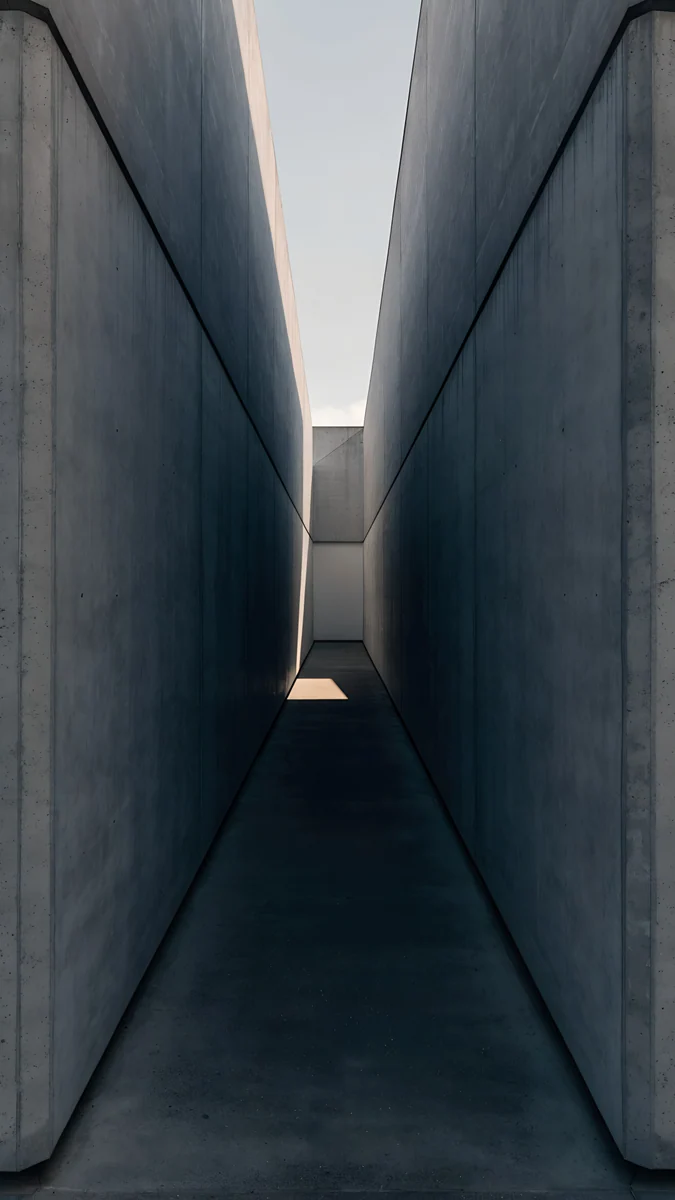 Graphite Passage
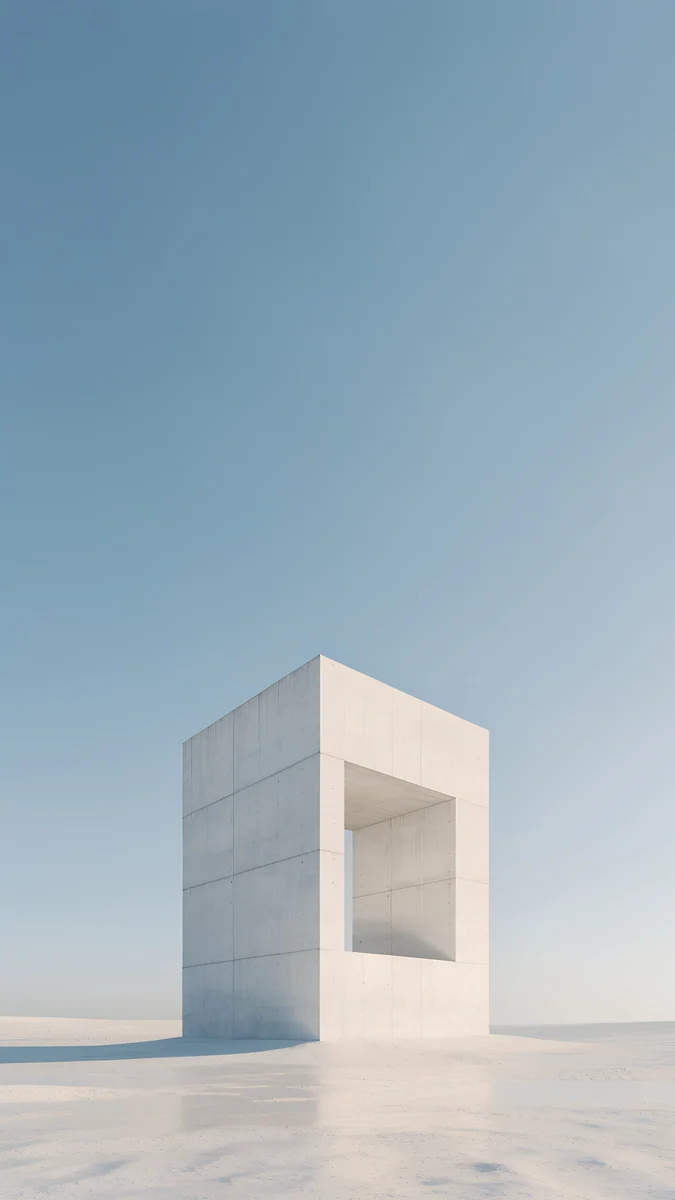 Monolith on the Plain
Free 4K originals for iPhone and Android, no watermark
On this page
- Nothing Phone wallpaper size: Phone (3) and Phone (3a)
- The Glyph is on the back, the wallpaper is on the front
- White wallpapers for a light Nothing OS
- Black wallpapers for dark mode
- Grey picks for the Blue Phone (3a)
- How to set a wallpaper on a Nothing Phone
- Common problems and fixes
- Get these Nothing Phone wallpapers in Velpaper
The best Nothing Phone wallpaper is monochrome: black, white or grey, with one clear graphic shape and plenty of empty space. Nothing OS is designed around that palette, with dot style lettering in its clocks and widgets, so a colourful photo fights the interface while an ink drawing fits right in. A 2160 × 3840 original is sharp on both the Phone (3) and the Phone (3a).
Below are the screen sizes from nothing.tech, a quick word on the Glyph lights, black and white wallpapers sorted by mood, and how to set them in Nothing OS.
Nothing Phone wallpaper size: Phone (3) and Phone (3a)
These figures come from Nothing's own product pages, width by height:
| Model | Screen | Resolution (pixels) |
|---|---|---|
| Nothing Phone (3) | 6.67 inch flexible AMOLED, 120 Hz | 1260 × 2800 |
| Nothing Phone (3a) | 6.77 inch flexible AMOLED, 120 Hz adaptive | 1084 × 2392 |
Both screens are taller and narrower than a 9:16 image. When Nothing OS fits a 2160 × 3840 file to the screen height, it scales it down and trims about a tenth from each side. Scaling down never adds blur, so keep the main shape in the middle. Nothing lists the Phone (3) with Nothing OS powered by Android 16, and the Phone (3a) launched with Nothing OS 3.1 on Android 15. For other Android phones, see our Android wallpaper size guide.
The Glyph is on the back, the wallpaper is on the front
A lot of people search for Glyph wallpapers, so to be clear: the Glyph Matrix on the Phone (3) and the Glyph lights on the Phone (3a) sit on the back of the phone. They show notifications, timers and small icons with their own LEDs, and they do not use or change your wallpaper. What matches the Nothing style on the screen is the same idea in a different place: black and white, dots and lines, nothing extra.
That is why the picks below are drawn in ink or built from plain blocks, not glowing light effects. Both screens are AMOLED, so black areas stay truly black and white lines look crisp. Our wider black and white wallpaper collection covers phones and desktops in general; this page sticks to what works with Nothing OS.
White wallpapers for a light Nothing OS
If you use the light theme or own the white Phone (3) or (3a), a white background with one black shape looks like a page from a sketchbook. The clock stays dark and sharp on top.
One Block is a single black stepped building drawn in ink, rising from the lower half of a white screen, the most Nothing-like pick here. Paper Moon puts a black moon over a thin horizon line and one jagged tower at the side. Quiet Boat is an ink brush rowing boat on still white water with one small red pennant, the only touch of colour in this set. Low Blocks draws a city of black blocks along both edges and leaves the whole middle white for widgets.
Black wallpapers for dark mode
In dark mode Nothing OS is mostly black with white text. These wallpapers keep the screen black and add one thin white shape.
Light Slits is a black tower with thin lit windows against a soft white glow, sharp edges on a black screen. Lone Spire is one stepped spire under a small white moon, almost all black. Paper Haze sits between light and dark: black towers rising out of grey mist with fine ink lines on water, good if you switch theme by time of day.
Grey picks for the Blue Phone (3a)
The Phone (3a) also comes in Blue in some markets. Cool grey concrete keeps the monochrome feel and sits well next to a blue back.
Charcoal Slot is a tall concrete wall with a single slit of light at the side. Graphite Passage looks down a narrow grey corridor to a bright opening. Monolith on the Plain is a white stone frame on a pale plain under a pale blue sky, the lightest of the three.
How to set a wallpaper on a Nothing Phone
- Save the original from the Velpaper app or from the wallpaper page on velpaper.com. Browser downloads land in the Download folder and show up in your photo app.
- Touch and hold an empty spot on the home screen and open the wallpaper menu, usually called Wallpaper & style, or open it from Settings.
- Choose the option to pick your own photo, then select the image.
- Move it so the main shape sits below the clock, and choose the lock screen, the home screen or both.
Menu names differ a little between Nothing OS versions, so if you do not see exactly these words, look for the wallpaper entry in the same place. To match the icons, Nothing OS lets you choose monochrome style icons in its customisation settings; the exact option depends on your version. The general steps for any Android phone are in wallpaper settings on Android.
Common problems and fixes
- The wallpaper looks soft. You probably saved a preview or a screenshot. Download the original again from the wallpaper page.
- The shape is cut off. About a tenth goes from each side, and a scrolling effect can enlarge it further. Pick a wallpaper with its shape in the middle, or read how to fix a zoomed Android wallpaper.
- The white wallpaper is too bright at night. Use a black pick in dark mode, or switch the two with your theme schedule.
- The Glyph does not change with the wallpaper. That is expected. The Glyph lights are set separately in the Glyph settings and never read the wallpaper.
Get these Nothing Phone wallpapers in Velpaper
Velpaper is an app for iPhone, iPad, Mac and Android, and every wallpaper is also on velpaper.com. Phone wallpapers are 4K originals at 2160 × 3840, desktop wallpapers are 4K and some are 5K, all without a watermark and without an account. The phone wallpapers in this article unlock after a short optional ad in the Velpaper apps; on the website, if no ad is available, the original downloads for free. The wallpapers are designed by Carlos Vivero.
Next step: open One Block, save the original, set it on your Nothing Phone and check it next to the clock and widgets.
Original wallpapers in 4K and 5K for iPhone, Android and desktop.
Questions
What is the wallpaper size for the Nothing Phone (3)?
Nothing lists the Phone (3) screen at 1260 × 2800 pixels on a 6.67 inch flexible AMOLED panel at 120 Hz. You do not need a file cut to that exact size. A 2160 × 3840 wallpaper is larger than the screen, so Nothing OS scales it down and trims about a tenth from each side. Keep the main shape in the middle and it stays sharp and whole. The same file also fits the Phone (3a), whose screen is 1084 × 2392.
What wallpaper suits the Nothing OS style?
Black and white with one graphic shape and lots of empty space. Nothing OS is built from black, white and grey, with dot style lettering in its clocks and widgets, so an ink drawing or a plain block shape fits the interface, while a bright photo competes with it. One Block, a single black stepped building on white, works well in the light theme. Lone Spire or Light Slits, thin white shapes on black, suit dark mode. On the AMOLED screen black stays truly black.
Can the Glyph lights show my wallpaper?
No. The Glyph Matrix on the Phone (3) and the Glyph lights on the Phone (3a) are on the back of the phone and run on their own LEDs. They show things like notifications, timers and small icons, and they are set up in the Glyph settings, separately from the wallpaper. Changing the wallpaper does not change the Glyph, and the Glyph does not read the wallpaper. If you want the front to match the back, choose a monochrome wallpaper with dots, lines or one simple shape.
How do I change the wallpaper on a Nothing Phone?
Save the image first. Then touch and hold an empty spot on the home screen and open the wallpaper menu, usually called Wallpaper & style, or find it in Settings. Choose the option to use your own photo, pick the image, move it so the main shape sits below the clock and choose the lock screen, the home screen or both. Menu names differ slightly between Nothing OS versions, so look for the wallpaper entry in the same place if the wording is not exactly the same.
Are these Nothing Phone wallpapers free?
Browsing and previewing are free in the Velpaper apps for iPhone, iPad, Mac and Android and on velpaper.com. The phone wallpapers in this article unlock after a short optional ad in the Velpaper apps; on the website, if no ad is available, the original downloads for free. There is no account and no subscription, and every download is the full 2160 × 3840 original without a watermark, sharp on the Phone (3) and the Phone (3a).
Carlos Vivero
Designer of Velpaper wallpapers
Carlos Vivero designs the wallpapers in Velpaper: quiet architecture, liquid glass, Japanese ink and calm landscapes. Every piece is made as a 4K original for iPhone, Android and desktop.
Recent work








