OnePlus Wallpaper: 4K Picks for OnePlus 15 and 13
OnePlus wallpapers matched to Ultra Violet, Sand Storm, Midnight Ocean and Arctic Dawn, with the real OnePlus 15 and 13 screen sizes and OxygenOS setup steps.
In short: A 2160 × 3840 wallpaper is sharp on both current OnePlus flagships: the OnePlus 15 screen is 2772 × 1272 and the OnePlus 13 is 3168 × 1440. Match it to the back: glossy violet for Ultra Violet, warm sand for Sand Storm, deep teal for Midnight Ocean and pale stone for Arctic Dawn.
By the Velpaper team · Wallpapers by Carlos Vivero, Velpaper designer · · 5 min read
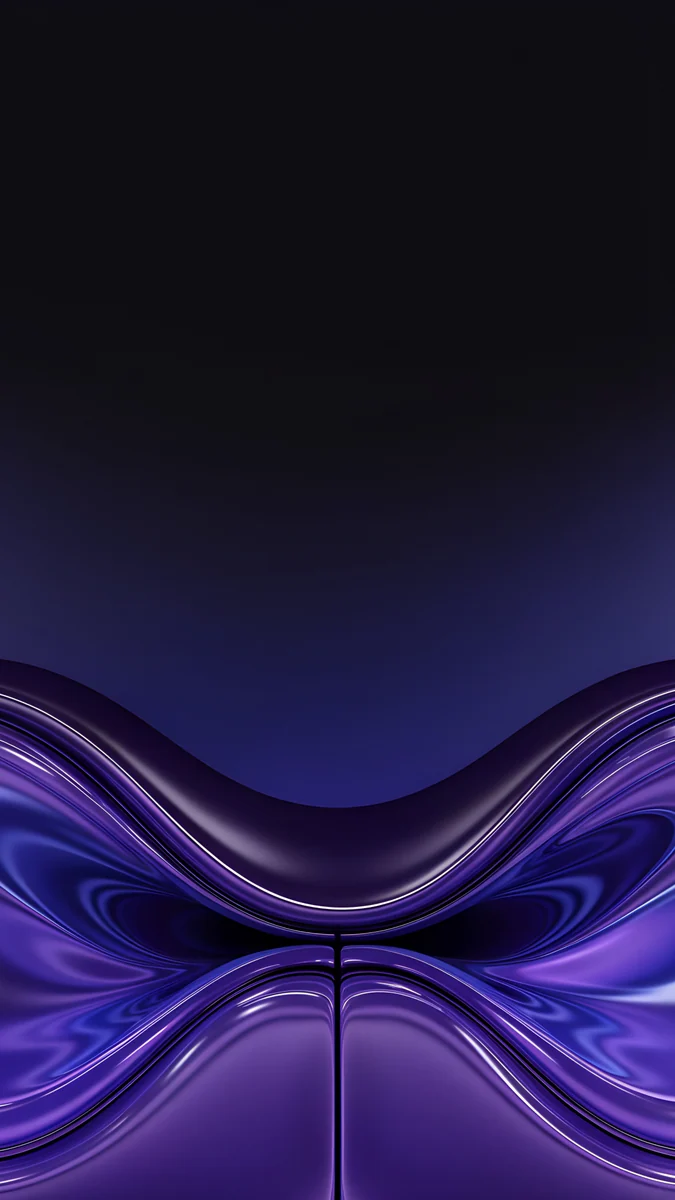 Violet Liquid Fold
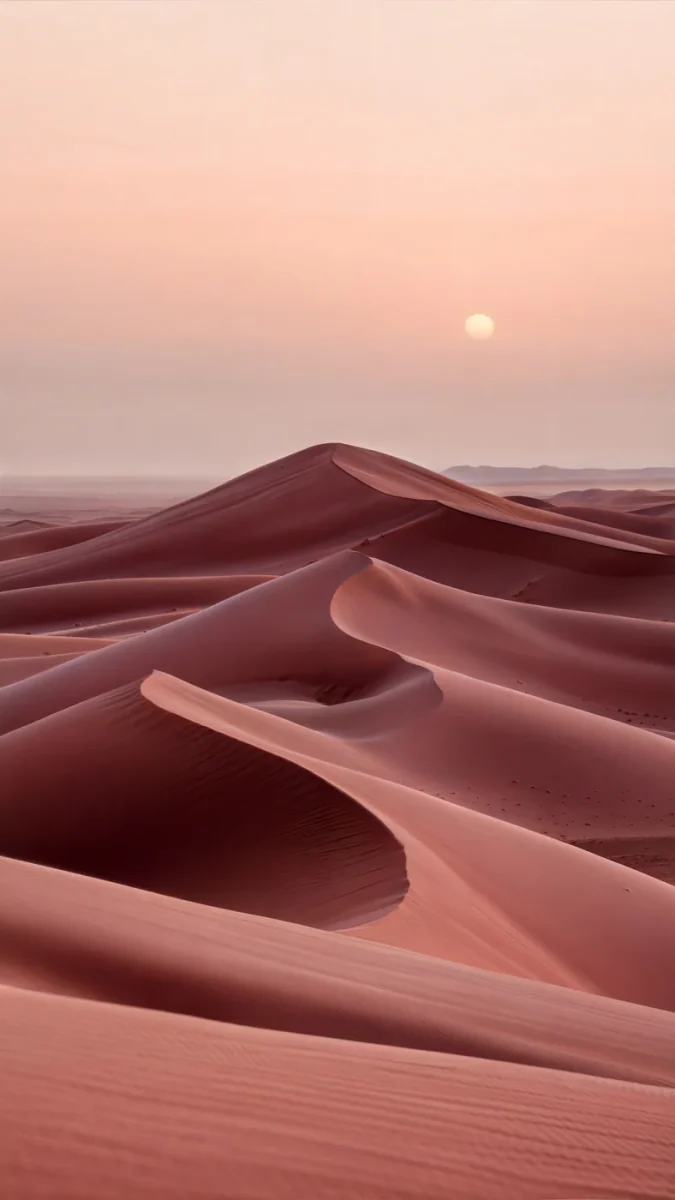 Rose Dunes
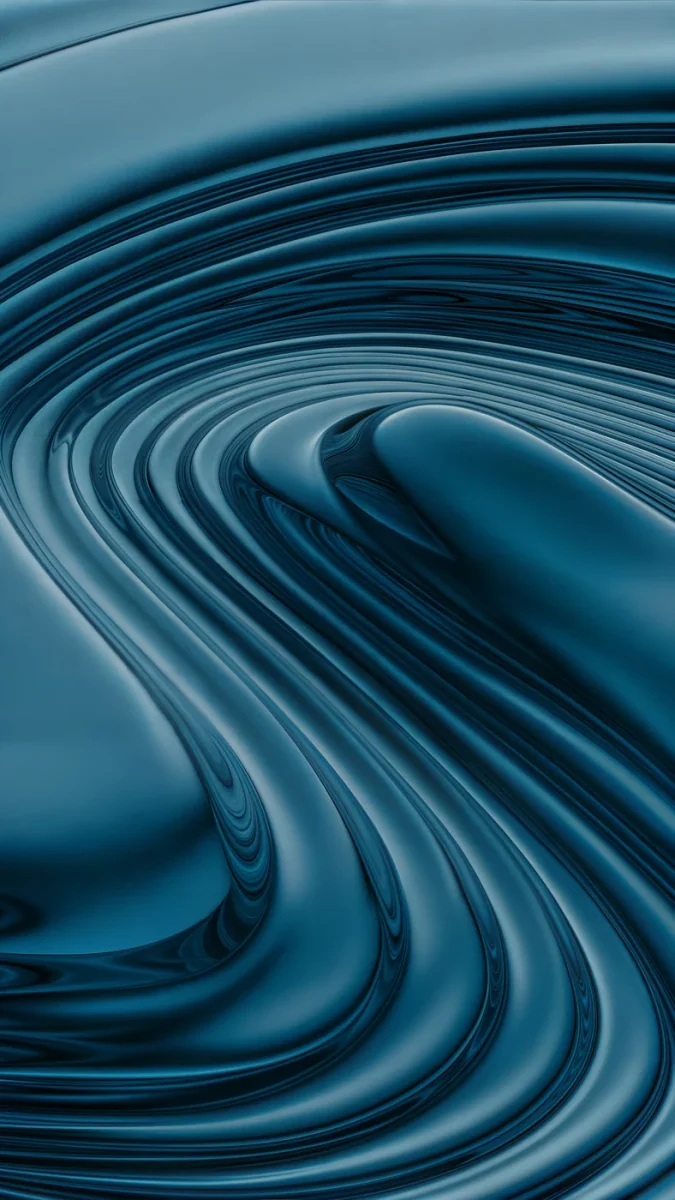 Petrol Terraces
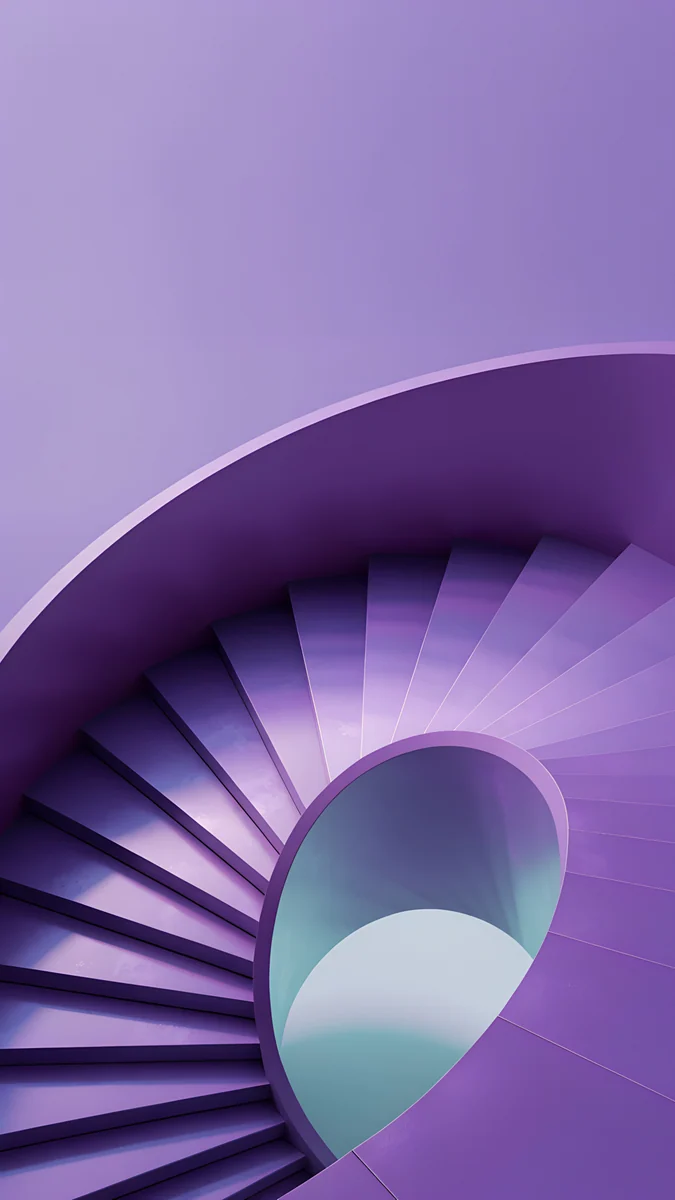 Violet Spiral Descent
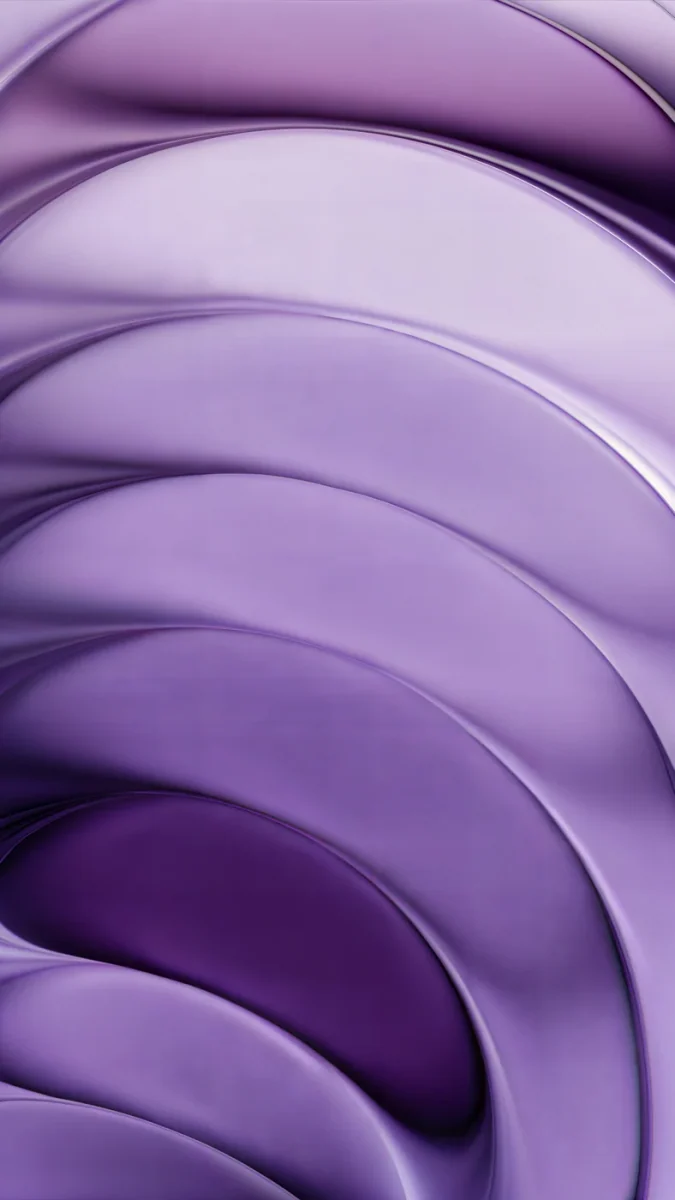 Lilac Strata
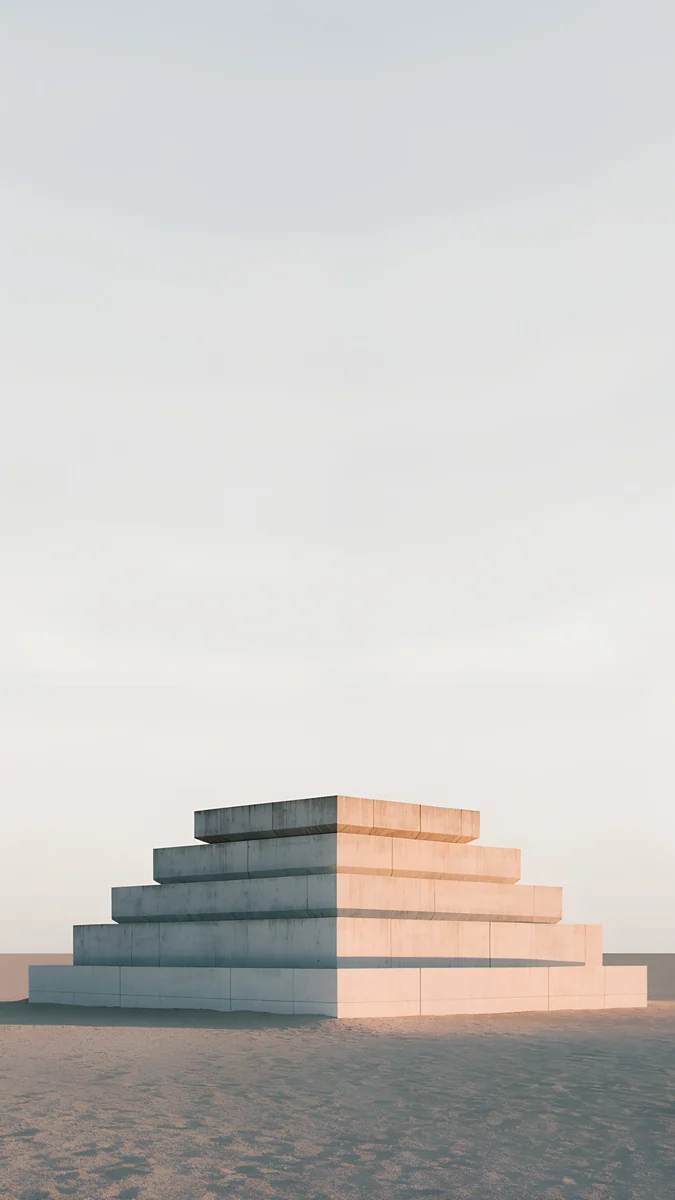 Stepped Ziggurat
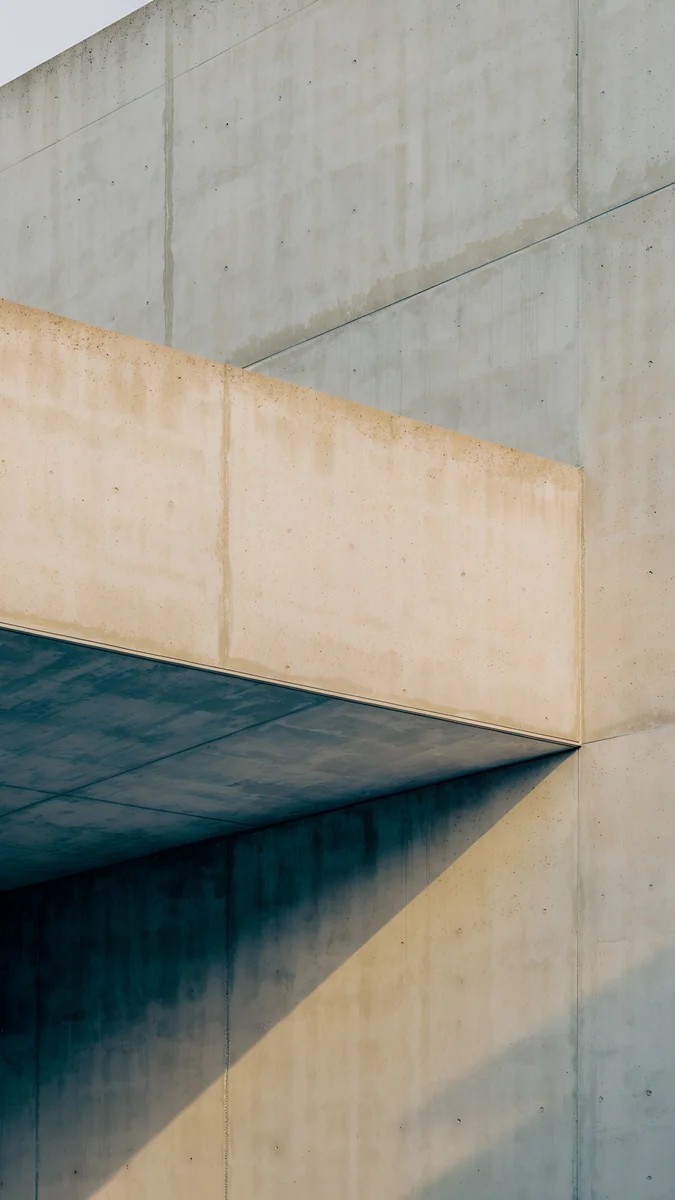 Sand Cantilever
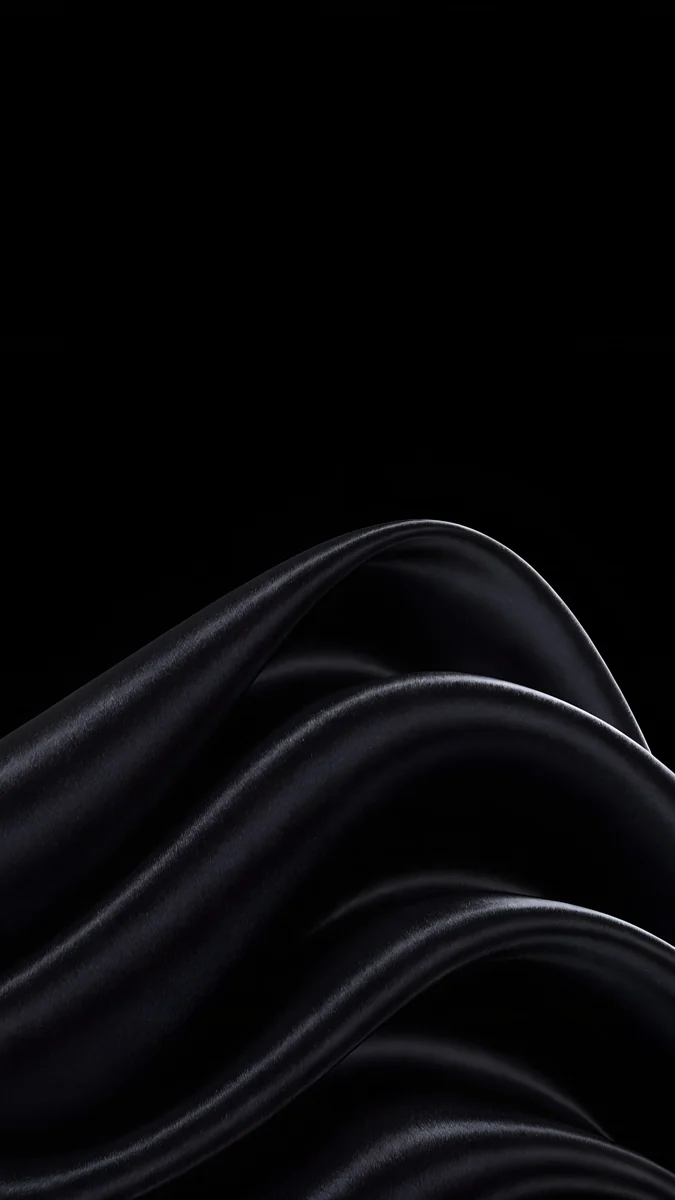 Black Satin
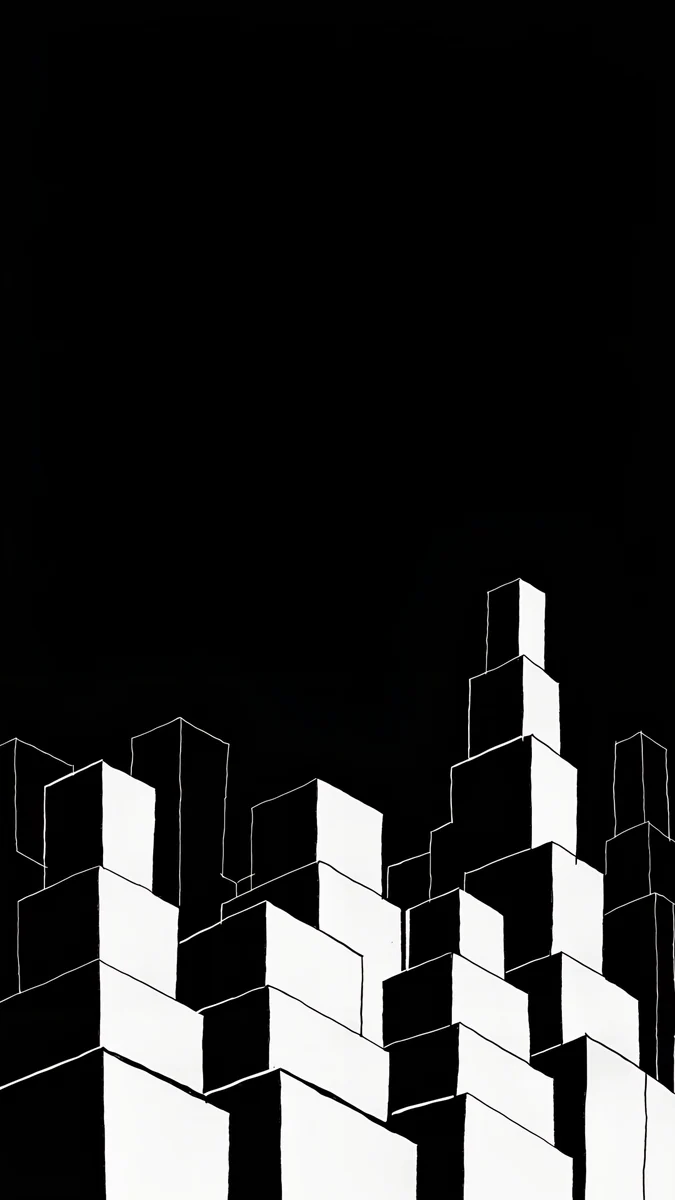 Night Blocks
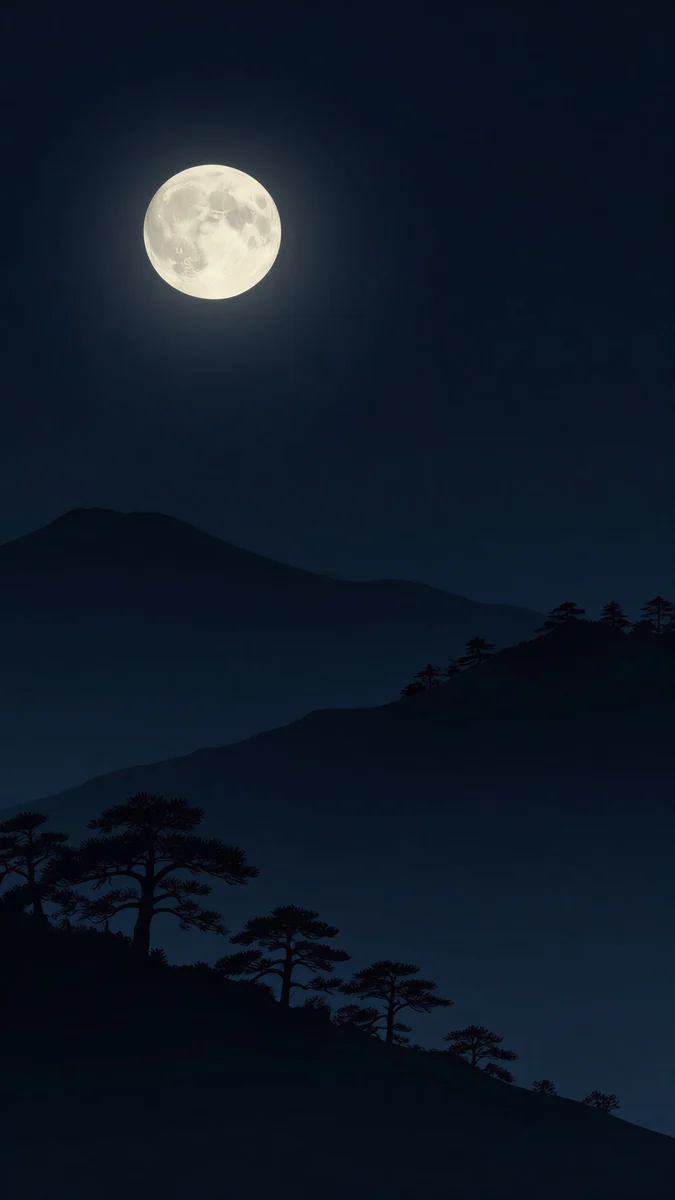 Moon Pines
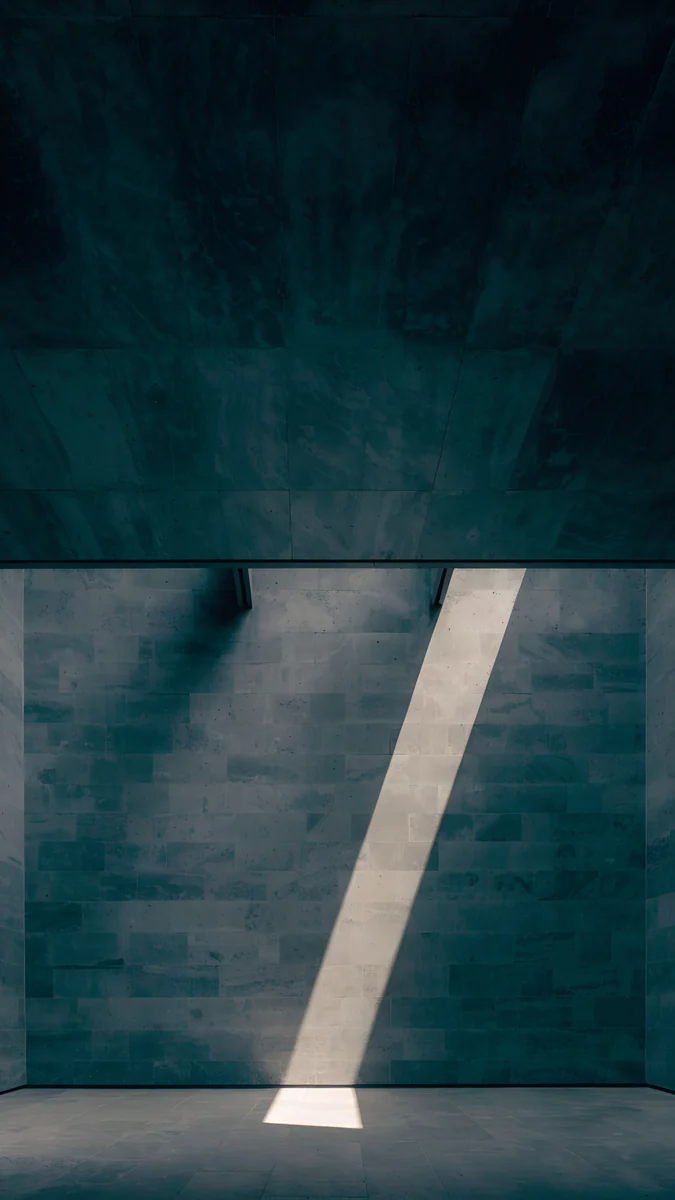 Slate Light Cut
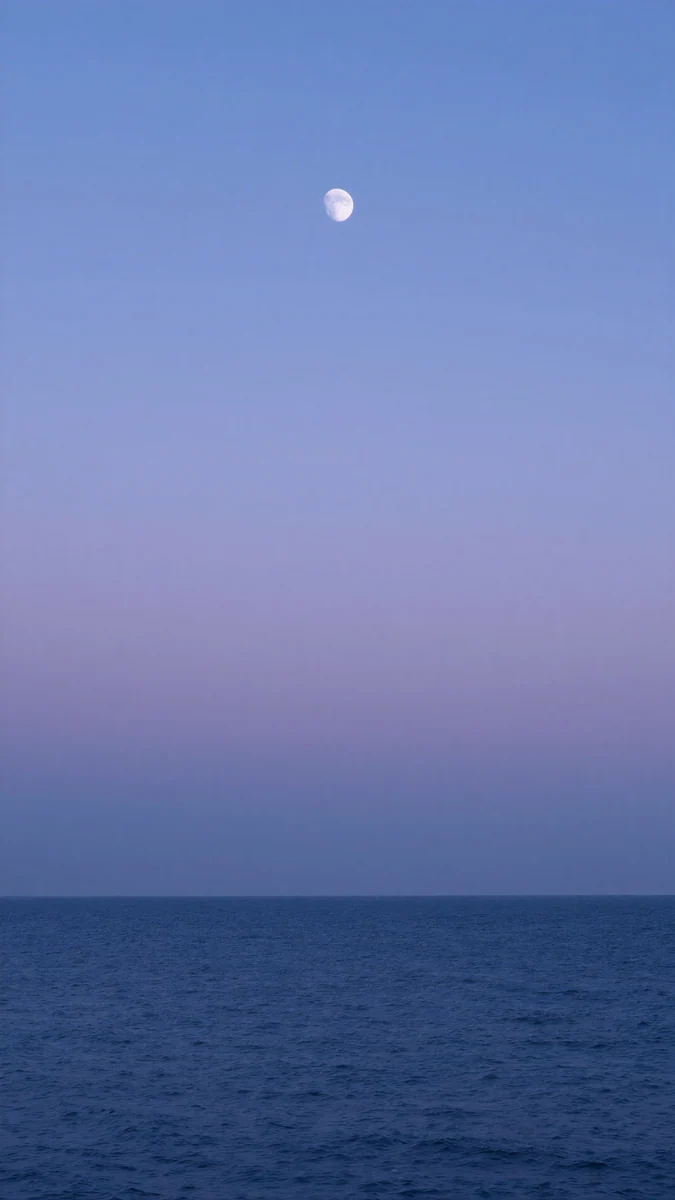 Dusk Moon Sea
Free 4K originals for iPhone and Android, no watermark
On this page
- OnePlus wallpaper size: OnePlus 15 and OnePlus 13
- OnePlus 15 in Ultra Violet: glossy violet
- OnePlus 15 in Sand Storm: warm sand and stone
- Infinite Black and Black Eclipse: dark picks
- OnePlus 13 in Midnight Ocean and Arctic Dawn
- How to set a wallpaper on OnePlus
- Common problems and fixes
- Get these OnePlus wallpapers in Velpaper
The best OnePlus wallpaper picks up the colour of the phone and keeps its detail in the middle, because OxygenOS trims a little from each side of a tall image. One 2160 × 3840 original covers both the OnePlus 15, at 2772 × 1272, and the OnePlus 13, at 3168 × 1440, so you never need a separate file per model.
Below are the screen sizes from OnePlus's own spec pages, wallpapers sorted by the colours of the OnePlus 15 and OnePlus 13, and how to set them in OxygenOS.
OnePlus wallpaper size: OnePlus 15 and OnePlus 13
These figures come from the official spec pages on oneplus.com, width by height:
| Model | Screen | Resolution (pixels) | Shape |
|---|---|---|---|
| OnePlus 15 | 6.78 inch, LTPO, 1.5K | 1272 × 2772 | 20:9 |
| OnePlus 13 | 6.82 inch, LTPO 4.1, QHD+ | 1440 × 3168 | 19.8:9 |
One detail surprises people: the newer OnePlus 15 has fewer pixels than the OnePlus 13. OnePlus went for a 1.5K panel that refreshes at up to 165 Hz in games, while the 13 runs QHD+ at up to 120 Hz. For a wallpaper it makes no difference. A 2160 × 3840 file is larger than both screens, so OxygenOS only scales it down and trims just under a tenth from each side. Scaling down never adds blur.
The OnePlus 15 ships with OxygenOS 16 based on Android 16, and the OnePlus 13 launched with OxygenOS 15 based on Android 15. If you have an older OnePlus or another brand, our Android wallpaper size guide lists more models.
OnePlus 15 in Ultra Violet: glossy violet
Ultra Violet is the loudest colour OnePlus sells right now. A wallpaper in the same violet, but with a dark area for the clock, makes the phone look finished without turning the lock screen into a purple block.
Violet Liquid Fold lays glossy indigo and violet liquid waves across the bottom half and fades to near black at the top, so the clock sits on dark. Violet Spiral Descent looks down a lilac spiral staircase to a pale opening, brighter and more playful. Lilac Strata stacks soft lilac curves like layered glass from edge to edge, the calmest of the three.
OnePlus 15 in Sand Storm: warm sand and stone
Sand Storm is a warm, light neutral. Desert colours and sun on stone repeat it without looking beige and flat.
Rose Dunes rolls rose and terracotta dunes under a peach sky with a small low sun, the warmest match. Stepped Ziggurat puts a pale stepped stone platform on sand under a nearly white sky, leaving the whole top for the clock. Sand Cantilever is a close look at a beige concrete overhang throwing a long shadow, geometric and quiet.
Infinite Black and Black Eclipse: dark picks
Both flagships come in black: Infinite Black on the OnePlus 15 and Black Eclipse on the OnePlus 13. Both screens are LTPO panels, the low power OLED technology, so black pixels stay dark and a single light shape stands out.
Black Satin sweeps black fabric folds with silver edges up from the bottom. Night Blocks stacks white outlined cubes into a city at the bottom of a black sky, graphic and sharp. Moon Pines is a full moon over dark blue hills and pine silhouettes. Slate Light Cut is a dark concrete wall with one diagonal slit of light, the most minimal choice here. For more true black screens, see our dark OLED wallpapers.
OnePlus 13 in Midnight Ocean and Arctic Dawn
Midnight Ocean is a deep blue with a soft finish, Arctic Dawn a pale silvery white. They sit at opposite ends, so pick the mood first.
Petrol Terraces4K · PhoneDusk Moon Sea4K · Phone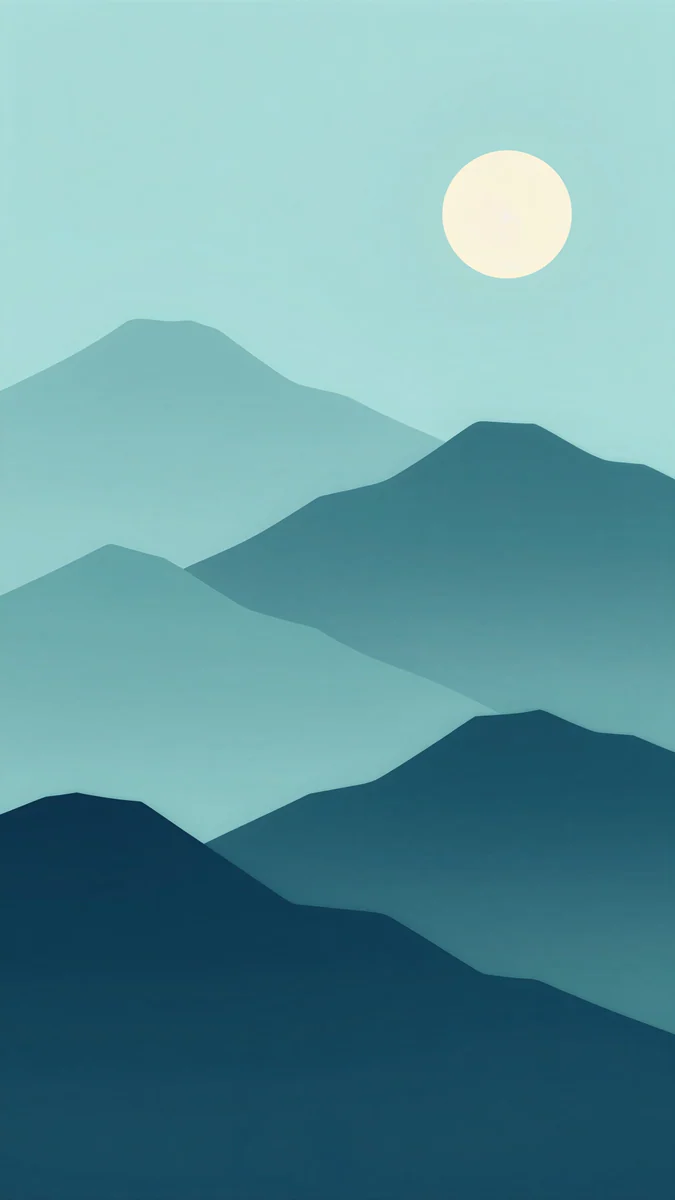 Midnight Paper Peaks4K · Phone
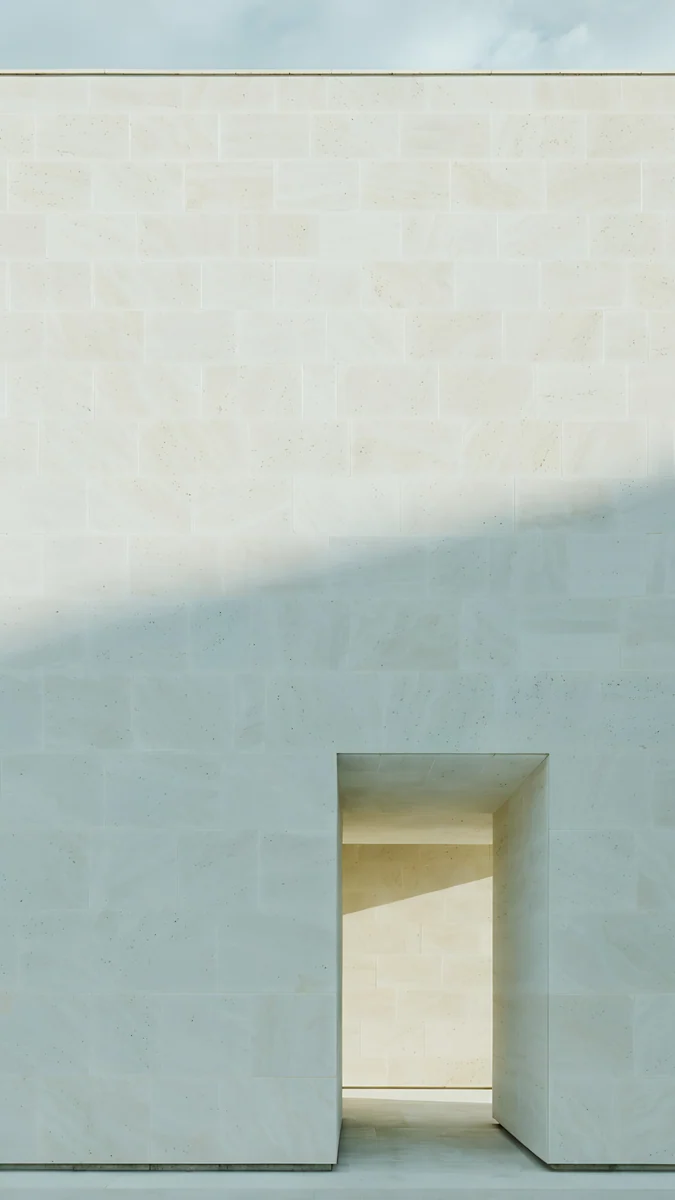 Ivory Daylight4K · Phone
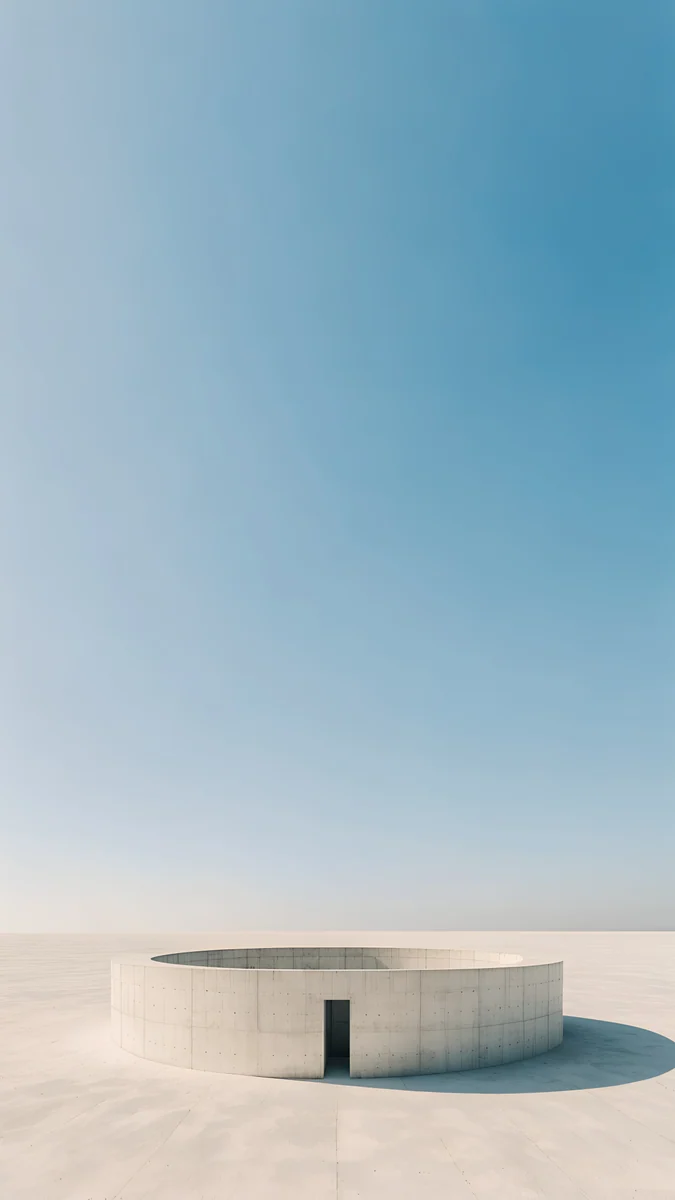 Circular Court4K · Phone
For Midnight Ocean, Petrol Terraces swirls glossy petrol blue curves across the full screen, close to the colour of the back. Dusk Moon Sea fades from violet to deep blue over a dark sea with a tiny moon, and Midnight Paper Peaks layers teal paper cut mountains under a pale moon. For Arctic Dawn, Ivory Daylight is a pale stone wall with one lit doorway and a soft band of sun, and Circular Court sets a low round white wall in sand under a pale blue sky.
How to set a wallpaper on OnePlus
- Save the original from the Velpaper app or from the wallpaper page on velpaper.com. Browser downloads appear in the Download album of the Photos app.
- Touch and hold an empty spot on the home screen and tap Wallpapers & style, or open it from Settings.
- Tap the wallpaper preview, choose a photo from your albums and pick the image.
- Move it so the main shape sits below the clock, then choose the lock screen, the home screen or both.
A quicker route: open the image in Photos, tap the three dot menu and choose Set as wallpaper. These are the English names in OxygenOS 15 and 16; they can differ slightly between versions and regions. The general steps for any Android phone are in our guide to wallpaper settings on Android.
Common problems and fixes
- The wallpaper looks soft. You probably saved a preview or a screenshot. Download the original again from the wallpaper page.
- It is zoomed in or cut off. The side crop removes just under a tenth on each side, and a scrolling or motion effect can enlarge the image further. Pick a wallpaper with its subject in the middle, or read how to fix a zoomed Android wallpaper.
- The interface colours changed. Depending on the version, OxygenOS can take accent colours from the wallpaper. That is a feature, not a bug, and the colour options in Wallpapers & style let you pick another palette.
- The clock is hard to read. Choose a wallpaper with a plain top, like Violet Liquid Fold or Stepped Ziggurat, or change the clock style in the lock screen editor.
Get these OnePlus wallpapers in Velpaper
Velpaper is an app for iPhone, iPad, Mac and Android, and every wallpaper is also on velpaper.com. Phone wallpapers are 4K originals at 2160 × 3840, desktop wallpapers are 4K and some are 5K, all without a watermark and without an account. The phone wallpapers in this article unlock after a short optional ad in the Velpaper apps; on the website, if no ad is available, the original downloads for free. The wallpapers are designed by Carlos Vivero.
Next step: open Violet Liquid Fold, save the original, set it on your OnePlus and lock the phone to see the violet against the black top.
Original wallpapers in 4K and 5K for iPhone, Android and desktop.
Questions
What is the wallpaper size for the OnePlus 15?
OnePlus lists the OnePlus 15 screen at 2772 × 1272 pixels on a 6.78 inch LTPO panel, a 20:9 shape it calls 1.5K. A wallpaper only has to cover that, so a 2160 × 3840 file is more than enough: OxygenOS scales it down and trims just under a tenth from each side. Keep the main shape in the middle and it stays sharp and whole. The same file also fits the OnePlus 13, which has more pixels at 3168 × 1440.
Why does the OnePlus 15 have a lower resolution than the OnePlus 13?
OnePlus chose a 1.5K panel for the OnePlus 15, 2772 × 1272, that refreshes at up to 165 Hz in games, while the OnePlus 13 has a QHD+ panel, 3168 × 1440, at up to 120 Hz. At normal viewing distance both look sharp. For wallpapers the difference does not matter: a 2160 × 3840 original is larger than both screens in every direction, so the phone only scales it down. You will not see blur on either model.
Which wallpaper matches each OnePlus colour?
For the OnePlus 15 in Ultra Violet, glossy violet with a dark top works well, such as Violet Liquid Fold. For Sand Storm, warm desert tones like Rose Dunes or Stepped Ziggurat. For Infinite Black and the OnePlus 13 in Black Eclipse, dark pictures with one light shape, such as Black Satin or Slate Light Cut. For the OnePlus 13 in Midnight Ocean, deep teal and blue like Petrol Terraces, and for Arctic Dawn, pale stone like Ivory Daylight. Colours can vary by region.
How do I change the wallpaper in OxygenOS?
Save the image first, then touch and hold an empty spot on the home screen and tap Wallpapers & style, or open the same menu from Settings. Tap the wallpaper preview, pick the photo from your albums, move it so the main shape sits below the clock, and choose the lock screen, home screen or both. You can also open the picture in the Photos app, tap the three dot menu and choose Set as wallpaper. Names can differ slightly between OxygenOS versions.
Are these OnePlus wallpapers free?
Browsing and previewing are free in the Velpaper apps for iPhone, iPad, Mac and Android and on velpaper.com. The phone wallpapers in this article unlock after a short optional ad in the Velpaper apps; on the website, if no ad is available, the original downloads for free. There is no account and no subscription, and every download is the full 2160 × 3840 original without a watermark, sharp on the OnePlus 15 and the OnePlus 13.
Carlos Vivero
Designer of Velpaper wallpapers
Carlos Vivero designs the wallpapers in Velpaper: quiet architecture, liquid glass, Japanese ink and calm landscapes. Every piece is made as a 4K original for iPhone, Android and desktop.
Recent work








