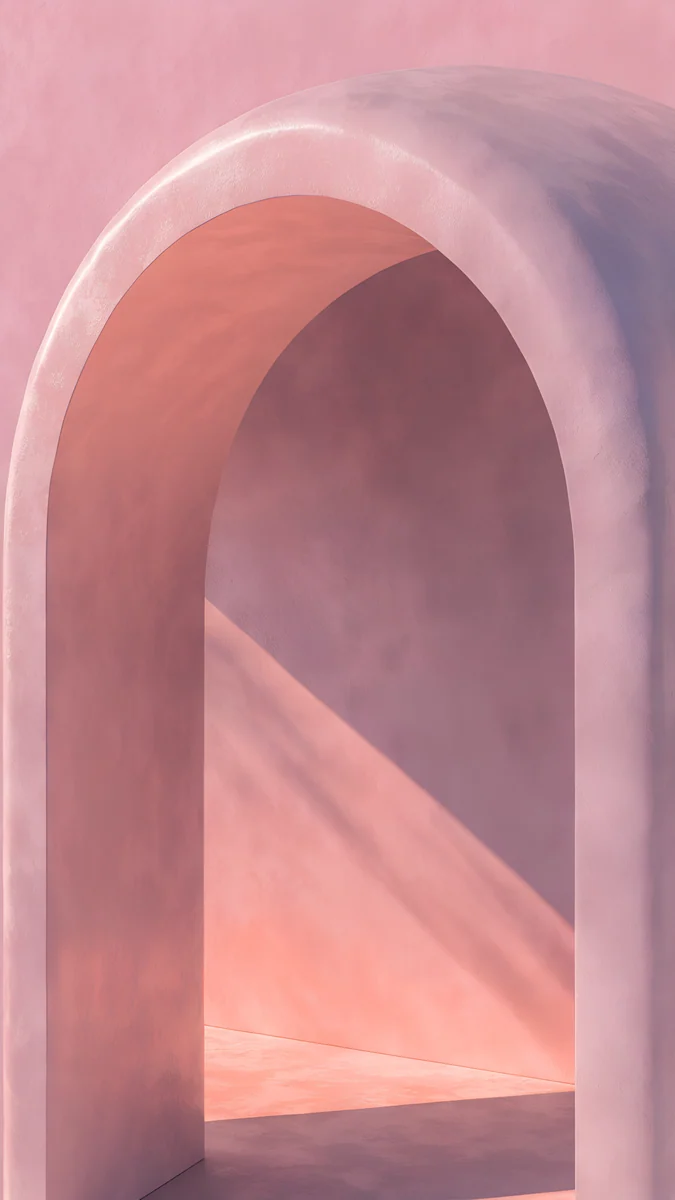
Pink Computer Wallpaper: 13 Free 4K Desktop Picks
Pink computer and laptop wallpapers in 4K: deep rose for dark mode, pastel Art Deco for light mode, drawn pink scenes, with tips on icons and accent color.
By the Velpaper team · Wallpapers by Carlos Vivero, Velpaper designer · · 5 min read
In short: A good pink computer wallpaper keeps the left edge calm for icons and matches the pink to your theme: deep rose and plum for dark mode, pastel pink for light mode. Every desktop wallpaper below is a free 4K Velpaper original.
Wallpapers
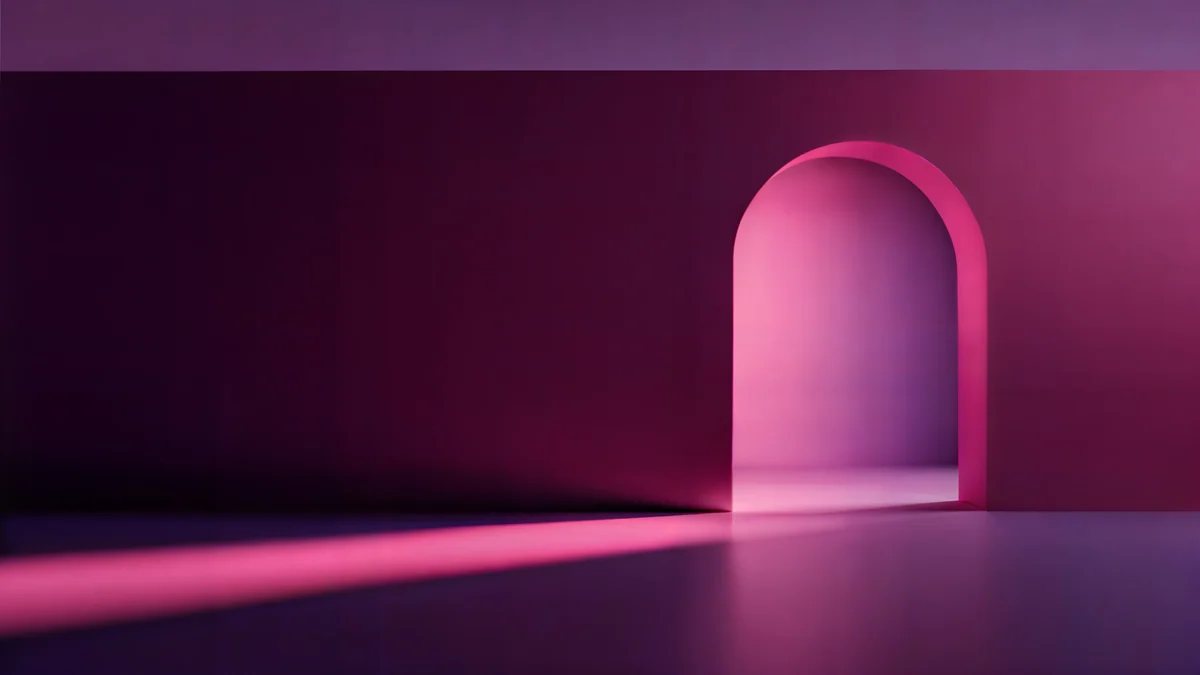 Rose Pulse Arcade
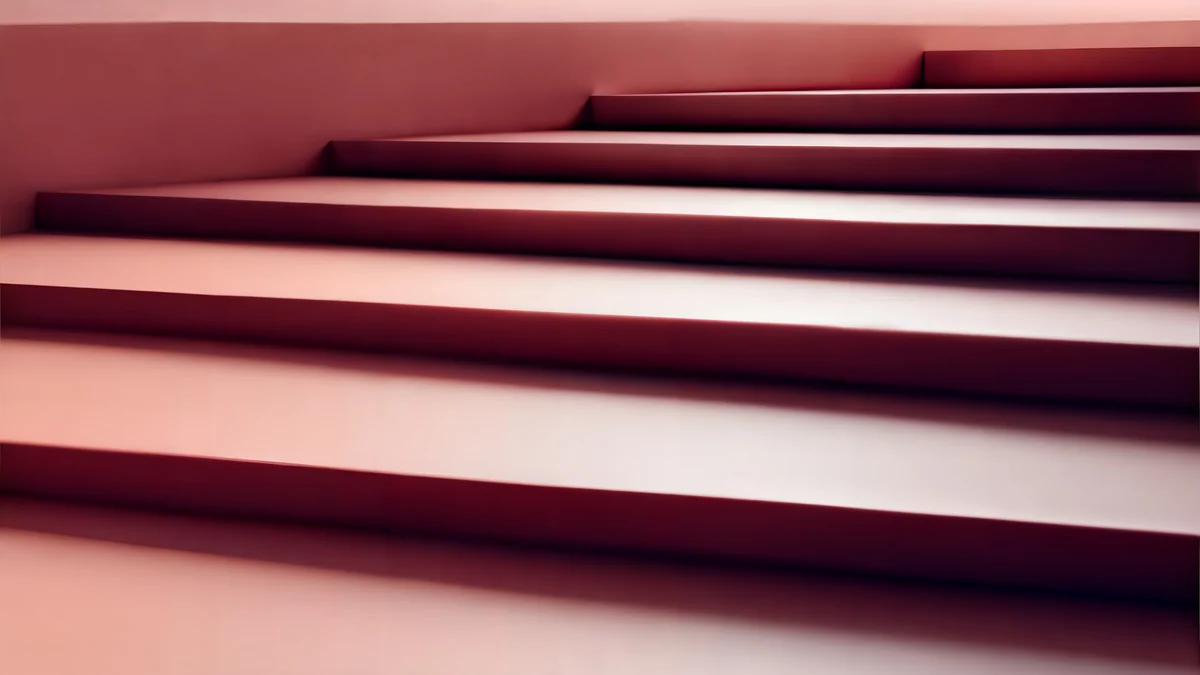 Rose Terrace Strata
 Rose Smoke Glass
 Electric Violet Vault
 Coral Zigzag Terrace
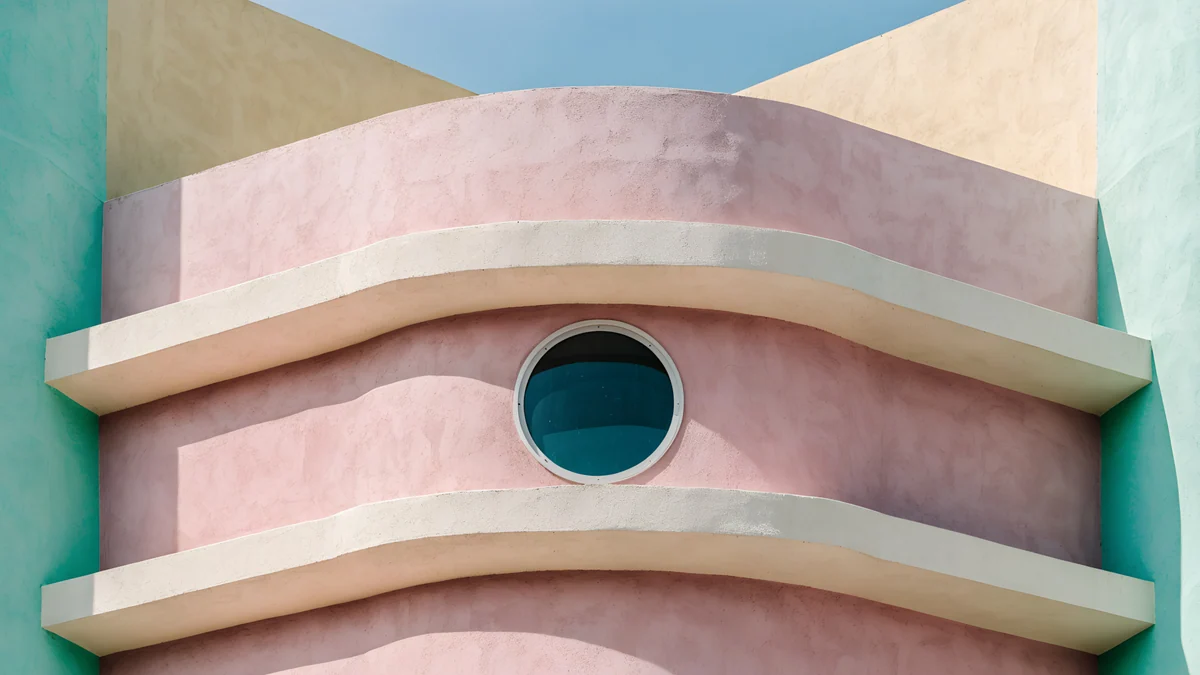 Curved Corner
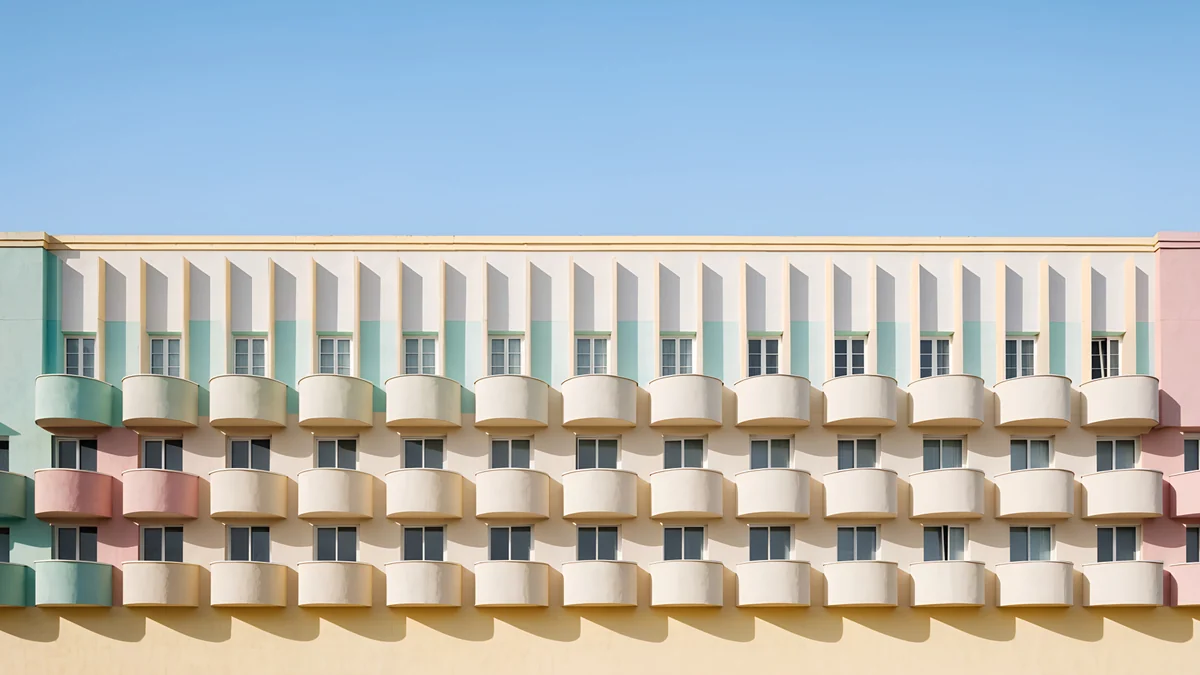 Balcony Rhythm
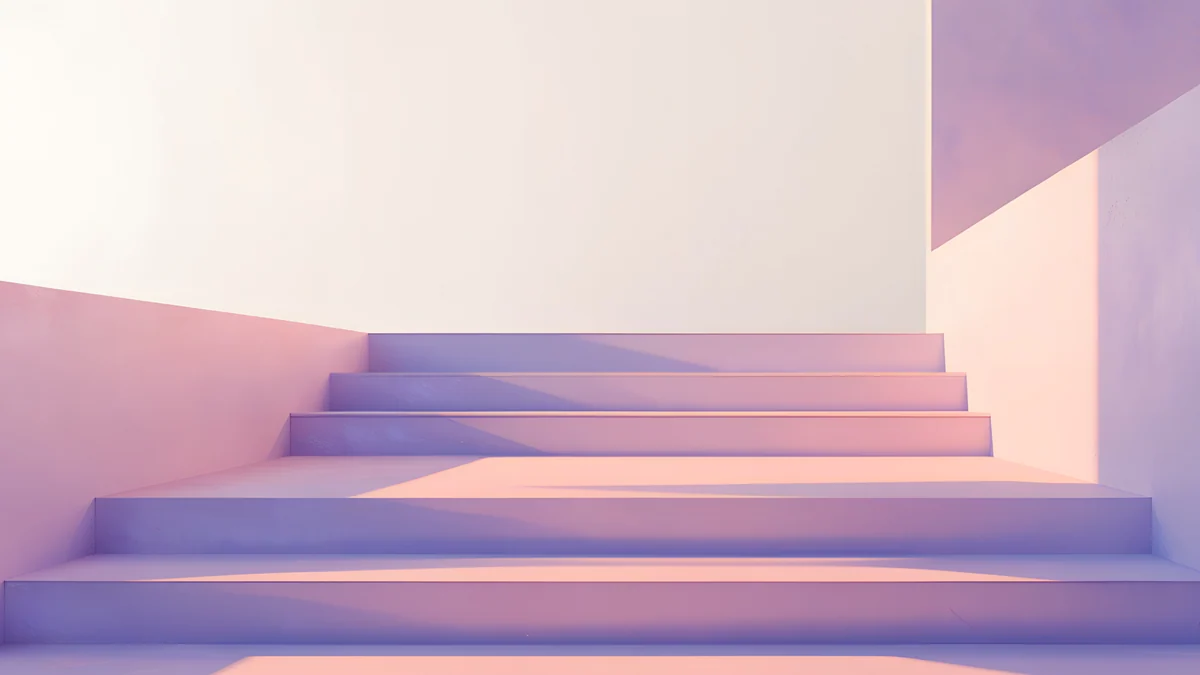 Peach Switchback Steps
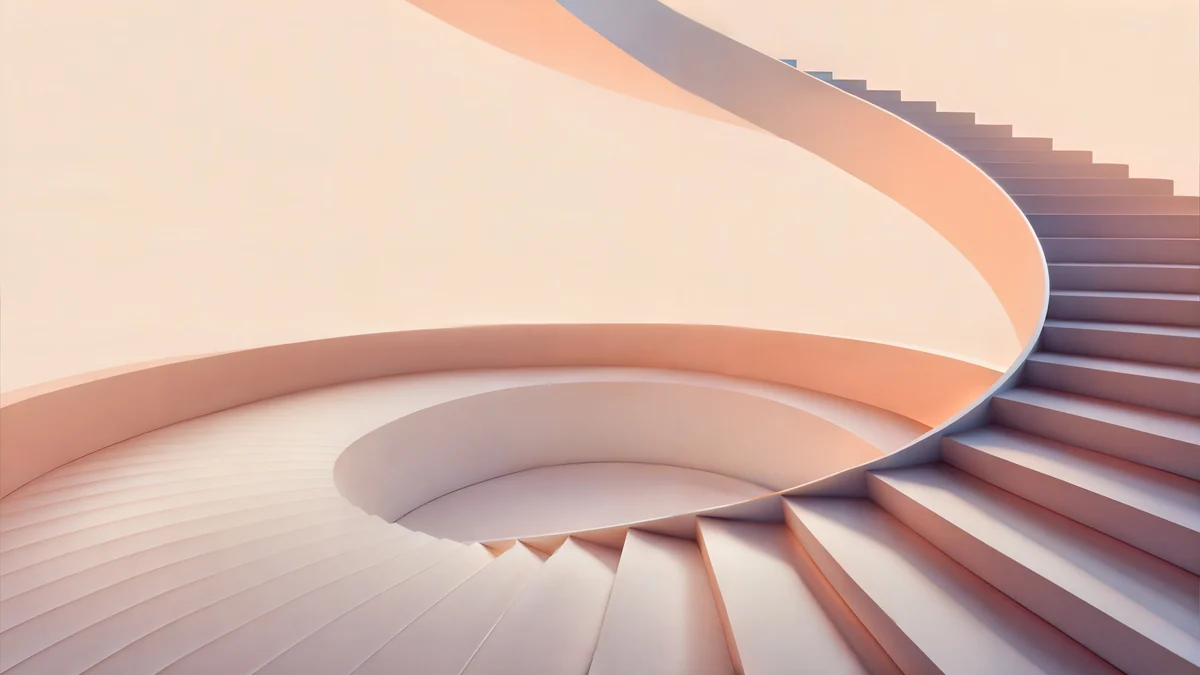 Peach Spiral Atrium
 Ruins at Dawn
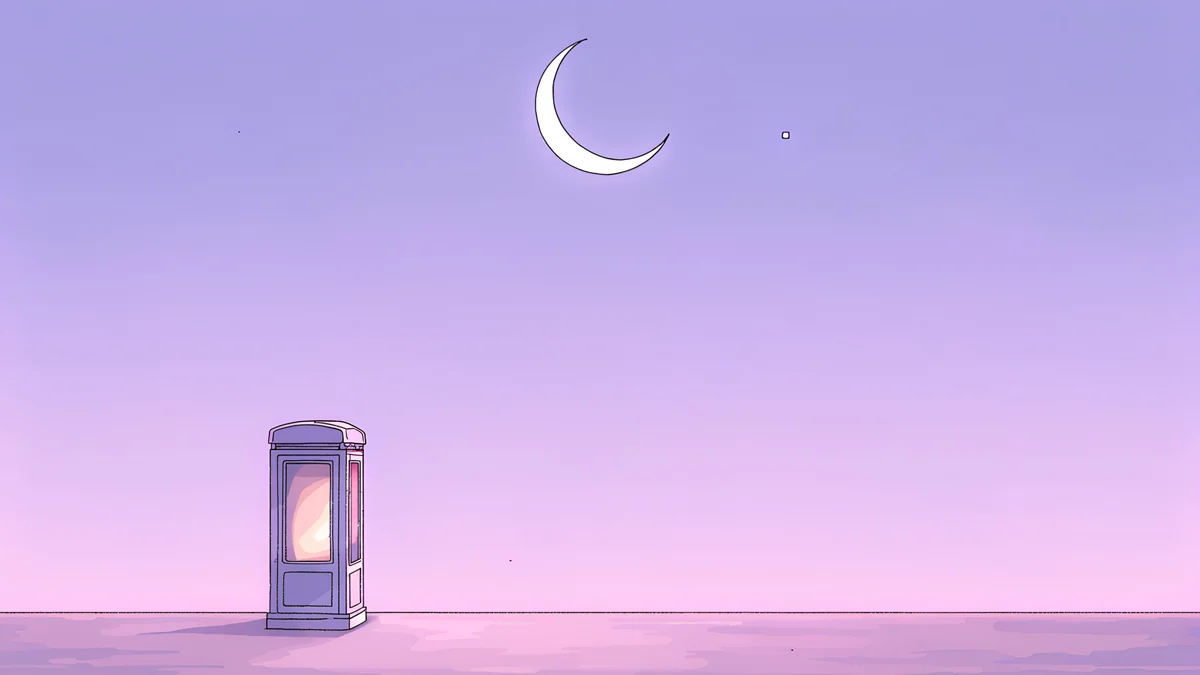 Phone Booth
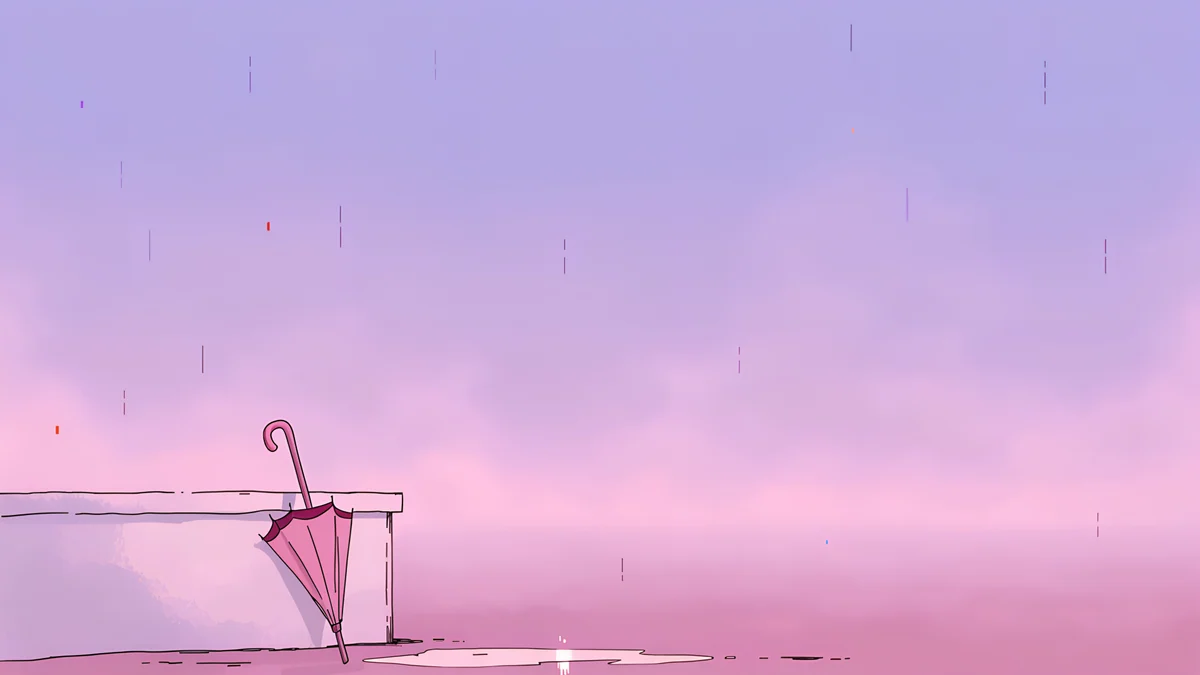 Pink Umbrella
Free originals for iPhone and Android, no watermark
On this page
The best pink computer wallpaper is one where the pink sits behind your work instead of on top of it. On a desktop that means two things: a quiet left edge, because Windows and macOS line up icons there, and a shade that matches your theme. Deep rose, plum and dusty pink suit dark mode and keep a bright window from looking harsh. Pastel pink and blush suit light mode, though white icon labels read less clearly on them. This collection is built for a laptop or monitor, so every piece is a wide original at 3840 × 2160 or larger, not a phone image stretched sideways. There are three groups: deep rose for dark desktops, pastel Art Deco and stone for light ones, and a few drawn lo-fi scenes in pink and lilac. You will also find how to set one on Windows 11 and Mac, and which phone wallpaper matches each pick.
All of them are designed by Carlos Vivero for Velpaper and download free, with no watermark.
What pink does on a desktop
It changes how windows look. A deep rose background makes a white document stand out like a lit page, while a pale pink one blends with light mode menus and makes the whole screen feel soft.
Icons need a plain zone. Pink with strong detail on the left will swallow file names. Every pick below keeps its busiest part in the centre or on the right.
It can color the system. On Windows 11, setting Accent color to Automatic under Personalization, Colors picks a tone from the wallpaper, so a rose image tints the Start menu and buttons. The exact names can differ by version.
Pink on OLED laptops. Dark rose pieces look rich on an OLED screen, but a pink image still lights most of the pixels, so do not expect the battery savings of pure black.
Deep rose and plum for dark mode
These keep the pink inside a dark room or a shadowed wall. They are the safest choice if you work in dark mode at night.
Rose Pulse Arcade is a near black plum room with one glowing magenta arch on the right, so the left half stays dark for icons. Rose Terrace Strata is wide rose steps with wine shadow under each one, calm enough for a work laptop. Rose Smoke Glass is overlapping dusty rose curves with no hard detail at all. Electric Violet Vault moves toward violet, with a cyan and pink arch on the right. Coral Zigzag Terrace is the loudest: a coral staircase across the whole frame, best on a desktop with few icons.
Pastel pink for light mode
Pastel stucco, blush stone and soft steps. These look clean next to white windows and light grey menus, and they hold up on a bright day by the window.
Curved Corner is a pink Art Deco corner with white ledges and a round teal window in the middle. Balcony Rhythm is a long pastel facade of pink and mint balconies under a blue sky, with the pattern in the lower half. Peach Switchback Steps is lilac and pink steps rising against a white wall. Peach Spiral Atrium curls a peach staircase in from the right and leaves a cream floor on the left. Ruins at Dawn is the palest, white marble columns in blush mist, close to a light pink background with texture. For a wider range of shades, from blush to neon, see our pink aesthetic wallpapers.
Drawn pink scenes for a laptop
These three are hand drawn lo-fi scenes in pink and lilac with a lot of empty sky, which is exactly what a desktop full of folders needs.
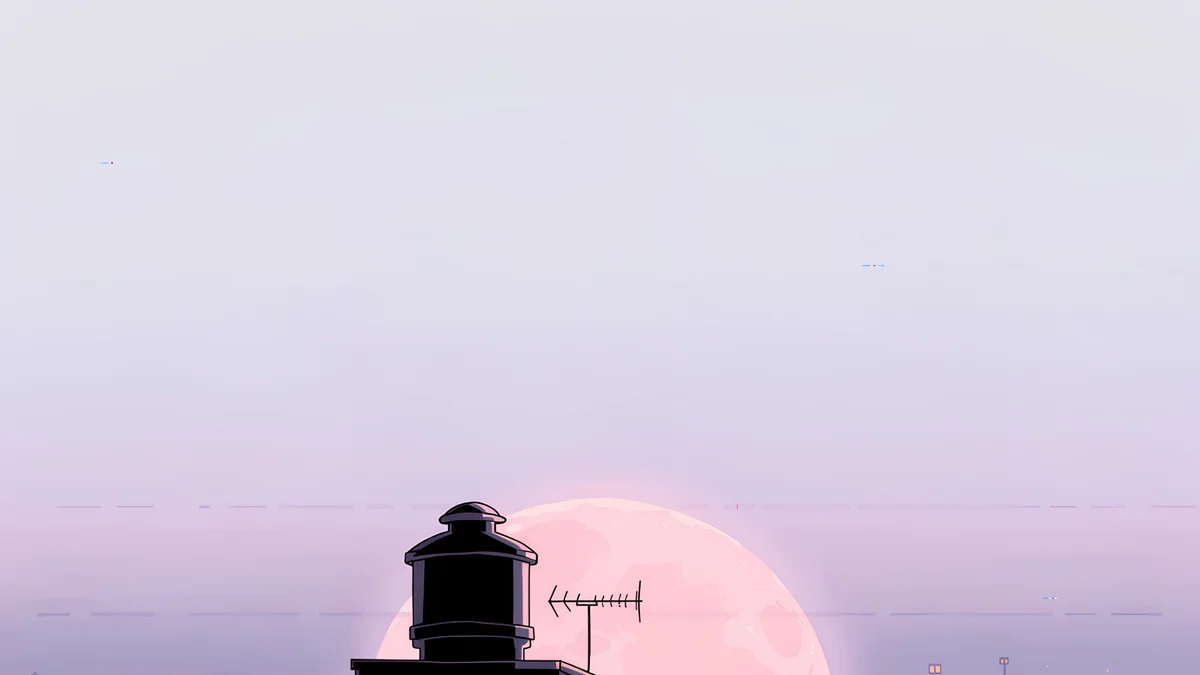
Phone Booth is a single glowing booth on a lilac plain under a thin crescent moon. Pink Umbrella leans a pink umbrella on a railing in light rain. Rooftop puts a dark water tank in front of a large pink sun in pale haze. They share one palette, so any two work on a laptop and a second monitor.
How to set a pink wallpaper on Windows 11 and Mac
- Windows 11. Download the file, right-click an empty part of the desktop and choose Personalize, then Background. Set Personalize your background to Picture, click Browse photos and open the file. Under Choose a fit for your desktop image, select Fill. Every option is in the Windows 11 wallpaper guide.
- macOS. Open System Settings, click Wallpaper in the sidebar, then Add Photo, and choose the file. Click the new thumbnail and set the pop-up menu to Fill Screen.
- Check the icons. If file names are hard to read on a pale pick, drag the icons to the plain side or switch to a deep rose piece. On a dark pick, white labels need no change.
Each pick is at least 3840 × 2160, so it stays sharp on a 1080p, 1440p or 4K screen. For other colors and styles, our desktop wallpaper guide covers sizes and fit in more detail.
Microsoft's own steps are in Change your desktop background in Windows, and Apple's are in Change your Mac desktop picture.
Match your phone and your laptop
Most pieces here have a tall phone twin with the same light and palette. Rose Terrace Strata pairs with Rose Terrace Ascent, Rose Pulse Arcade with Rose Pulse Arch, Peach Switchback Steps with Peach Switchback, and the three lo-fi scenes have tall versions of their own. Set the desktop version on the laptop and the phone version on the lock screen and the two screens read as one set.
Browse everything on velpaper.com or in the Velpaper apps for iPhone, iPad, Mac and Android. The desktop wallpapers on this page are free; the phone twins unlock after a short optional ad. No account or subscription needed.
Original wallpapers in and for iPhone, Android and desktop.
Questions
What size should a pink computer wallpaper be?
3840 × 2160 pixels covers almost every laptop and monitor, from a 1080p office screen to a 4K display, because the system only scales it down. A 5K display such as the Apple Studio Display looks best with 5120 × 2880. Every pink desktop wallpaper on this page is at least 3840 × 2160, so it stays sharp at any of those sizes. Set the fit to Fill on Windows or Fill Screen on Mac so the image covers the screen without bars or stretching.
Are these pink desktop wallpapers free?
Yes. Every desktop wallpaper in this collection downloads free from its page on velpaper.com or from the Velpaper app for Mac, with no watermark, account or subscription. The matching tall phone versions mentioned near the end, such as Rose Terrace Ascent or Rose Pulse Arch, unlock after a short optional ad. All files are originals designed by Carlos Vivero for Velpaper, not upscaled stock photos.
Which pink wallpaper works best with dark mode?
A deep rose or plum one. Rose Pulse Arcade keeps most of the frame near black with a single magenta arch, and Rose Terrace Strata uses wine shadows under rose steps, so neither glows against dark menus. Pale pink next to a dark taskbar and black windows can look washed out and too bright at night. If you switch between light and dark mode during the day, Rose Smoke Glass sits in the middle and works with both.
How do I keep icons readable on a pink wallpaper?
Pick an image whose left side is plain, because Windows and macOS place icons there by default. On a pale pink wallpaper, white icon labels lose contrast, so either drag the icons to a darker area or choose a deeper shade such as Rose Pulse Arcade. On Mac you can also keep the desktop clean with Stacks, which groups files by type. On Windows, fewer icons on the desktop and more in the taskbar or Start menu help any wallpaper look calmer.
Can I match a pink wallpaper on my phone and laptop?
Yes. Several pieces here exist in two shapes: a wide desktop file and a tall phone file with the same palette. Rose Terrace Strata matches Rose Terrace Ascent, Rose Pulse Arcade matches Rose Pulse Arch, and Peach Switchback Steps matches Peach Switchback. The lo-fi scenes Phone Booth, Pink Umbrella and Rooftop also come as tall versions. Download the wide one on your computer and the tall one on your phone, both from the same wallpaper family on velpaper.com or in the Velpaper app.
Carlos Vivero
Designer of Velpaper wallpapers
Carlos Vivero designs the wallpapers in Velpaper: quiet architecture, liquid glass, Japanese ink and calm landscapes. Every piece is made as a original for iPhone, Android and desktop.
Recent work