How to Upscale a Wallpaper to 4K Without Losing Quality
Upscale a wallpaper to 4K the right way: crop first, use an AI upscaler at 2x or 4x, check at 100 percent and export at 3840 × 2160 or 2160 × 3840.
In short: Crop the image to your screen shape, enlarge it 2x or 4x with an AI upscaler such as the free Upscayl, check faces, edges and text at 100 percent, then resize to exactly 3840 × 2160 for a desktop or 2160 × 3840 for a phone. An upscaler rebuilds plausible detail but cannot recover detail that was never there, so a native 4K original always looks better.
By the Velpaper team · Wallpapers by Carlos Vivero, Velpaper designer · · 5 min read
Free 4K originals for iPhone and Android, no watermark
On this page
To upscale a wallpaper to 4K without visible loss, crop it to your screen's shape first, then enlarge it two or four times with an AI upscaler, check it at 100 percent zoom and resize it to the exact target: 3840 × 2160 for a desktop, 2160 × 3840 for a phone. AI upscaling predicts fine detail instead of just stretching pixels, so it looks far sharper than a normal resize, but it cannot bring back detail the original never had.
So the honest rule is this: a 1920 × 1080 image upscaled 2x reaches 4K pixel count and usually looks clean on a screen. A 640 pixel thumbnail upscaled 6x will look painted, whatever the tool.
Which tool to use
| Tool | Cost | Where the upscaler is | Best for |
|---|---|---|---|
| Upscayl | Free, open source | Windows, macOS and Linux app | Photos and illustrations, batch jobs |
| Adobe Photoshop | Paid | Image, Image Size, Resample: Preserve Details 2.0 | Fine control, photos with text |
| Lightroom or Camera Raw | Paid | Enhance, Super Resolution | Camera photos, doubles width and height |
| Pixelmator Pro | Paid, Mac | Image, ML Super Resolution | Mac users, one click |
| GIMP | Free | Image, Scale Image, Interpolation: NoHalo or LoHalo | Small enlargements, no AI |
Online upscalers also work, but read their terms before uploading a personal photo, and check that the free tier does not cap the output below 4K or add a watermark.
How to upscale a wallpaper to 4K, step by step
- Start from the largest file you can find. The original from the camera, the full download, never a screenshot or an image saved from a chat app, which are already compressed.
- Crop to the target shape. 16:9 for most desktops, 9:16 for a phone. Cropping first means the upscaler only works on pixels you will keep.
- Work out the factor. Divide the target by the current size: 1920 to 3840 is 2x, 1280 to 3840 is 3x, 960 to 3840 is 4x. Above 4x, results get waxy.
- Upscale. In Upscayl, click Select Image, pick a model, set the scale and click Upscayl. Use a general photo model for photos and a digital art model for illustrations and gradients; model names change between versions.
- Check at 100 percent. Zoom to actual pixels and look at faces, hair, straight lines and any text. These are where AI upscalers invent the wrong detail.
- Resize to the exact size. If you upscaled 4x and got 5120 pixels, scale it down to 3840. A slight downscale after a big upscale also hides small artefacts.
- Export. PNG for illustrations and gradients, JPG at quality 90 or higher for photos, in the sRGB colour profile.
What native 4K looks like
Before you upscale, it helps to see what a 4K wallpaper drawn at full size looks like on a phone. These Velpaper originals are 2160 × 3840 or larger from the start, so you can use them to judge your own result.
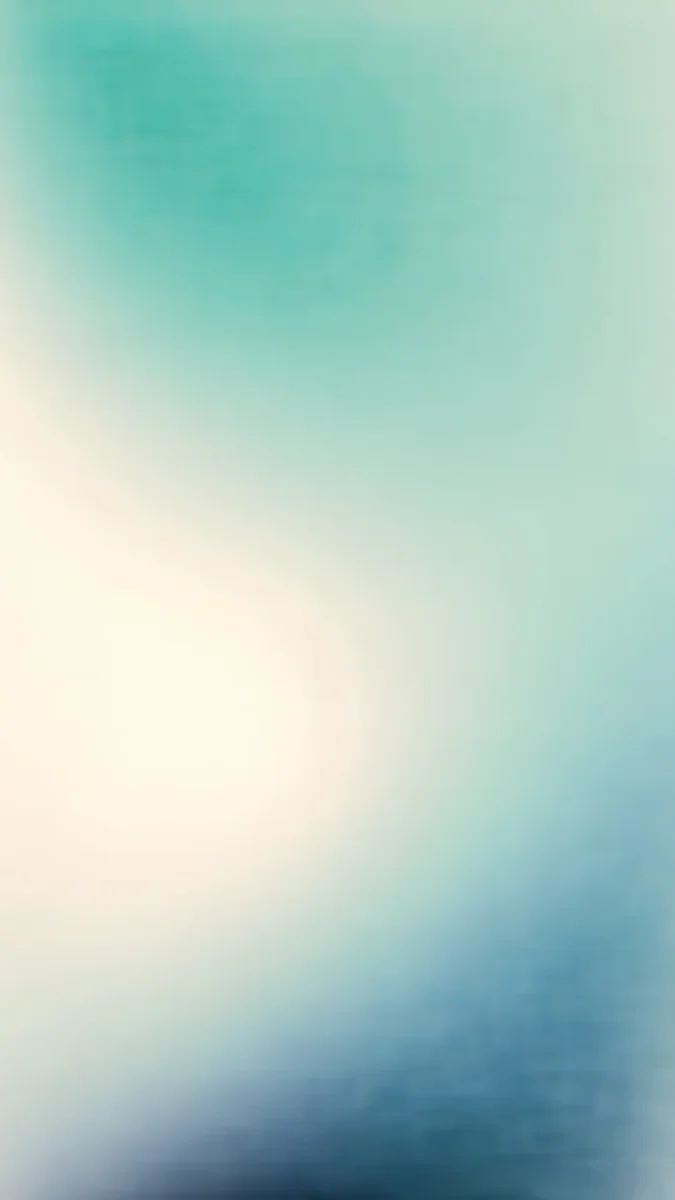 Celadon Haze4K · Phone
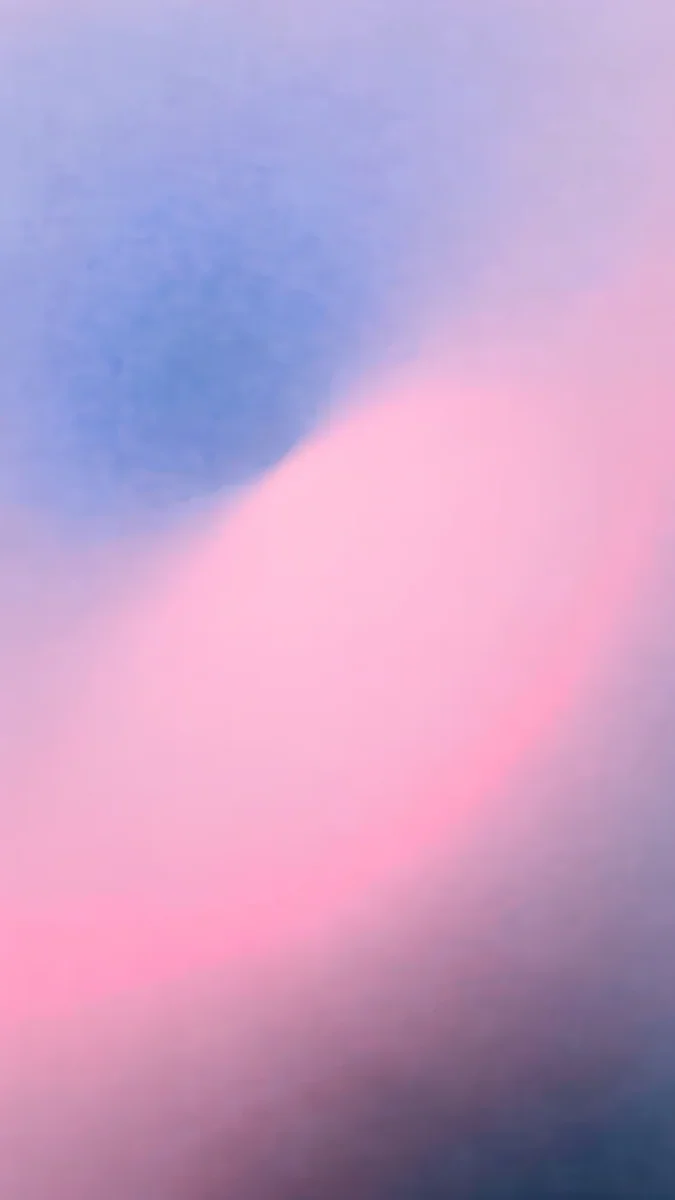 Lilac Hush4K · Phone
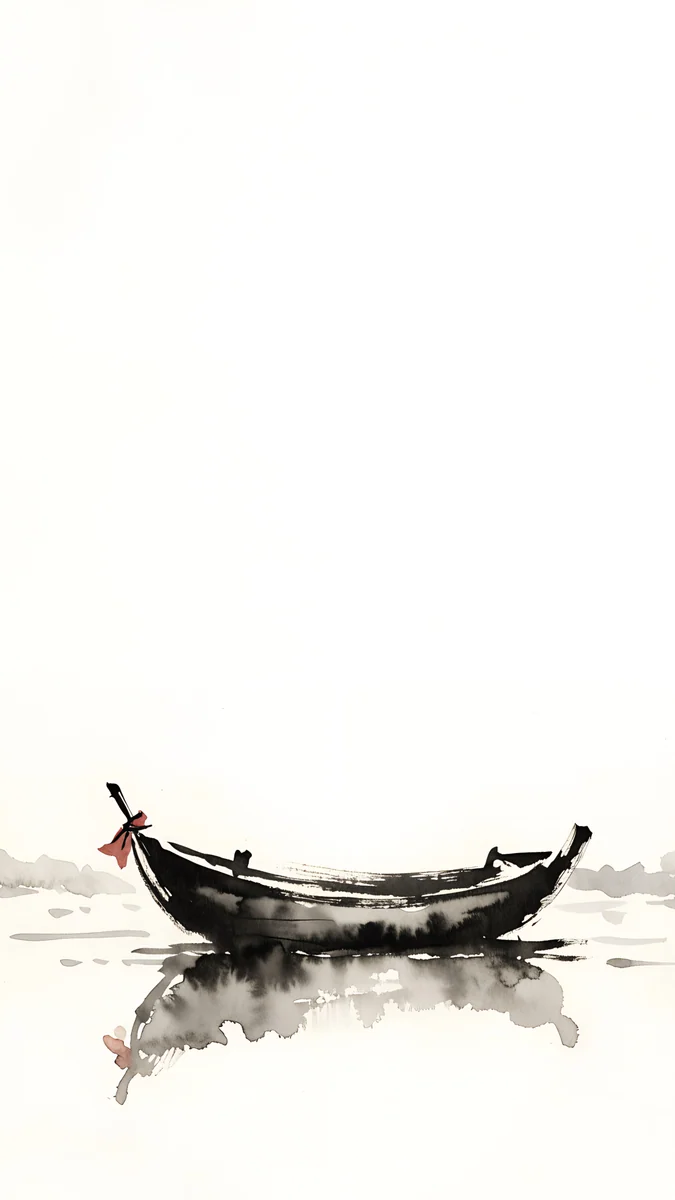 Quiet Boat4K · Phone
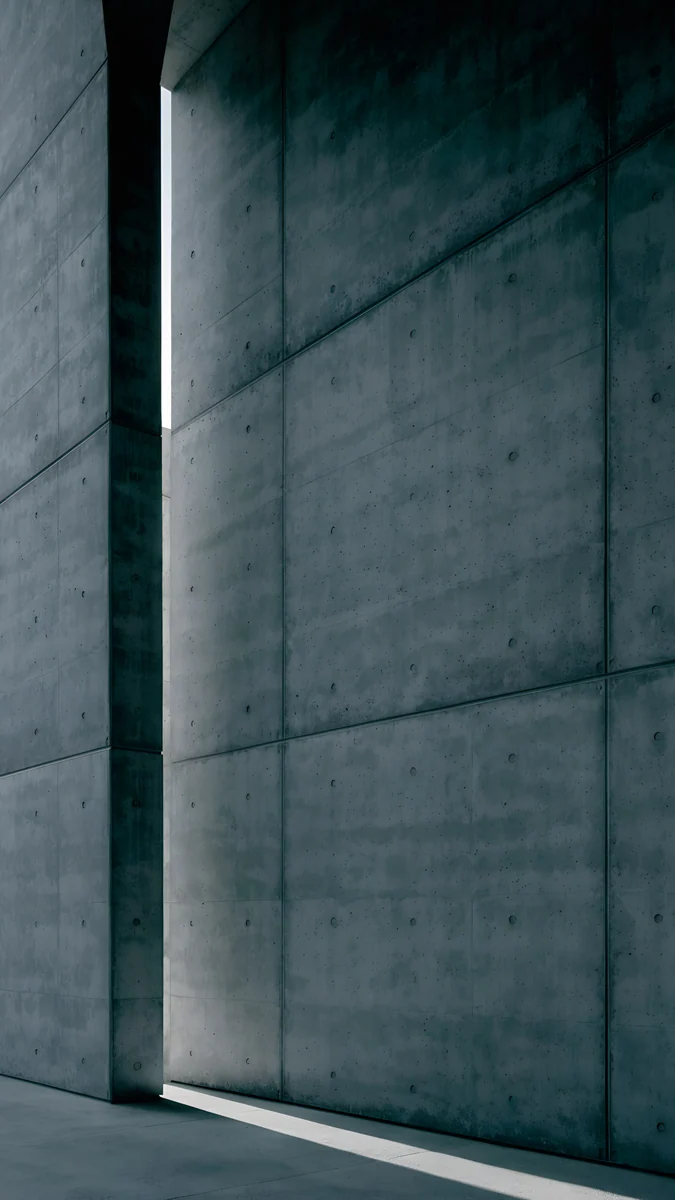 Charcoal Slot4K · Phone
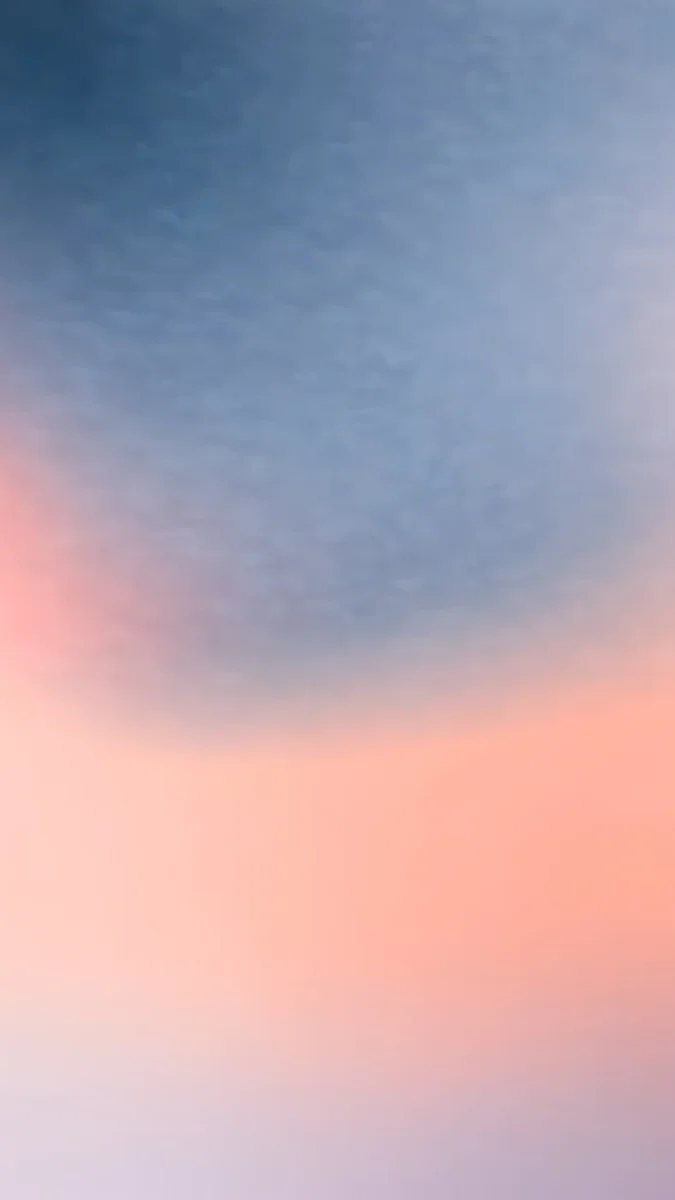 Apricot Dusk4K · Phone
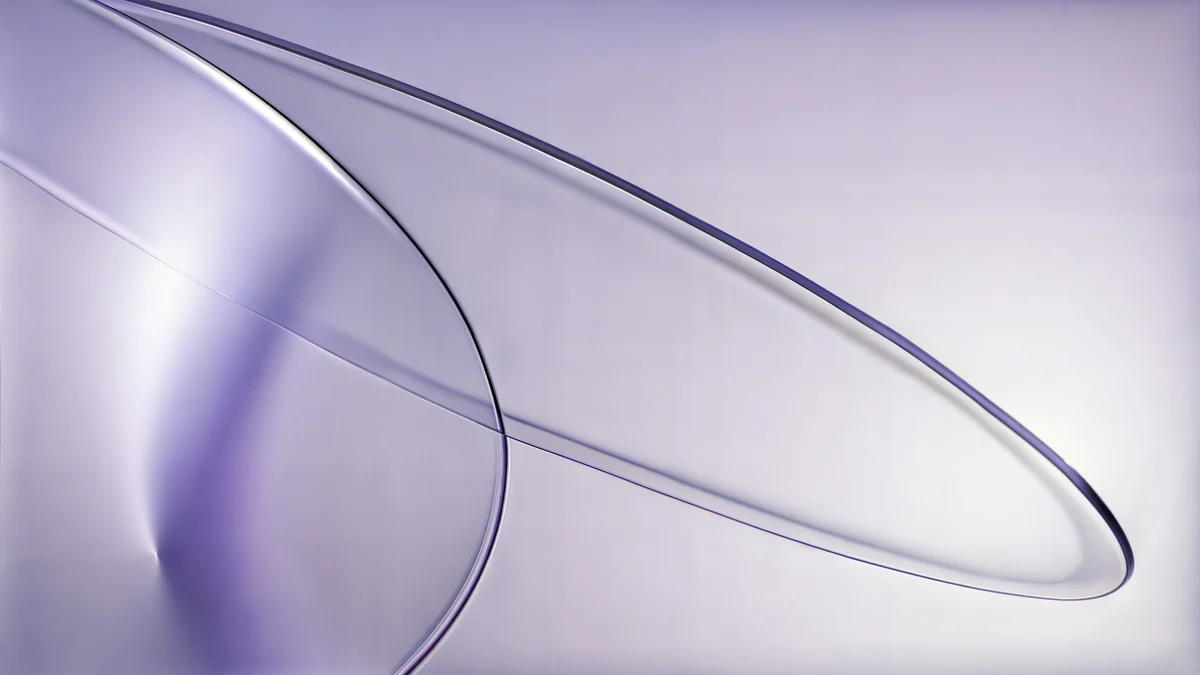 Lilac Drift5K · Desktop
Celadon Haze and Lilac Hush are grainy gradients: compare their smooth colour steps with your upscaled sky, which is where banding shows first. Quiet Boat is an ink boat on pale paper, a good test for clean thin lines next to empty space. Charcoal Slot is a concrete wall with one slit of light, and its texture shows how real fine grain looks against the smeared grain of a weak upscale. Apricot Dusk keeps the clock area calm in soft apricot and denim blue. Lilac Drift is a 5120 × 2880 desktop file, the reference for a sharp Mac screen.
Common problems after upscaling
- Skin and surfaces look like plastic. The model smoothed real texture away. Try a lower scale, a model meant for photos, or add a little grain back afterwards.
- Bright halos along edges. Too much sharpening. Turn sharpening off in the upscaler or pick a model labelled for fidelity rather than sharpness.
- JPEG blocks got bigger. Compression artefacts were upscaled too. Run a denoise or JPEG cleanup step first, or use a model built for compressed images.
- Text and logos turn into nonsense. AI upscalers guess letters badly. Remove text before upscaling and add it back as real text afterwards.
- Stripes in the sky or a gradient. That is banding. Export as PNG and add 2 to 4 percent noise so the colour steps disappear.
- Still zoomed or cut on the phone. The shape was wrong, not the size. See our guide on iPhone wallpaper zoom, or the one for Android.
Skip the upscaling: get 4K originals in Velpaper
Velpaper is a wallpaper app for iPhone, iPad, Mac and Android, and the same library is on velpaper.com. Every wallpaper is original 4K art designed by Carlos Vivero, and some desktop pieces are 5K. Each one is made for iPhone, iPad, Mac and Android screens, composed so the clock, icons and widgets have a calm place to sit, free to download with no account. Some phone wallpapers unlock after a short optional ad in the apps.
- Open Celadon Haze in the Velpaper app or on velpaper.com.
- Save the 2160 × 3840 original. Do not screenshot the preview: that gives you a smaller, compressed copy that you would have to upscale again.
- Set it from Photos on iPhone or from the gallery on Android, as in our guide to setting a lock screen wallpaper on iPhone.
Curious what the jump from HD to 4K actually changes on a screen? Read 4K vs HD wallpapers.
Original wallpapers in 4K and 5K for iPhone, Android and desktop.
Questions
Can you upscale an image to 4K without losing quality?
Partly. You do not lose quality in the sense of making the image worse, but you cannot gain real detail either. A normal resize stretches pixels and looks soft. An AI upscaler predicts what fine detail should look like and draws it in, so a 1920 × 1080 image enlarged 2x to 3840 × 2160 usually looks clean on a screen. The bigger the jump, the more the tool has to invent: above roughly 4x, faces turn waxy and textures look painted. For a wallpaper, the best results come from a source of at least half the target width, cropped to the screen shape before upscaling.
What is the best free upscaler for wallpapers?
Upscayl is the most practical free option. It is open source, runs offline on Windows, macOS and Linux, and offers several AI models, including ones for photos and for digital art, with 2x to 4x scaling and batch processing. Because it runs on your own computer, your photos are not uploaded anywhere. GIMP is also free and fine for small enlargements with its NoHalo or LoHalo interpolation, but it does not use AI, so large jumps look soft. Online upscalers are convenient on a phone, but check the output size limit, the watermark policy and the privacy terms of the free plan.
What size should an upscaled phone wallpaper be?
Aim for 2160 × 3840 pixels, a 9:16 portrait image. That is larger than every current iPhone and most Android screens, for example 1320 × 2868 on an iPhone 16 Pro Max or 1440 × 3120 on a Galaxy S25 Ultra, so the phone only ever scales it down, which keeps it sharp. Since phones are taller than 9:16, they trim a little from the sides, so keep the subject away from the left and right edges. Starting from a 1080 × 1920 image, a 2x upscale lands exactly on 2160 × 3840. Export as JPG at high quality or PNG, then save it to your photo library.
Why does my upscaled wallpaper look like a painting?
Because the upscaler had too little to work with and filled the gaps with smooth guesses. This happens when the source is very small, heavily compressed, or enlarged more than about 4x. Hair, grass, skin and fabric suffer first because their real texture is random, and the model replaces it with clean, plastic looking strokes. To fix it, start from a bigger source if one exists, upscale in a single 2x step instead of 4x, choose a model meant for photos rather than art, and turn down any extra sharpening. Adding a light layer of grain afterwards also brings back a more natural surface.
Is it better to upscale or download a 4K wallpaper?
If you want a specific personal photo, upscaling is the only way. For everything else, a wallpaper made at 4K from the start looks better, because every line, gradient and grain was drawn at full size rather than predicted. It also saves time and avoids artefacts such as halos, banding and garbled text. Velpaper wallpapers are 4K originals, 2160 × 3840 for phones and 3840 × 2160 or 5120 × 2880 for desktops, free to download with no account on velpaper.com and in the apps for iPhone, iPad, Mac and Android. Always save the original file, not a screenshot of the preview.
Carlos Vivero
Designer of Velpaper wallpapers
Carlos Vivero designs the wallpapers in Velpaper: quiet architecture, liquid glass, Japanese ink and calm landscapes. Every piece is made as a 4K original for iPhone, Android and desktop.
Recent work








