4K vs HD Wallpaper: Does Resolution Matter? (2026)
4K vs HD wallpaper in plain pixels: HD, Full HD, QHD, 4K and 5K side by side, when 4K shows on a phone, laptop or monitor, and how to check a file.
In short: Resolution matters when the wallpaper is smaller than the screen: then the system stretches it and it looks soft. Modern phones, Retina Macs and 1440p or 4K monitors all have more pixels than Full HD, so use a 4K wallpaper; on a 1080p monitor a good Full HD image is enough.
By the Velpaper team · Wallpapers by Carlos Vivero, Velpaper designer · · Updated · 5 min read



Free 4K originals for iPhone and Android, no watermark
On this page
4K or HD only matters relative to the screen. A wallpaper looks sharp when it has at least as many pixels as the display it sits on, and soft when the system has to stretch it. Modern phones and most laptops have more pixels than Full HD, so a 4K wallpaper is the safe choice there. On a plain 1080p monitor, a good Full HD image is already enough.
Here is what the labels mean in pixels, where the difference is visible and where it is not.
HD, Full HD, QHD, 4K and 5K in pixels
The names come from television, so they describe a landscape frame. A phone wallpaper turns the same frame upright.
| Name | Monitor (landscape) | Phone (portrait) | Pixels in total |
|---|---|---|---|
| HD (720p) | 1280 × 720 | 720 × 1280 | 0.9 million |
| Full HD (1080p) | 1920 × 1080 | 1080 × 1920 | 2.1 million |
| QHD (1440p) | 2560 × 1440 | 1440 × 2560 | 3.7 million |
| 4K UHD | 3840 × 2160 | 2160 × 3840 | 8.3 million |
| 5K | 5120 × 2880 | 2880 × 5120 | 14.7 million |
4K has exactly four times the pixels of Full HD: twice the width and twice the height. That is why a Full HD wallpaper on a 4K monitor looks noticeably soft. Every source pixel has to cover a block of four screen pixels.
4K vs HD on a phone
Phone screens passed Full HD a while ago. An iPhone 16 is 1179 × 2556 pixels and an iPhone 16 Pro Max is 1320 × 2868. A common Android phone is 1080 × 2400, and a Galaxy S25 Ultra is 1440 × 3120.
Put a 1080 × 1920 wallpaper on any of these and the phone has to enlarge it to fill the height: by about a third on an iPhone 16, by a quarter on a 1080 × 2400 Android, and by more than half on the S25 Ultra. Enlarging invents pixels, so thin lines blur and text in the image goes fuzzy. A 720 × 1280 HD image is worse still; it needs to be doubled.
A 2160 × 3840 original goes the other way. It is larger than every one of those screens, so the phone only shrinks it, and shrinking keeps edges clean. The spare width also covers the small crop at the sides, because phones are a little narrower than 9:16. Our guides to iPhone wallpaper size and Android wallpaper size list the exact numbers per model.
Each of these is a 2160 × 3840 file. Arctic Current, liquid silver and teal bending into two soft hollows, is a good test: on a low resolution copy the highlights along the folds break into steps, and on the original they stay smooth.
4K vs Full HD on a monitor or laptop
On a desktop the rule is the same: match the screen or go above it.
- 1080p monitor (1920 × 1080). Full HD fits exactly. A 4K wallpaper is scaled down by half and looks the same or a touch cleaner. Nothing is lost either way.
- 1440p monitor (2560 × 1440). Full HD has to be enlarged by a third. It is usable, but fine detail softens. Use QHD or 4K.
- 4K monitor (3840 × 2160). Full HD is doubled and looks blurry next to sharp text and icons. You need a real 4K file.
- Retina Macs. A 13-inch MacBook Air is 2560 × 1664, a 14-inch MacBook Pro is 3024 × 1964, a 16-inch MacBook Pro is 3456 × 2234 and the Apple Studio Display is 5120 × 2880. All of them are well past Full HD, so use 4K, and 5K for the Studio Display.
Our PC wallpaper size guide has a longer list of monitors, and the 5K desktop wallpapers collection is built for the largest Mac screens.
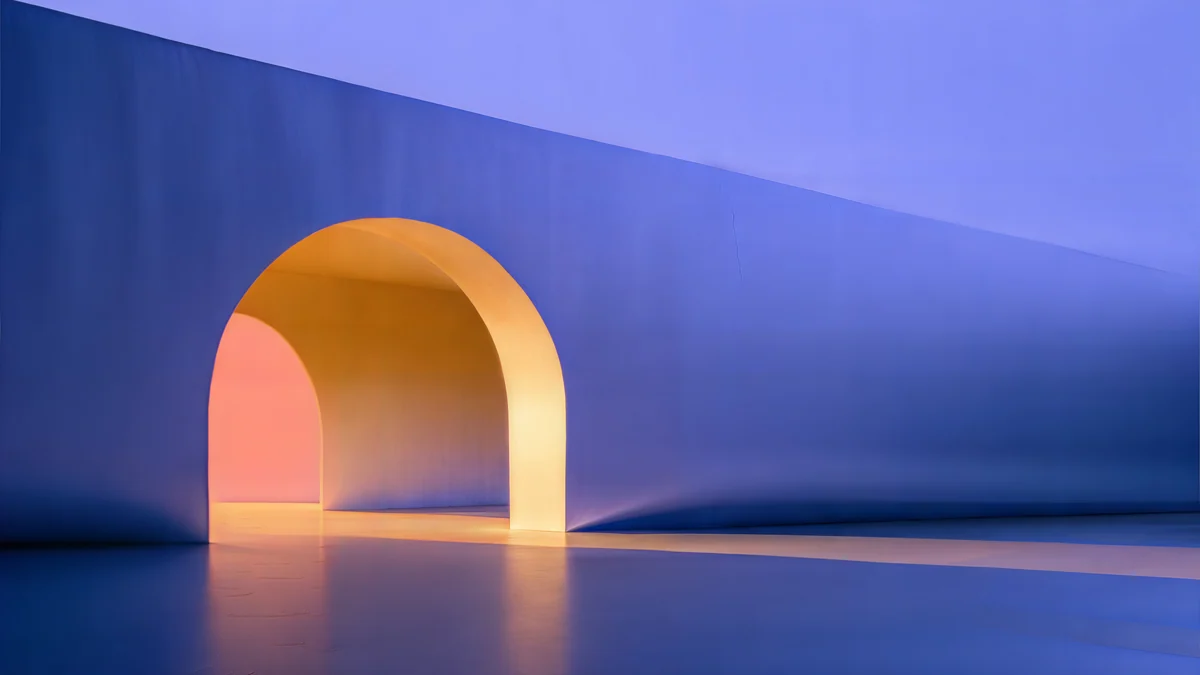 Solar Indigo Gate5K · Desktop
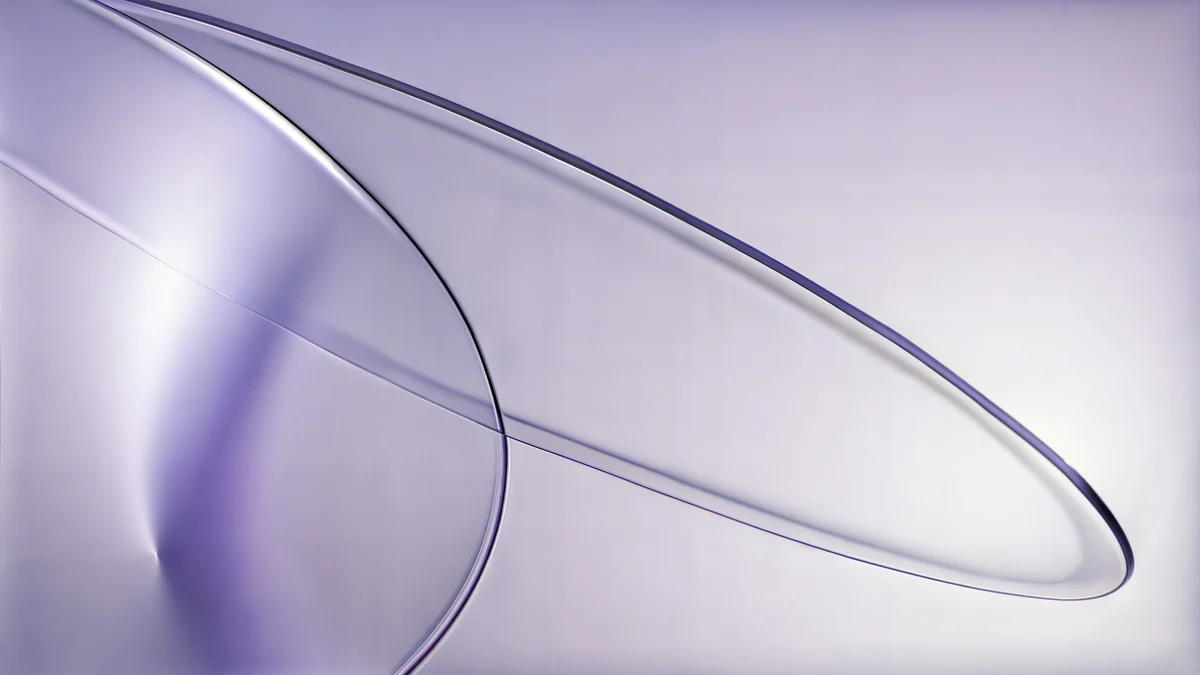 Lilac Drift5K · Desktop
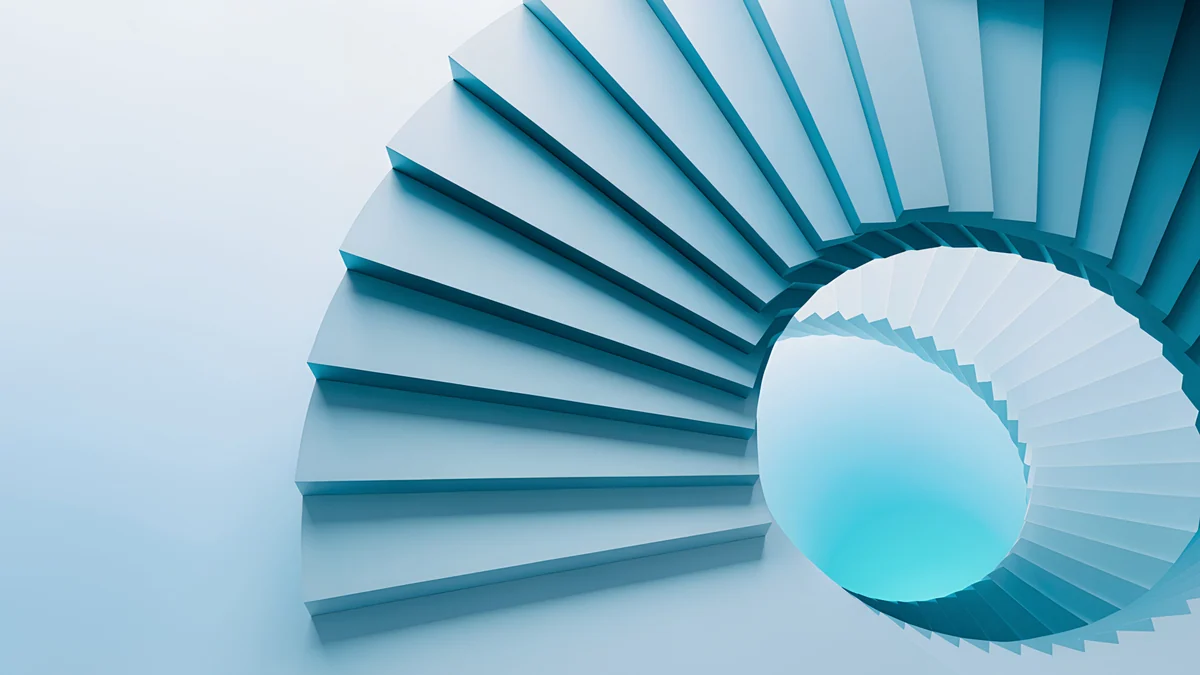 Glacier Spiral Hall4K · Desktop
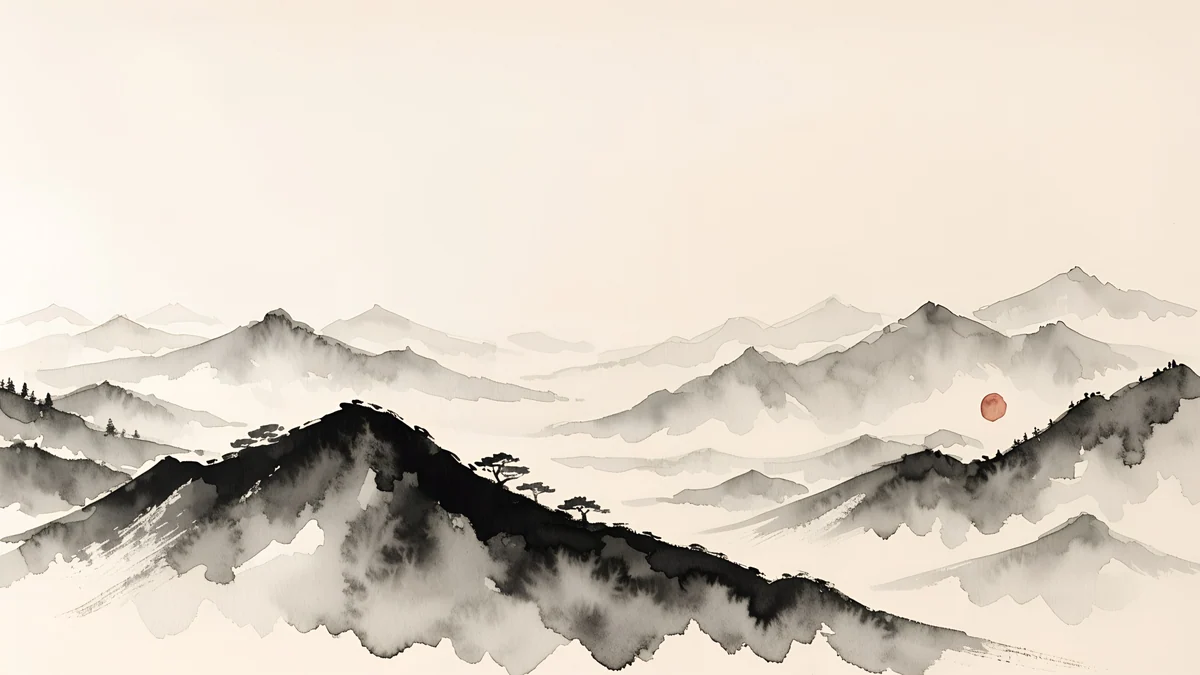 Ink Mountain Mist4K · Desktop
The first two are 5120 × 2880 originals and the last two are 3840 × 2160, so they cover anything from a 1080p office monitor to a Studio Display.
When 4K does not help
A big number on the label does not guarantee a sharp picture. Three things cancel it out.
Upscaled files. Some sites take a small image, enlarge it to 3840 × 2160 and call it 4K. The pixel count is right, the detail is not. If edges look smeared when you zoom in, the file was probably blown up from something smaller.
Heavy compression. A 4K JPEG saved at low quality shows blocky patches in dark areas and visible bands in gradients. Calm gradients like Celadon Haze show this first, so they are a quick way to judge a source.
Messengers and social apps. Most chat apps recompress images and shrink the long side well below 4K. A wallpaper forwarded as a photo arrives as an HD copy. Send the original as a file or document instead.
Battery is not on this list. Your phone or computer draws the wallpaper at the screen's own resolution, whatever the size of the source file, so a 4K original does not cost more power than an HD one. On OLED screens the colours matter far more than the pixel count, which our guide to dark wallpapers for OLED explains.
How to check a wallpaper's real resolution
- iPhone: open the image in Photos and swipe up, or tap the info button. The size in pixels is shown under the camera details.
- Android: in Google Photos, open the image and swipe up to see the details, including the resolution.
- Windows: right-click the file, choose Properties, then the Details tab, and look for Dimensions.
- Mac: select the file in Finder, press Command and I, and open More Info to see the dimensions.
If the numbers are smaller than your screen, the system will stretch the image. If they are equal or larger, you are fine.
What Velpaper uses
Every Velpaper phone wallpaper is a 2160 × 3840 JPEG, and every desktop wallpaper is 3840 × 2160 or 5120 × 2880. None has a watermark. The previews on the site and in the apps are lighter so pages load quickly; the download is the full original. If you are not sure about the shape rather than the size, our guide to wallpaper aspect ratios explains how each screen crops the image.
Original wallpapers in 4K and 5K for iPhone, Android and desktop.
Questions
Is 1920 × 1080 a 4K wallpaper?
No. 1920 × 1080 is Full HD, also called 1080p. 4K UHD is 3840 × 2160, twice as wide and twice as tall, which adds up to four times as many pixels. A 1920 × 1080 file labelled 4K is either mislabelled or meant for a 1080p screen only. It looks fine on a Full HD monitor but soft on a 4K monitor or a modern phone, where the system has to enlarge it.
Is a 4K wallpaper worth it on a 1080p screen?
It does no harm, and it is a little future proof. On a 1920 × 1080 monitor the system scales a 4K image down by half, so it looks the same as a good Full HD file, sometimes slightly cleaner. The benefit shows up when you move to a laptop with a Retina or QHD screen, or a 4K monitor, because the same file will still be sharp there. The only cost is a few megabytes of storage.
Is HD enough for a phone wallpaper?
Not for most current phones. A 720 × 1280 HD image or a 1080 × 1920 Full HD image is smaller than the screens of recent iPhones and many Android phones, which run from about 1080 × 2400 to 1440 × 3120 pixels. The phone has to enlarge the picture to fill the height, and fine lines and text blur. A 2160 × 3840 wallpaper is larger than all of them, so the phone only scales it down.
Does a 4K wallpaper drain more battery?
No, not in any way you would notice. The system draws the wallpaper at the screen's own resolution, so a 4K source and an HD source end up as the same number of pixels on the display. What does matter on OLED phones is colour and brightness: large black and dark areas use less power than bright white ones. Resolution affects the storage the file takes, not the battery.
What is the difference between 4K and UHD?
For wallpapers there is none. UHD, or Ultra HD, is 3840 × 2160, and that is what monitors, TVs and wallpaper sites mean by 4K. Cinema uses a slightly wider DCI 4K standard of 4096 × 2160, but you will almost never see that size for a wallpaper. A phone wallpaper labelled 4K is the same frame stood upright, 2160 × 3840.
Carlos Vivero
Designer of Velpaper wallpapers
Carlos Vivero designs the wallpapers in Velpaper: quiet architecture, liquid glass, Japanese ink and calm landscapes. Every piece is made as a 4K original for iPhone, Android and desktop.
Recent work








