Aesthetic Laptop Wallpapers: Free 4K and 5K for MacBook
Aesthetic laptop wallpapers for MacBook and Windows: soft light, warm rose, dark blue and ink, cropped right for 16:10. Free 4K and 5K originals, no watermark.
In short: An aesthetic laptop wallpaper is calm, wide and sharp: a 3840 × 2160 or 5120 × 2880 original with a quiet lower edge for the dock or taskbar. All Velpaper desktop wallpapers below are free at those sizes and are composed so that the 16:10 crop of a MacBook trims nothing important.
By the Velpaper team · Wallpapers by Carlos Vivero, Velpaper designer · · Updated · 5 min read
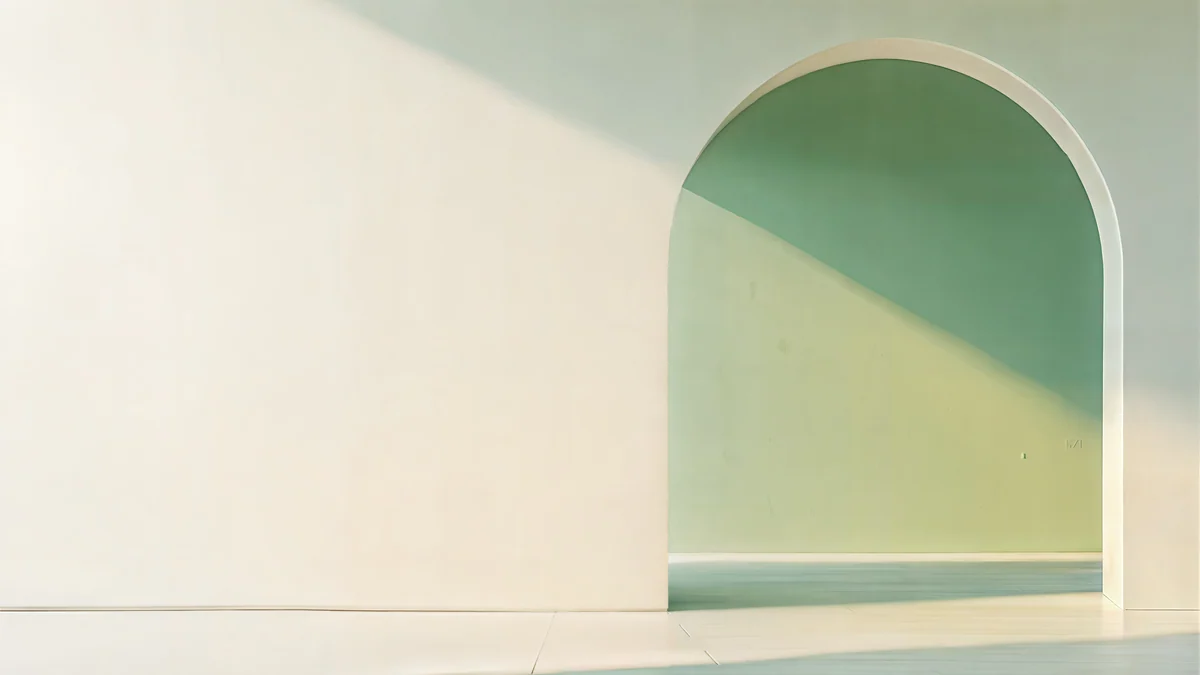 Sage Sun Gallery
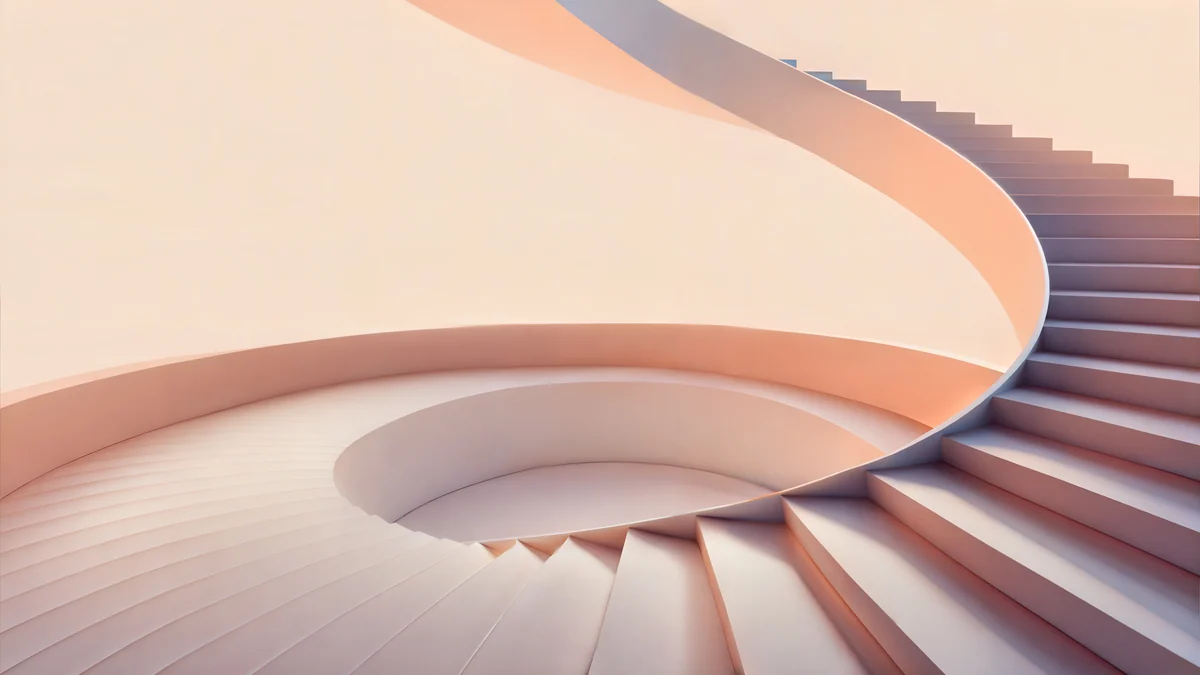 Peach Spiral Atrium
 Petrol Current
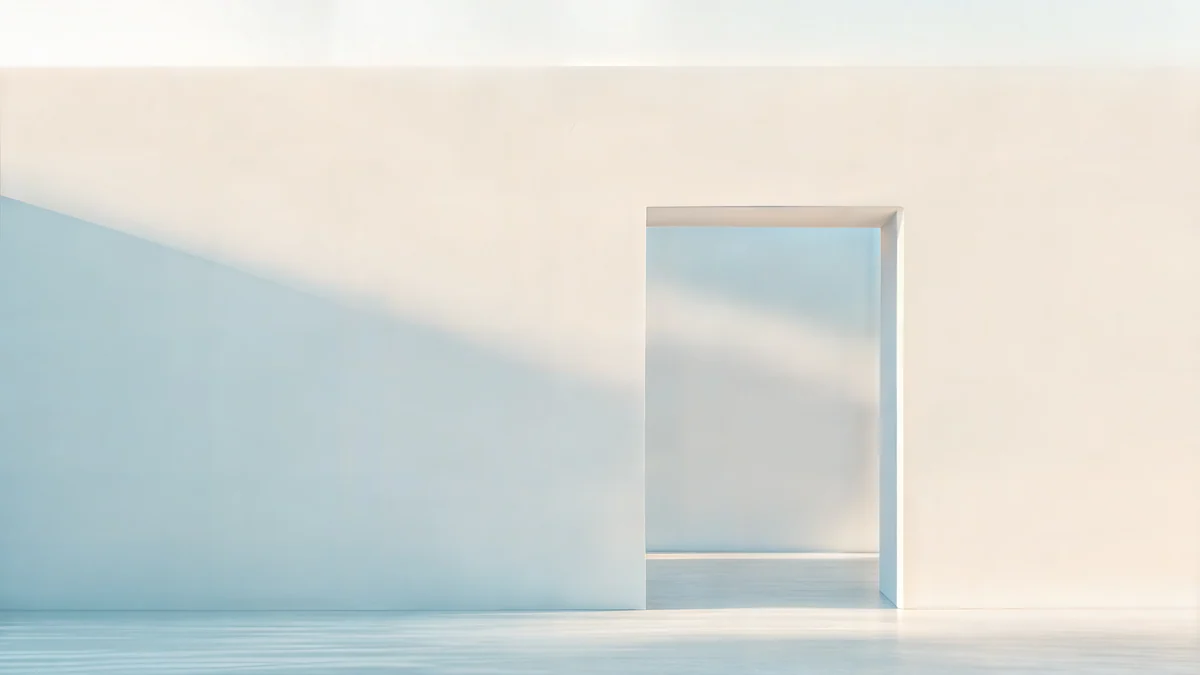 Ivory Daylight Gate
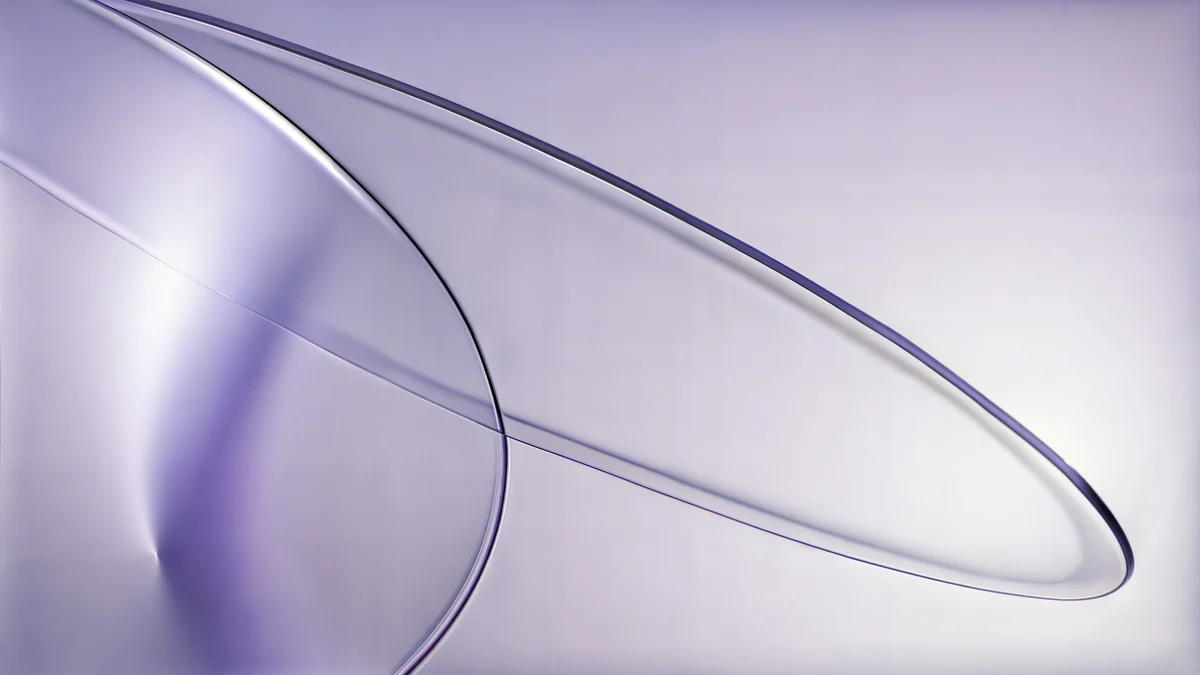 Lilac Drift
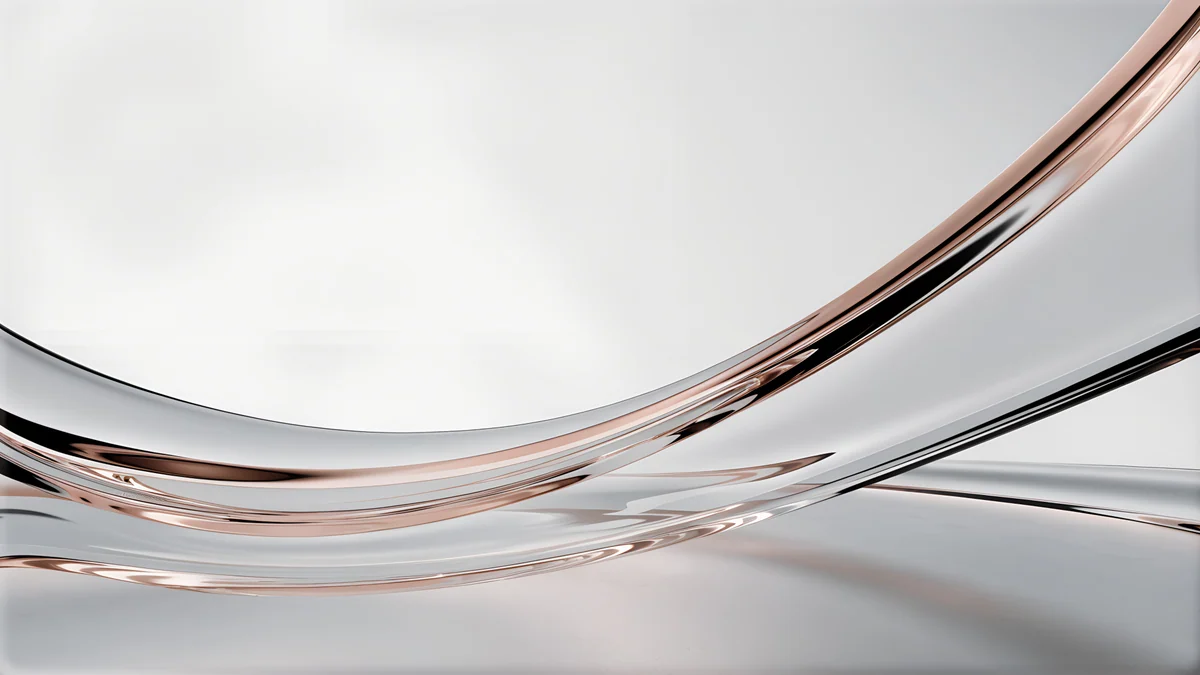 Liquid Light Band
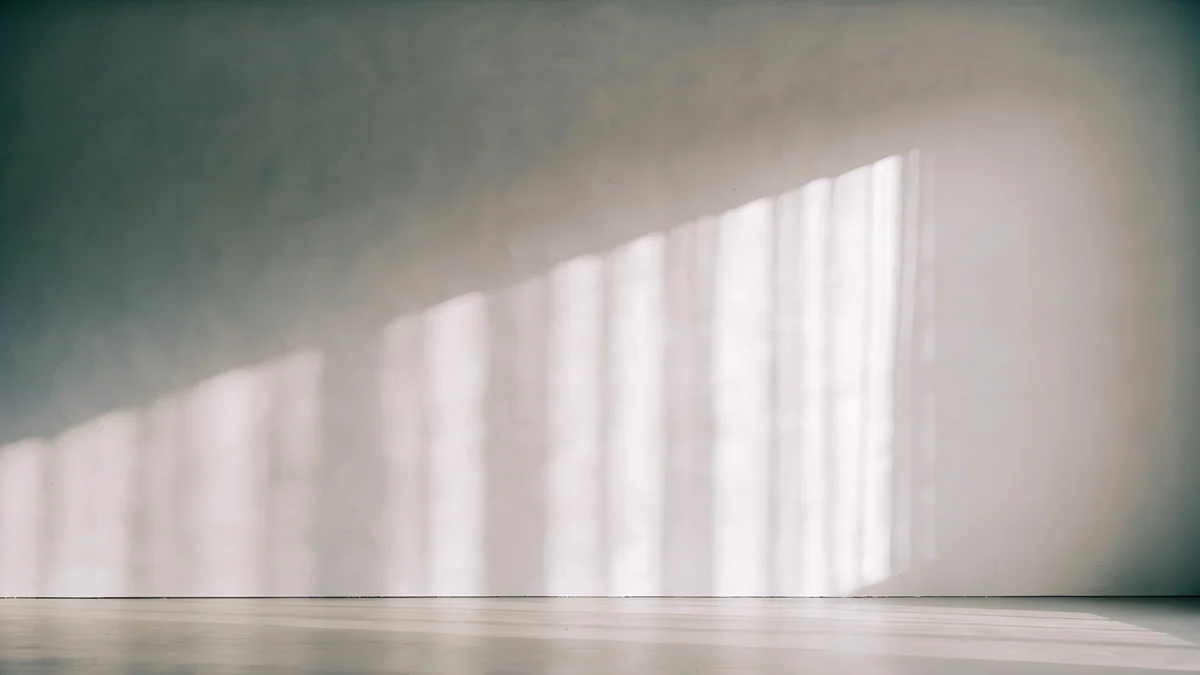 Curtain Veil
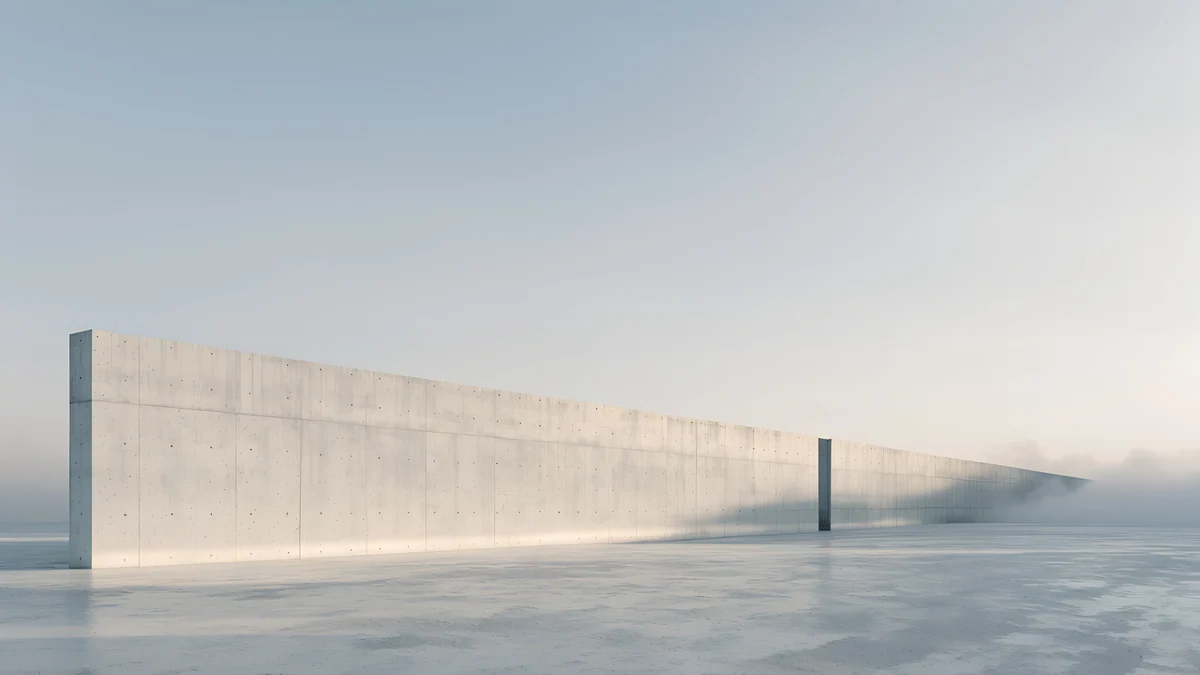 Horizon Wall
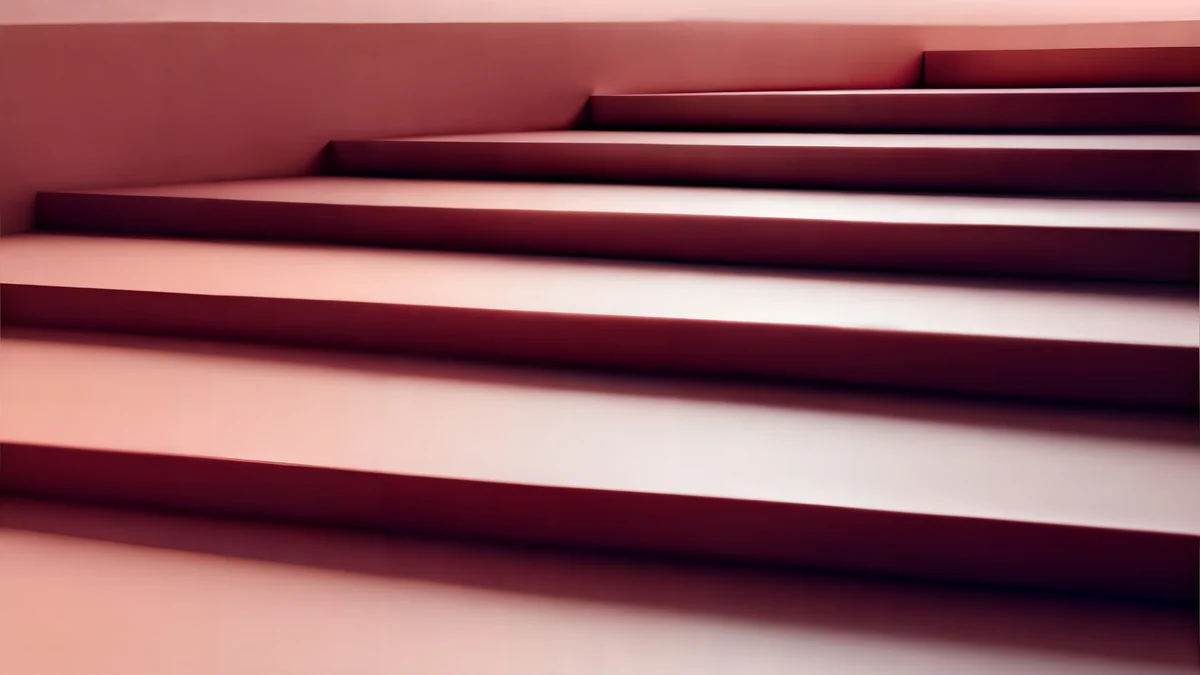 Rose Terrace Strata
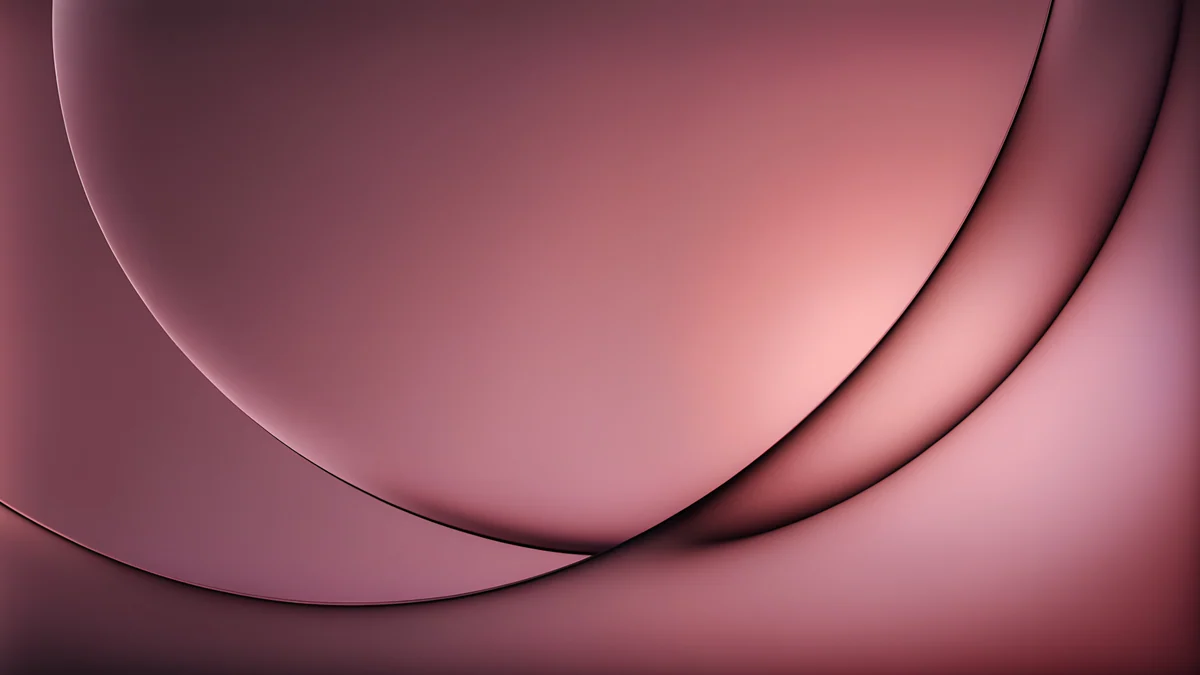 Rose Smoke Glass
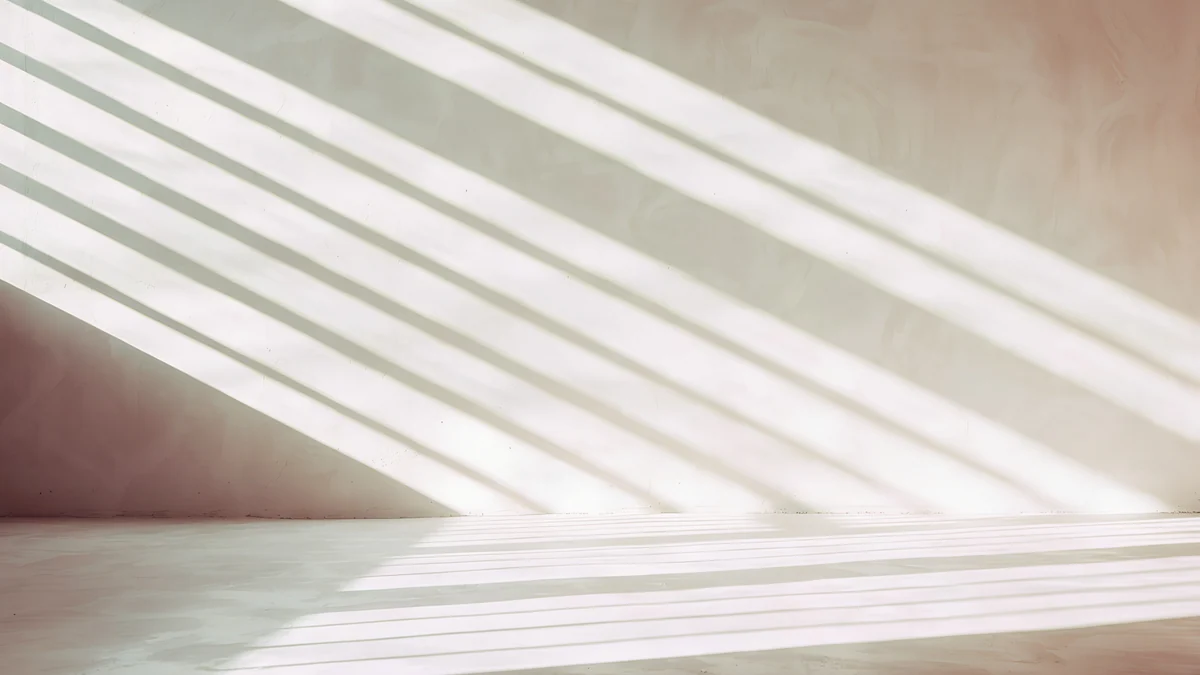 Noon Blinds
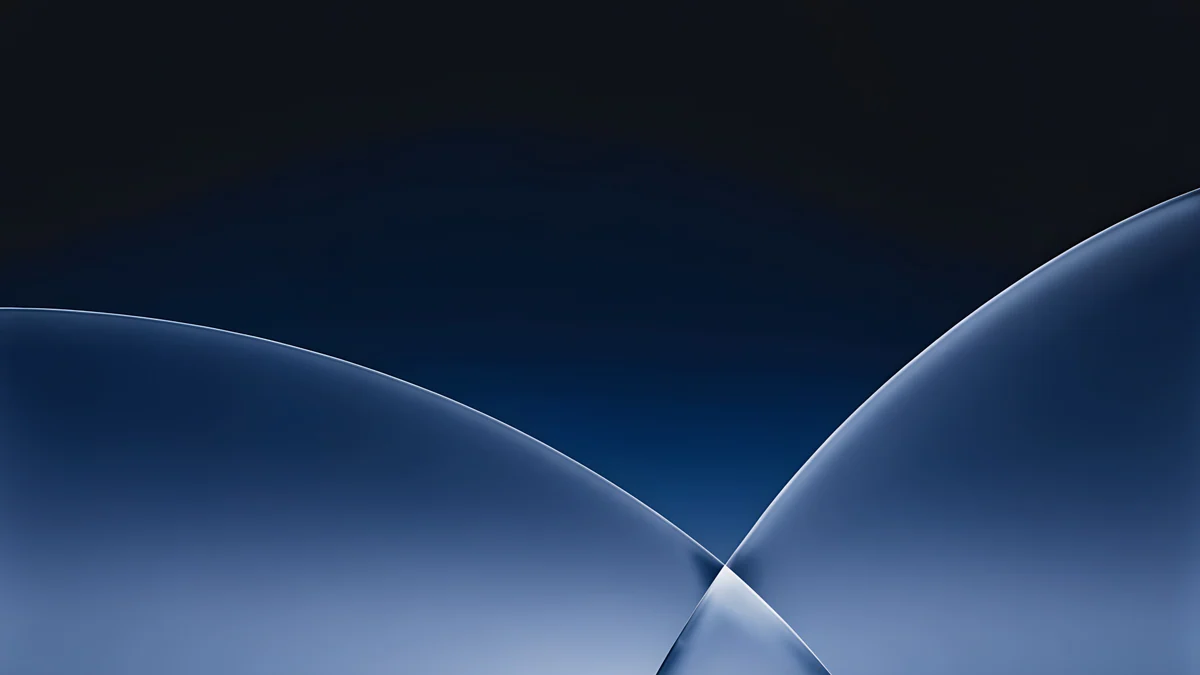 Cobalt Soft Horizon
Free 4K originals for iPhone and Android, no watermark
On this page
A good aesthetic laptop wallpaper does two jobs. It sets a mood every time you open the lid, and then it gets out of the way of your windows, icons and dock. Soft light, a single colour family and one clear shape usually manage both.
Every pick below is an original Velpaper desktop wallpaper at 3840 × 2160 (4K) or 5120 × 2880 (5K), free to download, without a watermark. They are grouped by mood, followed by the practical part: what 16:10 screens crop and how to keep the desktop readable.
What makes a laptop wallpaper aesthetic and still usable
On a phone, a wallpaper mostly sits behind a clock. On a laptop it sits behind your work. Four things decide whether it helps or gets in the way.
- A calm bottom edge. The macOS dock and the Windows taskbar live at the bottom. Sky, wall or floor there keeps the icons easy to pick out.
- A quiet corner for desktop icons. macOS lines up desktop icons on the right, Windows on the left. If you keep files on the desktop, choose an image that is plain on that side.
- An even top strip. The menu bar runs across the top edge, and on recent MacBooks it wraps around the camera notch. A plain, slightly darker band there keeps the menu text crisp and lets the black notch melt into the picture.
- One colour family. Windows, menus and text sit on top all day. A wallpaper built from three or four related tones looks deliberate around them, while a busy rainbow fights every window you open.
Soft light and pale tones
Pale wallpapers are the classic laptop aesthetic: they make a small screen feel larger and they pair well with light mode.
Ivory Daylight Gate is an ivory wall with a tall doorway opening onto cool blue light, in 5K. Sage Sun Gallery puts an arched opening glowing sage and pale yellow into a cream wall, also in 5K. Both keep the lower third almost empty, which is where your dock goes.
Ivory Daylight Gate5K · DesktopSage Sun Gallery5K · DesktopLilac Drift5K · DesktopLiquid Light Band4K · DesktopCurtain Veil4K · DesktopHorizon Wall4K · DesktopLilac Drift and Liquid Light Band are glass ribbons crossing a pale field. Curtain Veil is sun falling through a sheer curtain onto a warm grey wall, the softest image in the set.
Warm and rosy
Peach, rose and terracotta make a laptop feel personal without being loud. Peach Spiral Atrium is a staircase curling around an open well, in 5K, and its curve leads the eye to the centre of the screen. Rose Terrace Strata stacks wide rose steps that run from blush to deep wine.
Peach Spiral Atrium5K · DesktopRose Terrace Strata5K · DesktopRose Smoke Glass4K · DesktopNoon Blinds4K · DesktopNoon Blinds is the simplest of the four: diagonal stripes of sun across a cream wall, quiet enough for a busy desktop.
Dark and moody
Dark wallpapers suit dark mode, evening work and OLED laptops. They also let the dock, the menu bar and the notch blend in better than any light image, and they are easier on the eyes in a dark room. Petrol Current is a 5K field of petrol blue folds, like silk dunes. Cobalt Soft Horizon draws two cobalt arcs over deep navy, and Rose Pulse Arcade sets a magenta arch into a dark plum wall.
Petrol Current5K · DesktopCobalt Soft Horizon4K · Desktop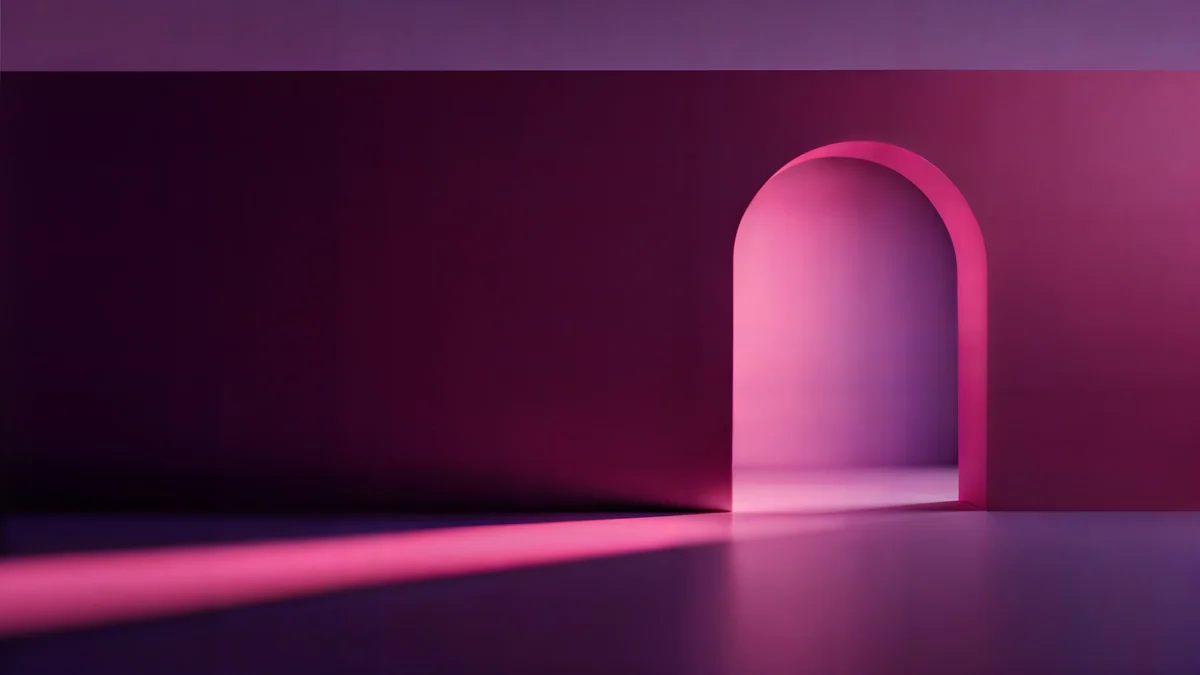 Rose Pulse Arcade5K · Desktop
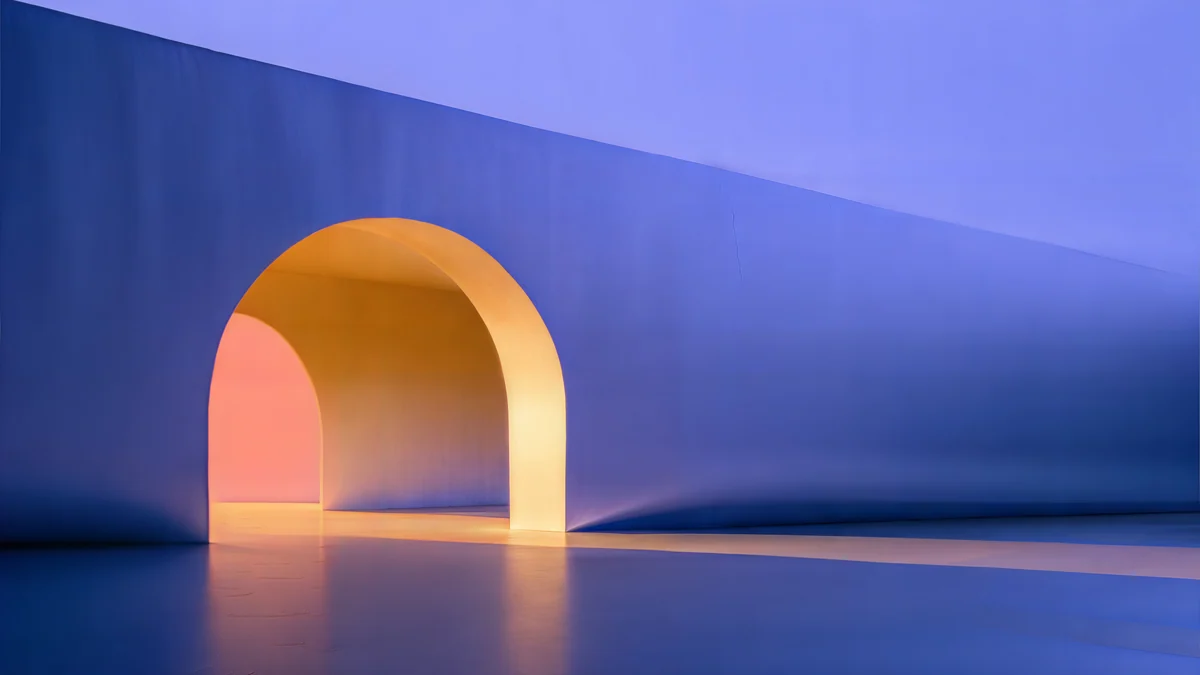 Solar Indigo Gate5K · Desktop
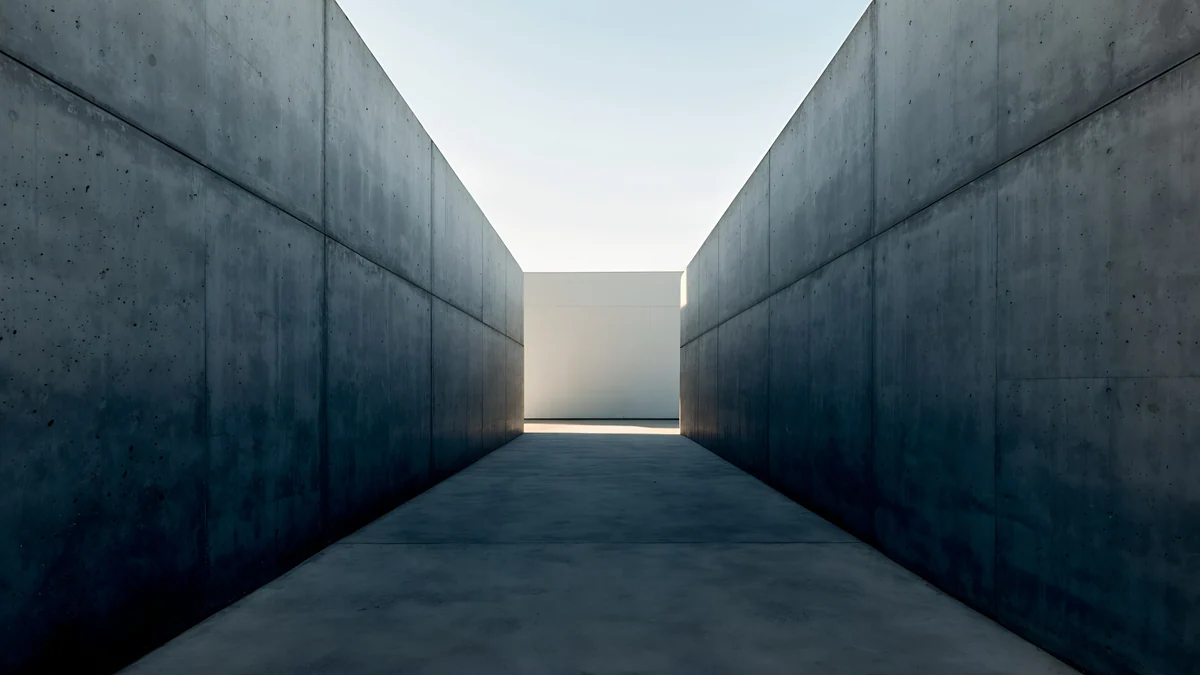 Graphite Passage4K · Desktop
Solar Indigo Gate and Graphite Passage add architecture: an orange glow inside a periwinkle arch, and a narrow concrete corridor leading to light.
Ink, paper and lo-fi
For a softer, hand made look, the Japanese ink and lo-fi series work well on laptops because they leave a lot of empty paper or sky. Ink Quiet Lake is a single boat on a pale lake with one red ribbon. Shoji Moon shows a moon and pine shadows behind paper screens. Window Cat is a black cat on a sill against a violet evening sky, the coziest pick here.
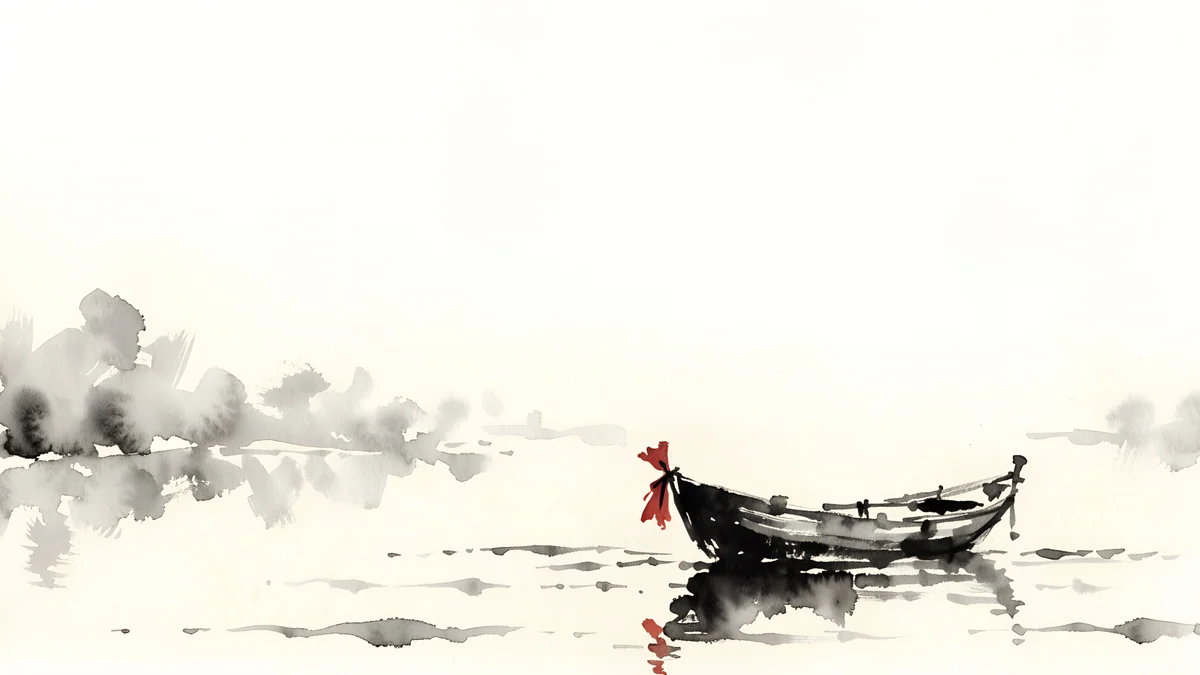 Ink Quiet Lake4K · Desktop
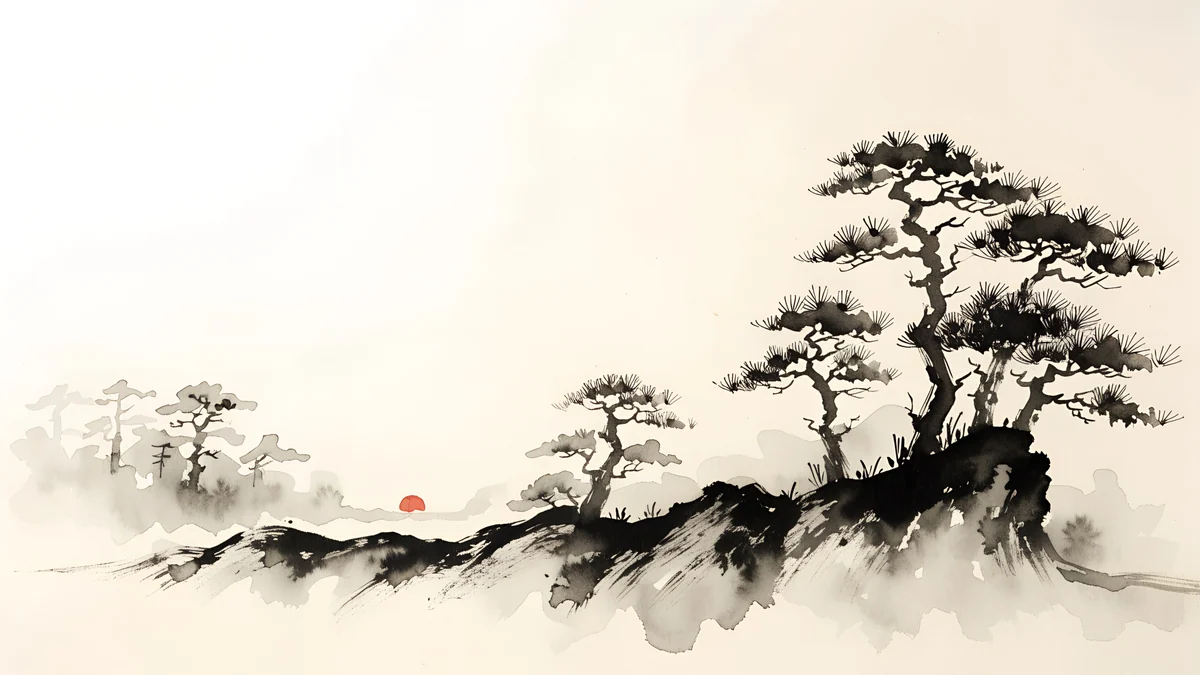 Ink Mist Ridge4K · Desktop
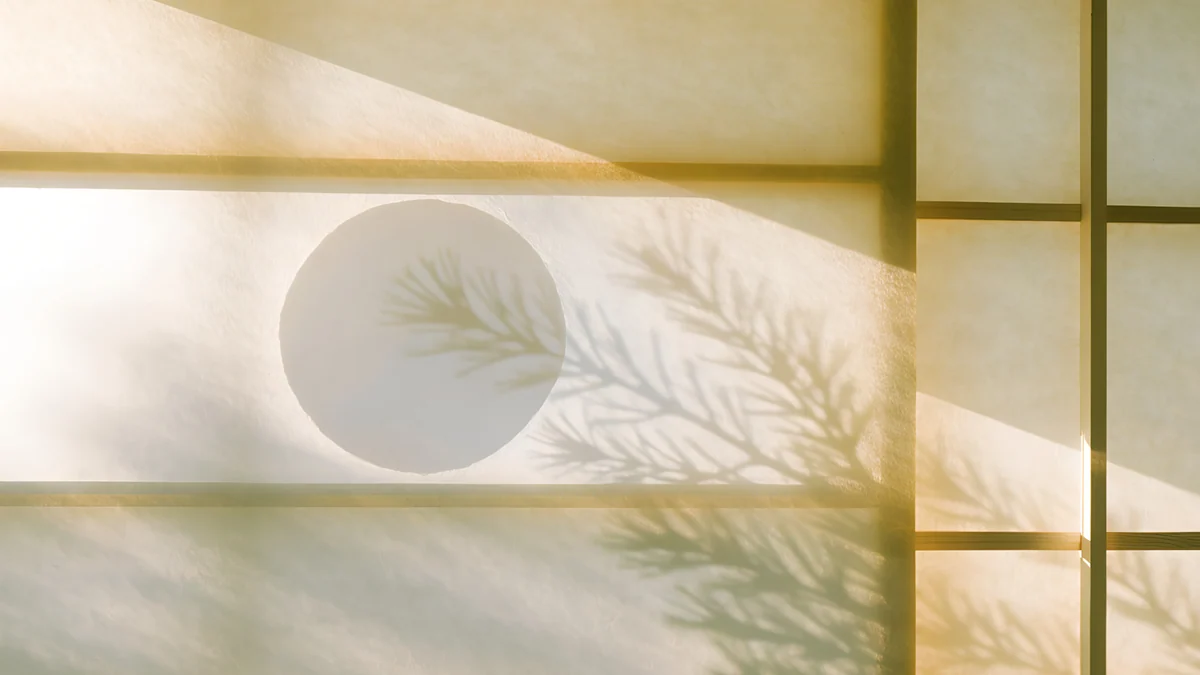 Shoji Moon4K · Desktop
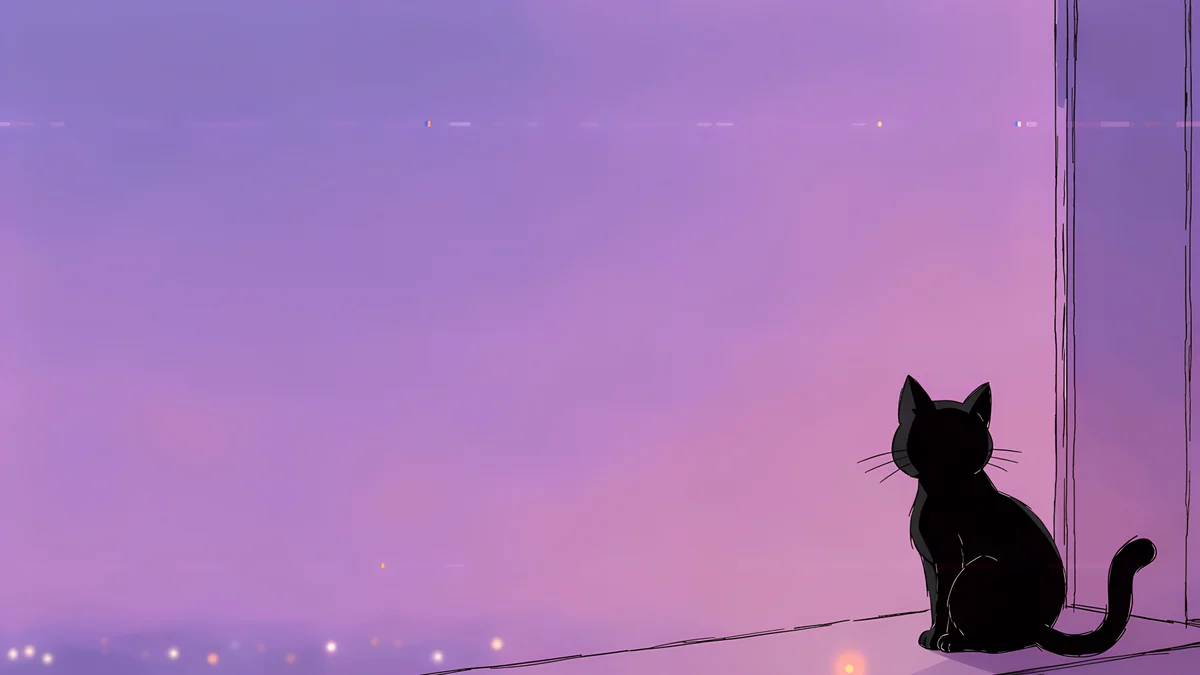 Window Cat4K · Desktop
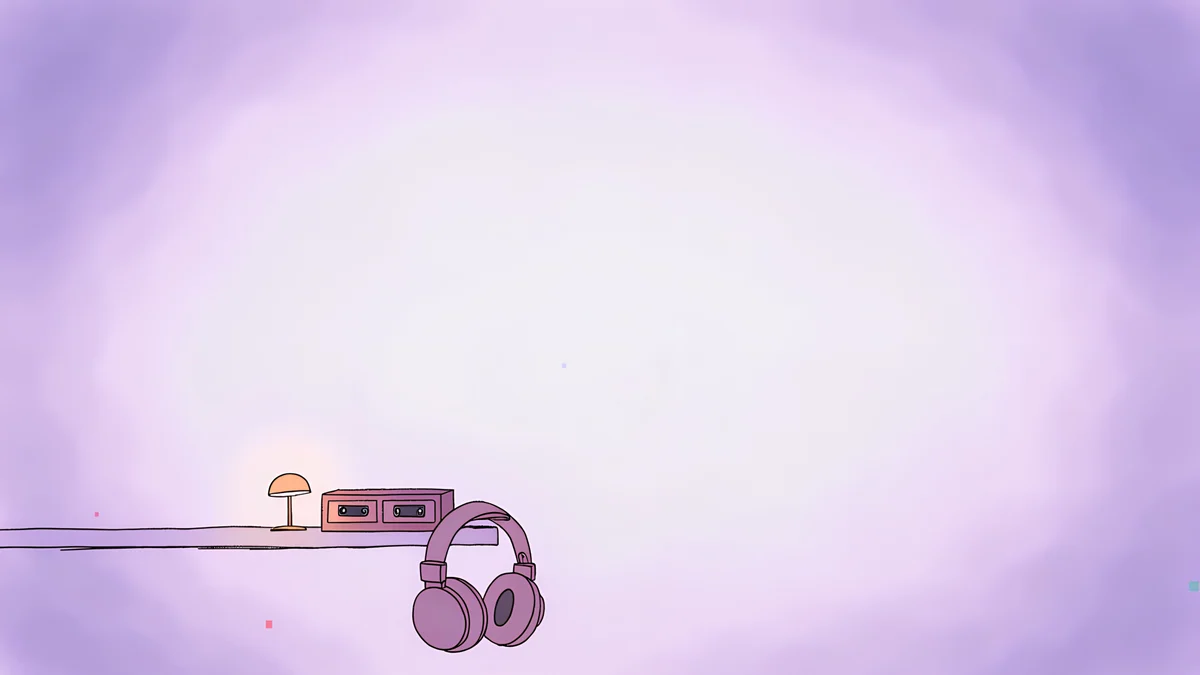 Night Tape4K · Desktop
Ink on paper also stays readable behind text, because most of the frame is plain off white.
4K or 5K, 16:9 or 16:10: what your laptop crops
Velpaper desktop wallpapers are 16:9. Many laptops are not. Recent MacBooks and many Windows ultrabooks are closer to 16:10, a little taller.
| Laptop screen | Native resolution |
|---|---|
| MacBook Air 13 inch (M2 and later) | 2560 × 1664 |
| MacBook Air 15 inch | 2880 × 1864 |
| MacBook Pro 14 inch | 3024 × 1964 |
| MacBook Pro 16 inch | 3456 × 2234 |
| Typical Windows laptop, 16:9 | 1920 × 1080 |
| Typical Windows laptop, 16:10 | 1920 × 1200 or 2560 × 1600 |
A 3840 × 2160 original is larger than almost all of these, so it only gets scaled down. The one exception is the MacBook Pro 16 inch, where it is enlarged by about 3 percent, too little to see; a 5K file covers that screen with room to spare. On a 16:10 screen the system fills the height and trims about 5 percent of the width on each side. On the notched MacBooks the crop is a little larger. That is why the wallpapers here keep their subject in the centre: the strips that disappear are plain wall, sky or paper.
Choose 5K if you also use a 5K external display such as the Apple Studio Display; otherwise 4K is plenty for a laptop. Our PC wallpaper size guide has the full table for desktop monitors.
How to set it
On a Mac, download the file, open System Settings, Wallpaper, and add it. Use Fill Screen, never Stretch, so the proportions stay true. The Mac wallpaper guide shows every step, including the Finder shortcut. On Windows 11, open Settings, Personalization, Background and pick Fill, as described in our Windows 11 guide.
All the desktop wallpapers above download free from velpaper.com and from the Velpaper app for Mac. If you would rather have them rotate on their own, our comparison of 4K and 5K wallpaper apps for Mac covers the options.
Original wallpapers in 4K and 5K for iPhone, Android and desktop.
Questions
What size should an aesthetic laptop wallpaper be?
Use at least the native resolution of your screen, and ideally a 3840 × 2160 (4K) original. That is larger than every MacBook Air and MacBook Pro 14 inch screen, so the system only scales it down and it stays sharp. On the MacBook Pro 16 inch a 4K file is enlarged by about 3 percent, which you will not notice, and a 5120 × 2880 file covers it fully. A 1920 × 1080 image looks fine on a Full HD Windows laptop but turns soft on a Retina MacBook. For a 5K external monitor, pick the 5K version too.
Will a 16:9 wallpaper fit a 16:10 MacBook screen?
Yes. With Fill Screen, macOS scales the image to the screen height and trims a narrow strip from the left and right edges, roughly 5 percent on each side of a 16:10 display and a little more on notched MacBooks. Nothing is stretched. Wallpapers with a centred subject and plain edges hide this crop completely, which is how the Velpaper desktop wallpapers are composed. Avoid Stretch to Fill Screen, which distorts the picture.
How do I keep desktop icons readable on an aesthetic wallpaper?
Pick a wallpaper that is calm where your icons sit. macOS lines desktop icons up on the right, Windows on the left, and both put the dock or taskbar at the bottom. A plain wall, sky or paper texture in those areas keeps icon labels easy to read. Dark wallpapers work well with dark mode, light ones with light mode. If the desktop is very busy, a darker image hides clutter better than a bright one.
Are these laptop wallpapers free?
Yes. Every Velpaper desktop wallpaper in this article downloads free at full size, 3840 × 2160 or 5120 × 2880, without a watermark. There is no account and no subscription. You can download them on velpaper.com from any laptop, Windows or Mac, or use the Velpaper app for Mac. The previews on this page are compressed so it loads fast; the download is the original file.
Which aesthetic wallpaper works best with dark mode?
A dark wallpaper with one area of colour or light. Petrol Current, Cobalt Soft Horizon and Rose Pulse Arcade are good examples: deep blue or plum backgrounds that keep the menu bar and dock calm, with enough colour that the desktop does not look empty. On a laptop with an OLED screen, dark wallpapers also light fewer pixels. For light mode, the pale wall and glass wallpapers in this collection pair better.
Carlos Vivero
Designer of Velpaper wallpapers
Carlos Vivero designs the wallpapers in Velpaper: quiet architecture, liquid glass, Japanese ink and calm landscapes. Every piece is made as a 4K original for iPhone, Android and desktop.
Recent work








