Northern Lights Wallpapers: Aurora Colours in 4K
What makes a northern lights wallpaper work on a phone lock screen, how to set it on iPhone and Android, and the closest aurora-coloured 4K wallpapers.
In short: A good northern lights wallpaper keeps the sky dark at the top, lets the green or violet glow run below the clock and avoids noisy, compressed photos. Velpaper has no aurora photographs; the closest 4K originals in aurora colours are Jade Light Fold, Petrol Terraces and Arctic Current.
By the Velpaper team · Wallpapers by Carlos Vivero, Velpaper designer · · 6 min read
Free 4K originals for iPhone and Android, no watermark
On this page
A good northern lights wallpaper has a dark sky behind the clock, a ribbon of green or violet light below it and no grain or colour banding. Velpaper does not have aurora photographs or a northern lights collection, so this page explains what makes an aurora wallpaper work on a phone and then shows the closest real wallpapers: green and teal glass on dark, a starry night sky and a cold dusk over the mountains, all 4K originals at 2160 by 3840 pixels.
What makes an aurora wallpaper work on a phone
The aurora is one of the hardest subjects to show on a lock screen. The light is soft, the sky is dark, and most photos online were taken at high ISO, so they carry noise that a phone screen makes obvious.
- Dark at the top, light below. The clock and widgets sit in the top third. An aurora that glows across the middle and lower half leaves a dark band for a white clock. A bright curtain straight behind the digits makes them hard to read.
- Green first. Green is the most common aurora colour, so a green or teal glow on near-black reads as northern lights at a glance. Pink and violet edges look striking but are rarer in real skies.
- Smooth gradients. Aurora light is all soft gradients, which is exactly where low quality files break into visible bands. A full size original matters more here than for a sharp-edged picture.
- OLED makes it glow. On an OLED screen black pixels are switched off, so green light next to a near-black sky looks brighter than it is. Every iPhone since the iPhone 12 apart from the SE, and most mid-range and flagship Android phones, use OLED.
- A horizon for depth. On iPhone, the depth effect needs a subject. A sky with only light has nothing to lift, while a mountain or tree line at the bottom can give iOS a foreground.
How to set a northern lights wallpaper on iPhone and Android
- Open the wallpaper on velpaper.com or in the Velpaper app and save the 2160 by 3840 original, not a screenshot of the preview. If you use your own aurora photo, export it at full resolution.
- On iPhone with iOS 26: open Settings, tap Wallpaper, then Add New Wallpaper, then Photos, and pick the file.
- Pinch and drag so the brightest part of the light sits below the time. Avoid enlarging the picture, because soft gradients lose quality first.
- Tap the time and choose white, or a pale green taken from the image. If there is a mountain or tree line at the bottom, tap the More button (three dots) and try Depth Effect.
- Tap Add, then Set as Wallpaper Pair, or Customize Home Screen to blur or change the Home Screen picture.
- On a Pixel with Android 16: touch and hold an empty spot on the Home screen, tap Wallpaper & style, then Change wallpaper, choose your photo, then Preview and Apply. On a Samsung with One UI 8, the same option is in Settings, Wallpaper and style. Menu names can differ slightly by phone and version.
Apple's own steps are in Change your iPhone wallpaper, and Google's are in Change wallpaper on your Pixel phone.
The closest Velpaper wallpapers to the northern lights
None of these is a photo of an aurora. They share its colours and its cold, quiet mood: green and teal light on dark, a clear sky full of stars and a blue dusk over mountains.
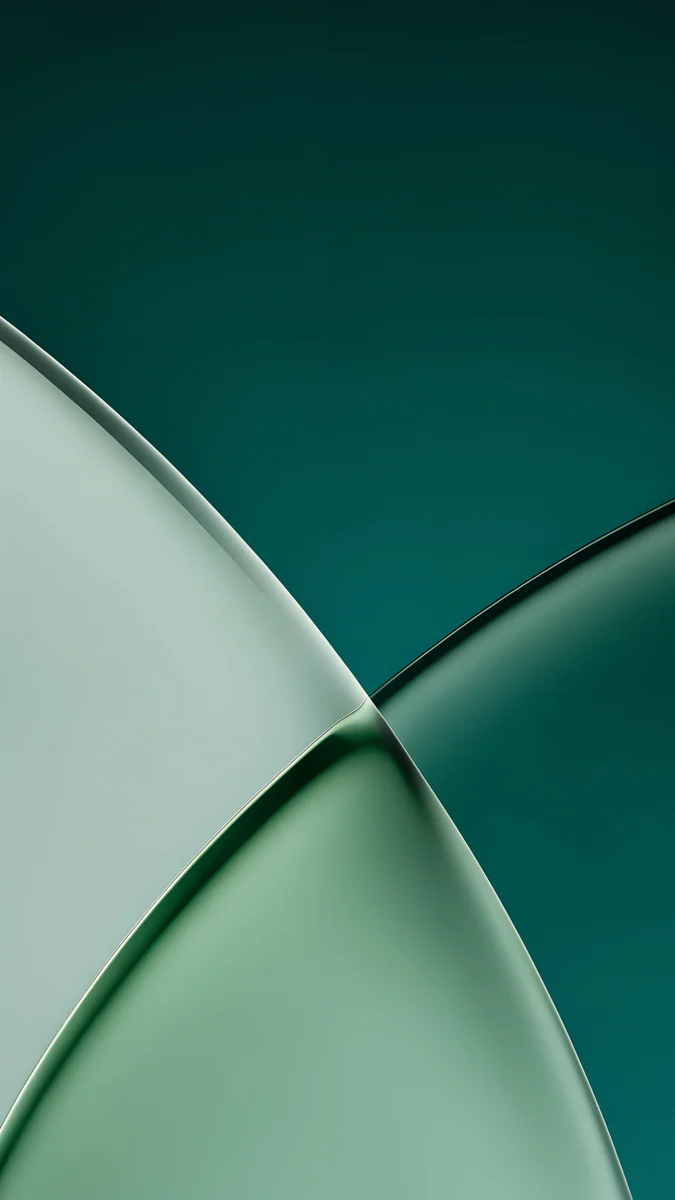 Jade Light Fold4K · Phone
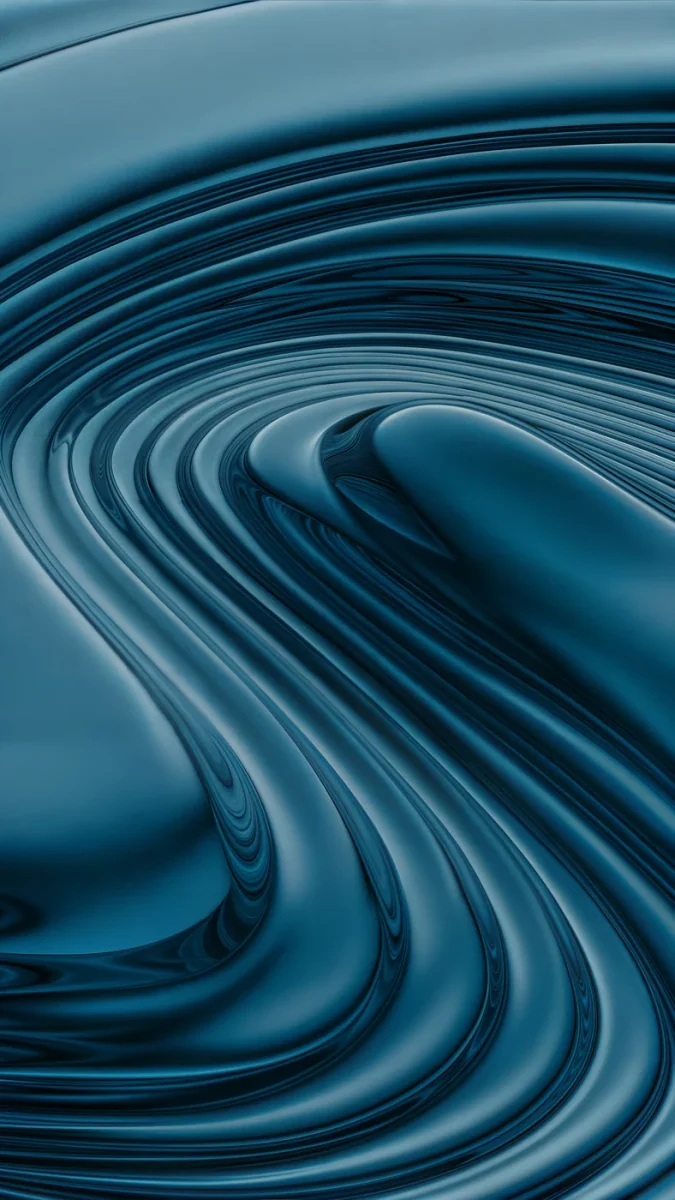 Petrol Terraces4K · Phone
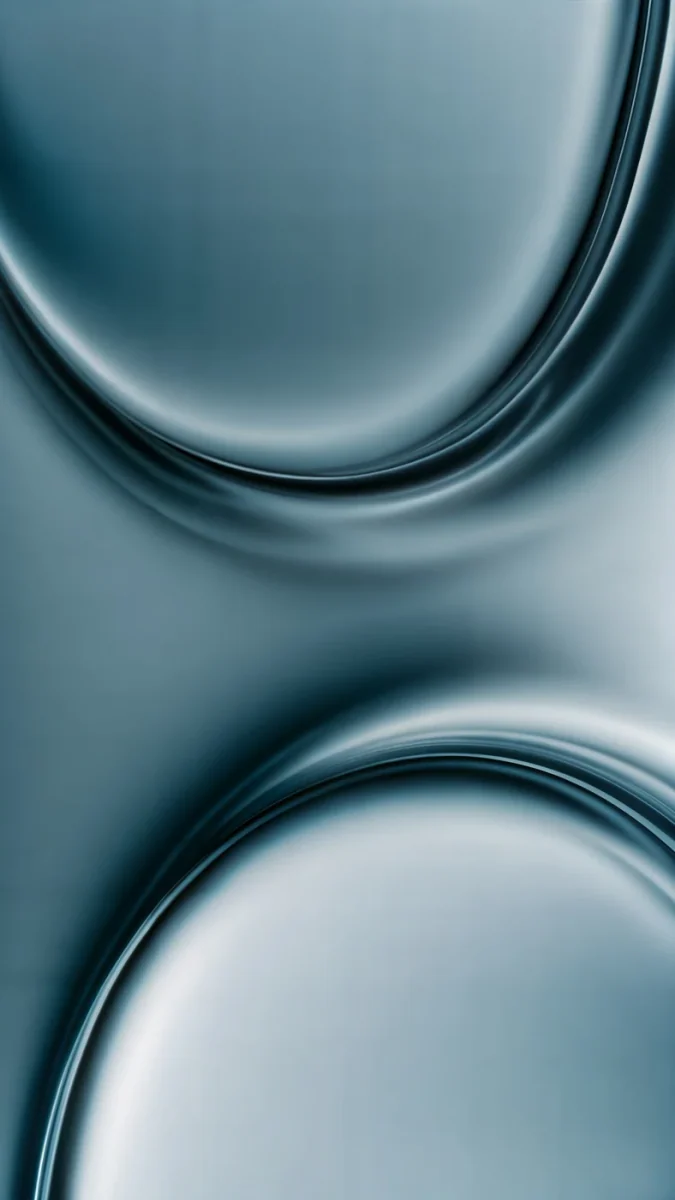 Arctic Current4K · Phone
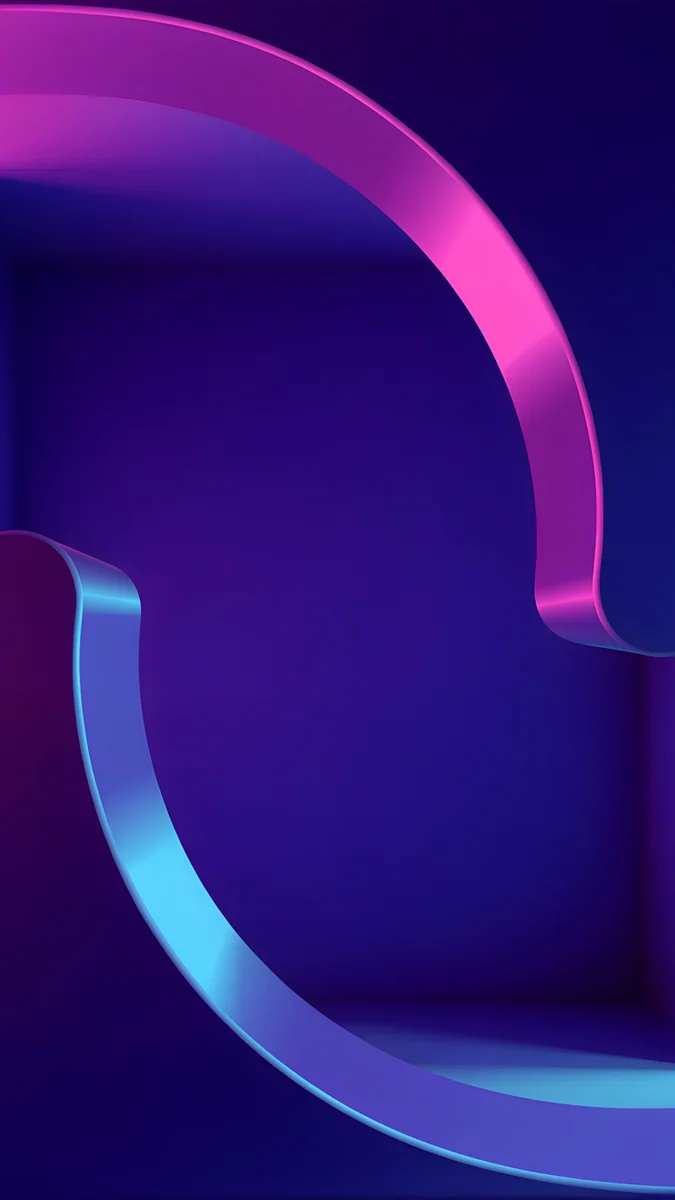 Edge Light Portal4K · Phone
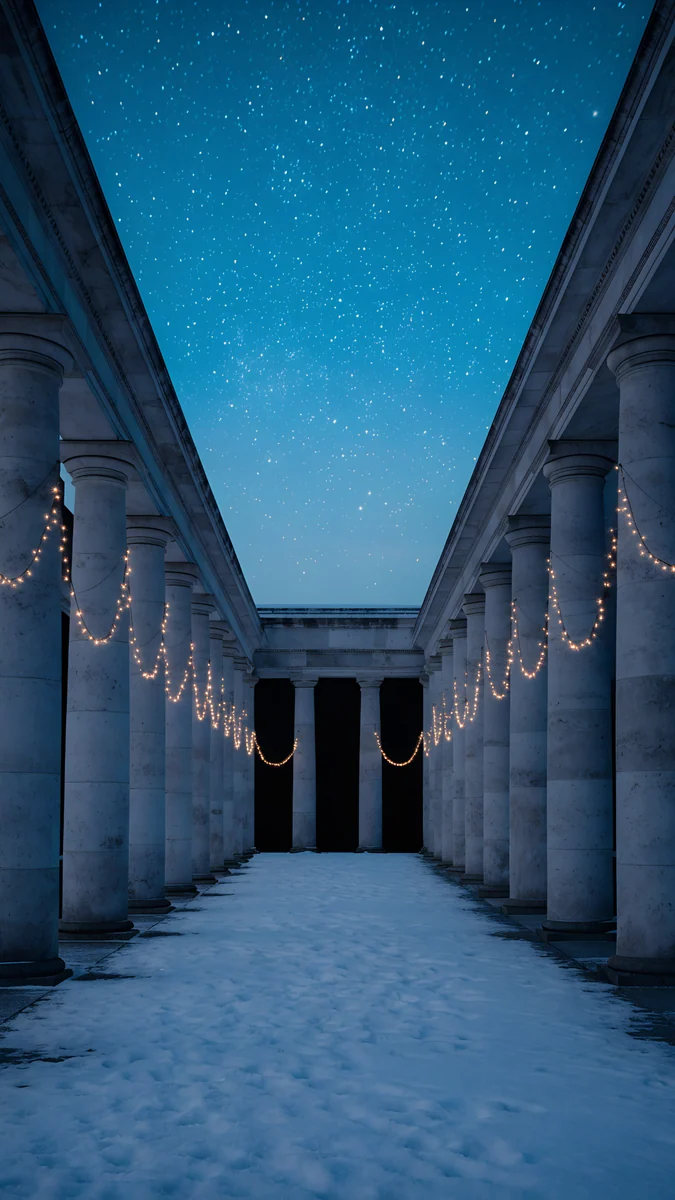 Starlit Colonnade4K · Phone
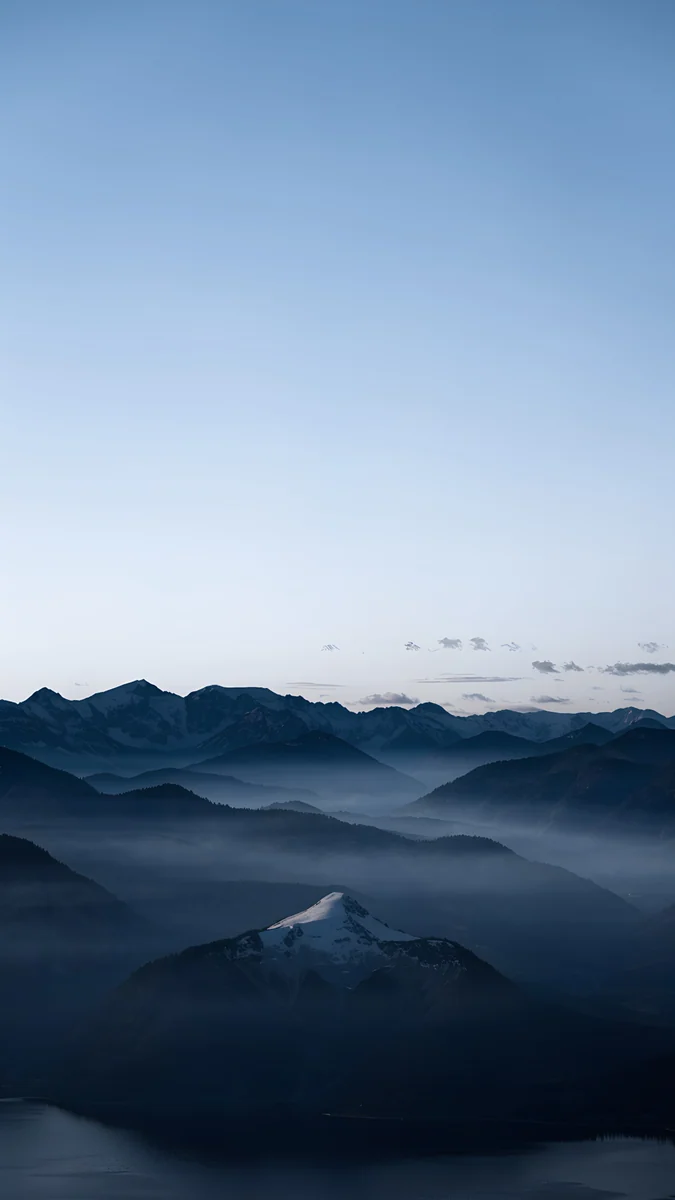 Blue Hour4K · Phone
Jade Light Fold is the closest in colour: two curved panes of pale green glass crossing over deep jade, almost black at the top, so the clock sits on dark and the green glows below it. Petrol Terraces swirls teal and petrol blue in folded ribbons, the nearest thing here to aurora curtains bending across the sky. Arctic Current is liquid silver and teal bending into two soft hollows, colder and lighter. Edge Light Portal covers the rarer pink and violet aurora colours with one ribbon of pink and cyan neon curling through indigo.
For the sky around the light, Starlit Colonnade puts a deep blue sky full of small stars above a long stone colonnade with warm strings of lights and snow on the ground. Blue Hour shows misty mountain ridges and one snowy peak under a pale blue dusk sky; it is free to download outright and pairs well with any of the green pieces on the Home Screen.
Light mode and desktop options
If a dark lock screen feels heavy in daytime, Celadon Haze is a soft haze of sea green and cream, the aurora palette at daylight brightness, best with a dark clock. For a desktop in the same cold colours, Petrol Current is a 5K field of petrol blue folds, and Cobalt Soft Horizon draws two cobalt arcs over deep navy. Desktop wallpapers are free. More greens are in our green aesthetic wallpapers, and darker skies are in galaxy and space wallpapers.
Common problems with aurora wallpapers and how to fix them
- Bands of colour across the sky. The file was compressed or saved at low quality. Download the full original and avoid editing apps that re-save it; soft green gradients show banding first.
- Grain in the dark areas. Most aurora photos are shot at high ISO. If you use your own, pick the sharpest frame, apply noise reduction once and export at full size. Illustrated or rendered wallpapers such as Jade Light Fold have no sensor noise.
- The clock is hard to read. The brightest light sits behind the digits. Drag the picture down so the glow moves below the time, and set a white clock by hand. Our guide to a wallpaper that keeps the clock readable has the full method.
- The picture is zoomed in. iOS adds a little zoom for Perspective Zoom, and Android may crop for motion. See the fix for an iPhone wallpaper that is zoomed in.
- It looks grey on the Always On screen. iOS dims the wallpaper while the phone rests, and soft green light turns muddy. Dark pieces with one area of colour survive this best; or turn off Wallpaper under Settings, Display & Brightness, Always On Display.
Get these aurora-coloured wallpapers in Velpaper
Every wallpaper on this page is a 4K original by designer Carlos Vivero, with no text or watermark, in the Velpaper apps for iPhone, iPad, Mac and Android and on velpaper.com. Browsing is free and there is no account. Blue Hour downloads free outright; most other phone wallpapers unlock after a short optional ad in the app, and on the website, if no ad is available, the original downloads for free.
Next step: open Jade Light Fold, save the 4K original and set it as your lock screen with a white clock. For a calmer free option, take Blue Hour.
Original wallpapers in 4K and 5K for iPhone, Android and desktop.
Questions
Does Velpaper have northern lights wallpapers?
Not as photographs or as a dedicated aurora collection. What Velpaper has are wallpapers in the aurora's colours and mood. Jade Light Fold puts pale green glass over deep jade, Petrol Terraces folds teal and petrol blue into ribbons, Arctic Current bends liquid silver and teal, and Edge Light Portal brings pink and cyan neon on indigo. For the setting, Starlit Colonnade has a starry night sky and Blue Hour shows misty mountains at dusk. Every one is a 4K original at 2160 by 3840 pixels, so the soft gradients stay smooth on a phone screen.
What colour are the northern lights, and which colour works best on a phone?
Green is the most common colour of the aurora, and it is also the easiest to read as northern lights on a small screen. Red, pink and violet appear too, usually at the top or the lower edge of the display and less often. On a phone, green or teal light on a near-black sky works best: the dark top keeps a white clock readable, and on an OLED screen the green glows next to switched-off pixels. Pink and violet versions look striking but can clash with coloured app icons, so a calmer Home Screen picture helps.
Can I use my own aurora photo as a wallpaper?
Yes, and phone night modes often record aurora colours more strongly than your eyes see them. Pick the sharpest frame, keep the horizon low so the sky fills the top of the screen, and export it at full resolution rather than sending it through a messaging app, which compresses it. If the dark sky is grainy, apply noise reduction once before you set it. Then set it through Settings, Wallpaper, Add New Wallpaper, Photos on iPhone, or Wallpaper and style on Android, and move the brightest light below the clock. A tree line or mountain at the bottom may also enable the iPhone depth effect.
Do dark aurora wallpapers save battery?
On an OLED screen, a little. OLED pixels make their own light, and black pixels are switched off, so a wallpaper that is mostly dark sky uses less power while it is on screen than a bright one. The real effect depends on brightness and on how long the wallpaper is visible, which is much less than the time you spend in apps. On an LCD screen there is no meaningful difference, because the backlight stays on. The more visible benefit on OLED is contrast: green or teal light looks brighter against true black, which is why aurora colours suit these screens so well.
Why does my northern lights wallpaper have stripes?
The stripes are colour banding. Aurora light is made of very soft gradients, and when a file is compressed or saved with too few colour steps, those gradients break into visible bands. It happens with screenshots, previews saved from websites and photos sent through messaging apps. Use the full original file instead: Velpaper phone wallpapers are 2160 by 3840 pixels and are checked for smooth gradients. Avoid editing the image in apps that save it again at lower quality. If you use your own photo, export it at the highest quality your camera app or editor offers.
Carlos Vivero
Designer of Velpaper wallpapers
Carlos Vivero designs the wallpapers in Velpaper: quiet architecture, liquid glass, Japanese ink and calm landscapes. Every piece is made as a 4K original for iPhone, Android and desktop.
Recent work








