Galaxy and Space Wallpapers in 4K for Your Phone
What makes a space wallpaper work on an iPhone or Android lock screen, how to set it, and the closest 4K starry skies and moons in Velpaper.
In short: A good space wallpaper keeps the sky near black, the stars small and the brightest object below or beside the clock. Velpaper has no dedicated galaxy or nebula set; the closest 4K originals are night skies such as Starlit Colonnade, Pagoda Moon and Lone Spire.
By the Velpaper team · Wallpapers by Carlos Vivero, Velpaper designer · · 6 min read
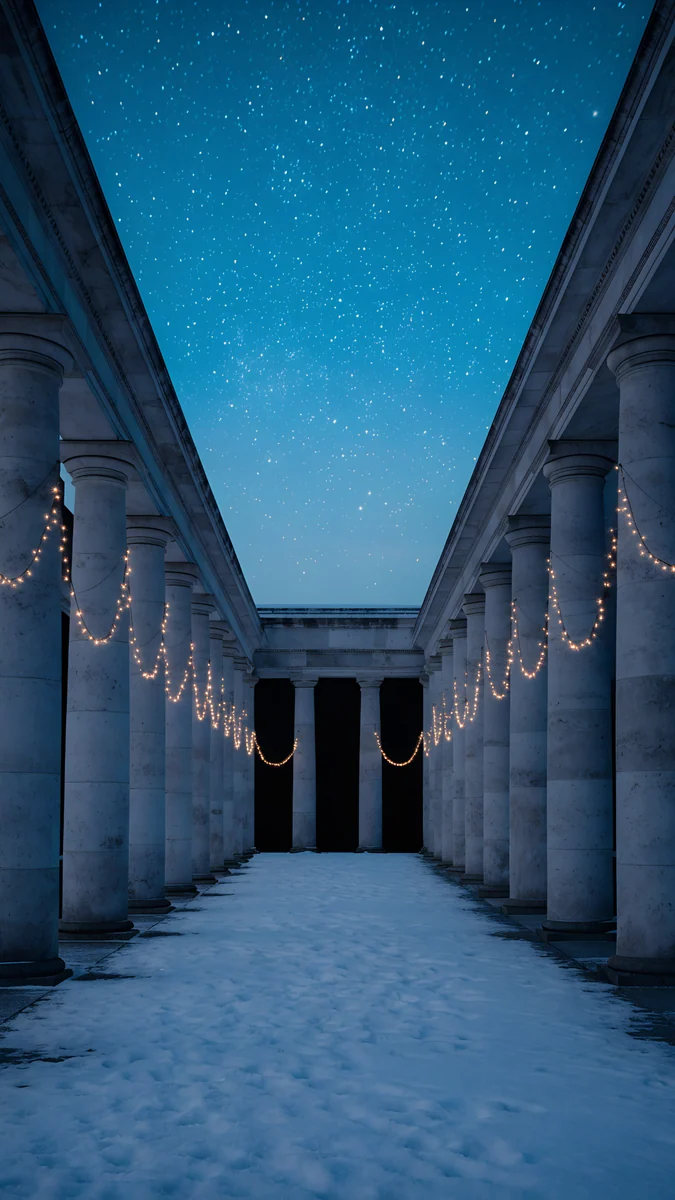 Starlit Colonnade
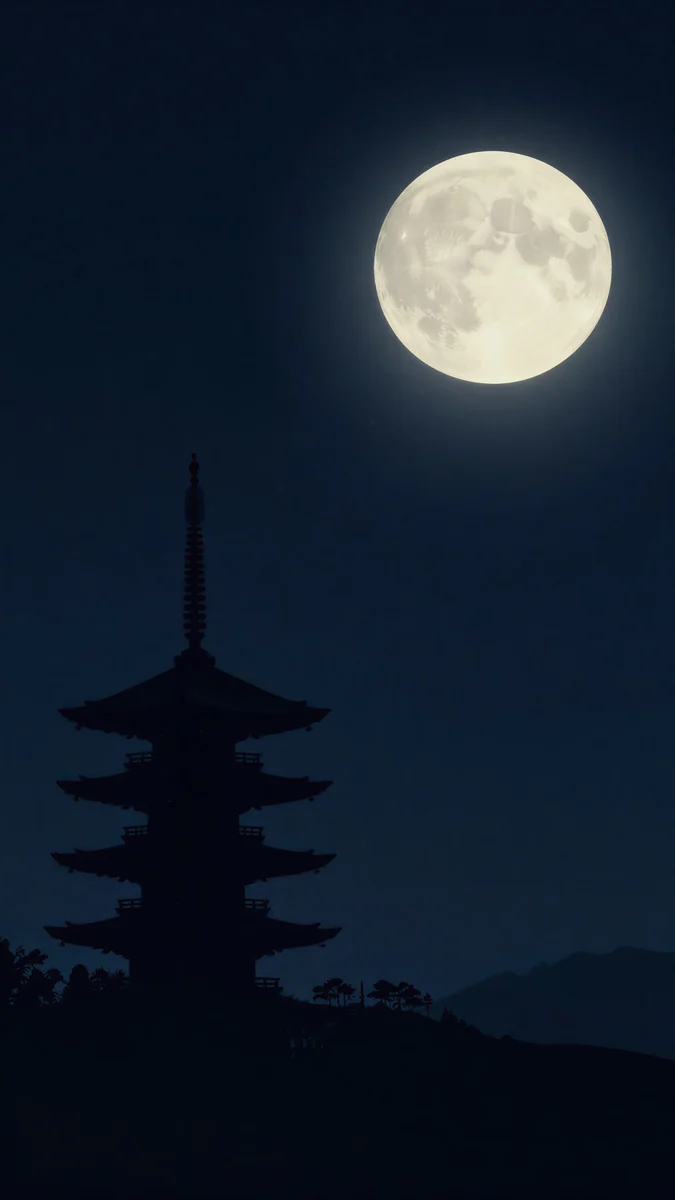 Pagoda Moon
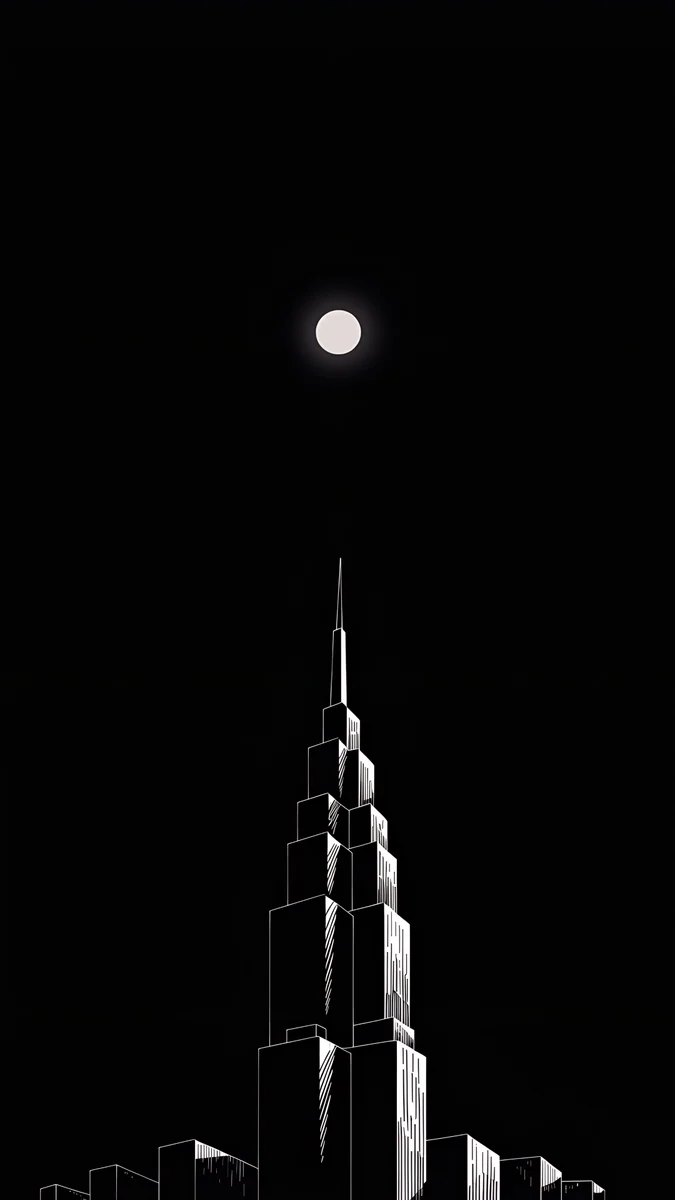 Lone Spire
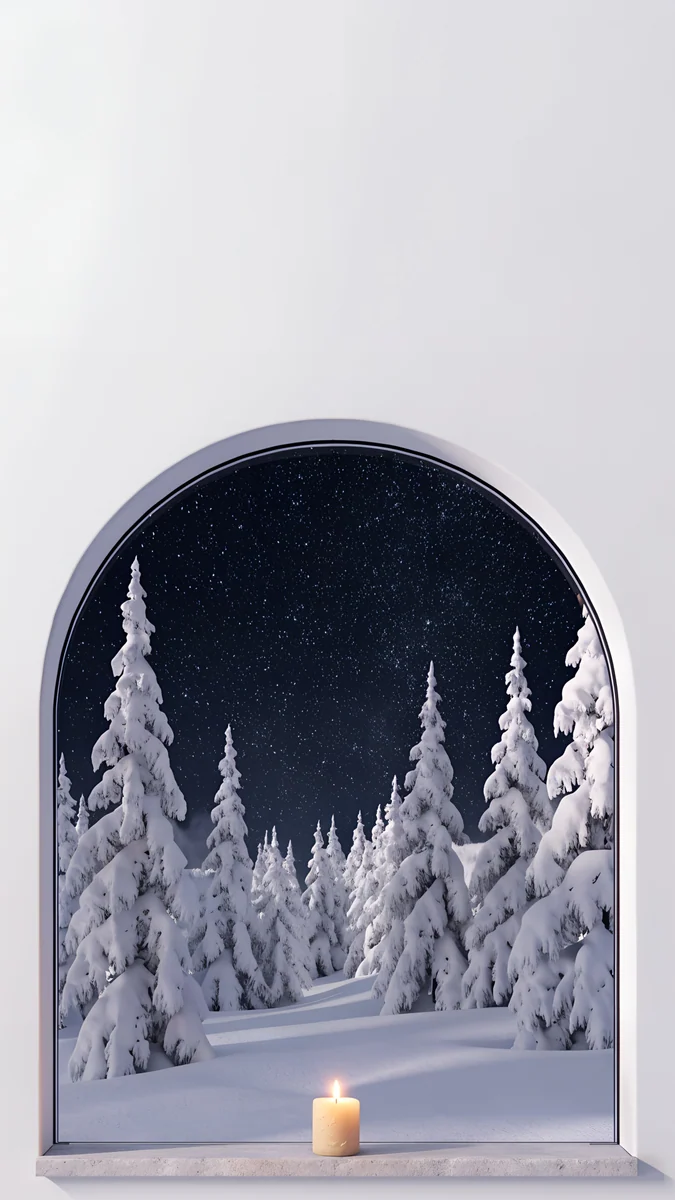 Starlit Window
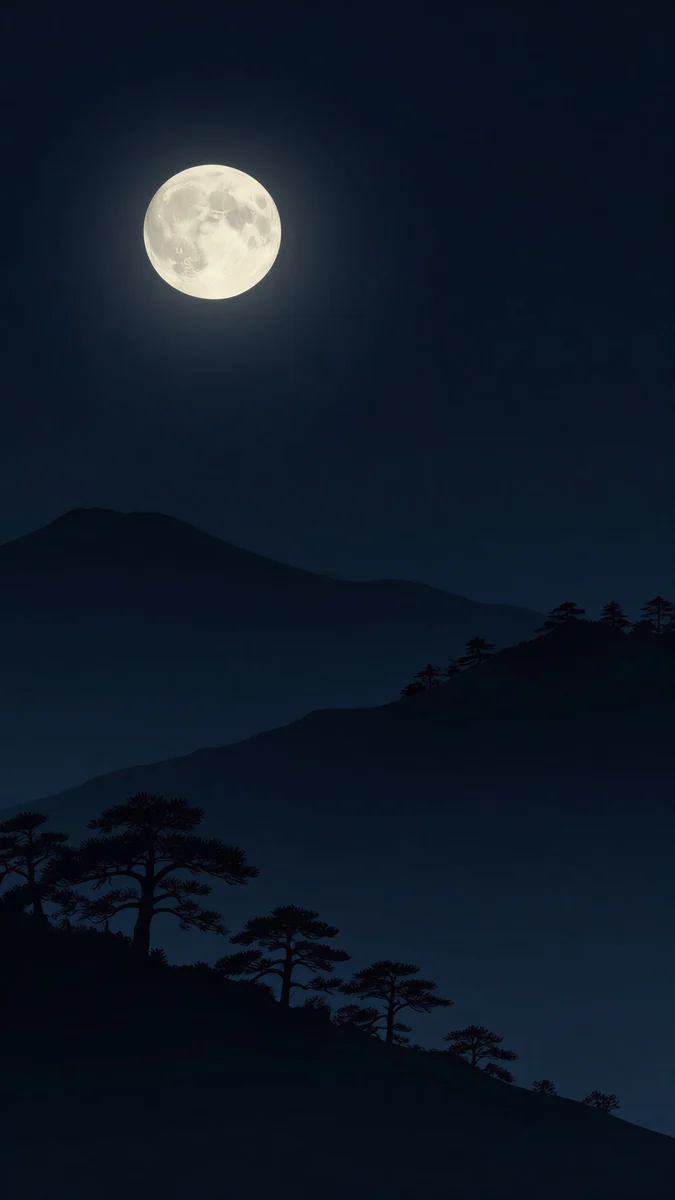 Moon Pines
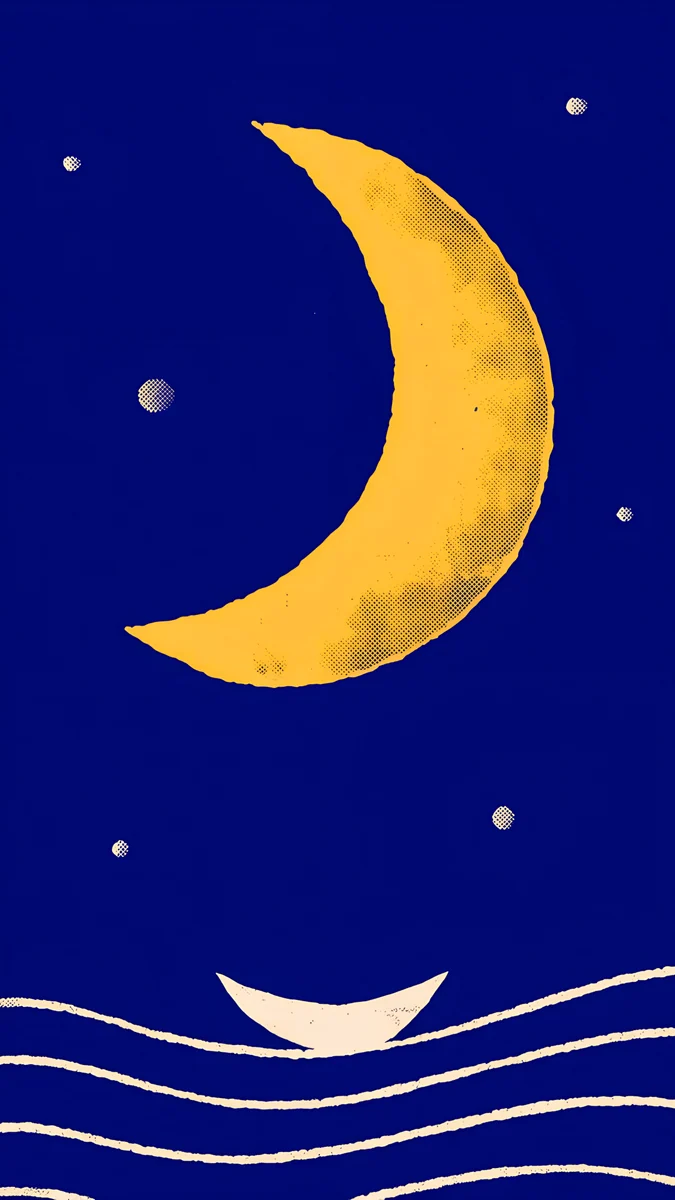 Moon Boat
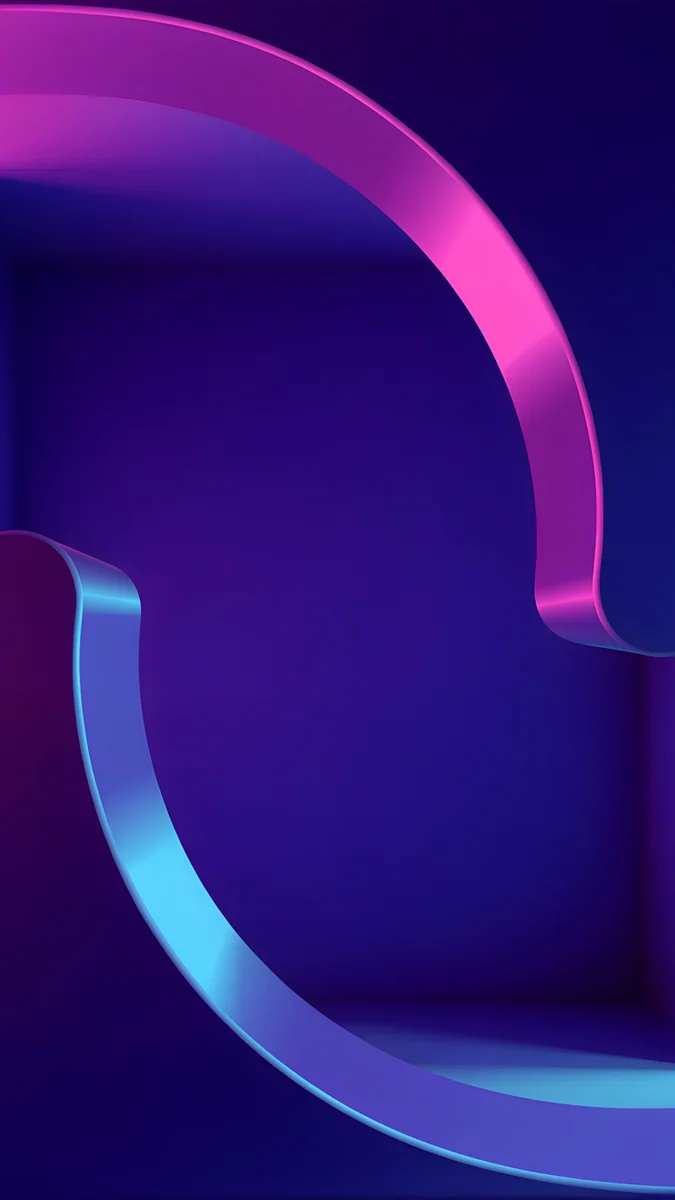 Edge Light Portal
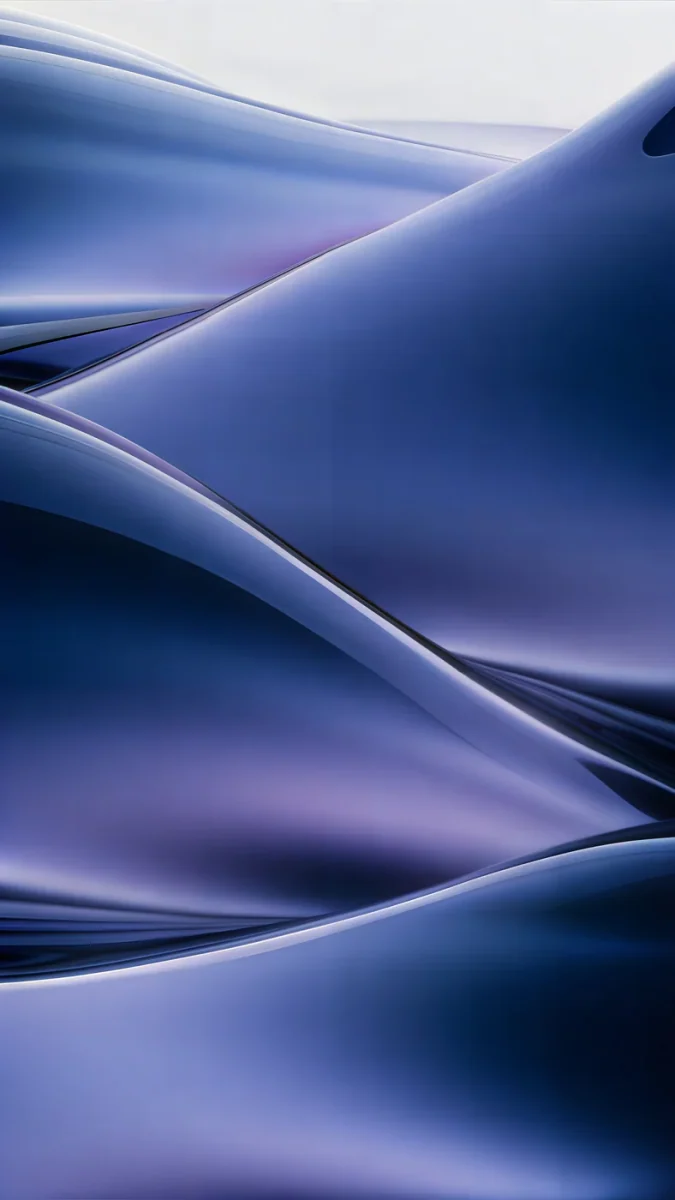 Midnight Flow
 Blue Reverie
Free 4K originals for iPhone and Android, no watermark
On this page
The best galaxy or space wallpaper for a phone has a near-black sky, small stars and one bright object, a moon or a band of colour, placed below or beside the clock rather than behind it. Velpaper does not have a dedicated galaxy or nebula collection, so this page explains what to look for and then shows the closest real wallpapers: starry skies, full moons and deep blue glass, all 4K originals at 2160 by 3840 pixels.
If you want a photo of a spiral galaxy, iOS has a built-in option for that, covered in the FAQ below. If you want the mood of a clear night with room for the time, read on.
What makes a space wallpaper work on a phone
Space pictures fail on lock screens for the same three reasons: the clock lands on a bright nebula, the stars turn into noise, or the image is a small file stretched to fit. Here is what separates a good one.
- A dark top third. The time and widgets sit there. A deep blue or black sky behind them keeps a white clock sharp. A bright galaxy core right behind the digits makes them hard to read.
- Small stars, not dense ones. Thin points of light read as a sky. A packed star field behind the clock reads as static and fights with every letter.
- One bright object. A moon, a planet or one glowing shape gives the eye somewhere to go. Put it beside or under the clock, never cut in half by it.
- Real black for OLED. Every iPhone since the iPhone 12 apart from the SE, and most mid-range and flagship Android phones, use OLED screens, where black pixels are switched off. A night sky looks deeper there than on an LCD, and stars look brighter next to it.
- A foreground for depth. On iPhone, the depth effect can put a tower, a tree line or a building in front of the clock. A pure star field has no subject, so the option stays grey. A silhouette at the bottom gives iOS something to work with.
How to set a space wallpaper on iPhone and Android
- Open the wallpaper on velpaper.com or in the Velpaper app and save the 2160 by 3840 original, not a screenshot of the preview.
- On iPhone with iOS 26: open Settings, tap Wallpaper, then Add New Wallpaper, then Photos, and pick the file.
- Pinch and drag so the moon or the brightest stars sit below or beside the time. Do not enlarge the picture to fill gaps; that softens the stars first.
- Tap the time and choose white, or a pale tint taken from the image. If the picture has a silhouette at the bottom, tap the More button (three dots) and try Depth Effect.
- Tap Add, then Set as Wallpaper Pair, or Customize Home Screen to blur or change the Home Screen picture.
- On a Pixel with Android 16: touch and hold an empty spot on the Home screen, tap Wallpaper & style, then Change wallpaper, choose your photo, then Preview and Apply. On a Samsung with One UI 8, the same option is in Settings, Wallpaper and style. Menu names can differ slightly by phone and version.
Apple's own steps are in Change your iPhone wallpaper. For screenshots of every step, see how to set a lock screen wallpaper on iPhone and how to change wallpaper on Android.
The closest Velpaper wallpapers to a galaxy look
None of these is a nebula or a Hubble-style galaxy. They are night skies drawn and composed for a phone, with stars, moons and dark space where the clock goes.
Starlit Colonnade4K · PhoneStarlit Window4K · PhonePagoda Moon4K · PhoneMoon Pines4K · PhoneMoon Boat4K · PhoneLone Spire4K · PhoneStarlit Colonnade is the most space-like of the set: a deep blue sky full of tiny stars above a long stone colonnade, so the clock floats on clean starlight while the columns lead the eye down. It comes from the winter set, so warm strings of lights hang between the columns and snow covers the ground. Starlit Window shows the same kind of sky framed by an arched window in a pale wall, with snowy pines and one candle; the top half is pale, so it wants a dark clock.
Pagoda Moon puts a detailed full moon high in a near-black sky over the silhouette of a pagoda, which is the kind of foreground that gives the depth effect a subject. Moon Pines sets a full moon over layered navy hills and pine silhouettes, darker and calmer. Moon Boat is the illustrated one, a huge golden crescent and a few small planets on cobalt blue; it is not black, but its two colours survive the dimmed Always On screen. Lone Spire is almost pure black with a small bright moon and a stepped tower drawn in white lines, the best pick here for an OLED screen.
Deep space colour without the stars
If what you like about galaxy wallpapers is the colour, violet, indigo and neon on dark, these abstract pieces give you that without a single star.
Edge Light Portal curls one ribbon of pink and cyan neon through deep indigo, the most science fiction of the three. Midnight Flow is navy and violet glass waves, and Blue Reverie is a smooth glow from navy to lavender haze, close to the soft light of a nebula and calm enough for widgets. For a desktop, Soft Orbit floats a pale sphere above terracotta dunes in a pink haze, a planet seen from somewhere else. More crescents and full moons are in our moon wallpapers.
Common problems with space wallpapers and how to fix them
- The clock is hard to read. Something bright sits behind the digits. Drag the picture down in the editor so the moon or the brightest stars move below the time, and set the clock to white by hand. Our guide to a wallpaper that keeps the clock readable has the full method.
- The stars look blurry or blocky. The file is too small or was compressed, often a screenshot or a saved web preview. Download the full 2160 by 3840 original. Small bright points on black show compression faster than anything else.
- Bands of colour in the dark sky. Smooth dark gradients break into steps when a file is saved at low quality. Use the original file and avoid editing apps that re-save it.
- The picture is zoomed in. iOS adds a little zoom for Perspective Zoom, and Android may crop for parallax. See the fix for an iPhone wallpaper that is zoomed in or an Android wallpaper that zooms.
- Depth Effect is grey. iOS found no subject. A sky with only stars has nothing to lift; pick one with a tower, hills or trees at the bottom, such as Pagoda Moon, and remove widgets under the clock.
Get these night sky wallpapers in Velpaper
Every wallpaper on this page is a 4K original by designer Carlos Vivero, with no text or watermark, in the Velpaper apps for iPhone, iPad, Mac and Android and on velpaper.com. Browsing is free and there is no account. Most phone wallpapers unlock after a short optional ad in the app; on the website, if no ad is available, the original downloads for free. Desktop wallpapers such as Soft Orbit are free.
Next step: open Starlit Colonnade, save the 4K original and set it as your lock screen tonight with a white clock. If you want the darkest screen for OLED, take Lone Spire instead.
Original wallpapers in 4K and 5K for iPhone, Android and desktop.
Questions
Does Velpaper have a galaxy or nebula wallpaper collection?
No, not as a dedicated set. Velpaper does not have photographic galaxies, nebulas or star fields. What it does have are night skies made for a phone screen: Starlit Colonnade and Starlit Window show a deep sky full of small stars, Pagoda Moon, Moon Pines and Lone Spire show a bright moon on a dark sky, and Moon Boat is an illustrated crescent with a few small planets. For the colour of deep space without stars, Edge Light Portal, Midnight Flow and Blue Reverie use indigo, violet and neon on dark. Each one is a 4K original at 2160 by 3840 pixels.
Does iPhone have a built-in space wallpaper?
Yes. Open Settings, tap Wallpaper, then Add New Wallpaper, and look for the Weather and Astronomy option in the top row. Astronomy shows the Earth, the Moon or the solar system. It is a good choice if you want an accurate planet rather than an artistic sky. It cannot be combined with your own photo, and it has no subject for the depth effect. If you prefer a composed night scene with room for the clock, a still wallpaper saved to Photos gives you more control over where the stars and the moon sit.
Do black space wallpapers save battery?
On an OLED screen, a little. OLED pixels make their own light, and black pixels are switched off, so a wallpaper that is mostly dark sky uses less power while it is visible than a bright one. The effect depends on brightness and on how long the wallpaper is actually on screen, which is much less than the time you spend in apps. On an LCD screen there is no real difference, because the backlight stays on whatever the picture shows. The bigger benefit of a dark sky on OLED is contrast: small stars and a moon look brighter next to switched-off pixels.
Which clock colour works best on a starry wallpaper?
White is the safe choice on any dark sky, because it stays readable on deep blue and black. A pale tint taken from the picture looks more finished: soft blue on Starlit Colonnade, warm cream on Pagoda Moon, gold on Moon Boat. Avoid saturated or dark clock colours, which sink into the sky. If the top of the picture is pale, as in Starlit Window, use a dark clock instead. On iPhone you change it by touching and holding the Lock Screen, tapping Customize and then tapping the time. On a Samsung phone, touch and hold the unlocked lock screen and tap the clock to edit it.
Why do space wallpapers look worse on my phone than online?
Usually because the file is not the original. Night skies are the hardest images to compress: tiny bright stars on black and smooth dark gradients are exactly where low quality files show blocks and colour bands. A screenshot or a saved preview is also already the size of your screen, so as soon as iOS or Android adds a little zoom, the stars go soft. Download the full 2160 by 3840 file from the wallpaper page or the app, set it fresh rather than editing an old wallpaper, and avoid enlarging it in the editor. On OLED screens the original also keeps the black truly black.
Carlos Vivero
Designer of Velpaper wallpapers
Carlos Vivero designs the wallpapers in Velpaper: quiet architecture, liquid glass, Japanese ink and calm landscapes. Every piece is made as a 4K original for iPhone, Android and desktop.
Recent work








