Best Wallpaper App for Android: 7 Ranked (2026)
Best wallpaper apps for Android in 2026, ranked: Velpaper, Google, Zedge, Backdrops, Walli, Muzei and Tapet, with ads, price and auto change compared.
In short: The best wallpaper app for Android depends on the job: Velpaper for original 4K art with no account, Google's built-in Wallpaper & style for a free picker with no ads, Zedge for the biggest library, and Muzei or Walli if you want the wallpaper to change by itself.
By the Velpaper team · Wallpapers by Carlos Vivero, Velpaper designer · · Updated · 6 min read

Free 4K originals for iPhone and Android, no watermark
On this page
The best wallpaper app for Android is the one that matches what you want from your screen. If you want sharp, original images that look good behind the clock, an edited catalog of 4K originals beats a huge feed. If you want something new every morning without lifting a finger, an app with an automatic changer matters more than the size of its library.
We ranked seven Android wallpaper apps that people actually install. Velpaper is our own app, so it sits first only for the job it is built for: original 4K wallpapers, free, with no account. Where another app does something better, we say so, and we only list features and prices that the apps themselves describe.
What we looked for
Original art or uploads. An app that makes its own wallpapers has one visual voice and clear rights. An app built on uploads has more variety, but quality and origin change from image to image.
Resolution. Android shows the wallpaper at the screen's native size, and flagship screens reach 1440 × 3200 pixels. A file smaller than that gets stretched and goes soft. Our Android wallpaper size guide lists the exact numbers for Galaxy, Pixel and Xiaomi models.
Auto-change and live wallpapers. Android lets apps rotate the wallpaper on a schedule or animate it. Some people want that, some find it distracting. We note which apps do it.
The price model. Free with ads, a subscription or one-off upgrade, or free with nothing attached. All three are fine, as long as you know which one you are installing.
The 7 best wallpaper apps for Android
1. Velpaper
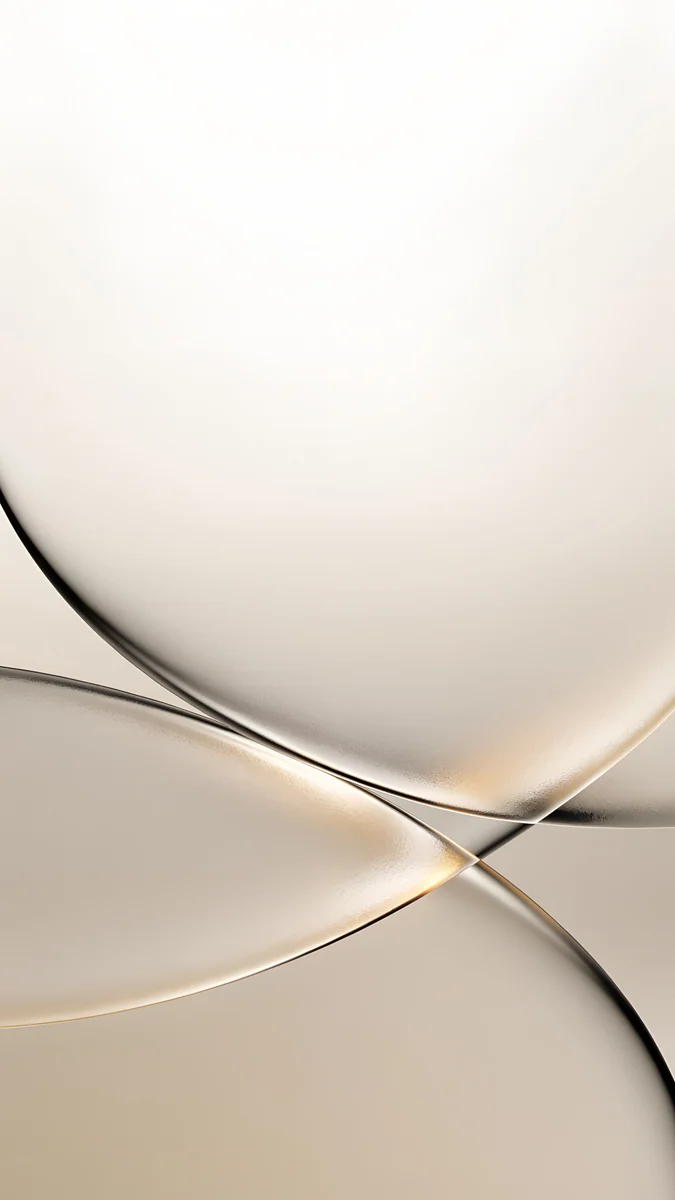
- Original wallpapers made in-house in one minimalist style: lit architecture, liquid glass, Japanese ink, rainy streets and quiet landscapes.
- Every phone original is 2160 × 3840 pixels with no watermark, larger than any current Android screen.
- A lock screen preview with the clock in place, so you can judge contrast before you save.
- Free to browse, no account, no subscription. Most phone wallpapers unlock after a short optional ad; a few, such as Tidal Quiet, are free outright.
- Still images only: no live wallpapers and no automatic changer. You save the file to your gallery and set it from there.
Best for: a calm, sharp lock screen without signing up for anything.
2. Google Wallpaper & style
- Built into Pixel phones: long-press the home screen and tap Wallpaper & style.
- Google's own collections, from landscapes and Earth imagery to textures and art.
- Some collections offer a daily wallpaper that changes the picture once a day.
- Recent Pixels can also generate AI wallpapers from a short prompt.
- Free, no ads. Google has also published a Wallpapers app on Google Play for other phones; whether it installs depends on your model.
Best for: Pixel owners who want a free, clean picker with a daily refresh.
3. Zedge
- One of the largest wallpaper libraries on Android, mostly uploaded by users and creators.
- Wallpapers, live wallpapers, ringtones and notification sounds in one app.
- Free with ads. A paid subscription removes ads, and some premium items cost Zedge credits or a video ad.
Best for: sheer volume and themes for every fandom, if you can live with ads and mixed quality.
4. Backdrops
- Started on Android and still feels at home there.
- A mix of community uploads, which the team approves, and exclusive in-house packs.
- Strong on flat, abstract and illustrated styles.
- Free with ads; a Pro upgrade removes ads and opens the exclusive Pro pack.
Best for: graphic, abstract wallpapers with a designer's touch.
5. Walli
- Wallpapers from artists the Walli team selects, each credited by name.
- Walli says it shares part of its revenue with those artists.
- A Playlist feature shuffles the wallpapers you pick at a frequency you set.
- Free with ads, with a premium option.
Best for: illustration, and an auto-changer fed only with images you chose.
6. Muzei
- A free, open-source live wallpaper that shows a famous painting on your home screen each day.
- It blurs and dims the artwork behind your icons; double-tap the home screen to see it clearly.
- It can also rotate through your own photos every few hours.
- No ads, Android only.
Best for: a museum on your home screen, or rotating a folder of wallpapers you already own.
7. Tapet
- Generates abstract pattern wallpapers on the phone itself, sized to your exact screen.
- Can create a new one on a schedule, so the home screen keeps changing.
- Free, with premium designs to buy.
Best for: endless geometric patterns with no downloads.
Comparison table
| App | Library | Auto-change | Price | Platforms |
|---|---|---|---|---|
| Velpaper | Original art, 2160 × 3840 | No | Free, optional ad | Android, iPhone, Mac, web |
| Google Wallpaper & style | Google collections | Daily wallpaper | Free, no ads | Pixel, some other phones |
| Zedge | User uploads, live wallpapers | Not its focus | Free with ads, subscription | Android, iPhone |
| Backdrops | Community and exclusives | Not its focus | Free with ads, Pro | Android, iPhone |
| Walli | Selected artists | Playlist | Free with ads, premium | Android, iPhone |
| Muzei | Daily art or your photos | Yes | Free, open source | Android |
| Tapet | Generated patterns | Yes | Free, paid designs | Android |
If you want the wallpaper to change by itself
Searches for the best wallpaper changer app for Android usually mean one of two things: fresh pictures from someone else, or a rotation of pictures you already like.
For fresh pictures, Google's daily wallpaper, Muzei's daily painting and Tapet's generated patterns all work without any setup beyond picking a source. For your own favourites, Muzei and Walli's Playlist both rotate a set you choose.
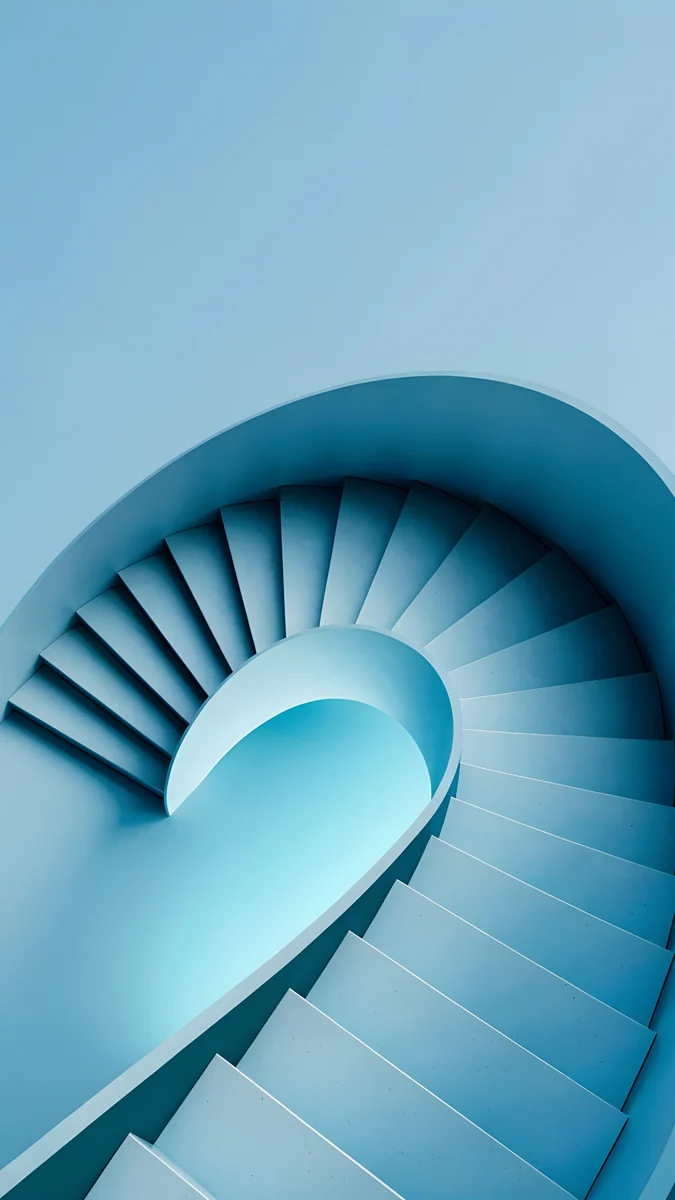
That second route works well with Velpaper. Save five or six originals with the same mood, for example the deep blues of Glacier Spiral Well, Midnight Flow and Arctic Current, then point Muzei at them. The screen changes, but the look stays consistent.
Samsung owners have options built in. One UI can show a different picture from Gallery each time you wake the phone if you select several for the lock screen, and the Galaxy Themes store sells and gives away wallpapers and full themes. Our guide to the Samsung lock screen wallpaper covers the menus.
How to choose
For one consistent look, pick an app that makes its own art. Velpaper has a single style, so next month's wallpaper will still suit your icons. Tapet does the same for patterns.
For endless choice, accept the sorting. Zedge holds far more images than any edited app. The cost is time: low-resolution uploads, odd crops and ads between them.
Check what free means. Muzei and Google's picker are free with no ads at all. Zedge, Backdrops and Walli are free with ads and sell an upgrade. Velpaper asks for no account and no subscription; the optional ad unlocks a phone original.
Think about the screen you have. Most Android phones use OLED panels, where dark wallpapers look deeper and black pixels are switched off. Our dark OLED wallpapers collection is built for that. Once you have a file, the steps for Pixel, Samsung and other phones are in how to change the wallpaper on Android.
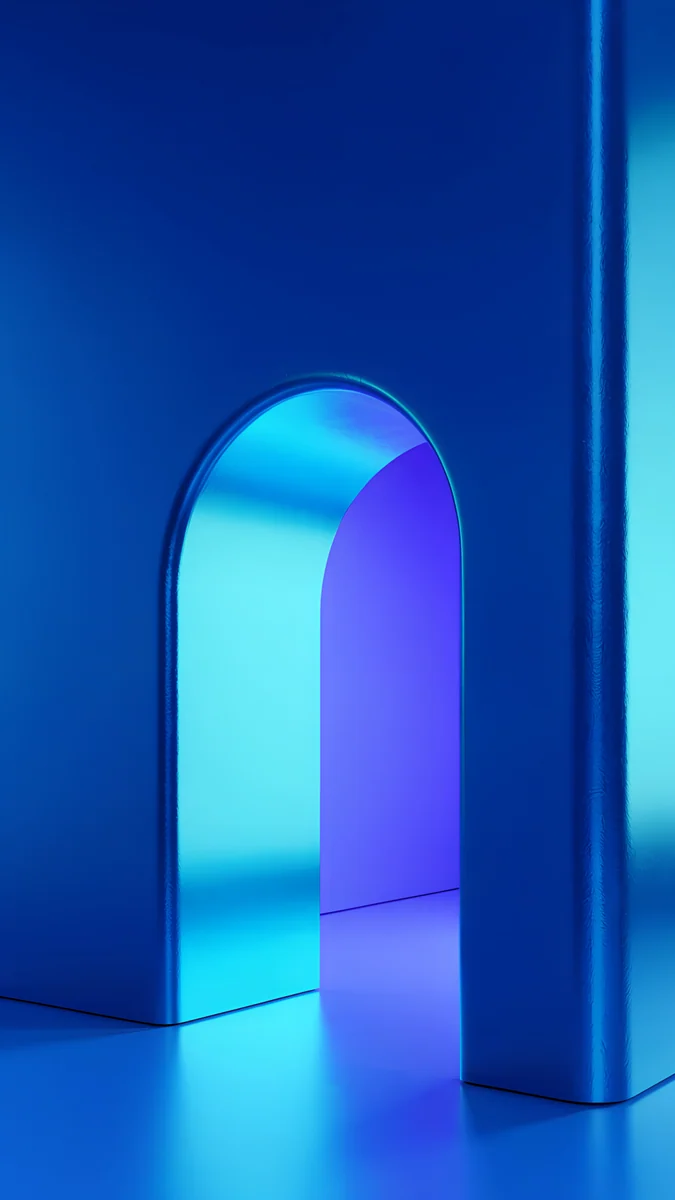
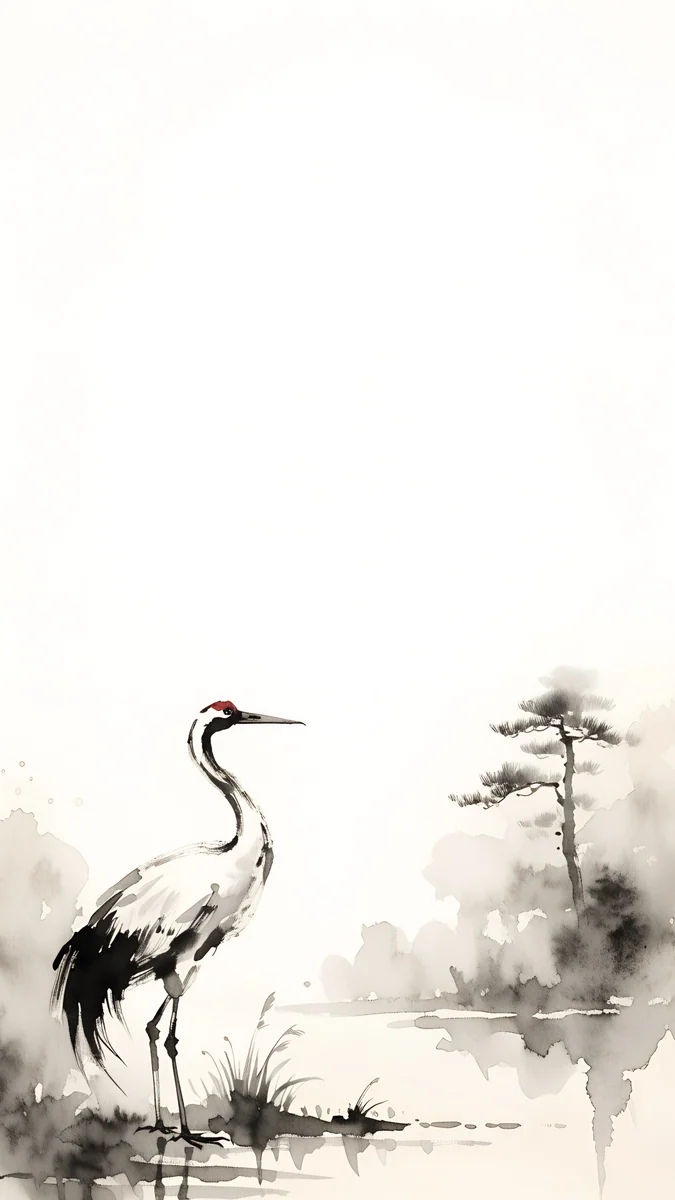
A few Velpaper phone originals that show the style: Volt Blue Arch, a navy arch lit electric blue, the free Tidal Quiet, turquoise water over pale sand, and Ink Crane, a red-crowned crane in black ink on cream paper.
Original wallpapers in 4K and 5K for iPhone, Android and desktop.
Questions
What is the best free wallpaper app for Android?
If free means no ads and no payment at all, Muzei and Google's own Wallpaper & style on Pixel are the cleanest choices: Muzei shows a new painting every day and can rotate your own photos, and Google's picker offers its own collections with a daily option. If you are fine with a short optional ad, Velpaper gives you original 2160 × 3840 wallpapers with no account and no subscription. Zedge, Backdrops and Walli are free to install but show ads unless you pay for an upgrade.
Which Android app changes the wallpaper automatically?
Several do. Google's Wallpaper & style on Pixel has a daily wallpaper option in some collections. Muzei changes to a new artwork every day, or rotates through your own photos every few hours. Walli has a Playlist that shuffles wallpapers you pick at a frequency you set, and Tapet generates a new pattern on a schedule. On Samsung phones you can select several Gallery pictures for the lock screen so a different one appears when you wake the phone.
Which app has real 4K wallpapers for Android?
Resolution depends on the source, so check the file you actually download. Velpaper phone wallpapers are all 2160 × 3840 pixels, which is 4K in a tall 9:16 frame and larger than any current Android screen, including 1440 × 3200 flagships. Apps built on user uploads, such as Zedge, mix very large files with small ones. Google's collections and Tapet's generated patterns are sized for your phone. Avoid screenshots and copies sent through messengers, which are compressed.
Do live wallpapers drain the battery?
A little more than a still image, because a live wallpaper keeps running and redraws the screen when it animates. The difference is usually small on a modern phone, but it is real, and it adds up on the always-on display and when you return to the home screen many times a day. A still wallpaper costs nothing after it is set. On an OLED screen, a dark still image is the most frugal choice of all, because black pixels are switched off.
Is Velpaper free on Android?
Yes. Browsing and previewing are free, and you never need an account or a subscription. In the Android app most phone wallpapers unlock after a short optional ad, and some are free outright. What you unlock is the full 2160 × 3840 original with no watermark, saved to your gallery, so you can set it through Wallpaper & style or Samsung's Wallpaper and style menu. Desktop wallpapers for computers come in 3840 × 2160 and 5120 × 2880.
Carlos Vivero
Designer of Velpaper wallpapers
Carlos Vivero designs the wallpapers in Velpaper: quiet architecture, liquid glass, Japanese ink and calm landscapes. Every piece is made as a 4K original for iPhone, Android and desktop.
Recent work








