Noir City Wallpapers: Free 4K Gotham Rain and Dark Skylines
Noir city wallpapers: gothic towers in rain and fog, black ink skylines for OLED and pen drawn paper cities, phone and desktop. Free 4K originals, no watermark.
In short: Noir city wallpapers work on a phone because they are built from strong verticals, deep blacks and a few points of light, so a white clock always reads. Velpaper has sixteen noir city wallpapers for phones in 2160 × 3840, from rainy gothic towers to black and white ink skylines, and six free desktop versions in 3840 × 2160.
By the Velpaper team · Wallpapers by Carlos Vivero, Velpaper designer · · Updated · 5 min read
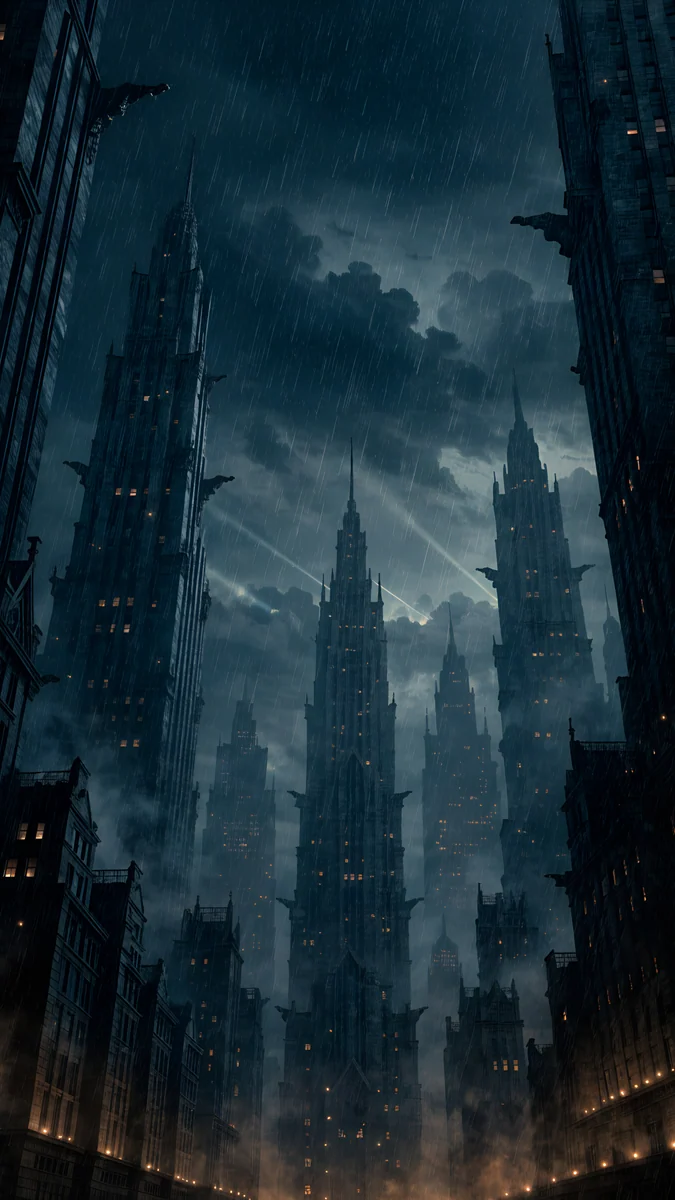 Rain Glow
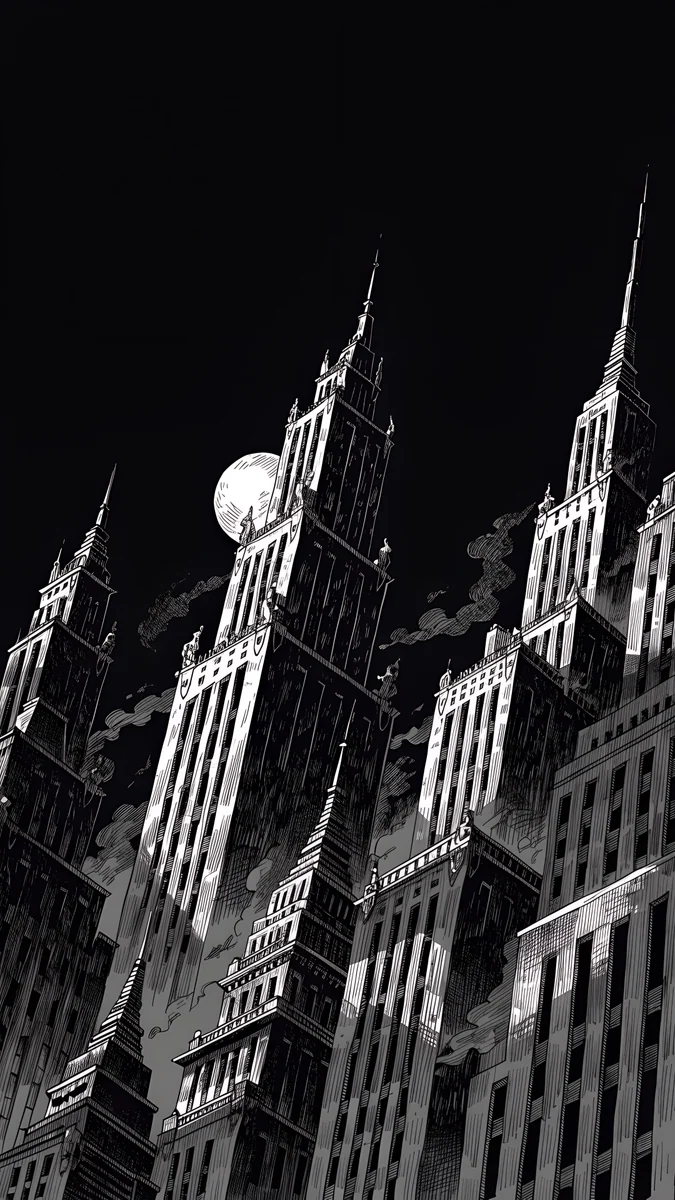 Ink Noir
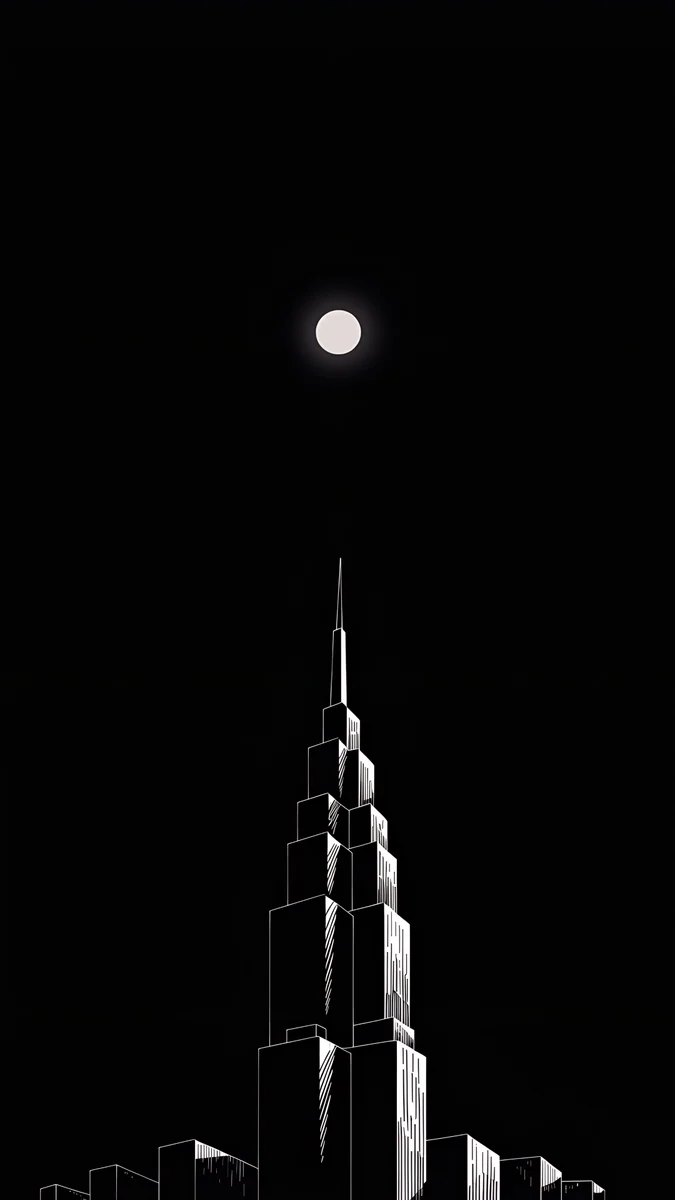 Lone Spire
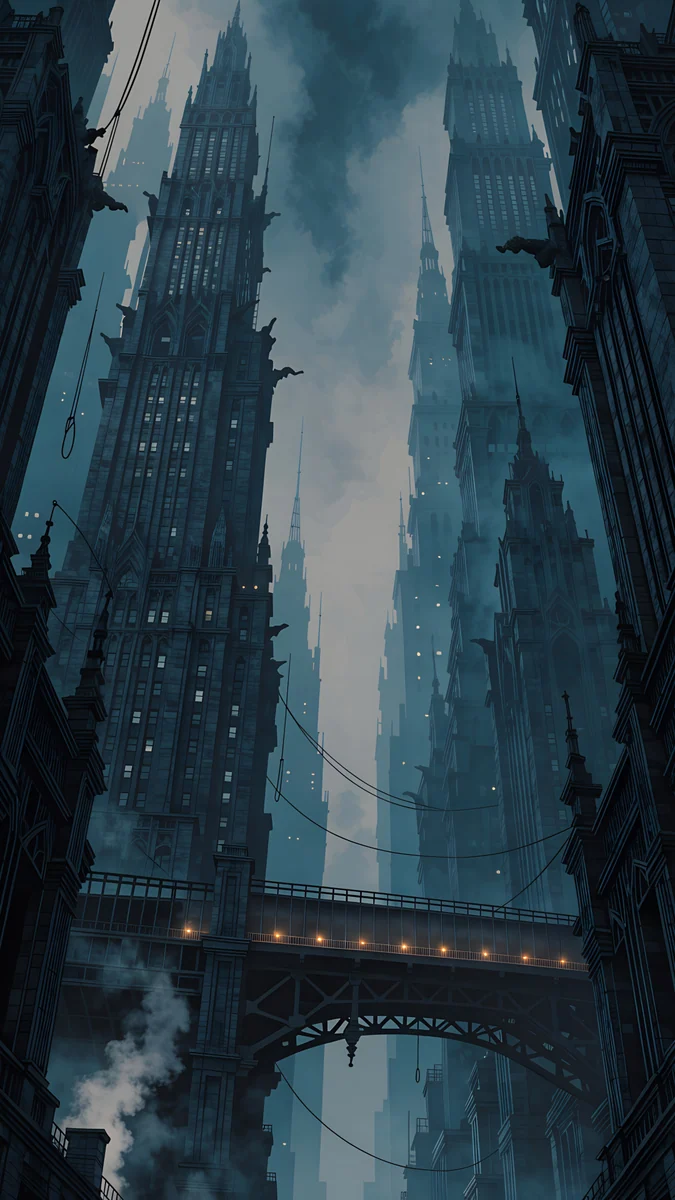 Elevated Line
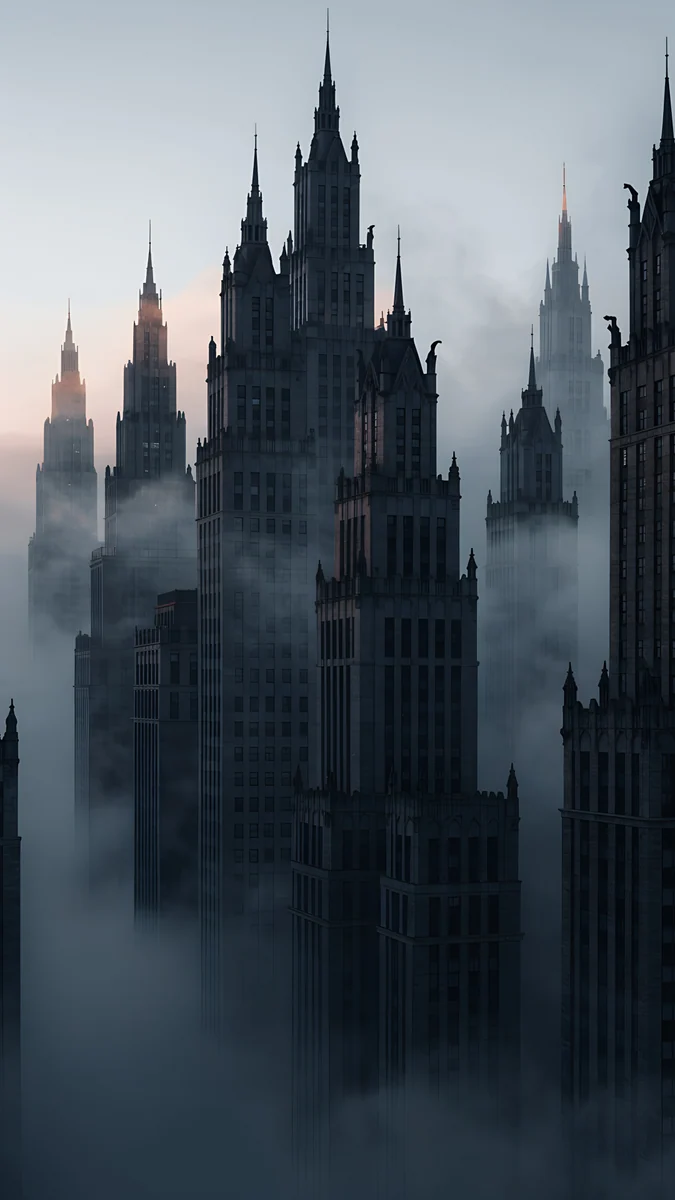 Fog Dawn
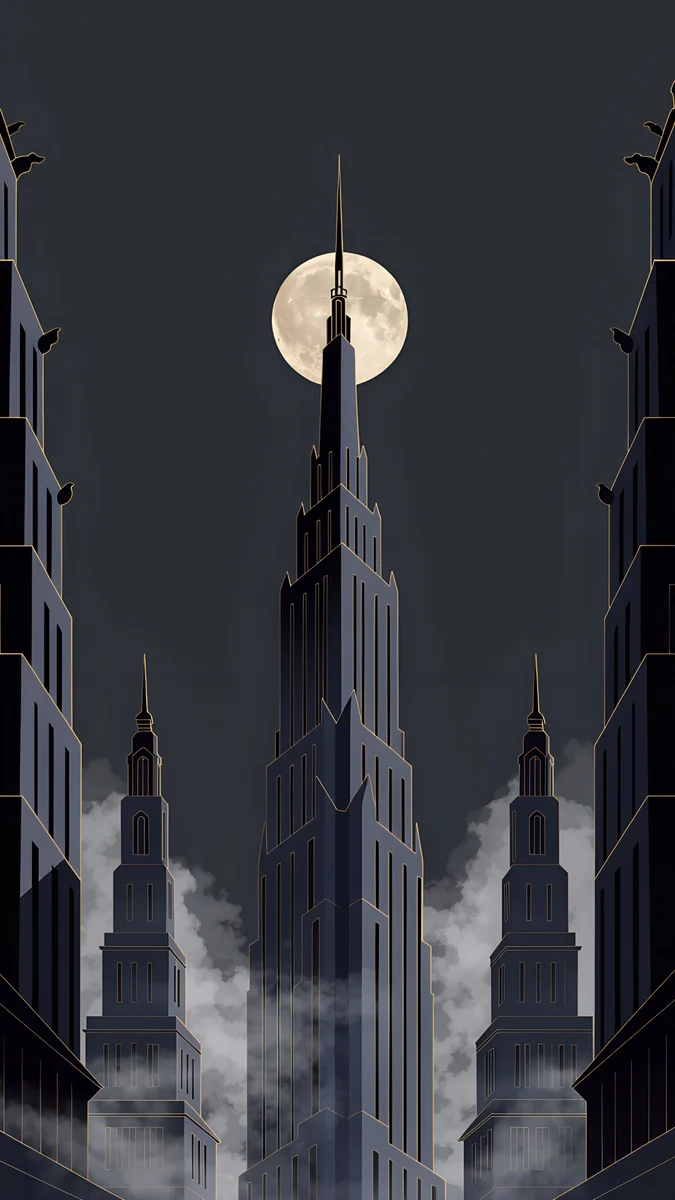 Deco Gold
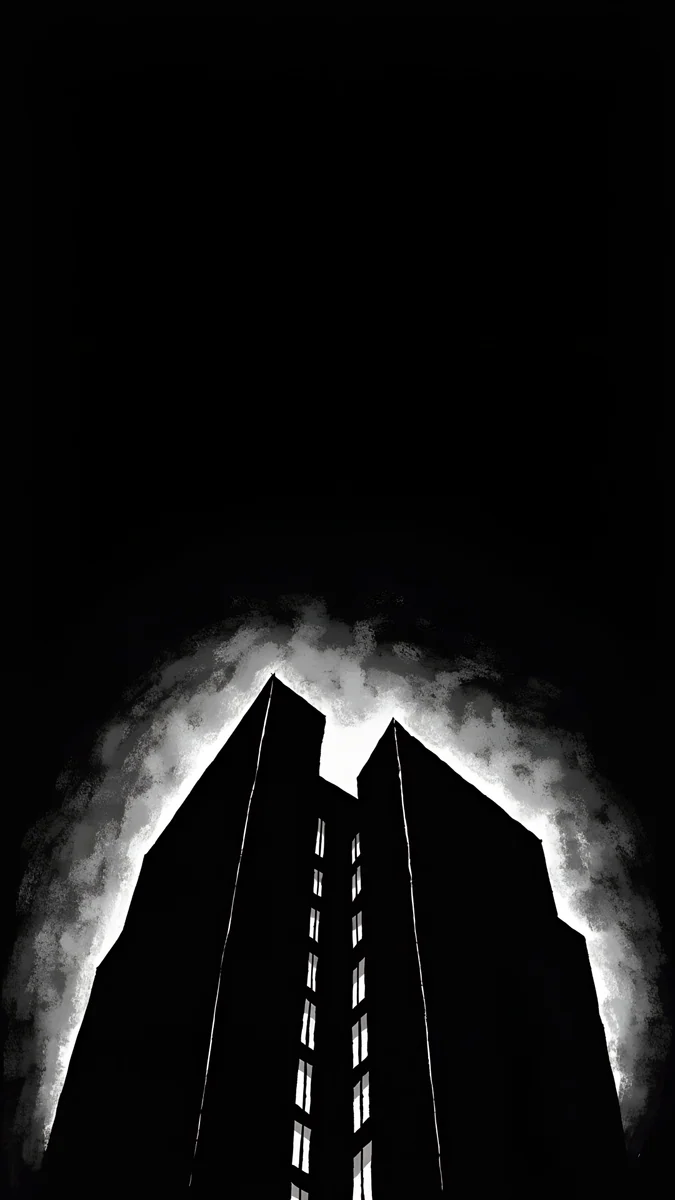 Light Slits
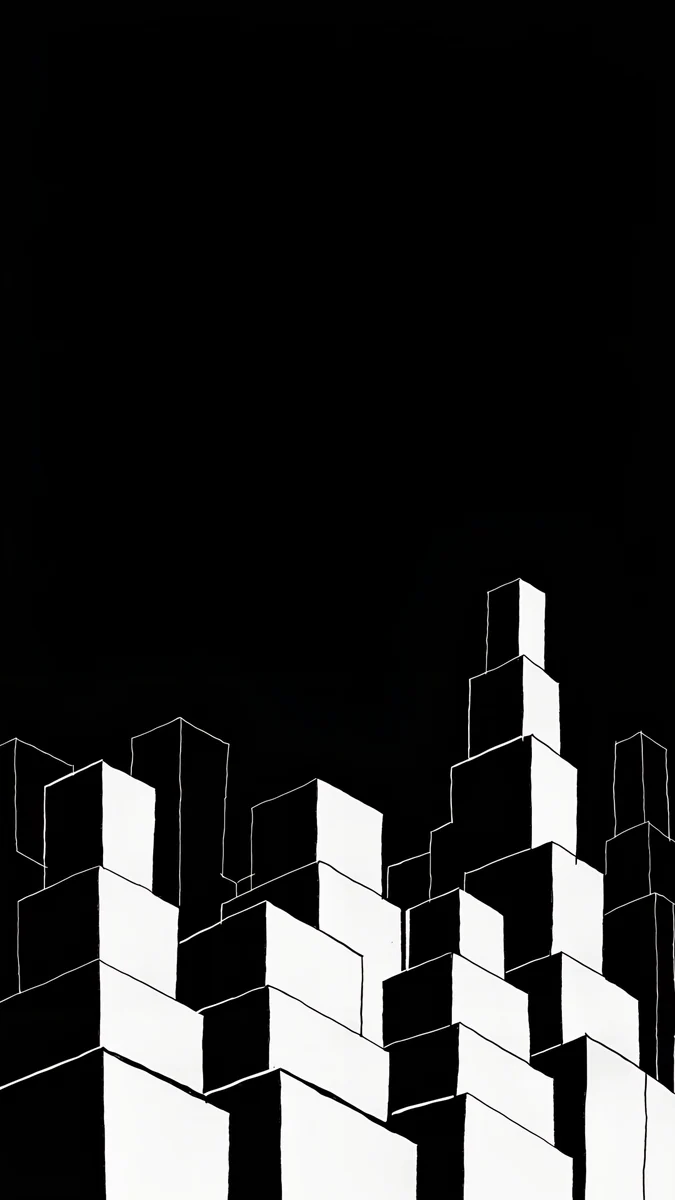 Night Blocks
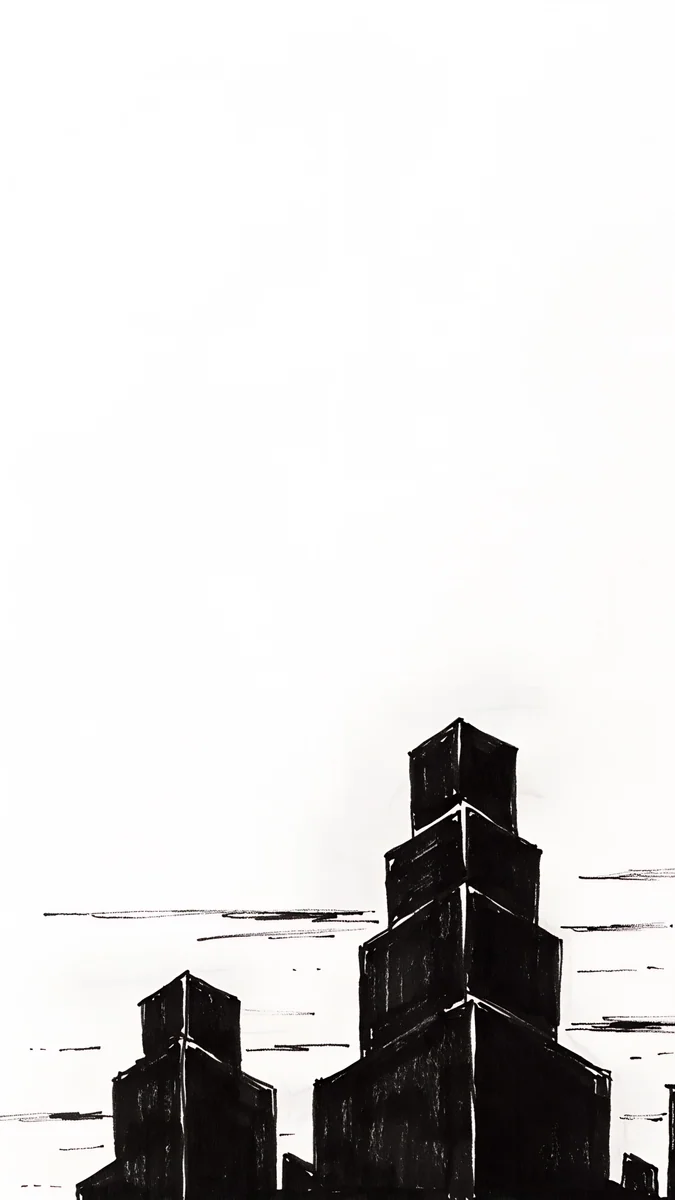 Paper Skyline
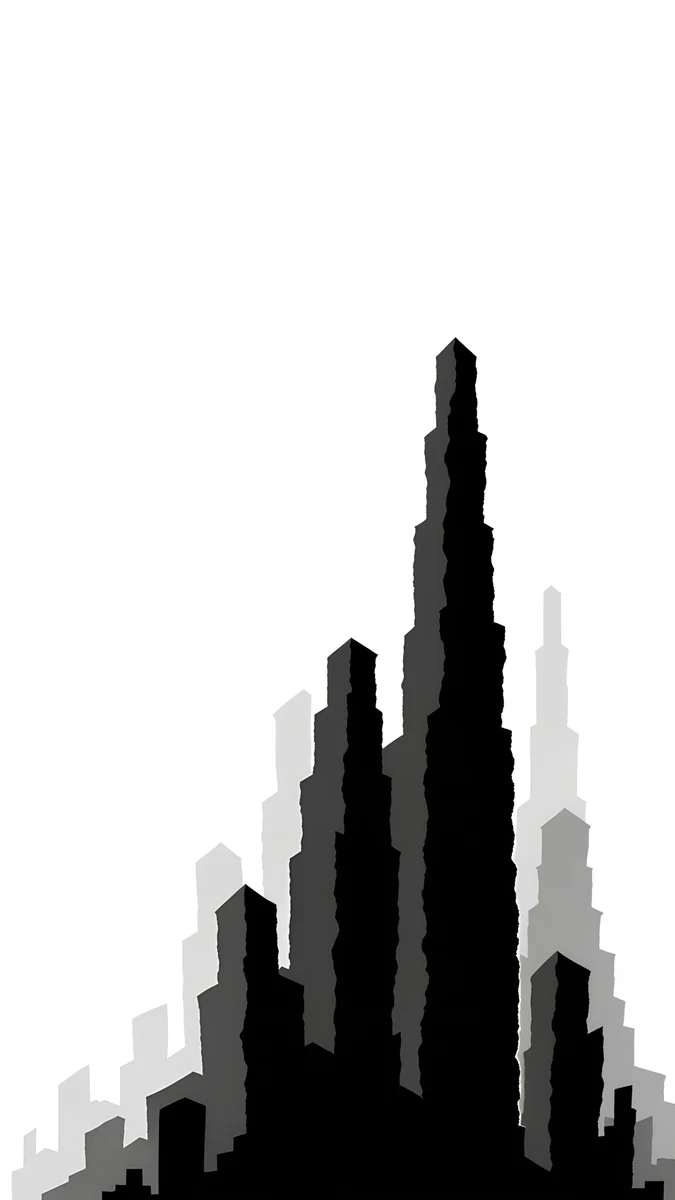 Paper Grey
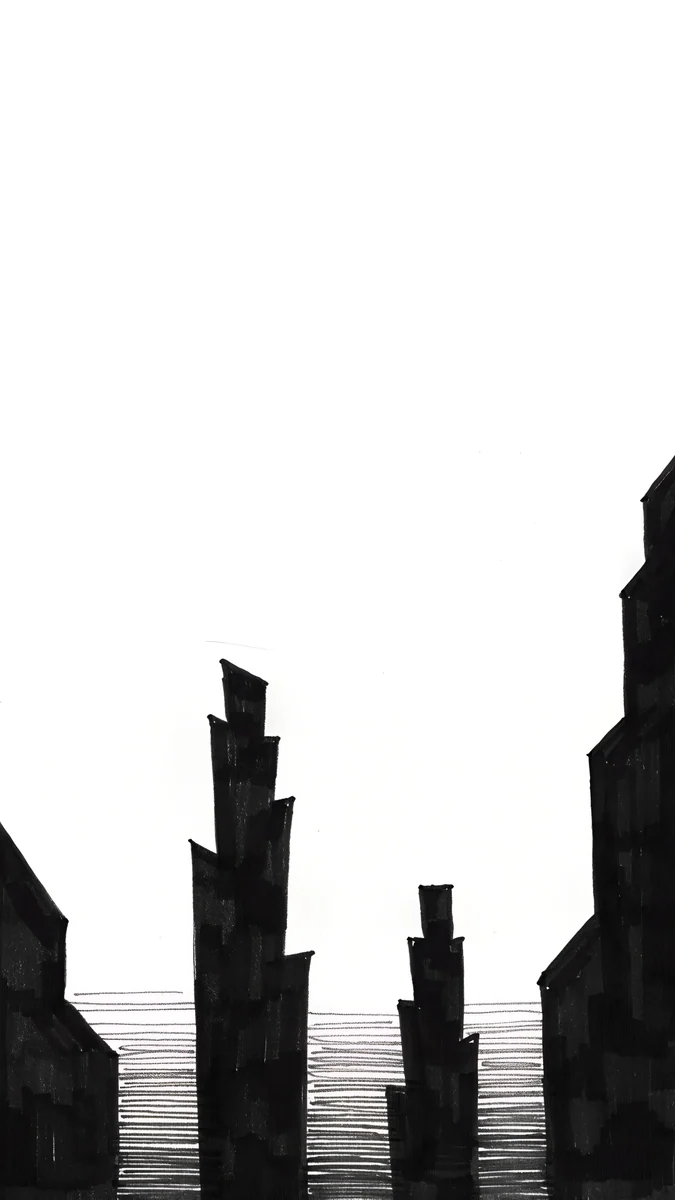 Paper Haze
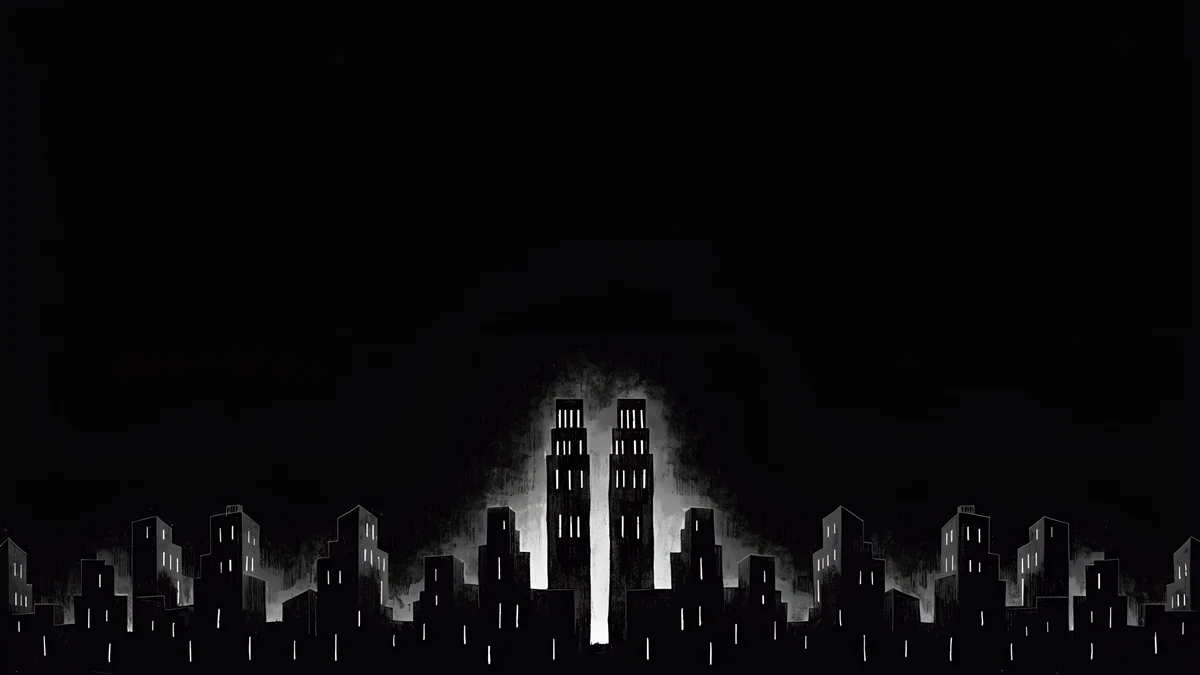 Light Slits
Free 4K originals for iPhone and Android, no watermark
On this page
Long before comic books borrowed it, Gotham was a nickname for New York, coined by Washington Irving in 1807. The picture it calls up today is the same everywhere: towers too tall to see the top of, rain in the street lights, fog between the spires and the moon caught behind a skyscraper. That is the city in this collection.
Here are sixteen original noir city wallpapers for iPhone and Android, each a 2160 × 3840 file, and six wide versions for Mac and PC. They fall into three groups: gothic towers in rain and fog with a little colour, pure black ink nights, and pen drawn cities on white paper.
Why noir works on a lock screen
Contrast does the work. Noir is built from black, white and very little in between. A white clock on a black sky is the most legible combination a screen can show.
Verticals lead the eye. Skyscrapers point up, toward the time. The picture feels arranged around the clock rather than hidden under it.
Black stays black. On an OLED iPhone, the dark areas of these wallpapers are pixels that are switched off. A black ink night looks deeper than any photo of a real city at night, where street light turns the sky orange. Our guide to dark OLED wallpapers covers the effect in detail.
Gotham in rain and fog
The Gotham group is the most cinematic. The palette stays in navy, slate and soot, with one warm accent: amber lamps, gold trim or a pale dawn.
Rain Glow looks straight up a canyon of gothic towers in a storm. Rain streaks across the frame, searchlights cut through the clouds and the street at the bottom glows amber. Elevated Line is drawn from below as well, with steam rising between the towers and a steel bridge lit by a row of warm lamps across the lower third. Fog Dawn is quieter: dark spires rise out of thick fog, with a faint peach light on the horizon and stone gargoyles on the ledges.
Deco Gold brings in the Art Deco side of the city, with a stepped spire piercing a full moon and gold lines on every tower. If that is your style, our collection of Art Deco wallpapers goes further. Ink Noir drops the colour completely and draws the skyline in black and white ink, tilted like a camera looking up, with smoke drifting past the moon.
If rain is what you are after, our rainy night wallpapers show wet streets and window glass in colour.
Black and white ink cities
The second group strips noir down to its bones: black ink, white line, a lot of empty space. Some are night, some are paper white, and all of them are graphic enough to read from across a desk.
Lone Spire4K · PhoneLight Slits4K · PhoneNight Blocks4K · PhonePaper Skyline4K · PhonePaper Grey4K · PhonePaper Haze4K · PhoneLone Spire is a single stepped tower outlined in white, with a small white moon above it and nothing else in a black sky. Light Slits shows one dark tower from below with a white glow burning around its edges, like a backlit poster. Night Blocks flips the logic: stepped white blocks stacked against black, drawn in clean outline.
The paper side is the light version of the same city. Paper Skyline sets a few stepped towers at the bottom of white paper, with loose ink strokes for clouds. Paper Grey layers black, grey and pale grey spires into one jagged peak, and Paper Haze draws towers rising from hatched water. These suit a dark clock and a light mode phone. Two more from the series, Moon Ledge and Paper Moon, have the moon as their centre and are in our moon wallpapers collection.
How to set up a noir lock screen
- Use a white clock on the dark ones. Pick it by hand in the editor; iOS sometimes picks a blue grey that sinks into the navy of Rain Glow or Elevated Line.
- Try a heavy font. Thin digits disappear against busy ink lines. The bolder clock styles hold up better over Ink Noir and Rain Glow.
- Let the towers point at the time. In Lone Spire and Deco Gold, drag the picture so the spire tip sits just under the clock. It looks deliberate rather than accidental.
- Keep the lower half for notifications. The busiest detail, such as the amber street in Rain Glow or the bridge in Elevated Line, sits low. Notifications cover it on the lock screen and reveal it when you clear them.
For a home screen, the calmer designs work best behind icons: Lone Spire, Night Blocks and Paper Skyline keep large areas plain, so app names stay readable.
Noir skylines for the desktop: free in 4K
Six designs come in a wide 3840 × 2160 version for Mac, Windows PCs and laptops. They are composed for a wide screen rather than cropped from the phone file, and all six are free.
Light Slits4K · Desktop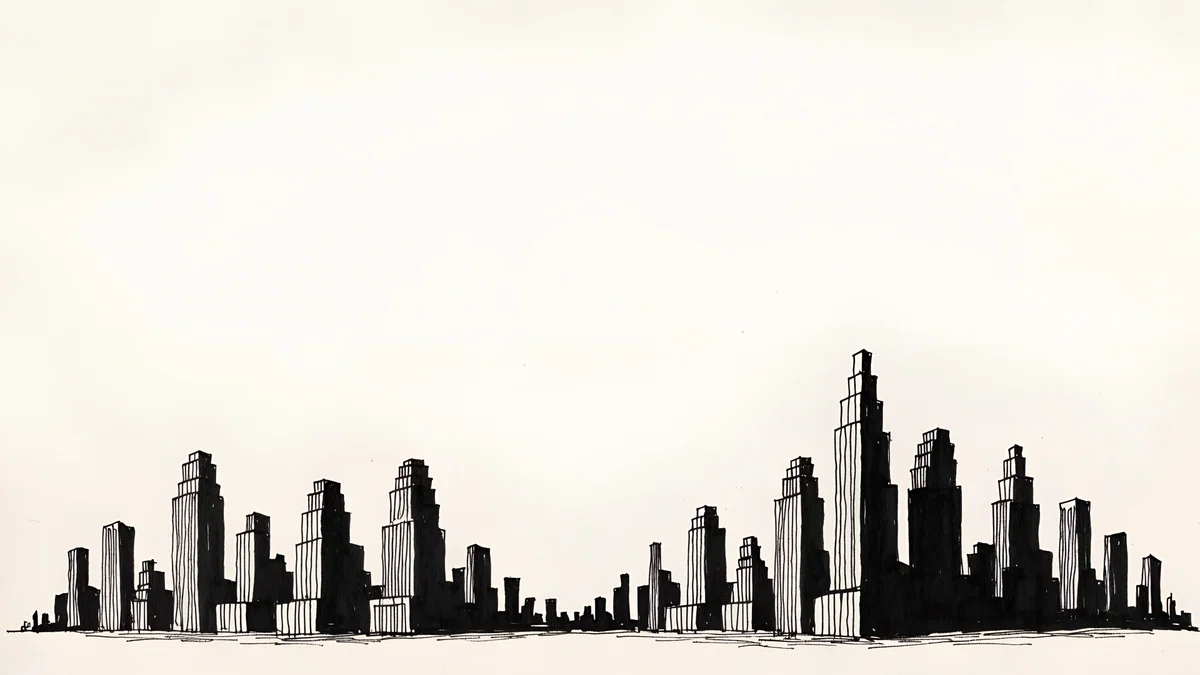 Paper Skyline4K · Desktop
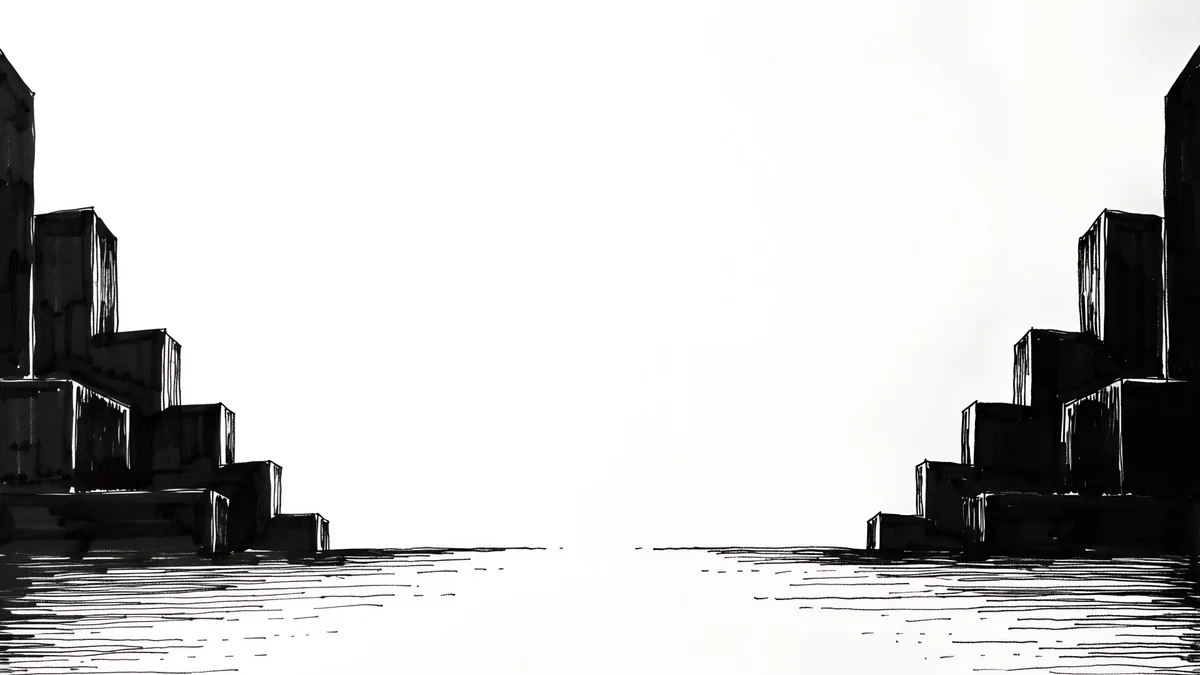 Paper Haze4K · Desktop
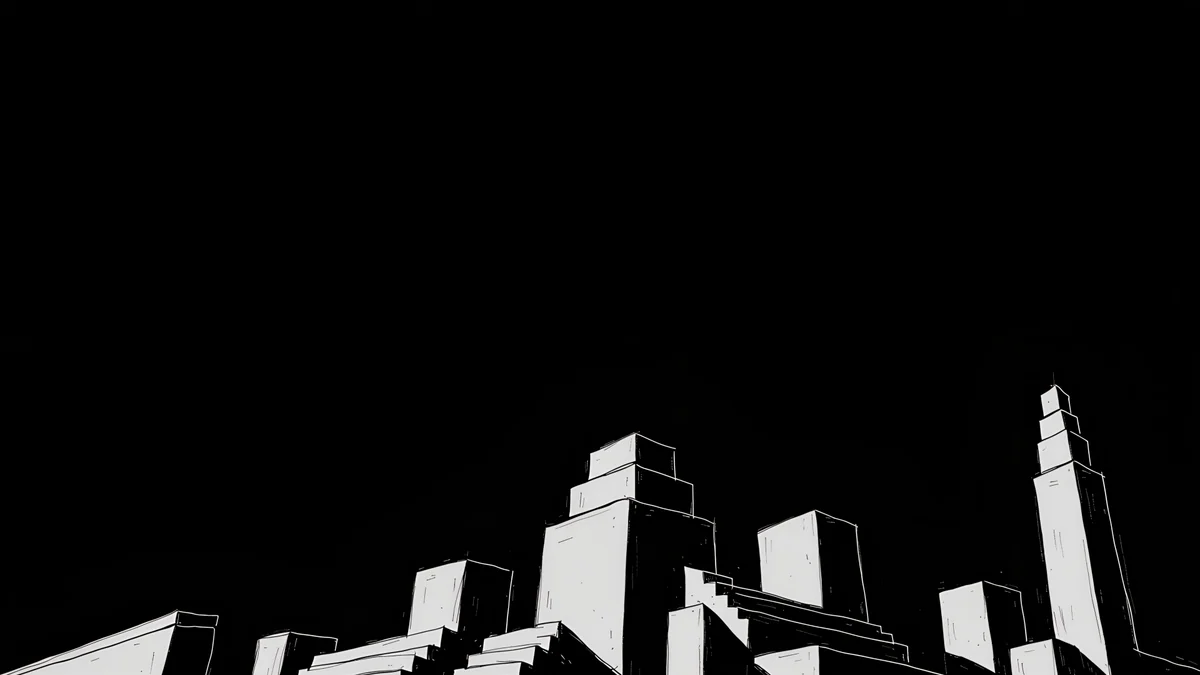 Night Blocks4K · Desktop
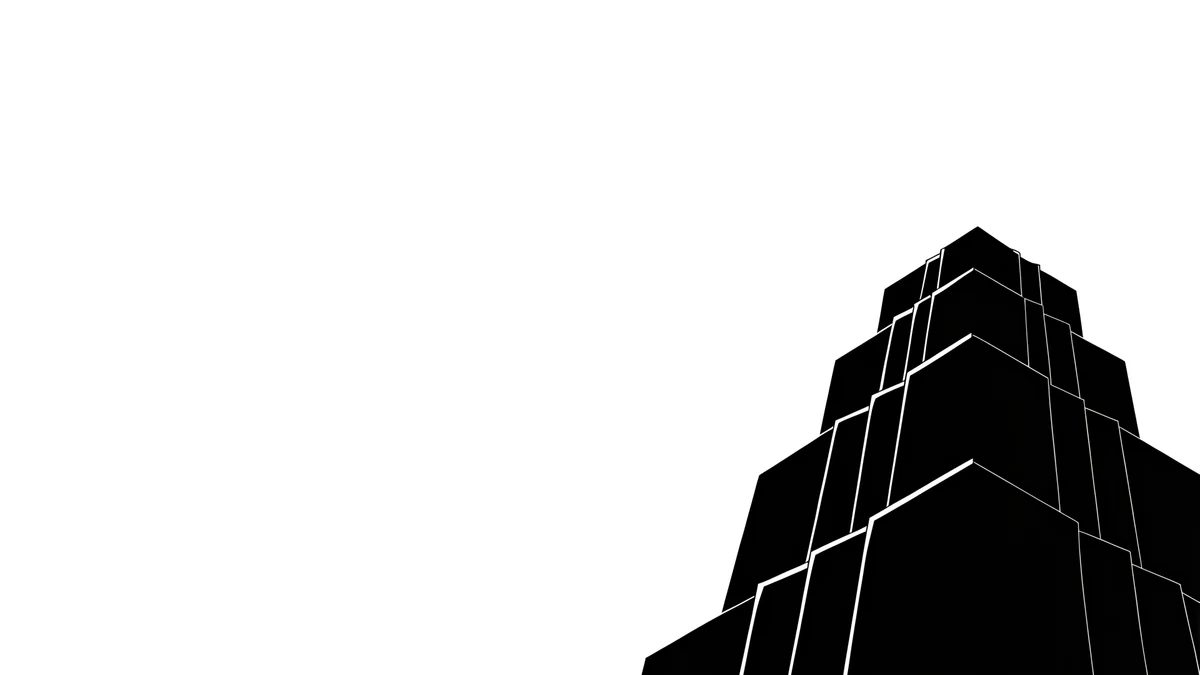 One Block4K · Desktop
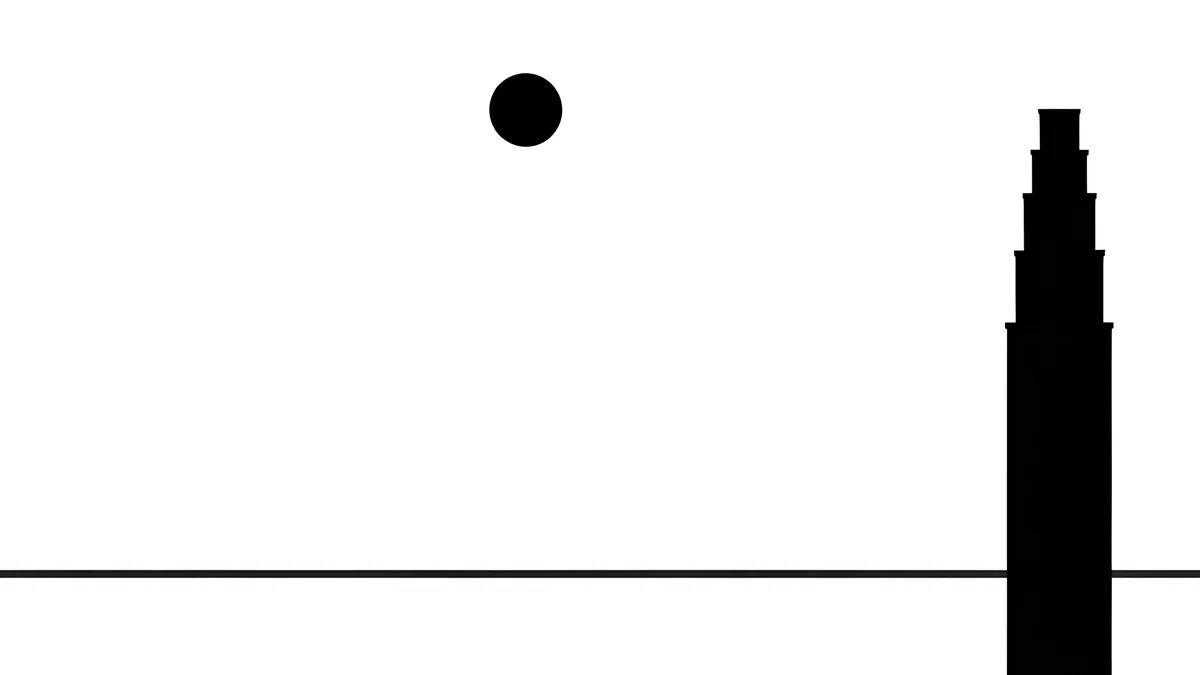 Paper Moon4K · Desktop
Light Slits in its wide form is a whole skyline: a low row of black buildings with two glowing towers in the middle and a dark sky above, perfect behind a dock and a menu bar. Paper Skyline stretches into a pen drawn city across cream paper, and Paper Haze opens a river between stepped blocks on either side. Night Blocks, One Block and Paper Moon are the most minimal, with one or two shapes and plenty of space for desktop icons.
If you like your cities softer and warmer, with neon shop signs instead of ink, the lo-fi wallpapers are the next stop.
Original wallpapers in 4K and 5K for iPhone, Android and desktop.
Questions
Are these Batman or Gotham City wallpapers?
No. They are original illustrations made for Velpaper and contain no characters, logos or scenes from any film or comic. Gotham here means the mood: gothic skyscrapers, rain, fog, gargoyles and a moon behind the towers. The name itself is older than comics, a nickname for New York that Washington Irving used in 1807. If you want that atmosphere without a superhero on your lock screen, these are built for it.
Which noir wallpaper is best for an OLED iPhone?
The black ink designs: Lone Spire, Light Slits, Night Blocks and Moon Ledge. Their backgrounds are near black, so on an OLED screen most pixels stay off and only the white lines and the glow light up. Lone Spire is the calmest, with a single tower and a small moon. The Gotham set, such as Rain Glow and Elevated Line, is darker navy rather than pure black, and suits you if you want a little colour from the amber lamps.
Is there a light noir wallpaper for light mode?
Yes, the paper skylines. Paper Skyline, Paper Grey and Paper Haze are black ink on white paper, with towers along the bottom or rising into a jagged peak. They keep the noir look but suit a light lock screen and a dark clock. Paper Moon, with its black moon next to a stepped tower, is the most graphic of them. On the desktop, the wide Paper Skyline and Paper Haze work the same way on a light menu bar.
Do the noir wallpapers come for PC and Mac?
Six do, in 3840 × 2160: Light Slits, Paper Skyline, Paper Haze, Night Blocks, One Block and Paper Moon. They are composed for a wide screen, so the skyline runs along the bottom and the sky stays open for icons and windows. All six desktop versions are free to download from velpaper.com and the Mac app. Each one is a plain image file, so it works as a wallpaper on any operating system.
Are the noir city wallpapers free?
Browsing and previewing every wallpaper is free on the website and in the apps. The phone noir wallpapers unlock after a short optional ad in the iPhone and Android apps; on the website, if no ad is available, the original downloads for free. The six desktop versions are free. There is no account and no subscription, and you always get the full 2160 × 3840 original for the phone, without a watermark.
Carlos Vivero
Designer of Velpaper wallpapers
Carlos Vivero designs the wallpapers in Velpaper: quiet architecture, liquid glass, Japanese ink and calm landscapes. Every piece is made as a 4K original for iPhone, Android and desktop.
Recent work








