Can a Wallpaper Cause OLED Burn In?
A static wallpaper rarely burns into an OLED screen. Here is what does cause burn-in on phones, how to spot it, and the settings that keep the risk low.
In short: A wallpaper rarely causes OLED burn-in. It is covered by apps most of the day and only shown for short moments, while burn-in on phones comes mostly from static, bright interface parts such as the status bar, navigation buttons and keyboards. Auto-Brightness, dark mode and an occasional wallpaper change keep the risk low.
By the Velpaper team · Wallpapers by Carlos Vivero, Velpaper designer · · Updated · 5 min read
Checked against official documentation: Display settings checked against Apple, Google and Samsung help for iOS 26, Android 16 and One UI 8; 19 October 2026
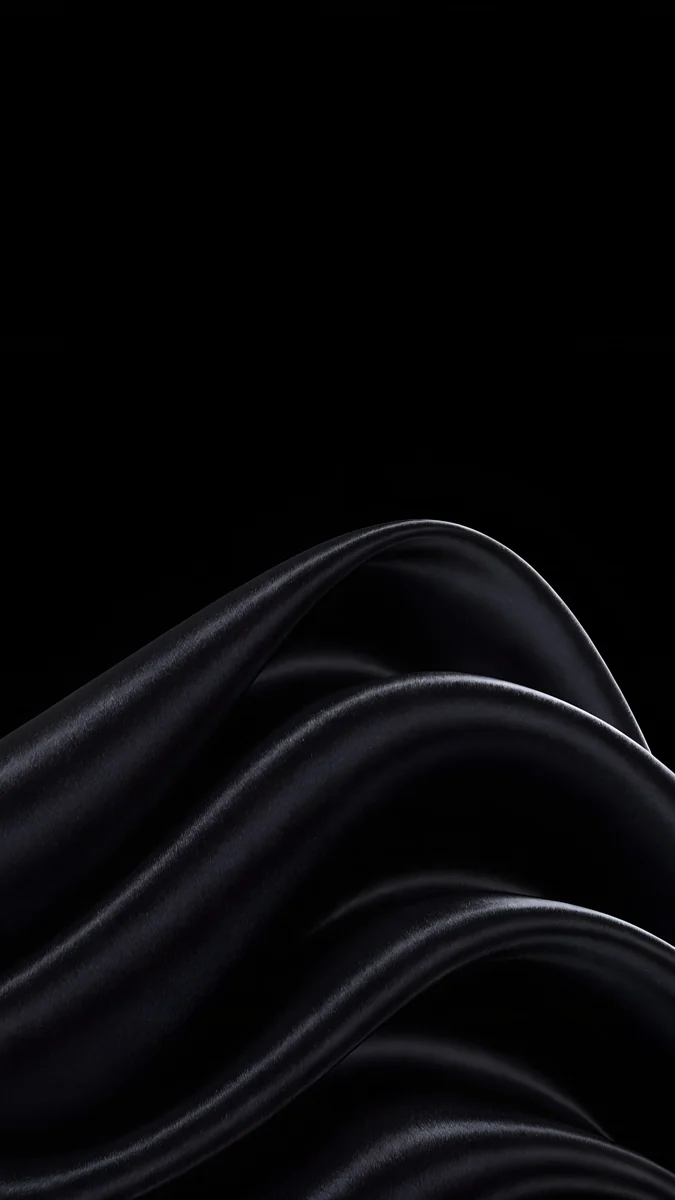 Black Satin
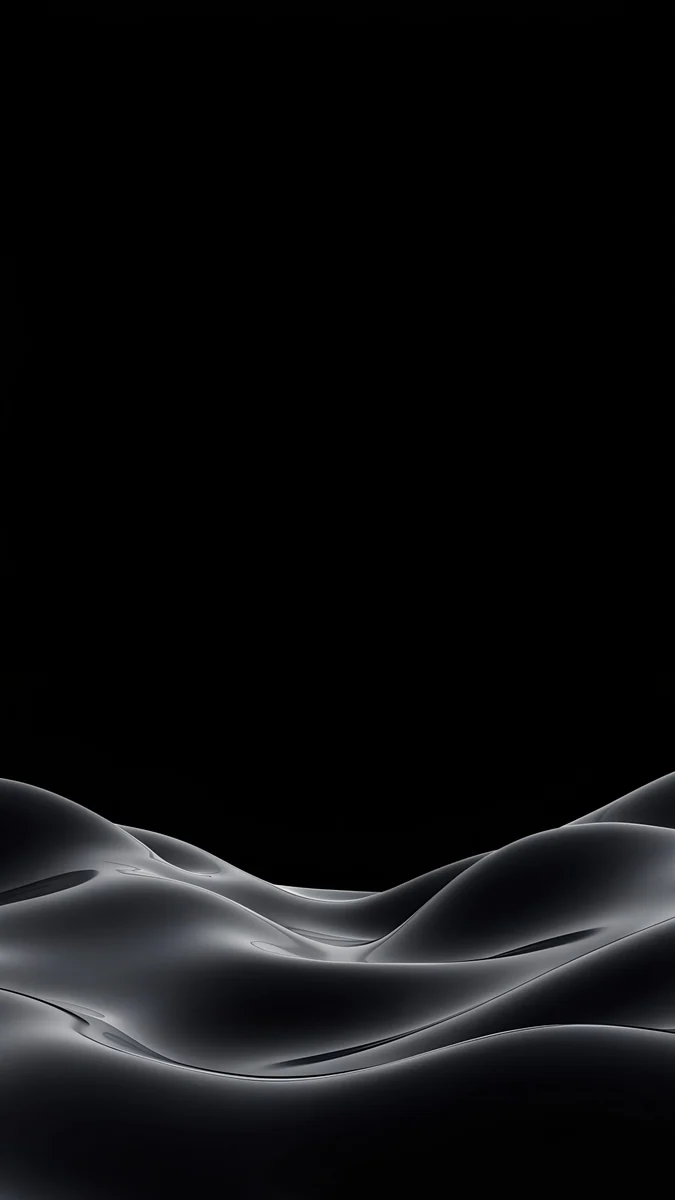 Obsidian Waves
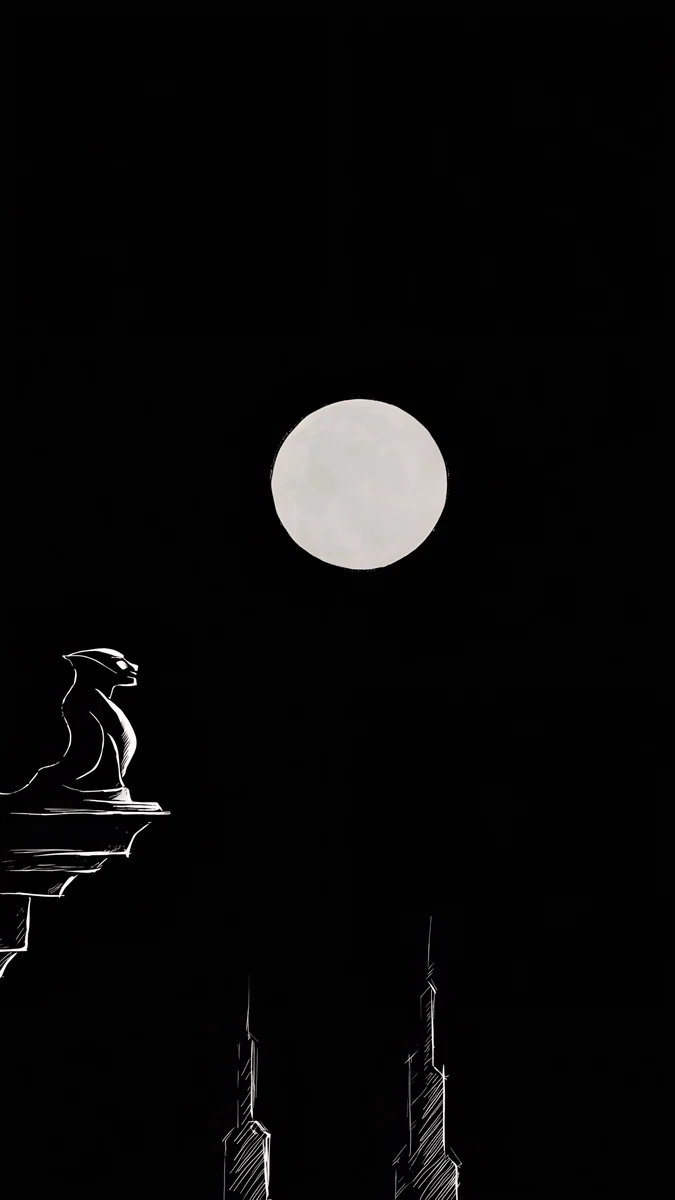 Moon Ledge
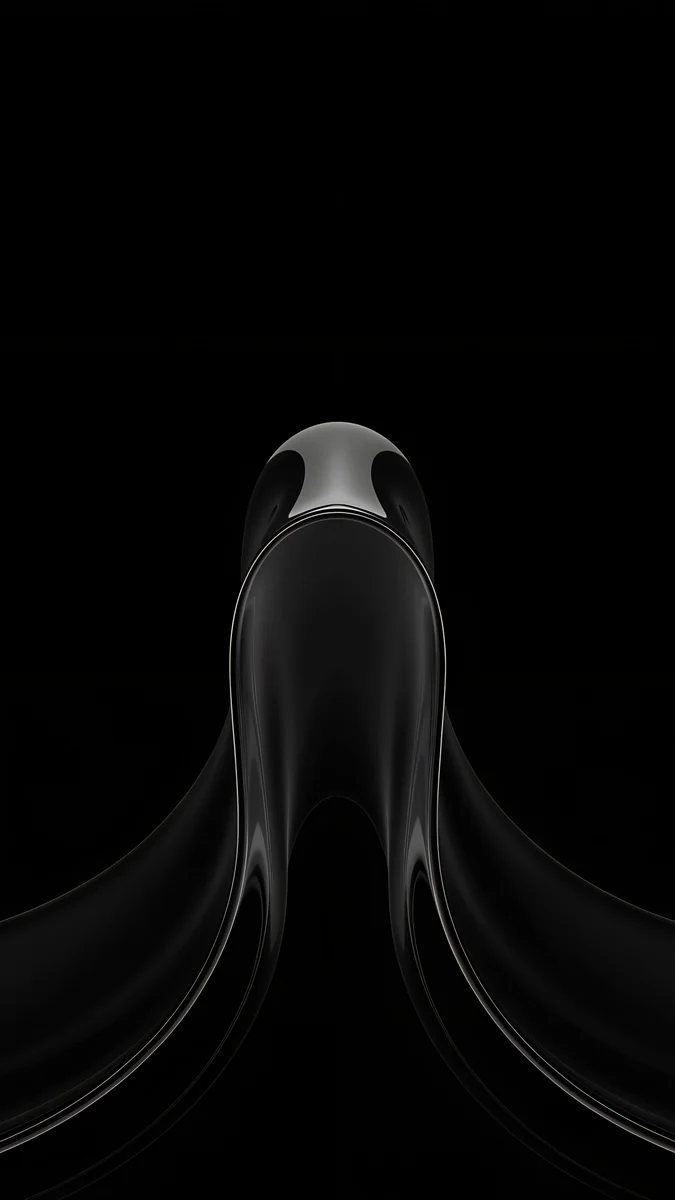 Black Liquid Fold
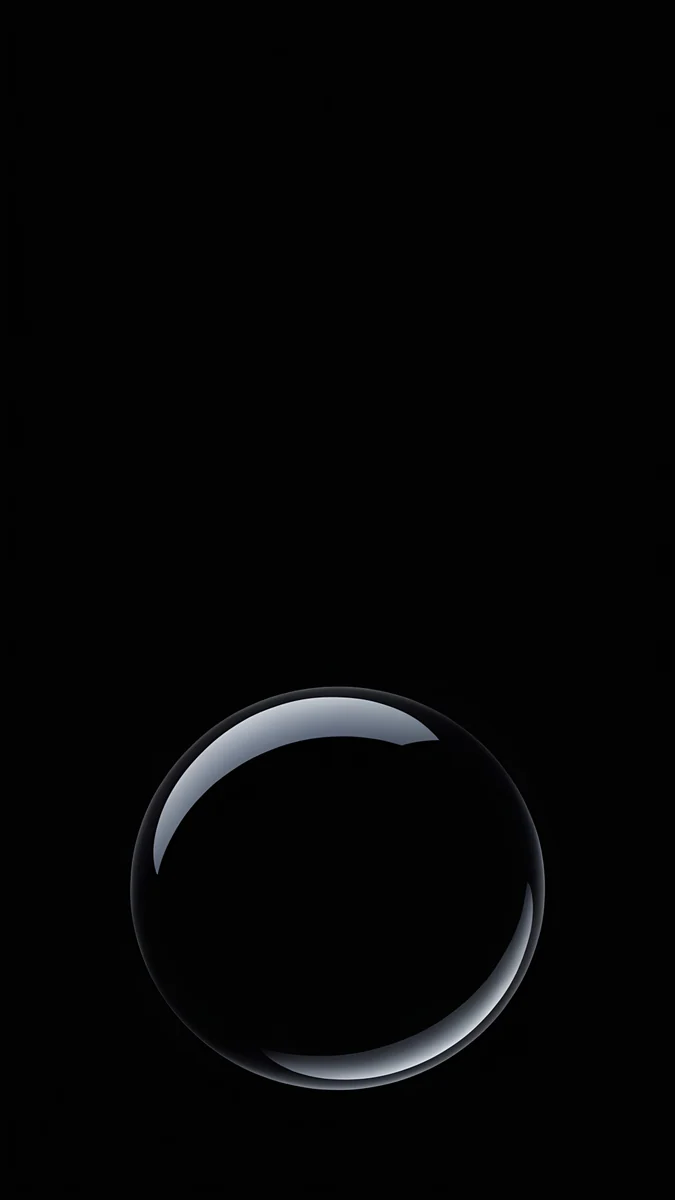 Black Glass Sphere
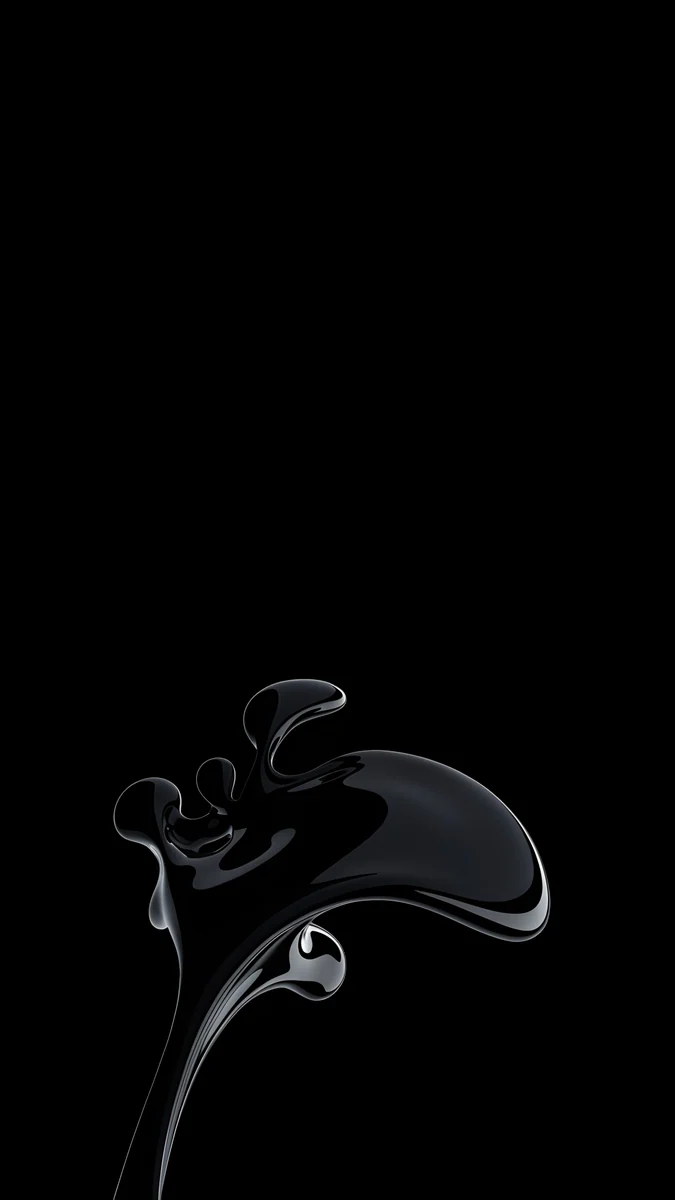 Black Splash
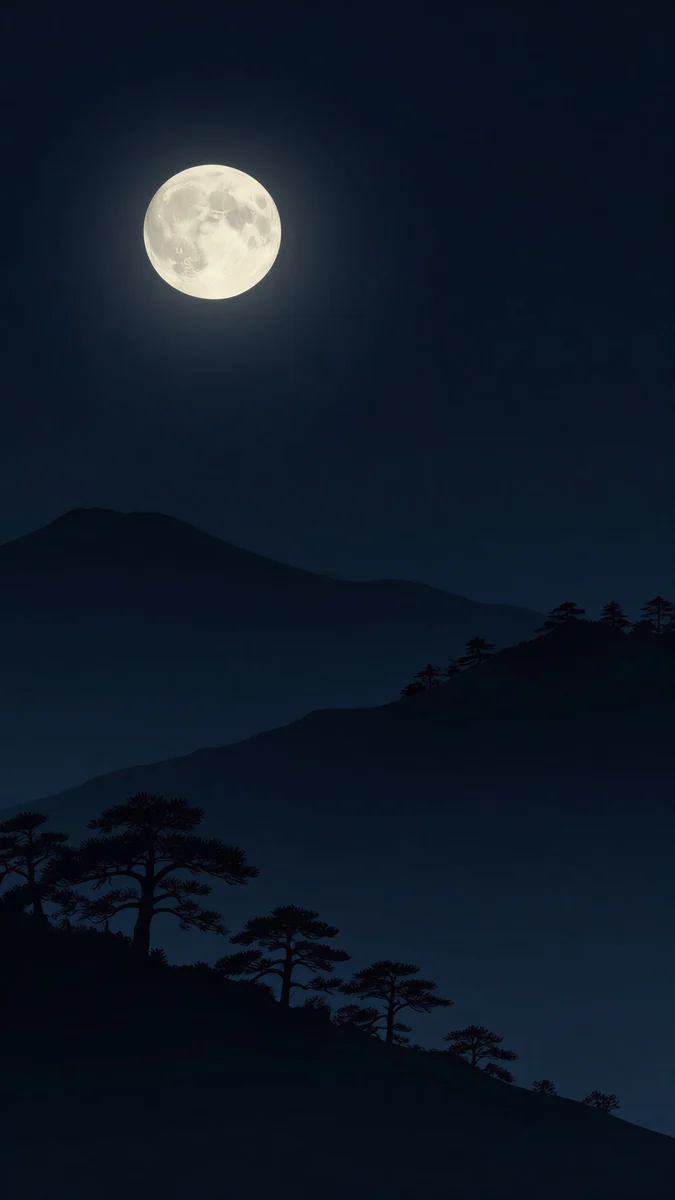 Moon Pines
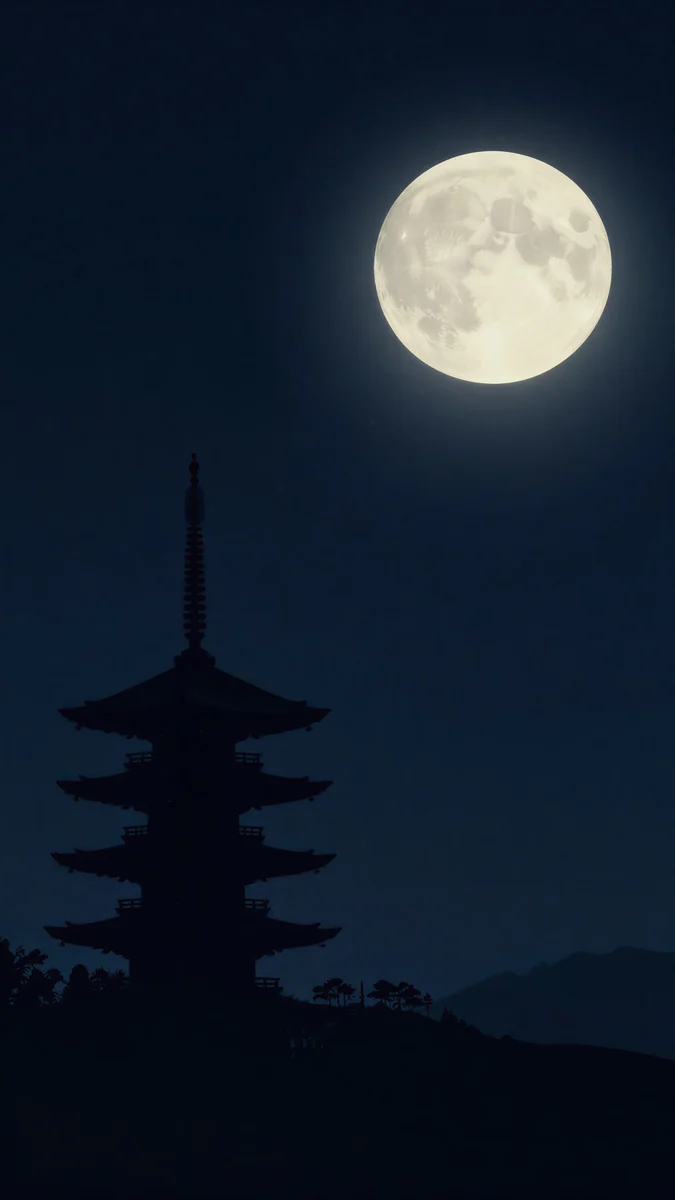 Pagoda Moon
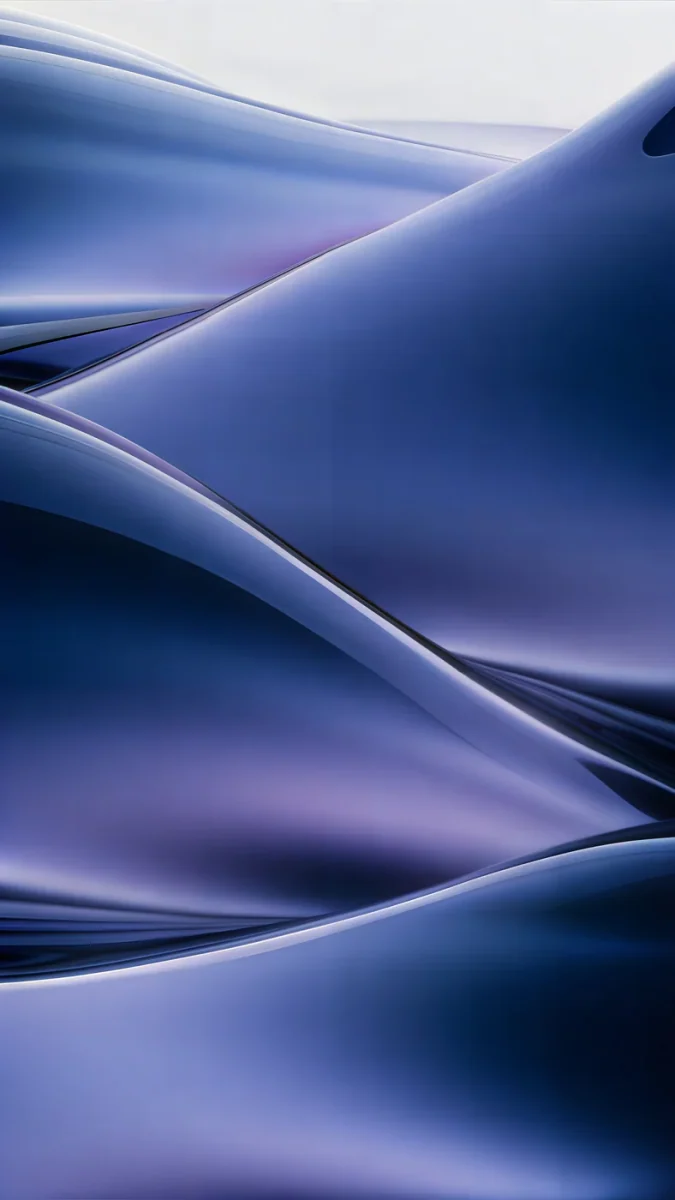 Midnight Flow
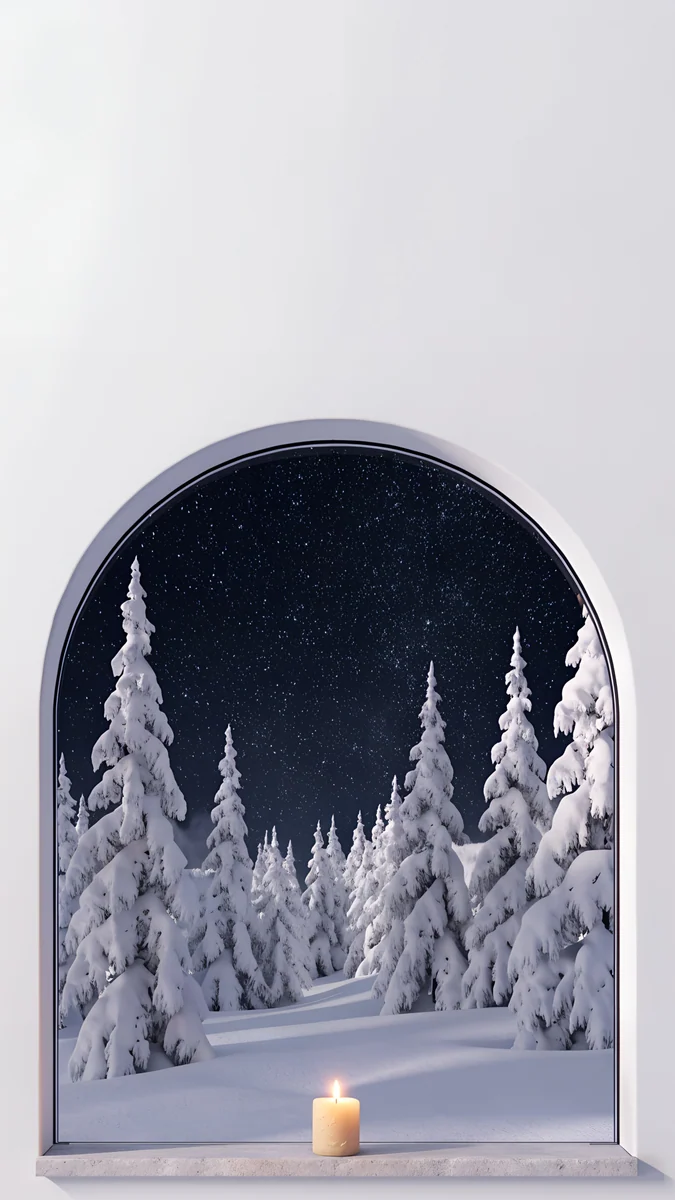 Starlit Window
Free 4K originals for iPhone and Android, no watermark
On this page
A wallpaper rarely causes OLED burn-in. It sits behind apps most of the day, the screen switches off after a short timeout, and Always-On Displays dim the picture heavily. Burn-in on phones comes mostly from interface parts that never move and stay bright: the status bar, the navigation bar, the keyboard and app toolbars. Auto-Brightness, dark mode and an occasional wallpaper change keep the risk low.
Here is what burn-in actually is, where it shows up first, how to check your screen, and which wallpapers are kindest to an OLED panel.
What is OLED burn-in?
Burn-in is permanent, uneven wear of the screen. Every OLED pixel makes its own light, and each one slowly loses brightness the longer and brighter it runs. If one area shows the same bright shape for hundreds of hours while the rest of the screen changes, that area ages faster and leaves a faint ghost.
It is different from image retention, which is temporary. A ghost that fades after a few minutes of other content is retention. A ghost that stays on a plain grey screen day after day is burn-in. Every iPhone from the iPhone 12 line on, apart from the iPhone SE, uses an OLED panel, and so do most Galaxy and Pixel phones. LCD screens do not burn in this way.
Can a static wallpaper burn into an OLED screen?
In theory yes, in practice rarely. Burn-in needs the same bright image in the same place for very long periods. A wallpaper fails that test in three ways.
- It is covered by apps for most of the time the screen is on.
- The home and lock screens are usually visible for seconds at a time, not hours.
- Most wallpapers are photos or gradients with mixed tones, so no single pixel runs at full white for long.
The parts that do meet the test sit on top of everything you do. This table ranks the usual suspects.
| Screen element | Static? | Time on screen | Burn-in risk |
|---|---|---|---|
| Status bar icons and clock | Yes | Almost all day, over every app | High |
| Three button navigation bar | Yes | Almost all day | High |
| Keyboard | Yes | Long typing sessions | Medium |
| App toolbars, game controls, map overlays | Yes | Long single sessions | Medium to high |
| Always-On Display | Dimmed, often shifted | Hours | Low |
| Home and lock screen wallpaper | Yes, but mostly covered | Short moments | Low |
The Always-On Display is the one place a wallpaper is visible for hours. Phones handle it by lowering brightness and refresh rate a lot; on iPhone the wallpaper is shown dimmed, and on Galaxy and Pixel phones the clock is drawn small and moved slightly over time. See iPhone Always-On Display wallpapers for pieces that look good dimmed.
Does a black wallpaper prevent burn-in?
It helps a little, because true black pixels on an OLED screen are switched off and do not age. The wallpaper area wears less with a dark picture than with a white one. But since the wallpaper is not the main risk, a black wallpaper on its own will not prevent burn-in from the status bar or the keyboard. Dark mode across the whole system makes a bigger difference.
Black Satin4K · PhoneBlack Liquid Fold4K · PhoneBlack Glass Sphere4K · PhoneBlack Splash4K · PhoneObsidian Waves4K · PhoneMoon Ledge4K · PhoneThese Velpaper pieces are built on true black. Black Satin and Obsidian Waves are almost all #000000 with soft grey highlights, and Moon Ledge keeps a small bright moon on a near black sky. More in this style are in dark wallpapers for OLED.
How do I protect my OLED phone from burn-in?
Lower the brightness of static elements and the time they spend on screen.
- Keep automatic brightness on. iPhone: Settings, then Accessibility, then Display & Text Size, then Auto-Brightness. Samsung: Settings, then Display, then Adaptive brightness. Pixel: Settings, then Display, then Adaptive brightness.
- Use dark mode. Bright white toolbars and keyboards age faster than dark ones. Our guide to the iPhone wallpaper in dark mode shows how to pair it with a dimmed wallpaper.
- Switch to gesture navigation. Samsung: Settings, then Display, then Navigation bar, then Swipe gestures. Pixel: Settings, then System, then Navigation mode, then Gesture navigation.
- Use a short screen timeout, such as 30 seconds or 1 minute, so the screen is not left on over a paused app.
- Avoid full brightness on one static app for hours, for example a map on a car dashboard on a sunny day.
- Change the wallpaper now and then. Not because the wallpaper is a big risk, but because it costs nothing and spreads the wear on the lock screen.
How can I tell if my screen already has burn-in?
Look at a plain mid grey image at high brightness. Open a solid grey picture full screen, raise the brightness, and look for faint shapes of the status bar, the navigation bar or the keyboard. If you see a ghost, use the phone normally with varied content for a while and check again. If it has faded, it was temporary retention. If it is still there days later, it is burn-in, which cannot be reversed by software. Contact Apple, Samsung or Google support to ask about repair options for your model.
Which wallpapers are kindest to an OLED screen?
Dark wallpapers with no large block of bright white, and with the bright parts away from where the clock and icons sit. Night scenes work especially well because the light is spread in small points.
Moon Pines and Pagoda Moon put a single soft moon in a near black scene, and Midnight Flow is deep navy with gentle violet. For a mix of both tones, see black and white wallpapers. Every Velpaper piece is a 4K original, 2160 × 3840 on phones, and most unlock after a short optional ad.
Original wallpapers in 4K and 5K for iPhone, Android and desktop.
Questions
Does the Always-On Display cause burn-in?
The risk is low. Always-On Displays run at very low brightness and a low refresh rate, which slows pixel wear a lot. On Galaxy and Pixel phones the clock is small and moves slightly over time, and on iPhone the wallpaper is dimmed and the display goes fully dark in situations such as when the phone is face down or in a pocket. If you want to be extra careful, use a dark wallpaper and avoid a bright white clock style on the lock screen.
Will a white wallpaper burn in faster than a black one?
Slightly, in principle, because white pixels run at full power and black pixels are off. In practice the wallpaper is covered by apps most of the time, so the difference is small next to the status bar or keyboard. If you keep the home screen visible for long periods, for example on a desk stand, a darker wallpaper and lower brightness are the safer choice.
Can OLED burn-in be fixed?
True burn-in cannot be reversed, because the affected pixels have permanently lost some brightness. Apps that flash colours across the screen may hide a faint mark by wearing the rest of the screen to match, but they also age the whole panel, so they are not recommended. Temporary image retention is different and fades on its own after a period of varied content. For permanent marks, the fix is a screen replacement; ask Apple, Samsung or Google about the options for your phone.
Do iPhones get OLED burn-in?
iPhone models with Super Retina or Super Retina XDR screens use OLED panels, so they can show burn-in after very long use with static, bright content, like any OLED screen. Apple builds in protections, and for normal use it is uncommon. The same habits help as on Android: keep Auto-Brightness on, use dark mode if you like it, and avoid leaving one bright app on screen for hours.
Do LCD screens get burn-in from wallpapers?
LCD screens do not wear pixel by pixel the way OLED screens do, because a single backlight lights the whole panel. They can show temporary image retention in rare cases, but a wallpaper will not cause permanent burn-in on an LCD. A dark wallpaper also does not save battery on an LCD, since the backlight stays on whatever colour the pixels show.
Sources
- Apple Support: Use Always-On display with your iPhone support.apple.com
- Apple: Compare iPhone models apple.com
- Samsung: Galaxy S25 specifications samsung.com
- Google Pixel Help: Pixel phone hardware tech specs support.google.com
Carlos Vivero
Designer of Velpaper wallpapers
Carlos Vivero designs the wallpapers in Velpaper: quiet architecture, liquid glass, Japanese ink and calm landscapes. Every piece is made as a 4K original for iPhone, Android and desktop.
Recent work








