Car Wallpaper: Aesthetic Retro Close-Ups in 4K for Phone
Six aesthetic car wallpapers for iPhone and Android at 2160 × 3840: illustrated retro close-ups with no badges, a 4K desktop piece, hex palette and OLED tips.
In short: The best car wallpaper for a phone is a close-up, not a full car: a chrome headlight or a thin steering wheel fills the frame and leaves the top third calm for the clock. Velpaper has six such pieces at 2160 × 3840 and one 3840 × 2160 desktop companion. They are original retro illustrations with no badges, not photos of real models.
By the Velpaper team · Wallpapers by Carlos Vivero, Velpaper designer · · Updated · 6 min read
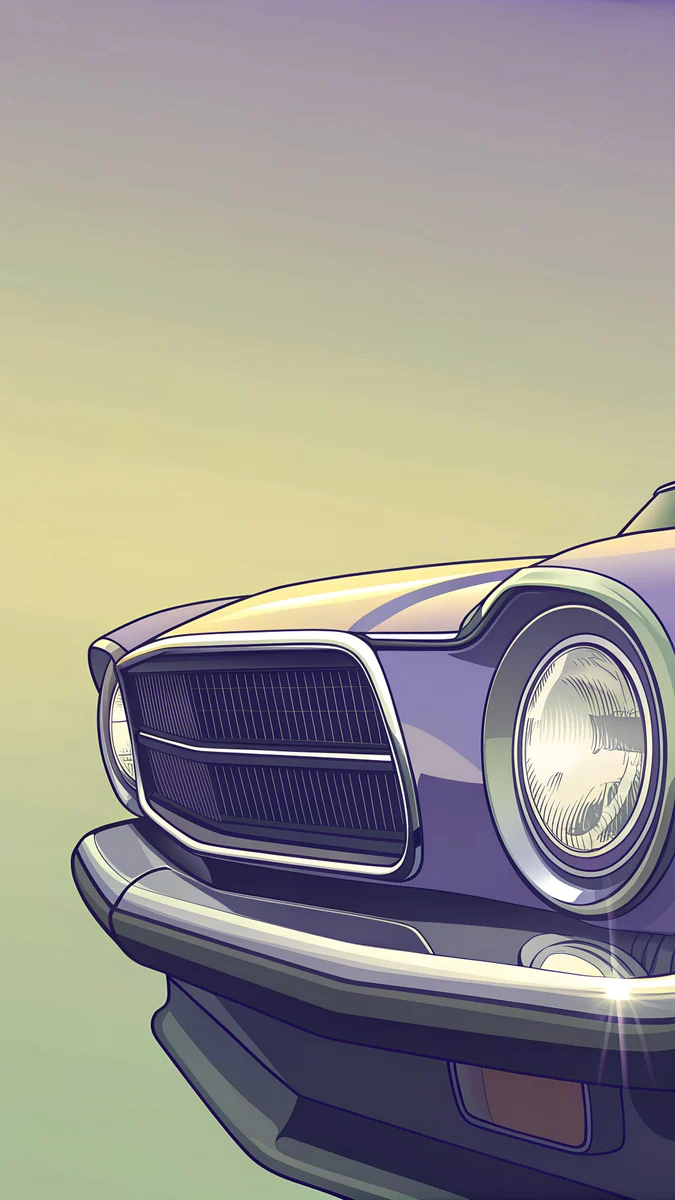 Chrome Headlight
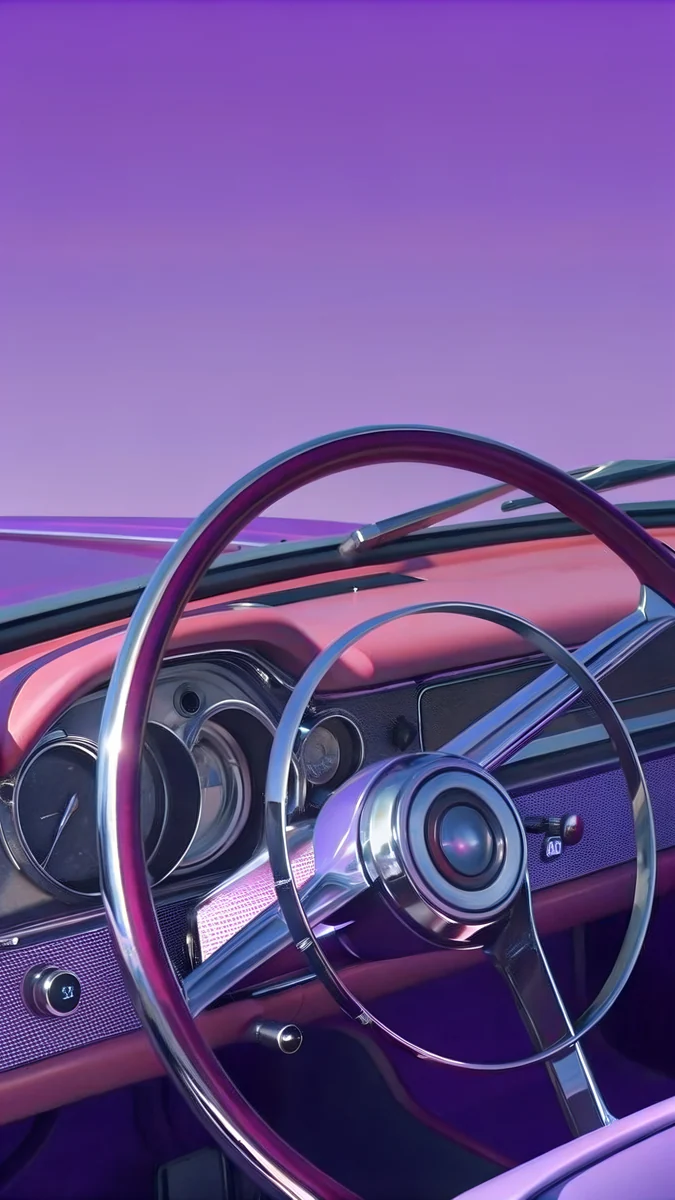 Chrome Steering Wheel
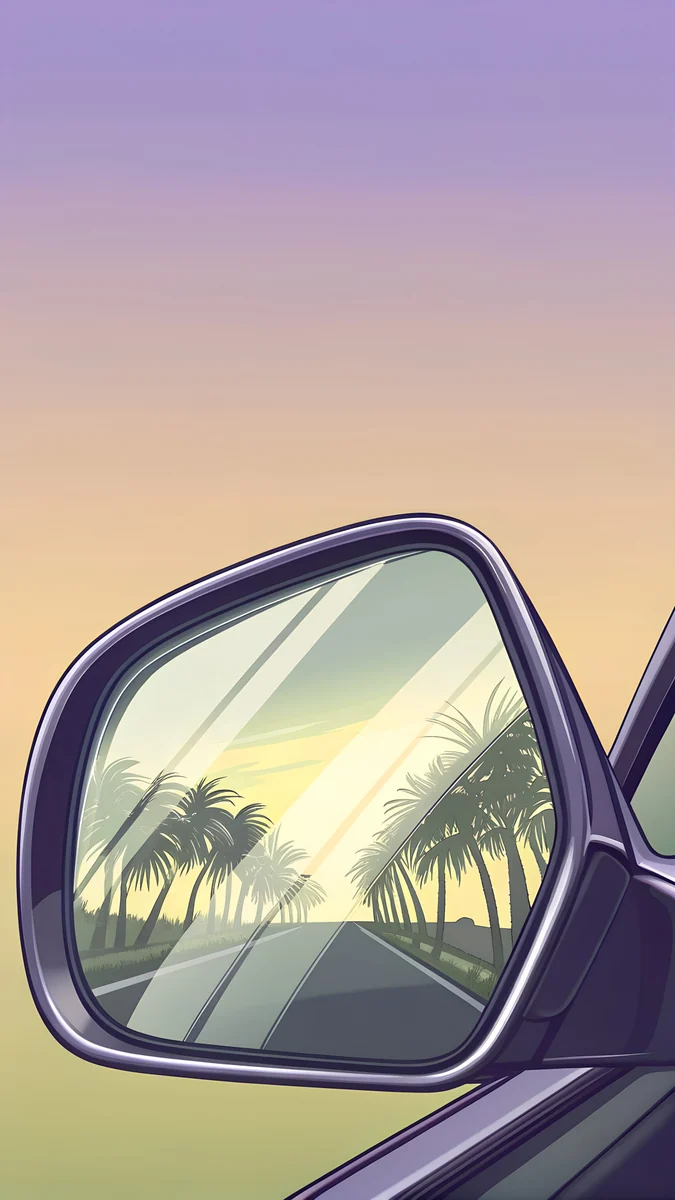 Palm Boulevard Mirror
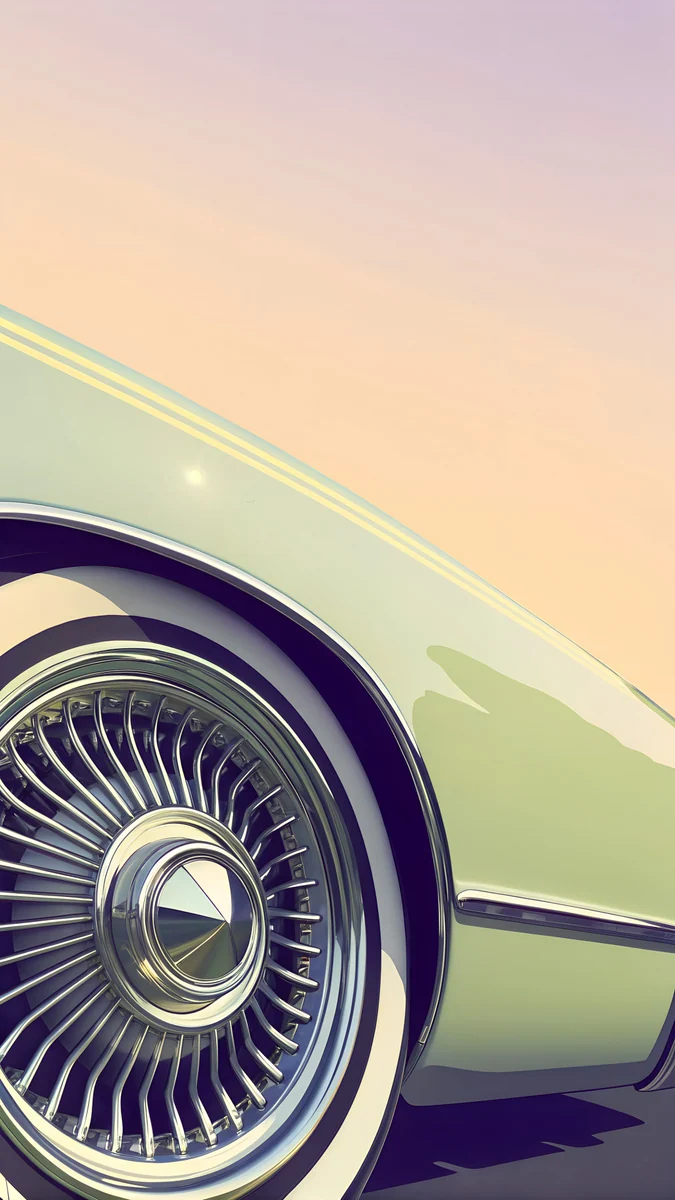 Whitewall Wheel
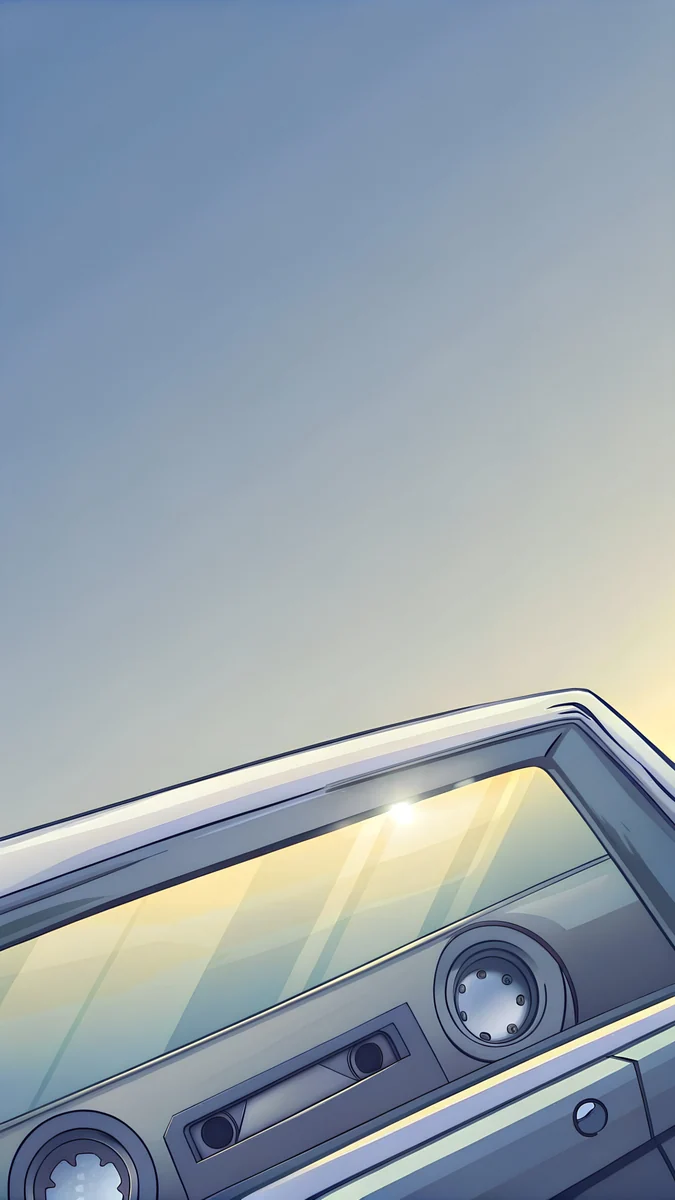 Dashboard Cassette
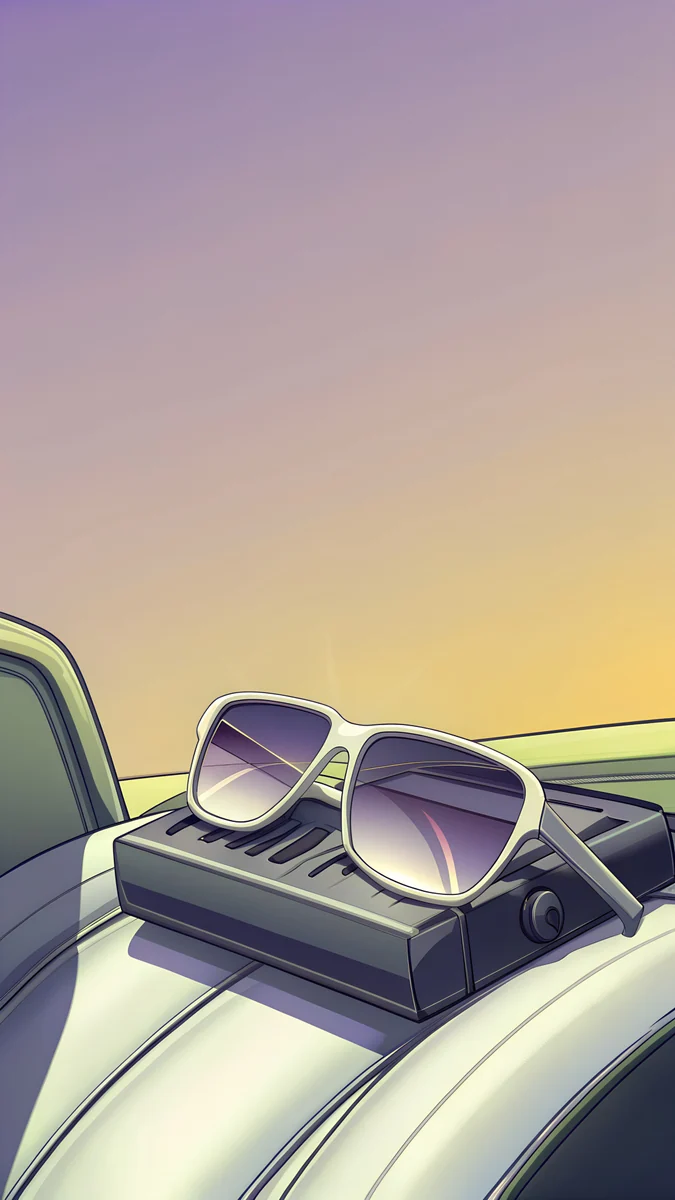 Car Seat Sunglasses
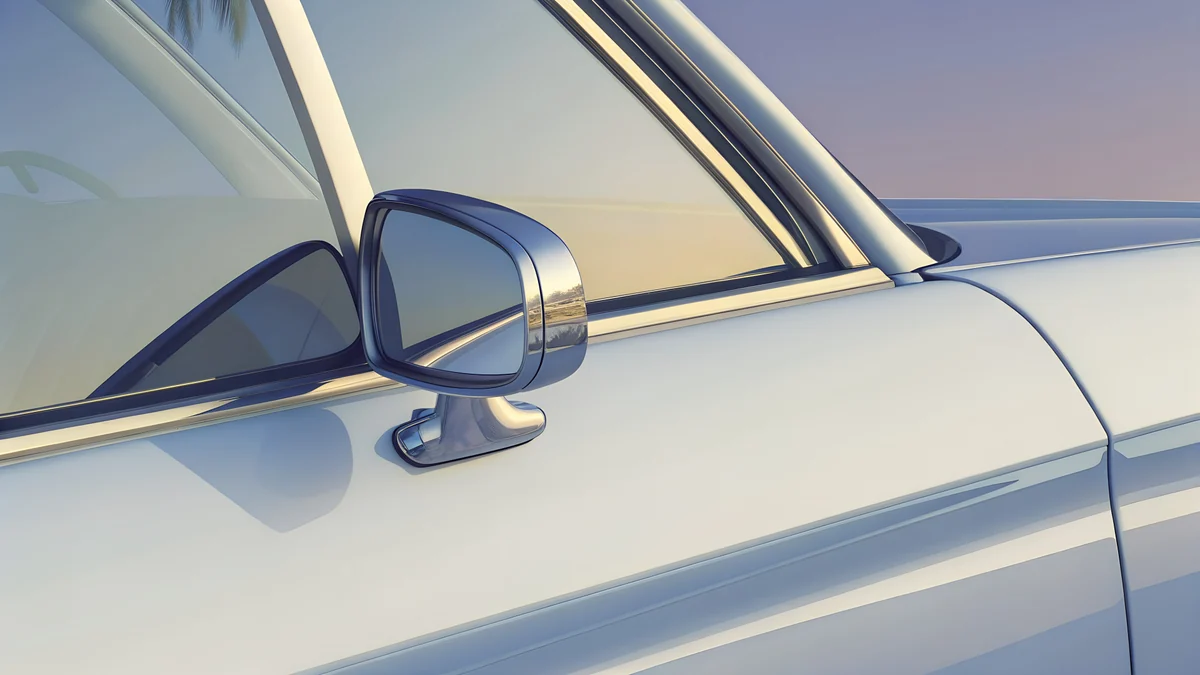 Convertible Mirror
Free 4K originals for iPhone and Android, no watermark
On this page
A car wallpaper for a phone works best as a close-up: a chrome headlight, a thin steering wheel or a whitewall tyre fills the 2160 × 3840 frame and leaves the sky above it for the clock. The six phone pieces below, plus one desktop piece, are original illustrations of retro cars with no badges or model names, drawn in a sun-bleached Florida mood. They are not photos of real cars.
If you came for a specific BMW or Porsche, the manufacturers' own media sites are the right place. If you want the look of 1980s chrome and leather on a lock screen that stays readable, this page has what is in the set, why the crop matters, the colour palette with hex codes, OLED tips and the set-up steps for iOS 26 and Android 16.
What is in this car wallpaper set
Every phone piece is 2160 × 3840 pixels, so it covers an iPhone 17 Pro Max (1320 × 2868), a Galaxy S25 Ultra (1440 × 3120) and a Pixel 10 Pro (1280 × 2856) with room to crop at the sides. The desktop piece is 3840 × 2160 for a 4K monitor.
| Title | What you see | Palette | Best for |
|---|---|---|---|
| Chrome Headlight | Round chrome lamp of a retro convertible | Sand, peach, navy | Lock screen clock, depth effect |
| Chrome Steering Wheel | Thin chrome wheel over a dark dashboard | Lavender, violet, charcoal | OLED, lock screen clock |
| Whitewall Wheel | Whitewall tyre and hubcap | Cream, pink, navy | Home screen |
| Palm Boulevard Mirror | Side mirror reflecting a palm boulevard | Silver, peach, navy | Lock screen clock |
| Dashboard Cassette | Cassette deck set into a dashboard | Silver, lavender, mint | Home screen, OLED |
| Car Seat Sunglasses | Sunglasses left on a leather seat | Sand, peach, mauve | Lock screen, warm tone |
| Convertible Mirror | Convertible side mirror, wide frame | Silver, cream, lavender | Desktop 3840 × 2160 |
Chrome Headlight4K · PhoneChrome Steering Wheel4K · PhoneWhitewall Wheel4K · PhonePalm Boulevard Mirror4K · PhoneDashboard Cassette4K · PhoneCar Seat Sunglasses4K · PhoneAll of them belong to the GTA 6 category on Velpaper, the same retro Florida series as our GTA 6 wallpapers. Official GTA art belongs to Rockstar and lives on rockstargames.com. If you want the sun-bleached Vice City mood without characters or logos, these are original 4K wallpapers made for phone screens.
Why a close-up beats a full car on a lock screen
A photo of a whole car puts the car in the middle band of the screen. That band is exactly where iOS and Android draw the clock, the date and the first notification, so the time lands on the roof or the windscreen and you squint at it every morning.
A close-up turns this around. The headlight, the mirror or the wheel sits in the lower two thirds, and the top third is sky, stucco or a plain gradient. The clock gets a calm background with real contrast, and the subject is still big enough to read as a car.
Two more practical reasons. First, cropping: a phone screen is narrower than the 9:16 master file, so about a tenth of the width is trimmed on each side. A close-up loses nothing you would miss; a full car loses a wheel. Second, depth effect on iOS 26 needs one clear subject for the clock to tuck behind. The rim of Chrome Headlight gives it a crisp edge. A whole car 600 pixels wide does not.
The colour palette, with hex codes
The set shares one palette, which is why any two pieces work as a lock screen and home screen pair:
- Chrome silver #c0c0c0 and cream #f0f0c0: the metal and the whitewalls.
- Peach #f0c090: late-afternoon light on the headlight and the leather seat.
- Lavender #9090c0 and violet #9060c0: the dusk tones of the steering wheel and the cassette deck.
- Navy #303060 and charcoal #303030: the shadows that make chrome look like chrome.
For the clock, pick a tint from the picture rather than plain white. Peach on Chrome Headlight and lavender on Chrome Steering Wheel both read well and look intentional. On iOS 26 you set the clock colour in the lock screen editor by tapping the time; Android 16 takes its accent colours from the wallpaper on its own.
OLED tips for the dark pieces
Chrome Steering Wheel and Dashboard Cassette have large areas of navy and charcoal. On an OLED screen those pixels run at a fraction of full brightness, so the lock screen draws noticeably less power than a white or cream wallpaper does. A static image costs no processing power at all; the saving comes from the dark pixels, not from the picture being simple.
Always-on display is fine with these too. iPhone and Pixel show a dimmed version of the wallpaper, and Samsung shows the clock on black, so a still car wallpaper causes no burn-in in normal use. If you prefer true black behind the clock, start from our dark wallpapers for OLED and keep the car on the home screen.
How to set a car wallpaper on iPhone (iOS 26)
- Download the 4K original from the wallpaper page on velpaper.com or in the Velpaper app; it lands in Photos.
- Open Settings, then Wallpaper, then Add New Wallpaper, and choose Photos.
- Pick the image and pinch to frame it. Keep the headlight or mirror low and the sky above the clock.
- Tap the time to change its colour; try peach or lavender from the palette above.
- Tap Add, then Set as Wallpaper Pair, or Customise Home Screen to blur or swap it.
The long version with the depth effect switch and the widget row is in our guide on how to set a lock screen wallpaper on iPhone.
How to set it on Android 16 and Samsung
- Save the 4K file to your gallery.
- Touch and hold an empty spot on the home screen and open Wallpaper & style (Samsung: Wallpaper and style).
- Choose My photos or Gallery, pick the car wallpaper and move it so the subject sits in the lower part.
- Decide whether it goes on the lock screen, the home screen or both, then confirm.
Pixel and Samsung phones also let you pick accent colours from the image, so your icons take on peach or lavender automatically. Every menu path by brand is in how to set a wallpaper on Android.
One for the desk: Convertible Mirror in 3840 × 2160
Convertible Mirror4K · DesktopConvertible Mirror is the wide companion to the phone set: the same silver, cream and lavender, composed for a 16:9 monitor. On a 27-inch 4K display it shows every one of its 3840 × 2160 pixels at native size. On a Mac, open System Settings, then Wallpaper, and add the file; on Windows 11, right-click the desktop, choose Personalise, then Background. Pair it with Palm Boulevard Mirror on the phone and the two screens share a subject as well as a palette.
Your next step
Start with Chrome Headlight: open it on velpaper.com or in the Velpaper app and download the 4K original. Browsing is free, and phone wallpapers unlock after a short optional ad. Velpaper has apps for iPhone, iPad, Mac and Android plus the web catalog, and every wallpaper is a 4K original without a watermark. For the rest of the retro Florida series, including neon signs and palm boulevards, see our Miami aesthetic wallpapers.
Velpaper is not affiliated with Rockstar Games or Take-Two Interactive, and Grand Theft Auto is their trademark.
Original wallpapers in 4K and 5K for iPhone, Android and desktop.
Questions
Is there a car wallpaper in 4K for iPhone and Android?
Yes. Every phone piece in this set is 2160 × 3840 pixels, which is 4K stood upright. That is taller than the 2868 pixel screen of the iPhone 17 Pro Max and the 3120 pixel screen of the Galaxy S25 Ultra, so the phone only scales the image down and trims a little at the sides. Nothing is enlarged, so chrome edges and fine lines stay sharp. The desktop piece, Convertible Mirror, is 3840 × 2160 for 4K monitors.
Are these real cars? Which models are they?
No. The wallpapers are original illustrations of retro cars without badges, model names or licence plates. Each one shows a single detail, such as a round chrome headlight, a thin steering wheel or a whitewall tyre, in a 1980s Florida mood. They are not photographs, and they do not depict a specific manufacturer’s model. That is deliberate: a generic classic shape works as a lock screen for years without dating or raising trademark questions.
Where can I get BMW or Porsche wallpapers?
Velpaper does not publish badged car wallpapers, so for a specific brand go to the manufacturer. BMW, Porsche, Mercedes-Benz and most other makers run press or media sites with official high-resolution photos of current models, and many offer wallpaper downloads on their own websites. Those images are the real cars, correctly lit and cleared for personal use. Our set is for people who want the retro car look without a logo in the frame.
Does a dark car wallpaper save battery on an OLED phone?
Yes, modestly. On an OLED screen every pixel lights itself, so navy and charcoal areas draw far less power than cream or white. Chrome Steering Wheel and Dashboard Cassette have the most dark area in this set and are the best choice if battery matters. The saving applies to the lock screen and always-on display, where the wallpaper is visible most of the day. A static image, light or dark, needs no processing power, so there is no cost beyond the pixels themselves.
Is there a car wallpaper for PC in this set?
One: Convertible Mirror, a 3840 × 2160 desktop piece with the same silver, cream and lavender palette as the phone set. It fills a 4K monitor at native size and scales cleanly to 1920 × 1080 laptops. On a 5K iMac macOS enlarges it slightly, which stays acceptable for a soft illustration. For a matched look, use Convertible Mirror on the desk and Palm Boulevard Mirror on the phone; both show a mirror and a palm-lined road.
Do you have live or animated car wallpapers?
No. Velpaper publishes still images only: phone wallpapers at 2160 × 3840 and desktop wallpapers at 3840 × 2160 or 5120 × 2880. A still image is also the better choice for a lock screen you look at dozens of times a day, since it costs no battery and never stutters. If you want motion on an iPhone, the depth effect on iOS 26 gives a subtle parallax where the clock tucks behind the headlight rim, which is as much movement as most people want.
Carlos Vivero
Designer of Velpaper wallpapers
Carlos Vivero designs the wallpapers in Velpaper: quiet architecture, liquid glass, Japanese ink and calm landscapes. Every piece is made as a 4K original for iPhone, Android and desktop.
Recent work








