Dark Academia Wallpaper: What It Is and What Fits
What dark academia is, its brown, burgundy and forest green palette, how to style an iPhone or Android screen in it, and the closest Velpaper 4K wallpapers.
In short: Dark academia is a moody, bookish aesthetic inspired by old universities, libraries and candlelight, in brown, black, burgundy, forest green and cream. On a phone it works as a dark stone or deep velvet wallpaper with a serif clock in cream or pale gold; Starlit Colonnade and Amber Colonnade are the closest Velpaper picks.
By the Velpaper team · Wallpapers by Carlos Vivero, Velpaper designer · · 5 min read
Free 4K originals for iPhone and Android, no watermark
On this page
Dark academia is a moody, bookish aesthetic built around old universities, libraries, candlelight and classical stone, in a palette of dark brown, black, burgundy, forest green and parchment cream. For a phone, the best fit is a dark wallpaper of old stone or deep fabric with a serif clock in cream or pale gold. Velpaper has no dedicated dark academia collection, so below are the nearest real pieces, led by Starlit Colonnade and Amber Colonnade.
What dark academia is
The look grew on Tumblr in the mid 2010s and spread widely on TikTok and Instagram in 2020, when a lot of people were studying from home and missing the idea of a campus. It romanticises learning: Gothic and classical buildings, reading rooms with green lamps, Latin mottos, fountain pens, tweed jackets and long autumn walks. Its brighter sibling, light academia, keeps the books and the stone but swaps the shadows for cream, beige and sunlight.
| Element | What it looks like |
|---|---|
| Palette | Dark brown, black, burgundy, forest and olive green, parchment cream, a little brass or gold |
| Motifs | Libraries, old books, candles, arches and colonnades, ink, autumn leaves, classical statues |
| Textures | Stone, velvet, worn leather, wool, aged paper |
| Mood | Quiet, studious, a little melancholy |
The key on a phone is restraint. One arch, one candle or one fold of velvet says dark academia more clearly than a collage of books and skulls.
How to style your lock and home screen in dark academia
On iPhone with iOS 26:
- Save the 2160 × 3840 original, then open Settings, Wallpaper, Add New Wallpaper, Photos and pick it.
- Touch and hold the Lock Screen, tap Customize, then the Lock Screen preview.
- Tap the time and choose the serif font. It is the one detail that makes the screen feel like a book cover. Pick cream, pale gold or a warm white from the swatches.
- Tap the box under the clock and add a Calendar widget for lecture days or the Books widget with your current read. Two small widgets are enough.
- On the Home Screen, touch and hold an empty spot, tap Edit, then Customize. Choose Dark for near-black icons, or Tinted with the eyedropper on an amber or green tone, then lower the saturation so it reads like old brass.
On Android 16 on a Pixel, touch and hold the Home screen, tap Wallpaper & style, set the image and pick a brown or green palette among the colour options; turn on Themed icons and dark theme so the whole system follows. On a Samsung with One UI 8, the image and Color palette are in Settings, Wallpaper and style, and a serif font can be set in Settings, Display, Font size and style. Exact menu names can differ by version.
Full steps with screenshots are in how to set a lock screen wallpaper on iPhone and how to change wallpaper on Android.
The closest Velpaper wallpapers for dark academia
There are no libraries or bookshelves in the catalog yet. These six share the stone, the candlelight and the deep colours of the aesthetic, and two of them come from the winter set, so you will see some snow. Each is a 4K original at 2160 × 3840 by designer Carlos Vivero.
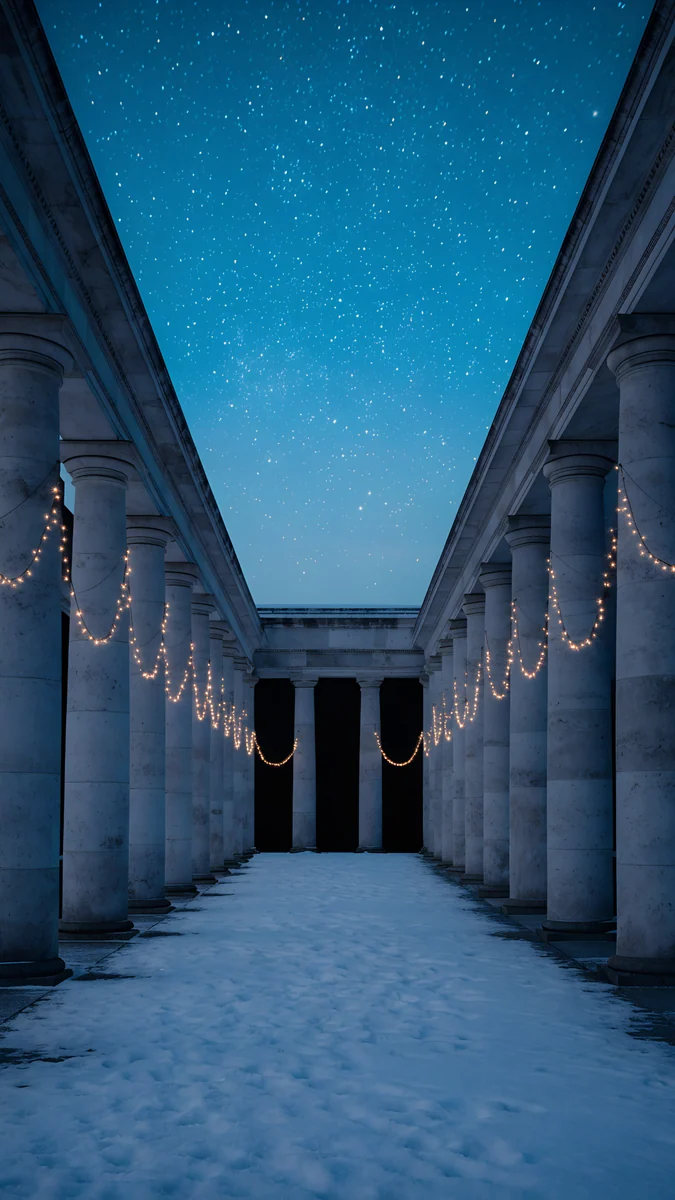 Starlit Colonnade4K · Phone
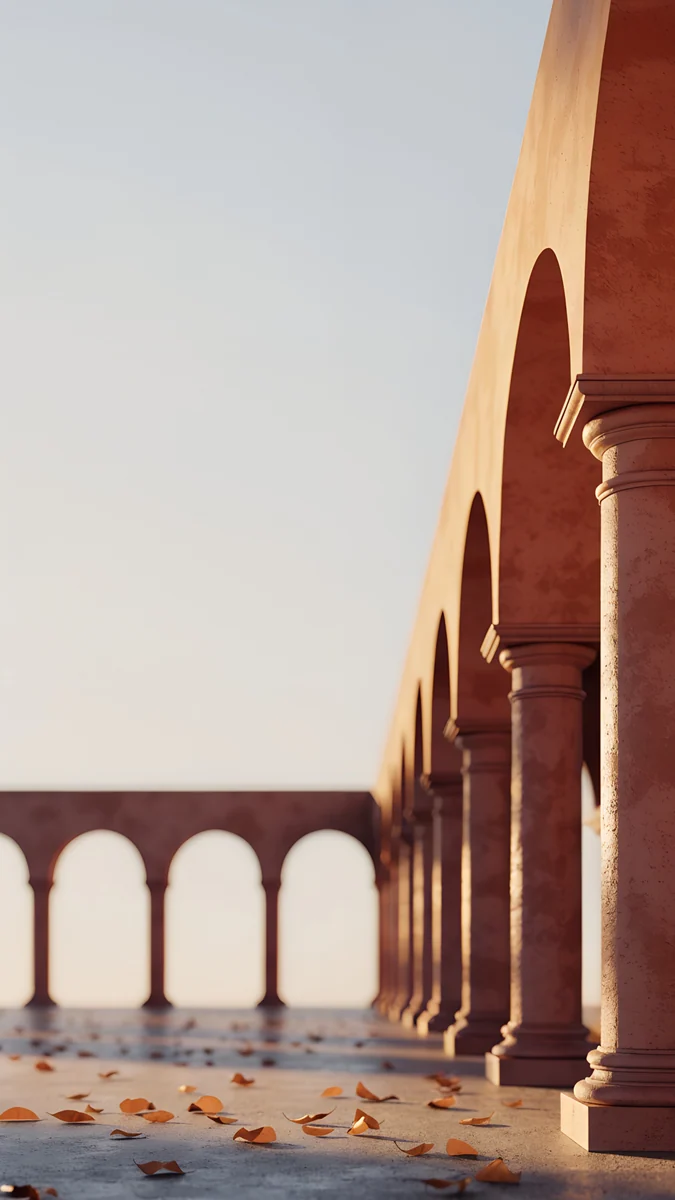 Amber Colonnade4K · Phone
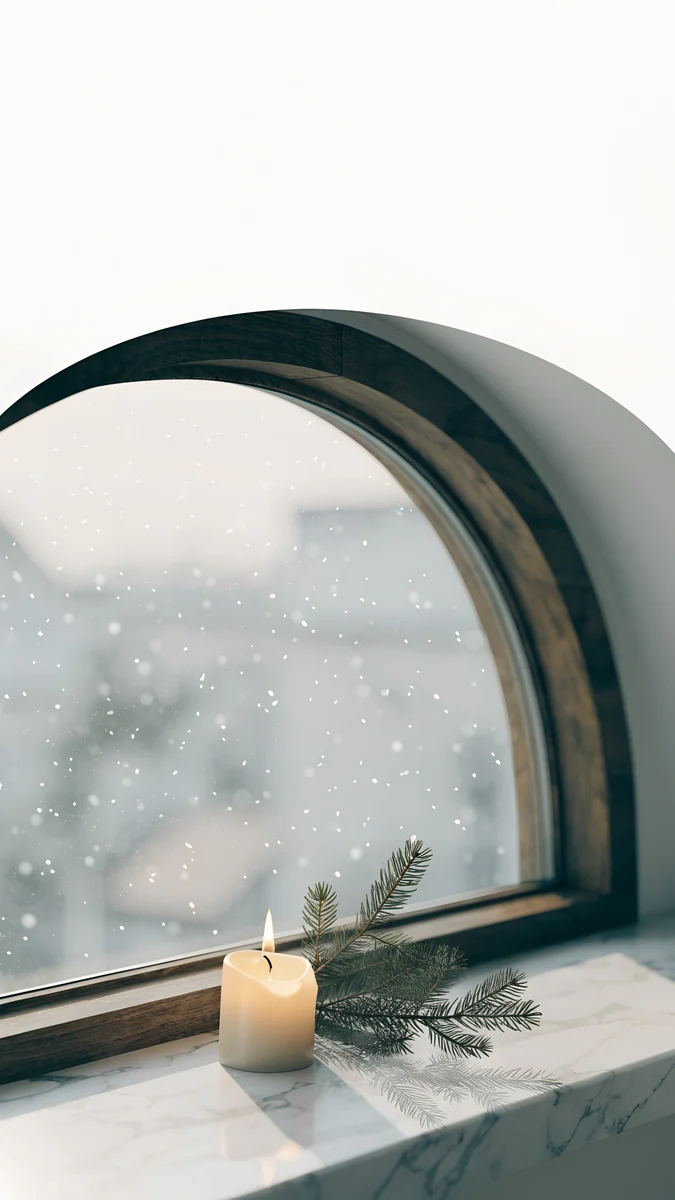 Candle Sill4K · Phone
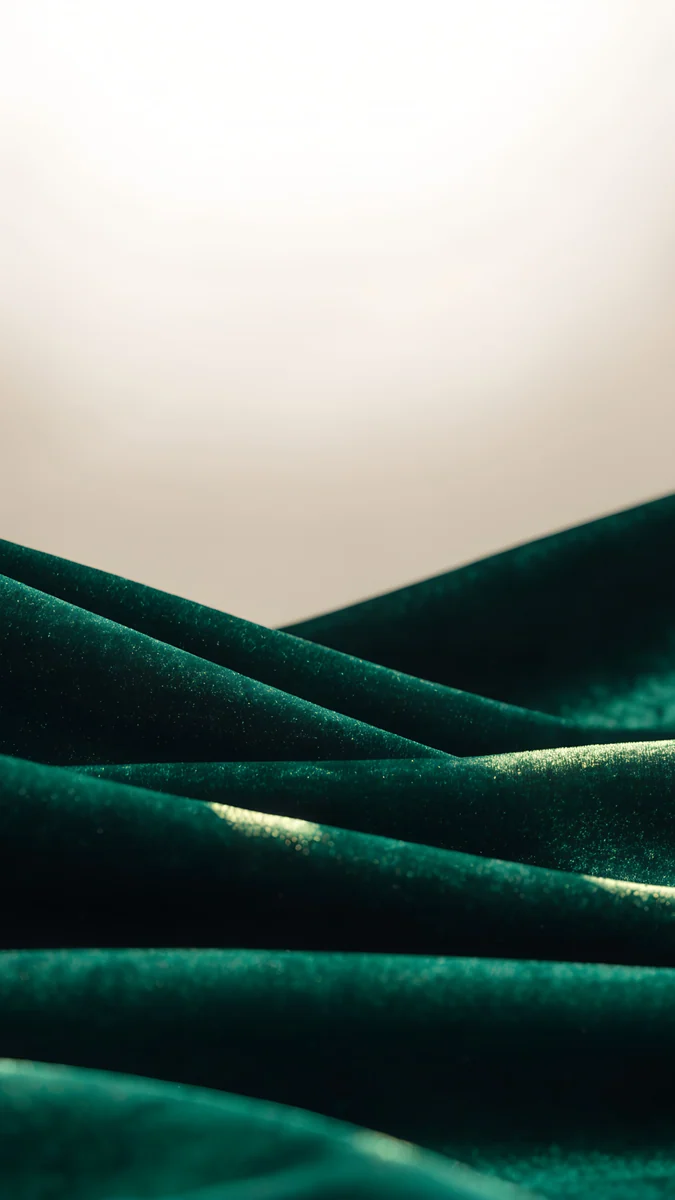 Emerald Velvet4K · Phone
 Burgundy Ribbon4K · Phone
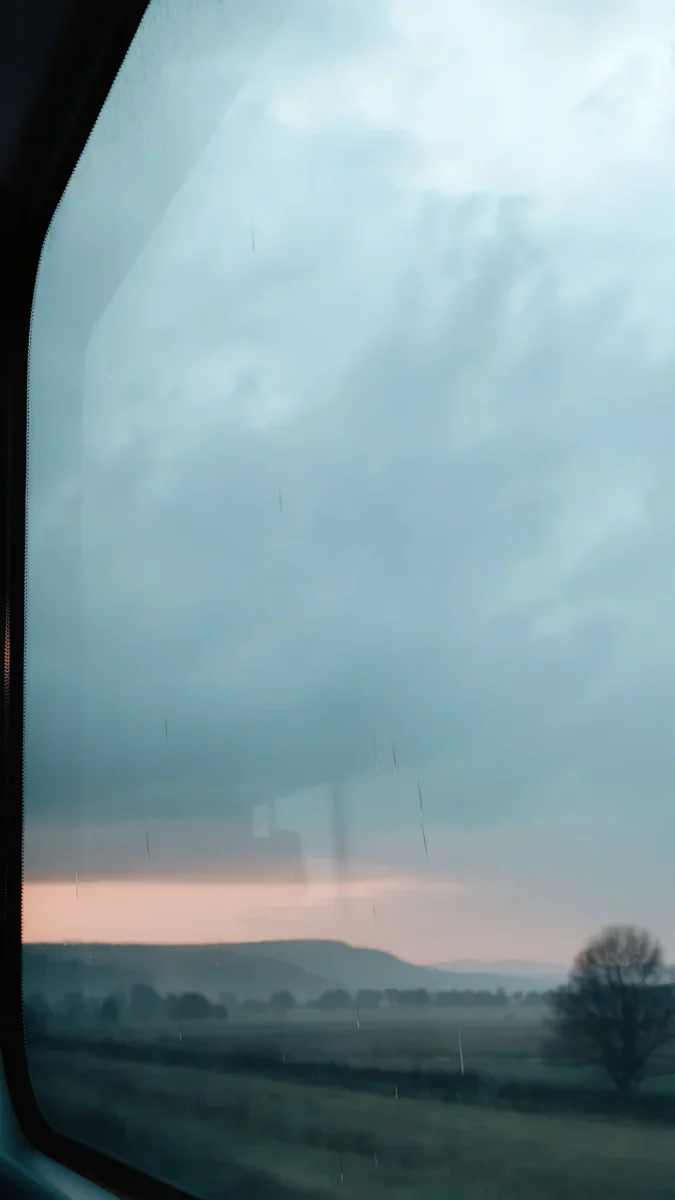 Passing November4K · Phone
- Starlit Colonnade: a long stone colonnade at night under a starry sky, like a college cloister after hours; the open sky at the top keeps a cream clock sharp.
- Amber Colonnade: a terracotta arcade with fallen amber leaves and long shadows, the autumn walk between lectures, with calm wall behind widgets.
- Candle Sill: a single candle and a pine sprig on a marble sill by an arched window, the light academia end of the look, so use a dark clock here.
- Emerald Velvet: deep forest green velvet folds under a pale sky, the colour of a reading room armchair, and a quiet base for dark icons.
- Burgundy Ribbon: a burgundy satin ribbon across a cream wall, like a bookmark ribbon, adding the signature red without darkness.
- Passing November: misty fields and one bare tree seen from a train window under a grey sky, for the melancholy side.
For a matching pair, put Starlit Colonnade on the Lock Screen and Emerald Velvet on the Home Screen. More autumn tones are in our fall wallpapers.
Common problems and fixes
- The screen looks muddy. Dark brown wallpapers can blur into one tone at low brightness. Pick a piece with one clear light source, such as the stars in Starlit Colonnade or the candle in Candle Sill.
- The clock is hard to read. Gold on brown can lack contrast. Use cream or warm white on dark images, and a dark brown clock on pale ones like Candle Sill.
- The serif font is missing. On iPhone it is in the time sheet of the Lock Screen editor. Android phones differ: Pixels offer a few clock styles, Samsung lets you install fonts through the Font size and style menu.
- Icons look too bright. Switch to the Dark icon style, or tint them with a low saturation amber.
- The image is zoomed in. Use the 2160 × 3840 original rather than a screenshot, and do not pinch to zoom in the editor.
Next step: download Starlit Colonnade in 4K
Start with Starlit Colonnade. It is the darkest and most scholarly piece here and looks right with a serif clock. Open it on velpaper.com or in the Velpaper app for iPhone, iPad, Mac or Android, preview it on your lock screen and save the 2160 × 3840 original.
Browsing is free. Phone wallpapers unlock after a short optional ad in the apps; on the website, if no ad is available, the original downloads free. No file carries a watermark. If you want an even darker screen, see our black wallpapers for OLED.
Original wallpapers in 4K and 5K for iPhone, Android and desktop.
Questions
What is dark academia?
Dark academia is an internet aesthetic that romanticises study and old institutions. It took shape on Tumblr in the mid 2010s and became widely popular on TikTok and Instagram in 2020. Its images are Gothic and classical buildings, libraries, candlelit desks, old books, ink, tweed and autumn, in dark brown, black, burgundy, forest green and parchment cream. The mood is quiet, serious and a little melancholy. On a phone it usually means a dark wallpaper of stone, wood or velvet, a serif clock in cream or gold, and dark or muted icons, with very few bright colours anywhere on the screen.
What colours are dark academia?
The core palette is dark brown, black and charcoal, with burgundy, forest green and olive as the deep accents. Parchment cream and warm ivory are the light tones, used for pages, candles and clock digits. Brass and muted gold appear in small details such as lamp fittings or picture frames. Bright white, neon and pastels are out of place. For a phone, use one of the deep colours as the main field of the wallpaper and cream or pale gold for the clock. If you tint icons, take an amber or green from the image and keep the saturation low.
Does Velpaper have a dark academia collection?
Not a dedicated one, and there are no library or bookshelf wallpapers in the catalog at the moment. What Velpaper does have are pieces that share the aesthetic: Starlit Colonnade, a stone colonnade at night; Amber Colonnade, a terracotta arcade with autumn leaves; Candle Sill, a candle on a marble window sill; Emerald Velvet, deep green velvet; Burgundy Ribbon, a burgundy satin ribbon on cream; and Passing November, misty fields under a grey sky. Starlit Colonnade and Candle Sill come from the winter set and include snow. All are 4K originals at 2160 × 3840 pixels by designer Carlos Vivero.
What is the difference between dark academia and light academia?
Both romanticise study, old buildings and books. Dark academia leans into shadow: candlelight, Gothic stone, dark wood, burgundy and forest green, and a slightly melancholy mood. Light academia keeps the same subjects but moves them into daylight, with cream, beige, white marble, soft gold and a calmer, more hopeful feel. On a phone, dark academia suits a dark wallpaper with a cream clock, while light academia suits a pale stone or candle scene with a dark brown clock. Among Velpaper pieces, Starlit Colonnade is dark academia and Candle Sill sits on the light side.
Which font fits a dark academia lock screen?
A serif font. Serifs echo book covers, university crests and engraved stone, and they do more for the look than any widget. On iPhone, touch and hold the Lock Screen, tap Customize, tap the time and choose the serif option, then set the colour to cream or pale gold. On Android, Pixel phones offer a choice of lock screen clock styles in Wallpaper and style, and Samsung phones let you change the system font, including downloaded serif fonts, in Settings, Display, Font size and style. Keep the clock thin or regular in weight; a very heavy serif can look like a newspaper headline.
Carlos Vivero
Designer of Velpaper wallpapers
Carlos Vivero designs the wallpapers in Velpaper: quiet architecture, liquid glass, Japanese ink and calm landscapes. Every piece is made as a 4K original for iPhone, Android and desktop.
Recent work








