Do Dark Wallpapers Save Battery? The Honest Answer
Do dark wallpapers really save battery? Why it only works on OLED screens, what the Purdue study measured, and the settings that save far more power.
In short: Yes, but only on OLED screens and only a little: black OLED pixels are switched off, so a dark wallpaper draws less power while it is visible. On an LCD screen it makes no real difference, and screen brightness affects battery far more than the wallpaper.
By the Velpaper team · Wallpapers by Carlos Vivero, Velpaper designer · · 5 min read
Free 4K originals for iPhone and Android, no watermark
On this page
Dark wallpapers do save battery, but only on OLED screens and only a little. An OLED pixel makes its own light, so a black pixel is simply off and a dark one uses less power than a bright one. On an LCD screen the backlight stays on whatever the picture shows, so the wallpaper makes no real difference. And because a wallpaper is visible only on the lock and home screens, screen brightness and the apps you use matter far more.
Why it only works on OLED
An LCD has one backlight behind the whole panel. Dark pixels block that light, but the lamp keeps burning, so a black wallpaper and a white one cost about the same.
An OLED or AMOLED screen has no backlight: each pixel lights itself. Black means off, dark grey means dimly lit, white at full brightness is the most expensive thing it can show. So the saving depends on two things: how much of the screen is truly dark, and how bright the screen is set.
- iPhone: every iPhone since the iPhone 12 has an OLED screen, apart from the SE models. Earlier, the iPhone X, XS and 11 Pro were OLED, while the XR and 11 were LCD.
- iPad: the iPad Pro with the M4 chip and later uses OLED; other iPads are LCD.
- Android: most flagship and mid-range phones from Samsung, Google, Xiaomi and others are OLED; look for OLED or AMOLED in the specs. Many budget phones are LCD.
- Laptops and monitors: most are LCD, including mini-LED panels, which dim zones of the backlight rather than single pixels.
What the research actually measured
The best-known measurement comes from Purdue University. Researchers tested dark mode in six Google apps on four OLED phones (Pixel 2, Moto Z3, Pixel 4 and Pixel 5) and presented the results at MobiSys 2021. At 30 to 50 percent brightness, dark mode saved only 3 to 9 percent of power on average; at 100 percent brightness it saved 39 to 47 percent (Purdue University news release).
Two lessons follow. First, brightness decides most of it: at the levels most people use indoors, the saving is small. Second, that study measured apps, which fill the screen for hours. A wallpaper is visible for a fraction of that time and is partly covered by icons and widgets, so its effect on a full day of battery is smaller still. We know of no large independent study that measured wallpapers alone, so be wary of exact percentages you see quoted online.
How to get the most from a dark wallpaper
- Check your screen type. Look up your model's specs for OLED or AMOLED. If it is LCD, choose a wallpaper for looks and skip the rest of this list.
- Pick a wallpaper that is truly near black, not dark grey or navy across the whole frame. Small bright details are fine; the large areas are what count.
- Turn on dark mode. On iPhone: Settings, Display & Brightness, Dark, or Automatic to follow sunset. On a Pixel: Settings, Display (Display & touch on recent versions), Dark theme. On a Samsung: Settings, Display, Dark mode. This saves more than the wallpaper, because apps fill the screen far longer.
- Keep auto-brightness on. On iPhone it is in Settings, Accessibility, Display & Text Size, Auto-Brightness. On Android, turn on Adaptive brightness in the display settings.
- Tame the Always-On display. On iPhones with Always On, starting with the iPhone 14 Pro, go to Settings, Display & Brightness, Always On Display and switch off Wallpaper to show black instead of a dimmed picture.
- Check what really uses power. Settings, Battery on iPhone, or Settings, Battery, Battery usage on Android, shows which apps drain the most. It is rarely the wallpaper.
Dark wallpapers that keep most pixels off
These Velpaper wallpapers are built mostly from black or near black, with one small bright subject, which is the shape that suits an OLED screen. For the full set of black and liquid black wallpapers, see our black wallpapers for OLED.
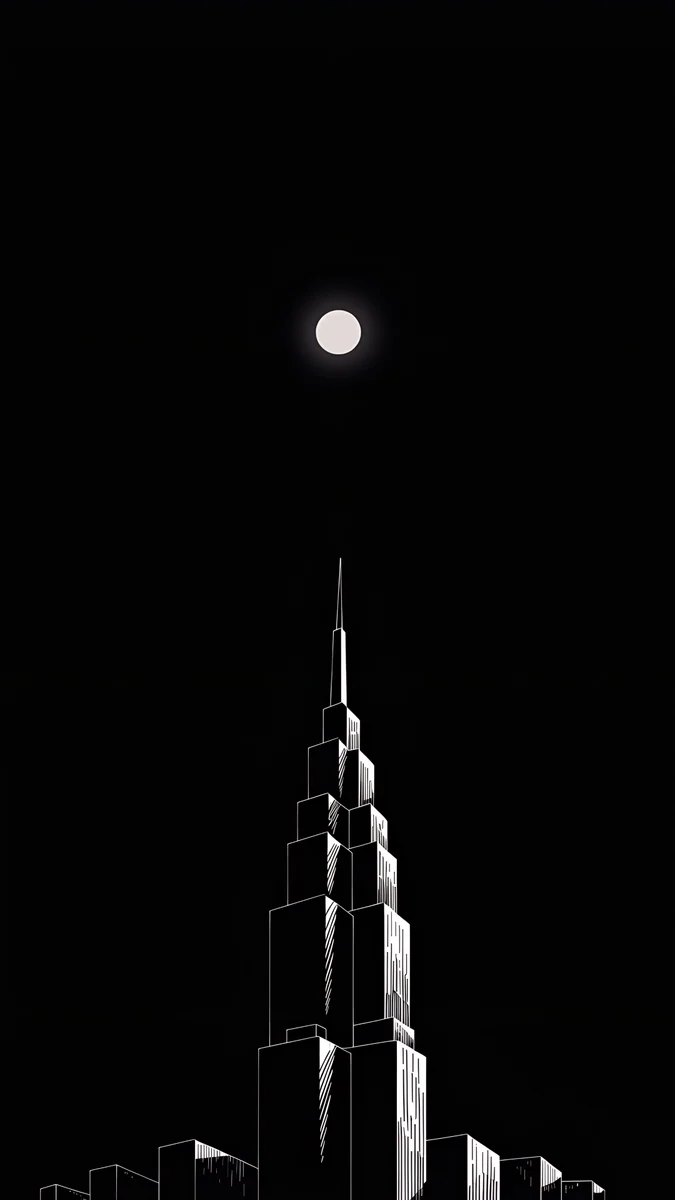 Lone Spire4K · Phone
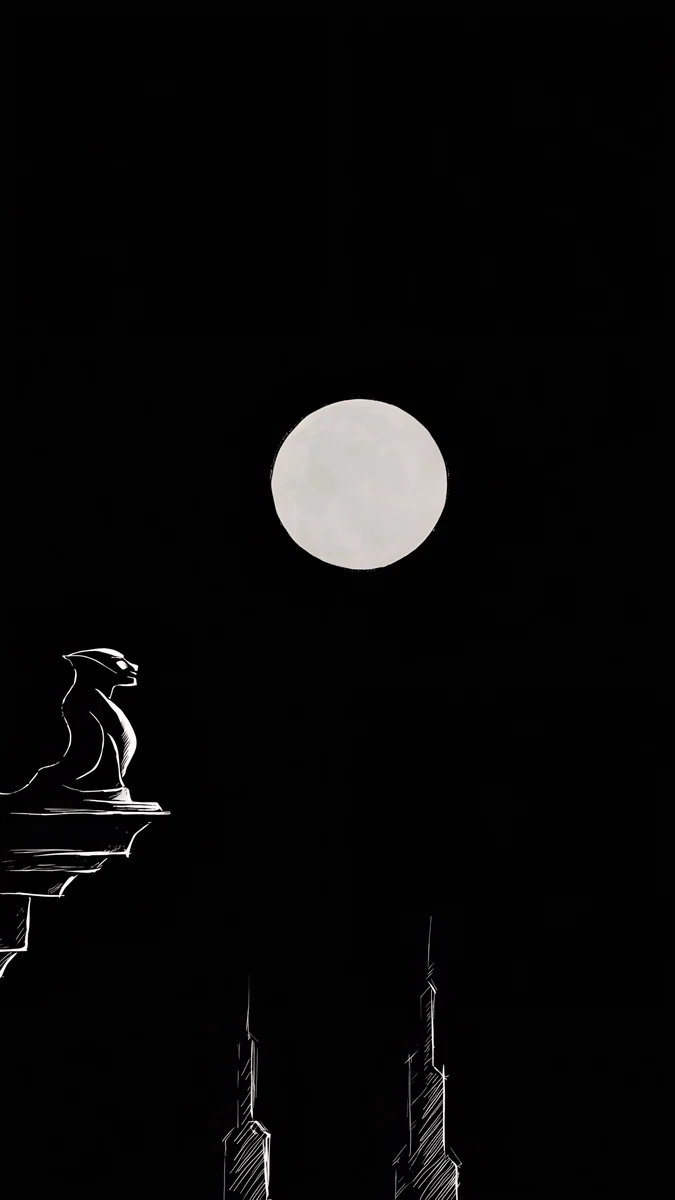 Moon Ledge4K · Phone
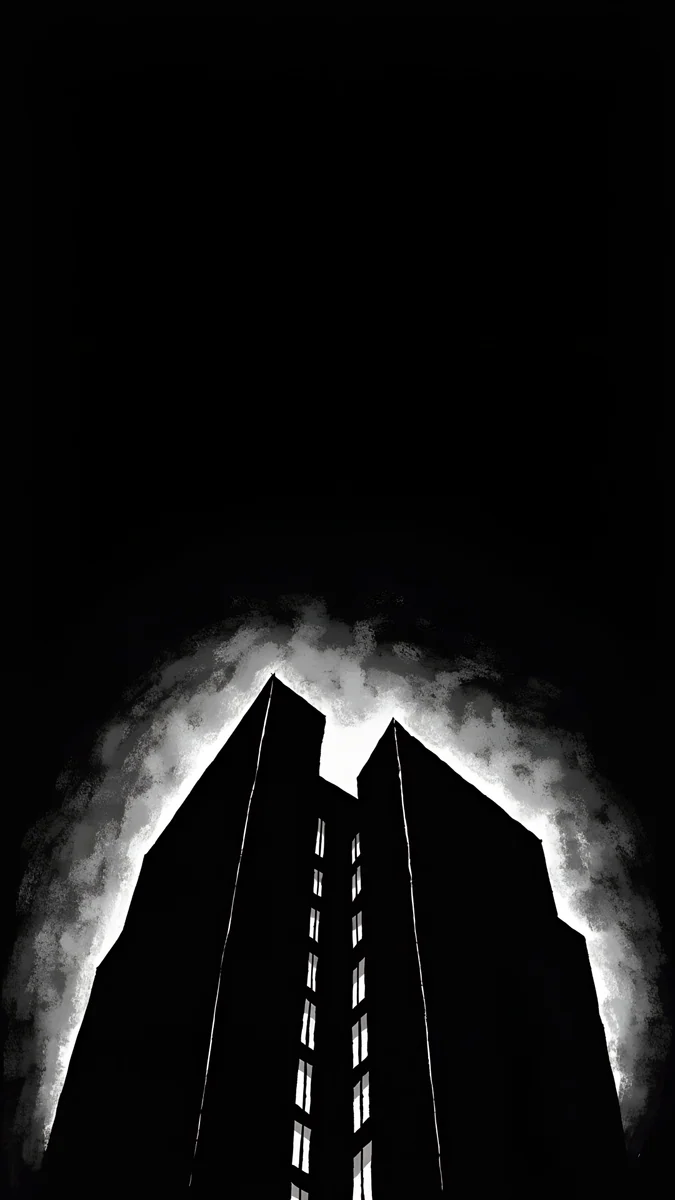 Light Slits4K · Phone
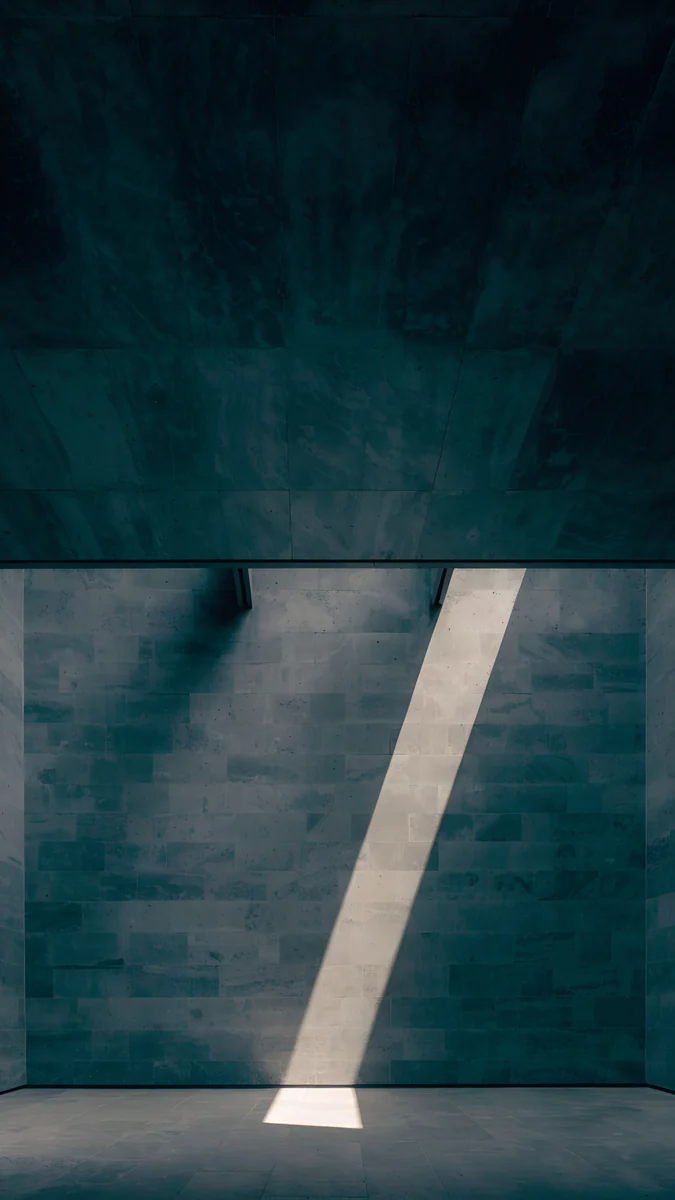 Slate Light Cut4K · Phone
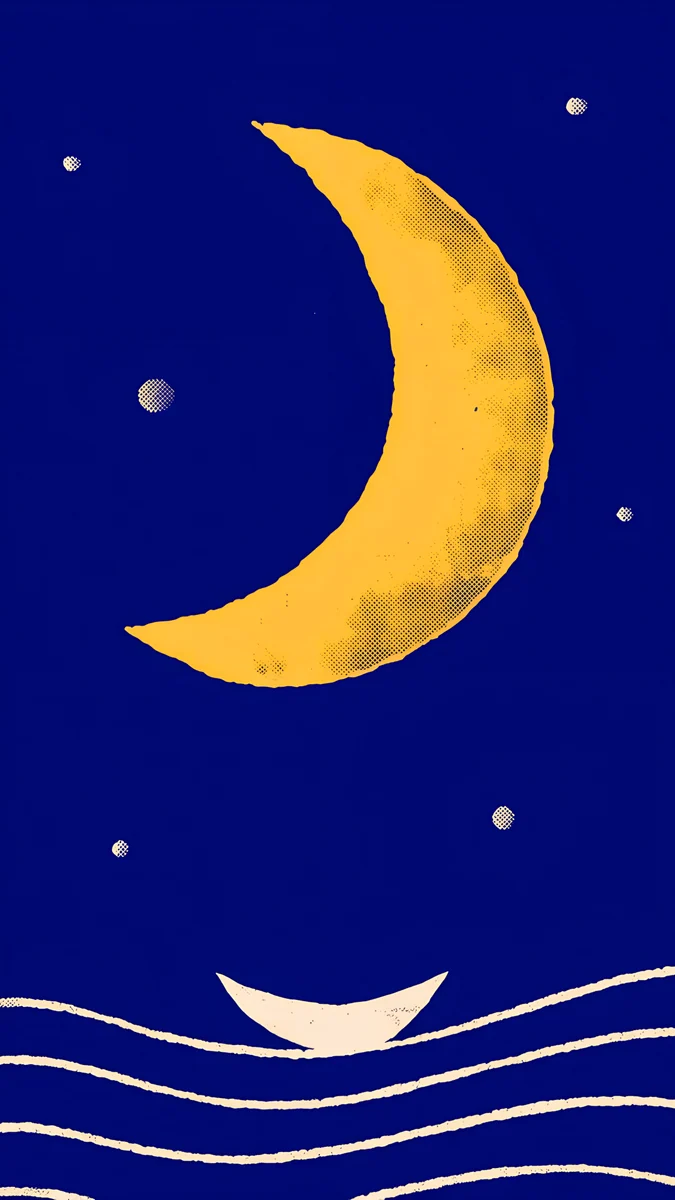 Moon Boat4K · Phone
Lone Spire is one stepped tower drawn in white outline under a small moon, with nothing else on a black sky. Moon Ledge puts a full moon below the clock, so the time floats in black. Light Slits is almost all black, two dark masses with a few narrow slits of pale light along the seam. Slate Light Cut is a charcoal stone room with one slim stripe of daylight. Moon Boat is the exception: a golden crescent on deep blue, so more pixels stay lit; pick it for colour, not for battery.
White digits on switched-off pixels also give the sharpest clock an OLED can draw. Our iPhone Always On Display wallpaper guide shows how dark wallpapers look when the phone is resting.
Myths and common problems
- "My battery did not improve." On an LCD phone it will not, and on OLED the change is small at normal brightness. Brightness, mobile signal, location and heavy apps decide most of your battery life.
- "Dark grey is the same as black." Not on OLED. A dark grey pixel is still lit, only dimly. Large areas of pure black save the most.
- "A dark wallpaper causes burn-in." The opposite: burn-in comes from bright, identical elements shown for hours, such as a navigation bar. A dark still wallpaper at normal brightness is one of the safest things to show.
- "Live wallpapers are free." A moving wallpaper keeps redrawing the screen. If battery is the goal, a still dark image is the safer choice.
- The black looks grey on the Always-On screen. iOS dims the wallpaper while resting. Turn off Wallpaper under Always On Display for true black.
Get dark 4K wallpapers in Velpaper
Velpaper is an app for iPhone, iPad, Mac and Android, and the same wallpapers are on velpaper.com. Every wallpaper is a 4K original, 2160 × 3840 on a phone, with no account and no watermark.
- Open Lone Spire in the app or on the site.
- Tap Download and save the original, not a screenshot of the preview.
- On iPhone, go to Settings, Wallpaper, Add New Wallpaper, Photos, pick the file and set a white clock. On Android, touch and hold the Home screen and open Wallpaper & style.
For more step-by-step help, see how to set a lock screen wallpaper on iPhone and how to change the wallpaper on Android.
Original wallpapers in 4K and 5K for iPhone, Android and desktop.
Questions
Do dark wallpapers really save battery?
On an OLED or AMOLED screen, yes, a little. OLED pixels make their own light and black pixels are switched off, so a wallpaper with large dark areas uses less power while it is on screen than a bright one. The effect is small because the wallpaper is only visible on the lock and home screens, and partly covered by icons. On an LCD screen there is no real difference, because the backlight stays on whatever the picture shows. Screen brightness and dark mode in apps have a much larger effect on battery than the wallpaper.
How much battery does a black wallpaper save?
There is no reliable single number for wallpapers, and we know of no large independent study that measured them alone. The closest well-known data is the 2021 Purdue University study of dark mode in apps on OLED phones: it found 3 to 9 percent average savings at 30 to 50 percent brightness and 39 to 47 percent at full brightness. A wallpaper is visible for much less time than an app and is partly covered, so its real effect over a day is smaller than those figures. Treat it as a small bonus, not a battery fix.
Does a dark wallpaper save battery on iPhone?
On iPhones with an OLED screen, yes, slightly. Every iPhone since the iPhone 12 is OLED except the SE models; earlier, the iPhone X, XS and 11 Pro were OLED while the XR and 11 were LCD, where a dark wallpaper saves nothing. For a bigger saving, turn on dark mode in Settings, Display & Brightness, keep Auto-Brightness on, and on models with Always On display switch off Wallpaper under Always On Display so the resting screen shows black instead of a dimmed picture.
Is dark mode or a dark wallpaper better for battery?
Dark mode, by a wide margin. Apps fill the whole screen for most of the time you use your phone, while the wallpaper is only visible on the lock and home screens. On an OLED phone, switching apps and the system to dark mode changes far more pixels for far longer than any wallpaper. The best combination is both: dark mode on, a near-black wallpaper and auto-brightness. On an LCD phone neither saves meaningful power, so choose them for comfort and looks.
Does a pure black wallpaper save more than dark grey?
Yes, on OLED. A pure black #000000 pixel is switched off and uses no power, while a dark grey or deep navy pixel is still lit, only dimly. So a wallpaper that is mostly true black, with one small bright subject, saves more than a moody dark photo that is grey everywhere. The difference is still modest compared with brightness and dark mode. Velpaper's liquid black wallpapers, such as Black Liquid Fold and Obsidian Waves, sit on a pure black background, and noir pieces such as Lone Spire are mostly black too.
Carlos Vivero
Designer of Velpaper wallpapers
Carlos Vivero designs the wallpapers in Velpaper: quiet architecture, liquid glass, Japanese ink and calm landscapes. Every piece is made as a 4K original for iPhone, Android and desktop.
Recent work








