Green Wallpaper Desktop: Forest, Sage and Mint in 4K
Green wallpaper for desktop in 4K: forest, bamboo, waterfall, sage and mint pieces at 3840 × 2160 for laptop and PC, with set-up steps for Windows and Mac.
Sources [1] · By the Velpaper team · Wallpapers by Carlos Vivero, Velpaper designer · · 3 min read
In short: A green wallpaper for desktop should be a 16:9 file at 3840 × 2160 or larger: forest green for dark mode, sage and mint for a light desktop [1]. Velpaper has original 4K green desktop wallpapers.
Wallpapers
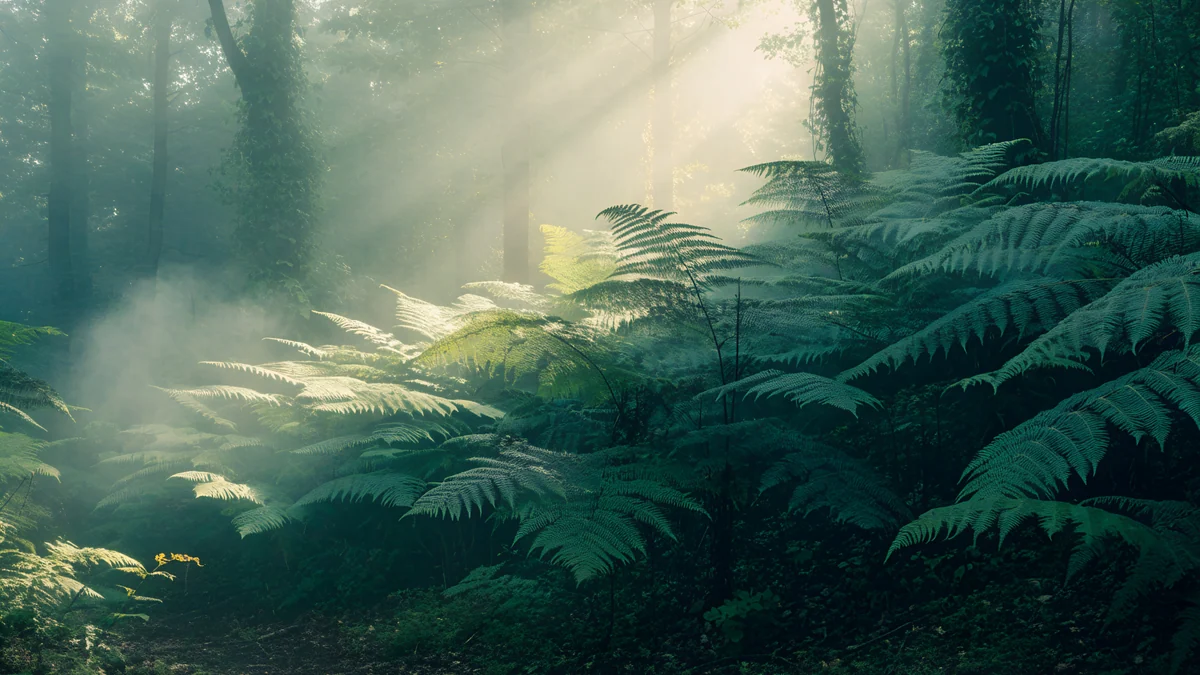 Fern Forest Light
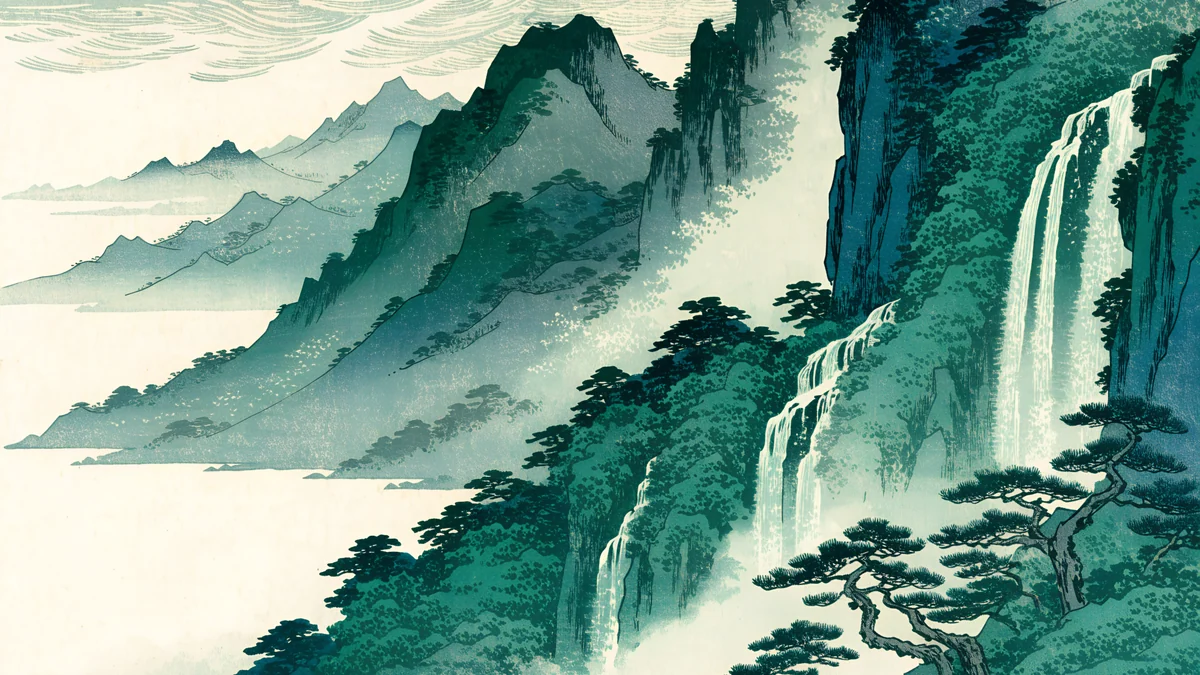 Ukiyo Jade Waterfall
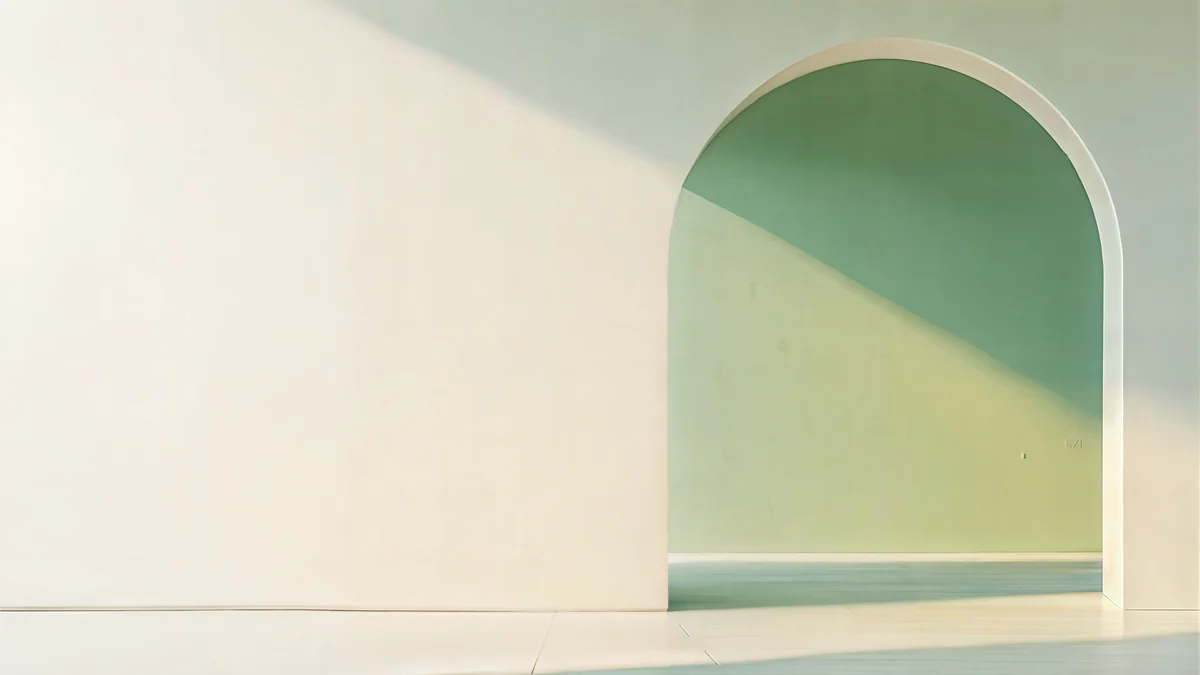 Sage Sun Gallery
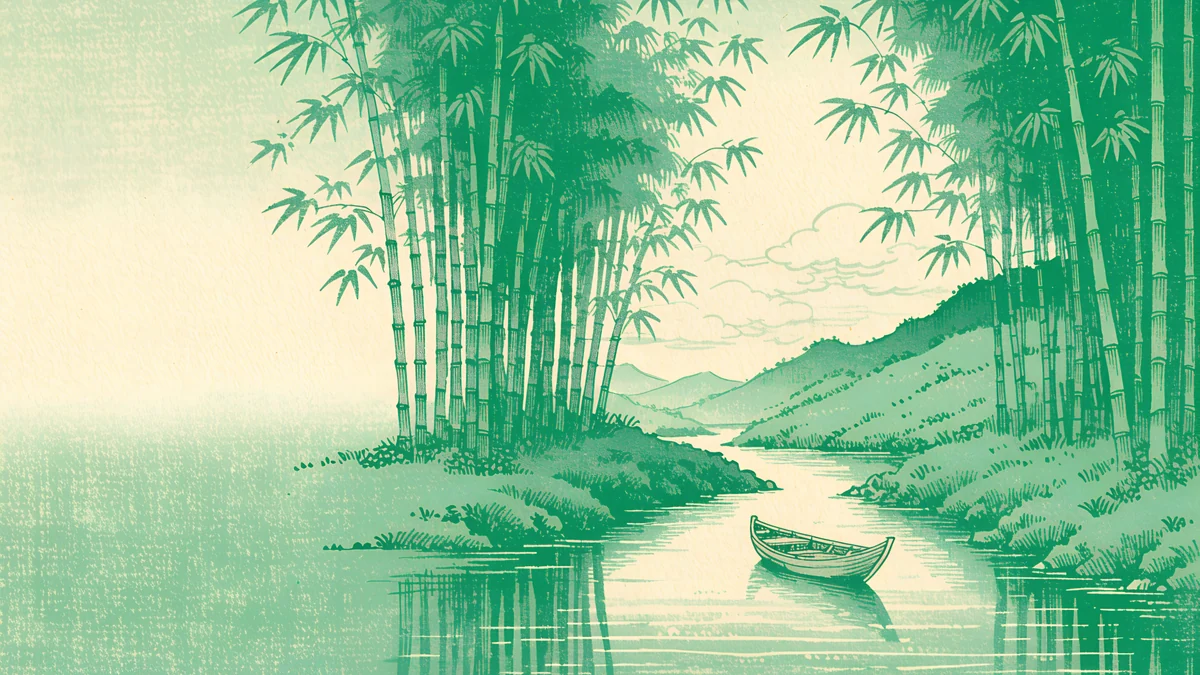 Ukiyo Bamboo River
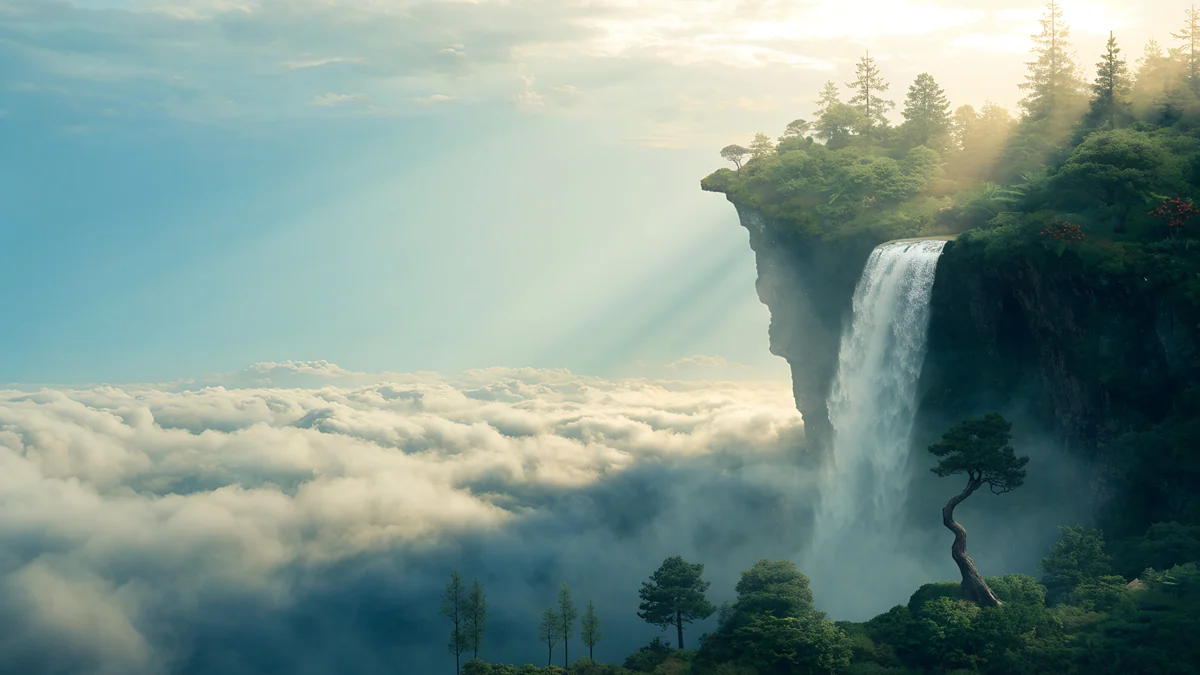 Cloud Island Falls
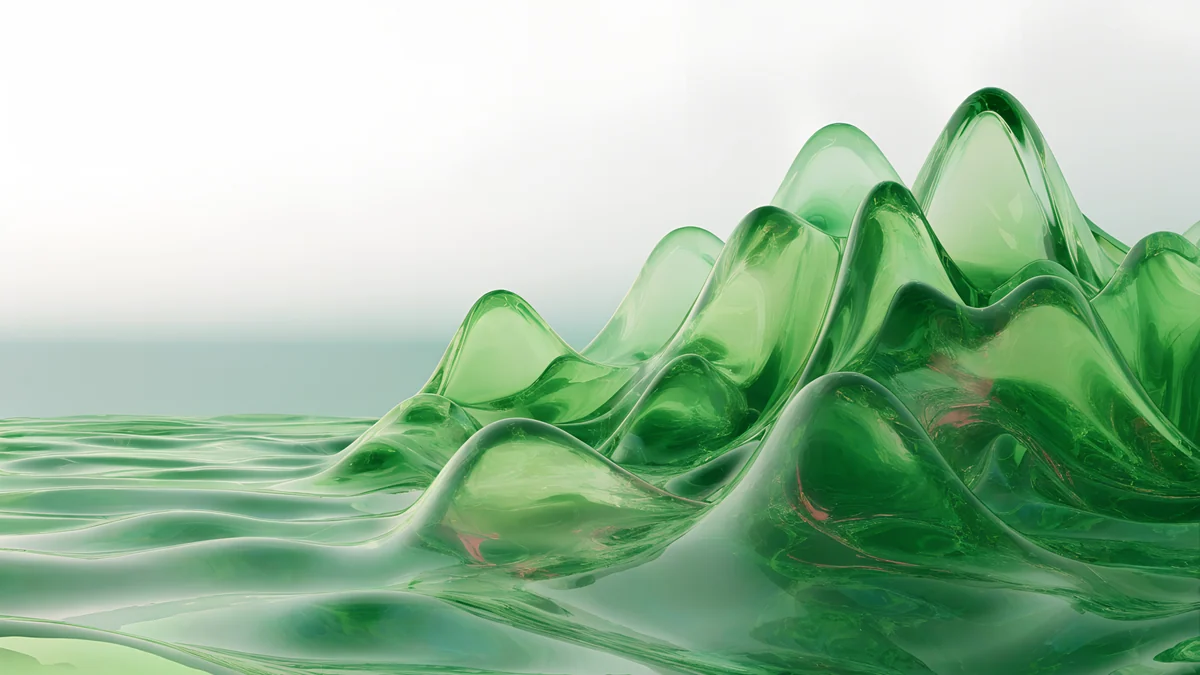 Green Glass Hills
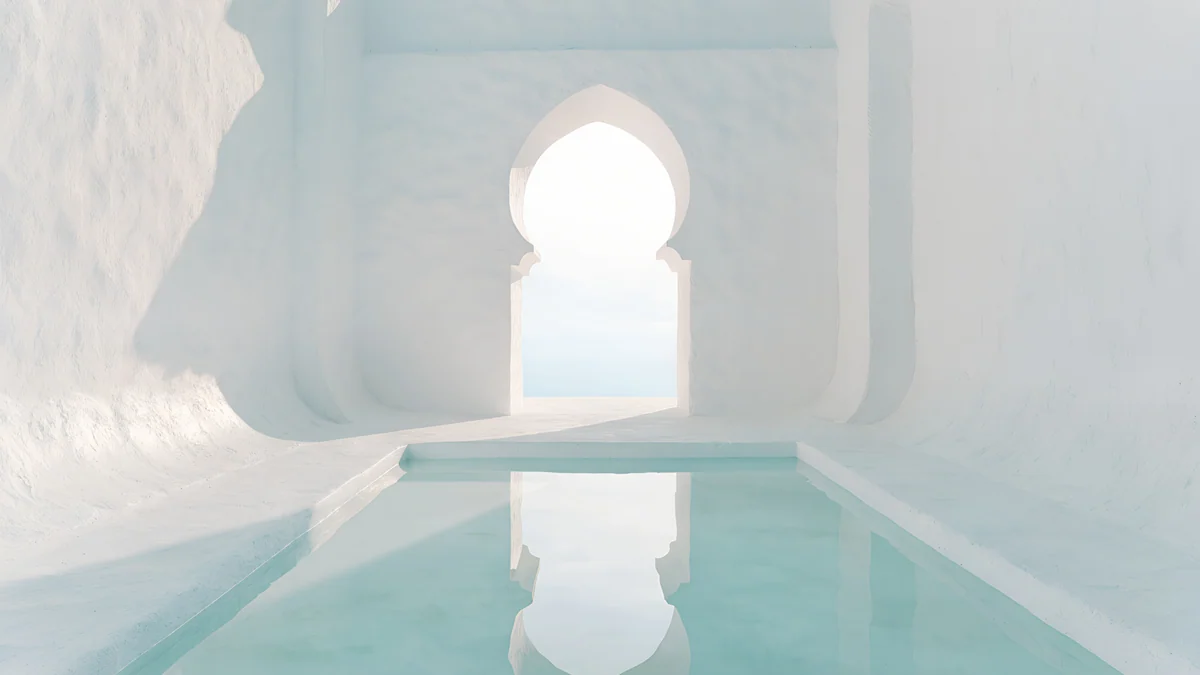 Arch Pool
 Mint Folded Steps
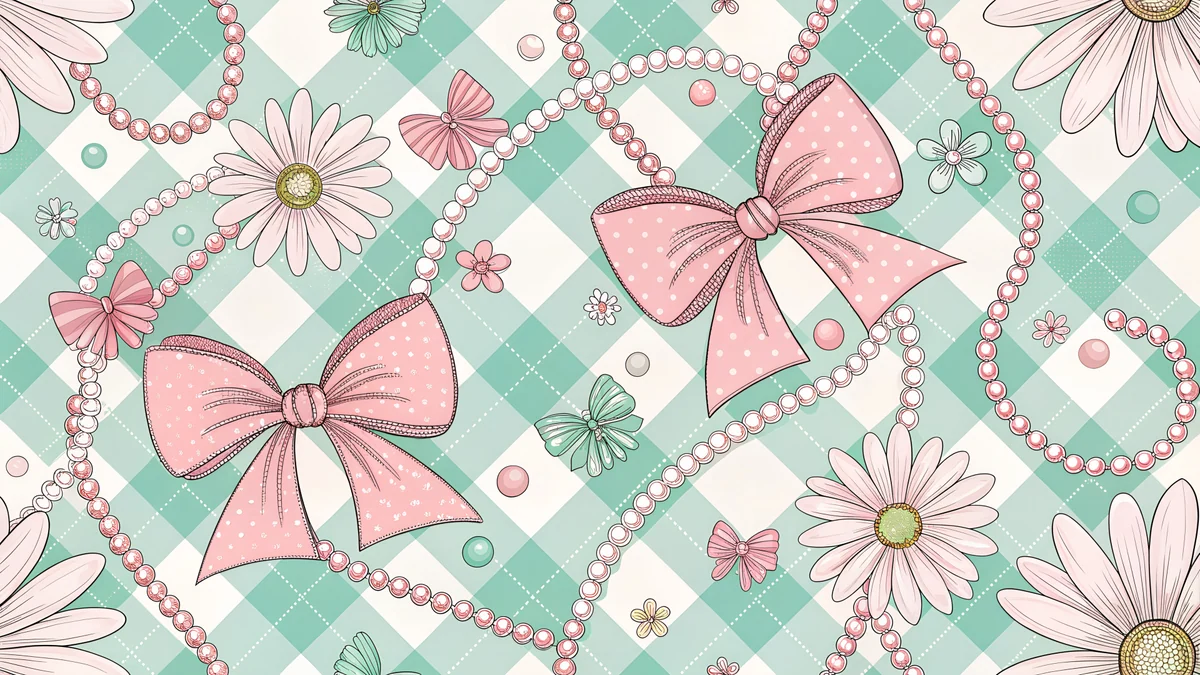 Preppy Mint Gingham
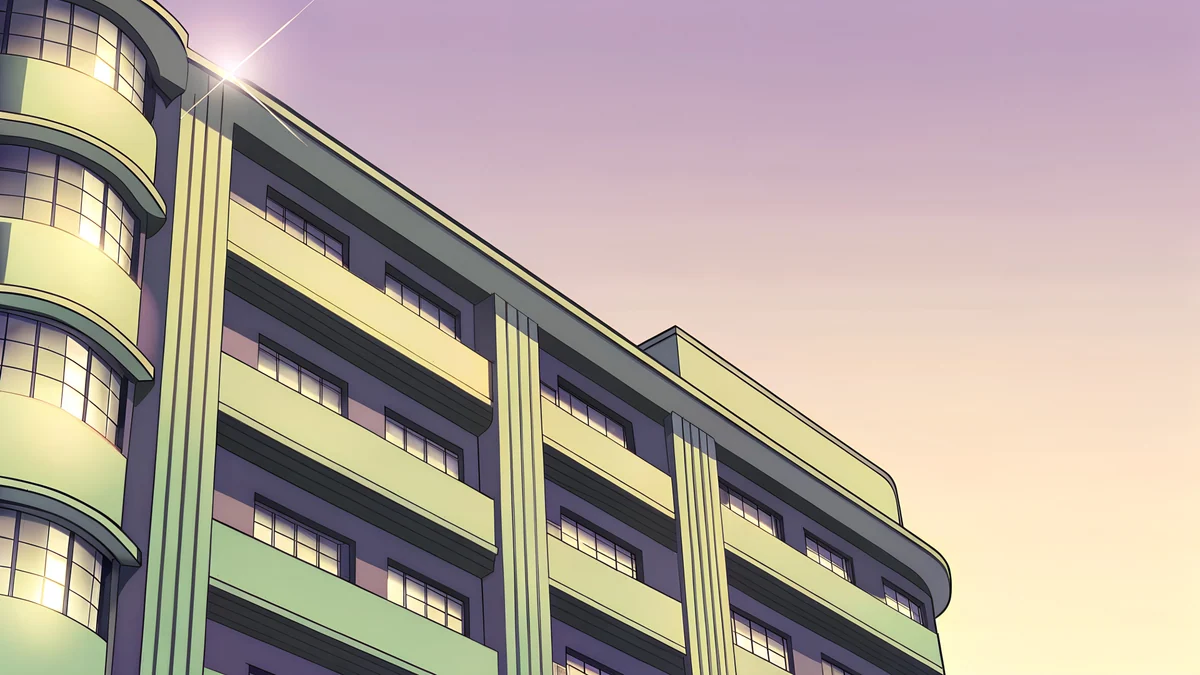 Deco Facade Dusk
Free originals for iPhone and Android, no watermark
On this page
A green wallpaper for desktop should be a wide 16:9 file at 3840 × 2160 or larger, in a shade that is easy on the eyes for long hours: forest green, sage, mint or a soft jade [1]. Green is one of the calmest desktop colours, and white or dark icon labels both read well on it, depending on how deep the shade is. Below are original Velpaper green wallpapers for desktop in two groups: forest and nature, and mint and sage minimal. Every file is desktop size, with no text, logo or watermark. For the phone side, see our green aesthetic wallpapers.
What green does on a desktop
It rests the eye. Green sits in the middle of the spectrum and feels calm next to bright white documents and browser windows.
Depth sets the icon colour. Deep forest and jade give white labels clear contrast. Sage, mint and cream are light, so a dark label or a dark taskbar reads better.
Detail matters more than hue. A foggy forest or a plain arch keeps the middle quiet. A very busy scene behind a folder of icons does not, whatever the colour. For a wider palette of greens on phones too, see green aesthetic wallpapers.
Forest and nature greens
Deep, natural greens: a fern forest in fog, bamboo along a river, a jade waterfall, a cloud island with falls and green glass hills. They are darker than mint, so white icon labels stay readable, and the fog and soft light keep them calm.
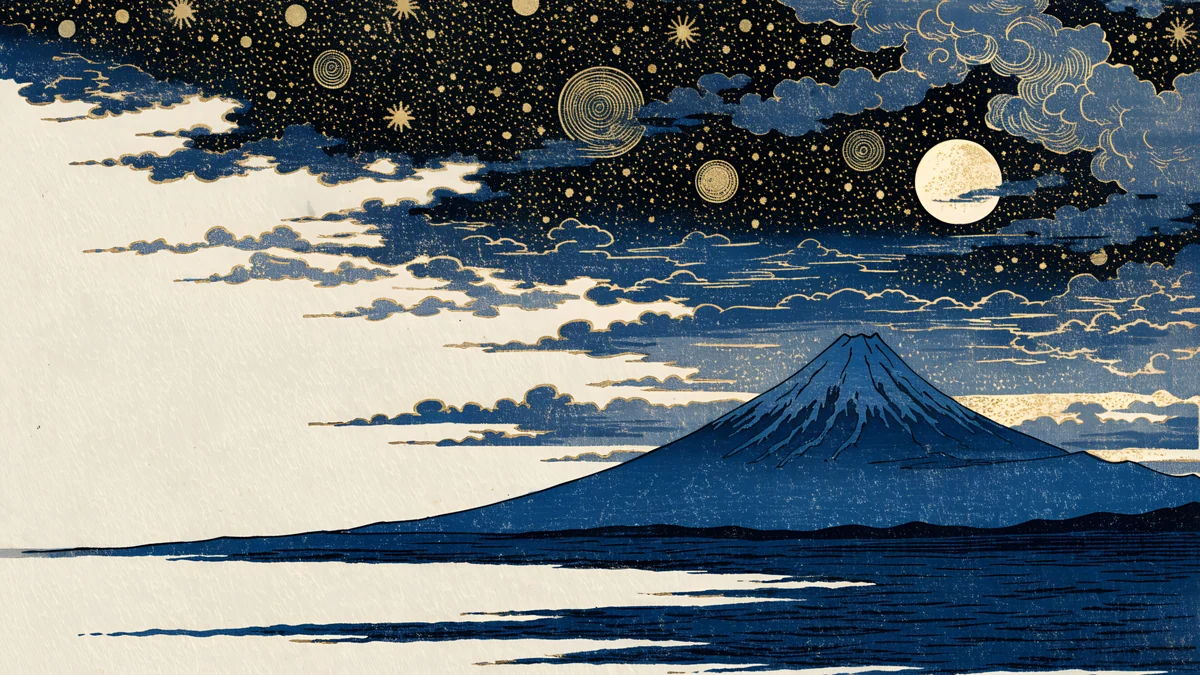
Fern Forest Light is a forest of ferns in fog, with light coming through, the most restful piece. Ukiyo Bamboo River and Ukiyo Jade Waterfall are in a Japanese print style, bamboo along a river and a waterfall in green mountains. Cloud Island Falls floats an island with waterfalls in clouds. Green Glass Hills rolls glassy green hills in a liquid, modern style.
The best-known green desktop is still the Windows XP default, "Bliss", a photo by Charles O'Rear taken in January 1996 in southern Sonoma County, California [1]. Velpaper does not host that photo. Green Glass Hills is an original green-hill wallpaper in the same spirit, and our Windows XP wallpaper article tells the story. For more woods and trees, see forest wallpapers and nature backgrounds.
Mint and sage minimal
Light, clean greens for a bright desktop: sage in a sunlit arch, a white arch over mint water, mint steps and gingham. Use dark icon labels or a dark taskbar with these.
Sage Sun Gallery is a calm minimal arch in sage and cream at 5120 × 2880 [1]. White Arch Pool is a white arch above mint water, dreamy and quiet. Mint Folded Steps is bright teal and mint stairs, minimal. Preppy Mint Gingham Wide is a playful mint gingham pattern. Deco Facade Dusk mixes pastel purple and green on a facade at golden hour.
Matching your phone
If you like a green desktop, a phone wallpaper in the same shade ties both screens together. Phone files are 2160 × 3840 [1], a tall shape, and are separate from the wide desktop files above; our matching phone and desktop wallpapers guide shows how to pair them.
Size and how to set it
A 3840 × 2160 file [1] scales exactly to a 1920 × 1080 screen (half size) and a 2560 × 1440 screen (1.5 times) with no stretching, and it is native on a 4K monitor. The 5120 × 2880 file suits a 5K display [1]. Do not use tall phone files on a computer, because they crop hard. See the PC wallpaper size guide for more screens.
Windows 11: open Settings, Personalization, Background, choose Picture, then Browse photos and pick the file; set the fit to Fill. Mac: open System Settings, Wallpaper, then Add Photo. Our guide to changing the wallpaper on Windows 11 has the details [2]. Browsing on velpaper.com or in the Velpaper apps is free, and some wallpapers unlock after a short optional ad.
Original wallpapers in and for iPhone, Android and desktop.
Questions
What size is a green wallpaper for desktop?
Use a 16:9 file at 3840 × 2160 or larger [1]. It is native on a 4K monitor and scales down to a 1920 × 1080 screen at exactly half size and to a 2560 × 1440 screen at exactly 1.5 times, so nothing is stretched. Velpaper's desktop files are 3840 × 2160, and Sage Sun Gallery is 5120 × 2880 for 5K displays [1]. Tall phone files are 2160 × 3840 and would crop hard on a computer, so use wide files only.
Which green is best for a desktop wallpaper?
It depends on your icons and your room. Deep forest greens, like Fern Forest Light, keep white icon labels readable and feel restful in the evening. Mint and sage, like Sage Sun Gallery and White Arch Pool, are light and clean, so use dark labels or a dark taskbar. Avoid very bright, saturated greens at full screen, because they can tire the eyes over a long working day.
How do I set a green wallpaper on Windows 11 or Mac?
On Windows 11 [2], download the image, open Settings, Personalization, Background, choose Picture, then Browse photos and select the file, and set Choose a fit to Fill. On a Mac, open System Settings, Wallpaper, click Add Photo and choose the image. Both systems scale the picture to your display, and a 3840 × 2160 file fits common 16:9 screens without stretching [1].
Is there a wallpaper like the Windows XP green hill?
Windows XP's default, Bliss, is a photo by Charles O'Rear taken in January 1996 in southern Sonoma County, California [1]. Velpaper does not host it. For a similar calm green scene, Green Glass Hills is an original wallpaper of green hills at 3840 × 2160, made in the same spirit but not the original. It is a modern, glassy take on the idea, and it suits a clean desktop with few icons. Our Windows XP wallpaper article has the full story.
Carlos Vivero
Designer of Velpaper wallpapers
Carlos Vivero designs the wallpapers in Velpaper: quiet architecture, liquid glass, Japanese ink and calm landscapes. Every piece is made as a original for iPhone, Android and desktop.
Recent work