Windows XP Wallpaper: Bliss Story and Green Hill 4K Picks
Windows XP wallpaper explained: the story of Bliss, where it was shot, and 12 original 4K green hill and meadow desktops in the same spirit for your PC.
Sources [1] · By the Velpaper team · Wallpapers by Carlos Vivero, Velpaper designer · · 5 min read
In short: The Windows XP wallpaper is Bliss, a photograph taken in January 1996 in southern Sonoma County, California [1]. Velpaper does not host that photo, but offers original green hill, meadow and sky wallpapers in 4K that give a desktop the same open, calm feeling.
Wallpapers
 Green Glass Hills
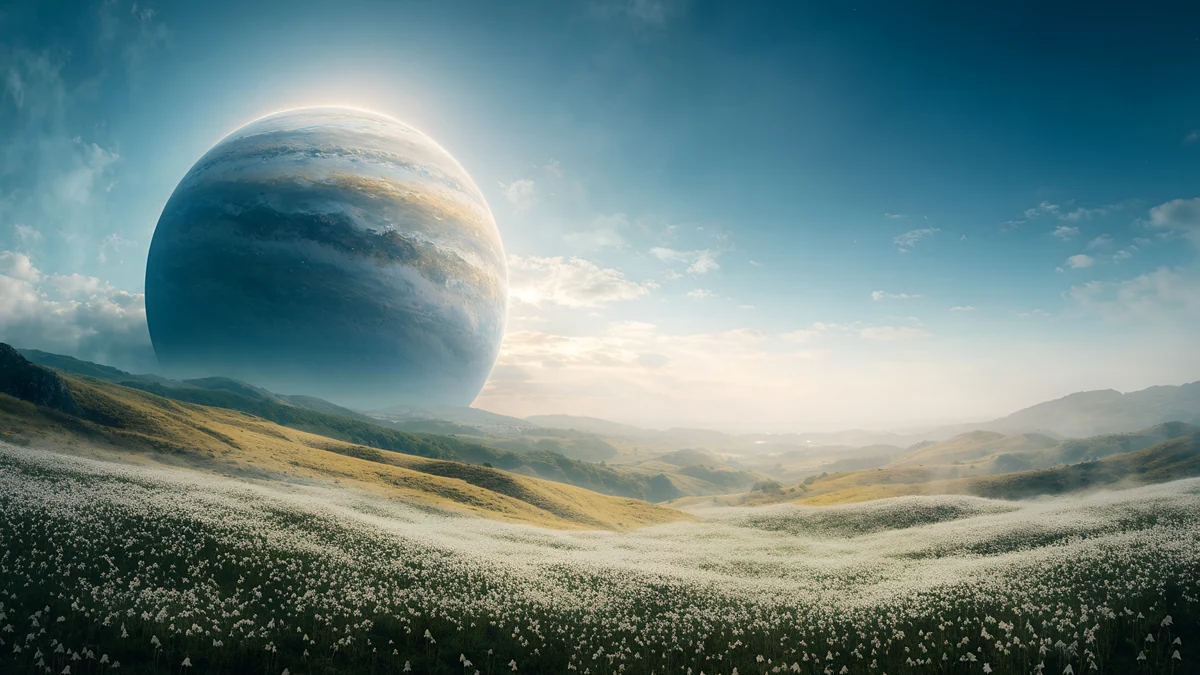 Planet Over Meadow
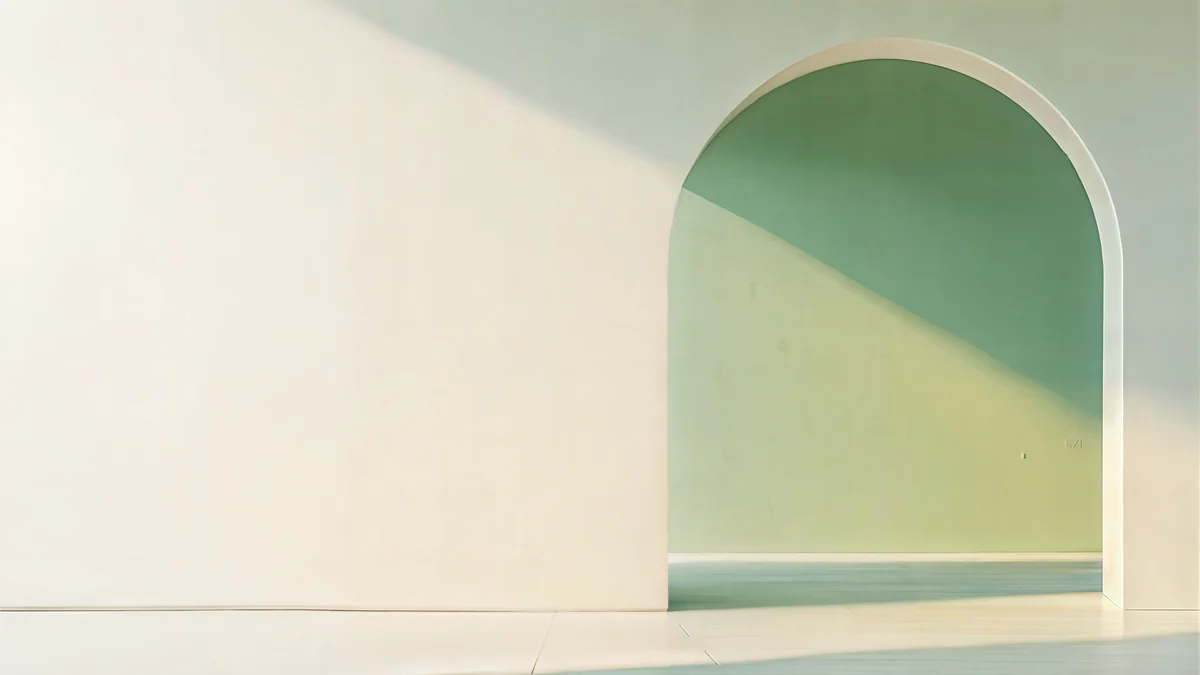 Sage Sun Gallery
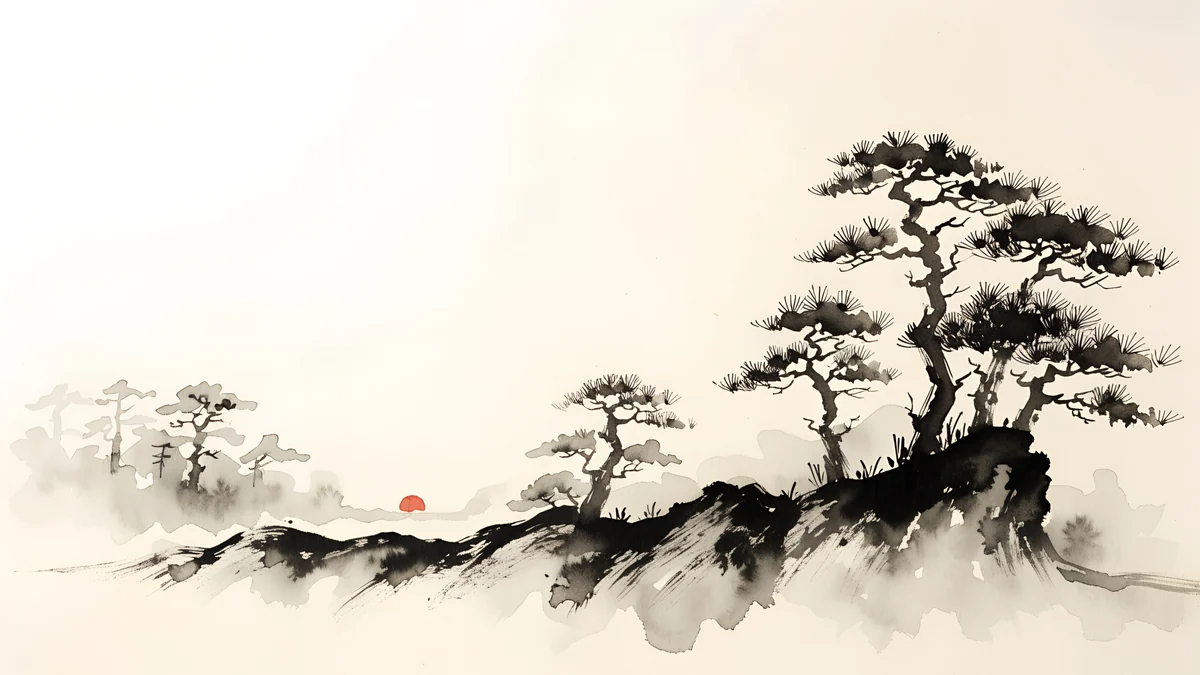 Ink Mist Ridge
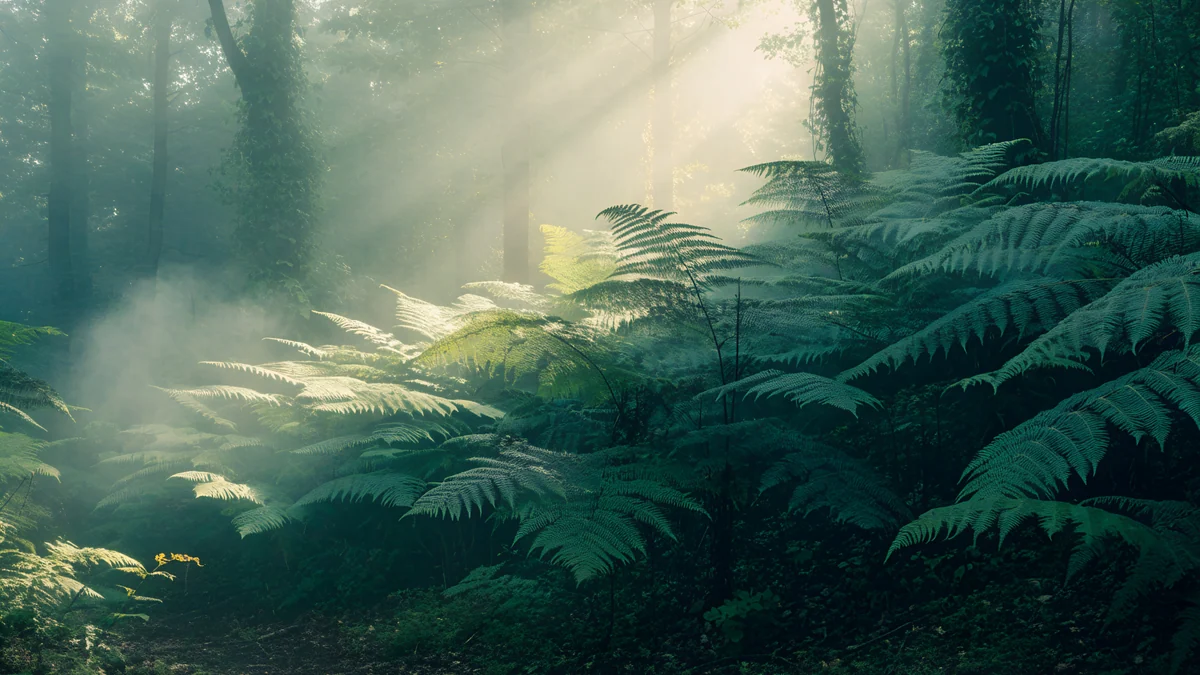 Fern Forest Light
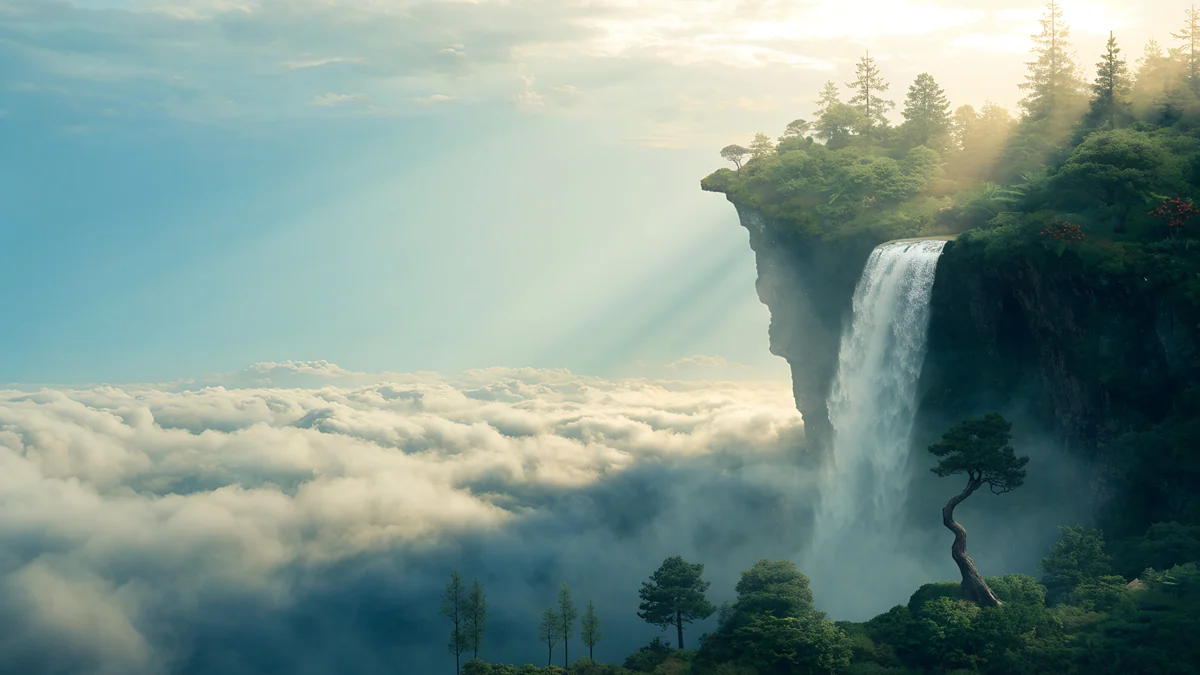 Cloud Island Falls
Free originals for iPhone and Android, no watermark
On this page
- The story of Bliss, the Windows XP default
- Why the Windows XP background worked on a screen
- Green hill and meadow wallpapers in the same spirit
- Nature backgrounds with the same fresh green
- Skies and open scenes for a retro-minded desktop
- Three checks before you choose a green desktop
- How to set a Windows XP style wallpaper on your PC
The Windows XP wallpaper everybody remembers is called Bliss: a green hill, a blue sky and a few clouds. People still search for the Windows XP background, the Bliss wallpaper and similar 2000s desktops [1]. This page tells the real story of the photo, explains why that picture worked so well on a screen, and offers original 4K wallpapers in the same spirit. They are not the original, and we say so plainly.
The story of Bliss, the Windows XP default
Bliss is a photograph by Charles O’Rear. He took it in January 1996 in southern Sonoma County, California, near the Napa county line, in the Los Carneros area [1]. At first it was a stock photo, offered through his agency Westlight. Microsoft later bought the rights to it and made it the default desktop of Windows XP, which launched in 2001 [1].
One detail surprises people: the hill had no vines at that time. Vineyards were replanted on it later, so the empty green slope in the picture no longer looks like that today. We do not state what Microsoft paid, because there is no figure we can check.
Why the Windows XP background worked on a screen
Bliss is a good wallpaper for four reasons, and they apply to any desktop you set up today:
- The sky is the quiet area. The top half is a smooth blue that gives icons a clean field. Windows icons sit on the left and in rows, so a calm sky behind them stays legible.
- One strong curve. A single hill line crosses the frame. It gives the picture a horizon without clutter.
- Two colours. Green and blue, balanced. The eye rests on it.
- Open space. No subject is fighting with the icons.
That is a useful recipe. When you pick a green desktop, look for a smooth upper area for icons and a shape that sits low in the frame.
Green hill and meadow wallpapers in the same spirit
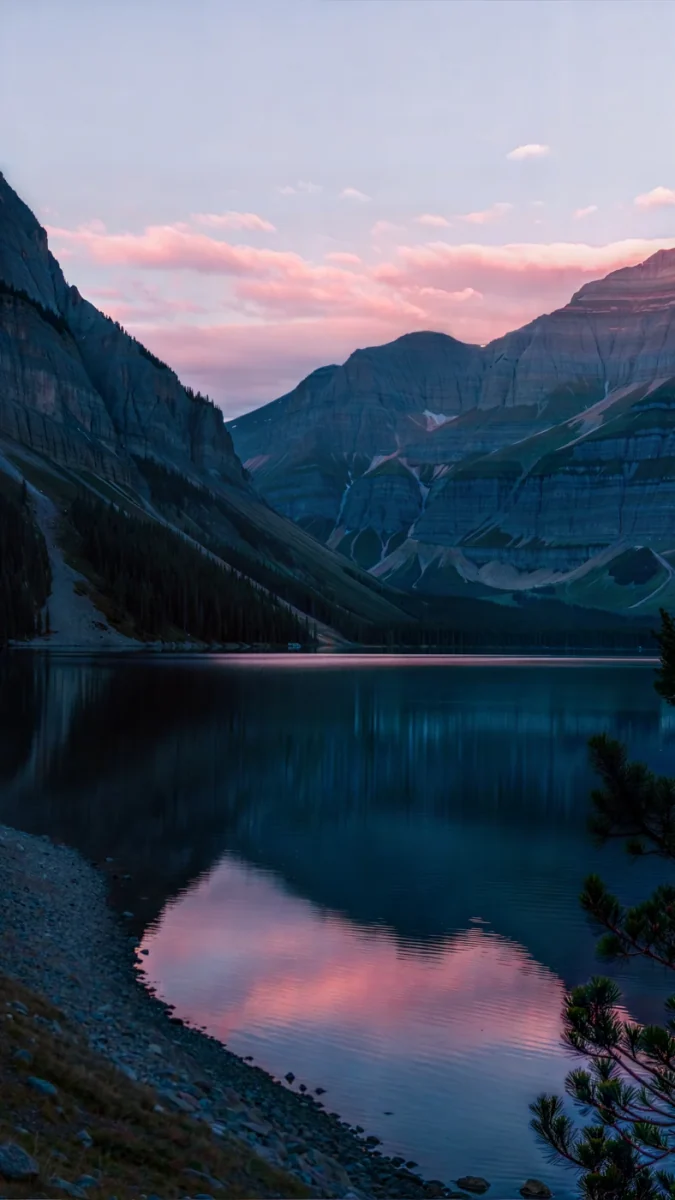
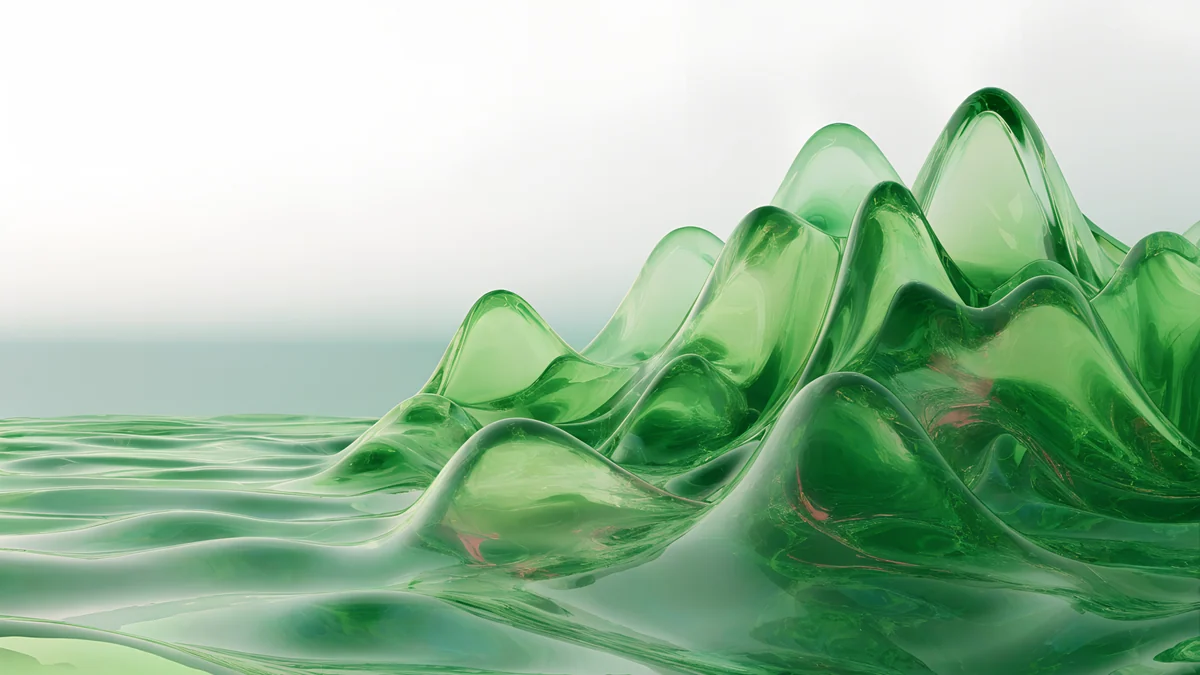
Velpaper does not host the Bliss photo. What it has are original wallpapers with a similar calm: green hills, soft ridges and wide skies, in 4K for a modern monitor [2]. These four are 3840 × 2160 unless noted. Green Glass Hills is a rolling green landscape with a glassy, smooth finish, Ink Mist Ridge is a quiet beige and black hill and tree in mist, Planet Over Meadow is a fantasy sky and meadow at 5120 × 2880, and Sage Sun Gallery is a calm green and sand arch, also 5120 × 2880 [2].
Green Glass Hills is the closest in mood: open, green and bright, with a soft upper area. If you want more green, see green aesthetic wallpapers. All four fit a Full HD screen and a 4K monitor without stretching [2], as explained in the PC wallpaper size guide.
Nature backgrounds with the same fresh green
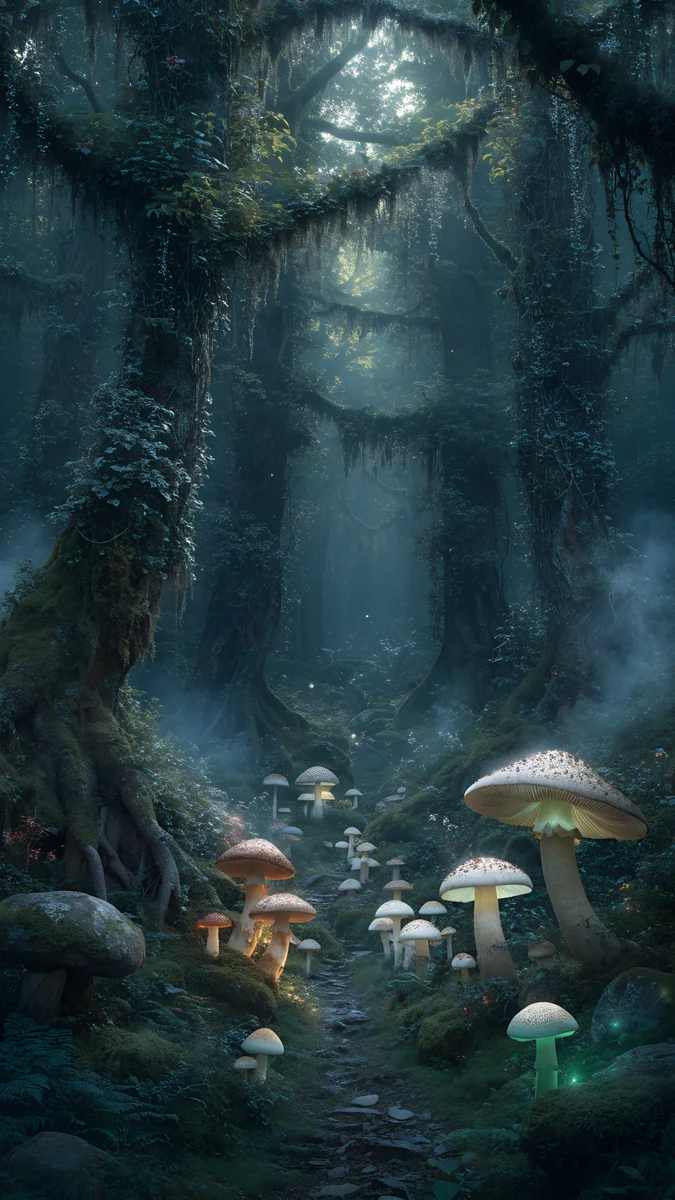
If it was the freshness of the XP desktop you liked more than the hill, these are green nature scenes: ferns in foggy forest light, a floating island with a waterfall in the clouds, a bamboo river and a jade waterfall in the mountains. They are busier than Bliss, so choose them if your icons sit mostly along one edge.
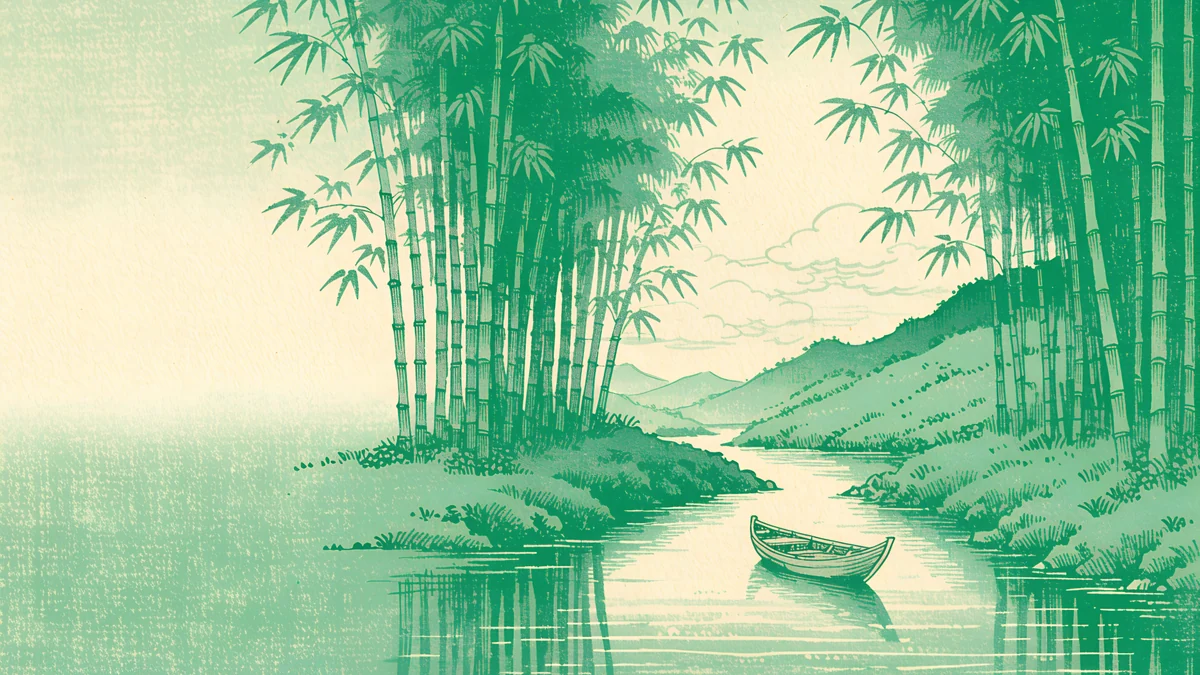
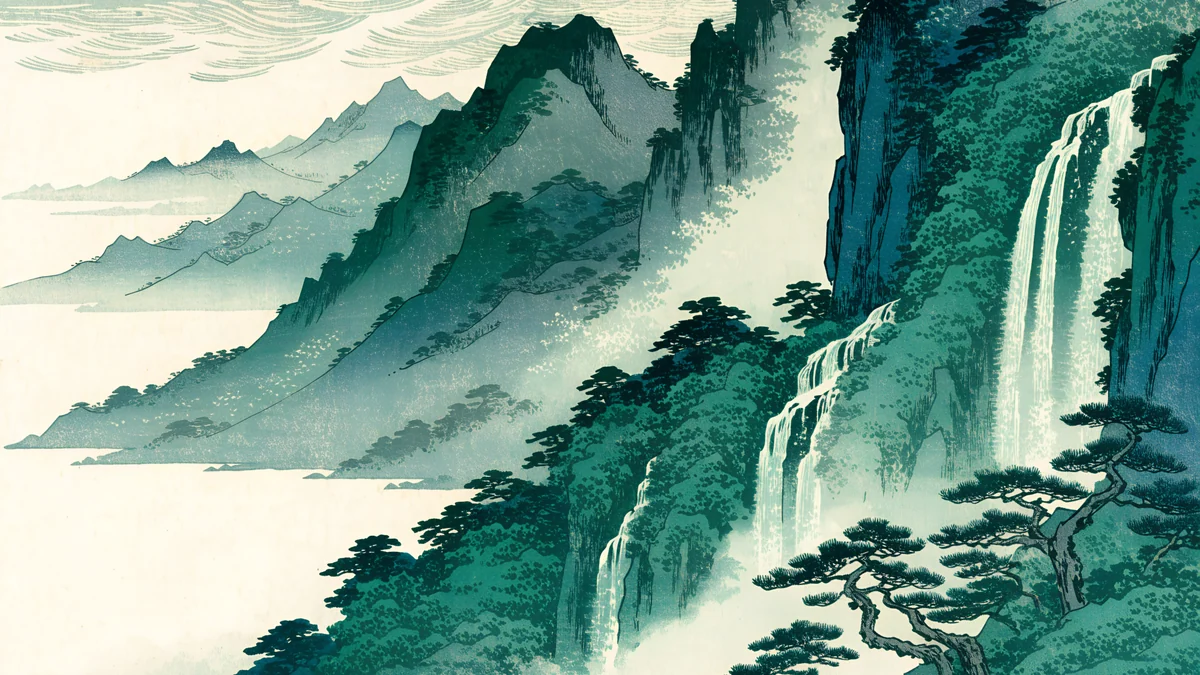
Fern Forest Light has fog that softens the background behind icons. Cloud Island Falls puts a waterfall on an island among clouds. The two ukiyo-e pieces are woodblock style and add a Japanese art look. More landscapes are in our nature background collection.
Skies and open scenes for a retro-minded desktop
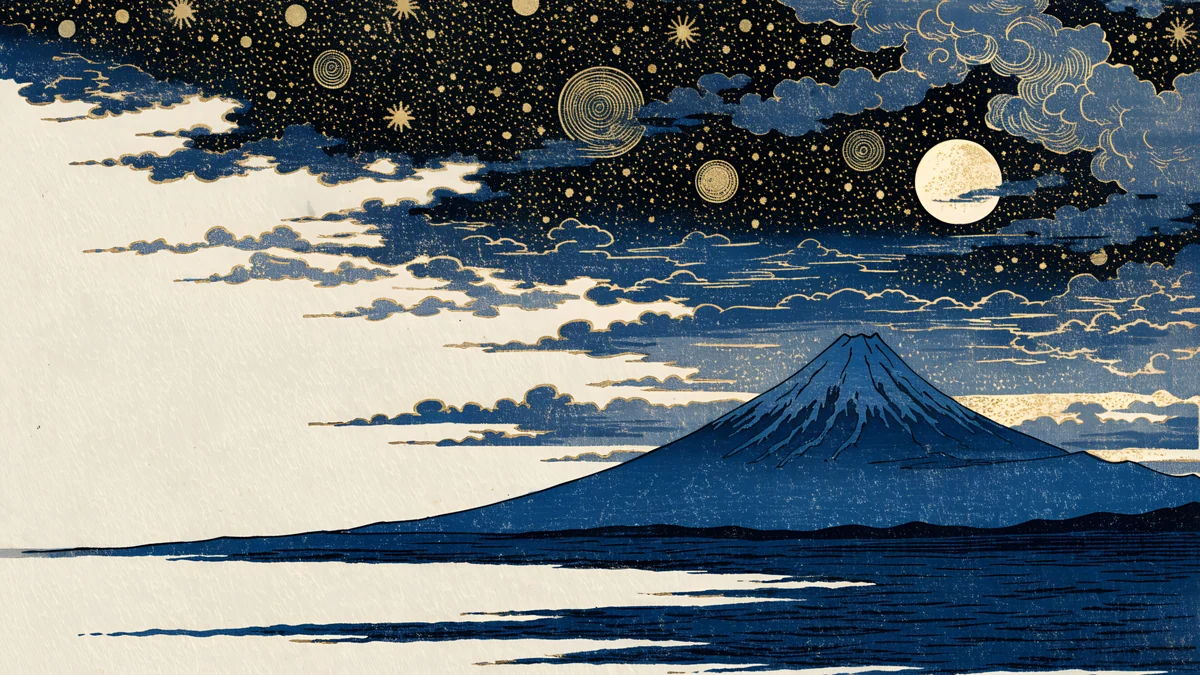
The other half of Bliss is the sky. These wallpapers lean into wide skies and open space: pixel art floating isles and a castle panorama, a desert under a star field, and a dusky art deco facade in purple and green.
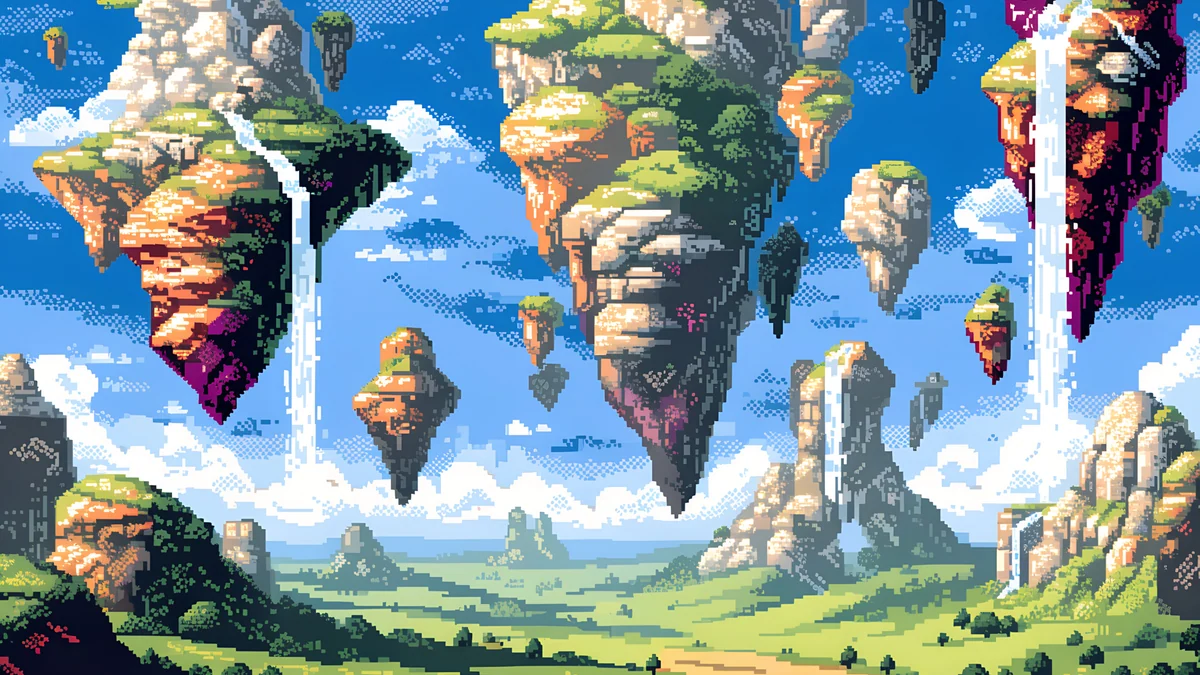
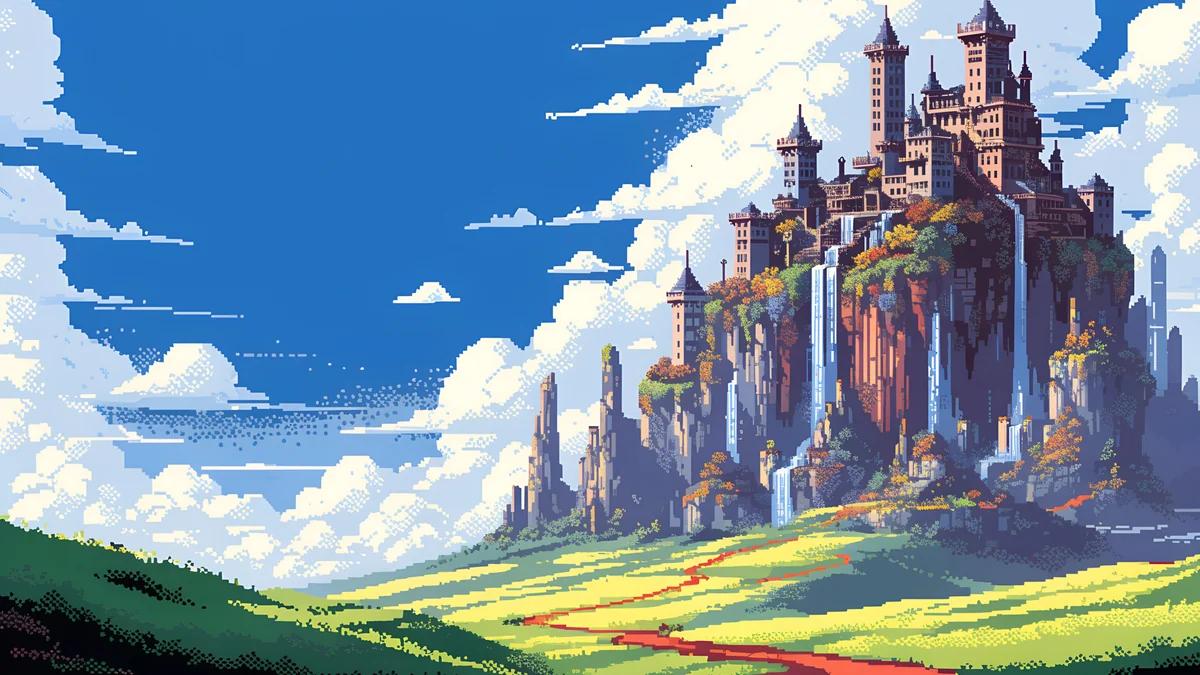
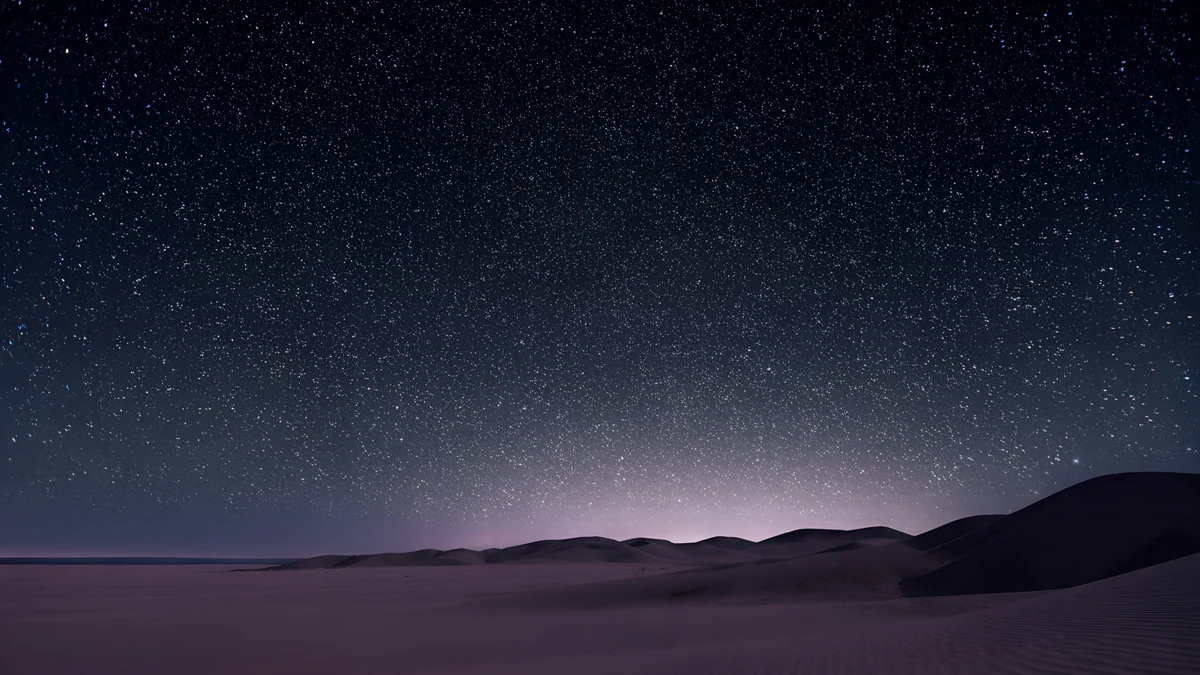
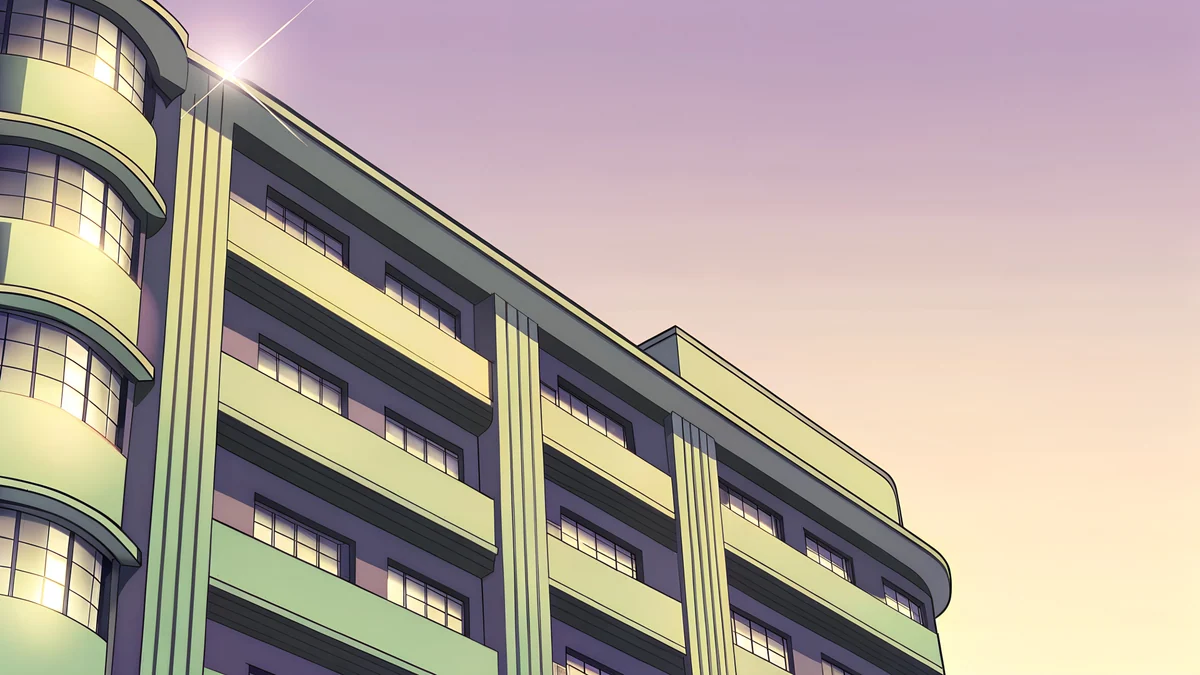
The two pixel art scenes are 5120 × 2880 fantasy skies with clouds [2]. They suit anyone who wants an old-computer feel without copying a famous photo. Desert Star Field is dark, with stars above a quiet horizon, and Deco Facade Dusk is a golden-hour building in purple and green pastel.
Three checks before you choose a green desktop
- Look at the left edge. Windows puts icons in a column on the left. If the picture has a bright or detailed patch there, labels get lost. Hills and skies are good because that area is usually smooth.
- Look at the bottom edge. The taskbar covers a strip along the bottom, so do not choose a picture whose subject sits right at the bottom.
- Look at the size. The wallpaper should be at least your screen resolution. A 3840 × 2160 original fits Full HD, QHD and 4K monitors, all 16:9, so one file works whichever you own [2]. If you have two monitors, read how to set a different wallpaper on each monitor.
How to set a Windows XP style wallpaper on your PC
On Windows 11, open Settings, Personalization, Background, choose Picture and Browse photos, then pick the file. Under Choose a fit for your desktop image select Fill. The steps are shown in how to change the wallpaper on Windows 11 [1], and the older menu is covered in how to change wallpaper on Windows 10. Windows wallpapers in other colours are collected in Windows wallpaper in 4K.
People who search for a Windows 7 wallpaper are often after the same thing, a familiar desktop from the 2000s [2]. The approach is the same: we do not host those pictures either, but you can match the mood with a calm landscape or a glow of blue in the sky.
Original wallpapers in and for iPhone, Android and desktop.
Questions
What is the Windows XP wallpaper called?
It is called Bliss. It is a photograph of a green hill under a blue sky with clouds, taken by Charles O’Rear in January 1996 in southern Sonoma County, California, near the Napa county line [1]. It started as a stock photo with his agency Westlight. Microsoft bought the rights and made it the default desktop wallpaper of Windows XP, which launched in 2001.
Where was the Windows XP Bliss photo taken?
It was taken in the Los Carneros area of southern Sonoma County, California, close to the Napa county line, in January 1996 [1]. At that time the hill had no vines. Vineyards were planted there later, so the slope looks different today.
Can I get the Windows XP wallpaper from Velpaper?
No. Velpaper does not host the Bliss photo, and none of our wallpapers is the original. What we offer is original 4K [2] artwork in the same spirit: green hills, meadows, soft skies and calm nature scenes, at 3840 × 2160 or 5120 × 2880, free to download without a watermark. They are made for modern monitors and scale down to 1920 × 1080 without stretching [2].
What makes a good Windows XP style desktop?
A smooth sky or empty upper area for icons, one gentle curve for the horizon and two balanced colours, usually green and blue. Avoid busy detail at the left edge where icons sit. In Windows, use the Fill setting so that the whole screen is covered and nothing is stretched. Pick a 16:9 image at 3840 × 2160 if your monitor is Full HD, QHD or 4K [2].
Does a green wallpaper make a desktop easier to read?
Mostly, if it is calm. A soft green or blue field keeps icon labels readable. Busy detail, like leaves close up, can make labels harder to read. Choose a wallpaper with a quiet area where your icons sit, and test it with your real desktop before you decide.
Carlos Vivero
Designer of Velpaper wallpapers
Carlos Vivero designs the wallpapers in Velpaper: quiet architecture, liquid glass, Japanese ink and calm landscapes. Every piece is made as a original for iPhone, Android and desktop.
Recent work