GTA 6 iPhone Wallpaper: Build a Vice City Lock Screen
Set up a GTA 6 style lock screen on iPhone and Android: where official art lives, original 4K Vice City mood wallpapers, depth effect and clock colour tips.
In short: Official GTA 6 wallpapers are on Rockstar's site at rockstargames.com/VI. For a Vice City style lock screen without characters or logos, set an original 2160 × 3840 wallpaper such as Lifeguard Tower Dusk, turn on the depth effect and pick a peach clock.
By the Velpaper team · Wallpapers by Carlos Vivero, Velpaper designer · · Updated · 7 min read
Free 4K originals for iPhone and Android, no watermark
On this page
A GTA 6 iPhone wallpaper works best as a lock screen with one sunlit object, a violet or pink sky above it and a peach or off-white clock. Official GTA 6 art comes from Rockstar at rockstargames.com/VI. If you want the Vice City mood without characters or logos, the 4K wallpapers below are original phone pieces at 2160 × 3840, and the steps further down set them up on iOS 26 and Android 16 in a couple of minutes.
Grand Theft Auto VI comes out on 19 November 2026 on PlayStation 5 and Xbox Series X|S. Until then, a lock screen is the easiest place to carry the look. Here is how to build one that reads like the game's art without copying it.
Official GTA 6 phone wallpapers
Rockstar revealed the official cover art on 18 June 2026: a multi-panel collage in the series' usual style, in a purple and pink palette, featuring the game's characters. Rockstar publishes its official artwork and wallpapers on its GTA VI page, and that is the place to download them. Copies on image sites are often recompressed or cropped to the wrong shape.
In mid September the style spread further. On 15 and 16 September 2026, artists from Grand Theft Auto VI: The Album, 34 original tracks made with Atlantic Records and out the same day as the game, posted promo art drawn like the cover. Spotify put it on billboards in New York and Los Angeles: a purple sports car for Metro Boomin, Future and Yung Lean, a white yacht for CA7RIEL & Paco Amoroso, an iguana for Keith Richards, a pink flamingo float for Rauw Alejandro and a pool ladder for Morgan Wallen.
Notice what those images have in common. One object, a warm field of colour, late afternoon light. That is exactly the recipe for a good lock screen, because the clock gets a calm area to sit on.
Official GTA 6 art belongs to Rockstar and lives on rockstargames.com. If you want the same sun-bleached Vice City mood without characters or logos, here are original 4K wallpapers made for phone screens.
The wallpapers in this set
These come from the GTA 6 category on Velpaper: thirteen original illustrations inspired by the retro, sun-bleached Florida of the GTA VI era. The game is set in Leonida, a state inspired by Florida, around Vice City, which is modelled on Miami. None of these pieces shows a scene, character or logo from the game. They are seaside objects and places, framed for a tall screen.
| Wallpaper | Mood | Best for |
|---|---|---|
| Lifeguard Tower Dusk | Pastel lifeguard tower with a red float | OLED, Always On |
| Chrome Headlight | Round chrome headlight of a retro convertible | Lock screen clock, depth effect |
| Ocean Boulevard Lamp | Palms and a street lamp at dusk | OLED |
| Neon Arrow Motel | Motel arrow sign with bulbs | Lock screen clock, depth effect |
| Deco Hotel Glow | Art deco hotel, rounded balconies, neon fins | Lock screen clock |
| Palm Glint | Palm crown from below, sun glint | Lock screen clock |
| Palm Boulevard Mirror | Convertible side mirror reflecting a palm boulevard | Lock screen clock |
| Beach Boombox | Chrome boombox on sand | OLED |
| Jet Ski Nose | Jet ski nose on turquoise water | Home screen |
| Chrome Speedboat | Speedboat with chrome rails | Home screen |
| Pier Pelican | Pelican on a pier piling | Home screen |
| Boardwalk Skates | Roller skates with pink wheels | Home screen |
| Marble Bar Cocktail | Cocktail with an umbrella on a marble bar | Home screen |
All of them are 2160 × 3840 pixels, 4K in a phone frame, which is larger than every iPhone screen, so iOS only scales down and trims a little at the sides. Browse them free on velpaper.com or in the Velpaper apps for iPhone, iPad, Mac and Android; the download unlocks after a short optional ad. For the whole set with more on the style, see our GTA 6 wallpaper overview.
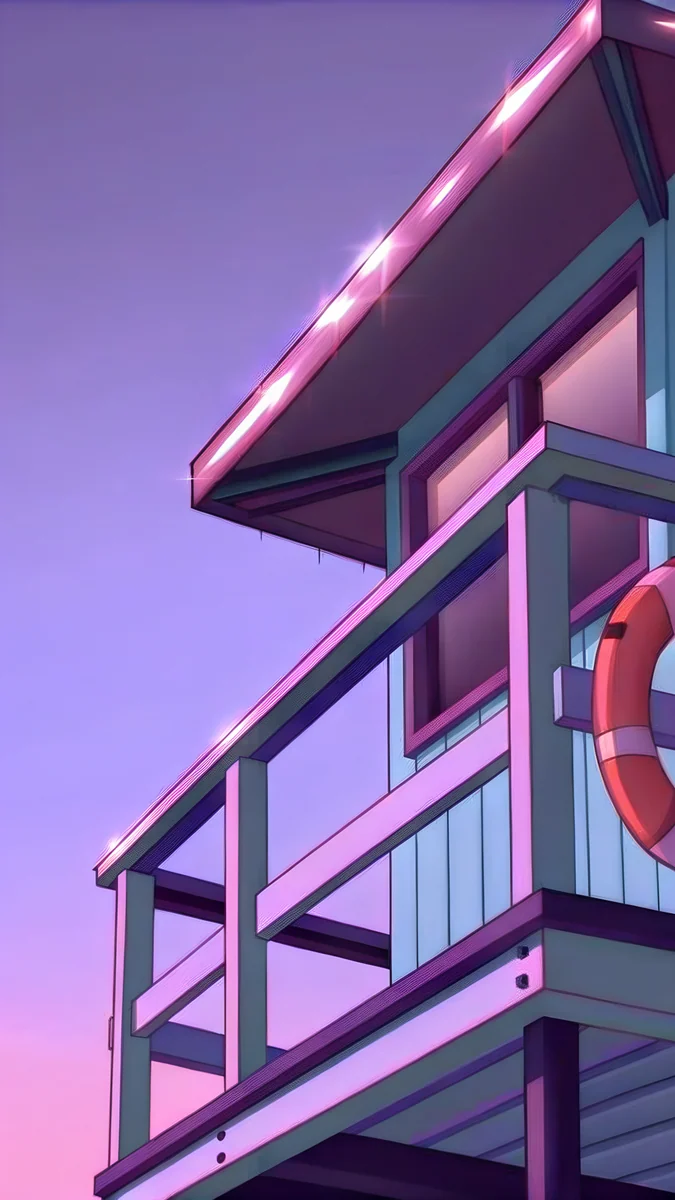 Lifeguard Tower Dusk4K · Phone
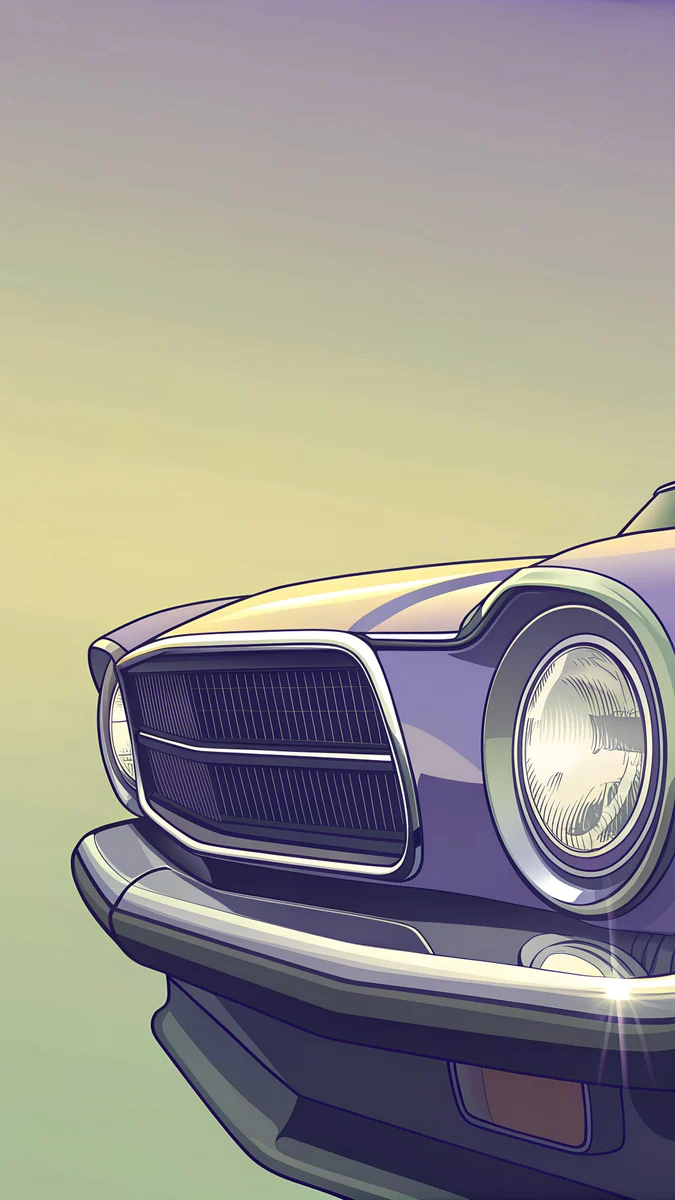 Chrome Headlight4K · Phone
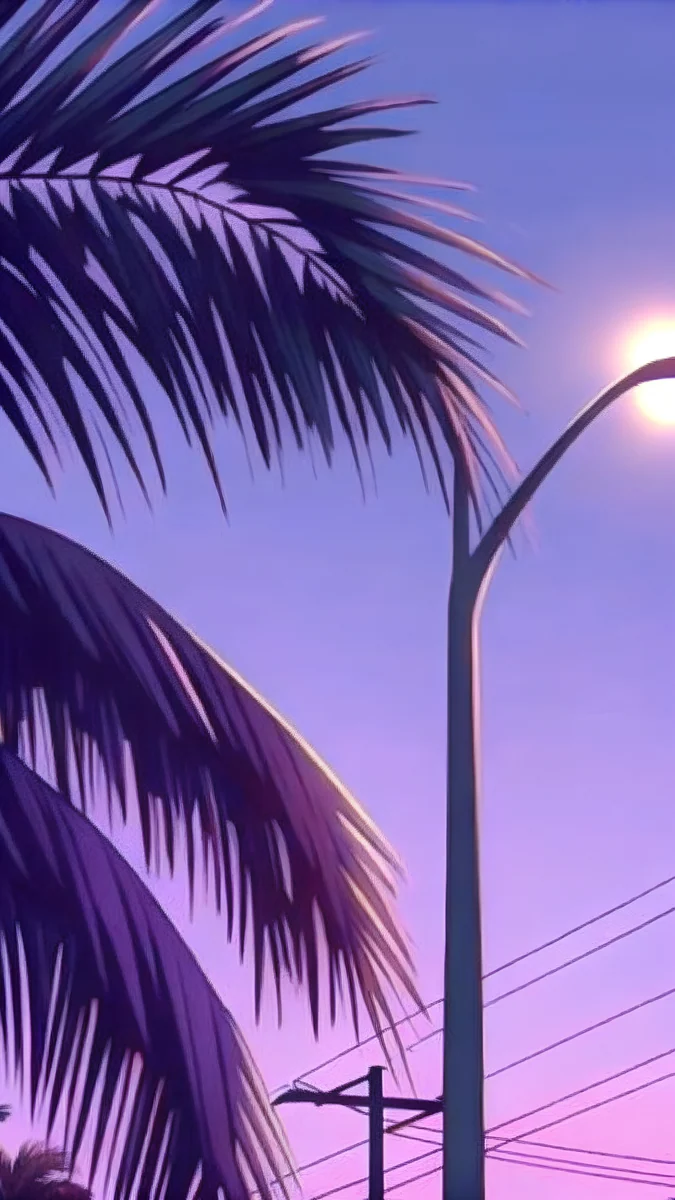 Ocean Boulevard Lamp4K · Phone
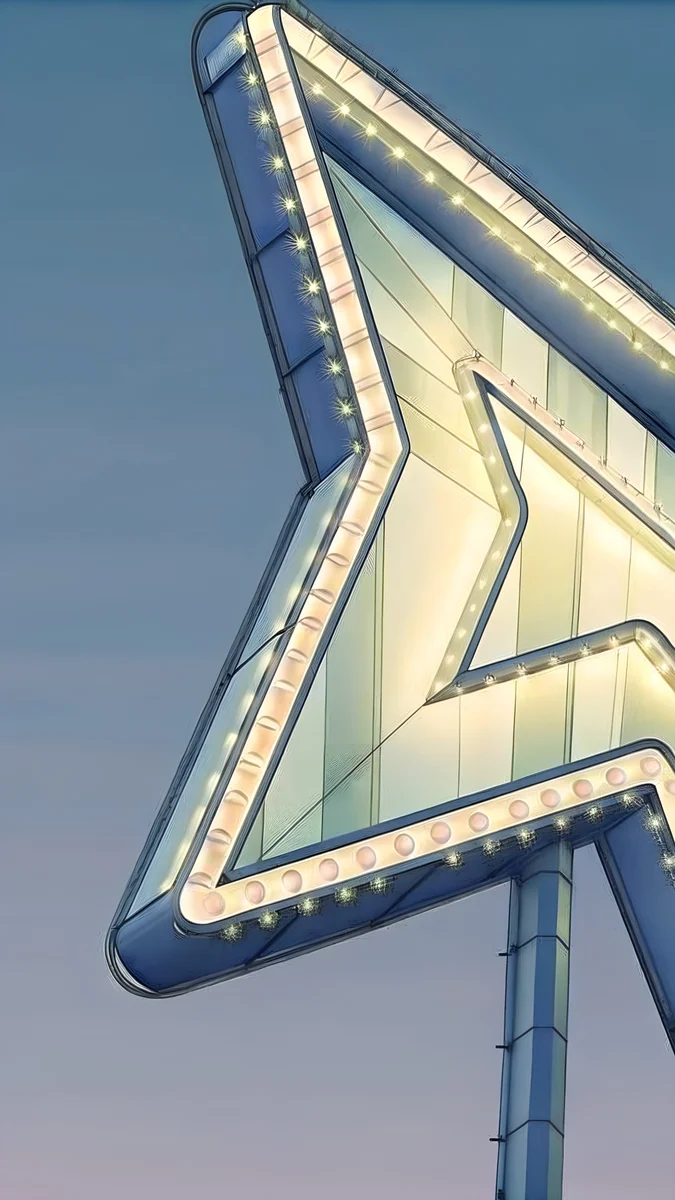 Neon Arrow Motel4K · Phone
For a first lock screen, start with Lifeguard Tower Dusk. The pastel tower and red float give one clear subject, and the dusk palette sits right in the violet and pink of the cover art.
How to set a GTA 6 lock screen on iPhone (iOS 26)
- Save the wallpaper to Photos. Open it in the Velpaper app or on its page on velpaper.com and save the 4K original.
- Open Settings, then Wallpaper, then tap Add New Wallpaper. Choose Photos at the top and pick the image. You can also touch and hold the current lock screen and tap the plus button.
- Frame it. Pinch and drag with two fingers so the subject sits in the lower half, below the clock. Keep important detail away from the side edges, which iOS trims.
- Turn on the depth effect. Tap the More button, the three dots in the bottom right, and select Depth Effect. The subject now stands in front of the time.
- Style the clock. Tap the time, pick a font and a colour. On iOS 26 you can also drag the lower edge of the clock to make it taller.
- Tap Add, then choose. Set as Wallpaper Pair puts the same picture on the home screen; Customise Home Screen lets you blur it or pick a different one.
Every option in the editor is covered in our guide on how to set a lock screen wallpaper on iPhone.
Getting the GTA 6 look right
Palette: violet, magenta, peach, teal
The cover art lives in purple and pink. On a phone, add peach for warmth and teal for water, and stop there. Two of these colours in one wallpaper read as Vice City; all four at once look busy behind icons. Ocean Boulevard Lamp holds the dusk violet, while Jet Ski Nose brings the teal for a home screen.
Depth effect
The depth effect is what makes a lock screen look like a poster. iOS needs a clear subject on a simple background, which is why a headlight, a sign or a tower works better than a wide street scene. Chrome Headlight and Neon Arrow Motel are good candidates. If Depth Effect is greyed out, remove the widgets under the clock: they sit exactly where the subject would rise. Our depth effect troubleshooting guide covers the other causes.
Clock colour
Pure white is the default and the least Vice City option. On a violet wallpaper, pick peach or warm off-white from the colour row. On a bright wallpaper such as Pier Pelican, a deep violet clock stays readable. Choose a heavier font weight when the background has texture behind the digits.
How to set it on Android 16
- Save the wallpaper to your gallery from the Velpaper app.
- Press and hold an empty spot on the home screen.
- Tap Wallpaper & style. Samsung calls it Wallpaper and style; some brands just say Wallpaper.
- Choose My photos or Gallery, then the image.
- Frame it and apply to the Lock screen, the Home screen or both.
On Pixel phones the system colours follow the wallpaper, so a violet piece also tints your quick settings and app accents, which suits this look well. Menus differ by brand; our guide on how to set a wallpaper on Android lists Samsung, Pixel and others.
OLED and Always On Display
On an OLED screen, near-black areas stay deep and the colours on top glow. That favours the dusk pieces: Beach Boombox, Lifeguard Tower Dusk and Ocean Boulevard Lamp. On iPhones with Always On Display, the lock screen wallpaper dims rather than disappearing, so a dark, simple composition stays calm at night instead of glowing on the bedside table.
Want more of the mood than the game? Our Miami aesthetic wallpapers go deeper into the retro side: signs, chrome, pastel towers.
Your next step: download Lifeguard Tower Dusk in 4K, set it with the depth effect on and a peach clock, and you have a Vice City lock screen in under two minutes.
Velpaper is not affiliated with Rockstar Games or Take-Two Interactive, and Grand Theft Auto is their trademark.
Original wallpapers in 4K and 5K for iPhone, Android and desktop.
Questions
Where can I get an official GTA 6 iPhone wallpaper?
Rockstar Games publishes official GTA 6 artwork and wallpapers on its own site at rockstargames.com/VI. That is the place to download them in their original quality, since copies on image sites are often recompressed or cropped. If you only want the Vice City mood without characters or logos, the GTA 6 category on Velpaper has original 4K illustrations at 2160 × 3840, made for phone lock screens.
Are the Velpaper GTA 6 wallpapers official?
No. Despite the category name, they are original Velpaper illustrations inspired by the retro, sun-bleached Florida mood of the GTA VI era. They do not show GTA characters, logos or scenes, and they were not made by or for Rockstar. What they share with the game's art is a light and a palette: violet, pink, peach and teal, with palms, chrome and seaside signs. Official art stays on rockstargames.com.
What size should a GTA 6 phone wallpaper be?
Use a 2160 × 3840 pixel image, the tall 4K frame. It is larger than every iPhone screen, including the Pro Max models, and covers most Android phones too, so the system only scales it down and trims a narrow strip at each side. Smaller files, such as screenshots or images sent through a messenger, look soft once you zoom or crop. Keep the subject centred so the side trim never cuts it.
Why is the depth effect greyed out on my GTA 6 lock screen?
The most common reason is widgets. If there is a row of widgets under the clock, iOS will not draw the subject over them, so the Depth Effect option turns grey. Remove that widget row and open the More menu again. The effect also needs a subject iOS can separate from the background, and the subject must not cover too much of the time. A single object on a simple sky, such as a headlight or a sign, works best.
When does GTA 6 come out?
Grand Theft Auto VI is out on 19 November 2026 on PlayStation 5 and Xbox Series X|S. It is set in the state of Leonida, inspired by Florida, around Vice City, which is modelled on Miami. Grand Theft Auto VI: The Album, with 34 original tracks made with Atlantic Records, arrives the same day. Rockstar revealed the official cover art, a purple and pink multi-panel collage, on 18 June 2026.
Carlos Vivero
Designer of Velpaper wallpapers
Carlos Vivero designs the wallpapers in Velpaper: quiet architecture, liquid glass, Japanese ink and calm landscapes. Every piece is made as a 4K original for iPhone, Android and desktop.
Recent work








