GTA Wallpaper: Official Art Plus 4K Vice City Originals
Where the official wallpapers for GTA V, San Andreas, Vice City and GTA VI live, plus original 4K Vice City mood wallpapers at 2160 × 3840 for any phone.
In short: Official GTA wallpapers for every game, from GTA III to GTA VI, are published by Rockstar Games on rockstargames.com. If you want the sun-bleached Vice City mood without characters or logos, the GTA 6 category on Velpaper has original 4K wallpapers at 2160 × 3840 pixels, sharp on every current iPhone and Android phone.
By the Velpaper team · Wallpapers by Carlos Vivero, Velpaper designer · · Updated · 6 min read
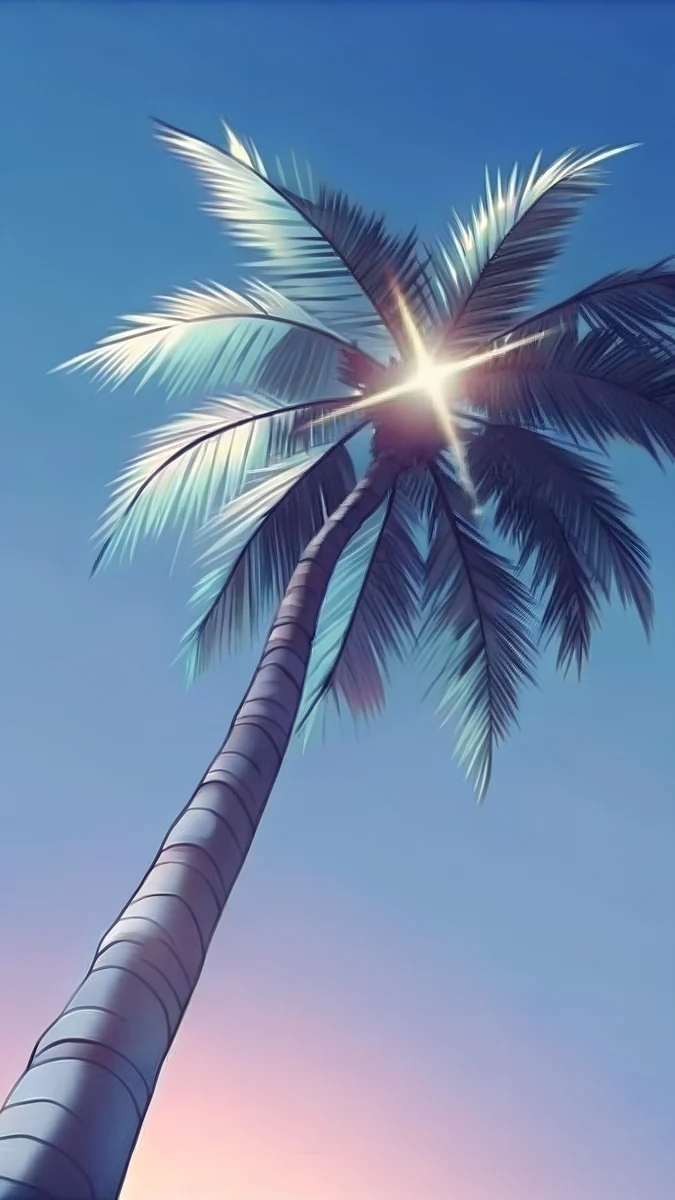 Palm Glint
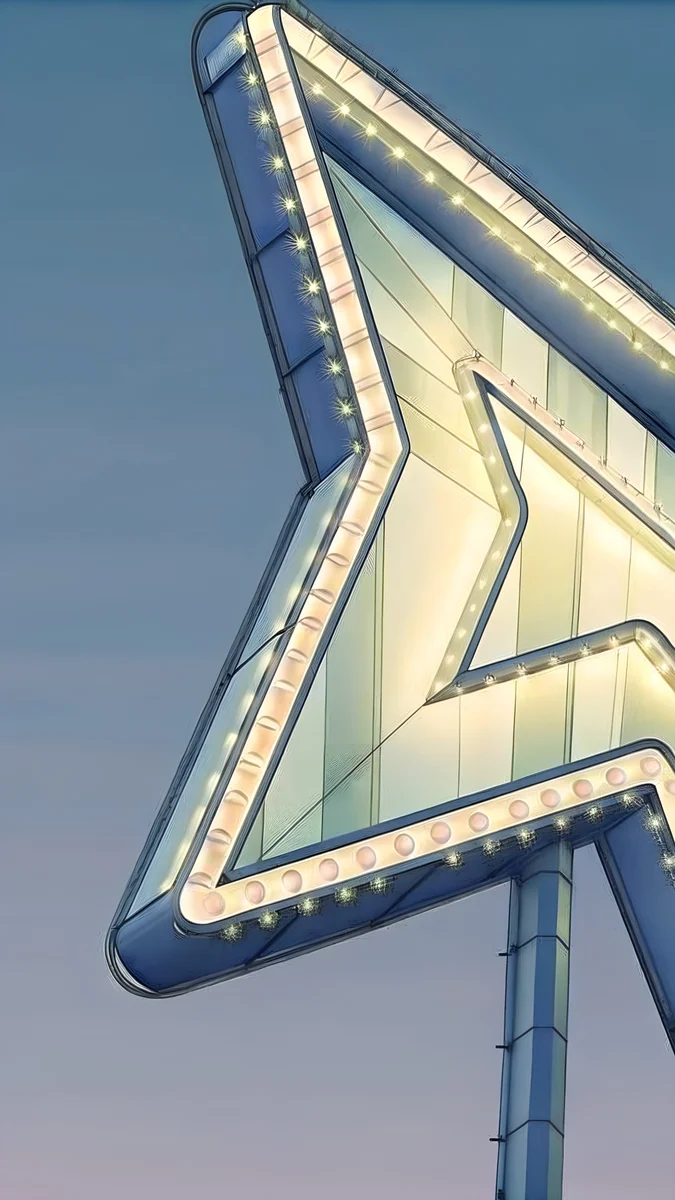 Neon Arrow Motel
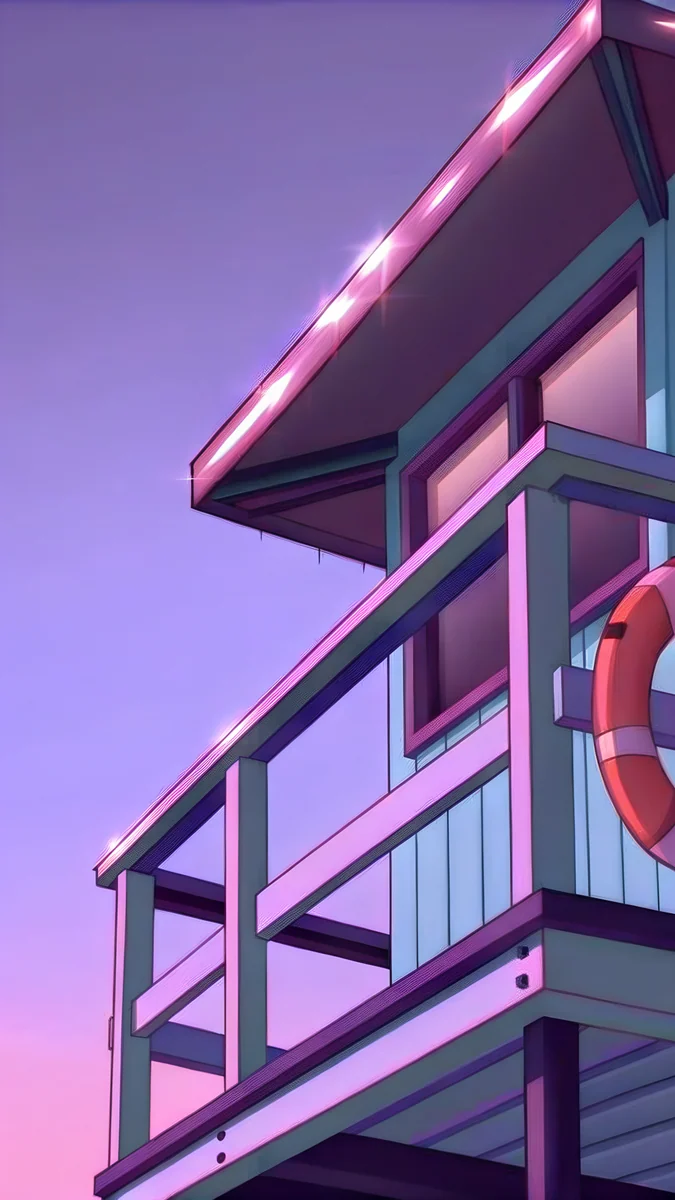 Lifeguard Tower Dusk
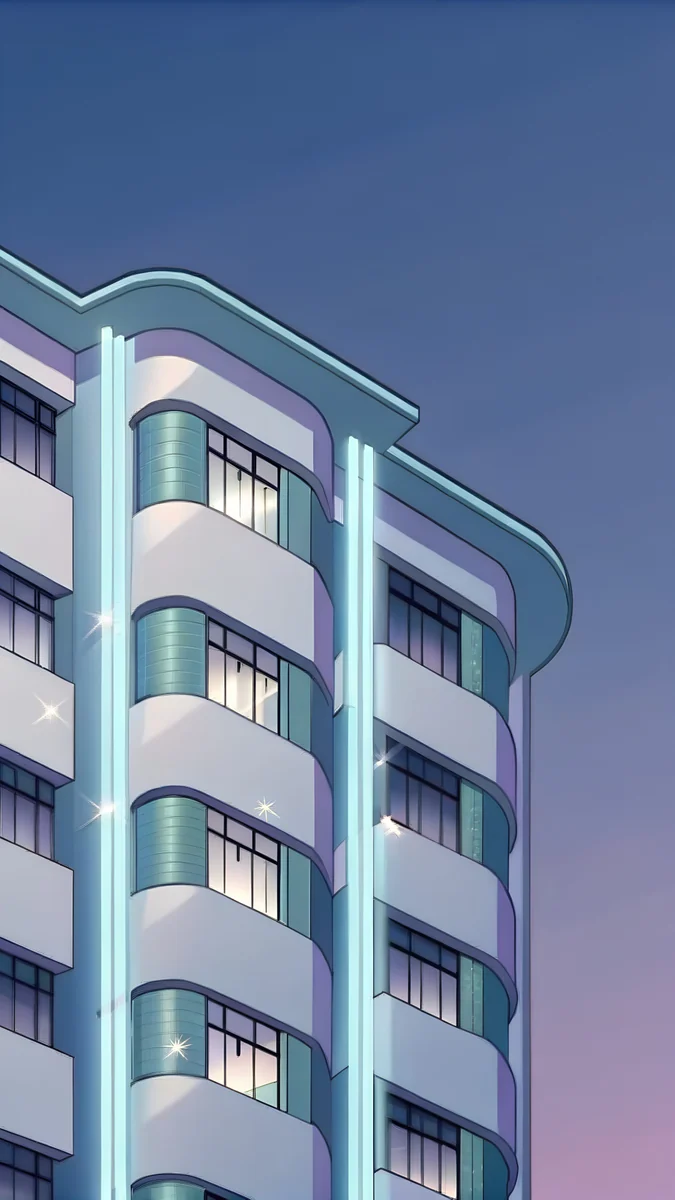 Deco Hotel Glow
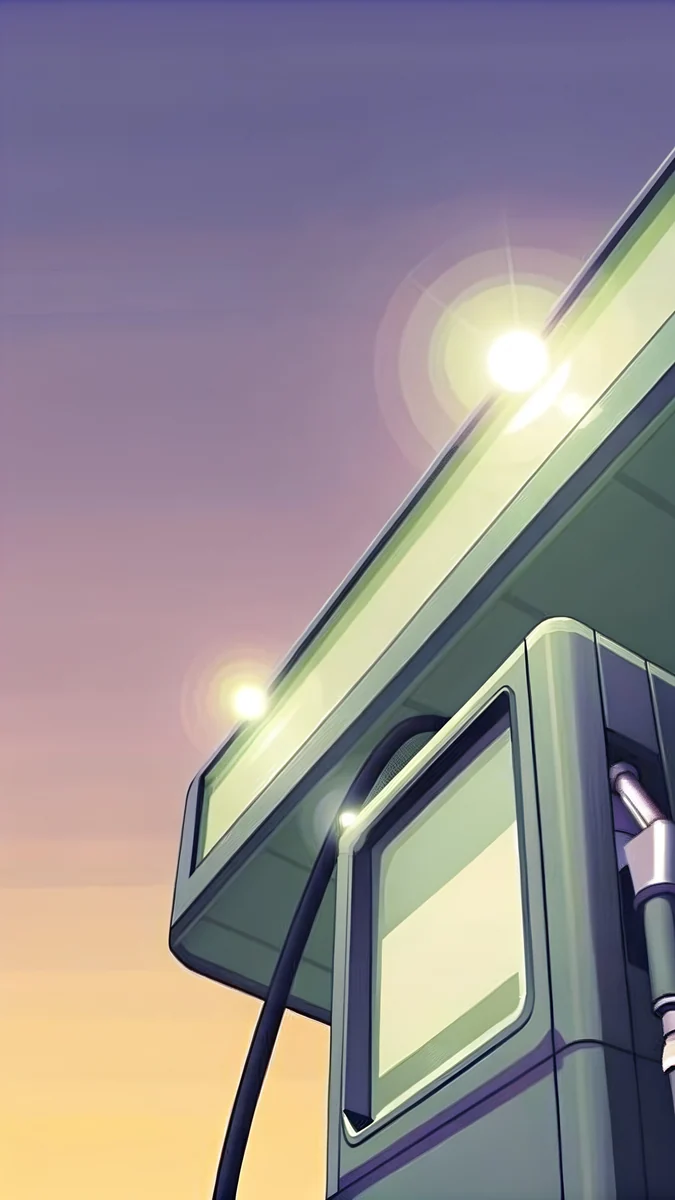 Night Gas Pump
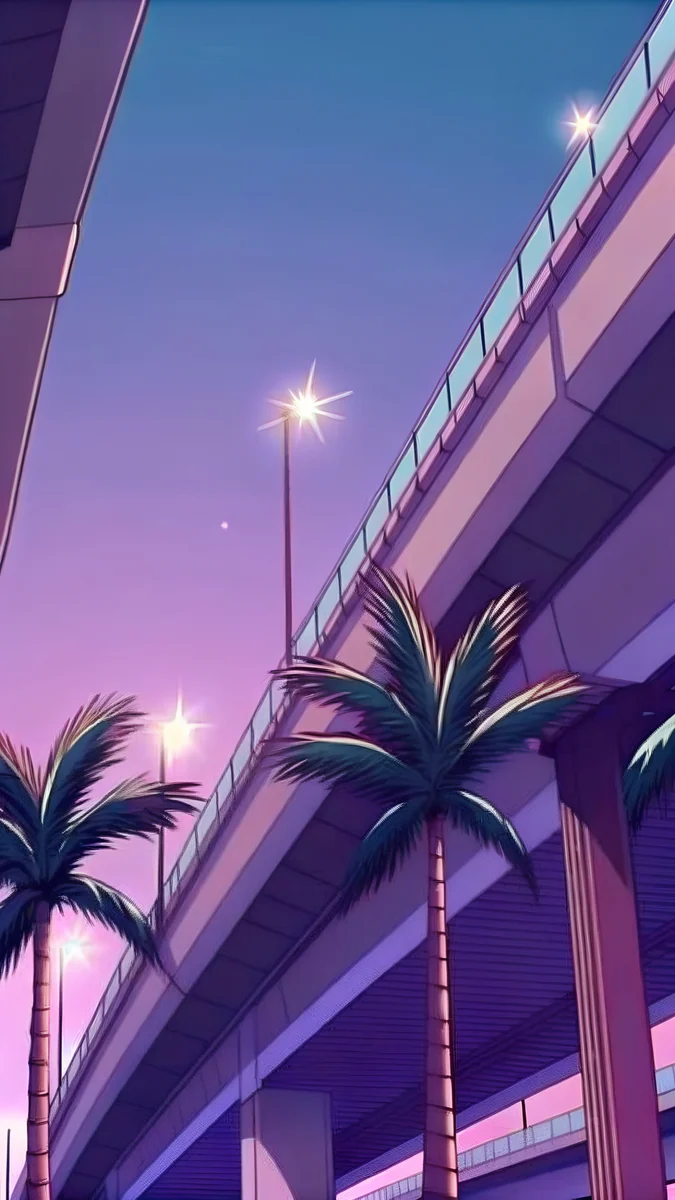 Palm Overpass
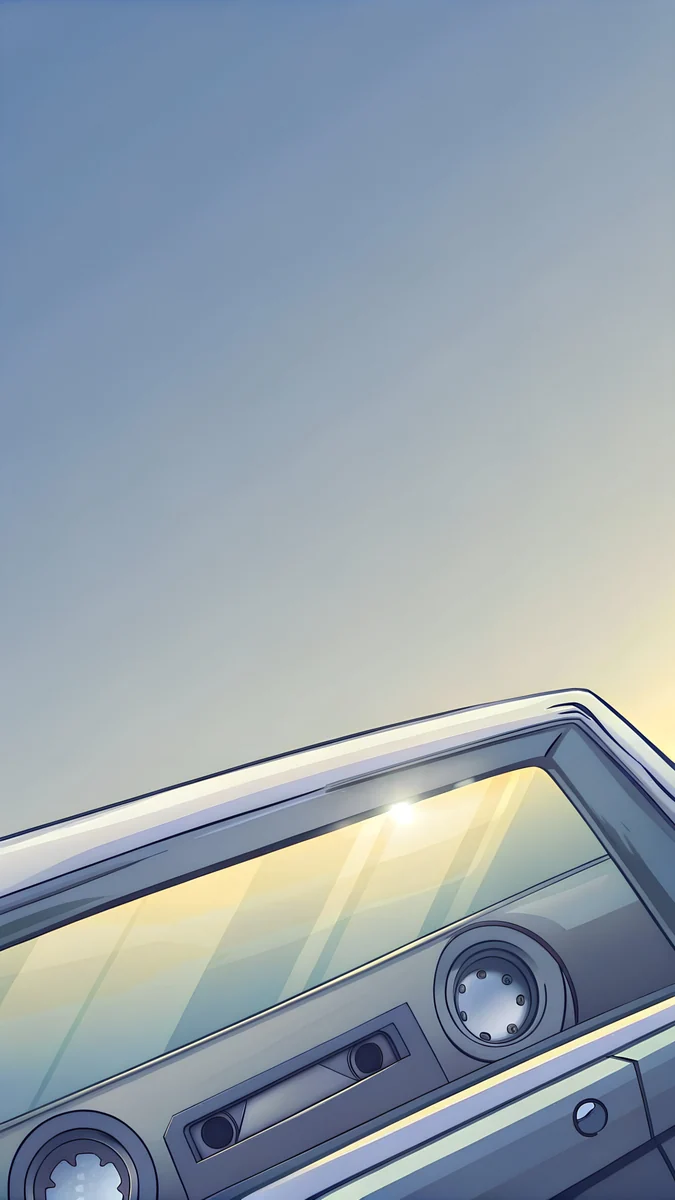 Dashboard Cassette
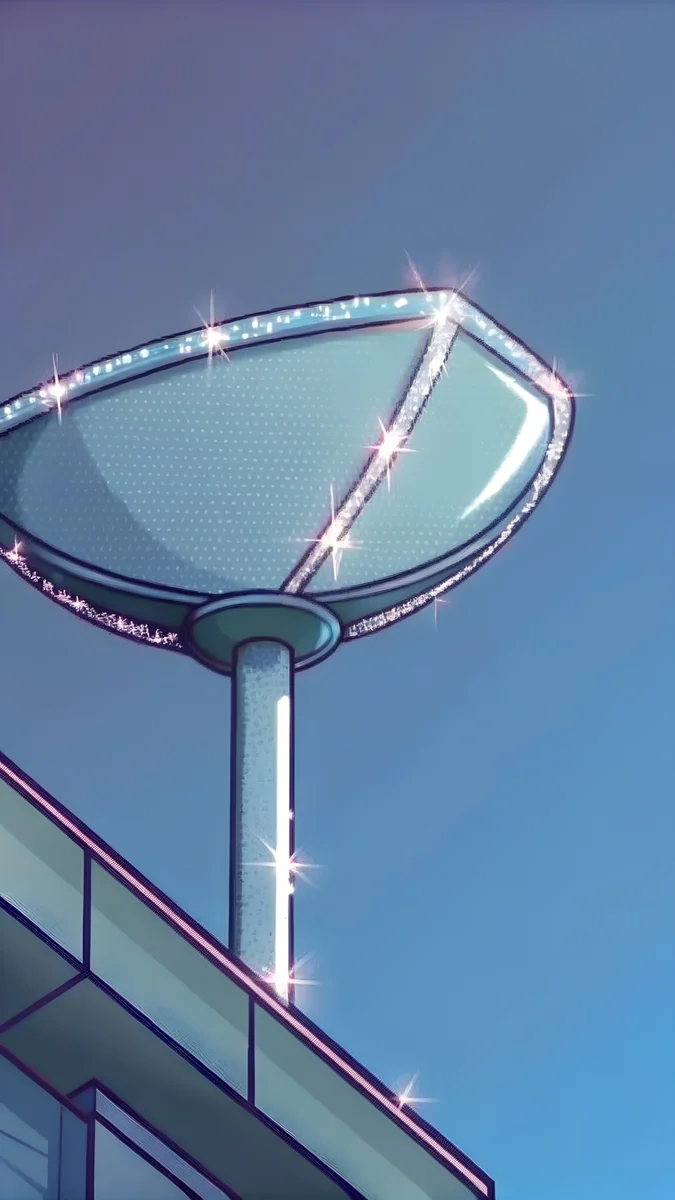 Neon Cocktail Sign
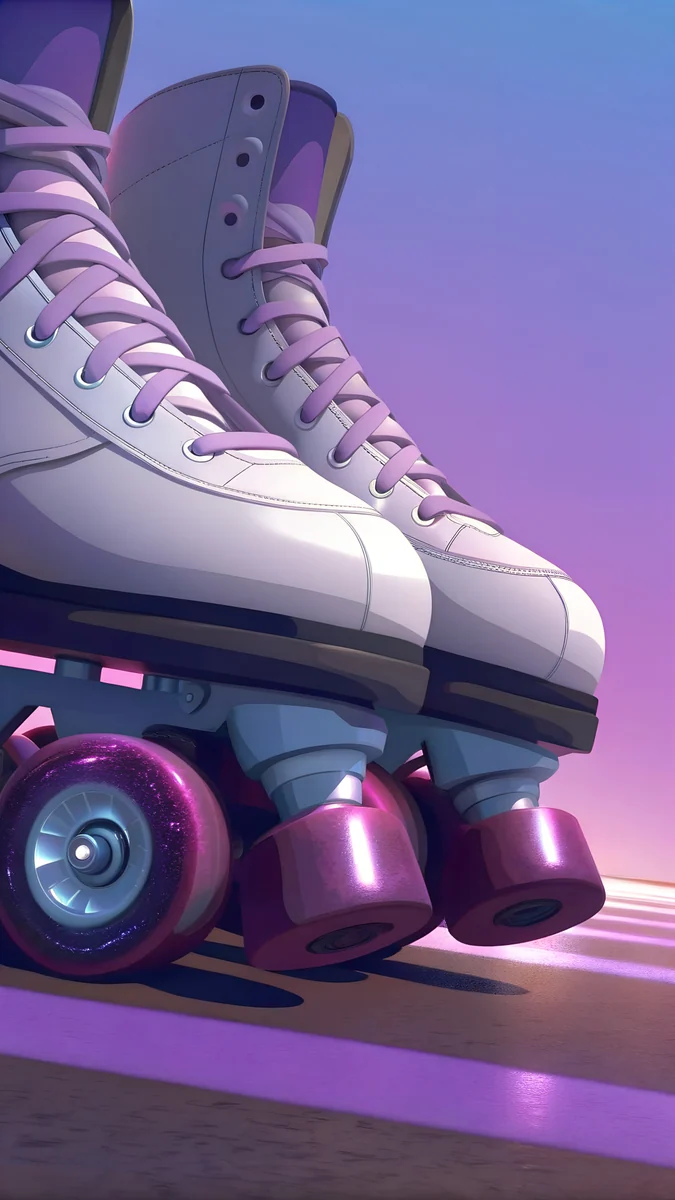 Boardwalk Skates
Free 4K originals for iPhone and Android, no watermark
On this page
Search for a GTA wallpaper and you usually want one of two things: the official art of one game, or the mood of the series on your phone. The official art for every Grand Theft Auto, from GTA III to GTA VI, is published by Rockstar Games on rockstargames.com. The second option is on this page: original 4K wallpapers at 2160 × 3840 pixels in the sun-bleached Vice City mood, with no characters or logos, sharp on every current iPhone and Android phone.
Below: where the official art for each game lives, what is in the Velpaper GTA 6 set, which pieces match which era of the series, and the exact steps to set one on iOS 26 and Android 16.
Official GTA wallpapers: one place for every game
Official GTA art belongs to Rockstar and lives on rockstargames.com. That covers the box art, key art and character renders for the whole series, and it is the only source where the files are full size rather than a crop of somebody's screenshot. Each game has its own look, and the city tells you most of what you need to know:
- GTA III (2001): Liberty City, the first 3D city of the series.
- GTA: Vice City (2002): a 1980s city inspired by Miami, which is where the pastel and neon look people associate with GTA comes from.
- GTA: San Andreas (2004): three cities in one state, Los Santos, San Fierro and Las Venturas.
- GTA IV (2008): back to Liberty City.
- GTA V (2013): Los Santos, the game most "gta wallpaper" searches still mean.
- GTA VI: releases on 19 November 2026 for PlayStation 5 and Xbox Series X|S, set in Leonida, a state inspired by Florida, around Vice City. Rockstar revealed the official cover art on 18 June 2026.
If you want that official art on your lock screen, download it from Rockstar and follow the set-up steps further down. If you want the sun-bleached Vice City mood without characters or logos, these are original 4K wallpapers made for phone screens.
What is in the Velpaper GTA 6 set
Every piece in the GTA 6 category is an original illustration in a retro Florida mood: one subject, a warm palette, no text. Phone pieces are 2160 × 3840 pixels, desktop pieces 3840 × 2160. The table lists the ten that work best as a daily wallpaper and what each is good at.
| Wallpaper | Mood | Best for |
|---|---|---|
| Palm Glint | Indigo sky, one sun glint | Lock screen clock |
| Neon Arrow Motel | Teal dusk, warm bulbs | OLED |
| Deco Hotel Glow | Violet night, neon fins | Lock screen clock |
| Lifeguard Tower Dusk | Lilac and pink dusk | Lock screen clock |
| Night Gas Pump | Dark forecourt, one light | OLED |
| Palm Overpass | Violet haze over concrete | Lock screen clock |
| Chrome Headlight | Chrome and peach | Home screen |
| Chrome Motorcycle | Peach light on chrome | Home screen |
| Whitewall Wheel | Cream tyre, deep navy | Home screen |
| Convertible Mirror | Wide chrome and palms | Desktop 3840 × 2160 |
Palm Glint4K · PhoneNeon Arrow Motel4K · PhoneDeco Hotel Glow4K · PhoneLifeguard Tower Dusk4K · PhoneNight Gas Pump4K · PhonePalm Overpass4K · PhoneThe palette is baked into the files. Palm Glint sits on a deep indigo near #303060 with a lavender haze around #9090c0, and Lifeguard Tower Dusk climbs from that same indigo up to a lilac #c090f0. Because the pieces share a base colour, they rotate well together: pick a clock colour once and it fits all of them.
Which GTA mood you are after
People type "gta wallpaper" with different games in mind, so match the piece to the memory.
GTA V and Los Santos: wide streets, palms and concrete under a hazy sky. Palm Overpass, Bay Causeway and Palm Court Hoop carry that sprawl without showing a single car or character.
San Andreas and the road: gas stations and diners at night. Night Gas Pump and Neon Diner Sign are the two darkest pieces in the set, which also makes them the best choice for an OLED screen.
Vice City and GTA VI: neon, chrome and 1980s beach gear. Neon Arrow Motel, Neon Cocktail Sign, Boardwalk Skates and Dashboard Cassette are the closest to the Miami mood the new game is built on.
For a monitor there are nine desktop pieces at 3840 × 2160, among them Convertible Mirror, Deco Facade Dusk and Neon Arrow Sign; the GTA 6 wallpaper for PC guide covers ultrawide cropping and the Windows and macOS steps. The full phone set, with the official cover art story, is in the GTA 6 wallpaper hub, and the palette itself gets its own page in Miami aesthetic wallpapers.
Why 2160 × 3840 fits every phone
A phone shows a wallpaper at the pixel size of its screen, so an image only needs to be at least that large. The iPhone 17 Pro Max is 1320 × 2868, the iPhone 17 Pro 1206 × 2622, the iPhone 17 1179 × 2556, the Galaxy S25 Ultra 1440 × 3120 and the Pixel 10 Pro 1280 × 2856. Our 3840 pixel height clears all of them, so the phone scales down, which never adds blur.
The shape differs a little. The originals are 9:16; modern phones are closer to 19.5:9 or 20:9, so when the image fills the height roughly a tenth of the width is trimmed on each side. That is why every subject in this set sits in the middle of the frame: the crop only removes sky, sand or wall.
How to set a GTA wallpaper on iPhone and Android
On an iPhone with iOS 26:
- Save the 4K file to Photos from velpaper.com or the Velpaper app.
- Open Settings, tap Wallpaper, then Add New Wallpaper.
- Choose Photos and pick the image. Pinch to adjust the crop so the subject sits below the clock.
- Tap the clock to change its font and colour; a cream or lilac tone matches this set.
- Tap Add, then choose whether the home screen gets the same picture or a blurred copy.
The full walkthrough, including the depth effect, is in how to set a lock screen wallpaper on iPhone.
On Android 16, Pixel or Samsung:
- Download the file, then long-press an empty spot on the home screen.
- Tap Wallpaper & style (Samsung: Wallpaper and style).
- Choose More wallpapers or Gallery and pick the image.
- Drag the picture until the subject sits in the lower two thirds, then preview the lock screen.
- Apply to Lock screen, Home screen or both.
Menu names on Xiaomi, OnePlus and Motorola differ slightly; how to set a wallpaper on Android lists them by brand.
Your next step
Start with Palm Glint if you want the clock to stay readable, or Night Gas Pump if your phone has an OLED screen. Open the piece on velpaper.com or in the Velpaper app and download the 4K original. Browsing is free; phone wallpapers unlock after a short optional ad. Velpaper has apps for iPhone, iPad, Mac and Android plus the web catalog, and every wallpaper is a 4K original without a watermark.
Velpaper is not affiliated with Rockstar Games or Take-Two Interactive; Grand Theft Auto is their trademark.
Original wallpapers in 4K and 5K for iPhone, Android and desktop.
Questions
Where can I download official GTA wallpapers?
Rockstar Games publishes the official art for the whole series on its own site, rockstargames.com, with the Grand Theft Auto VI page at rockstargames.com/VI. That is the place for box art, key art and anything that shows the games' characters or logos, and the files there are full size. Other sites mostly repost crops or compressed screenshots. If you want an original wallpaper in a similar retro Florida mood instead, the GTA 6 category on Velpaper has illustrations at 2160 × 3840 pixels with no characters or logos.
Is there a GTA wallpaper in 4K for a phone?
Yes. Every phone wallpaper on Velpaper, including the whole GTA 6 category, is 2160 × 3840 pixels, which is 4K in portrait. That is taller than any current phone screen: the iPhone 17 Pro Max is 1320 × 2868 and the Galaxy S25 Ultra 1440 × 3120, so the phone only scales the image down and it stays sharp. For a 4K monitor the same category has nine desktop pieces at 3840 × 2160.
Are the GTA 6 wallpapers on Velpaper official?
No. They are original Velpaper illustrations, not made by or for Rockstar Games, and they show no GTA characters, logos or scenes. What they share with the game is a mood: palms, chrome, art deco hotels and neon signs in a violet, peach and teal palette. Velpaper is not affiliated with Rockstar Games or Take-Two Interactive, and Grand Theft Auto is their trademark. For official art, go to rockstargames.com/VI.
Which GTA wallpaper works best on a lock screen?
Pick a piece whose top third is calm, because that is where the clock sits. In this set Palm Glint, Deco Hotel Glow, Lifeguard Tower Dusk and Palm Overpass all keep their subject in the middle or lower half with sky above it, so the time stays readable in white or cream. On an OLED phone, Night Gas Pump and Neon Diner Sign have the largest dark areas, which lets those pixels switch off and saves a little battery.
What size should a GTA wallpaper be for iPhone?
Any image at least as large as the screen works, and 2160 × 3840 pixels covers every current iPhone with room to spare: the iPhone 17 is 1179 × 2556, the 17 Pro 1206 × 2622 and the 17 Pro Max 1320 × 2868. Because iPhones are slightly narrower than the 9:16 original, iOS trims about a tenth of the width on each side, so choose a wallpaper whose subject sits in the centre, which is how every piece in the GTA 6 set is composed.
Carlos Vivero
Designer of Velpaper wallpapers
Carlos Vivero designs the wallpapers in Velpaper: quiet architecture, liquid glass, Japanese ink and calm landscapes. Every piece is made as a 4K original for iPhone, Android and desktop.
Recent work








