GTA 6 Wallpaper PC: 9 Original 4K Desktops at 3840 × 2160
Nine original GTA 6 wallpapers for PC and Mac at 3840 × 2160: what each shows, how to crop for ultrawide and dual monitors, plus Windows 11 and macOS steps.
In short: A GTA 6 wallpaper for PC needs 3840 × 2160 pixels to stay sharp on a 27 inch 4K monitor, where the screen packs 163 pixels per inch. Velpaper's GTA 6 desktop set has nine original pieces at exactly that size, in the sun-bleached Vice City palette and without characters or logos. Official GTA 6 art belongs to Rockstar and lives on rockstargames.com.
By the Velpaper team · Wallpapers by Carlos Vivero, Velpaper designer · · Updated · 7 min read
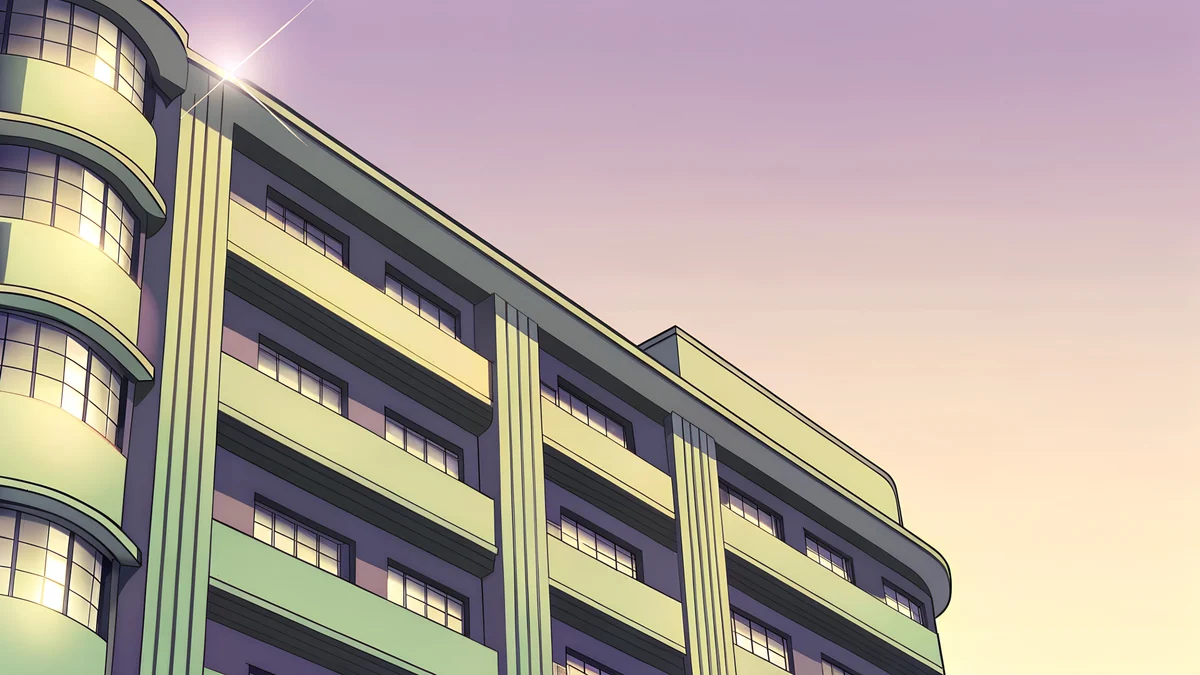 Deco Facade Dusk
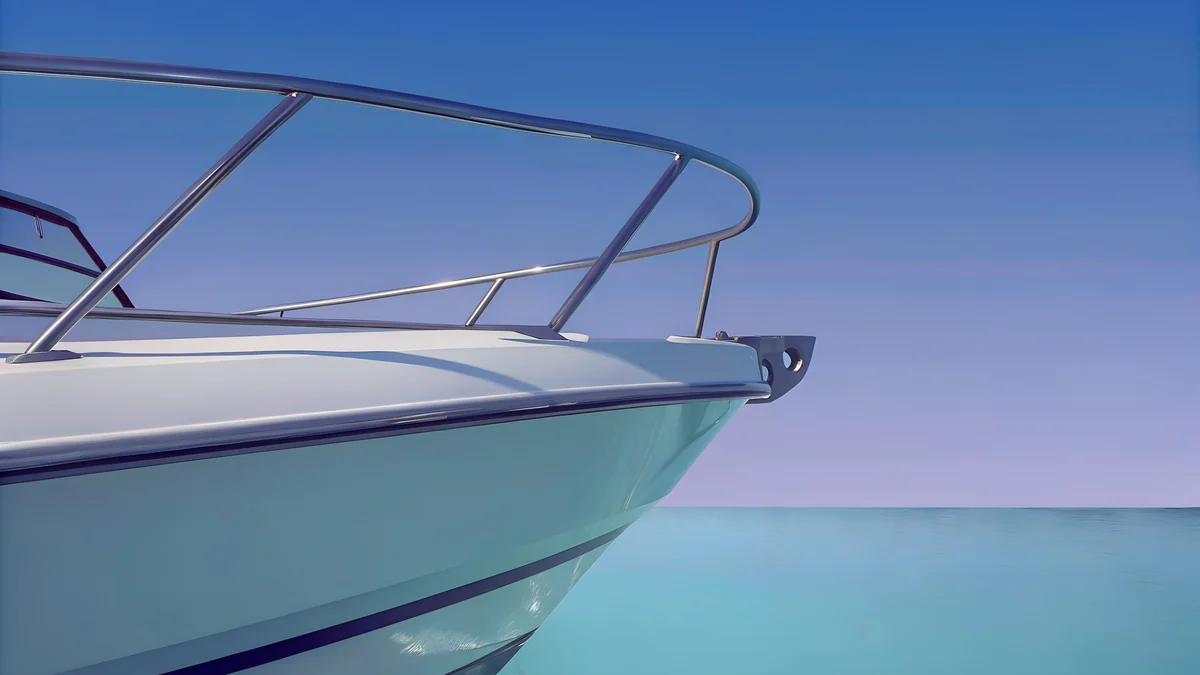 Speedboat Bow
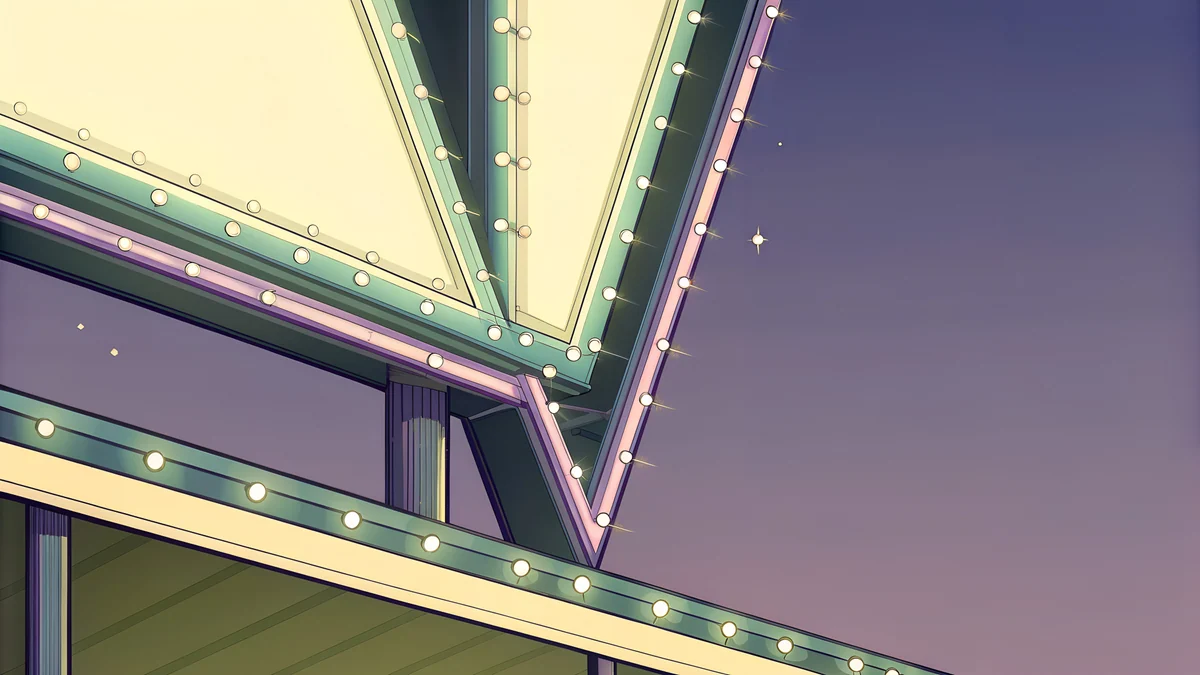 Neon Arrow Sign
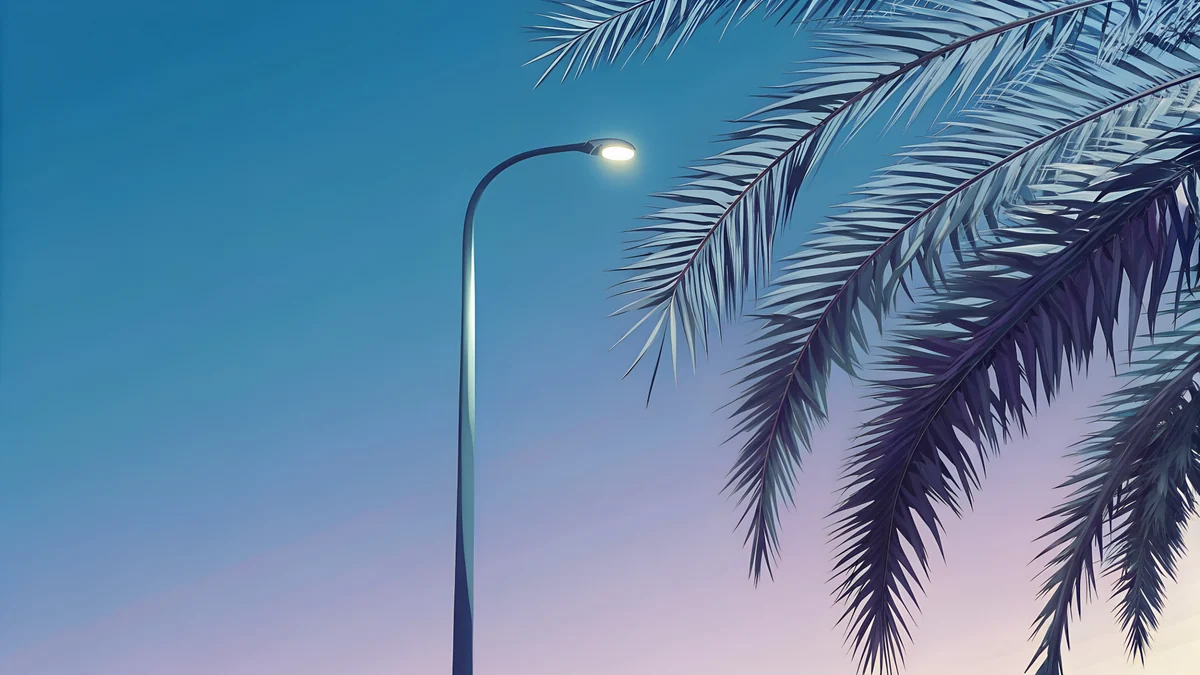 Boulevard Lamp Palms
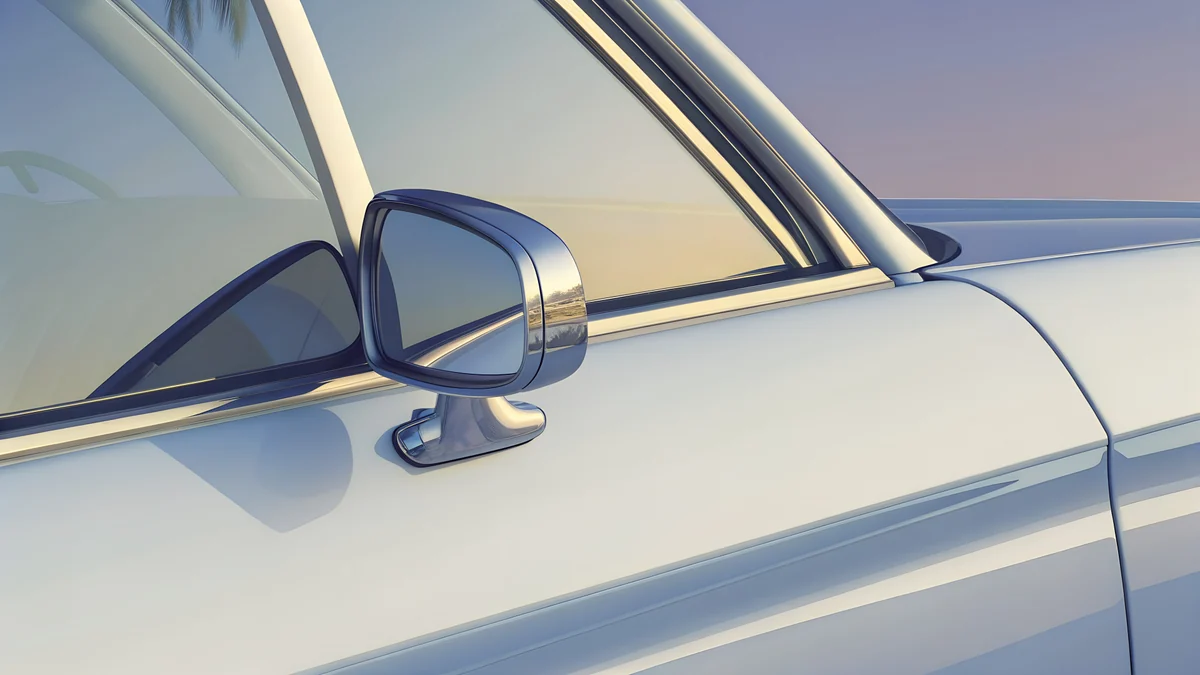 Convertible Mirror
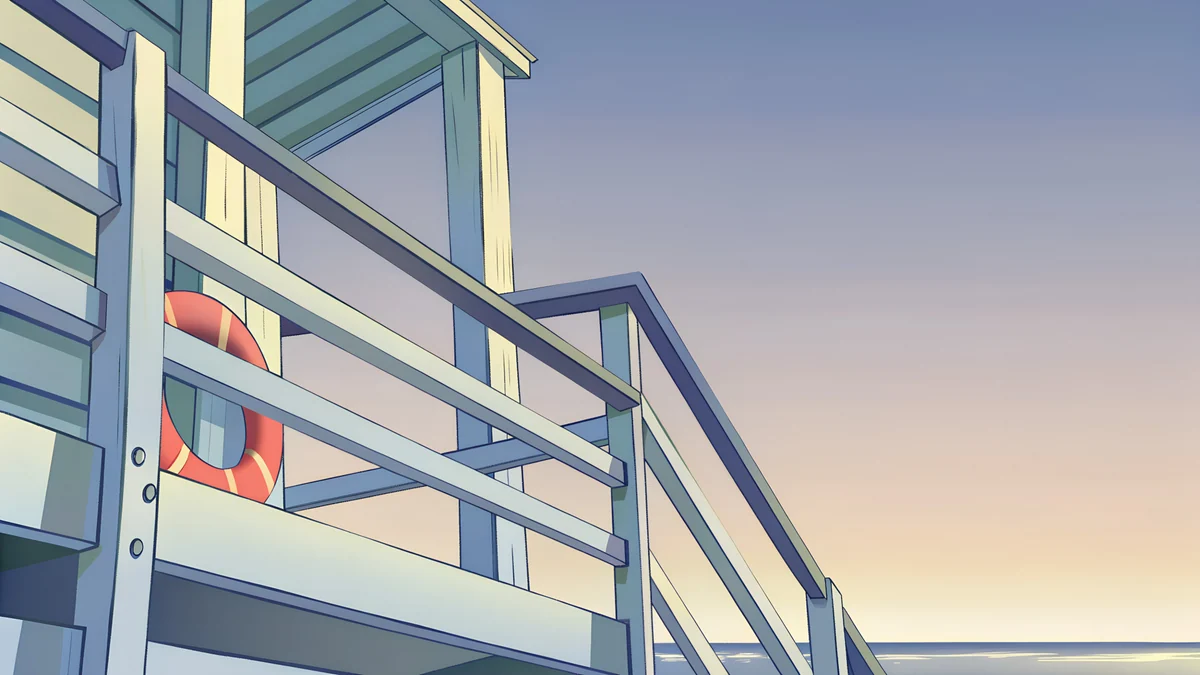 Lifeguard Rail
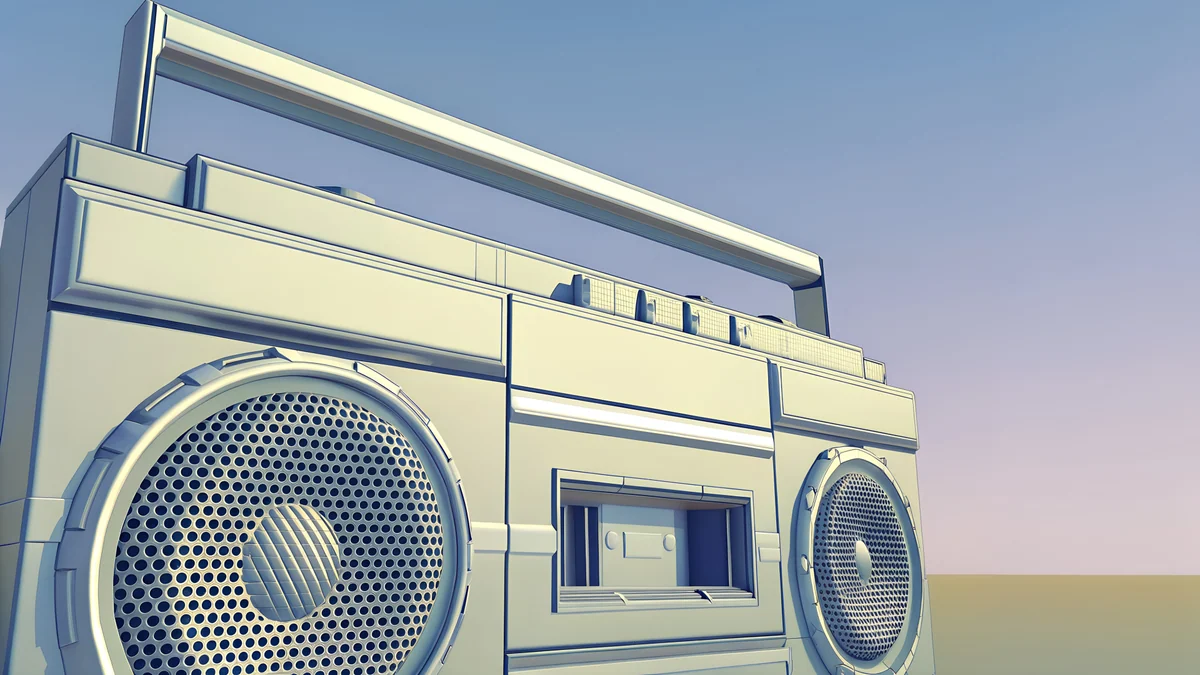 Chrome Boombox Wide
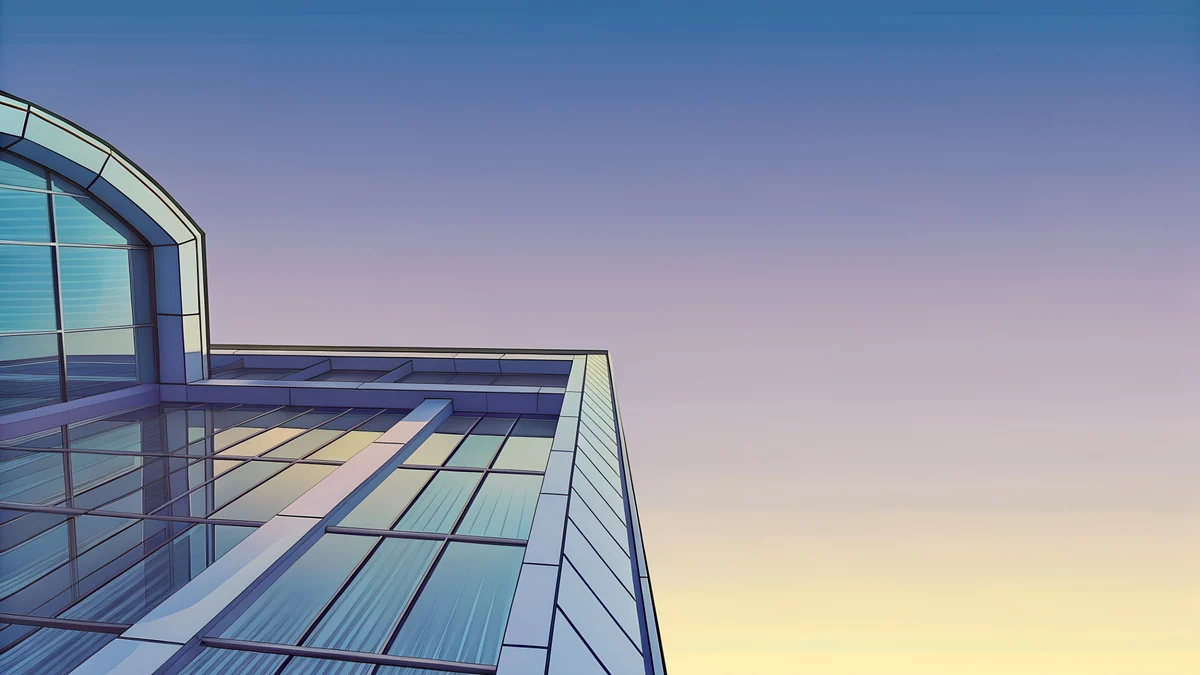 Glass Pavilion Dusk
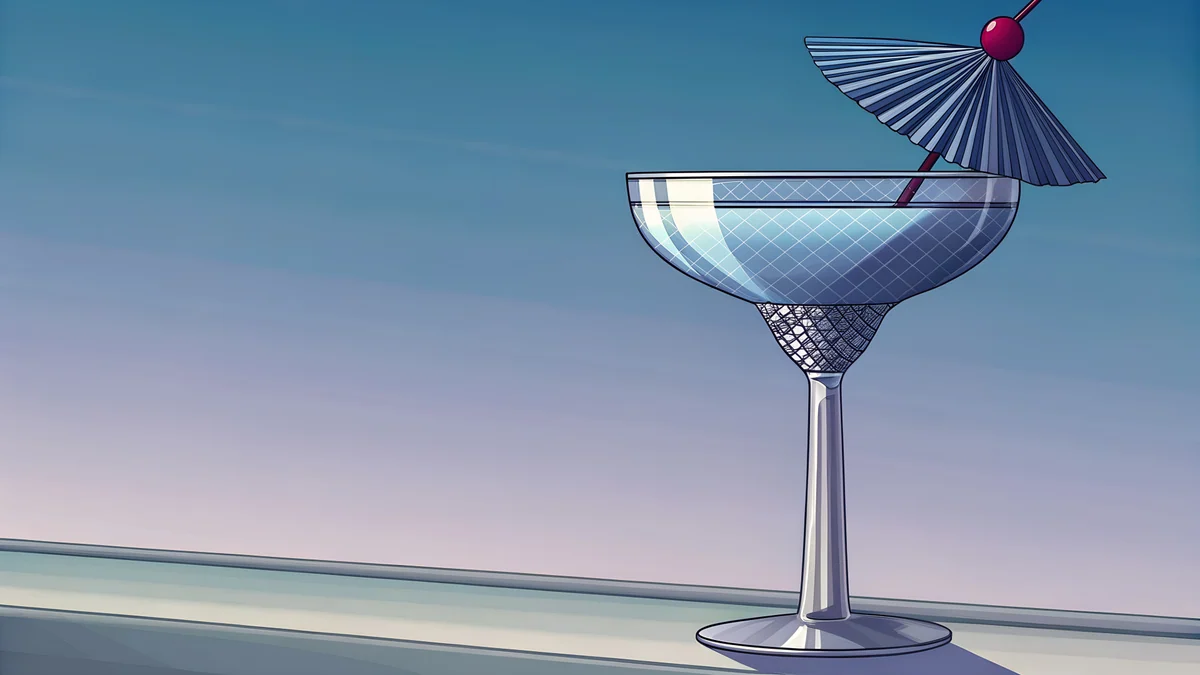 Coupe Cocktail
Free 4K originals for iPhone and Android, no watermark
On this page
A GTA 6 wallpaper for PC should be 3840 × 2160 pixels, the native size of a 4K monitor, and Velpaper's GTA 6 desktop set gives you nine originals at exactly that size. Official GTA art belongs to Rockstar and lives on rockstargames.com. If you want the sun-bleached Vice City mood without characters or logos, these are original 4K wallpapers made for wide screens: an art deco facade at dusk, a speedboat bow, a neon arrow sign, a convertible mirror.
Grand Theft Auto VI by Rockstar Games releases on 19 November 2026 on PlayStation 5 and Xbox Series X|S, set in Leonida, a Florida-inspired state around Vice City. Below is what the nine desktop pieces show, why 4K matters on a 27 inch monitor, how to crop for ultrawide and dual-monitor setups, and the exact clicks on Windows 11 and macOS.
What is in the GTA 6 desktop set
All nine are landscape 3840 × 2160 JPEGs, drawn in the same retro Florida palette as the phone set: lavender, teal, peach, cream and chrome. None of them shows a character, a logo or text, which is what keeps icons readable on top. The dominant colours below are the hex values from each wallpaper's palette.
| Wallpaper | Subject and palette | Best for |
|---|---|---|
| Deco Facade Dusk | Art deco facade at dusk, mauve #c090c0 and pink #f0c0c0 | Desktop, dark taskbar |
| Speedboat Bow | Speedboat bow on blue water, #3060c0 and #6090c0 | Desktop, ultrawide crop |
| Boulevard Lamp Palms | Street lamp and palms, teal #309090 | Desktop, second monitor |
| Neon Arrow Sign | Neon arrow sign, cream #f0f0c0 on violet #606090 | Lock screen, clock at top |
| Convertible Mirror | Convertible side mirror, silver #c0c0c0 and cream | Desktop, light icons |
| Lifeguard Rail | Lifeguard tower rail, silver, pink and cream | Lock screen, bright rooms |
| Chrome Boombox Wide | Chrome boombox in a wide frame, lavender #9090c0 | Ultrawide, dual monitors |
| Glass Pavilion Dusk | Glass pavilion at dusk, lavender and blue | Desktop, macOS dark mode |
| Coupe Cocktail | Coupe cocktail glass, lavender and teal #609090 | Desktop, laptop screens |
Deco Facade Dusk4K · DesktopSpeedboat Bow4K · DesktopBoulevard Lamp Palms4K · DesktopNeon Arrow Sign4K · DesktopConvertible Mirror4K · DesktopLifeguard Rail4K · DesktopChrome Boombox Wide4K · DesktopGlass Pavilion Dusk4K · DesktopCoupe Cocktail4K · DesktopPick by where your icons live. Deco Facade Dusk and Glass Pavilion Dusk are the darkest of the nine, so white icon labels on Windows and the macOS menu bar stay readable. Convertible Mirror and Lifeguard Rail are bright and silver, better for a sunlit room than a dark one.
Why 4K matters on a 27 inch monitor
Windows and macOS draw a wallpaper pixel for pixel, so the file has to match the screen or exceed it. A 27 inch 4K monitor shows 3840 × 2160 pixels across a 27 inch diagonal, which works out to 163 pixels per inch. The same 27 inch panel at QHD, 2560 × 1440, has 109 ppi, and at Full HD, 1920 × 1080, only 82 ppi.
Put a 1920 × 1080 image on the 4K screen and the system has to invent three pixels for every one it was given. Edges of chrome, neon tubes and palm fronds go soft, and gradients in a dusk sky show visible bands. A 3840 × 2160 original avoids that on 4K, and on a QHD or Full HD monitor it is simply scaled down, which never adds blur. The PC wallpaper size guide has the full chart of monitor and laptop resolutions.
On a 5K iMac or Studio Display, 5120 × 2880, macOS enlarges a 4K file by a third. From arm's length it still looks clean, but if you want a pixel-perfect match on a 5K screen, Velpaper also makes 5120 × 2880 desktop pieces in other styles.
Ultrawide and dual monitors: how to crop
A 34 inch ultrawide at 3440 × 1440 is 21:9, wider than the 16:9 of these files. Set the fit to Fill and the system scales the image to 3440 pixels wide, which makes it 1935 pixels tall; the screen shows 1440 of those and trims about 250 pixels off the top and the same off the bottom. On these wallpapers that strip is sky and foreground, so the subject survives. Speedboat Bow and Chrome Boombox Wide keep their subject in the middle band and crop best.
Two monitors side by side, say two 2560 × 1440 screens for 5120 × 1440 in total, are 32:9. Spanning one 16:9 image across both would throw away two thirds of its height, so use one wallpaper per monitor instead. Pairs that share a palette work well: Deco Facade Dusk with Glass Pavilion Dusk for a dark pair, Boulevard Lamp Palms with Speedboat Bow for a blue pair. On Windows 11, right-click an image under Recent images and choose Set for monitor 1 or Set for monitor 2. On a Mac, pick the display at the top of the Wallpaper pane and choose a picture for each.
How to set a GTA 6 wallpaper on Windows 11
Download the 3840 × 2160 original from the wallpaper's page on velpaper.com and save it somewhere permanent, such as Pictures, so Windows can find it after a restart. Then:
- Press Windows + I to open Settings, or right-click the desktop and choose Personalize.
- Click Personalization, then Background.
- Next to Personalize your background, choose Picture.
- Click Browse photos and open the downloaded file.
- Under Choose a fit for your desktop image, pick Fill. On a 16:9 monitor nothing is cropped; on an ultrawide this is the setting that crops top and bottom.
The same menu holds the slideshow option and the per-monitor settings. For the Span fit, a slideshow of all nine, or fixes when Background is greyed out, read how to change wallpaper on Windows 11.
How to set it on a Mac
- Open the Apple menu and choose System Settings.
- Click Wallpaper in the sidebar.
- Scroll to Your Photos and click Add Photo, then Choose File.
- Open the downloaded 3840 × 2160 file. The desktop changes at once.
- Leave the fit at Fill Screen. On a MacBook Pro 14 inch, whose screen is 3024 × 1964, macOS trims a little at the sides because the panel is slightly taller than 16:9.
You can also do it from the Velpaper app for Mac without a browser. The Mac wallpaper guide covers the other three ways, including Finder and Photos.
Lock screen or desktop: pick different pieces
On Windows 11 the lock screen is a separate image, and it puts the clock and date in the top centre. Go to Personalization, Lock screen, set Personalize your lock screen to Picture and browse to the file. Choose a piece with calm sky up there: Neon Arrow Sign and Lifeguard Rail keep their subject lower in the frame, so the white clock sits on plain colour. Turn off the fun facts and tips toggle in the same menu, or Windows will lay text over the artwork.
On a Mac the lock screen uses whatever desktop wallpaper is active, with the time at the top centre, so one dark piece does both jobs. For the desktop itself the rule is the opposite: icons sit at the left on Windows and at the right on macOS, so a subject in the middle, like the coupe glass or the boombox, stays clear of them.
Match it on your phone
The desktop pieces have phone siblings at 2160 × 3840 in the same category. Chrome Headlight pairs with Convertible Mirror, Neon Arrow Motel with Neon Arrow Sign, and Deco Hotel Glow with Deco Facade Dusk. The full phone set is in our GTA 6 wallpapers article, and the lock-screen walkthrough for iOS 26 and Android 16 is in GTA 6 wallpaper for iPhone.
Next step: open Deco Facade Dusk on velpaper.com or in the Velpaper app for Mac and download the 3840 × 2160 original. Velpaper has apps for iPhone, iPad, Mac and Android plus the web catalog, and every wallpaper is a 4K original without a watermark.
Velpaper is not affiliated with Rockstar Games or Take-Two Interactive, and Grand Theft Auto is their trademark.
Original wallpapers in 4K and 5K for iPhone, Android and desktop.
Questions
Where can I download a GTA 6 wallpaper for PC in 4K?
Official GTA 6 art and wallpapers come from Rockstar Games and are published on rockstargames.com/VI, which is the place for the cover art, the logo and anything showing the game's characters. For an original desktop wallpaper in the same retro Florida mood, Velpaper's GTA 6 category has nine landscape pieces at 3840 × 2160 pixels, downloadable from each wallpaper's page on velpaper.com or from the Mac app. They are illustrations without characters, logos or text, so they are safe to use as a work desktop too.
What size should a GTA 6 wallpaper be for a 4K monitor?
Exactly 3840 × 2160 pixels or larger in the same 16:9 shape. A 4K monitor draws the wallpaper pixel for pixel, so a 1920 × 1080 file has to be enlarged four times and goes soft, especially around thin neon tubes and chrome edges. All nine Velpaper GTA 6 desktop wallpapers are 3840 × 2160 JPEGs. On a QHD or Full HD monitor the same file is scaled down, which costs nothing in sharpness, so one download covers every screen size up to 4K.
Do these GTA 6 wallpapers fit an ultrawide monitor?
Yes, with a crop. A 3440 × 1440 ultrawide is 21:9, wider than the 16:9 file. With the fit set to Fill on Windows or Fill Screen on macOS, the image is scaled to the screen width and about 250 pixels are trimmed from the top and from the bottom. Because these wallpapers keep the subject in the middle band and leave sky above and sand or water below, the crop removes little that matters. Speedboat Bow and Chrome Boombox Wide crop best; Deco Facade Dusk loses a bit of the facade top.
Are the Velpaper GTA 6 wallpapers official Rockstar art?
No. They are original illustrations by Velpaper, not made by or for Rockstar Games, and they do not show any GTA characters, logos or scenes. They share a mood with Vice City: art deco facades, neon signs, speedboats, palms and a lavender, teal and peach palette. Official GTA 6 artwork belongs to Rockstar and is published on rockstargames.com/VI. Velpaper is not affiliated with Rockstar Games or Take-Two Interactive, and Grand Theft Auto is their trademark.
Can I use one GTA 6 wallpaper for the Windows 11 lock screen and the desktop?
You can, but two different pieces usually look better. Windows 11 puts the clock in the top centre of the lock screen, so the lock screen wants calm sky up there, which Neon Arrow Sign and Lifeguard Rail provide. The desktop wants a clear middle and quiet edges, because icons sit at the left. Set the lock screen under Personalization, Lock screen, with Personalize your lock screen set to Picture, and the desktop under Personalization, Background. Both accept the same 3840 × 2160 file.
Carlos Vivero
Designer of Velpaper wallpapers
Carlos Vivero designs the wallpapers in Velpaper: quiet architecture, liquid glass, Japanese ink and calm landscapes. Every piece is made as a 4K original for iPhone, Android and desktop.
Recent work








