Liquid Glass Wallpapers: Free 4K for iPhone and Mac (2026)
Liquid glass wallpapers for iOS 26 and macOS Tahoe: champagne light, dark glass and colour flows for iPhone and 5K Macs. Free 4K originals, no watermark.
By the Velpaper team · Wallpapers by Carlos Vivero, Velpaper designer · · Updated · 5 min read
In short: The best liquid glass wallpapers are frosted, translucent abstracts with no subject to fight the clock. Velpaper's set has 17 phone originals at 2160 × 3840 and 6 Mac versions in 4K and 5K; Liquid Light is the most downloaded, and the dark group (Jade Light Fold, Petrol Terraces) suits OLED screens.
Wallpapers
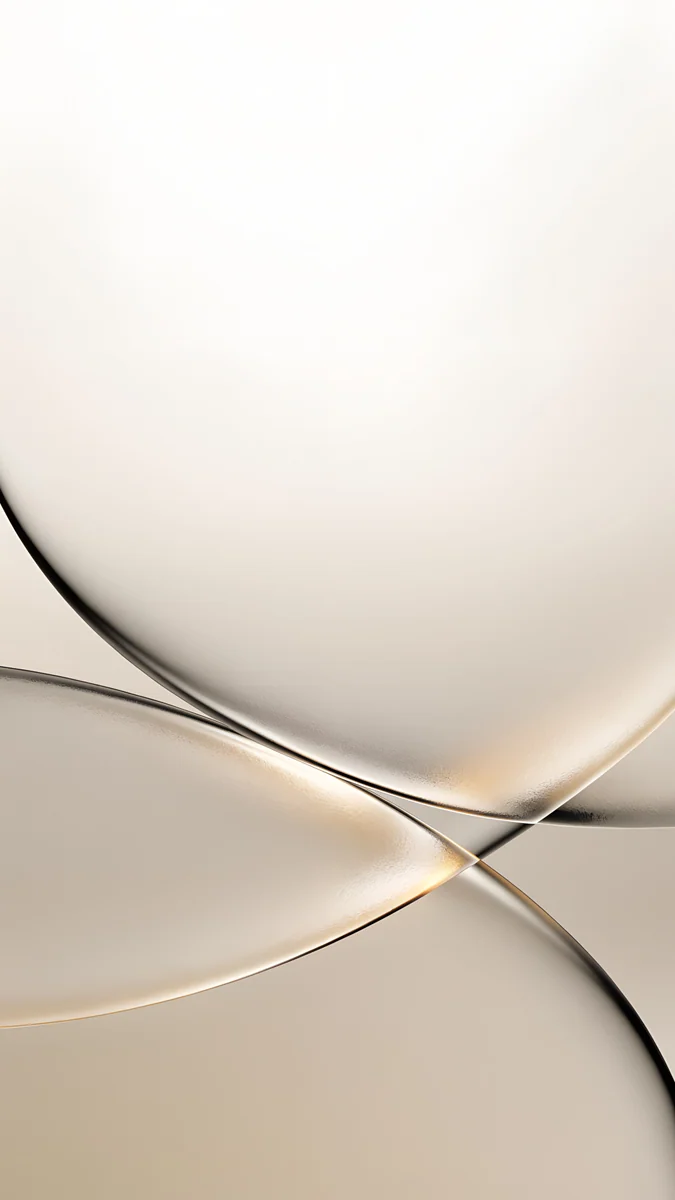 Champagne Veil
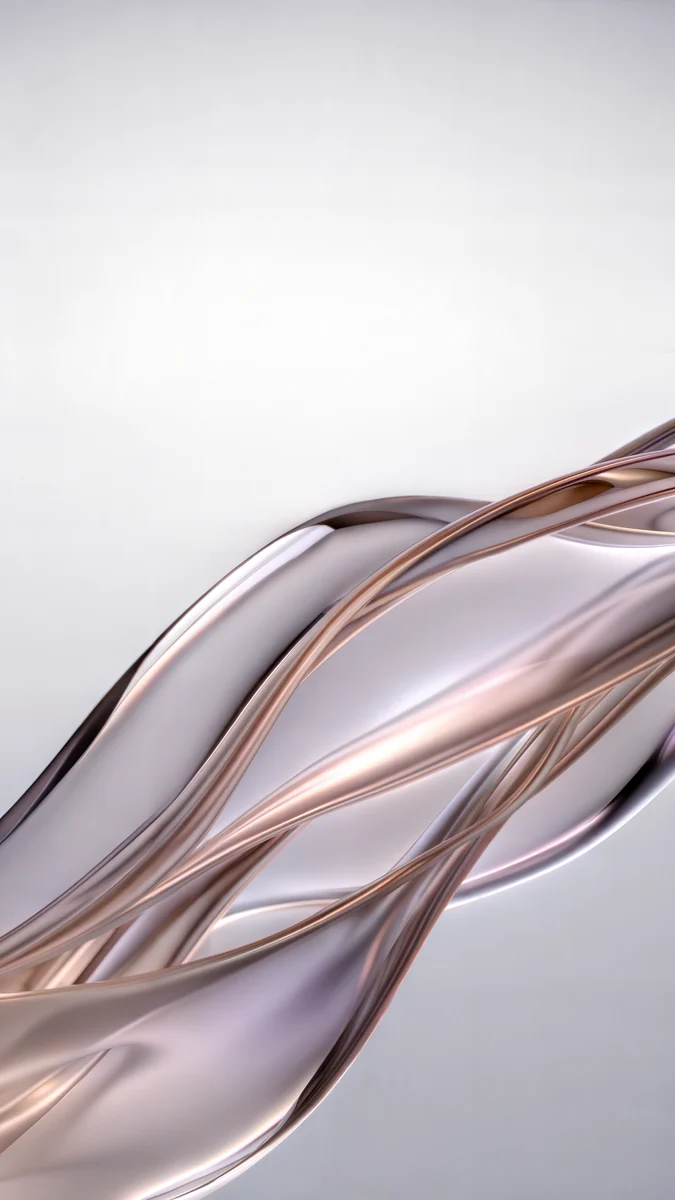 Liquid Light
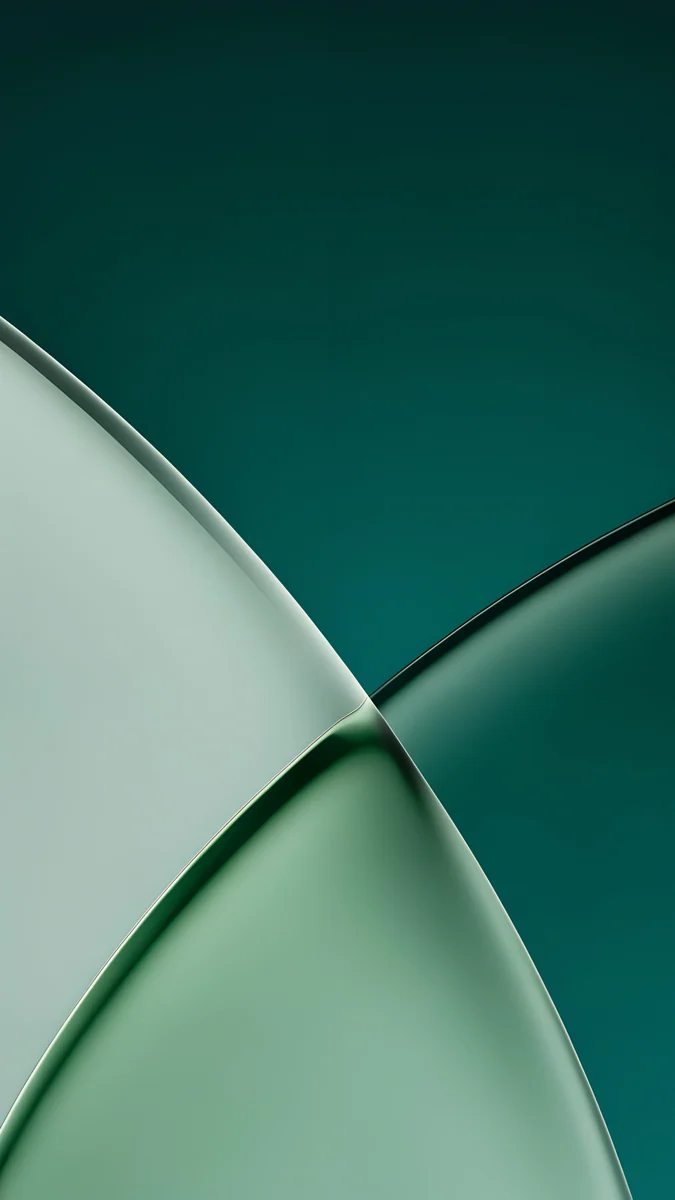 Jade Light Fold
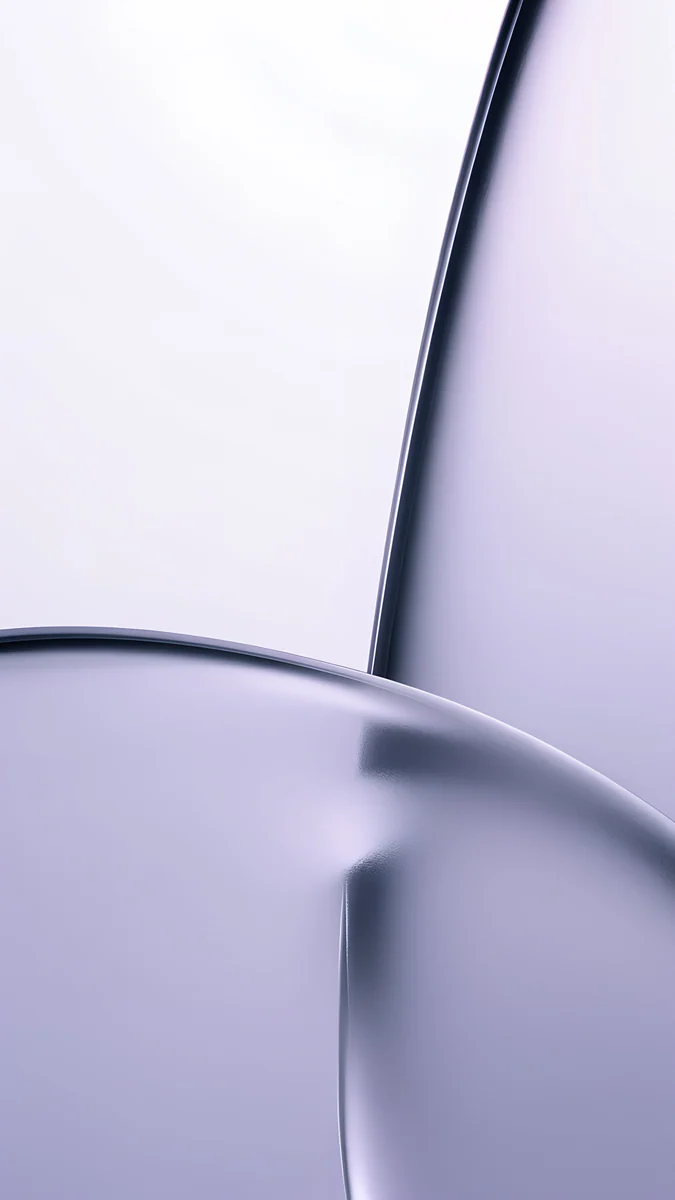 Lilac Transmission
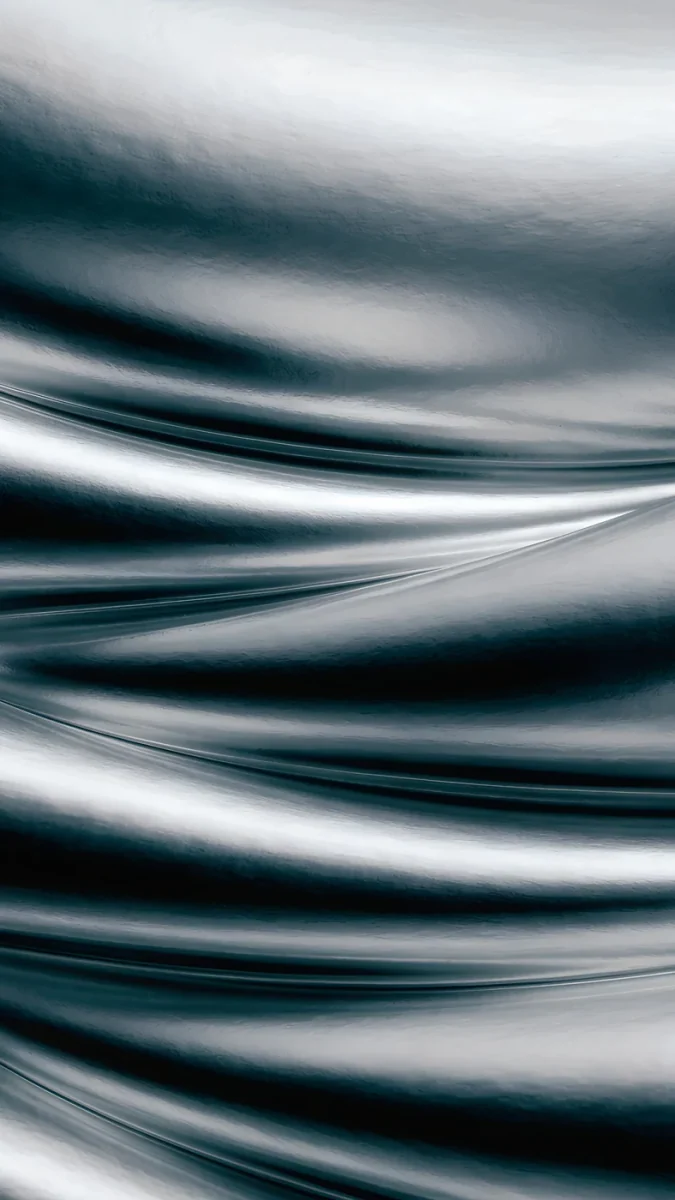 Moon Silver
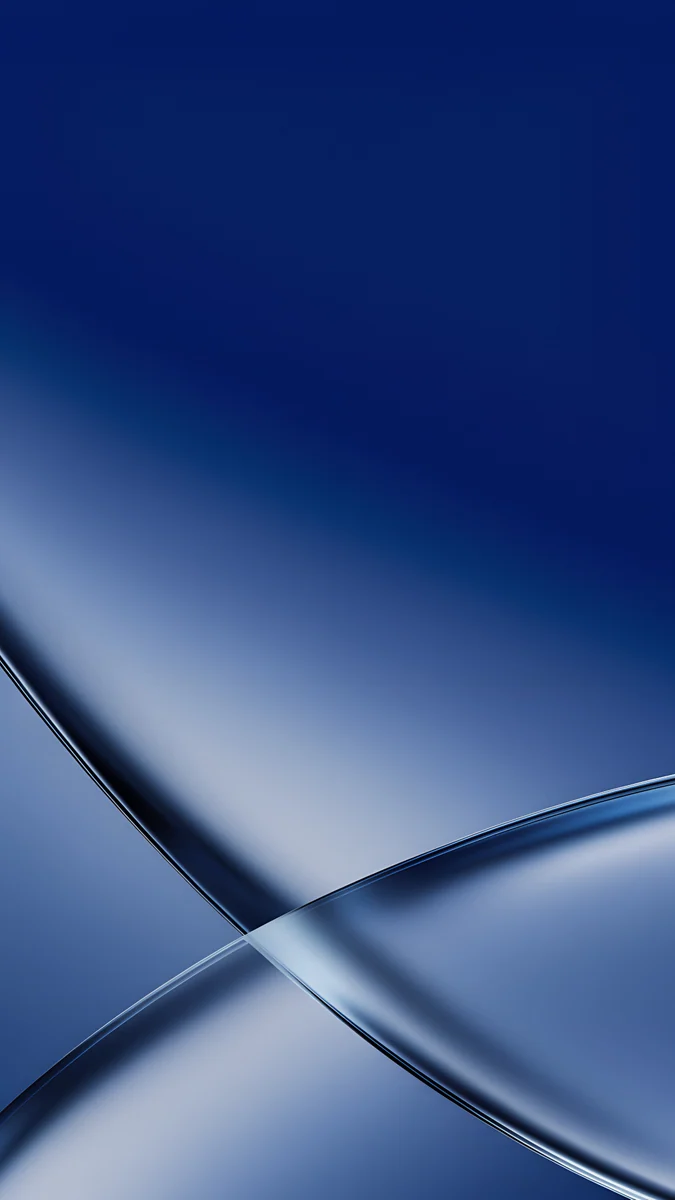 Cobalt Soft Crossing
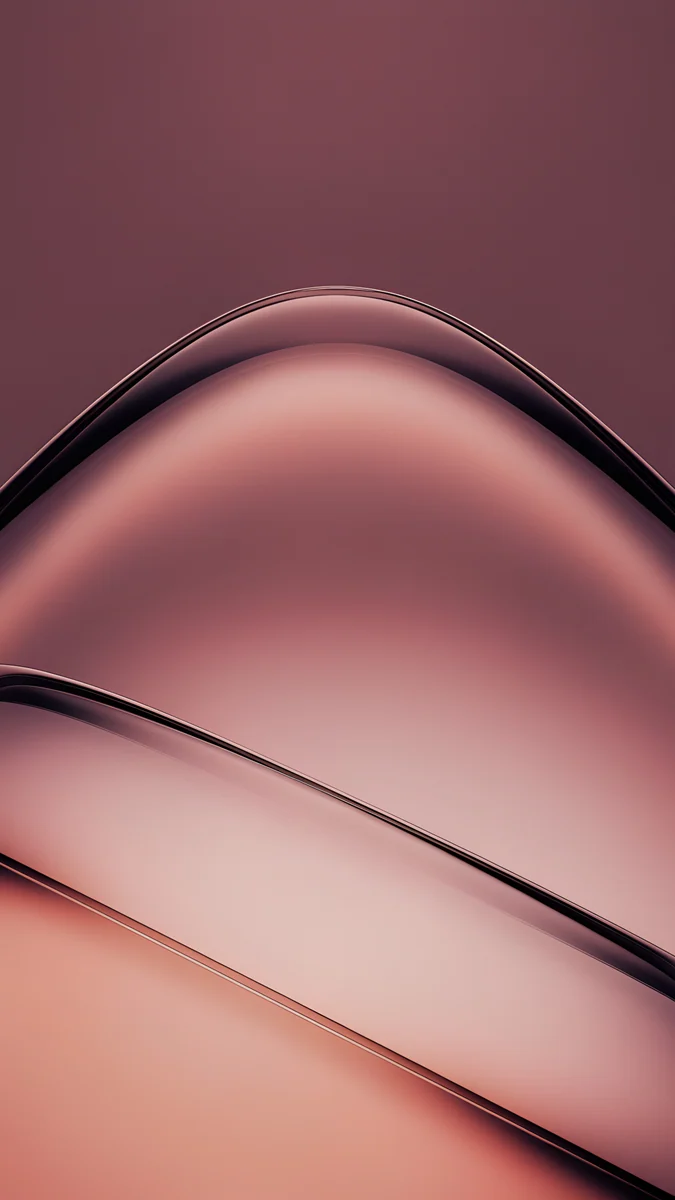 Rose Smoke
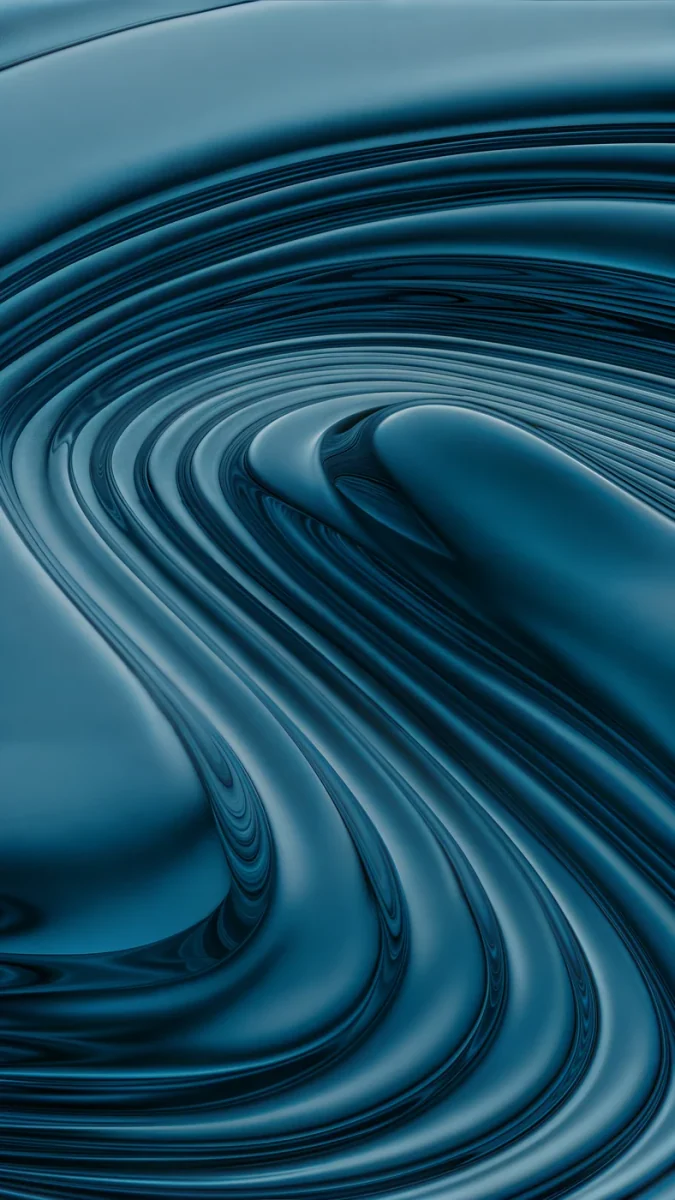 Petrol Terraces
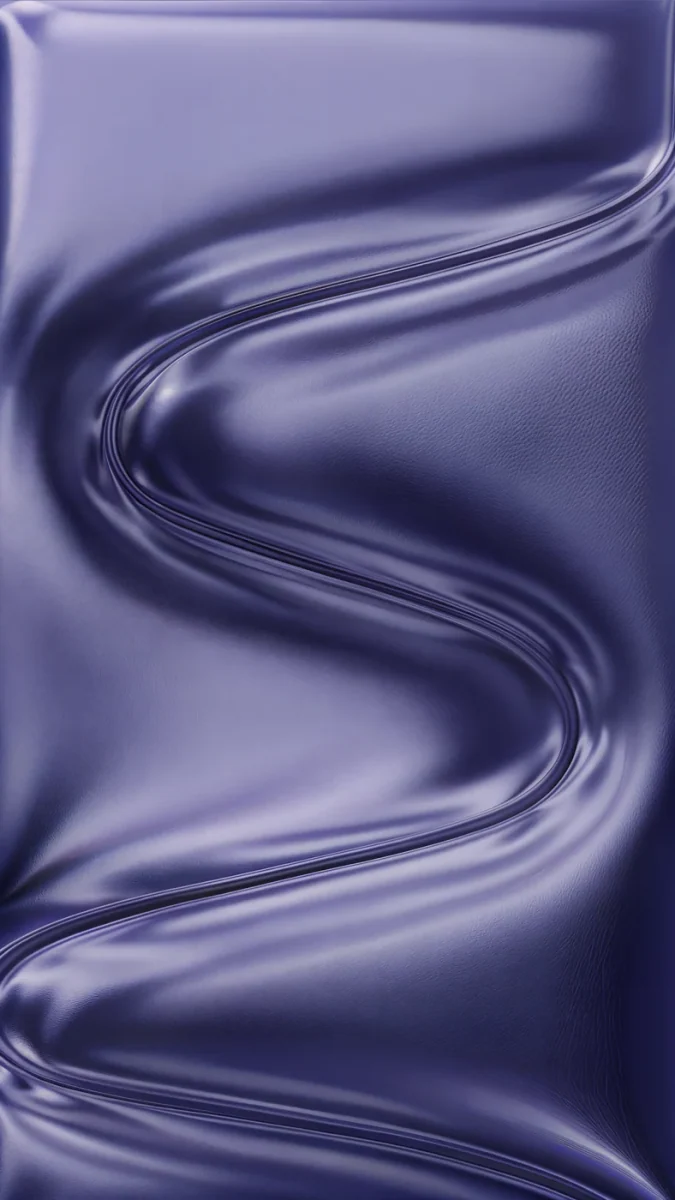 Indigo Passage
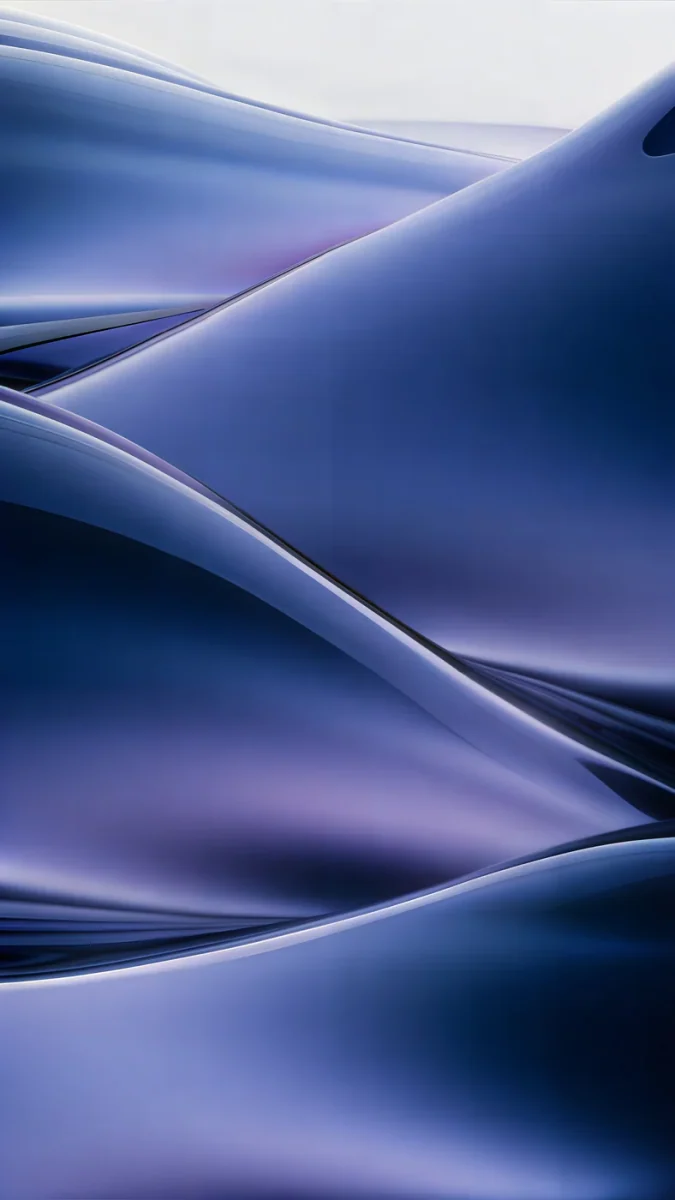 Midnight Flow
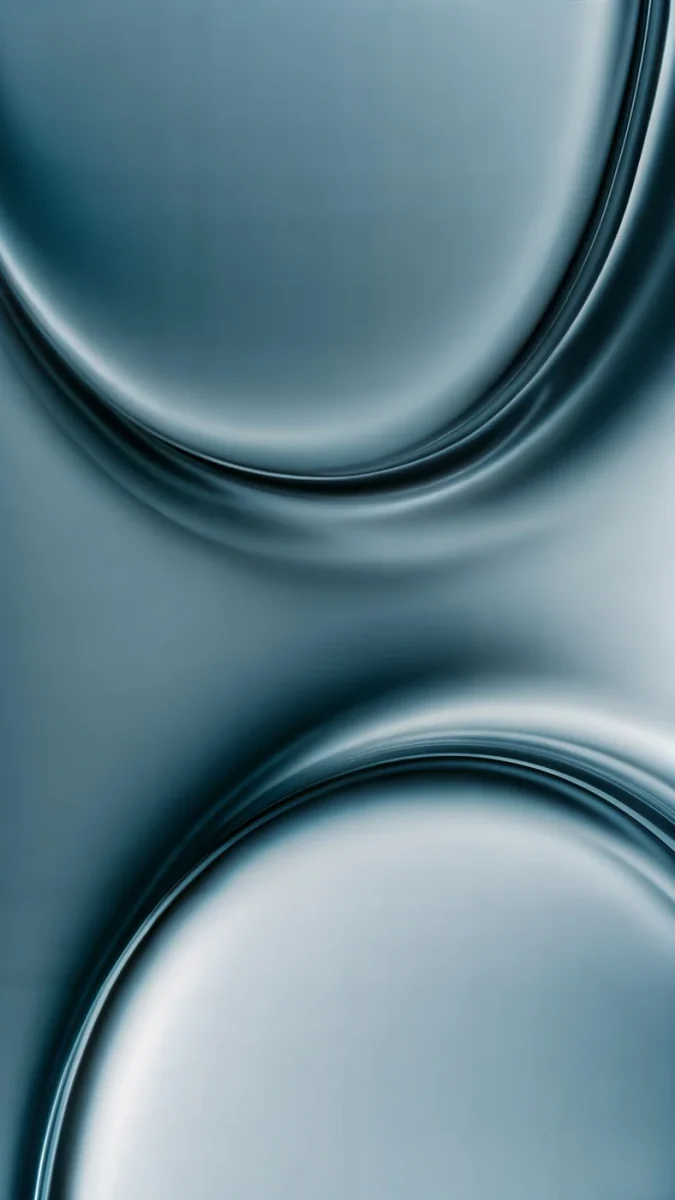 Arctic Current
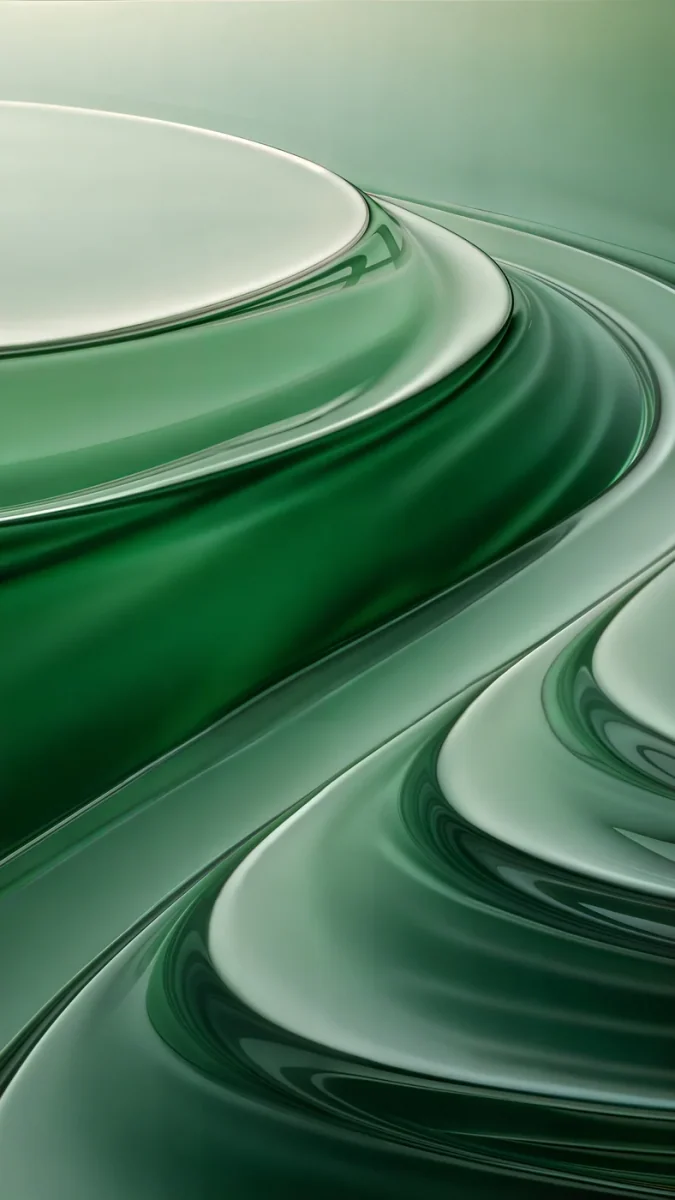 Mint Contours
Free originals for iPhone and Android, no watermark
On this page
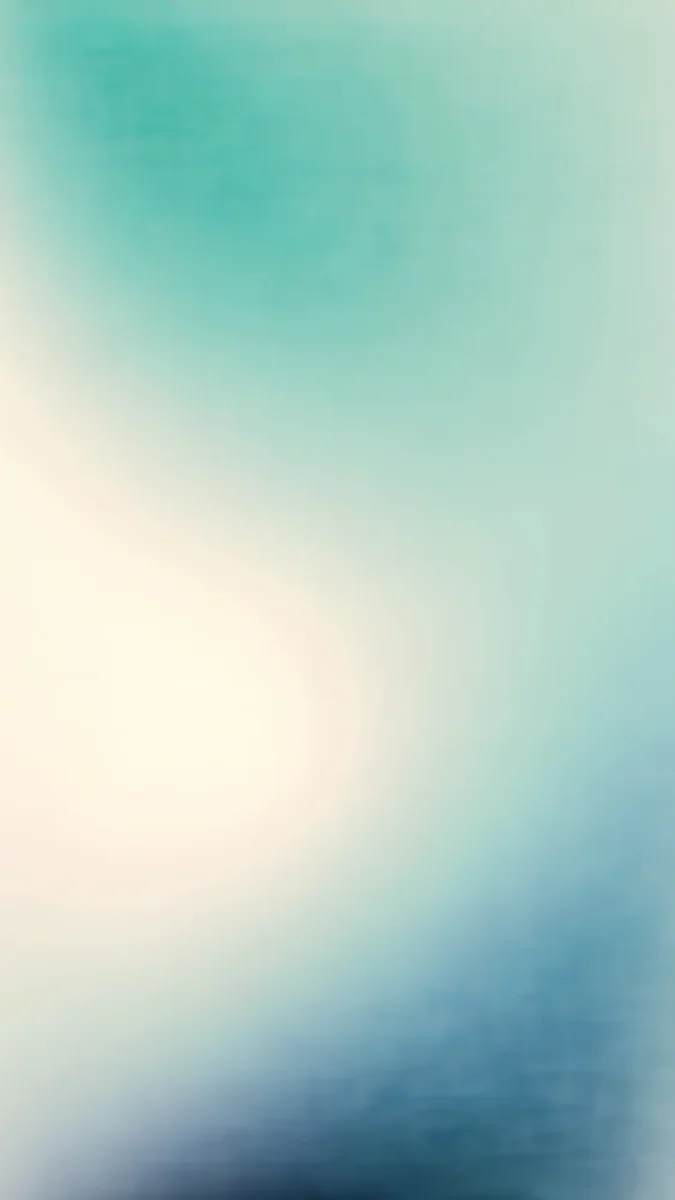
The best liquid glass wallpapers for iOS 26 are soft, frosted abstracts with no subject behind the clock. Velpaper's set has 23 originals: 17 phone wallpapers at 2160 × 3840 pixels (0.35 to 1.91 MB each) and 6 Mac wallpapers at 3840 × 2160 or 5120 × 2880. Start with Liquid Light, the most downloaded wallpaper in our whole catalog, or Jade Light Fold if your phone has an OLED screen.
Liquid Glass is the translucent material Apple introduced on 9 June 2025 for iOS 26, iPadOS 26 and macOS Tahoe 26 (Apple Newsroom). None of the wallpapers below is a copy of Apple's system wallpaper, and none carries text or a watermark. Catalog figures checked 14 October 2026.
What is in this set
| Group | Count and size | File size | Dominant hex | Best for |
|---|---|---|---|---|
| Light and champagne | 5 phone, 2160 × 3840 | 0.35 to 1.32 MB | #E6DCD0, #C4B5DE, #D6CCE6 | Airy screens, dark clock |
| Deep and dark | 6 phone, 2160 × 3840 | 0.37 to 1.91 MB | #0D3137, #102B35, #15243E | OLED, dark mode, white clock |
| Colour flows | 6 phone, 2160 × 3840 | 0.47 to 0.79 MB | #14312C, #332D49, #3D2520 | Mid tones, work phone |
| Mac and desktop | 4 at 3840 × 2160, 2 at 5120 × 2880 | 0.24 to 1.13 MB | #EDEBEF, #0B2E3A, #1C1A5E | Desktop, all six free |
This is one of the most downloaded sets in the Velpaper catalog. The favourites: Liquid Light, Rose Tension, Lilac Transmission, Liquid Light Band and Jade Light Fold. The median phone file weighs 0.59 MB, so all seventeen fit in about 13 MB.
What liquid glass means here
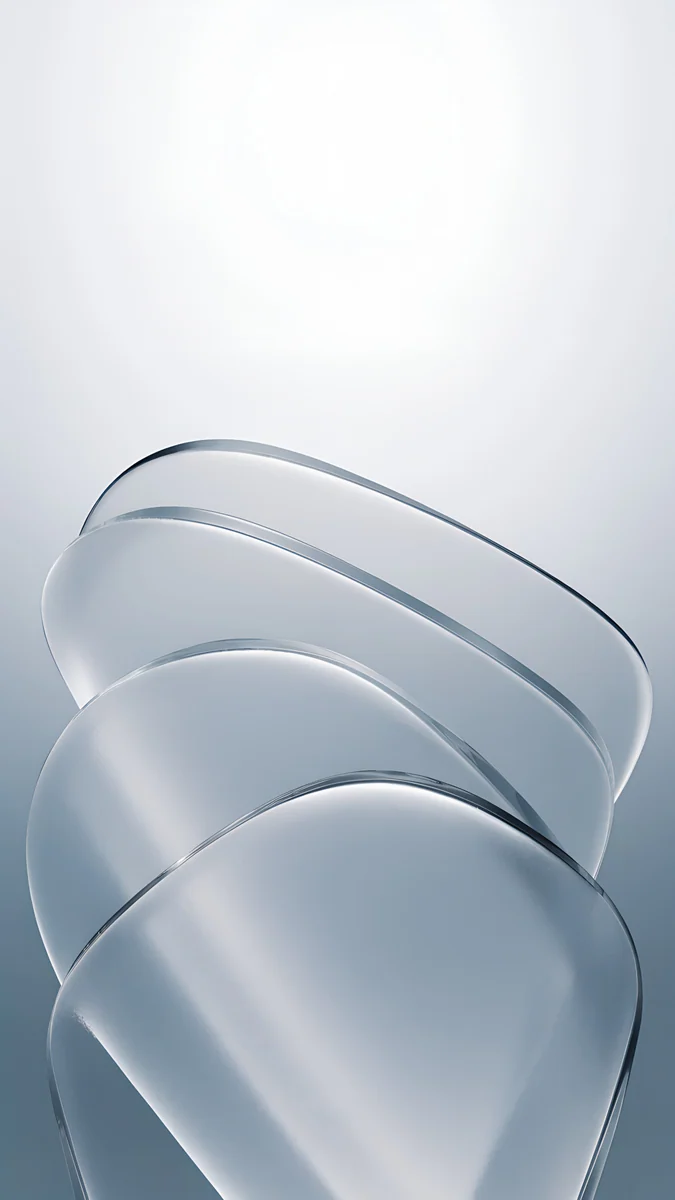
Each image is built from a few large planes of frosted glass, layered and slightly bent. Light passes through them and refracts softly at the edges, so colour gathers along a fold and fades across a flat area. There is no chrome, no mirror highlight, no bubbles and no glossy 3D blob in the centre. The surfaces stay matte, closer to sandblasted glass than to a polished render.
That suits a lock screen. Glass has no face, building or horizon to compete with the time, and its even tone keeps the clock readable at the top and next to the widgets. Soft textured gradients also hide the compression that messengers and cloud backups add; the iPhone wallpaper size guide shows what that compression does.
Light and champagne
Pale planes in cream, lilac and silver, lit from behind. They keep the screen airy and want a dark or tinted clock.
Champagne Veil is the warmest and the lightest file at 0.35 MB. Liquid Light mixes lilac and peach in one long fold. Moon Silver and Cobalt Soft Crossing carry deeper shadows, so they bridge toward the dark set.
Deep and dark
Jade, petrol, indigo and smoky rose planes catch a thin line of light along their edges, while the rest of the frame stays deep.
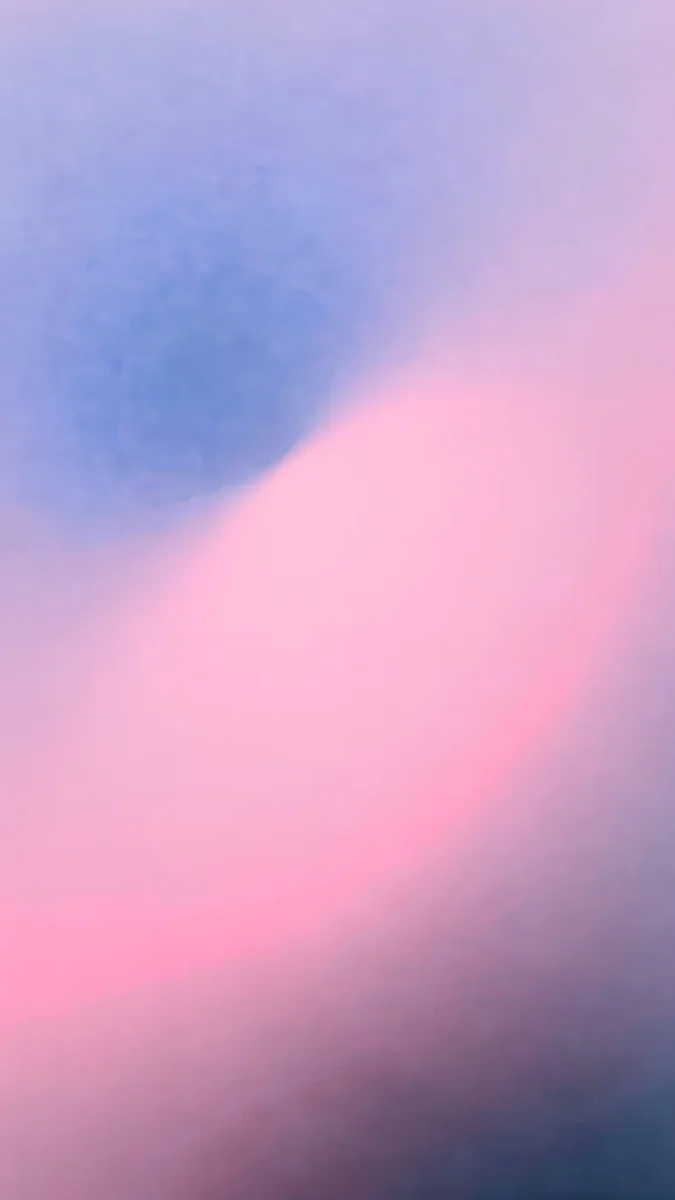
Jade Light Fold is the standout: dark green glass (#0D3137) with one pale crease. Rose Smoke runs from plum to blush. Petrol Terraces stacks its planes like steps, and Arctic Current is the coolest, teal turning to ice blue.
Colour flows
Each of these takes one hue and runs it through bands of glass from dark to pale, like strata in a cut stone: mint, lilac, rose, sage, amber and ink.
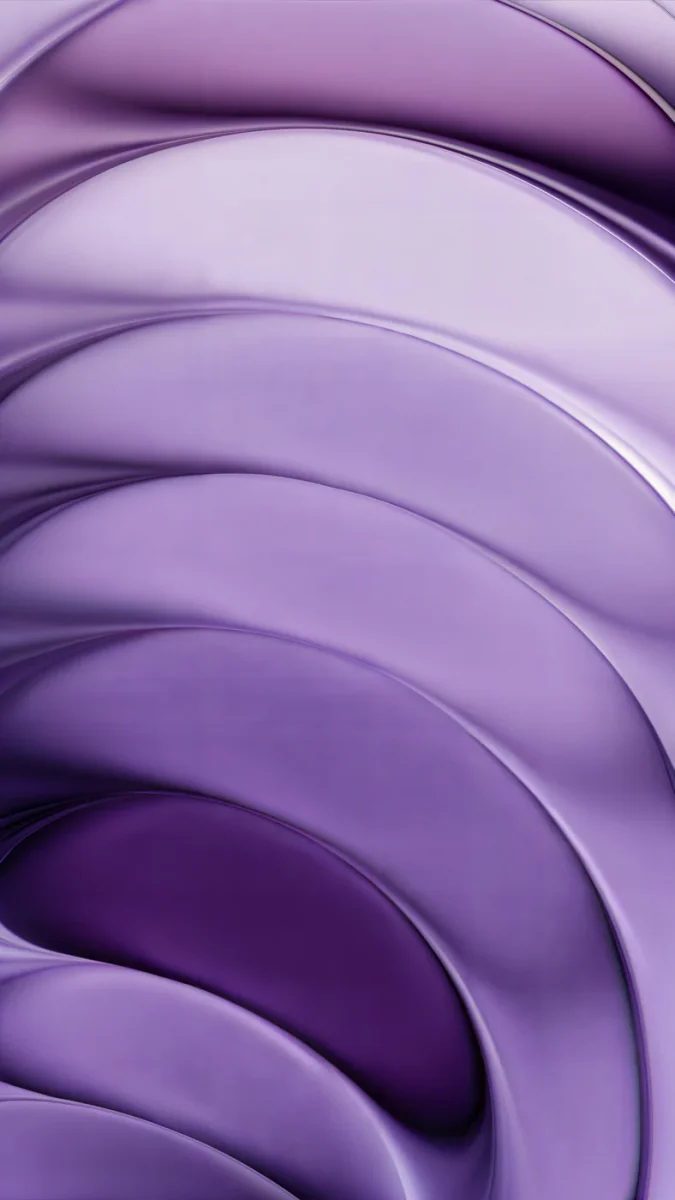
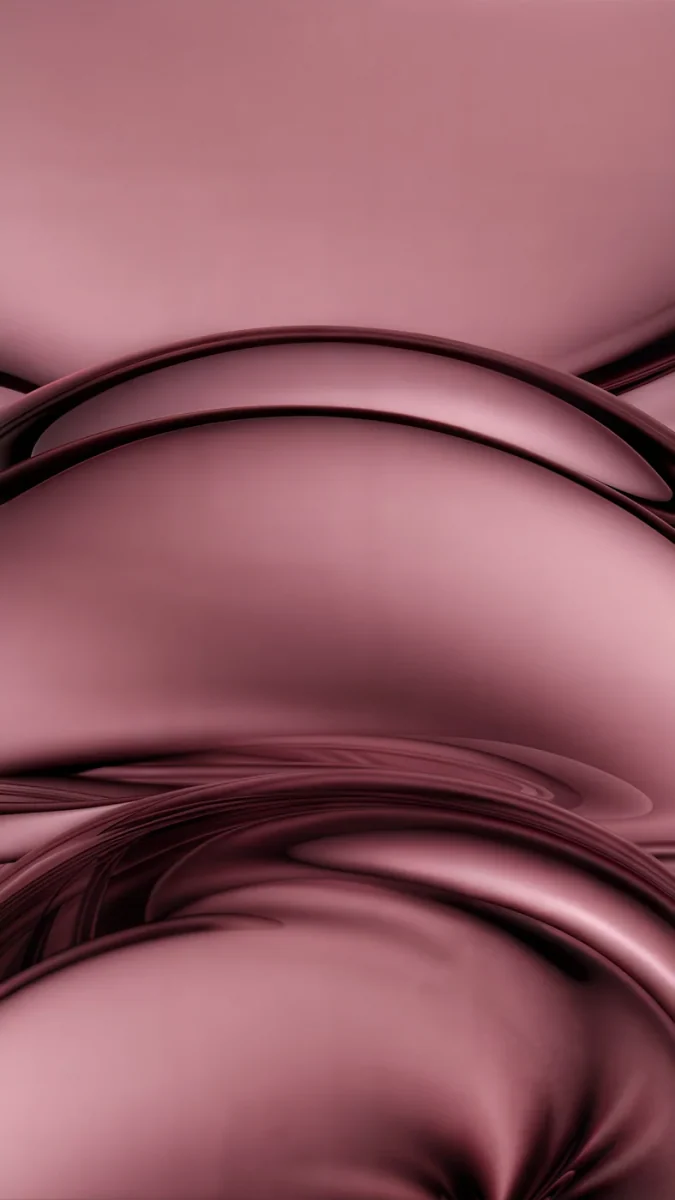
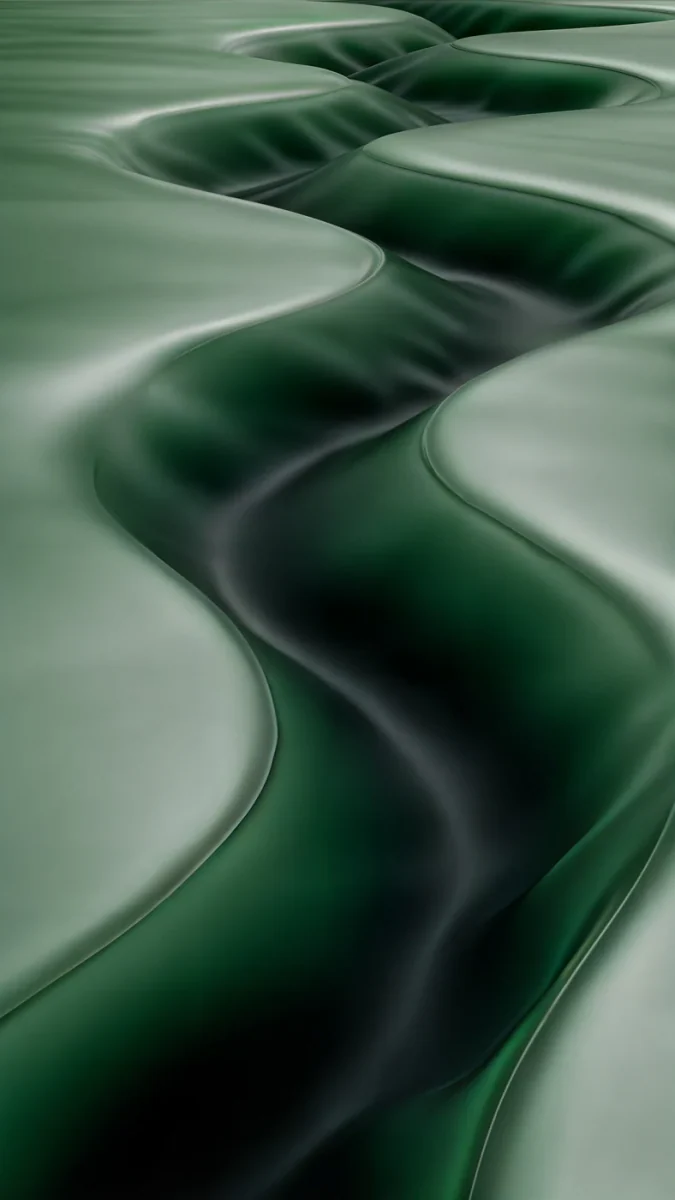
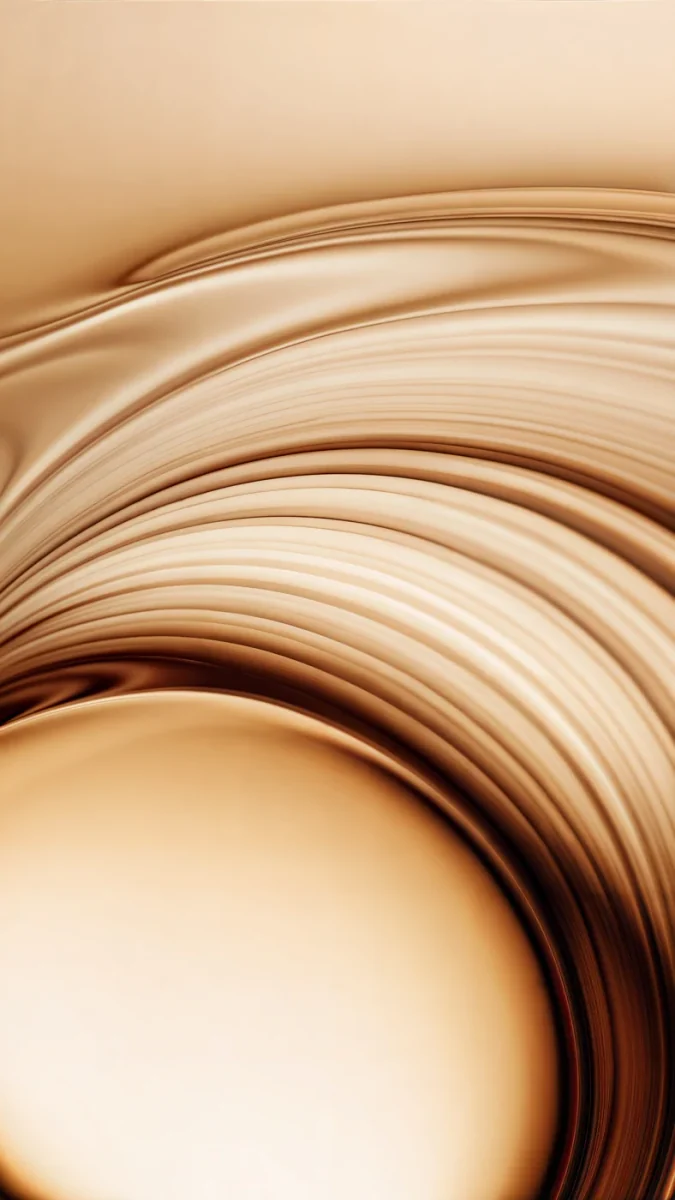
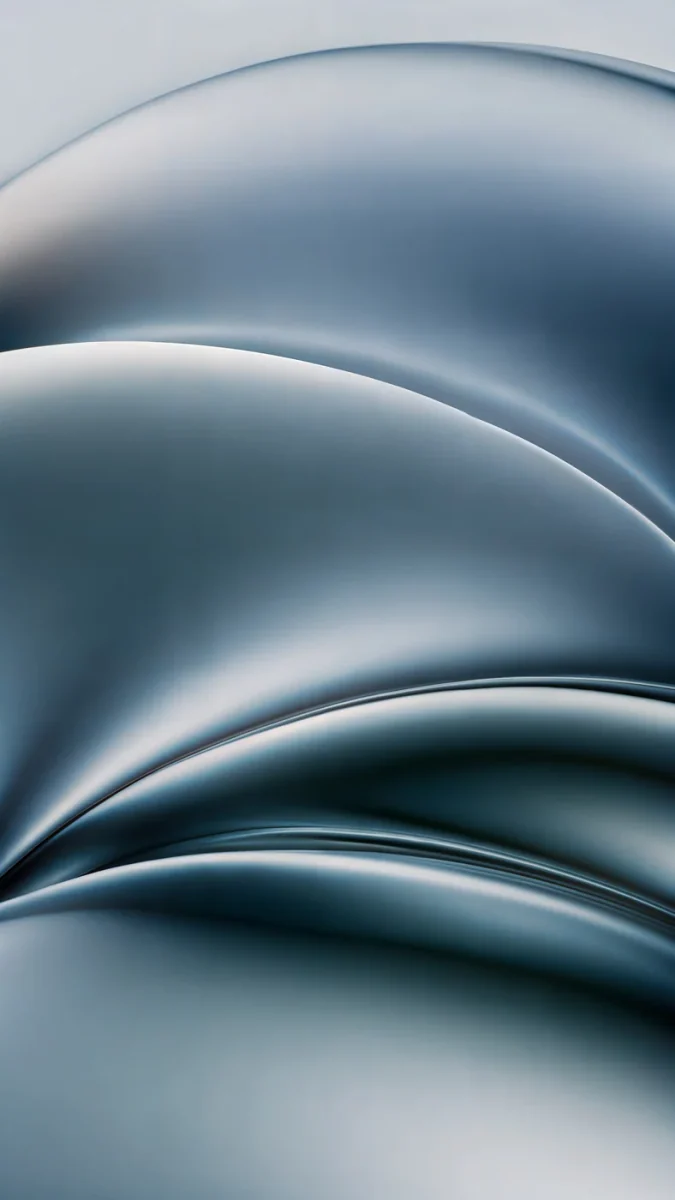
Amber Undertow is the warmest, brown turning to honey. Ink Pressure is the most neutral blue grey. Rose Tension is the most downloaded of the group.
Liquid glass wallpaper for Mac
Six wide versions, composed for a wide screen rather than cropped from a phone image. Petrol Current and Lilac Drift are 5K (5120 × 2880) for a Studio Display or 5K iMac; the other four are 4K (3840 × 2160) for 16:9 and 16:10 screens.
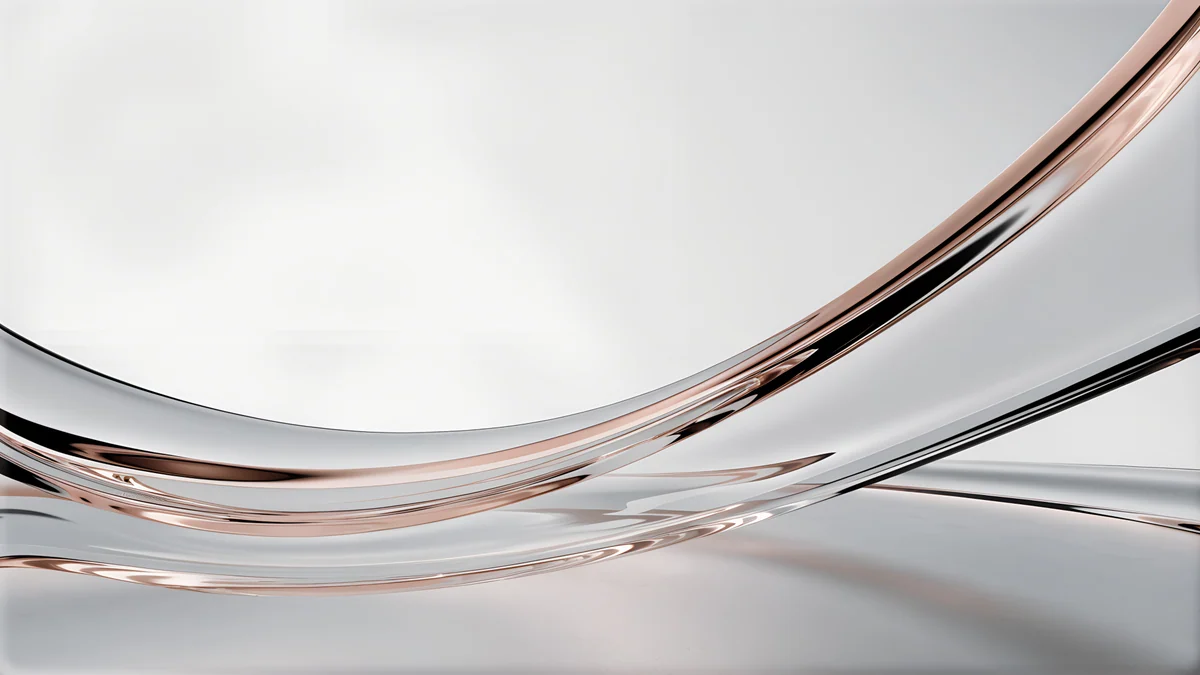
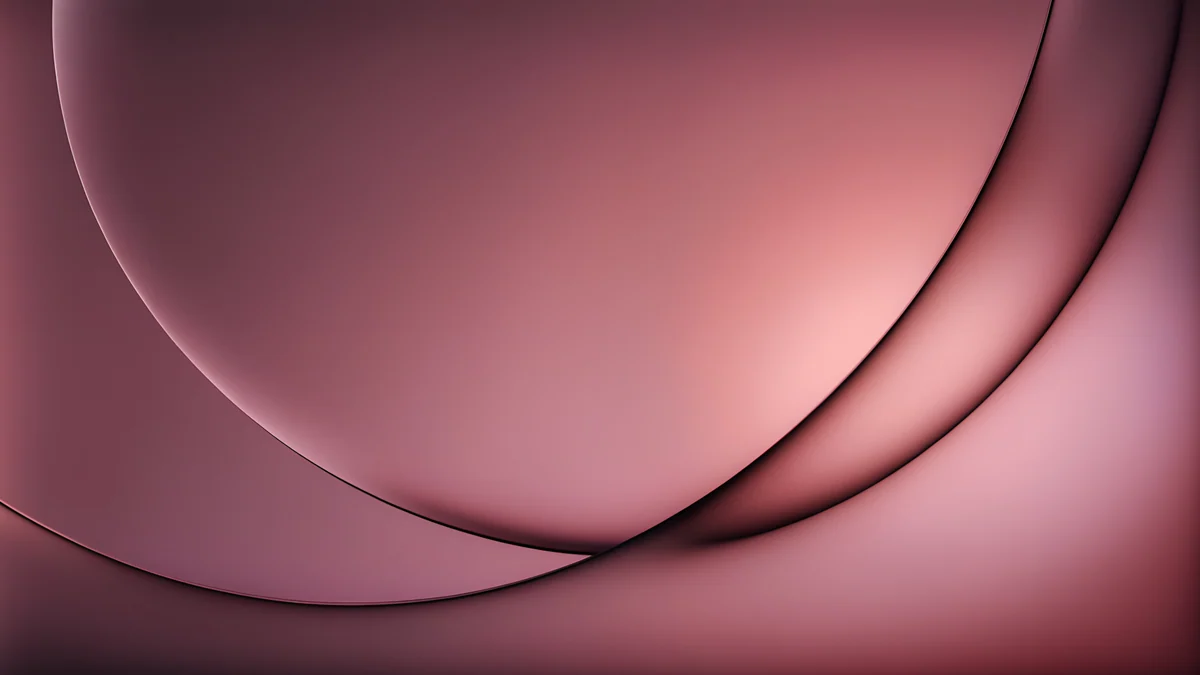
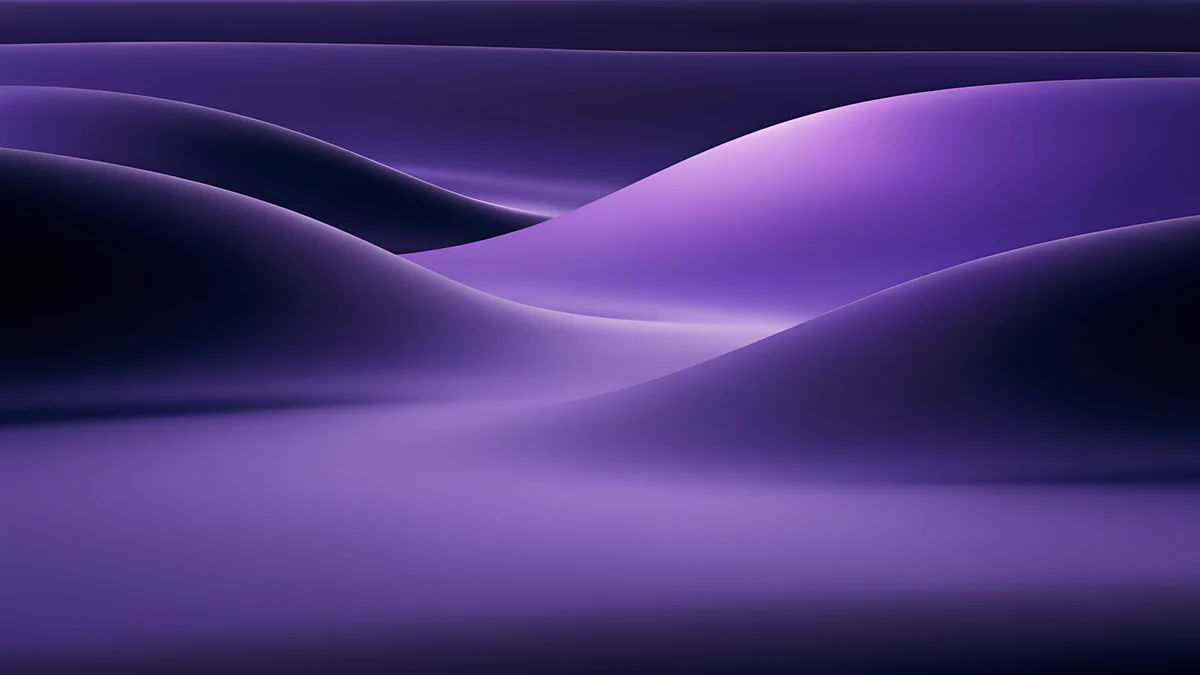
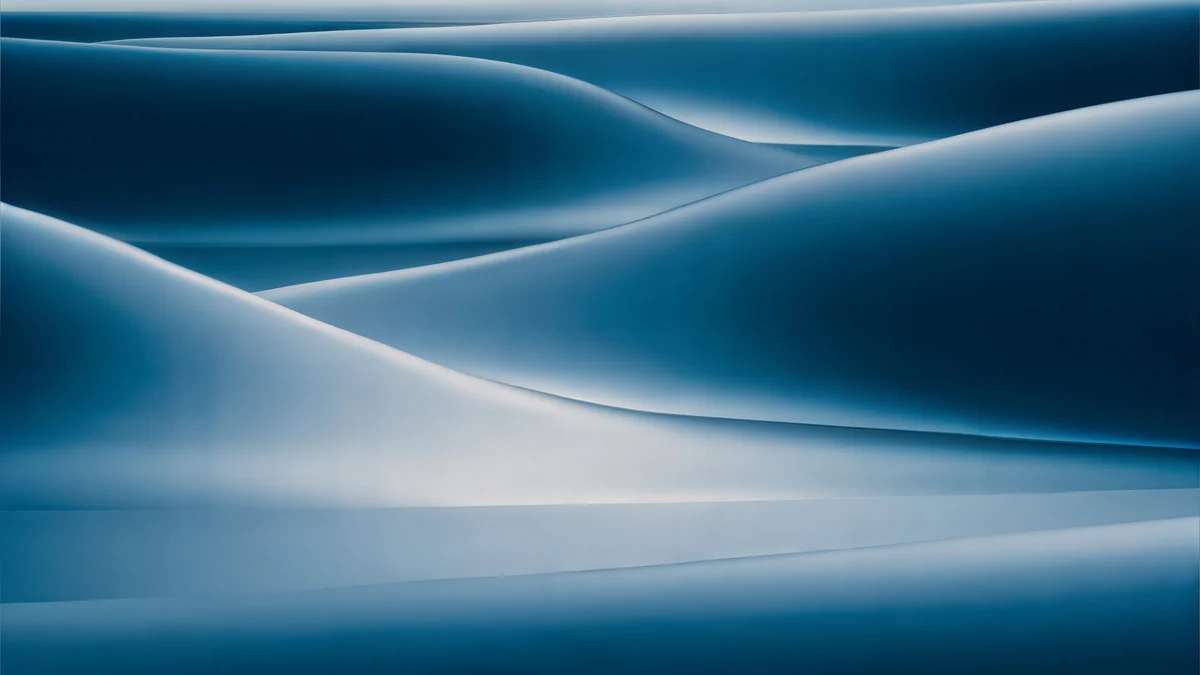
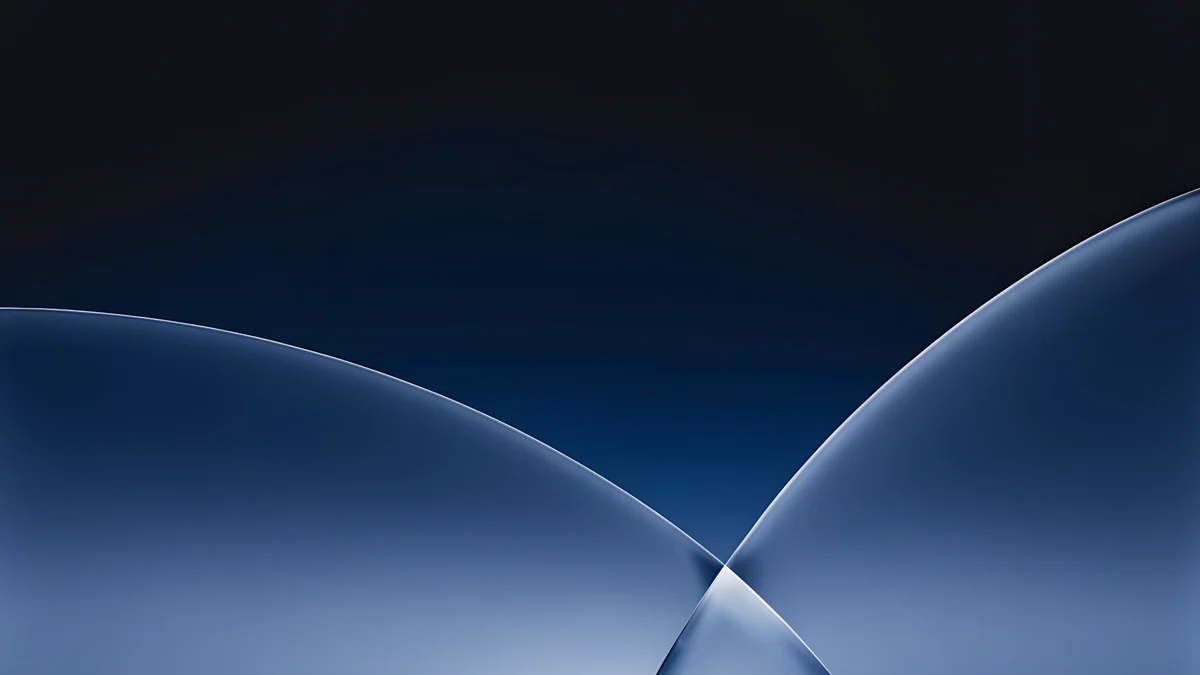
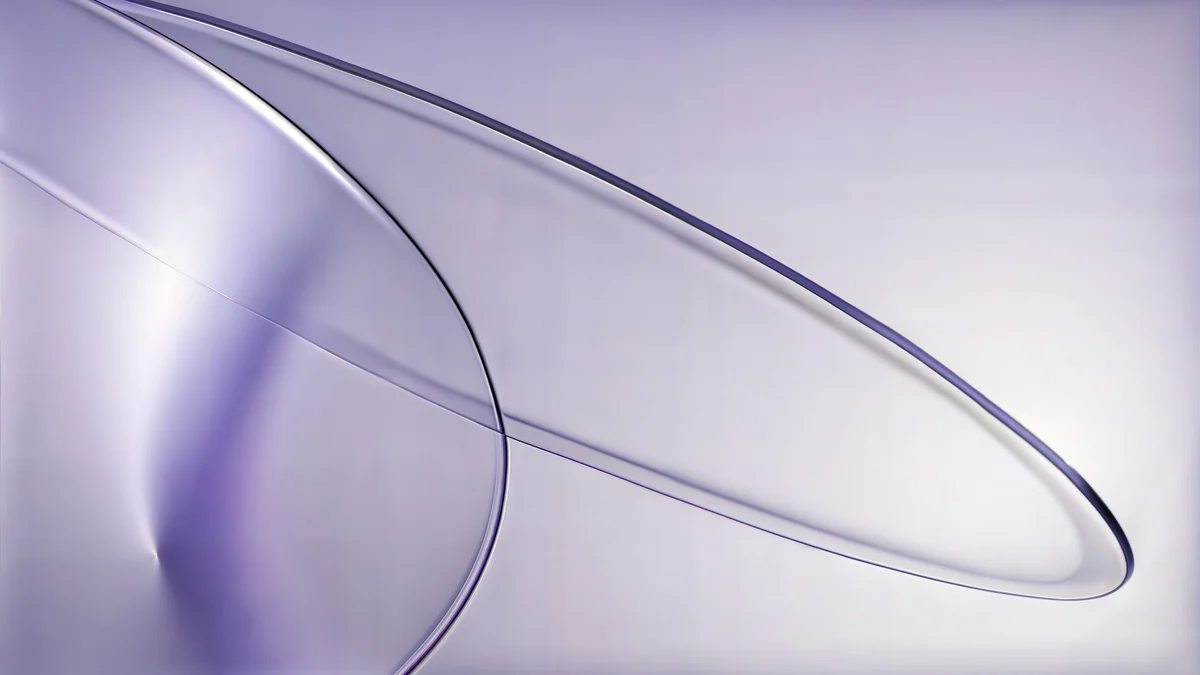
For a matching setup, put Liquid Light on the iPhone and Liquid Light Band on the Mac, or pair Rose Smoke with Rose Smoke Glass.
Which one for OLED, the clock and the desktop
- OLED and dark mode: Jade Light Fold, Petrol Terraces, Midnight Flow, Arctic Current. Large deep areas keep OLED pixels dim; more picks are in dark OLED wallpapers.
- Clock stays readable: Champagne Veil and Lilac Transmission (pale tones from #E6DCD0 to #F0E9F5) with a dark clock; the dark group with a white clock. Check the preview in the editor before you tap Add.
- Desktop: Petrol Current or Lilac Drift on a 5K display, Liquid Light Band on a MacBook.
How to set a liquid glass wallpaper
- Open the wallpaper page and download the original, not a screenshot of the preview.
- iPhone, iOS 26: open Settings, Wallpaper, Add New Wallpaper, then Photos and pick the file.
- Pinch so the brightest fold sits below the clock, then tap the time and choose a dark clock for the light group or white for the dark group.
- Tap Add, then Set as Wallpaper Pair. Apple's steps: Change your iPhone wallpaper. Clock styles and widgets are in how to set a lock screen wallpaper on iPhone.
- Mac, macOS Tahoe: System Settings, Wallpaper, Add Photo, then choose Fill Screen. Details: how to change the desktop wallpaper on a Mac and Apple's Change Wallpaper settings.
- Android: press and hold the home screen, tap Wallpaper & style (Pixel) or Wallpaper and style (Samsung), pick the photo, then Set or Apply.
If it looks wrong
- Bands in the gradient: the file went through a messenger. Download the 2160 × 3840 original again.
- Looks zoomed in: iOS fills the screen by height and trims about 9% per side. Pinch out in the editor until the fold is centred.
- Interface text hard to read: since iOS 26.1, Settings, Display & Brightness, Liquid Glass offers a Tinted look; Settings, Accessibility, Display & Text Size, Reduce Transparency goes further.
Next step
Download Liquid Light in 4K for your iPhone and its desktop twin Liquid Light Band for your Mac, then set both with the steps above.
Original wallpapers in and for iPhone, Android and desktop.
Questions
Are these photographs of real glass or Apple's wallpapers?
Neither. Each wallpaper is an original digital study made for Velpaper: the glass planes, the light and the refraction are generated and then checked by hand for clean edges and smooth gradients. Photographs of real glass bring dust, studio reflections and sensor noise, which look fine in print and messy behind a clock. The name describes the look, not the source: these are not Apple's own iOS 26 or macOS Tahoe wallpapers, and they carry no Apple branding.
Should I choose a light or a dark glass wallpaper for an OLED screen?
For OLED, the dark set is the better match: Jade Light Fold, Petrol Terraces, Midnight Flow and Arctic Current. Their large deep areas, with base tones such as #0D3137 and #15243E, keep OLED pixels at low brightness, so the thin lines of light look brighter by contrast. Light wallpapers such as Champagne Veil still look good on OLED; they simply keep more pixels lit. On an LCD screen choose by clock contrast: a white clock on dark glass, a dark clock on light glass.
Will the gradients show banding on my phone?
Banding appears when a smooth gradient has too few colour steps, usually after heavy compression or upscaling. Every phone wallpaper here is a 2160 × 3840 original, larger than any current iPhone or Android screen, so the phone scales it down rather than up and transitions stay smooth. The frosted texture also works like natural dithering. To keep that quality, download the original from the wallpaper page instead of saving a screenshot or a copy that has passed through a messenger.
Is there a liquid glass wallpaper for Mac?
Yes, six: Liquid Light Band, Rose Smoke Glass, Indigo Silk Flow, Petrol Current, Cobalt Soft Horizon and Lilac Drift. Petrol Current and Lilac Drift are 5120 × 2880 pixels (5K), the other four are 3840 × 2160 (4K), and files weigh 0.24 to 1.13 MB. They share colour families with the phone set, so Liquid Light pairs with Liquid Light Band and Rose Smoke with Rose Smoke Glass. Set one with System Settings, Wallpaper, Add Photo on macOS Tahoe or Sequoia.
Are these liquid glass wallpapers free?
Browsing and previewing is free on the web and in the apps. The 17 phone wallpapers unlock after a short optional ad in the iPhone and Android apps; on the website, if no ad is available, the original downloads for free. All six desktop wallpapers are free. There is no account and no subscription, and the file you get is the full original without a watermark.
Carlos Vivero
Designer of Velpaper wallpapers
Carlos Vivero designs the wallpapers in Velpaper: quiet architecture, liquid glass, Japanese ink and calm landscapes. Every piece is made as a original for iPhone, Android and desktop.
Recent work