MacBook Wallpaper 4K: Which Size for Air and Pro
MacBook wallpaper 4K guide: native screen sizes for Air and Pro, when to pick a 3840 × 2160 or 5120 × 2880 file, how macOS crops, and where the notch sits.
Sources [1] · By the Velpaper team · Wallpapers by Carlos Vivero, Velpaper designer · · 6 min read
In short: Download the 3840 × 2160 4K file for any MacBook Air and for the 14 inch MacBook Pro, and the 5120 × 2880 5K file for the 16 inch MacBook Pro [1]. Both are larger than the screen, so macOS only scales them down, and Fill Screen trims about 7 percent from each side.
Wallpapers
 Red Sun Pagoda Panorama
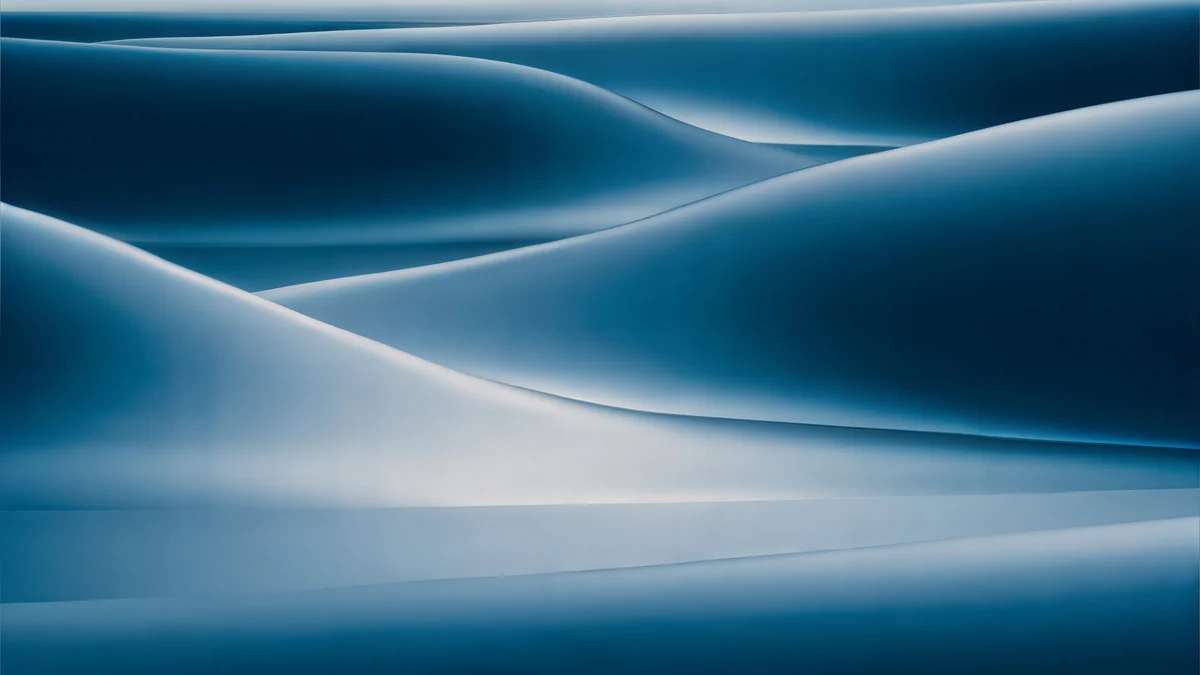 Petrol Current
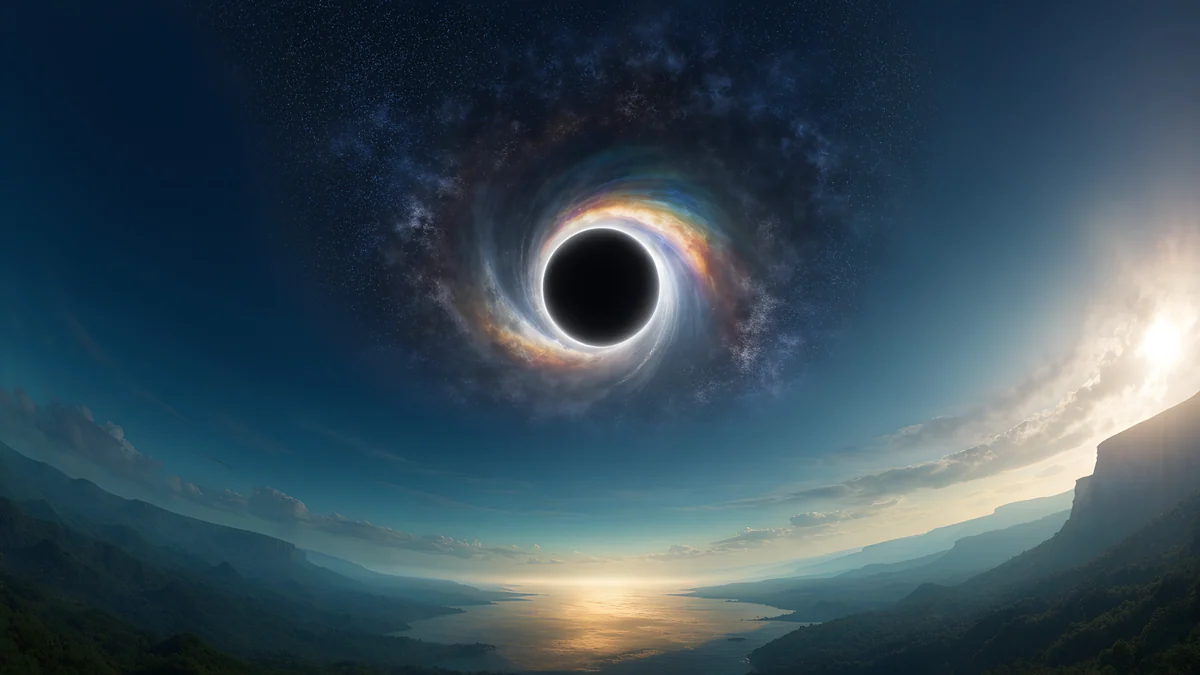 Black Hole Horizon
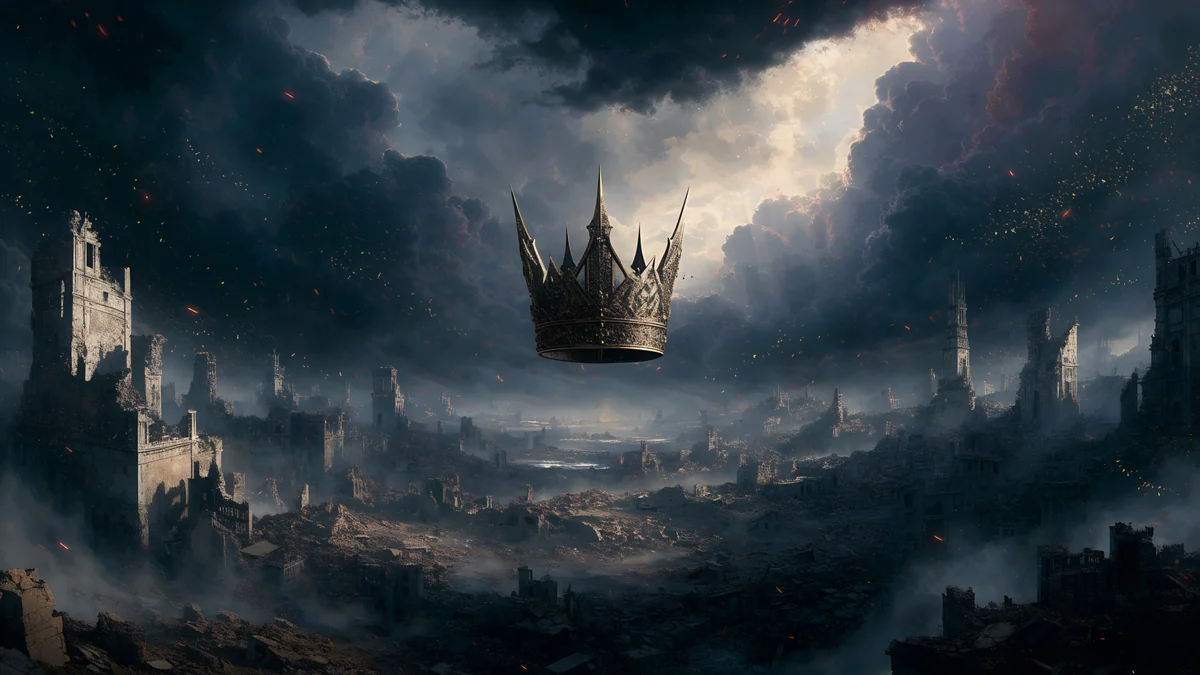 Storm Crown Panorama
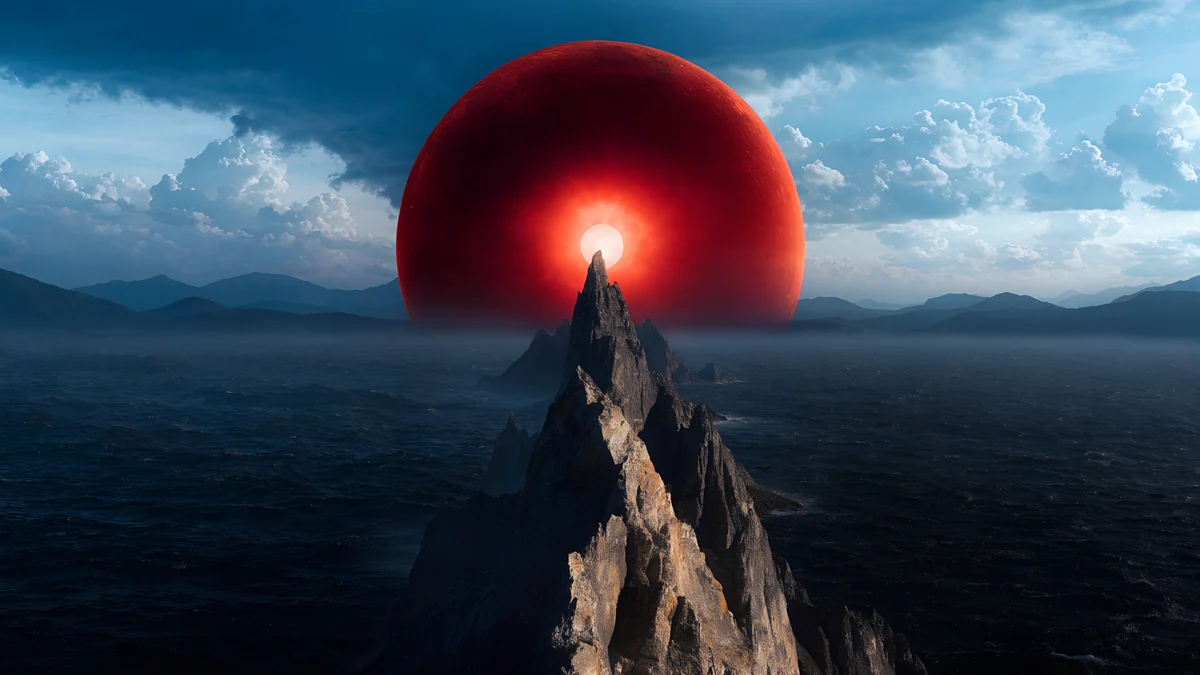 Red Eclipse Panorama
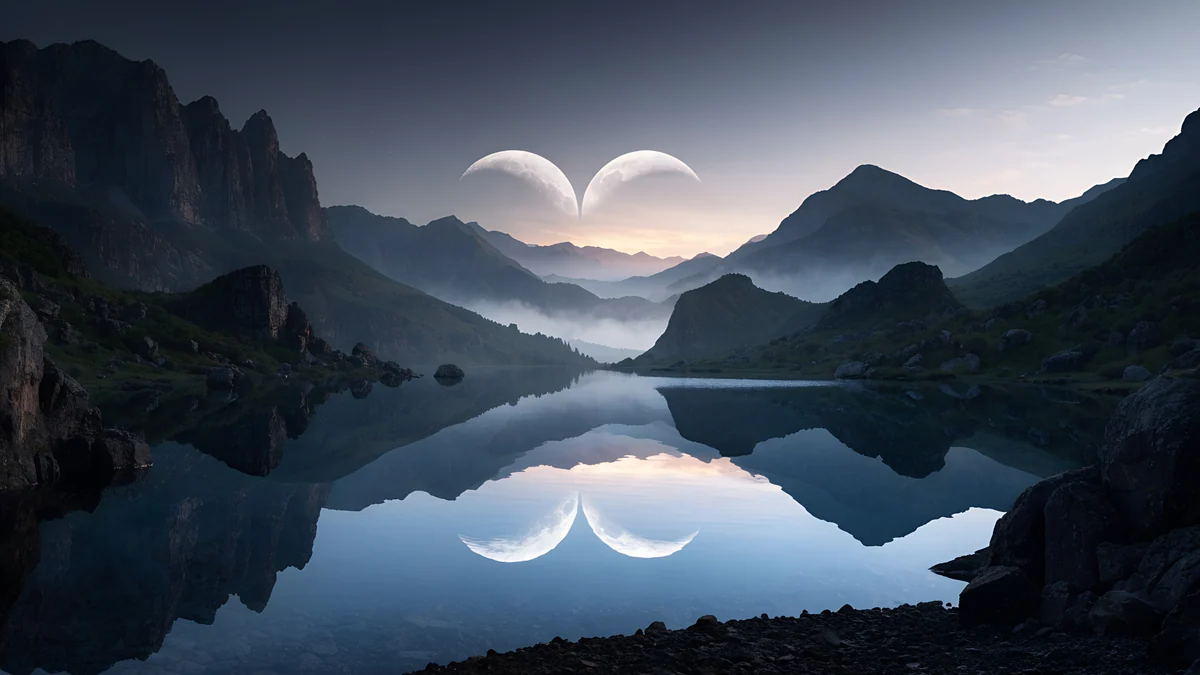 Twin Crescent Panorama
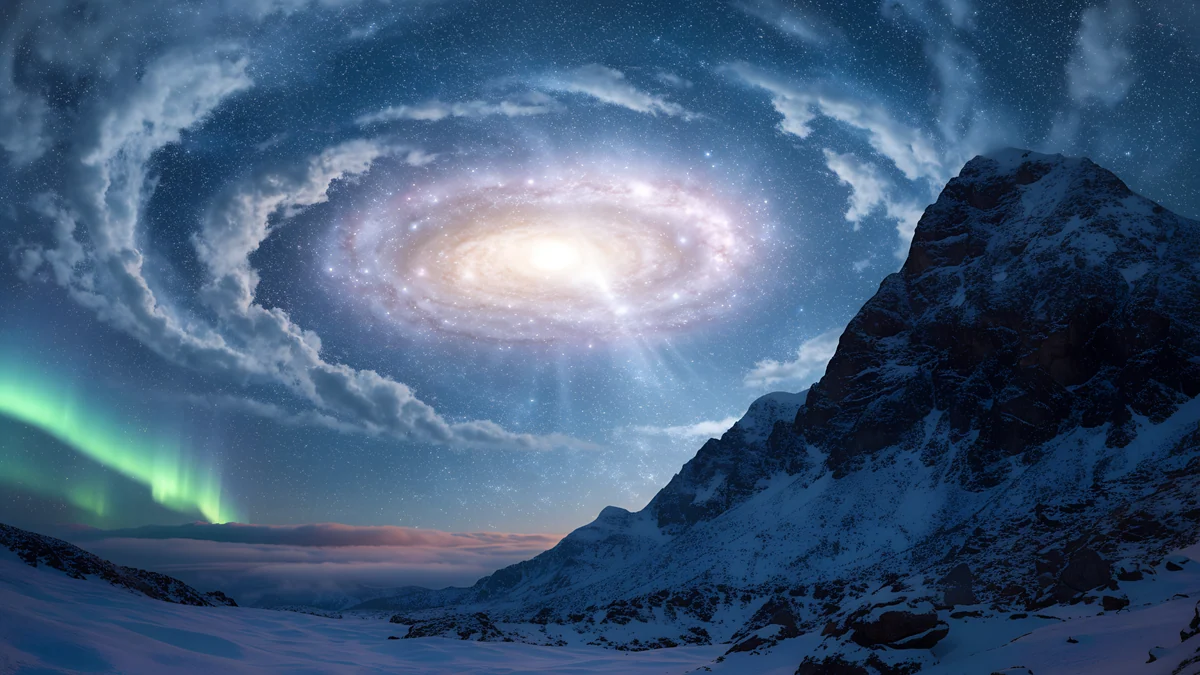 Galaxy Peak Panorama
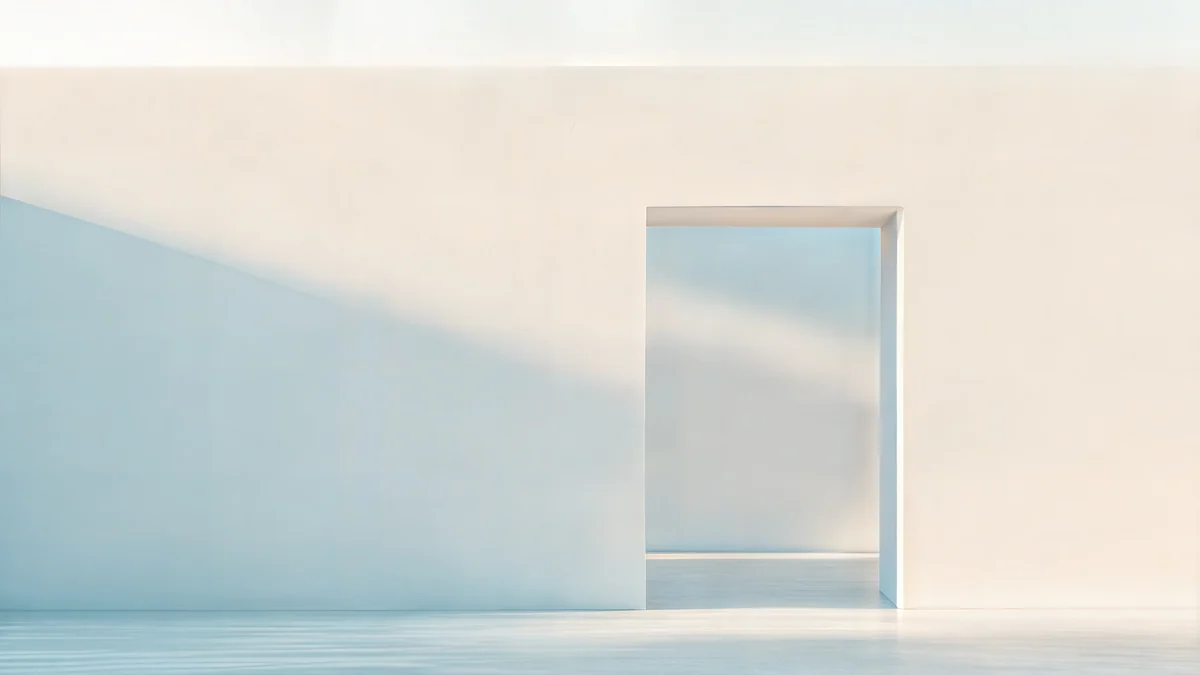 Ivory Daylight Gate
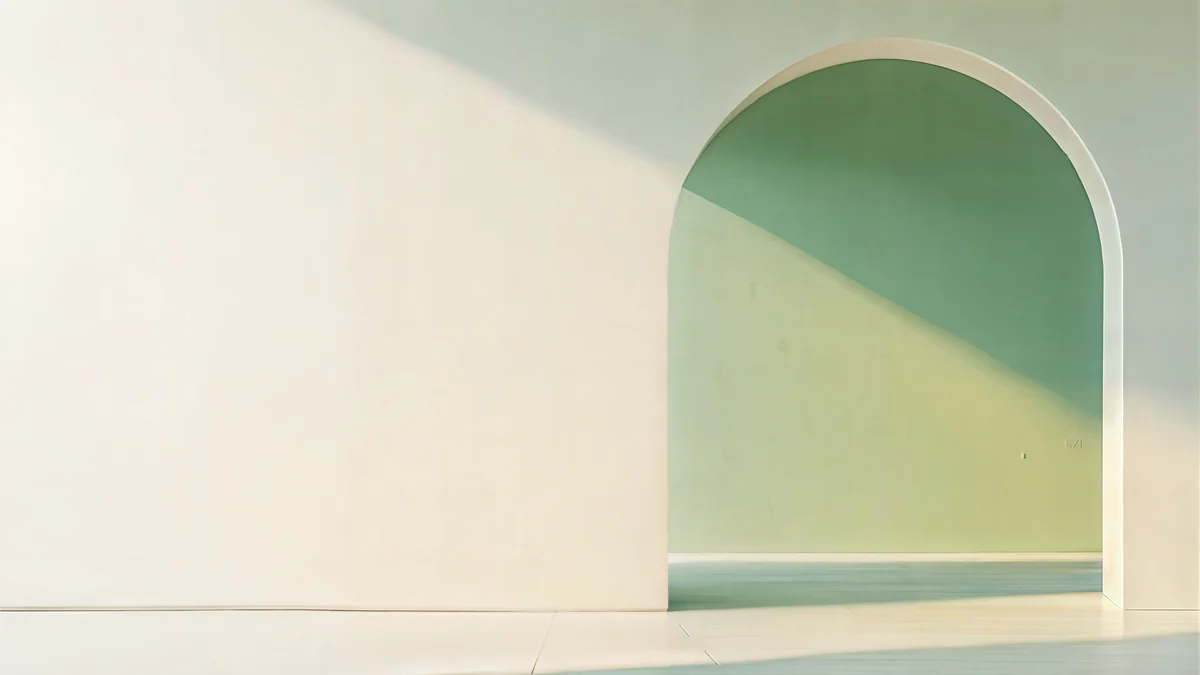 Sage Sun Gallery
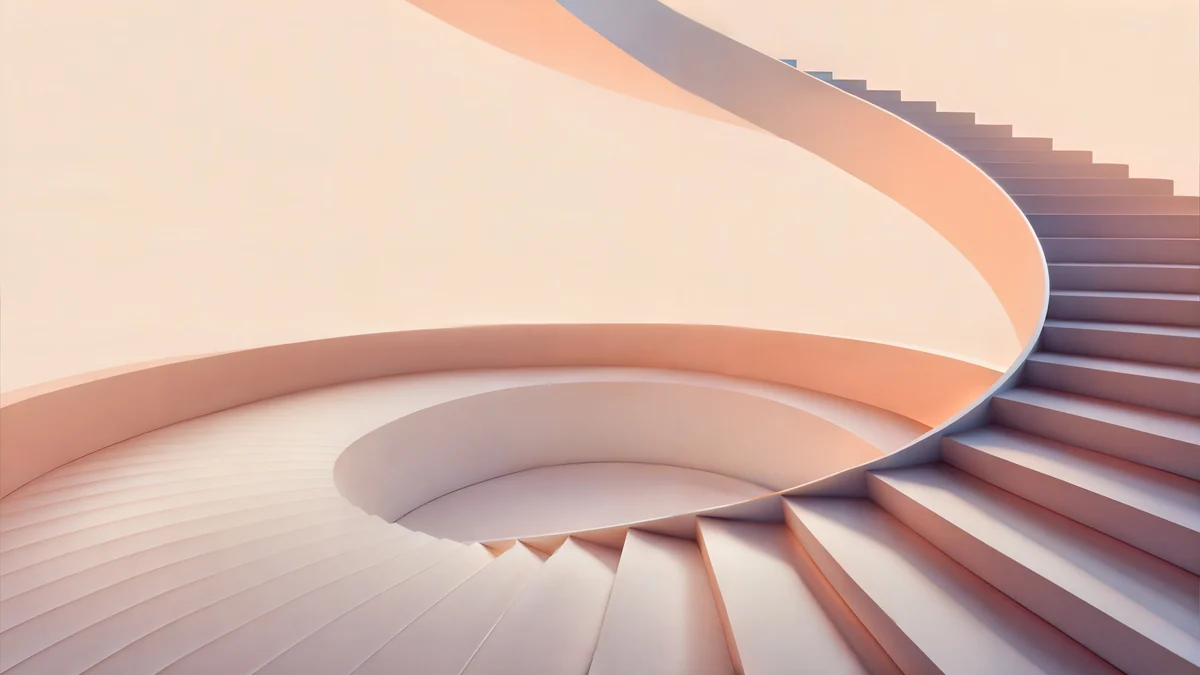 Peach Spiral Atrium
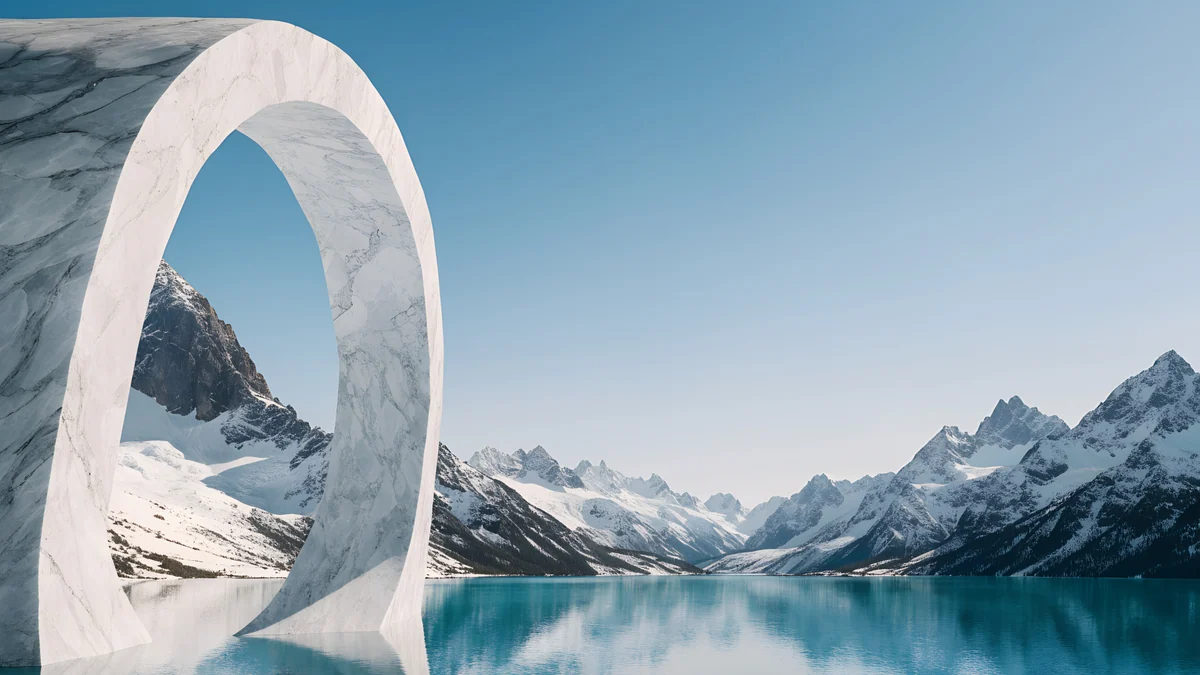 Glacier Arch Panorama
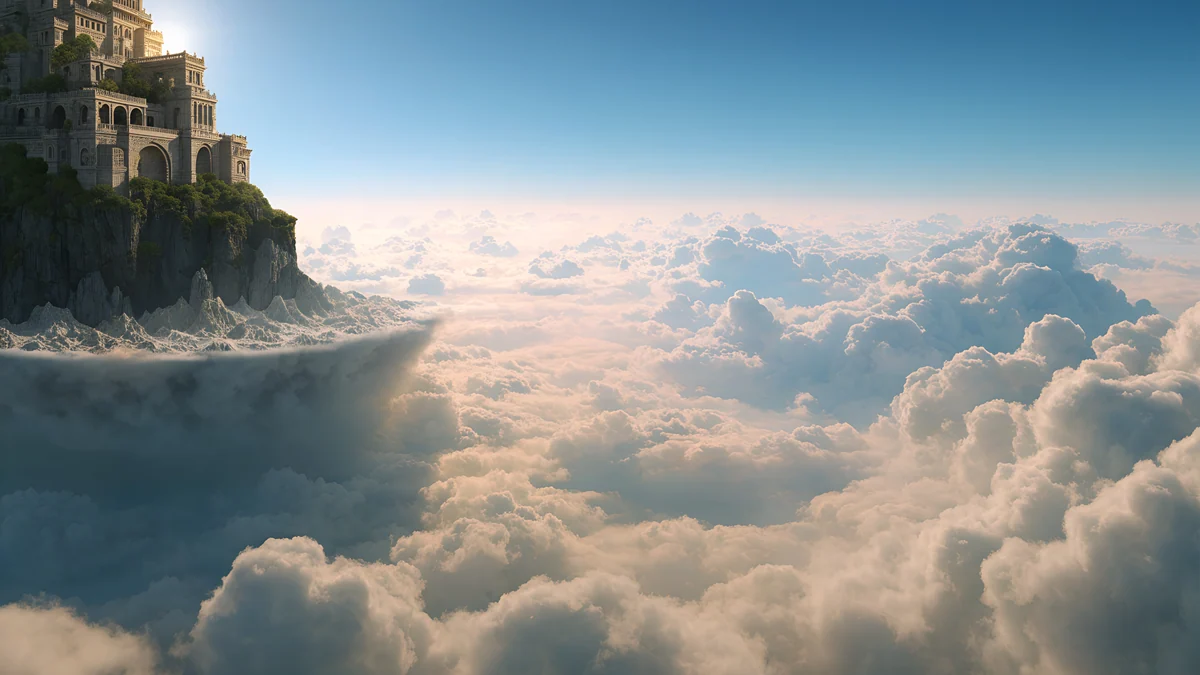 Cloud Temple Panorama
Free originals for iPhone and Android, no watermark
On this page
A MacBook wallpaper in 4K [1] is sharp on every MacBook screen, because even the biggest one, the 16 inch MacBook Pro at 3456 × 2234, has fewer pixels than a 3840 × 2160 file. This page is about resolution, not style: which file to download for your model, why 4K holds up on a Retina display, what macOS cuts off, and where the notch and Dock land [1]. For the look of the picture, see aesthetic MacBook wallpapers.
Which MacBook wallpaper 4K file to download
The rule is simple: the file should have more pixels than the screen in both directions. These are the native resolutions, width by height, from our PC wallpaper size guide and MacBook Air wallpaper page:
| Mac | Native resolution | File to download |
|---|---|---|
| MacBook Air 13 inch [1] | 2560 × 1664 | 3840 × 2160 (4K) |
| MacBook Air 15 inch | 2880 × 1864 | 3840 × 2160 (4K) |
| MacBook Pro 14 inch | 3024 × 1964 | 3840 × 2160 (4K) |
| MacBook Pro 16 inch | 3456 × 2234 [1] | 5120 × 2880 (5K) preferred |
| iMac 24 inch | 4480 × 2520 | 5120 × 2880 (5K) |
- MacBook Air wallpaper 4K: a 3840 × 2160 file covers both the 13 and the 15 inch. Nothing is gained by going bigger, unless you also connect the laptop to a 5K display [1].
- MacBook Pro wallpaper 4K: on the 14 inch, 3840 × 2160 is larger than the screen in both directions. On the 16 inch, 4K is enlarged by about 3 percent, too little to see, but a 5120 × 2880 file removes the question [1].
- A phone wallpaper is the wrong choice. A phone original at 2160 × 3840 is tall and narrow, and a landscape laptop screen would show only a thin band of it, enlarged.
Why 4K looks sharp on a Retina screen
MacBook Air panels are 224 pixels per inch, which is why the display is called Liquid Retina [1]. macOS draws the wallpaper at the panel's native resolution, so what matters is how many pixels the file has to give. A 3840 × 2160 original has more than the screen needs, and scaling a larger picture down keeps edges clean. A 1920 × 1080 file does the opposite: it is enlarged, and gradients and fine lines go soft [1].
The Looks like setting in display options changes how big the interface appears, not how many pixels the wallpaper needs. So you do not pick a different file for a different scaled mode. If a wallpaper still looks soft, the usual cause is a browser preview saved instead of the original. Download the original from the wallpaper page in the Velpaper app for Mac or on velpaper.com.
How macOS scales and crops a 16:9 file
A 4K file is 16:9, about 1.78 to 1 [1]. MacBook screens are taller, about 1.54 to 1. With Fill Screen, macOS scales the picture until its height fits, then trims what sticks out at the sides. That is about 7 percent from the left edge and 7 percent from the right, on the Air and on both Pro sizes [1]. Fit to Screen keeps the whole picture and adds thin bars, and Stretch to Fill Screen distorts it, so use Fill Screen.
In practice: keep the main subject near the centre, and treat the outer edges as safe space for sky, wall or haze.
Where the notch and Dock fall
MacBook Air models from M2 onward and the 14 and 16 inch MacBook Pro have a camera notch in the middle of the top edge, and the menu bar runs on both sides of it [1]. In macOS Tahoe 26 the menu bar has no background by default, so the top of the picture shows through the menu names. The Dock sits at the bottom, and Tahoe makes it glass.
- Top centre: keep it dark or plain. A bright shape right behind the notch makes the notch the first thing you see.
- Bottom strip: keep it quiet so the Dock icons stay readable, or hide the Dock in System Settings, Desktop and Dock.
- Right edge: Finder stacks desktop files there, so a busy edge gets crowded.
More about Tahoe and the lock screen is in macOS Tahoe wallpaper.
Dark MacBook wallpaper 4K files
Dark pictures with a near black top let the notch and menu bar blend into the frame [1]. These are 5120 × 2880 originals, so they suit every model above, including the 16 inch MacBook Pro.
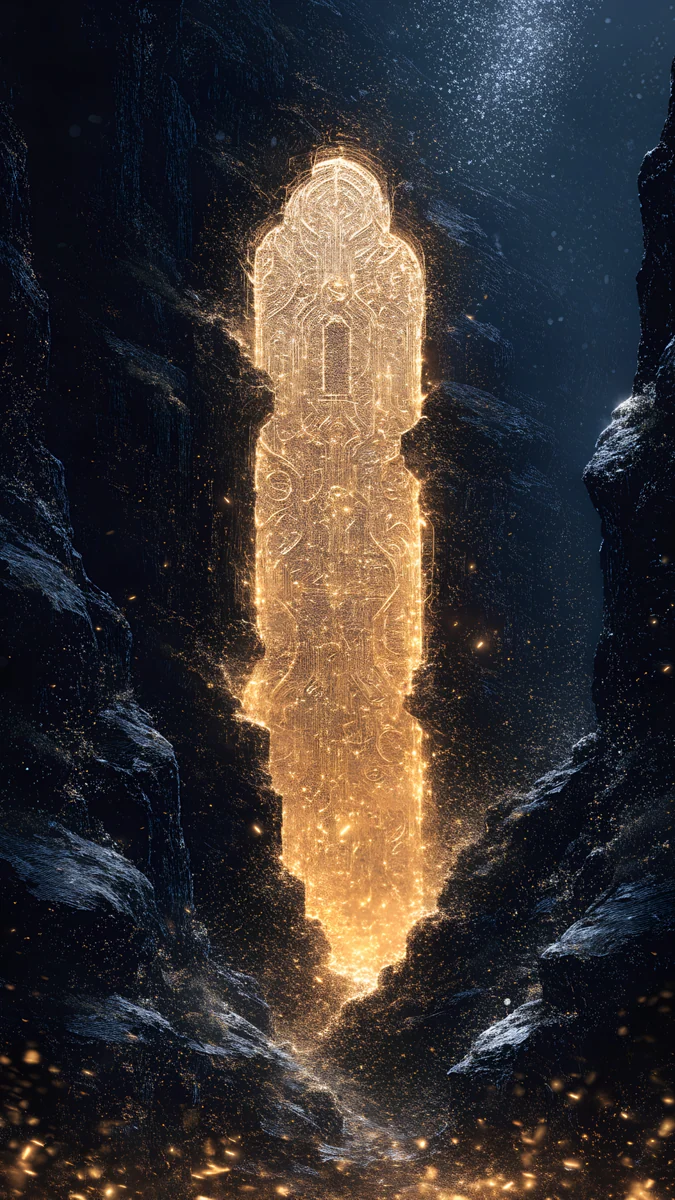
Black Hole HorizonStorm Crown PanoramaRed Eclipse PanoramaTwin Crescent PanoramaGalaxy Peak PanoramaBlack Hole Horizon and Red Eclipse Panorama are black space scenes with a glowing horizon. Storm Crown Panorama is a moody grey and black cloud scene around a castle city, and Twin Crescent Panorama sets a calm dark moon above a lake and mountains. Galaxy Peak Panorama puts snowy mountains under a night sky of stars. More dark picks are in our Mac dark mode wallpapers.
Light and calm 5K wallpapers
For a light desktop, choose a picture with an even sky or wall at the top [1]. The notch then reads as a small dark mark on a clean band.
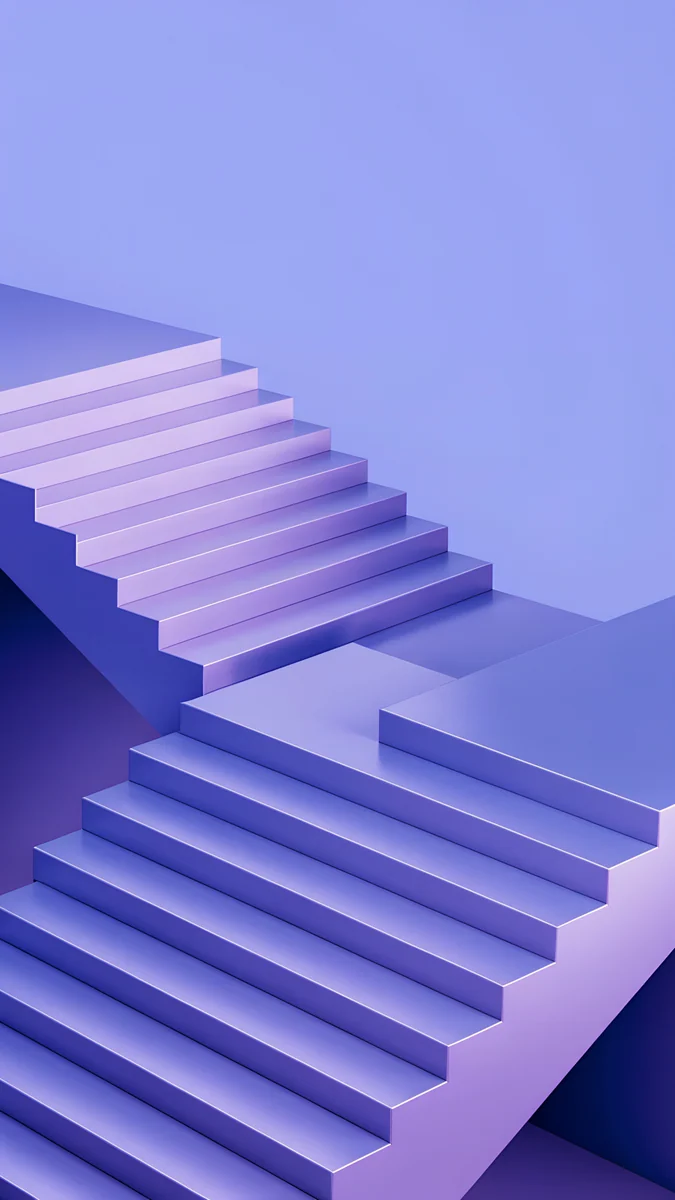
Ivory Daylight Gate is a bright beige and white door with a soft shadow, and Sage Sun Gallery is an arched gallery in pale green and beige. Peach Spiral Atrium is a calm pastel staircase. Glacier Arch Panorama frames a snowy lake with an ice arch, and Cloud Temple Panorama floats a white marble temple in a blue sky.
Glass and abstract 5K wallpapers
Abstract pictures with smooth shapes scale cleanly and never look like they were cropped wrong [1]. All four are 5120 × 2880.
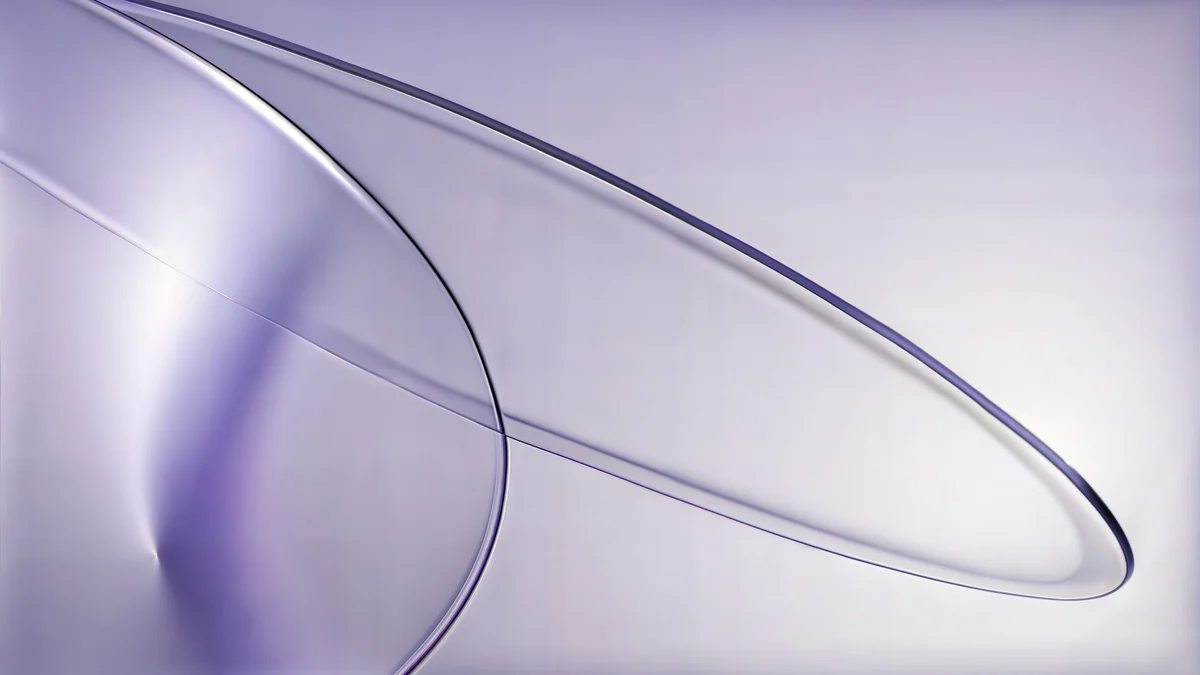
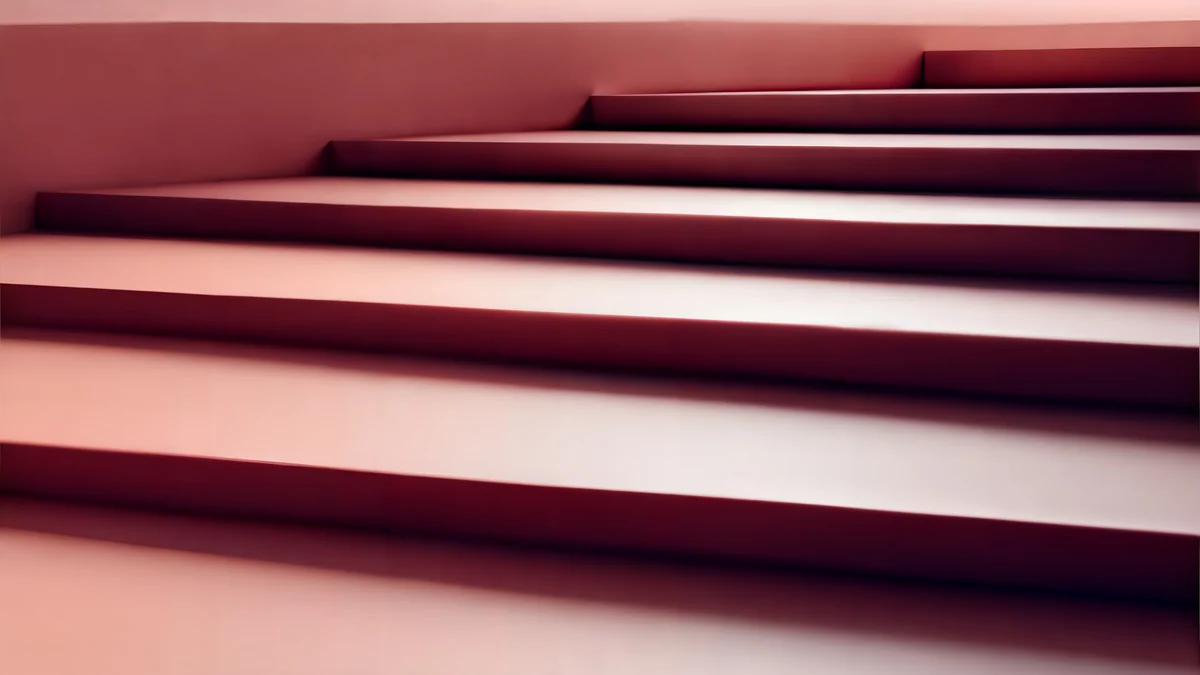
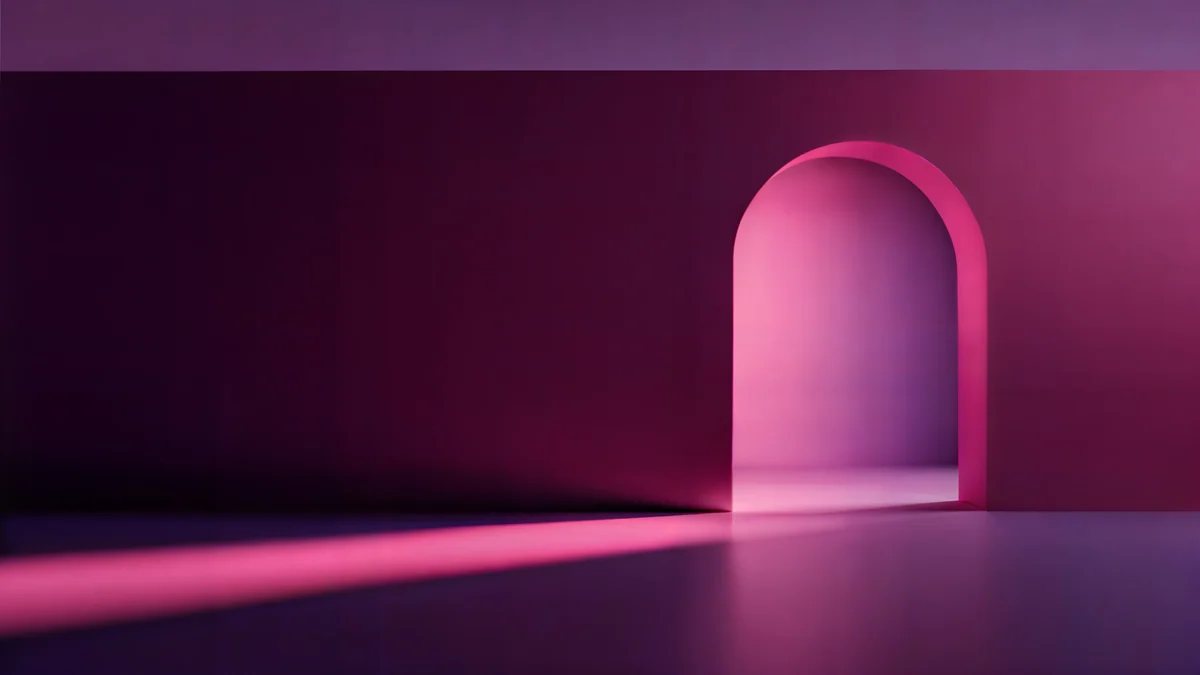
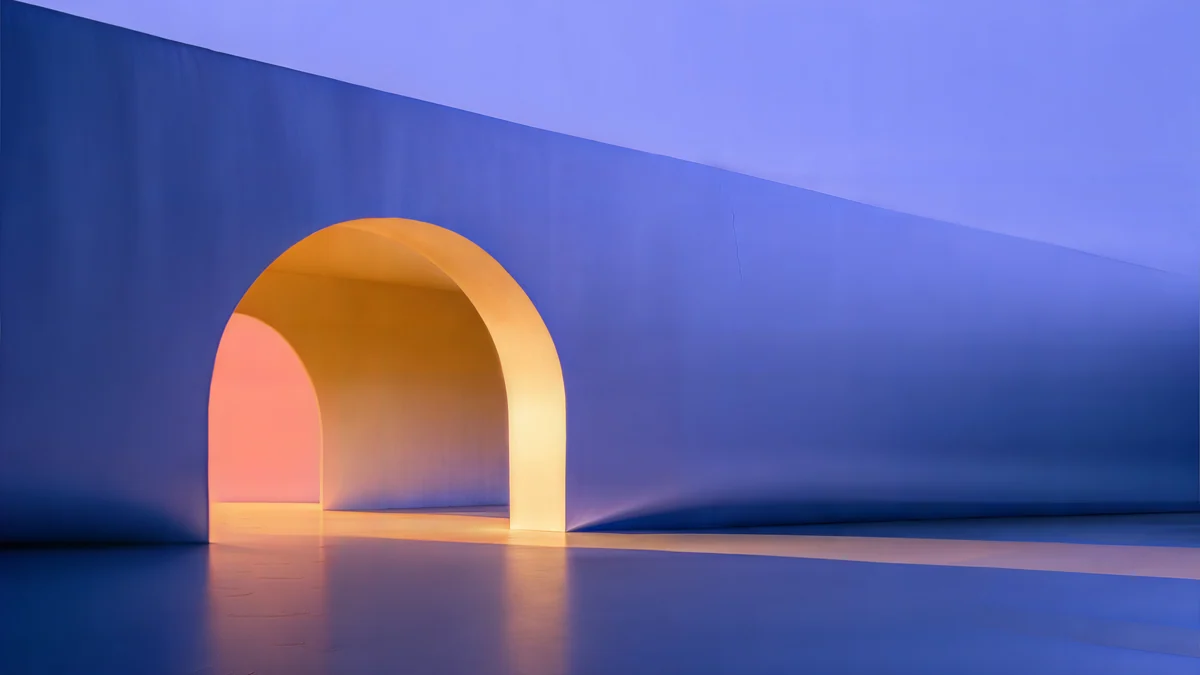
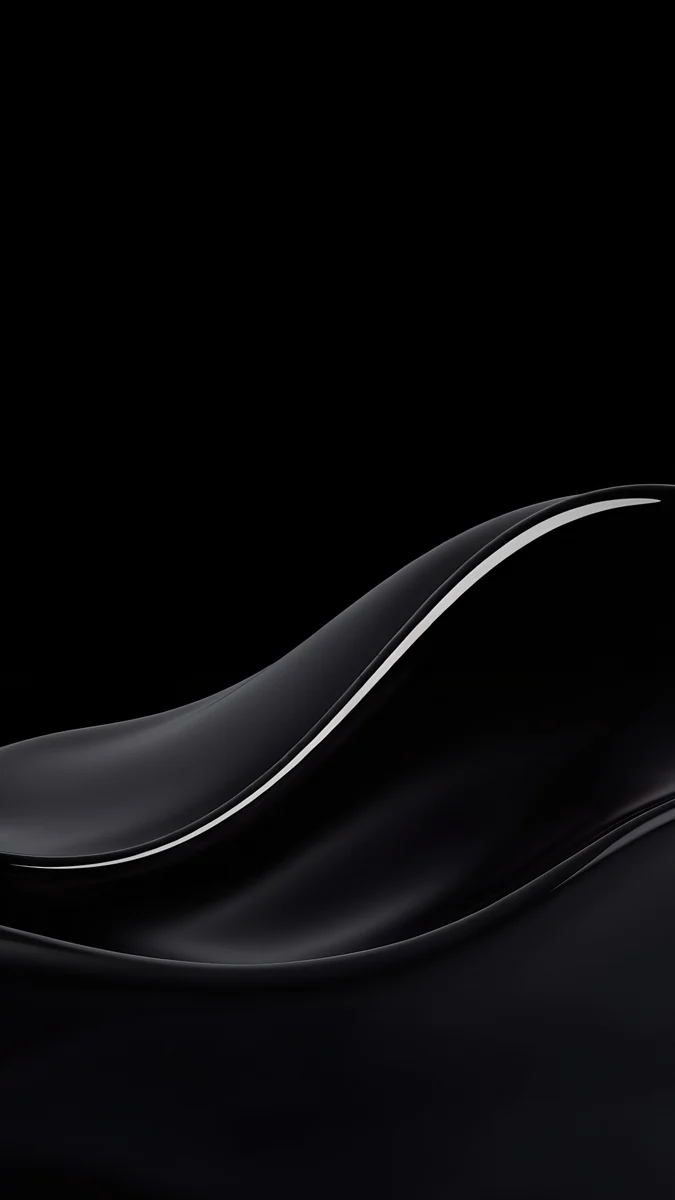
Petrol Current rolls dark teal silk waves across the frame, and Lilac Drift is a pastel glass and lines composition in lilac and white. Rose Terrace Strata layers pink stairs and geometric shapes, Rose Pulse Arcade is a darker, glowing arch in purple and pink, and Solar Indigo Gate pairs a purple and blue arch with orange light.
Wide art scenes
These panoramas are built wide, so the 7 percent side crop takes only sky and sea [1].
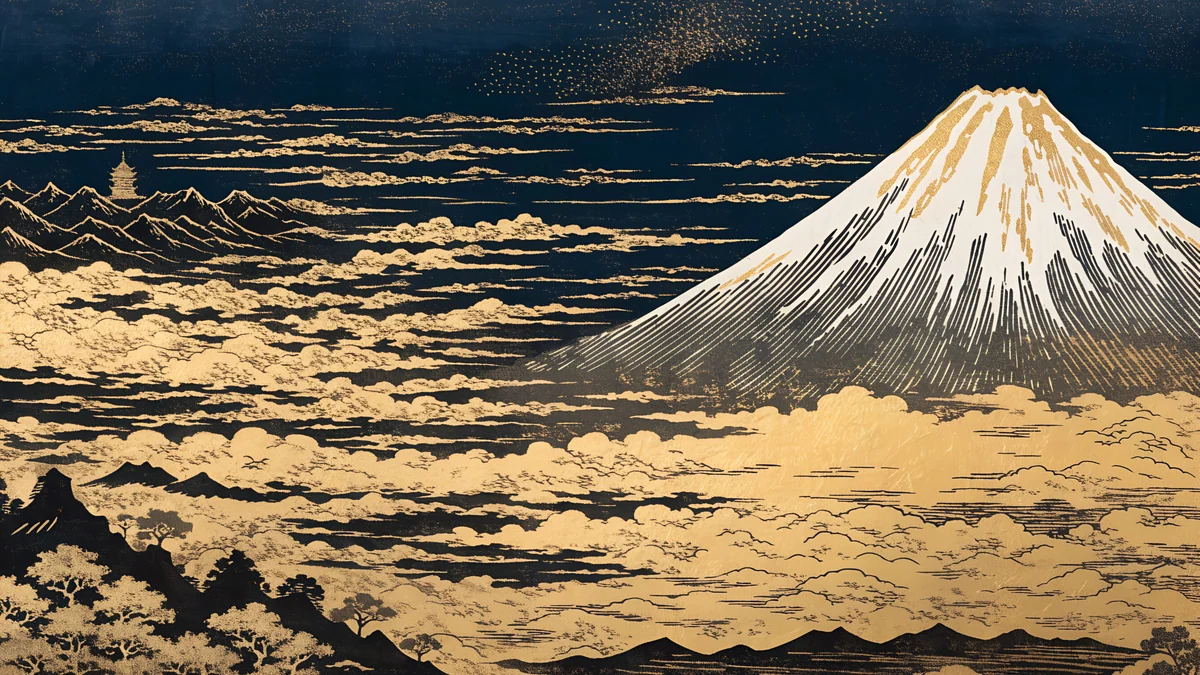
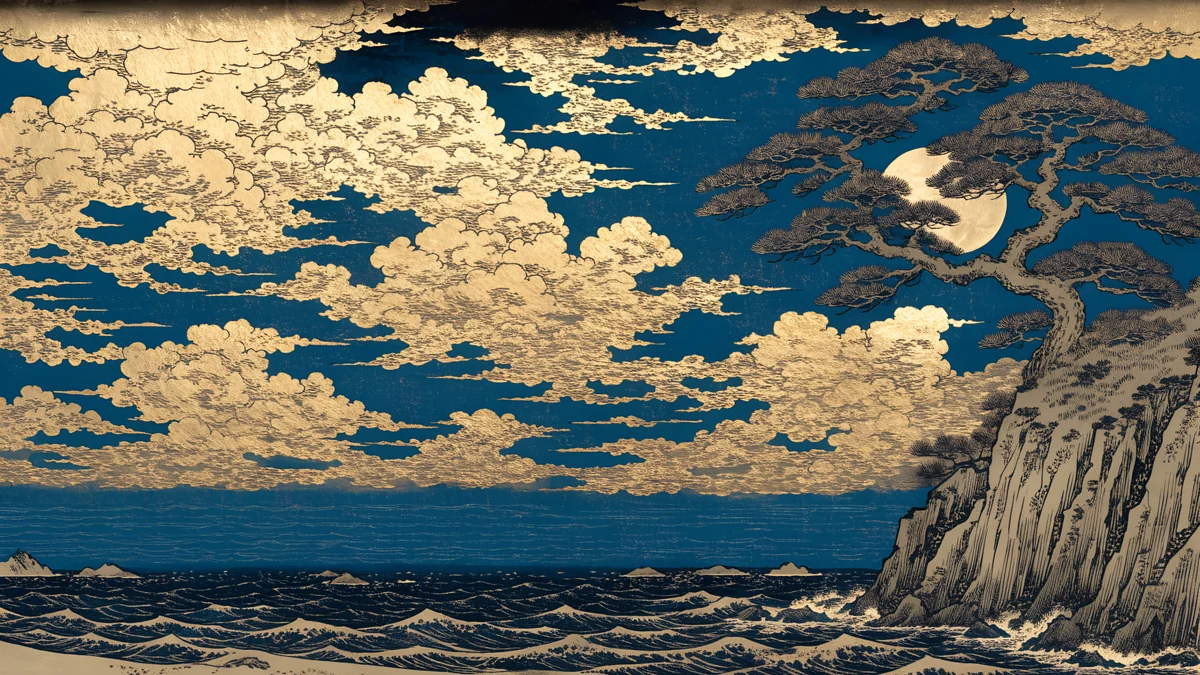
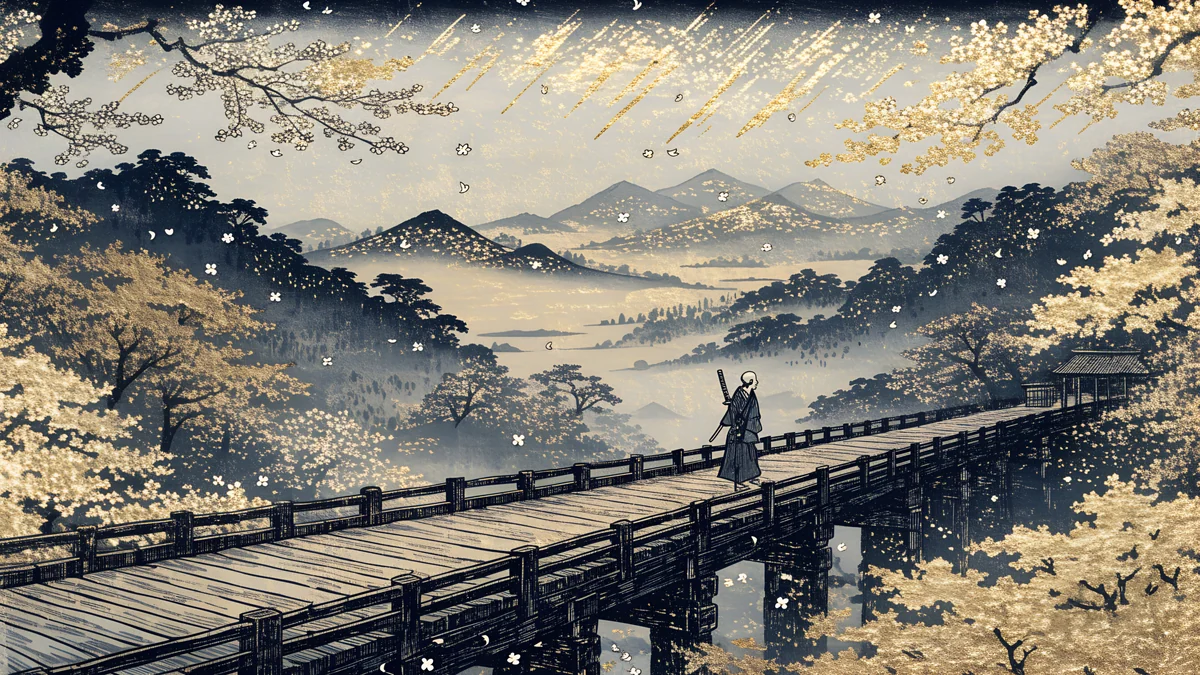
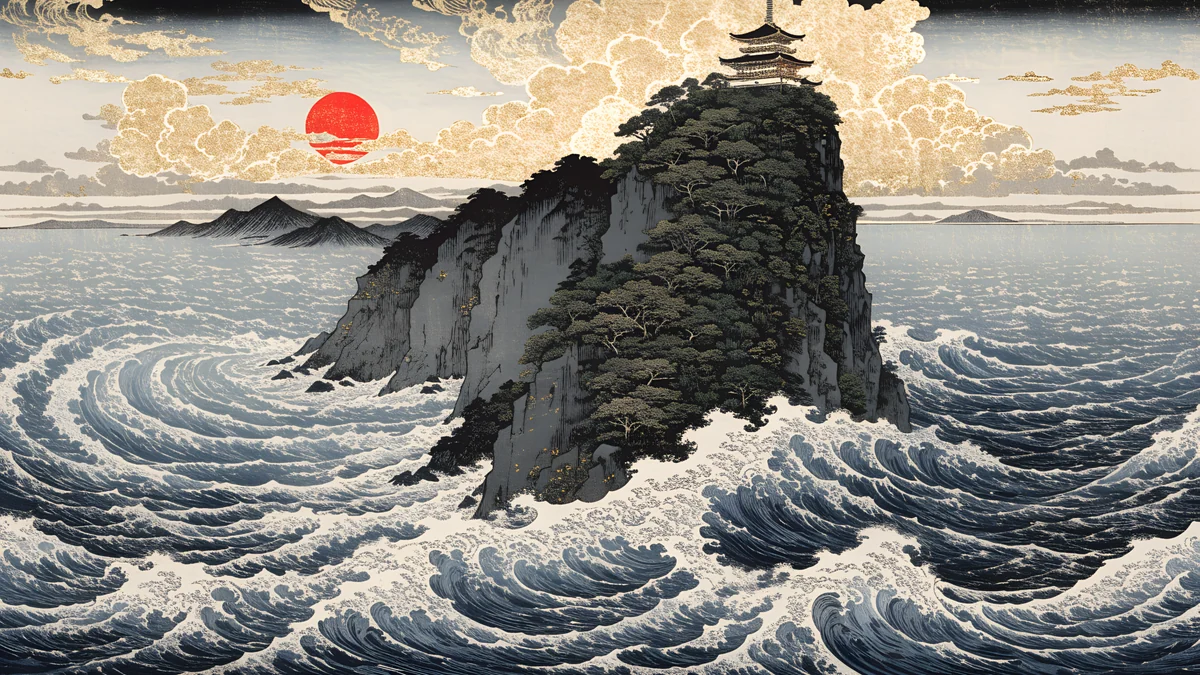
Red Sun Pagoda Panorama and Golden Fuji Panorama are ukiyo-e scenes of Japan, with waves and a golden mountain. Moon Pine Panorama pairs a moon and a pine tree over the sea, and Ronin Bridge Panorama crosses a bridge toward snowy mountains.
Set it in macOS Tahoe 26
- Open the Apple menu [2], choose System Settings and click Wallpaper.
- Click Add Photo and choose the downloaded original.
- Set the menu next to the preview to Fill Screen.
Menu names are from macOS Tahoe 26 in English and can differ slightly in later versions [1]. Desktop wallpapers on Velpaper are 4K and some are 5K, with no watermark and no account, and every desktop wallpaper in this article downloads for free. The full steps for the Air are in MacBook Air wallpaper, and other monitors are covered in the PC wallpaper size guide.
Next step: open Petrol Current, download the 5120 × 2880 original and set it with Fill Screen [1].
Original wallpapers in and for iPhone, Android and desktop.
Questions
What size is a MacBook 4K wallpaper?
A 4K wallpaper is 3840 × 2160 pixels [1]. That is larger than the 13 inch MacBook Air (2560 × 1664), the 15 inch Air (2880 × 1864) and the 14 inch MacBook Pro (3024 × 1964) in both directions, so macOS only scales it down. The 16 inch MacBook Pro is 3456 × 2234, where a 4K file is enlarged by about 3 percent [1].
Which wallpaper file is best for a MacBook Pro 16 inch?
A 5120 × 2880 file is the safest choice for the 16 inch MacBook Pro (3456 × 2234) [1]. A 3840 × 2160 file also works and is enlarged by only about 3 percent, which is too little to see, but 5K has pixels to spare and never needs enlarging.
Why does my MacBook wallpaper look blurry?
Usually the file is smaller than the screen, or a browser preview was saved instead of the original. Download the original file from the wallpaper page on velpaper.com or in the Velpaper app for Mac. A 3840 × 2160 original is larger than every MacBook Air screen and the 14 inch MacBook Pro, so it stays sharp [1].
What does Fill Screen crop on a MacBook?
MacBook screens are about 1.54 to 1, while a 4K file is 16:9 [1]. Fill Screen scales the picture to the screen height and trims about 7 percent from the left edge and 7 percent from the right. Keep the main subject near the centre and the crop will not matter.
Where are the notch and Dock on a MacBook wallpaper?
The camera notch sits in the middle of the top edge on MacBook Air models from M2 onward and on the 14 and 16 inch MacBook Pro, and the menu bar runs on both sides of it [1]. The Dock sits along the bottom. Pick a wallpaper with a dark or plain top centre and a quiet bottom strip.
Carlos Vivero
Designer of Velpaper wallpapers
Carlos Vivero designs the wallpapers in Velpaper: quiet architecture, liquid glass, Japanese ink and calm landscapes. Every piece is made as a original for iPhone, Android and desktop.
Recent work