Motorola Wallpaper: 4K Picks for moto g and edge
Motorola wallpapers for the moto g and edge lines: the screen size of each model, what looks best on pOLED and LCD, and how to set one on Android 15 and 16.
In short: A good Motorola wallpaper is tall with its subject in the middle, because the moto g and motorola edge phones use narrow 20:9 screens. A 2160 × 3840 original covers every model we checked, from the moto g06 to the edge 70, and Android only ever scales it down.
By the Velpaper team · Wallpapers by Carlos Vivero, Velpaper designer · · 5 min read
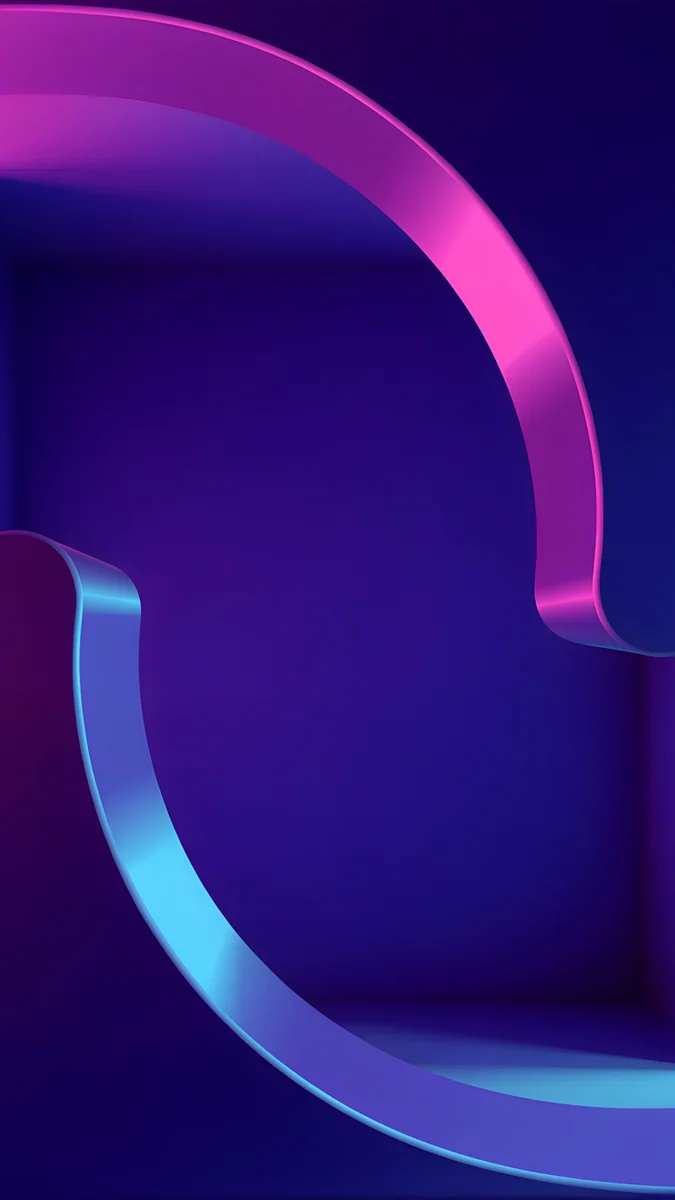 Edge Light Portal
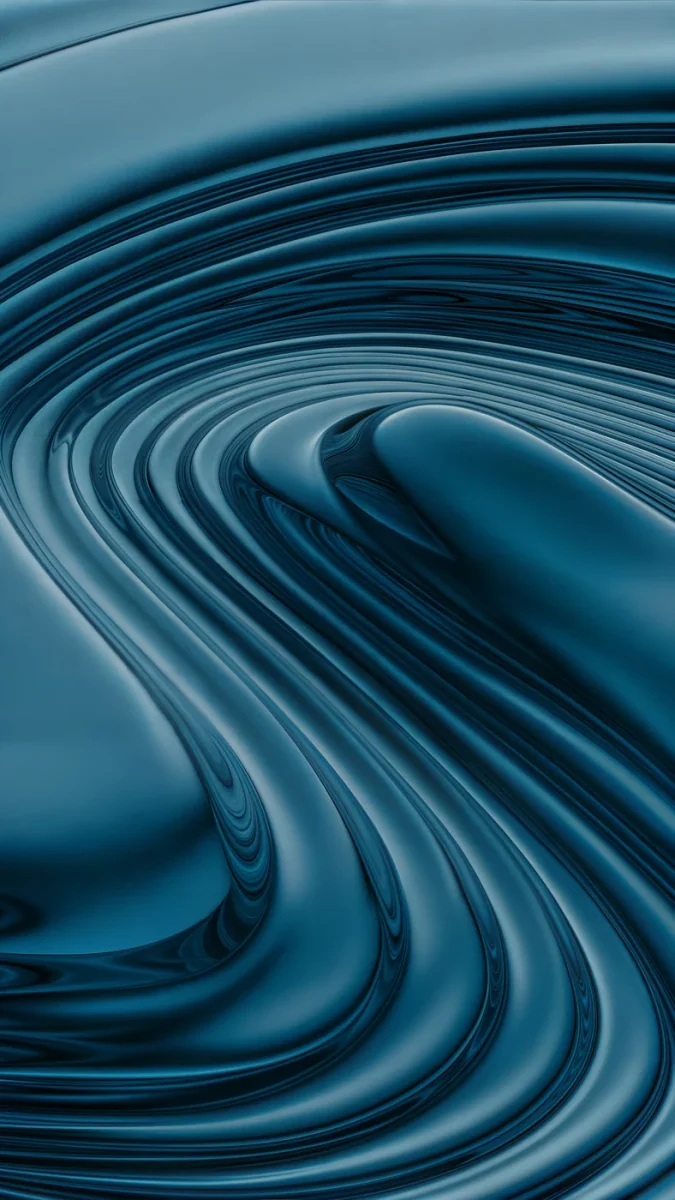 Petrol Terraces
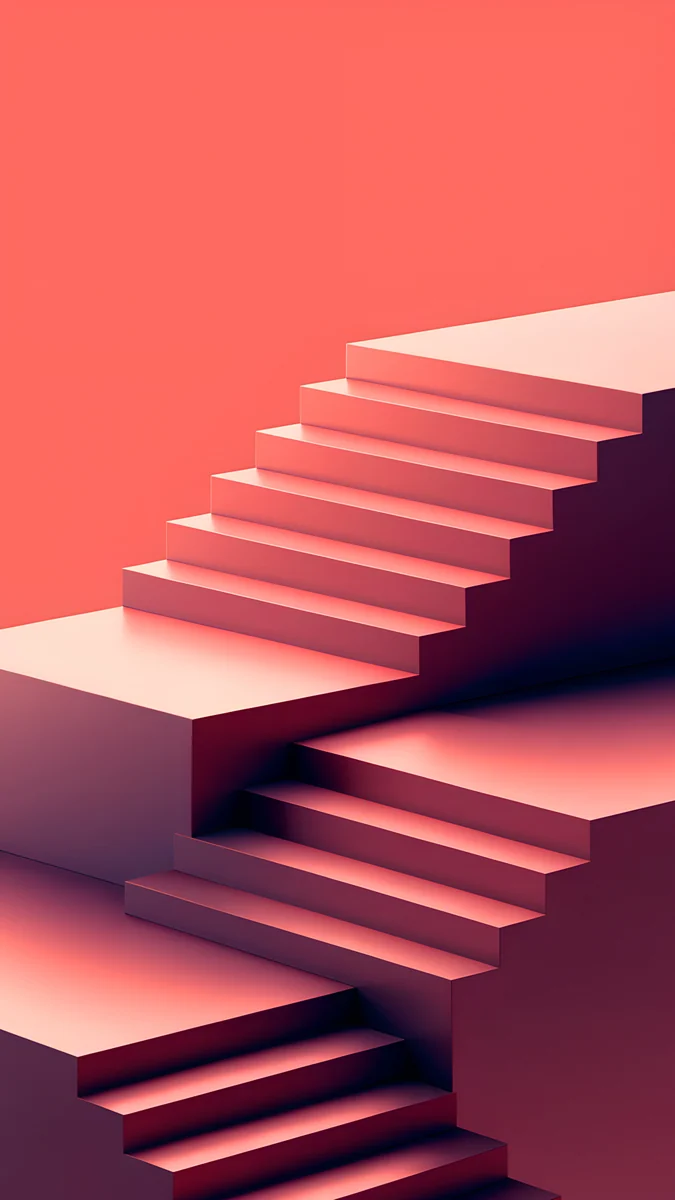 Coral Zigzag Flights
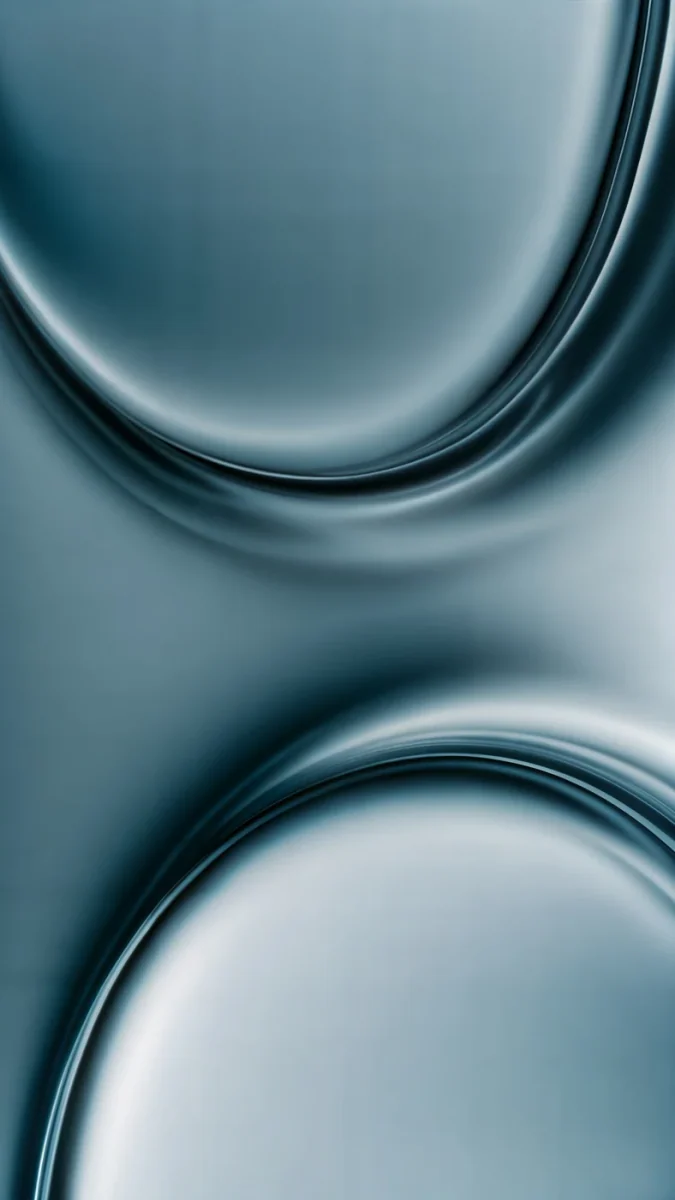 Arctic Current
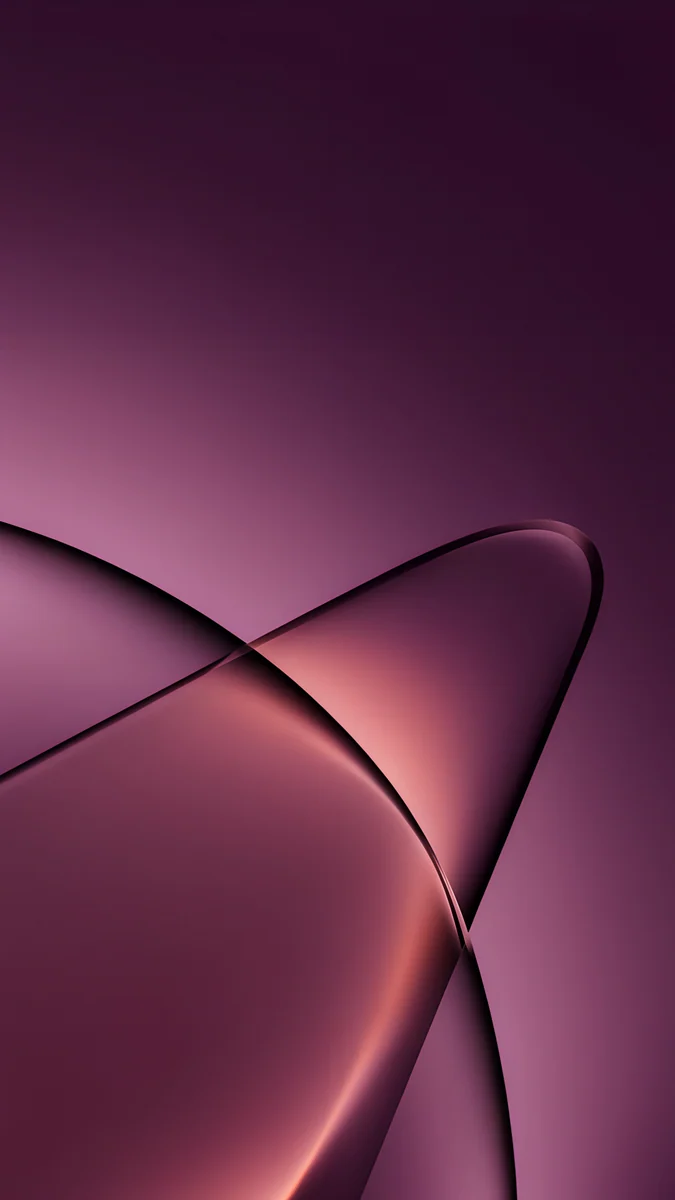 Peach Through Glass
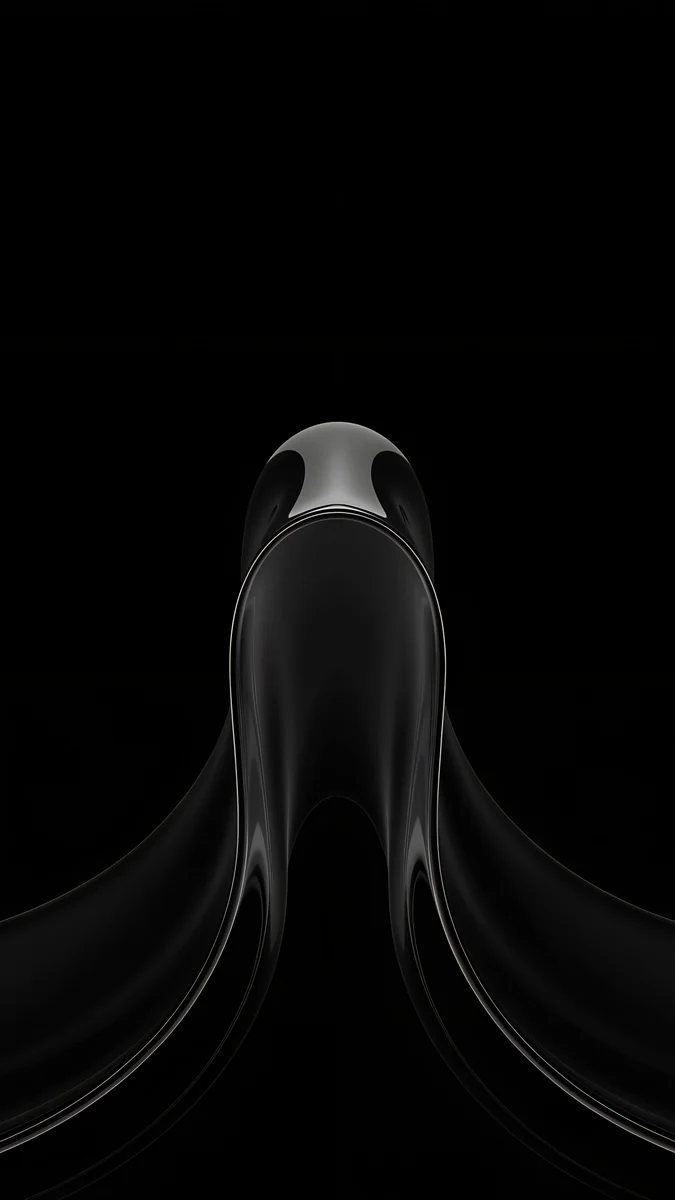 Black Liquid Fold
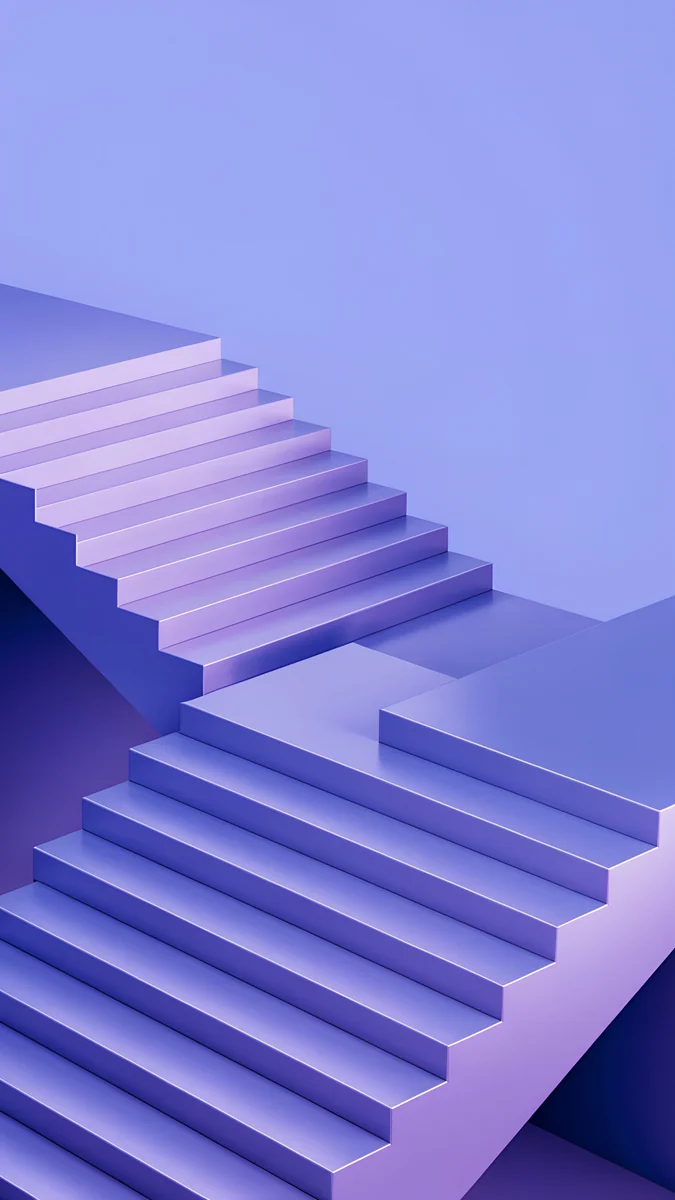 Periwinkle Corner Rise
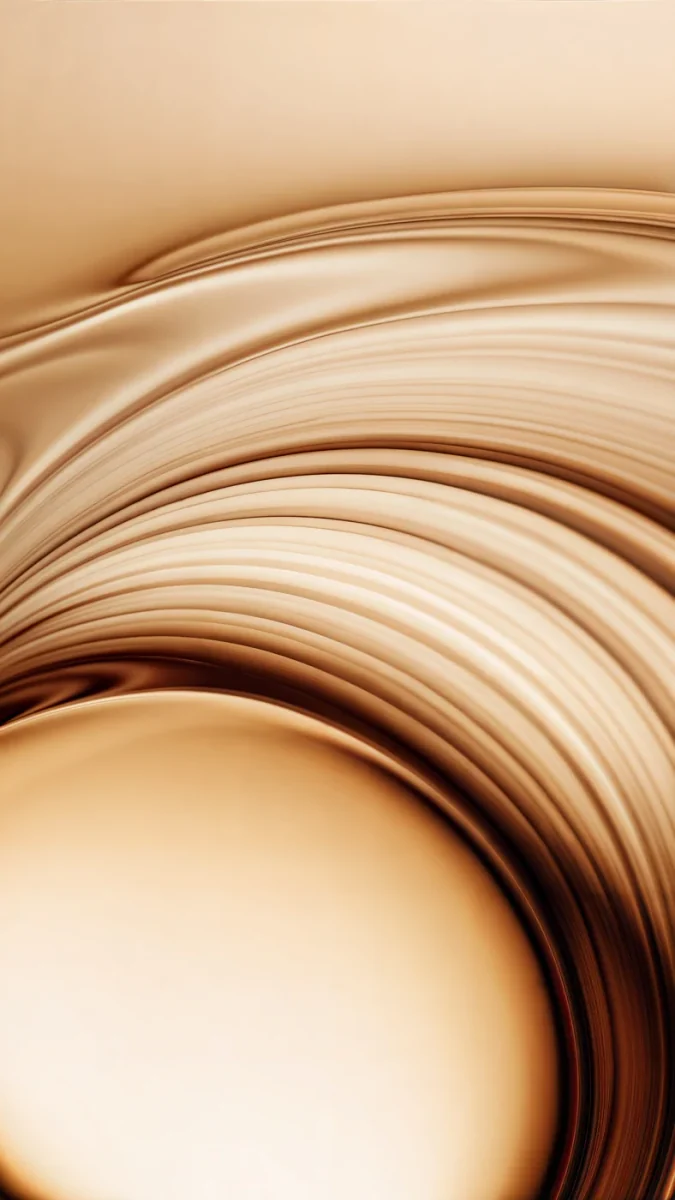 Amber Undertow
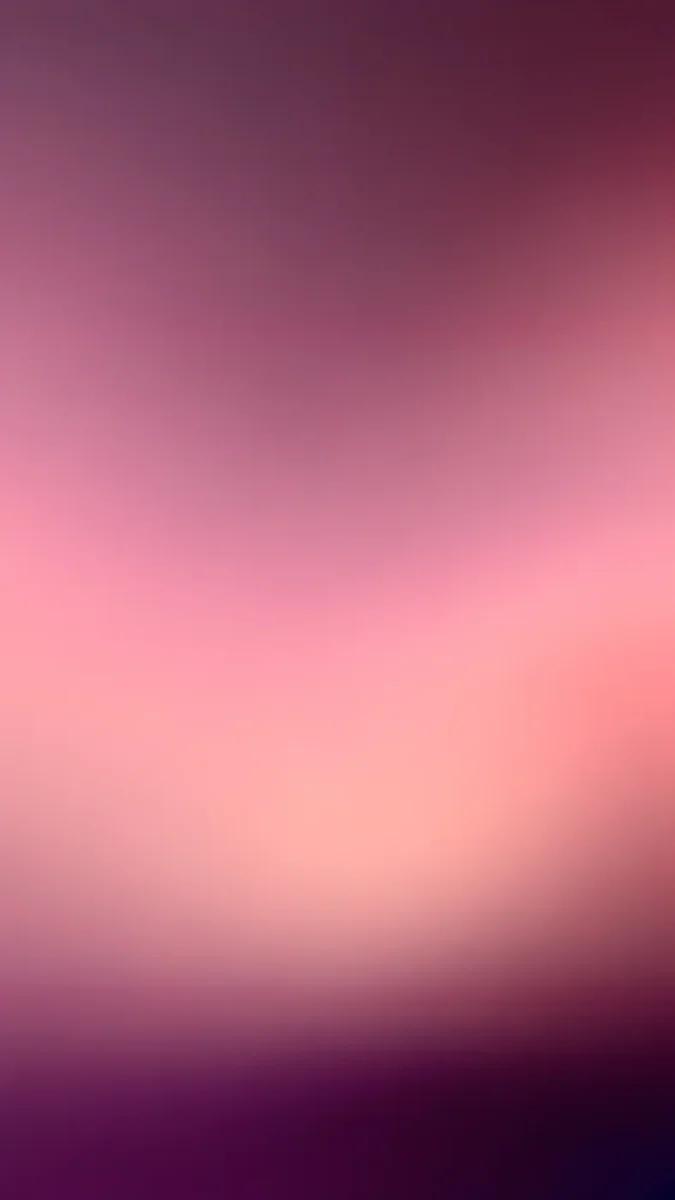 Plum Afterglow
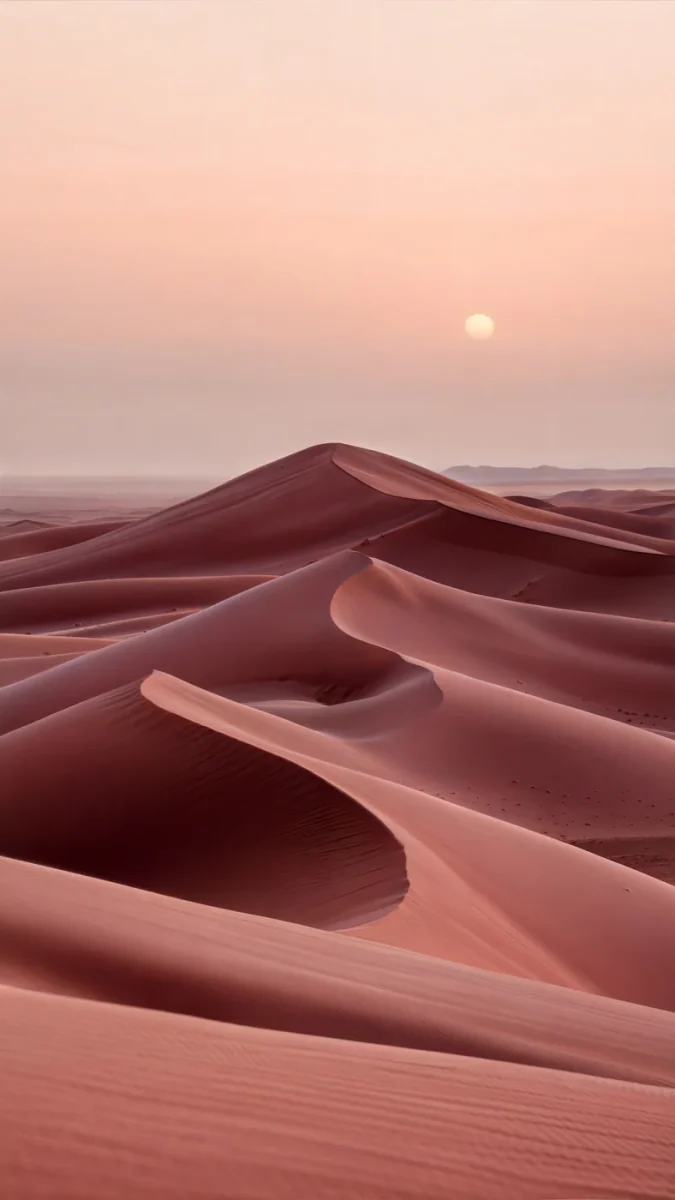 Rose Dunes
Free 4K originals for iPhone and Android, no watermark
On this page
The right Motorola wallpaper is a large portrait image with the main shape in the middle and calm edges. Current moto g and motorola edge phones have tall, narrow 20:9 screens, so Android trims a little from the sides of any picture. With a 2160 × 3840 file that trim is small and the image stays sharp on all of them.
Below are the screens of the models we checked on Motorola's own spec pages, wallpapers picked for pOLED and for LCD, and the path to set one on Android 15 and Android 16.
Motorola wallpaper size by model
These figures come from Motorola's product spec pages. They can differ slightly by region.
| Model | Screen | Resolution (pixels) |
|---|---|---|
| moto g06 | 6.88", HD+ | 1640 × 720 |
| moto g56 5G | 6.72", LCD | 2400 × 1080 |
| moto g86 5G | 6.67", pOLED | 2712 × 1220 |
| motorola edge 60 fusion | 6.67", curved pOLED | 2712 × 1220 |
| motorola edge 60 | 6.67", curved pOLED | 2712 × 1220 |
| motorola edge 70 | 6.67", pOLED | 2712 × 1220 |
All of them are narrower than a 9:16 image. When Android fits a 2160 × 3840 file to the screen height, it scales it down and trims roughly a tenth from each side. Scaling down never blurs, so the same file works on the moto g06 and the edge 70. The only thing to watch is the sides: pick wallpapers with a centered subject. Other brands are listed in our Android wallpaper size guide.
Wallpapers for the edge line and moto g86 (pOLED)
The moto g86 and the edge phones use pOLED. Each pixel lights itself, so a dark background with one band of light gets deep blacks and vivid color. On the edge 60 and edge 60 fusion the screen curves at the sides, and anything placed right at the edge bends with the glass.
Edge Light Portal4K · PhonePetrol Terraces4K · PhoneArctic Current4K · PhonePeach Through Glass4K · PhoneBlack Liquid Fold4K · Phone- Edge Light Portal: a pink and blue ribbon of light curving over deep violet. It suits the curved edge and leaves the top clear for the clock.
- Petrol Terraces: petrol blue silk folding into a spiral, dark with a soft sheen. Icons stay readable anywhere on it.
- Arctic Current: two curves of blue-grey glass meeting in the middle. Quiet and businesslike.
- Peach Through Glass: plum and peach glass blades on a near-black ground, warm without being loud.
- Black Liquid Fold: almost all black, with one satin fold in the center. On pOLED the black pixels simply stay off.
If dark backgrounds are your thing, our dark OLED wallpaper collection has more in this style.
Wallpapers for the moto g56, g06 and other moto g phones
The moto g56 uses an LCD, and the moto g06 screen is not OLED either. On LCD, black never fully switches off because the backlight is always on. Mid-tone and light images with strong shapes look better here.
Coral Zigzag Flights4K · PhonePeriwinkle Corner Rise4K · PhoneAmber Undertow4K · PhonePlum Afterglow4K · PhoneRose Dunes4K · Phone- Coral Zigzag Flights: pink stairs zigzagging over bright coral. Cheerful, and a white clock reads easily on it.
- Periwinkle Corner Rise: blocky periwinkle stairs with soft shadows that add depth without clutter.
- Amber Undertow: waves of gold and caramel satin, a warm background that pairs well with dark icons.
- Plum Afterglow: a plum to pink gradient with nothing to fight the widgets.
- Rose Dunes: rose-colored dunes under a low sun, the calmest pick here.
All of them are 4K originals at 2160 × 3840, so they also fit older moto g phones with tall screens.
How to set a wallpaper on a Motorola phone
Motorola ships a version of Android close to stock, with a few additions. Many current models launched on Android 15, and the edge 70 ships with Android 16. The path is much the same on both:
- Save the image to the phone. Browser downloads show up in the Download folder in Google Photos or the Files app.
- Touch and hold an empty spot on the home screen and tap Wallpaper & style. Some versions call it just Wallpapers.
- Tap Change wallpaper or a similar option, then open My photos or Photos.
- Pick the image, pinch and drag to frame it, and choose Lock screen, Home screen or both.
You can also start from the photo: open it in Google Photos, tap the three dots and look for Use as. Exact names vary with the Android version and region. The step-by-step for every brand is in how to set a wallpaper on Android.
System colors and the Moto app
The same wallpaper menu holds the system colors. Android reads the main tones of the image and applies them to buttons, quick settings and, with themed icons on, the app icons. Petrol Terraces turns the phone petrol blue; Coral Zigzag Flights turns it coral. Our guide to Android colors from your wallpaper explains how the palette is picked.
Many Motorola phones also include the Moto app with a personalization area (it may be called Personalize or something close, depending on the version) for fonts, icon shapes and colors. On some models those options sit directly in Settings instead. If something is not where you expect, search for "wallpaper" or "style" in Settings.
Common problems and fixes
- The image looks zoomed or soft. The file is small or it is a screenshot. Use the full original and avoid zooming in while framing.
- The phone changed color by itself. That is the theme taken from the wallpaper. Choose basic colors in the style menu if you want a fixed theme.
- The curved edge bends the artwork. On the edge 60 and edge 60 fusion, move the subject to the center or pick a wallpaper with plain sides.
- Only one screen changed. Only Home or only Lock was selected when applying. Repeat and choose both.
Get these wallpapers in Velpaper
Velpaper is a wallpaper app for iPhone, iPad, Mac and Android, with the same collection on velpaper.com. Every wallpaper is a 4K original by Carlos Vivero: 2160 × 3840 for phones, 4K or 5K for desktops.
- Open Edge Light Portal in the Velpaper Android app or on velpaper.com.
- Unlock the download, usually after a short optional ad in the app, and save the original to your phone.
- Set it from Wallpaper & style as described above.
No account is needed and the file has no watermark.
Original wallpapers in 4K and 5K for iPhone, Android and desktop.
Questions
What size wallpaper does a Motorola phone need?
Current Motorola phones have tall 20:9 screens. According to Motorola's spec pages, the moto g86 and the motorola edge 60, edge 60 fusion and edge 70 run at 2712 × 1220 pixels, the moto g56 at 2400 × 1080 and the moto g06 at 1640 × 720. A 2160 × 3840 image is larger than all of those screens, so Android only scales it down and trims a little from the sides. Choose wallpapers with a centered subject and they stay sharp on any of these models.
How do I change the wallpaper on a Motorola?
Touch and hold an empty spot on the home screen and tap Wallpaper & style; on some versions it shows as Wallpapers. Then tap the option to change the wallpaper, open your photos, pick the image, adjust the framing and apply it to the lock screen, the home screen or both. Another route is to open the photo in Google Photos, tap the three dots and use Use as. Menu names differ slightly between Android 15 and Android 16 and between regions.
Which wallpapers look best on the moto g86 and edge pOLED screens?
On pOLED each pixel lights itself, so dark wallpapers with a single band of color show deep blacks and bright accents. Edge Light Portal, a pink and blue ribbon of light on deep violet, and Black Liquid Fold, which is almost entirely black, are good examples. Petrol Terraces is dark too but has more texture. On the curved screens of the edge 60 and edge 60 fusion, keep the main subject away from the sides, because anything at the edge bends along with the glass.
Do dark wallpapers work on the moto g56 LCD?
They work, but the effect is different. An LCD keeps its backlight on, so black shows as a very dark grey and does not save battery the way it can on an OLED screen. On the moto g56 and the moto g06, mid-tone and light images usually look better, such as Coral Zigzag Flights, Periwinkle Corner Rise or Rose Dunes. They have clear shapes and enough contrast for the clock and icons to read well without relying on pure black.
Are Velpaper wallpapers free on Motorola phones?
You can browse and preview every wallpaper for free in the Velpaper Android app and on velpaper.com. Most phone wallpapers unlock after a short optional ad in the app, with no subscription and no account. Each file is a 4K original at 2160 × 3840 pixels with no watermark, designed by Carlos Vivero. That size fits the whole moto g and motorola edge range we checked, from the moto g06 to the edge 70, because Android only scales the image down.
Carlos Vivero
Designer of Velpaper wallpapers
Carlos Vivero designs the wallpapers in Velpaper: quiet architecture, liquid glass, Japanese ink and calm landscapes. Every piece is made as a 4K original for iPhone, Android and desktop.
Recent work








