Rainy Night Aesthetic Wallpapers: 14 Free iPhone Picks in 4K
Rainy night aesthetic wallpapers for iPhone: wet glass, empty platforms and one lit window, with clock colour tips. Free 4K originals, no watermark.
By the Velpaper team · Wallpapers by Carlos Vivero, Velpaper designer · · Updated · 5 min read
In short: The best rainy night wallpapers for iPhone are dark, softly blurred scenes with one warm light, so the clock sits in calm sky and nothing glares in a dark room. Velpaper has 14 original rainy night wallpapers at 2160 by 3840; Tokyo After Rain, Last Stop and Peach Through Glass are the darkest.
Wallpapers
 Tokyo After Rain
 Rain Kept
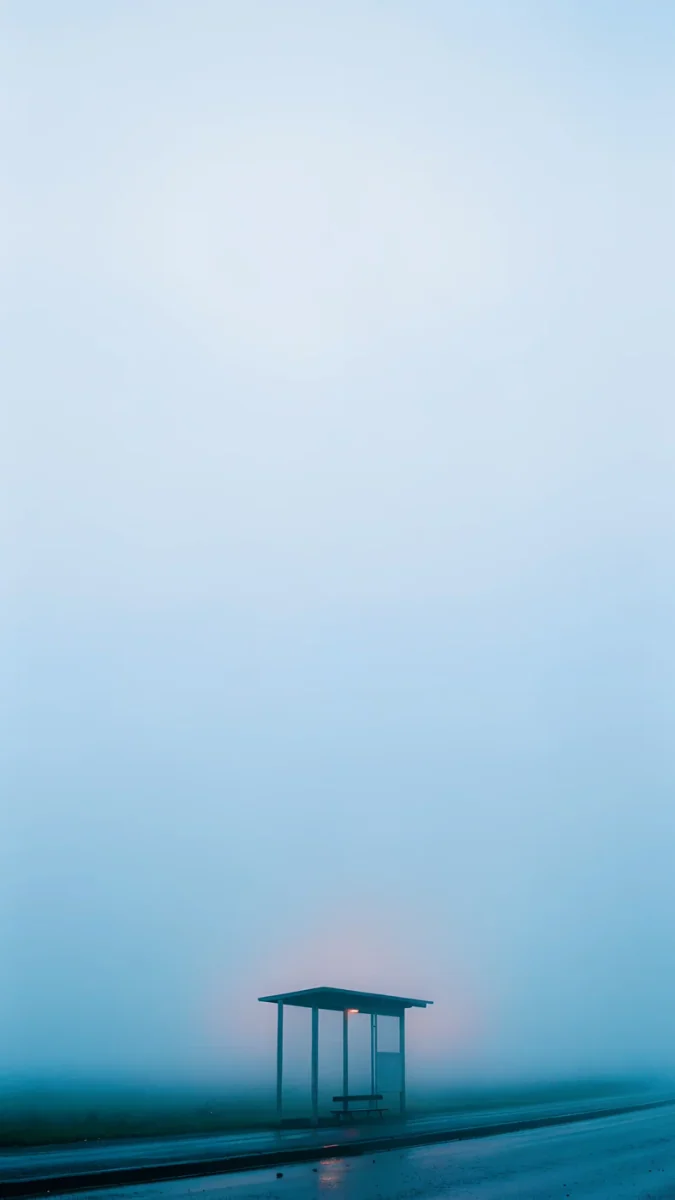
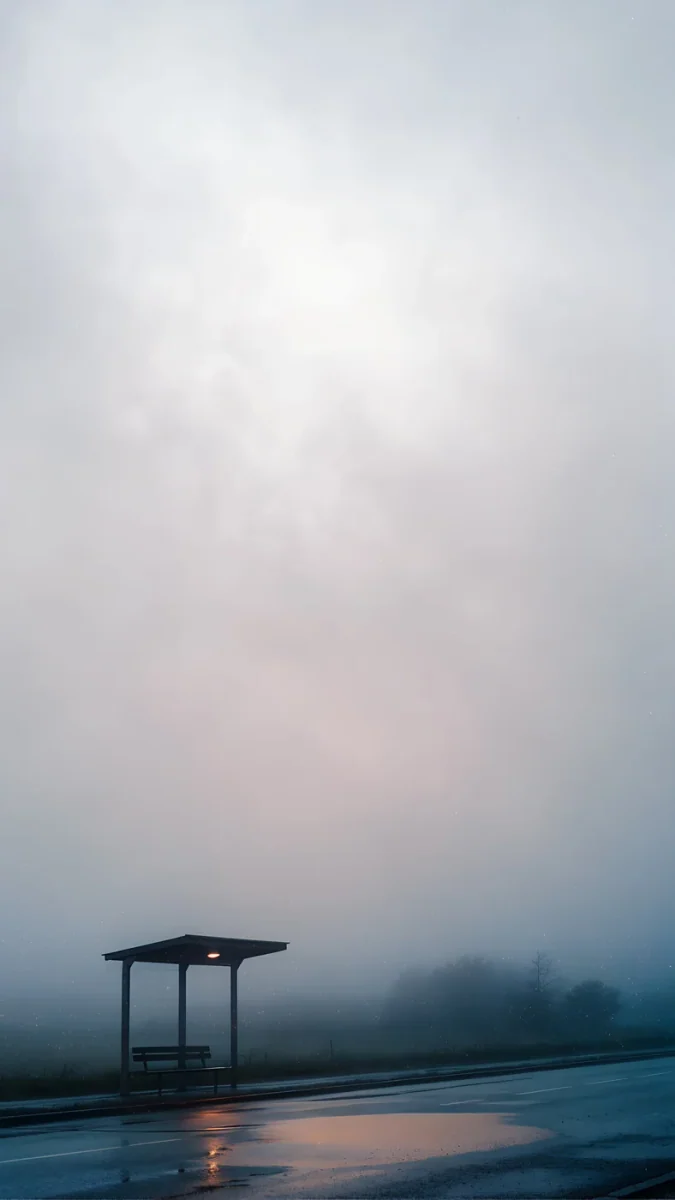
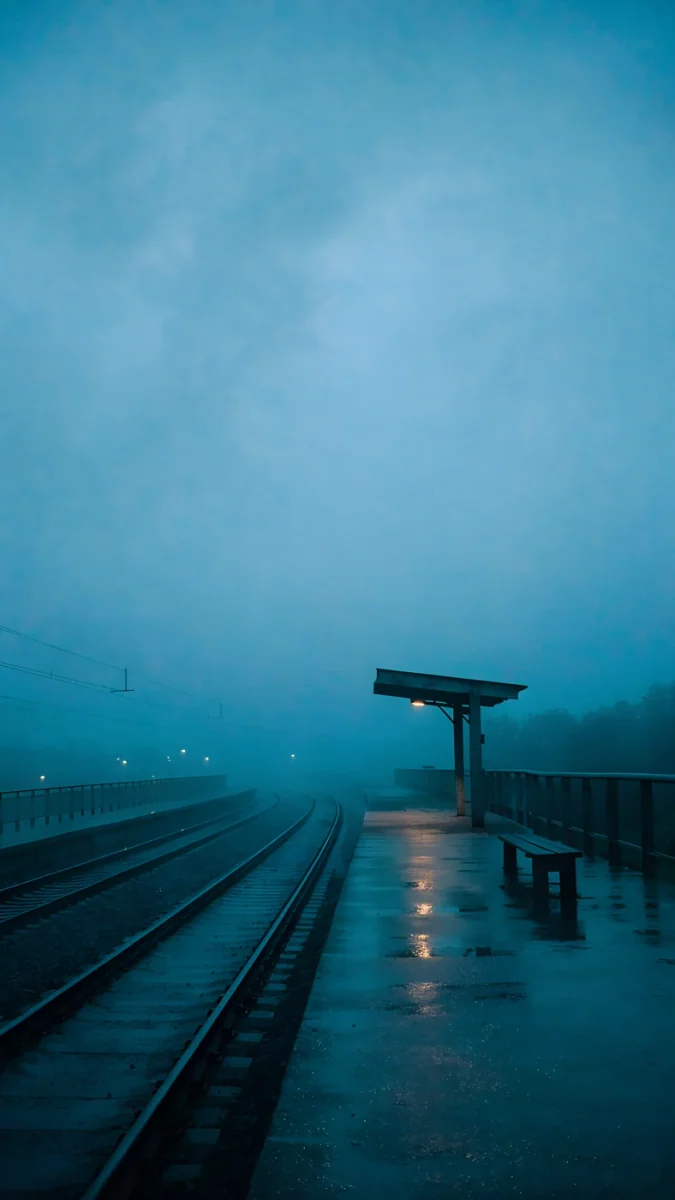 The Platform Light
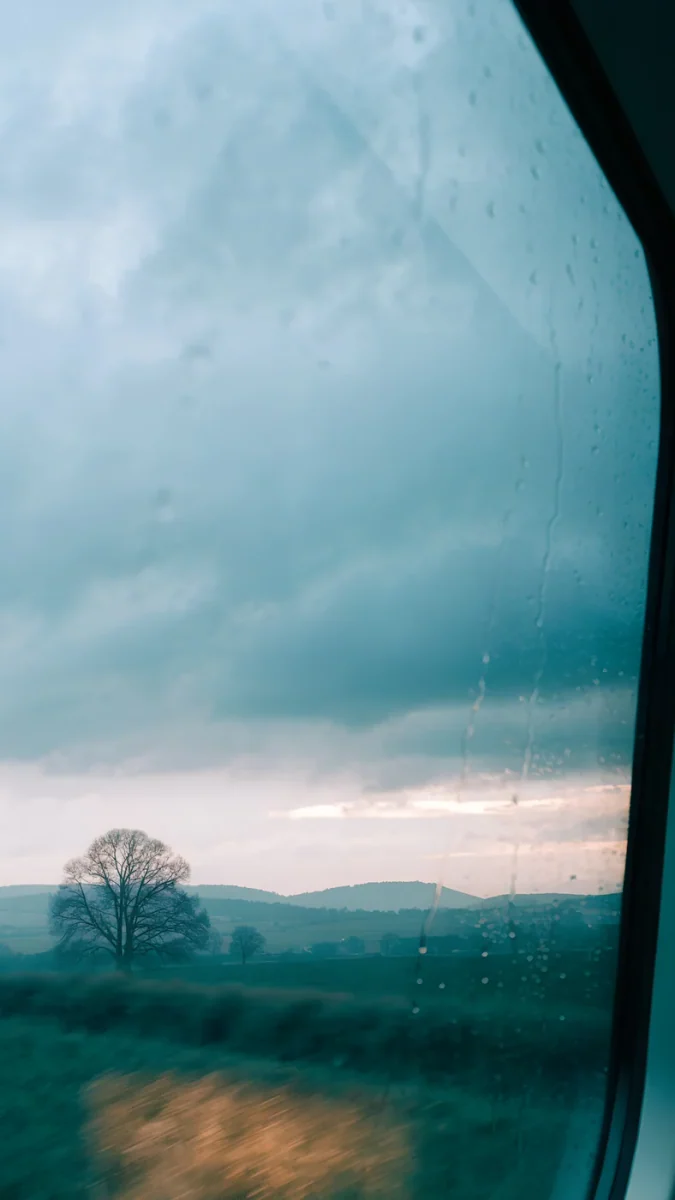 November Window
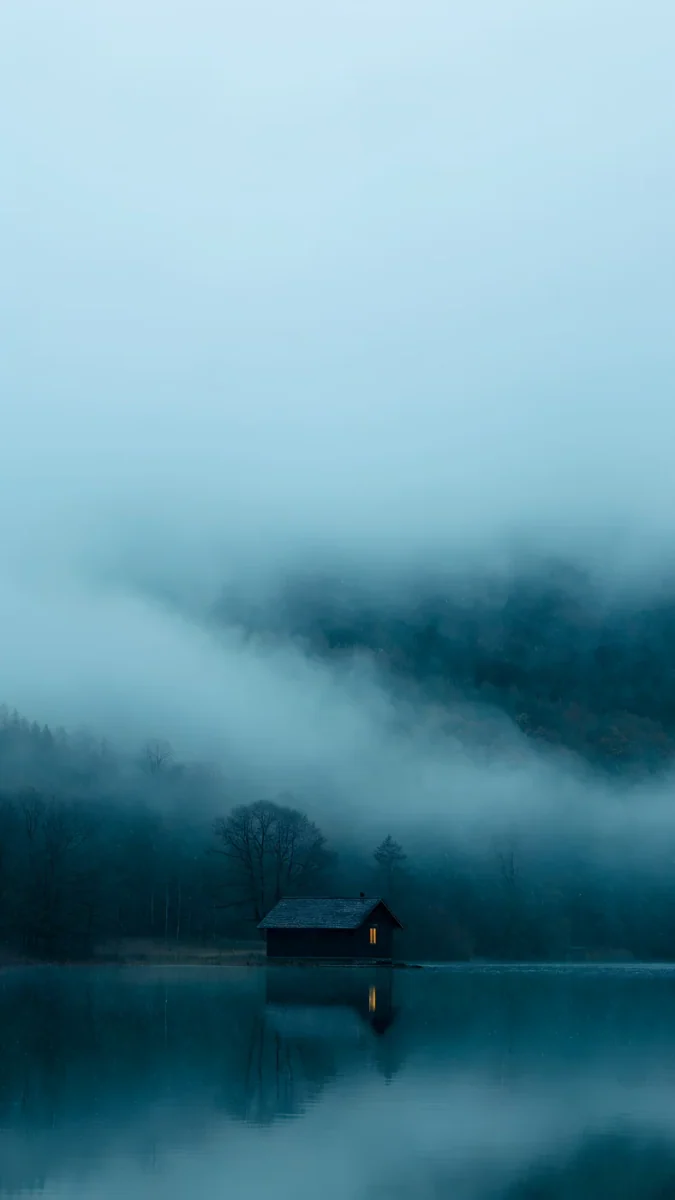 A Window in the Fog
 Peach Through Glass
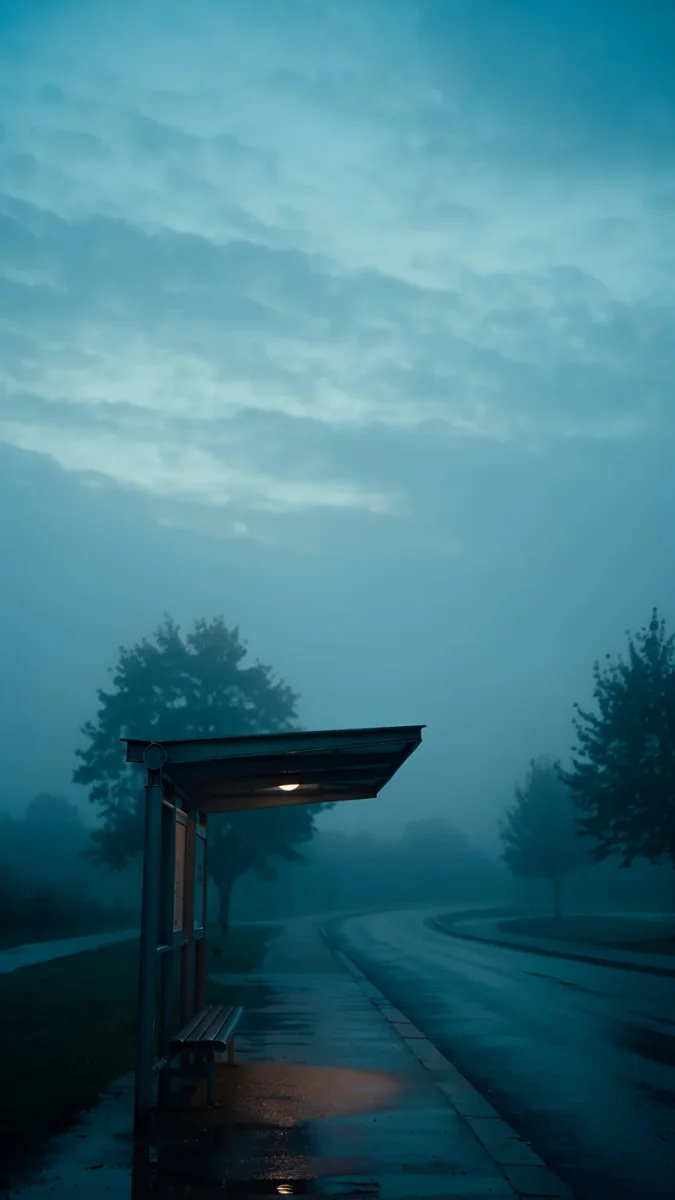 Still Waiting
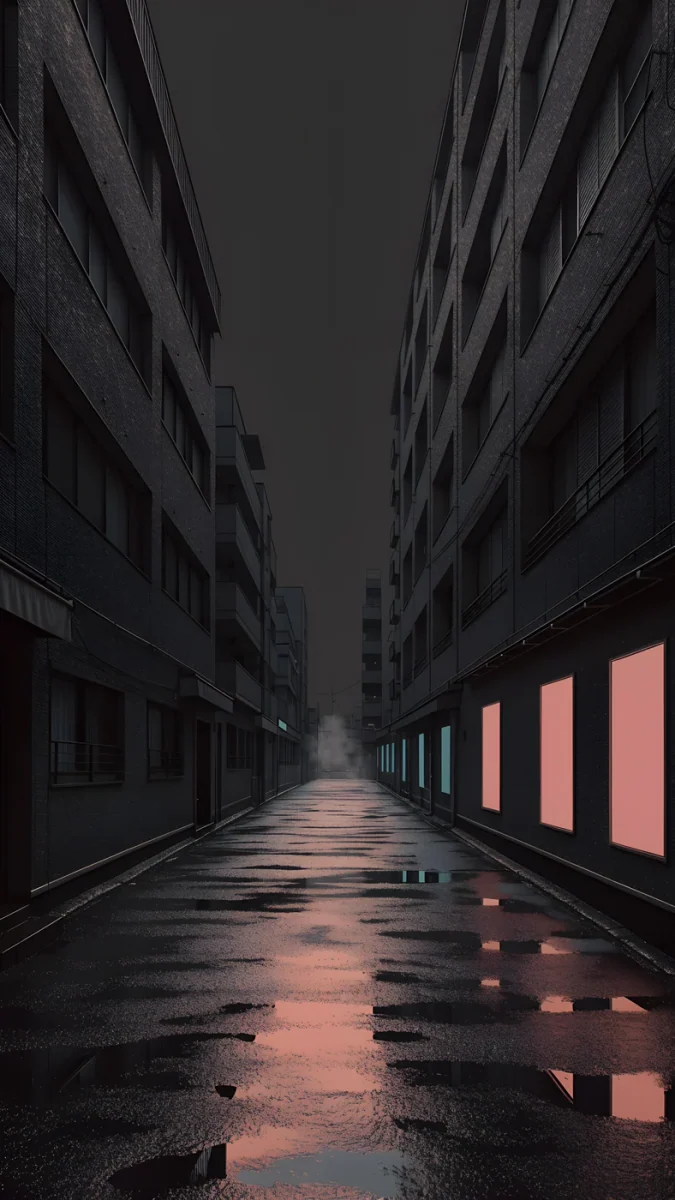
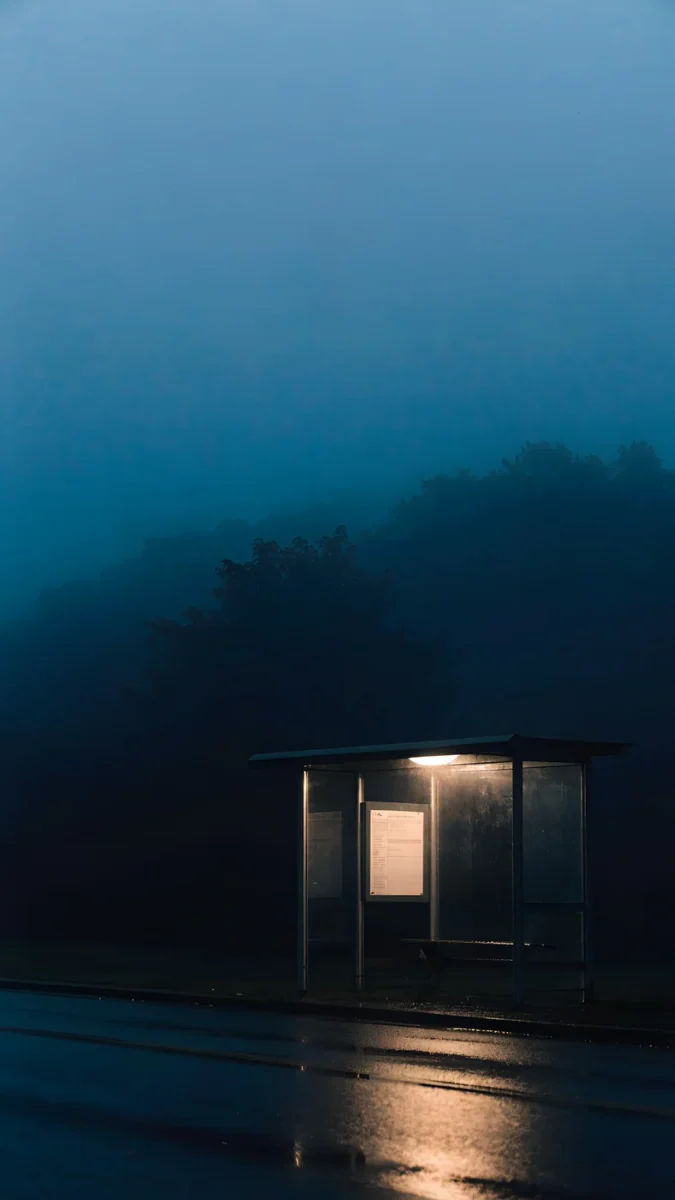 Last Stop
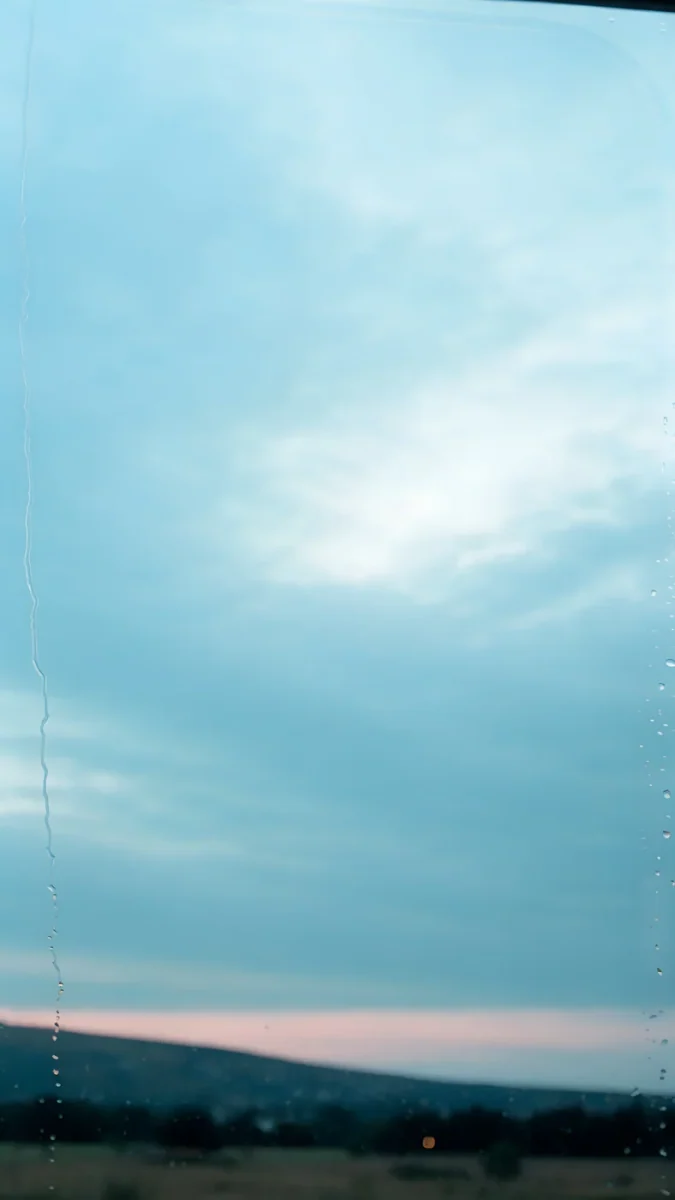 Rose Between Stations
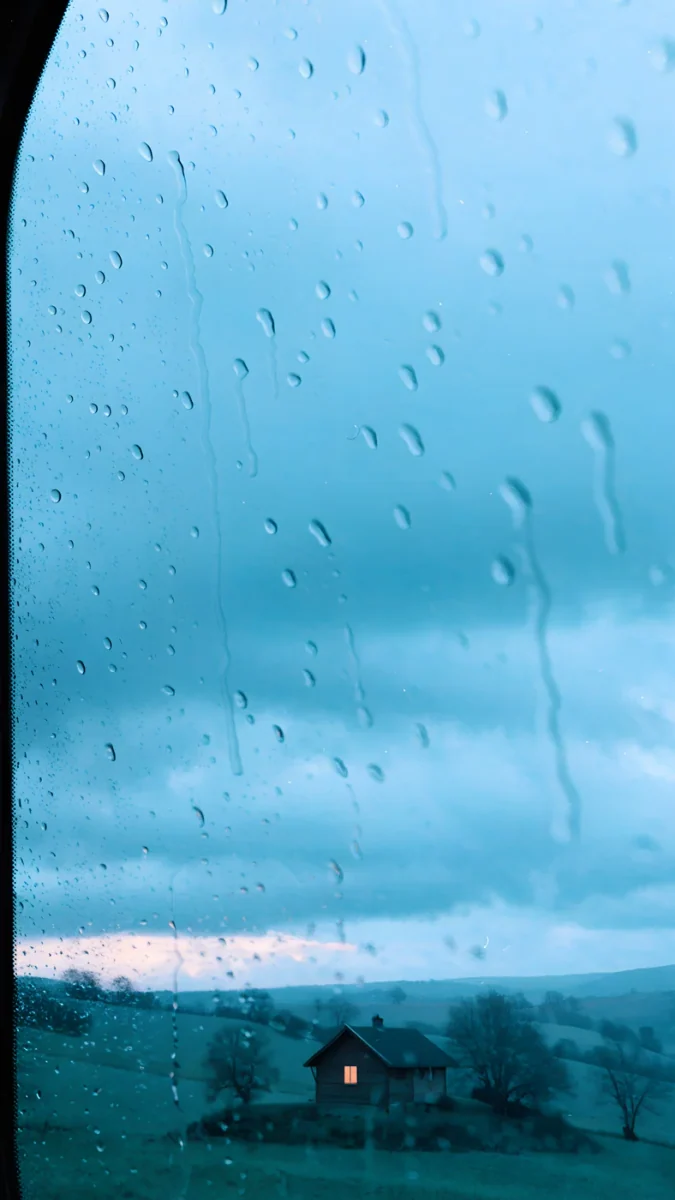 When the House Is Quiet
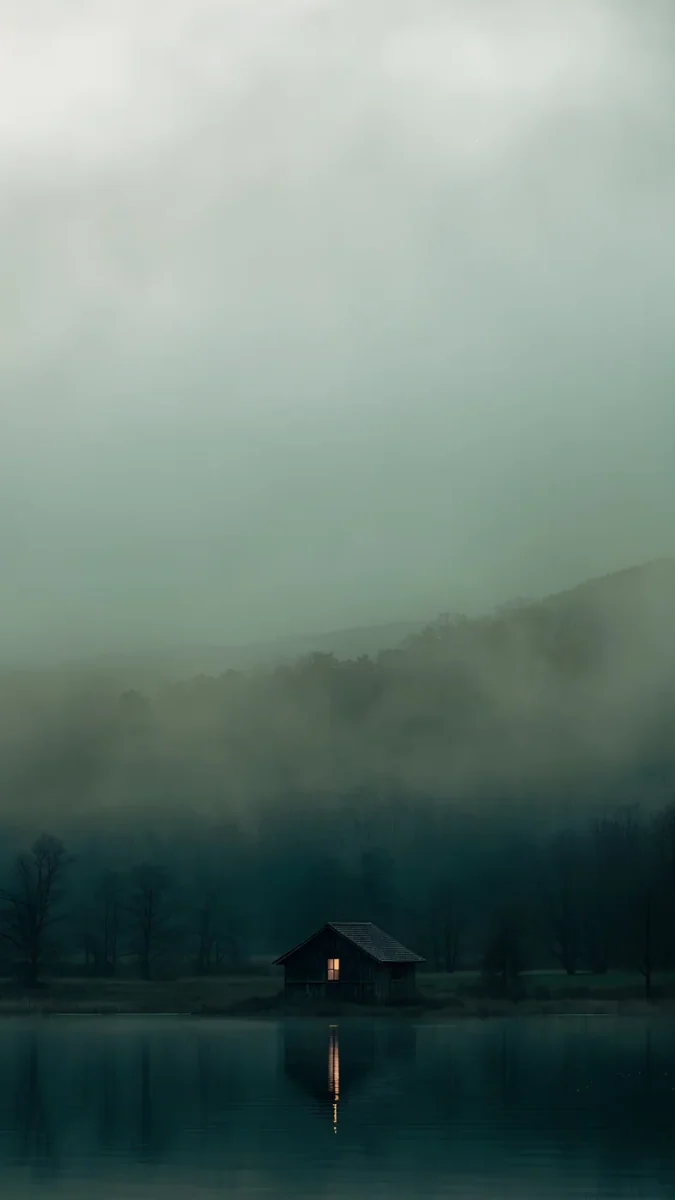 One Light Home
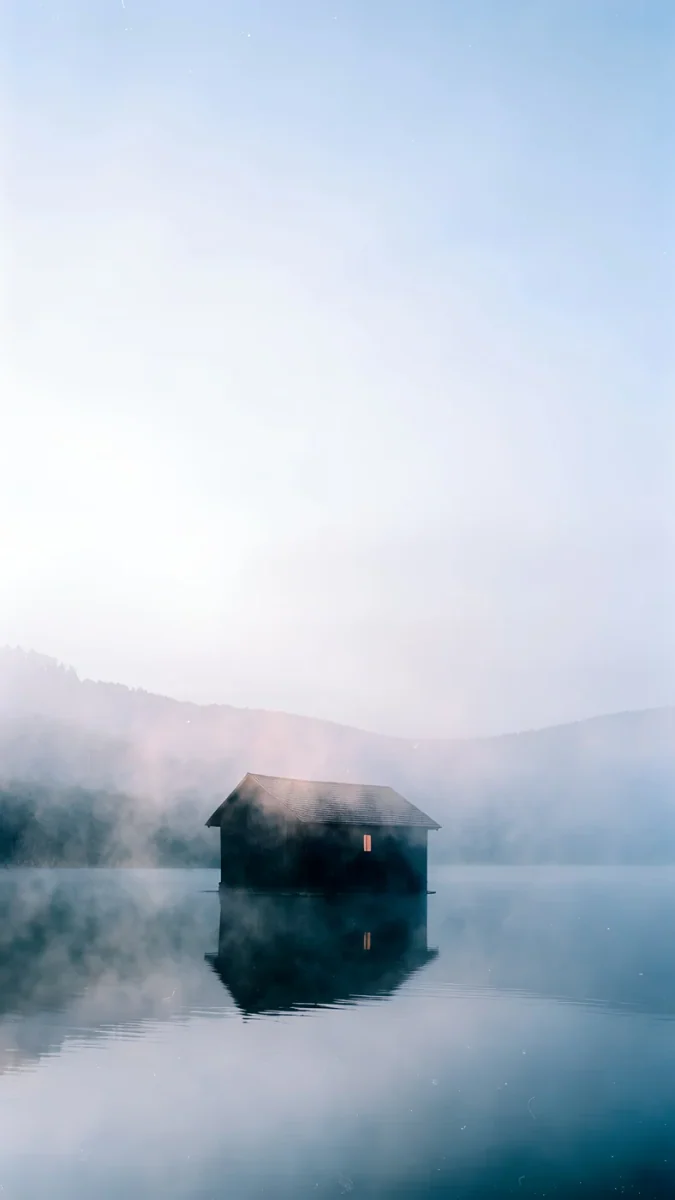 The Small Warmth
Free originals for iPhone and Android, no watermark
On this page
A rainy night aesthetic wallpaper works on iPhone when it is dark at the top, blurred by rain, and lit by one warm light low in the frame. Velpaper has 14 original rainy night wallpapers, each 2160 by 3840 pixels and 0.3 to 1.7 MB: wet glass, empty platforms and houses with one window lit. For a dark lock screen start with Tokyo After Rain, Last Stop or Peach Through Glass.
They are digital works made in the style of night photography, so the grain and the blur belong to the picture. They are not compression, and there is no text or watermark in the file.
What is in this set
| Item | Value |
|---|---|
| Phone wallpapers | 14, each 2160 by 3840 pixels (9:16) |
| File size | 0.3 to 1.7 MB, average 0.7 MB, 9.9 MB for all 14 |
| Groups | 4 windows, 5 stations and streets, 5 quiet houses |
| Darkest colours | #101728 Tokyo After Rain, #14232D Last Stop, #291B38 Peach Through Glass |
| Warm accent | Sand and amber, #B89777 to #C9AE8A, in most of the set |
| Most downloaded | Peach Through Glass |
| Lightest pieces | The Small Warmth, Rose Between Stations, A Light to Wait For |
Windows and rain
You are inside, looking out through glass covered in drops. The street behind it is out of focus, and all the colour comes from whatever is glowing out there.
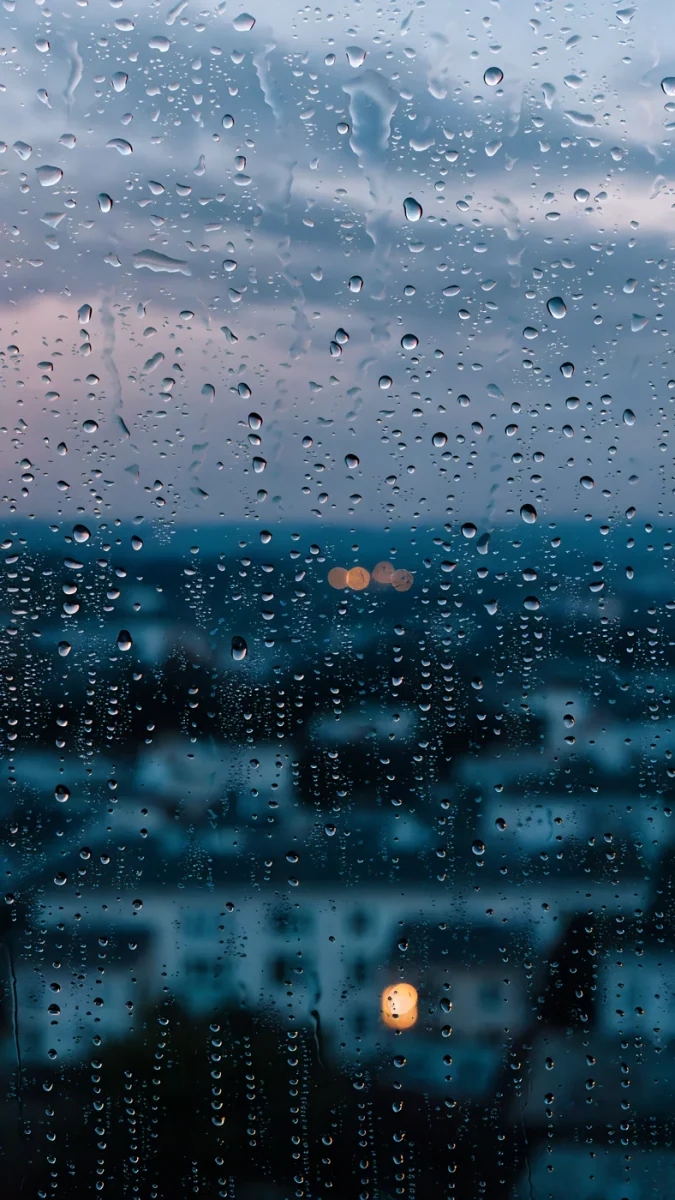
Rain Kept is deep teal glass with warm amber light breaking through the drops. November Window is cooler, slate blue with a trace of dusty pink. A Window in the Fog trades rain for mist and keeps one gold light in the distance. Peach Through Glass, the most downloaded of the 14, is the pick for warmth: a violet night with peach light pressed against the pane.
Stations and streets
Platforms, stops, wet asphalt. Nobody is in the frame, and that is what makes these restful.
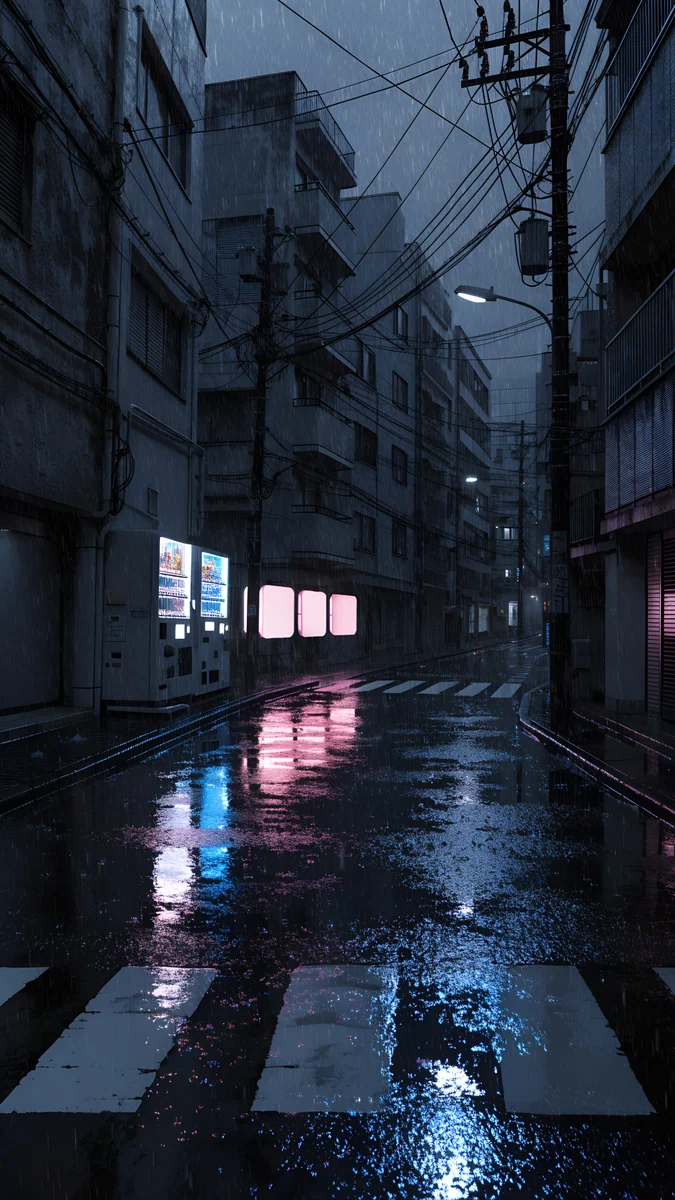
Tokyo After Rain is the darkest and most colourful of the set, a navy street with magenta and teal light in the puddles. The Platform Light and Still Waiting share a palette of blue night and one warm lamp, so they work as a lock screen and Home Screen pair. Last Stop is the quietest. Rose Between Stations is the pale one, grey blue and rose, closer to a rainy dusk than to midnight.
Quiet houses
A house at the end of the evening, one light left on, the street outside gone soft. These are less about rain falling and more about what it leaves behind: damp air, blue hour, a warm window.
One Light Home and When the House Is Quiet are the night versions, dark with a single amber glow. The Small Warmth, A Light to Wait For and The Night Is Soft sit closer to dusk, with misty blues and sand tones that keep the screen lighter.
Which one for OLED, the clock and the home screen
Most of us check the lock screen in the evening, in bed or on the way home. These pictures are dark where iOS puts the time, rain softens every edge, and each one has a single warm light low in the frame, so nothing competes with notifications.
| If you want | Pick | Clock colour |
|---|---|---|
| The darkest screen for OLED | Tokyo After Rain, Last Stop, Peach Through Glass | White |
| A lock and Home Screen pair | The Platform Light with Still Waiting | White |
| Rain without full darkness | Rain Kept, November Window | White or pale tint |
| A light, dusky screen | Rose Between Stations, The Small Warmth | Dark or blue tint |
On an OLED iPhone, which is every model since the iPhone 12 apart from the SE, near-black pixels draw very little power, so the darker pieces cost slightly less and their warm lights look brighter. Keep the Home Screen dark too: these images lose their mood behind bright widgets. More near-black options are in our dark OLED wallpapers.
More rain in other collections
Three more rain scenes live in other series, and two of them also come as free 4K desktop wallpapers, which this series does not have.
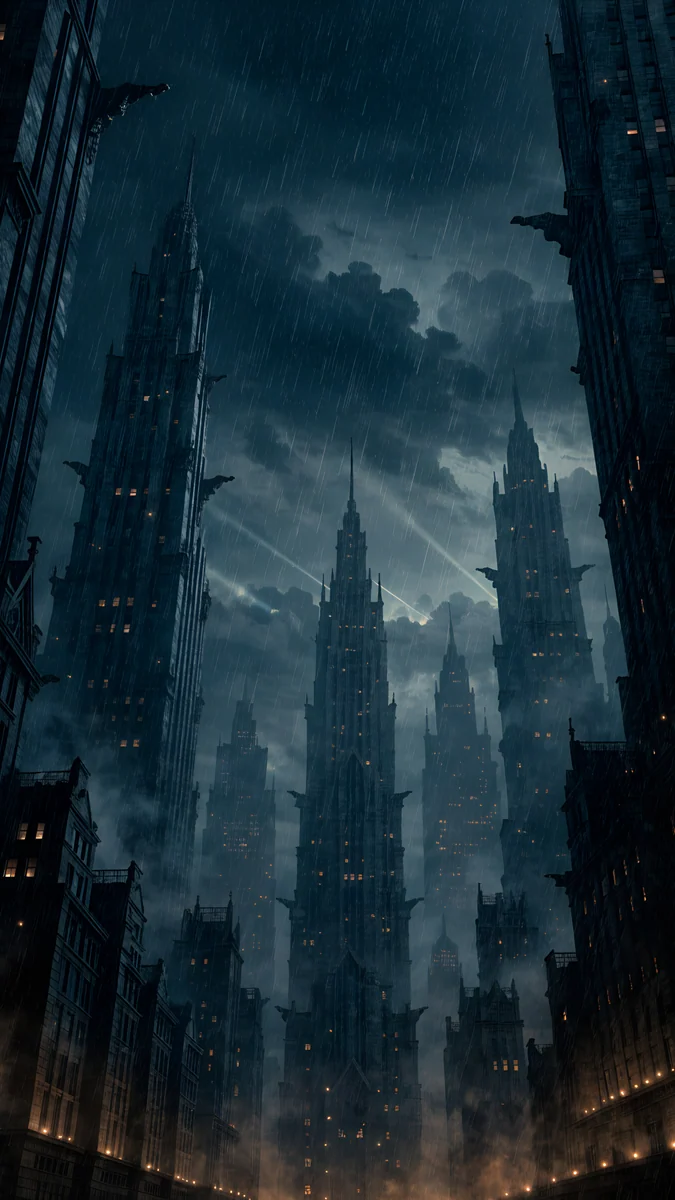
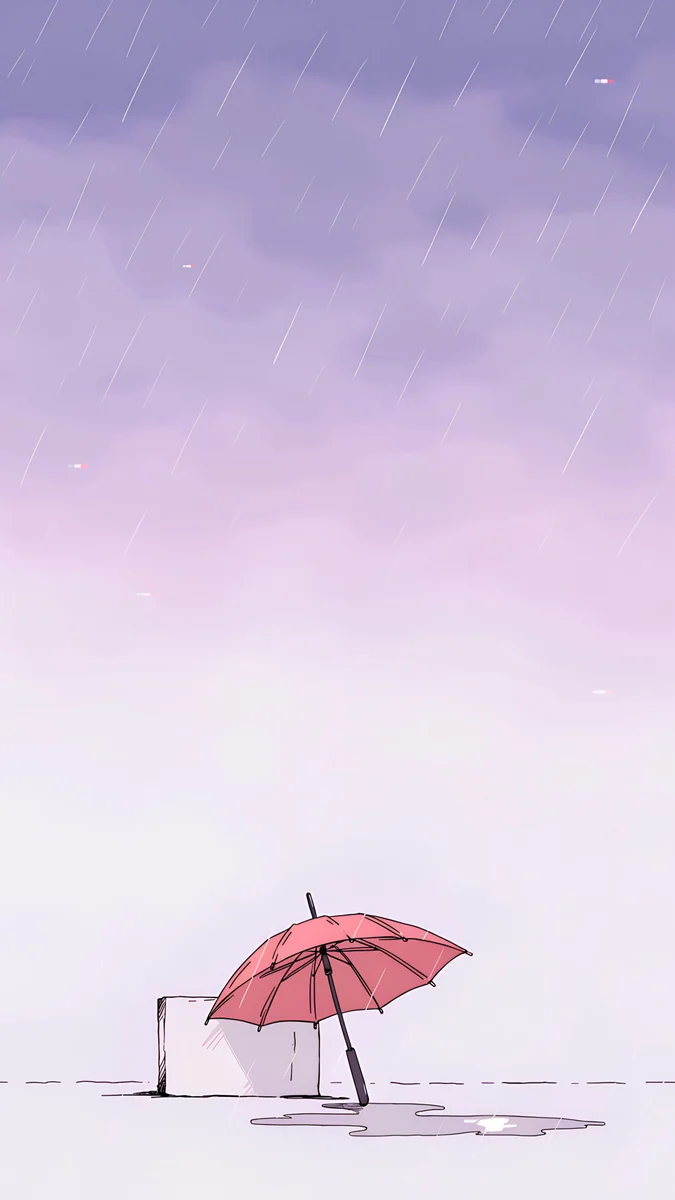
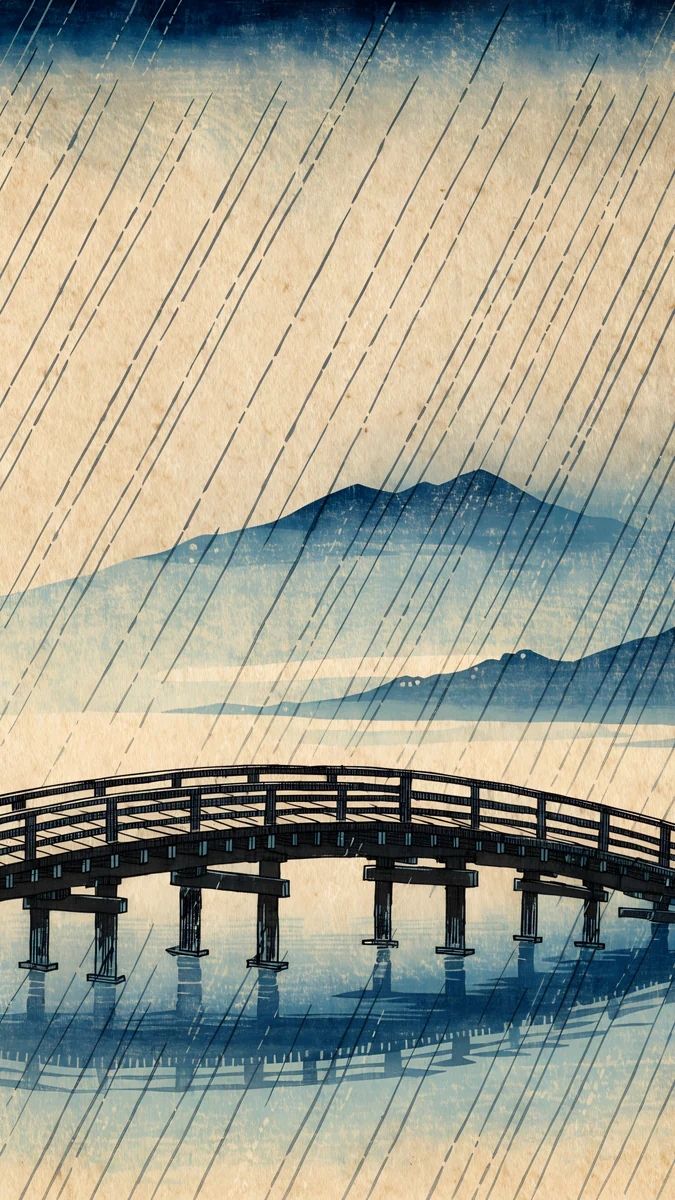
Rain Glow looks straight up a canyon of gothic towers in a storm, with an amber street at the bottom; it is part of the noir city wallpapers. Pink Umbrella leans a closed umbrella against a low wall in soft rain, from the lofi wallpapers. Rain Bridge is a long wooden bridge under slanting rain, a nod to Hiroshige. Pink Umbrella and Rain Bridge are also 3840 by 2160 desktop files.
How to set a rainy wallpaper on iPhone
- Open the wallpaper page on velpaper.com or in the Velpaper app and save the 2160 by 3840 original to Photos, not a screenshot, so the drops on the glass stay sharp.
- On iOS 26 or iOS 18, open Settings, tap Wallpaper, then Add New Wallpaper, then Photos, and choose the file.
- Pinch or drag so the sky or blurred glass sits behind the clock, then tap Add.
- Tap Set as Wallpaper Pair, or Customize Home Screen and choose a blurred or darker Home Screen.
- Touch and hold the Lock Screen, tap Customize and tap the time to set a white clock, or a dark one on the pale dusk pieces.
Apple's steps are in Change your iPhone wallpaper; on a Pixel, Google's are in Change wallpaper on your Pixel phone. Our guide to setting a lock screen wallpaper on iPhone has the full walkthrough with clock and widget options.
Next step: open Tokyo After Rain, save the 4K original and set it as tonight's lock screen. If you prefer warmth, take Peach Through Glass.
Original wallpapers in and for iPhone, Android and desktop.
Questions
Are these rain wallpapers real photographs?
No. Every wallpaper in this collection is an original digital work made by Velpaper in a photographic style. The rain on the glass, the blur of the street and the film-like grain are part of the image rather than the result of a camera. None of them is a photo of a specific real place, and each one was checked by hand before release. The file you download is the 2160 by 3840 pixel original, with no watermark and no text.
Are dark rain wallpapers good for OLED screens and battery life?
Mostly, yes. Every iPhone since the iPhone 12 apart from the SE, and most Android phones, have OLED screens, where near-black pixels use very little power. The darkest wallpapers here, Tokyo After Rain (#101728), Last Stop (#14232D) and Peach Through Glass (#291B38), keep most of the screen dark, so the lock screen draws a little less power and the warm lights look brighter by contrast. The saving is small, because a lock screen is on for seconds at a time, so choose for the look first. The pale dusk images save less.
Which clock colour works best on a rainy night wallpaper?
White, on almost all of them. The dark wallpapers in this collection put sky, fog or blurred glass behind the clock, and a white or very light tinted clock reads cleanly there without glowing too hard at night. The exceptions are the paler dusk pieces, Rose Between Stations and The Small Warmth, where a dark clock or a clock tinted to match the blue keeps better contrast. Velpaper shows every wallpaper in a lock screen preview with the time in place, so you can compare before you save.
Do these rainy wallpapers come in desktop sizes?
The 14 rainy night pieces are phone only, as 2160 by 3840 pixel originals that fit any current iPhone or Android phone. For a computer, two rain scenes from other series come as free 3840 by 2160 desktop wallpapers: Pink Umbrella from the lofi collection and Rain Bridge from the ukiyo-e collection. You can set a phone wallpaper on a wide screen, but it will be cropped heavily, so a desktop original is the better choice.
Are the rainy night wallpapers free?
Browsing and previewing every wallpaper is free on the website and in the apps. The wallpapers in this collection unlock after a short optional ad in the Velpaper apps for iPhone and Android. On the website, if no ad is available, the original downloads for free. There is no account to create and no subscription, and the file you get is the full 2160 by 3840 pixel original without a watermark.
Carlos Vivero
Designer of Velpaper wallpapers
Carlos Vivero designs the wallpapers in Velpaper: quiet architecture, liquid glass, Japanese ink and calm landscapes. Every piece is made as a original for iPhone, Android and desktop.
Recent work