JPG, PNG or HEIC: The Best File Format for Wallpapers
Which image format to use for a phone or desktop wallpaper: JPG, PNG, HEIC and WebP compared, what each OS accepts, and how to convert a file that will not set.
In short: For almost every wallpaper, a high-quality JPG at your screen's resolution or larger is the best format: it works on every phone and computer and looks the same as a PNG on screen. Use PNG only for flat graphics or text, and keep HEIC for photos you shot on an iPhone.
By the Velpaper team · Wallpapers by Carlos Vivero, Velpaper designer · · 6 min read
Free 4K originals for iPhone and Android, no watermark
On this page
The best file format for a wallpaper is a high-quality JPG at your screen's resolution or larger. Every phone, Mac, Windows PC and Chromebook accepts it, and for photos and painted art it looks the same on screen as a PNG several times its size. Resolution and the number of times a file has been recompressed matter far more than the letters at the end of the file name.
PNG earns its size only for flat graphics, text and screenshots. HEIC is fine for photos you shot on your own iPhone, but it can be awkward on Windows and some older Android phones.
JPG, PNG, HEIC and WebP compared
| Format | Compression | Best for | As a wallpaper |
|---|---|---|---|
| JPG (JPEG) | Lossy, adjustable | Photos, paintings, gradients | Works everywhere |
| PNG | Lossless | Flat colour, text, screenshots | Works everywhere, large files |
| HEIC (HEIF) | Lossy, more efficient than JPG | iPhone photos | Apple devices; Windows needs an extension |
| WebP | Lossy or lossless | Web previews | Support varies, convert if it will not set |
JPG throws away detail the eye barely notices. At a high quality setting the loss is invisible on a phone, but every re-save throws away a little more, which is why a wallpaper forwarded through three chats looks worse than the original.
PNG keeps every pixel exactly. That helps a logo or a pixel art piece with hard edges, but a 4K photo saved as PNG is often several times heavier than a good JPG and looks no different. PNG also supports transparency, which a wallpaper has no use for.
HEIC is the format iPhones have used for photos by default since iOS 11. It stores the same picture in a smaller file than JPG. Apple devices open it natively; Windows needs the HEIF Image Extensions from the Microsoft Store, and on some PCs the HEVC Video Extensions as well.
WebP is the format many websites use for previews. A WebP you saved by right-clicking an image is usually a compressed preview, not the original, so it is the wrong file to start from anyway.
Which formats each device accepts
- iPhone and iPad: anything that opens in the Photos app, including JPG, PNG and HEIC. The wallpaper picker in Settings, Wallpaper, Add New Wallpaper, Photos reads straight from your library.
- Android: JPG and PNG work on every phone. HEIC and WebP open on most recent phones through Google Photos or the maker's gallery app, but support depends on the brand and the Android version.
- Mac: JPG, PNG, HEIC and TIFF all work in System Settings, Wallpaper. The dynamic wallpapers that change with the time of day are themselves HEIC files holding several images.
- Windows 11: JPG, PNG and BMP work in Settings, Personalization, Background. HEIC works once the extensions above are installed.
- Chromebook: Google's help page lists .jpg and .png as the supported formats for wallpapers.
How to check a file's format and convert it
- iPhone: open the picture in Photos and swipe up, or tap the info button. The panel shows the format, such as JPEG or HEIF, next to the size in pixels.
- iPhone camera: to shoot JPG instead of HEIC, go to Settings, Camera, Formats and choose Most Compatible. To have photos converted when you copy them to a computer, open Settings, Apps, Photos (Settings, Photos on older versions) and set Transfer to Mac or PC to Automatic.
- Mac: open the file in Preview, choose File, Export, pick JPEG, HEIC or PNG in the Format menu and set the quality slider near the top.
- Windows 11: open the file in Paint, choose File, Save as, then JPEG picture or PNG picture. Right-click the file and choose Properties, Details to see its dimensions.
- Android: in Google Photos, open the image and swipe up for the details. If a HEIC or WebP file will not set as a wallpaper, take a screenshot only as a last resort; a converter app or a computer gives a cleaner JPG.
Converting a JPG to PNG never adds quality back. It only freezes the current, already compressed version in a bigger file.
Wallpapers that show what a clean file looks like
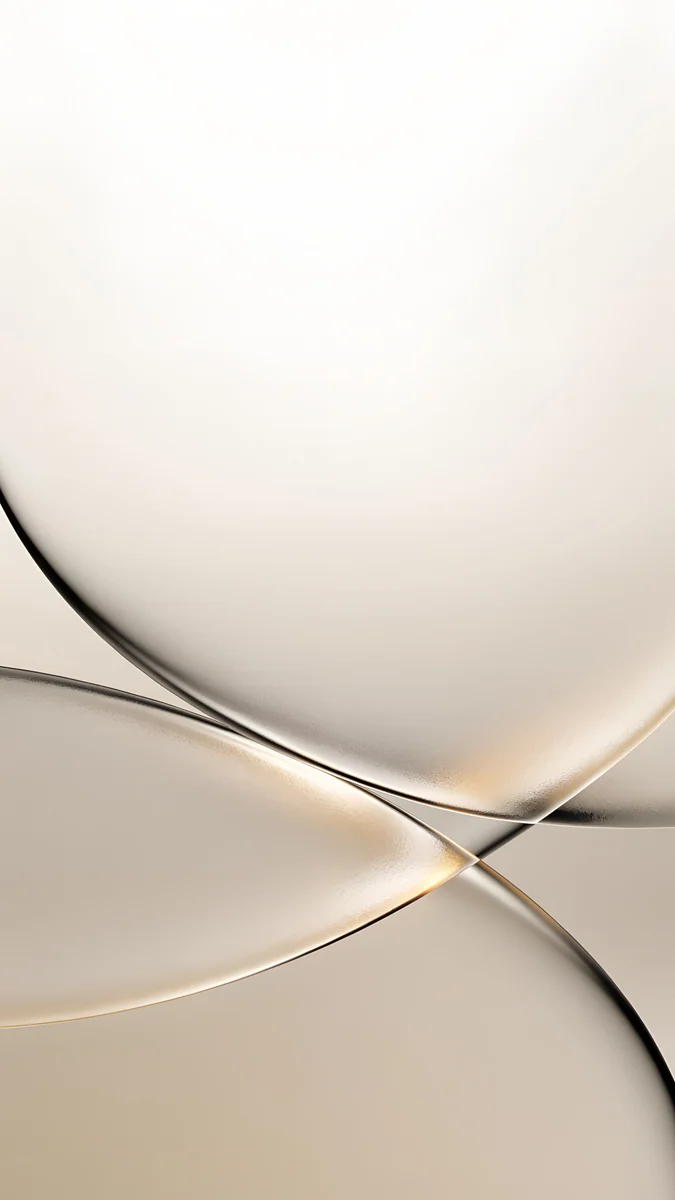
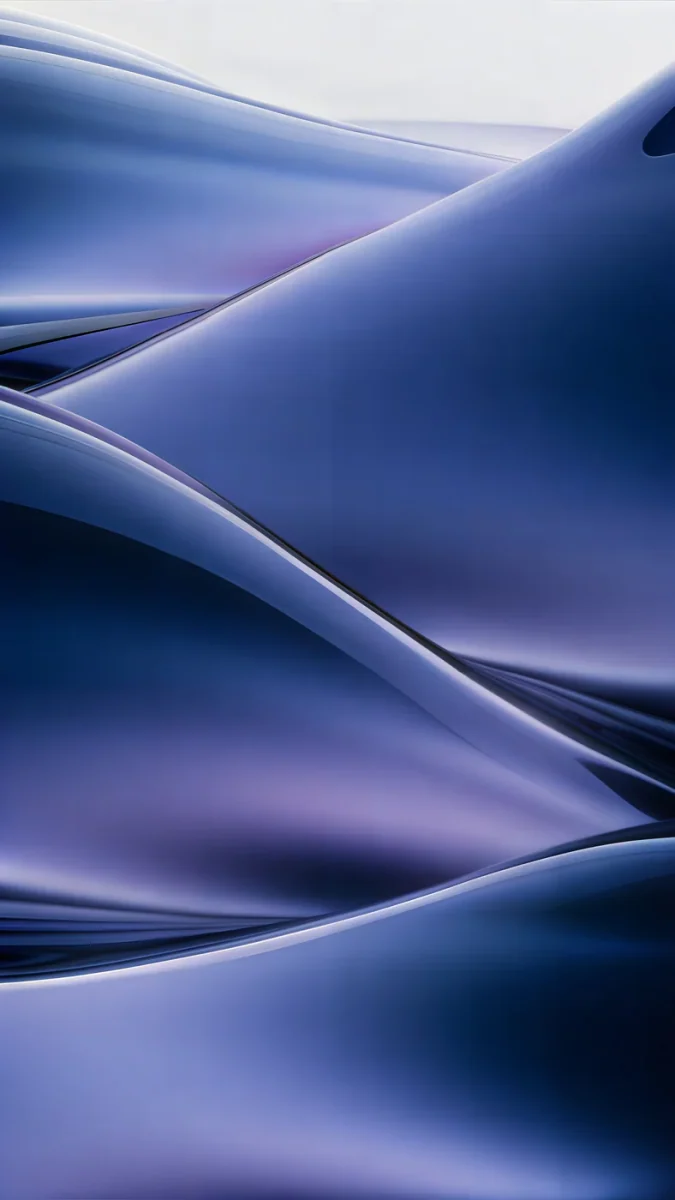
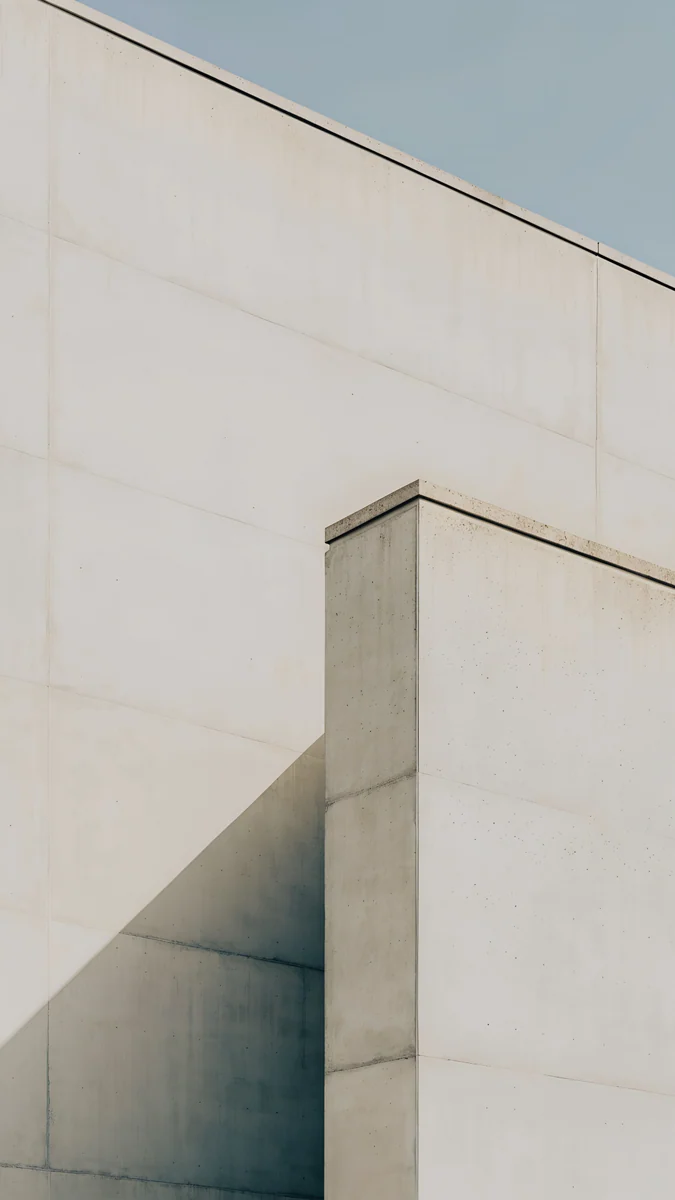
Smooth gradients are where compression shows first: a heavily recompressed file turns a soft fade into visible steps, called banding. These five Velpaper wallpapers are good tests, because they are almost nothing but gradient.
 Liquid Light4K · Phone
 Celadon Haze4K · Phone
 Champagne Veil4K · Phone
 Midnight Flow4K · Phone
 Ivory Fold4K · Phone
Liquid Light folds lilac into cream with a grey shadow in the crease, and the crease is where a bad copy breaks first. Celadon Haze drifts from seafoam to blue-green with no edge at all, so any banding stands out. Champagne Veil is two curved sheets of cream glass with a thin gold edge that blurs in a low-quality file. Midnight Flow folds navy and violet into slow waves, and dark gradients like this one show blocky shadows on an OLED screen when the file is poor. Ivory Fold is pale concrete creased once, a calm surface that keeps the clock readable.
Every Velpaper wallpaper is a 4K original JPEG: phone files are 2160 × 3840, desktop files 3840 × 2160 and some 5120 × 2880, at a quality high enough that these gradients stay smooth. If the format question is really a size question, our guide to 4K vs HD wallpapers covers resolution.
Common problems and fixes
- The file will not set as a wallpaper. It is probably HEIC on Windows, WebP on an older phone, or a format ChromeOS does not list. Convert it to JPG with Preview, Paint or a converter app.
- Bands or blocks in the sky. You have a recompressed copy, often from a chat app or a social network. Download the original again. When you send a wallpaper to a friend, use WhatsApp's document option or Telegram's Send as file so it is not compressed.
- Blurry, whatever the format. The image is smaller than the screen. No format fixes missing pixels; get a file at least as large as your display, as shown in our iPhone wallpaper size guide and PC wallpaper size guide.
- Colours look different on another device. Wide-gamut screens such as recent iPhones and Macs can show an image without a colour profile slightly differently. Save in sRGB with the profile embedded, which most export menus do by default.
- The PNG is huge and the phone feels slow in the editor. Re-export it as a high-quality JPG. On screen you will not see a difference.
Get clean 4K originals in Velpaper
Velpaper is an app for iPhone, iPad, Mac and Android, and the same wallpapers are on velpaper.com. Every file is the full 4K original, no account and no watermark, so there is nothing to convert.
- Open Liquid Light in the app or on the site. The page shows the size, 2160 × 3840, before you download.
- Tap Download and save the original. Do not screenshot the preview; that gives you a compressed copy at screen size.
- On iPhone, go to Settings, Wallpaper, Add New Wallpaper, Photos and pick the file. On Android, touch and hold the Home screen and open Wallpaper & style.
For the full steps with screenshots, see how to set a lock screen wallpaper on iPhone and how to change the wallpaper on Android.
Original wallpapers in 4K and 5K for iPhone, Android and desktop.
Questions
Is PNG or JPG better for a wallpaper?
For photos, paintings and gradients, a high-quality JPG is better: it looks the same on screen as a PNG and is often several times smaller, so it loads faster and saves storage. PNG is lossless, which only helps when the picture has flat colour, sharp text or pixel-exact edges, such as a logo or a screenshot. Saving a JPG as PNG does not improve it, because the detail lost in the earlier compression is already gone. What makes a wallpaper sharp is its resolution and how many times it has been recompressed, not the format.
Can I use a HEIC photo as my wallpaper?
Yes on iPhone, iPad and Mac, where HEIC is a native format and the wallpaper picker reads it straight from Photos. On Windows 11, install the HEIF Image Extensions from the Microsoft Store, and on some PCs the HEVC Video Extensions too, before the file will open or set. Most recent Android phones open HEIC in Google Photos or the maker's gallery, but support varies by brand. If a HEIC file will not set, export it as JPG from Preview on a Mac or convert it, or set your iPhone camera to Most Compatible in Settings, Camera, Formats.
Does the file format affect battery or performance?
Not in any way you would notice. Your phone or computer decodes the wallpaper once and keeps it ready at the screen's own resolution, so the format does not change how much power the screen uses. What affects battery on an OLED screen is how bright and colourful the picture is, which our guide to dark wallpapers and battery explains. Very large PNG files can make the wallpaper editor slower to open on older phones, which is another reason to prefer a high-quality JPG for photos and art.
Why does my wallpaper look worse after I sent it to my phone?
Most chat apps and social networks recompress images to save data, and some also shrink them. A 4K wallpaper sent as a normal photo can arrive smaller and with visible bands in smooth areas such as skies and gradients. Send it as a file instead: WhatsApp has a document option, Telegram has Send as file, and AirDrop and cloud drives keep the original. Better still, download the wallpaper directly on the device that will use it, so you always get the original file.
What format are Velpaper wallpapers?
Every Velpaper wallpaper is a 4K original saved as a high-quality JPEG. Phone wallpapers are 2160 × 3840 pixels, desktop wallpapers are 3840 × 2160 and some are 5K at 5120 × 2880. JPEG works as a wallpaper on iPhone, iPad, Android, Mac, Windows and Chromebook without converting anything. The previews on the site and in the apps are lighter so pages load quickly, but the download is the full original without a watermark. You can get them in the Velpaper app for iPhone, iPad, Mac and Android or on velpaper.com, with no account.
Carlos Vivero
Designer of Velpaper wallpapers
Carlos Vivero designs the wallpapers in Velpaper: quiet architecture, liquid glass, Japanese ink and calm landscapes. Every piece is made as a 4K original for iPhone, Android and desktop.
Recent work








