Ultrawide Wallpaper Size for 21:9 and 32:9 Monitors
Ultrawide wallpaper sizes for 21:9 and 32:9 monitors, how much of a 4K or 5K image Fill crops away, and how to set it in Windows 11, macOS and Ubuntu.
In short: Use a wallpaper at least as wide as your monitor: 3440 × 1440 or 2560 × 1080 for most 21:9 screens, 5120 × 2160 for 40 inch 5K2K panels and 5120 × 1440 for 49 inch 32:9 screens. A 16:9 4K or 5K file also works on Fill, but it loses about a quarter of its height on 21:9 and half on 32:9, so pick one with a calm, horizontal composition.
By the Velpaper team · Wallpapers by Carlos Vivero, Velpaper designer · · 6 min read
Free 4K originals for iPhone and Android, no watermark
On this page
The right ultrawide wallpaper size is your monitor's native resolution or wider: 2560 × 1080 or 3440 × 1440 on most 21:9 screens, 3840 × 1600 or 5120 × 2160 on the larger ones, and 5120 × 1440 on a 49 inch 32:9 screen. A regular 16:9 wallpaper in 4K or 5K also fills an ultrawide when the fit is set to Fill, but it gives up about 25 percent of its height on 21:9 and 50 percent on 32:9. Choose images whose subject sits in a horizontal band through the middle and the crop costs you nothing.
Ultrawide wallpaper sizes by monitor
"21:9" is a marketing label. The real ratios of 21:9 panels sit between 2.37:1 and 2.4:1, and 32:9 is exactly two 16:9 screens side by side. Look up the native resolution in your monitor's spec sheet and match it, or go wider.
| Monitor | Native resolution | Real ratio |
|---|---|---|
| 29 to 34 inch 21:9, entry level | 2560 × 1080 | 2.37:1 |
| 34 inch 21:9, the common size | 3440 × 1440 | 2.39:1 |
| 38 inch 21:9 | 3840 × 1600 | 2.4:1 |
| 40 and 45 inch 5K2K | 5120 × 2160 | 2.37:1 |
| 43 and 49 inch 32:9, 1080p class | 3840 × 1080 | 3.56:1 |
| 49 inch 32:9, such as Samsung Odyssey G9 | 5120 × 1440 | 3.56:1 |
| 57 inch 32:9, Samsung Odyssey Neo G9 | 7680 × 2160 | 3.56:1 |
True 21:9 or 32:9 artwork is rare, and most wallpaper sites, Velpaper included, publish 16:9 desktop files. That is fine as long as the file is wide enough in pixels, which the next table checks.
What a 16:9 4K or 5K wallpaper looks like on an ultrawide
With the fit set to Fill, the system scales the picture until it covers the full width of the screen, then trims the top and bottom. Our calculation for the two sizes Velpaper desktop wallpapers come in, 3840 × 2160 (4K) and 5120 × 2880 (5K):
| Monitor | Best file | Scale | Height you see |
|---|---|---|---|
| 2560 × 1080 | 4K | 0.67, sharp | 75 percent |
| 3440 × 1440 | 4K | 0.9, sharp | 74 percent |
| 3840 × 1600 | 4K | 1.0, sharp | 74 percent |
| 5120 × 2160 | 5K | 1.0, sharp | 75 percent |
| 3840 × 1080 | 4K | 1.0, sharp | 50 percent |
| 5120 × 1440 | 5K | 1.0, sharp | 50 percent |
| 7680 × 2160 | 5K | 1.5, enlarged | 50 percent |
Two things follow. On every 21:9 screen up to 5120 × 2160, a 4K or 5K file is big enough, so the image stays sharp and about one eighth disappears at the top and one eighth at the bottom. On 32:9 you see only the middle half of the picture, so the composition matters more than the pixel count. The 57 inch 7680 × 2160 class is the one case where any 16:9 file is enlarged; it looks fine from your chair but a little soft up close.
How to set an ultrawide wallpaper without stretching
Windows 11
- Right-click the desktop and choose Personalize, or open Settings, Personalization, Background.
- Set Personalize your background to Picture.
- Click Browse photos and pick the downloaded file.
- Set Choose a fit for your desktop image to Fill. Avoid Stretch, which squashes the picture sideways, and keep Span for setups with two or more separate monitors.
macOS Tahoe
- Open the Apple menu, System Settings, then Wallpaper.
- Click Add Photo and choose the file, or Control-click the file in Finder and choose Set Desktop Picture.
- In the pop-up menu next to the preview, choose Fill Screen.
Ubuntu 24.04 and later
- Open Settings, then Appearance.
- Under Background, click Add Picture and choose the file.
- GNOME fills the screen by default (the zoom option). If someone changed it, run gsettings set org.gnome.desktop.background picture-options 'zoom' in a terminal.
Step-by-step guides with more detail: changing the wallpaper on Windows 11 and changing the desktop wallpaper on a Mac.
Wallpapers that survive the ultrawide crop
The safest pictures for a wide screen are built along a horizon: one subject in the middle band, sky above, ground below, nothing that matters near the top or bottom edge.
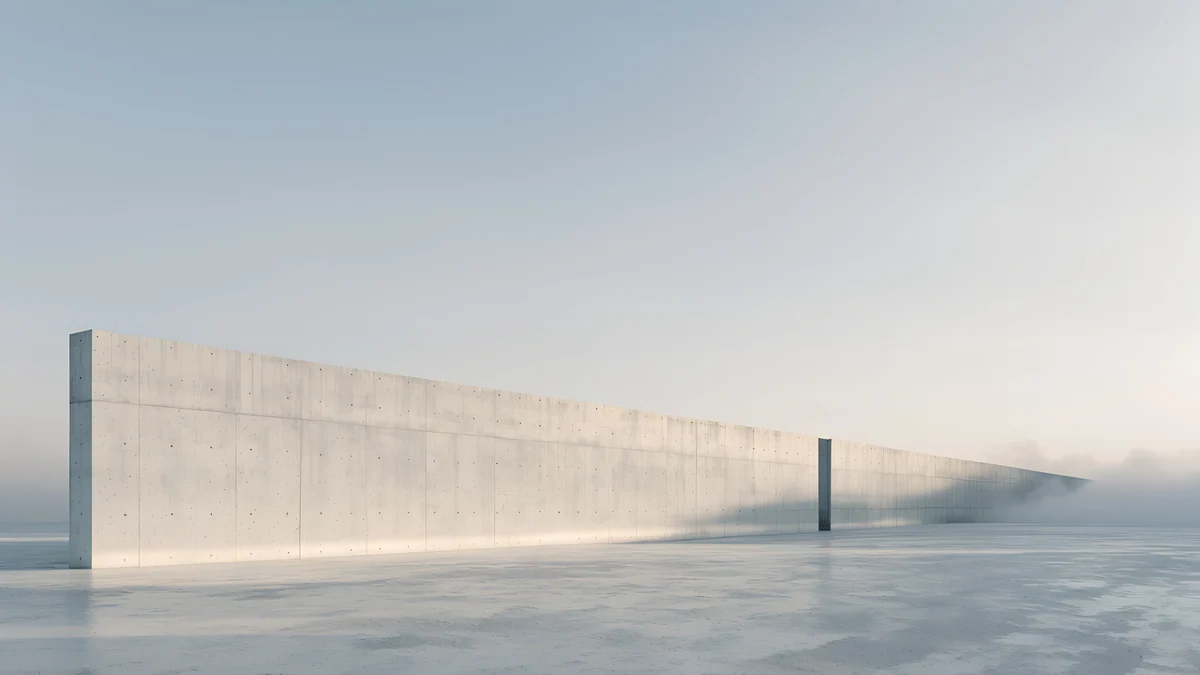 Horizon Wall4K · Desktop
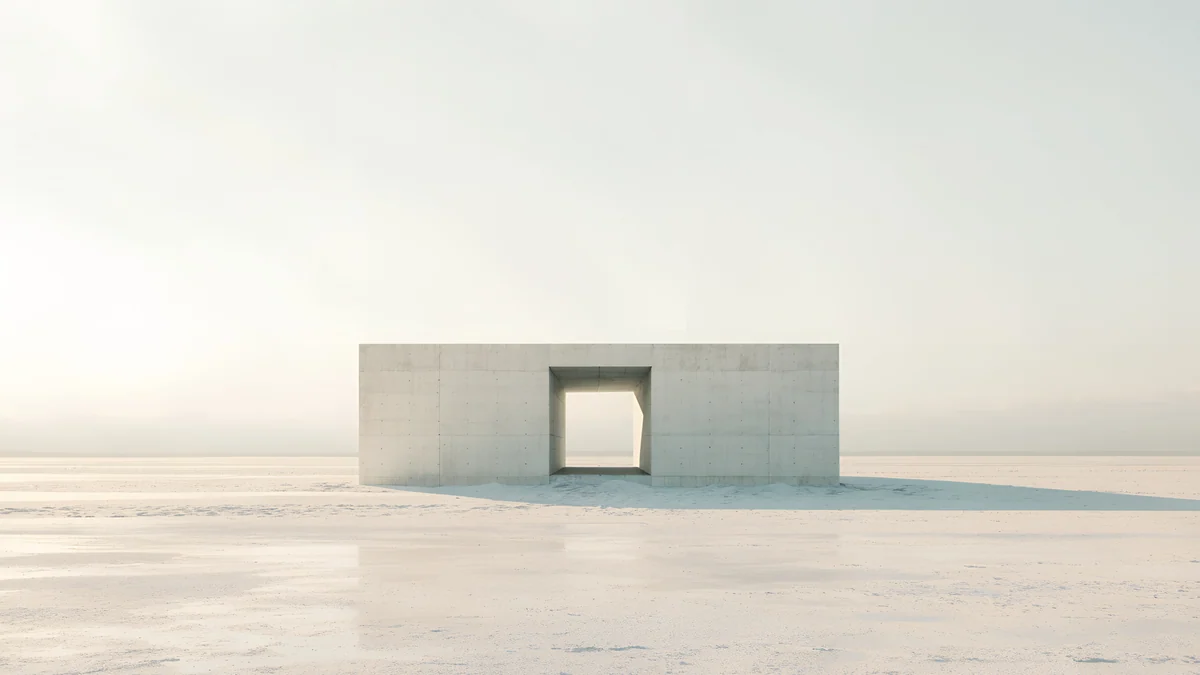 Monolith on the Plain4K · Desktop
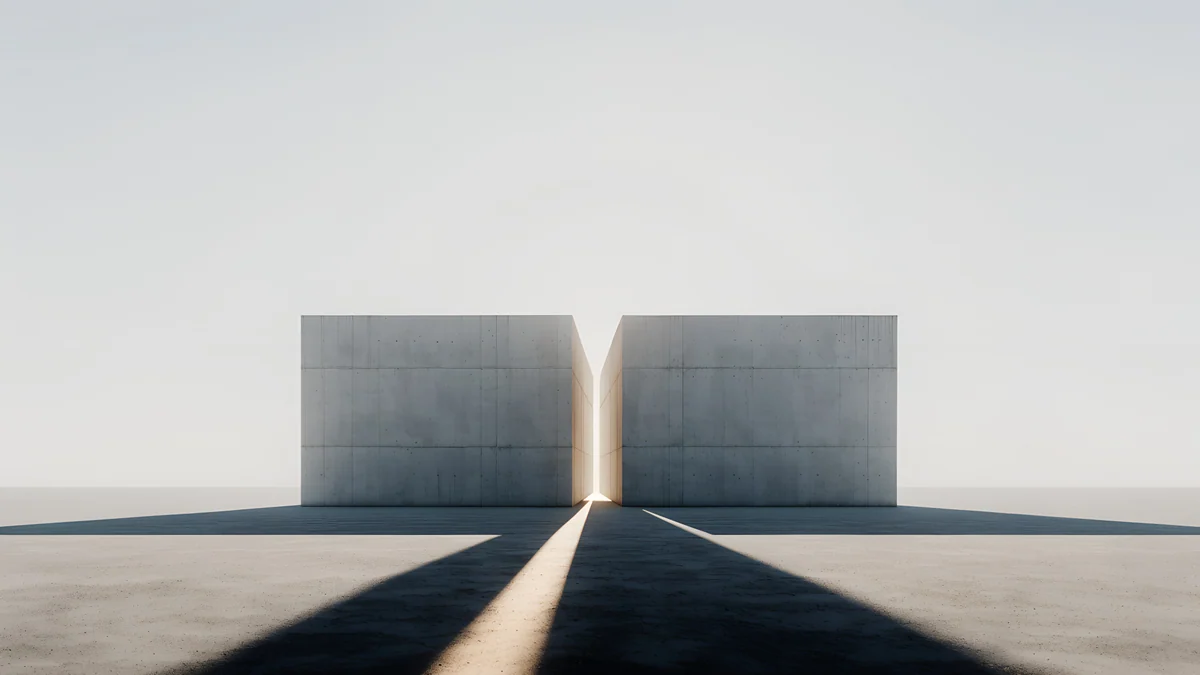 Twin Slabs4K · Desktop
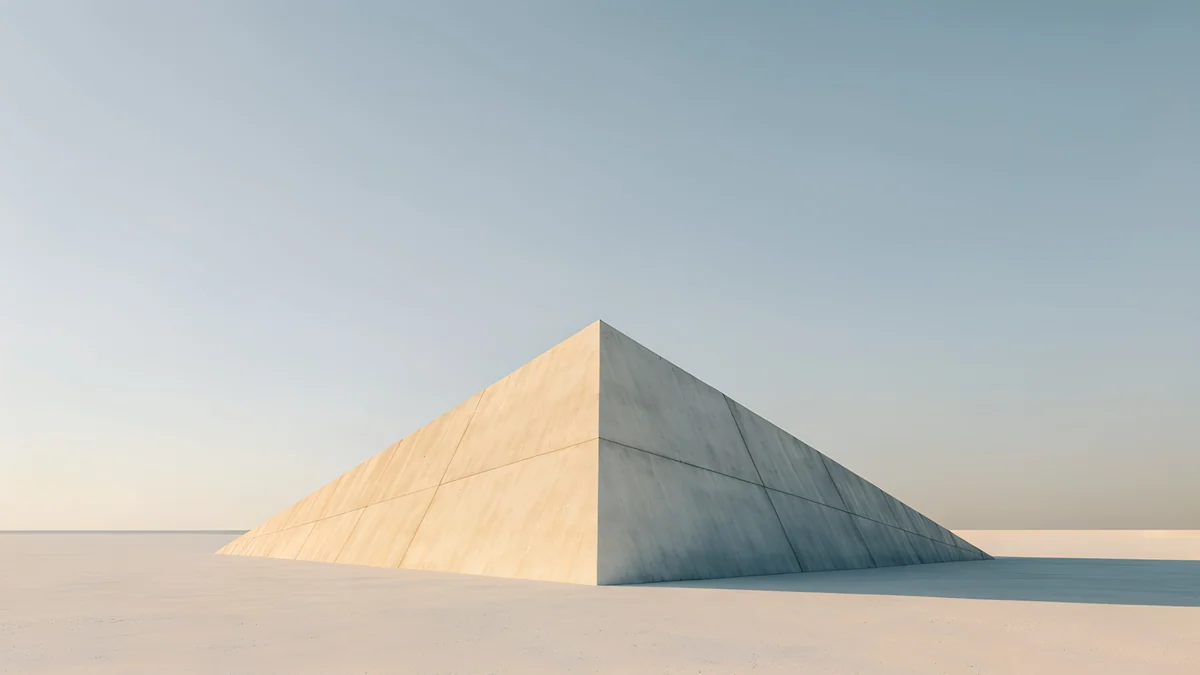 Pyramid of Light4K · Desktop
 Paper Skyline4K · Desktop
 Cobalt Soft Horizon4K · Desktop
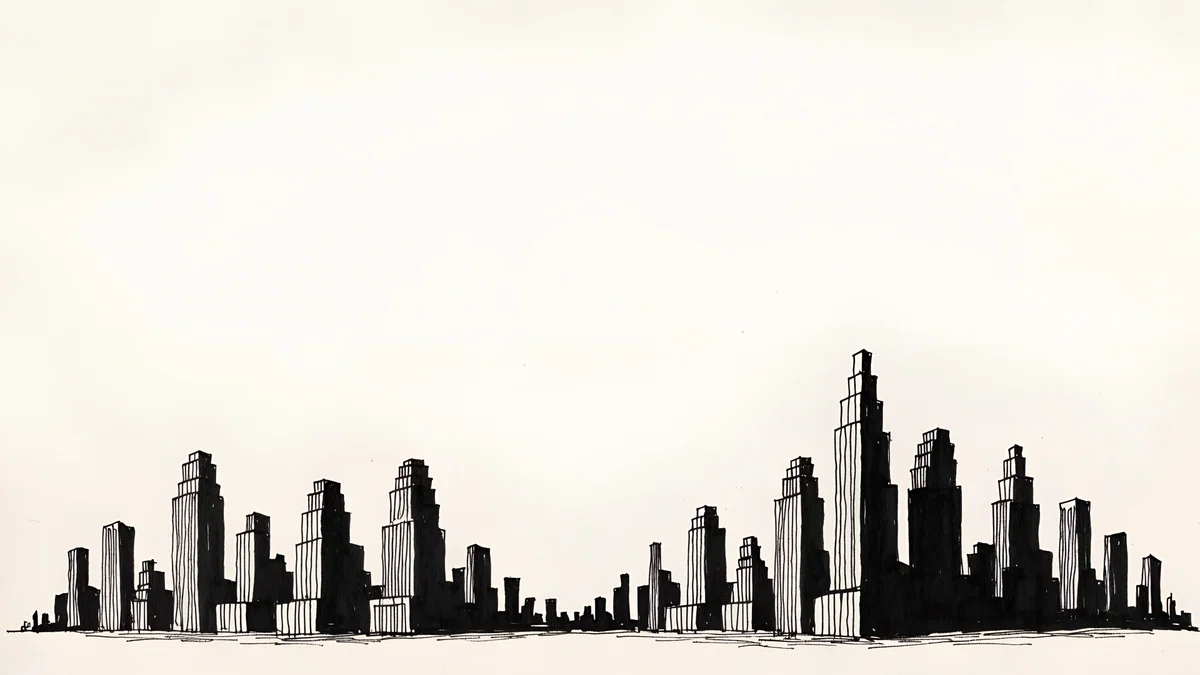
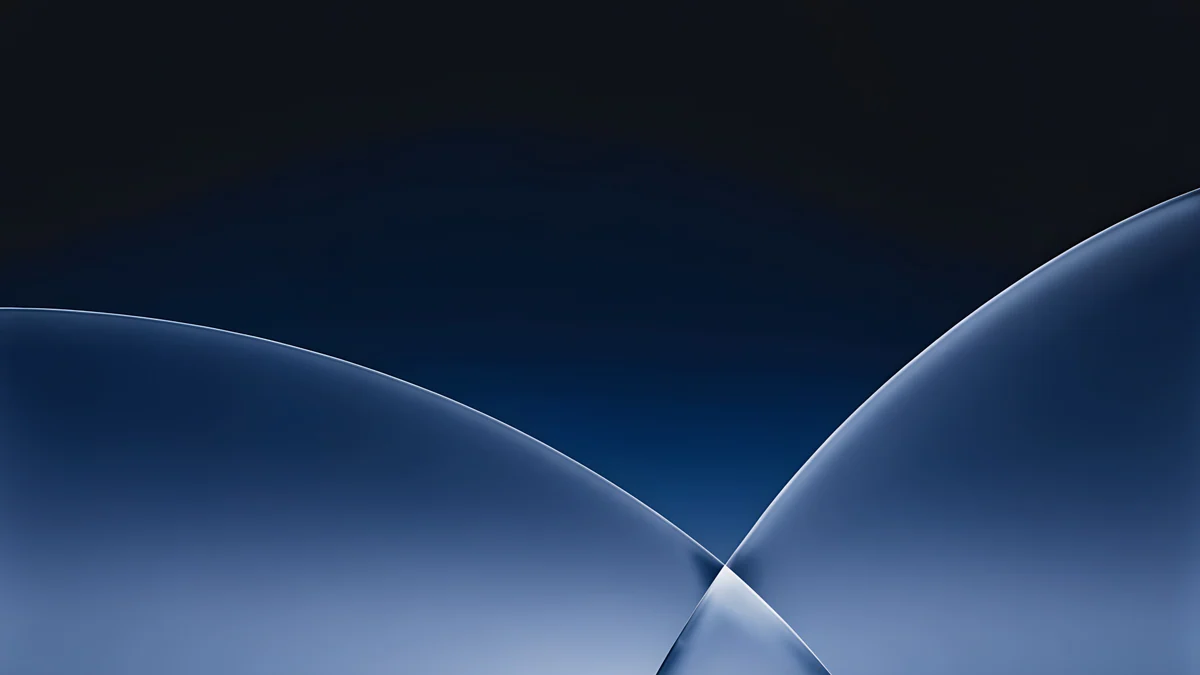
Horizon Wall is a long concrete wall running into mist, so a 32:9 crop only removes empty sky and floor. Monolith on the Plain puts one stone block dead centre on a white plain, which stays whole even when half the height goes. Twin Slabs has a slit of light between two blocks with long shadows running towards you; on 21:9 the shadows stay, on 32:9 they shorten but the slit holds the eye. Pyramid of Light is a single sunlit pyramid low in the frame, calm under the menu bar. Paper Skyline is an ink city along the bottom third on cream paper; set the fit to Fill and the towers stay above the taskbar. Cobalt Soft Horizon is the dark option: two glass curves meeting in the middle on deep blue, good behind bright windows.
Many of these come from our 5K architecture desktop wallpapers, where you will find more wide, quiet compositions.
Common problems and fixes
- Circles look like ovals. The fit is on Stretch (Windows) or Stretch to Fill Screen (Mac). Switch to Fill or Fill Screen.
- Black bars on the left and right. The fit is on Fit or Fit to Screen, which shows the whole 16:9 image inside a wider screen. Choose Fill.
- The top of the picture is cut off. That is Fill doing its job on a wider screen. Choose a wallpaper with an empty sky or a plain wall at the top, like the ones above.
- The image looks soft. The file is narrower than the screen, often a 1920 × 1080 download or a web preview. Use the 4K original, or 5K on 5120 × 2160 and wider.
- One picture is spread over two screens. Windows has the fit on Span. On a single ultrawide, Span and Fill look the same; on a laptop plus monitor, Span splits the image between them.
- The middle of the image hides behind windows. On 32:9 most people work in the centre. Pick a picture with interest on both sides, such as Paper Skyline, or push the subject to one half.
For ratios on other screens, see our guides to wallpaper aspect ratio and PC wallpaper size.
Getting ultrawide-ready wallpapers in Velpaper
Every Velpaper wallpaper is an original by designer Carlos Vivero. Desktop wallpapers are 3840 × 2160, some are 5120 × 2880, and phone wallpapers are 2160 × 3840. Velpaper is an app for iPhone, iPad, Mac and Android, with the same catalog on velpaper.com, and the desktop wallpapers are free in full size with no account and no watermark.
- Open Monolith on the Plain on velpaper.com or in the Velpaper app for Mac.
- Press Download to get the full 4K original. Do not screenshot the preview; it is smaller than your screen.
- Set it with the fit on Fill (Windows, Ubuntu) or Fill Screen (Mac). In the Mac app, Set as Desktop Picture does it in one step.
On a 5120 × 2160 or 5120 × 1440 monitor, start with a 5K file such as Solar Indigo Gate, which fills the width without any enlargement.
Original wallpapers in 4K and 5K for iPhone, Android and desktop.
Questions
What resolution is a 21:9 ultrawide wallpaper?
It depends on the monitor, because 21:9 is a family of sizes rather than one. The common ones are 2560 × 1080 on entry-level 29 to 34 inch screens, 3440 × 1440 on most 34 inch monitors, 3840 × 1600 on 38 inch models and 5120 × 2160 on 40 and 45 inch 5K2K panels. A wallpaper should match your native resolution or be wider. If you cannot find a true 21:9 file, a 16:9 3840 × 2160 image covers every 21:9 screen up to 3840 wide, and a 5120 × 2880 file covers 5120 × 2160 without enlargement. With the fit set to Fill, about a quarter of the height is trimmed.
What size wallpaper do I need for a 32:9 super ultrawide?
Match the native resolution: 3840 × 1080 on 1080p-class 32:9 screens, 5120 × 1440 on the popular 49 inch models such as the Samsung Odyssey G9, and 7680 × 2160 on the 57 inch Odyssey Neo G9. A 32:9 screen is as wide as two 16:9 screens next to each other, so a normal 16:9 wallpaper only shows its middle half when the fit is Fill. A 5120 × 2880 file stays sharp on 5120 × 1440, and a 3840 × 2160 file on 3840 × 1080. Pick pictures whose subject runs along a horizon in the middle band, because the top and bottom quarters will be cut away.
Can I use a 4K wallpaper on a 3440 × 1440 monitor?
Yes, and it will look sharp. A 3840 × 2160 file is wider than 3440 pixels, so Windows, macOS and Ubuntu scale it down slightly, by a factor of about 0.9, to match the width of the screen. The image is then 1935 pixels tall, and the screen shows 1440 of those rows, about 74 percent of the height. Roughly 13 percent disappears at the top and 13 percent at the bottom. Choose a wallpaper with sky, wall or floor in those areas and nothing important is lost. Set the fit to Fill on Windows or Fill Screen on a Mac, never Stretch, which distorts the picture sideways.
Why does my wallpaper look stretched on an ultrawide monitor?
Because the fit option is set to Stretch. Stretch pulls a 16:9 picture sideways until it matches a 21:9 or 32:9 screen, so circles become ovals and buildings look short and fat. On Windows 11 open Settings, Personalization, Background and set Choose a fit for your desktop image to Fill. On a Mac open System Settings, Wallpaper and choose Fill Screen in the pop-up menu next to the preview. Fill keeps the proportions and trims the top and bottom instead. If you see black bars rather than distortion, the option is on Fit, which shows the whole image inside the wider screen; Fill fixes that as well.
Does Velpaper have ultrawide wallpapers?
Velpaper desktop wallpapers are 16:9 originals at 3840 × 2160, and some at 5120 × 2880, rather than native 21:9 or 32:9 files. Those sizes are wide enough for every 21:9 monitor up to 5120 × 2160 and for 32:9 screens up to 5120 × 1440 without any enlargement. The ones that work best on an ultrawide are compositions built along a horizon, such as Horizon Wall, Monolith on the Plain, Twin Slabs and Paper Skyline, where the subject sits in the middle band and the parts that Fill trims are empty sky or floor. They are free in full size on velpaper.com and in the Velpaper app for Mac, with no account and no watermark.
Carlos Vivero
Designer of Velpaper wallpapers
Carlos Vivero designs the wallpapers in Velpaper: quiet architecture, liquid glass, Japanese ink and calm landscapes. Every piece is made as a 4K original for iPhone, Android and desktop.
Recent work








