City Wallpaper: 4K Skylines and Night Cities for Phone
City wallpaper in 4K: black and white skylines, rainy night cities, foggy towers and quiet streets for iPhone, Android and desktop, all original.
Sources [1] · By the Velpaper team · Wallpapers by Carlos Vivero, Velpaper designer · · 5 min read
In short: The best city wallpapers keep the skyline low and the sky open, so the lock screen clock sits on a clean area. Velpaper has original 4K city wallpapers for phone and desktop, from black and white skylines to rainy neon nights [1].
Wallpapers
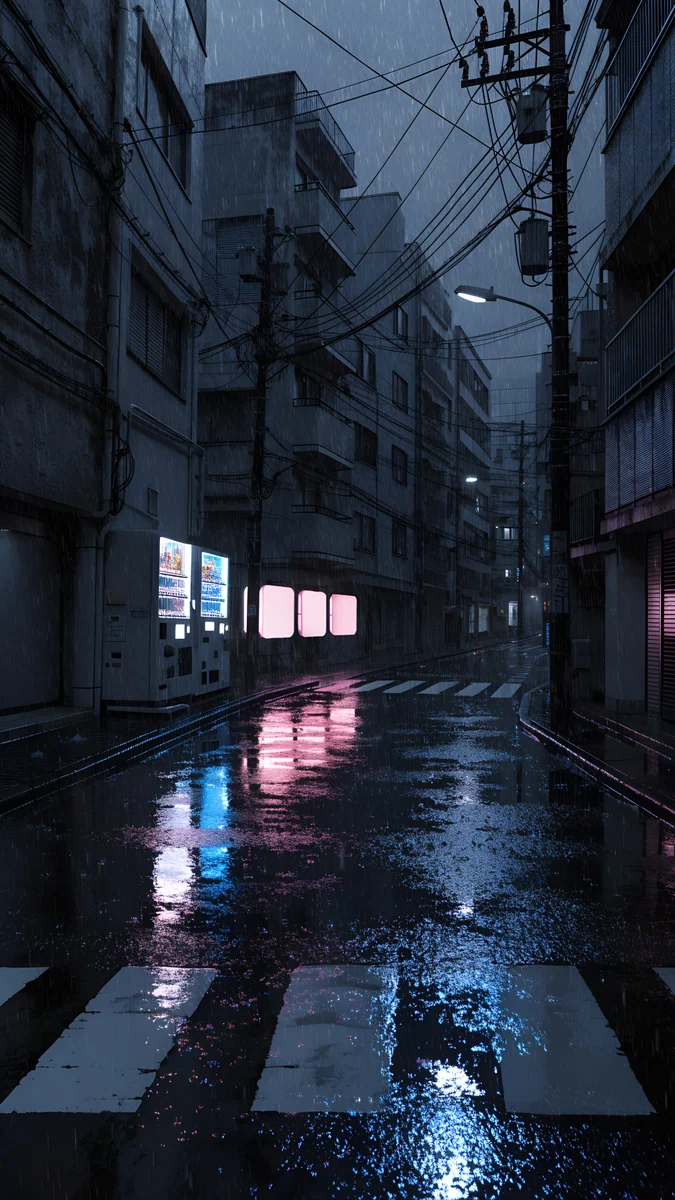 Rainy Crossing Tokyo
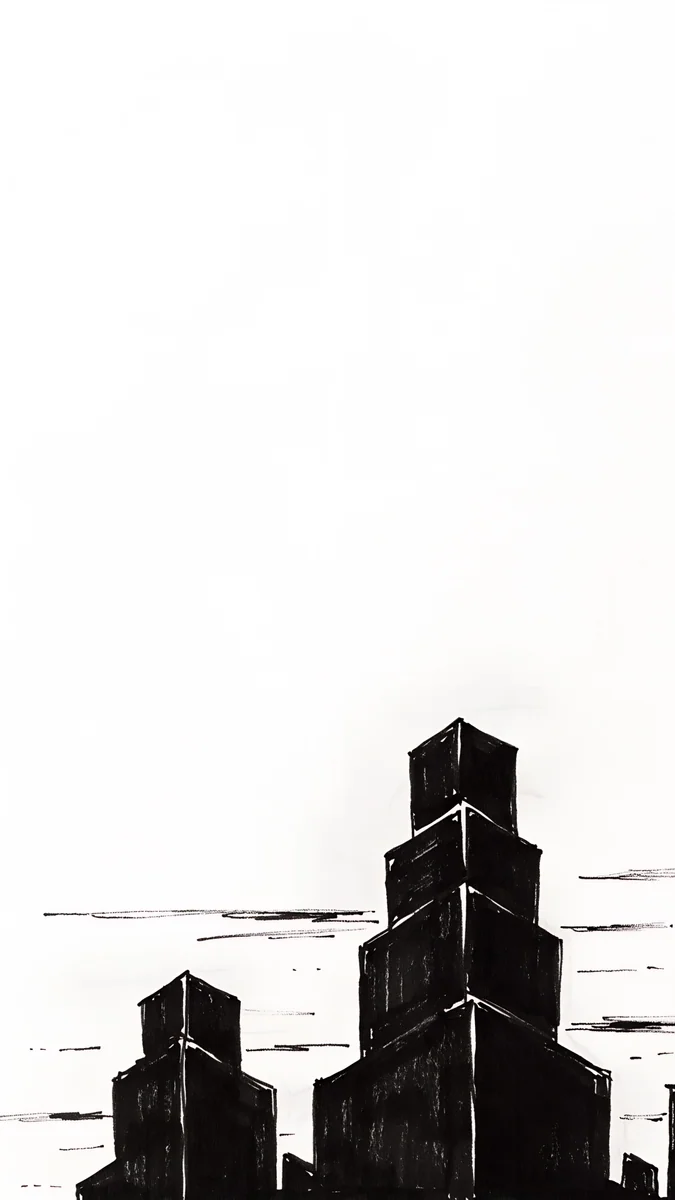 Paper Skyline
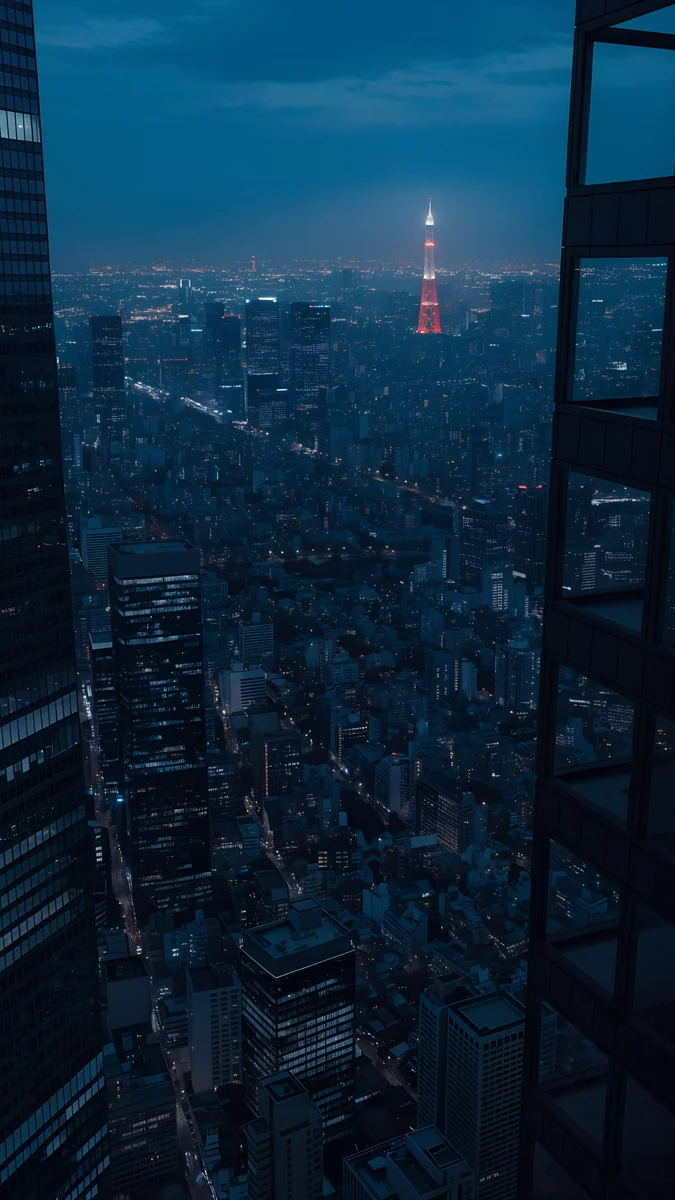 Tokyo Tower Night
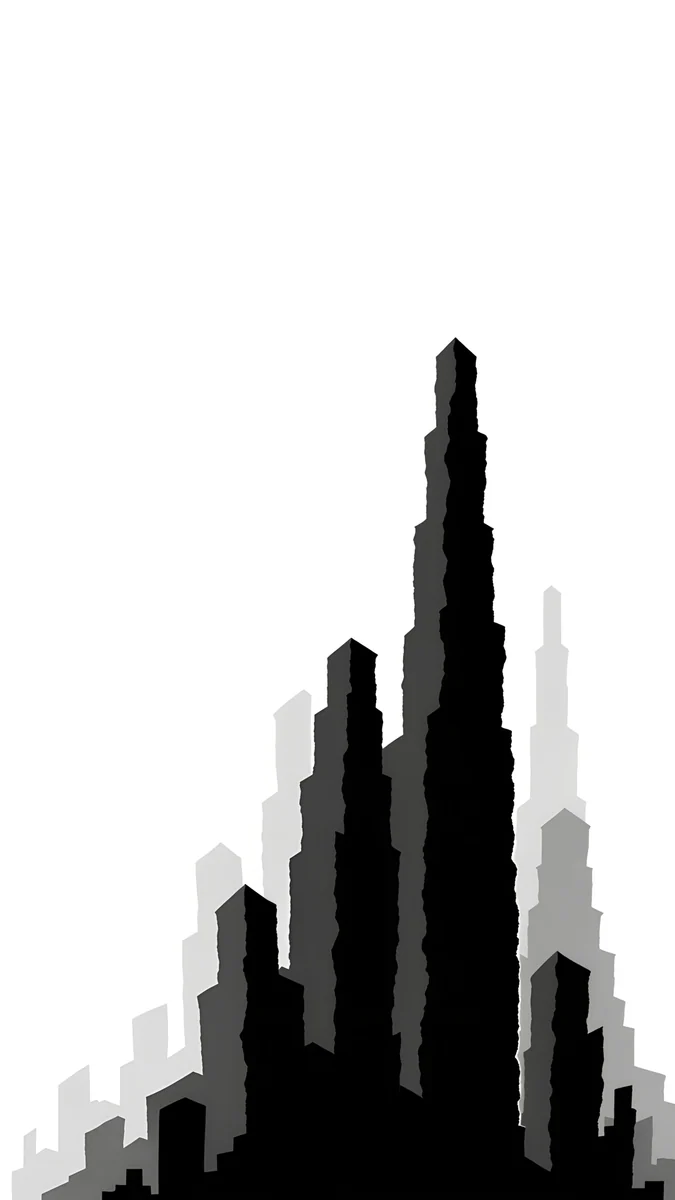 Paper Grey
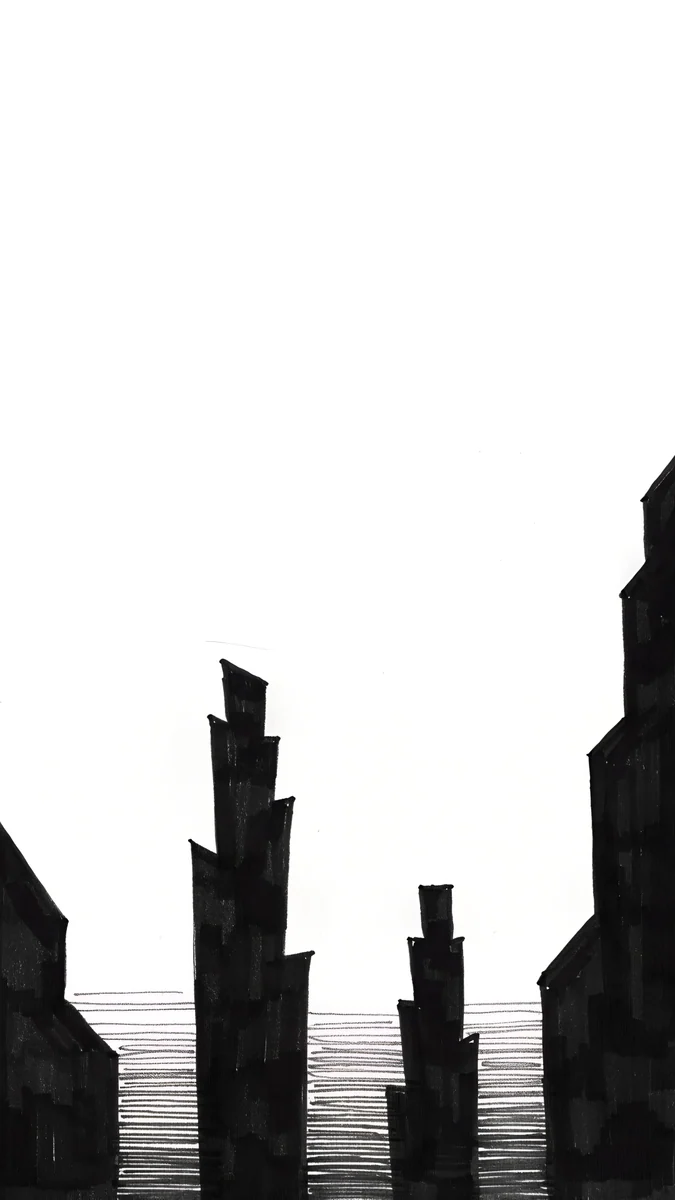 Paper Haze
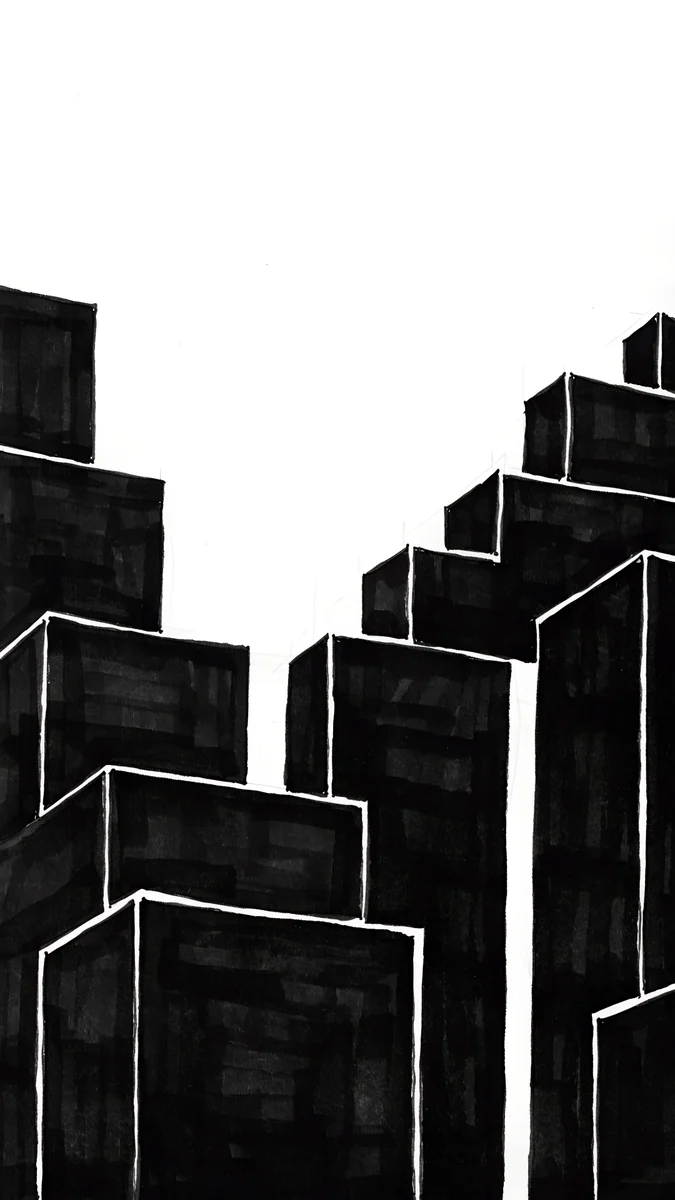 Stepped Blocks
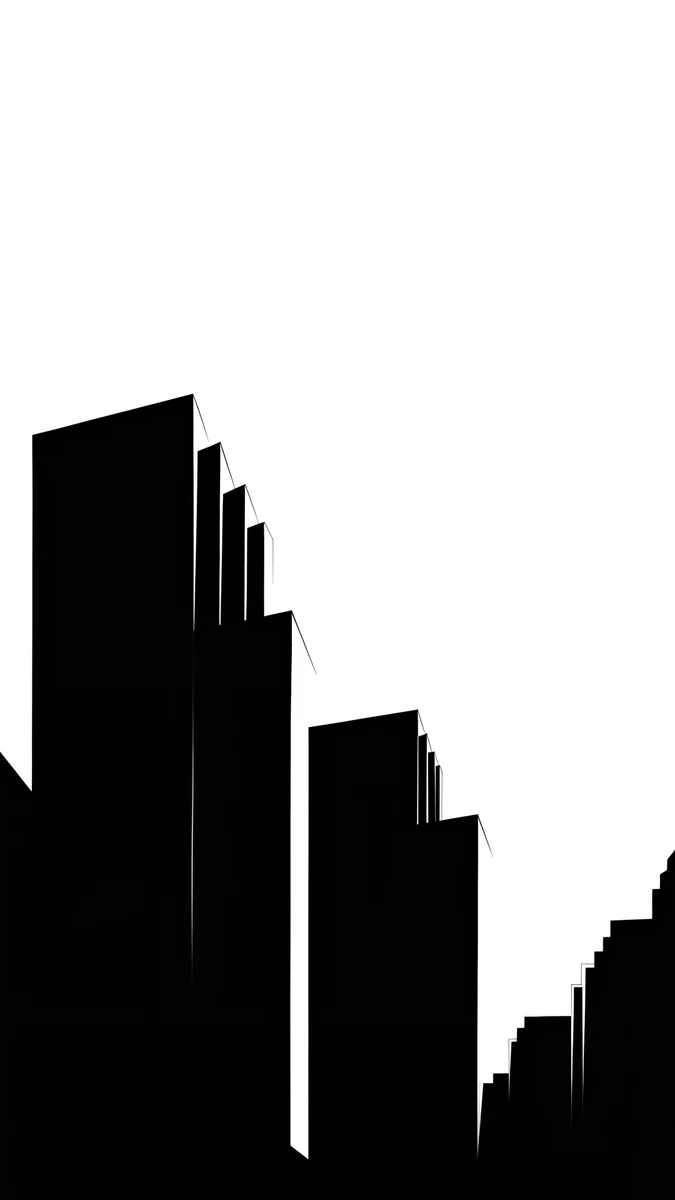 Low Blocks
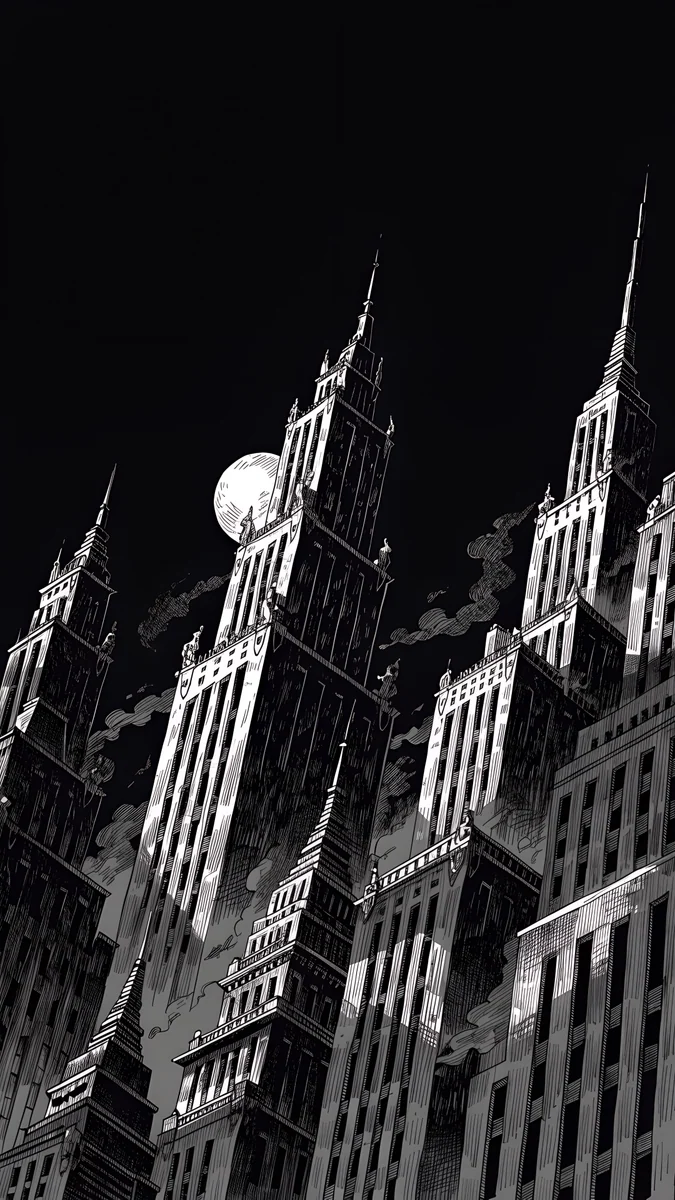 Ink Noir
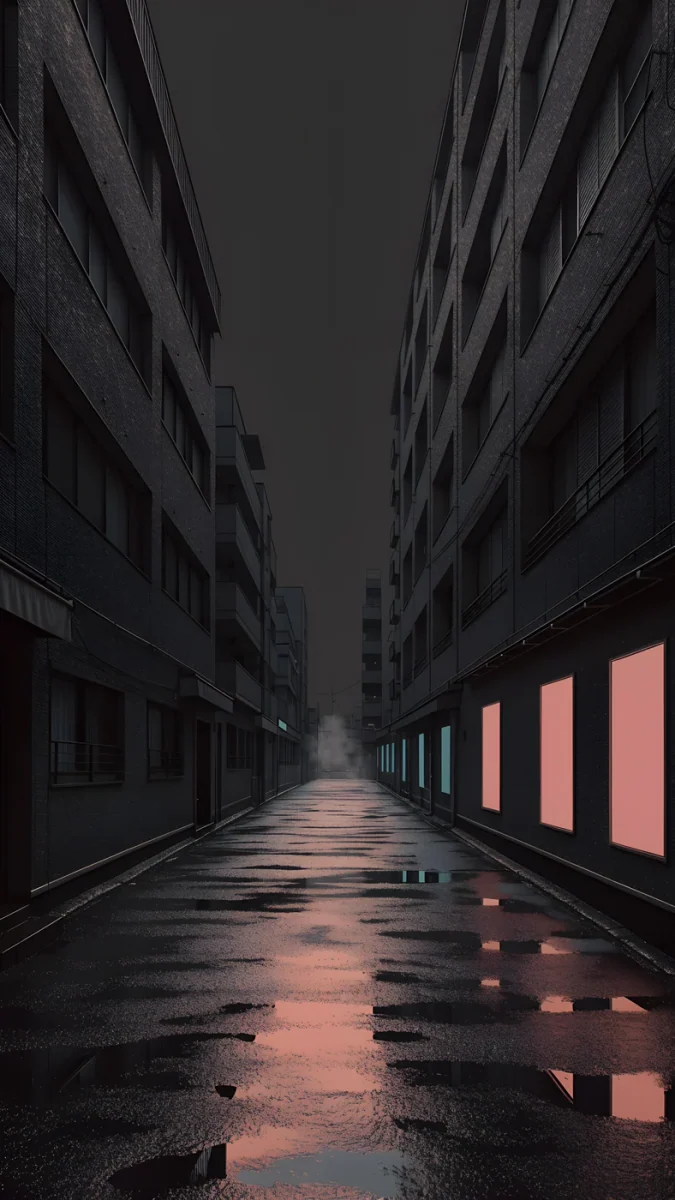 Tokyo After Rain
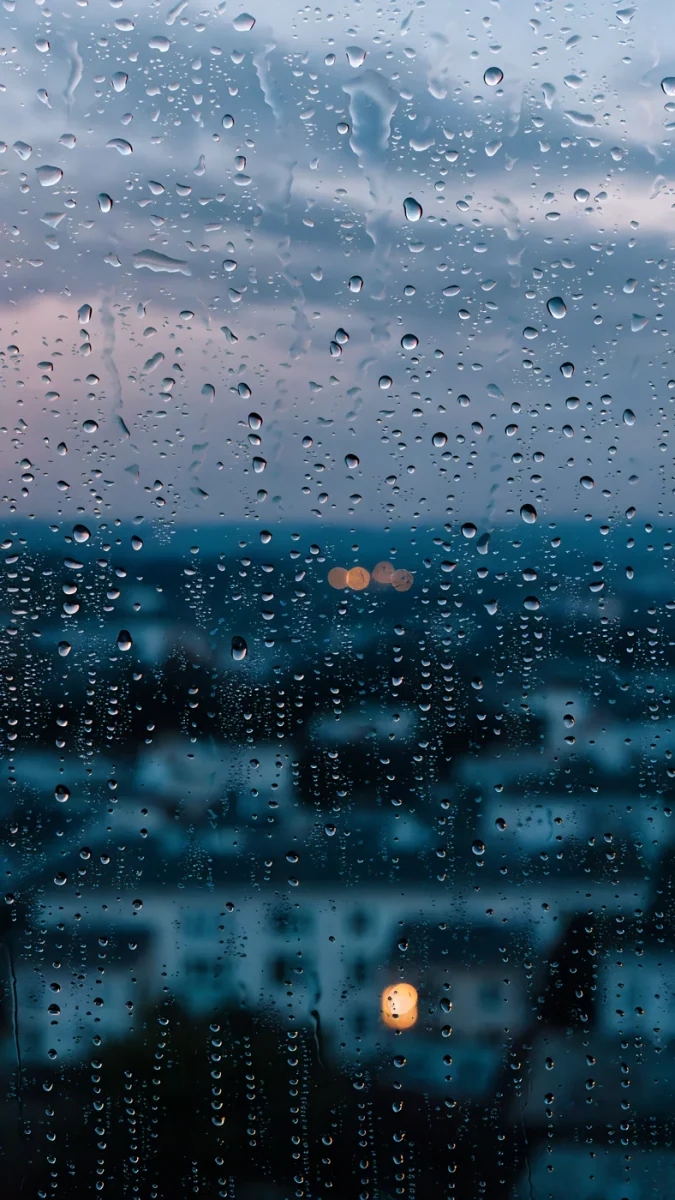 Rain Kept
 Rain Glow
 Neon Canyon Street
Free originals for iPhone and Android, no watermark
On this page
A city wallpaper puts a skyline, a street or a block of towers behind your icons, and the good ones do it without turning the screen into a busy photo. If you search for a cityscape background, a skyline wallpaper or a night city wallpaper, you want the same thing: depth, a few lights, and enough quiet space for the clock. Below are original Velpaper city wallpapers in five groups: black and white skylines, rainy neon nights, foggy blue towers, quiet Japanese streets and a few wide files for a desktop. Every phone file is a 4K original at 2160 by 3840 pixels, the desktop files are 3840 by 2160 or larger, and none has text, a logo or a watermark [1].
What makes a city wallpaper work on a screen
The sky is your clock space. A skyline sits low in the frame and leaves the top third open. That is exactly where the lock screen clock goes, so the digits stay clean. Wallpapers where buildings climb to the top edge are better for the home screen, where icons already break up the picture.
Dark cities give the best contrast. A night city is mostly deep blue or black with a few bright windows and lamps. A white clock reads easily, and on an OLED screen the black parts of the image switch off. For more on that, see our guide to dark wallpapers on OLED.
Light cities work too. A pale paper or fog skyline suits light mode and daytime. Switch the clock to a dark colour and the whole phone looks calm and printed rather than loud.
Black and white skylines
These are the most graphic city wallpapers in the set: towers reduced to blocks, steps and thin slits of light, in black, white and grey. They look like architectural drawings, and they never fight with coloured app icons.
Noir Paper Skyline, Paper Grey and Paper Haze are the light versions: a cream sheet with dark towers fading into haze, ideal for a minimal home screen with a dark clock. Stepped Blocks and Low Blocks stack the same geometry in black with off white edges, and Ink Noir is the darkest of the group, a near black night street with pale light. If monochrome is your look, our black and white wallpapers collection has more.
Night city wallpaper: rain, neon and gold
A night city wallpaper usually means wet streets and glowing signs. These designs keep the glow soft, so it adds mood without making the clock hard to read.
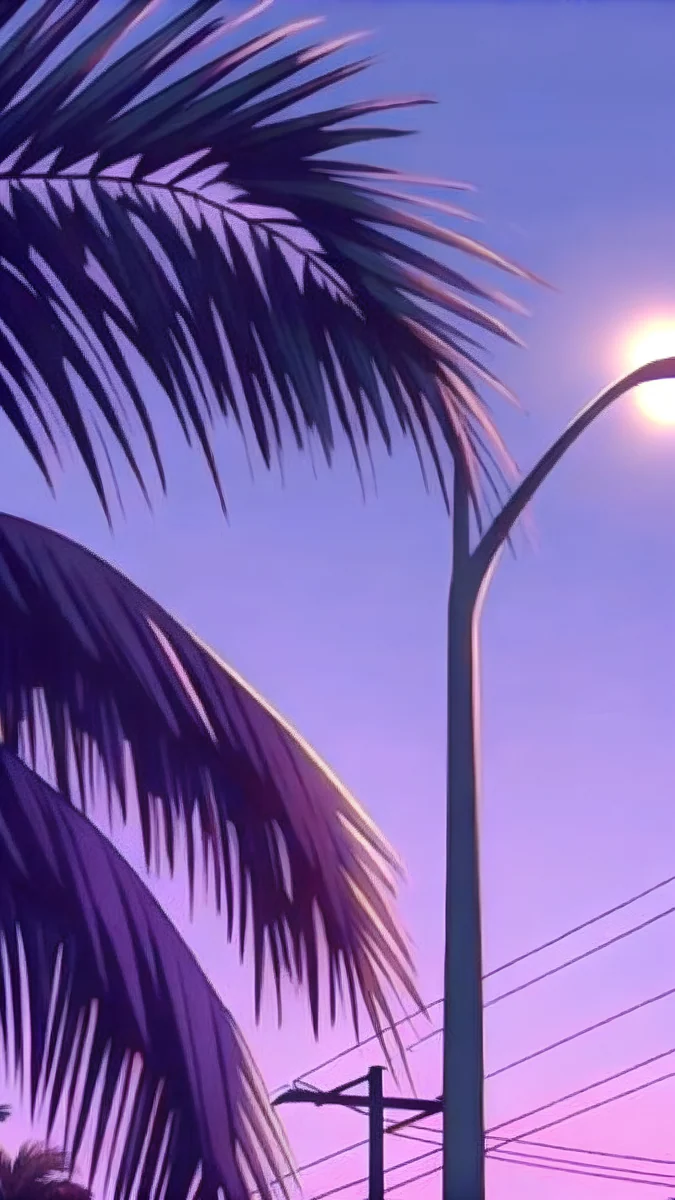
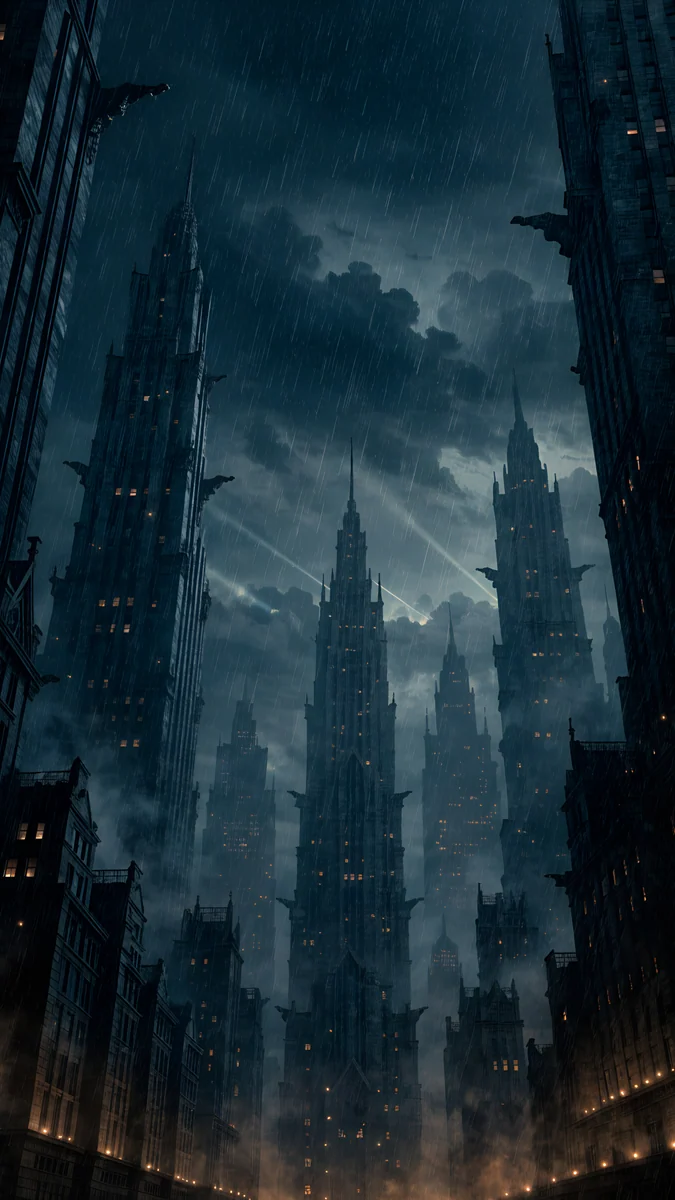
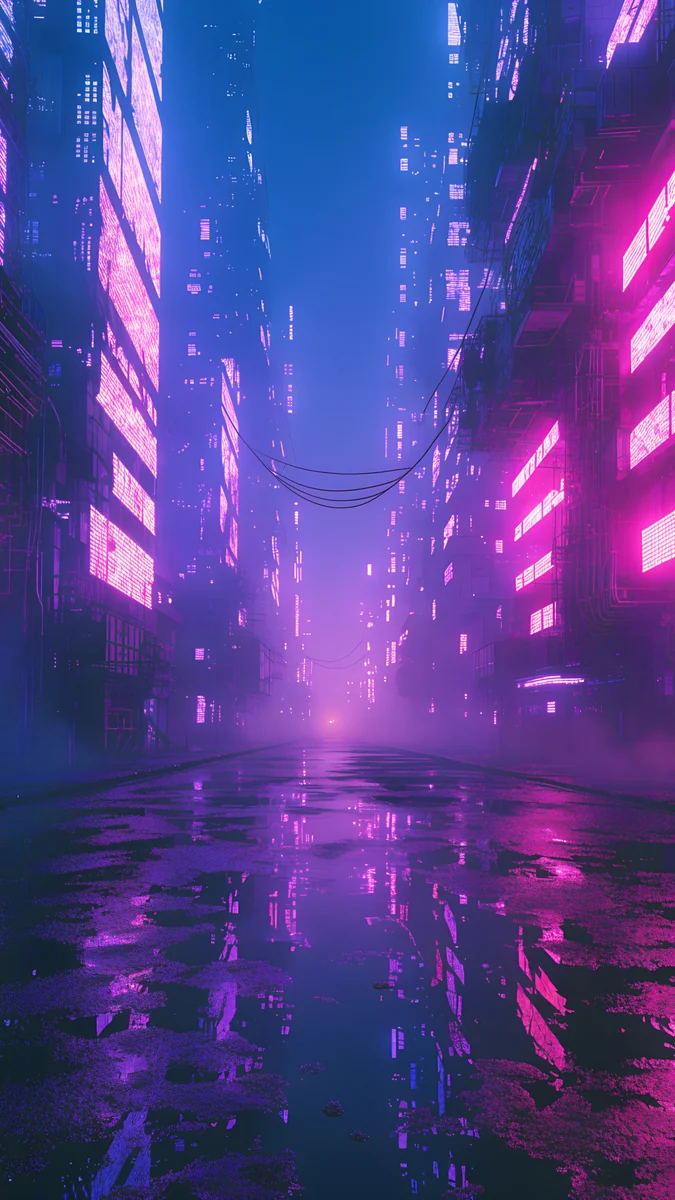
Rainy Crossing Tokyo and Tokyo After Rain are the moodiest: dark grey and navy streets, reflections on the road and a hint of pink. Rain Kept and Rain Glow lean teal and navy, with warm amber windows in the second. Neon Canyon Street goes purple and pink for anyone who wants a synthwave edge, and Ocean Boulevard Lamp adds palms and a lamp post under a violet sunset. If rain is the draw, see rainy night aesthetic wallpapers.
Foggy towers and moody skylines
If you prefer a cityscape background that feels like early morning, these are blue and grey towers half lost in mist. They are quiet, cool and easy on the eyes.
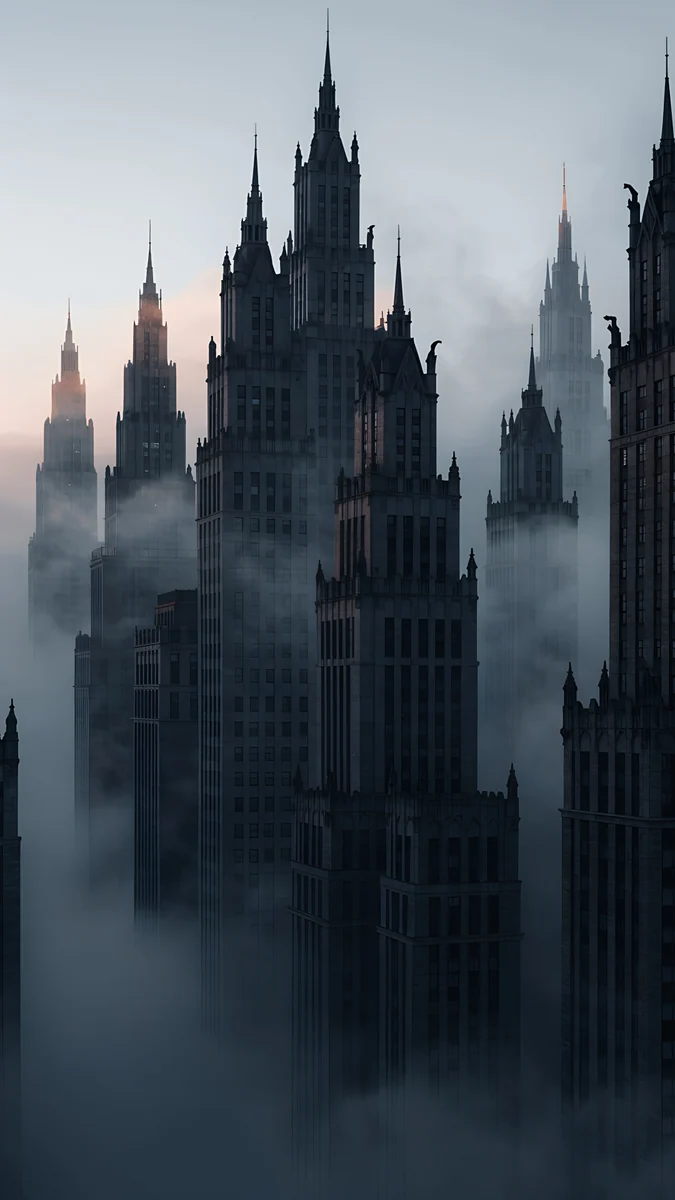
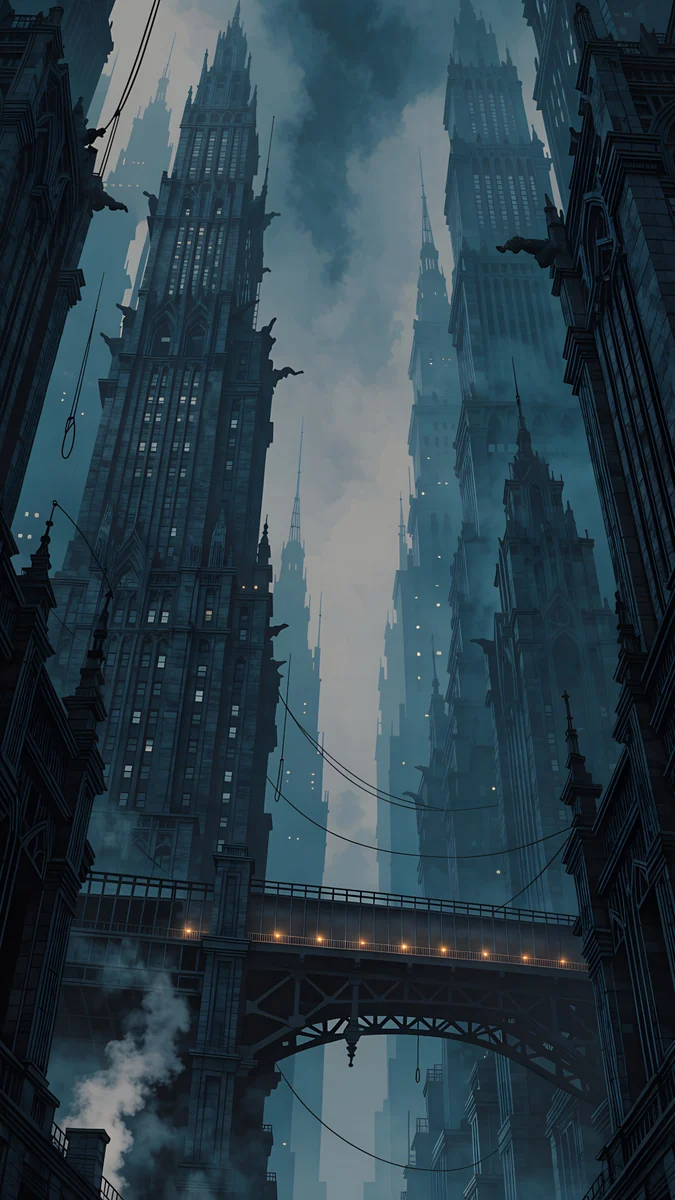
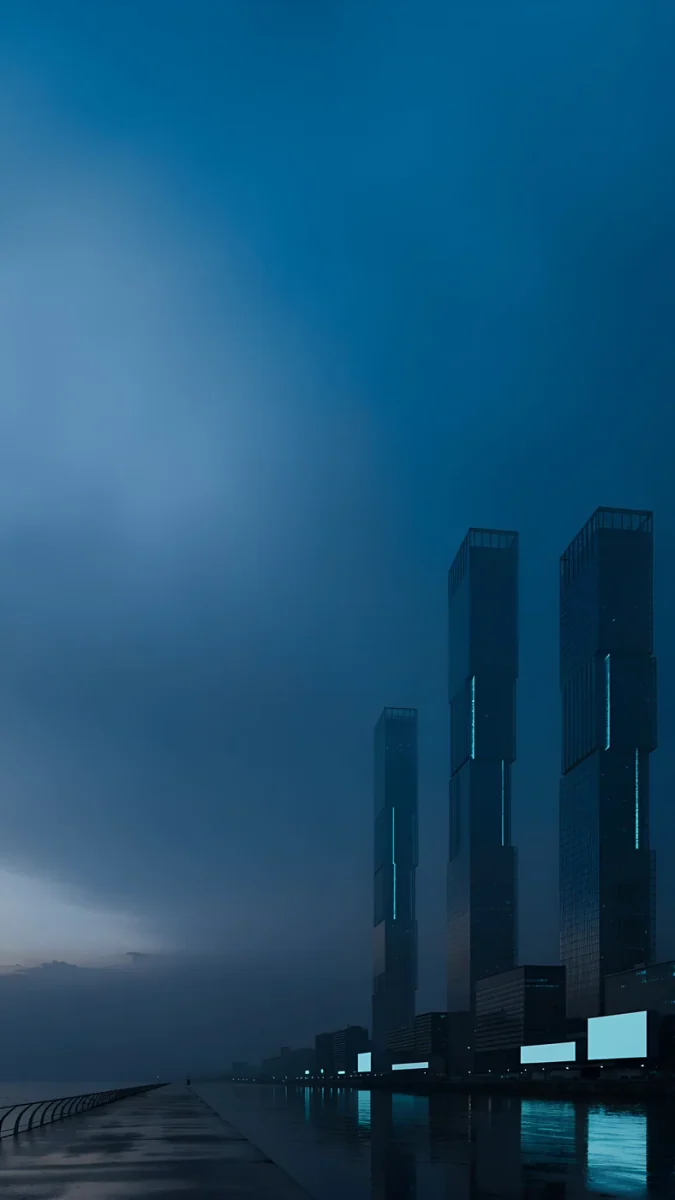
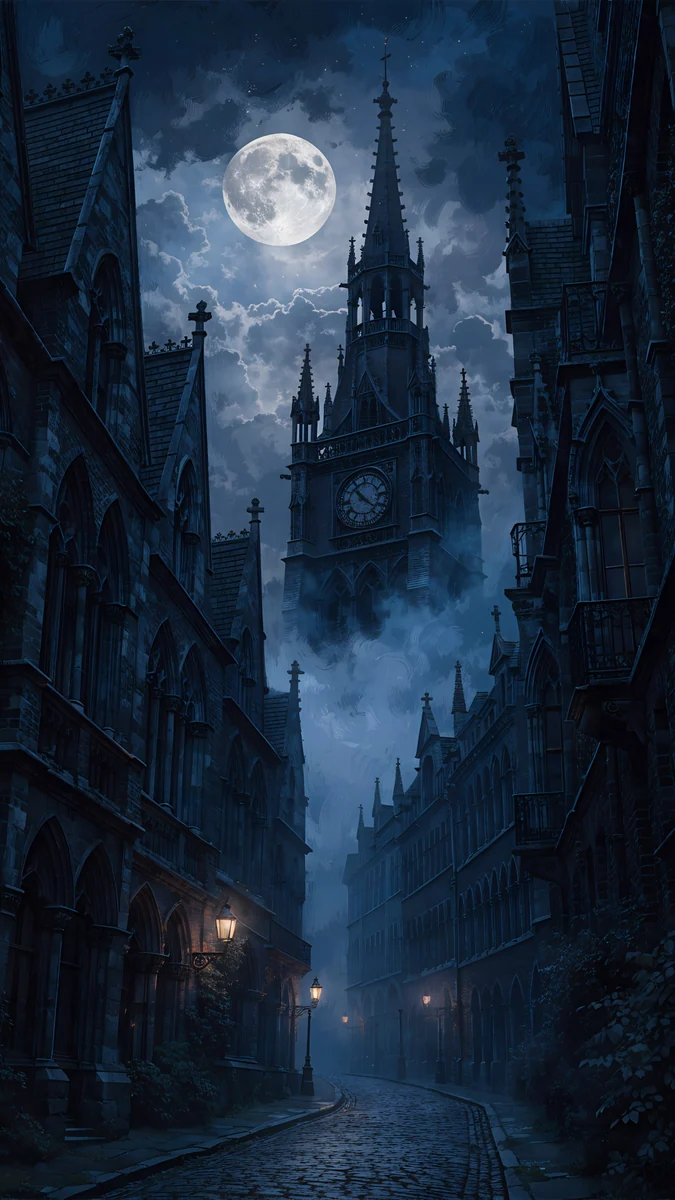
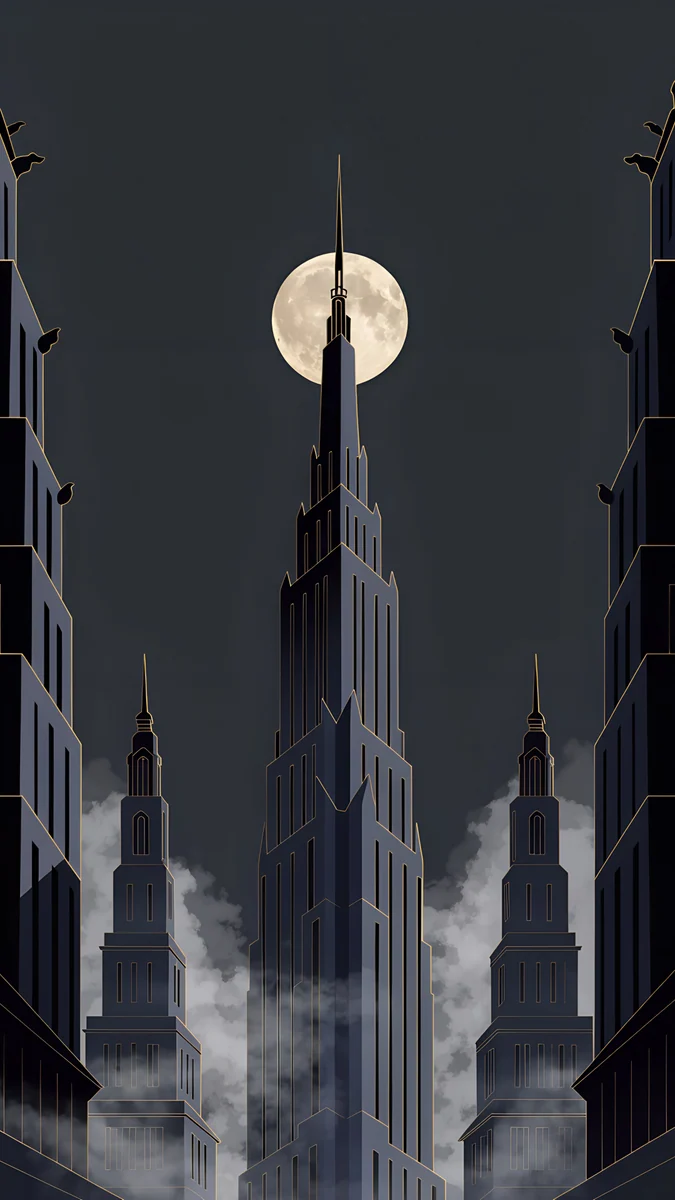
Tokyo Tower Night is a deep blue skyline with a bright tower silhouette. Fog Dawn and Elevated Line use soft haze to separate layers of buildings, which gives the picture depth without detail near the clock. Blue Signal pairs skyscrapers with a cool teal glow, Foggy Clock Tower Lane frames a narrow street under a tower, and Deco Gold is the one warm outlier: black towers with art deco gold lines, a good partner for a gold clock. More of this dark, rainy mood lives in our noir city wallpapers.
Quiet streets and dreamy cities
Not every city is a skyline. These pick a single street, a lantern lane or an imagined city in the clouds.
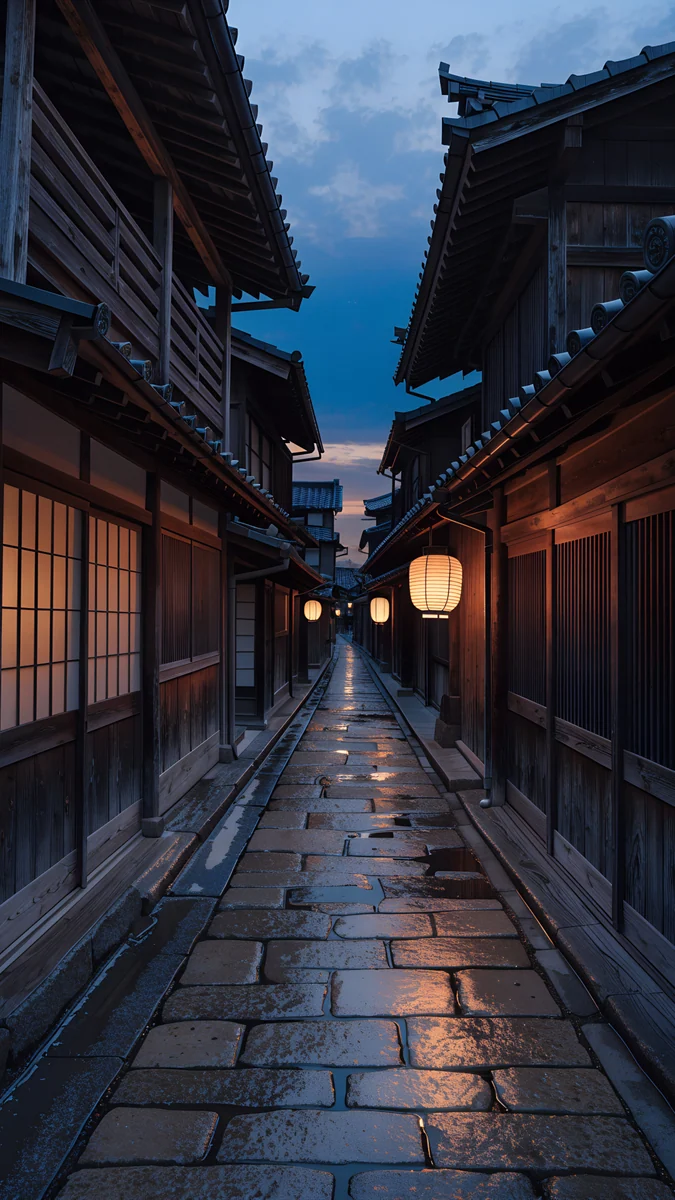 Kyoto Lantern Lane
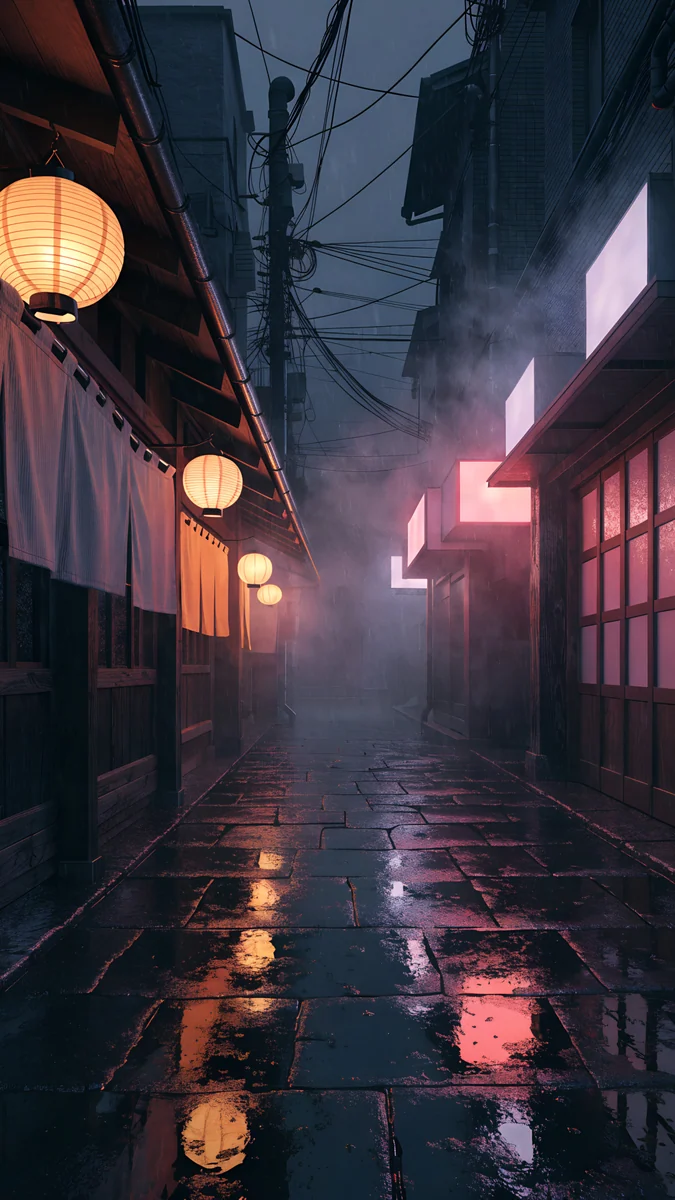 Lantern Alley Rain
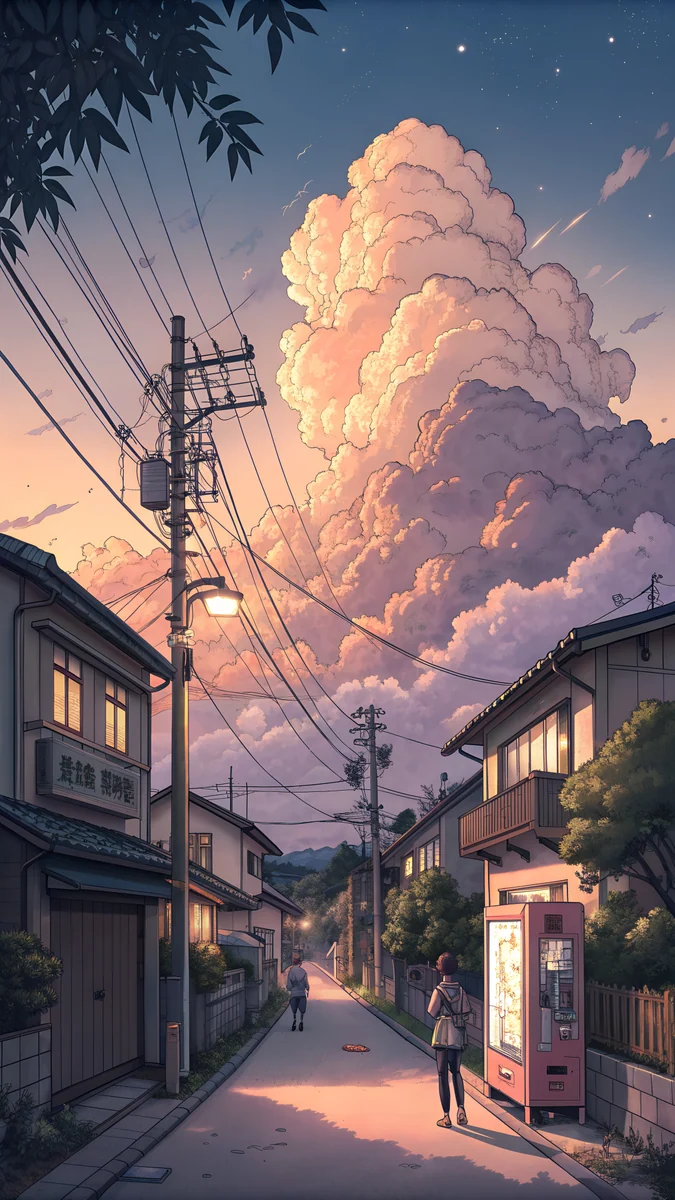 Power Line Cumulus Street
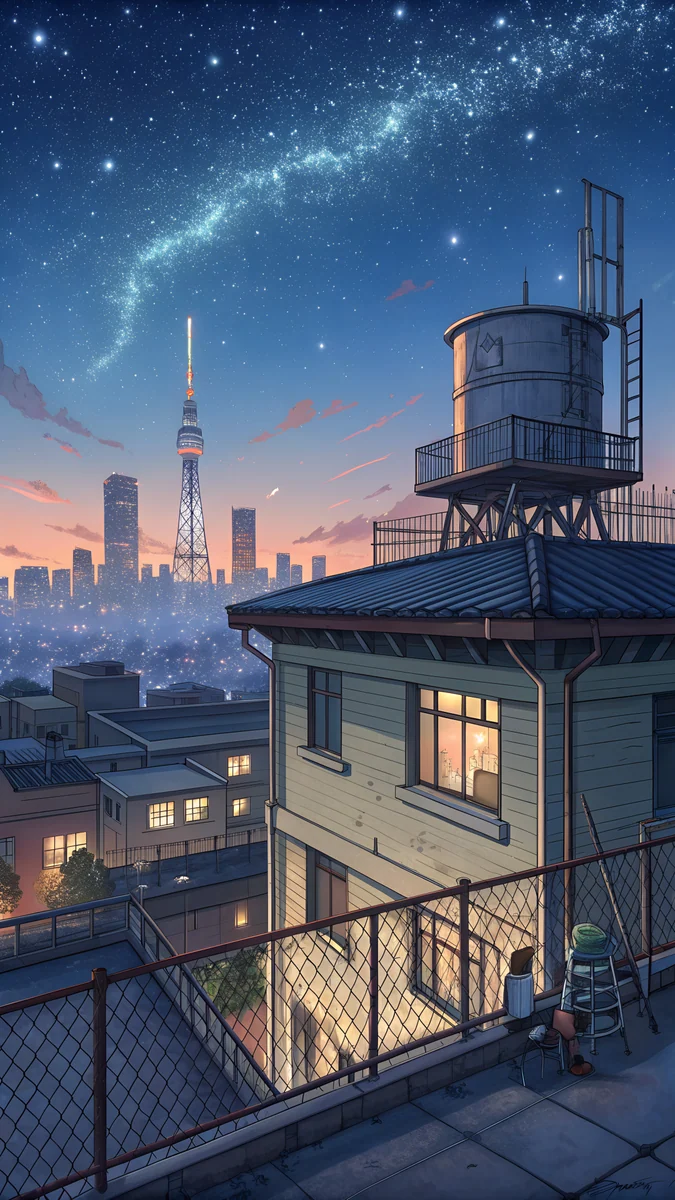 Rooftop Star Skyline
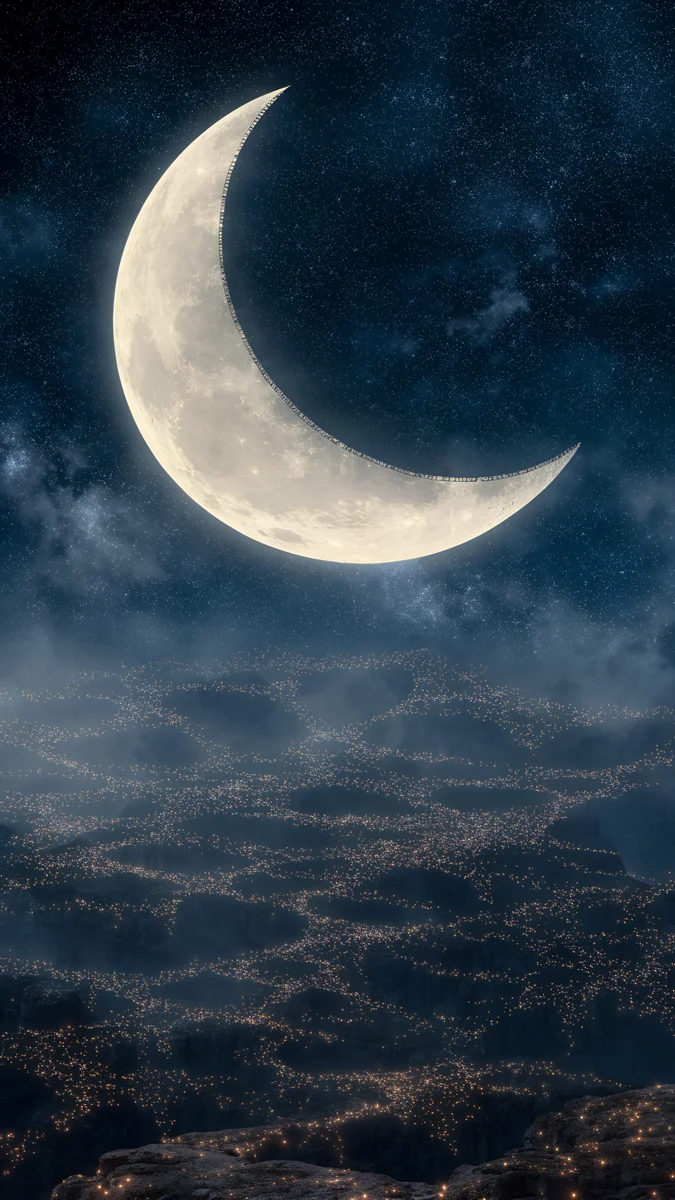 Crescent Light City
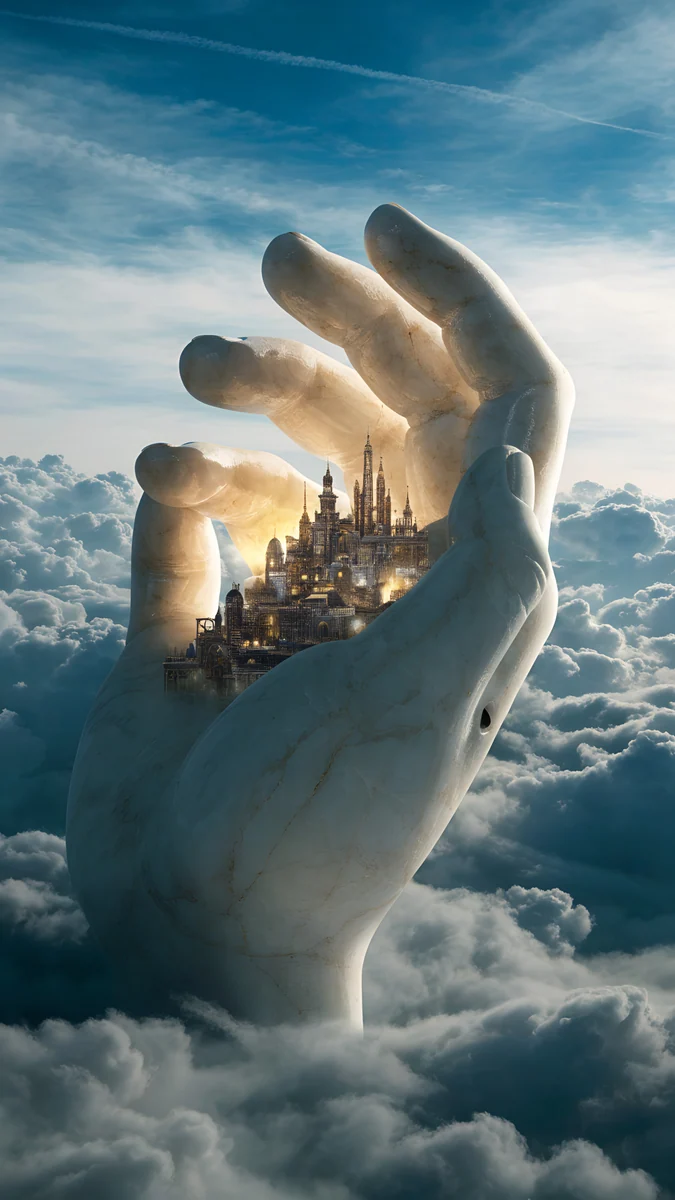 Marble Hand Glowing City
Kyoto Lantern Lane and Lantern Alley Rain show narrow alleys with lit lanterns and wet stone. Power Line Cumulus Street and Rooftop Star Skyline are anime style: power lines under big clouds, and a rooftop view of a starry night. Crescent Light City puts a glowing city under a moon, and Marble Hand Glowing City is surreal, a glowing city beside a marble hand. For other soft, stylised looks try pastel aesthetic wallpapers.
City wallpapers for desktop and laptop
These are the wide files, 3840 by 2160 or larger, for a monitor or laptop [1]. A 3840 by 2160 file fits a 1920 by 1080 screen exactly at half size and a 2560 by 1440 screen at two thirds, so nothing is stretched. Skylines suit wide screens well, because the horizon runs along the bottom and the icons sit in the open sky.
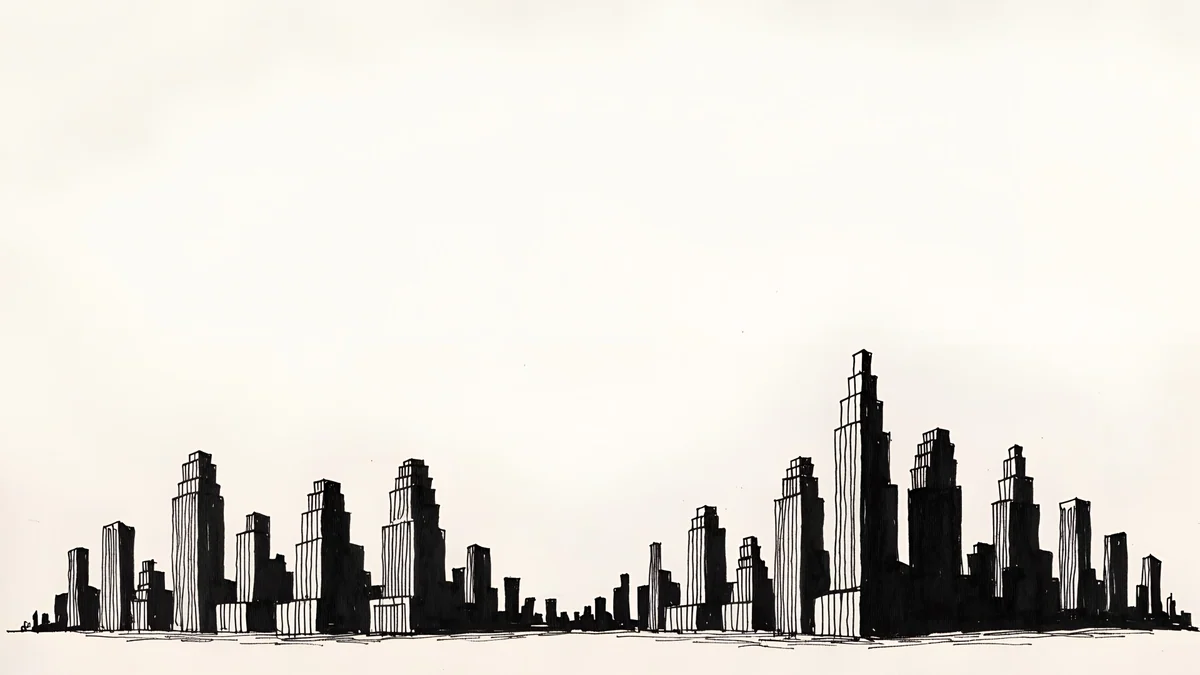
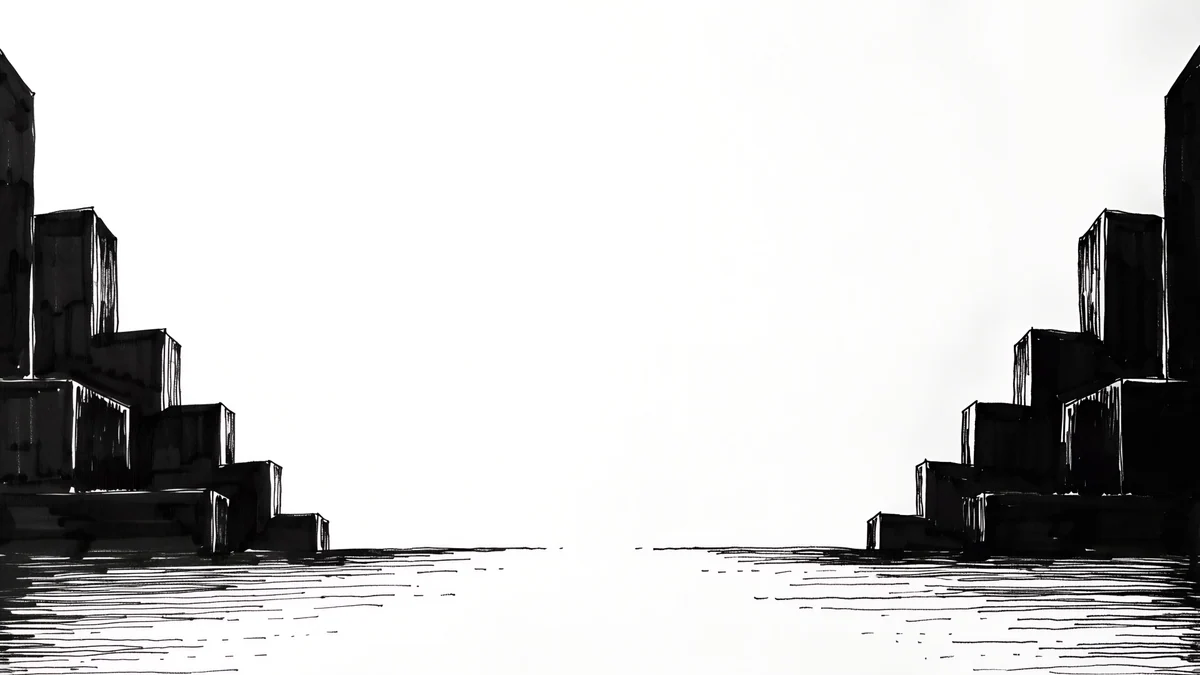
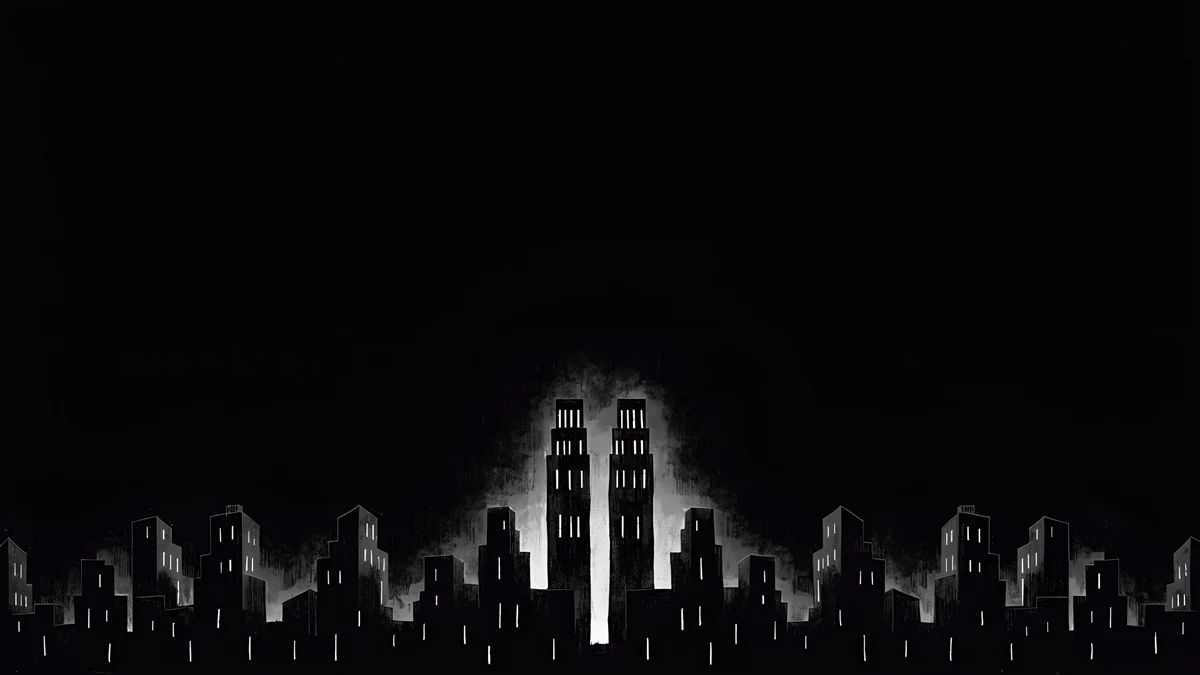
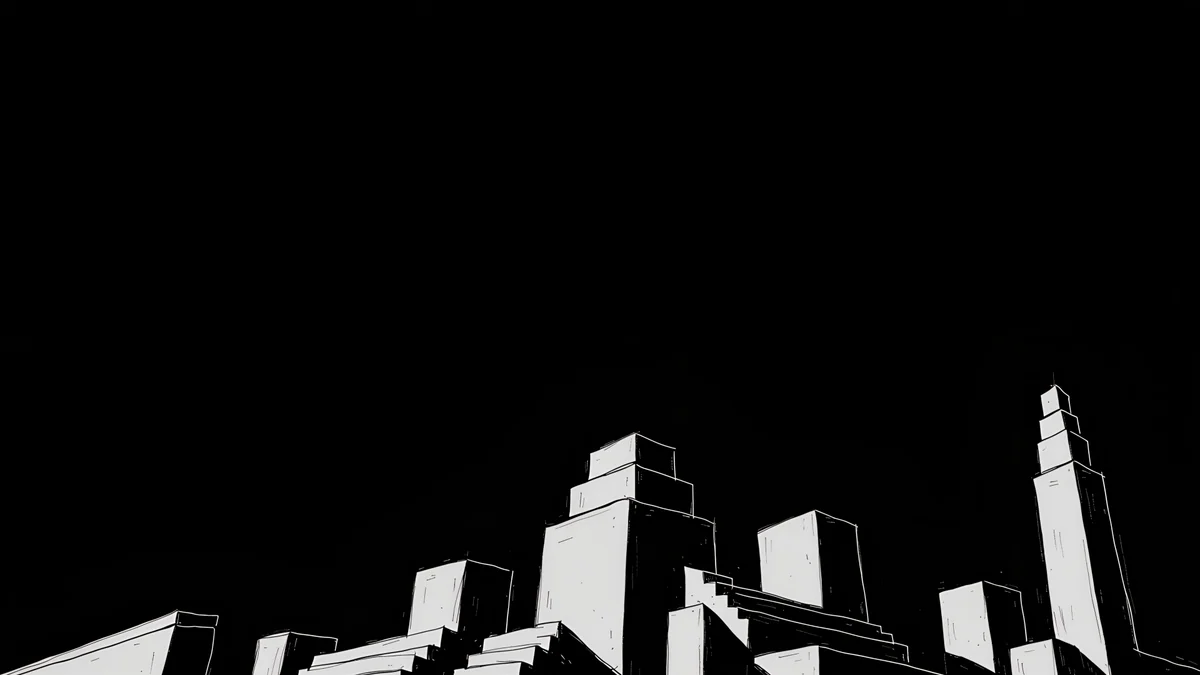
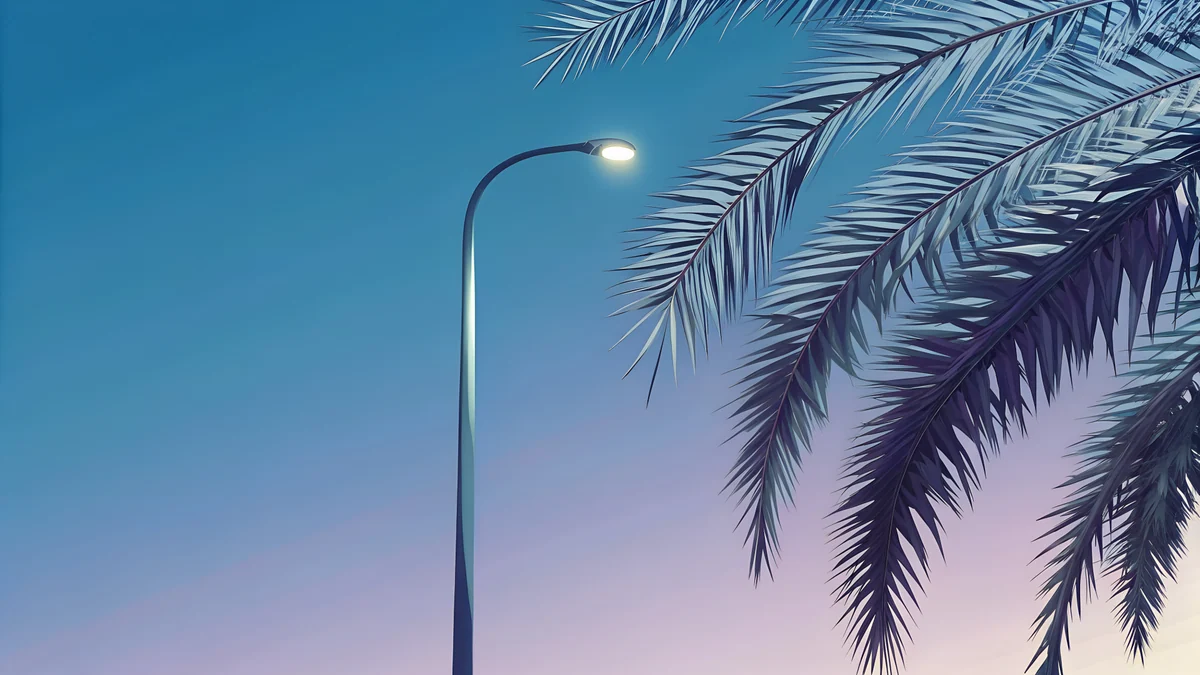
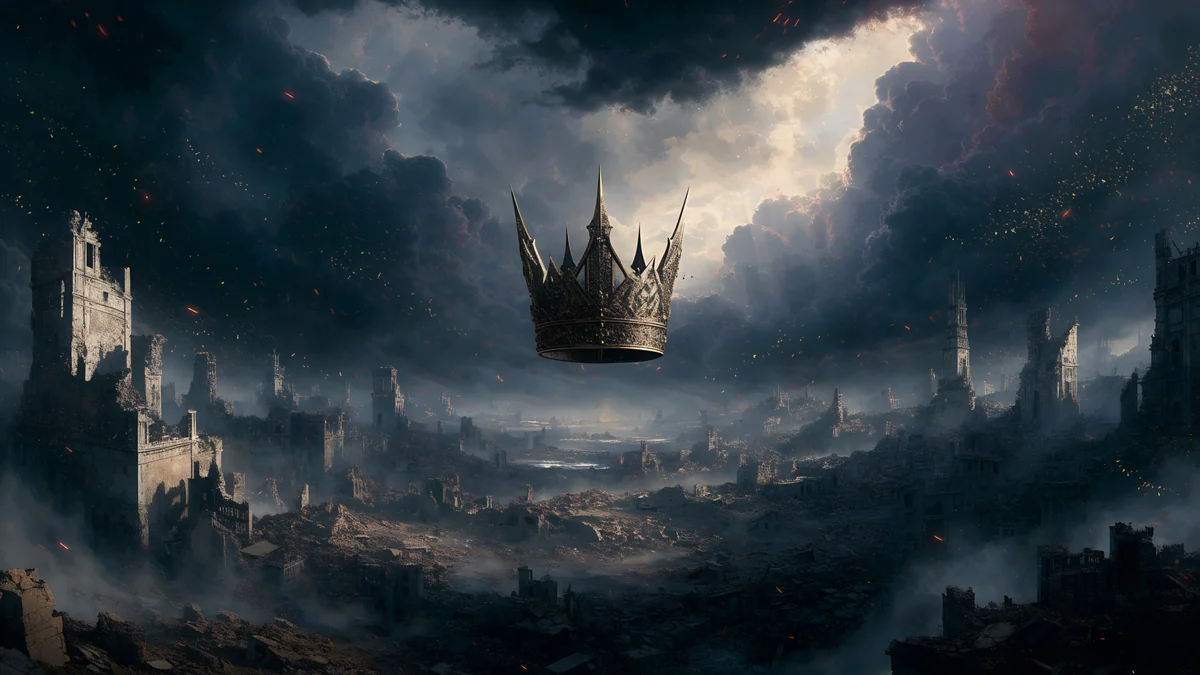
Paper Skyline and Paper Haze are light, free 4K desktop skylines [1]. Light Slits and Night Blocks are free black designs with thin white light. Boulevard Lamp Palms is the bright one, blue sky with a palm lined boulevard, and Storm Crown Panorama is a 5120 by 2880 dark, stormy sky over a grey city [1]. For sizes and scaling, read the PC wallpaper size guide.
Choosing the right city for you
- Want it calm: a paper skyline or a foggy tower design.
- Want it dark: Ink Noir, Rain Glow or Kyoto Lantern Lane.
- Want colour: Neon Canyon Street or Ocean Boulevard Lamp.
- Want a matching pair: one skyline on the lock screen and a plain or blurred version on the home screen. Our guide to a different lock and home screen wallpaper shows how.
Next step: open Rainy Crossing Tokyo for the night look or Noir Paper Skyline for the light one, save the 4K original and set it as your lock screen [1].
Original wallpapers in and for iPhone, Android and desktop.
Questions
What is the best city wallpaper for a lock screen?
The best city wallpaper for a lock screen has open sky at the top and the buildings low in the frame, so the clock sits on a clean area. In this collection Noir Paper Skyline and Paper Haze are the cleanest light options, while Tokyo Tower Night and Fog Dawn work well in blue and grey. Dark designs such as Ink Noir give a white clock the strongest contrast. If your wallpaper has a lot of detail near the top, try a depth effect or move the clock to a calmer spot. Pick a skyline that matches your icon colours, and test it with both your lock screen and home screen before you commit.
Where can I find a night city wallpaper in 4K?
Velpaper has original night city wallpapers at 2160 by 3840 pixels, made as artworks rather than photos [1]. Good starting points are Rainy Crossing Tokyo for a wet navy street, Neon Canyon Street for purple and pink lights, Rain Glow for teal with amber windows and Ocean Boulevard Lamp for a violet sunset with palms. Each file is JPEG with no watermark, text or logo. Some are free and some unlock after a short ad. Because they are dark, they also look good in dark mode and on OLED screens, where black areas switch off.
Are there cityscape backgrounds for a desktop or laptop?
Yes. The desktop group above includes 3840 by 2160 files and one 5120 by 2880 panorama [1]. Paper Skyline, Paper Haze, Light Slits and Night Blocks are free black and white skylines, Boulevard Lamp Palms is a bright blue boulevard, and Storm Crown Panorama is a dark stormy city. A 3840 by 2160 file fits a 1920 by 1080 monitor exactly at half size and a 2560 by 1440 monitor at two thirds, so it stays sharp [1]. Set it as your wallpaper in Windows, macOS or Linux settings and choose fill or fit.
Will a dark city wallpaper save battery?
Only on OLED screens, and only a little. On an OLED panel, black pixels are switched off, so a wallpaper that is mostly black, such as Ink Noir or Night Blocks, lights fewer pixels than a bright one. On an LCD screen the backlight stays on, so there is no real saving. Because wallpapers are mostly hidden by apps, the difference in daily use is small. Choose a dark city for the look and the clock contrast first, and treat any battery saving as a bonus. Our article on dark wallpapers and battery has the numbers.
Can I use a city wallpaper on both my phone and my computer?
Yes, and the best way is to pick a matching pair rather than the same file. Use a tall phone file, 2160 by 3840, on your phone and a wide file, 3840 by 2160, on your computer [1]. For a matched look, pair the phone Noir Paper Skyline with the desktop Paper Skyline, or use the black and white Stepped Blocks on the phone and Night Blocks on the desktop. Using the right shape means nothing is cropped badly, and both screens share one palette.
Carlos Vivero
Designer of Velpaper wallpapers
Carlos Vivero designs the wallpapers in Velpaper: quiet architecture, liquid glass, Japanese ink and calm landscapes. Every piece is made as a original for iPhone, Android and desktop.
Recent work