Cosmic Orange Wallpaper: 4K Picks for iPhone 17 Pro
Cosmic orange wallpaper in 4K for phone and desktop, with picks for the orange iPhone 17 Pro, dark OLED versions and steps for iPhone, Samsung and Mac.
Sources [1] · By the Velpaper team · Wallpapers by Carlos Vivero, Velpaper designer · · 5 min read
In short: The best cosmic orange wallpaper pairs warm orange with a dark or pale counterweight, such as Amber Shadow Cut or Terracotta Leaves, so the clock stays readable. One 2160 × 3840 original fits both the iPhone 17 Pro (1206 × 2622) and the Pro Max (1320 × 2868) [2].
Wallpapers
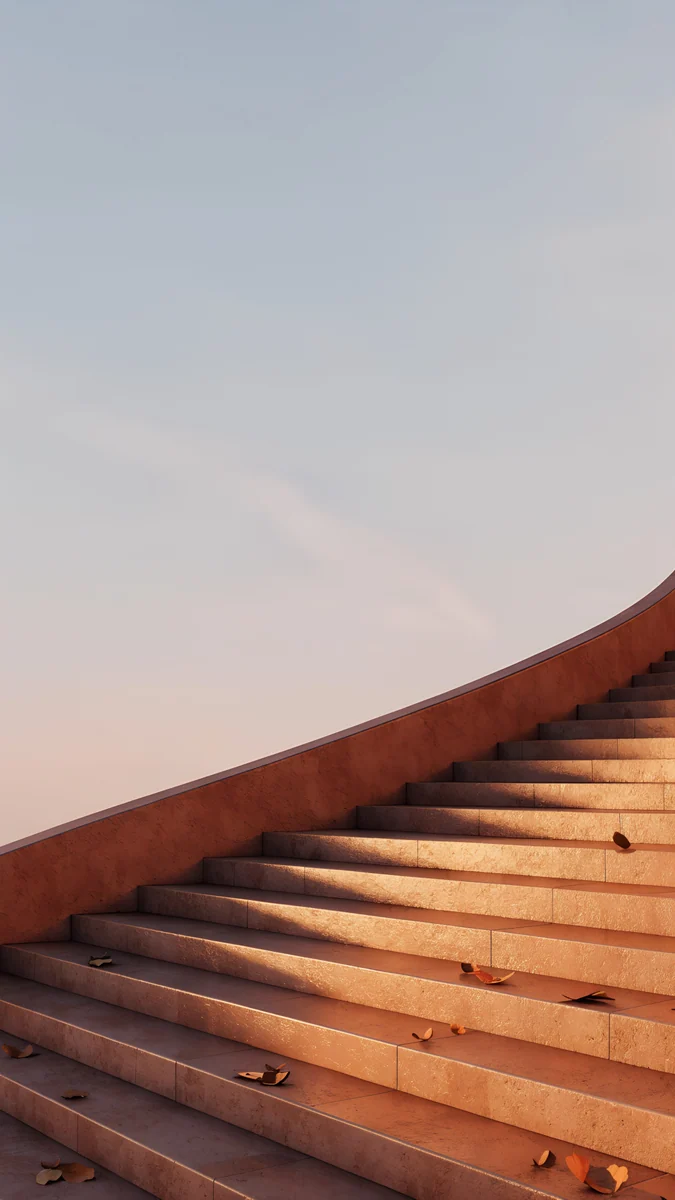 Terracotta Leaves
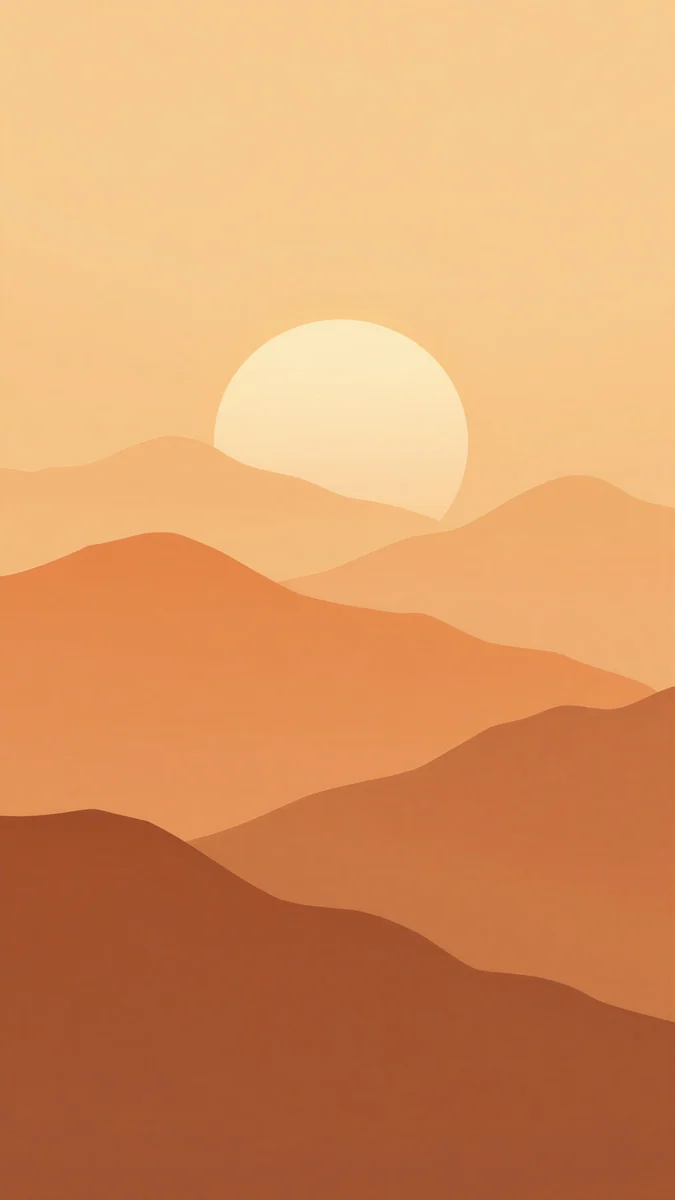 Amber Paper Sunrise
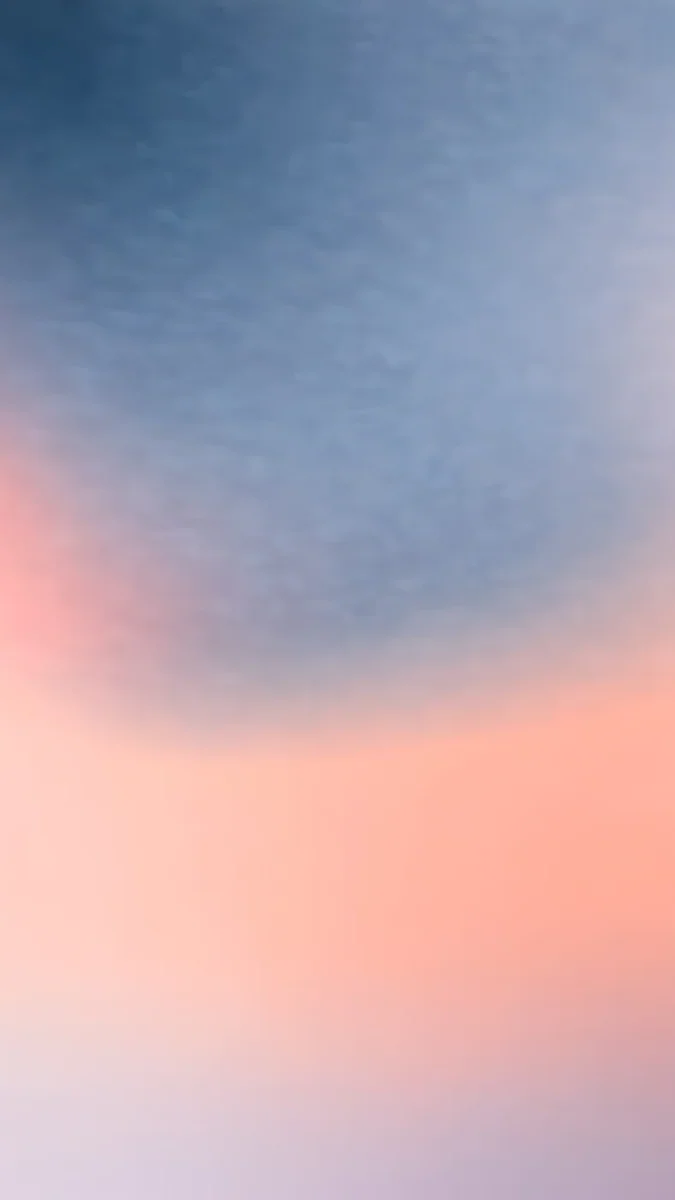 Apricot Dusk
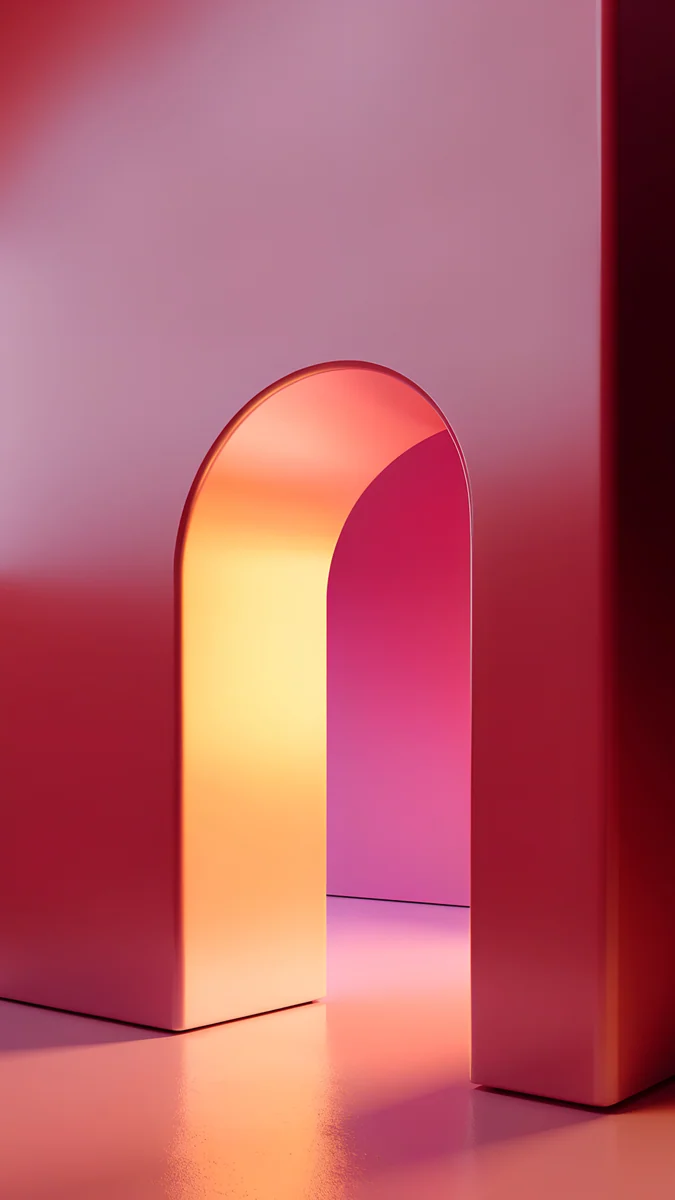 Coral Ignition Arch
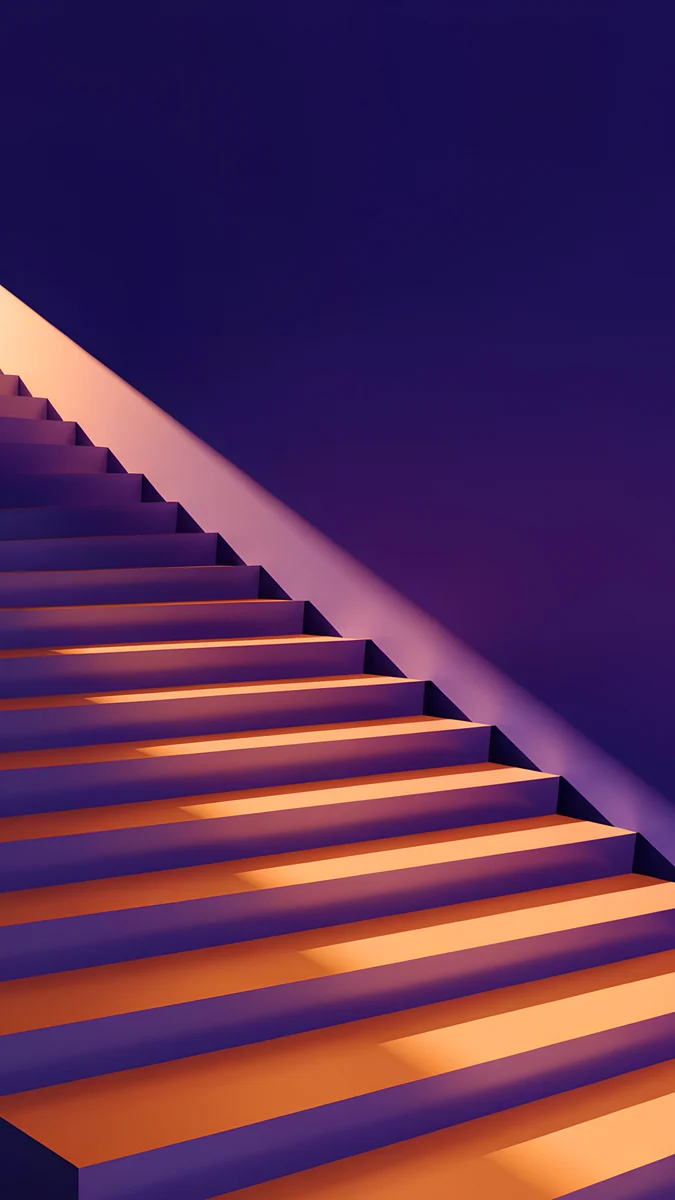 Amber Shadow Cut
 Peach Glass Sunset
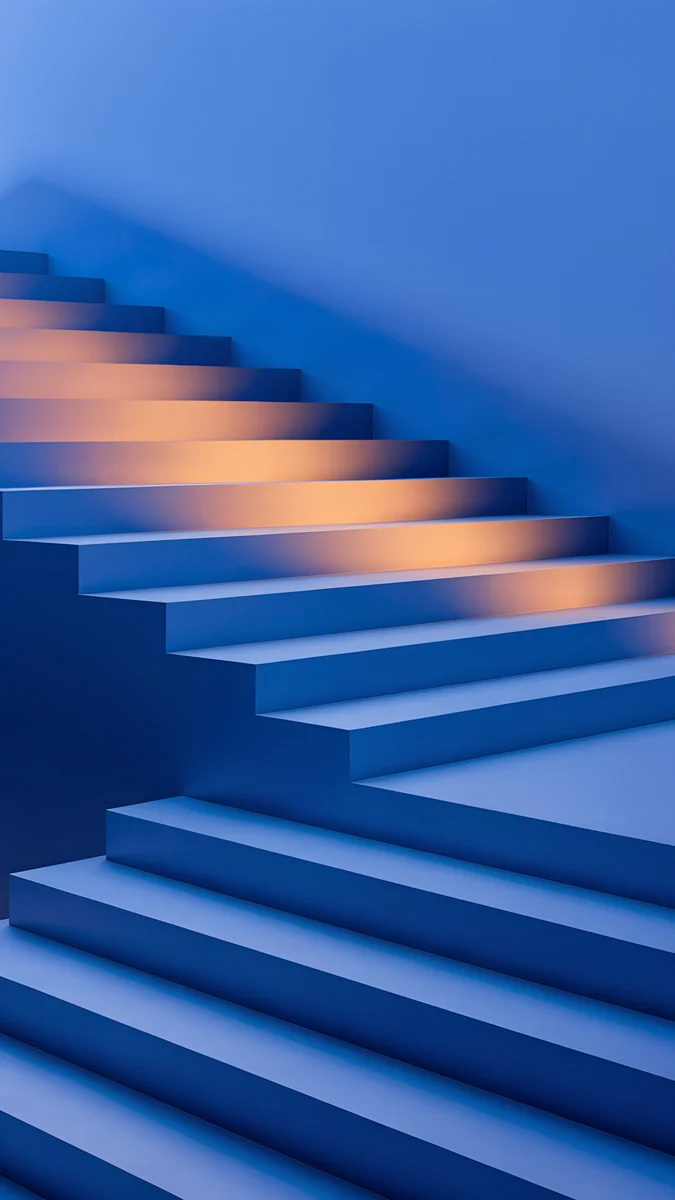 Cobalt Shadow Ascent
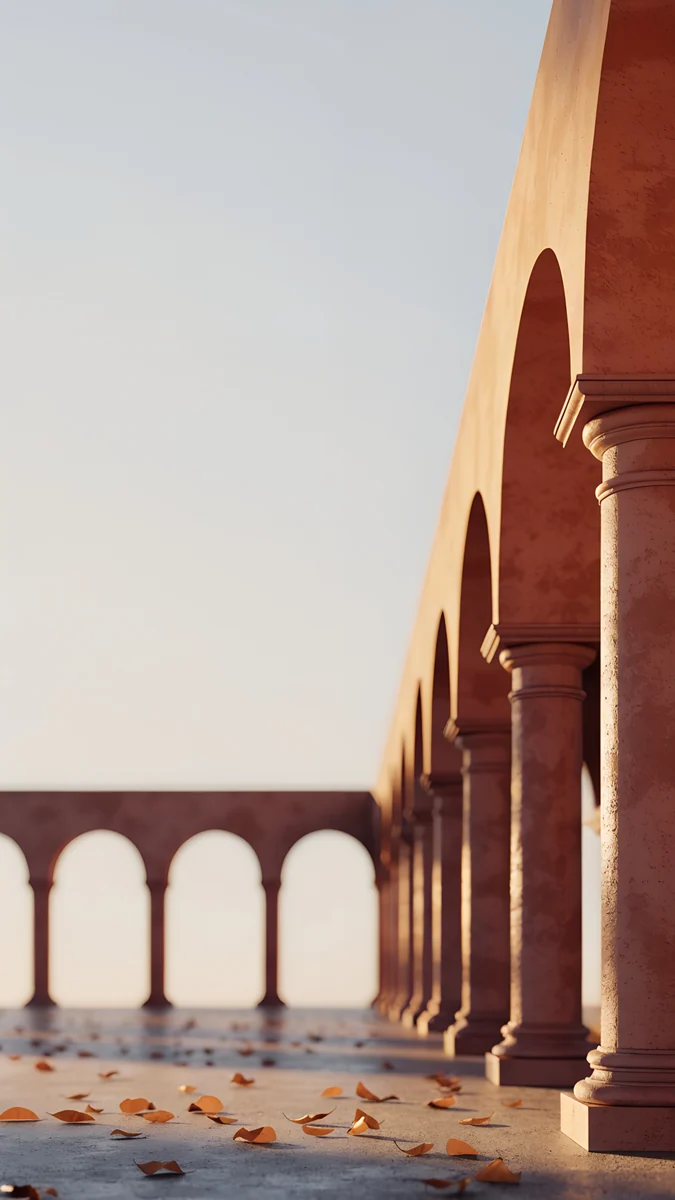 Amber Colonnade
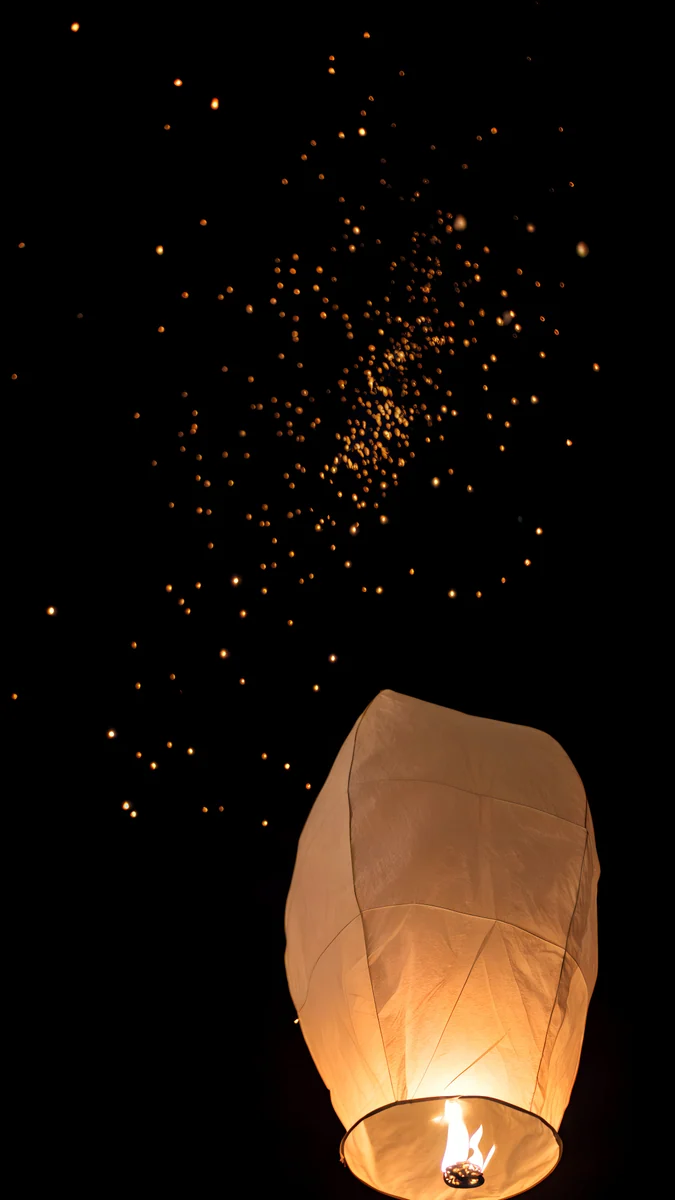 Lone Sky Lantern
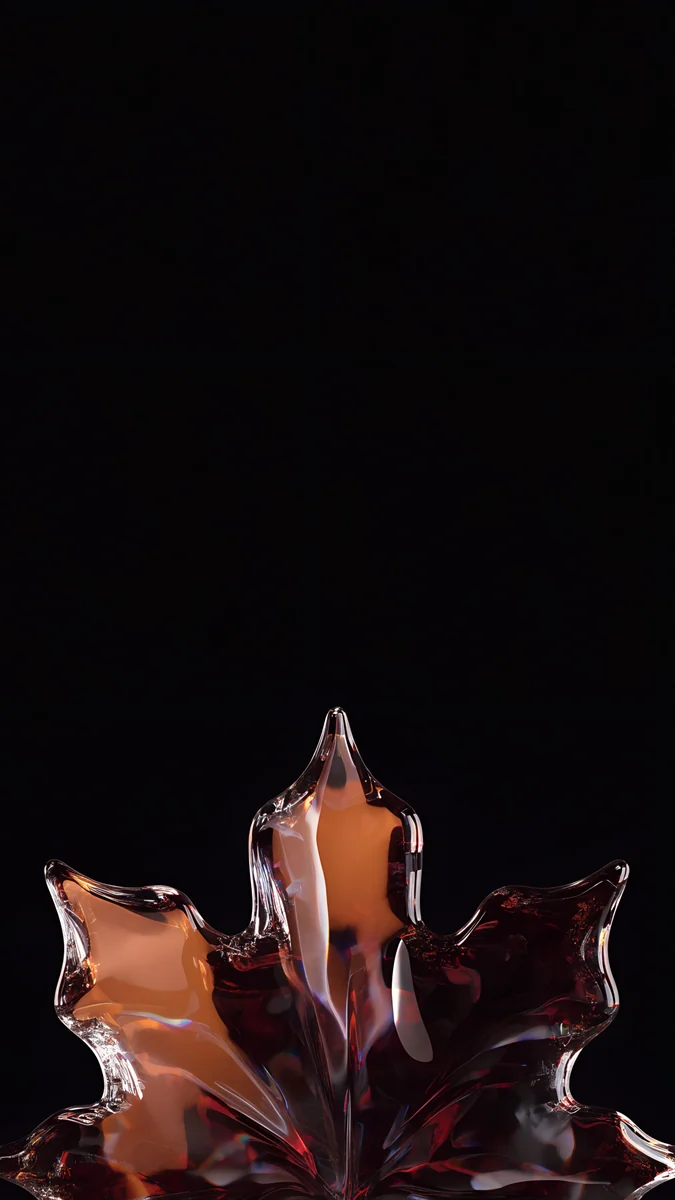 Glass Maple Leaf
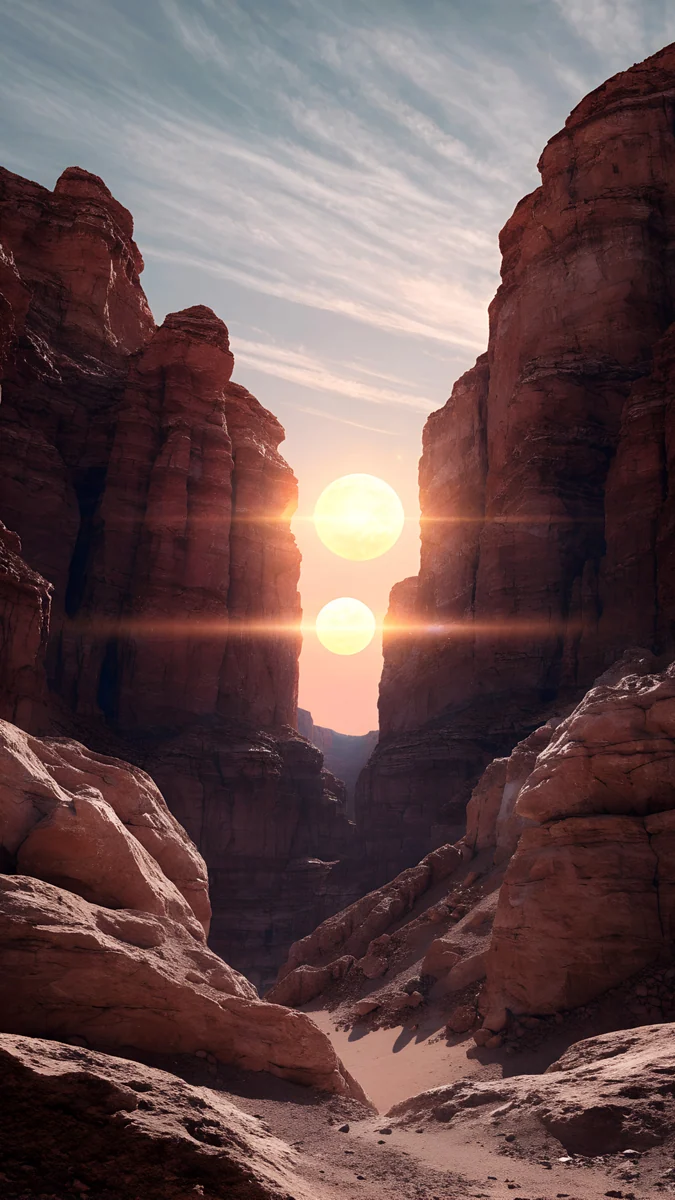 Twin Sun Canyon
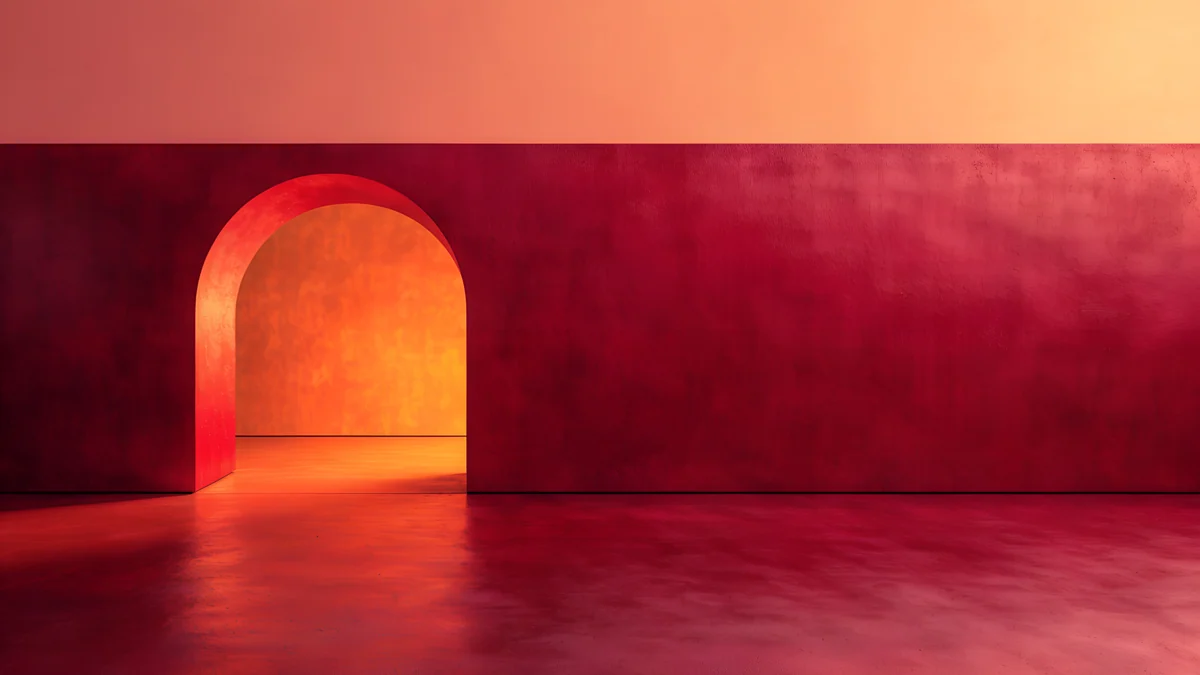 Coral Ignition Gate
Free originals for iPhone and Android, no watermark
On this page
A cosmic orange wallpaper is a warm, saturated orange that either matches the iPhone 17 Pro in Cosmic Orange or stands out against a cool screen [1]. The strongest ones are not flat orange slabs: they pair the orange with a dark shadow, a pale sky or a cool accent, so the clock and icons stay readable. This page has phone picks at 2160 × 3840 [2], desktop picks at 3840 × 2160 and 5120 × 2880, a section matched to the orange iPhone 17 wallpaper you may be looking for, dark orange versions for OLED, and the steps to set them. One phone original is larger than both the 1206 × 2622 iPhone 17 Pro screen and the 1320 × 2868 Pro Max screen [1].
Cosmic orange wallpaper for your phone
These four are the loudest: glowing orange light with a dark or cool counterweight. They work best on a lock screen with a simple clock.
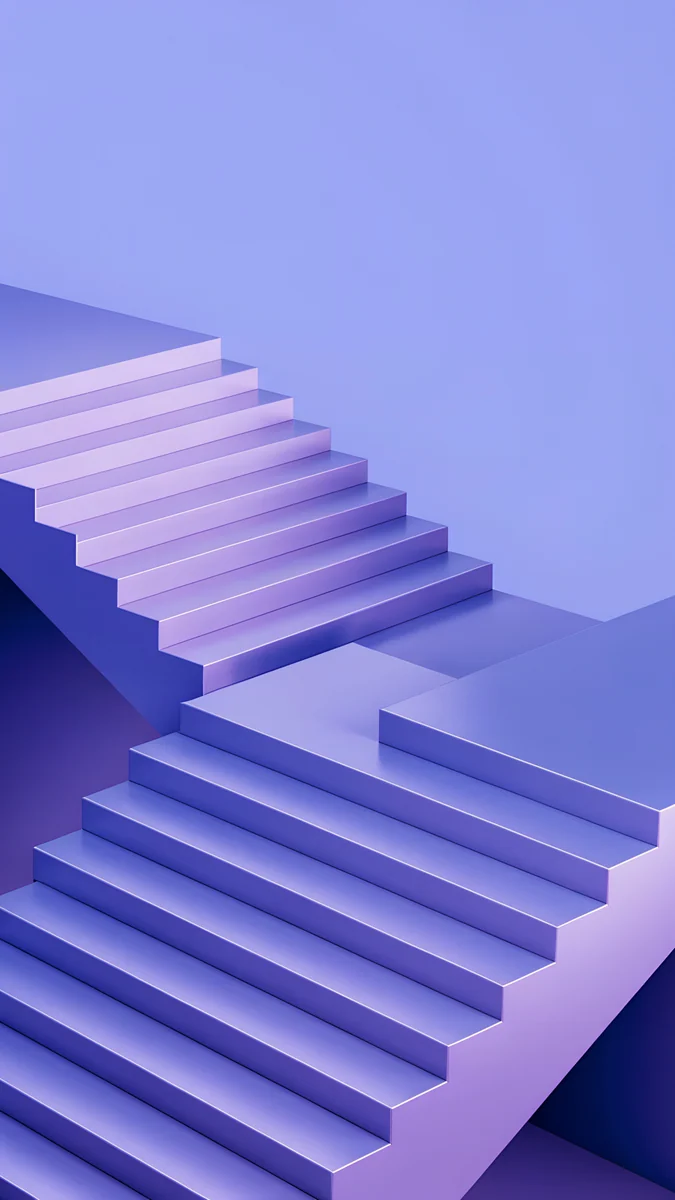
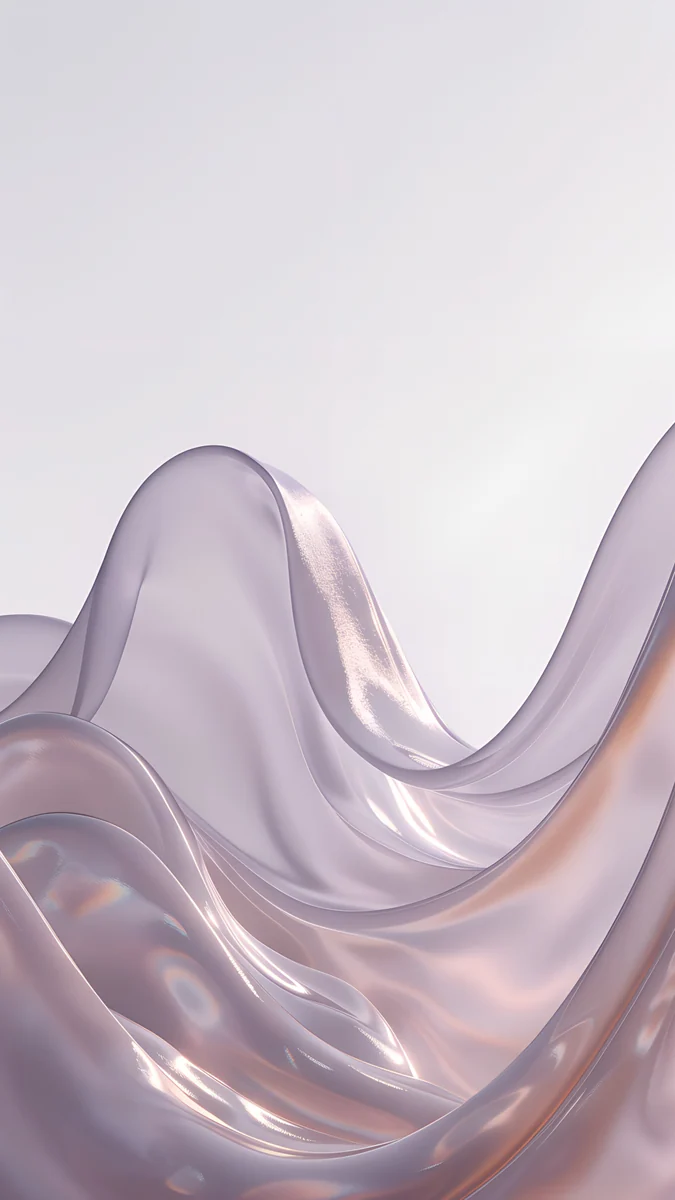
Coral Ignition Arch is an arch of orange and coral light with a deep red glow around it. Amber Shadow Cut is a flight of glowing orange stairs cut diagonally by an indigo shadow, so the top of the frame is dark and quiet. Peach Glass Sunset is a coral and orange glass shape, and Cobalt Shadow Ascent crosses blue stairs with warm orange bands. For more shades, see orange aesthetic wallpapers.
Orange iPhone 17 wallpaper for Cosmic Orange
Cosmic Orange is one of three finishes for the iPhone 17 Pro and Pro Max, next to Silver and Deep Blue [1]. The Pro is 6.3 inches at 1206 × 2622 pixels and the Pro Max is 6.9 inches at 1320 × 2868 pixels, both at 460 ppi, so one 2160 × 3840 file works on both. The picks below keep the orange but soften it with terracotta, amber and cream, which echoes the finish without making the whole phone one color. Read more in iPhone 17 Pro wallpaper and [1]iPhone 17 Pro Max wallpaper.
Terracotta Leaves is a curve of terracotta stairs with a few fallen leaves under a pale evening sky, so the clock sits on soft sky and the orange stays below it. Amber Paper Sunrise layers paper cut hills in amber and rust under a low sun. Apricot Dusk is a pastel gradient from blue to apricot, and Amber Colonnade is an arched walkway in amber and brown at golden hour.
Cosmic orange wallpaper for desktop
On a Mac or PC, a big orange area can be tiring, so these desktop picks use orange in architecture, autumn leaves and light. Solar Indigo Gate is 5120 × 2880, the others are 3840 × 2160 [2].
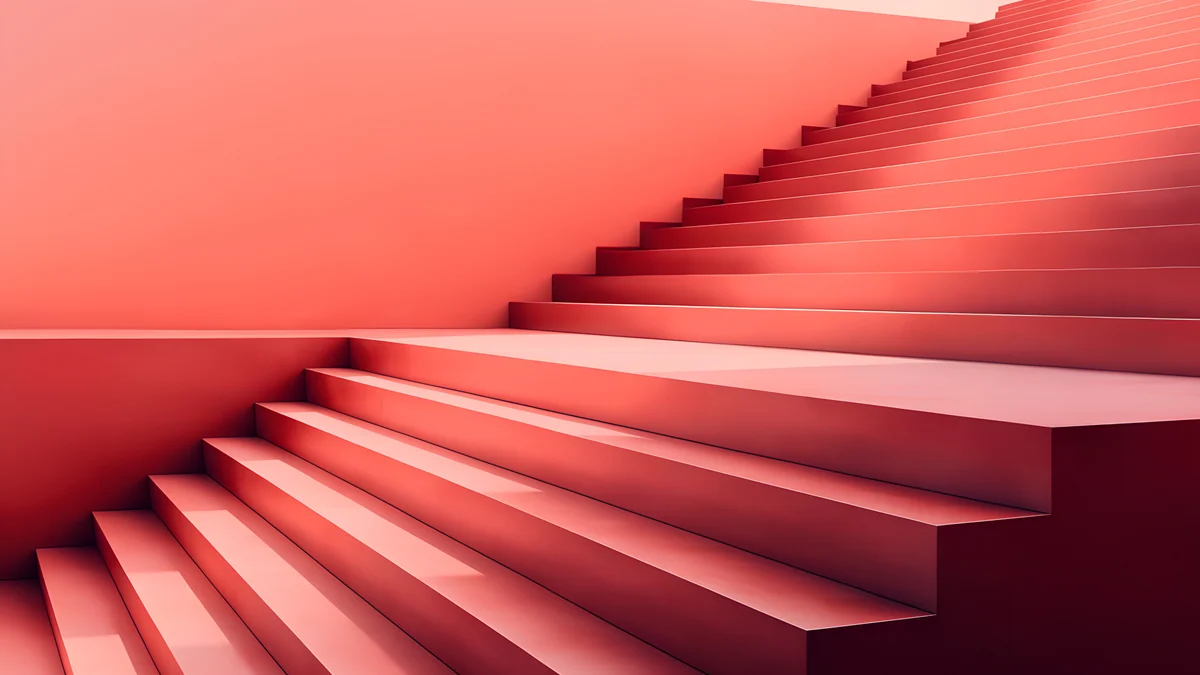

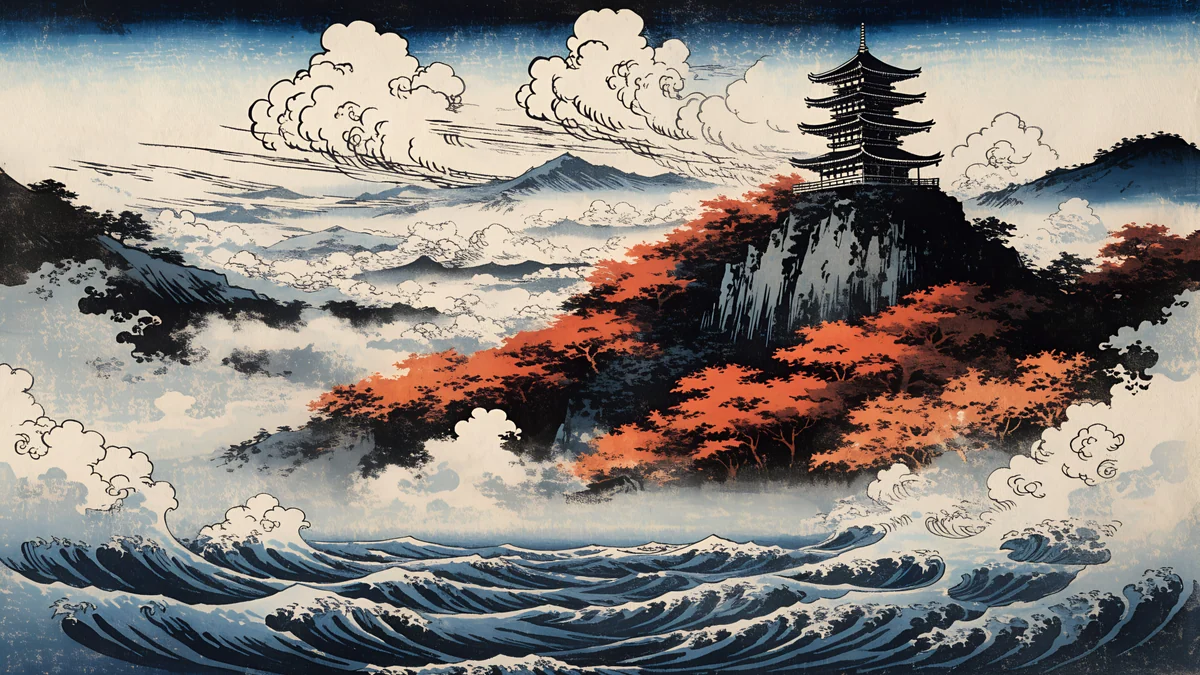
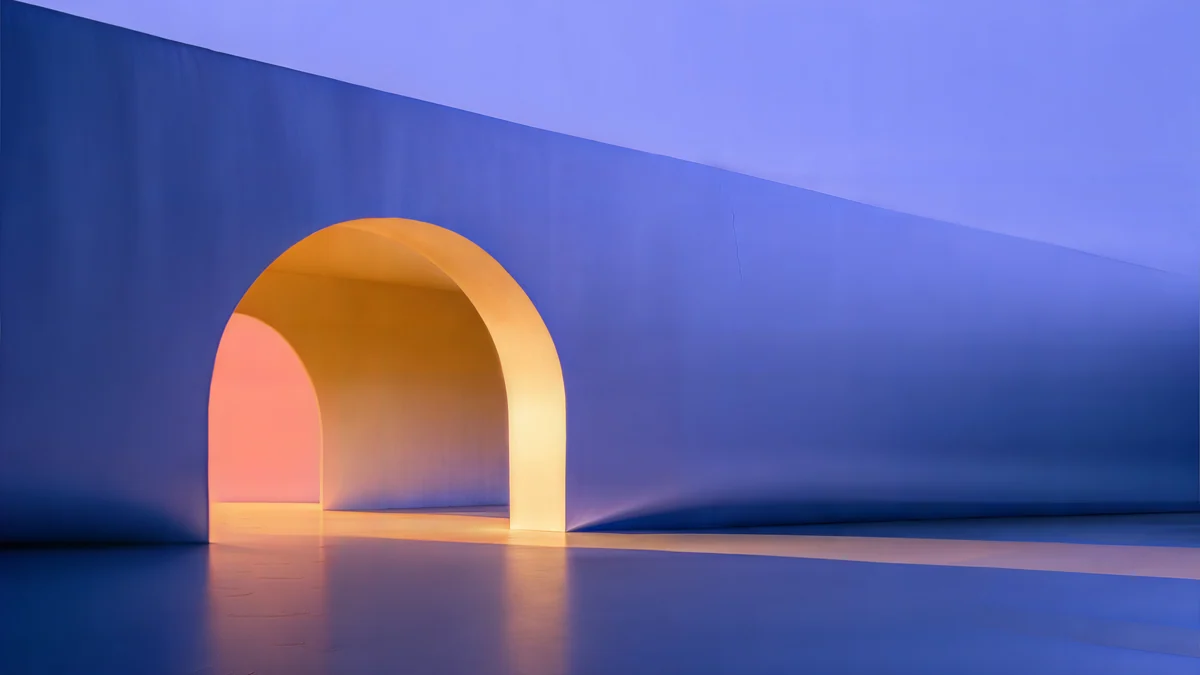
Coral Ignition Gate is a red and orange glowing arch inside a room, and Coral Zigzag Terrace is a bright terrace of coral and pink steps. Autumn Cloud Colonnade and Ukiyo Maple Pagoda bring orange leaves to marble and to a Japanese scene. Solar Indigo Gate pairs a purple and blue arch with orange light. The size logic is in the PC wallpaper size guide.
Dark orange wallpapers for OLED
On OLED, black pixels give off almost no light, so a single orange shape on a dark ground looks like it glows. On the iPhone 17 Pro the Always-On display keeps such a wallpaper dimmed on the locked phone [1].
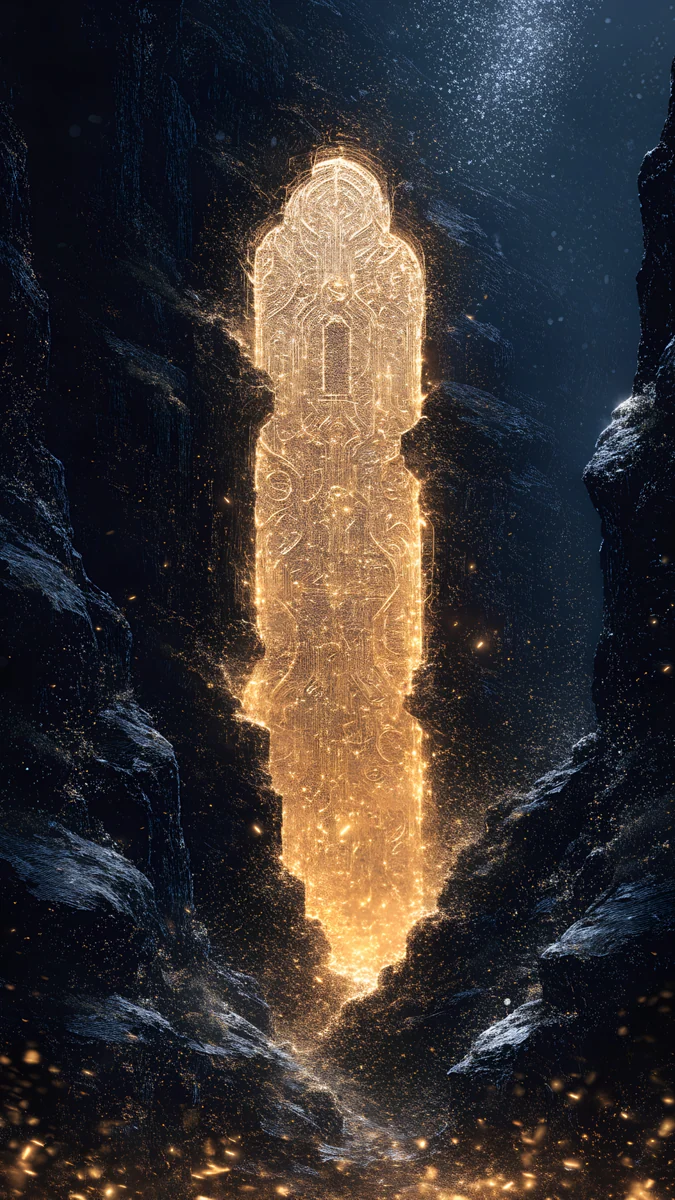
Lone Sky Lantern is a single orange light on near black. Glass Maple Leaf is a glassy orange maple leaf on a dark ground, and Twin Sun Canyon is a desert canyon at sunset in orange, red and brown. For why black works on these screens, read dark wallpapers for OLED.
How to set a cosmic orange wallpaper
- iPhone: save the original to Photos, open Settings, tap Wallpaper, then Add New Wallpaper, choose Photos, pick the image and tap Add.
- Samsung Galaxy: touch and hold the home screen, tap Wallpaper and style, then Change wallpapers and choose the image from the Gallery.
- Mac: open System Settings, click Wallpaper, Add Photo, and set Fill Screen.
Menu names follow iOS 26, One UI and macOS Tahoe 26 in English and can change slightly in other versions [3]. Move the image down in the iPhone editor if the clock covers the bright part.
Common problems and fixes
- The orange looks flat or dull. You saved a preview or a compressed copy. Download the original again from the wallpaper page.
- The clock is hard to read on bright orange. Change the clock color in the lock screen editor, or choose a picture with a darker top such as Amber Shadow Cut.
- The subject is cut off at the sides. Phones trim a strip from each side of a 9:16 file [1]. Keep the subject in the middle.
- The orange looks different from the phone. Finish and screen brightness change the look. Treat the picks as a mood match.
- Black bars on a Mac. Switch the preview menu from Fit to Screen to Fill Screen.
Get these cosmic orange wallpapers in Velpaper
Velpaper is an app for iPhone, iPad, Mac and Android, and every wallpaper is also on velpaper.com. Phone wallpapers are 4K originals at 2160 × 3840, desktop wallpapers are 4K and some are 5K, with no watermark and no account [2]. Browsing is free, and the original unlocks after a short optional ad in the app; on the website, if no ad is available, the original downloads for free. The wallpapers are designed by Carlos Vivero. The cool sibling of this finish is covered in deep blue wallpaper.
Next step: open Terracotta Leaves, save the original and set it on your lock screen.
Original wallpapers in and for iPhone, Android and desktop.
Questions
What is the best cosmic orange wallpaper?
One that uses orange with a counterweight. Amber Shadow Cut pairs glowing orange stairs with an indigo shadow, and Terracotta Leaves puts terracotta stairs under a pale sky. Both keep the top of the screen calm for the clock. A flat orange field looks strong in a preview but tires the eye on a lock screen with icons and widgets. A 2160 × 3840 original stays sharp on the iPhone 17 Pro and Pro Max [2].
What orange wallpaper matches the iPhone 17 Pro?
The iPhone 17 Pro and Pro Max come in Cosmic Orange, a bright saturated orange [1]. Pictures in terracotta, amber and coral echo it, and pictures that mix orange with navy or cream make it stand out. Terracotta Leaves, Amber Paper Sunrise and Coral Ignition Arch are close matches. The Pro is 1206 × 2622 pixels and the Pro Max is 1320 × 2868, and one 2160 × 3840 file covers both [2].
Do orange wallpapers look good on OLED?
Yes, when the orange is a shape on a dark ground. On an OLED screen each pixel makes its own light, so black areas stay dark and a single orange form looks like it glows. Lone Sky Lantern and Glass Maple Leaf are built that way. On the iPhone 17 Pro, the Always-On display keeps a dark wallpaper visible but dimmed [1]. Large bright orange areas still look fine, but they use more light and compete with the clock.
Is there a cosmic orange wallpaper for desktop?
Yes. Coral Ignition Gate and Coral Zigzag Terrace bring orange and coral light into architecture, and Autumn Cloud Colonnade and Ukiyo Maple Pagoda use orange leaves. These desktop originals are 3840 × 2160 pixels, and Solar Indigo Gate is 5120 × 2880 [2]. A 3840 × 2160 file is larger than every MacBook Air screen and the 14 inch MacBook Pro, and Fill Screen trims about 7 percent from each side on a MacBook.
Are these cosmic orange wallpapers free?
Browsing and previewing are free on velpaper.com and in the Velpaper apps for iPhone, iPad, Mac and Android. The originals in this article unlock after a short optional ad in the apps; on the website, if no ad is available, the original downloads for free. There is no account, no watermark and no subscription. Phone originals are 2160 × 3840 and desktop originals are 3840 × 2160 or larger [2].
Carlos Vivero
Designer of Velpaper wallpapers
Carlos Vivero designs the wallpapers in Velpaper: quiet architecture, liquid glass, Japanese ink and calm landscapes. Every piece is made as a original for iPhone, Android and desktop.
Recent work