Galaxy S25 Edge Wallpaper: 4K Picks for the 5.8 mm Phone
Galaxy S25 Edge wallpapers for Titanium Silver, Icyblue and Jetblack, with the real 3120 × 1440 screen size, One UI setup steps and fixes for soft images.
In short: The Galaxy S25 Edge has a 6.7 inch QHD+ screen at 3120 × 1440, so a 2160 × 3840 wallpaper stays sharp on it. Thin lines and single shapes suit the 5.8 mm body best: silver on black for Titanium Silver, pale aqua for Titanium Icyblue and glossy black for Titanium Jetblack.
By the Velpaper team · Wallpapers by Carlos Vivero, Velpaper designer · · 5 min read
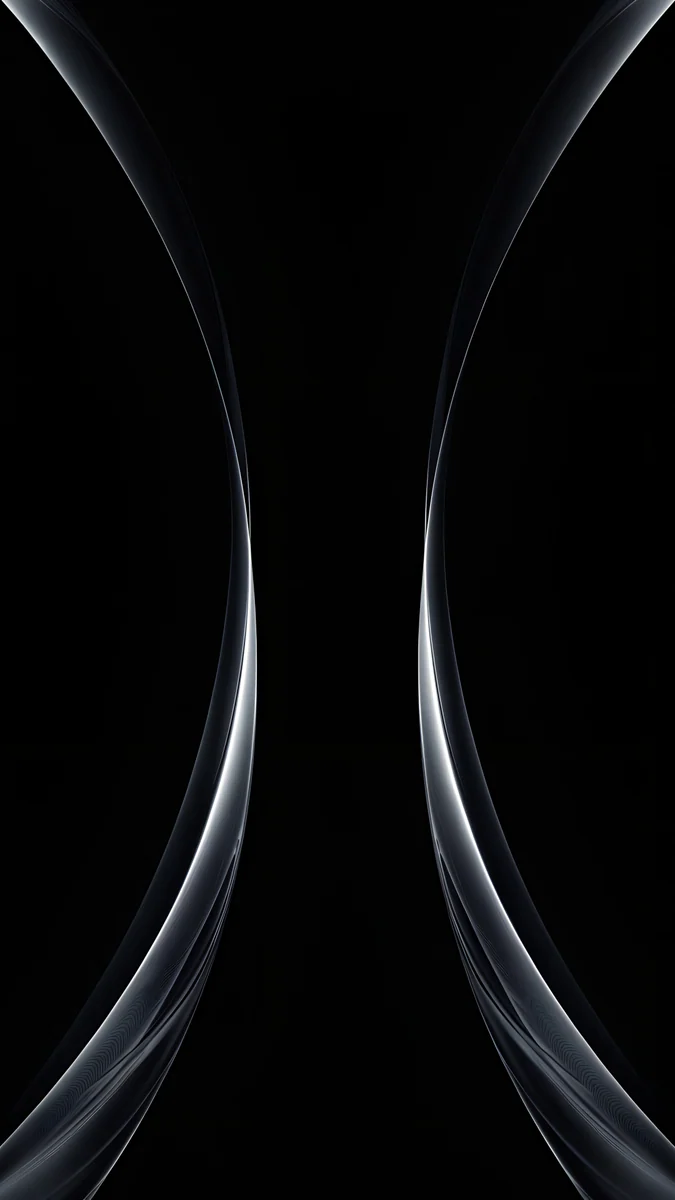 Silver Light Arcs
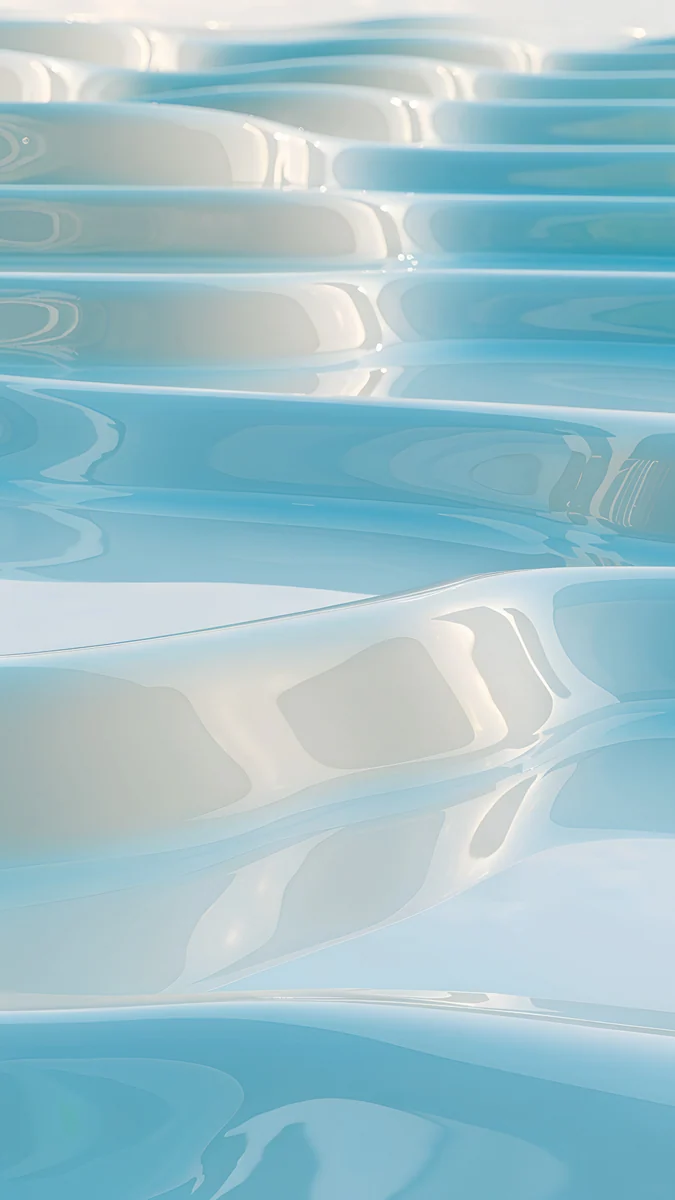 Sky Pearl Terraces
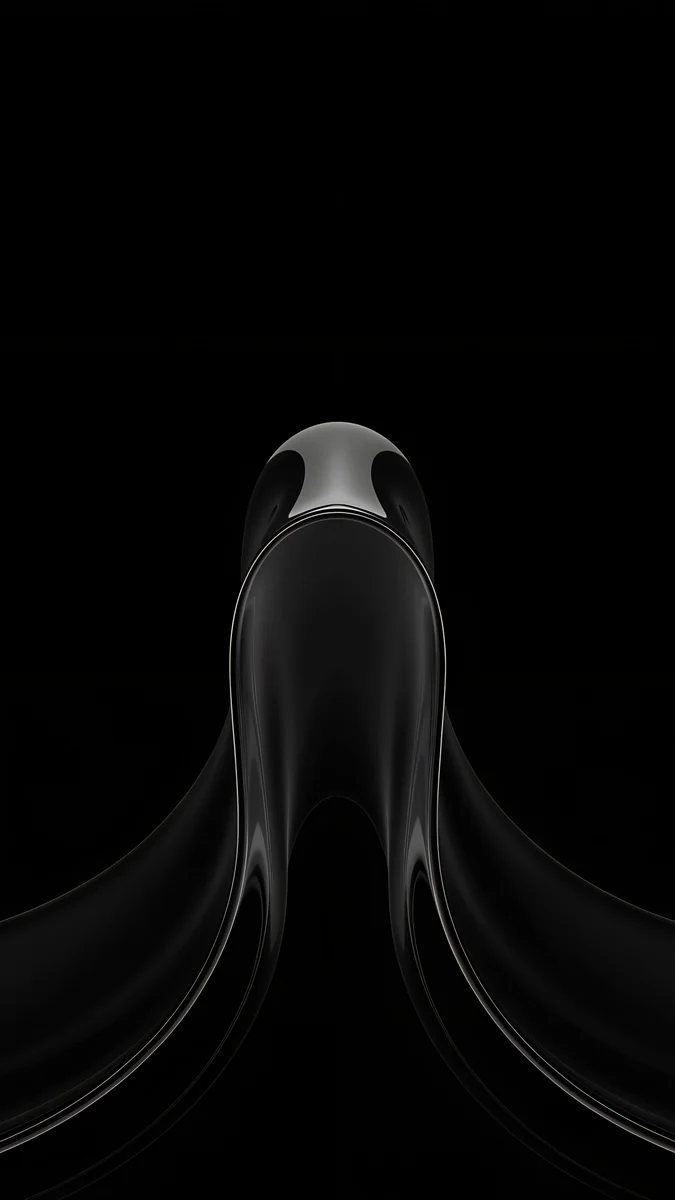 Black Liquid Fold
 Silver Loop
 Liquid Light
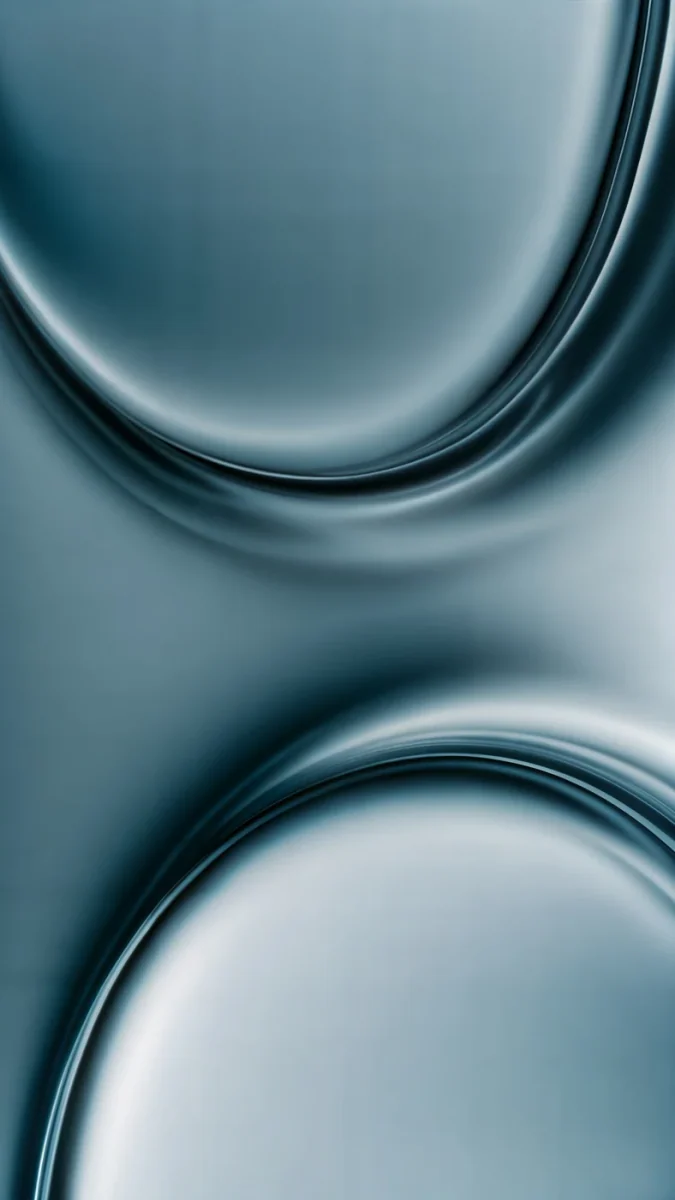 Arctic Current
 Pastel Sea Horizon
 Frozen Lake Cabin
 Black Glass Sphere
 Obsidian Waves
 Black Splash
Free 4K originals for iPhone and Android, no watermark
On this page
- Galaxy S25 Edge wallpaper size and screen
- Why thin lines suit a thin phone
- Titanium Silver: silver lines on black
- Titanium Icyblue: pale aqua and glossy steel
- Titanium Jetblack: glossy black on black
- How to set a wallpaper on the Galaxy S25 Edge
- Common problems and fixes
- Get these Galaxy S25 Edge wallpapers in Velpaper
The best Galaxy S25 Edge wallpaper is a quiet one with a single thin shape: the phone itself is only 5.8 mm thick, and a busy picture makes a slim device look cluttered. Samsung lists a 6.7 inch Dynamic AMOLED 2X screen at 3120 × 1440, so a 2160 × 3840 original covers it with room to spare.
Below are the real S25 Edge specs, how the screen compares with the rest of the S25 family, wallpapers matched to the three titanium colours, and the setup steps in One UI.
Galaxy S25 Edge wallpaper size and screen
These figures come from Samsung's own spec page for the S25 Edge:
| Spec | Galaxy S25 Edge |
|---|---|
| Screen | 6.7 inch, Dynamic AMOLED 2X |
| Resolution | 3120 × 1440 (QHD+) |
| Refresh rate | Up to 120 Hz |
| Size and weight | 158.2 × 75.6 × 5.8 mm, 163 g |
| Colours | Titanium Silver, Titanium Icyblue, Titanium Jetblack |
The screen is the same size and resolution as the Galaxy S25+, and it shares the 19.5:9 shape of every S25 model. A 2160 × 3840 file is 9:16, a little wider, so One UI scales it down to the screen height and trims just under a tenth from each side. Scaling down never adds blur, so keep the main shape in the middle and the result is crisp.
If you came here from another S25, the regular model has a smaller 1080 × 2340 screen and its own colours, covered in our Galaxy S25 wallpaper guide. The 6.9 inch model with the S Pen has its own page for Galaxy S25 Ultra wallpapers.
Why thin lines suit a thin phone
The S25 Edge is about looking light. Samsung put a titanium frame around a 5.8 mm body, and from the front you see almost nothing but screen. A wallpaper with one fine line, one glossy object or a soft gradient keeps that feeling. Thick patterns, busy photos and bright edges do the opposite: they frame the screen and make it look smaller.
The AMOLED panel helps here. Each pixel makes its own light, so black areas stay black and a thin silver line on black looks like it is drawn on the glass. Our dark OLED wallpaper collection has more true black picks if you like the look.
Titanium Silver: silver lines on black
The silver frame is cool and bright. Wallpapers in black, white and chrome repeat it without competing with it.
Silver Light Arcs draws two thin silver arcs that curve in from the left and right edges and almost meet in the middle of a pure black screen, the closest thing to the side profile of the phone. Silver Loop is one chrome loop curling through the lower half, leaving the top black for the clock. Liquid Light is the light option: a clear glass ribbon with a faint rose tint twisting across pale grey.
Titanium Icyblue: pale aqua and glossy steel
Icyblue is a very light blue that turns almost silver in daylight. Wallpapers with the same pale aqua look calm and fresh.
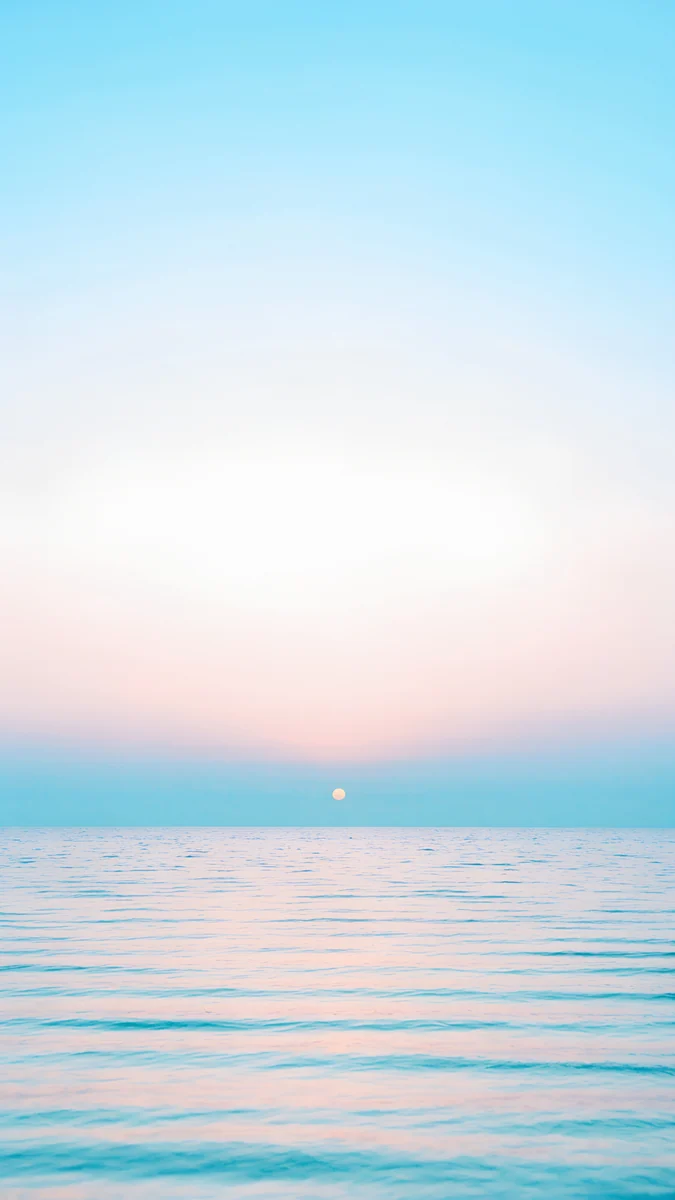
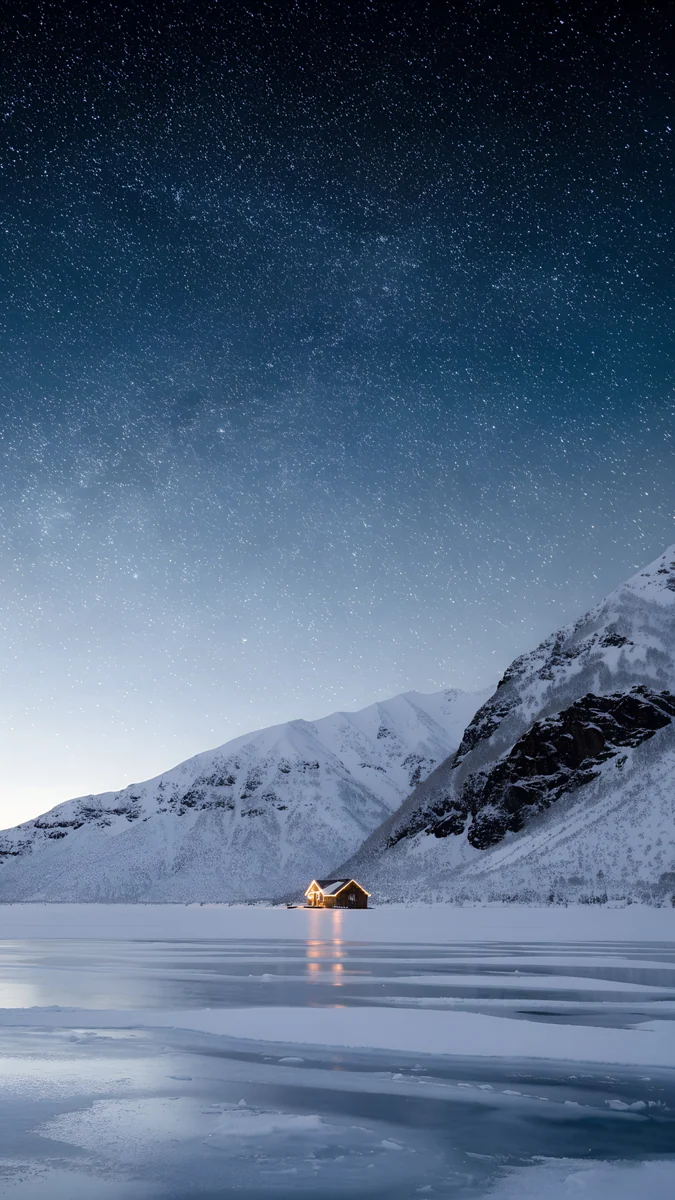
Sky Pearl Terraces4K · PhoneArctic Current4K · PhonePastel Sea Horizon4K · PhoneFrozen Lake Cabin4K · PhoneSky Pearl Terraces steps pearly white terraces filled with pale aqua water down the whole screen, the nearest match to the Icyblue back. Arctic Current is darker: two glossy blue grey curves meeting in the middle, like polished metal. Pastel Sea Horizon puts a tiny sun on a pale blue sea under a pink white sky, with a calm empty top. Frozen Lake Cabin is the night version, stars over snowy peaks and a frozen lake with one lit cabin.
Titanium Jetblack: glossy black on black
Jetblack is the darkest finish. On the AMOLED screen these wallpapers make the front and back look like one piece of black glass.
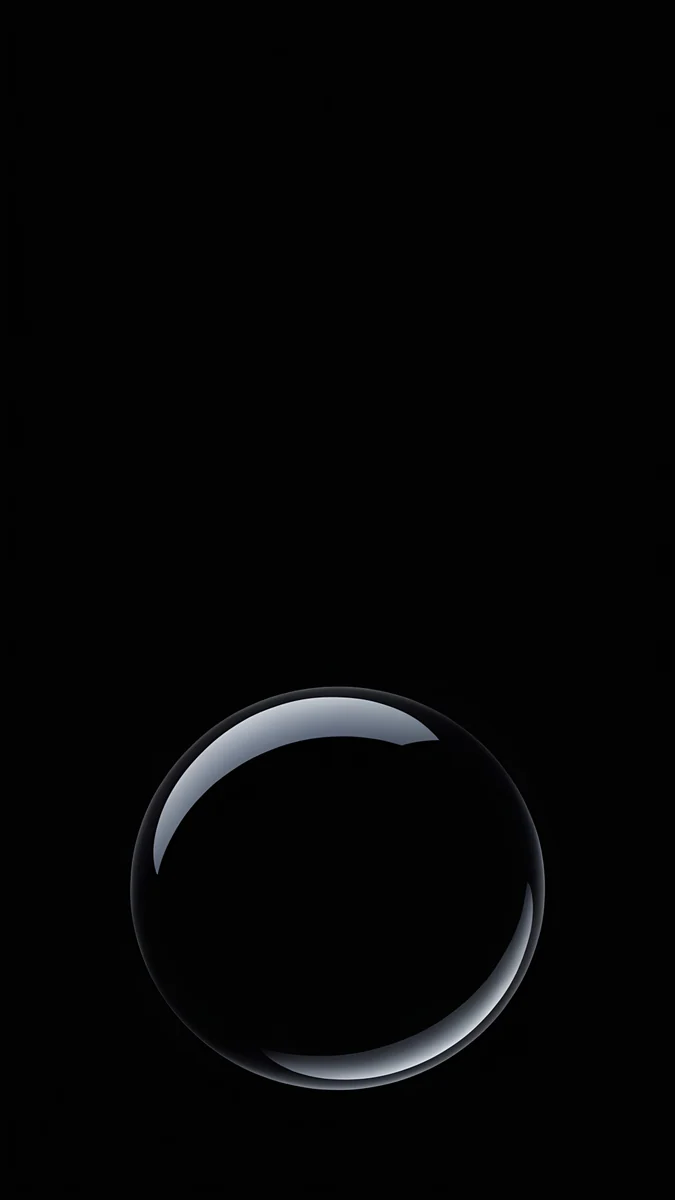
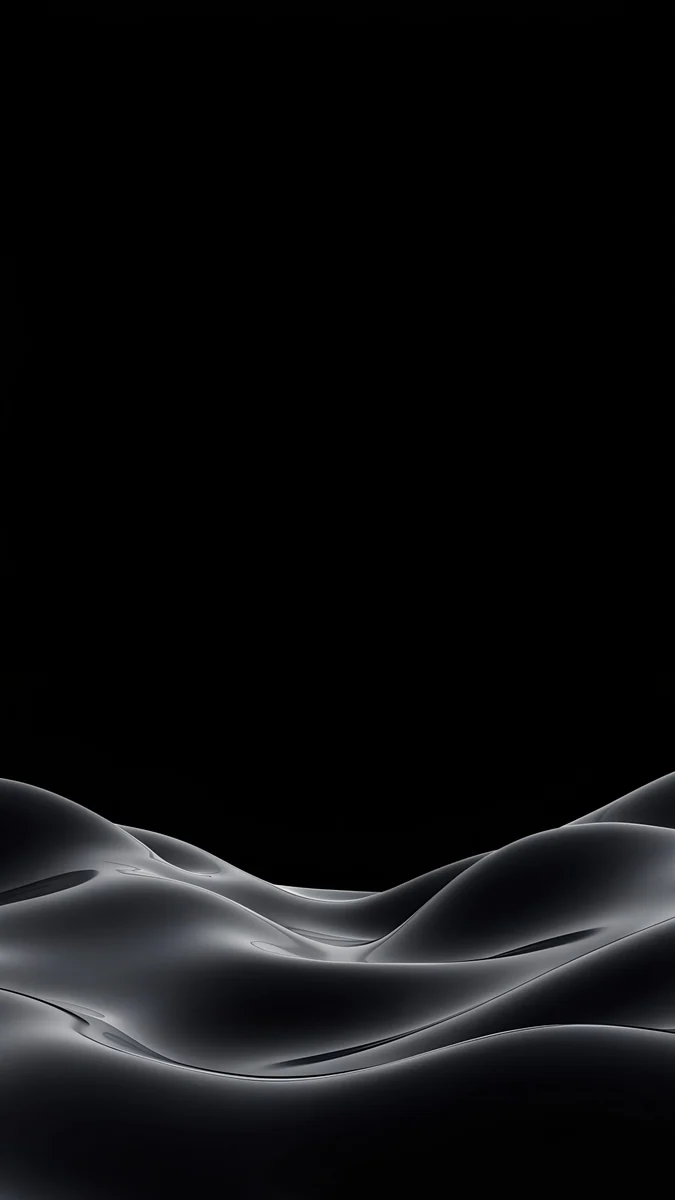
Black Liquid Fold4K · PhoneBlack Glass Sphere4K · PhoneObsidian Waves4K · PhoneBlack Splash4K · PhoneBlack Liquid Fold rises from the bottom as a glossy black form with one soft highlight. Black Glass Sphere is a single black glass ball with a thin bright rim, the most minimal pick here. Obsidian Waves lays soft grey silk waves across the lower third, and Black Splash is a small glossy splash catching a little light. All four keep the top dark for the clock.
How to set a wallpaper on the Galaxy S25 Edge
The S25 Edge launched with One UI 7. These are the English menu names; they can differ slightly after a One UI update.
- Save the original from the Velpaper app or from the wallpaper page on velpaper.com. Browser downloads appear in the Download album in Gallery.
- Open Settings, tap Wallpaper and style, then Change wallpapers.
- Choose Gallery and pick the image.
- Select Lock screen, Home screen or both, move the image so the main shape sits below the clock and tap Done.
The lock screen editor opens when you touch and hold the lock screen. There you can change the clock style and colour, and the Now Bar at the bottom shows timers and music, so keep that strip calm too. Our Samsung lock screen wallpaper guide covers the editor in detail.
Common problems and fixes
- The wallpaper looks soft. You probably saved a preview or a screenshot. Download the original again, and check Settings, Display, Screen resolution: if the phone runs at FHD+, switch to QHD+ to see the full detail.
- It is zoomed in or cut off. The side crop removes just under a tenth on each side, and a motion or scrolling effect can enlarge the image further. Pick a wallpaper with its subject in the middle, or see how to fix a zoomed Android wallpaper.
- The lock screen keeps changing. A lock screen service or a wallpaper shuffle is still on. The fix is in Android wallpaper keeps changing.
- The clock disappears into the picture. Change the clock colour in the editor, or nudge the image down so a plain area sits behind it.
Get these Galaxy S25 Edge wallpapers in Velpaper
Velpaper is an app for iPhone, iPad, Mac and Android, and every wallpaper is also on velpaper.com. Phone wallpapers are 4K originals at 2160 × 3840, desktop wallpapers are 4K and some are 5K, all without a watermark and without an account. The phone wallpapers in this article unlock after a short optional ad in the Velpaper apps; on the website, if no ad is available, the original downloads for free. The wallpapers are designed by Carlos Vivero.
Next step: open Silver Light Arcs, save the original, set it on your S25 Edge and lock the phone to see the arcs on black.
Original wallpapers in 4K and 5K for iPhone, Android and desktop.
Questions
What is the wallpaper size for the Galaxy S25 Edge?
Samsung lists the Galaxy S25 Edge screen at 3120 × 1440 pixels, QHD+, on a 6.7 inch Dynamic AMOLED 2X panel. That is the same resolution as the Galaxy S25+ and the S25 Ultra. You do not need a file cut to that exact size: a 2160 × 3840 wallpaper is larger than the screen, so One UI scales it down and trims just under a tenth from each side. Keep the main shape in the middle and it stays sharp and whole.
Which wallpaper suits the thin design of the S25 Edge?
Quiet wallpapers with one thin line or one object. The S25 Edge is 5.8 mm thick with a titanium frame, and a calm screen keeps it looking light, while busy photos and bright edges make the screen look framed and smaller. Silver Light Arcs, two fine silver arcs on black, echoes the side profile of the phone. Silver Loop and Black Glass Sphere are just as minimal. On the AMOLED panel the black parts stay truly black, so the line or shape looks like it floats.
What wallpaper matches each S25 Edge colour?
Samsung sells the S25 Edge in Titanium Silver, Titanium Icyblue and Titanium Jetblack. For Titanium Silver, pick silver or chrome on black, such as Silver Light Arcs or Silver Loop. For Titanium Icyblue, pale aqua and glossy blue grey work best, such as Sky Pearl Terraces or Arctic Current. For Titanium Jetblack, glossy black on black looks like one piece of glass, such as Black Liquid Fold or Black Glass Sphere. Colour availability can vary by country and carrier.
Is the S25 Edge screen the same as the S25+?
On paper, yes. Samsung lists both at 6.7 inches with a QHD+ resolution of 3120 × 1440 and a refresh rate of up to 120 Hz. The difference is the body: the S25 Edge is 5.8 mm thick and weighs 163 g, with a titanium frame. For wallpapers that means the same file works on both phones, and a 2160 × 3840 original stays sharp on either. What changes is the colour of the frame, so match the wallpaper to Titanium Silver, Icyblue or Jetblack.
Are these Galaxy S25 Edge wallpapers free?
Browsing and previewing are free in the Velpaper apps for iPhone, iPad, Mac and Android and on velpaper.com. The phone wallpapers in this article unlock after a short optional ad in the Velpaper apps; on the website, if no ad is available, the original downloads for free. There is no account and no subscription, and every download is the full 2160 × 3840 original without a watermark, so it fits the S25 Edge at QHD+.
Carlos Vivero
Designer of Velpaper wallpapers
Carlos Vivero designs the wallpapers in Velpaper: quiet architecture, liquid glass, Japanese ink and calm landscapes. Every piece is made as a 4K original for iPhone, Android and desktop.
Recent work








